Hubble.md is a free, open-source notepad app optimized for AI agents, allowing users to save, edit, and manipulate notes based on Markdown and HTML.
Hubble.md, a free, open-source notepad app designed with AI file handling in mind, has been released. It allows you to directly edit Markdown notes with an AI agent, and create HTML dashboards, bookshelves , and maps from multiple notes.
Hubble.md
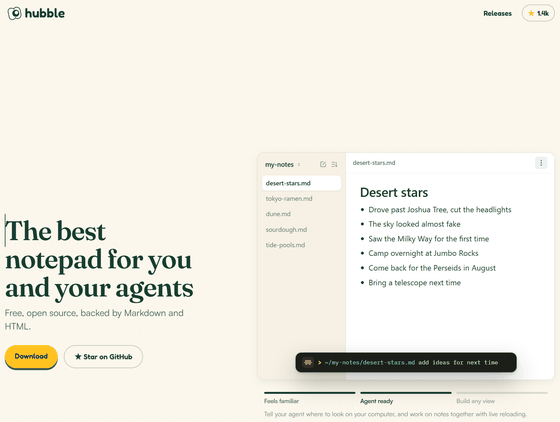
bholmesdev/hubble.md: The best notepad for you and your agents
◆Overview of Hubble.md
Hubble.md is a note-taking application that works on a folder-by-folder basis , where Markdown files are saved. You can open and edit existing note folders directly, and the changes you make will be saved as regular .md files. If you access the same folder from an AI agent such as Claude Code, the AI can read and edit the files, and the changes will be reflected in Hubble.md.
◆How to use Hubble.md
- Create a memo
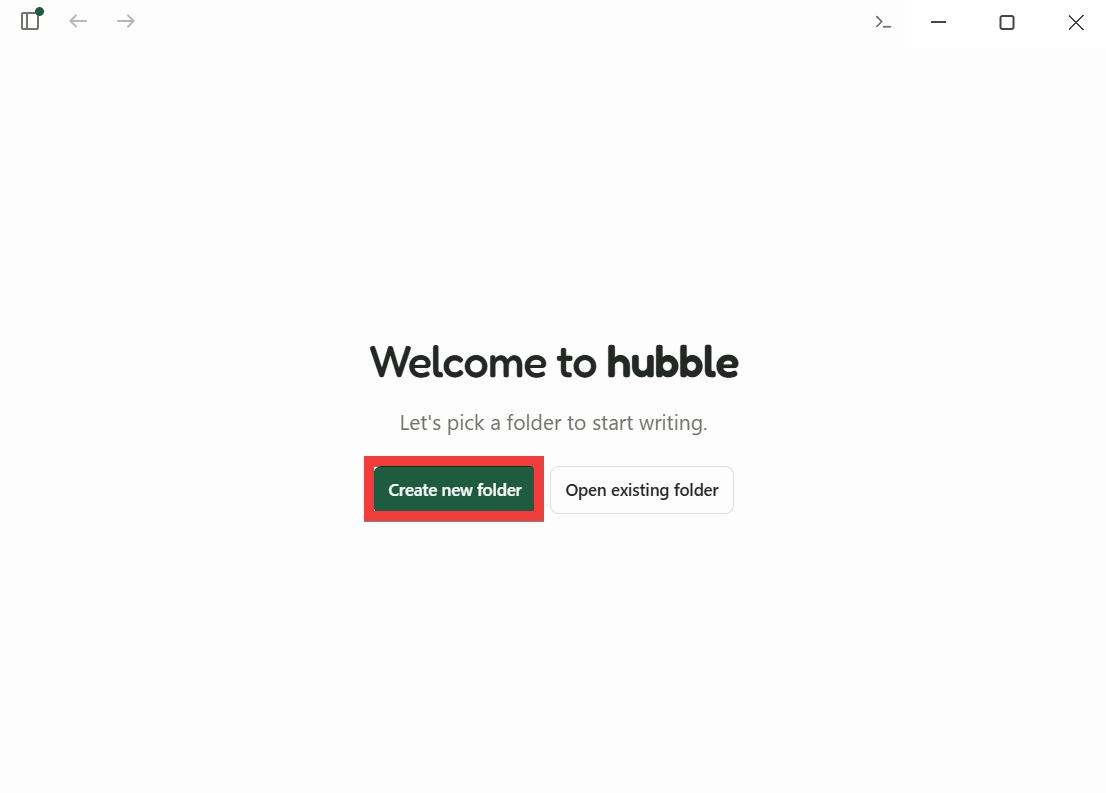
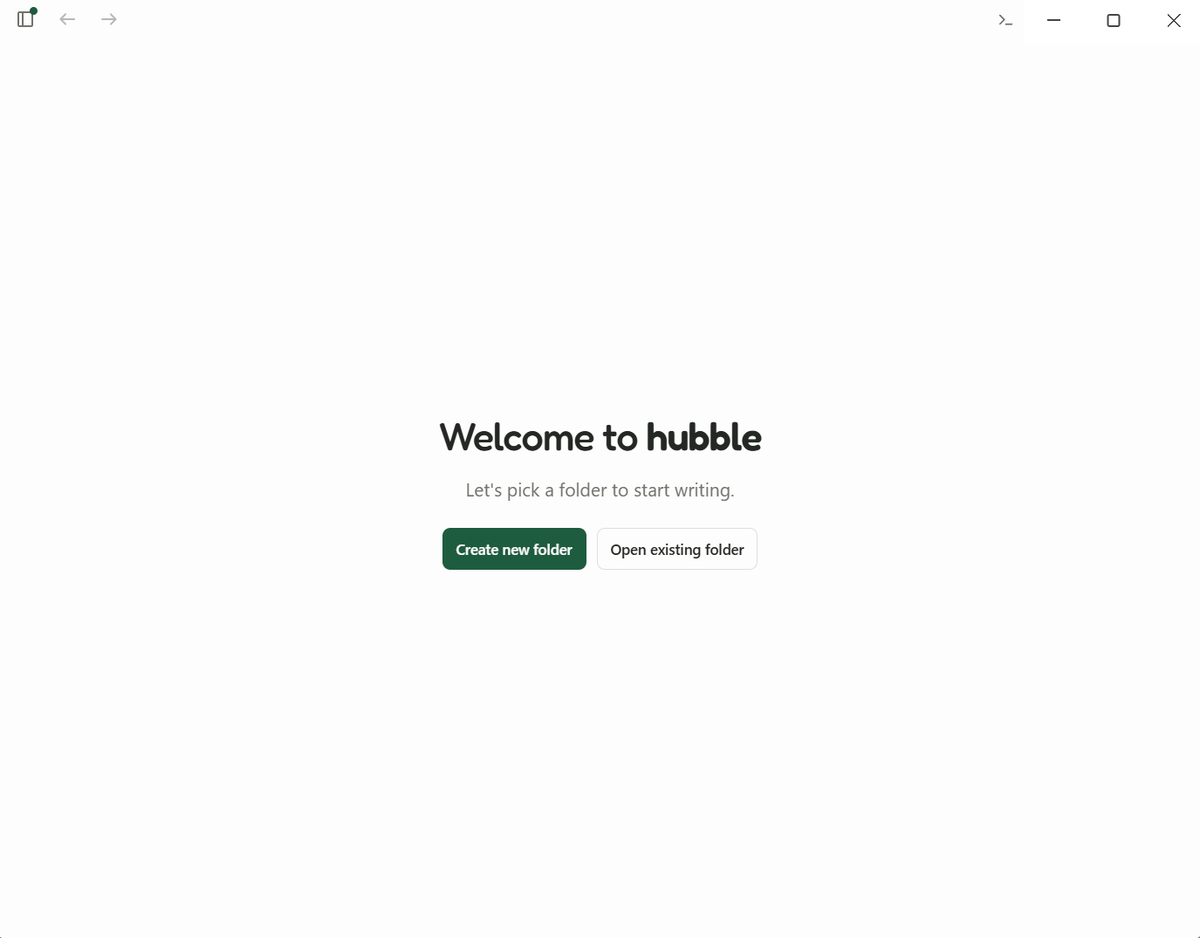
Launch Hubble.md and register a folder. This time, we will register a new folder, so click 'Create new folder'.
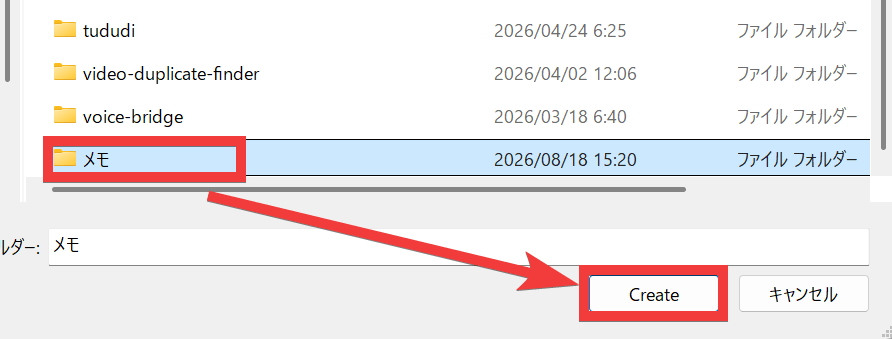
A folder selection dialog will appear, so create a folder and click 'Create'.
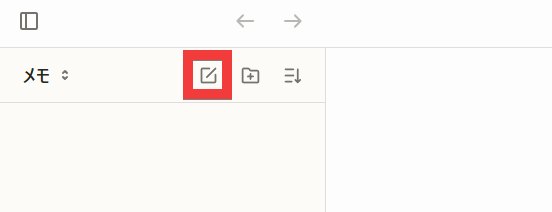
The folder you created will be registered in the side panel. Click the 'Create File' icon to register a memo.
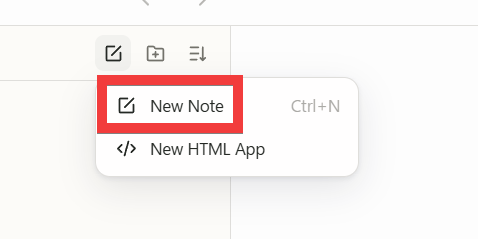
Click 'New Note'.
Register the name of the new file.
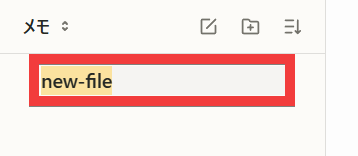
A new memo is ready.
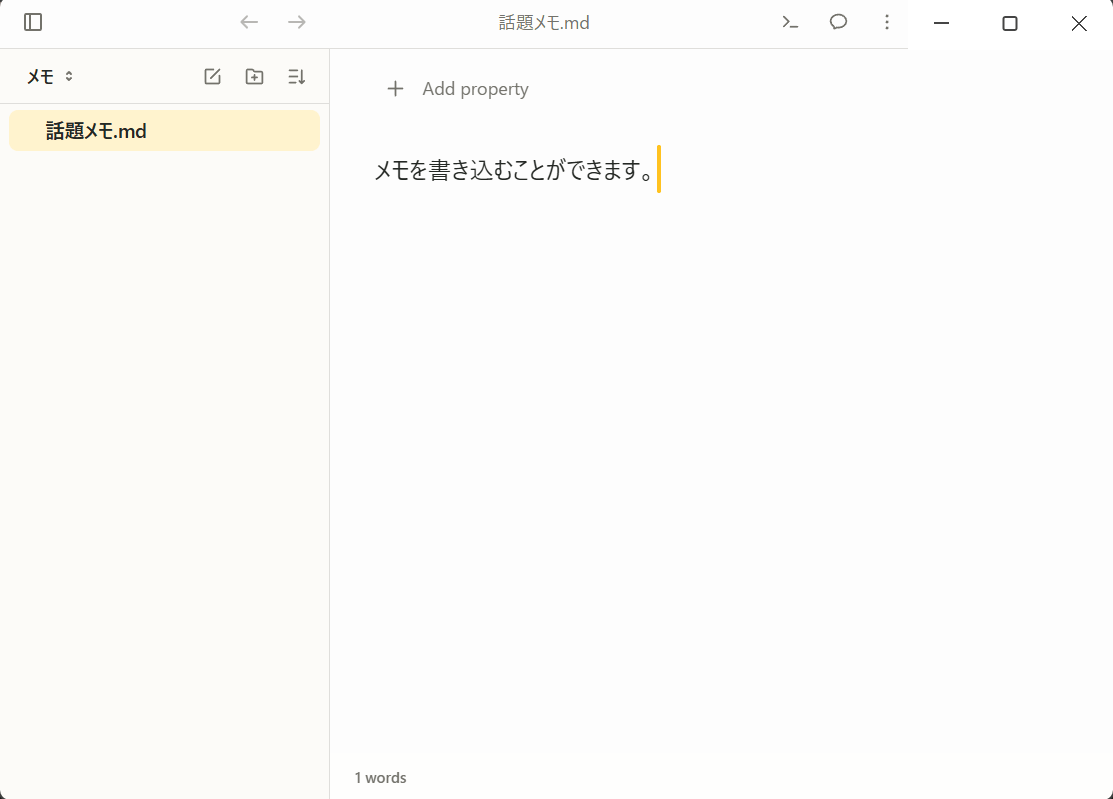
- Register metadata
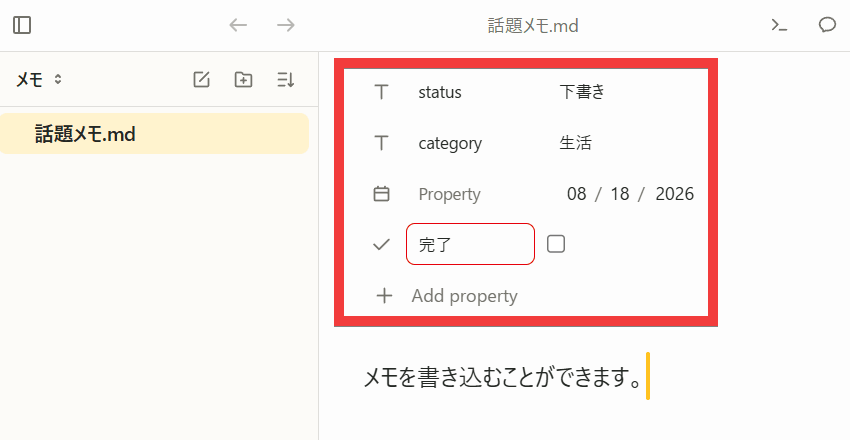
Clicking ' Add property ' allows you to add attribute information such as category, status, and tags. The added information is saved as
- Slash commands and Markdown shortcuts
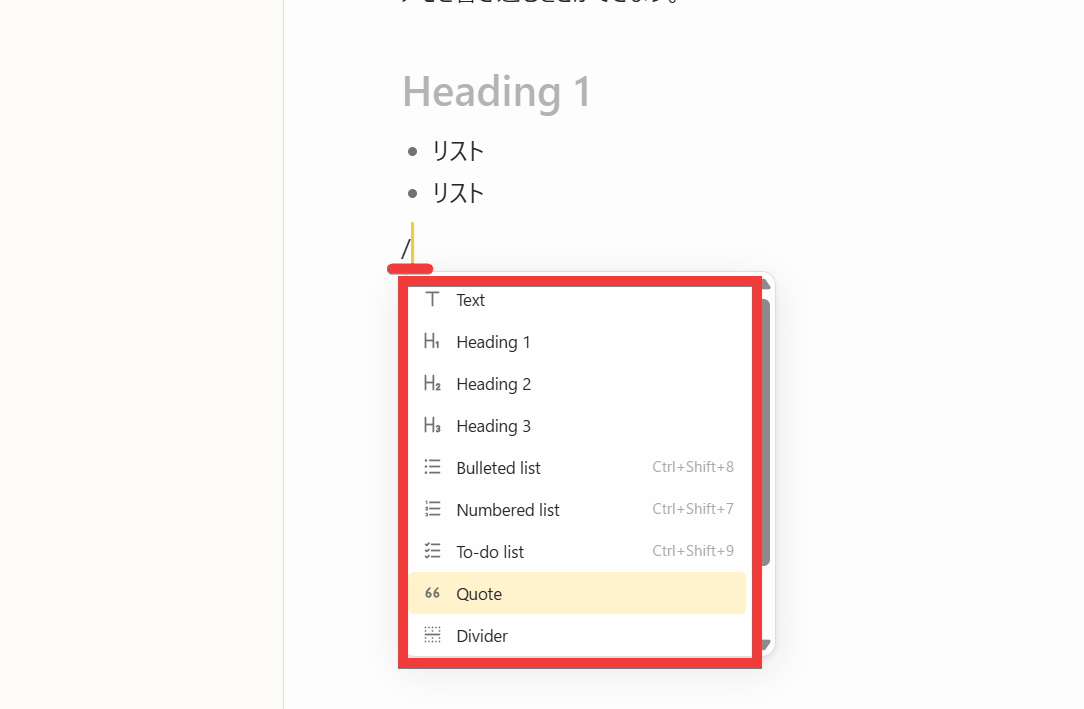
Entering '/' allows you to insert headings, bullet points, quotes, and other elements using the slash command. Additionally, directly entering Markdown syntax such as '##' or '-' will convert it to the corresponding format.
• Collaboration with AI agents
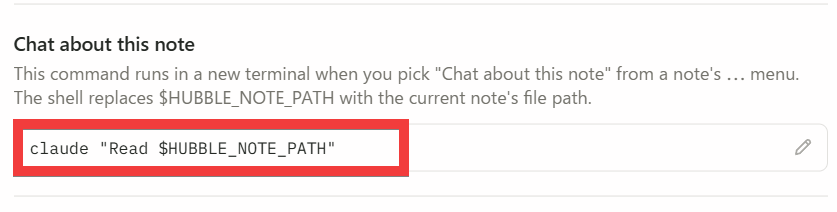
Clicking the 'three-dot menu' icon in the upper right corner of the screen and then clicking 'Chat about this note' will execute a command to load the note you have open in
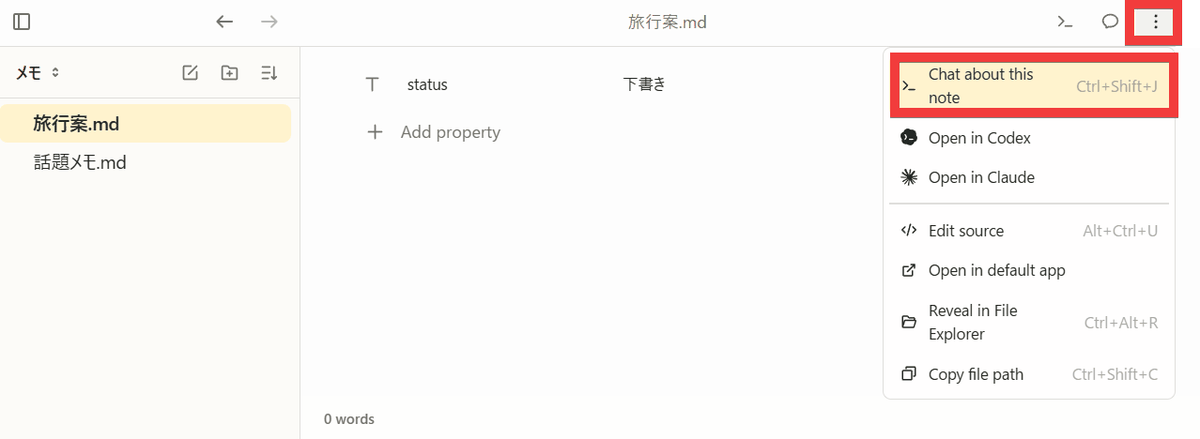
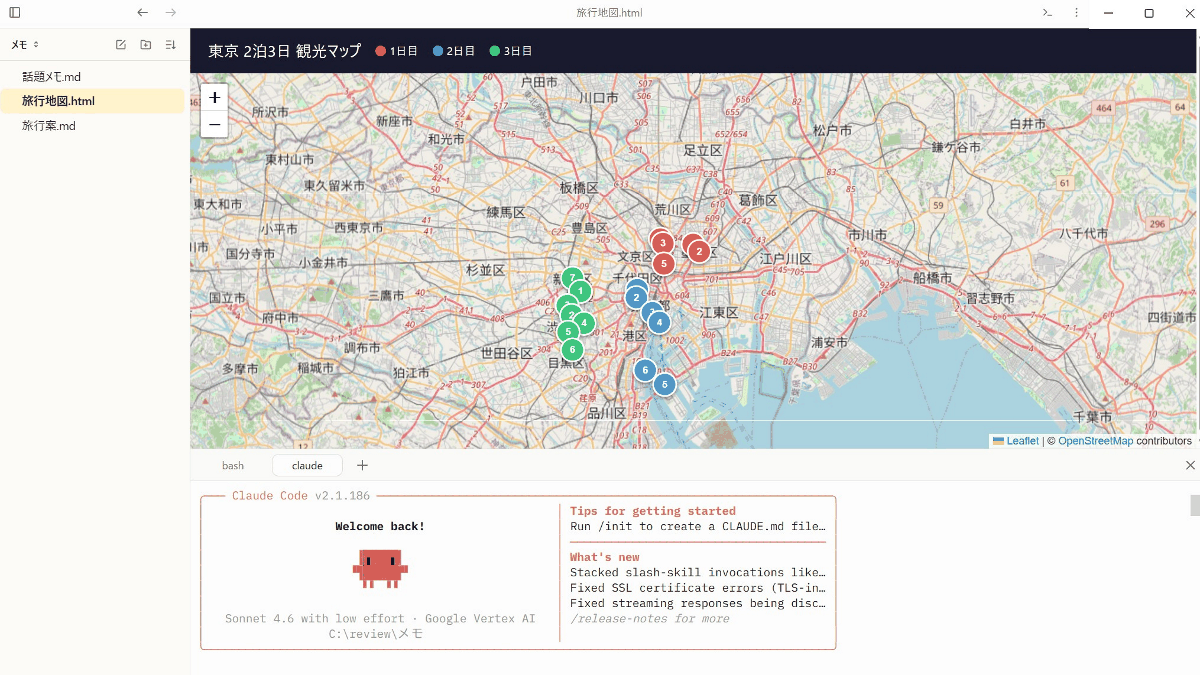
A shell appeared at the bottom of the editing screen, and Claude Code launched and loaded.
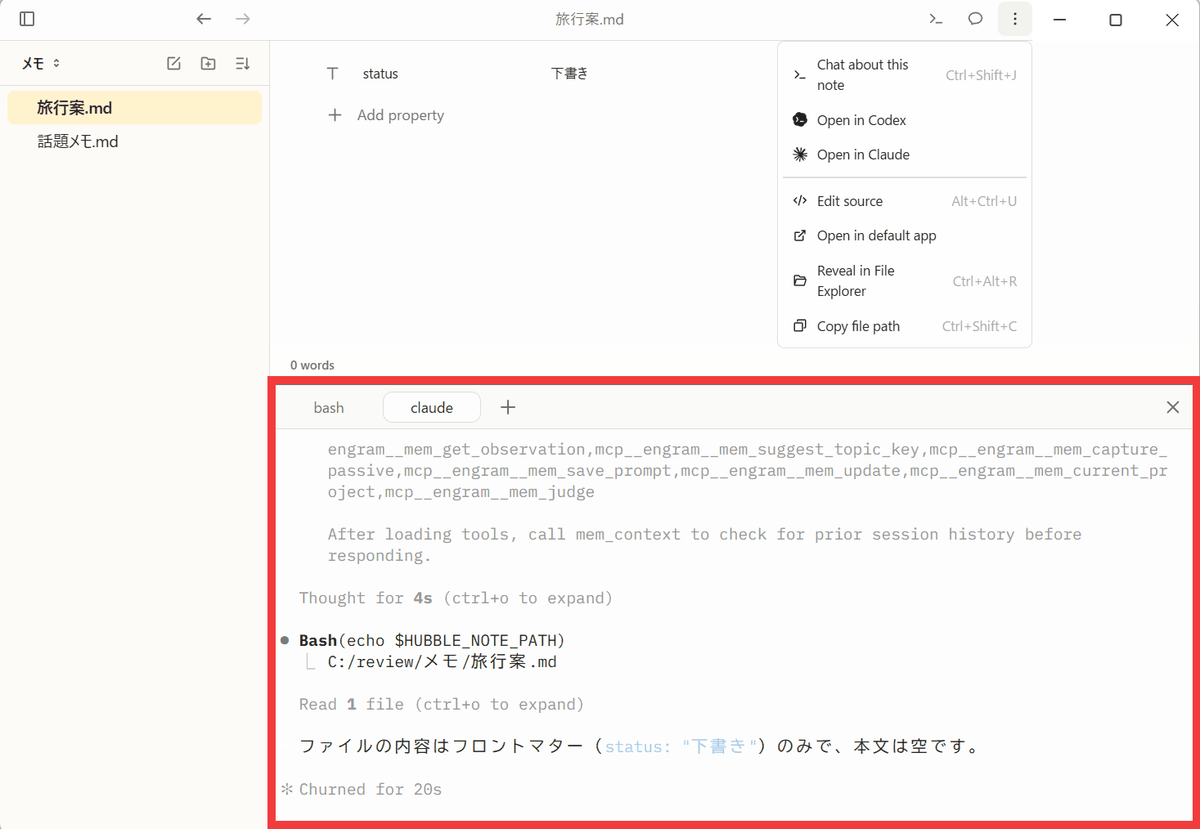
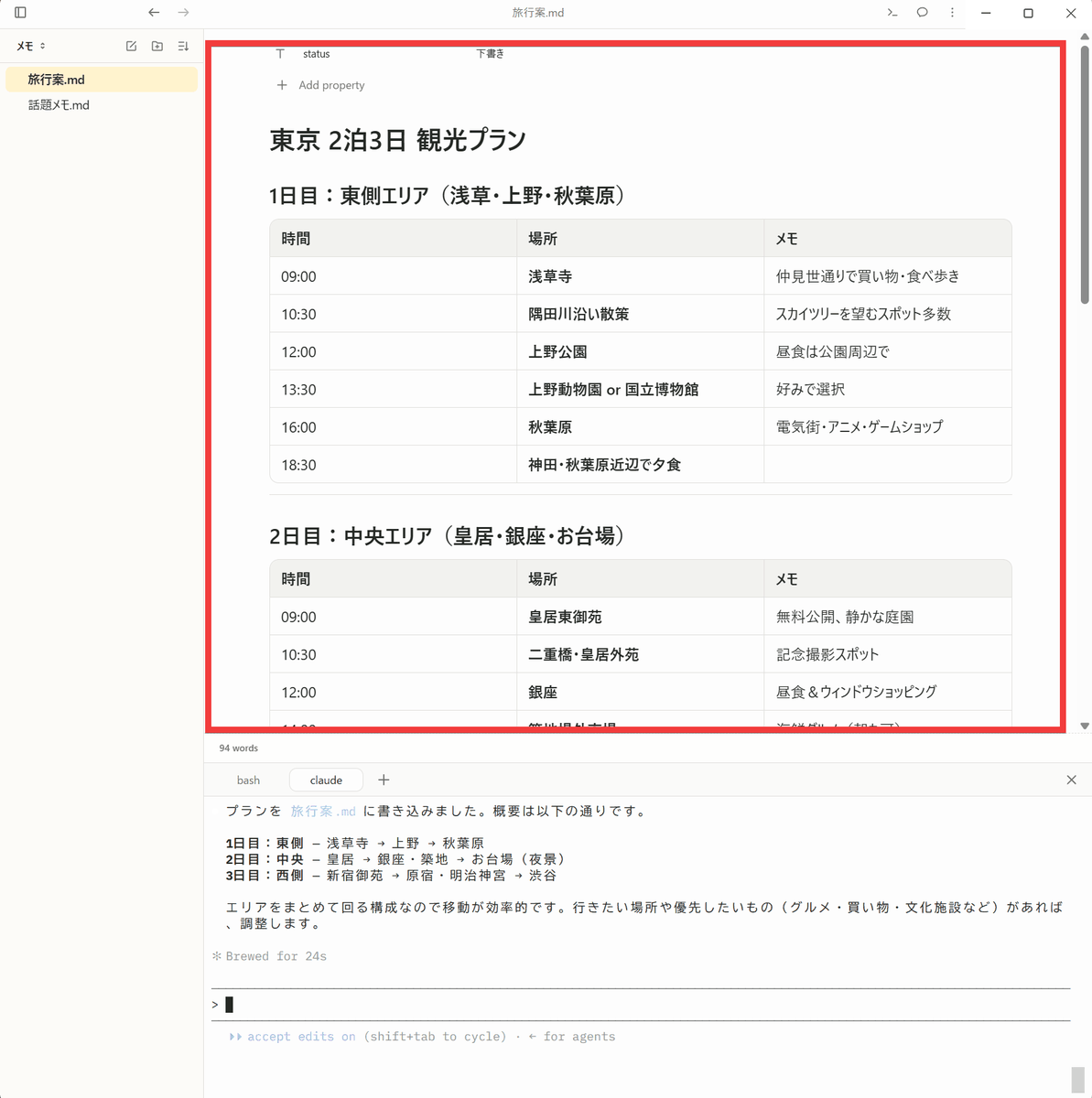
When I typed 'I'd like to visit Tokyo's famous sights in 2 nights and 3 days, please make a plan' into the chat and executed it, a travel plan was added to my notes.
- Output in HTML format and view as an HTML application
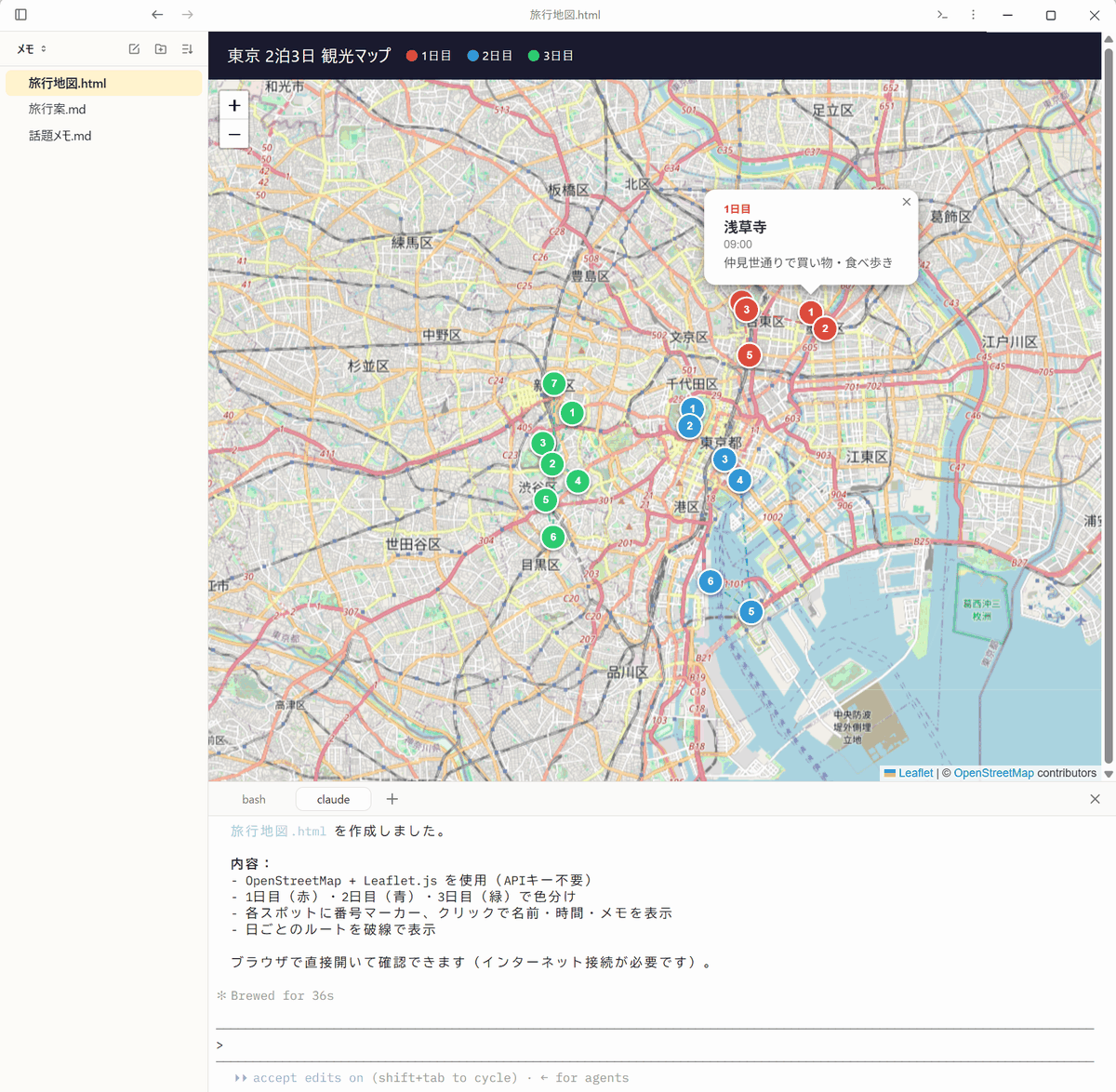
If you enter 'I would like a map of each landmark created as a separate HTML file' and execute the command, a file named 'TravelMap.html' will be created, and clicking the file will display it as an interactive HTML application.
Note that Claude Code will launch by default, but this can be changed in the settings screen.
Hubble.md is a fully functional Markdown note-taking app that also allows you to easily add HTML maps, dashboards, and more using its AI agent. A major feature is that you can handle everything from everyday note-taking to AI-powered organization and visualization within the same folder.
◆How to install Hubble.md
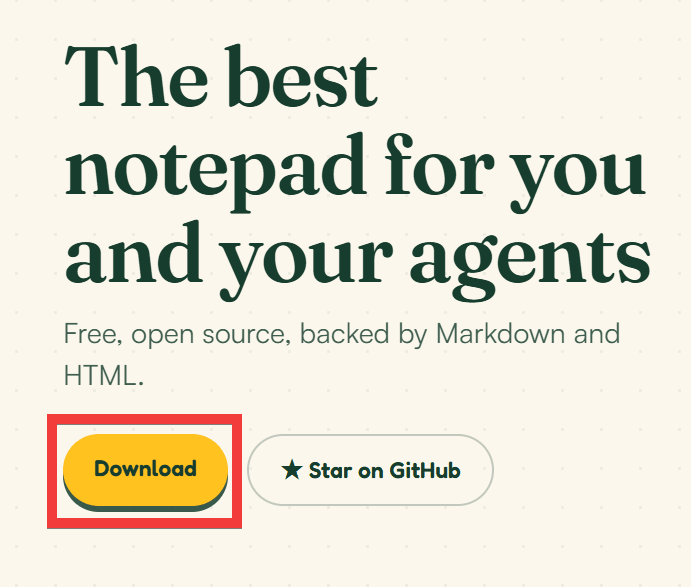
Hubble.md is available for Windows, Linux, and macOS, but this time we will install the Windows version. Click the 'Download' button on the
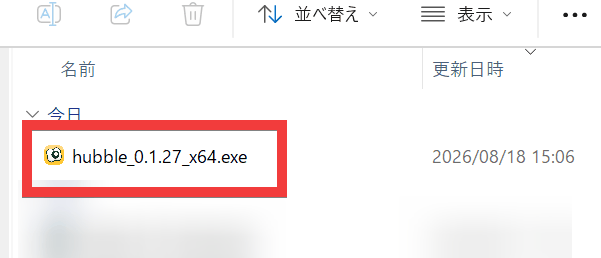
Double-click the saved file to launch it.
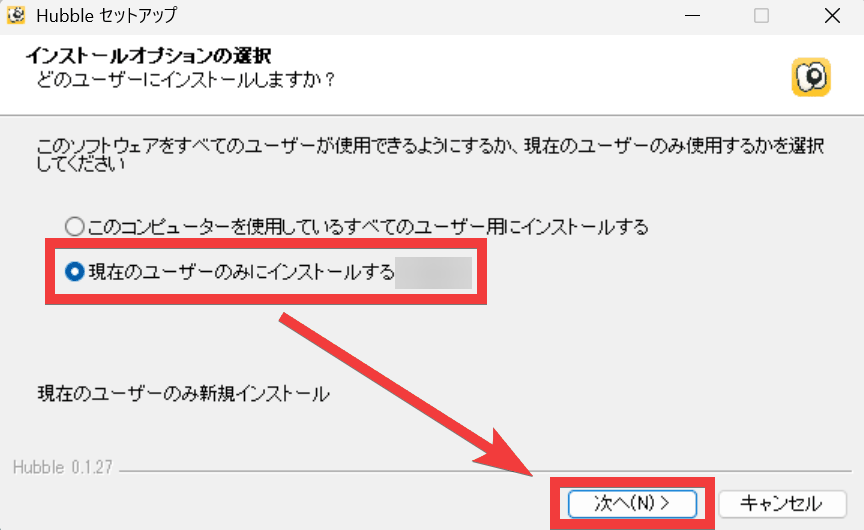
From the installation options, select 'Install only for the current user' and click 'Next'.
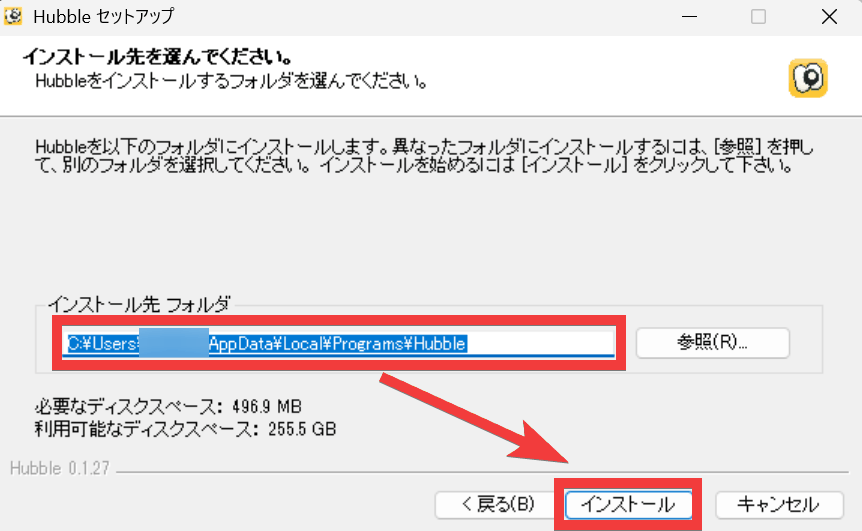
Select the 'Installation folder' and click 'Install'.
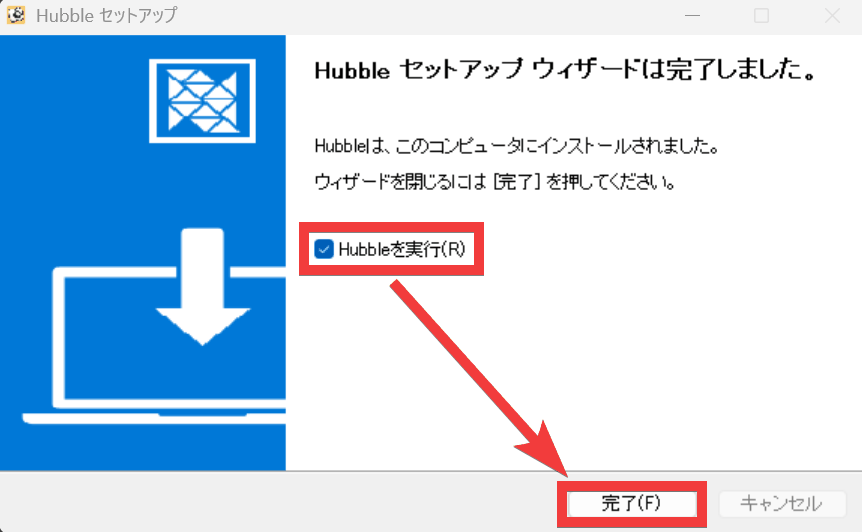
Check the box for 'Run Hubble' and click 'Done'.
The installation is complete when the initial screen appears.
Related Posts: