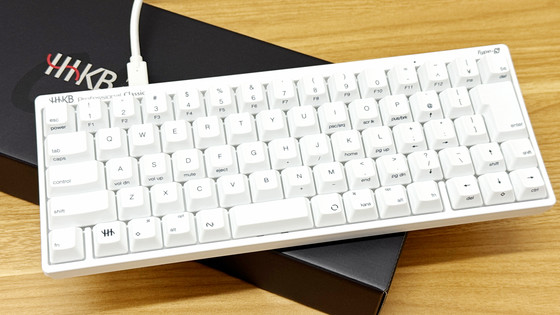
We took a detailed look at the appearance and typing sound of the pure white, unmarked keyboard, 'HHKB Professional HYBRID Type-S Yuki'.
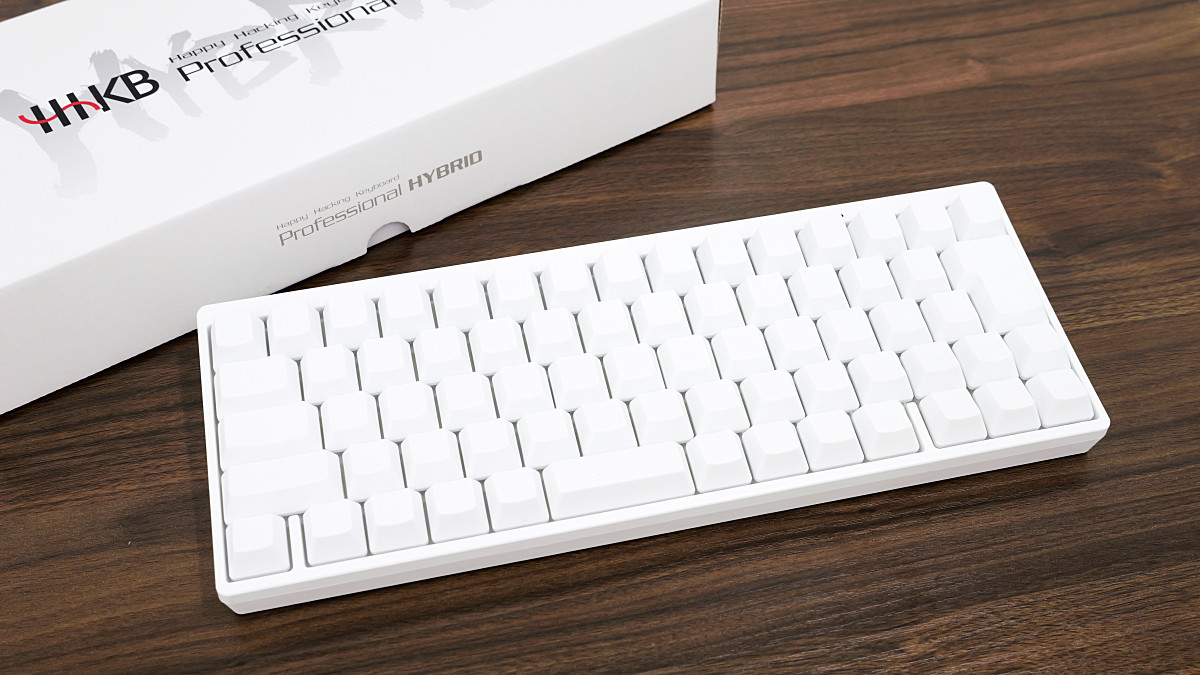
The HHKB series is known as a high-end keyboard that enjoys strong support from enthusiasts among the many keyboards available. The white model of this HHKB is the ' HHKB Professional HYBRID Type-S Yuki ,' which features 'support for both USB and Bluetooth connections,' 'Type-S keys that excel in high-speed typing and quietness,' and 'HHKB's traditional electrostatic capacitive non-contact switch method.' We were provided with a Japanese layout, blank keycap model of the HHKB Professional HYBRID Type-S Yuki as a prize in
HHKB Professional HYBRID Type-S Snow | PFU
https://happyhackingkb.com/jp/news/snowmodel_types/
This is what the HHKB Professional HYBRID Type-S Snow Edition box looks like.
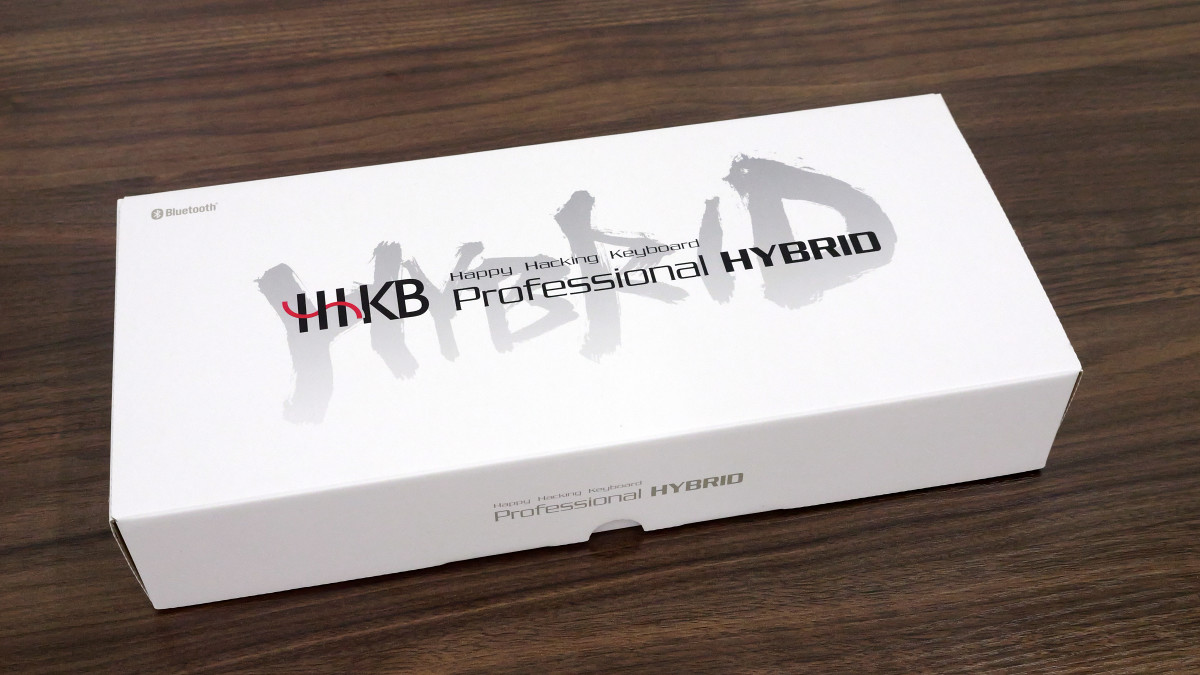
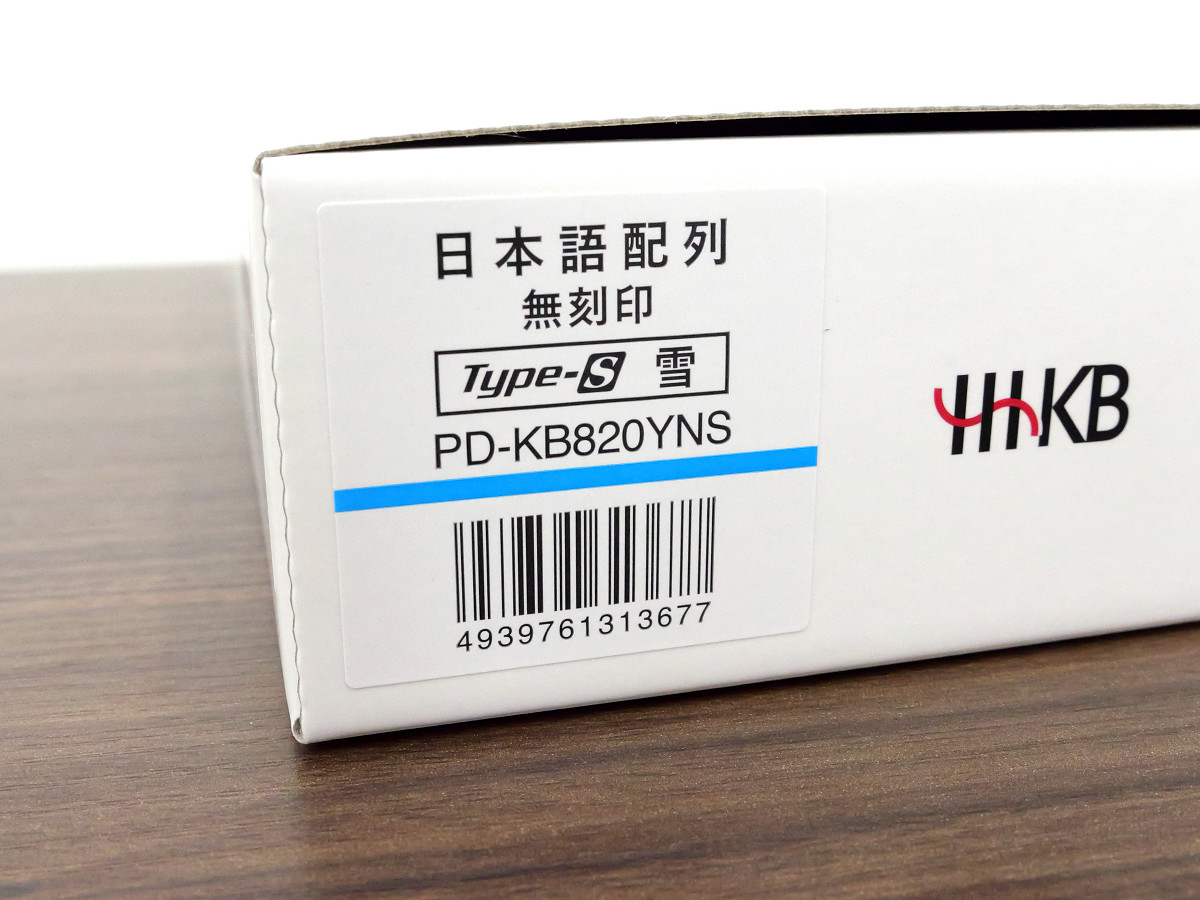
There are four models available: 'Japanese layout,' 'Japanese layout with no keycaps,' 'English layout,' and 'English layout with no keycaps.' This time, I was provided with the Japanese layout with no keycaps model.
When I opened the box, the keyboard itself was revealed.
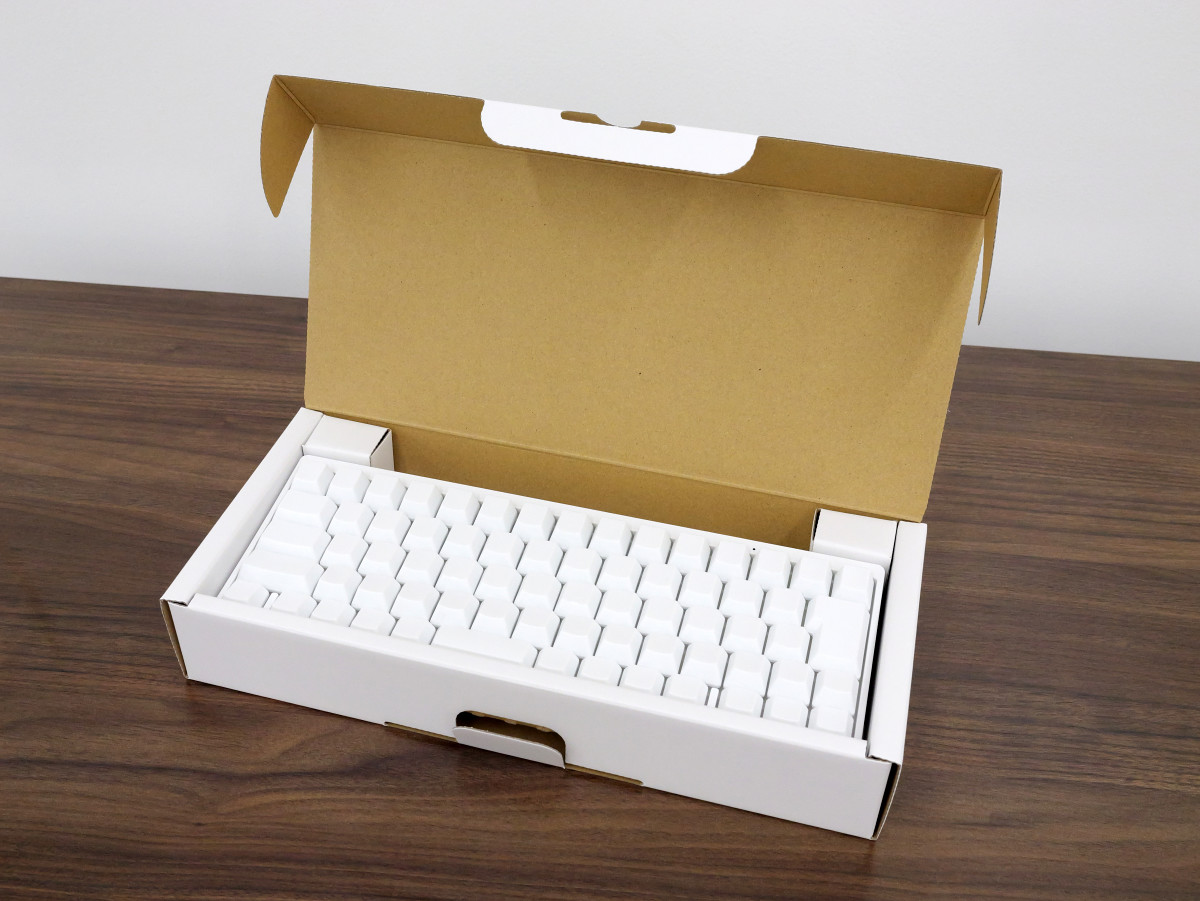
The box contained the keyboard itself, as well as AA batteries and instruction manuals.
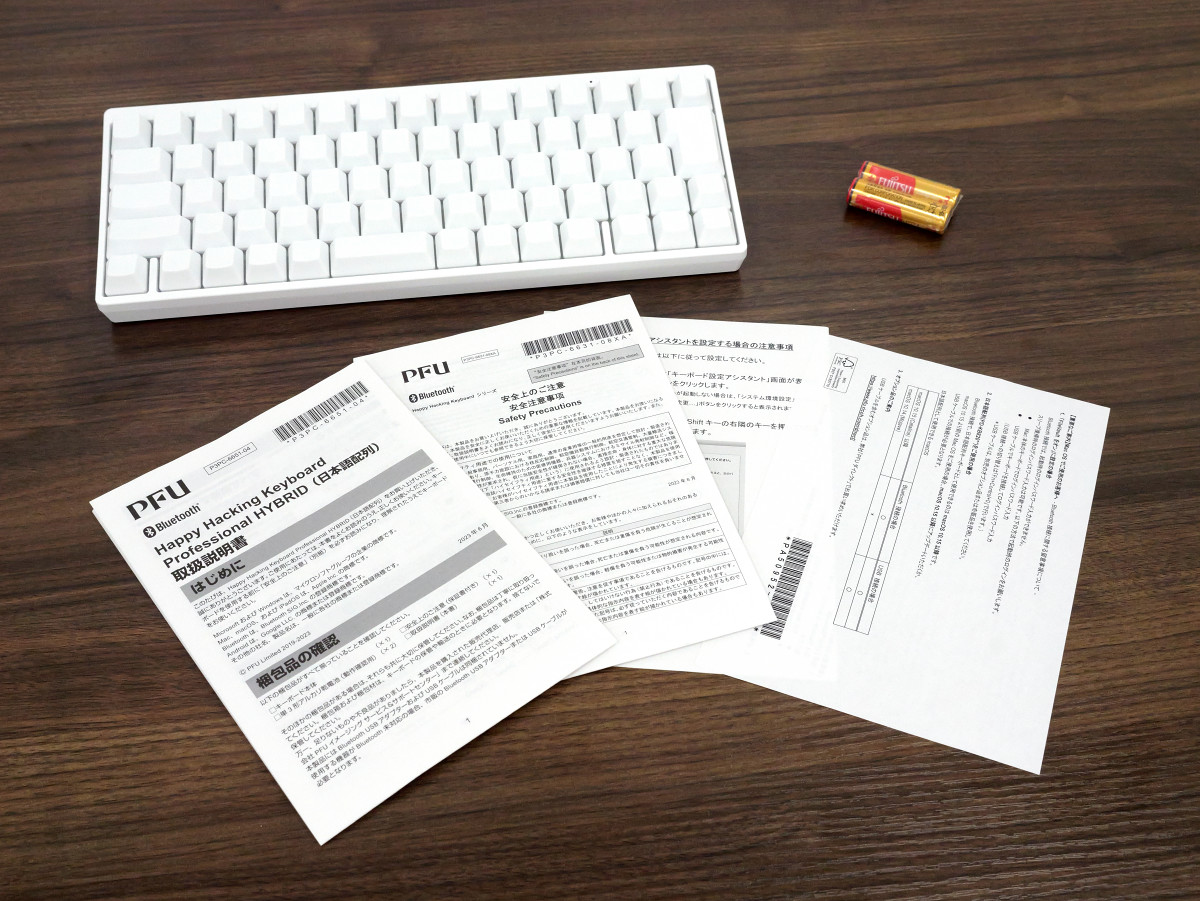
This is the HHKB Professional HYBRID Type-S Yuki (Snow) model with a Japanese layout and no keycap markings.
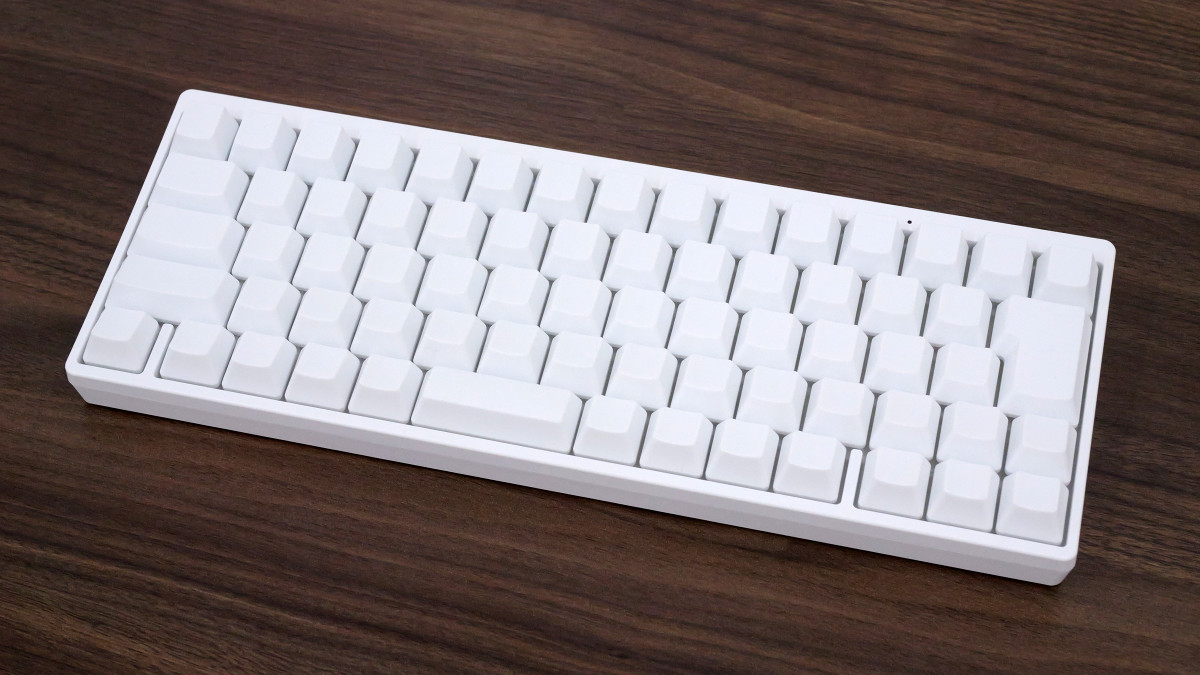
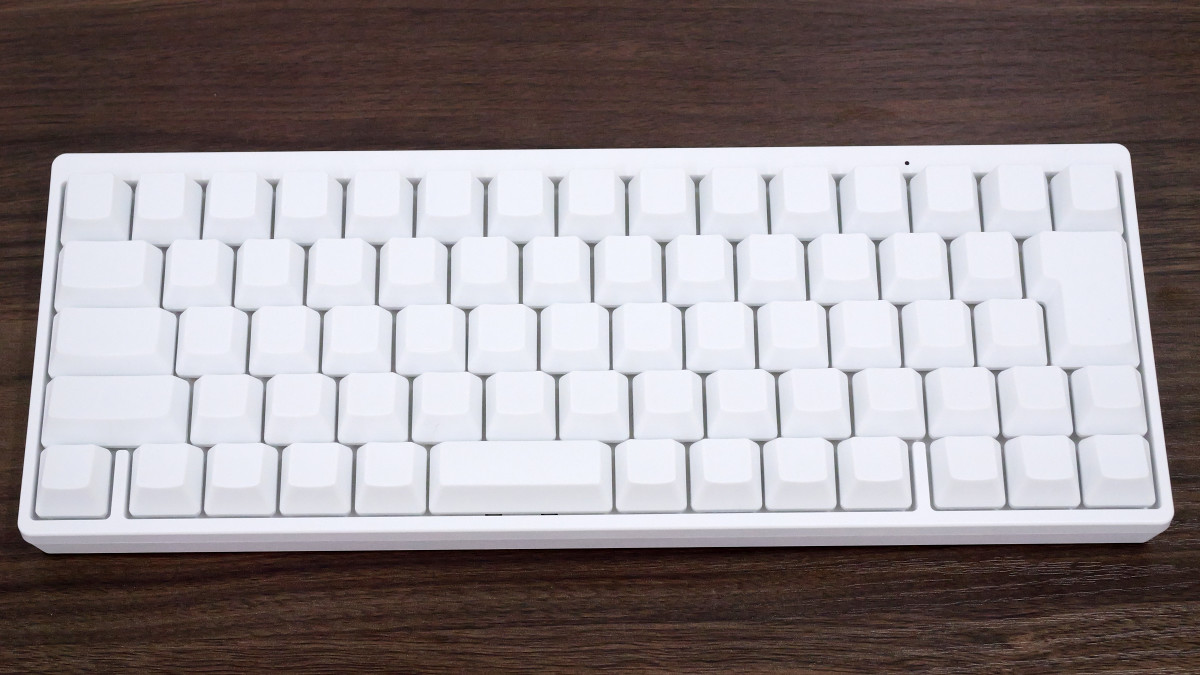
There are no markings whatsoever; the keycaps are simply a row of pure white ones.
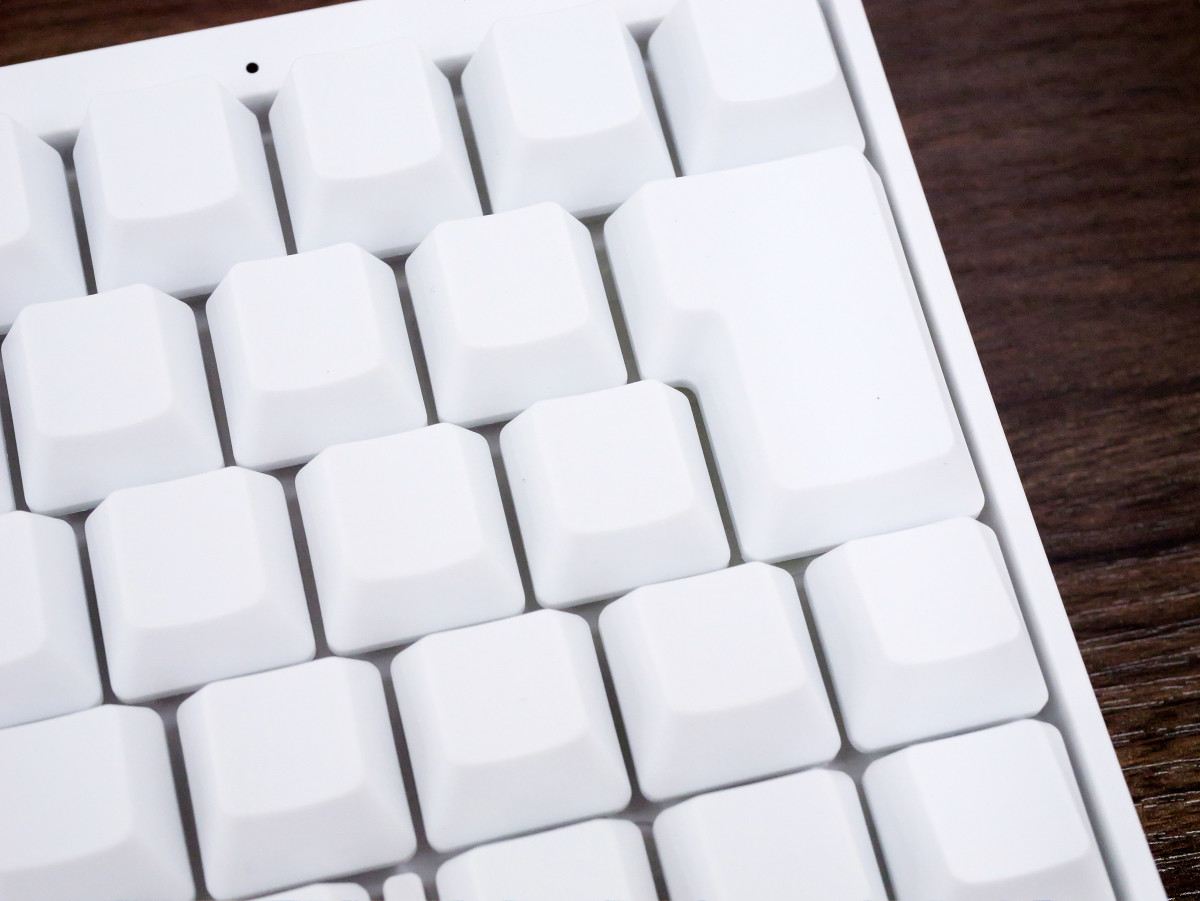
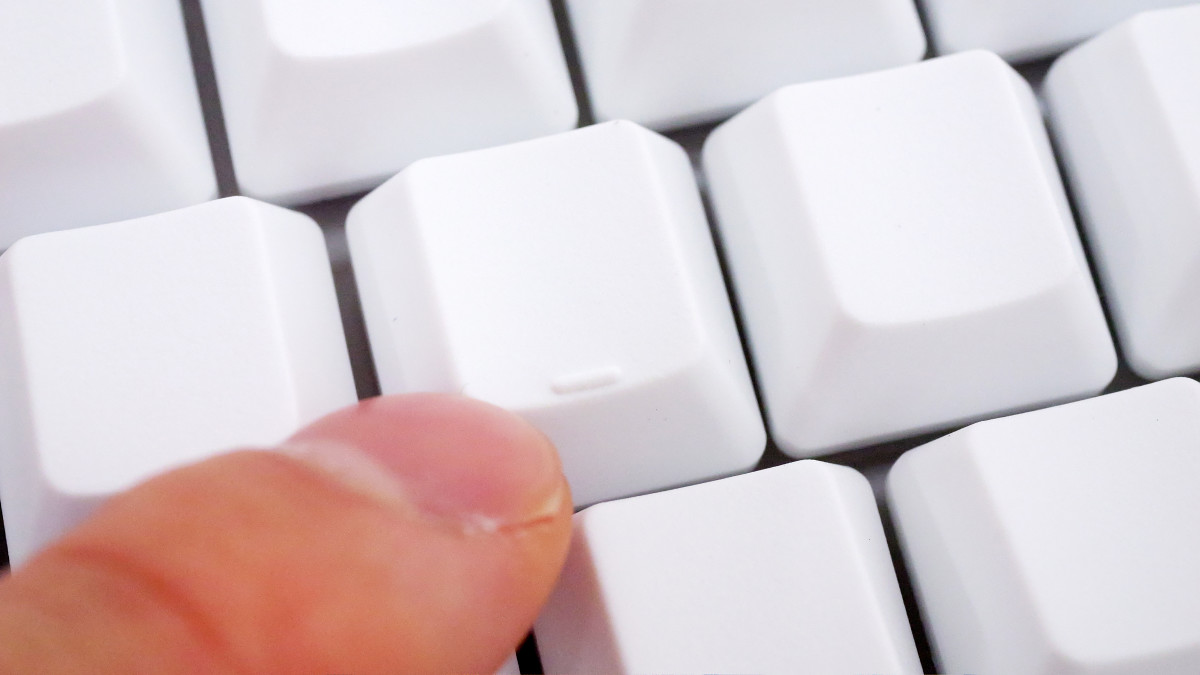
The F and J keys have raised bumps to serve as markers for the home position.
This is what it looks like when photographed from the front. The top row mainly consists of number keys, the second to fourth rows of alphabet keys, and the bottom row of function keys. There is no row of function keys F1 through F12.
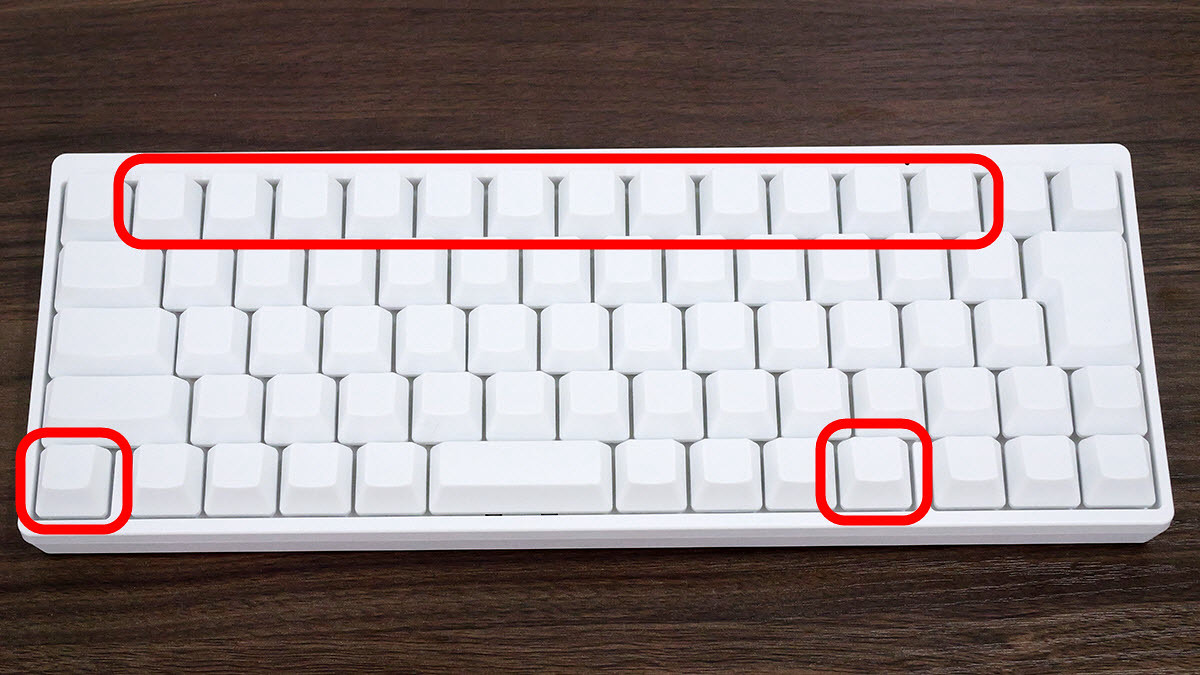
There are two Fn keys at the bottom row, and by pressing an Fn key and any other key simultaneously, you can use keys such as Page Up and Delete. For example, pressing the Fn key while pressing the keys enclosed in the red box at the top row will make them function as F1 through F12 keys.
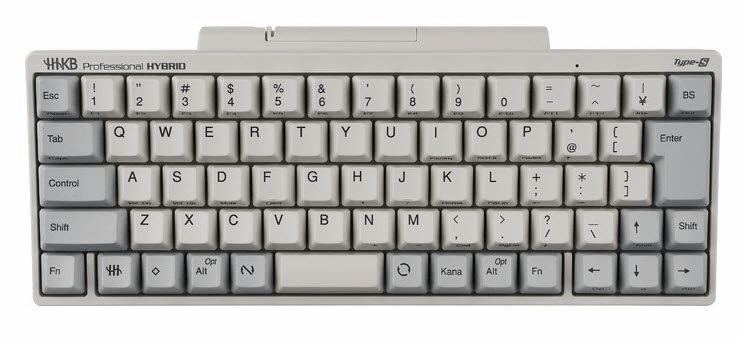
The key layout is the same as other Japanese-layout HHKB keyboards, so it's a good idea to place an image of the key layout of other models in an easily accessible location until you get used to it.
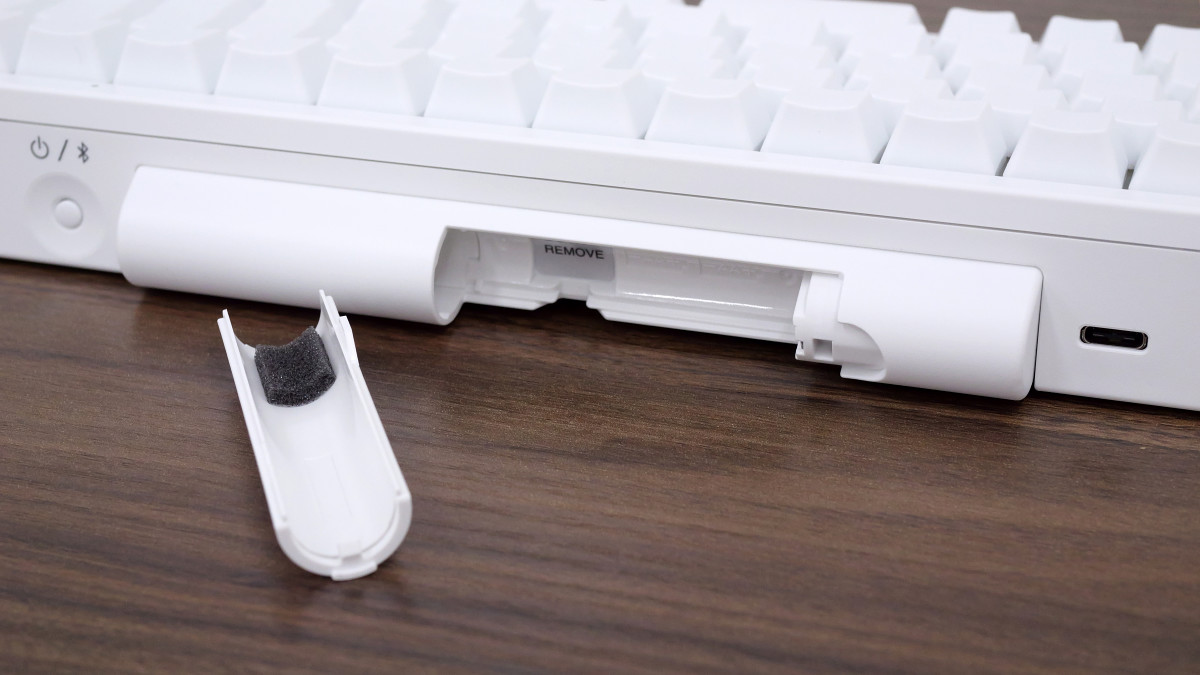
The back features a power button, battery cover, and USB Type-C port.
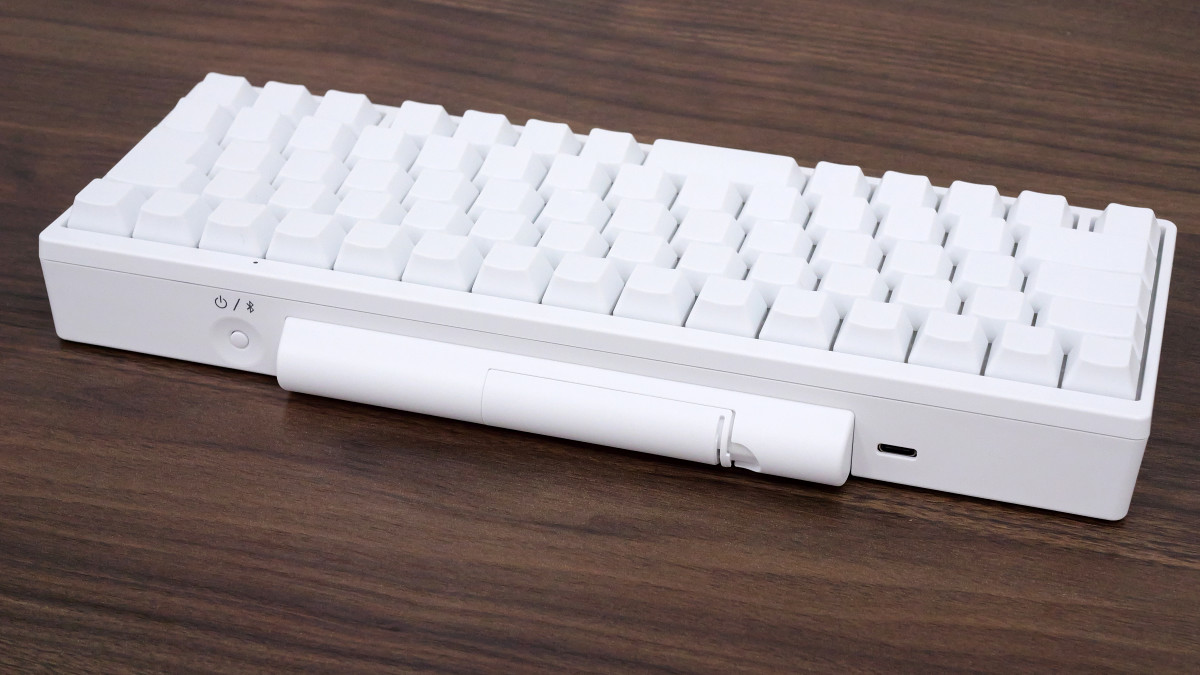
Using two AA batteries enables Bluetooth connectivity. Batteries are not required when using a USB connection.
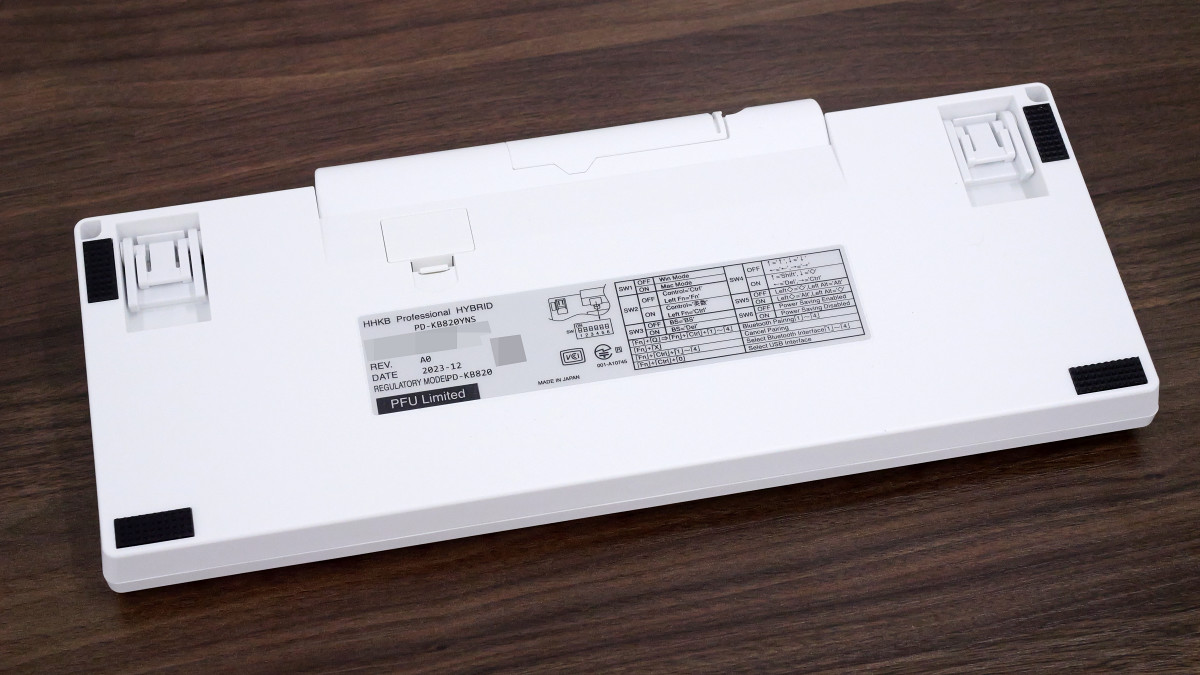
There are four black non-slip pads on the bottom.
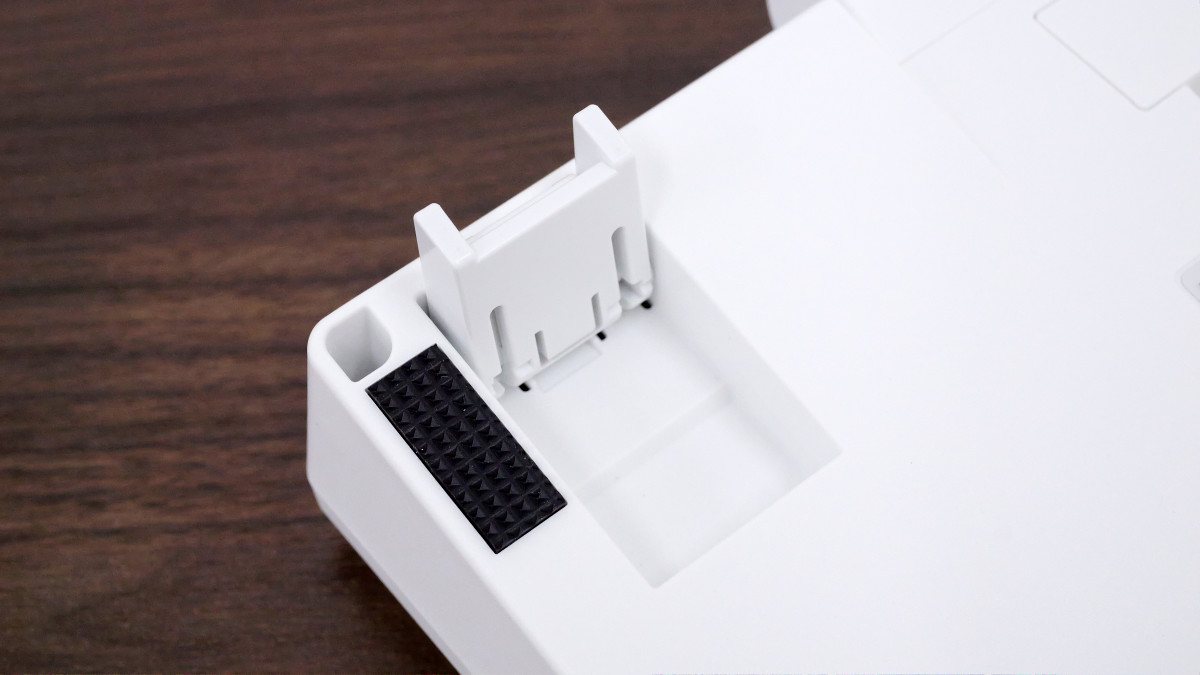
The stand can be extended in two stages.
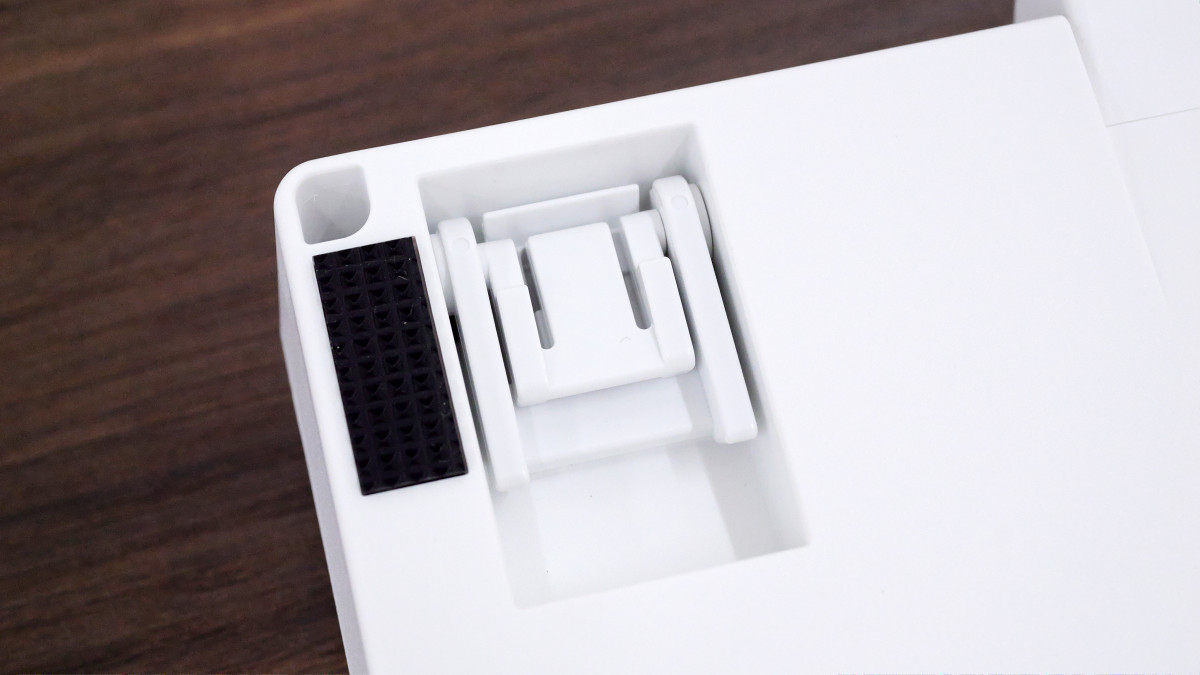
One-stage deployment.
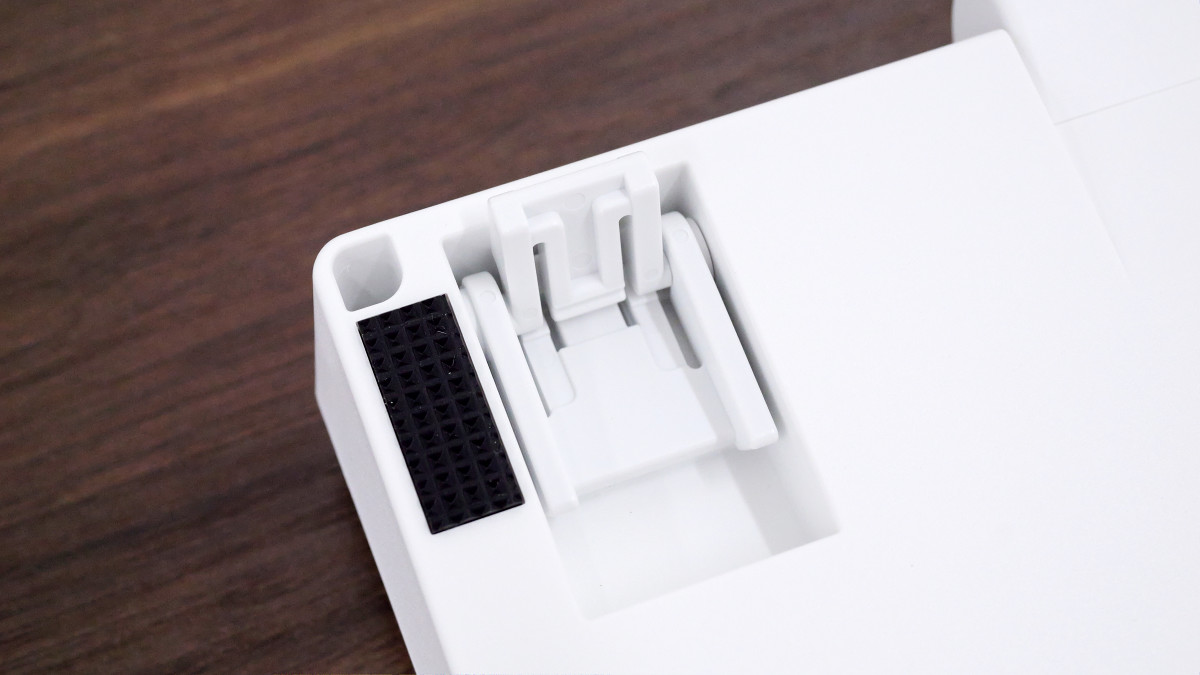
Two-stage development.
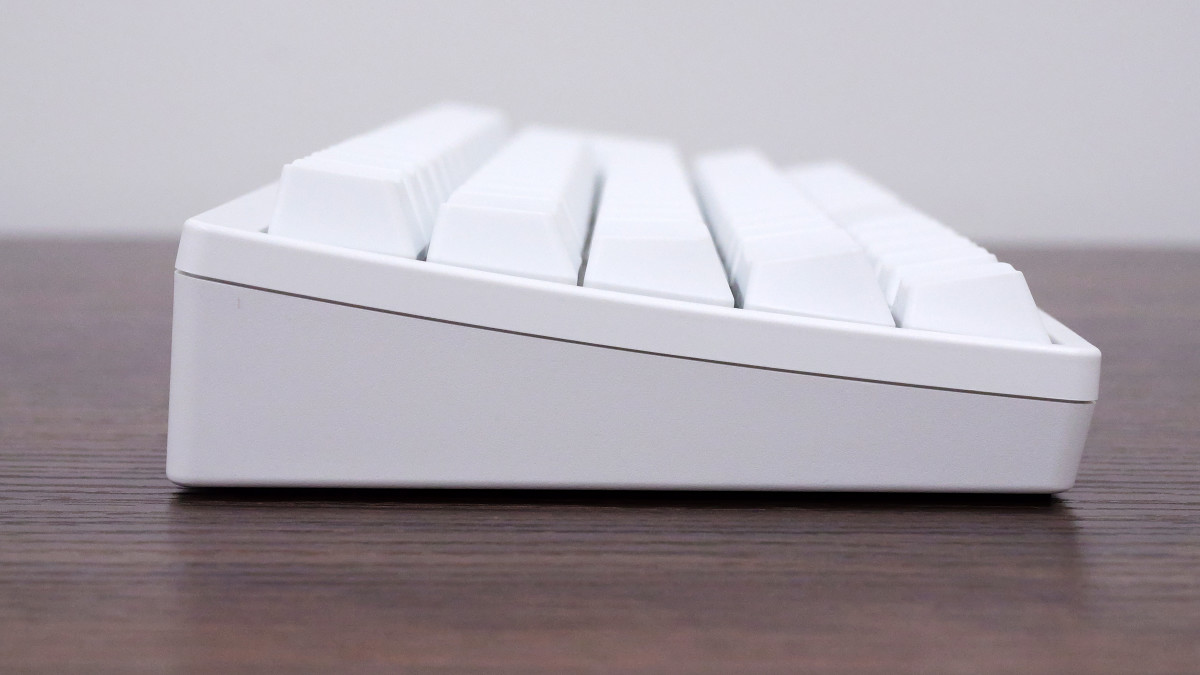
This is what it looks like from the side when the stand is folded. The key shapes in each row are slightly different, allowing you to type with minimal finger movement.
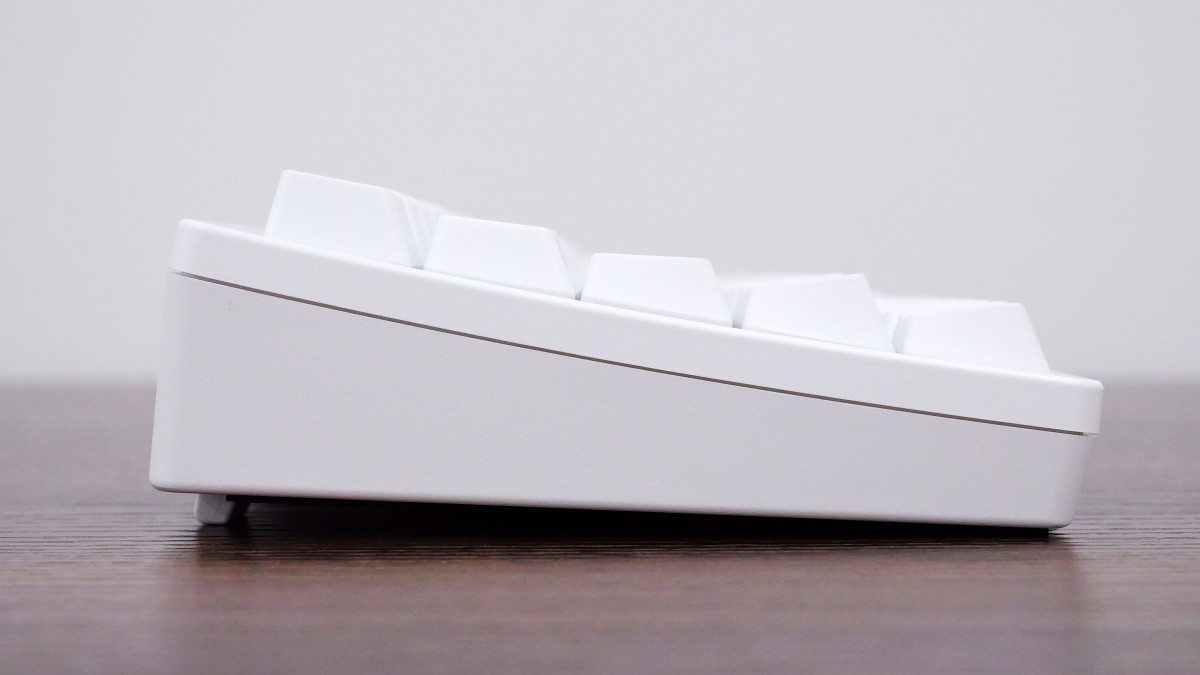
The stand is extended to the next position.
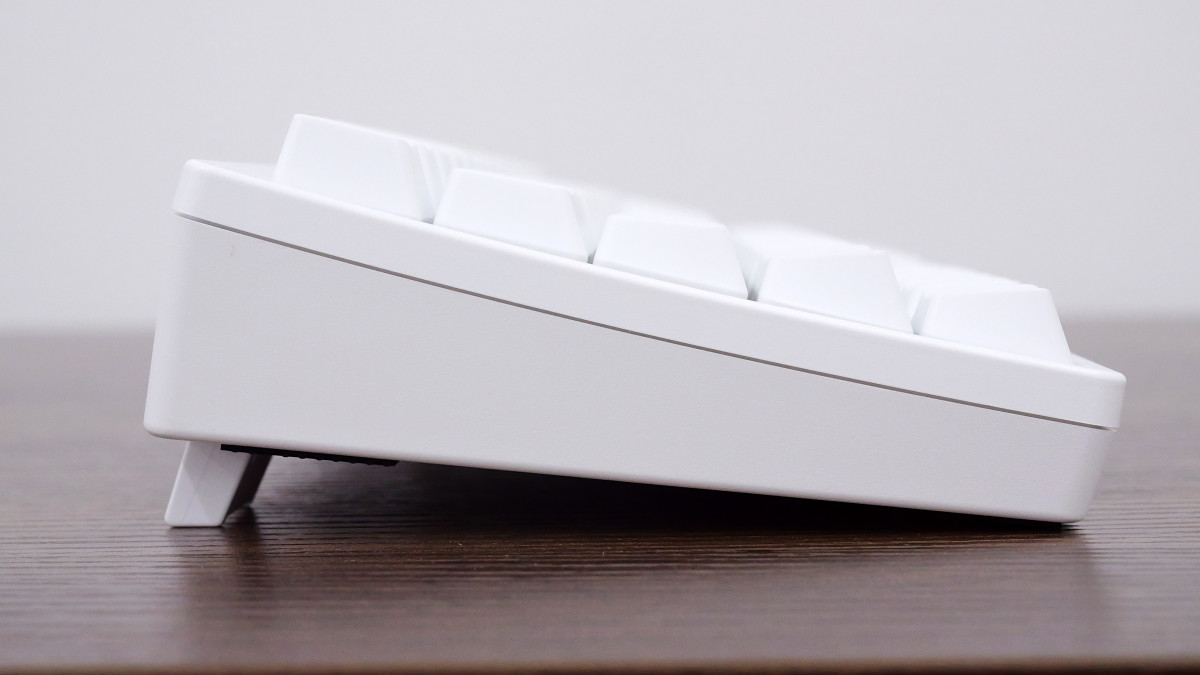
It has a two-stage design. The stand is stable and doesn't wobble.
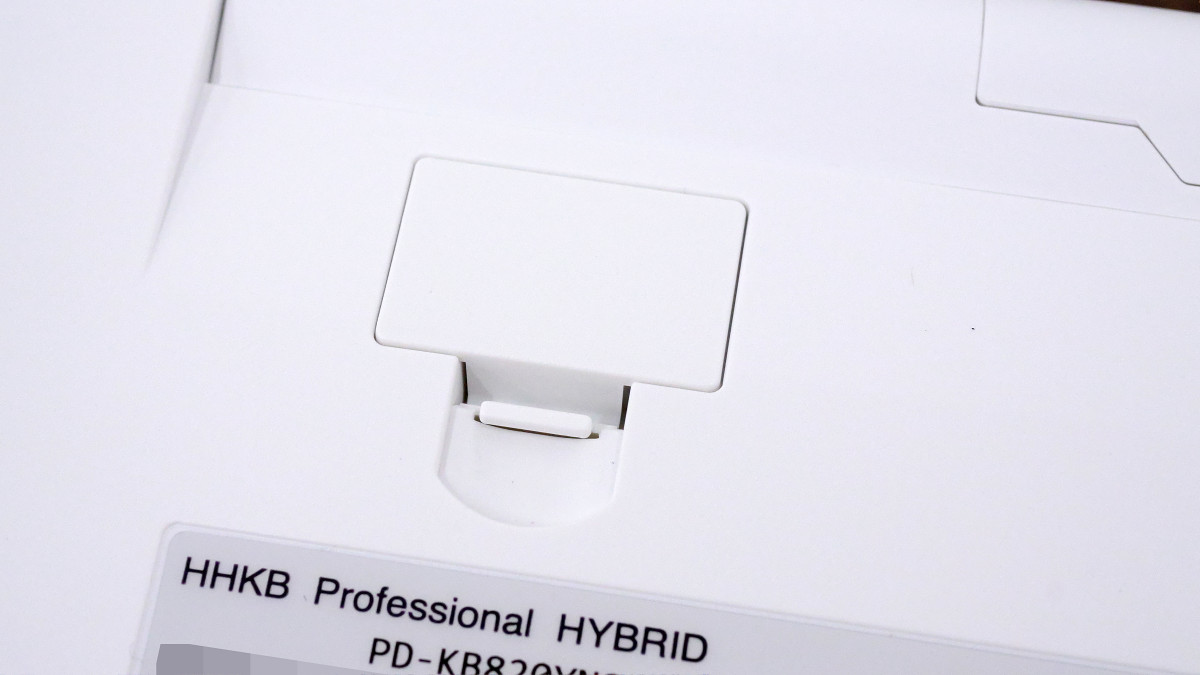
The bottom of the keyboard features DIP switches that allow you to change the keyboard's operating mode. These DIP switches are normally hidden by a white cover.
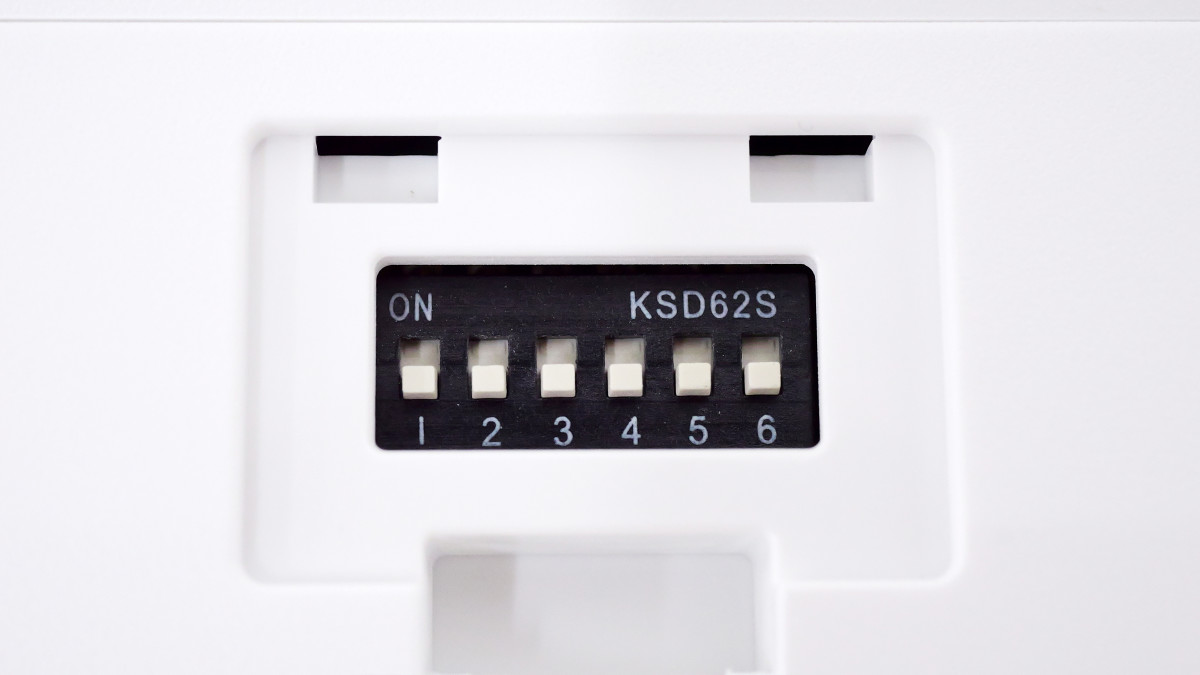
This is a DIP switch. It has six switches, and sliding each switch downwards turns it OFF, while sliding it upwards turns it ON.
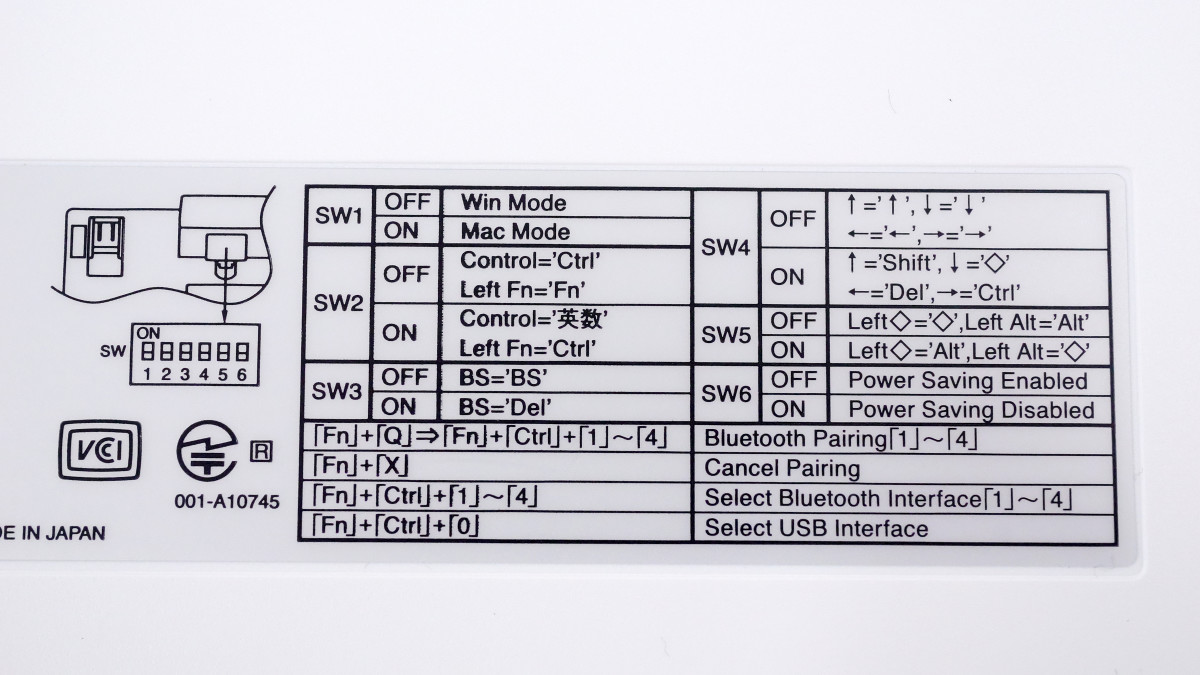
The customization options for the DIP switches are listed on a sticker on the bottom. Each switch allows you to switch between Windows mode and macOS mode, or change the Backspace key to the Delete key. When using it with Windows, you can generally leave them all OFF.
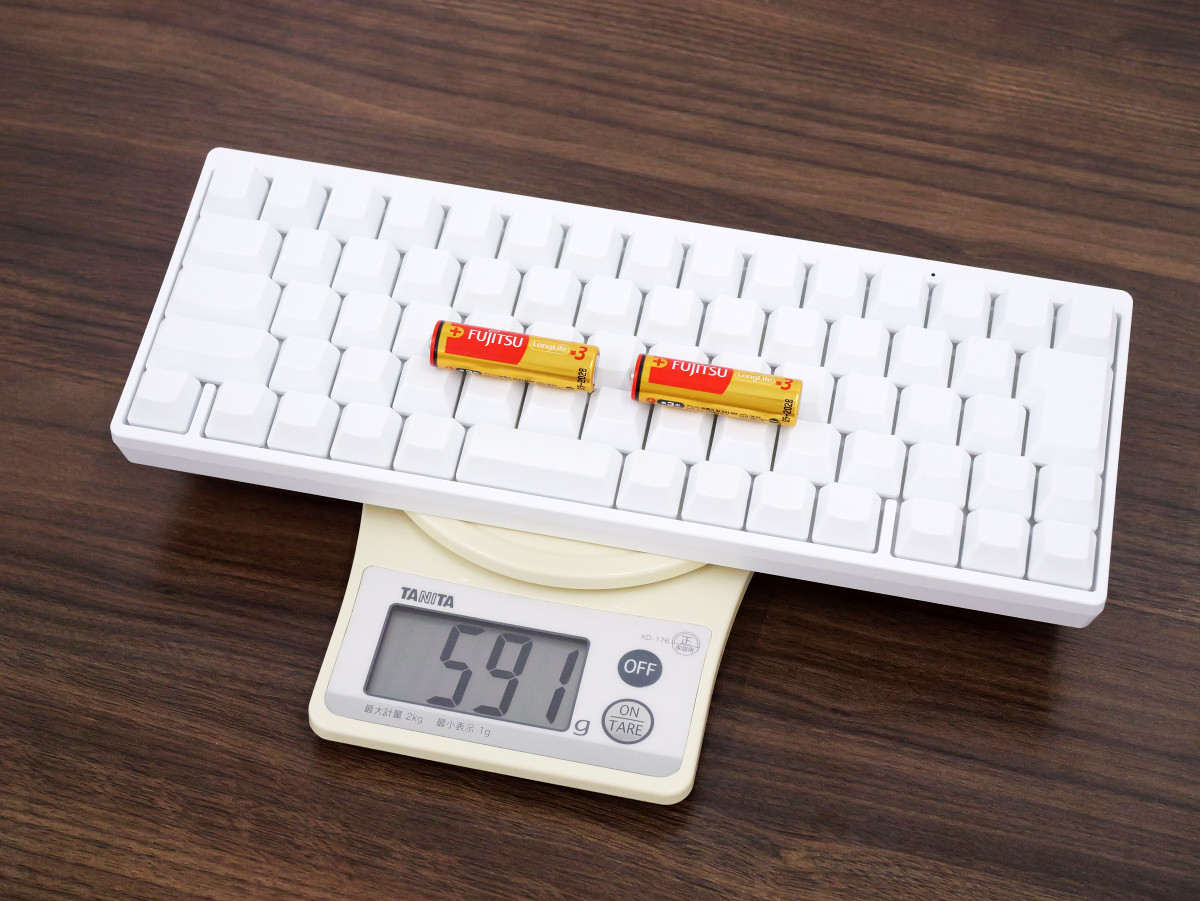
The device and two AA batteries together weigh 591g. Its dimensions are 294mm wide, 120mm deep, and 40mm high.
I'll try connecting the HHKB Professional HYBRID Type-S Yuki to my PC.
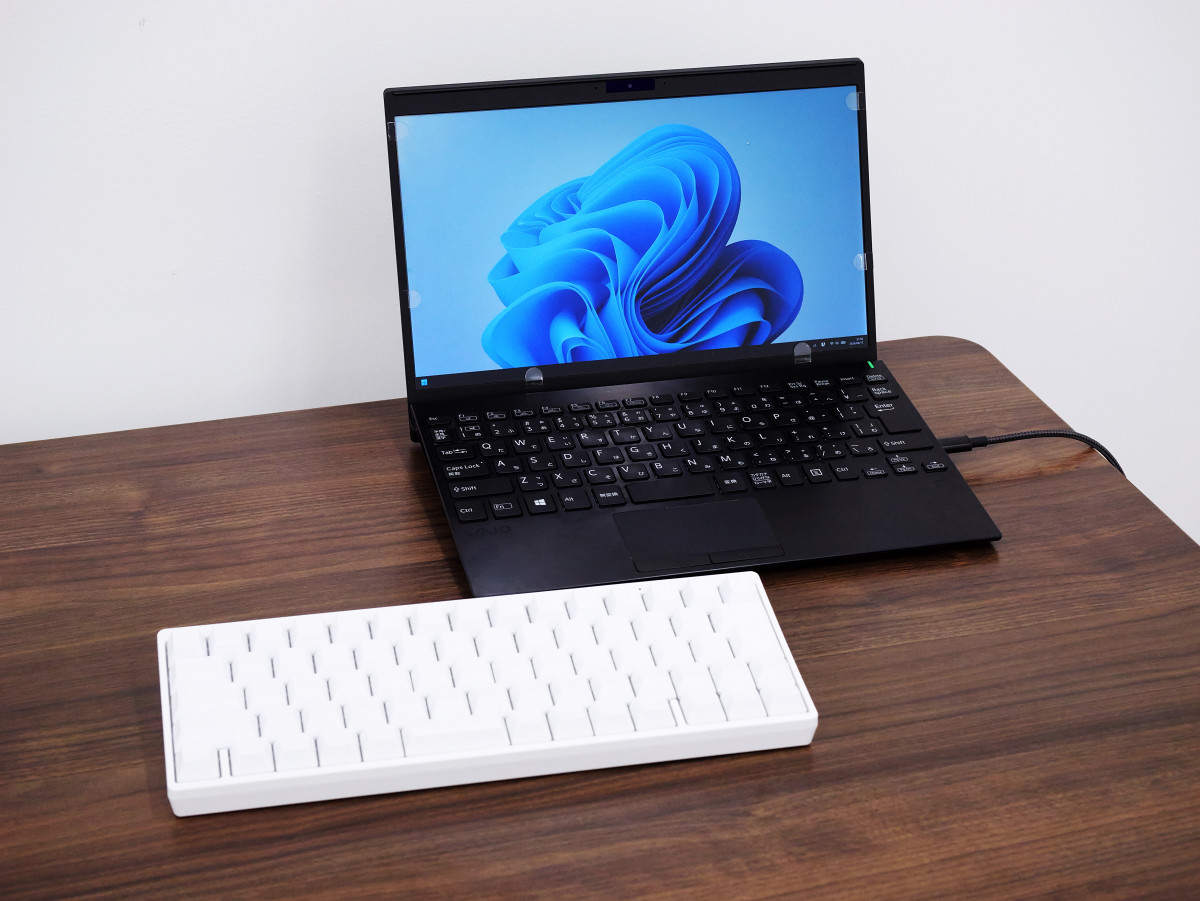
First, press the power button to turn it on.
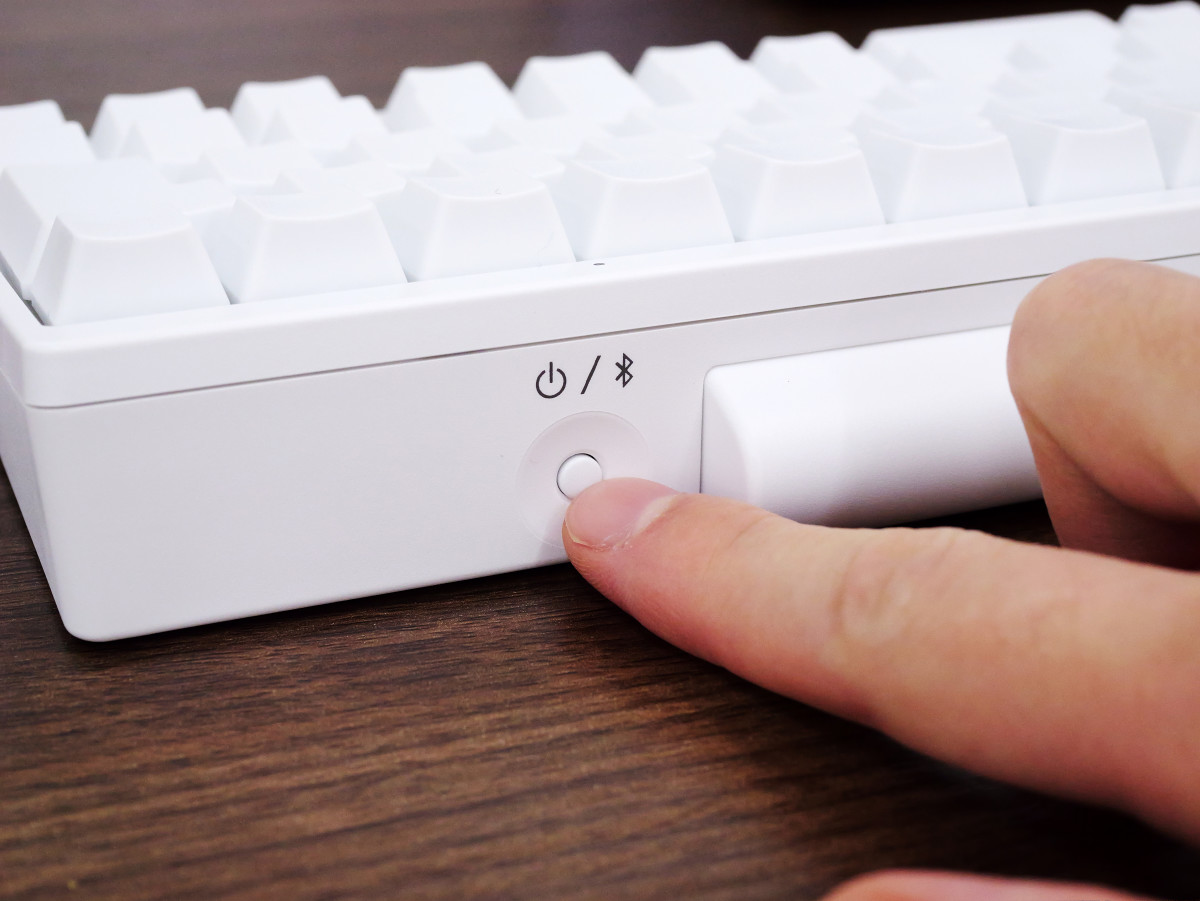
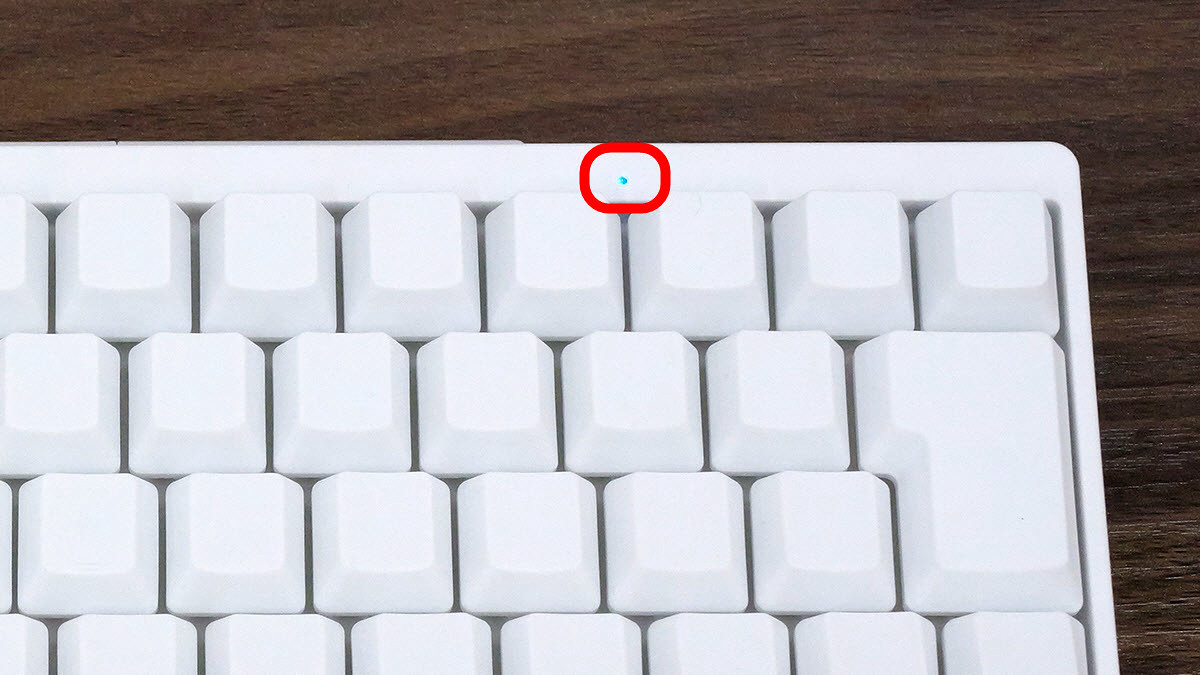
Upon initial startup, the blue light will blink as soon as the power is turned on, indicating that the device is in Bluetooth pairing mode.
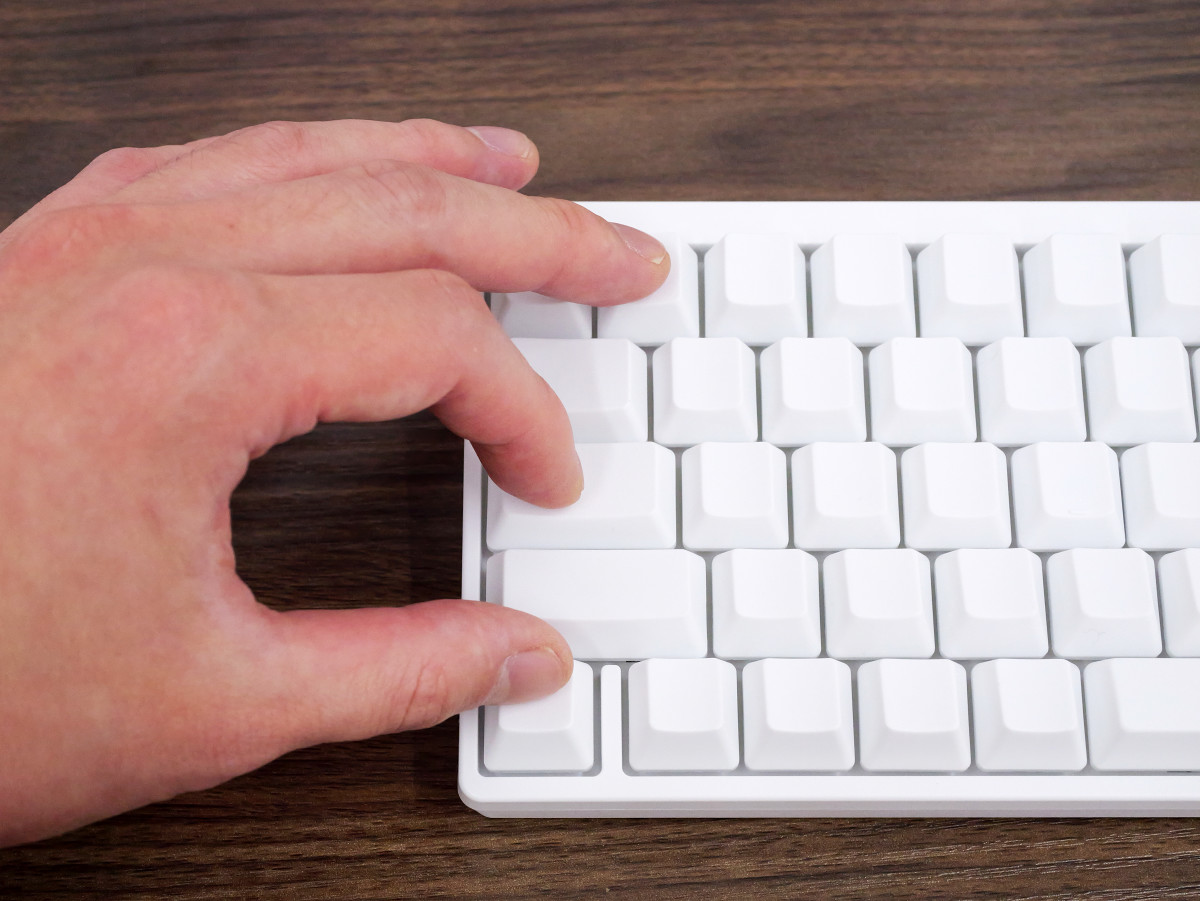
If your device is already registered, you will need to manually switch to pairing mode. First, press the Fn key and the Q key simultaneously.
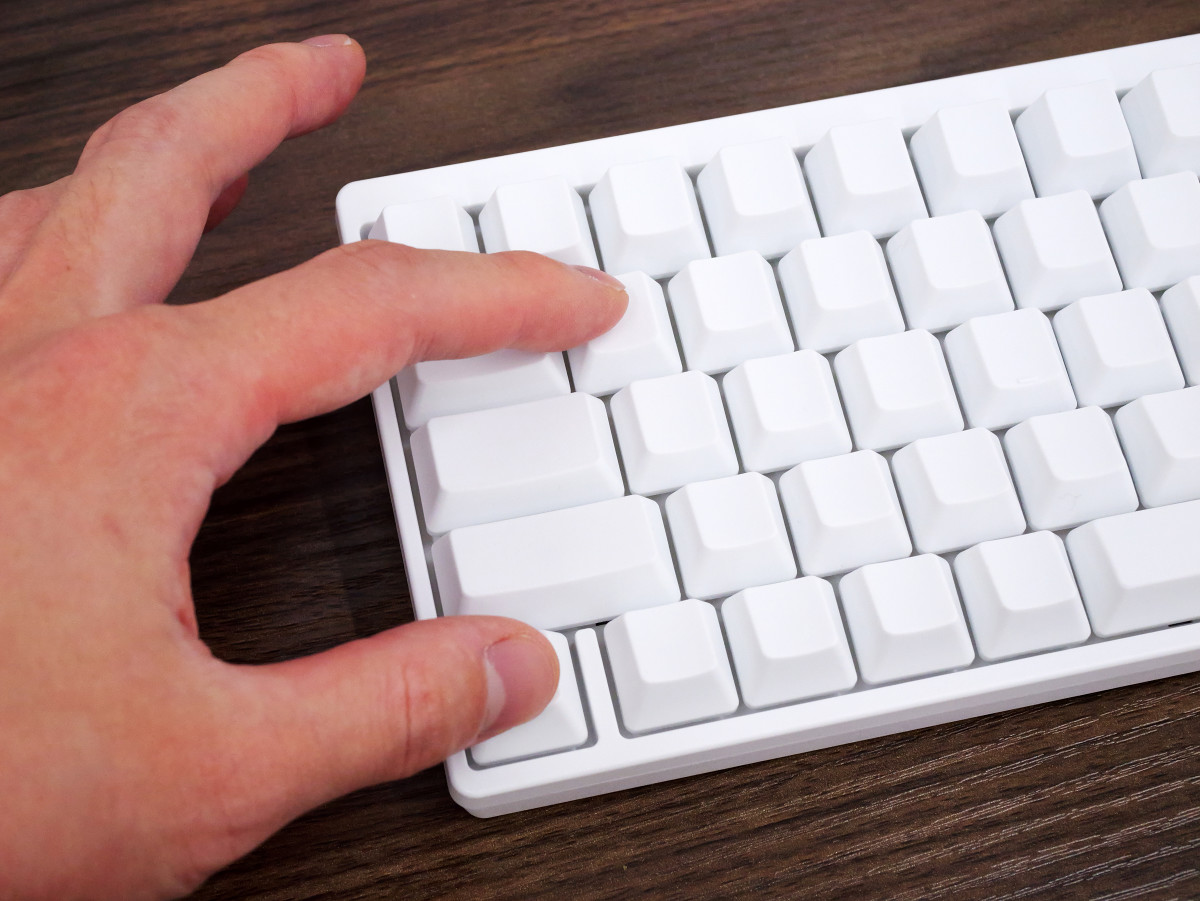
Next, press the Fn key, Control key, and 1 key simultaneously to enter pairing mode. You can register up to four devices. For the second device, press 'Fn key, Control key, and 2 key,' for the third device, press 'Fn key, Control key, and 3 key,' and for the fourth device, press 'Fn key, Control key, and 4 key.'
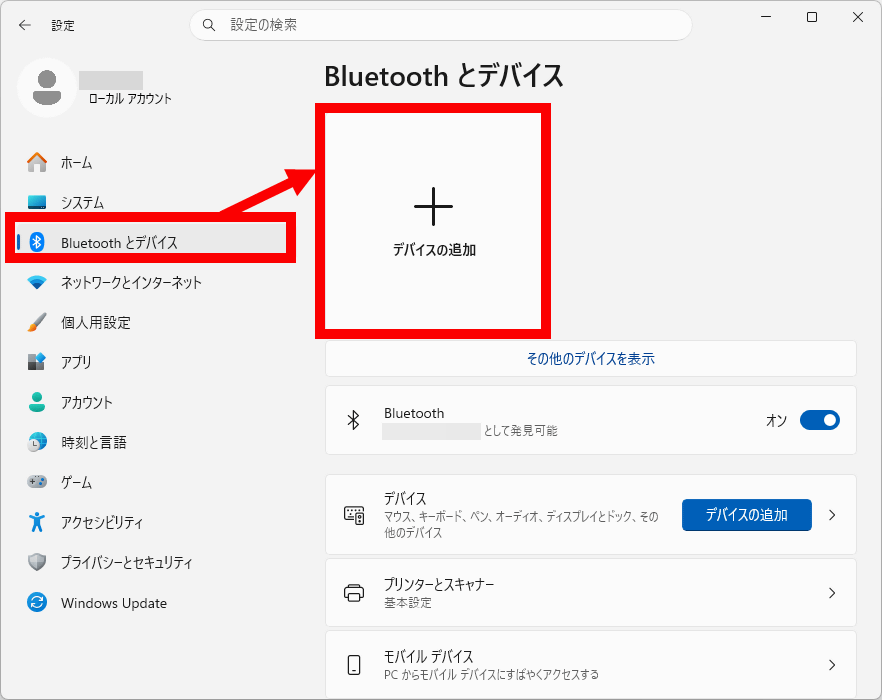
Once it's in pairing mode, open the Windows Settings app, click 'Bluetooth & devices,' and then click 'Add a device.'
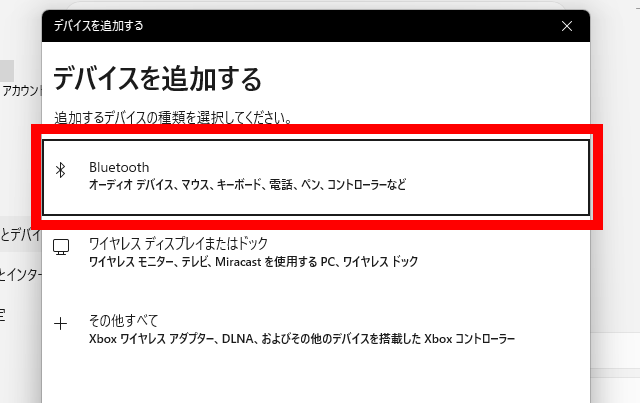
Click 'Bluetooth'.
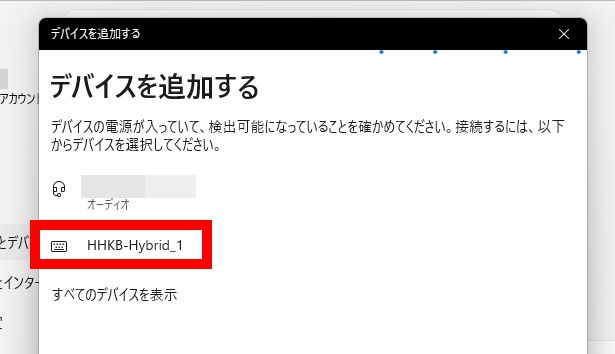
Click on 'HHKB-Hybrid-1'.
Then, a 6-digit PIN code will be displayed.
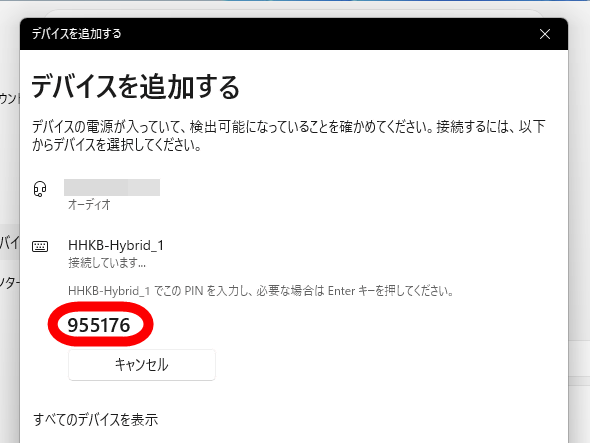
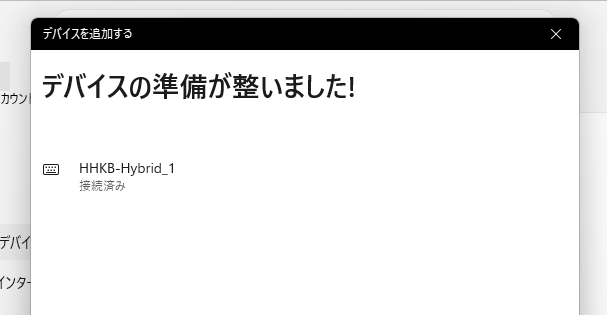
Enter the 6-digit PIN on the keyboard and press Enter.
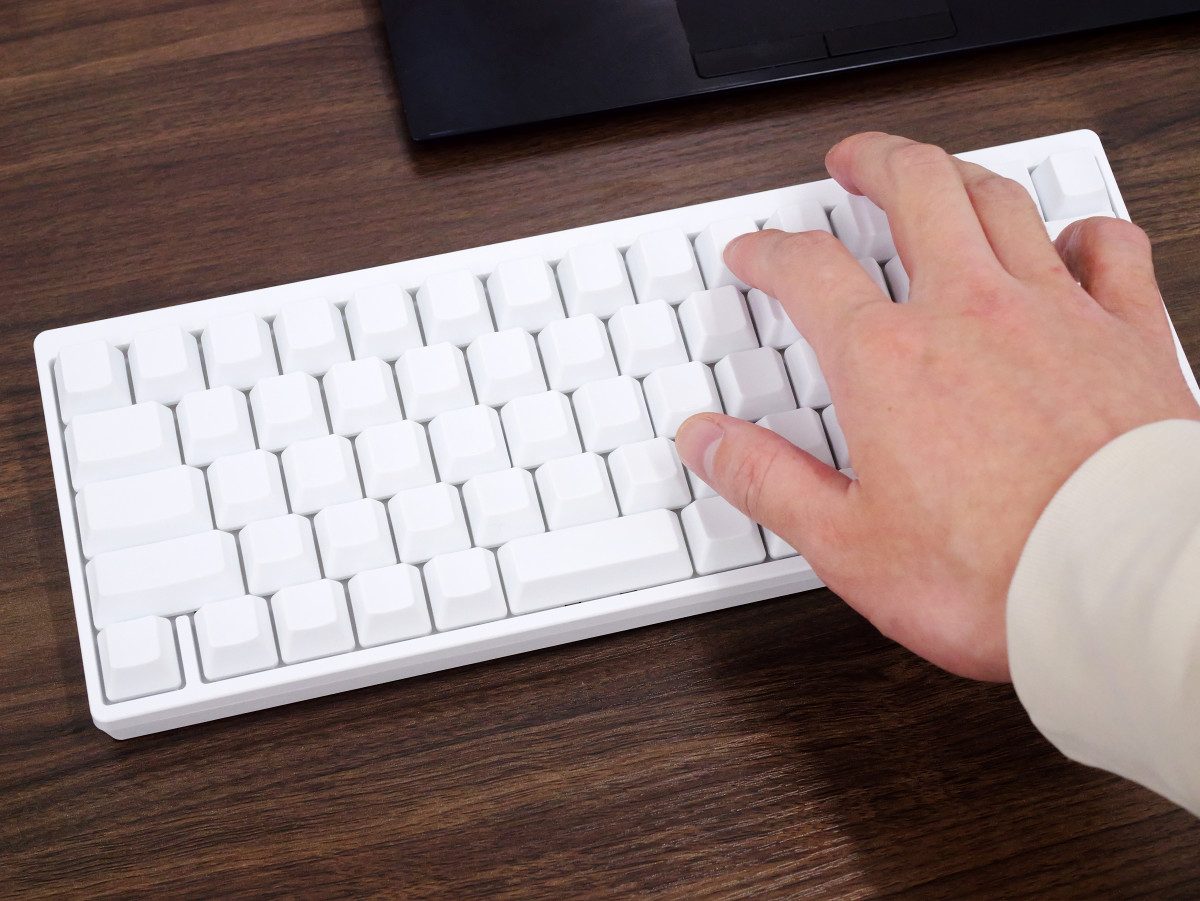
Pairing is complete when you see the message 'Device is ready.'
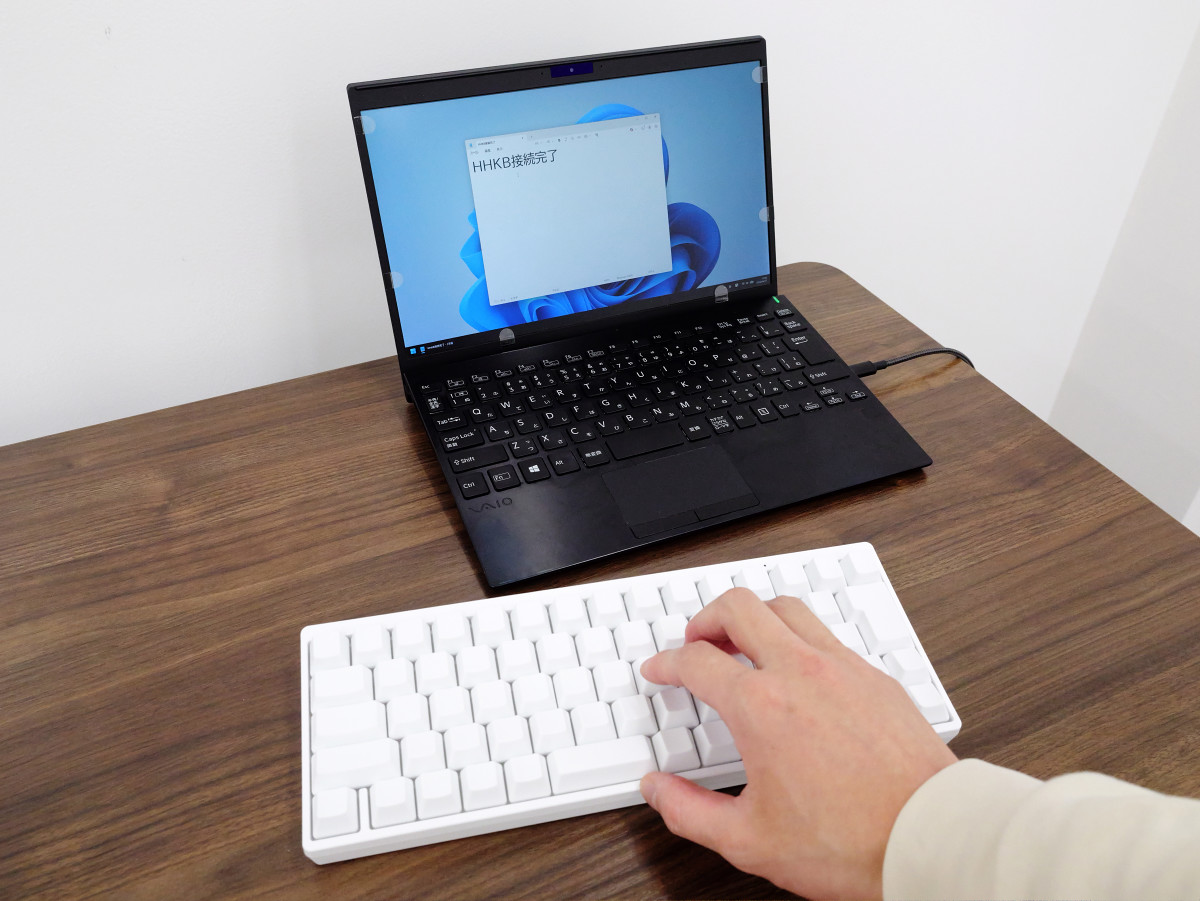
You can now enter text. From now on, you can connect via Bluetooth simply by turning on the power.
I took a video to show the sound of typing on the HHKB Professional HYBRID Type-S Yuki keyboard. It sounds more like a 'clack-clack' than a 'click-clack.' There is a consistent resistance from the start of pressing down to bottoming out, resulting in a linear typing feel.
You can freely customize the key layout using the 'HHKB Professional Keymap Change Tool' available at the following link.
Happy Hacking Keyboard | Download | PFU
https://happyhackingkb.com/jp/download/#tool
Although a software called 'HHKB Studio Keymap Change Tool (for HHKB Studio only)' is also distributed on the same page, please download the 'HHKB Professional Keymap Change Tool' instead.
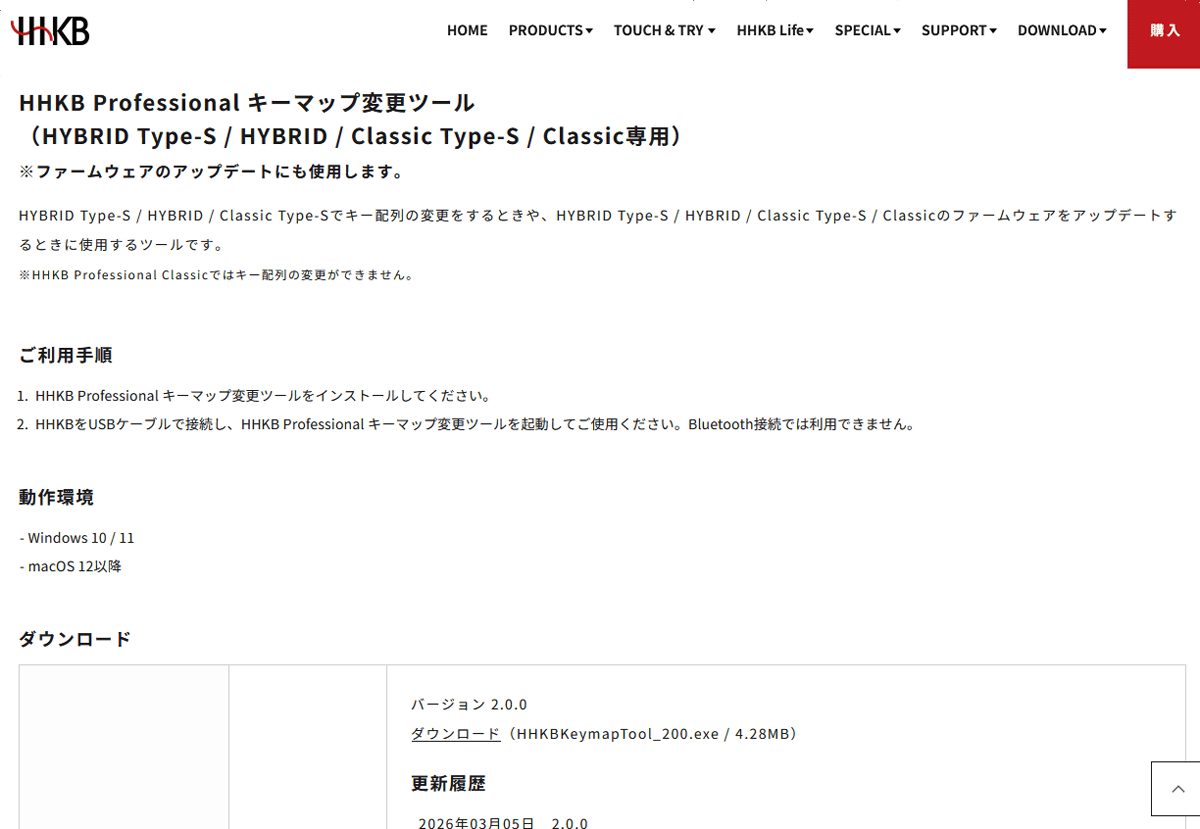
After installing the HHKB Professional key mapping tool, connect the HHKB Professional HYBRID Type-S Snow via USB.
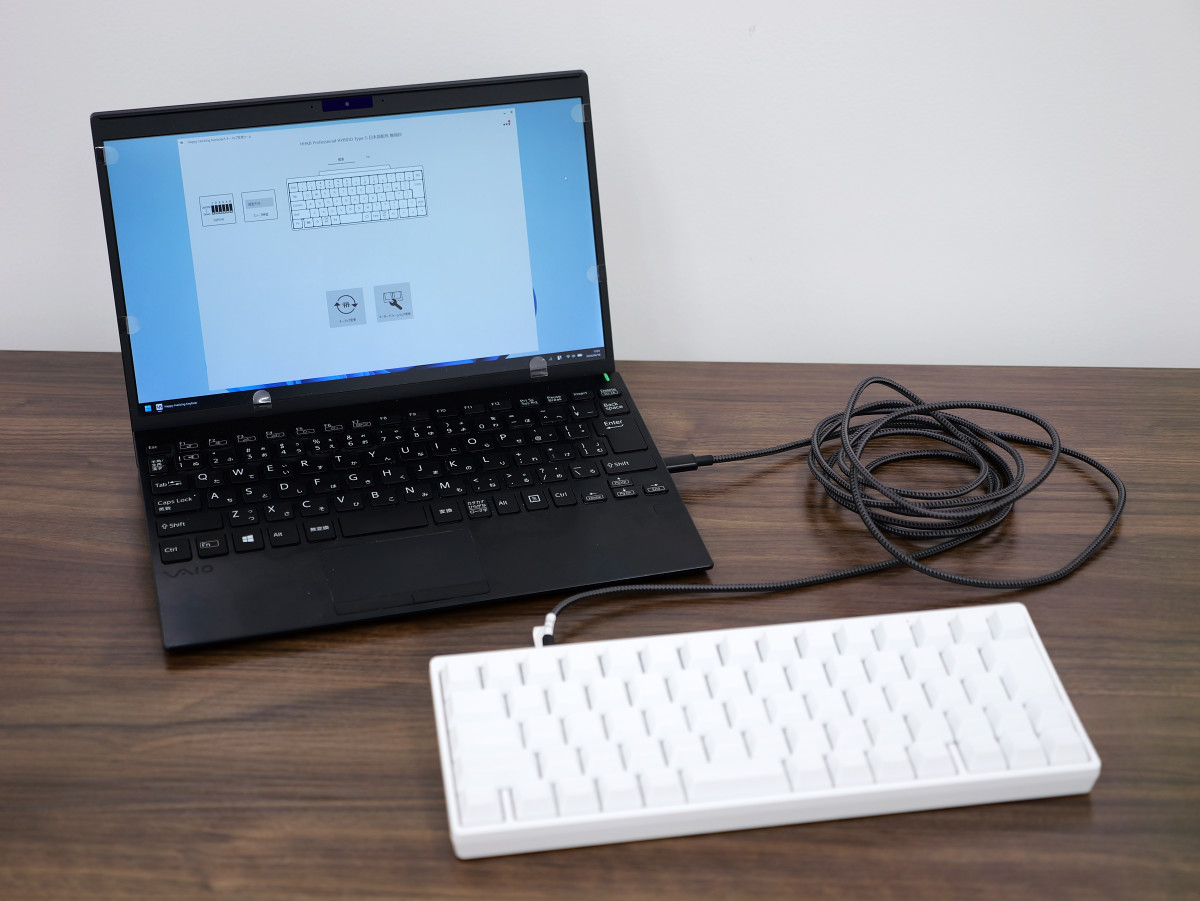
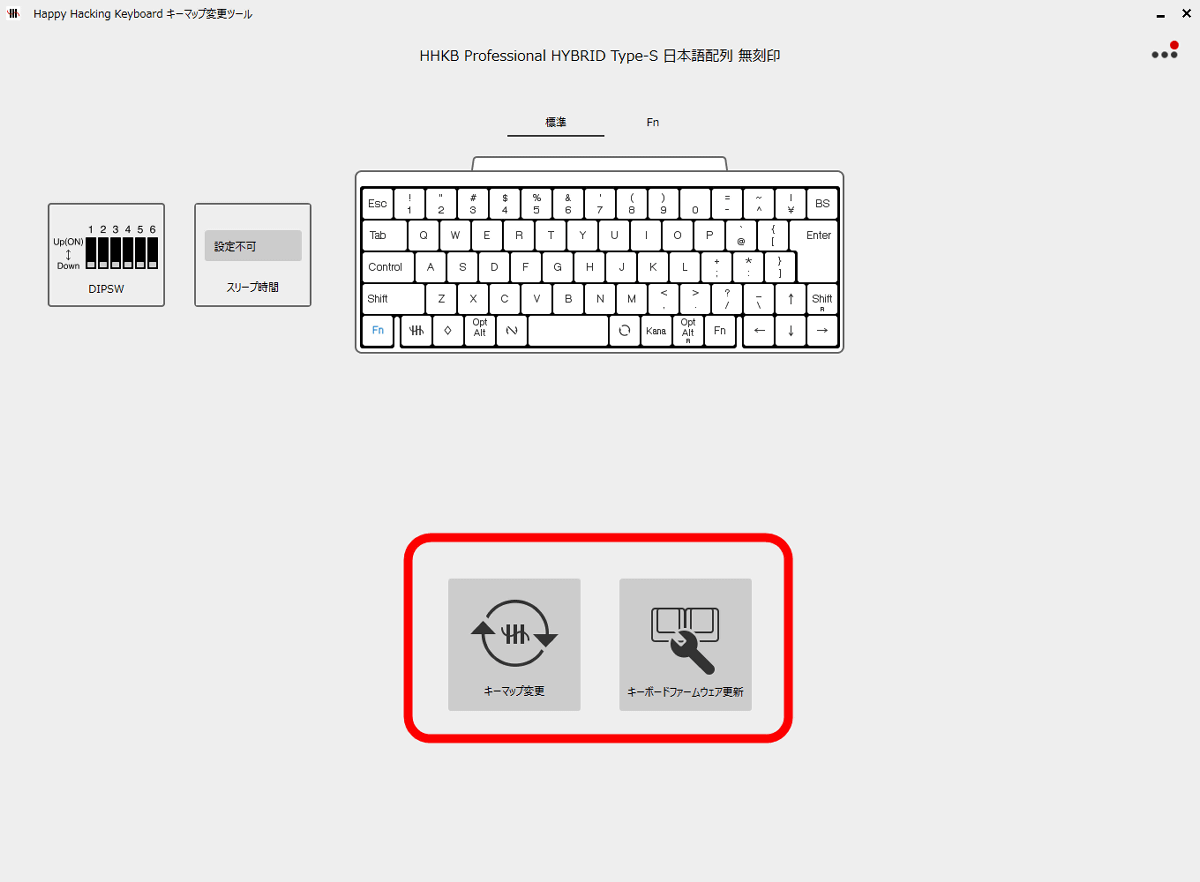
Once the connection is successful, you will be able to use two functions: 'Change Key Map' and 'Update Keyboard Firmware'.
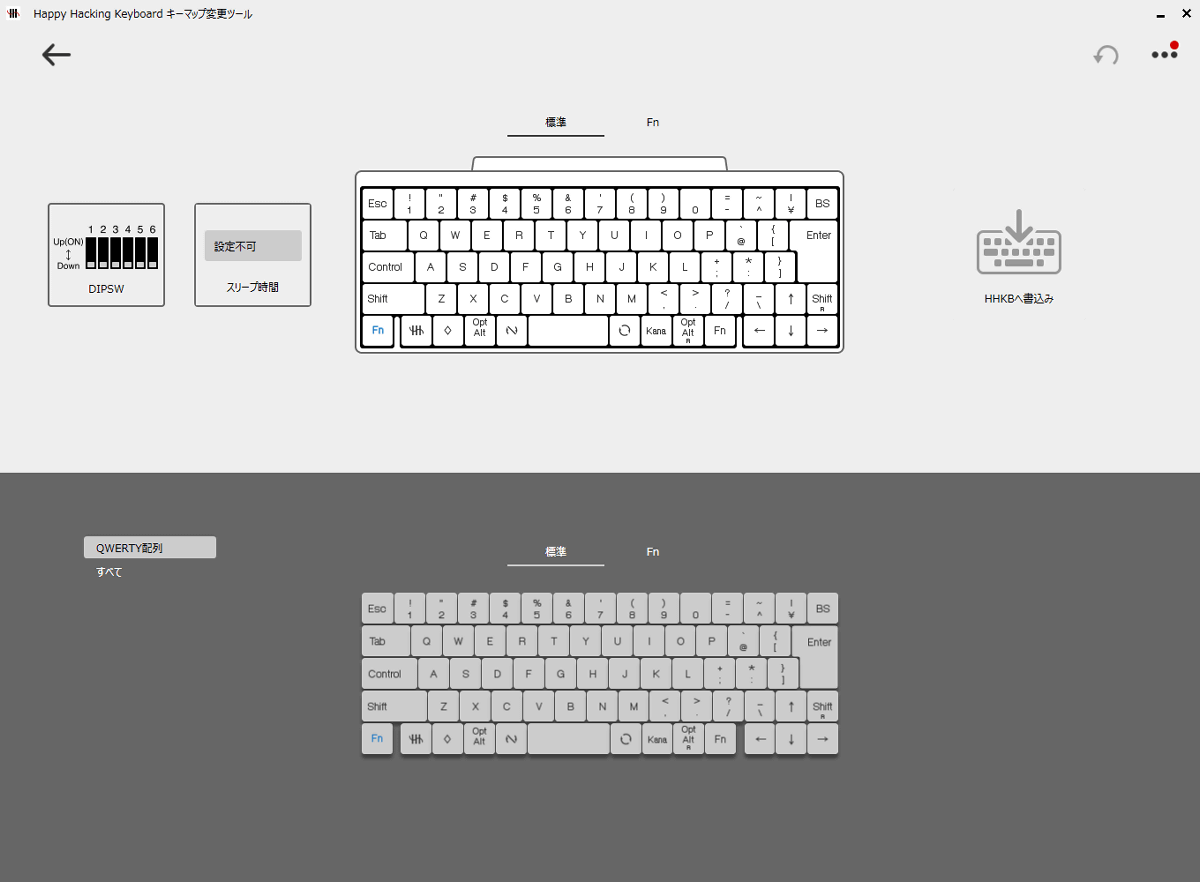
The key mapping function allows you to change the function of all keys. You can also customize the functions when combined with the Fn key.
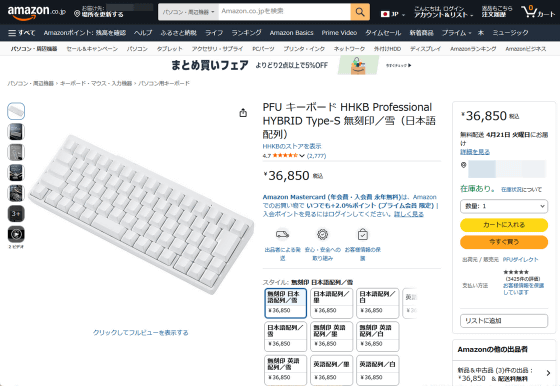
The HHKB Professional HYBRID Type-S Snow model is also available on Amazon.co.jp for ¥36,850 (tax included).
Amazon | PFU HHKB Professional HYBRID Type-S Keyboard, Blank Keycaps/Snow (Japanese Layout) | HHKB | PC Keyboards
Also, the Japanese layout, unmarked model that I tried out this time can be obtained from the giveaway article below. The application period is until 11:59 PM on Sunday, April 19, 2026.
GIGAZINE's Spring Giveaway Project: 'Answer the survey and take everything!' - GIGAZINE

Related Posts: