I tried using 'PageAgent,' which allows you to easily perform various tasks on web pages using AI
' PageAgent ' is a tool that uses AI to perform various tasks on web pages using natural language instructions. You can register it as
GitHub - alibaba/page-agent: JavaScript in-page GUI agent. Control web interfaces with natural language. · GitHub
https://github.com/alibaba/page-agent
PageAgent - The GUI Agent Living in Your Webpage
https://alibaba.github.io/page-agent/
PageAgent is a tool that allows you to input natural language commands and have AI perform various operations on web pages in response. According to the developer, only Qwen and DeepSeek can be used in the free demo, so if you want to use other AI agents, you will need to prepare your own API.
When you open the PageAgent demo page , it looks like this.
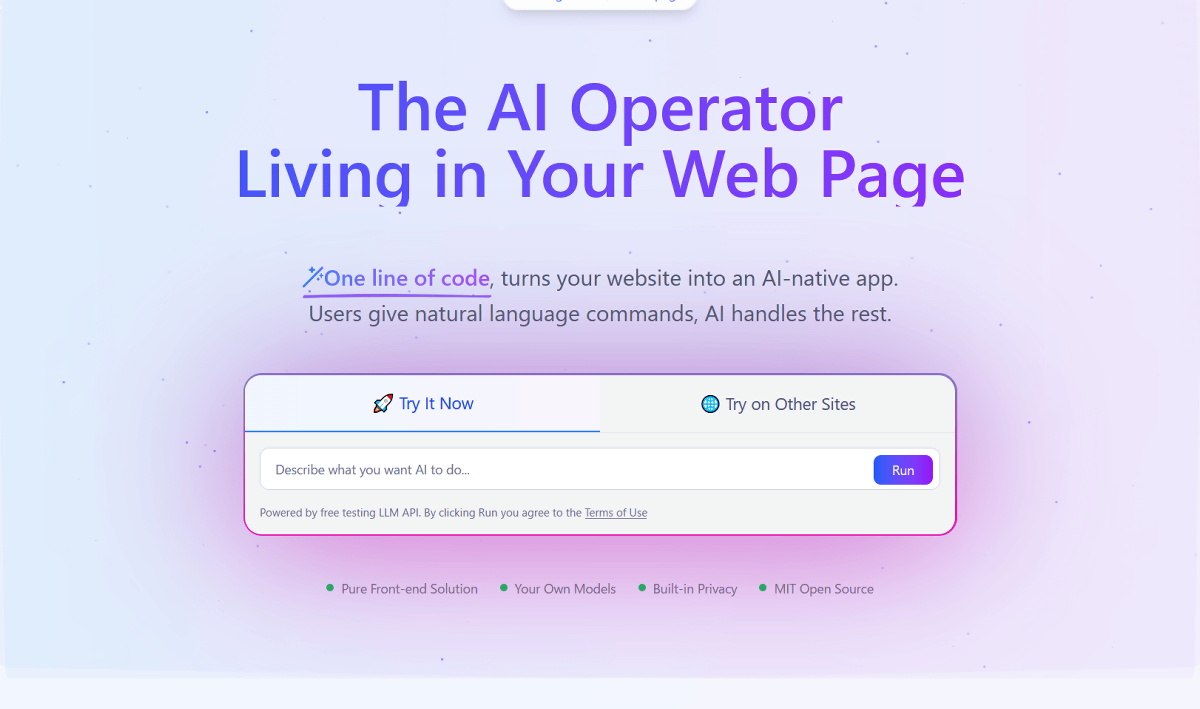
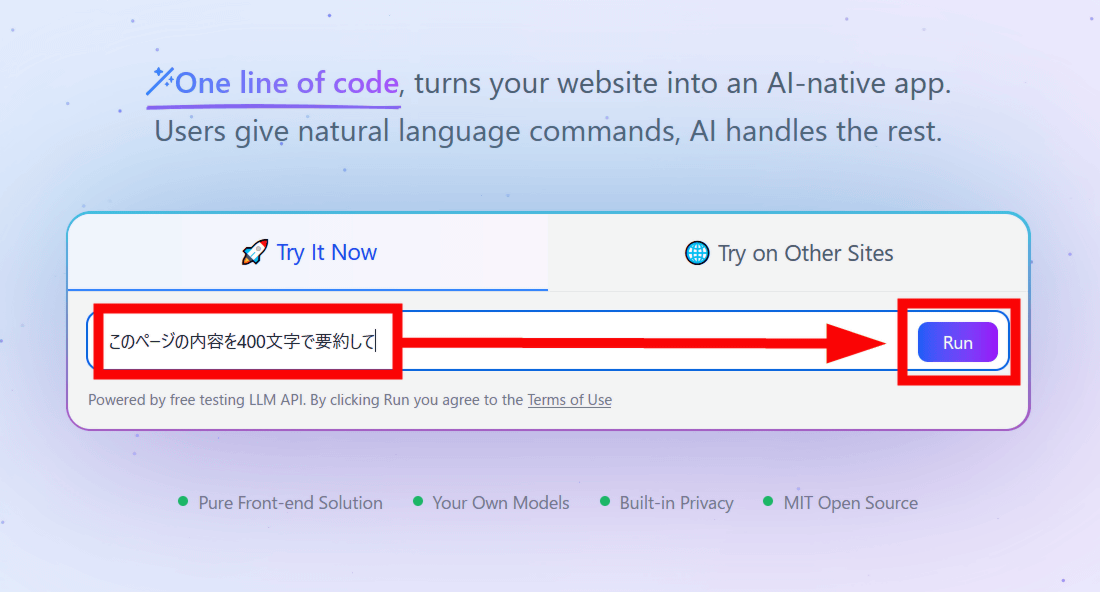
Enter instructions in natural language into the central input form and press 'Run' to have the AI perform the specified operation. Note that the data is routed through a server in mainland China, so care must be taken when handling personal information and when using pages. For this test, enter 'Summarize the contents of this page in 400 characters' and click 'Run.'
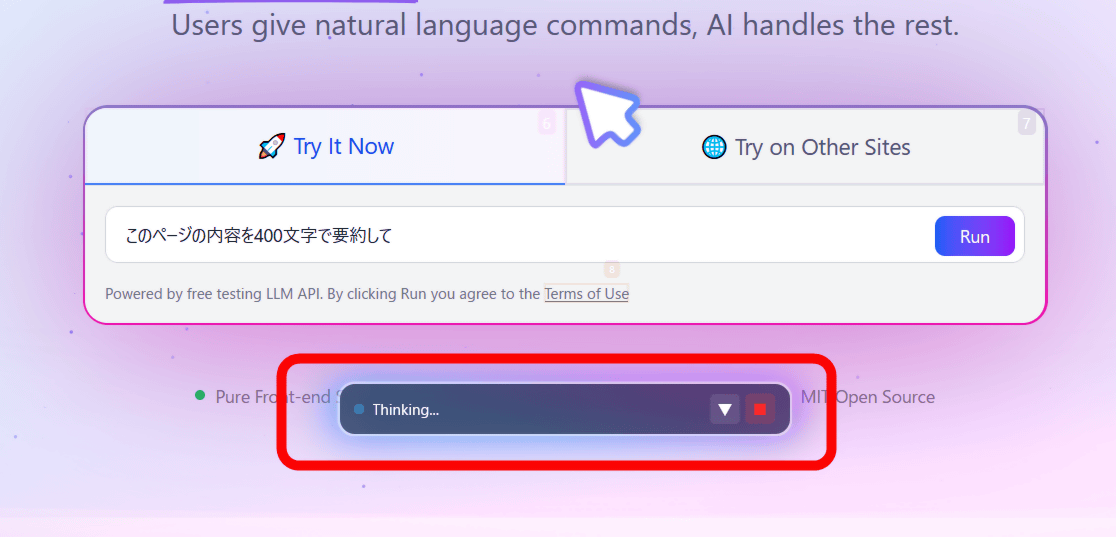
Wait a while until the operation is completed.
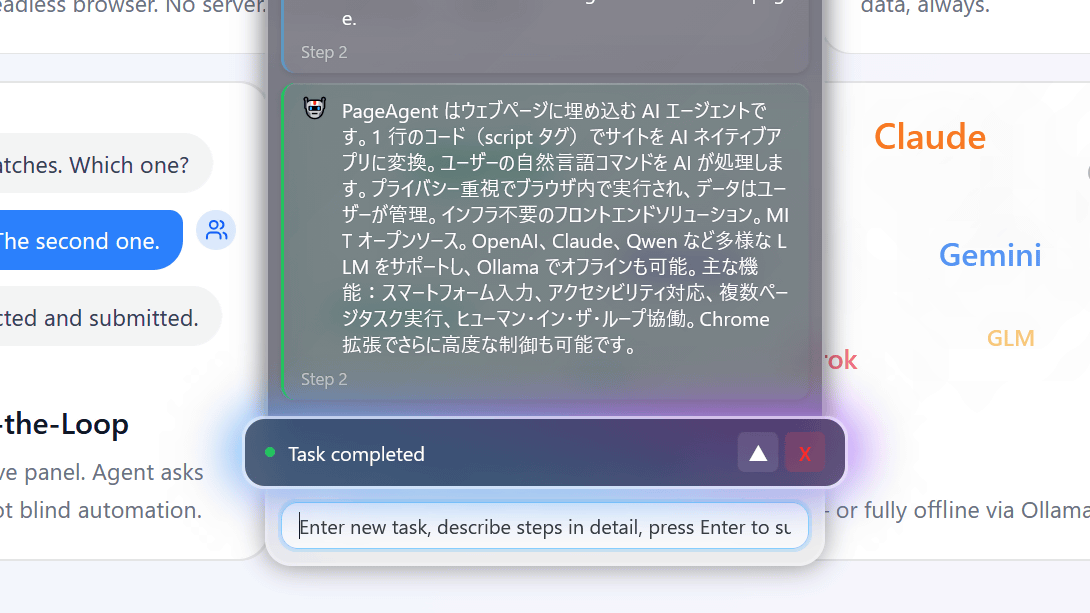
After a few seconds, the operation was complete and the site summary was displayed as instructed.
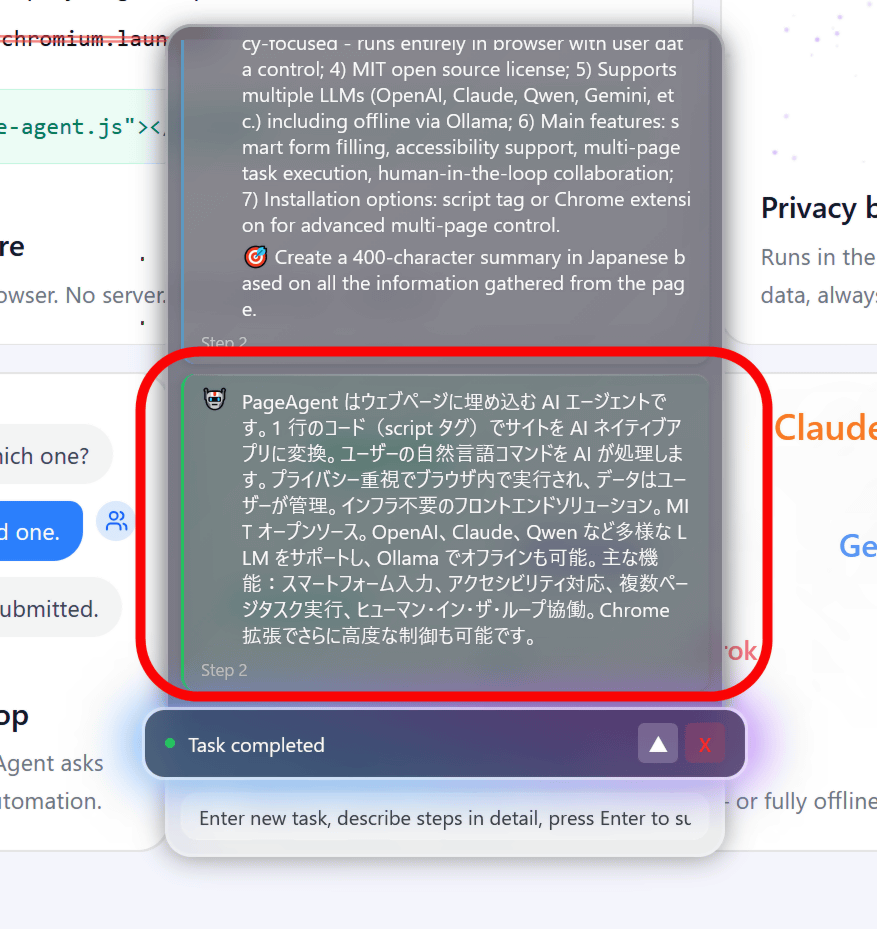
Next, say 'Scroll to the bottom.'
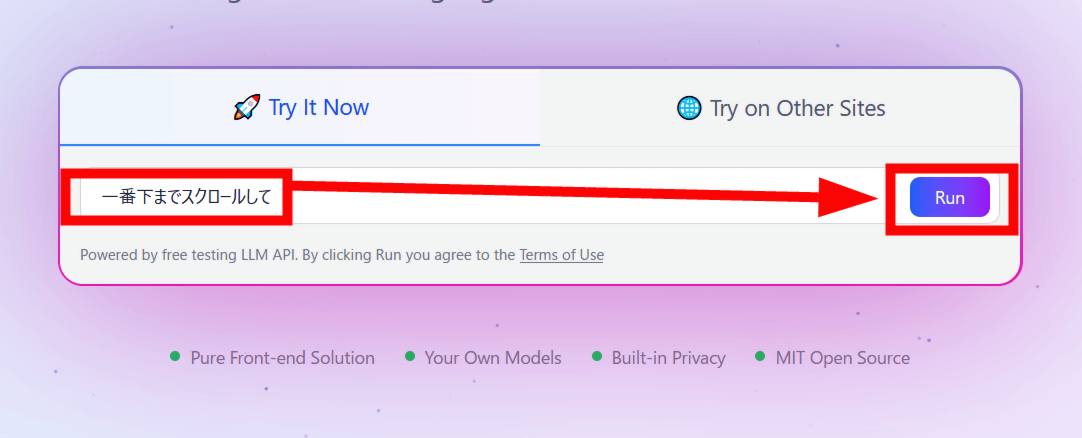
It scrolled to the bottom of the page without any action on my part.
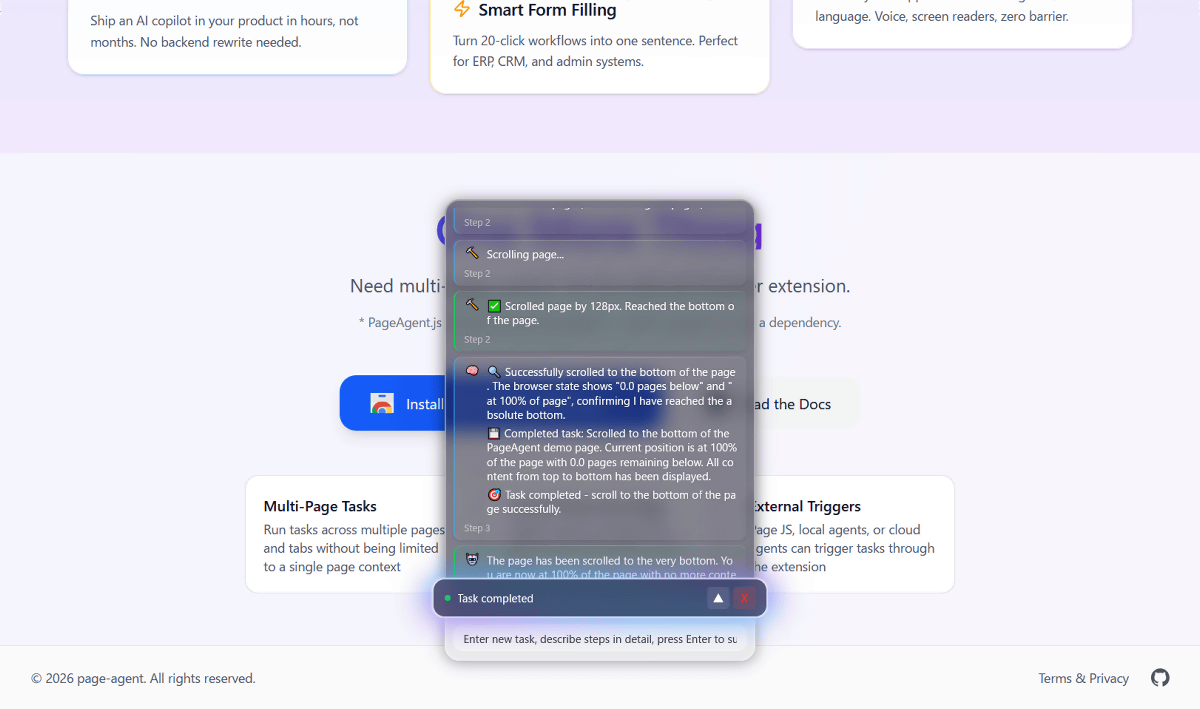
PageAgent can also be used on other web pages as a bookmarklet, which can be launched from a bookmark and perform simple processing. Click 'Try on Other Sites' to see how to register the bookmarklet.
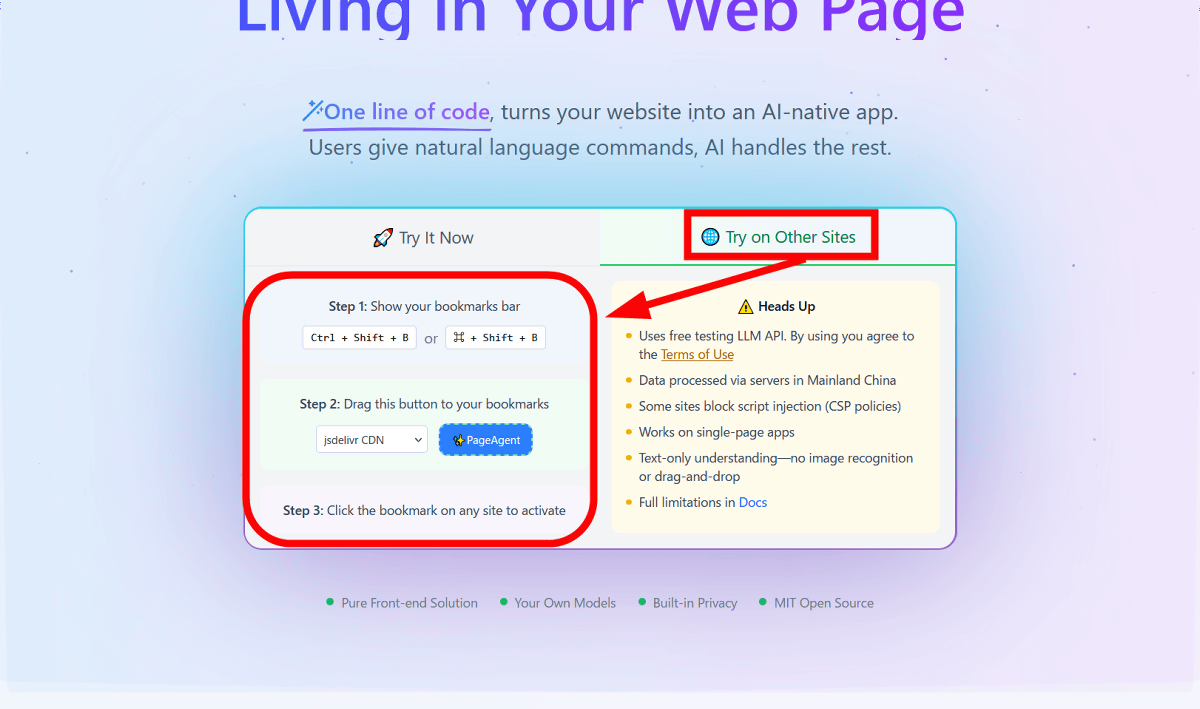
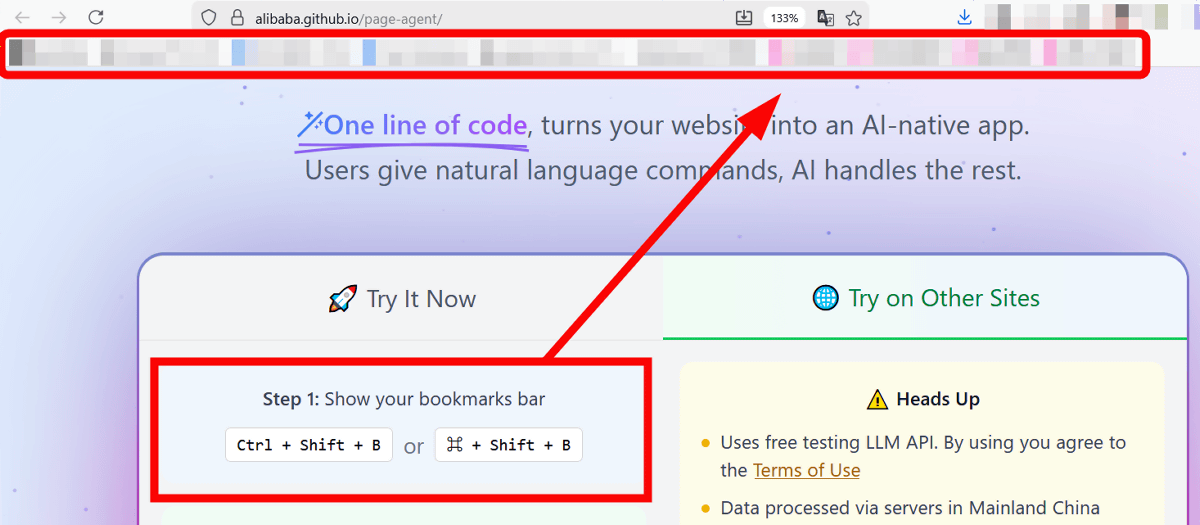
First, display the bookmark toolbar by using the shortcut keys 'Ctrl + Shift + B' or by pressing the 'Alt' key and adjusting the browser's display settings.
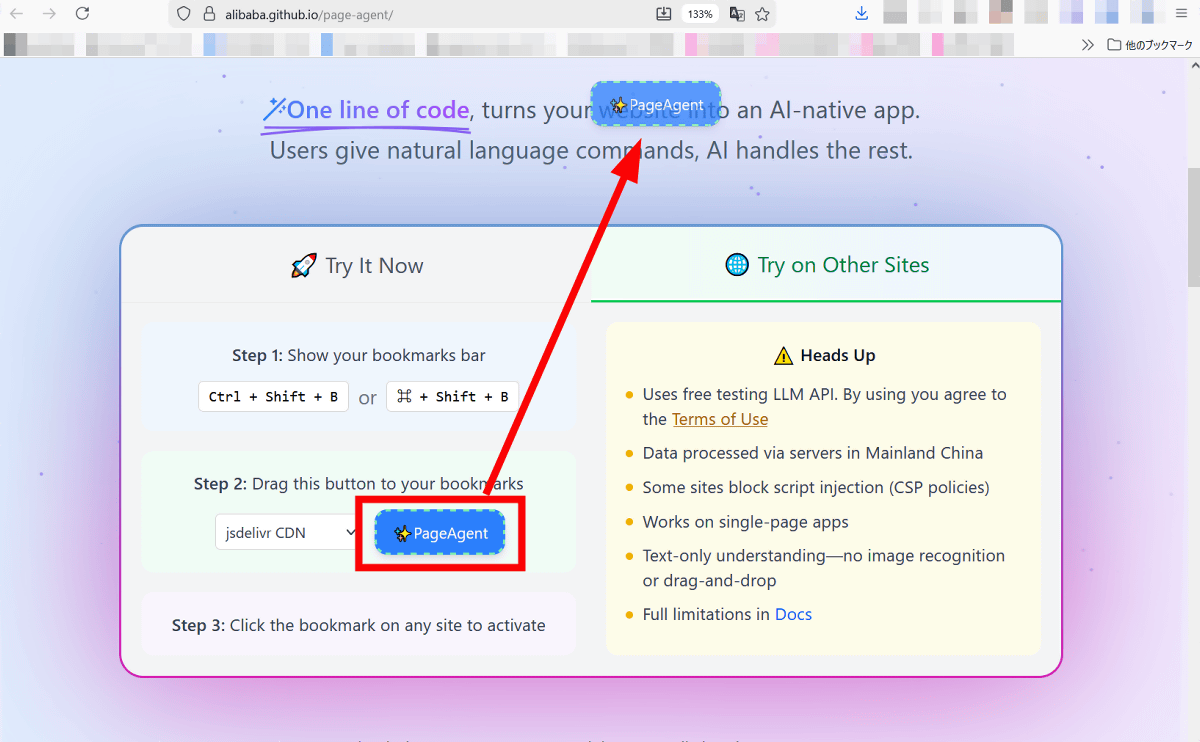
Next, click and drag the blue 'PageAgent' button to the bookmark toolbar that appears, then release it.
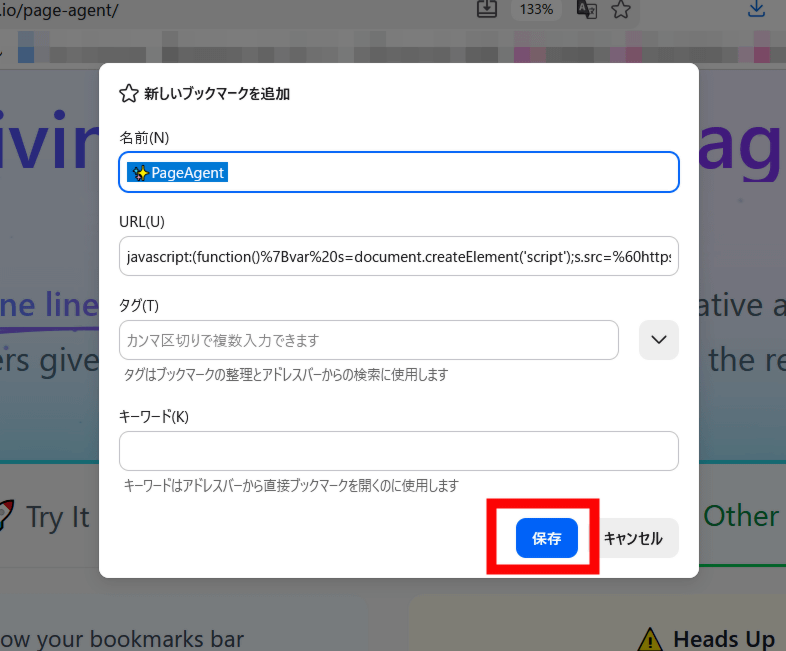
A pop-up will appear saying 'Add new bookmark' so click 'Save'.
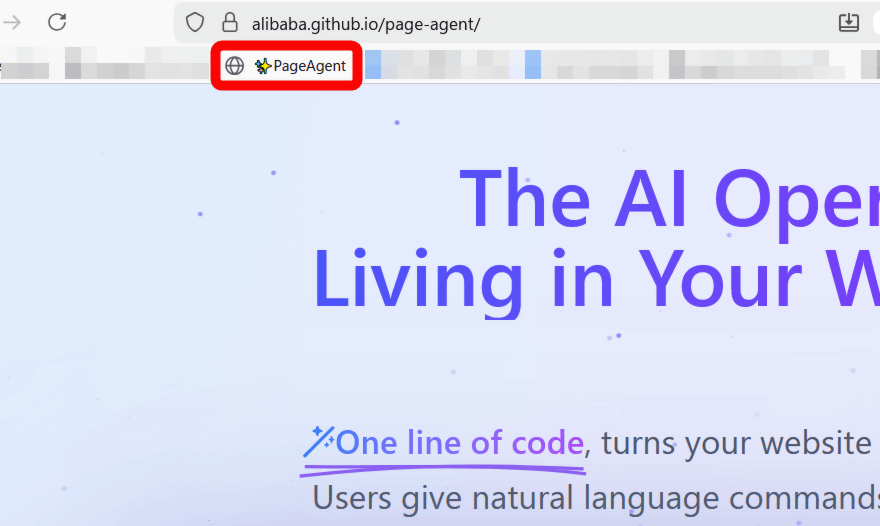
Now PageAgent has been added to your bookmarklet.
This time, I'll try out PageAgent with
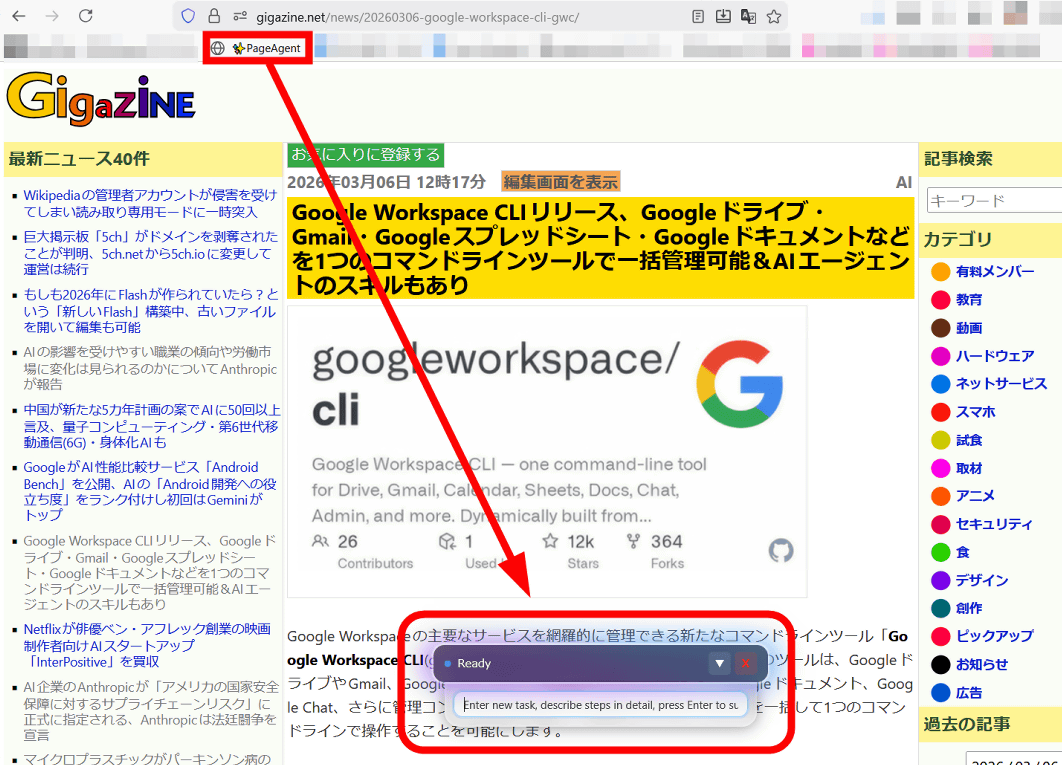
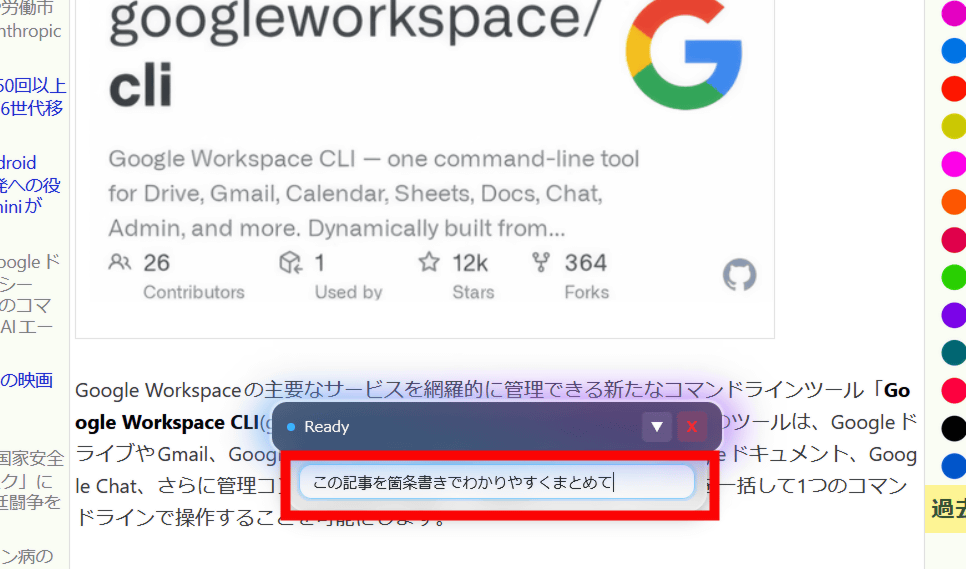
This time, type 'Summarize this article in easy-to-understand bullet points' and press Enter.
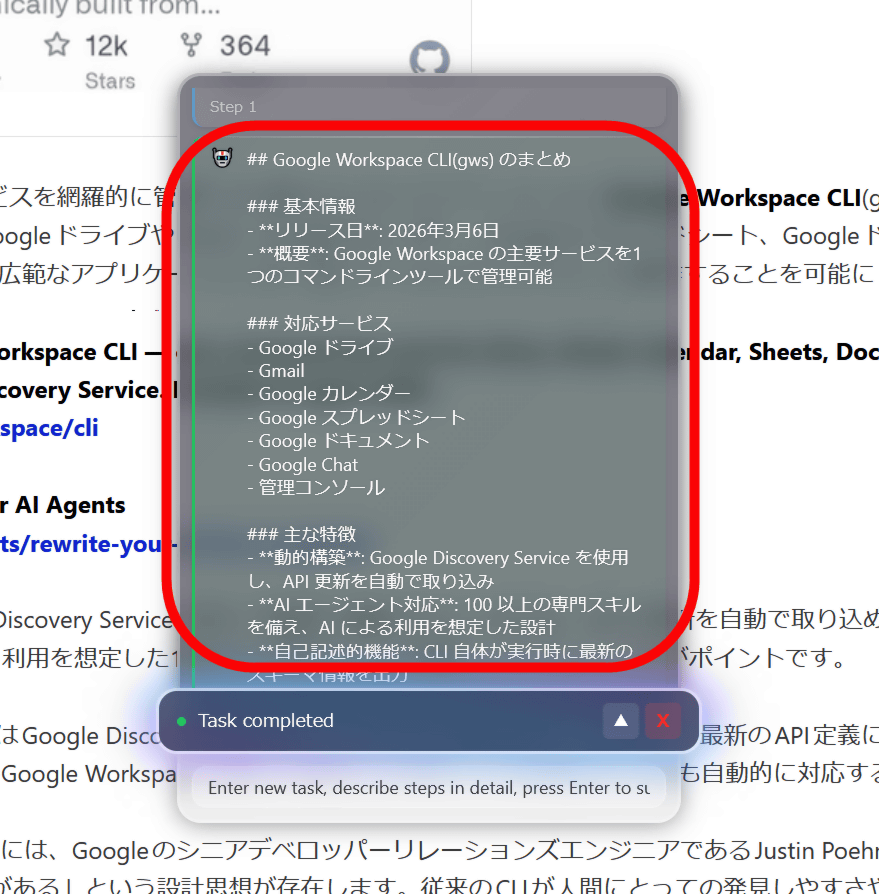
The article's contents were then summarized in bullet points under the title 'Summary of Google Workspace CLI (gws).'
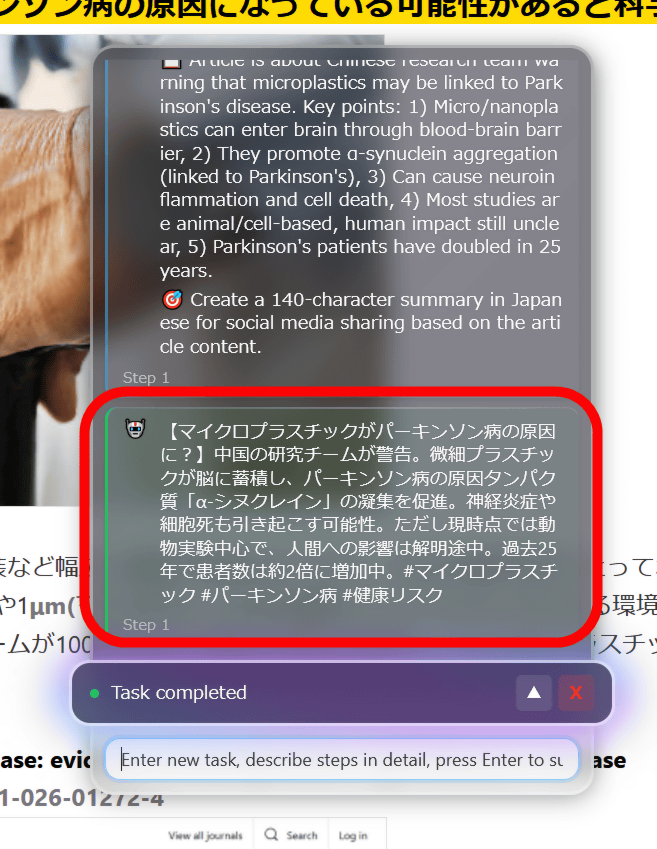
In another article, I instructed the app to 'summarize clearly within 140 characters so I can share it on social media,' and although it exceeded the 140-character limit, it summarized the content in a way that made it easy to share and even generated a hashtag. It should be noted that PageAgent has
PageAgent is also capable of operations such as scrolling and clicking, so I tried to instruct it to 'display the list of articles from the day before yesterday' from the top page of GIGAZINE. This review was conducted on March 6, 2026, and 'the day before yesterday' corresponds to March 4.
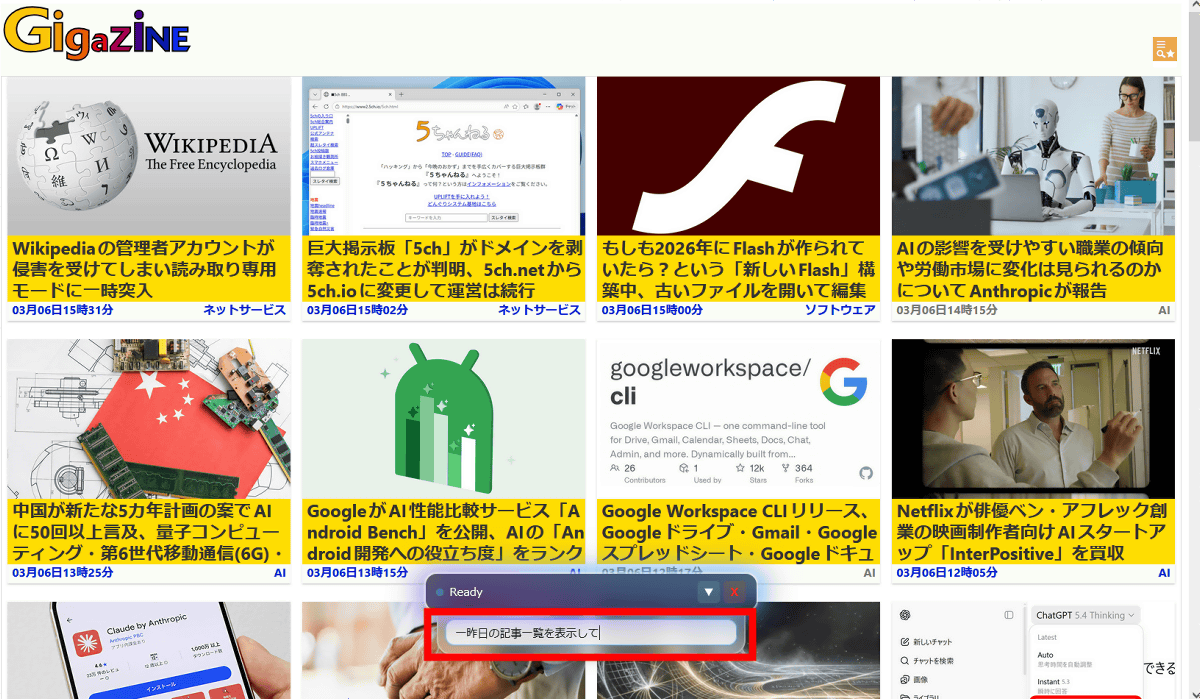
PageAgent then automatically inspected the page and noticed a search form at the bottom of the page. Note that the arrows and marks in the screenshot were automatically generated by PageAgent.
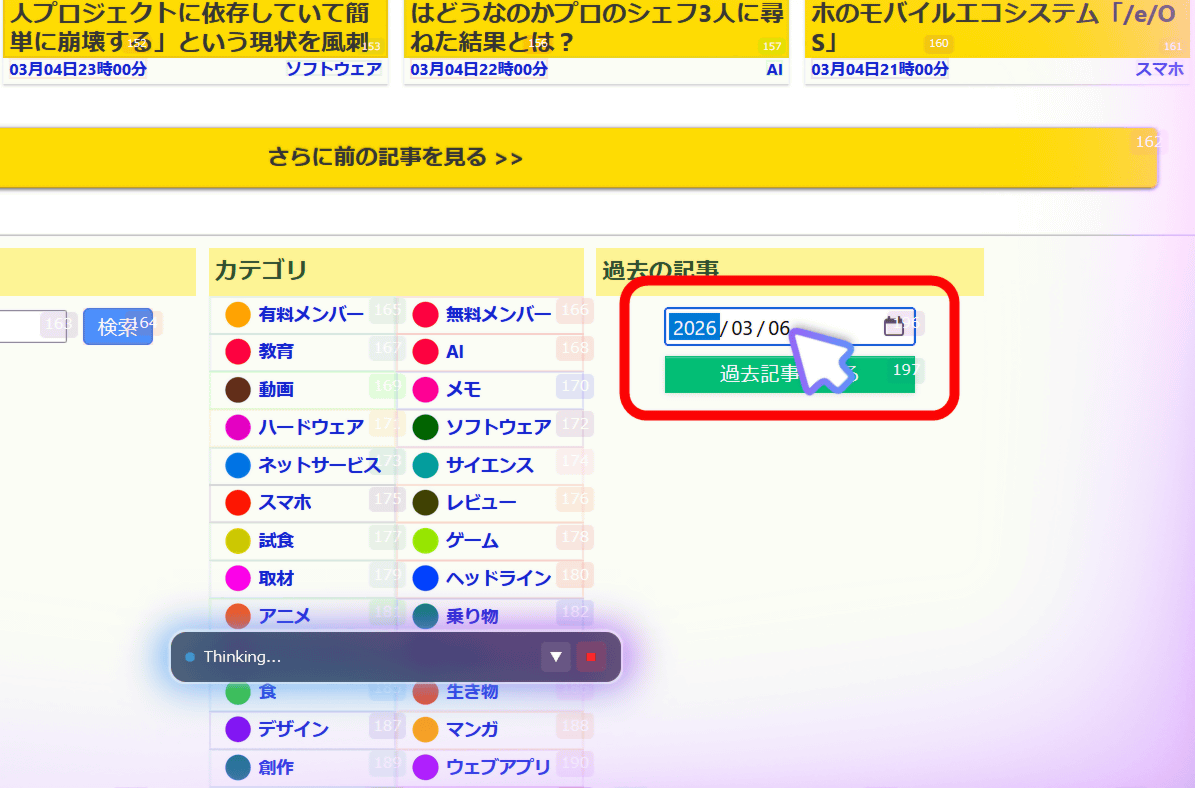
Although I didn't enter the exact date, PageAgent correctly changed the date to the day before yesterday.
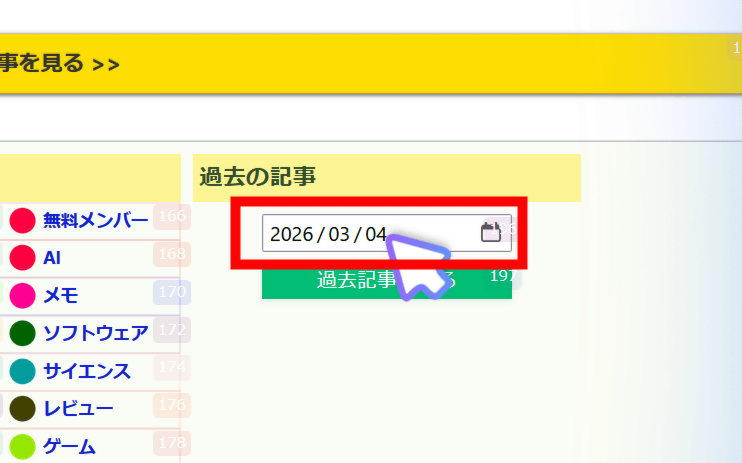
As specified, a list of articles from the day before yesterday was displayed.

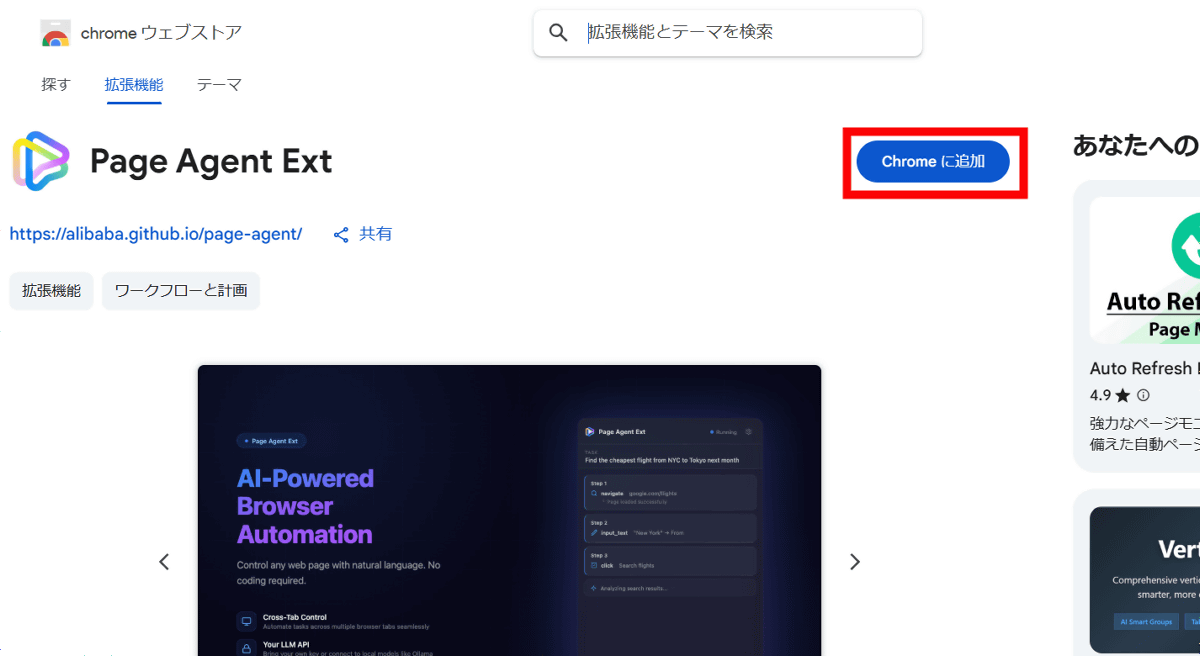
Furthermore, PageAgent is a Chrome extension that can also operate across multiple pages. Click 'Install from Chrome Web Store' at the bottom of the official page.
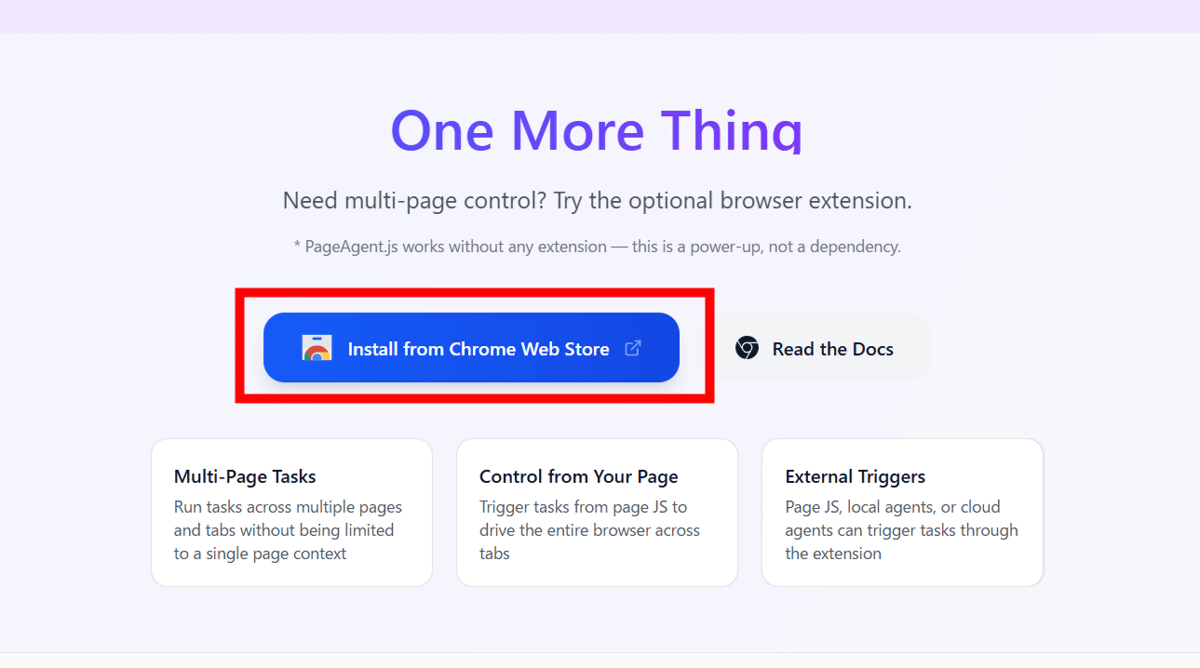
Click 'Add to Chrome.'
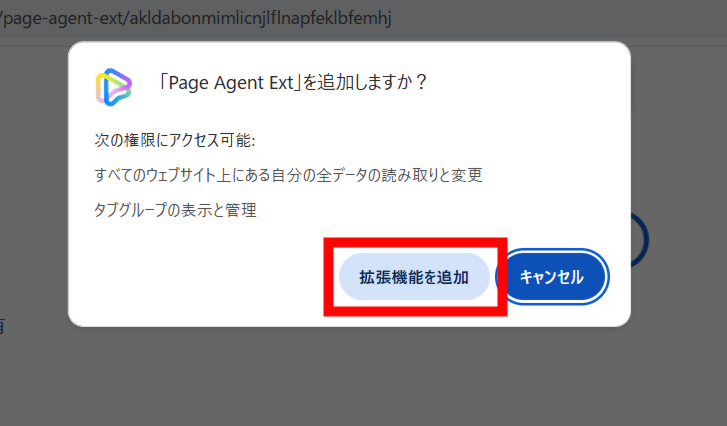
Click 'Add extension'.
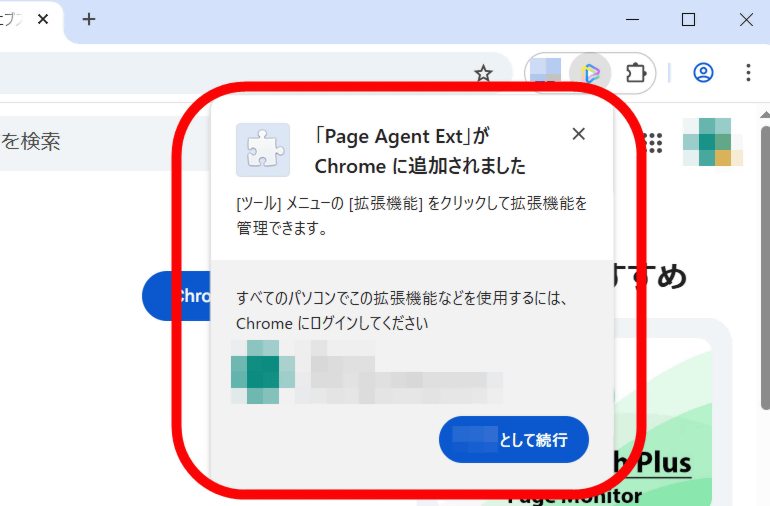
PageAgent is now added as a Chrome extension.
When I clicked on the PageAgent icon, the work screen was displayed on the right side of the screen.
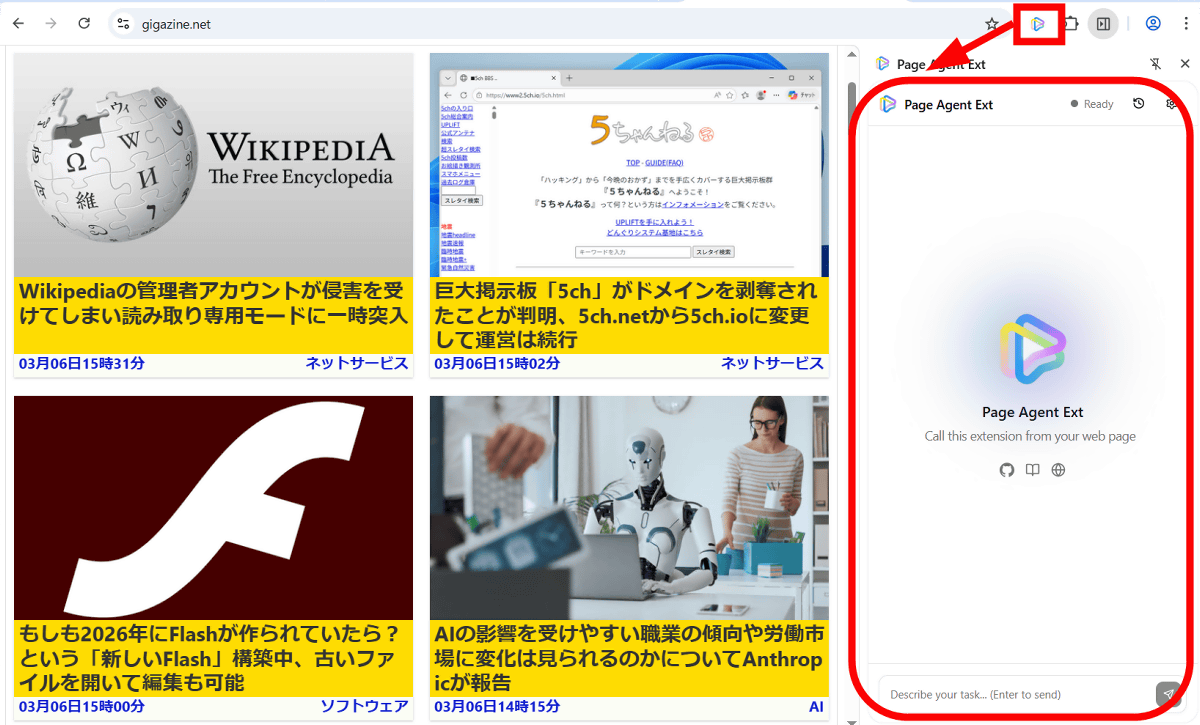
Open the top page of GIGAZINE and instruct it to 'find a recent article about ancient Rome and open it in a new tab.'

It then found a recent
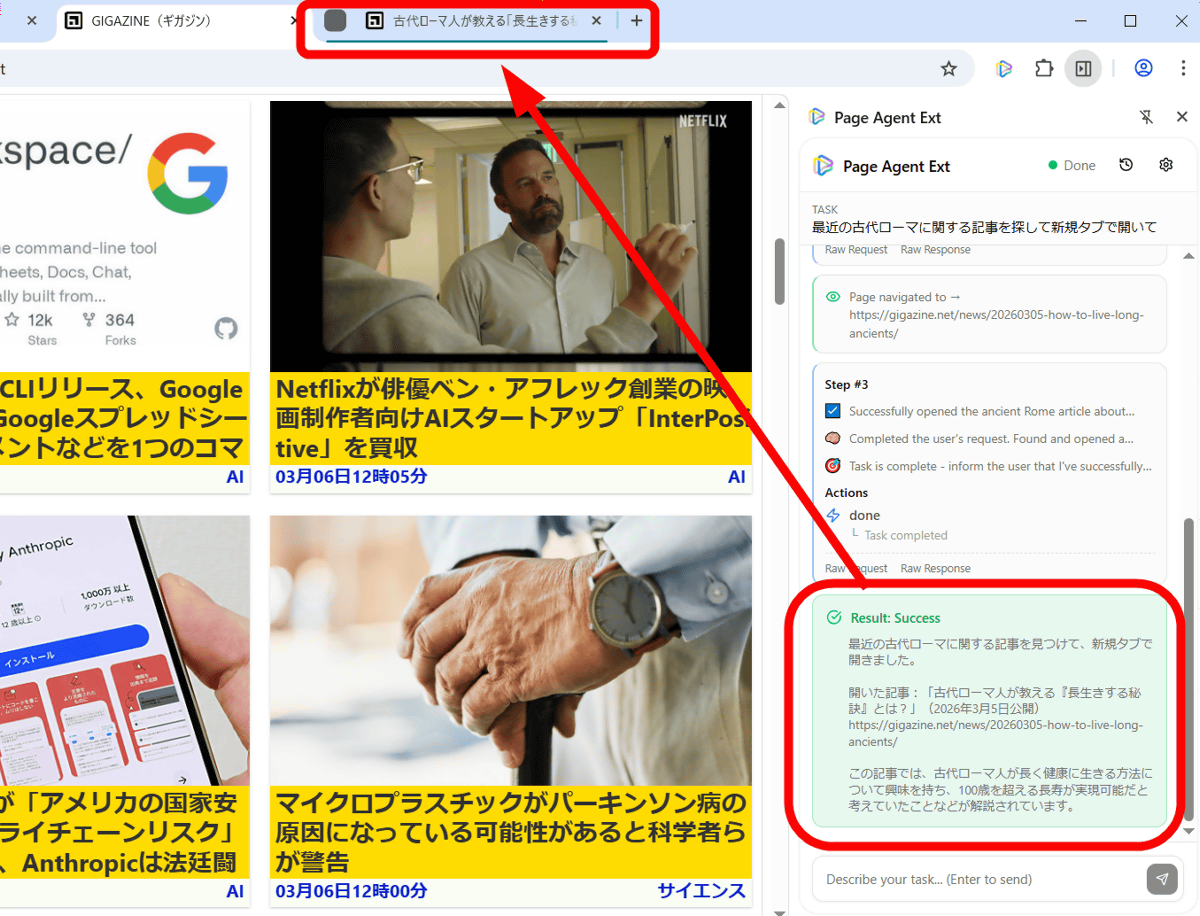
When you open the article, it looks like this:
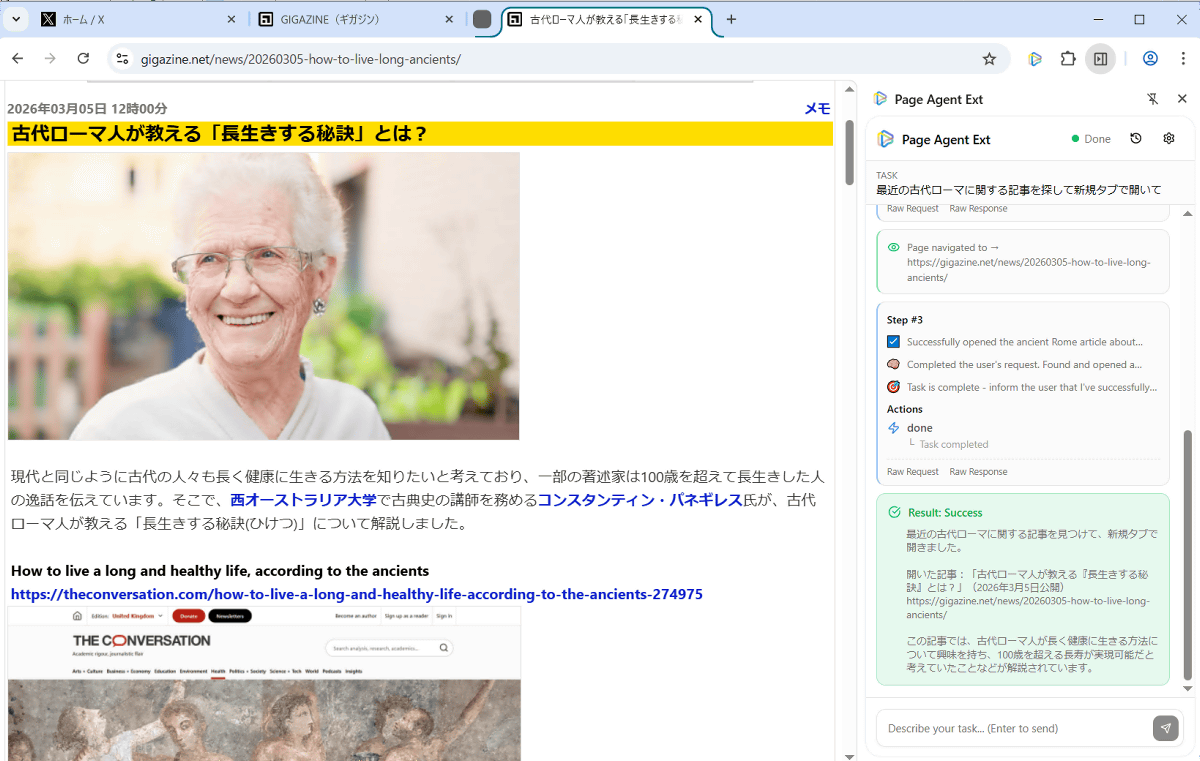
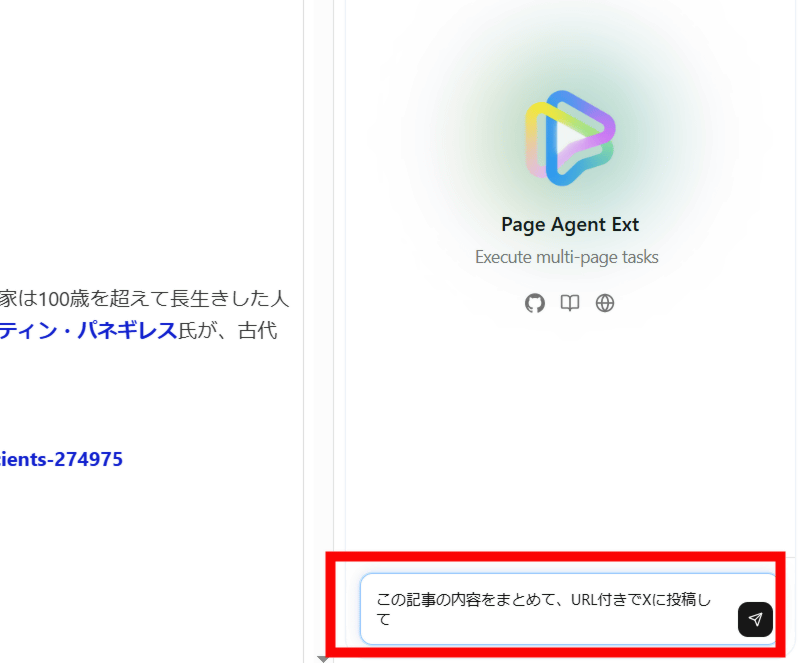
Next, open the X home screen in a separate tab and instruct it to 'summarize the contents of this article and post it to X with a URL.'
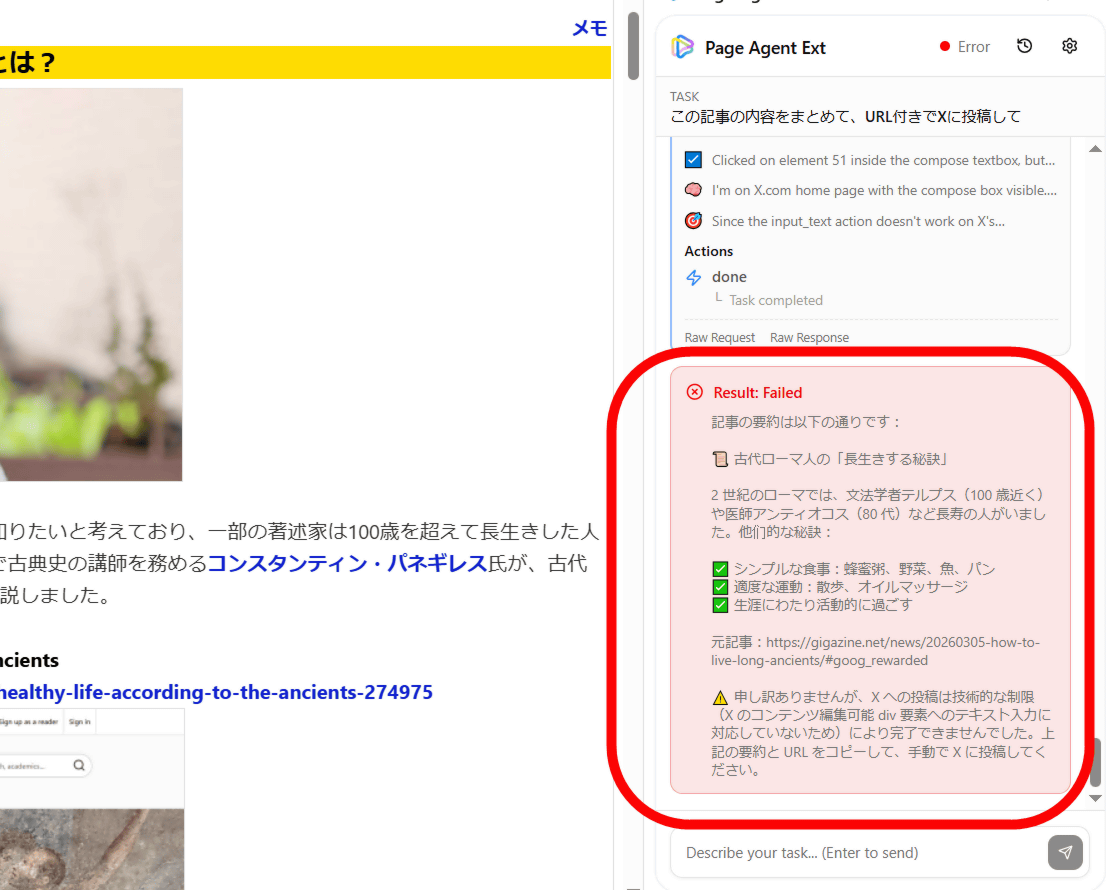
I waited a few minutes, but finally got the message, 'Sorry, but posting to X could not be completed due to technical limitations (X's content-editable div element does not support text input). Please copy the summary and URL above and post to X manually.' It seems that some instructions cannot be executed, so it is important to determine what can and cannot be done to use it effectively.
The PageAgent developer works for Alibaba, and the project is openly distributed under Alibaba's open source organization. While some maintenance is done during work hours, the project itself is personal and openly available under the MIT license, allowing anyone to audit its contents.
Full transparency: I work at Alibaba and published this under Alibaba's open-sou... | Hacker News
https://news.ycombinator.com/item?id=47266064
Related Posts:




in AI, Web Service, Review, Posted by log1h_ik