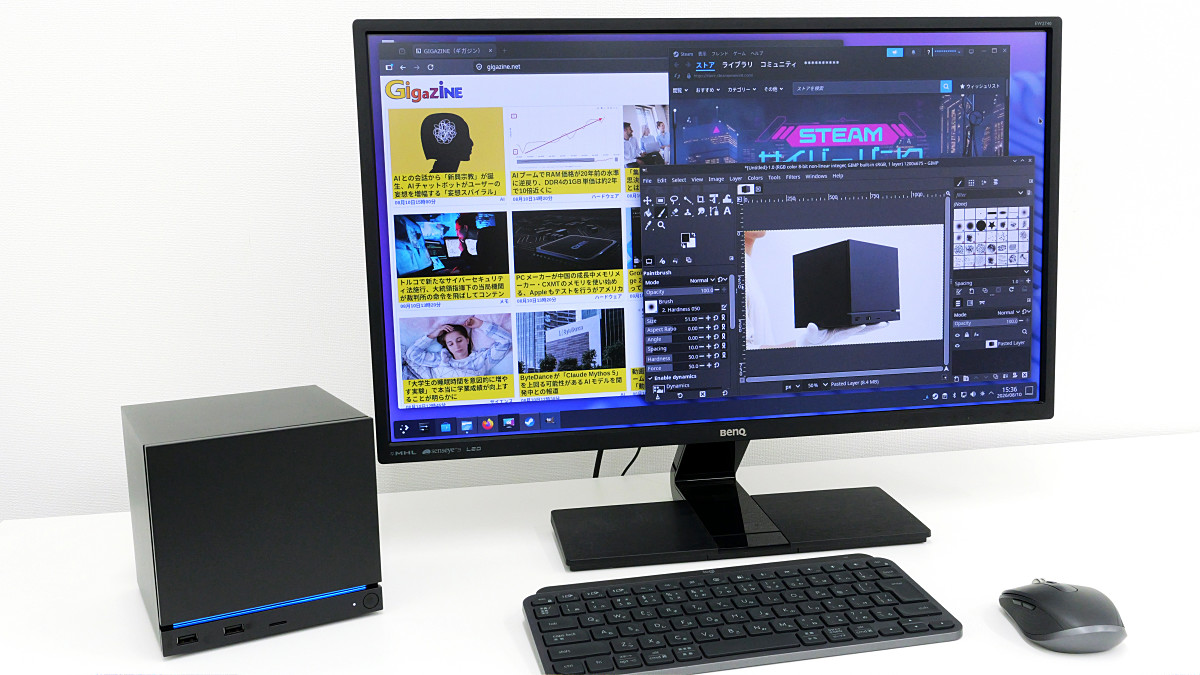
I tried using the official Steam gaming PC, 'Steam Machine,' as a Linux desktop machine. This review shows that it can run Linux applications like GIMP and Firefox.
The '
Steam Machine
https://store.steampowered.com/hardware/steammachine
Steam Machine – KOMODO STATION
https://komodostation.com/product/steam-machine_jpy/
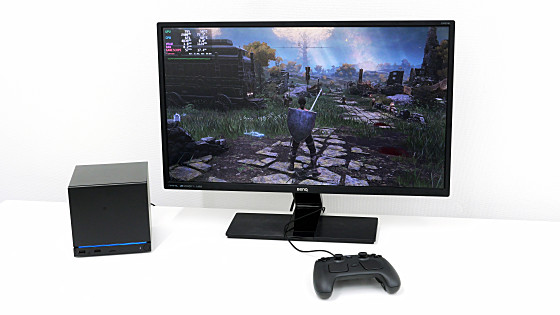
The Steam Machine is a gaming PC designed to play games from your Steam library. You can find reviews of playing games on the Steam Machine at the following link. This time, I'll try using it as a PC in desktop mode.
I tried setting up 'Steam Machine' and playing games - Review - GIGAZINE
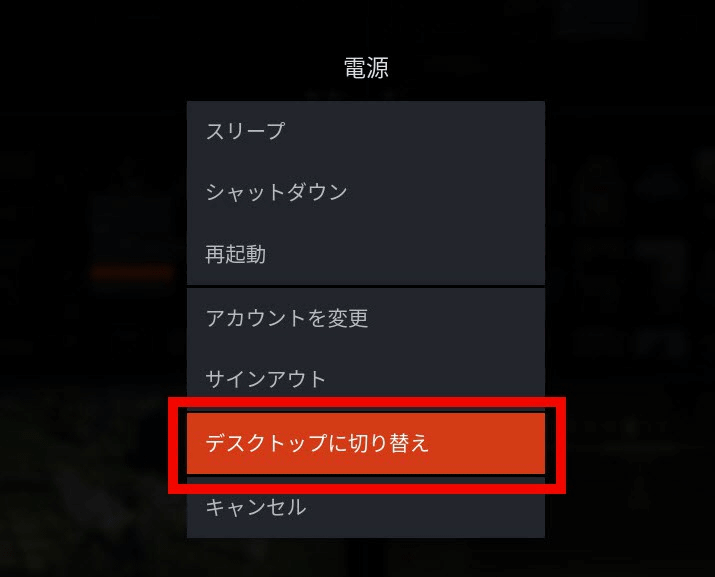
To switch to desktop mode, open the Steam menu and click 'Power'.

Click 'Switch to Desktop'.
After waiting a few seconds, the desktop screen will appear as shown below. The OS is not Windows, but 'Steam OS,' which is based on Arch Linux. While 'Linux-based OS' might sound complicated, Steam OS features a desktop environment called KDE Plasma, allowing you to use it with a mouse and keyboard for a Windows-like user experience.
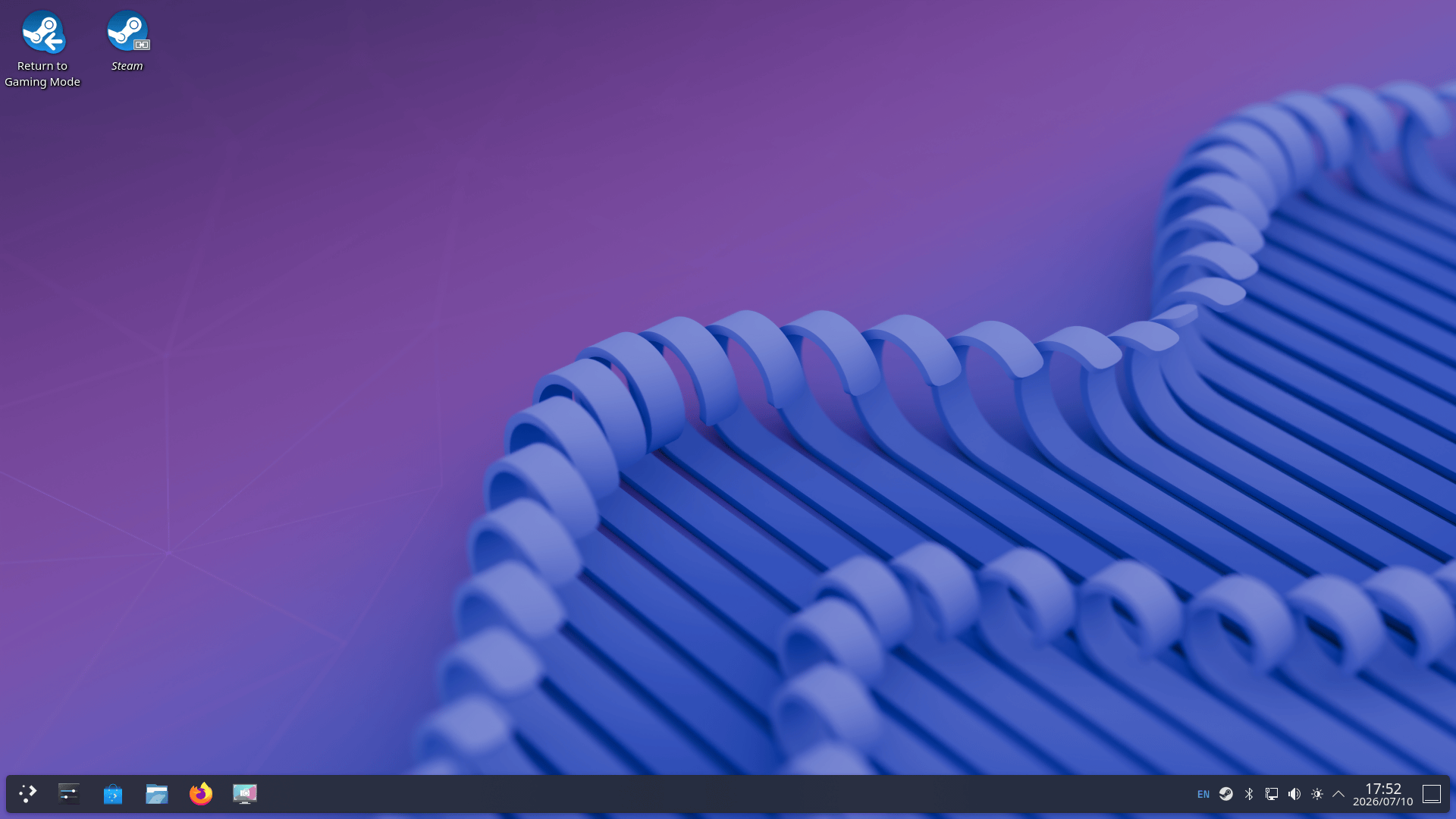
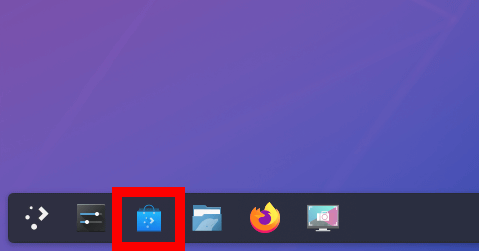
You can install various apps from the app store called 'Discover'. To launch Discover, click the button enclosed in the red box on the taskbar.
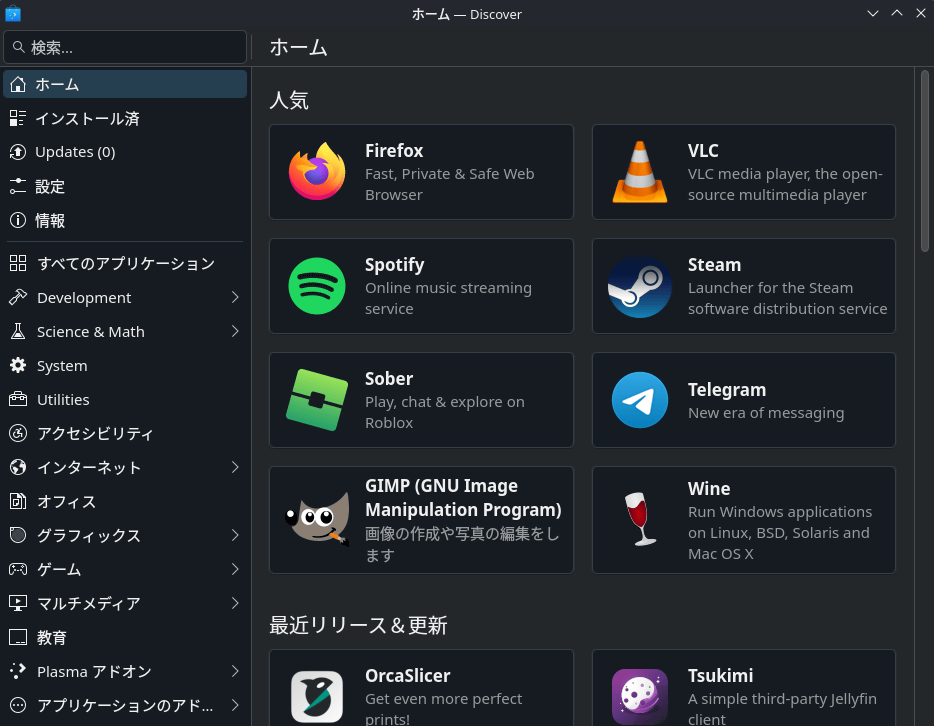
This is the Discover home screen. It features a wide variety of apps, including the web browser 'Firefox,' the media player 'VLC,' the music app 'Spotify,' and the image editing app 'GIMP.'
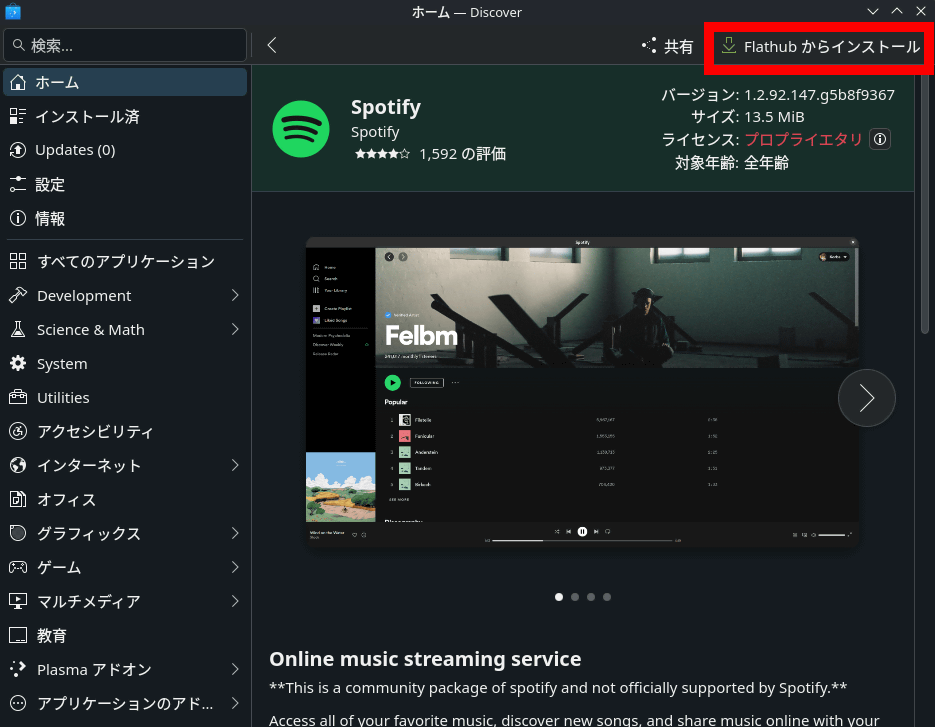
You can install an app by opening its individual page and clicking 'Install from Flathub' in the upper right corner of the screen.
This is what it looks like when you launch Firefox and open GIGAZINE.
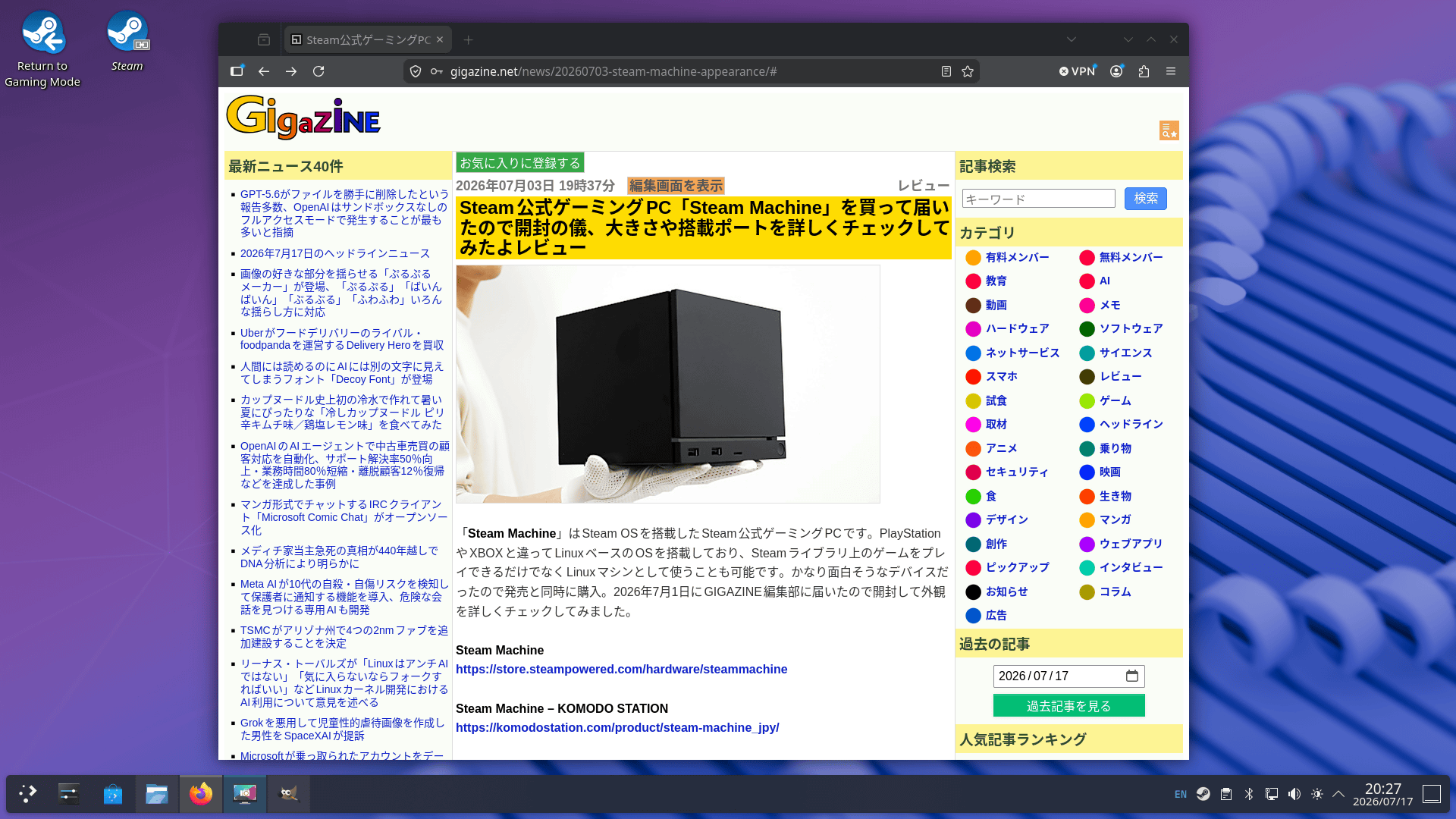
You can also edit images with GIMP. Since you can use a browser and image editing apps, you can perform operations such as 'taking screenshots during gameplay, editing those screenshots, and posting them on a game blog' all on a single Steam Machine.
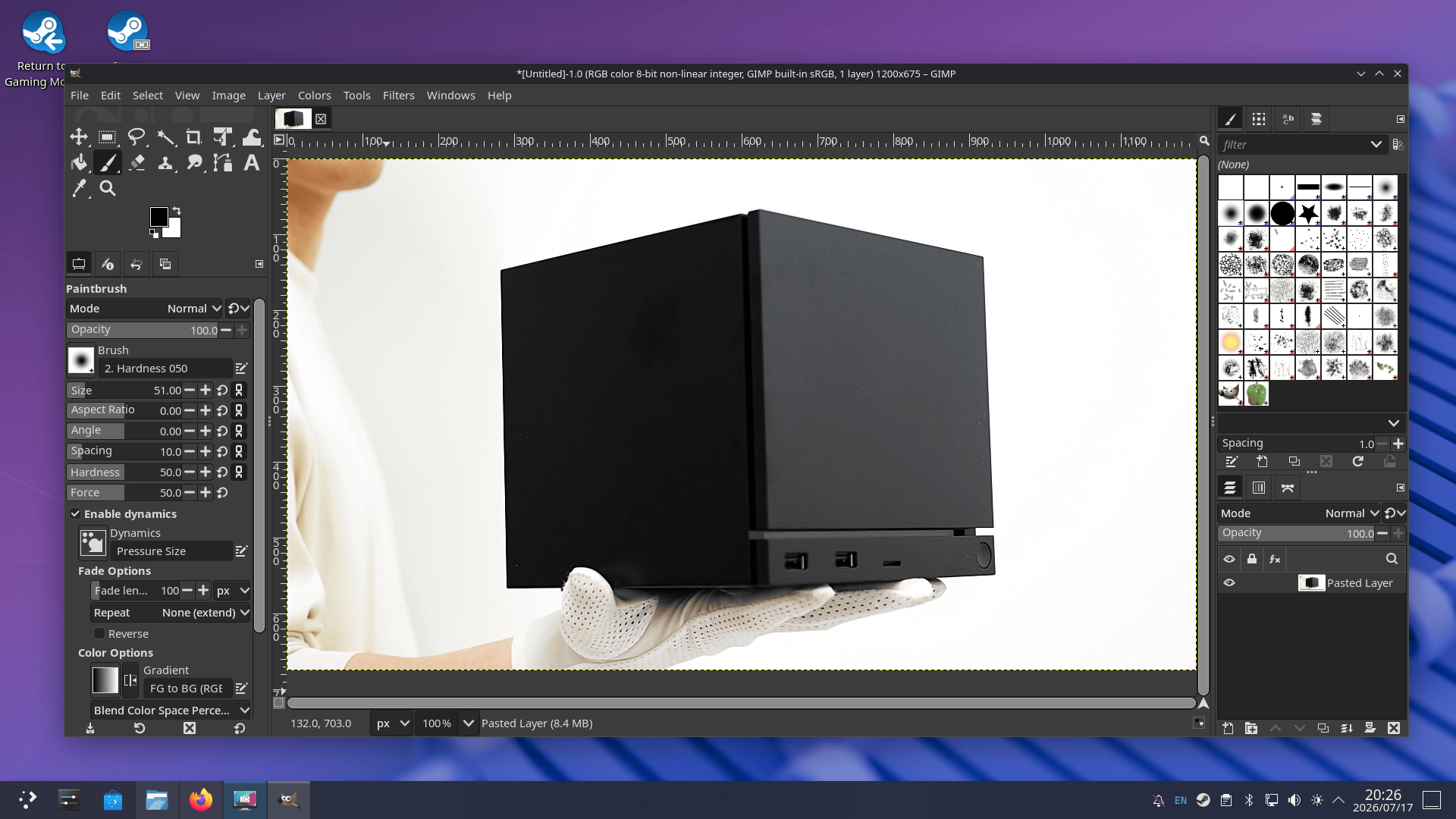
I used the Linux version of the benchmark test app '
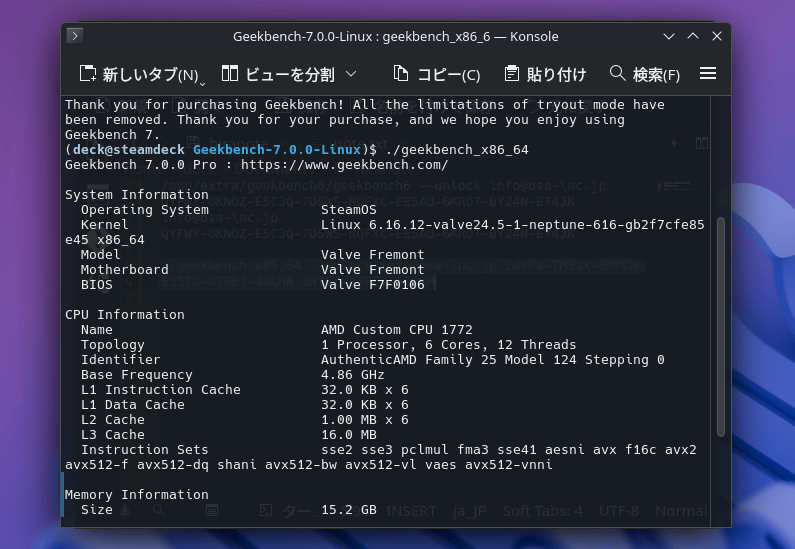
The system information looks like this. The CPU is an 'AMD Custom CPU 1772' with 6 cores and 12 threads, and the memory capacity was recognized as 15.23GB.
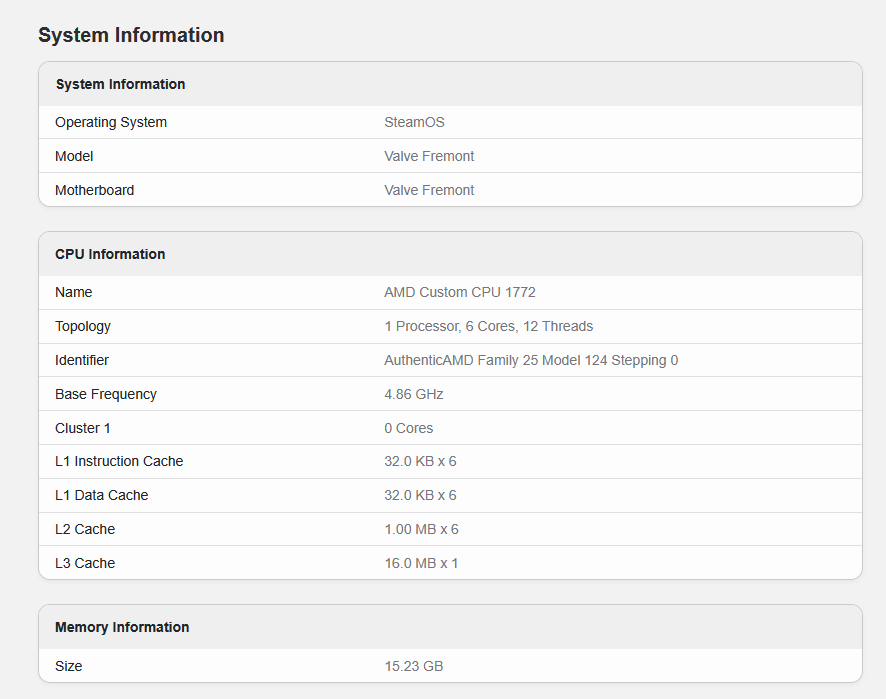
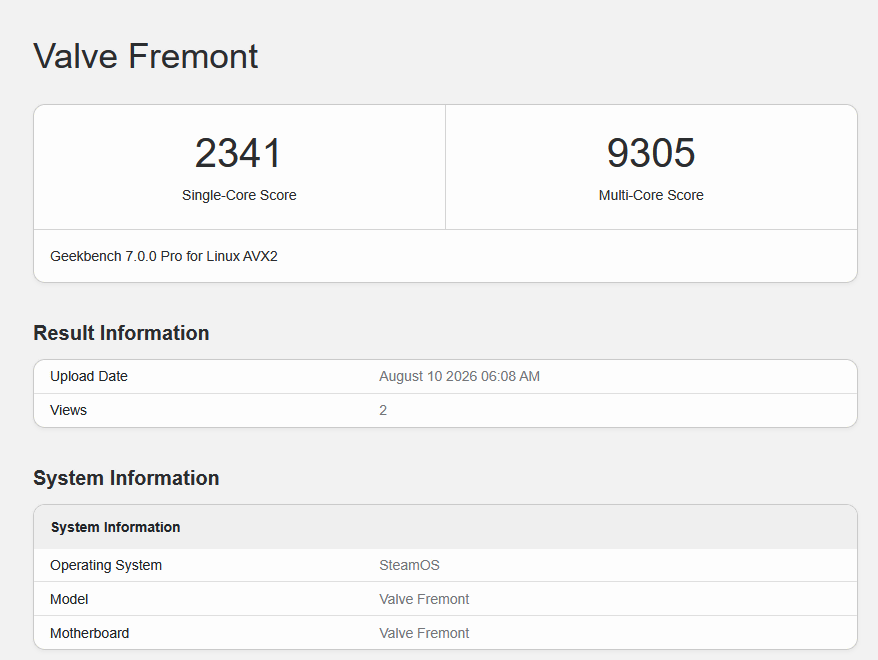
The benchmark results are as follows: The CPU single-core score was 2341, and the multi-core score was 9305.
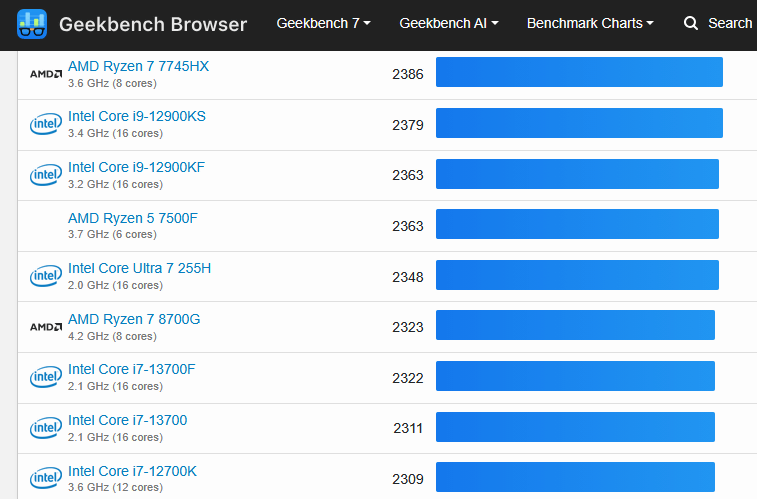
The single-core score is comparable to the AMD Ryzen 7 8700G and Intel Core Ultra 7 255H.
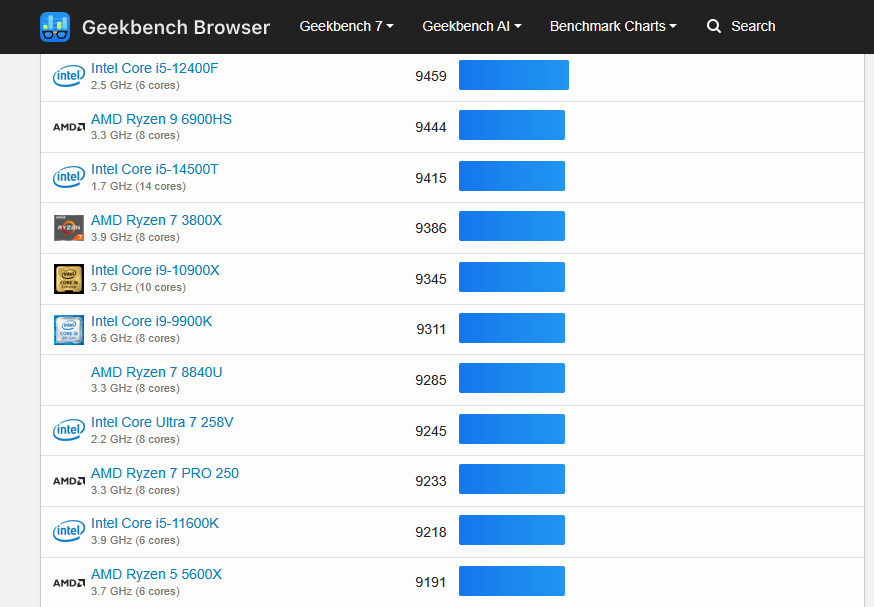
The multi-core score is comparable to that of the AMD Ryzen 7 8840U and Intel Core i9-9900K.
Steam OS is an Arch Linux-based OS, and you can install Arch Linux packages using the package manager 'Pacman' by running the following command. However, according to the official help , apps in formats other than Flatpak may be removed during OS updates.
[code]passwd
sudo steamos-readonly disable
sudo pacman-key --init
sudo pacman-key --populate archlinux
sudo pacman-key --populate holo[/code]
Related Posts: