Testing is underway to run Linux GUI apps on Android

Android has a 'Linux Terminal' feature for developers, and it has been revealed that the new Android test version, '
You can finally run Doom and other graphical apps in Android's Linux Terminal - Android Authority
https://www.androidauthority.com/linux-terminal-graphical-apps-3580905/
The Linux terminal itself can be used on current Android smartphones. The steps to use it on a Pixel 9 Pro XL with Android 15 are as follows:
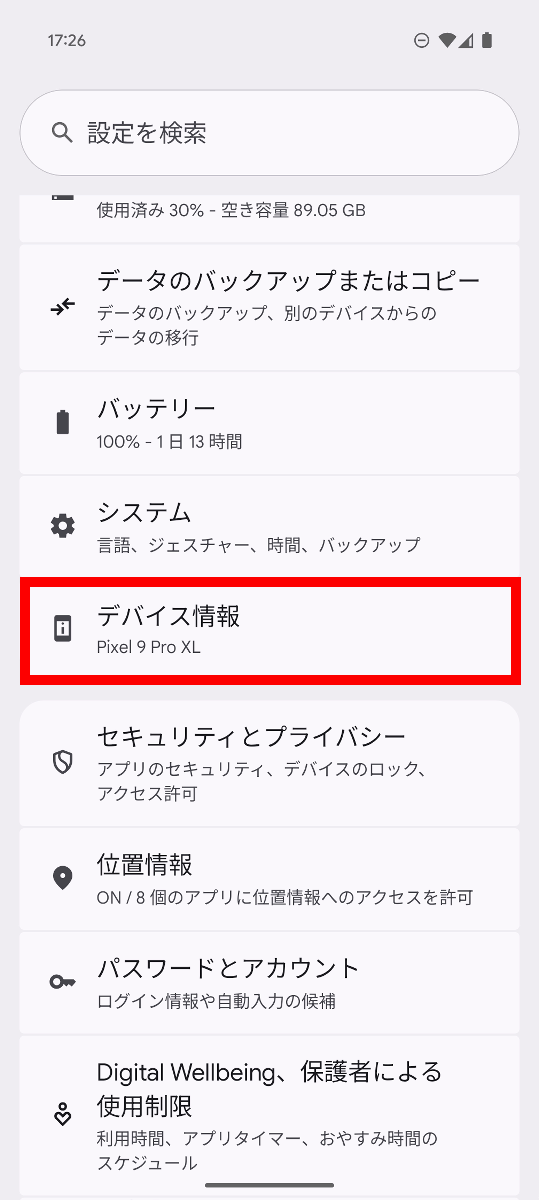
First, you need to enable Developer Options, so open the Settings app and tap 'About Device.'
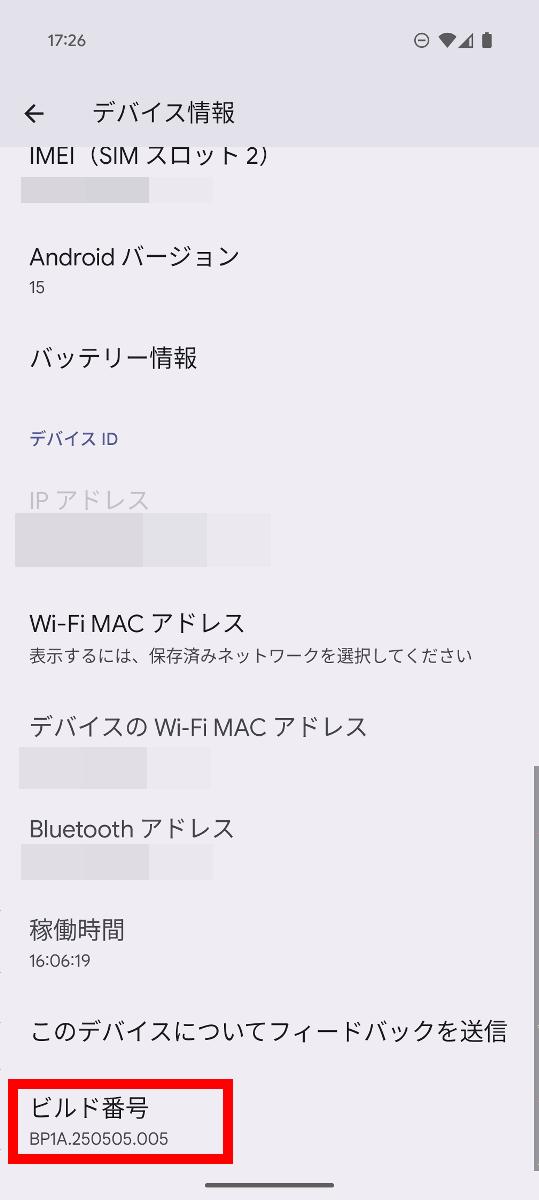
Tap 'Build number' at the bottom repeatedly.
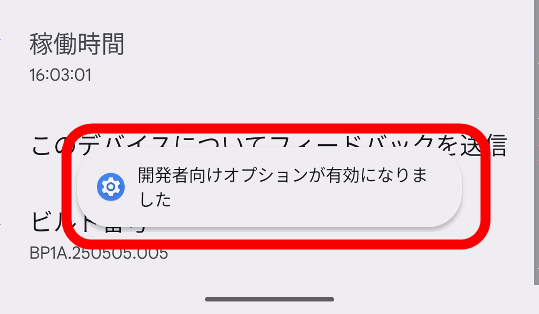
Continue tapping several times to enable developer options.
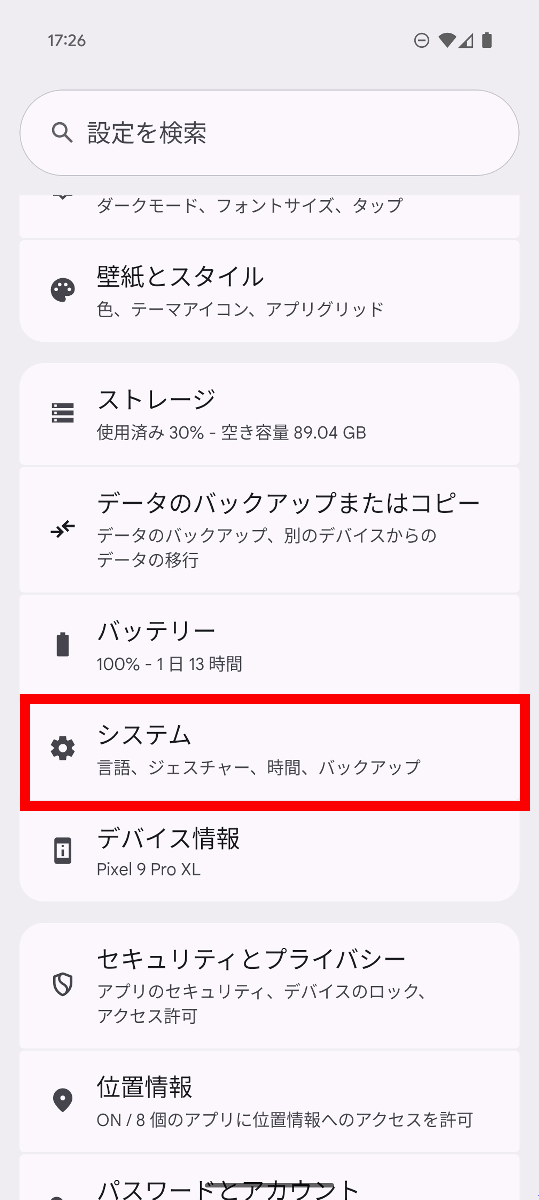
Next, tap 'System' in the Settings app.
Tap 'Developer options.'
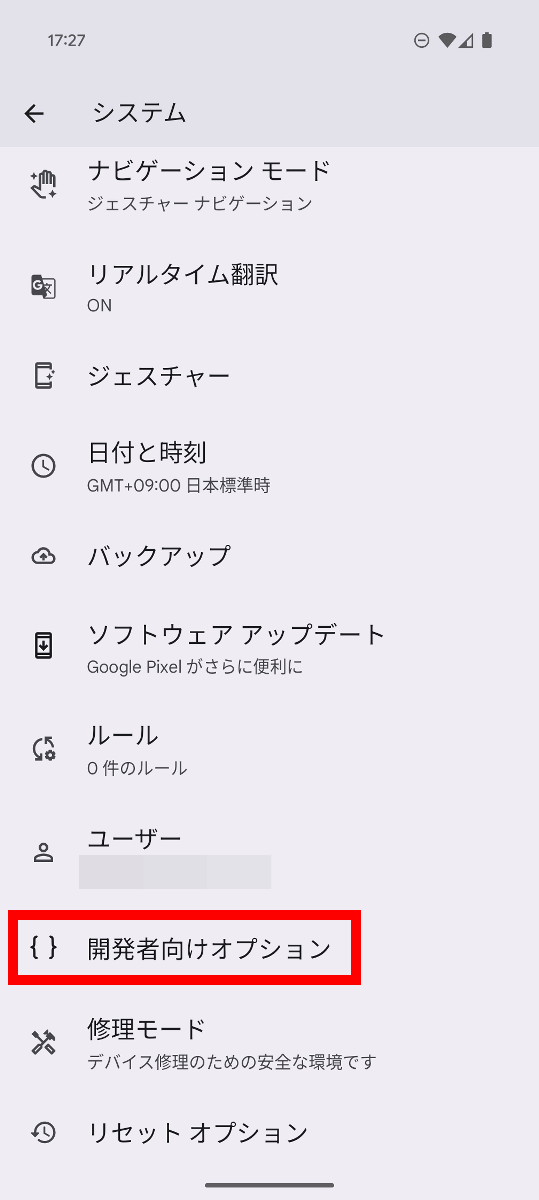
Tap 'Linux development environment'.
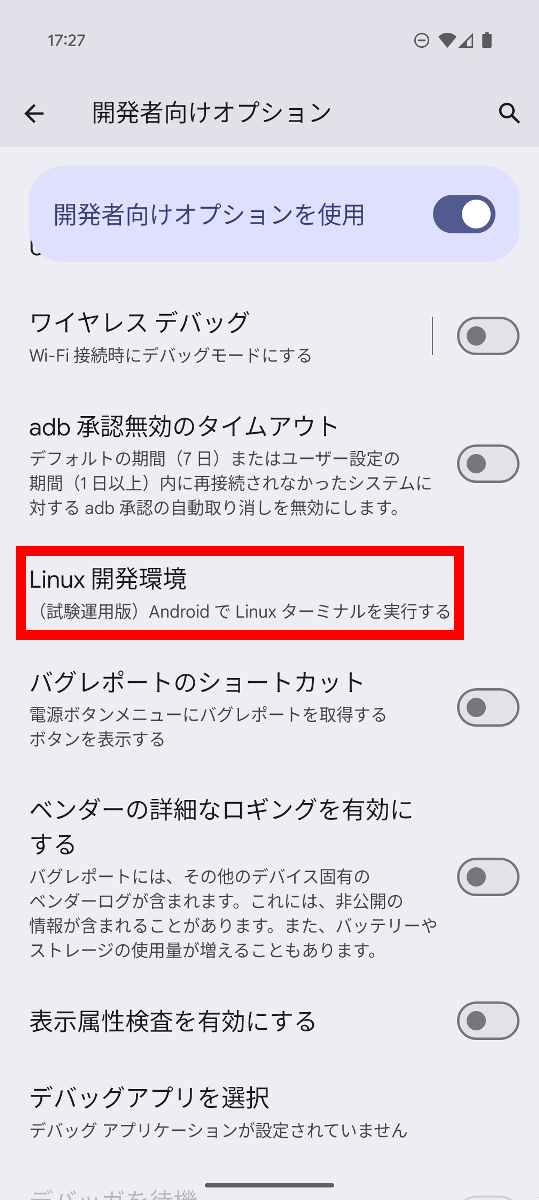
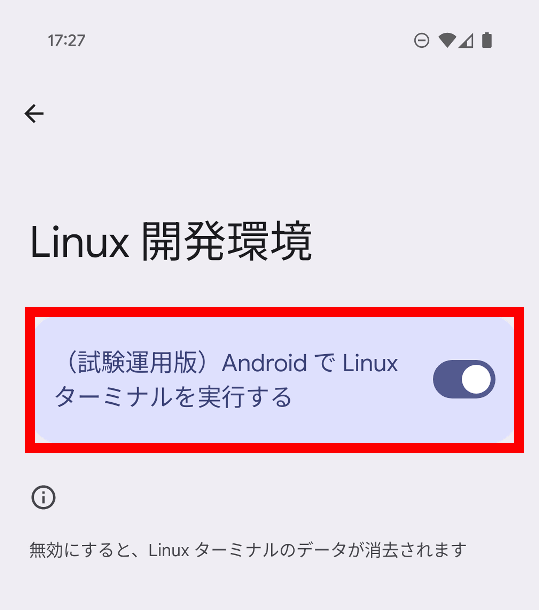
Toggle 'Run Linux Terminal on Android' to ON.
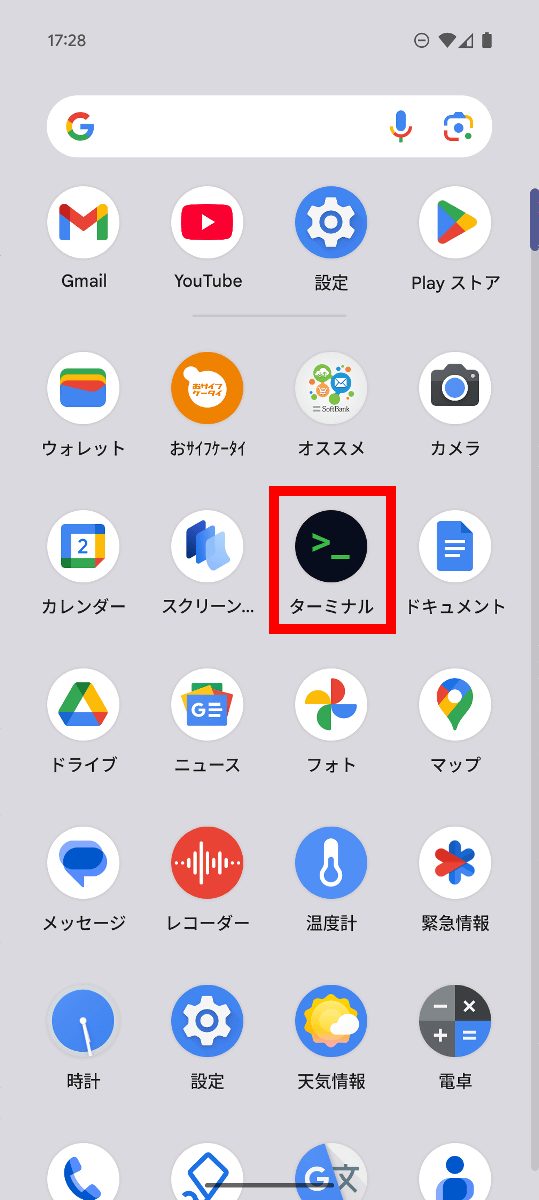
'Terminal' will be added to the app drawer, so tap it to launch it.
If you are asked for permission to send notifications, tap 'Allow.'

Tap 'Install' in the bottom right. The installation will require a download of approximately 565MB, so we recommend installing it over Wi-Fi.

After a short wait, the terminal screen will appear. It appears to be running as the Arm version of Debian.
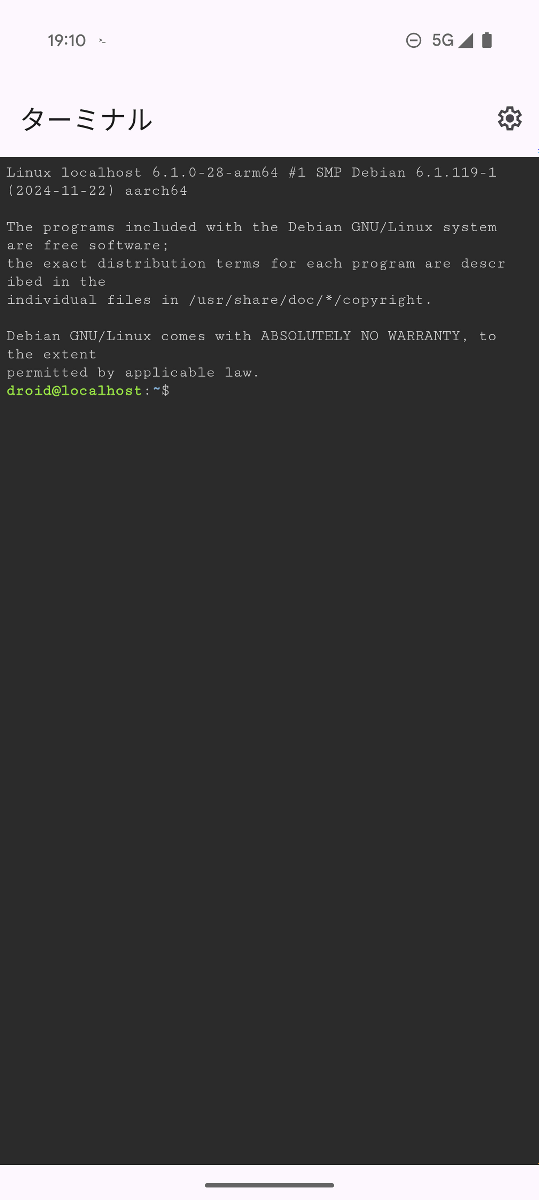
You can execute Linux commands such as 'mkdir' and 'ls'.

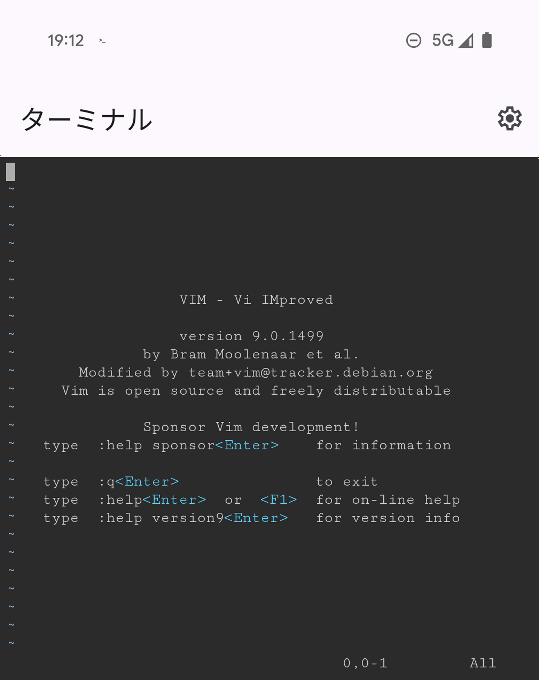
I was also able to use Vim.
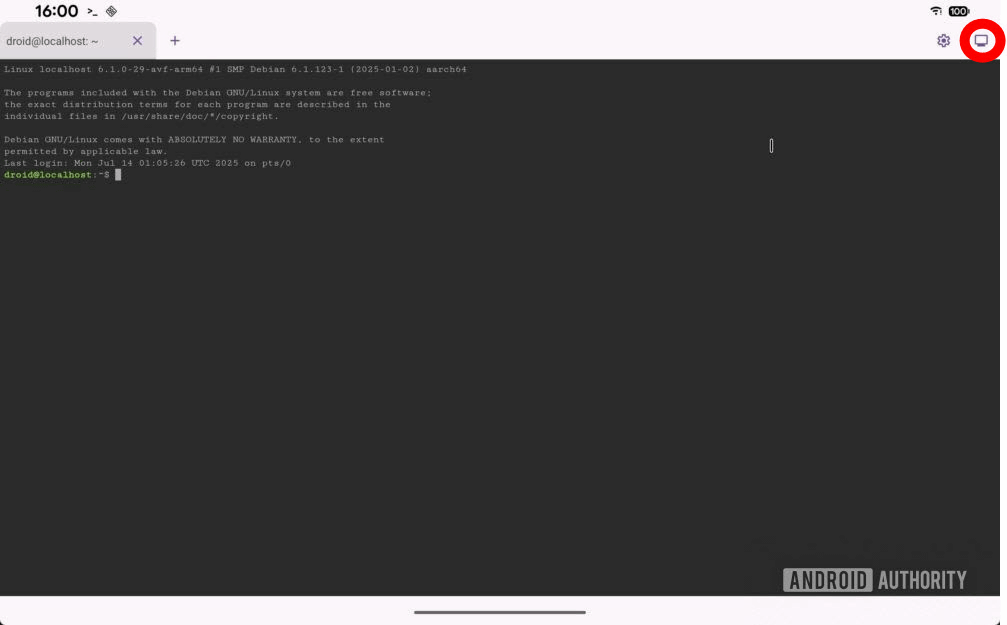
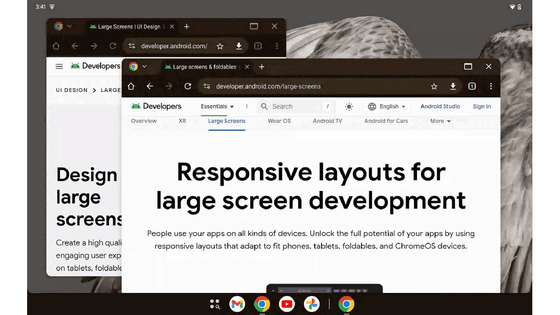
Android Canary is currently testing the ability to launch GUI apps in the Linux terminal, and a screenshot published by Android Authority shows a button in the top right corner of the screen that lets you switch to GUI mode.
Switching to GUI mode will allow you to display various GUI applications, as shown below. The display server protocol is '
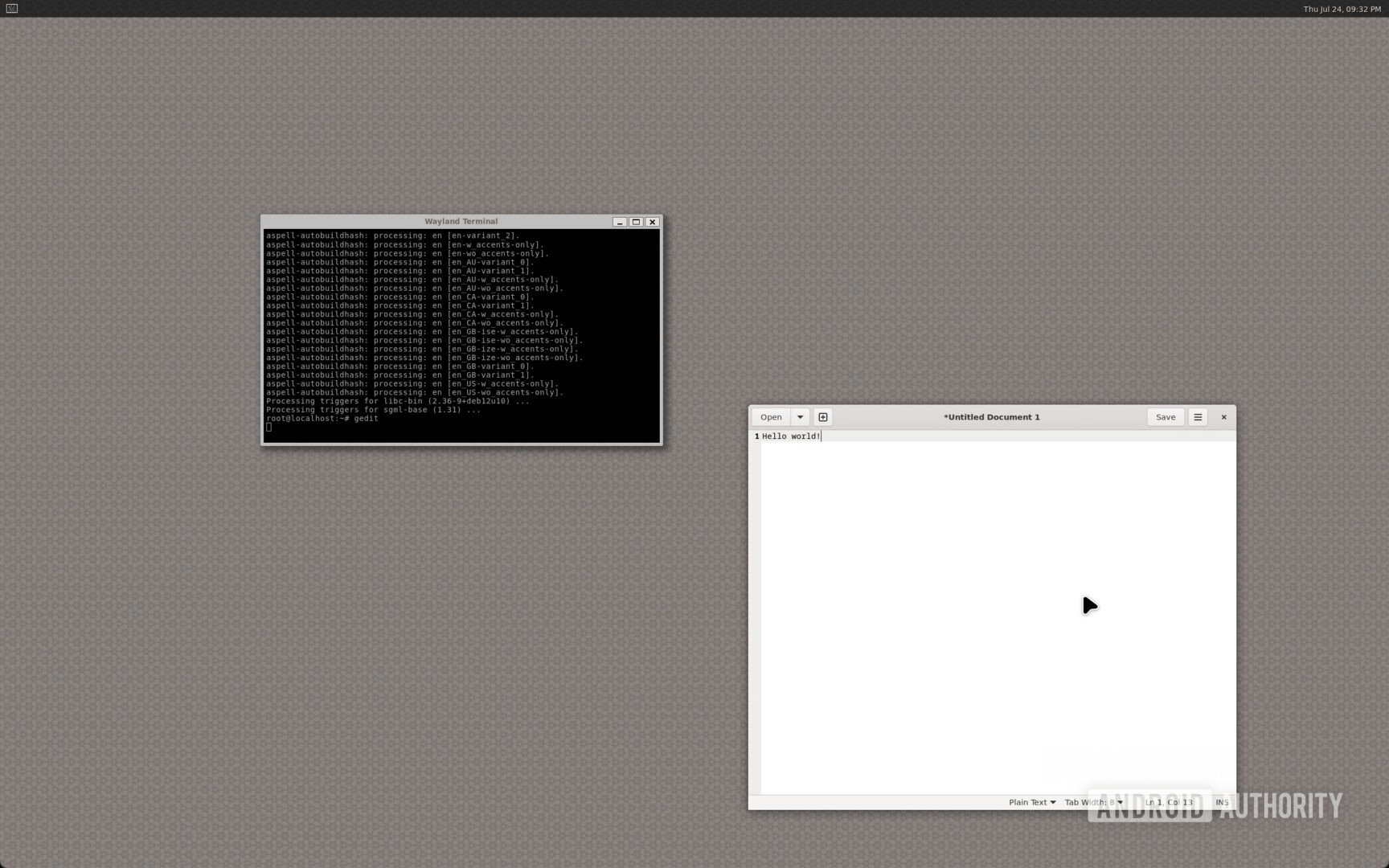
When we think of Linux apps, we tend to think of CUI-based ones, but there are also many attractive GUI apps, such as the drawing app 'Krita' and the image editing app 'Gimp.' It would be great if these apps could be used on Android.
Related Posts:

in Software, Smartphone, Posted by log1o_hf