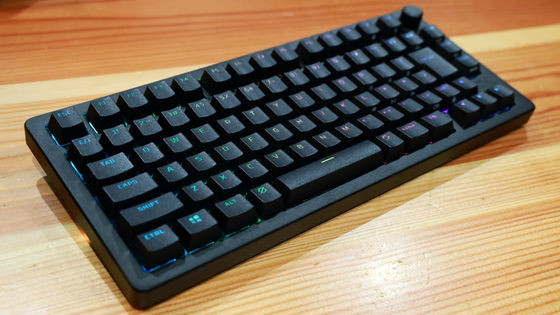
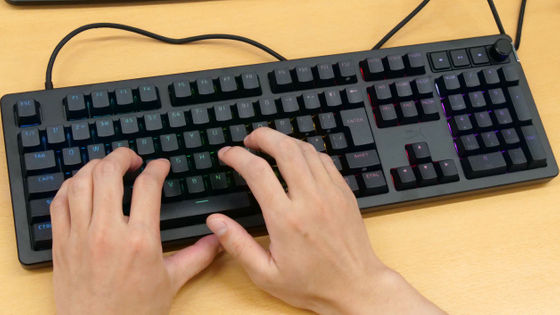
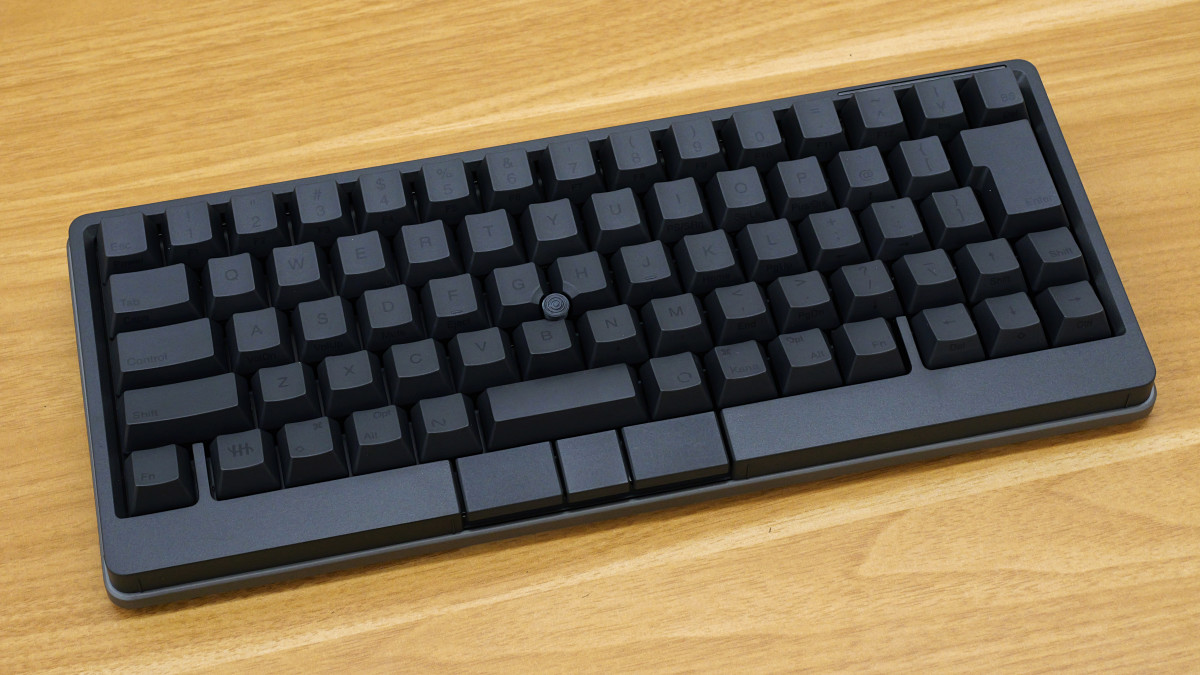
I tried out the 'HHKB Studio,' a high-end keyboard equipped with mechanical switches.
The '
Happy Hacking Keyboard | Studio | PFU
https://happyhackingkb.com/jp/products/studio/
The HHKB Studio is available in two layouts: Japanese and English. Furthermore, the keycaps come in two colors: 'Ink' and 'Snow.' Replacement keycaps are also available in 'Ink (blank),' 'Snow (blank),' 'Gray,' and 'Gray (blank).' This time, we were provided with the 'HHKB Studio Japanese Layout 'Ink' x 'Gray' Special Set,' which includes a Japanese layout HHKB Studio with 'Ink' keycaps and a set of replacement 'Gray' keycaps.
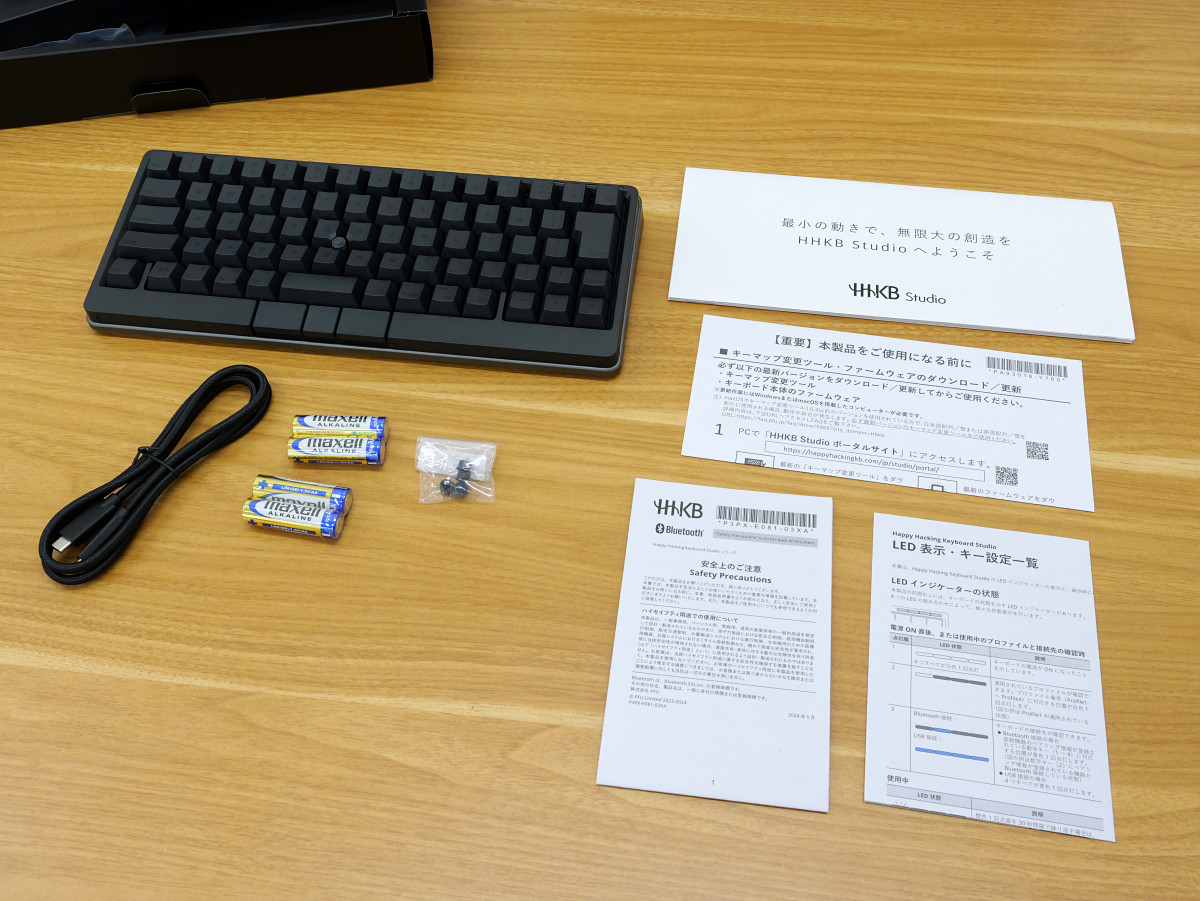
The black box containing the HHKB Studio included the 'HHKB Studio unit,' a 'USB Type-C cable,' 'four AA batteries,' 'four replacement caps for the pointing stick,' and 'instruction manuals.'
This is the HHKB Studio. It supports both wired connection via USB cable and wireless connection via Bluetooth.
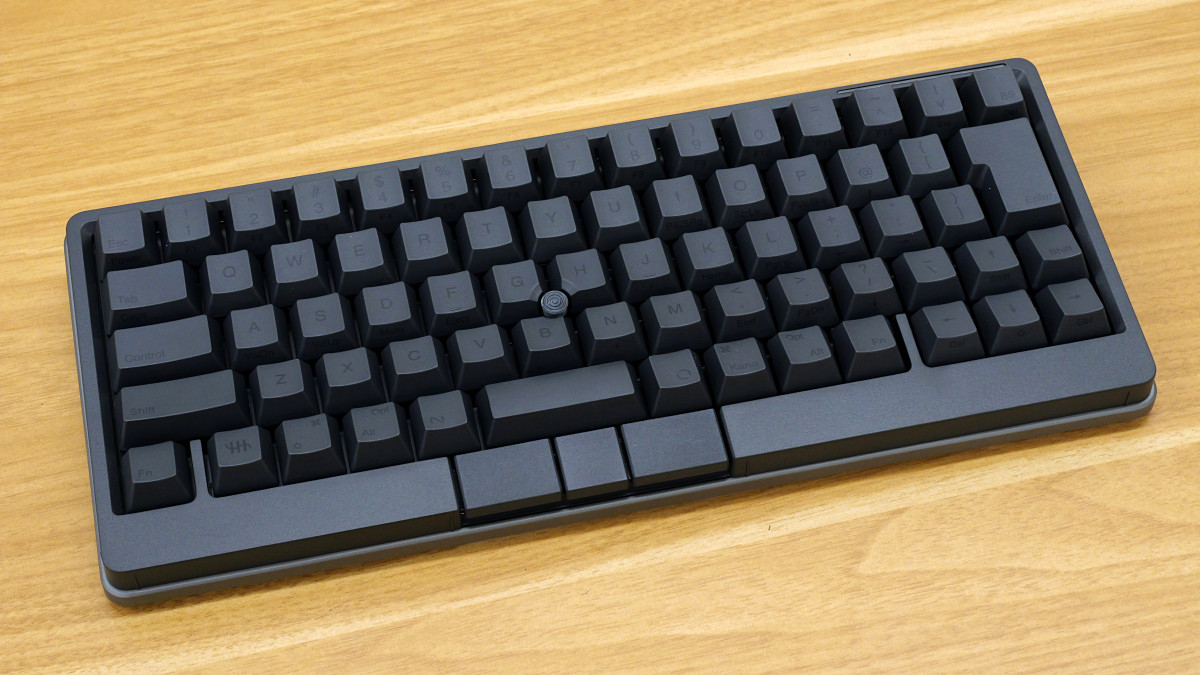
This keyboard features a five-row layout with no function keys. It also includes a 'pointing stick' and 'mouse keys' that can be used as a mouse substitute.
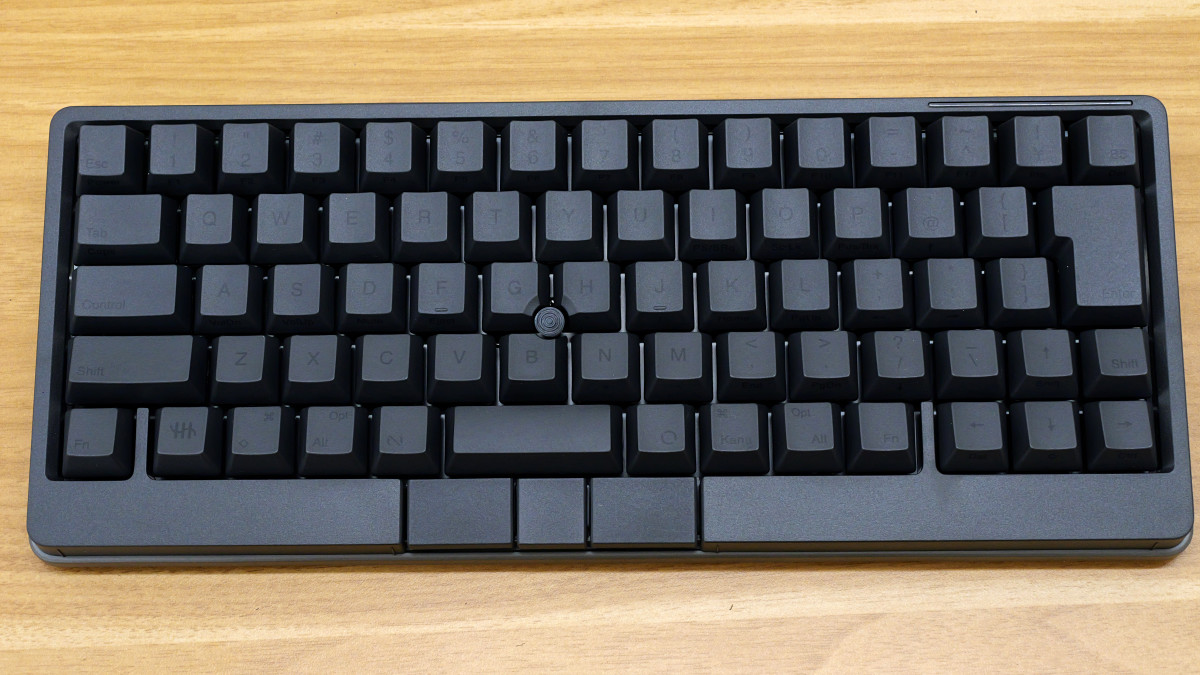
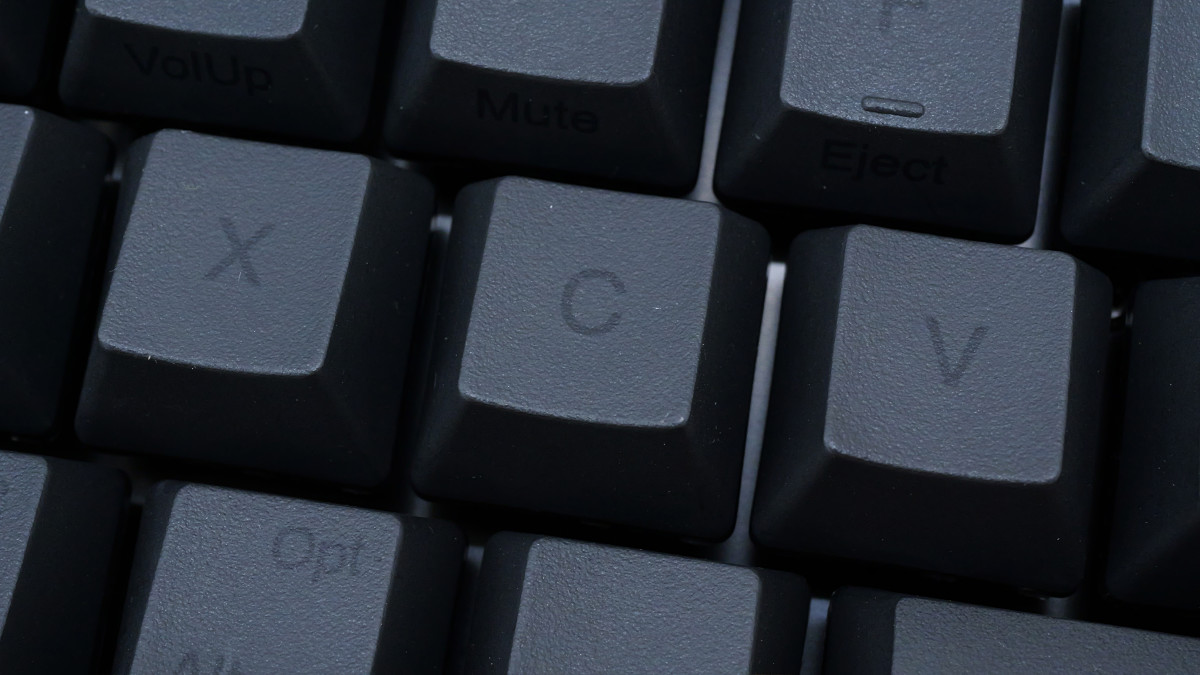
The keycaps are a simple type, without kana characters.
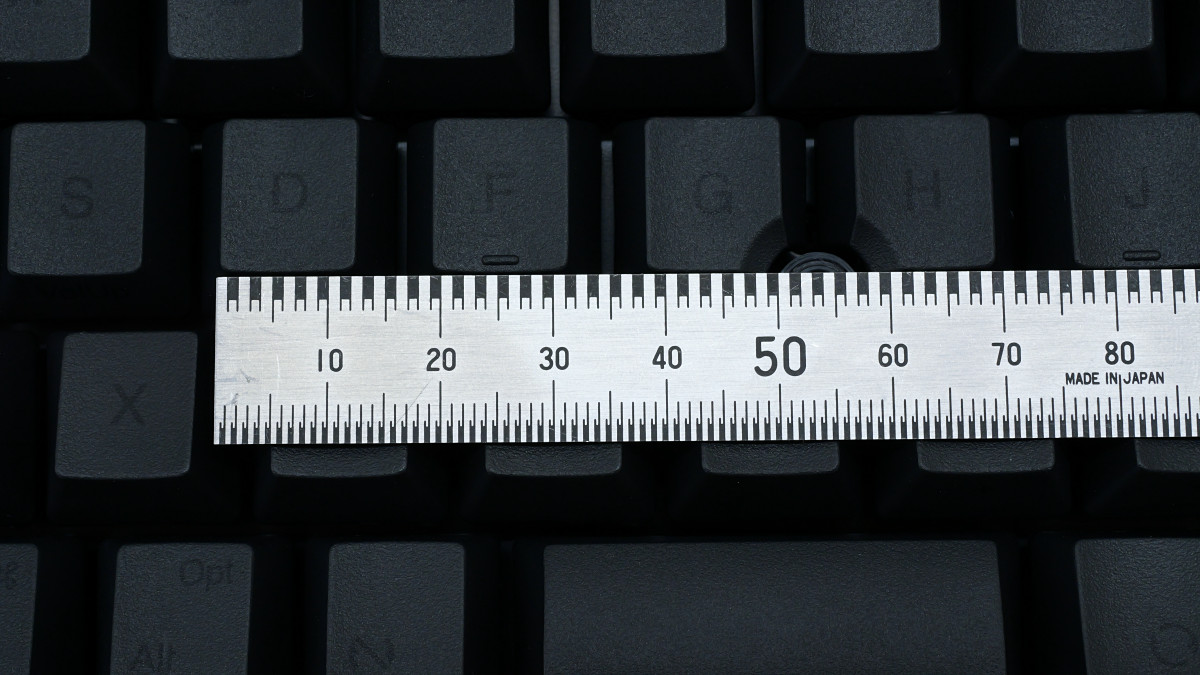
The key pitch is 19.05 mm.
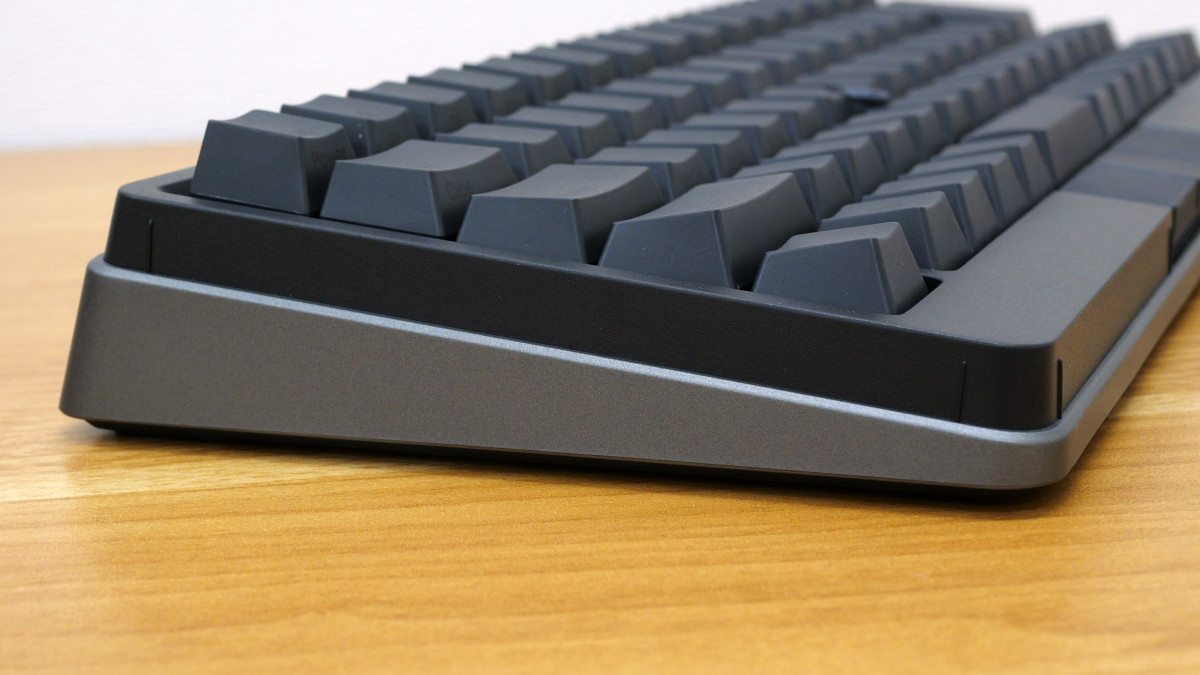
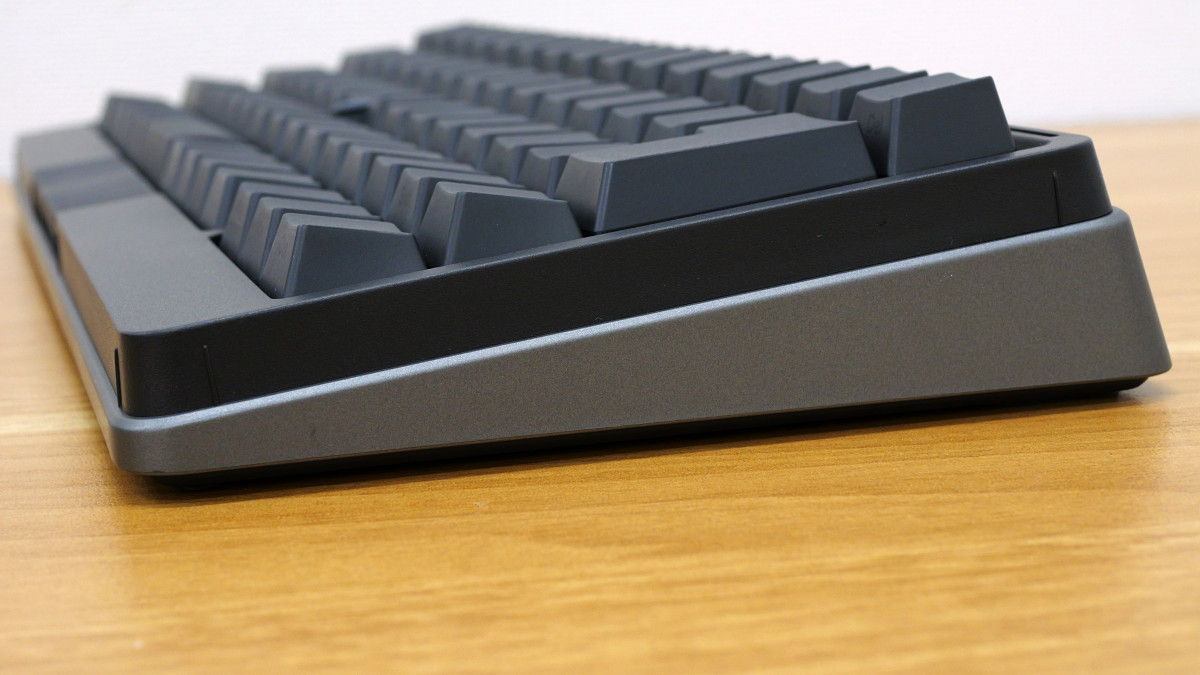
Left side.
right side.
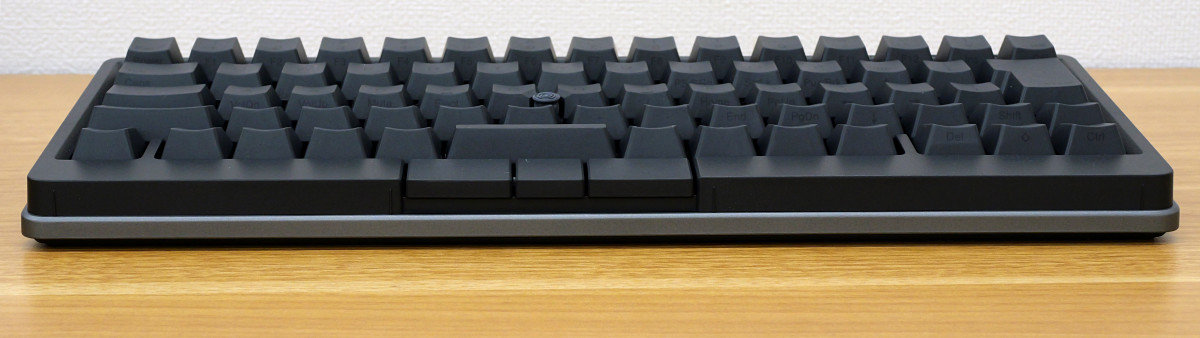
front.
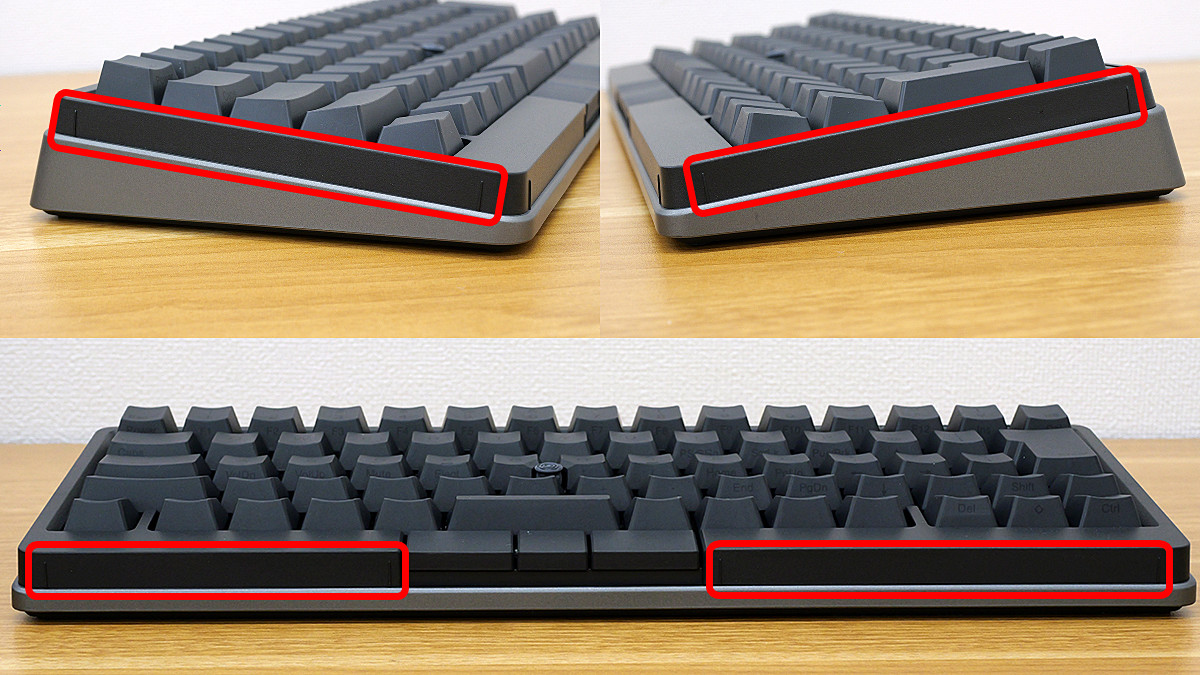
The areas enclosed in red frames on the sides and front are touchpads called 'gesture pads,' and you can perform operations such as 'screen scrolling,' 'window switching,' and 'volume adjustment' by sliding your finger across these gesture pads.
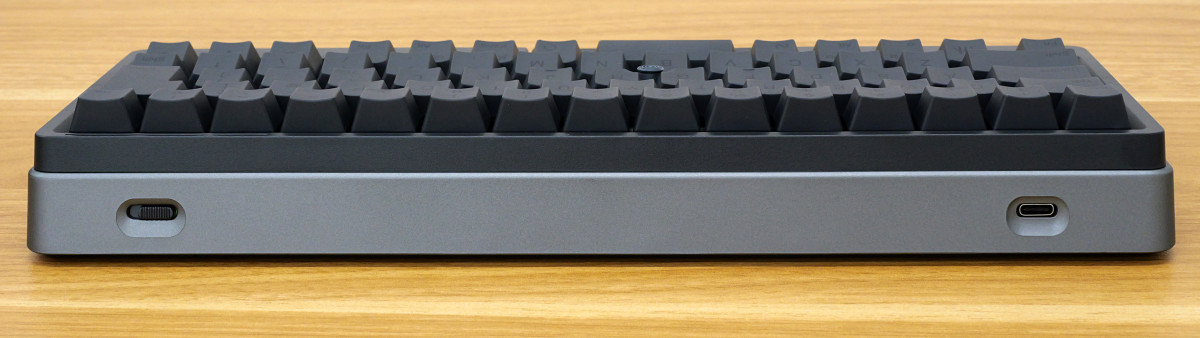
The back has a power button and a USB Type-C port.
There are four non-slip pads on the back.
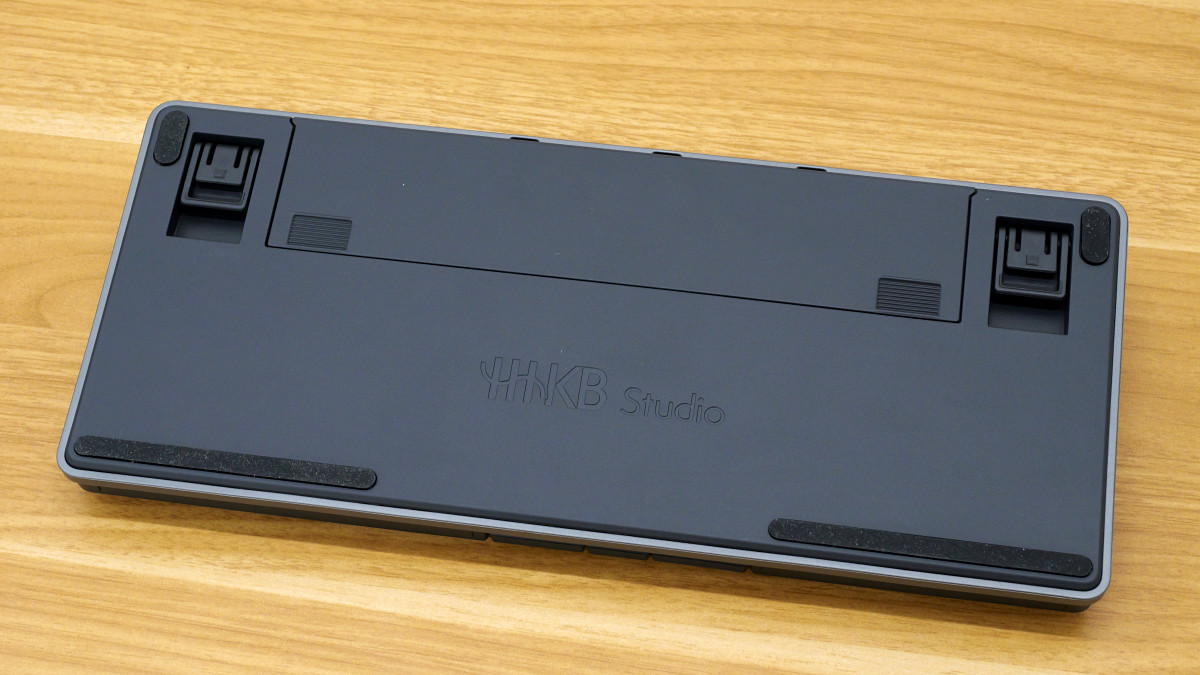
The legs can be extended in two stages.
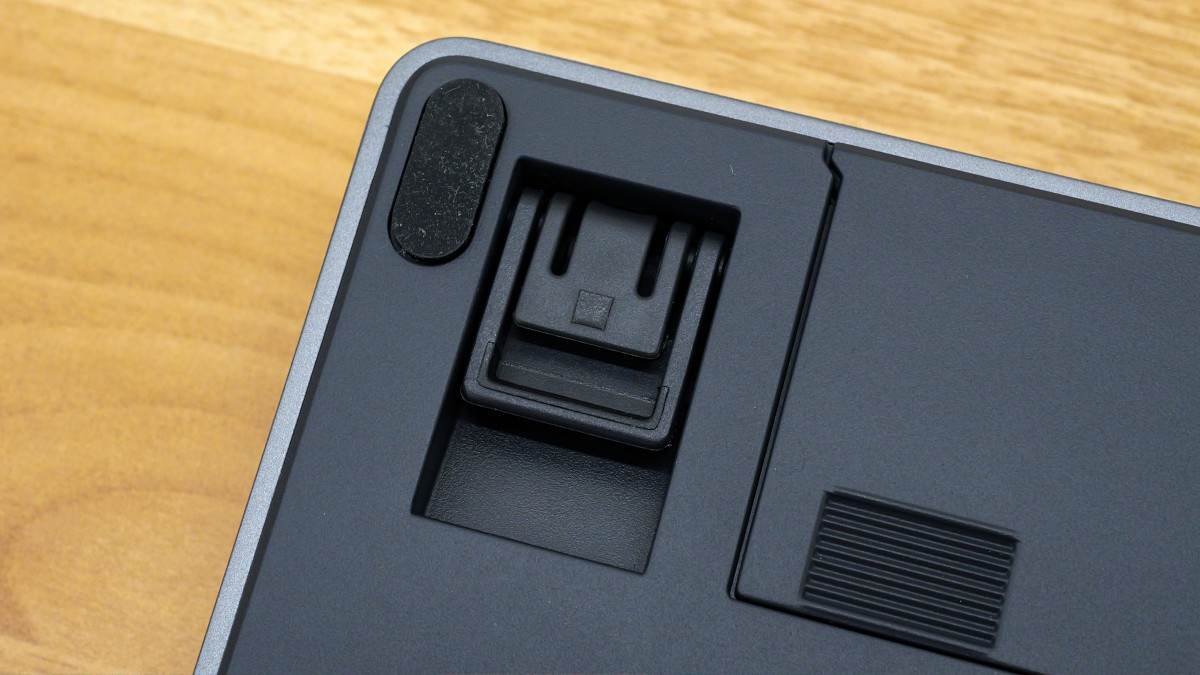
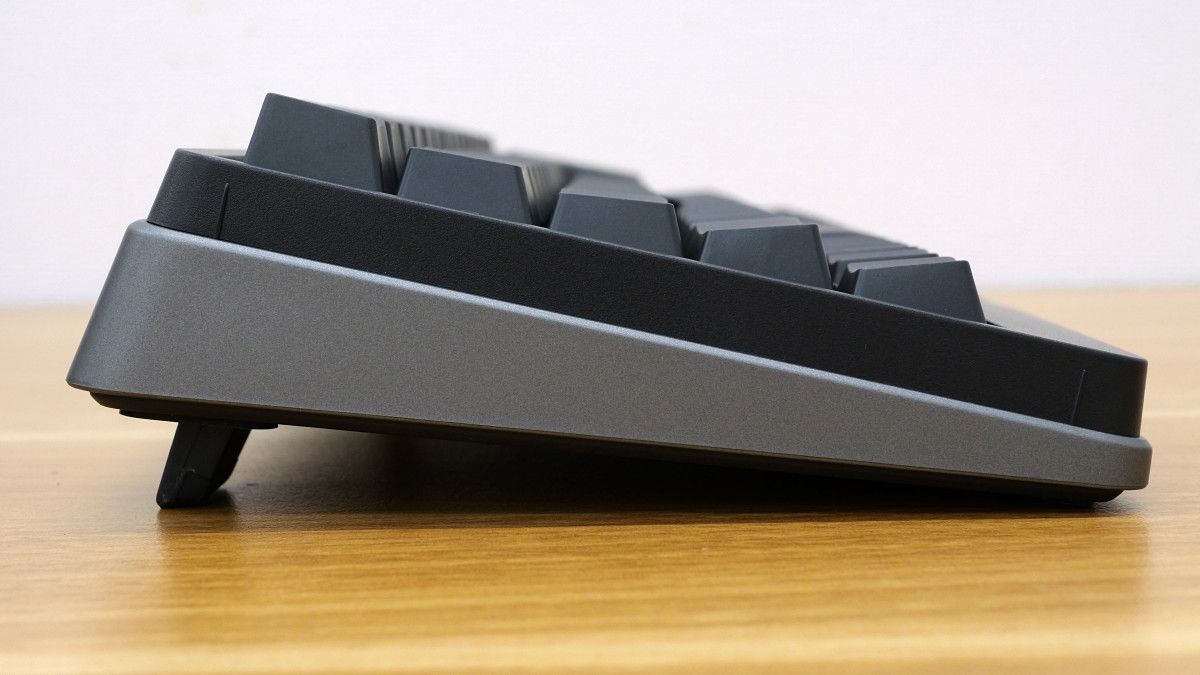
This is what it looks like when the legs are fully extended.
Remove the battery cover and insert four AA batteries.
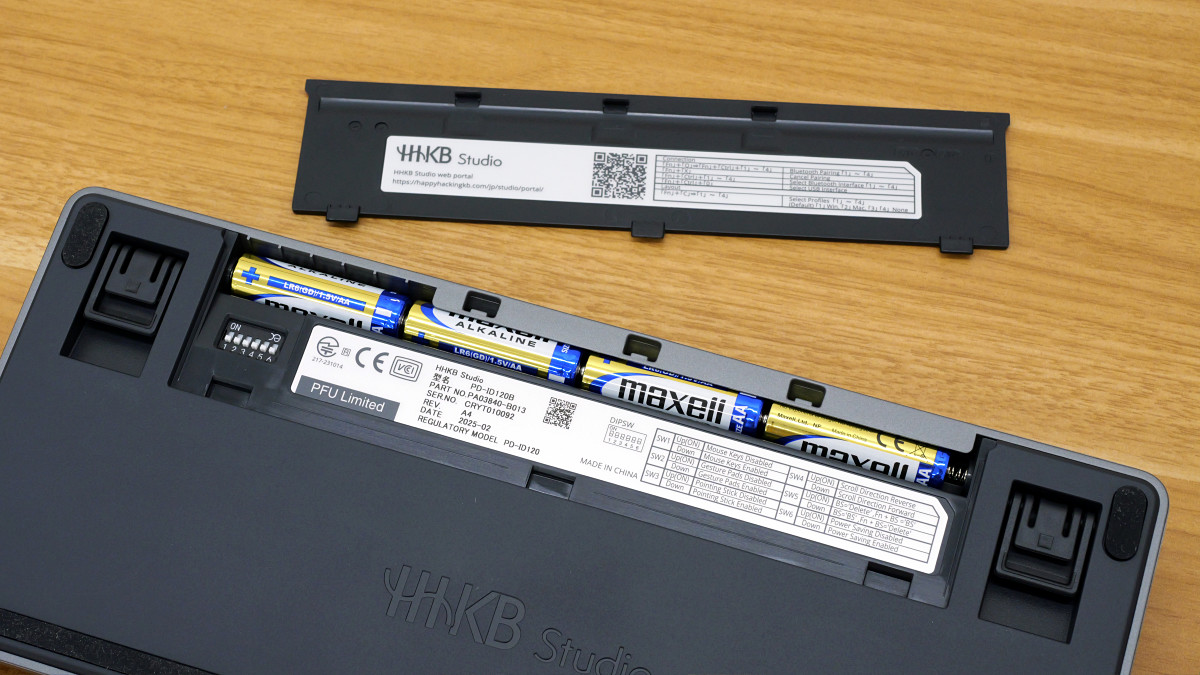
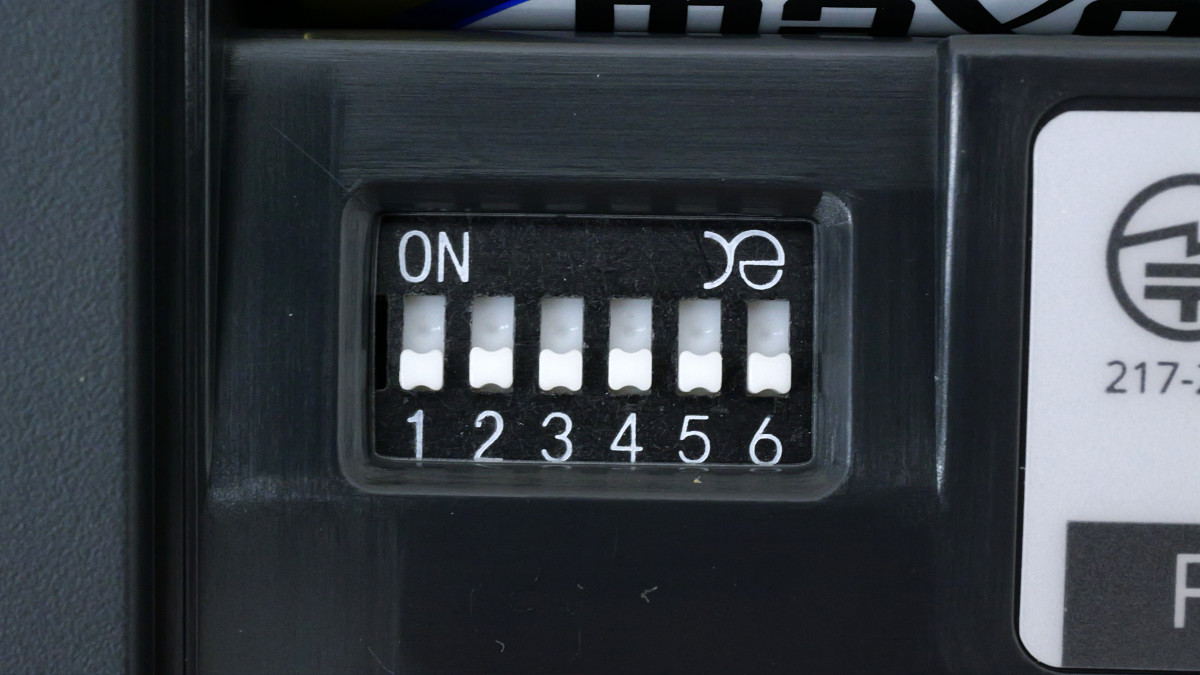
Hidden beneath the battery cover are DIP switches. These switches allow you to enable or disable the 'Mouse Keys,' 'Gesture Pad,' 'Pointing Stick,' and 'Power Saving Function,' as well as change the direction of scrolling with the pointing stick and swap the Backspace and Delete keys.
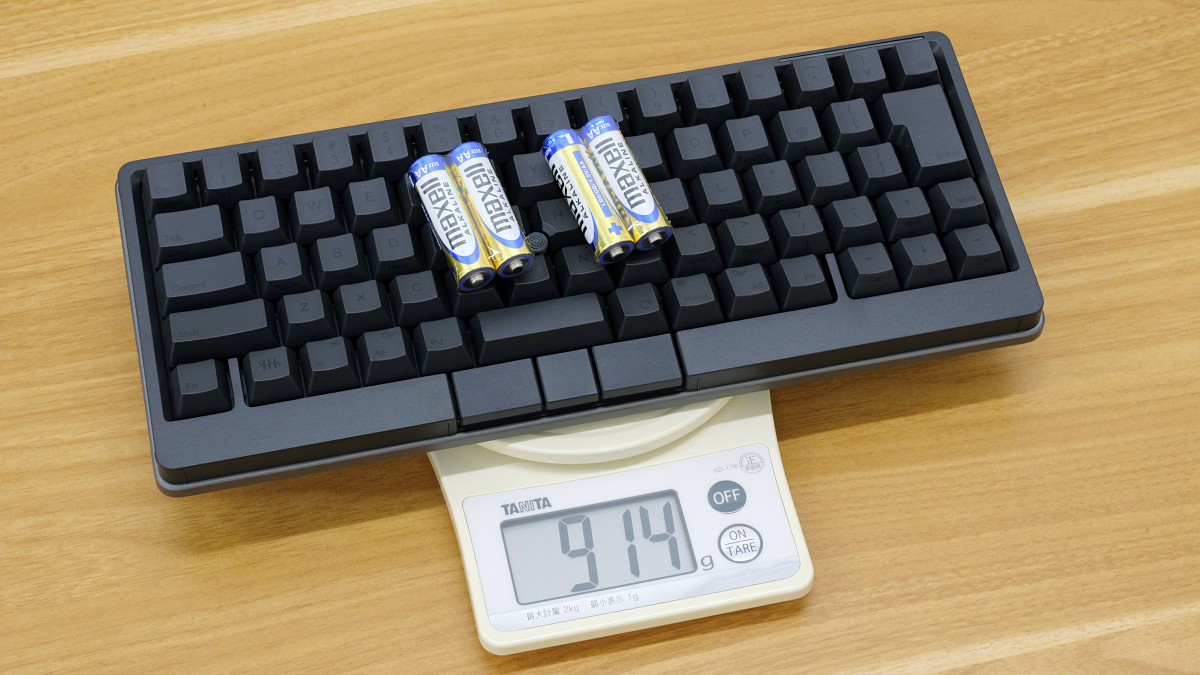
The HHKB Studio measures 308mm wide x 132mm deep x 41mm high. Its weight, including four AA batteries, was 914g.
I recorded a video of myself typing on the HHKB Studio. It uses silent mechanical switches, so the typing sound is more of a 'tap-tap' than a 'clack-clack,' and it's quieter than a typical laptop, so you can use it without worrying about noise in places where it's okay to work on a laptop.
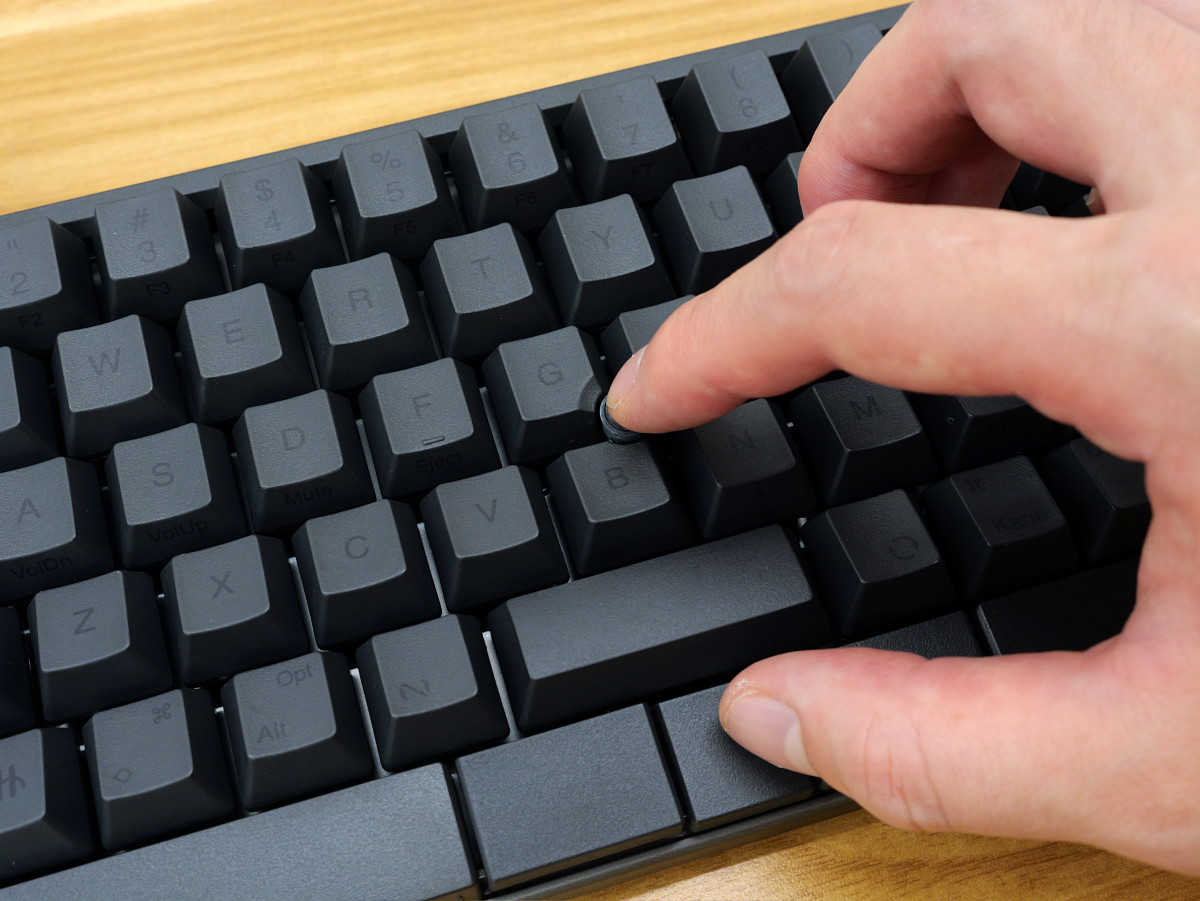
The pointing stick and mouse buttons allow you to move the mouse pointer and perform clicks, eliminating the need for a separate mouse, which is a great advantage. You can also scroll by holding down the central mouse button and moving the pointing stick up or down. Being able to perform all PC operations while maintaining the home position is incredibly convenient.
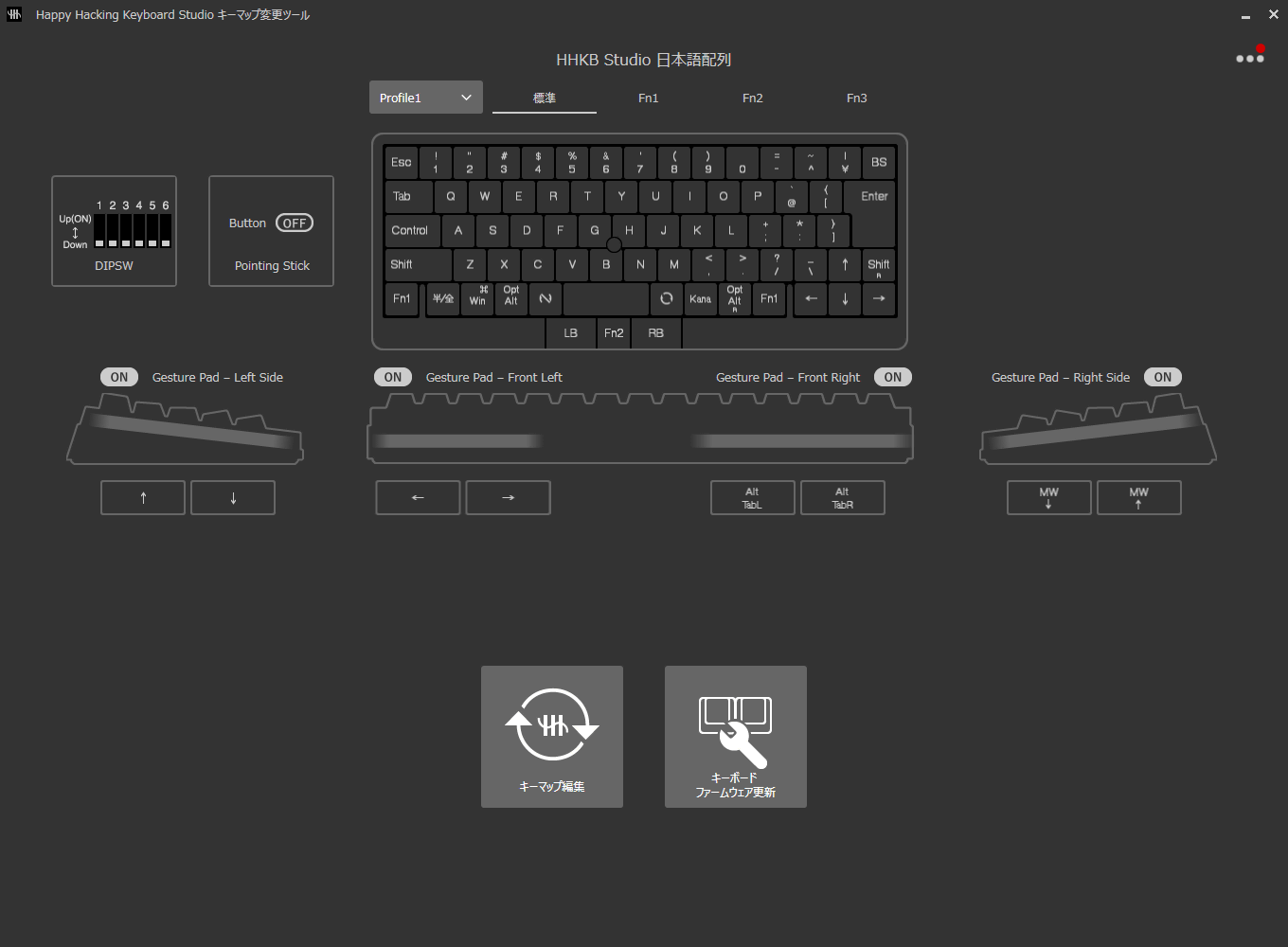
Additionally, you can change the key layout and gesture pad behavior using the '
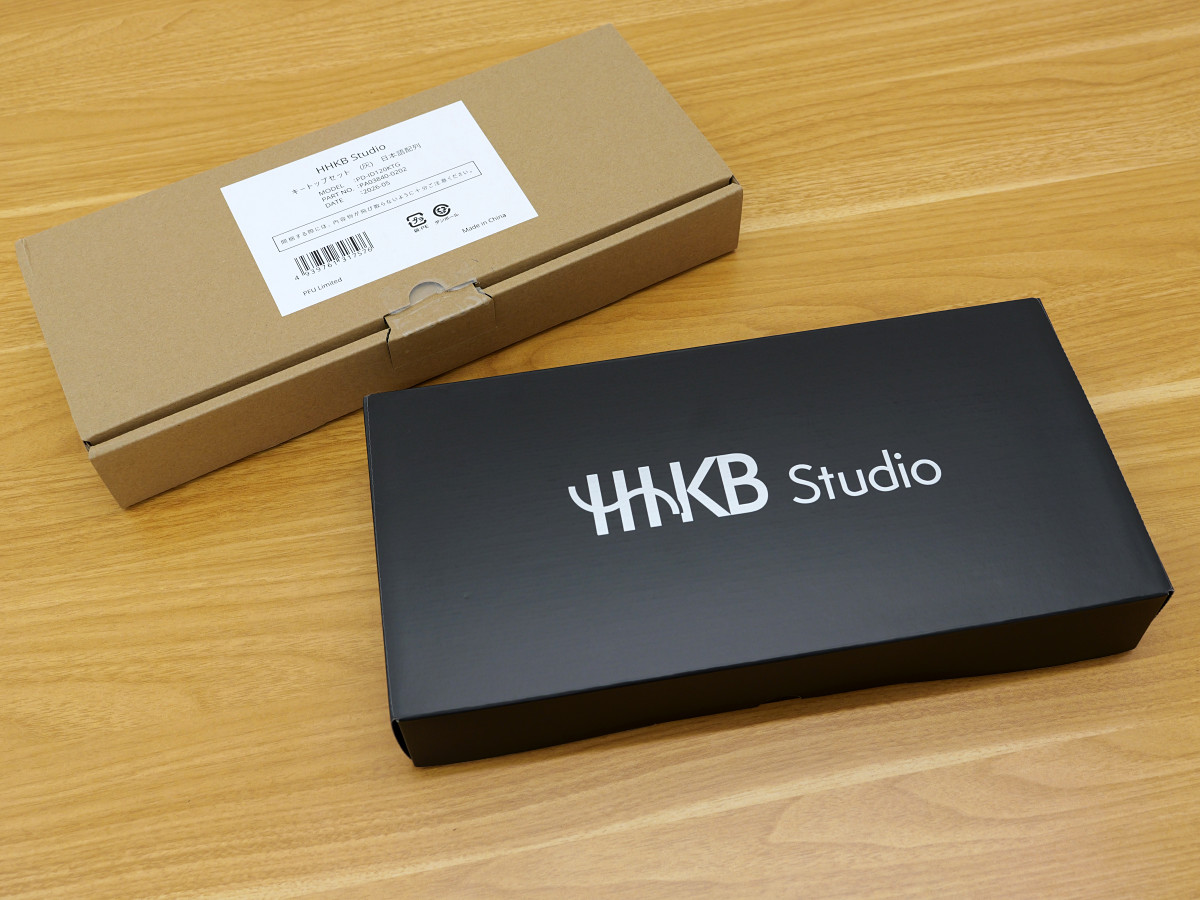
I'm going to change the keycap color from 'black' to 'gray'. The package looks like this.
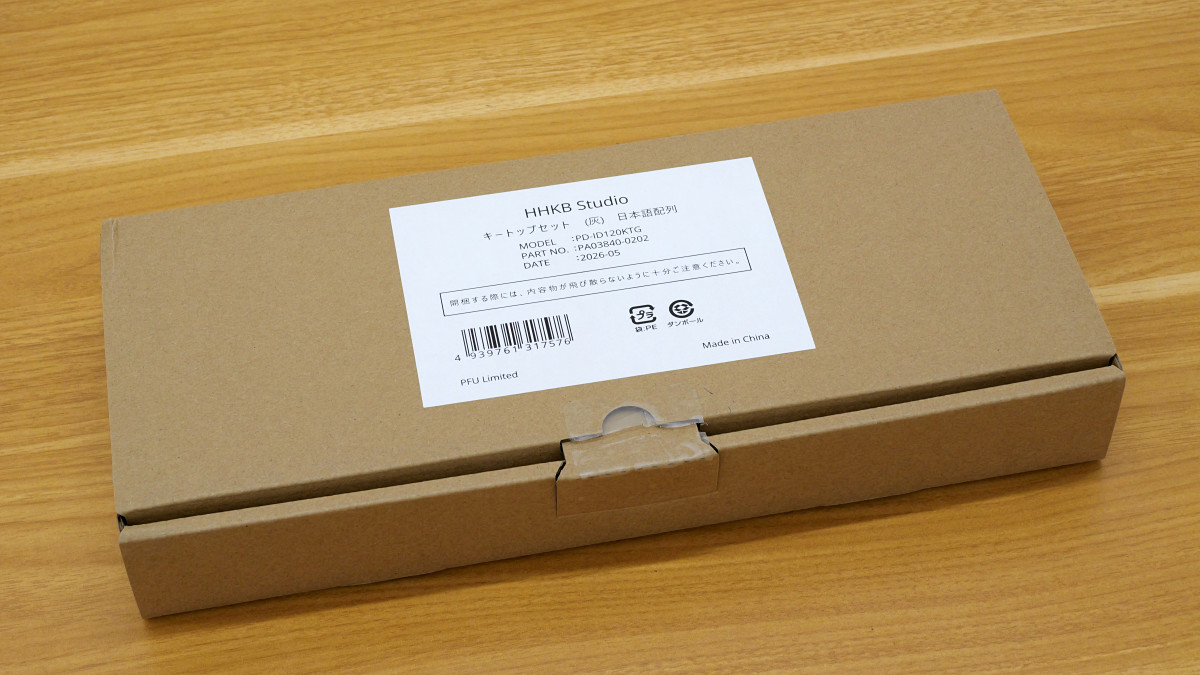
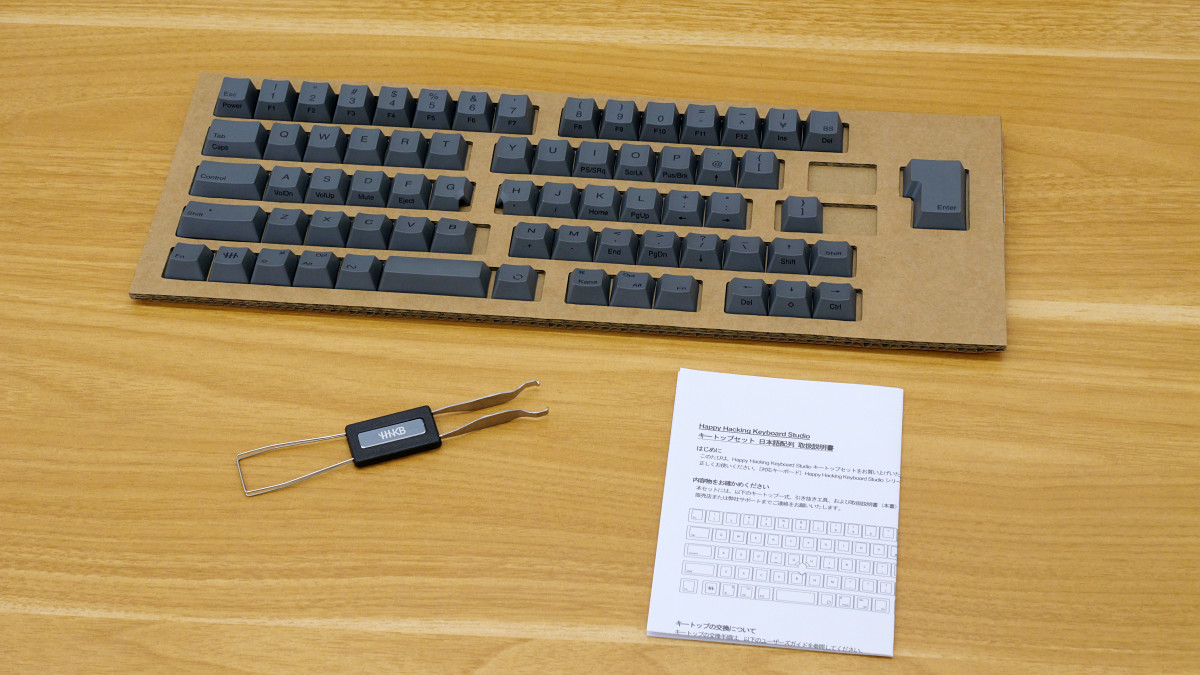
The box contained keycaps, a keycap and key switch removal tool, and an instruction manual.
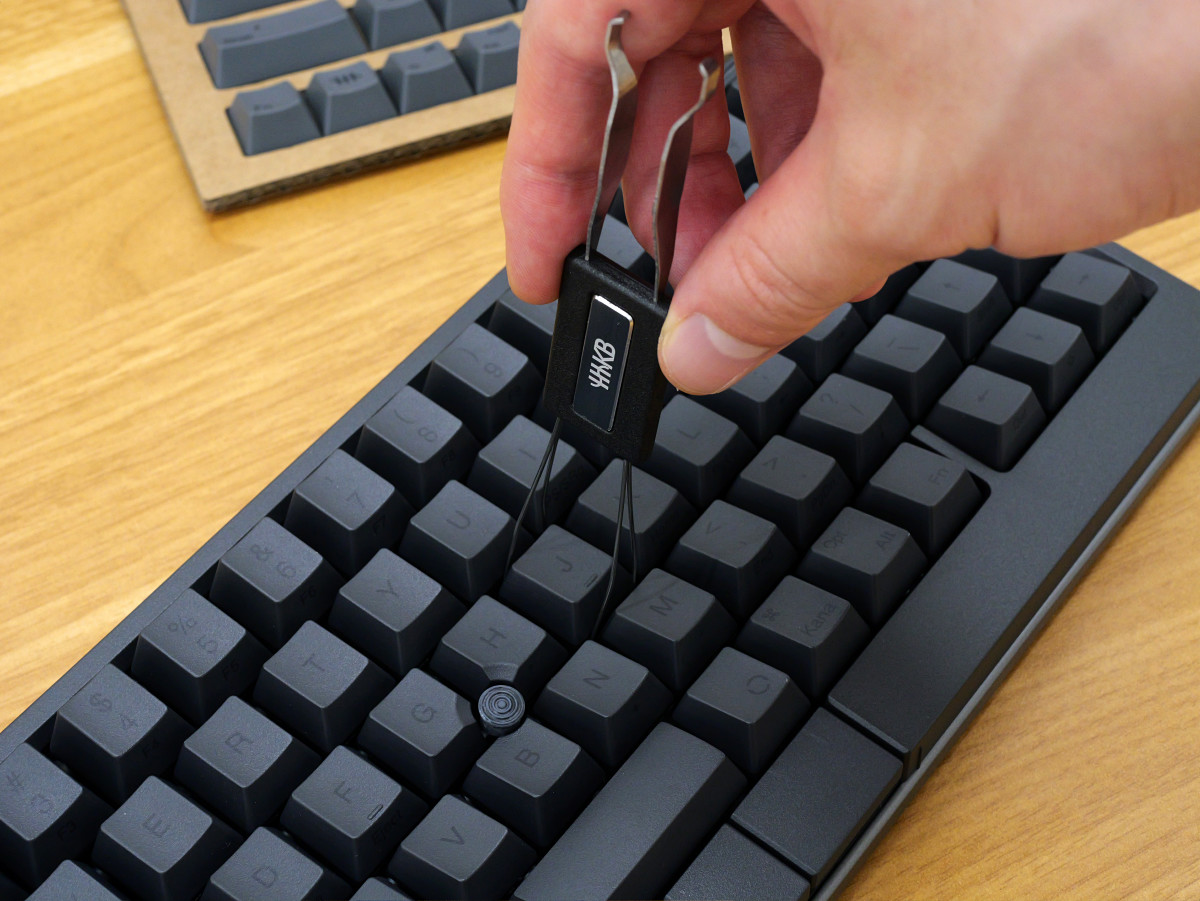
Remove the keycaps using a removal tool.
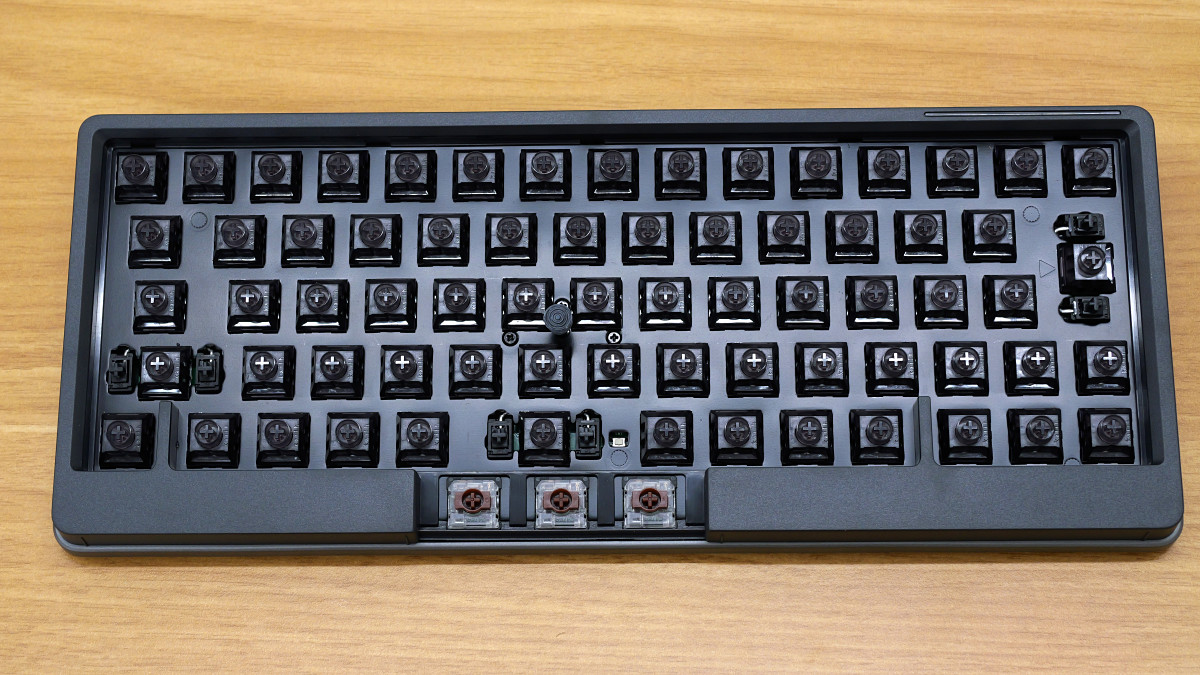
This is what it looks like with the keycaps removed. The key switches are HHKB's original switches with a '3.6mm key travel' and '45g actuation force'. It also supports 'hot-swapping,' which allows you to remove and replace the key switches with others. The switches are compatible with 'standard profile MX-style 3-pin and 5-pin mechanical switches (Cherry, Gateron, Kailh)'.
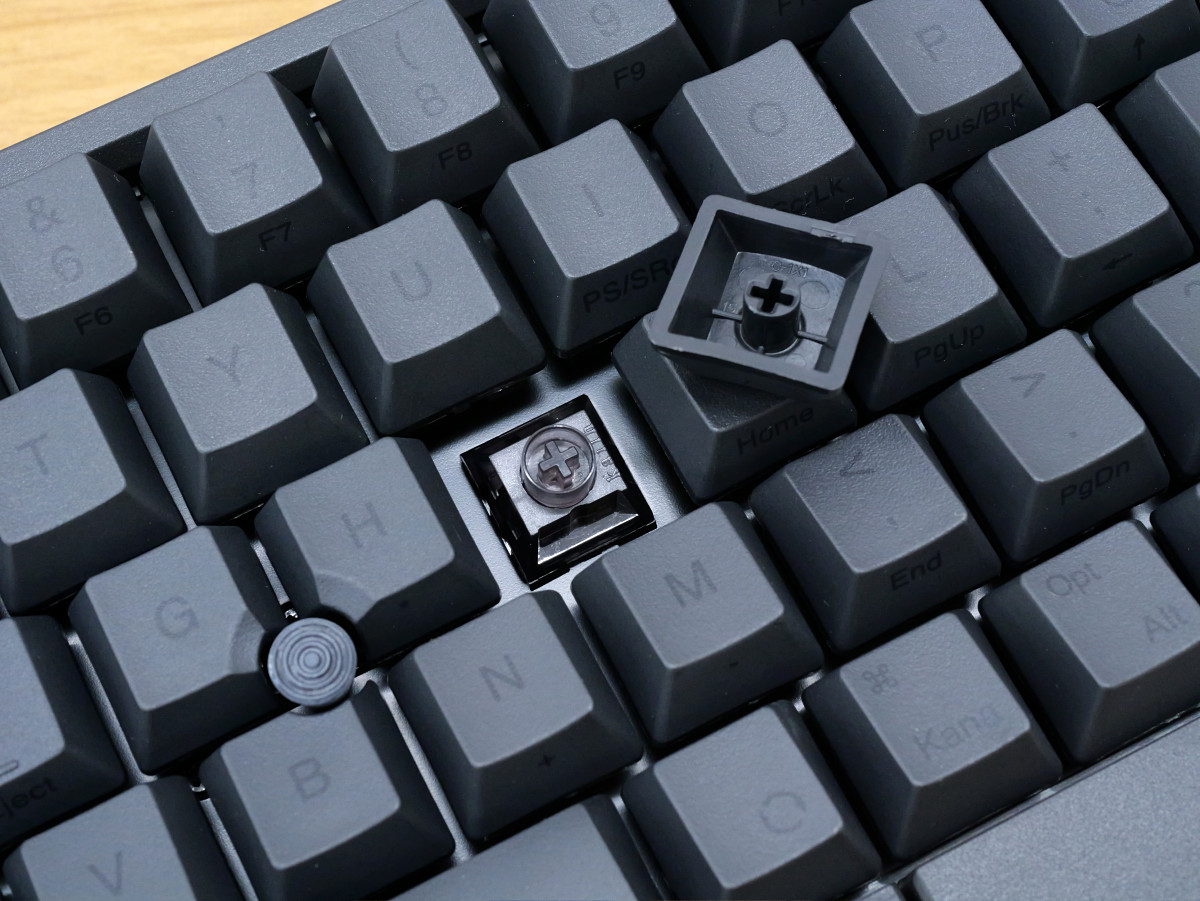
I removed all the keycaps.
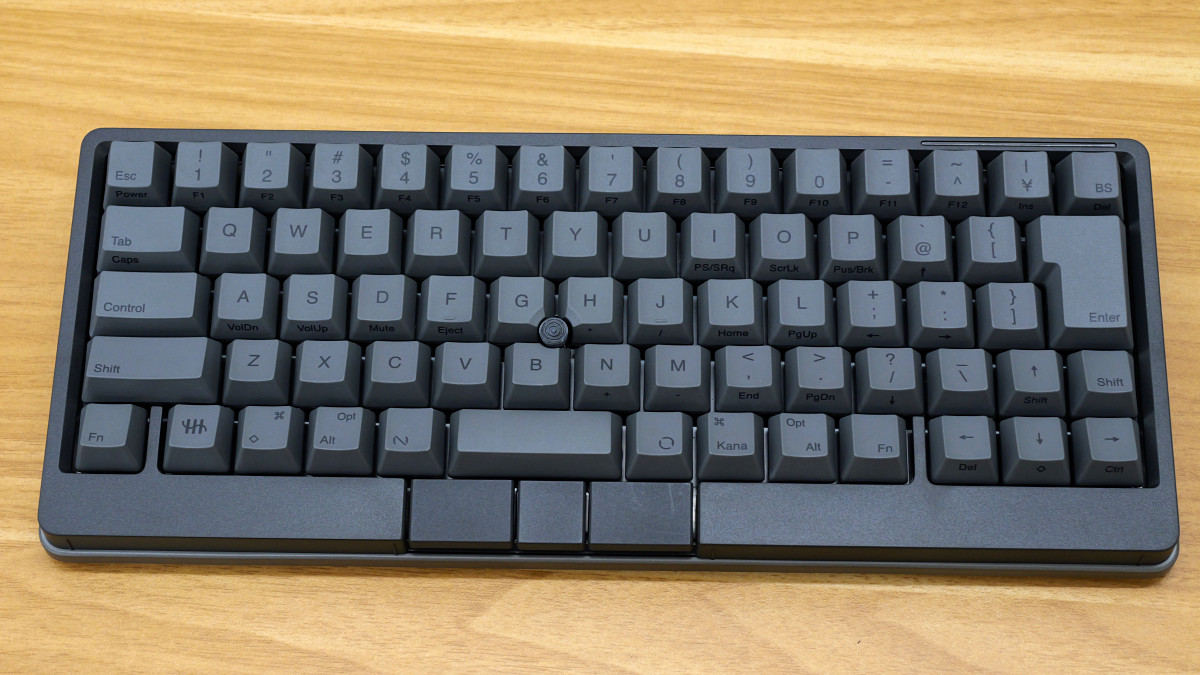
Changed to 'gray'.
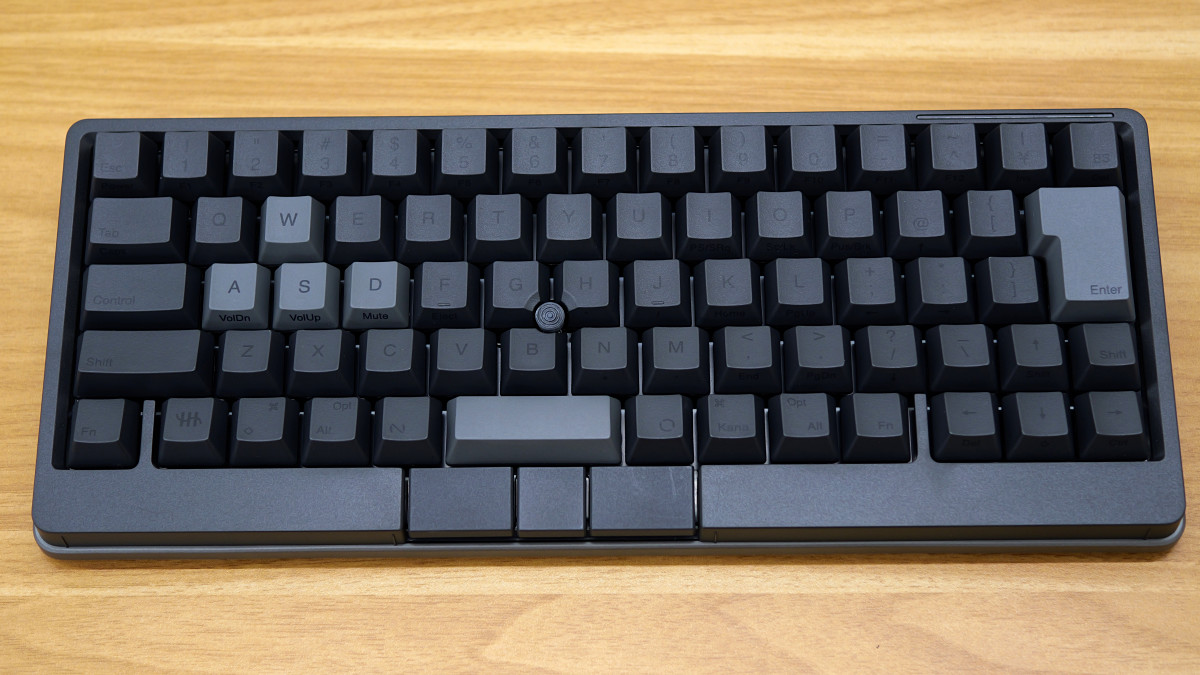
Replacing only some of the keycaps is also an option.
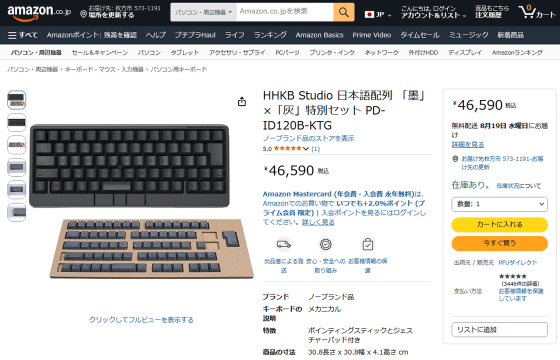
The 'HHKB Studio Japanese Layout 'Sumi' x 'Hai' Special Set' is available on Amazon.co.jp for ¥46,590 (tax included).
Amazon | HHKB Studio Japanese Layout 'Sumi' x 'Hai' Special Set PD-ID120B-KTG | No Brand | Computer Keyboards Online Shopping
Furthermore, you can also win it as a prize in the following giveaway. The application period ends at 11:59 PM on August 9th, 2026, so go now!
GIGAZINE's Summer Giveaway Event: 'Answer the survey and take them all!', with over 60 items available! - GIGAZINE
Related Posts: