'YT-DLP Web Player' replaces videos on web pages with ads via yt-dlp for free.
'
Matszwe02/ytdlp_web_player: YT-DLP Web Player - Internet video player powered by yt-dlp
https://github.com/Matszwe02/ytdlp_web_player
◆How to use YT-DLP Web Player
- When specifying a URL directly
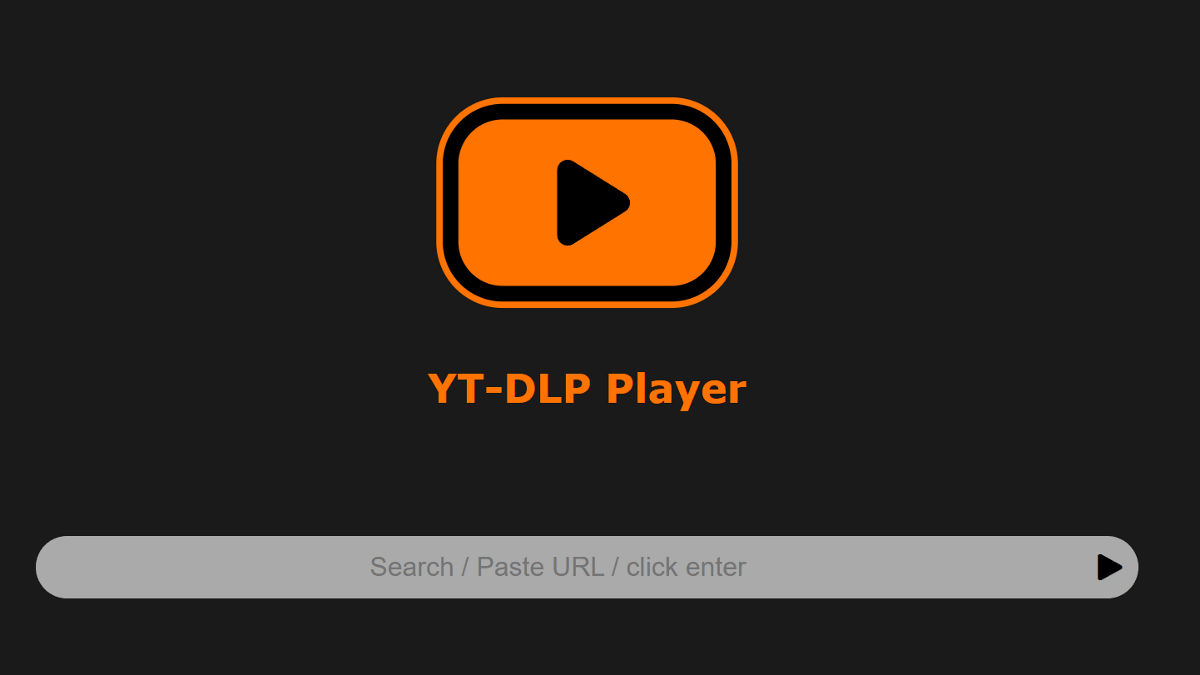
Copy the URL of the video from the video site, enter the URL in the 'Input field' of the YT-DLP Web Player, and click the 'Play' button.
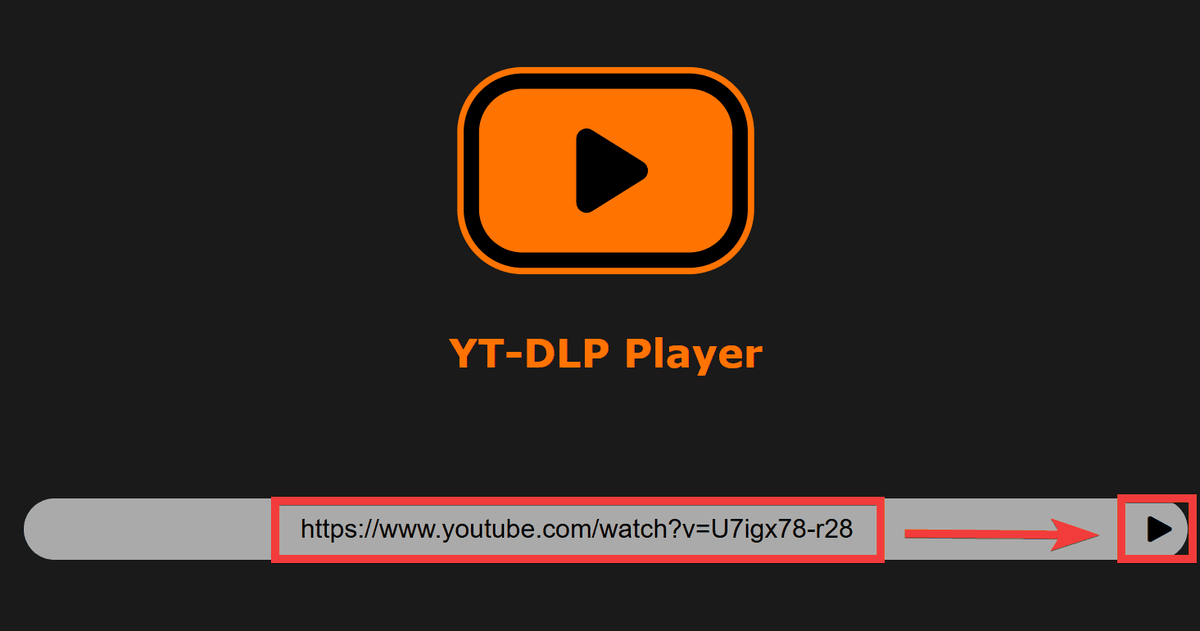
The player will launch and become ready for playback in a few seconds. Click the 'Play' button...

The video will start playing immediately. Since it plays the raw data as is, no ads will be displayed.
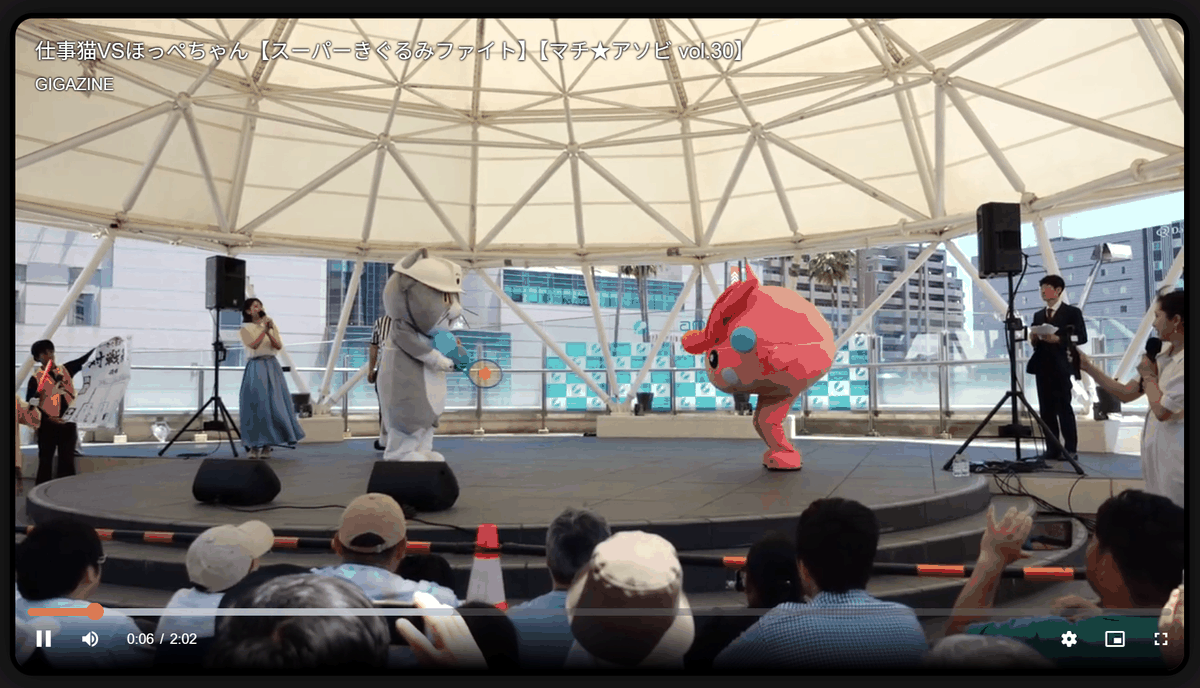
- When using a browser extension
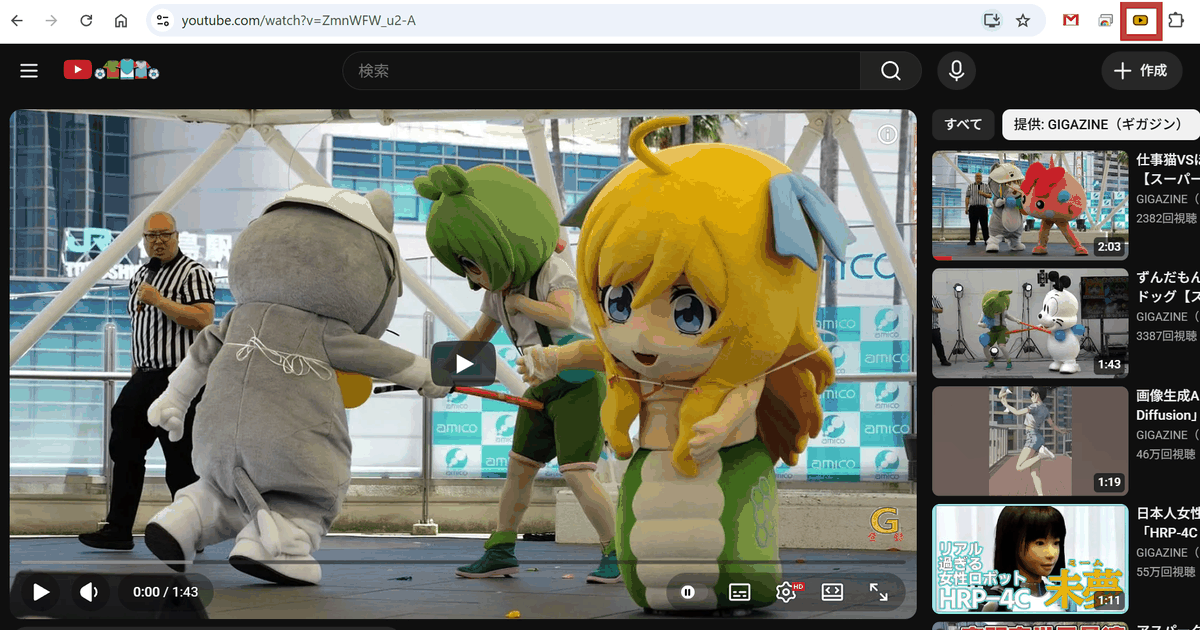
After installing the browser extension, click the 'YT-DLP Web Player' extension icon on the video playback page.
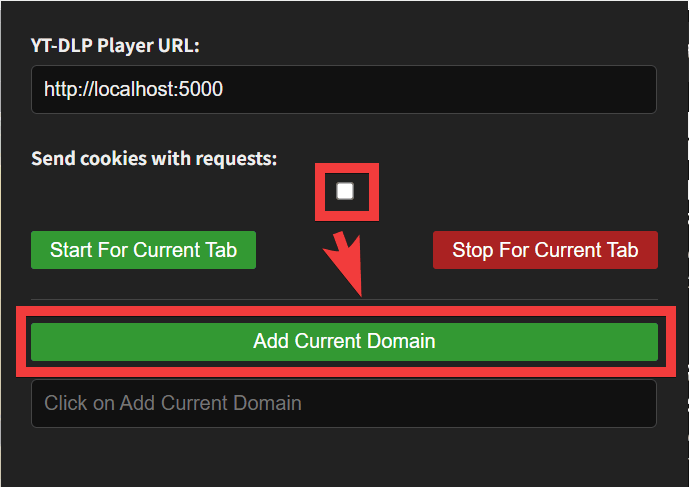
A settings dialog will appear. If the page is a restricted page or one that can only be viewed after logging in, check 'Send cookies with requests' and click the 'Add Current Domain' button.
You will be asked for permission, so click 'Allow'.
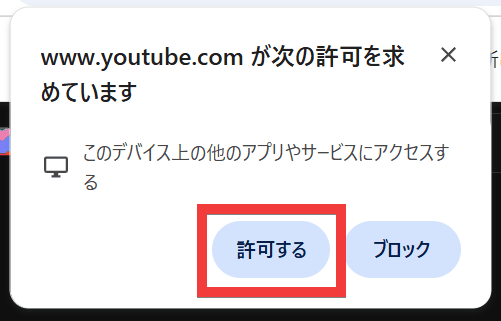
The video player on the site will be replaced with 'YT-DLP Web Player,' allowing you to watch videos without ads.
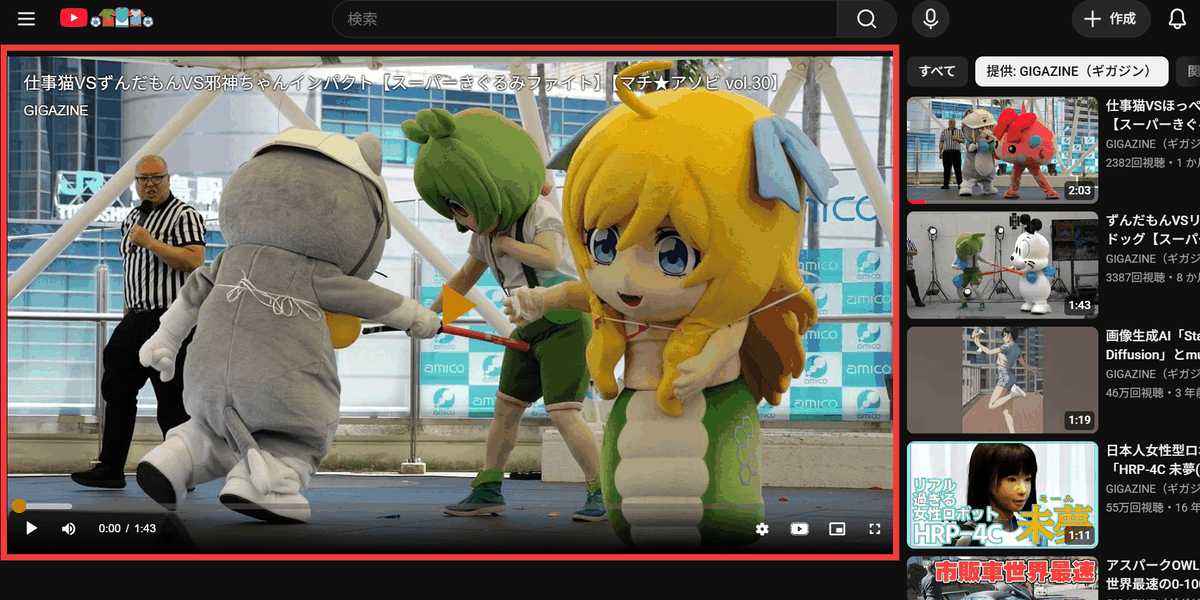
◆Other features of YT-DLP Web Player
• Daily automatic updates of yt-dlp: The backend yt-dlp is automatically updated daily, allowing for immediate response to sudden specification changes on the video site.
• Live streaming support: Supports live streaming, allowing for real-time viewing.
- Automatic pasting from clipboard: If you press Enter with an empty URL input field, the copied URL will be automatically loaded and playback will begin.
- Video download: You can save videos to a specified folder.
Other features include
◆Evaluation of YT-DLP Web Player
On Reddit , one of the world's largest online forums, there has been an exchange of opinions about the YT-DLP Web Player, with some praising it as 'This is really great. I love it,' and the creator responding to a bug that asks users to 'sign in to verify you're not a bot' by saying, 'That's entirely a YouTube issue and cannot be fixed.'
In actual testing, I was able to retrieve videos with a local setup, but when I assigned a domain and placed the server in the cloud, it was rejected as a bot. It seems that usability varies depending on the environment.
◆ How to build a YT-DLP Web Player
This time, we will set it up in an environment where Docker Desktop and Git Bash for Windows are installed on Windows. Clone the repository to the working folder and move it to the ytdlp_web_player folder.
 git clone https://github.com/Matszwe02/ytdlp_web_player.git
 cd ytdlp_web_player
Copy the environment files.
cp src/example.env src/.env
Start the container.
docker compose up -d
Once the container starts, access 'http://localhost:5000' in your browser, and the YT-DLP Web Player screen will appear, allowing you to use it immediately.
◆ How to install browser extensions
This feature is only available for
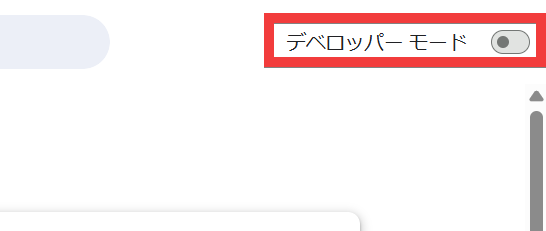
From the newly added settings menu, click 'Load unpacked extensions'.
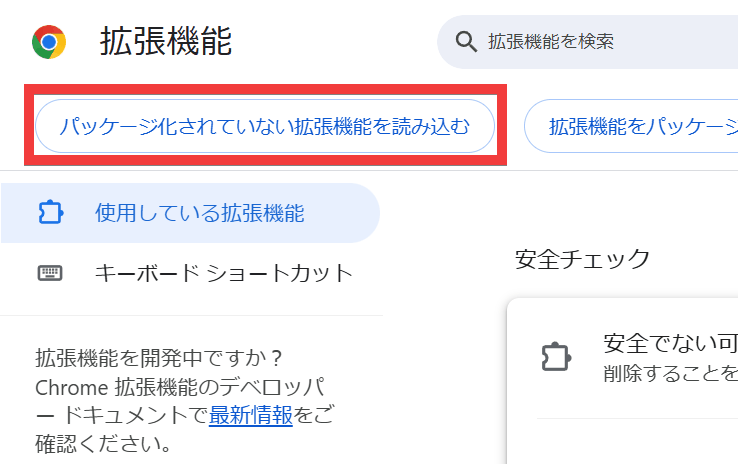
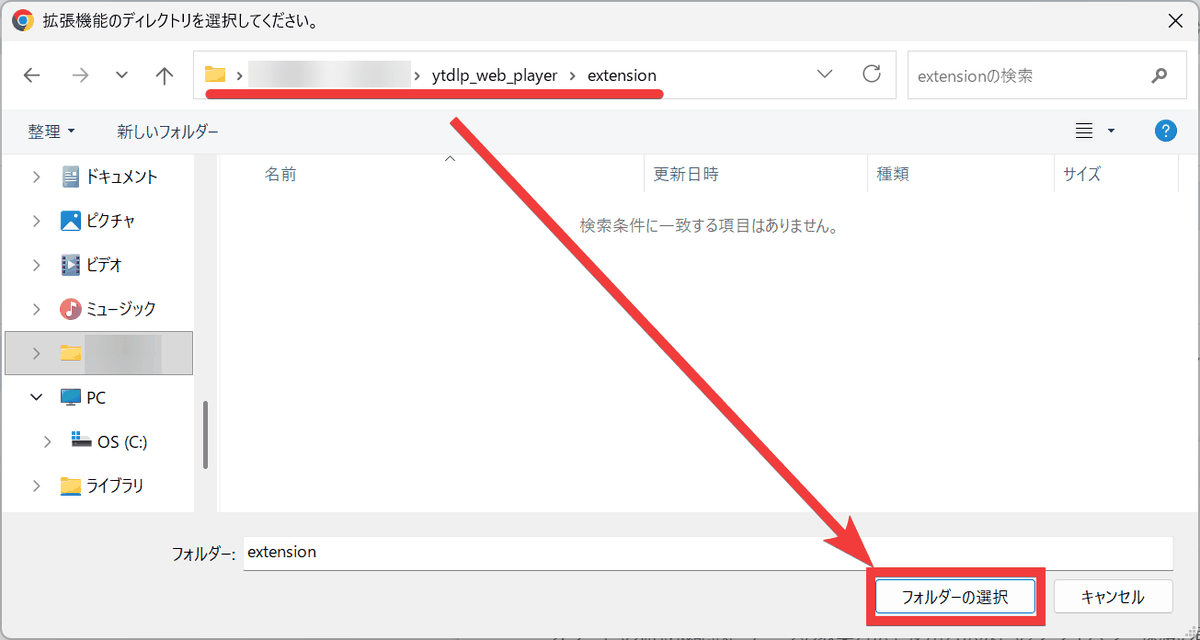
In the build process, select the 'extension' folder within the cloned repository and click 'Select Folder'.
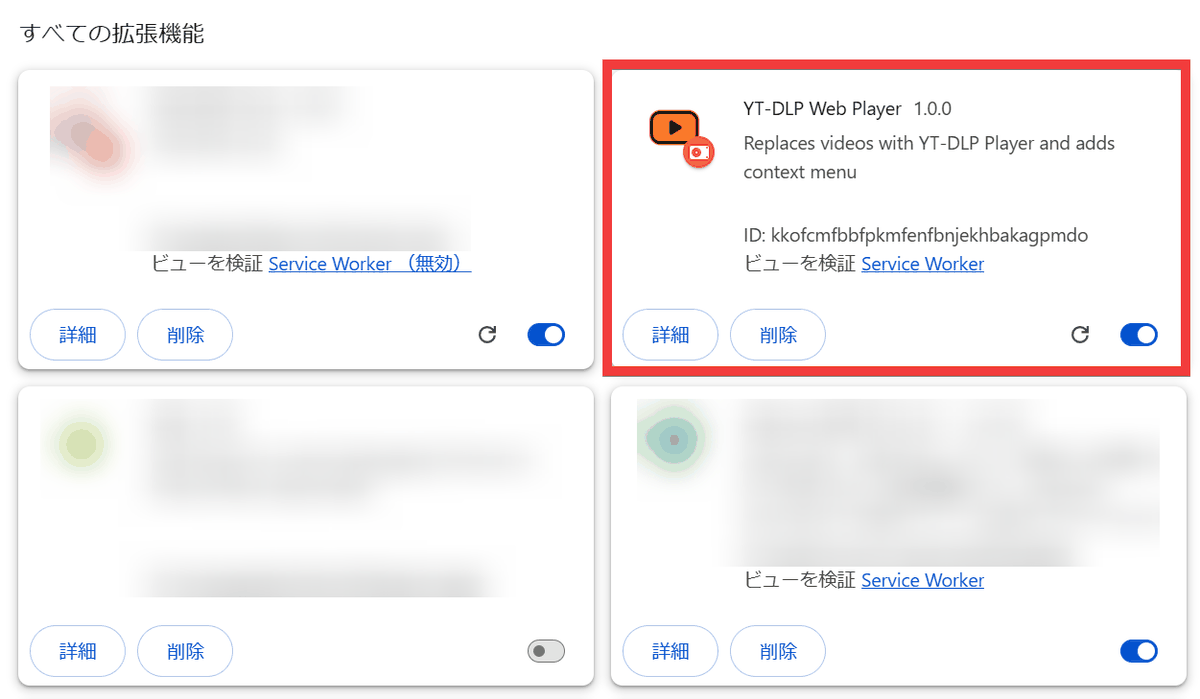
Installation is complete when YT-DLP Web Player is added to the list of all extensions.
Related Posts: