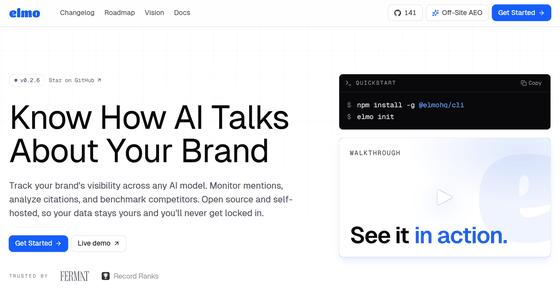
Elmo is a free AI-powered optimization (AEO) tool that allows you to check websites using ChatGPT, Google AI Overviews, Perplexity, Gemini, Copilot, Grok, and more. It is open source and self-hostable.
For companies and website operators, it's crucial to check whether their brand appears as a suggestion and whether it's presented correctly when a user consults an AI. To efficiently perform AI-optimized website optimization (
Elmo · Open Source AI Visibility
https://www.elmohq.com/
elmohq/elmo: open source ai visibility tracking
◆Demo
Elmo - AI Search Optimization
https://demo.elmohq.com/app
◆Elmo's features
You can see 'Elmo' in action on the demo site.
Dashboard
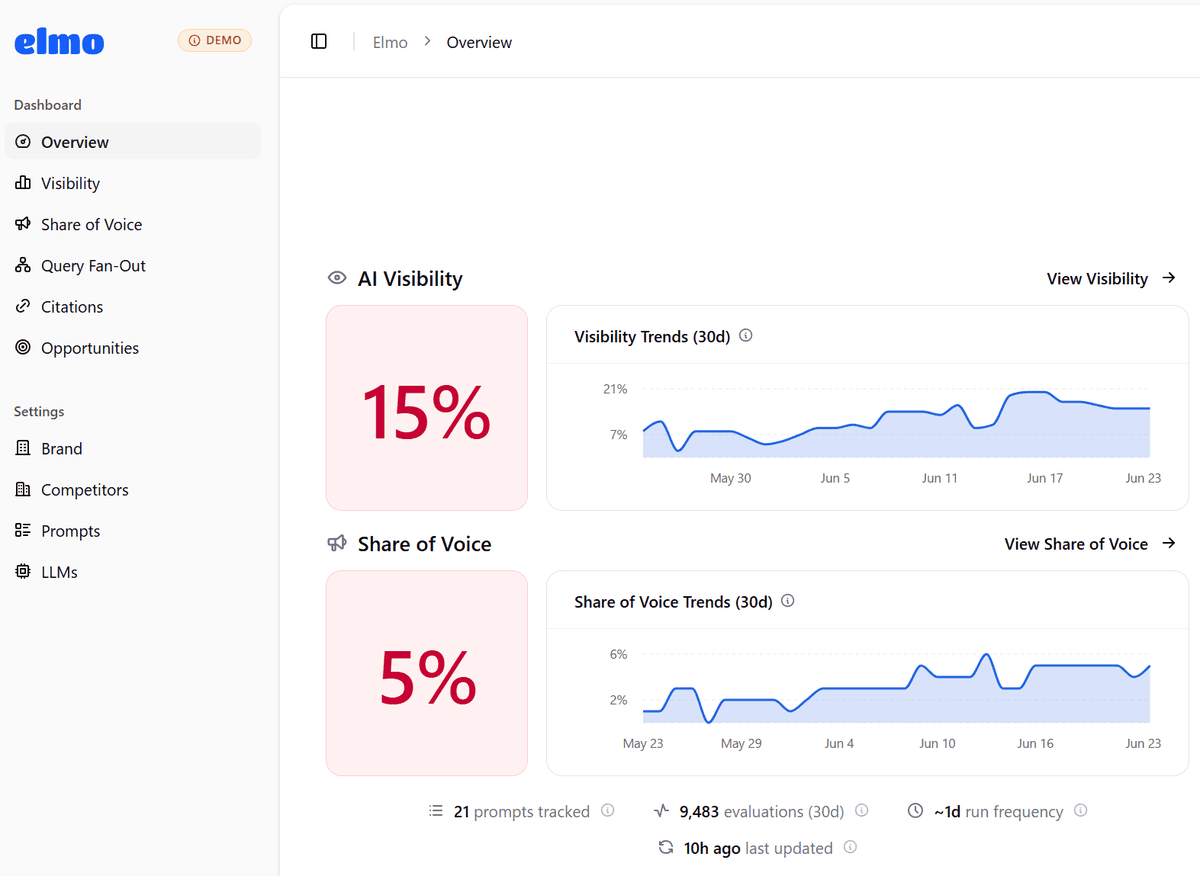
This screen provides an overview of the overall status of AI responses recorded by Elmo. You can send pre-registered prompts to the AI and view an overview of metrics such as ' AI Visibility ,' which shows how often your brand appeared in the responses, and ' Share of Voice ,' which shows your presence in responses including those of competitors. A graph showing the trend over the past 30 days, the number of prompts being tracked, the number of evaluations, the execution frequency, and the last update time are displayed.
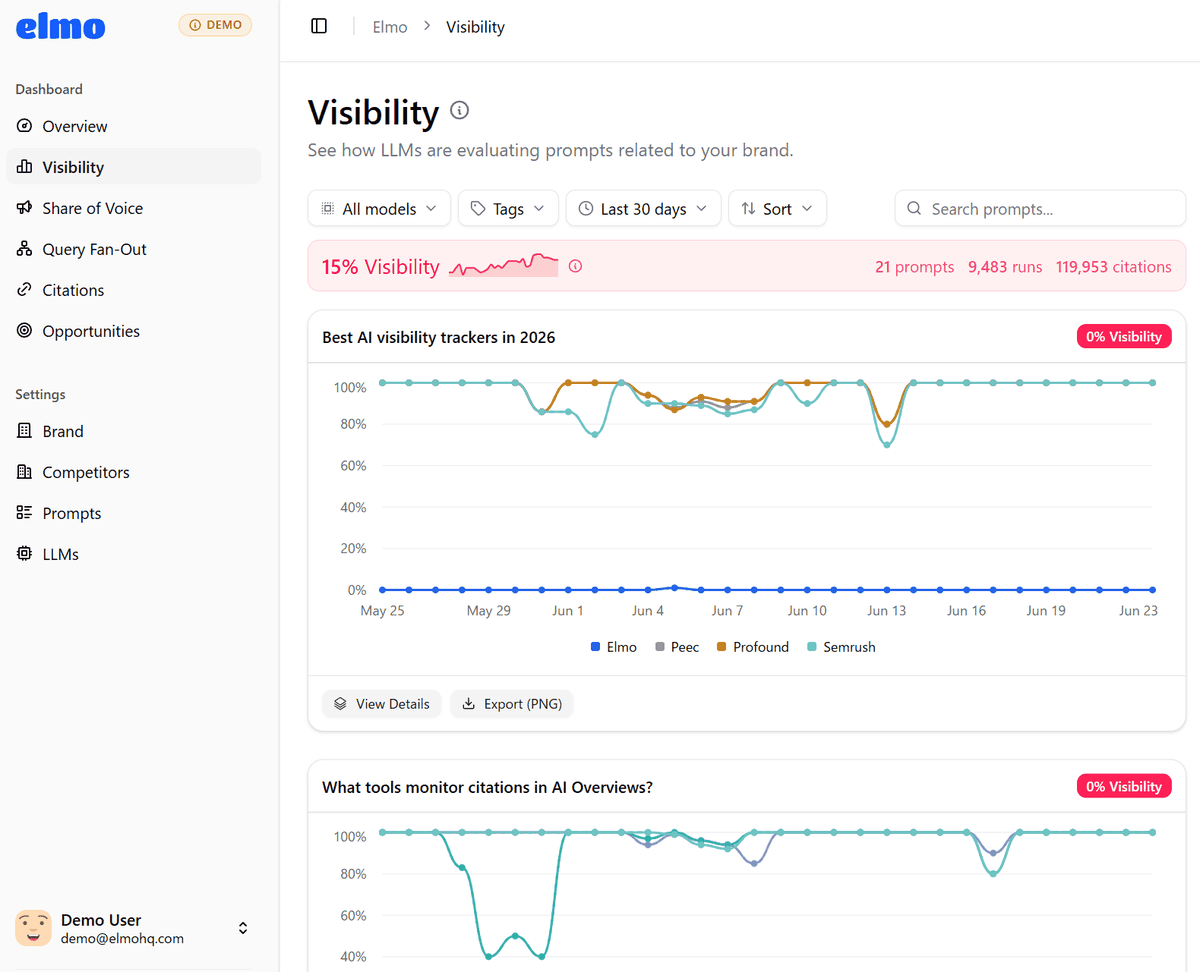
Visibility
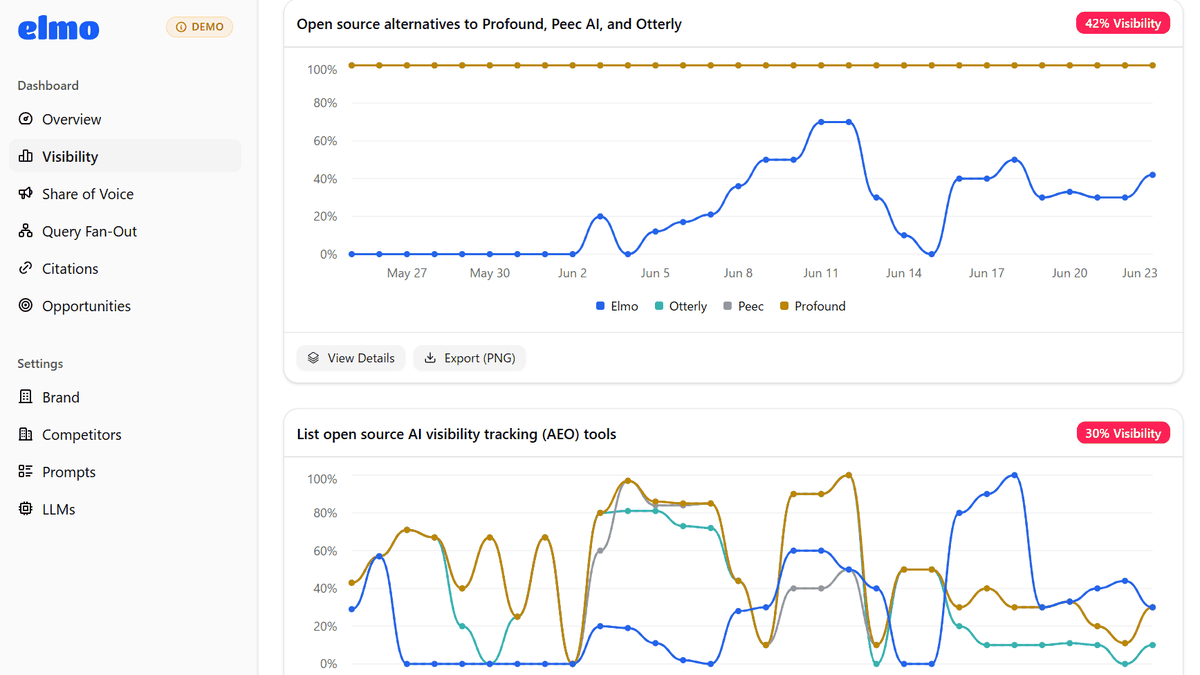
You can view a graph showing the extent to which your own brand and competitors appear for each registered prompt over the past 30 days, and you can also see overall statistics for all AI services and individual statistics for each AI service.
Share of Voice
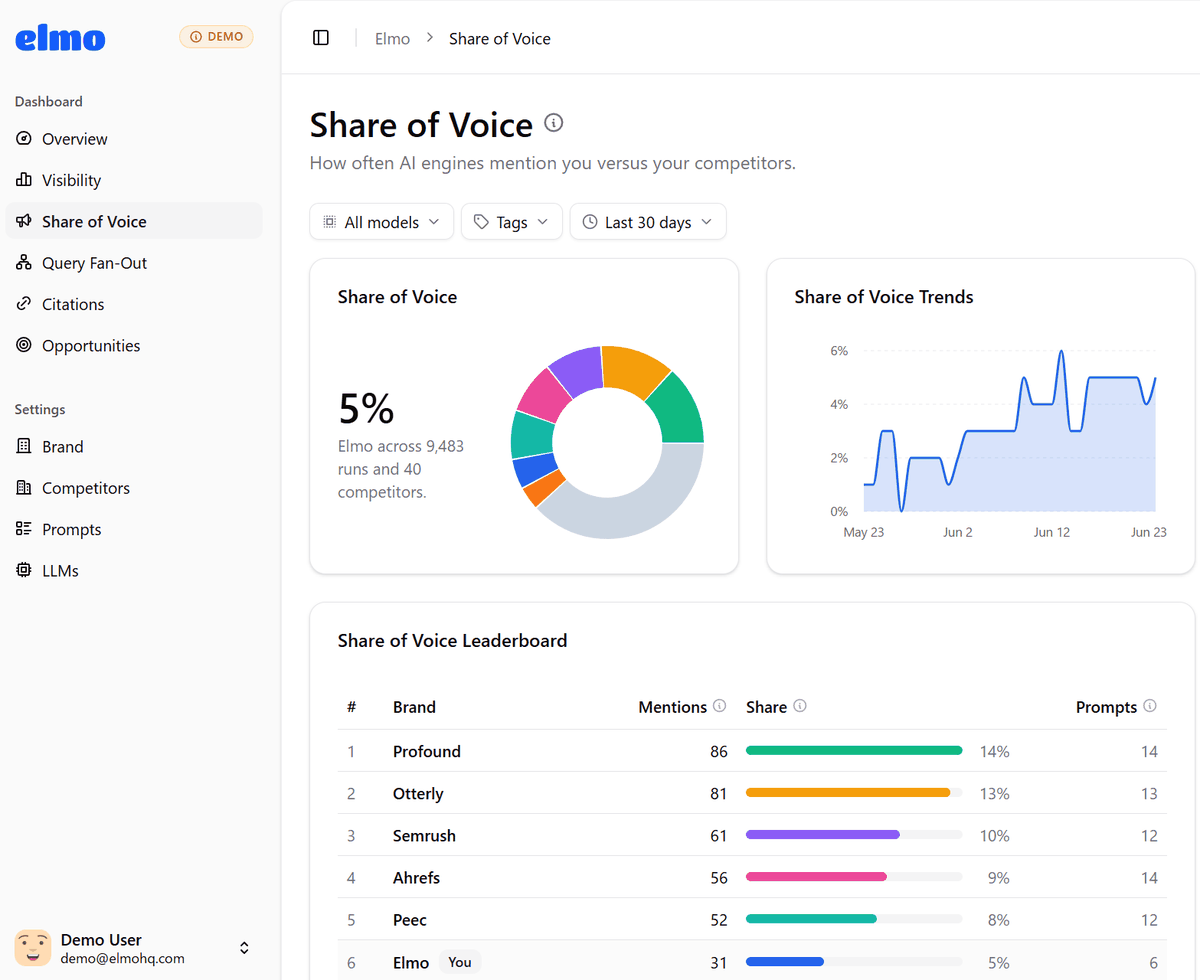
You can see how often your brand is mentioned in AI responses compared to your competitors. Visibility is an indicator that shows how often your brand appears in AI responses, while Share of Voice is an indicator that shows how much presence your brand has compared to your competitors.
Query Fan-Out
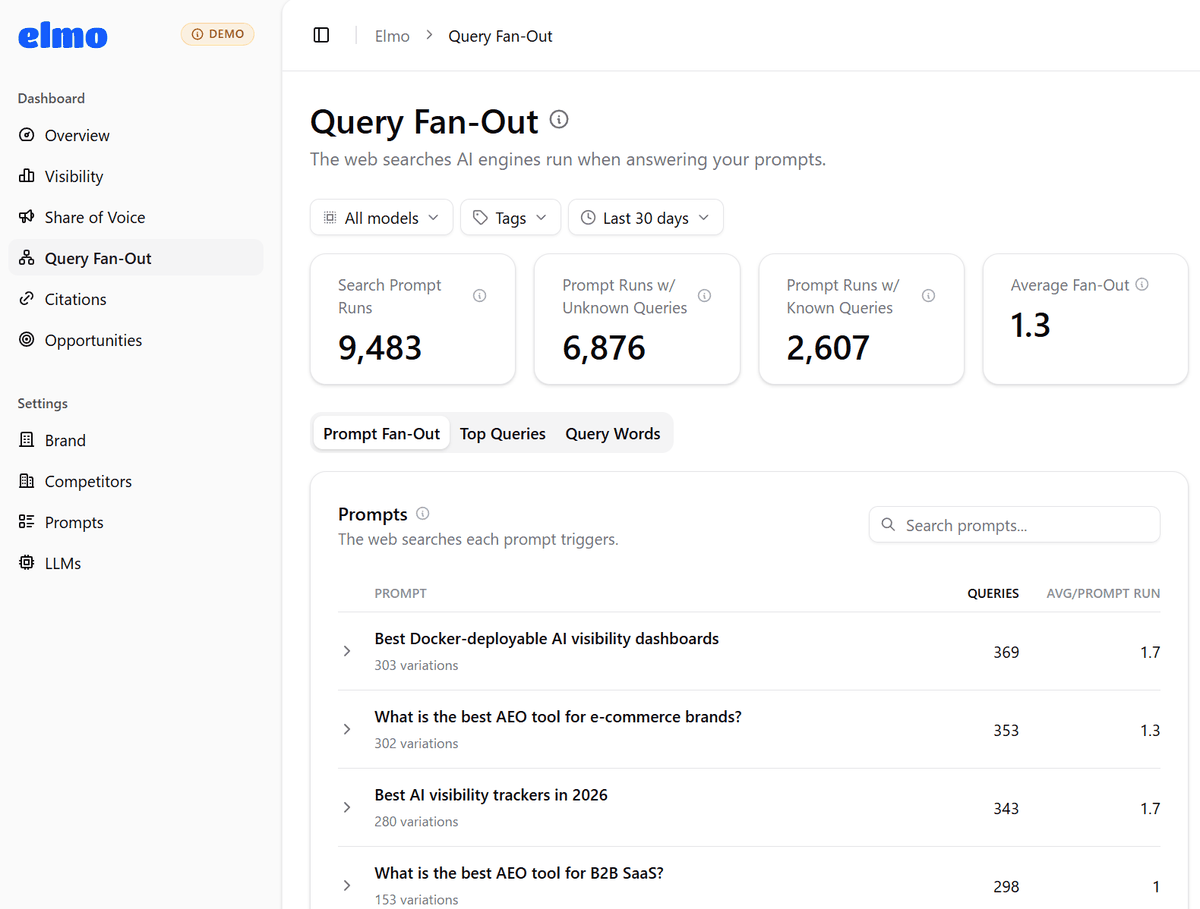
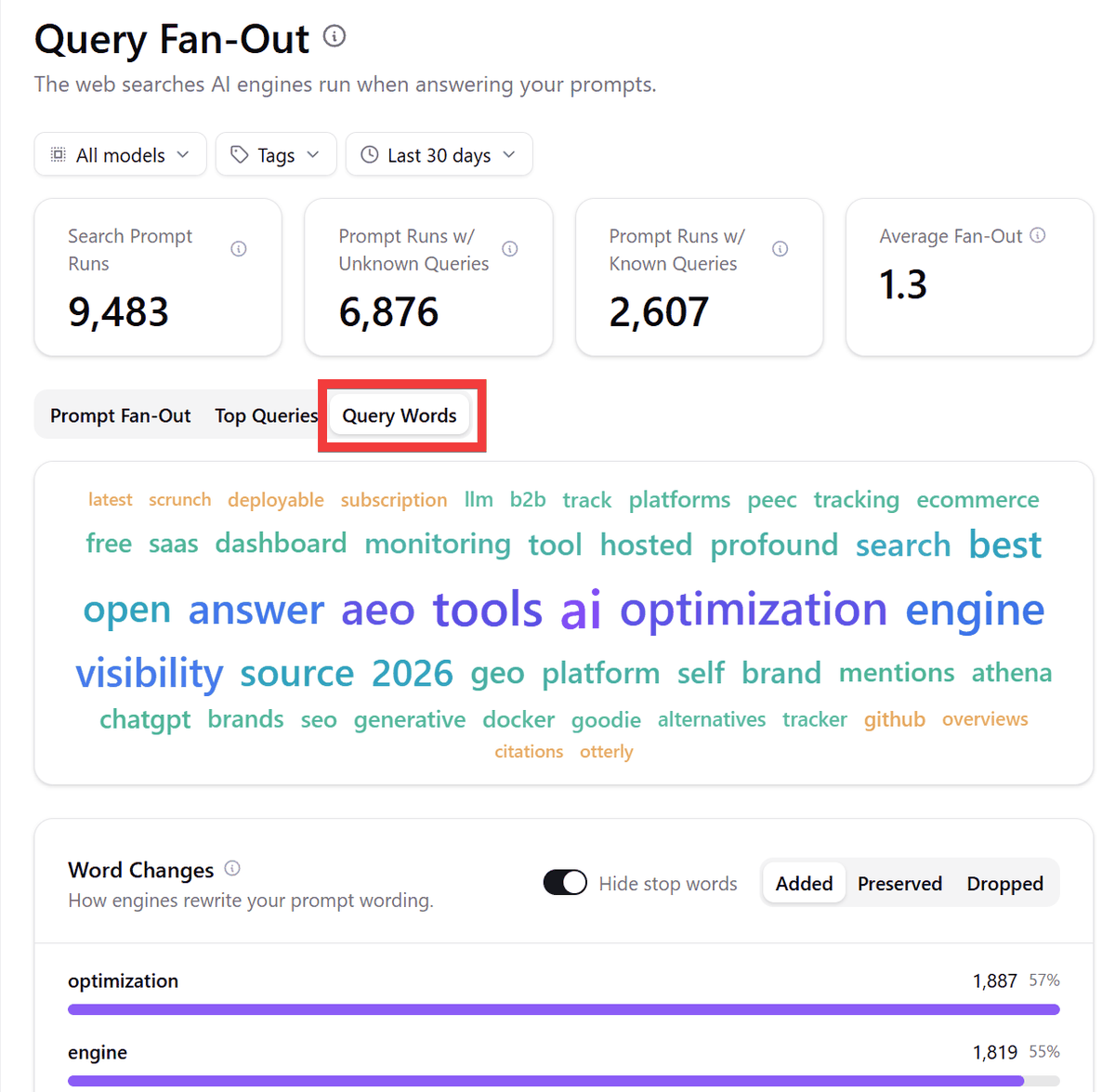
Statistics are displayed showing what searches the AI performed in response to prompts. By analyzing the search terms the AI uses, you can gain insights into content and words to include on your site, as well as hints for creating pages that are more likely to be referenced by the AI.
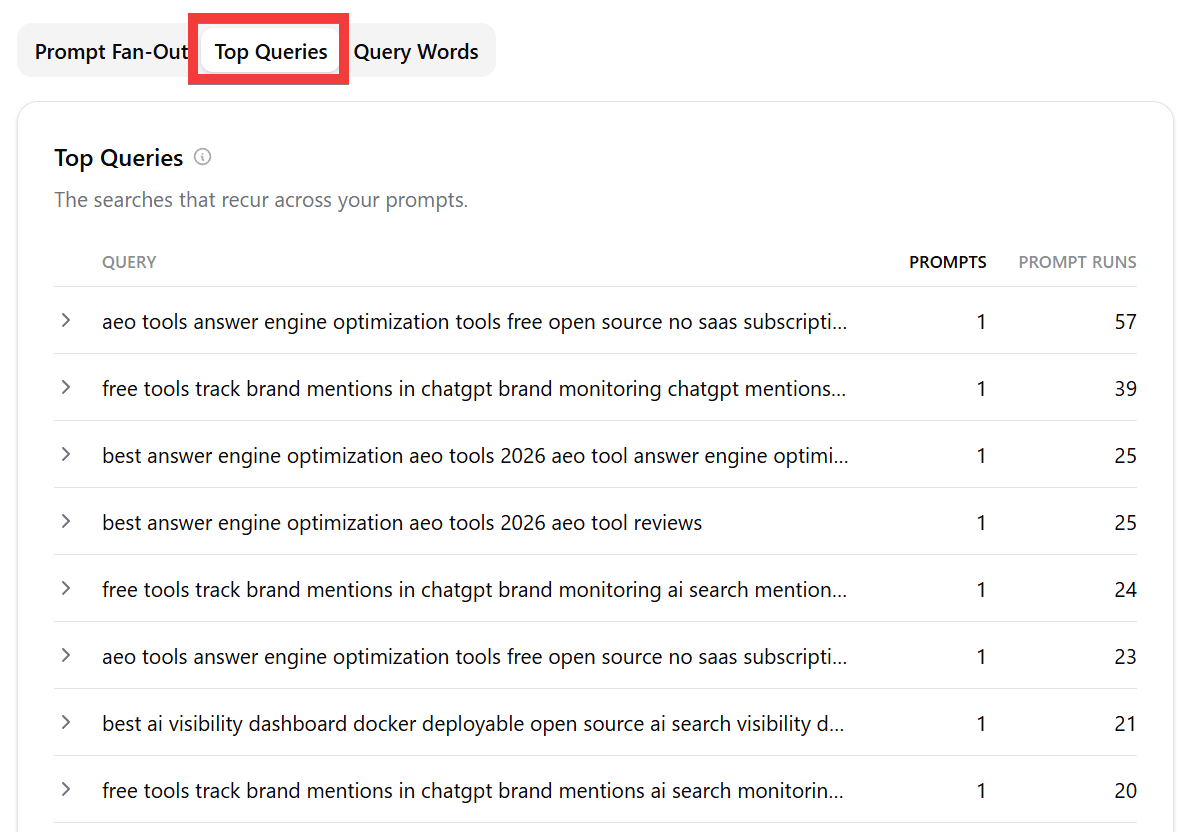
In 'Top Queries,' you can see the most frequently used search terms by the AI, sorted by frequency.
'Query Words' uses statistics from words searched by the AI to determine which words should be included on your site.
Citations
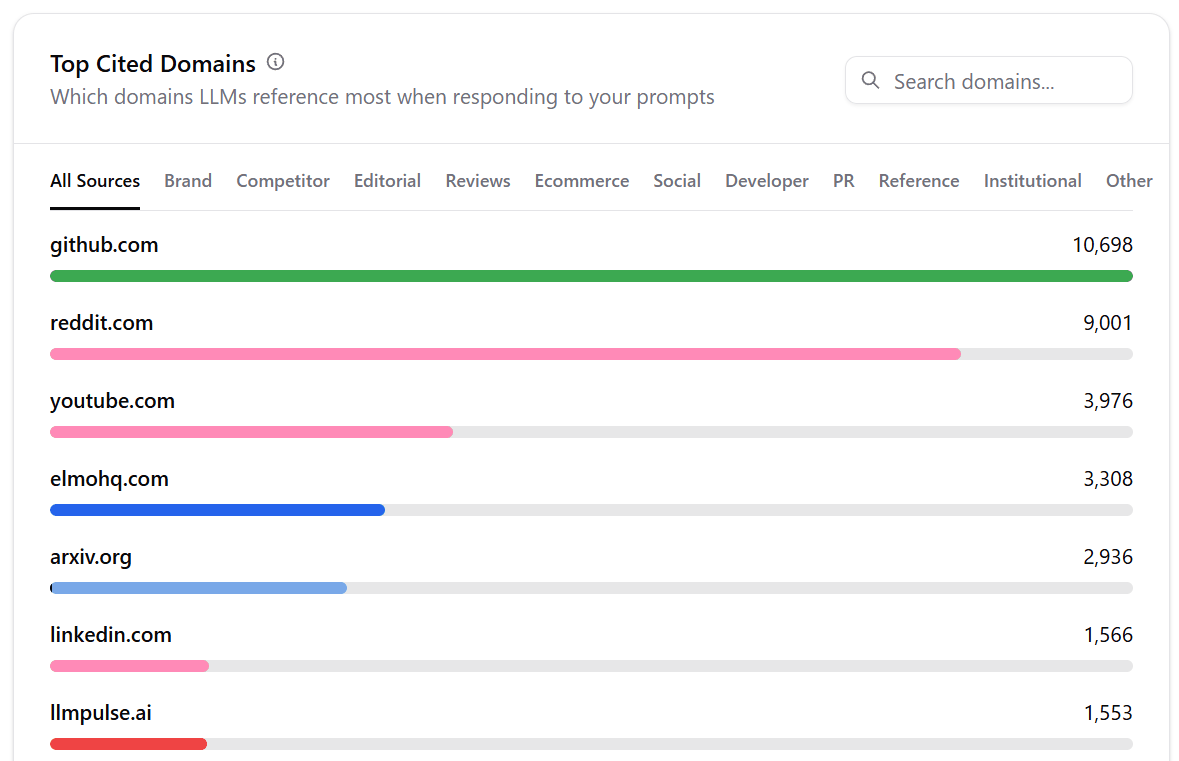
You can view statistics on which information sources the AI cited when answering questions. The 'Citation Categories' section categorizes the source sites into types such as articles, competitors, social media, developers (like
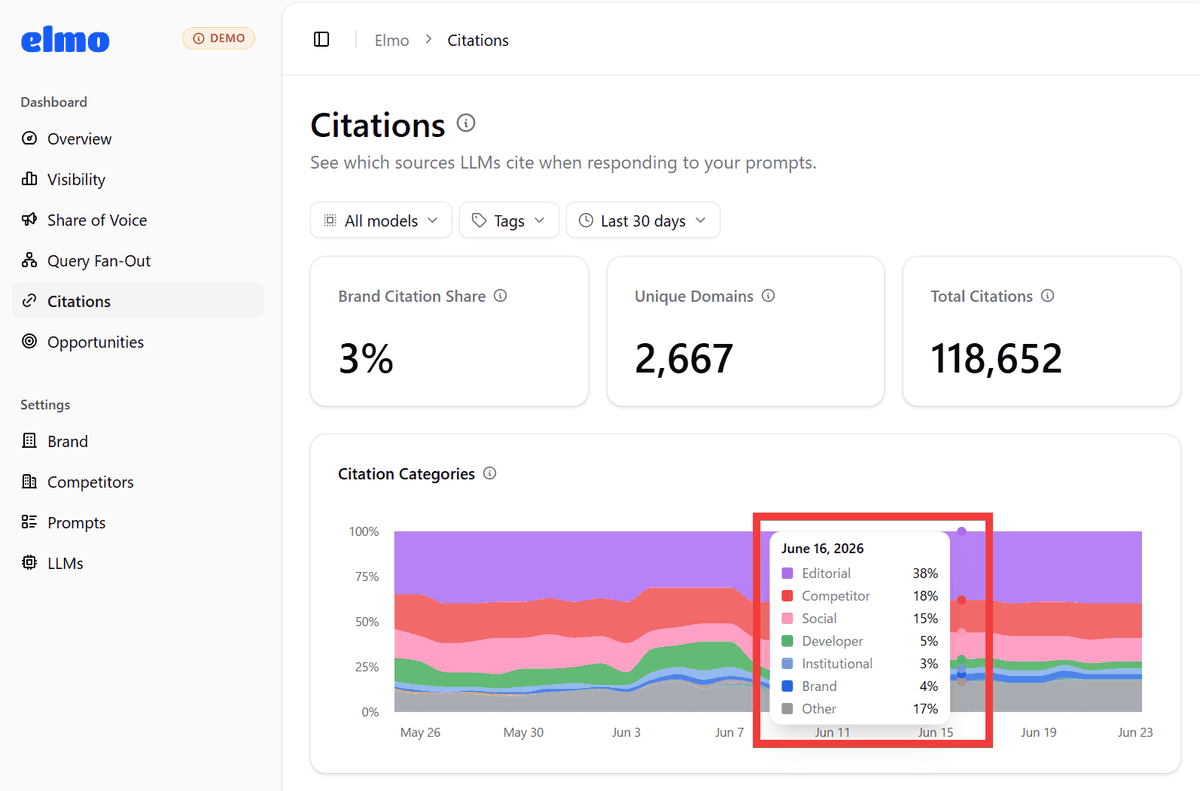
Furthermore, by checking the changes in the source domain and page type, as well as recently added and removed sources, it becomes possible to understand which sites the AI trusts and uses in its answers.
Opportunities
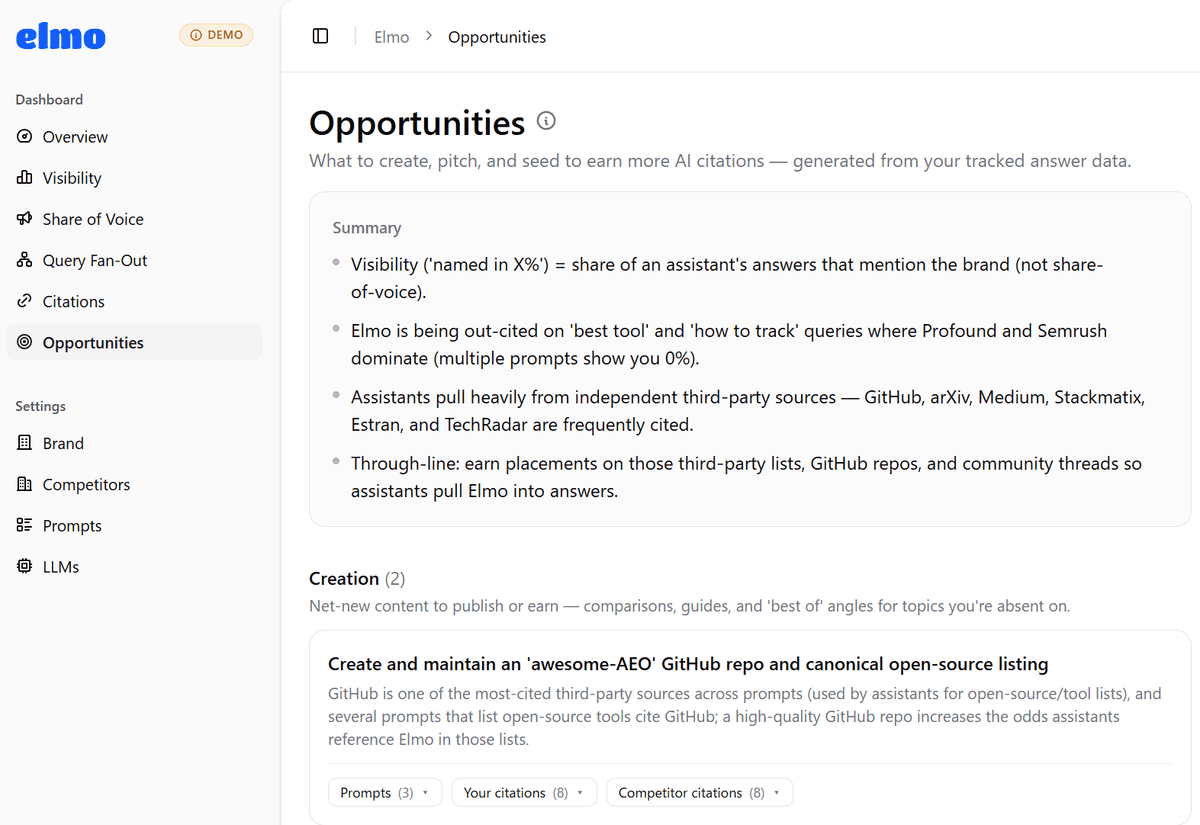
Based on the AI responses and source data collected by Elmo, suggestions for improvement are displayed to increase the chances of your brand being cited and mentioned by the AI. Beyond simply seeing if your brand is displayed, you can identify prompts with strong competition, third-party sites frequently referenced by the AI, comparison articles and guides you should create, and GitHub repositories and communities you should target for inclusion.
◆Elmo Setup Instructions
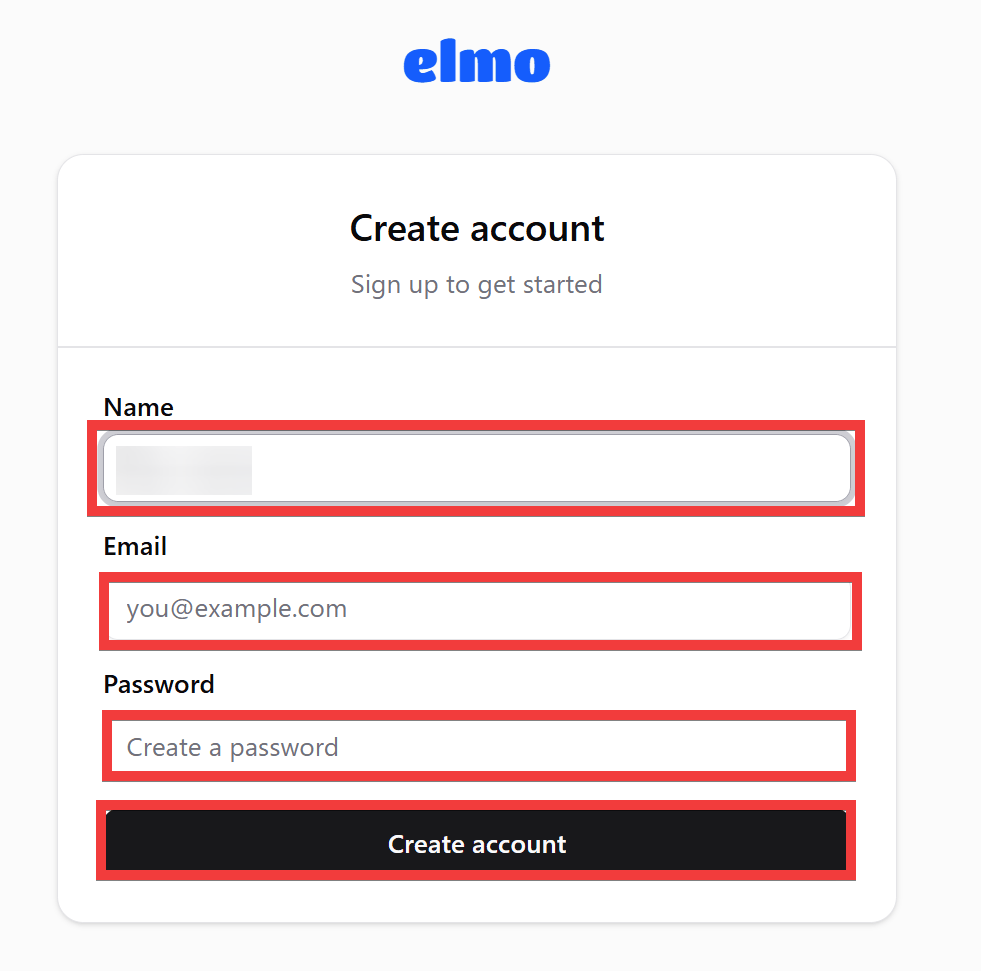
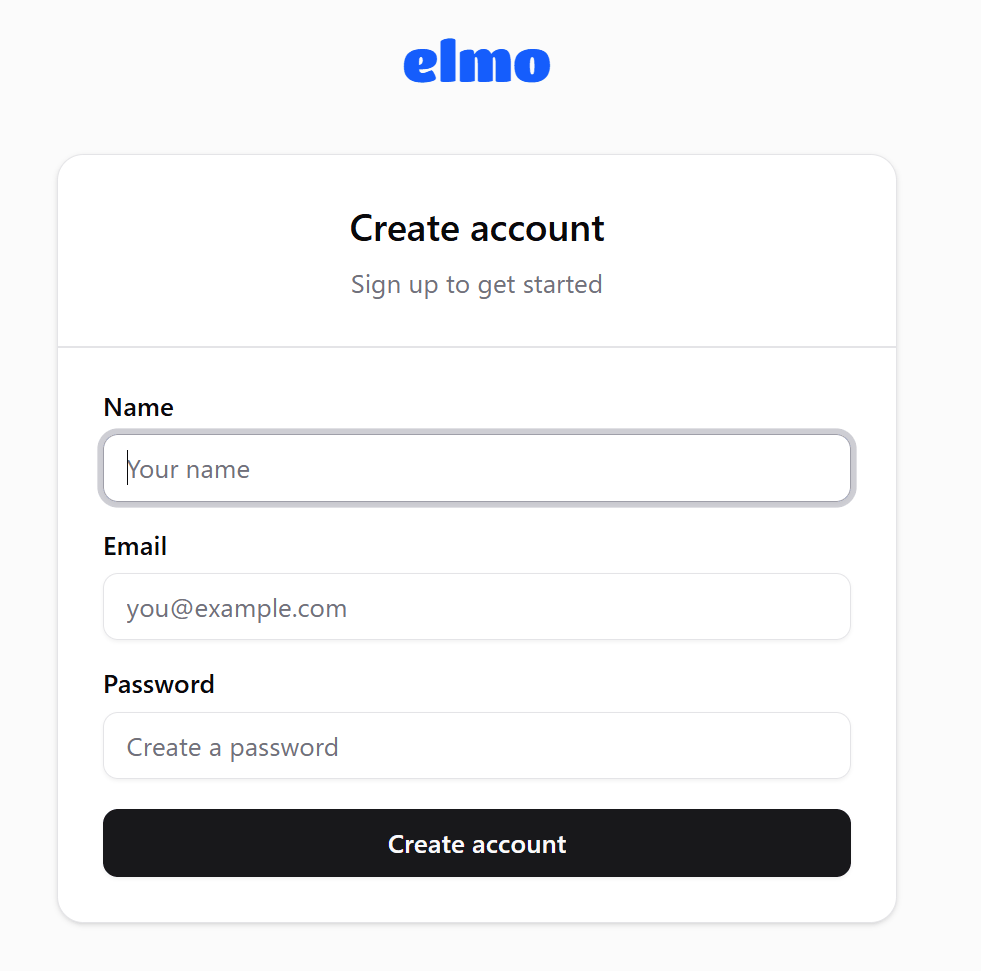
After setting up the Elmo server as described below, access 'http://localhost:1515' in your browser to display the user registration form. Enter your name in 'Name', your email address in 'Email', and your password in 'Password', then click 'Create account'.
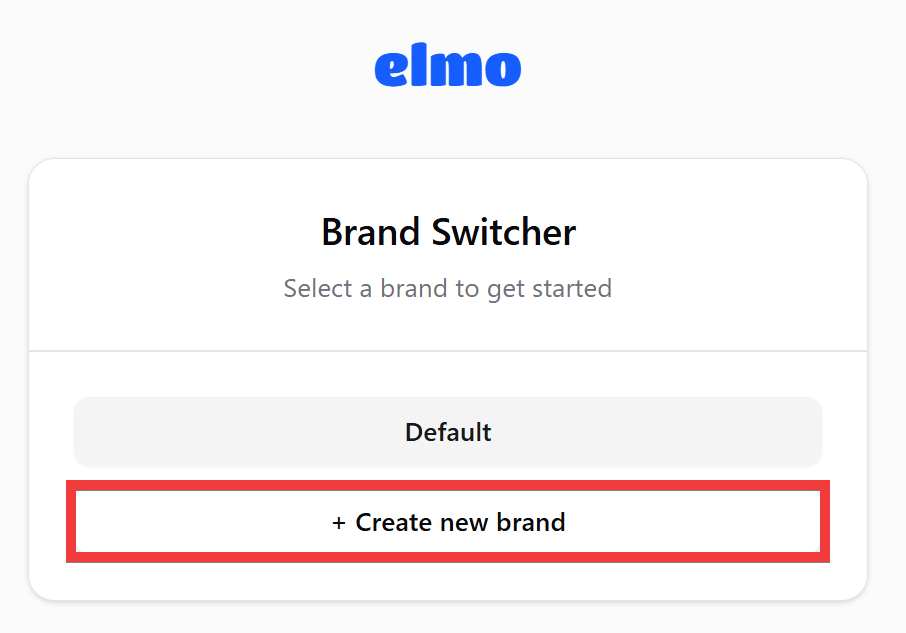
A brand selection screen will appear, so click 'Create new brand'.
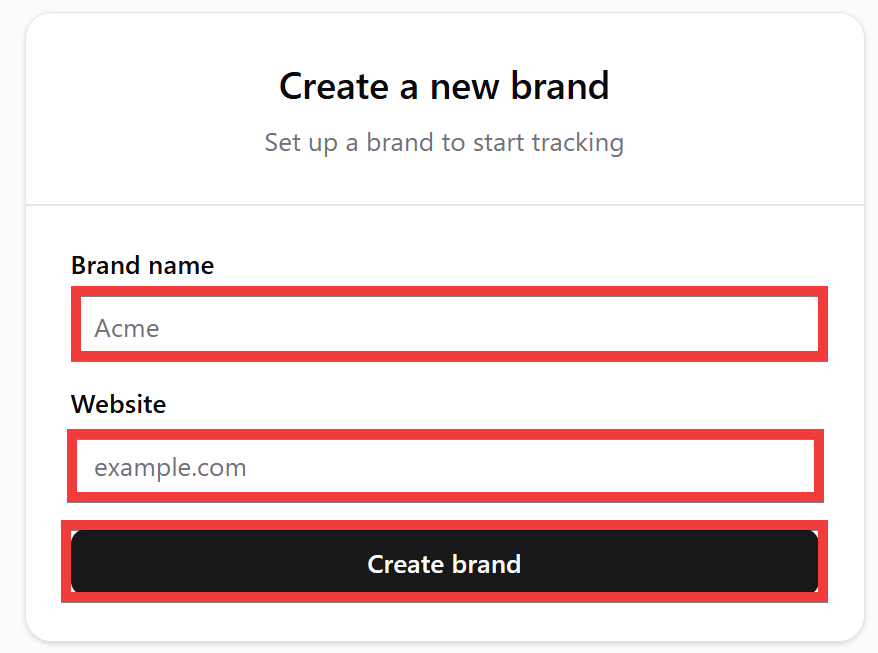
A brand registration form will appear. Enter your brand name in the 'Brand name' field and your brand's website address in the 'Website' field, then click 'Create brand'.
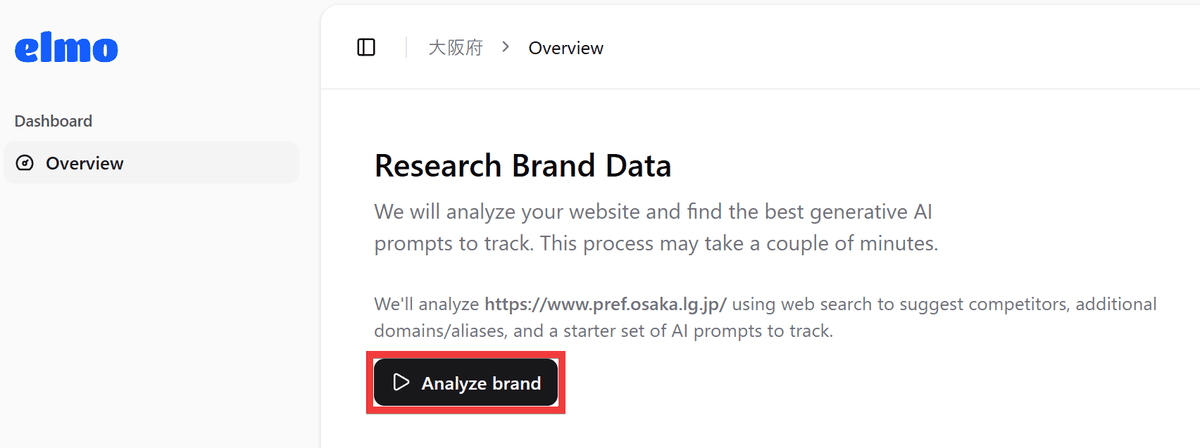
The overview screen will appear, so click 'Analyze brand'.
The analysis is performed and 'competitor brands' and 'prompts for statistics' are automatically created.
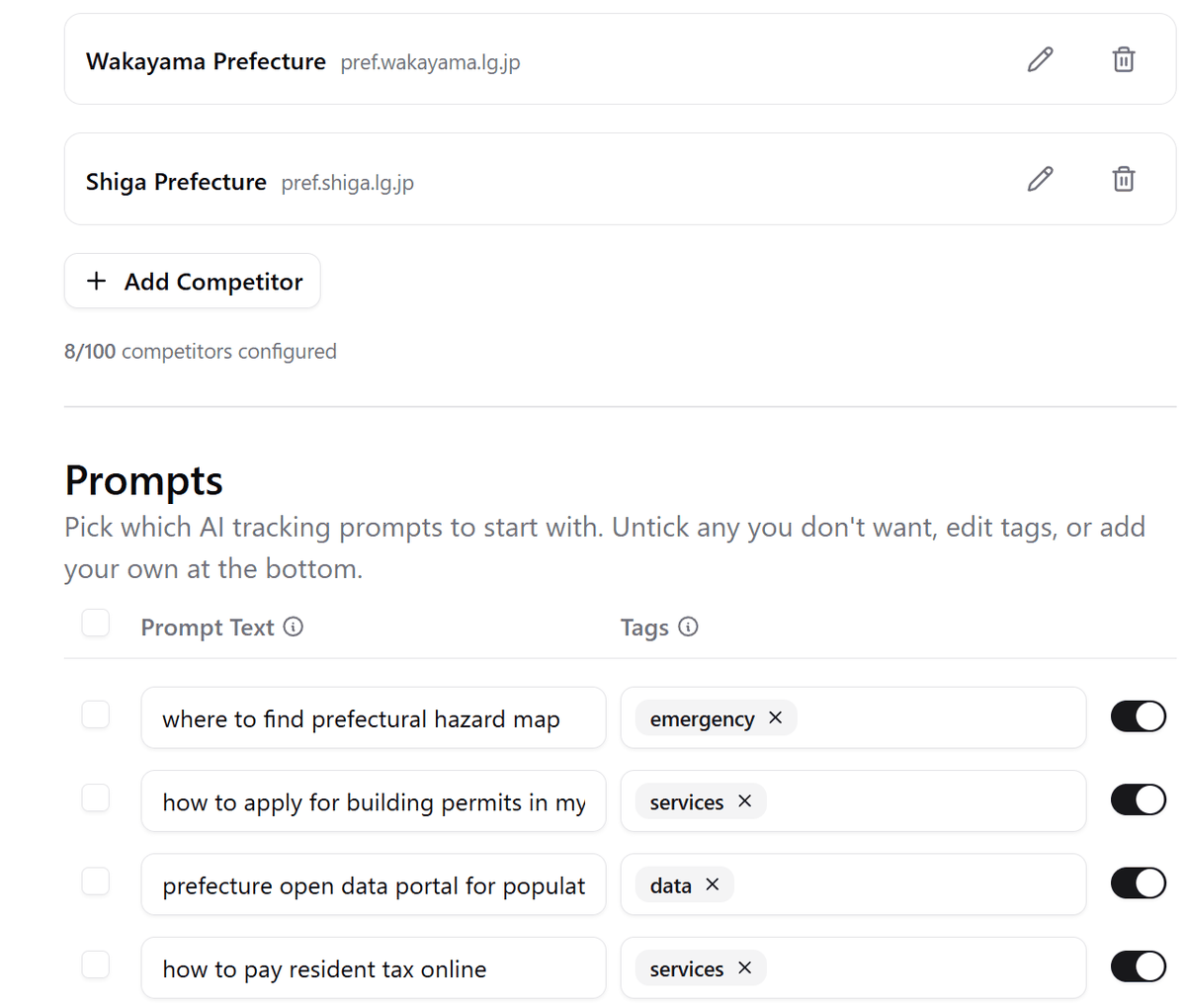
Clicking 'Start tracking' will automatically initiate queries to the AI and perform scraping.
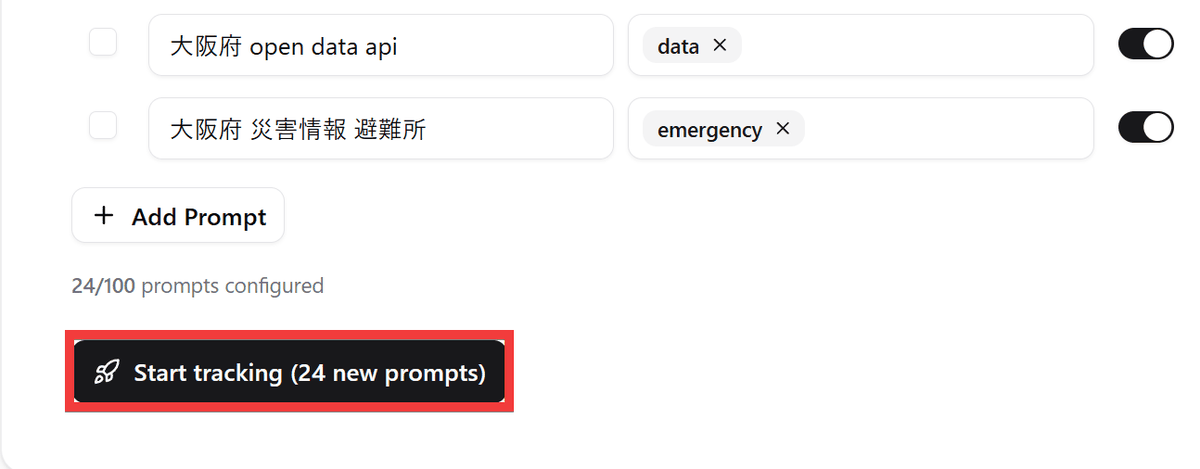
From now on, the system will automatically evaluate the registered prompts every 24 hours.
◆ How to set up self-hosting on Elmo
This time, we will set up an environment where
npm install -g @elmohq/cli
Execute the initialization command to launch the setup wizard.
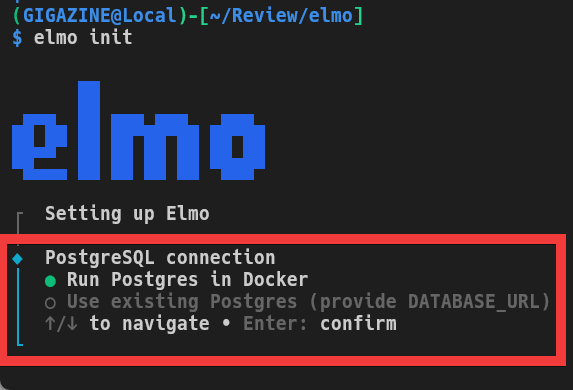
elmo init
You can choose to either set up PostgreSQL using Docker or use an existing setup.
Choose whether to use the default combination of scraping tools and AI provider APIs, or customize them.
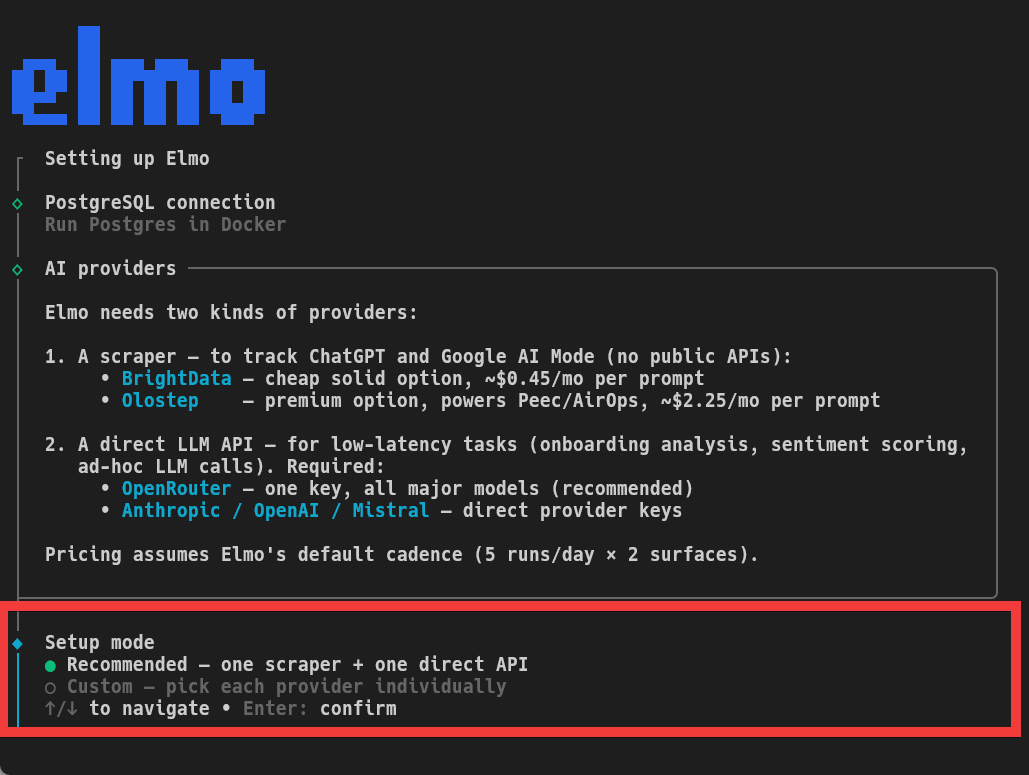
Select the service you want to use as a scraping tool.
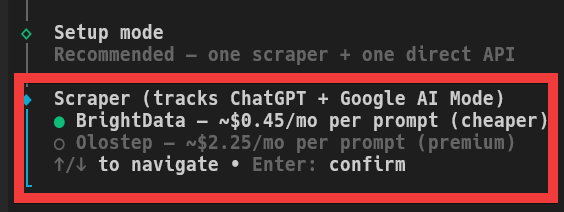
After registering the API key for the scraping service, select the AI provider you want to use for data collection.
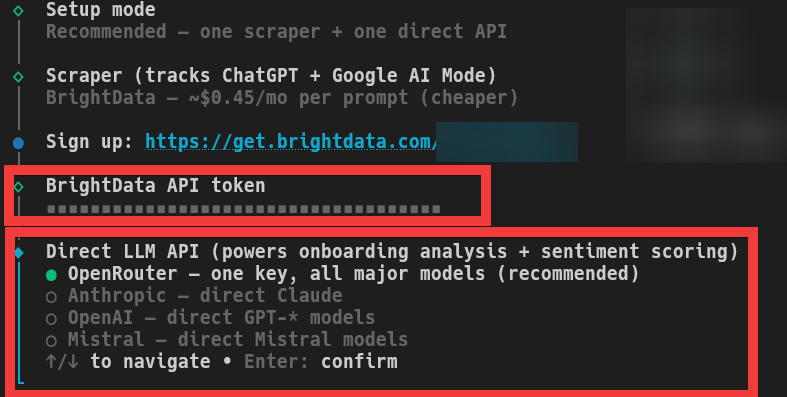
After entering the API key for your chosen AI provider, you will be asked whether you want to share telemetry, such as tool usage records, with Elmo. Please note that the shared data will not include any personally identifiable information, such as brand names.
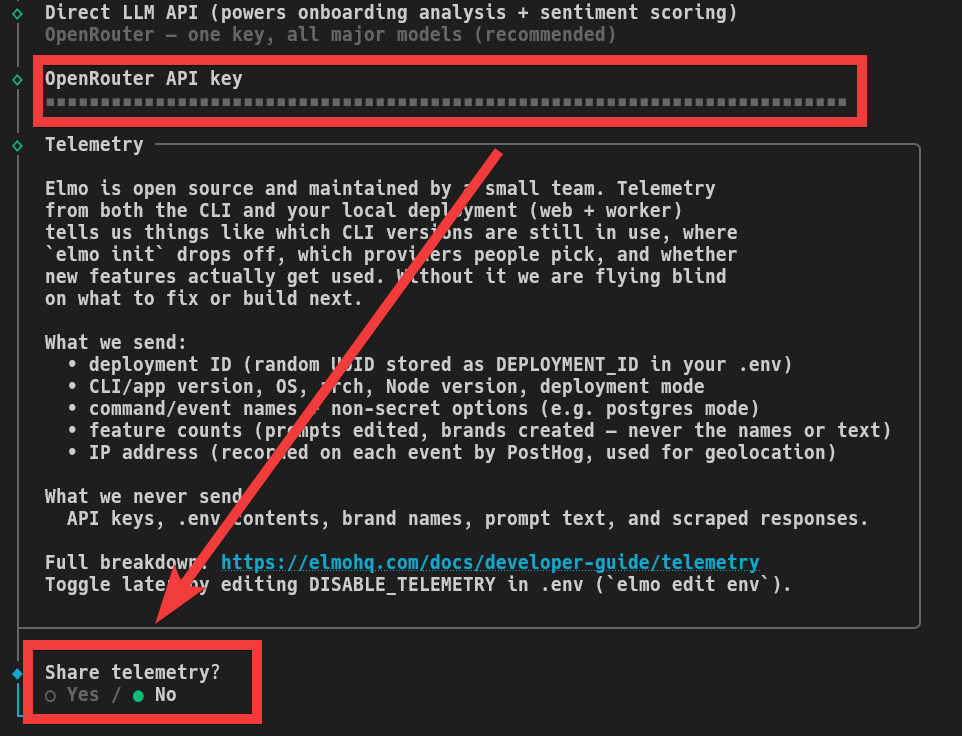
Proceed with the remaining questions using the default settings, and finally, when asked if you want to start the server, select 'Yes'.
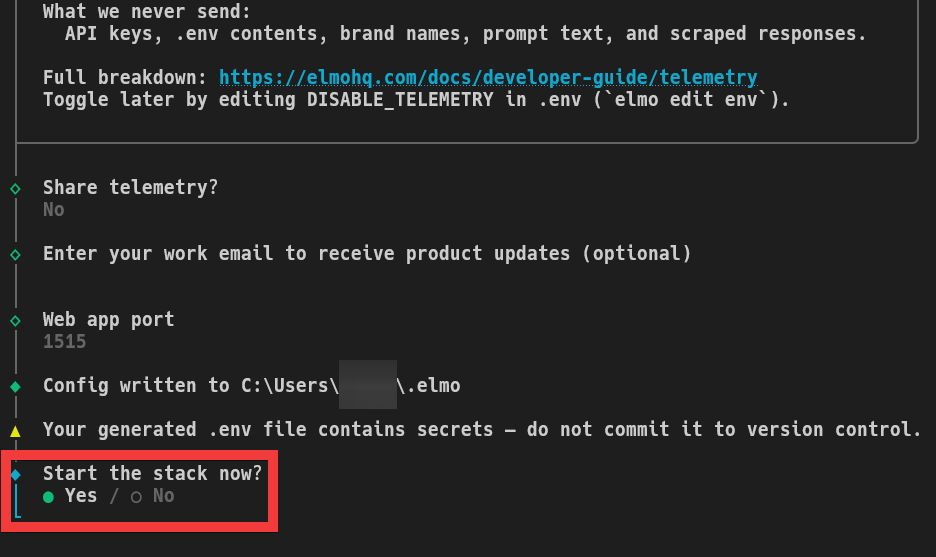
The Elmo server will start as a Docker container.
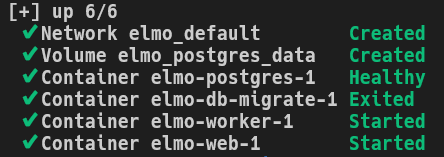
If you access 'http://127.0.0.1:1515' in your browser and the user registration form is displayed, the setup is complete.
Similar services include Profound and Peec AI , which require a minimum monthly running cost of around $100 (approximately 16,000 yen). In contrast, Elmo allows you to operate an AEO tool with only the necessary external APIs, scrapers, and server costs, making it extremely cost-effective.
Related Posts: