SerpBear is a free SEO tracking tool that is open source and self-hostable.

When operating a website, SEO tracking is an essential process for clearly identifying site issues and considering improvements. Due to the high demand for SEO tracking, various services and tools are available, but 'SerpBear' is a tool that allows you to use 'SERP (Search Engine Result Page)' optimization for free, is open source, and can be self- hosted . Since the release of version 1.0.0 in February 2024, it has been steadily updated, and at the time of writing this article, version 3.0.0 has just been released.
towfiqi/serpbear: Search Engine Position Rank Tracking App
◆Features
According to the official GitHub repository, the features of SerpBear are as follows:
• Unlimited keywords : You can add an unlimited number of domains and keywords to track your SERP.
• Email notification function : Regularly notifies you of keyword ranking changes via email.
• SERP API : Provides an API that can be used for marketing and data reporting tools.
• Keyword Research : By linking with a Google Ads test account , you can investigate the content of the tracked site and automatically generate keyword suggestions.
• Google Search Console integration : Allows you to obtain actual visit counts, impressions, etc. for each keyword.
• Mobile Apps : Add PWA apps to mobile devices to deliver a better mobile experience.
• Zero operating costs : You can run your app for free on mogenius.com or Fly.io.
◆ Introduction
The procedure for using Docker as a self-hosting method is provided. First, clone the repository from GitHub to your local machine.
[code]
git clone https://github.com/towfiqi/serpbear.git
cd serpbear
[code]
There is a file called '.env.example' directly under the cloned directory, so copy this file to create a '.env' file, open the file, and change 'USER=~' to 'USER_NAME=~'. You will need to change the contents if you intend to make it publicly available as it contains login information, but if you are just trying it out on your local PC, the contents are fine as they are.
[code]
USER_NAME=admin
PASSWORD=0123456789
SECRET=4715aed3216f7b0a38e6b534a958362654e96d10fbc04700770d572af3dce43625dd
APIKEY=5saedXklbslhnapihe2pihp3pih4fdnakhjwq5
SESSION_DURATION=24
NEXT_PUBLIC_APP_URL=http://localhost:3000
[code]
In addition, create a docker-compose.yaml file. Since this file is not included in the repository, please copy the following to create it.
[code]
services:
app:
image: towfiqi/serpbear:latest
restart: unless-stopped
ports:
- '${PORT:-3000}:3000'
environment:
- USER_NAME=${USER_NAME:-admin}
- PASSWORD=${PASSWORD}
- SECRET=${SECRET}
- APIKEY=${APIKEY}
- SESSION_DURATION=${SESSION_DURATION:-24}
- NEXT_PUBLIC_APP_URL=${NEXT_PUBLIC_APP_URL:-http://localhost:3000}
# Optional: Google Search Console integration
- SEARCH_CONSOLE_CLIENT_EMAIL=${SEARCH_CONSOLE_CLIENT_EMAIL:-}
- SEARCH_CONSOLE_PRIVATE_KEY=${SEARCH_CONSOLE_PRIVATE_KEY:-}
volume:
- serpbear_data:/app/data
health check:
test: ['CMD-SHELL', 'wget -qO- http://localhost:3000 || exit 1']
interval: 30s
Timeout: 10s
Retries: 3
start_period: 15s
volume:
serpbear_data:
[code]
Finally, running the following command will start the container build process, and once it's complete, the service will start.
[code]
docker-compose up -d
[code]
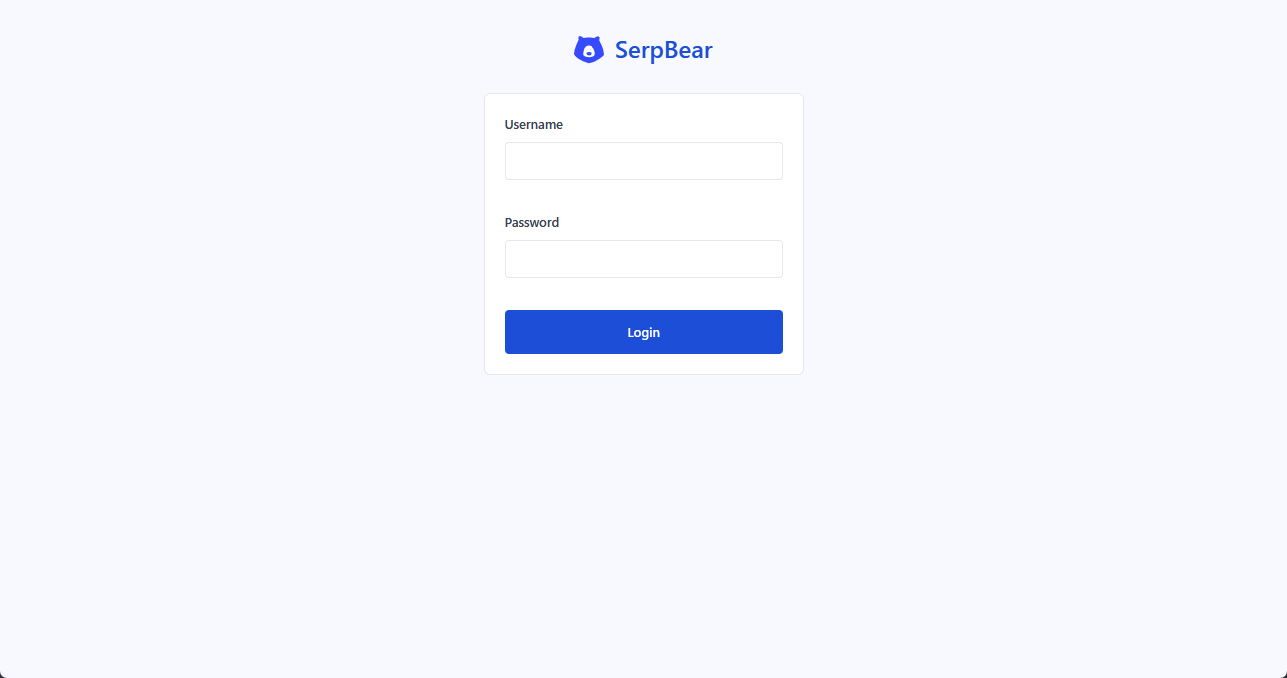
After the service starts, if you are using a local PC, access 'http://localhost:3000' in your browser. A login screen will appear, so log in using the username and password you set in '.env'.
◆Domain registration
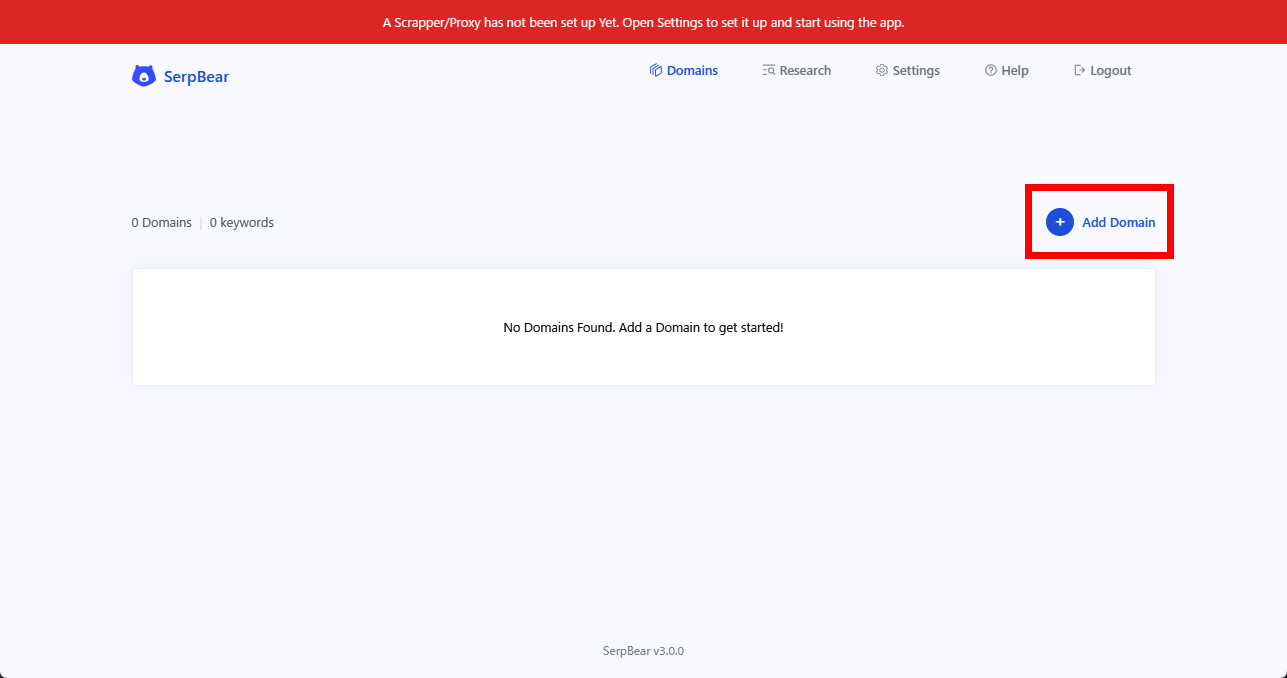
After logging in, click the 'Add Domains' link to register your first domain.
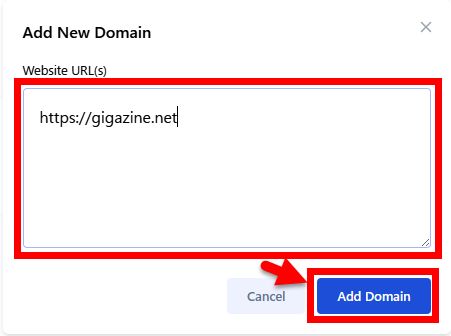
An 'Add New Domain' pop-up will appear. Enter your domain in the 'Website URL(s)' field and click 'Add Domain'.
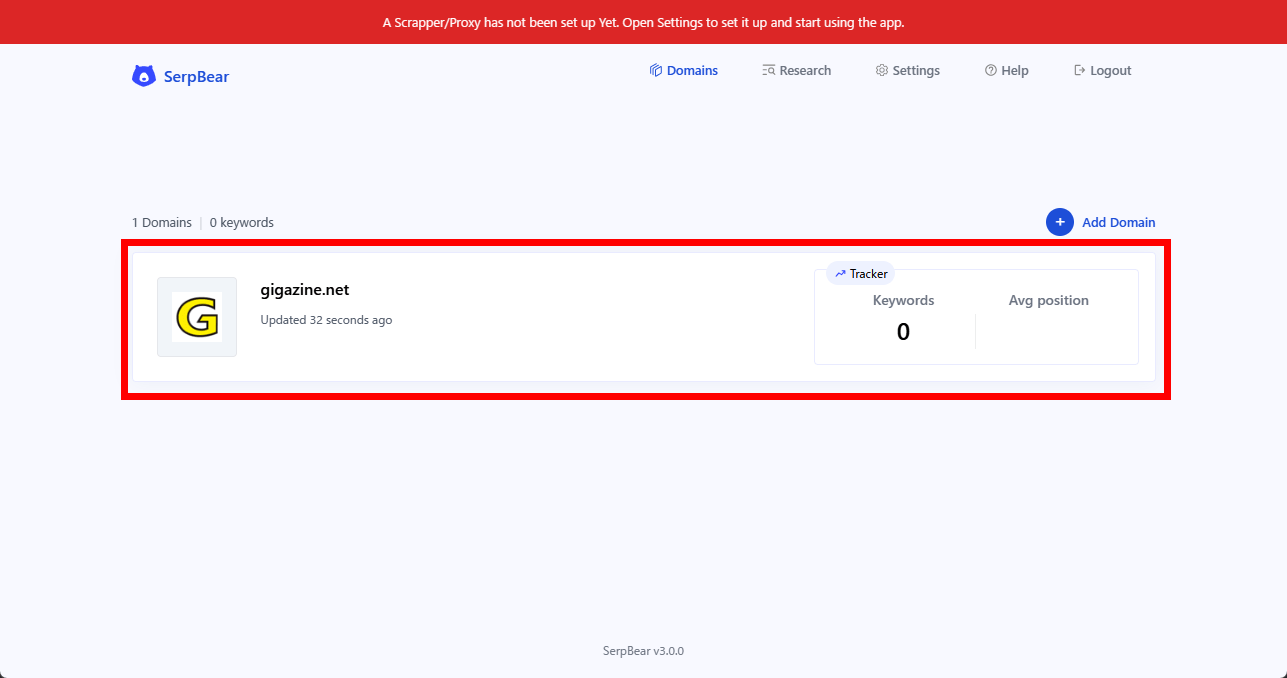
Registration is complete when the domain name is displayed in the center of the screen.
◆Scraper settings
A crucial aspect of SEO tracking is 'scraping,' which involves collecting Google search results for specified keywords. However, directly scraping Google can result in your IP address being blocked, so you need to use a third-party scraper or proxy. This guide will show you how to use the scraper provided by ScrapingRobot , starting with their free credits. However, you must be 18 years of age or older to register with ScrapingRobot.
Scraping Robot | Quality Web Scraping | Try Our API Today
https://scrapingrobot.com/
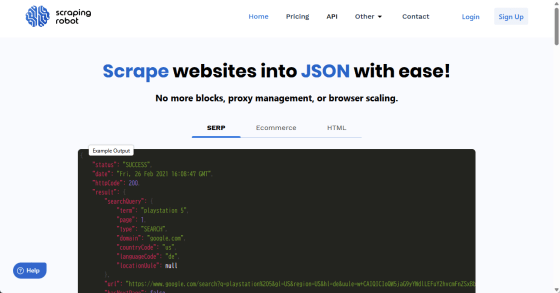
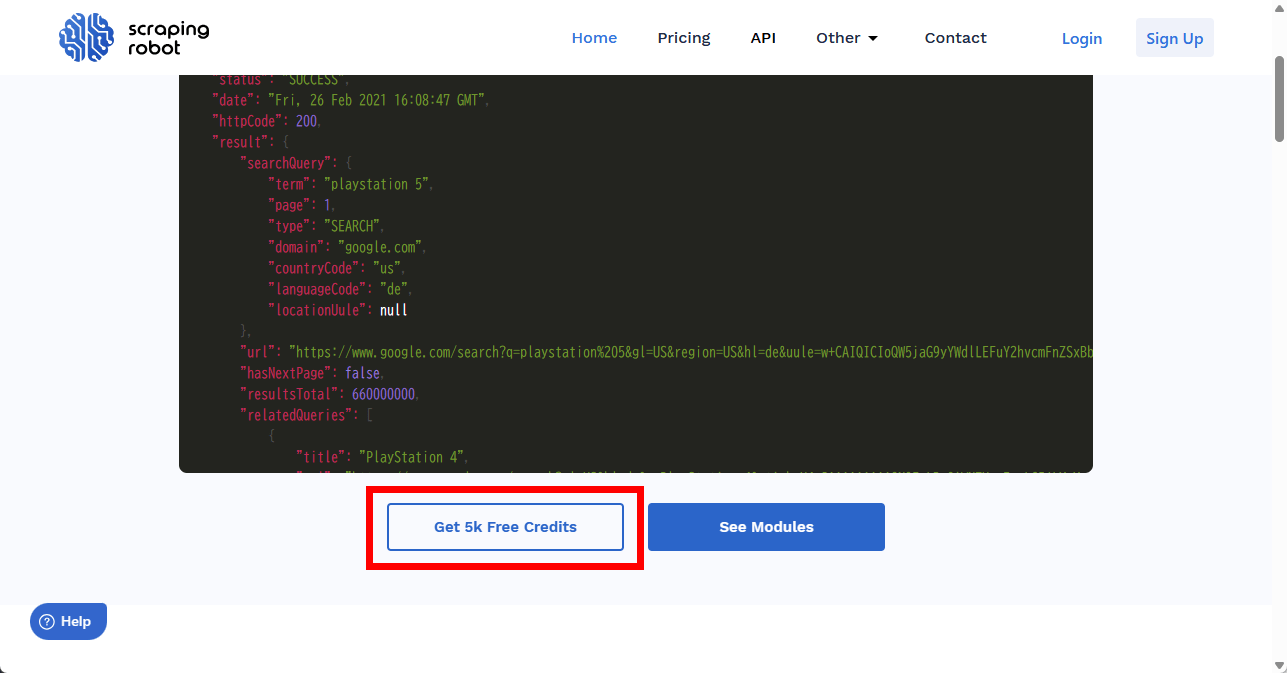
Scroll down the homepage and you will see a 'Get 5k Free Credits' button. Click it to go to the registration form.
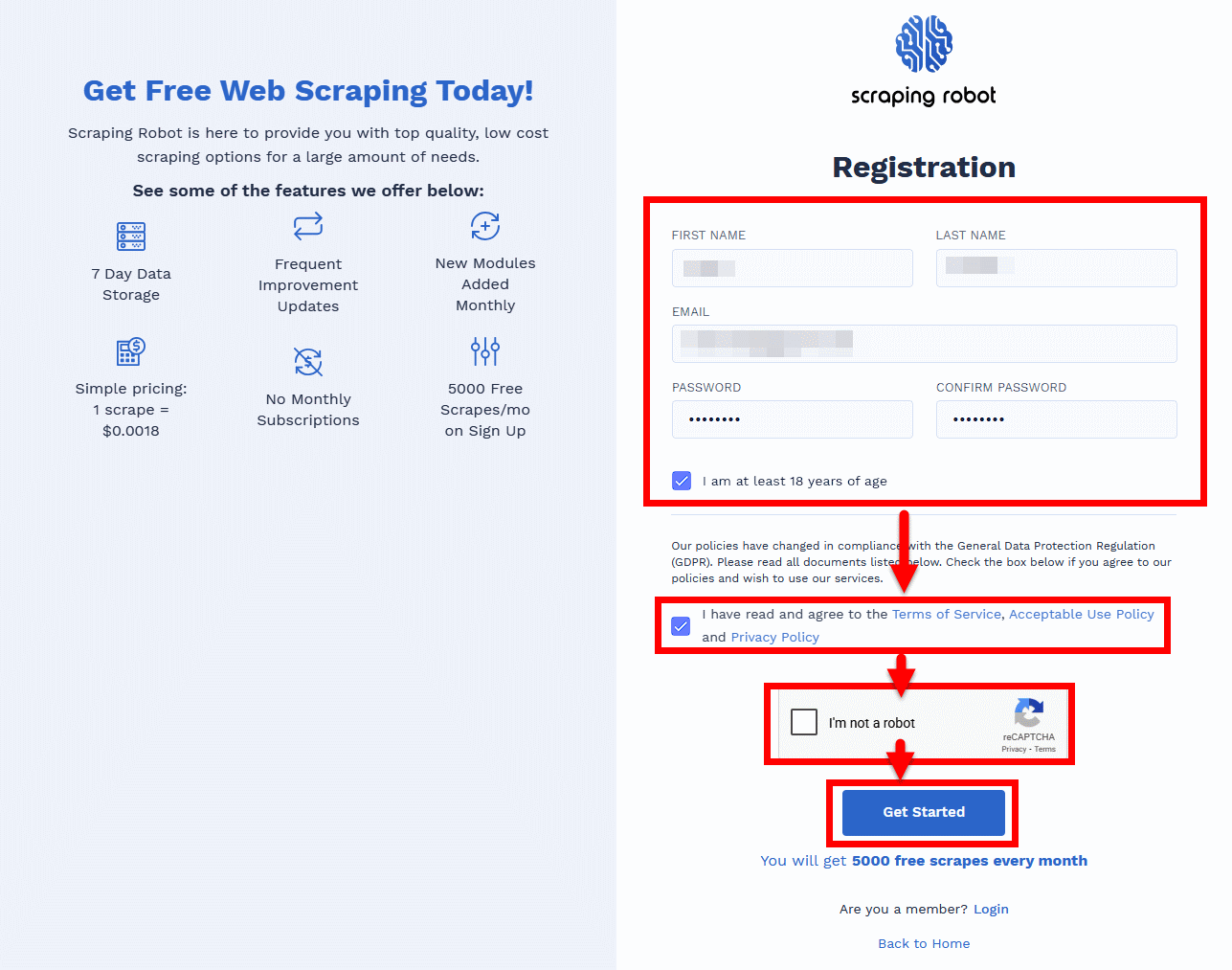
To register, enter your name, email address, and password on the registration form, check 'I am at least 18 years of age,' check the boxes to agree to the Terms of Service, Usage Guidelines, and Privacy Policy, solve the reCAPTCHA, and click the 'Get Started' button.
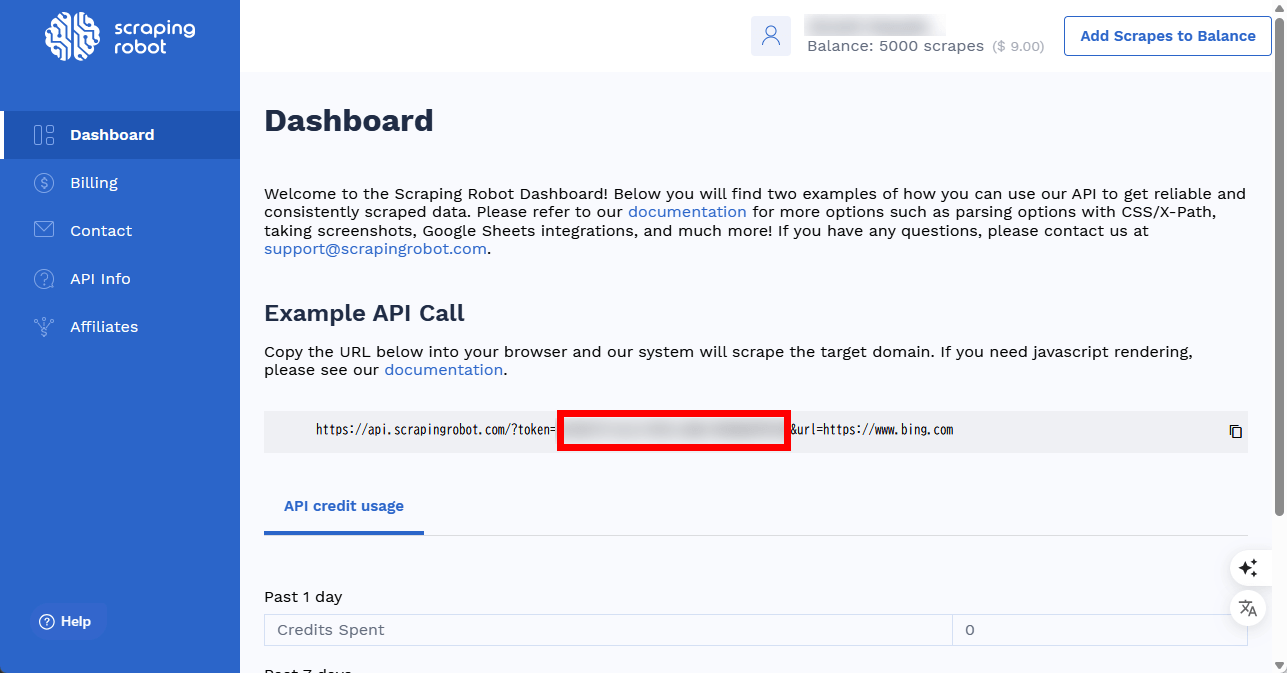
Navigate to the 'Dashboard' screen and obtain the UUID string between 'token=' and '&url=https://www.bing.com' in the URL displayed in the 'Exsample API Call' field as your token.
Return to the SerpBear screen and click 'Settings'.
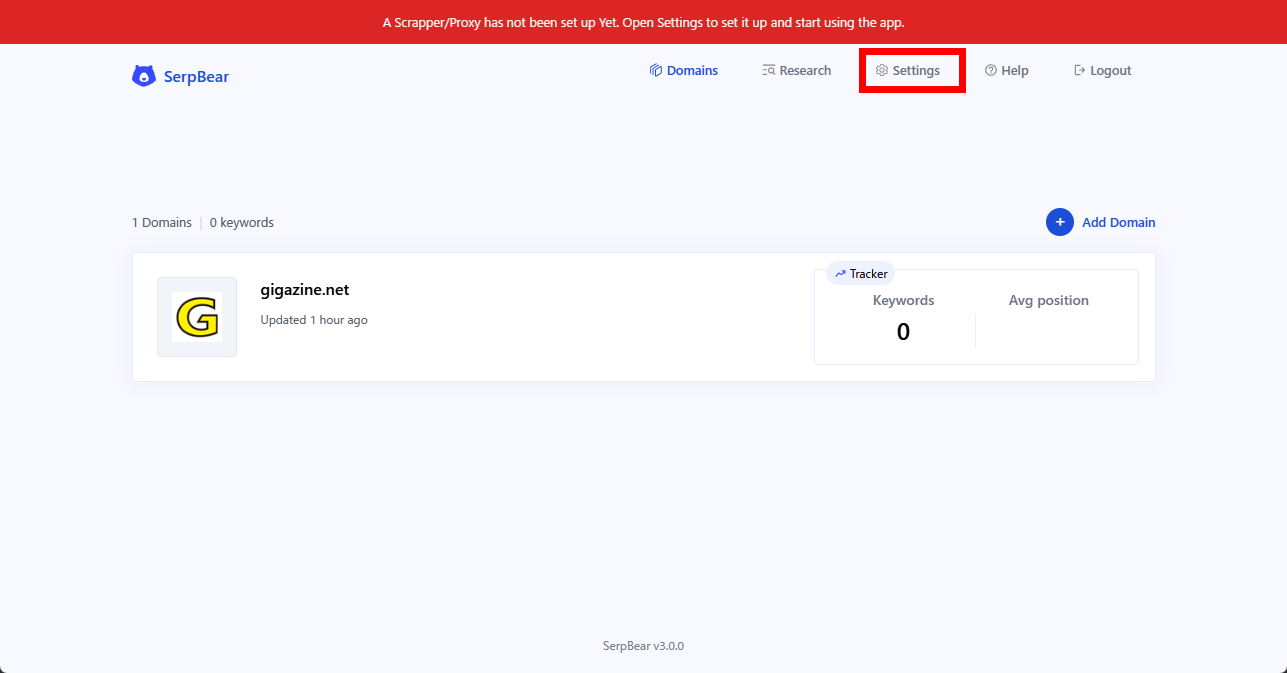
In the 'Scraper' tab, select 'Scraping Robot' under 'Scraping Method,' and enter the token you obtained in 'Scraper API Key Or Token.' Leave everything else as default and click 'Update Settings' to complete the setup.
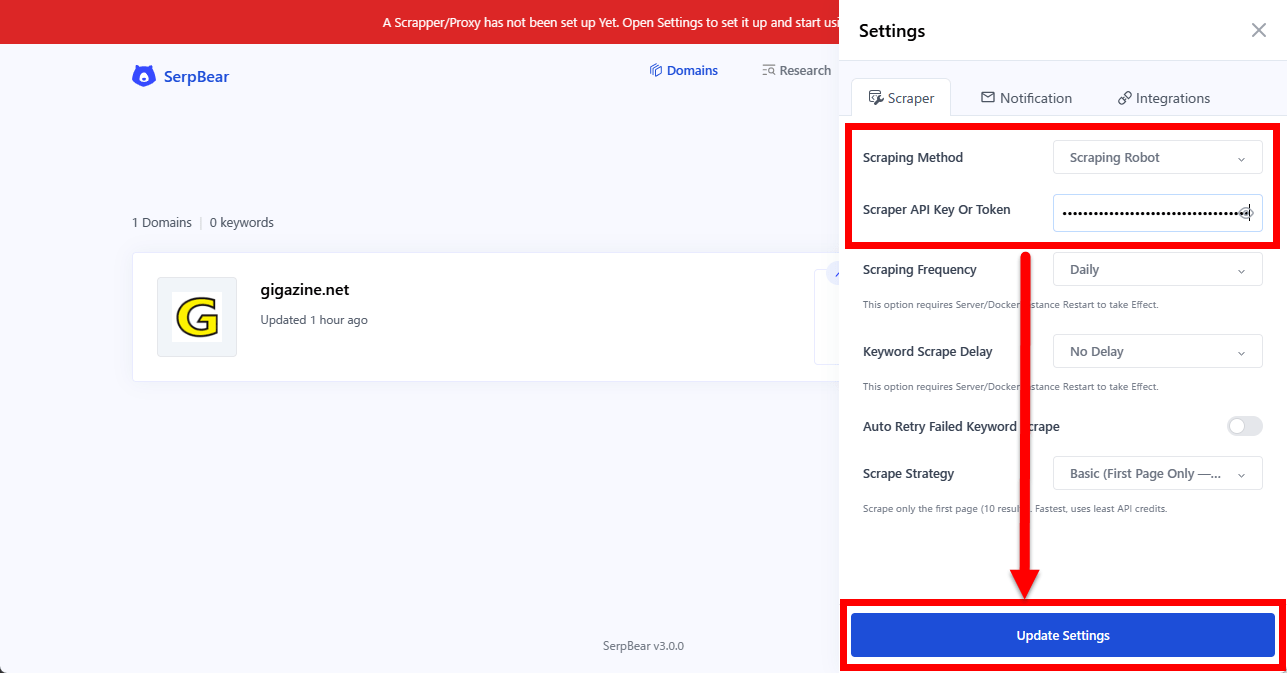
If the warning that was previously displayed at the top of the screen has disappeared, then the settings are correct.
◆Keyword setting
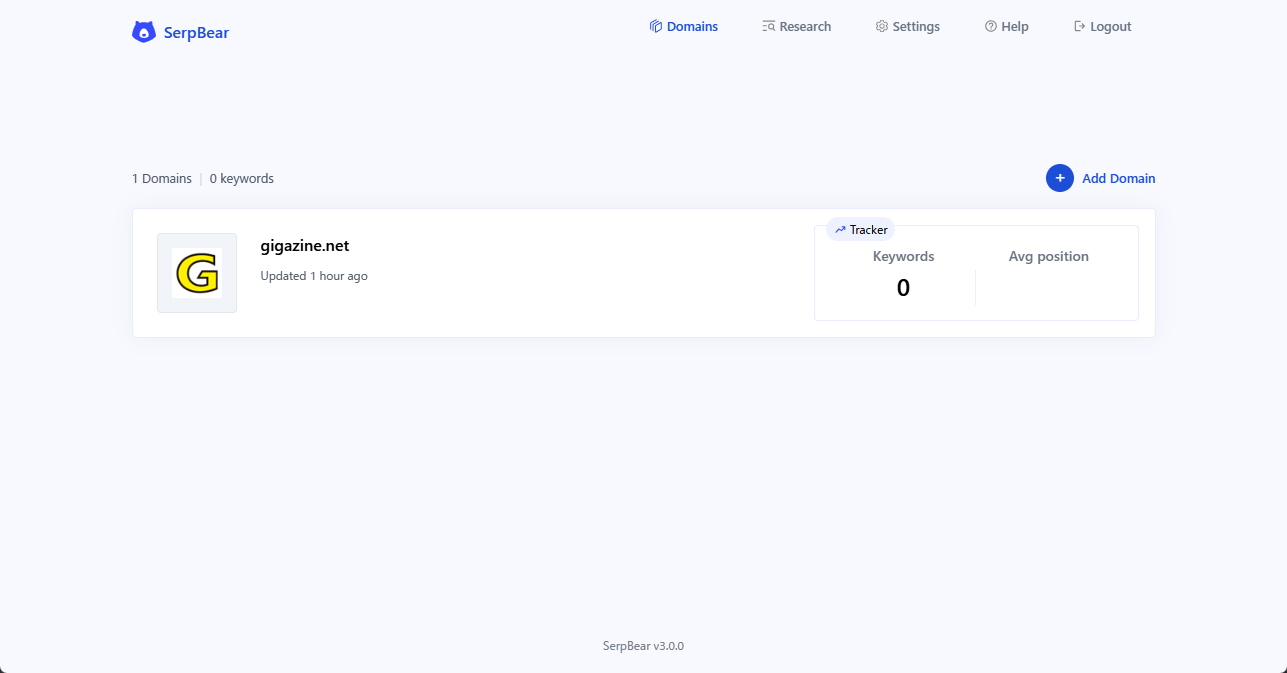
Once the scraper setup is complete, click on the registered domain name.
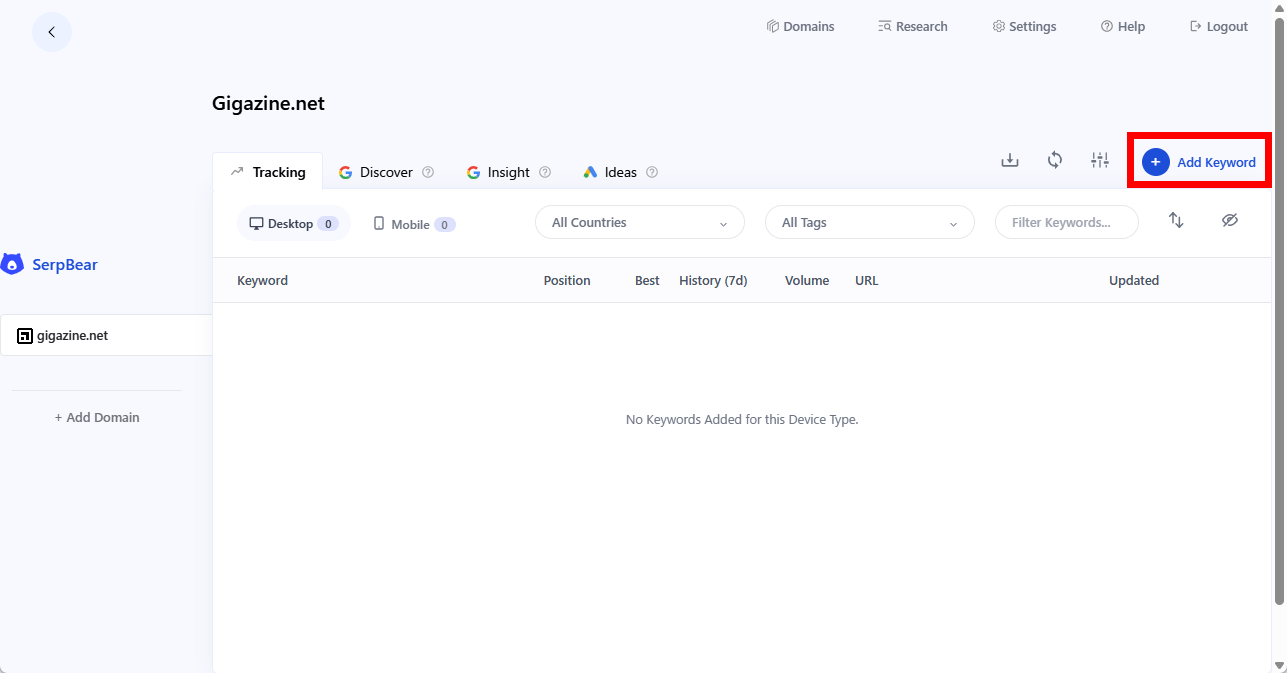
Once you're on the domain screen, click 'Add Keyword' and enter the keyword you want to track.
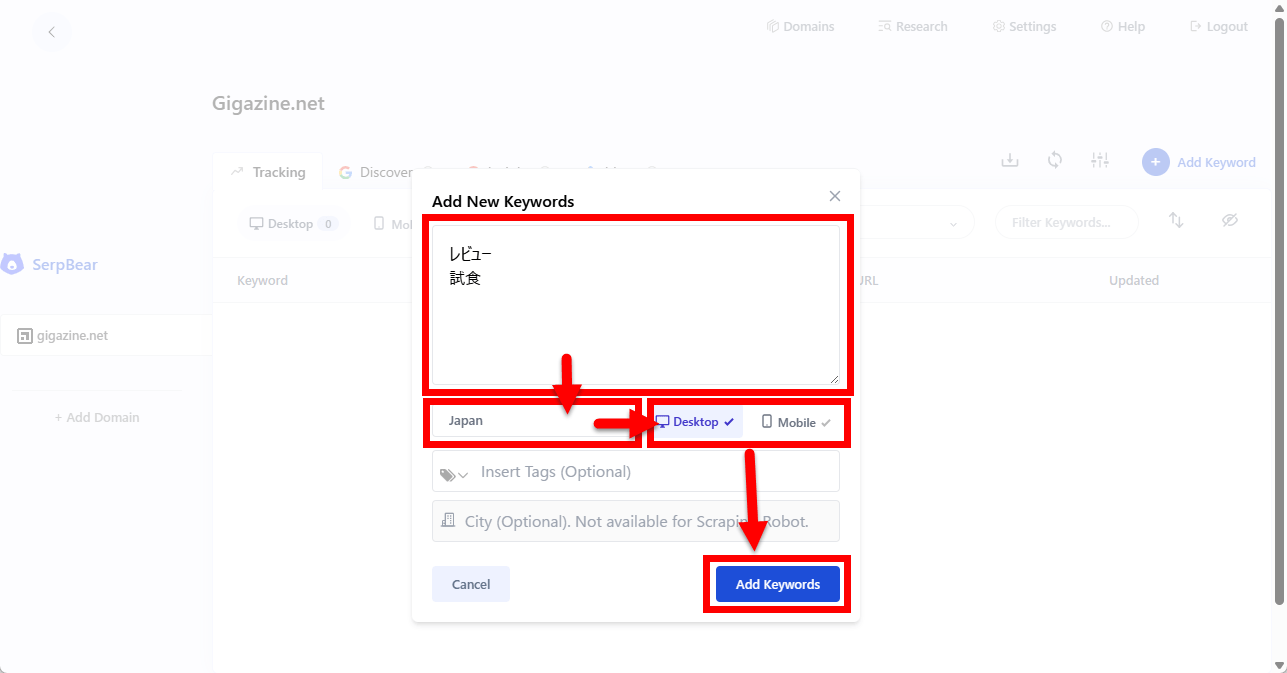
When the 'Add New Keywords' pop-up appears, enter your keywords, select 'Japan,' choose either 'Desktop' or 'Mobile' depending on your research target, and click the 'Add Keywords' button.
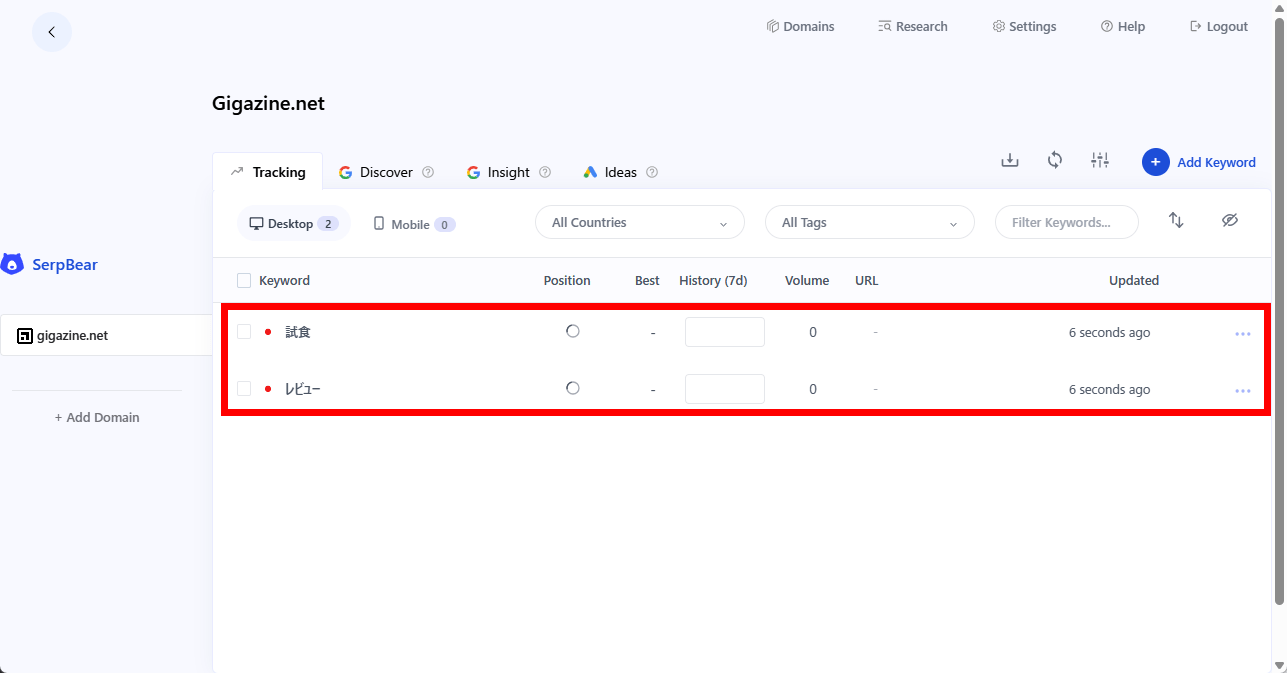
If the settings are correct, they will be reflected on the domain screen.
◆ Email notification settings
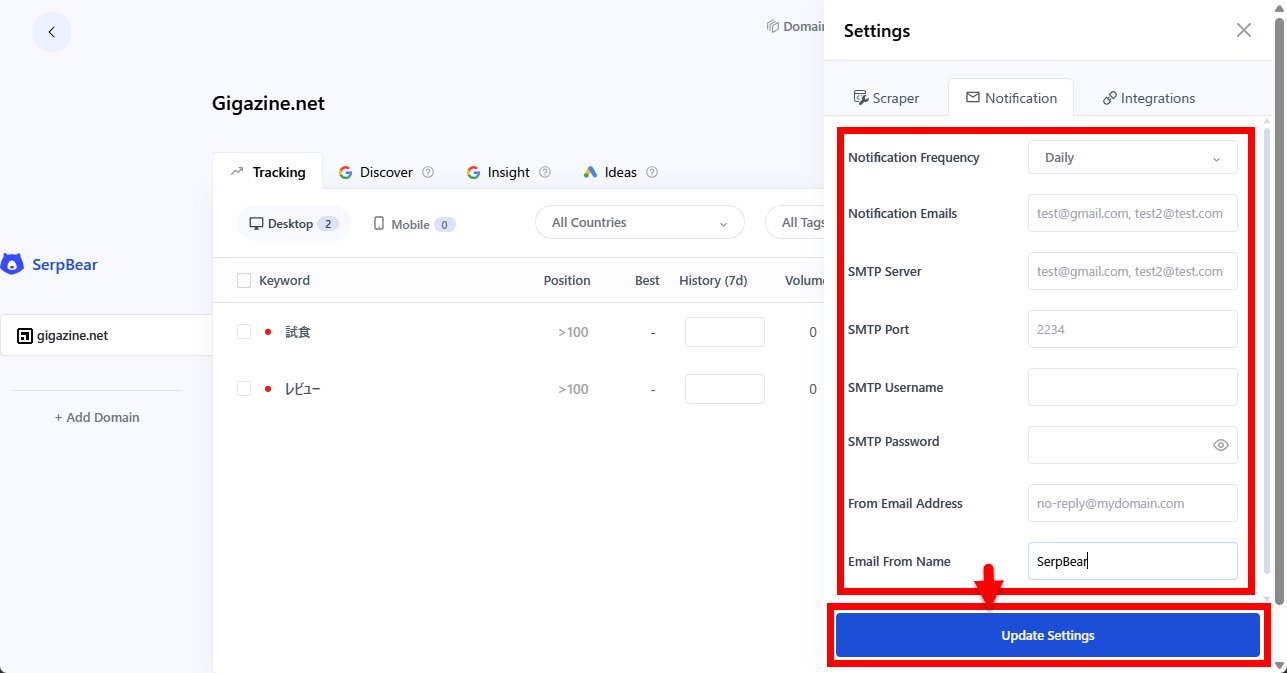
By configuring SMTP settings in 'Settings,' you can receive email notifications about keyword rankings. Click 'Settings,' then in the 'Notification' tab, change 'Notification Frequency' to something other than 'Never' to display the SMTP settings options.
◆ Integration with Google
Integrating Google Ads into SerpBear enables the following features:
- Search for keywords from the 'Search' page
Generate website keyword ideas based on your site's content, keywords already ranked in Google Search Console, tracked keywords, and custom keywords.
- Display monthly search volume data for the tracked keywords.
In addition, integrating your Google Search Console account will enable the following features:
- Displays actual visit count, impression count, and average ranking.
- Explore keywords that rank highly on Google.
Display statistics for the past 30 days.
- Retrieve Search Console data for the past 7 days via notification email.
◆API Call
SerpBear can also be called via a web API . Basic authentication using a Bearer Token can be used for API authentication, and authentication can be cleared by setting 'Bearer [APIKEY]' in the Authorization header. The [APIKEY] part should be the APIKEY value specified in the '.env' file created during installation.
I tried calling the following API using SerpBear running locally.
[code]
http://localhost:3000/api/keyword?id=1
[code]
As a result, I was able to obtain the following JSON.
[code]
{
'keyword': {
'ID': 1,
'keyword': 'review',
'device': 'desktop',
'country': 'JP',
'city': '',
'latlong': '',
'domain': 'gigazine.net',
'lastUpdated': '2026-03-13T12:43:20.882Z',
'added': '2026-03-13T12:39:53.122Z',
'position': 0,
'history': {
'2026-03-13': 0
},
'volume': 0,
'url': '',
'tags': [],
'lastResult': [
[Omitted]
],
'sticky': false,
'updating': false,
'lastUpdateError': false,
'settings': null
}
}
[code]
The available APIs are as follows:
| Method | API | overview |
|---|---|---|
| GET | /api/keyword | Get keyword data |
| GET | /api/keywords | Retrieve all keywords registered to the domain. |
| GET | /api/domains | Acquire all domains |
| POST | /api/refresh | Update SERP ranking for the specified keyword. |
| POST | /api/cron | Updated SERP rankings for all keywords. |
| POST | /api/notify | Instant email notification of SERP rankings for all keywords |
◆Summary
SerpBear has been confirmed to be an easy-to-use and feature-rich SEO tracking tool. It's self-hostable, operates smoothly, and is free to use, making it ideal for those who want to manage their SEO efficiently and systematically.
Related Posts:

in Software, Review, Web Application, Posted by log1c_sh