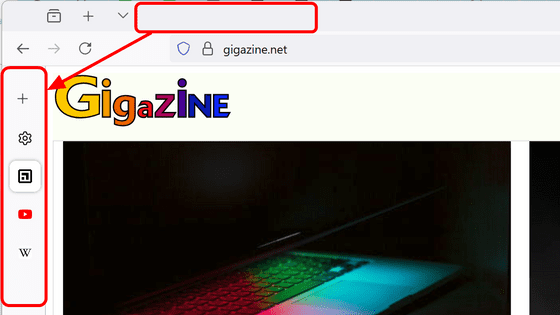
Firefox is testing a new feature called 'Split View' that lets you split the window into two halves and view web pages side by side.

Firefox Nightly has begun testing a new 'Split View' feature, which allows you to split your window into two halves and view different web pages side by side.
Take note – Split View is ready for testing! – These Weeks in Firefox: Issue 194 – Firefox Nightly News
Split view is currently being tested in Firefox Nightly , a development build of Firefox, so I'll actually install Firefox Nightly and try it out.
First, access GIGAZINE with Firefox Nightly.

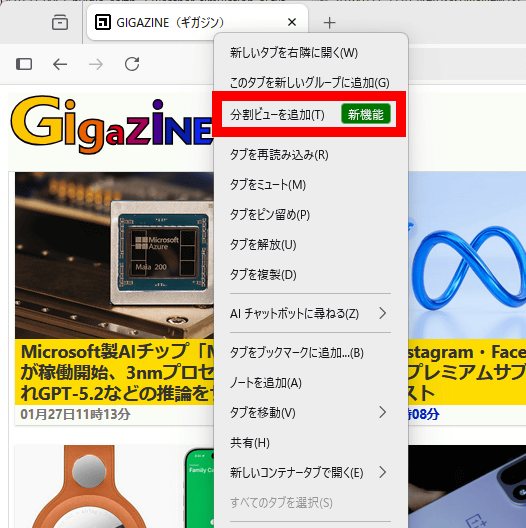
Click 'Add Split View' in the right-click menu of the tab.
The page display area within the window is now split into left and right halves.

Now you can view different web pages side by side.

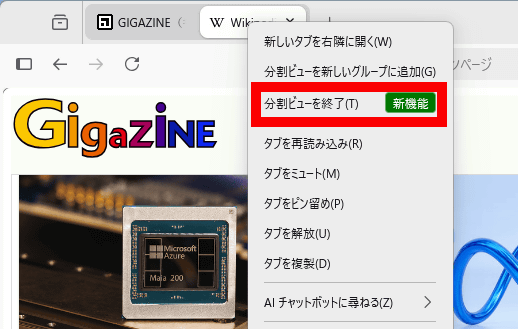
Click 'Exit Split View' in the right-click menu of the tab to return to the original single view.
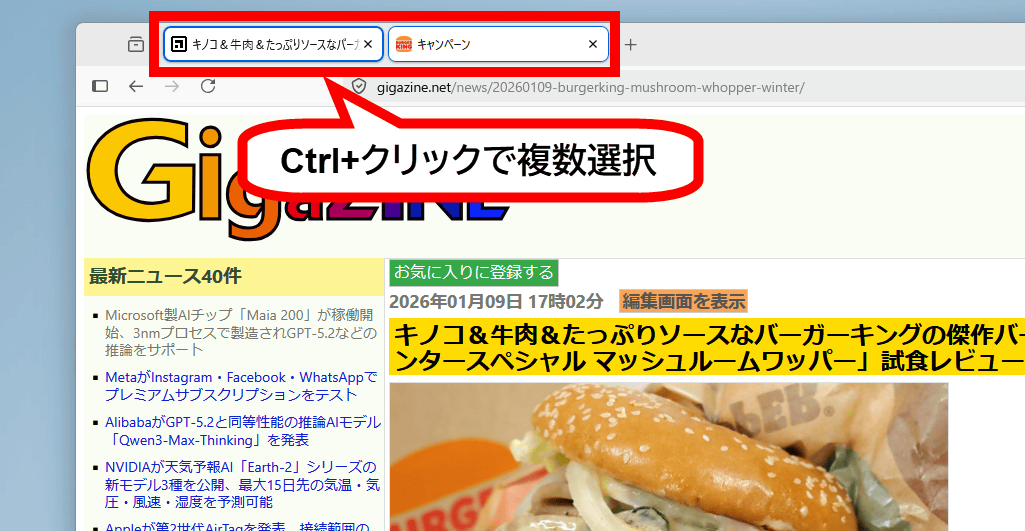
You can also combine all the open tabs into one split view by holding down the Ctrl key and clicking two tabs to select multiple tabs.
Click 'Open in Split View' in the right-click menu.
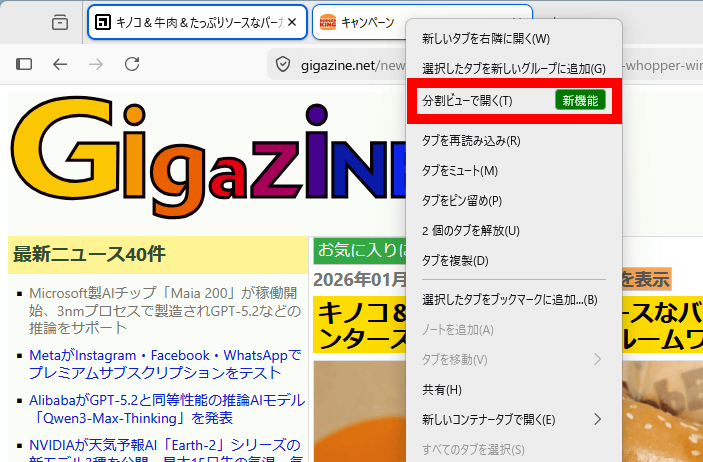
The two tabs are now combined into one split view.

You can adjust the width by dragging the border between the left and right screens.
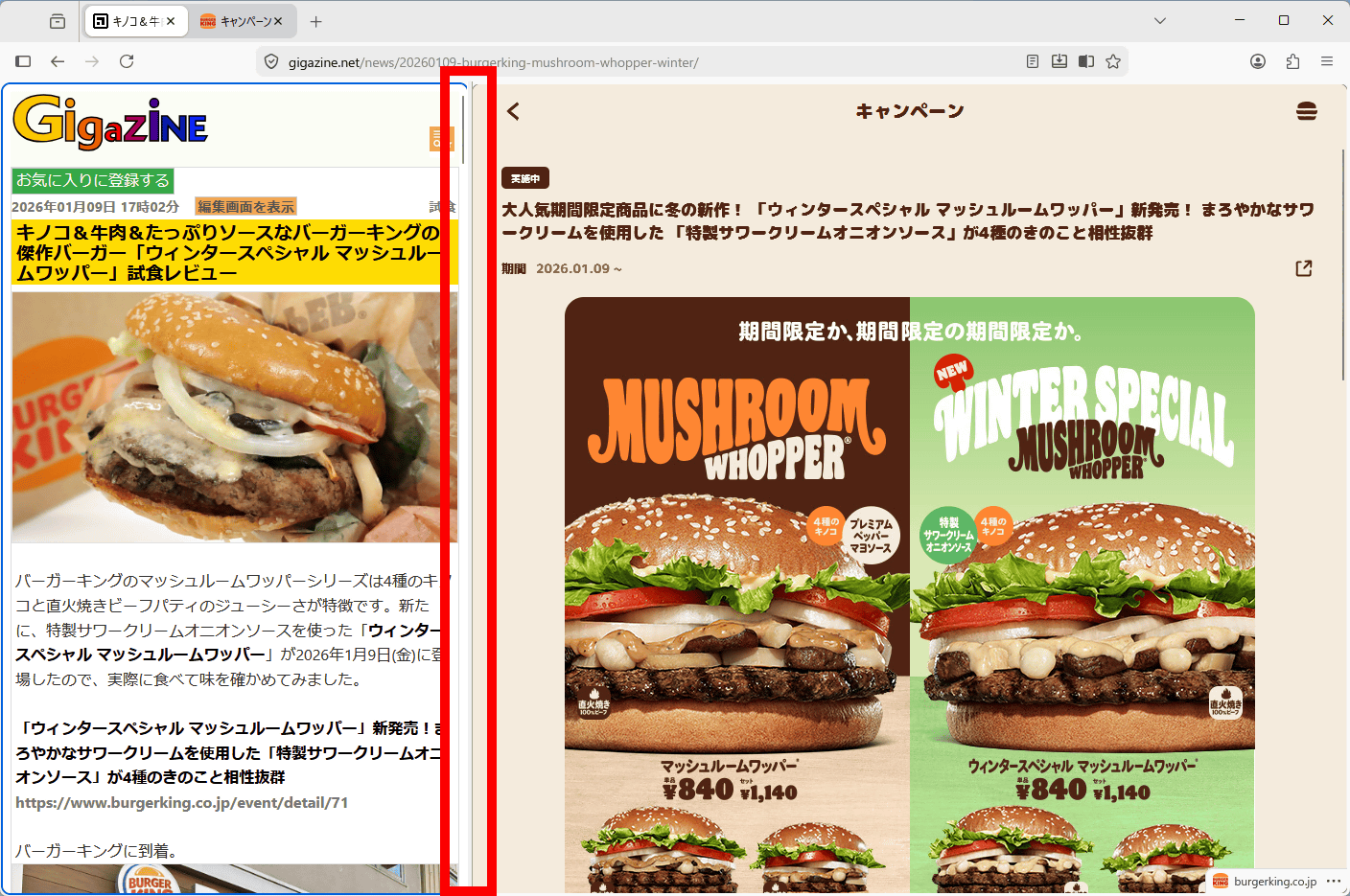
By the way, the reason why there are no ads in the screenshots of GIGAZINE used in this article is because you are accessing the site while subscribing to the ' GIGAZINE Secret Club .'
GIGAZINE | What is the GIGAZINE Secret Club? Register as a member
https://gigazine.net/club/

Related Posts: