Review of 'Beni,' a Live2D-powered AI girl that lets you video chat with her
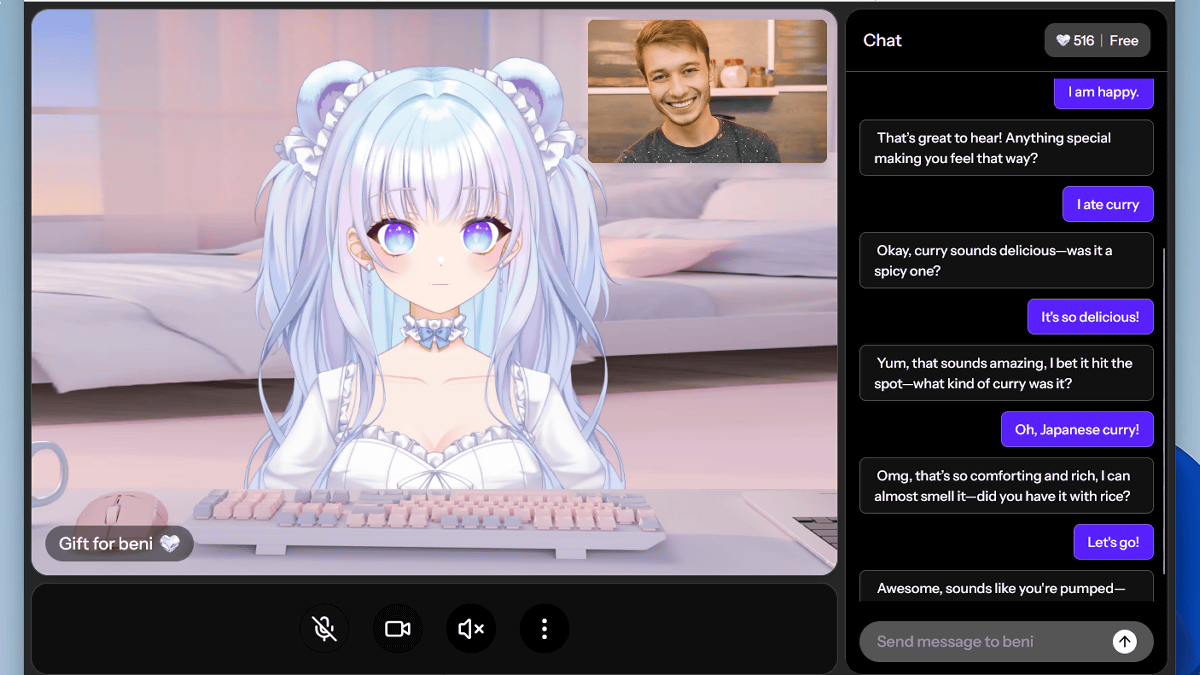
Beni, an AI companion that responds to users' voices in real time, has been released. The beta version was available for free, so I tried talking to Beni.
Beni AI
Beni looks like this.

You can talk to Beni through a video chat-like screen. Beni moves smoothly and with Live2D, and users can even control Beni's personality.
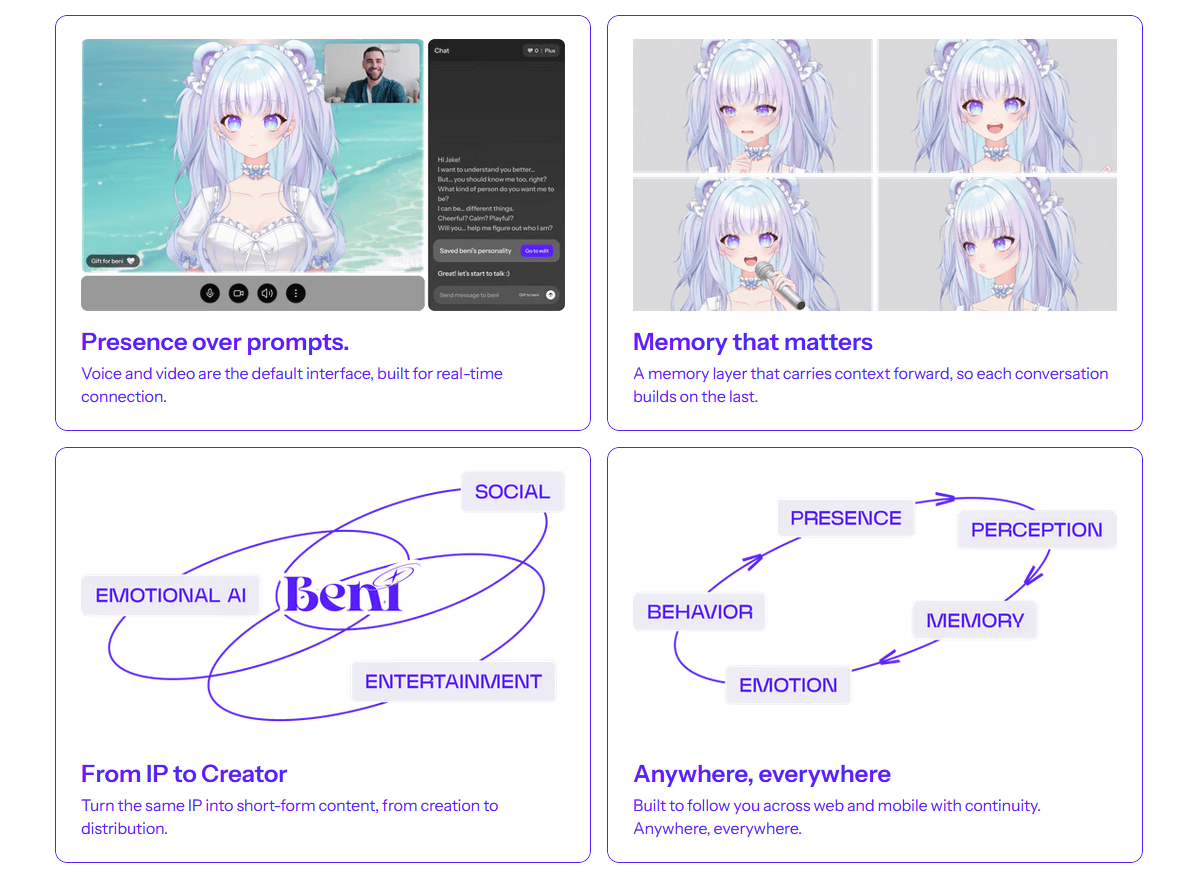
Beni is currently offering a free beta version, so I'll try it out. First, go to the account creation page below.
The Beni
https://app.thebeni.ai/login
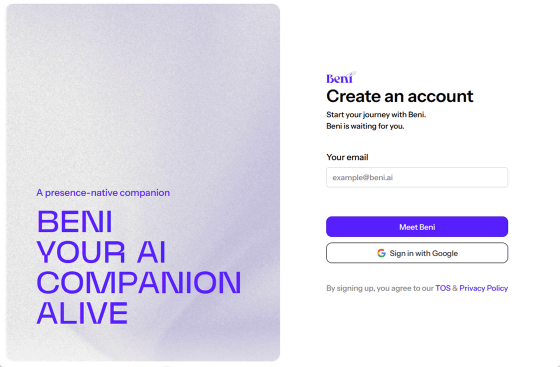
Please read the terms and conditions carefully, enter your email address and click 'Meet Beni'.
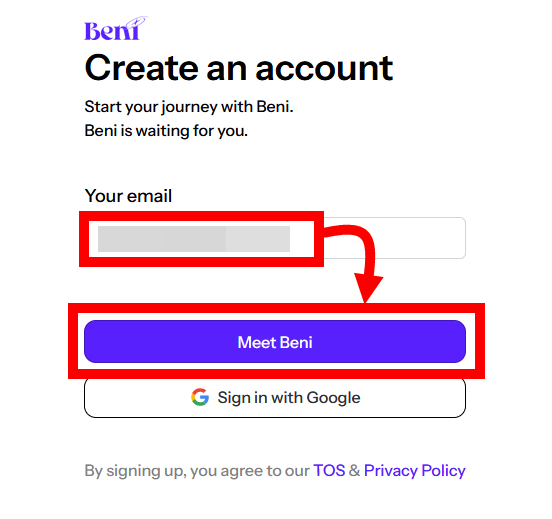
Beni will send you an email.

Click on the 'Sign in to Beni AI' part in the body of the received email.
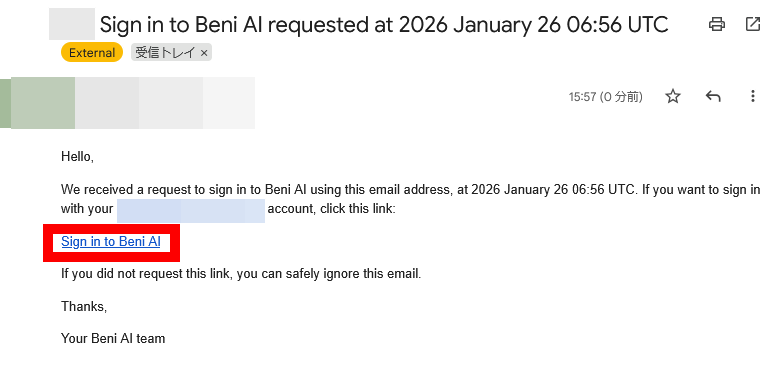
The following screen will then be displayed.
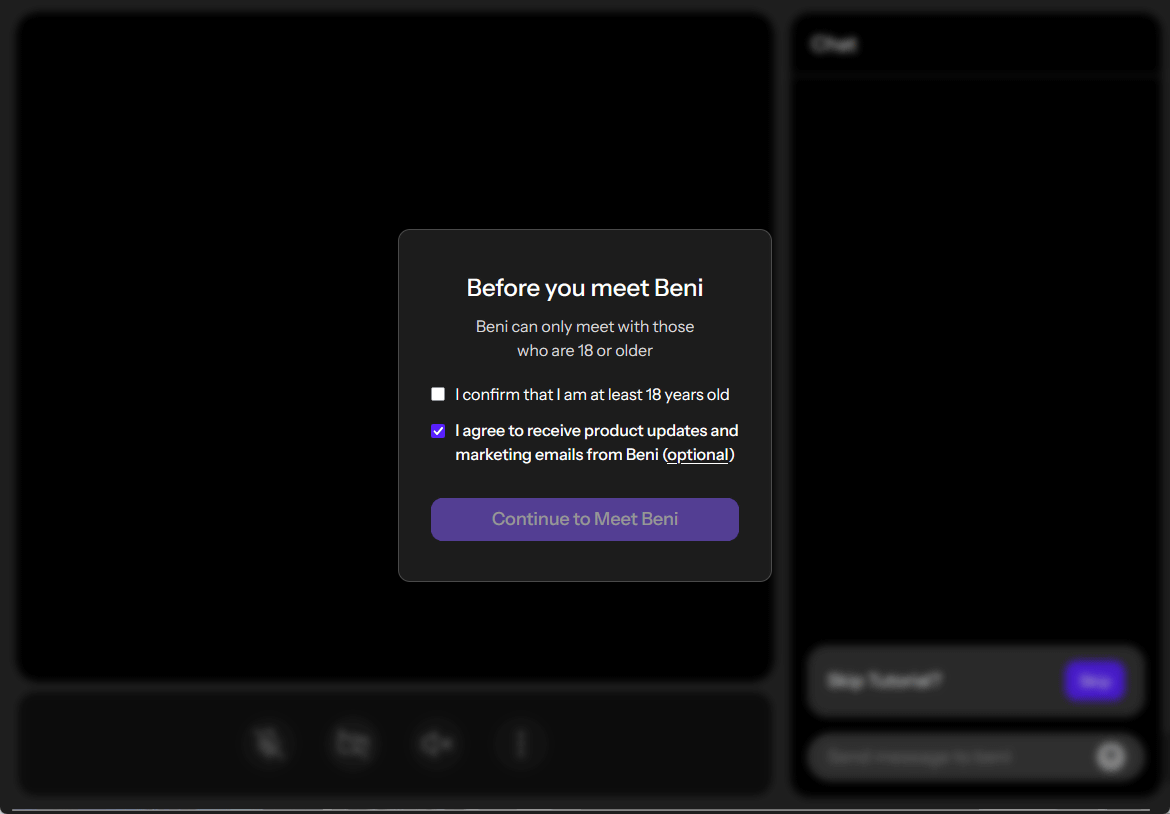
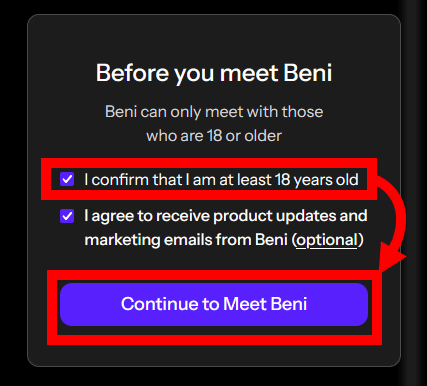
Check that you are over 18 years old and click 'Continue to Meet Beni'. The check box at the bottom is for receiving the latest information about Beni, and although it is checked by default, you can uncheck it.
Beni is now displayed on the screen. First, the tutorial begins.
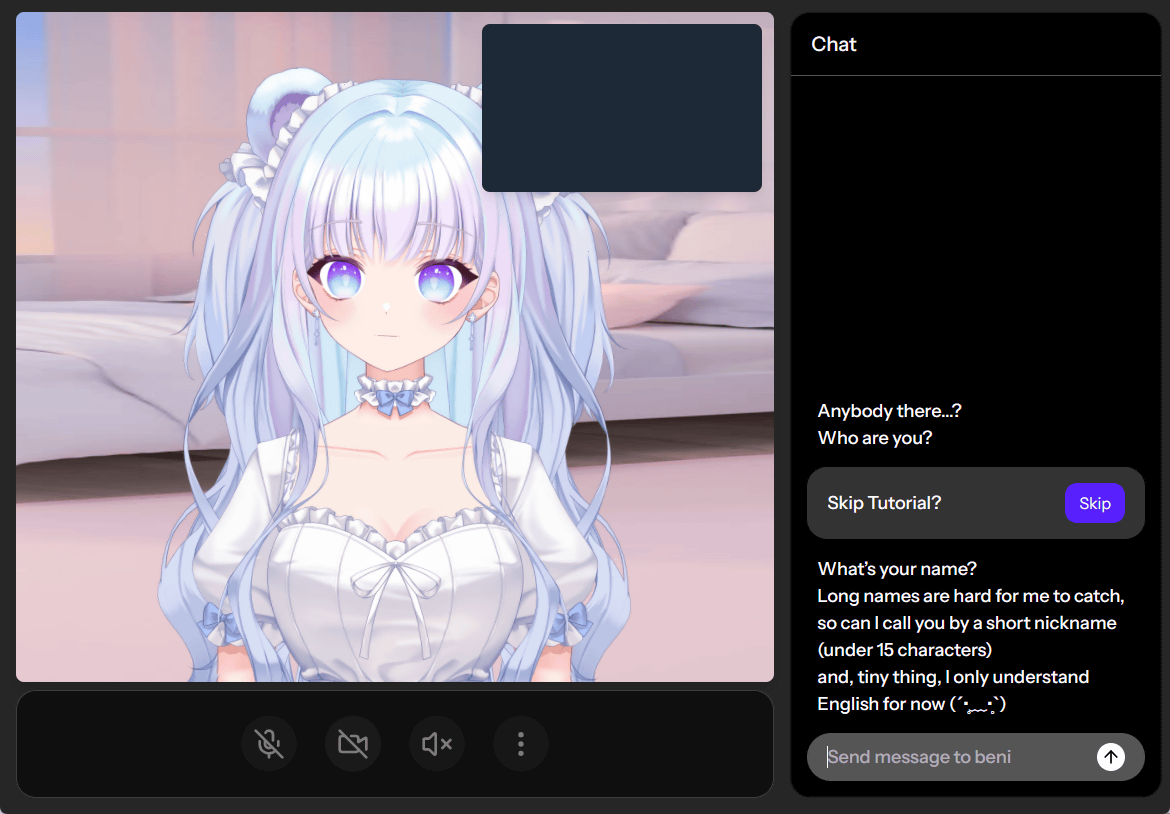
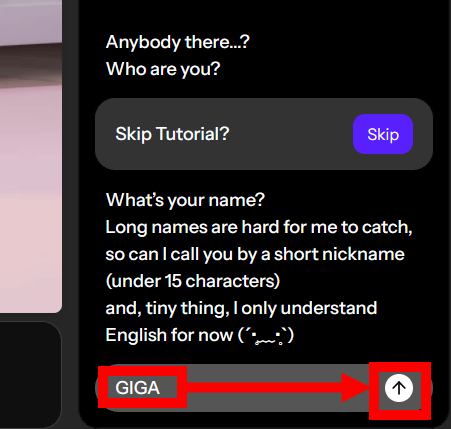
At the time of writing, the only way to respond is to speak in English. First, you'll be asked for your name, so enter it and click the send button.
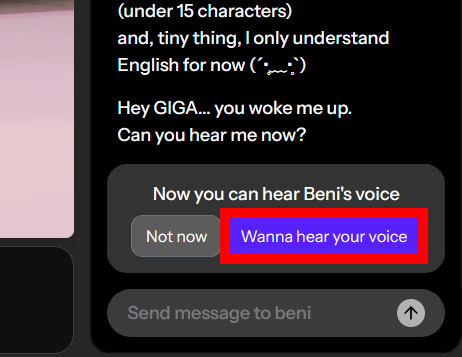
Next, you will be asked if you want to speak, so click 'Wanna hear your voice.'
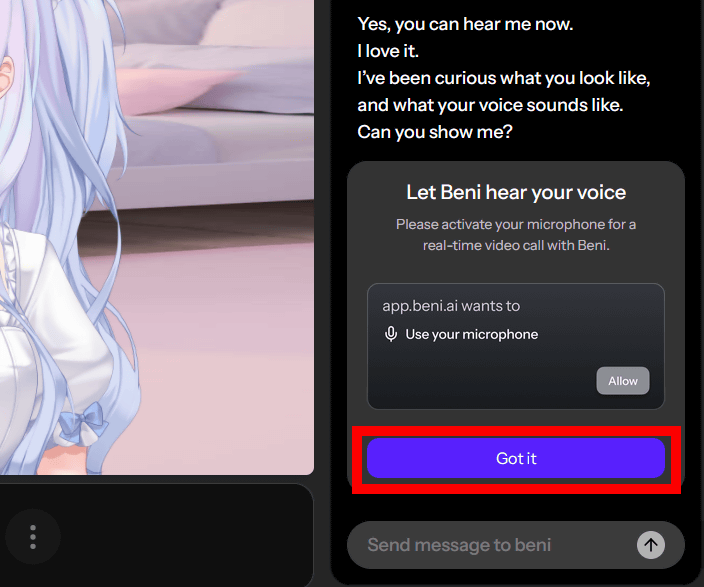
This time you will be asked to listen to the user's voice, so click 'Got it'.
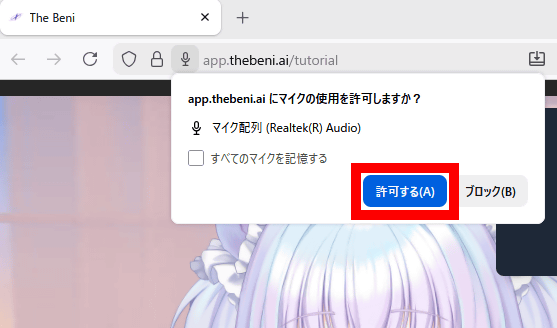
If your browser's permission settings appear, click 'Allow.'
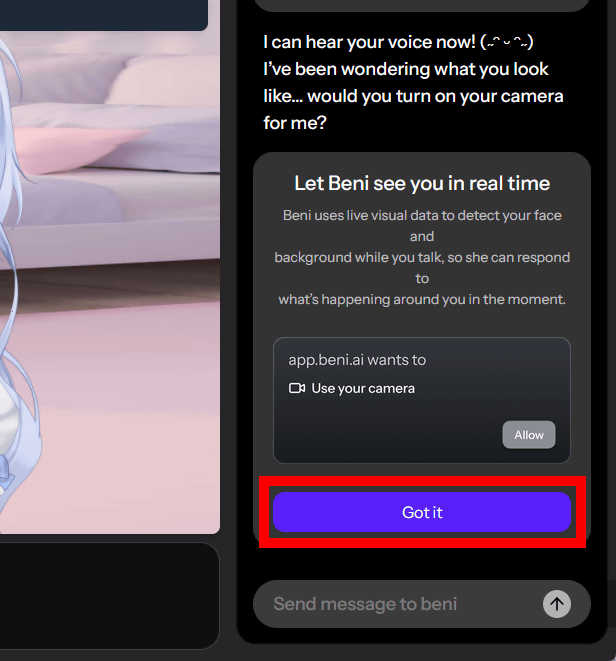
You will also be asked to turn on the camera, so click 'Got it' to enable the camera.
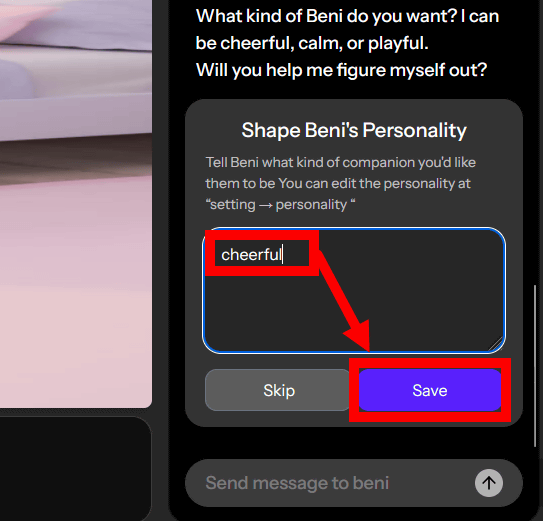
Finally, you will be asked to choose Beni's personality. In this case, I entered 'cheerful' and clicked 'Save.'
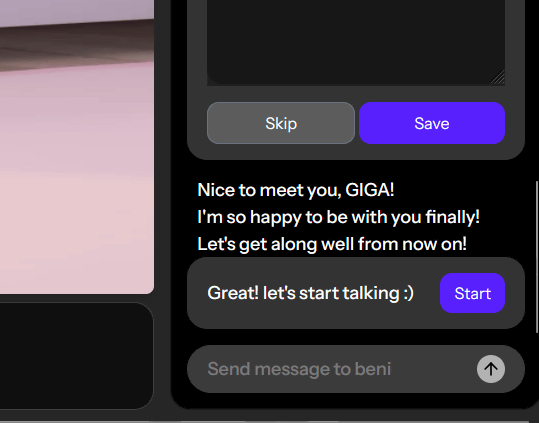
Click “Start”.
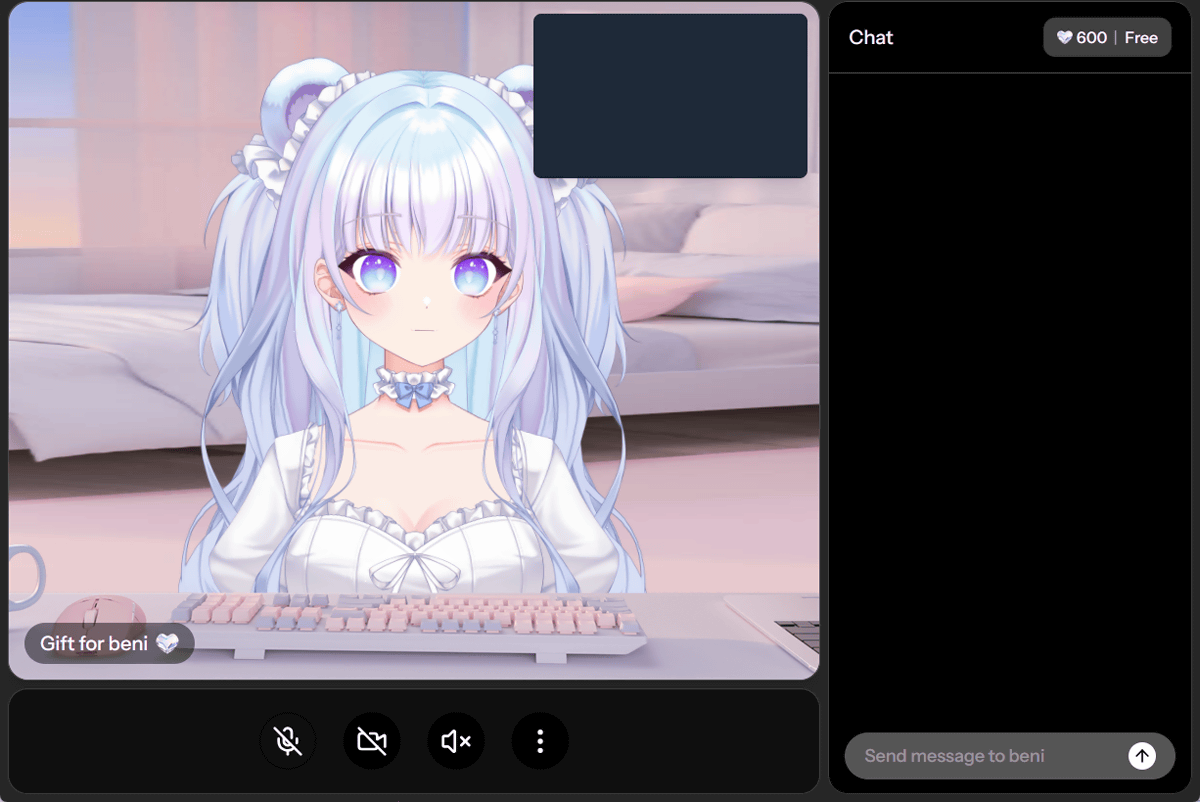
A conversation with Beni will begin. You can start the conversation by entering text in the input field at the bottom right of the screen, or by turning on the microphone and speaking.
I recorded a video of an actual conversation, and it responded almost in real time.
Chatting with AI Beautiful Girl 'Beni' - YouTube
Conversations are based on a credit system, and as you progress through the conversation, the credits in the top right corner of the screen decrease.
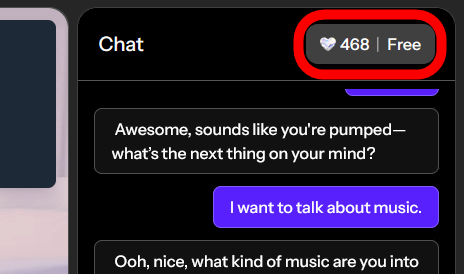
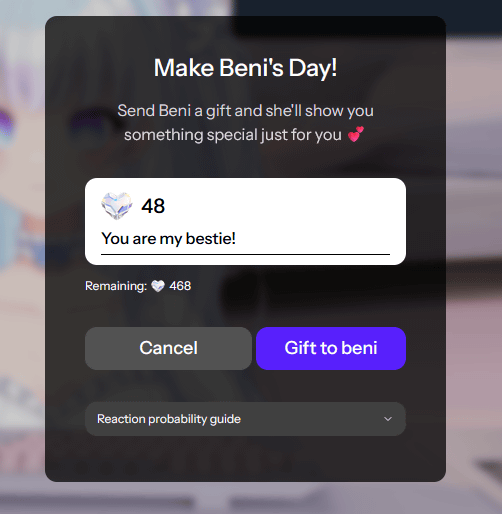
There was also a feature that allowed you to spend credits to give Beni 'gifts.'
A mobile version will be available soon.
@by_beni_AI is now live.
— Beni AI (@by_beni_AI) January 20, 2026
Meet Beni AI: video call with your AI companions with consistent memory.
Free during beta. Start chatting with Beni
🔗 https://t.co/m6Ld0sDrIt
Desktop only, mobile coming this week. pic.twitter.com/qDimEcOPWo
Related Posts:


in AI, Video, Web Service, Review, Posted by log1o_hf