Google quietly released 'Google AI Edge Eloquent,' a free voice recognition tool.
Google has released ' Google AI Edge Eloquent, ' a free voice recognition tool for iOS. Since it was released quietly without any press releases or blog posts, I decided to check out what the app is actually like.
Google AI Edge Eloquent app - App Store
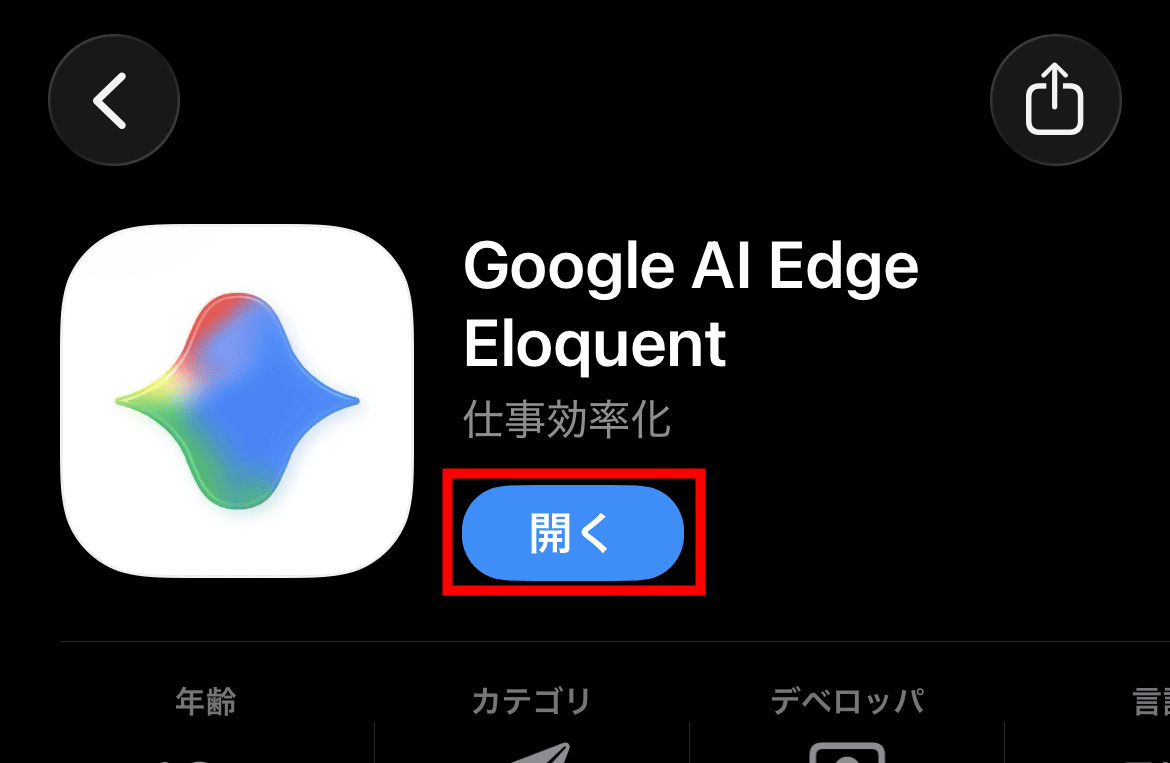
On your iPhone, open the 'Google AI Edge Eloquent' page in the App Store, install it, and tap 'Open.'
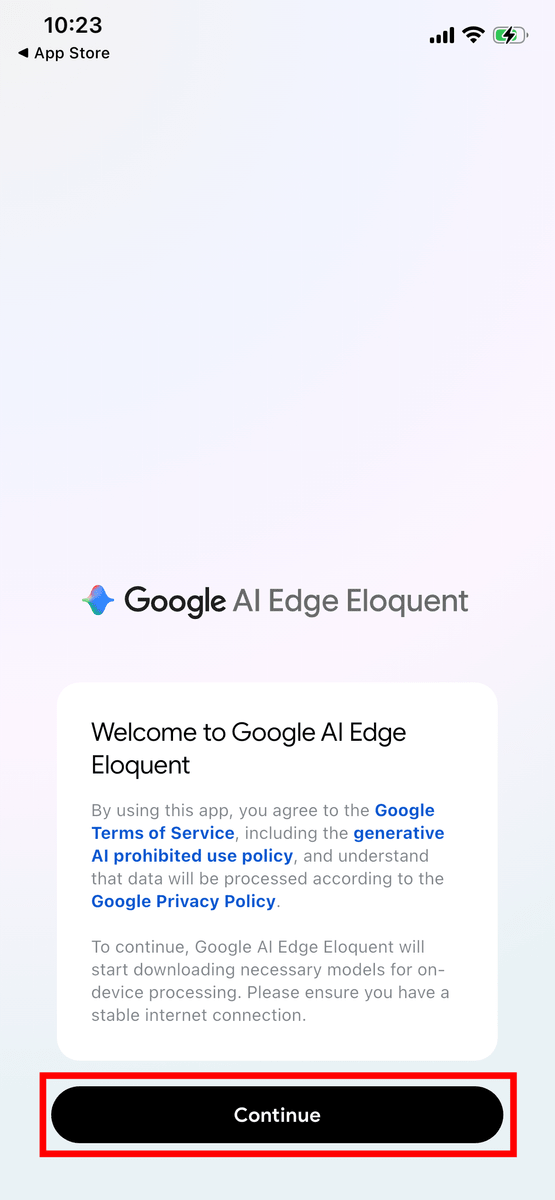
A screen displaying the terms of service and privacy policy will appear, so tap 'Continue'.
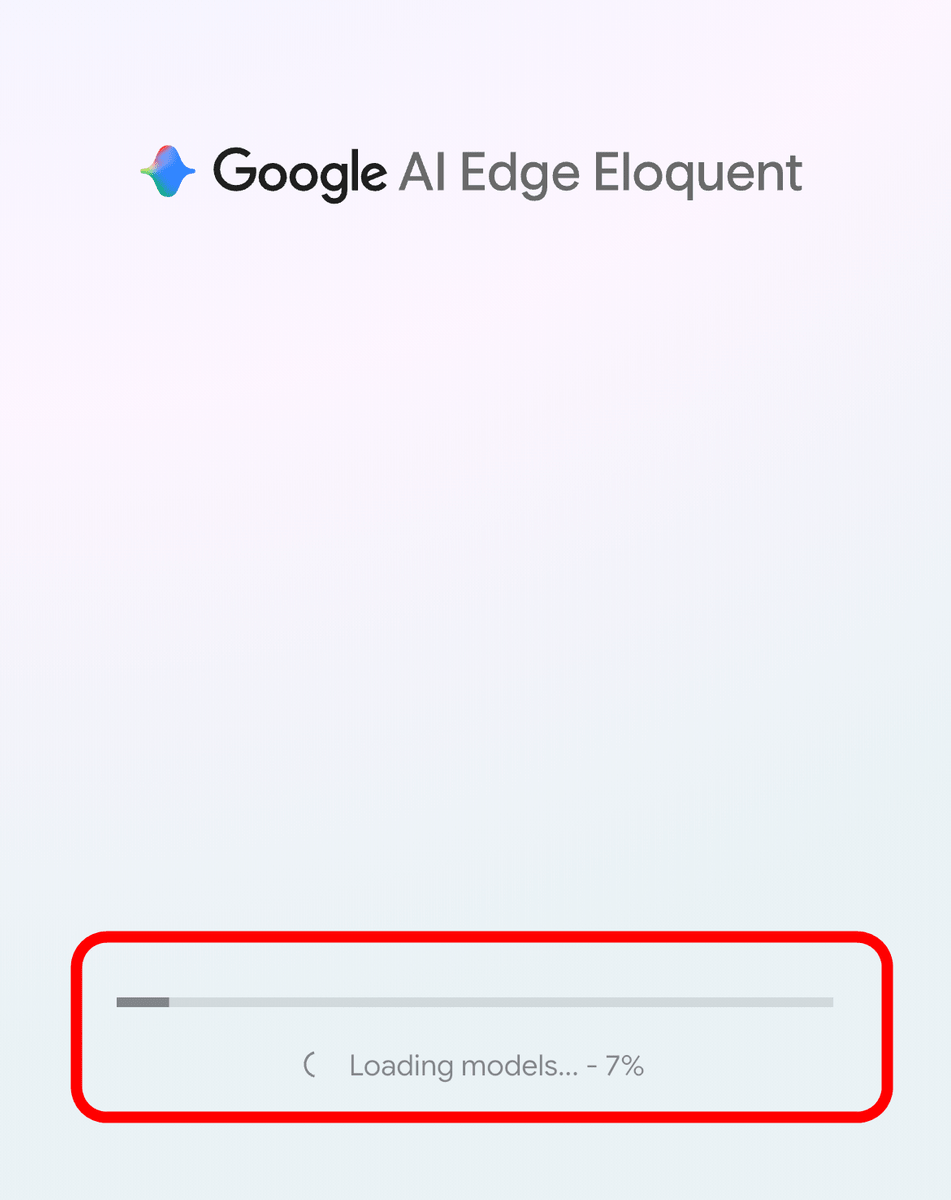
The model download will begin.
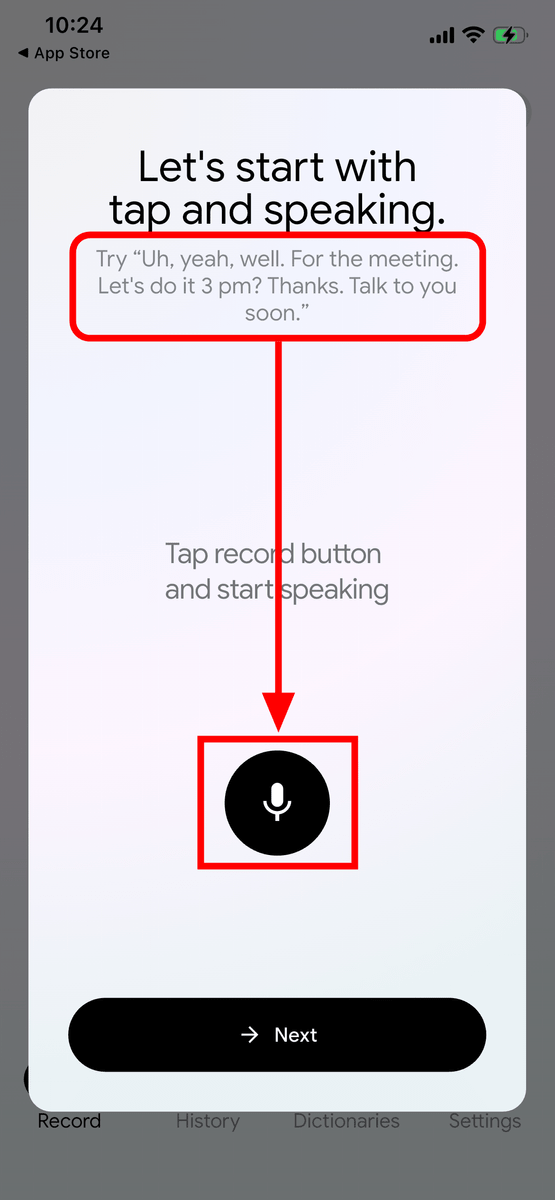
I was instructed to pronounce, 'Uh, yeah, well. For the meeting. Let's do it at 3 pm? Thanks. Talk to you soon.' I tapped the microphone icon button at the bottom.
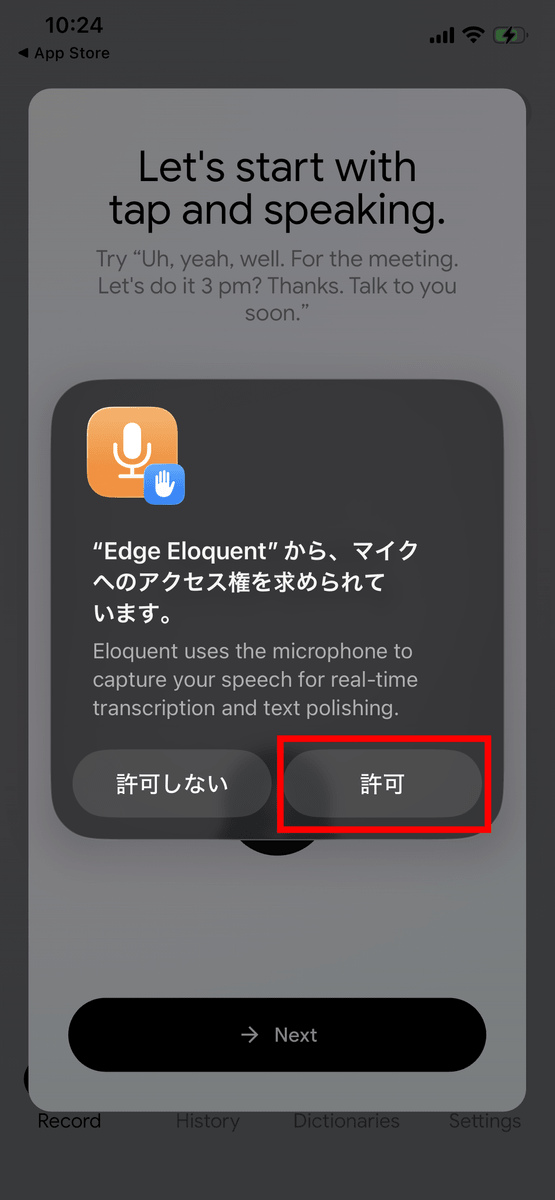
You will be asked for permission to access the microphone, so tap 'Allow'.
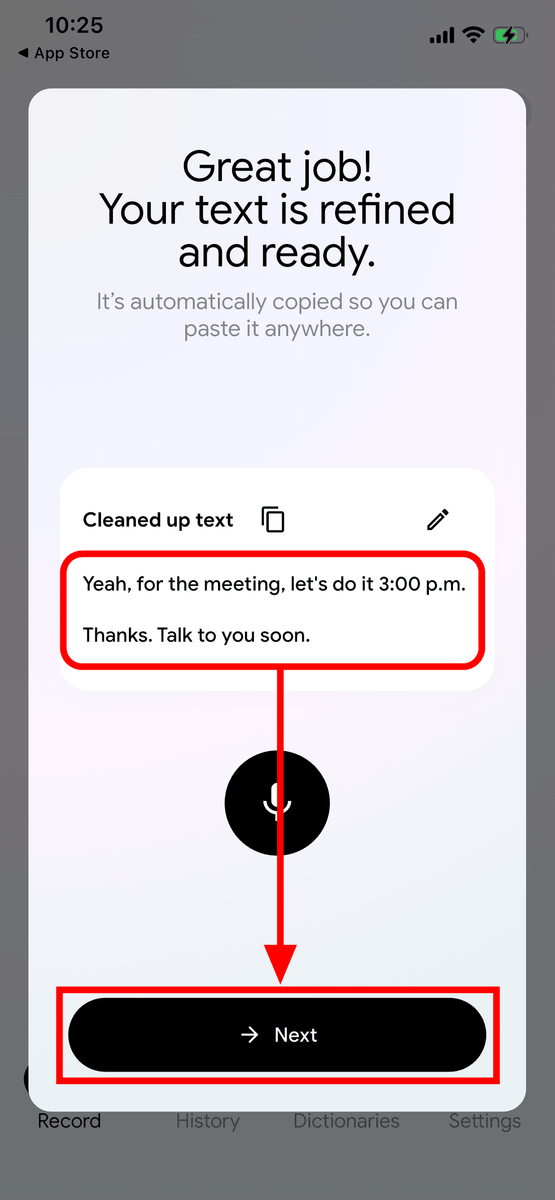
I tried to be as faithful to the original as possible, carefully pronouncing words like 'Uh' and 'well,' and the system automatically cleaned up the text, resulting in the neat text: 'Yeah, for the meeting. Let's do it 3:00 pm. Thanks. Talk to you soon.' I tapped 'Next.'
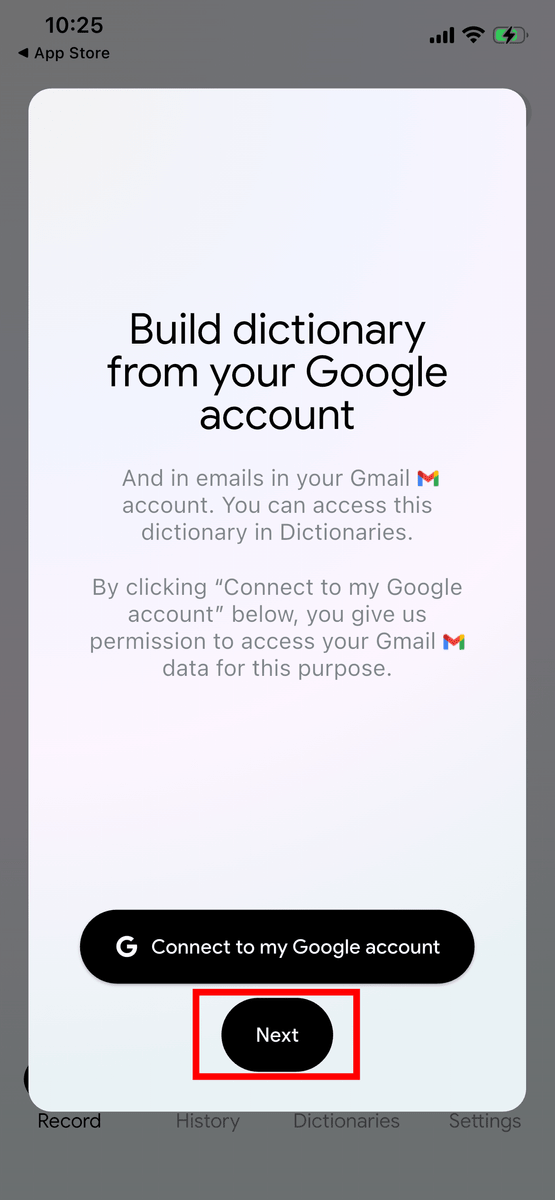
It says that by connecting to a Google account, you can create a dictionary from the data in your account. This time, I tapped 'Next' without connecting.
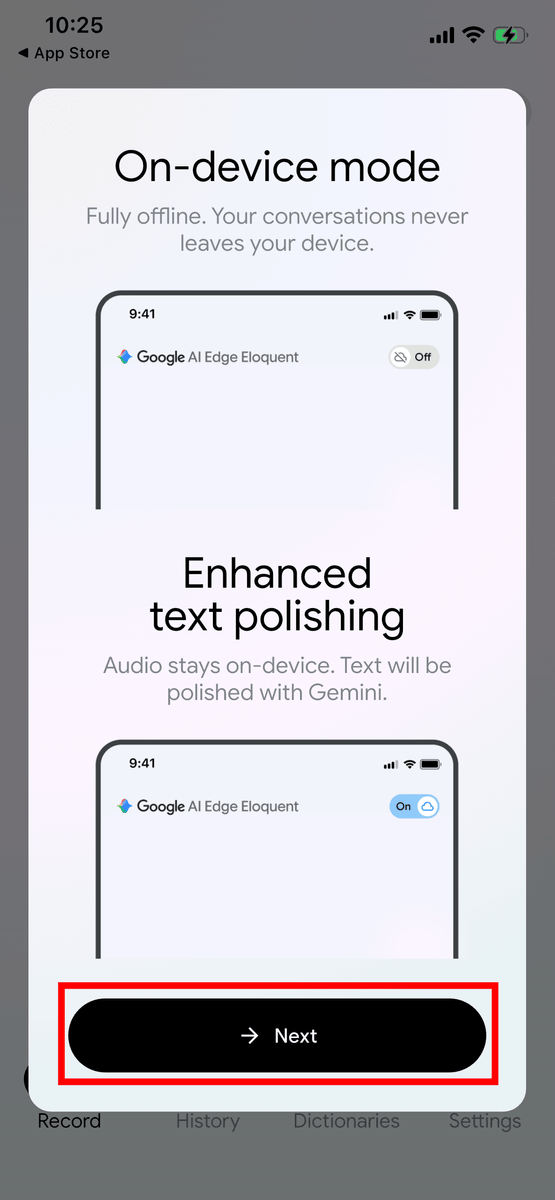
Speech recognition is always performed locally, but you can choose whether text cleanup is processed in the cloud or locally. If the switch in the upper right is 'Off,' all processing will be completed locally. Tap 'Next.'
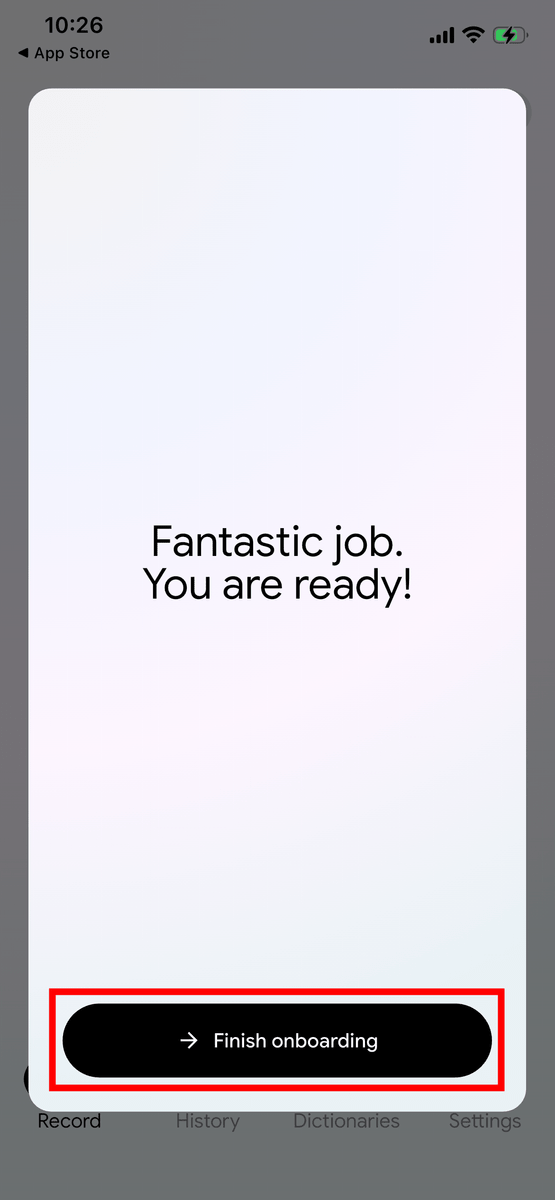
This completes the tutorial. Tap 'Finish onboarding'.
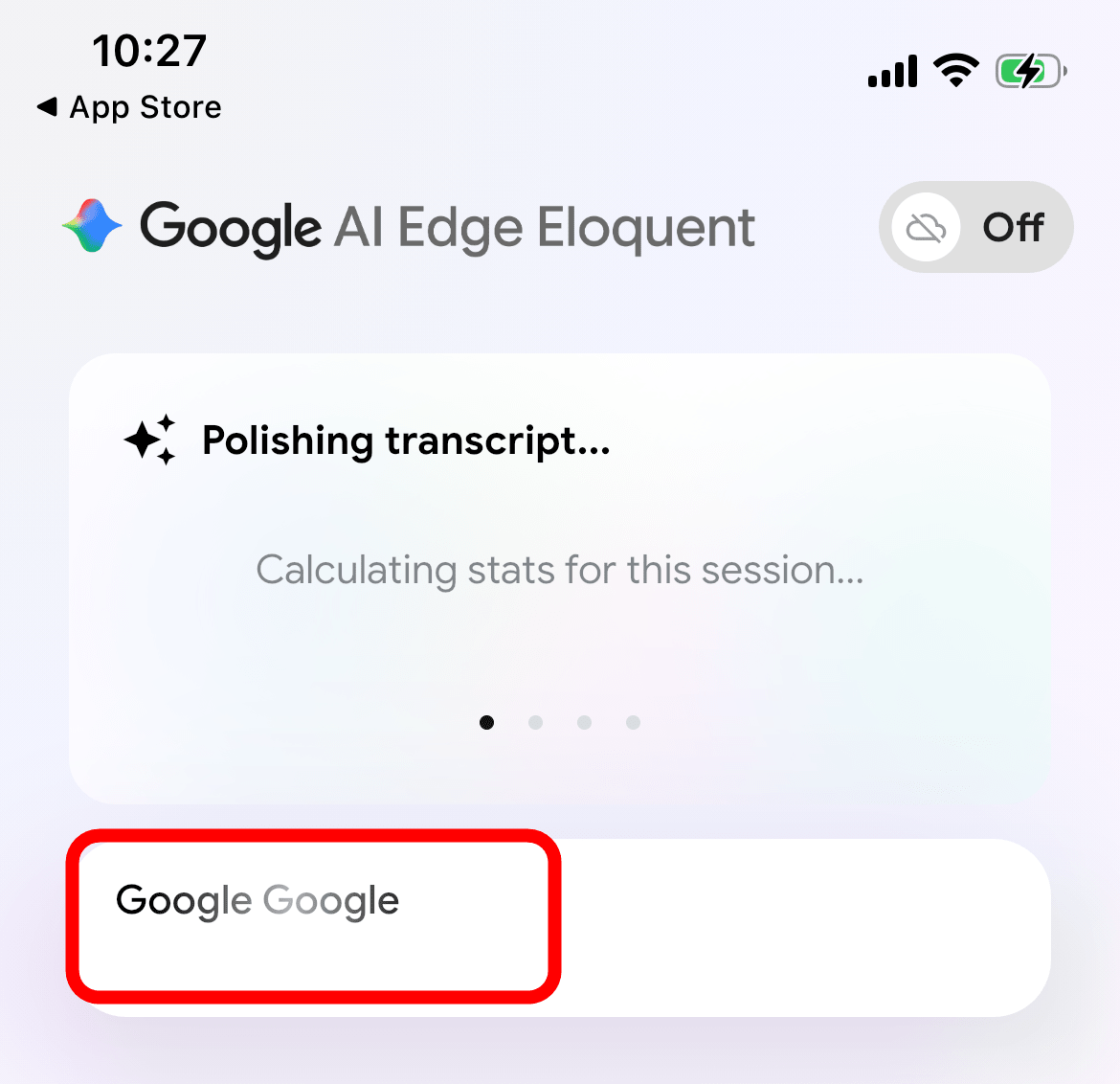
Having fully understood its capabilities in English, I tried to see if it could recognize Japanese as well, but it only picked up the part where I pronounced 'Google.' It seems that at the time of writing this article, it only supports English.
I also checked Google Play to see if a similar tool had been released, but it didn't seem to exist at the time of writing this article.
Related Posts:
in AI, Software, Smartphone, Review, Posted by log1d_ts