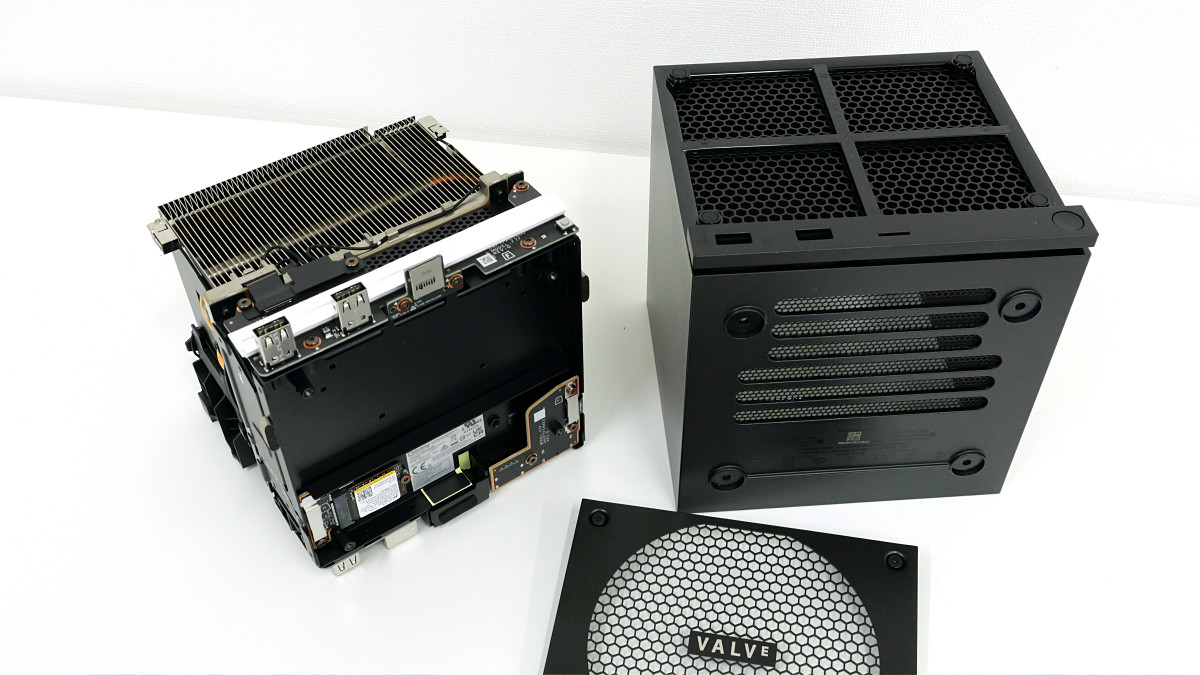
I actually went through the steps to disassemble a 'Steam Machine' and access its SSD.
The
Steam Machine
https://store.steampowered.com/hardware/steammachine
Steam Machine – KOMODO STATION
https://komodostation.com/product/steam-machine_jpy/
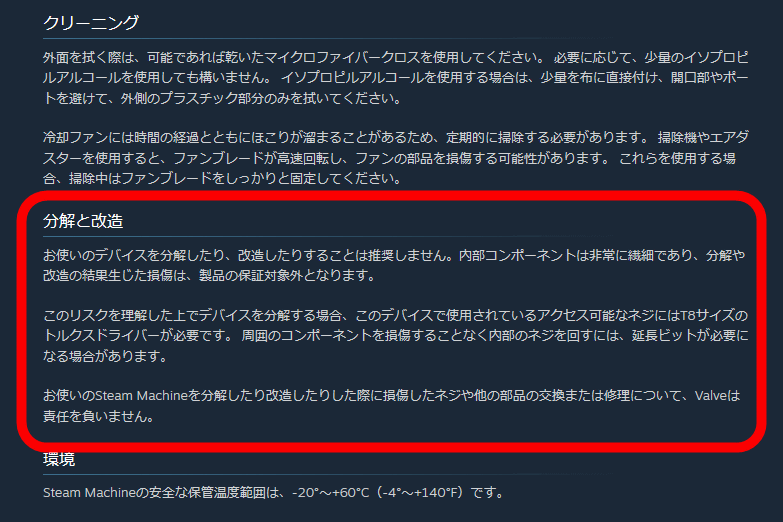
The Steam Machine support page includes a warning that 'we do not recommend disassembling or modifying your device,' along with an explanation that 'if you choose to disassemble the device understanding the risks, you will need a T8 Torx screwdriver to access the screws used in this device,' indicating that disassembly is possible. However, they state that they are not responsible for any parts damaged during disassembly.
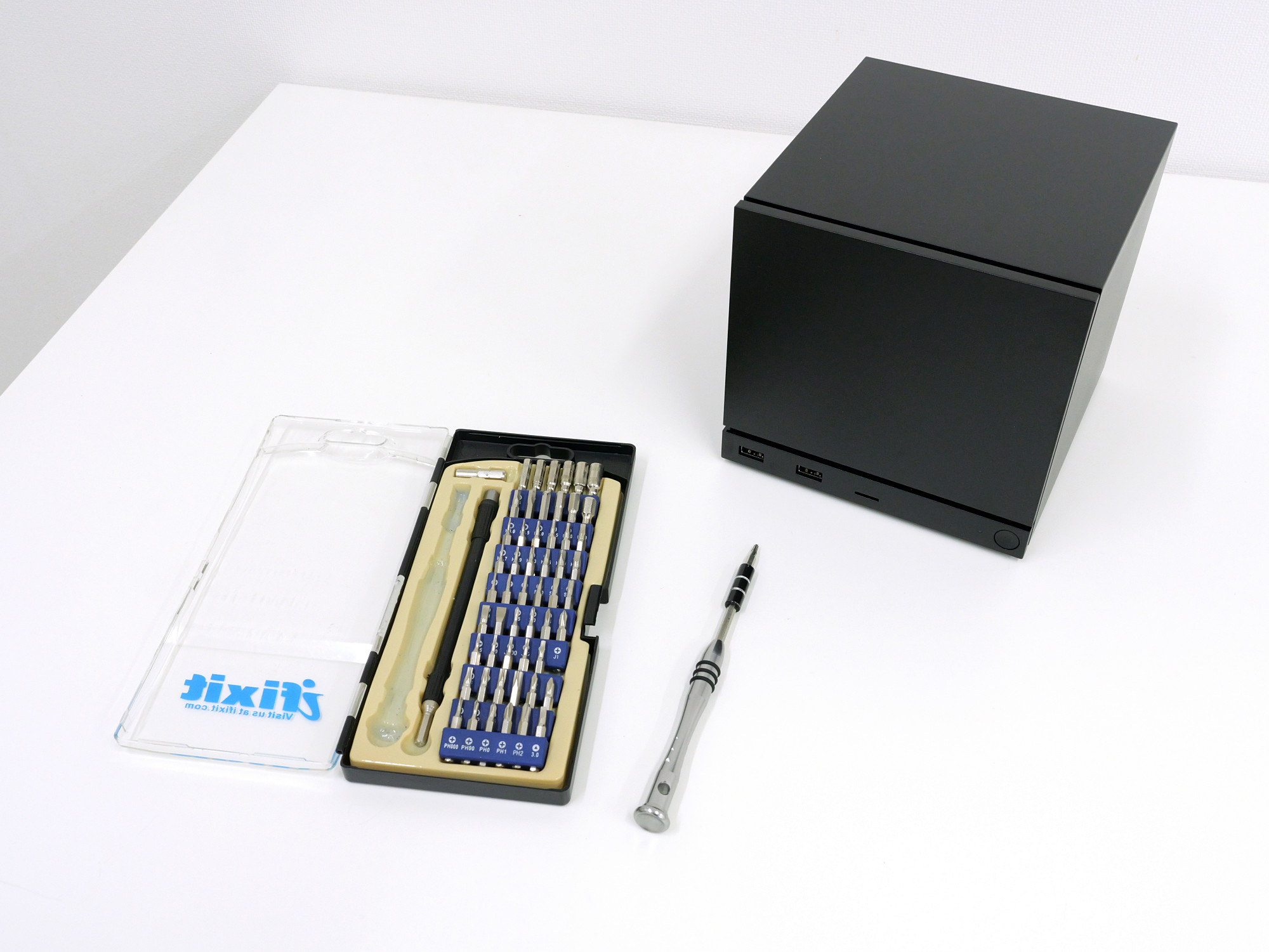
So, I prepared a T8 size Torx screwdriver.
First, remove the front panel. The front panel is only held in place by magnets, so it comes off easily.
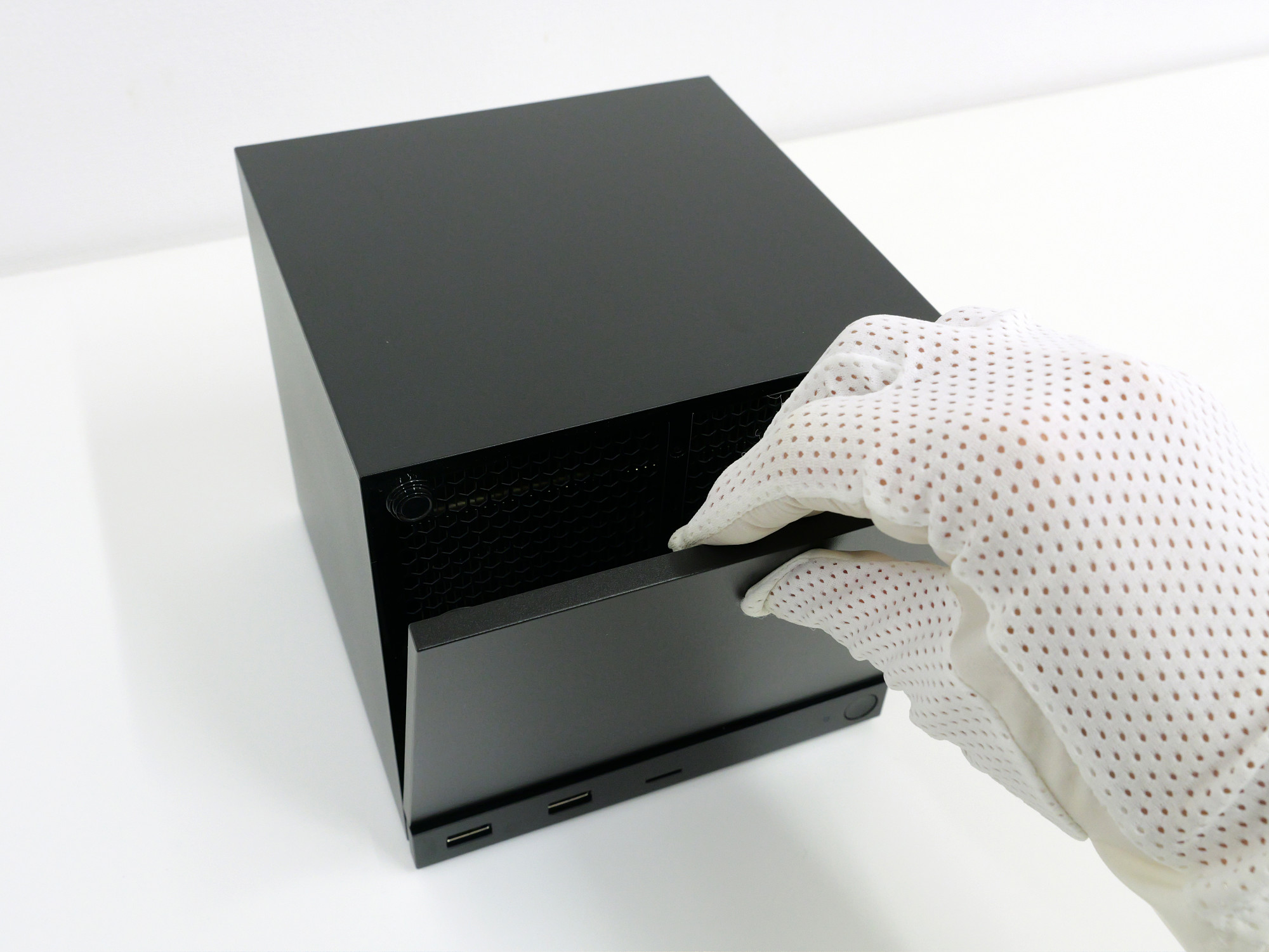
I removed the front panel.
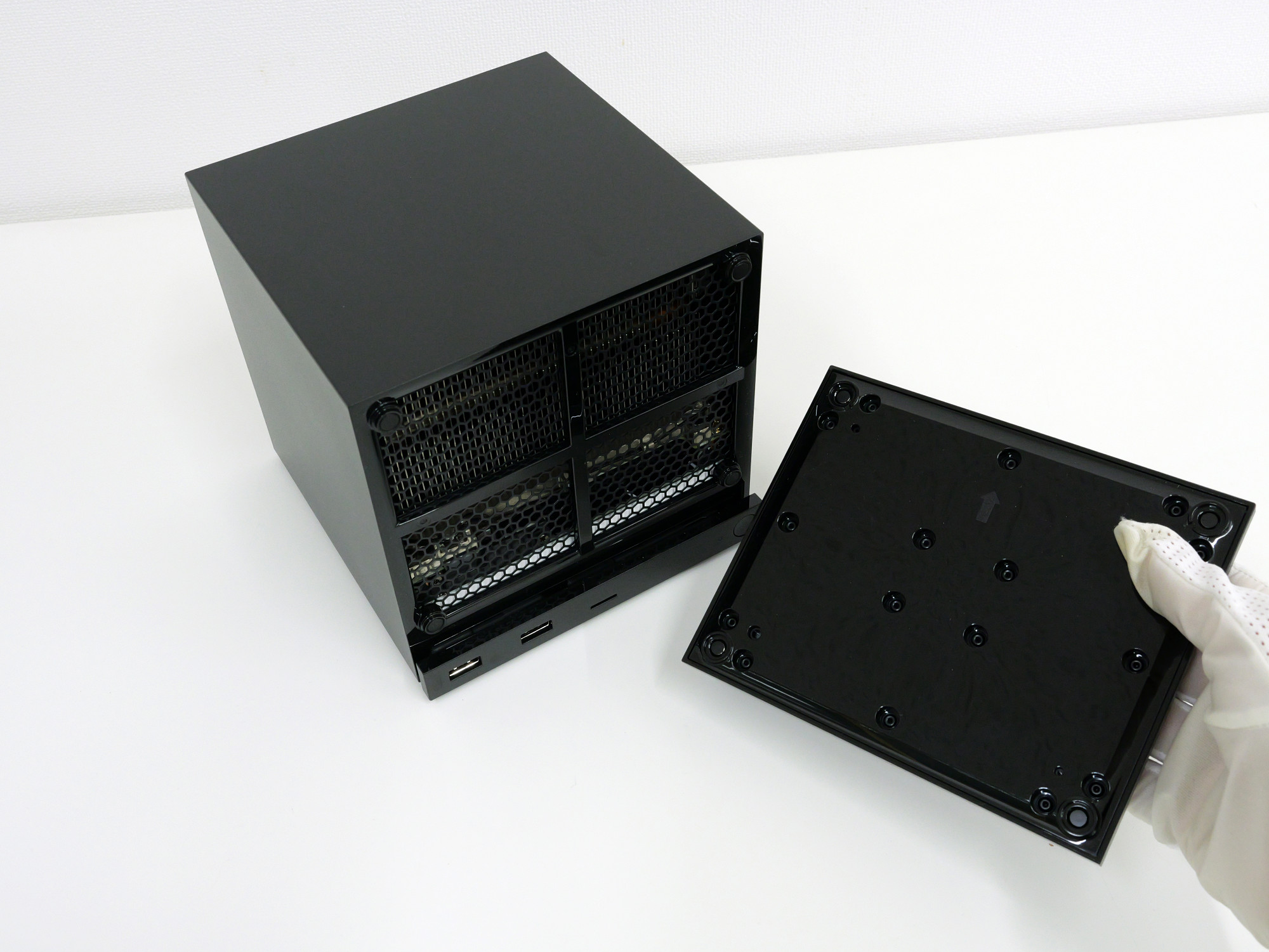
Turn the Steam Machine upside down and remove the four screws on the bottom.
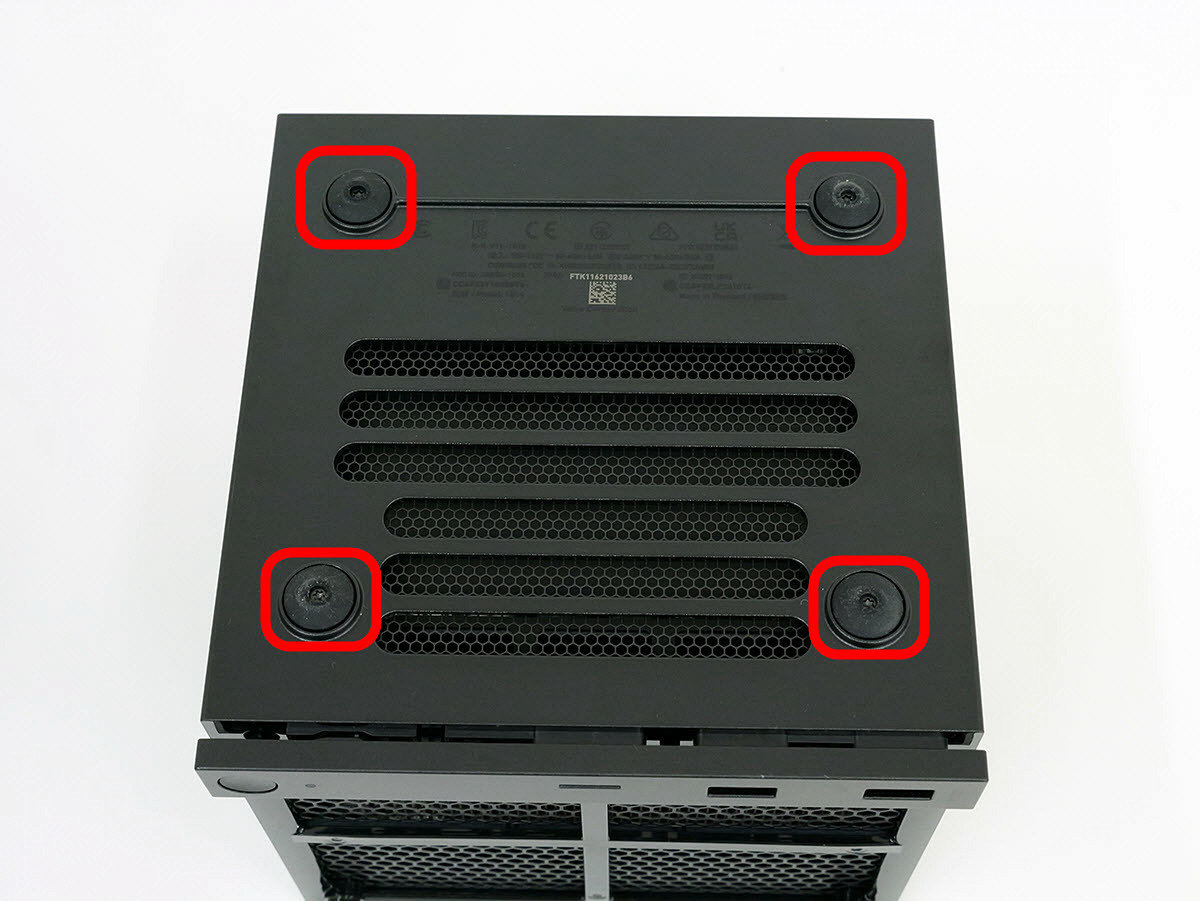
The screw hole is located in the center of the anti-slip pad.
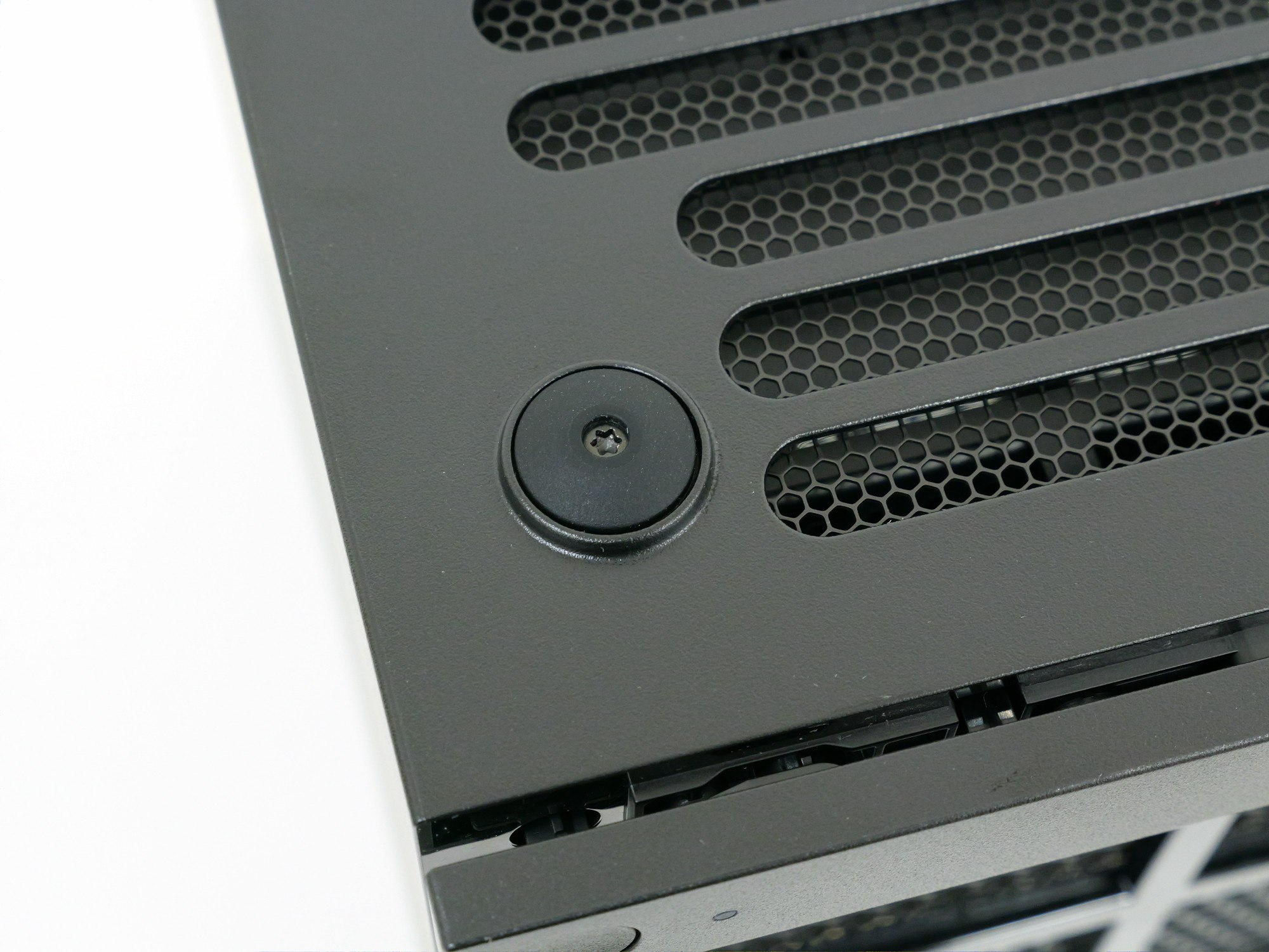
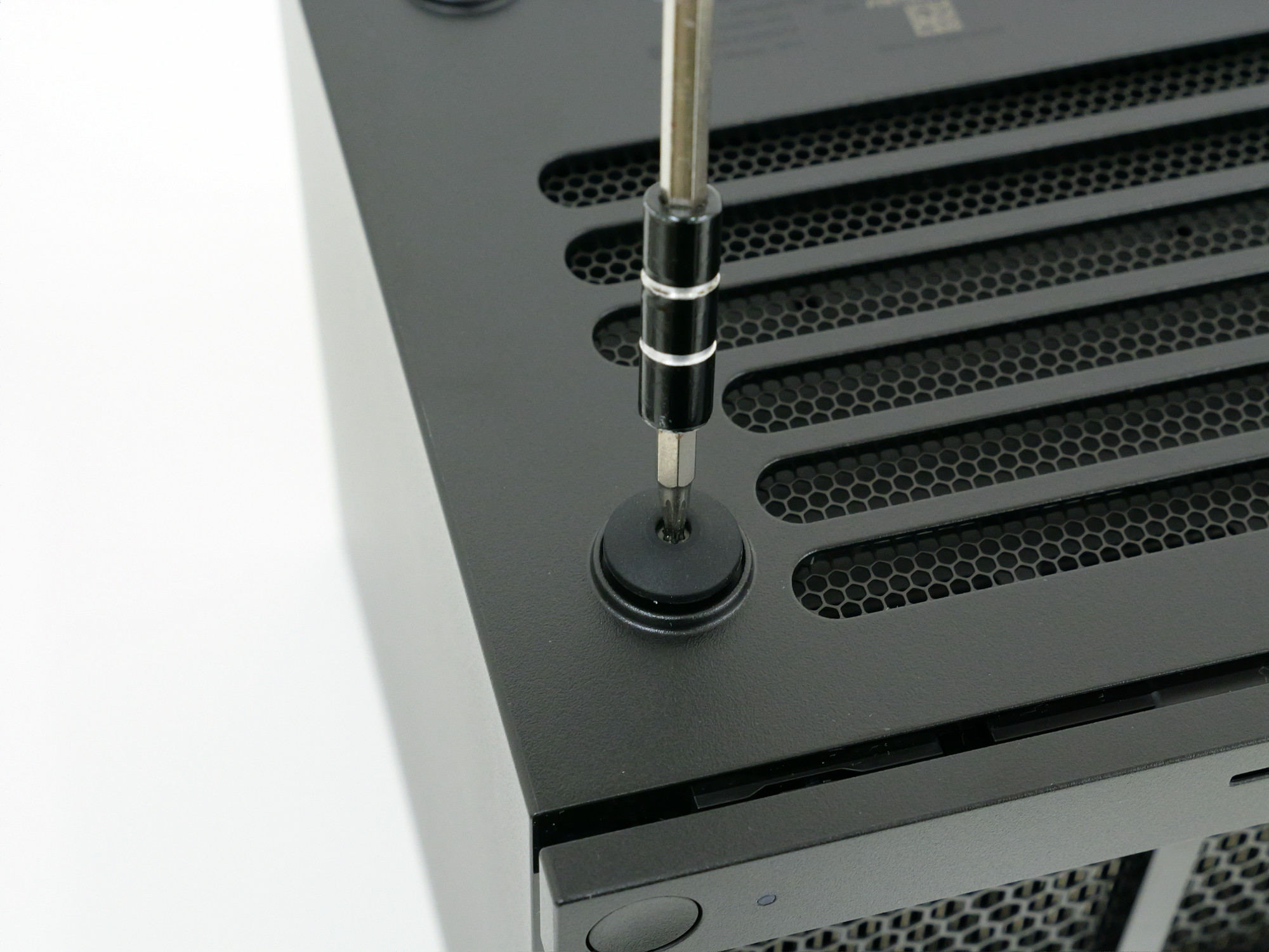
Remove it with a screwdriver.
Next, remove the two screws at the top of the back panel.
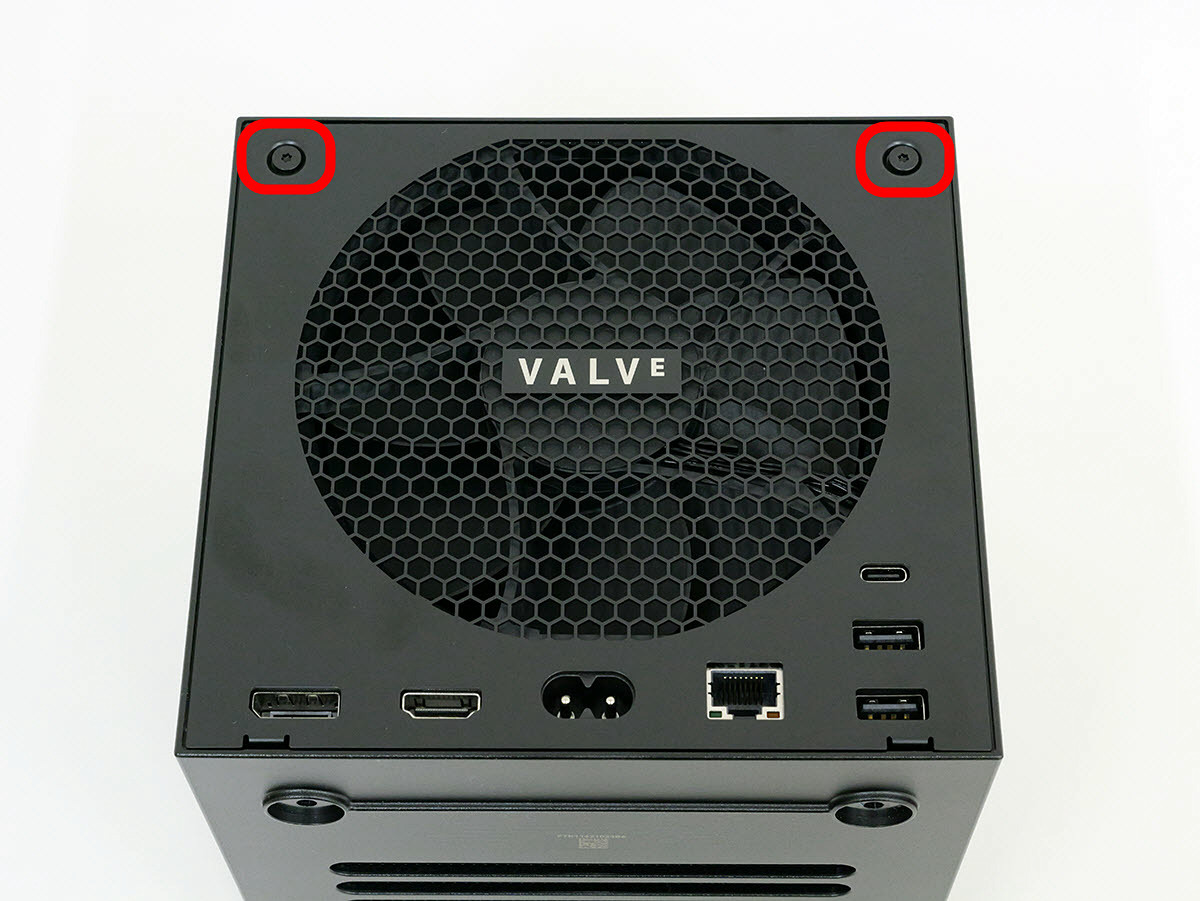
You can remove it using the same screwdriver.
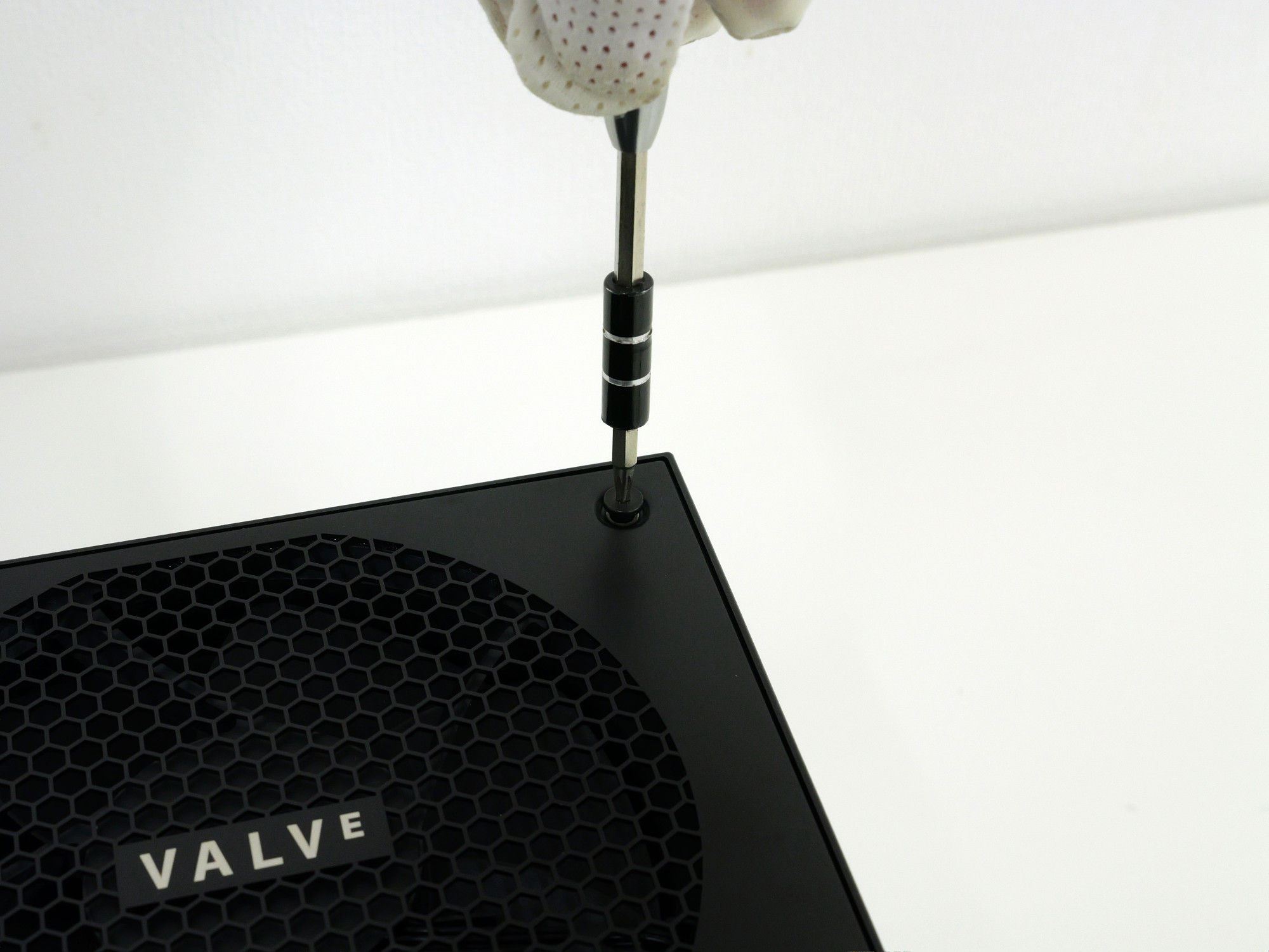
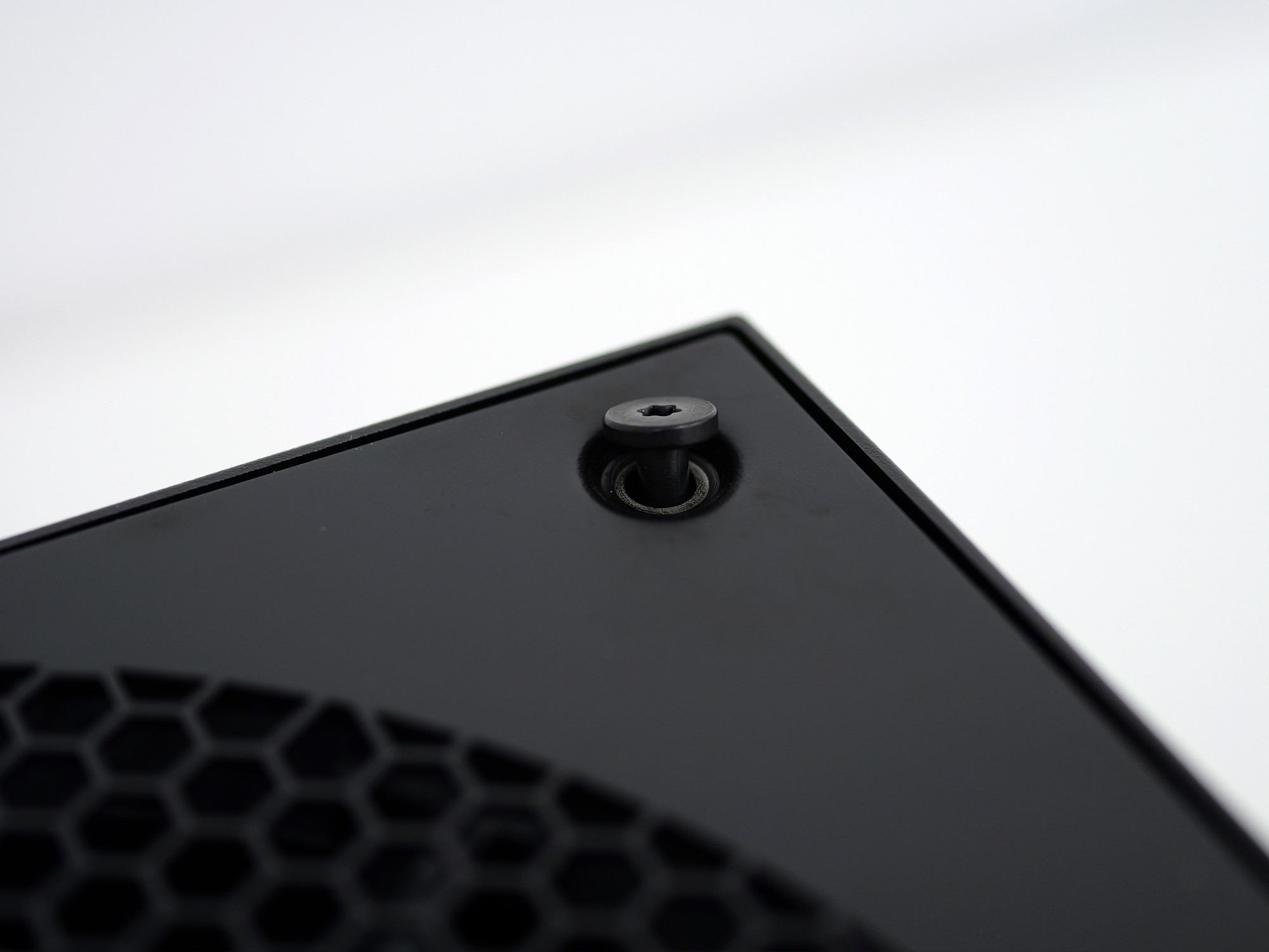
The screws on the back weren't the type that could be completely removed; they were fixed to the back panel.
The lower back is secured in the area enclosed by the red frame.
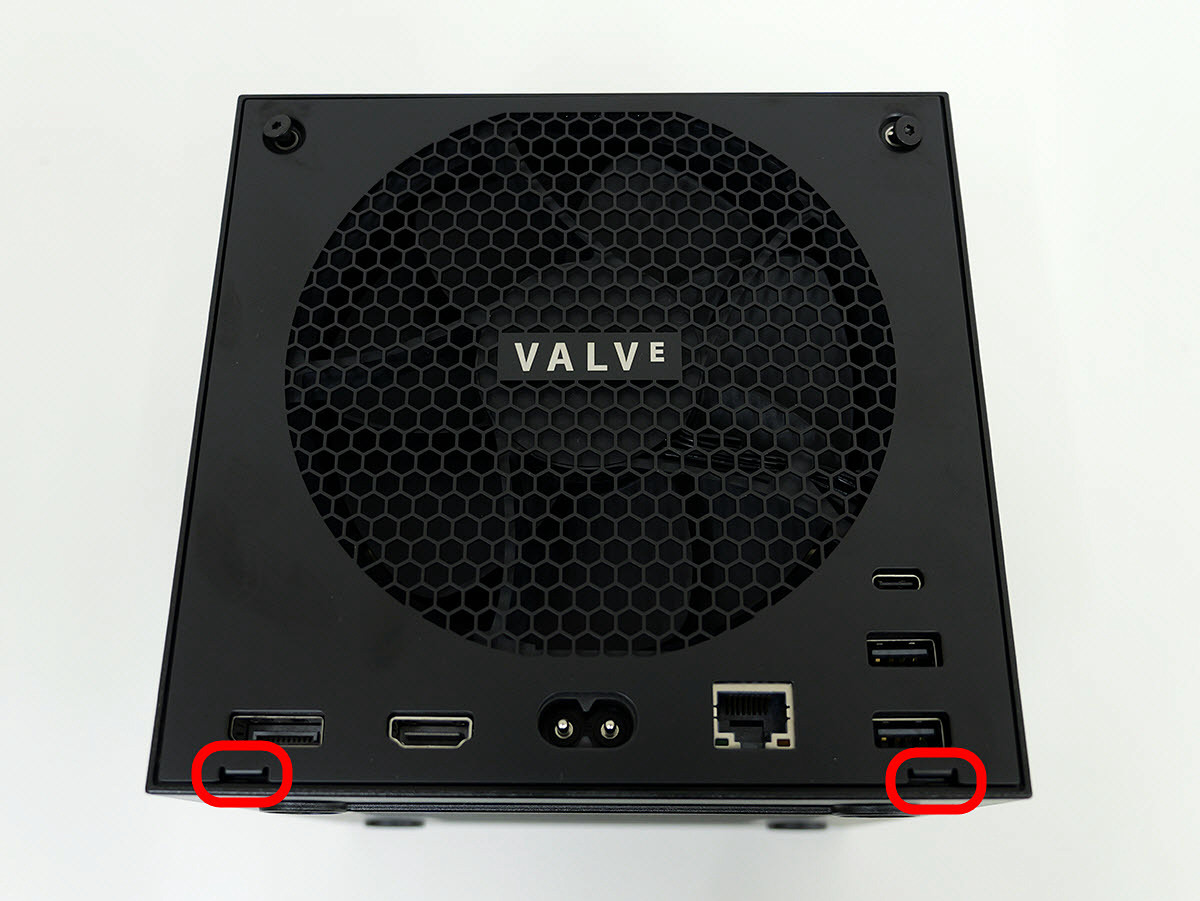
Remove the nail with a spatula.
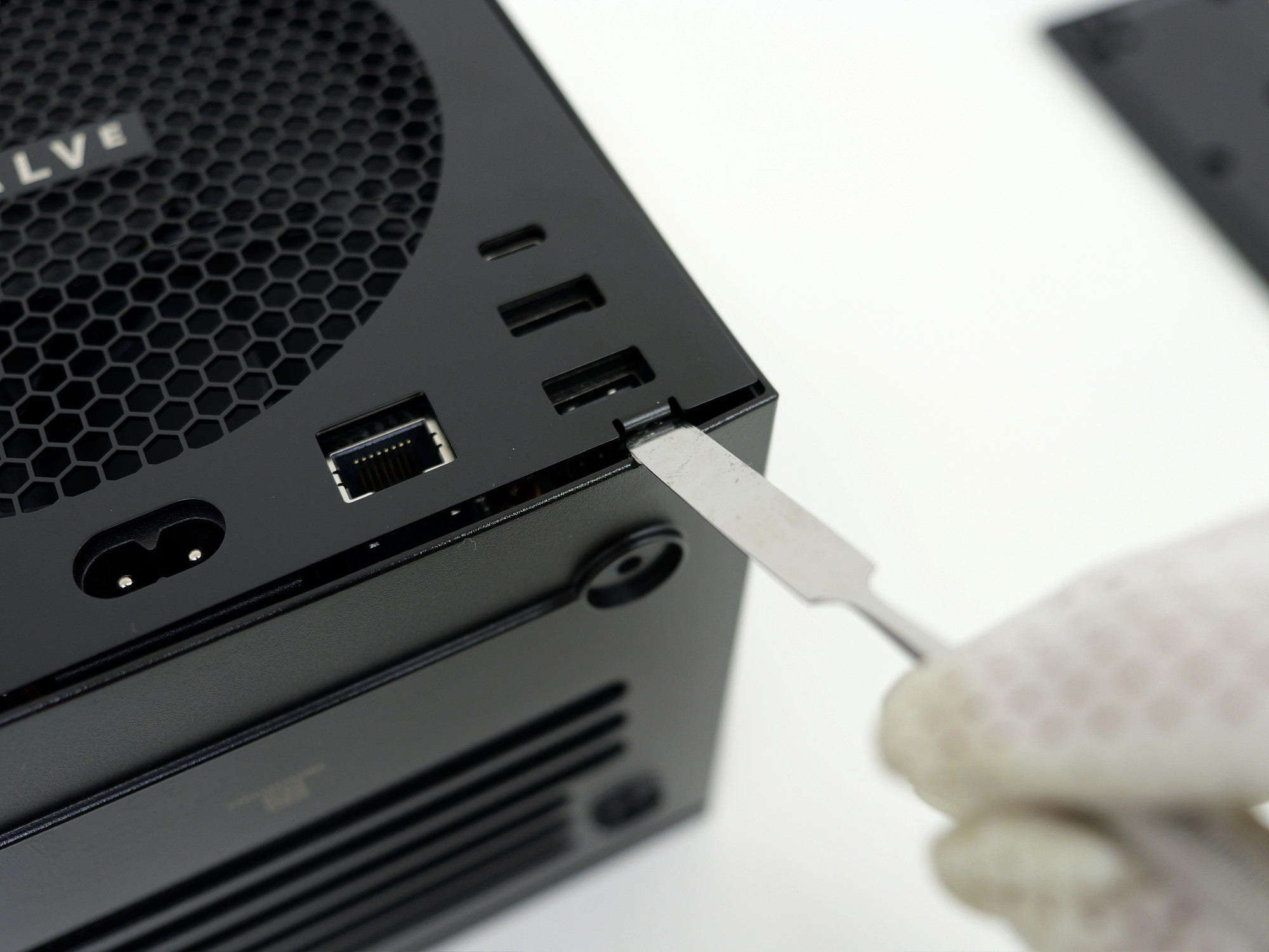
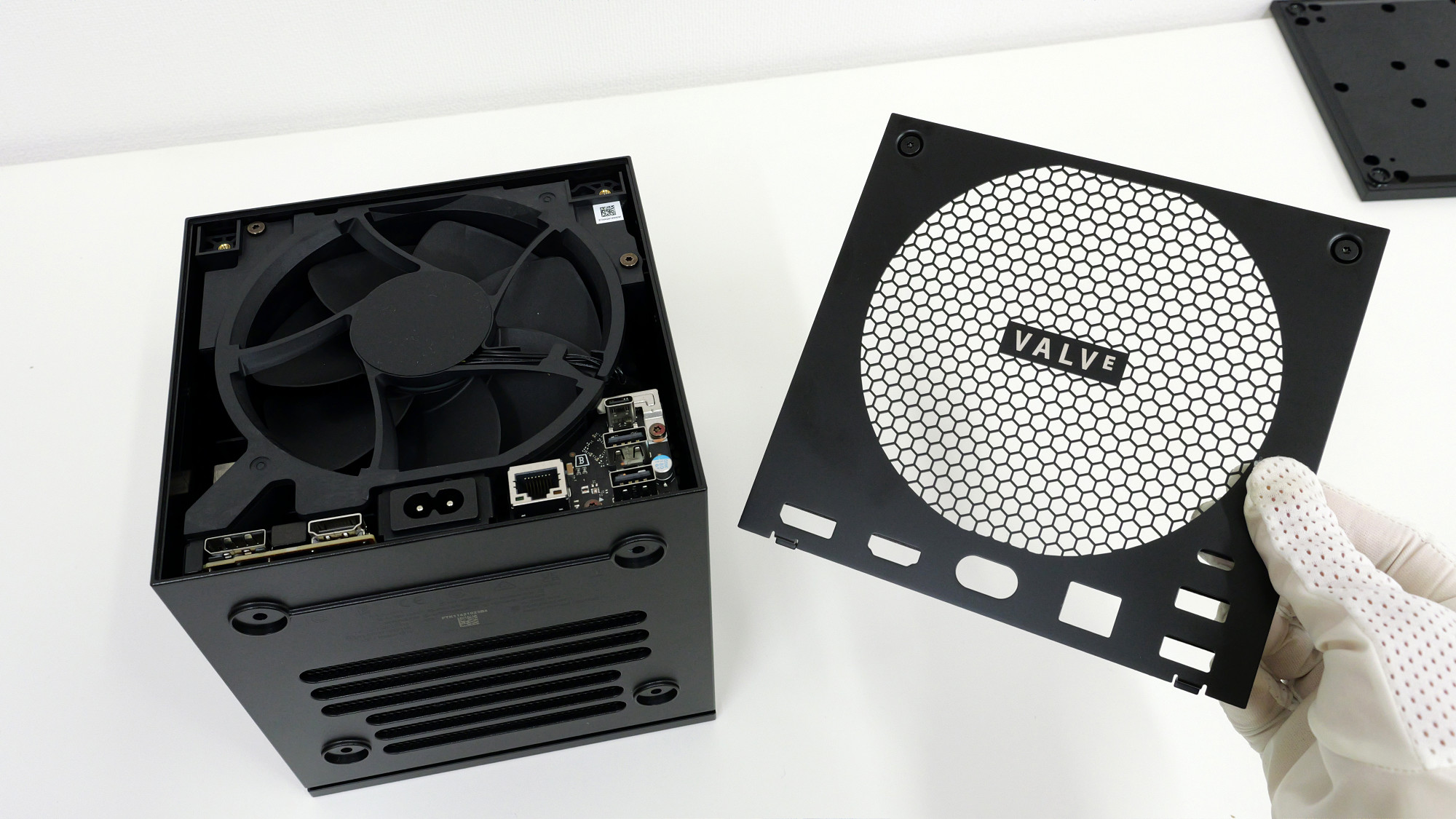
The back panel can be removed by unscrewing two screws and removing two clips.
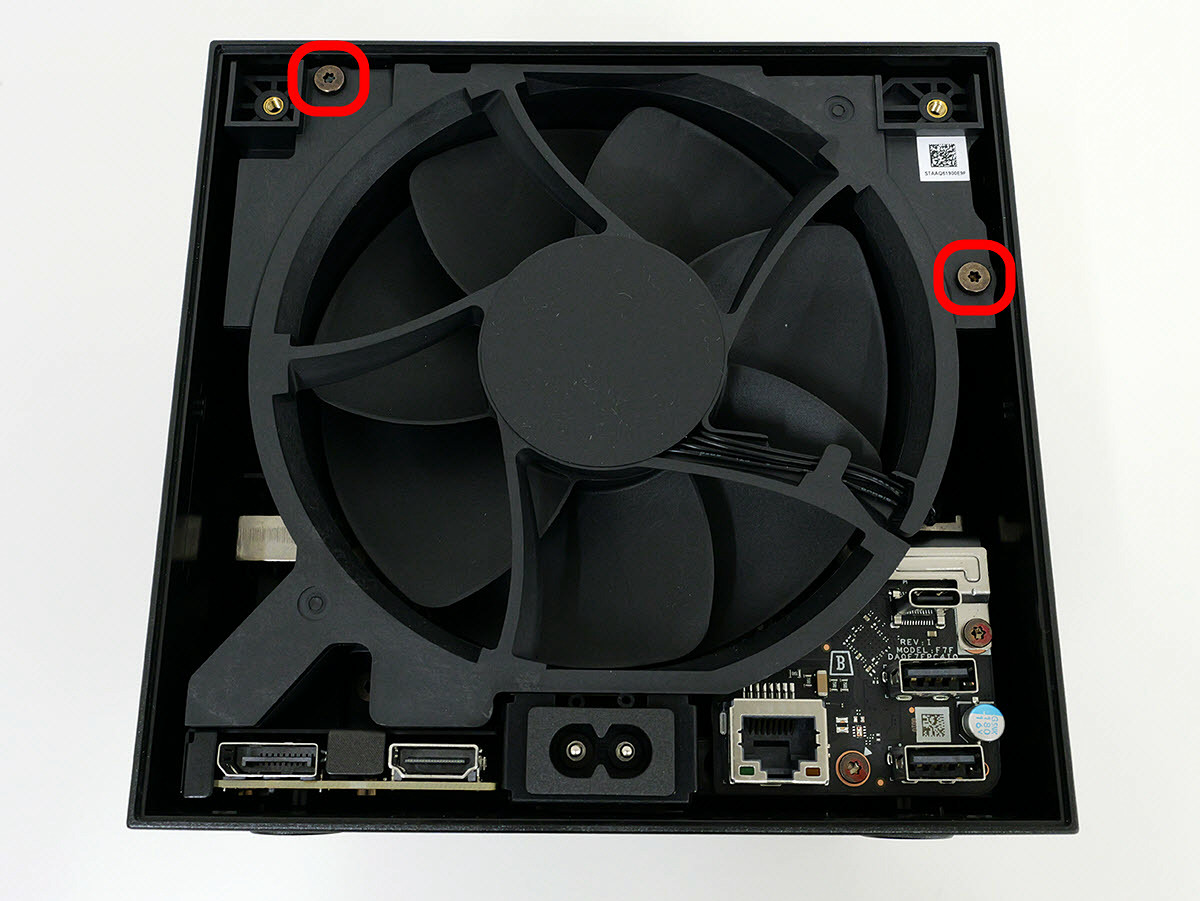
Remove the screws on the upper left and right sides of the fan.
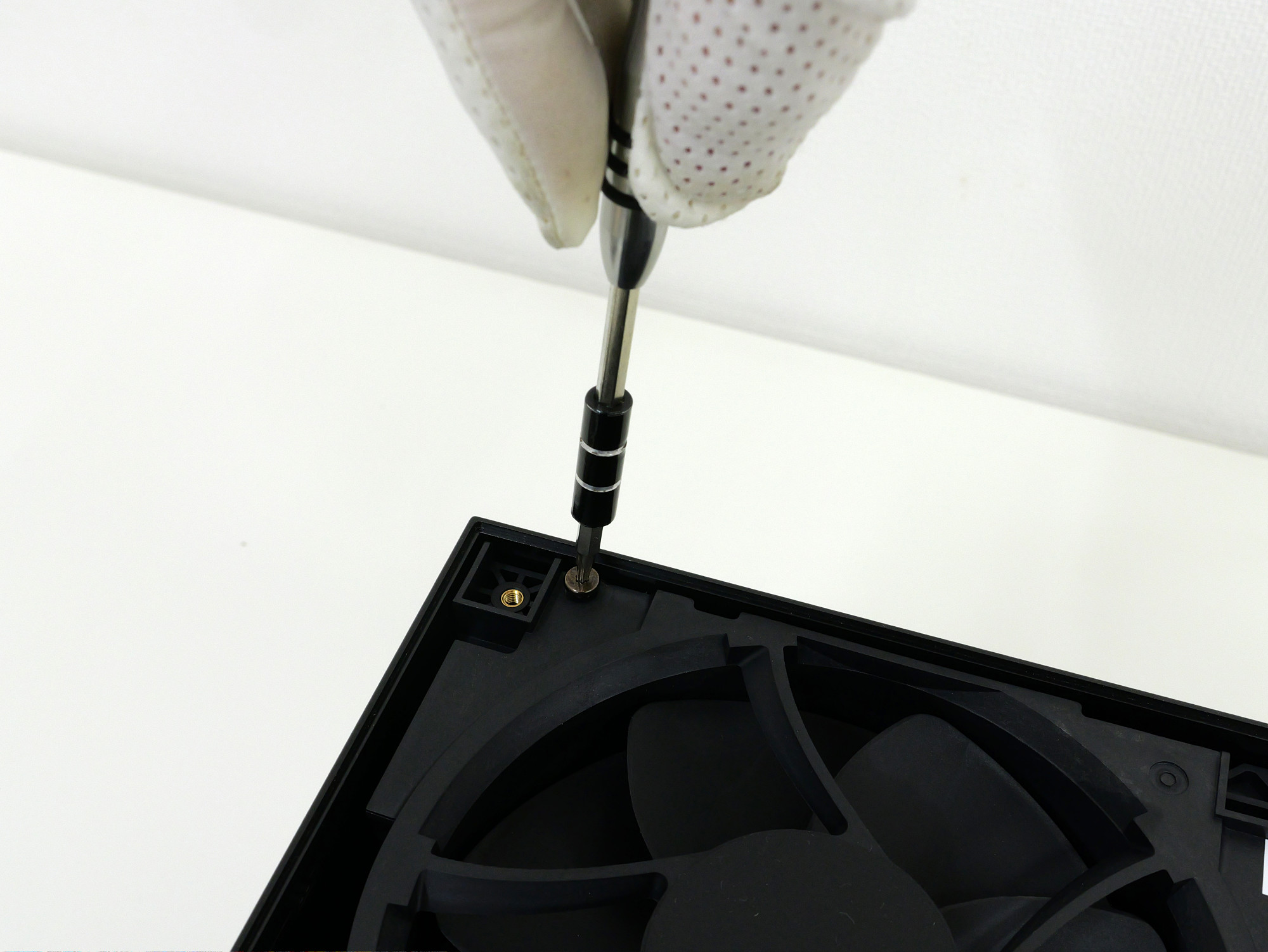
This screw can also be screwed in with the same screwdriver.
After removing the screws, place the device with the front part facing upwards, as shown in the following picture.
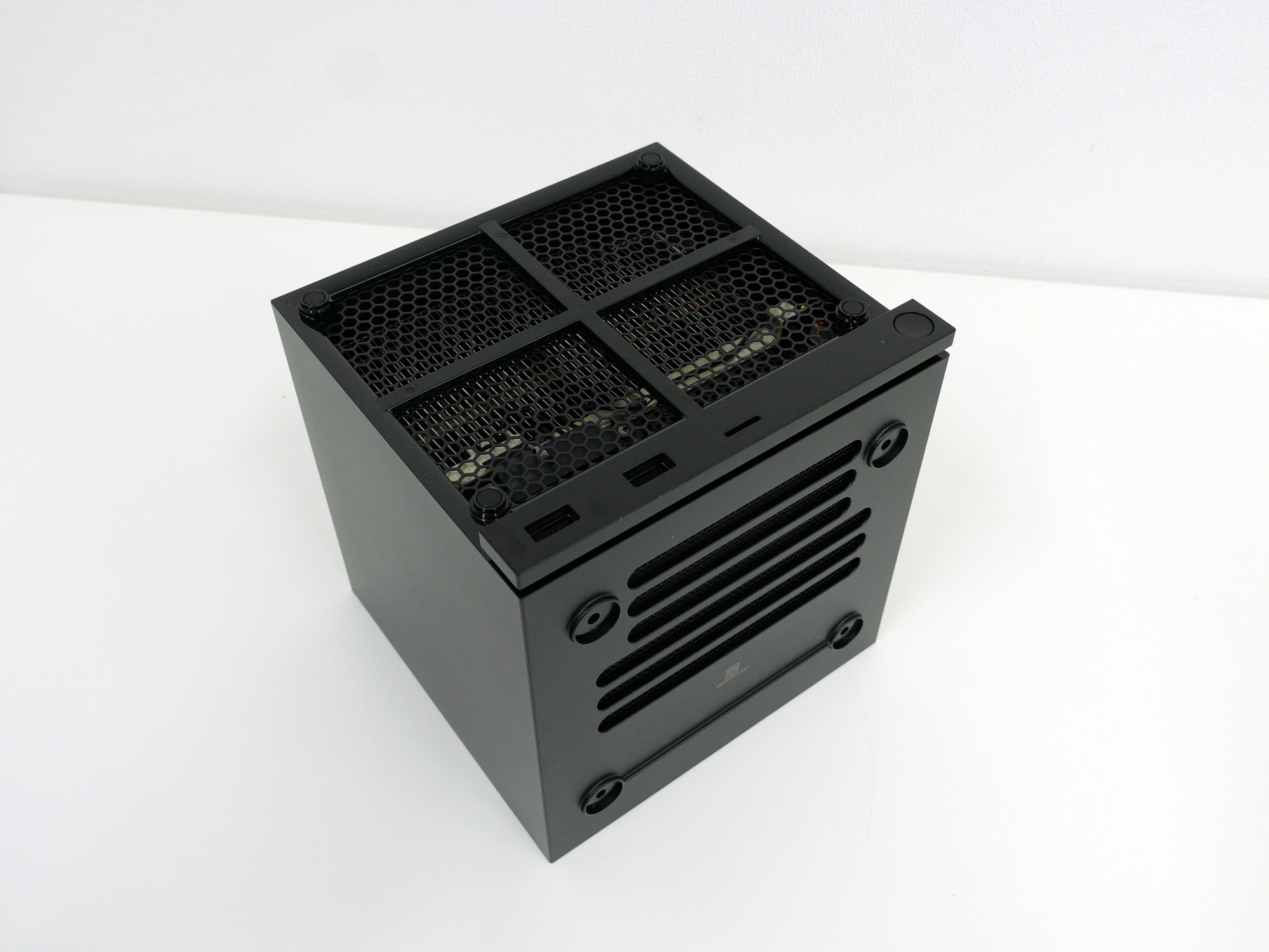
Pulling it upwards will easily remove the cover.
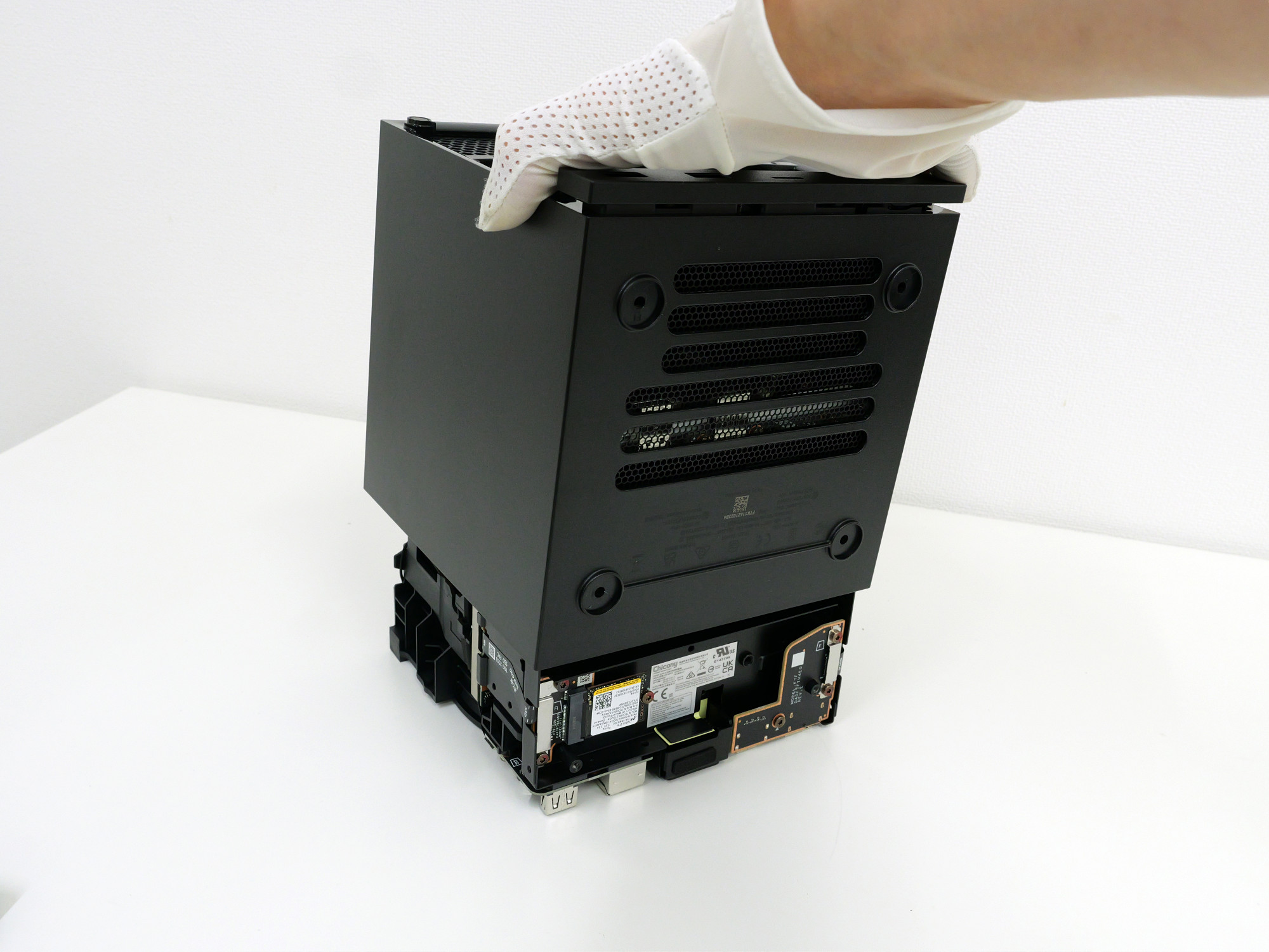
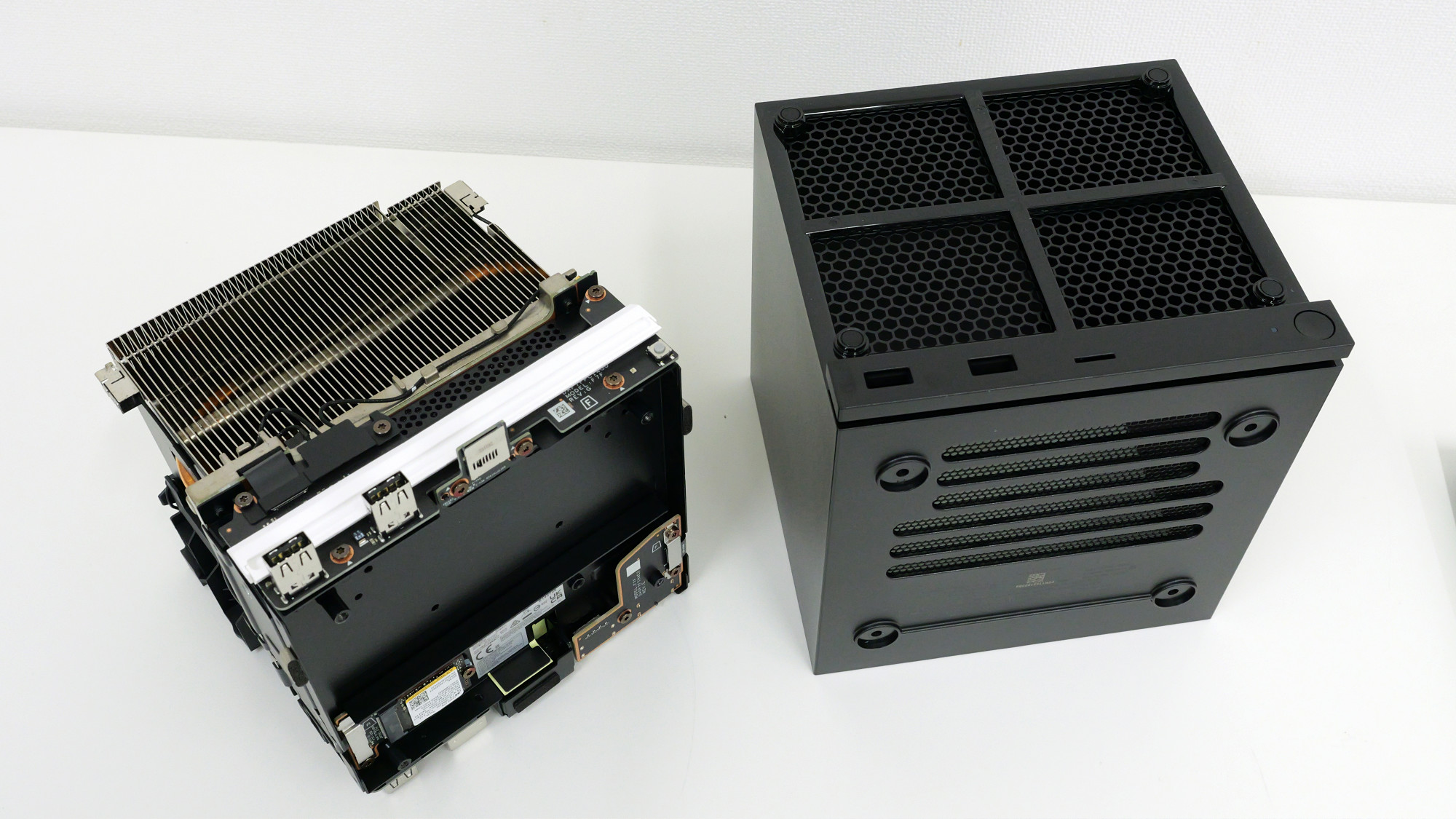
This is what it looks like with the cover completely removed.
The SSD is installed in the area enclosed by the red frame. Once you've disassembled it this far, all that's left is to replace the SSD and reinstall Steam OS.
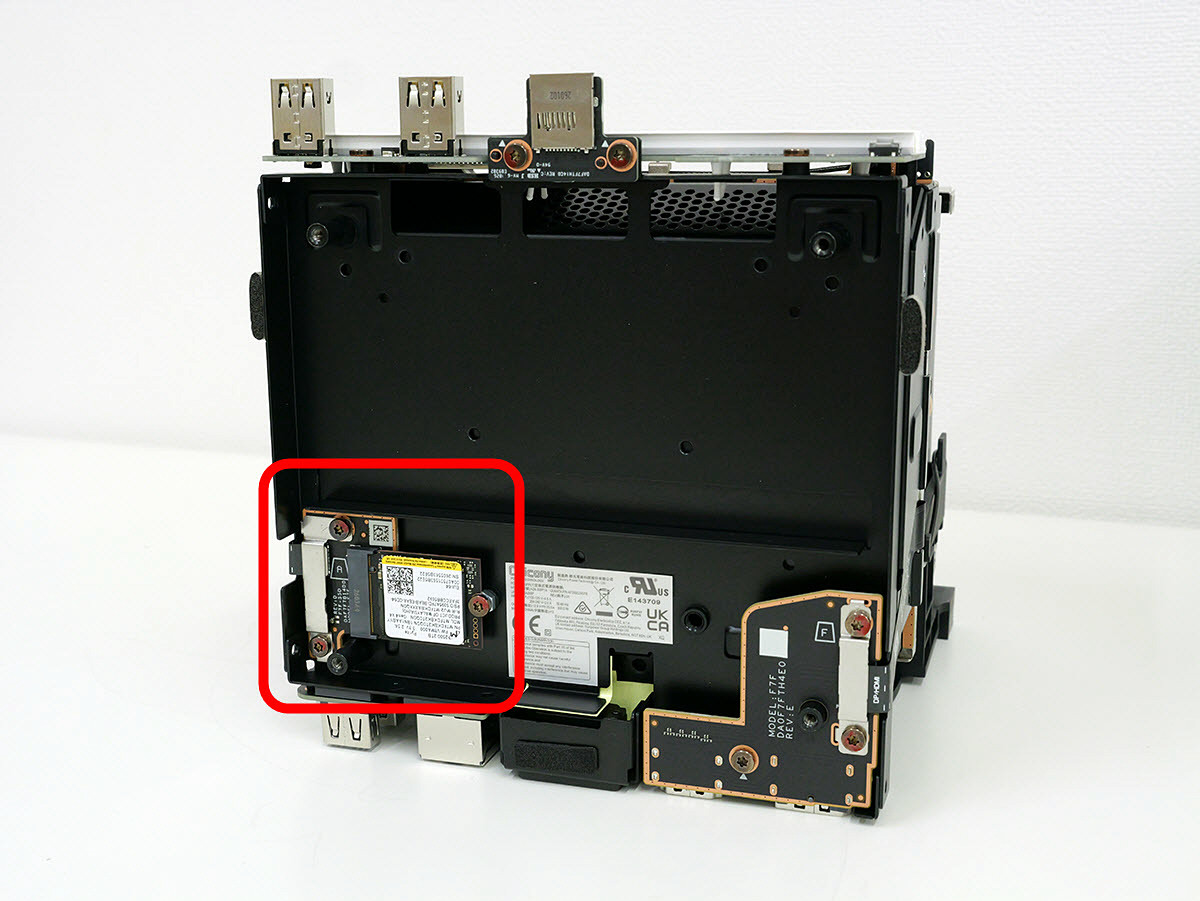
This is an SSD.
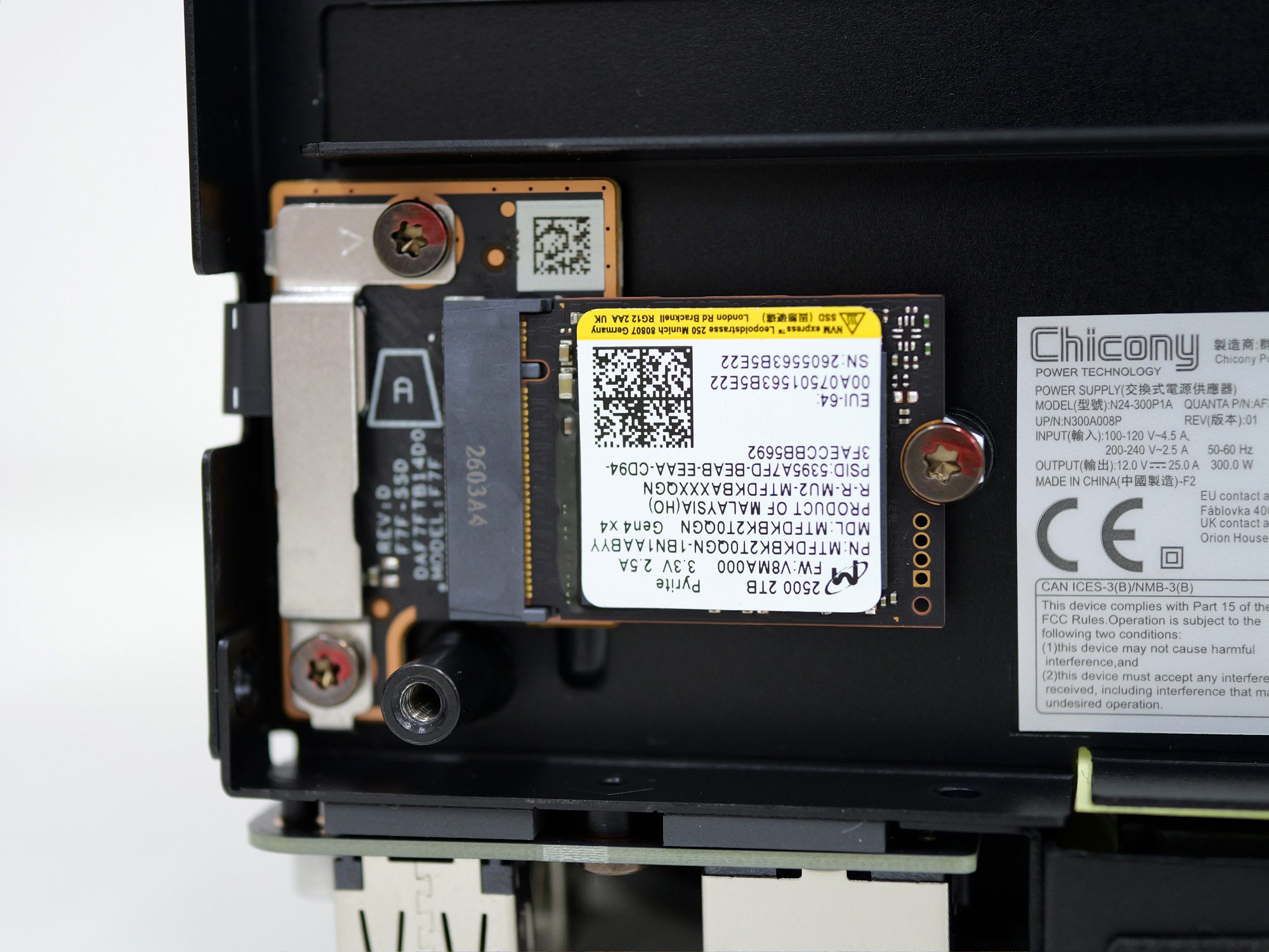
The SSD is made by Micron and has an M.2 2230 form factor.
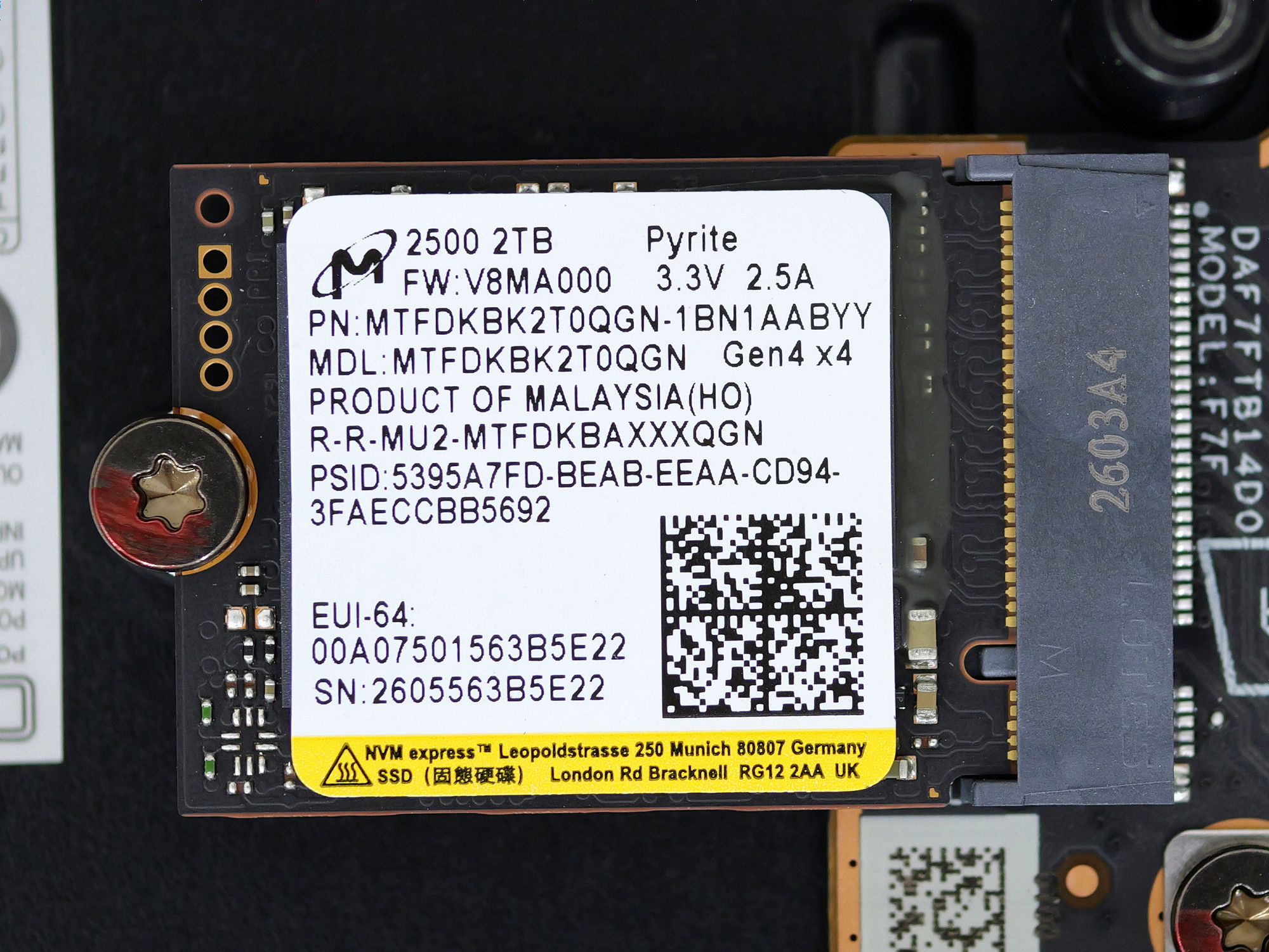
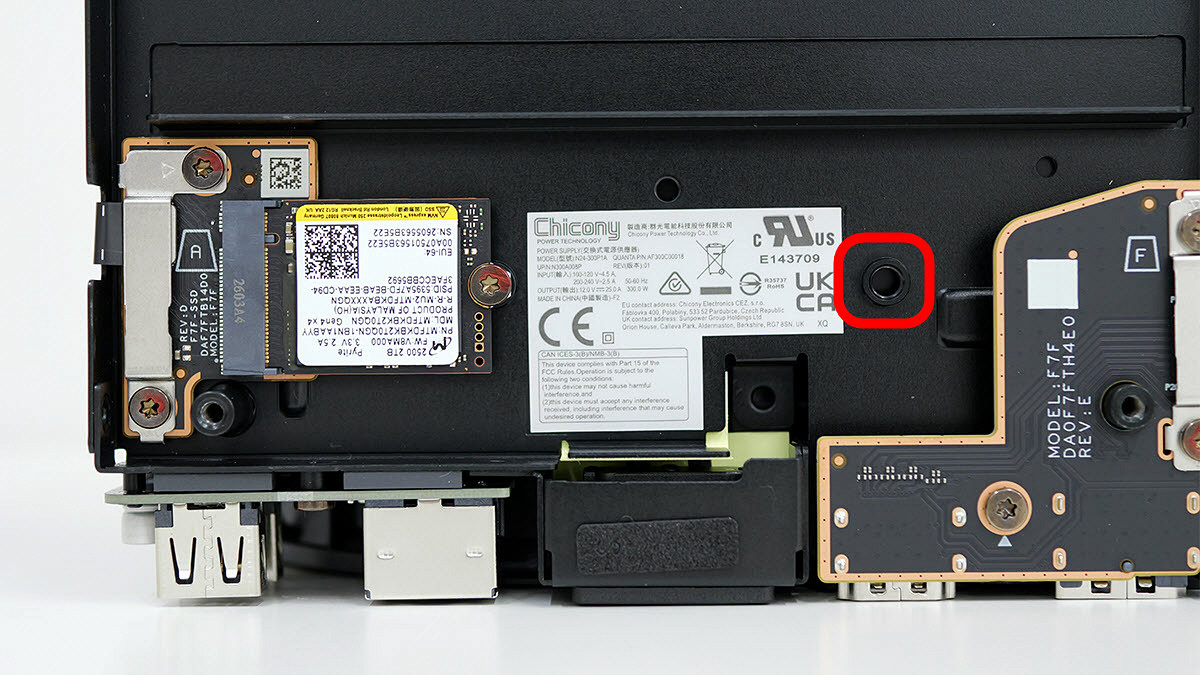
It also has screw holes for installing the widely available M.2 2280 SSD.
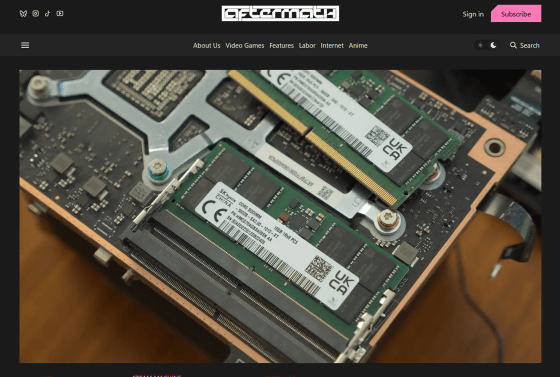
There are also posts online showing further disassembly and memory upgrades. The memory type used is DDR5 SODIMM.
I Gave My Steam Machine A Second Stick Of RAM Because Valve Couldn't
https://recent_site/steam-machine-ram-upgrade/
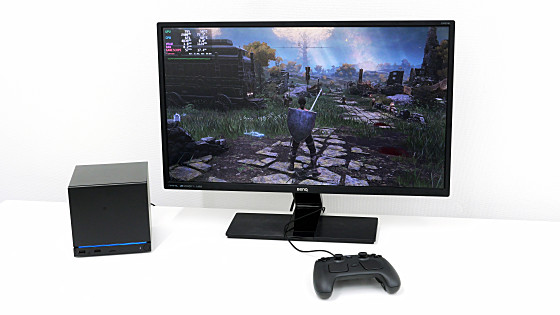
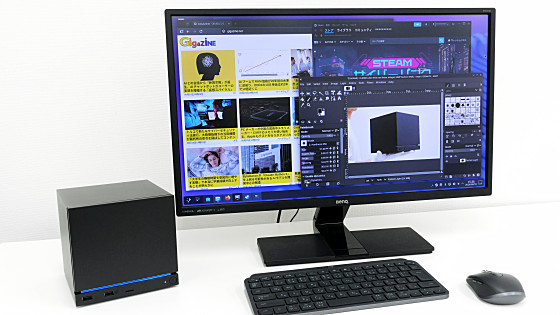
You can find review articles about playing games on Steam Machine or using it as a Linux desktop PC at the following link.
I tried setting up 'Steam Machine' and playing games - Review - GIGAZINE
Related Posts: