'Unpaywall' automatically checks databases containing legally available open-access articles when you are trying to access academic papers that normally require a paid subscription, so you can find out if they are available for free.
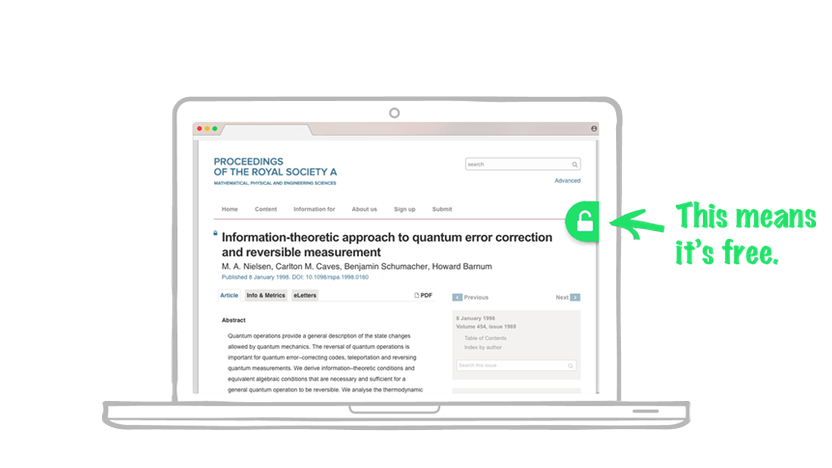
' Unpaywall ' is a browser extension that checks databases to see if the academic paper you are looking for is available as open access, and displays a link button if it is available for free subscription.
Browser Extension | Unpaywall
◆Features
According to the official website, the features of Unpaywall are as follows:
- Instant access to millions of research papers
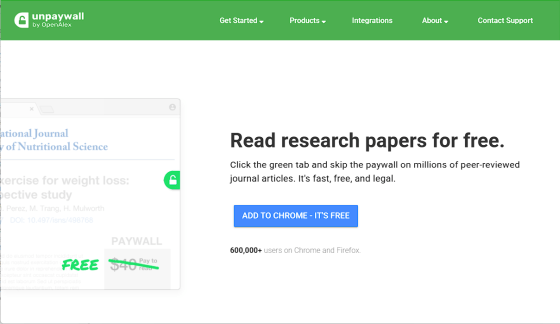
When a user accesses a research paper that requires a paid subscription, Unpaywall searches its database to check for a free version. If a free version is available, a green icon will appear on the screen. Clicking this icon allows the user to read the free version of the paper. Unpaywall users reportedly read 52% of research papers for free.
• Legal, fair, and sustainable
The Unpaywall database collects full-text articles legally uploaded by authors with permission from publishers, from the web servers of thousands of universities and institutions worldwide.
◆ Introduction
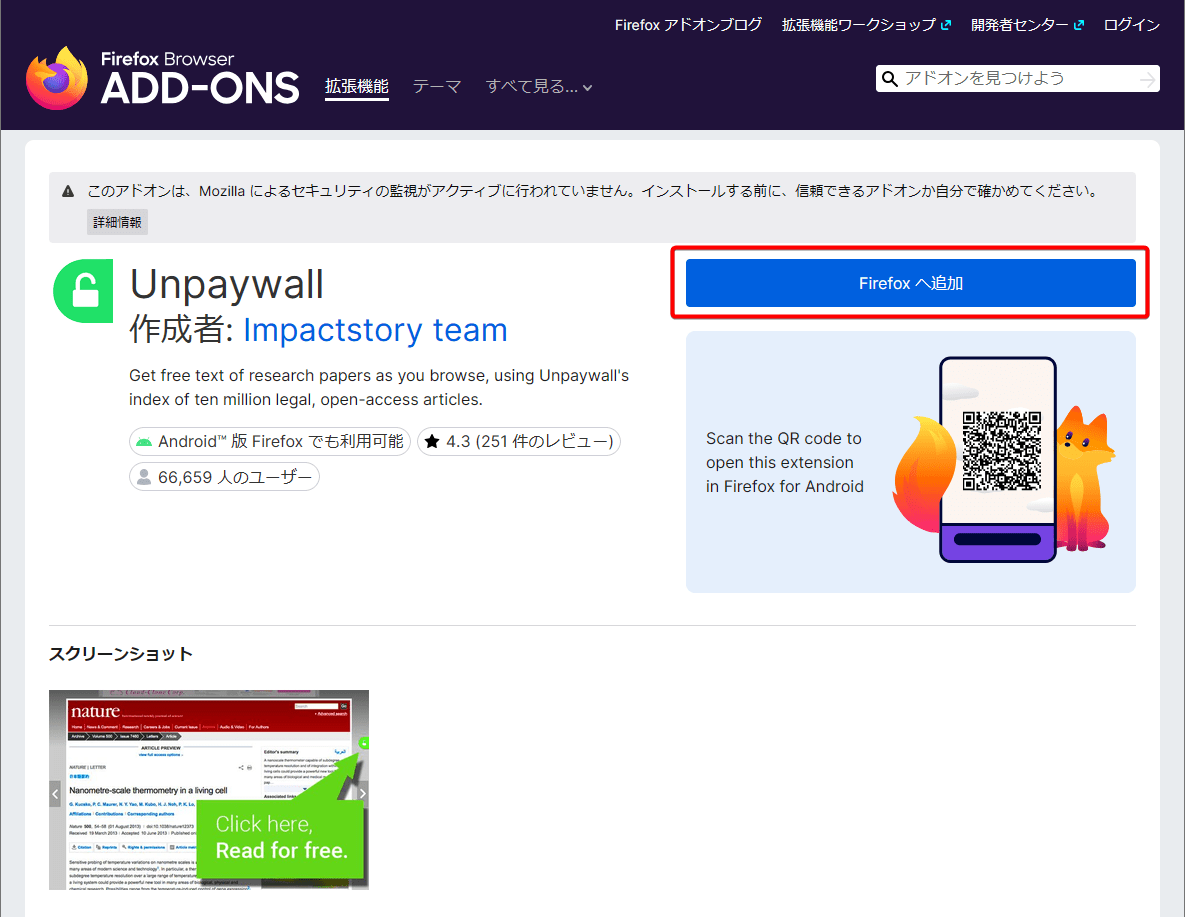
This time, we'll install an extension for Firefox on a PC. Firefox extensions can be used not only on PCs but also on Android devices. Firefox extensions can be installed from the following website.
Unpaywall – Get the Firefox extension for 🦊 (ja)
When you open the site, you will see a 'Add to Firefox' button, so click it.
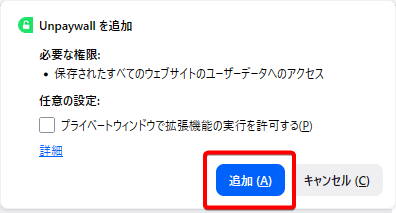
A 'Install Unpaywall' pop-up will appear, so click the 'Add' button.
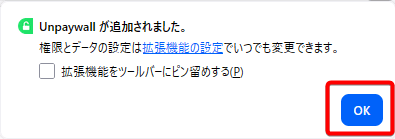
If a pop-up message appears saying 'Unpaywall has been added,' the installation is complete, so click the OK button.
◆ How to use
Using Unpaywall is simple: just open the URL of the paper in a browser with the extension enabled. If no open-access paper exists, a gray overlay icon will appear on the right side of the screen.
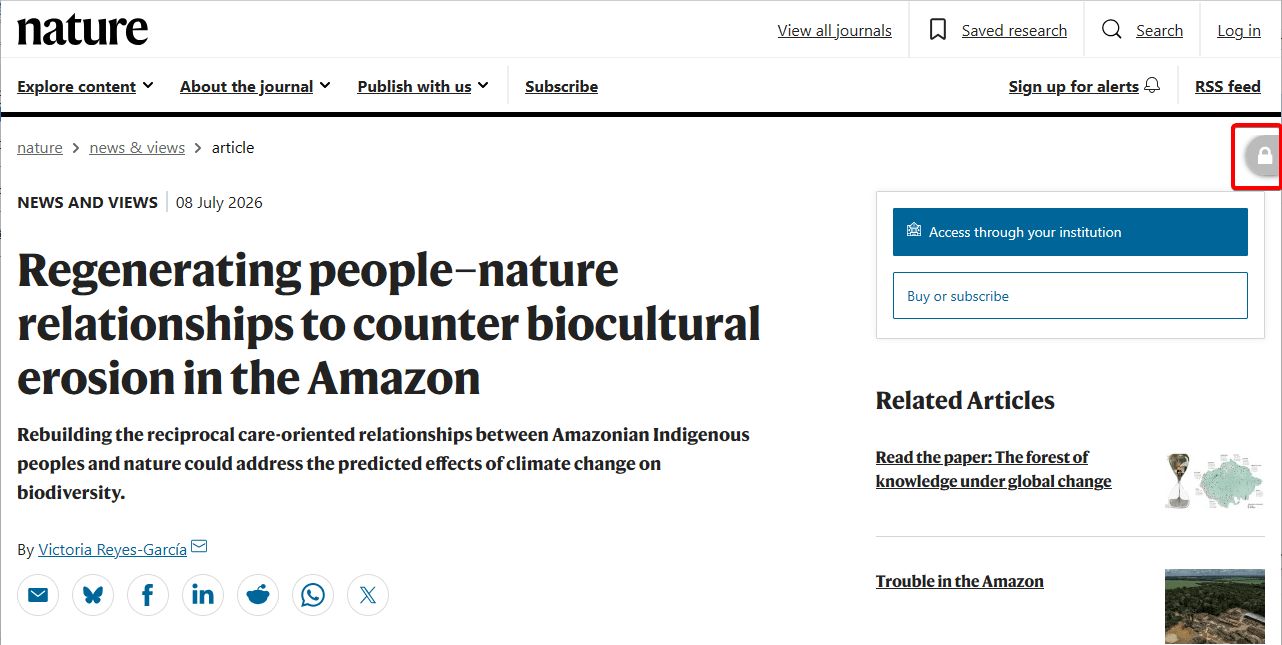
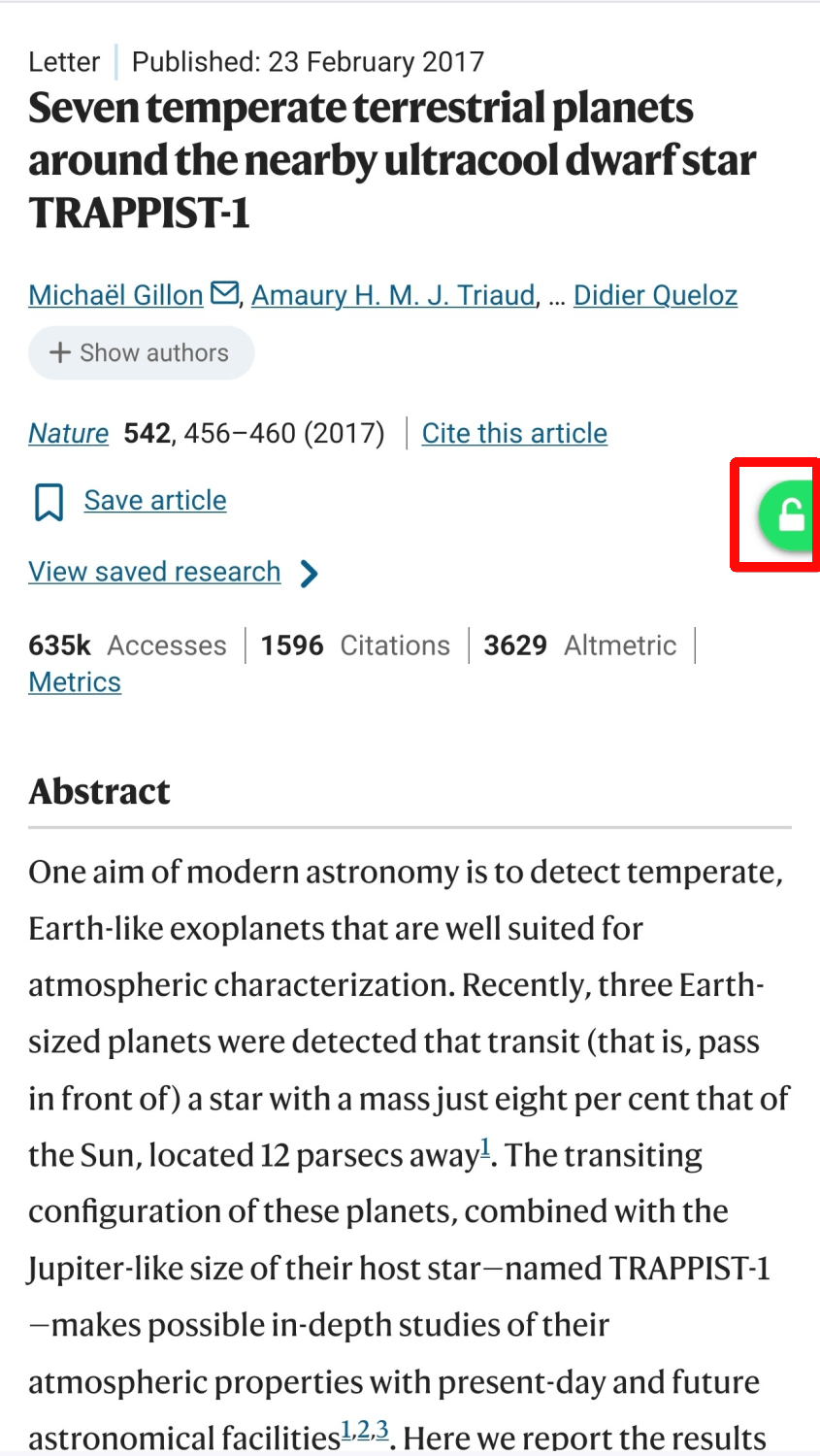
If an open-access paper is available, a green overlay icon will appear on the right side of the screen.
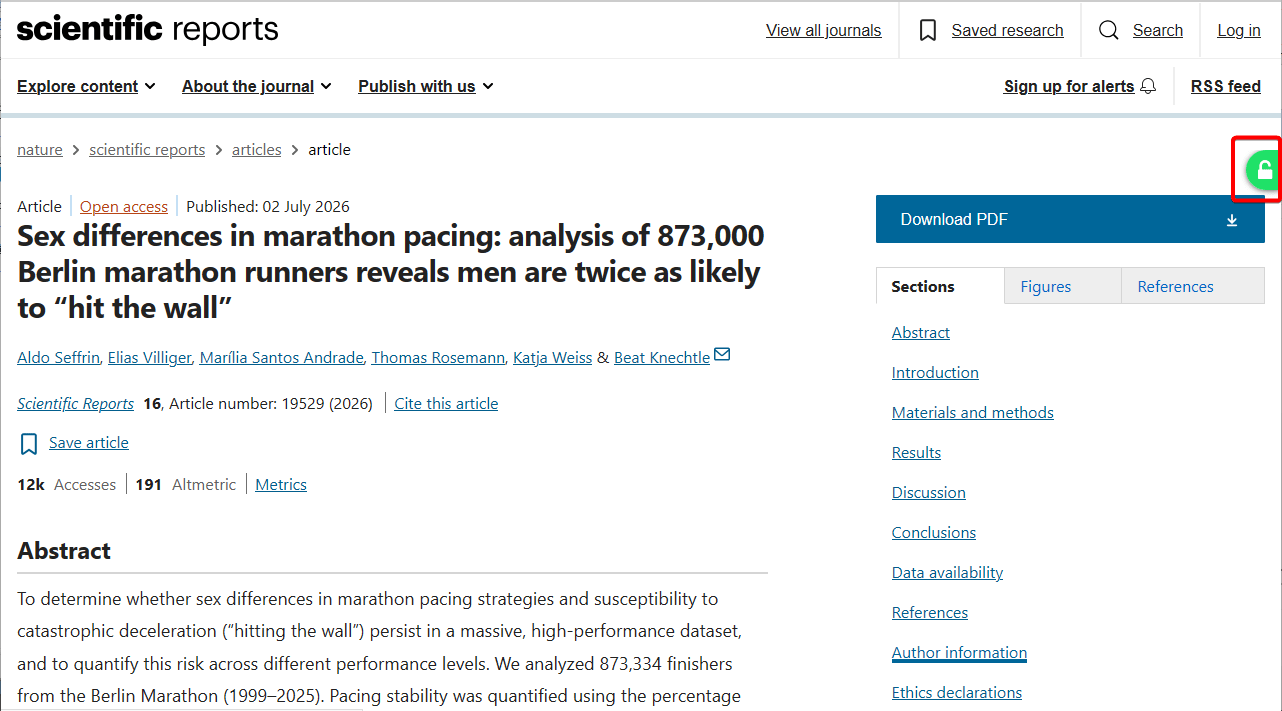
Clicking the green icon will take you to the free research paper.

◆Android version
The Unpaywall extension is also available for Android, and the user experience is the same as the PC version.
◆Options
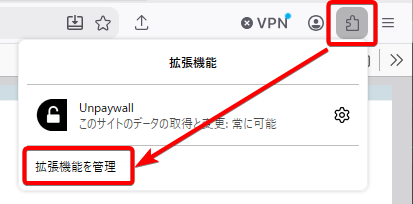
To configure Unpaywall's options, click the extension icon in your browser's toolbar and select 'Manage extensions' from the pop-up menu that appears.
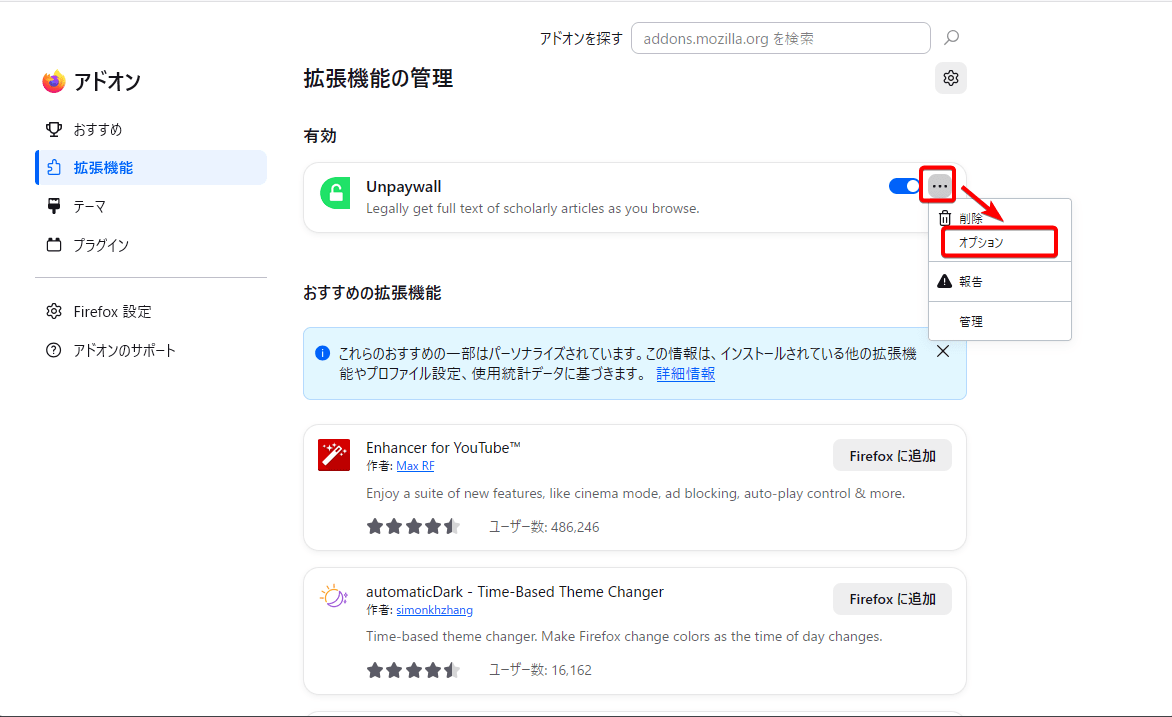
Navigate to the 'Manage Extensions' screen, click the '...' icon to the right of 'Unpaywall,' and select 'Options' from the pop-up menu that appears.
The only configurable option is 'OA Nerd Mode'.
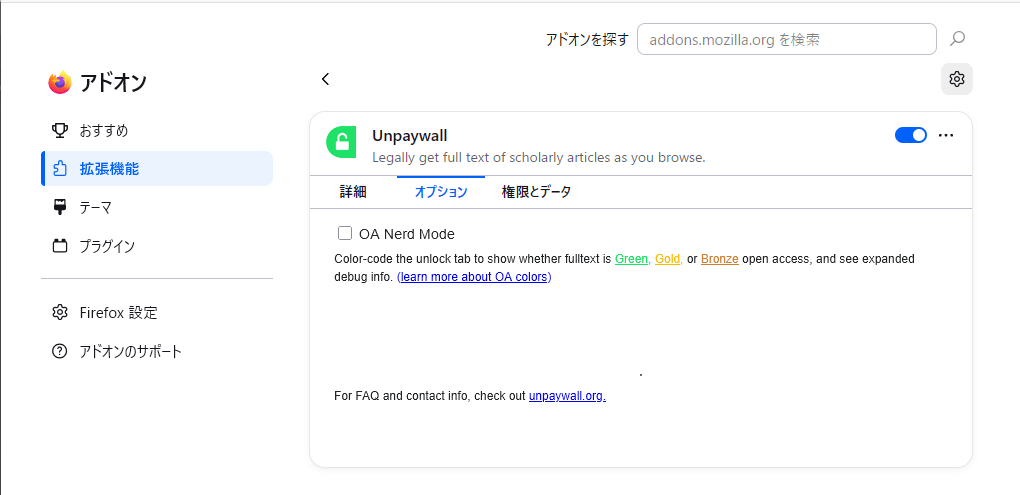
Checking 'OA Nerd Mode' enhances Unpaywall's open access detection function, and the overlay icon color will change to one of the following four types.
Gold: The journal is fully open access or the publication fee has been paid.
• Green: There are papers that are self-archived and freely available in repositories, etc.
• Bronze: Some papers are available for free viewing but lack a clear license.
Gray: Only paid articles are available.
◆Summary
Unpaywall makes it incredibly easy to access free versions of research papers. It's simple to set up, and it allows you to easily check the full text of papers cited in academic articles, so if you're interested, please give it a try.
Related Posts: