I tried out the 'ScanWatch Vitals,' an analog-style smartwatch that can run for up to 35 days and also measures sleep duration and blood oxygen levels.
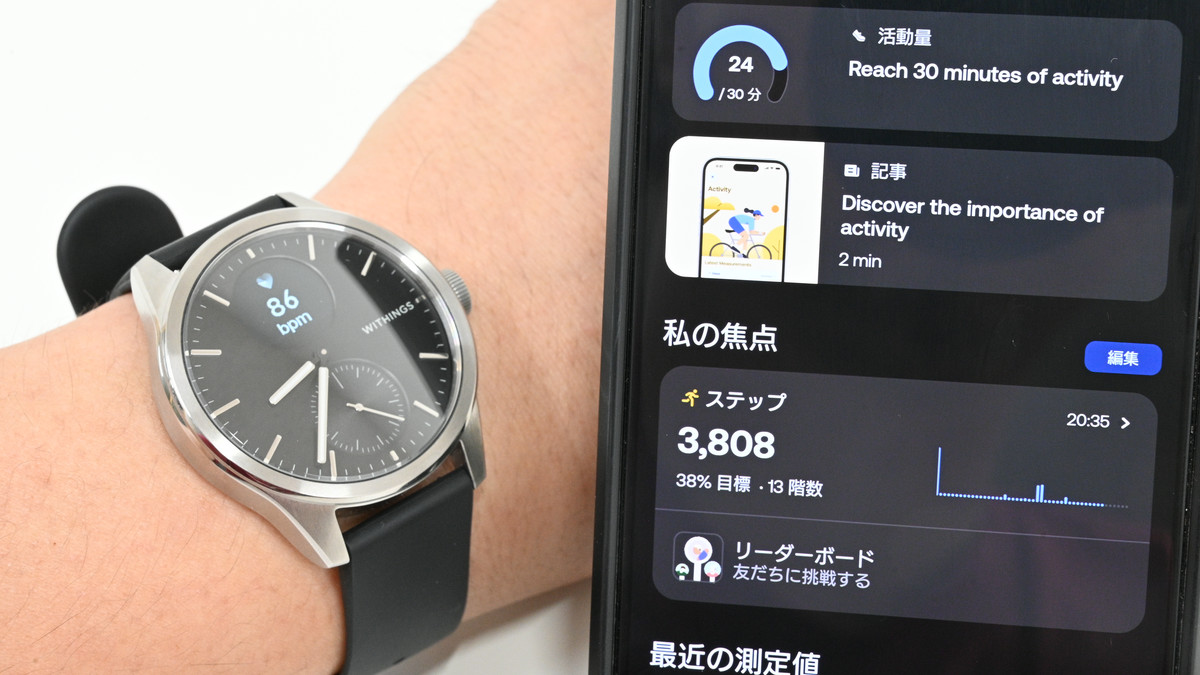
In conjunction with our summer 2026 giveaway campaign , SB C&S, the distributor in Japan, kindly provided us with a 42mm 'black' model, so we were able to test out what kind of smartwatch it actually is.
ScanWatch Vitals – Withings
https://www.withings.com/ja-jp/collections/scanwatch-vitals
·table of contents
◆ ScanWatch Vitals Appearance
◆ Installing the Withings app
◆ Pairing and setting up ScanWatch Vitals with the Withings app
◆ Various things you can do with the Withings app
◆ Various things you can do with the ScanWatch Vitals device
◆ScanWatch Vitals Appearance
This is what the box for 'ScanWatch Vitals' looks like.
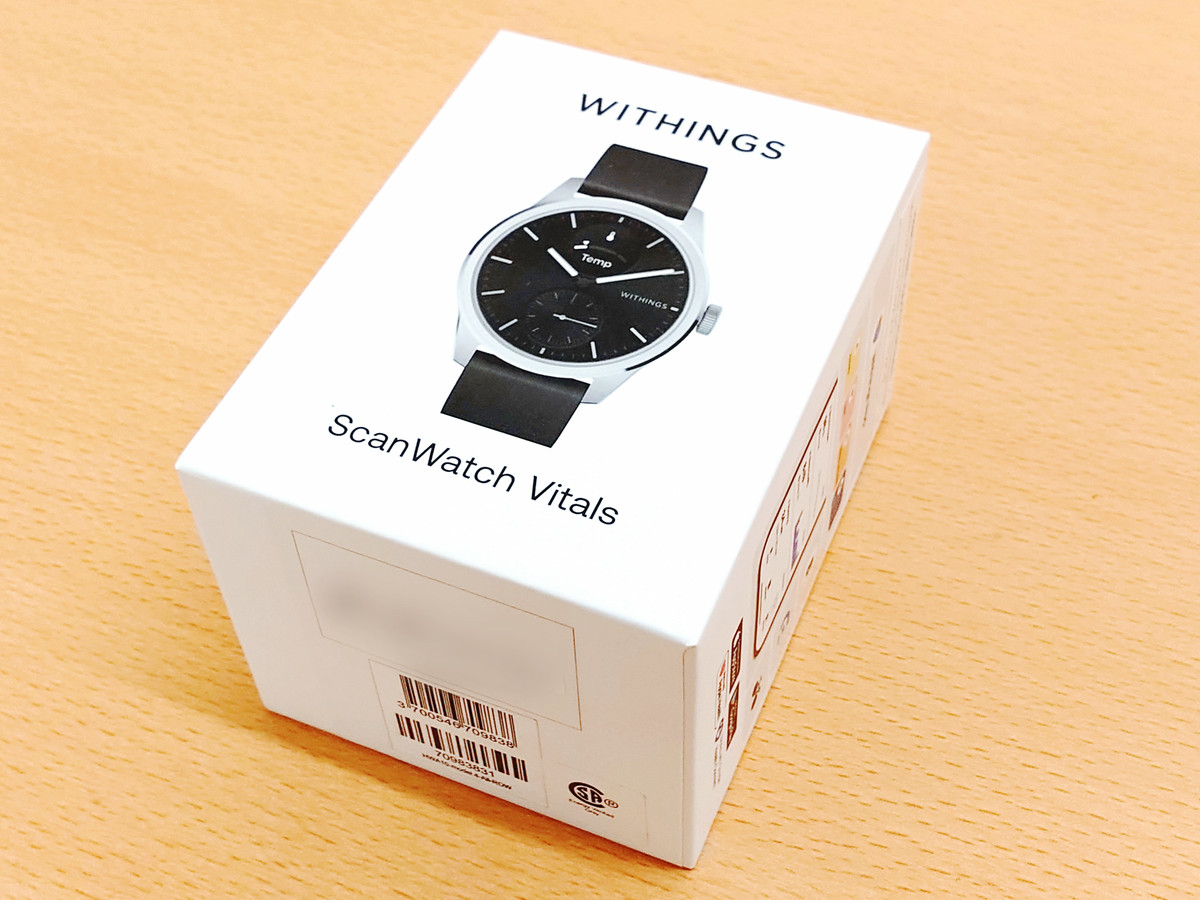
It comes in simple packaging.
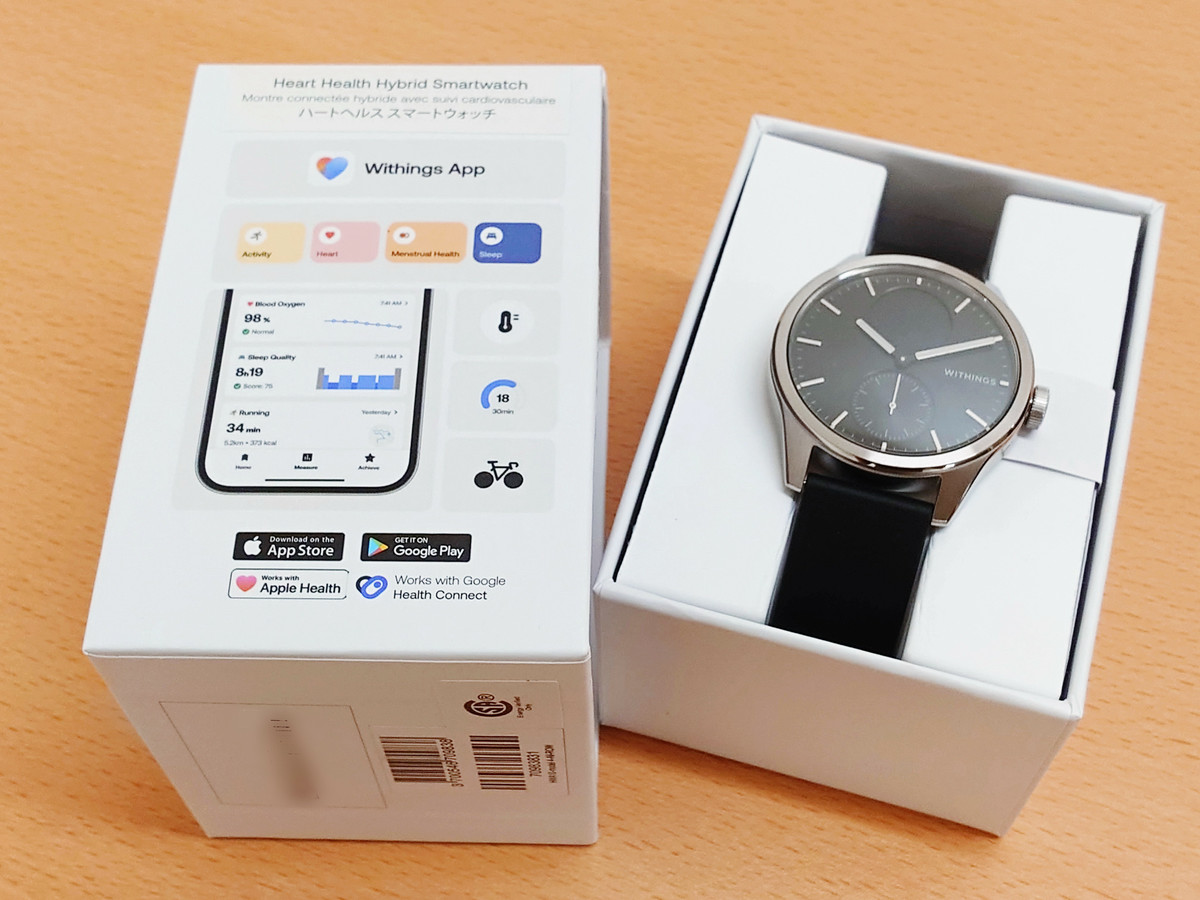
The device comes with a band attached, and also includes a charging docking station, a USB cable (A to C), and a quick installation guide.
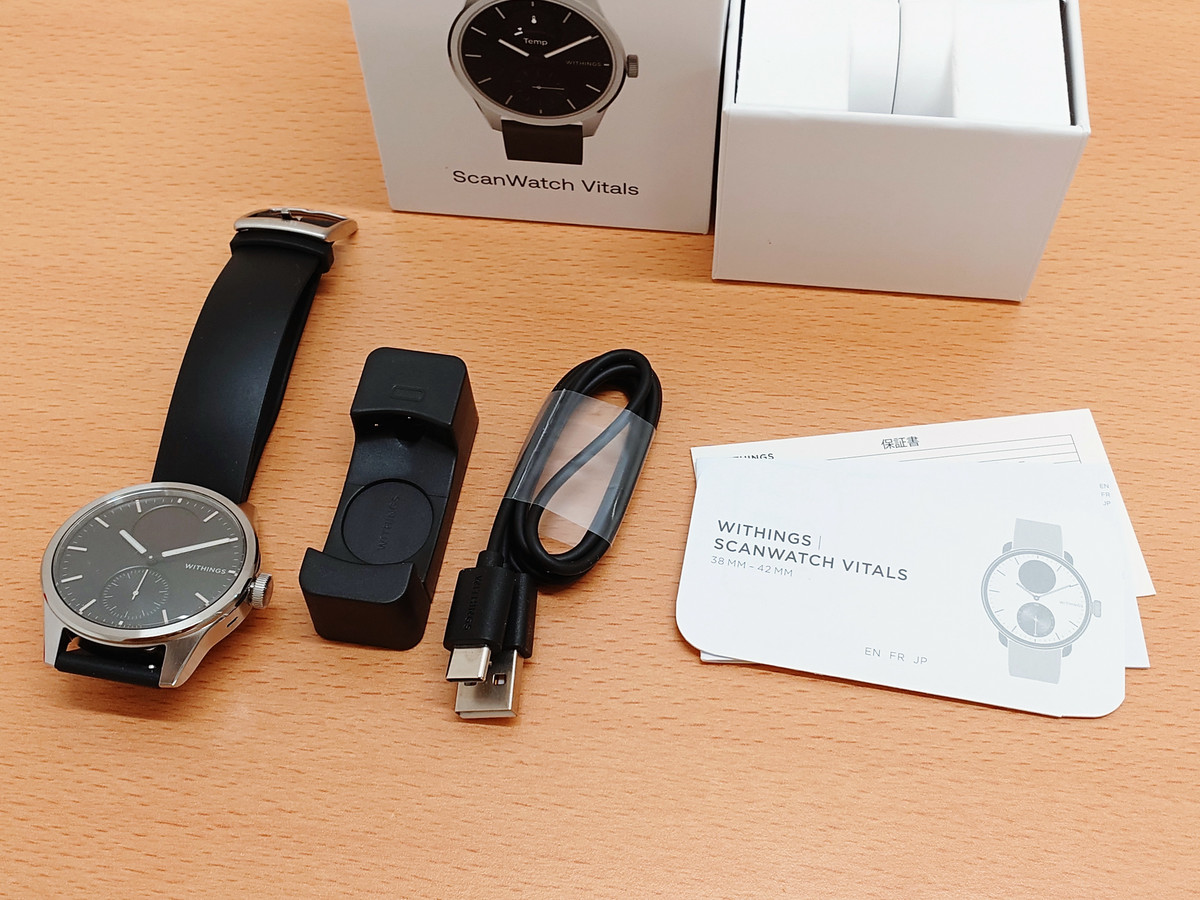
The combined length of the main unit and band is approximately 26 cm.
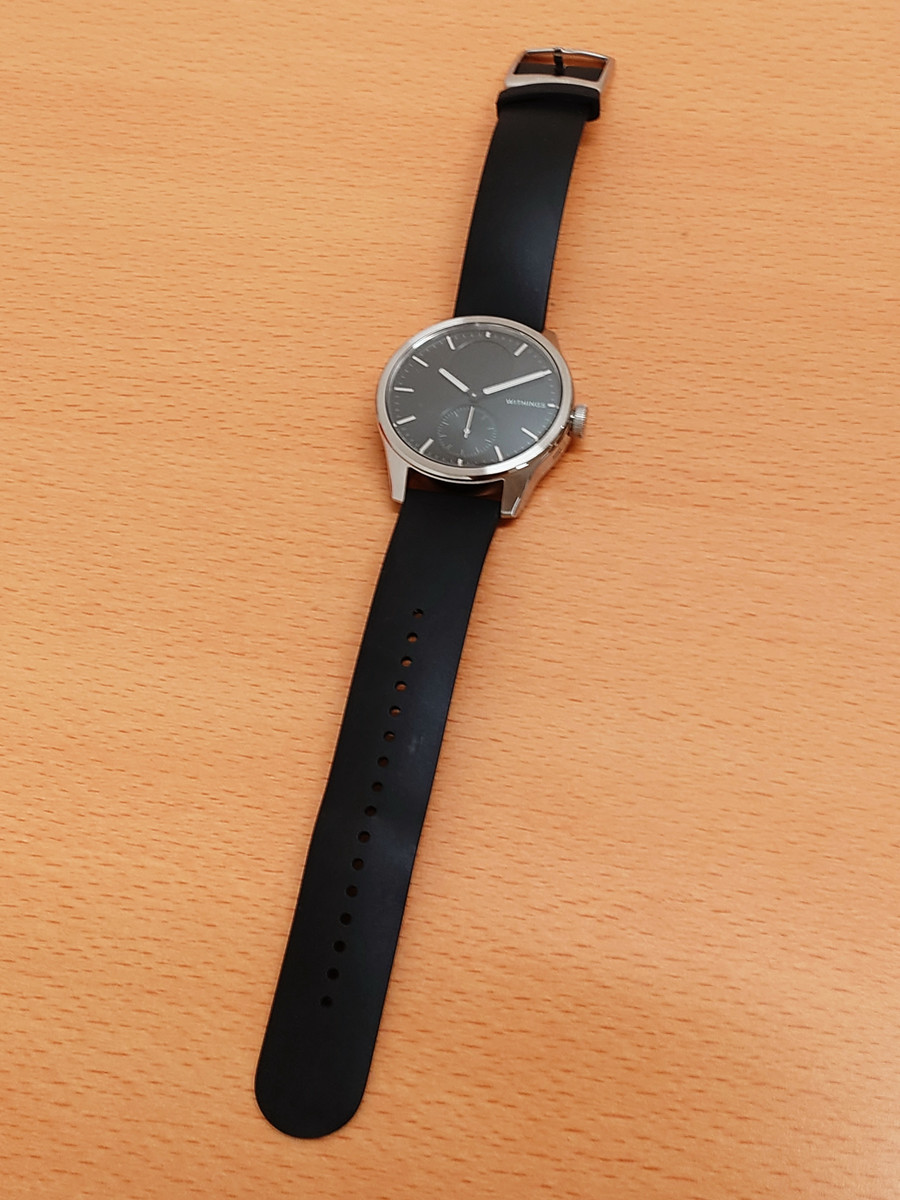
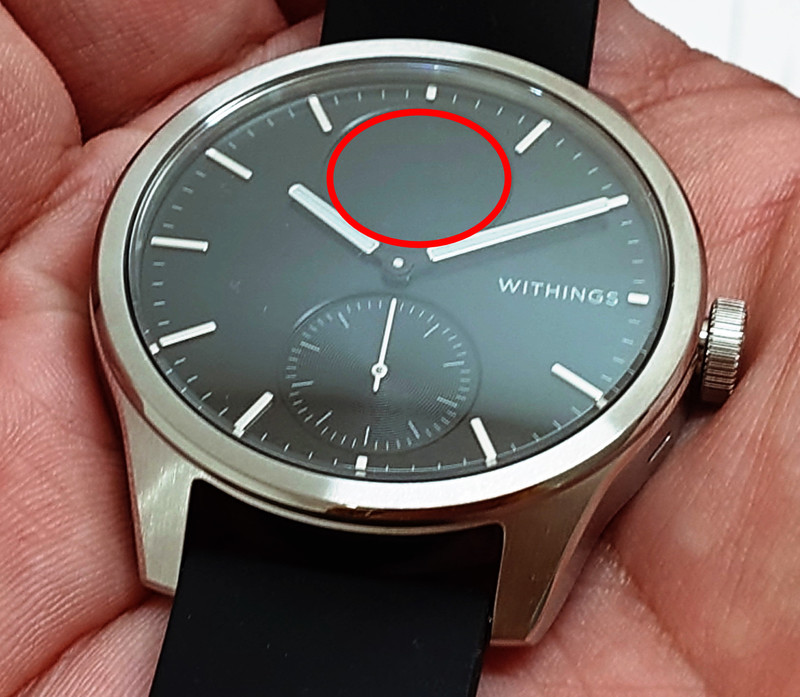
On the right side of the watch, where the crown would normally be, there's a side button. It looks like an analog watch, but a circular display is built into the 12 o'clock position, indicated by the red circle.
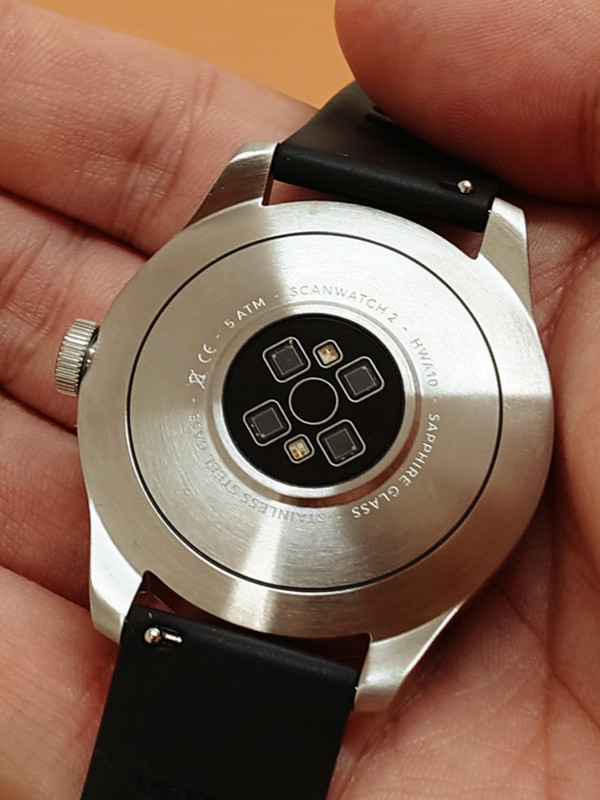
This is what the back looks like. It has built-in sensors for healthcare functions.
Charging is done using the docking station. A USB-A to USB-C cable is included, but charging with other cables is also possible. The side of the docking station with the USB port has a recess for setting the watch's side button.
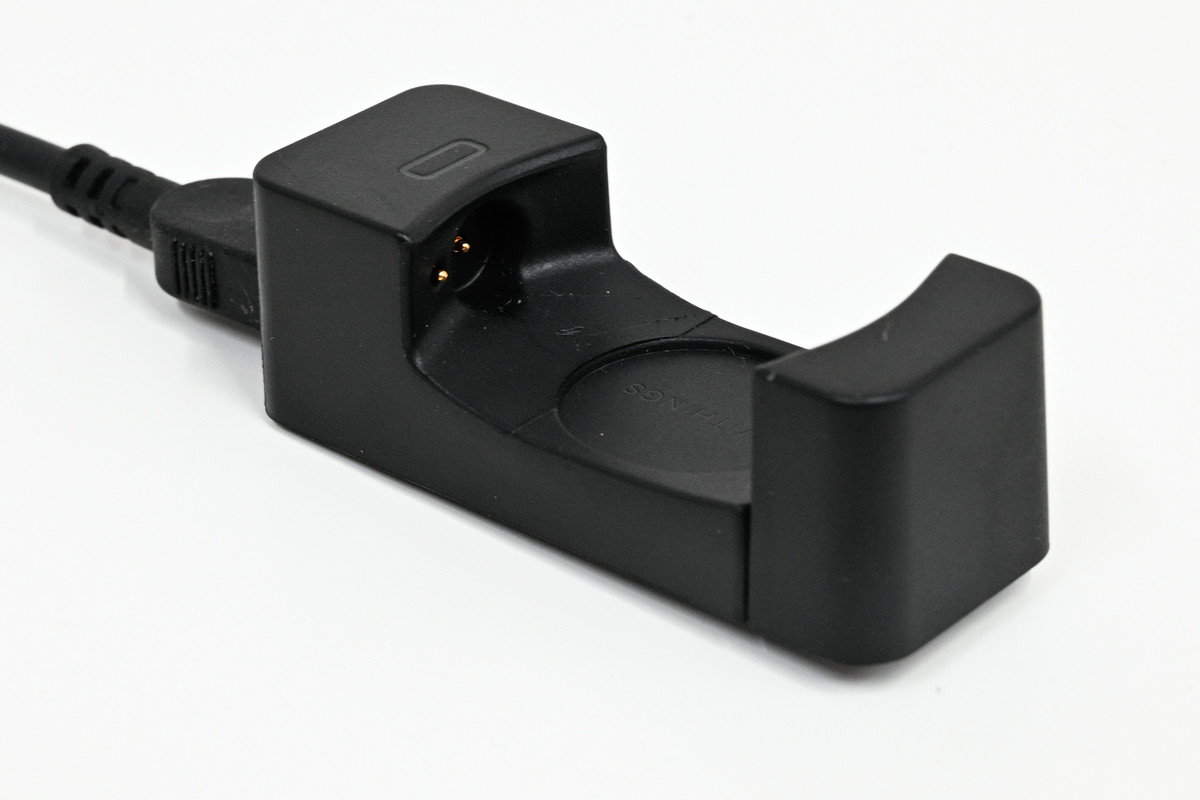
However, the docking station is narrower than the main unit, so it won't fit if you try to place it directly on top of it.
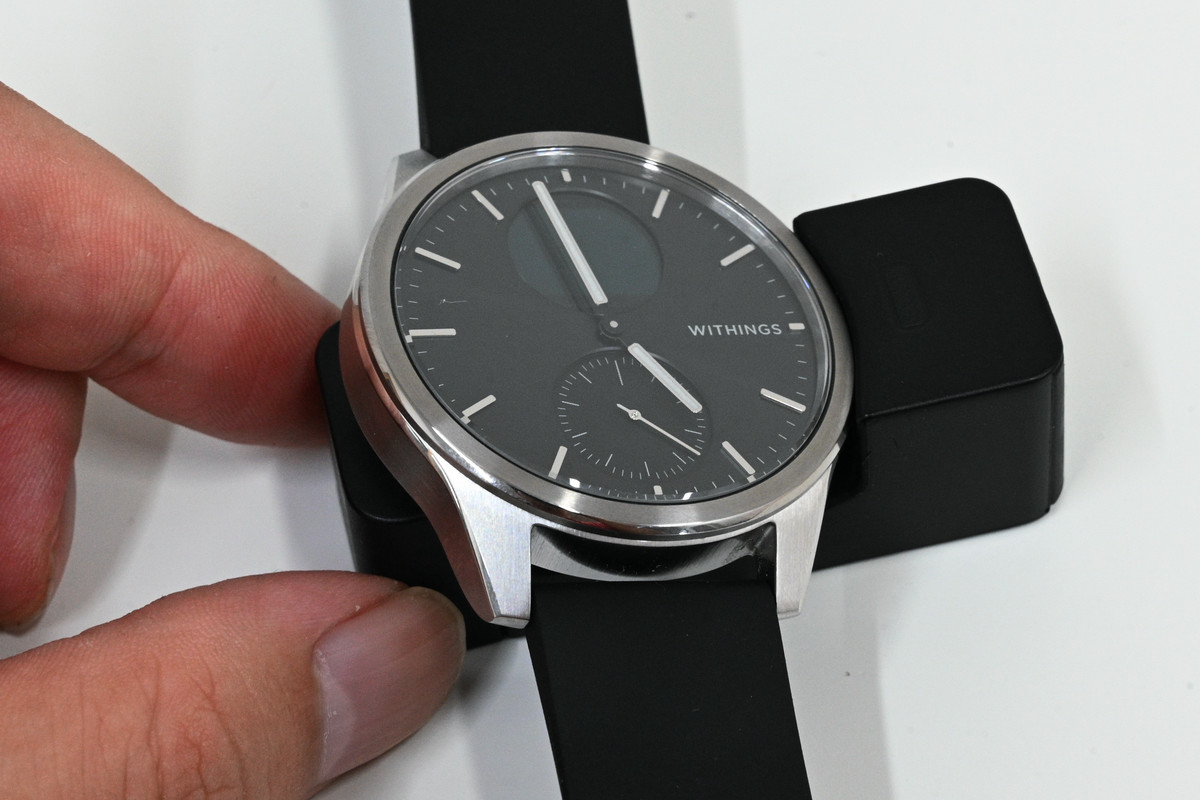
Therefore, you will need to spread the docking station open by hand and sandwich the device inside. Since the device will be securely held in the docking station, it is highly unlikely that you will encounter a situation where it has come loose and is not charging as intended.
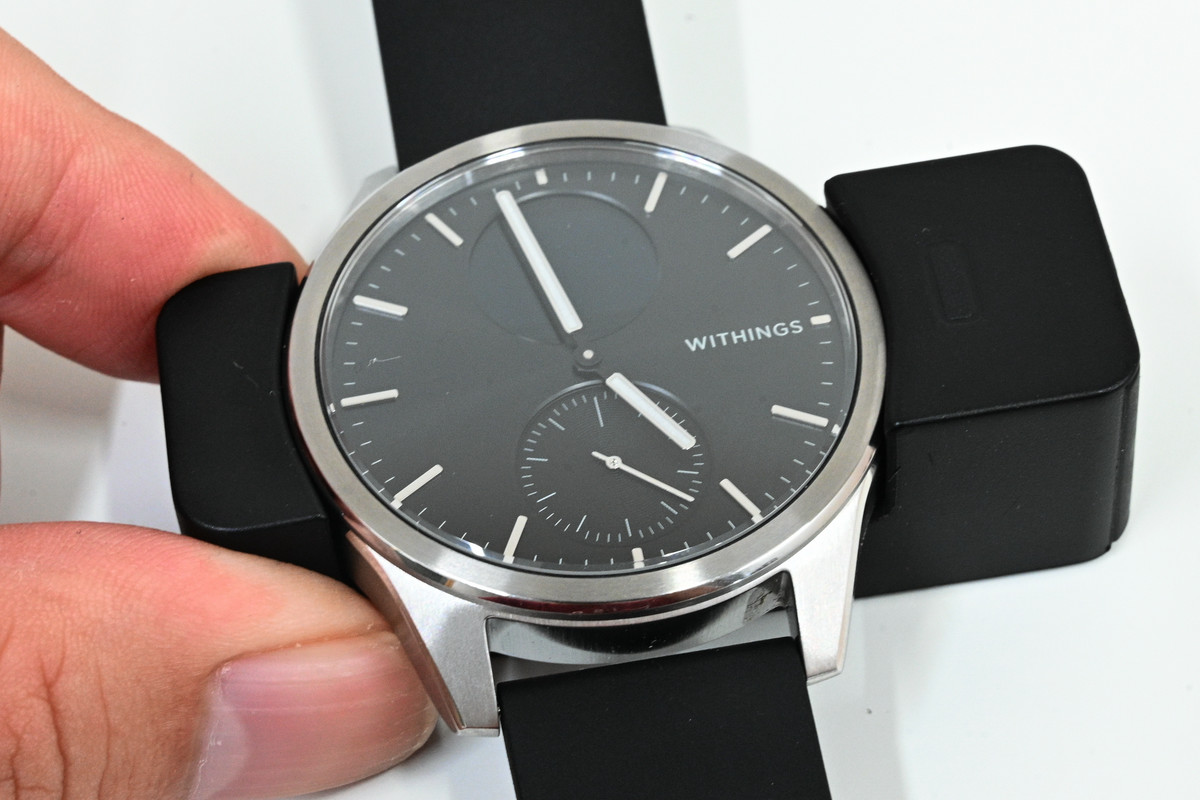
Incidentally, during the initial setup, the hands point to approximately 10:10, so the display looks natural. However, during use, there are times when the hands overlap with the display, as shown here.
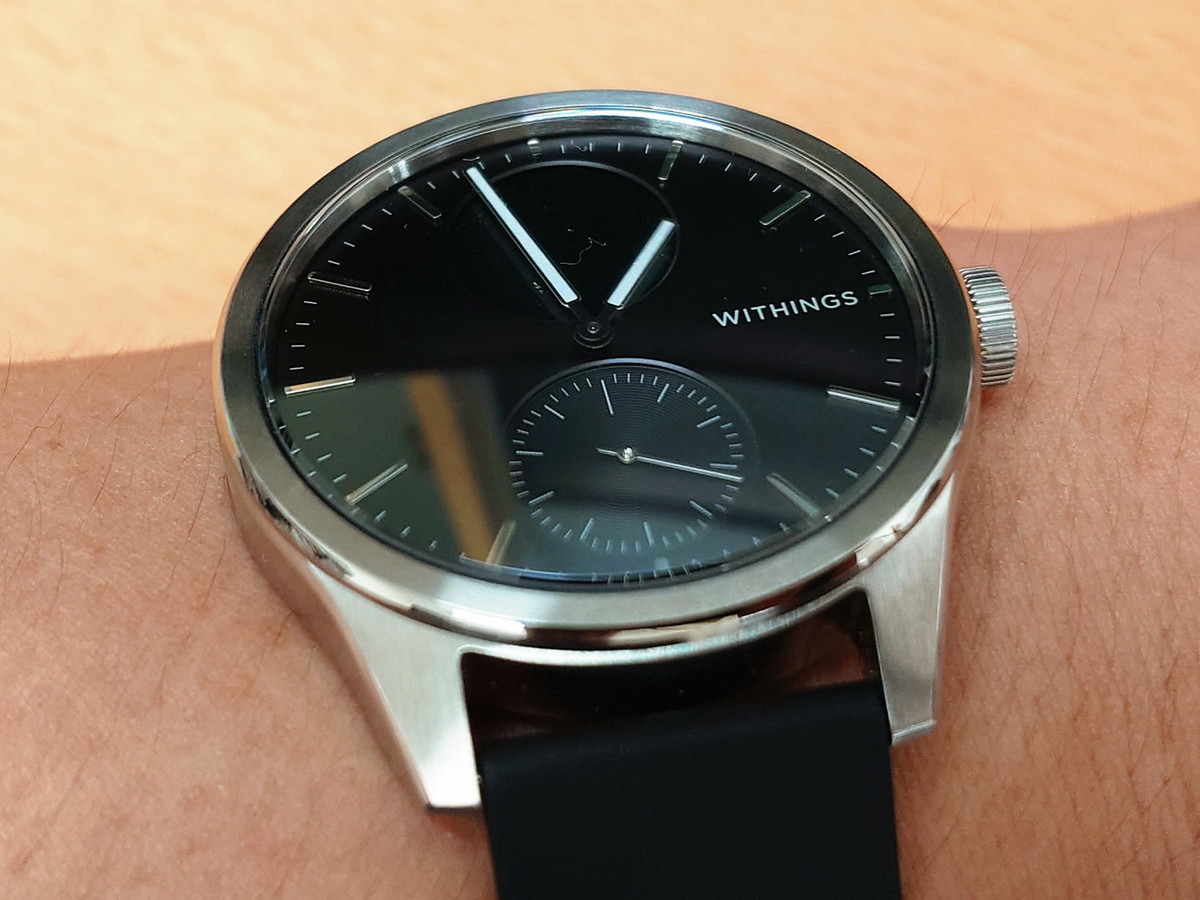
If a notification arrives while the hands are overlapping the display, the hands will automatically move to a position where they are not obstructing the display. You can also move the hands out of the way at any time by pressing the side button.
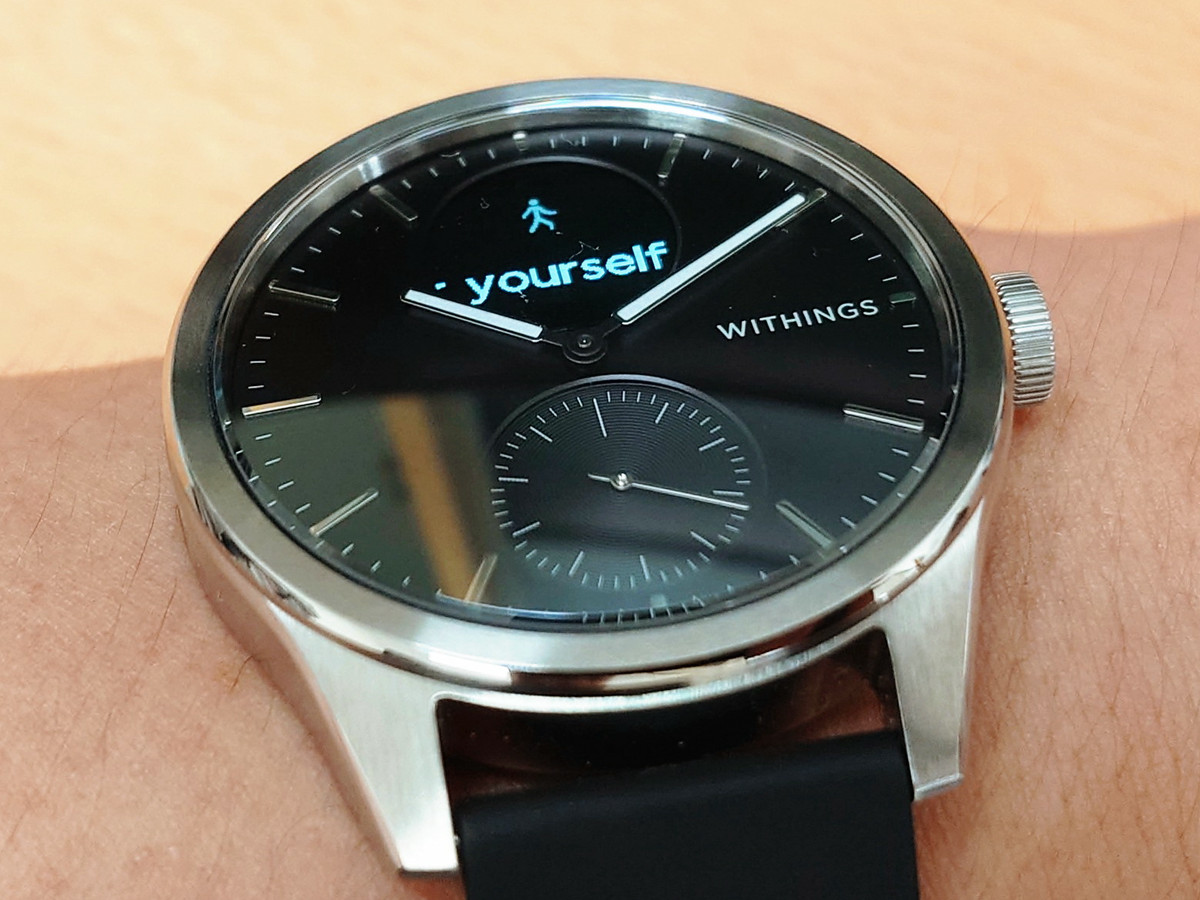
This is how the hands move when you press the side button. They move smoothly and effortlessly, so you won't feel any stress from the hands being there.
◆ Installing the Withings app
To use ScanWatch Vitals, you first need to connect to the app. The app is available for both iOS and Android.
Withings app - App Store
https://apps.apple.com/jp/app/withings/id542701020
Withings - App on Google Play
https://play.google.com/store/apps/details?id=com.withings.wiscale2&hl=ja
This time I used the Android version.
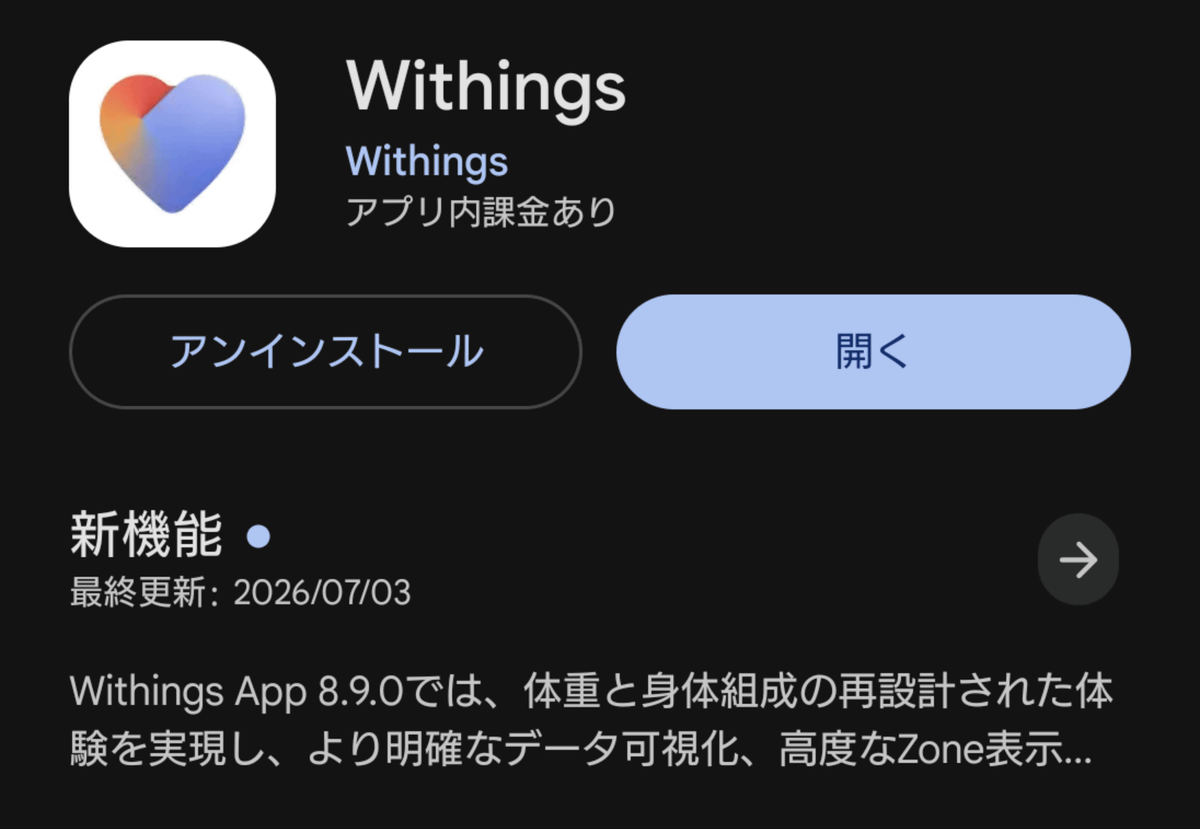
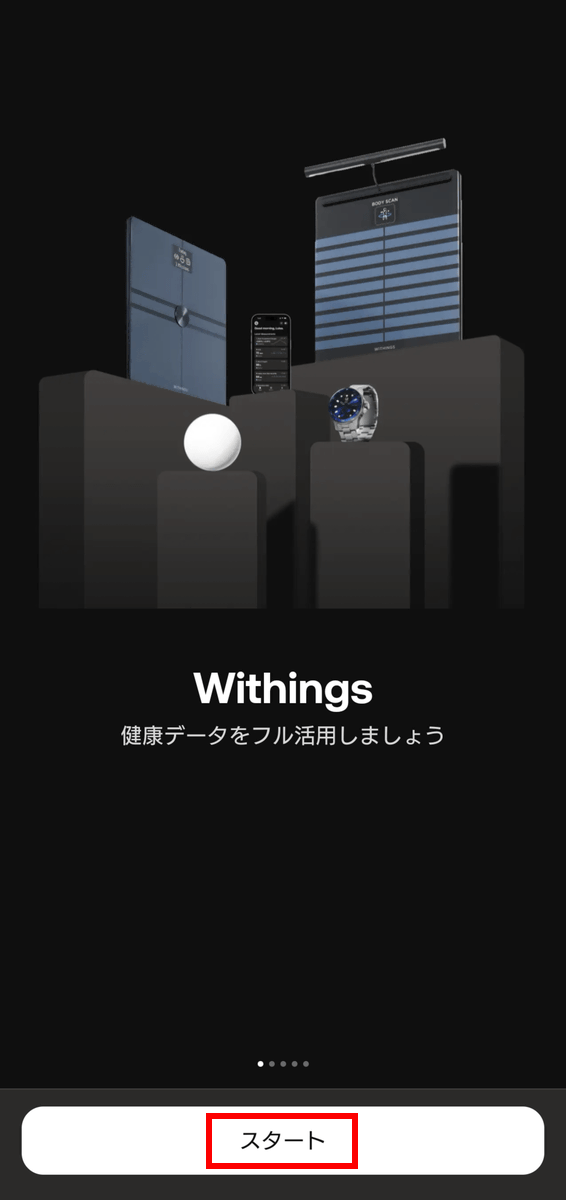
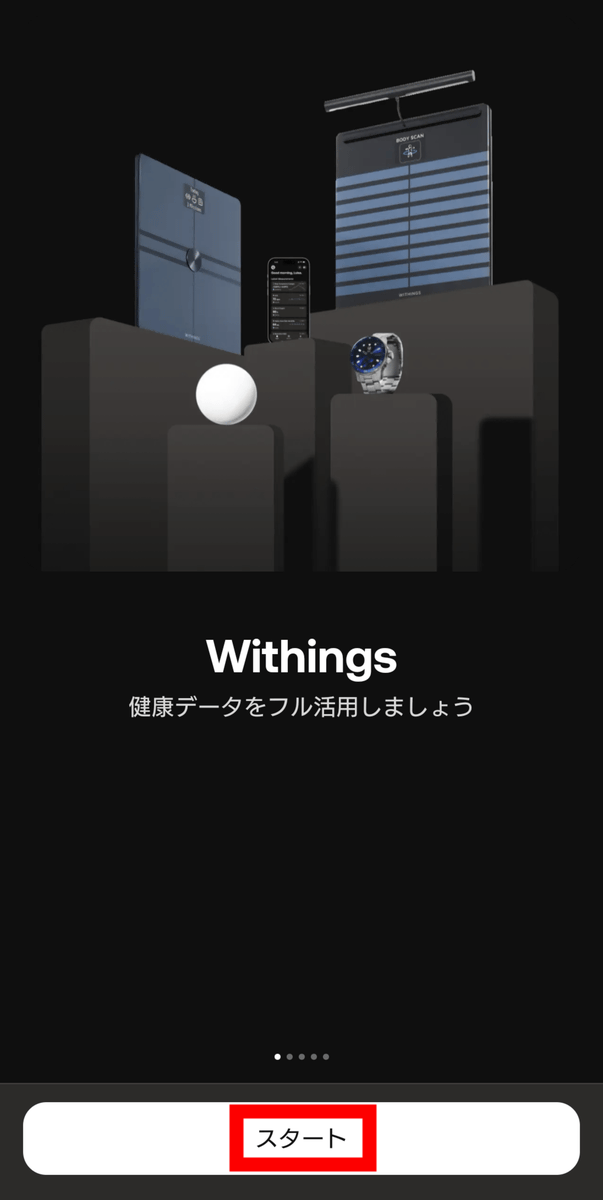
Follow the on-screen instructions to complete the setup. Tap 'Start' at the bottom of the screen.
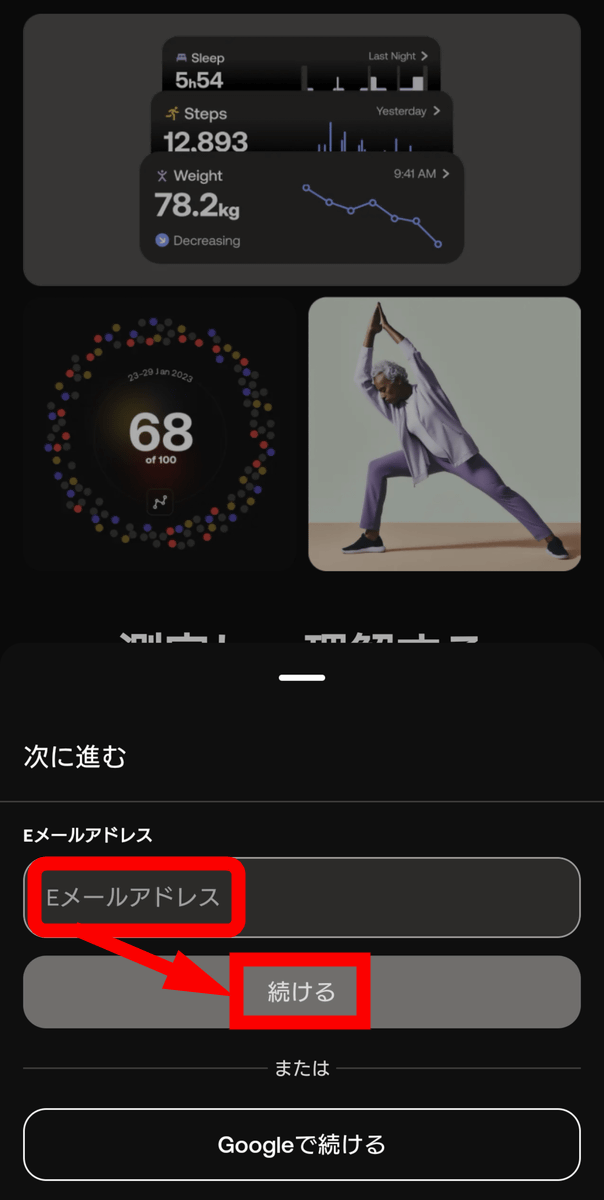
You can choose to create a Withings account using your email address or your Google account. This time, I decided to create a Withings account, so I entered my email address and tapped 'Continue'.
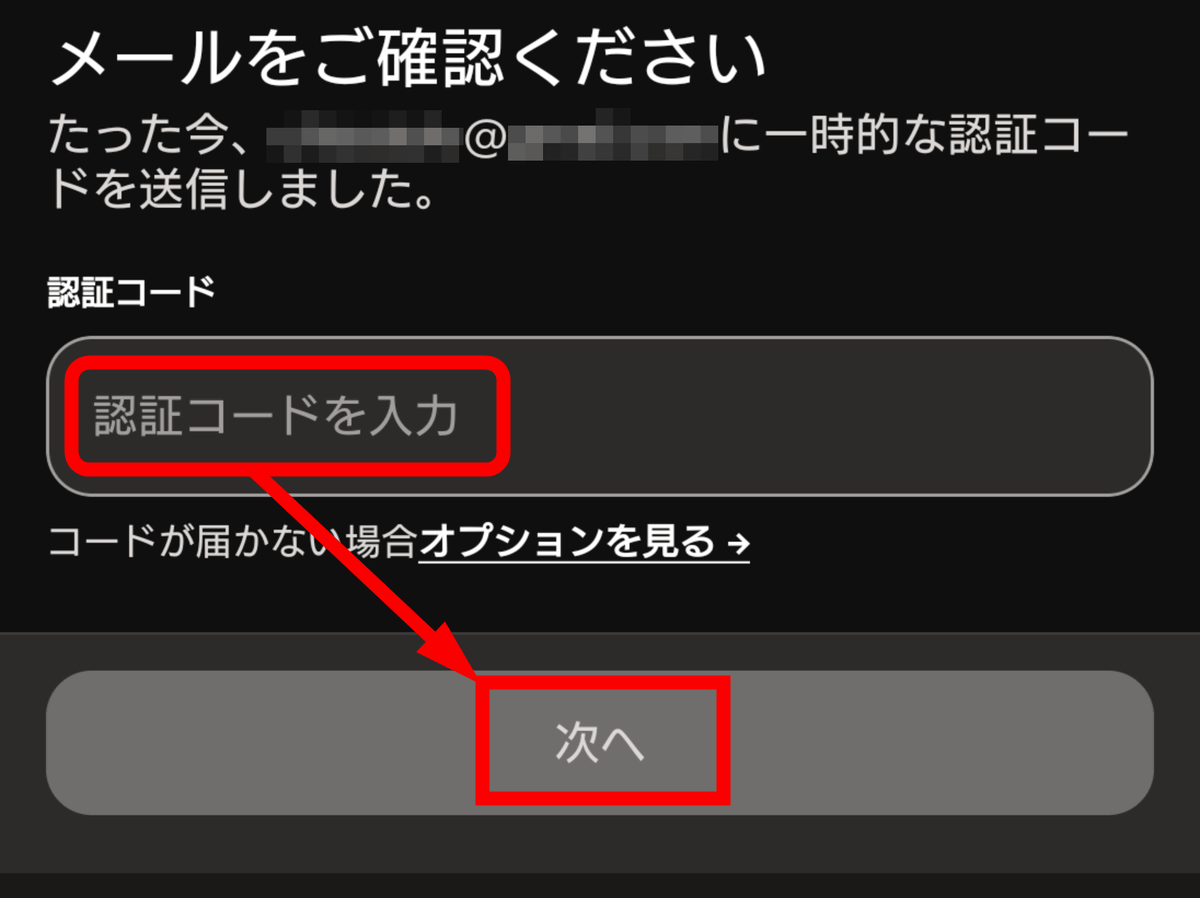
An 8-digit verification code will be sent to the email address you entered. Enter this code in the input field and tap 'Next'.
Tap 'Start'.
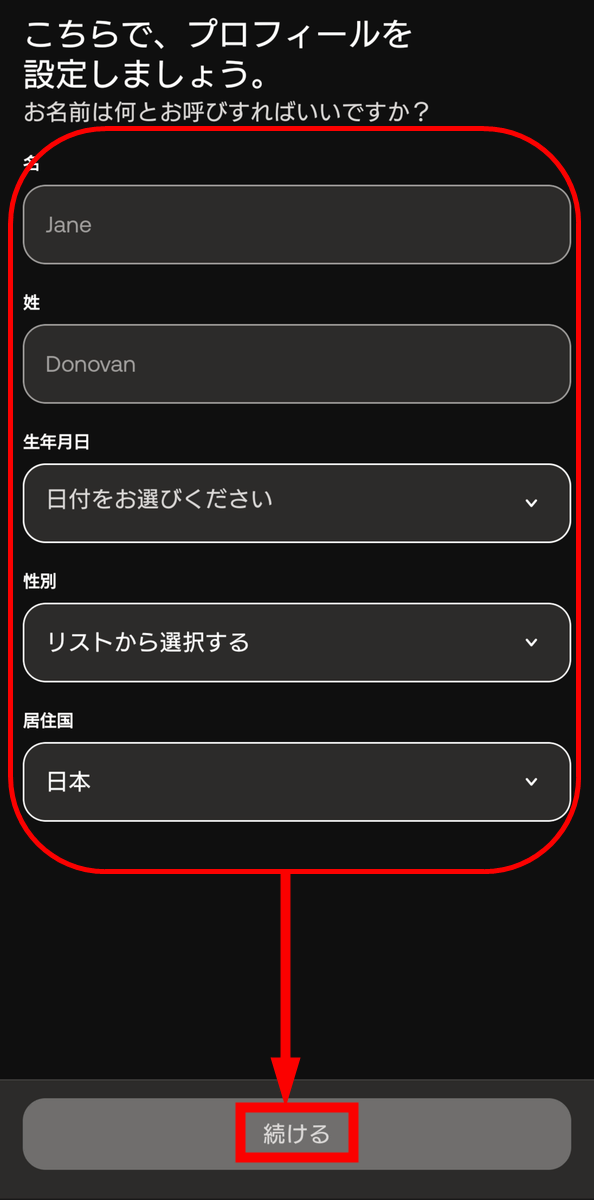
Enter your user information and tap 'Continue'.
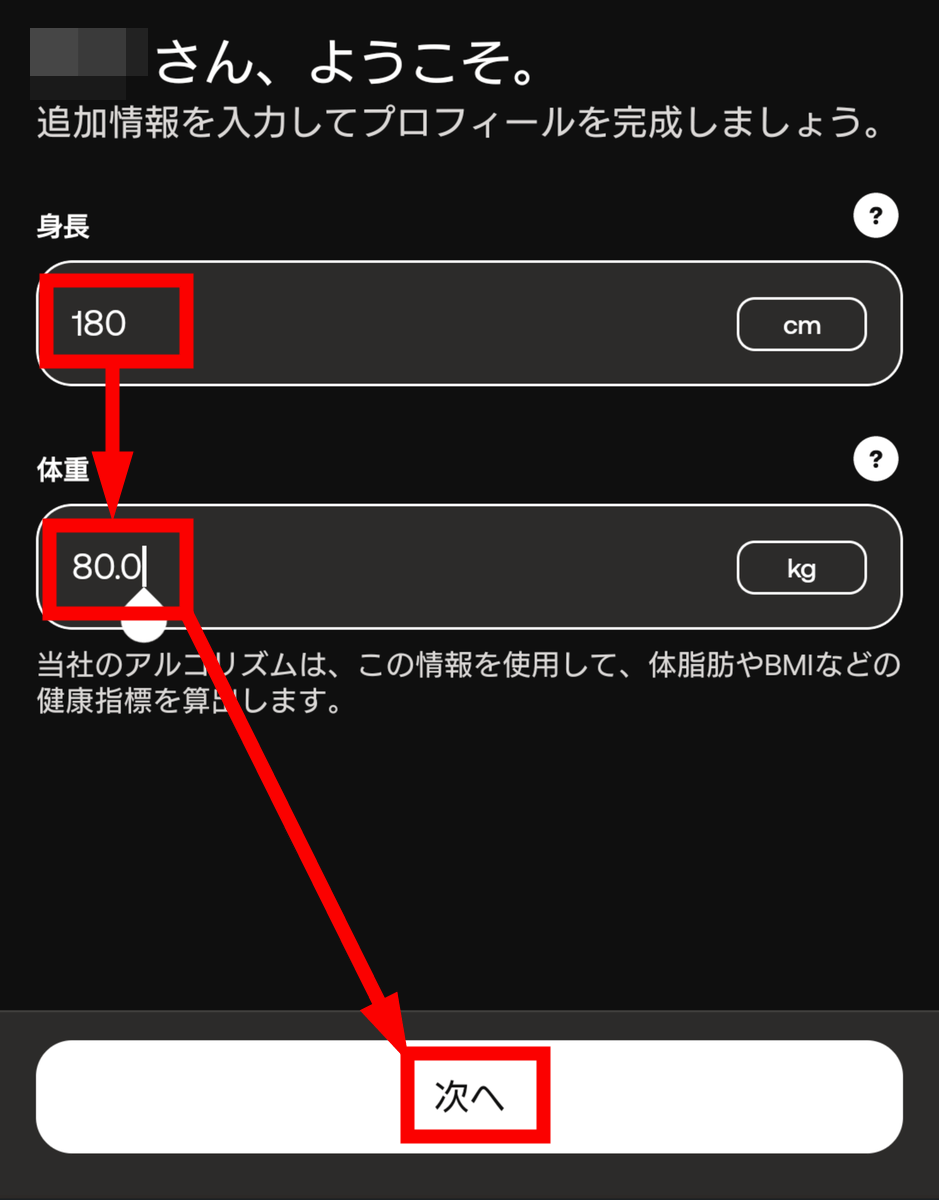
Enter your height and weight, then tap 'Next'.
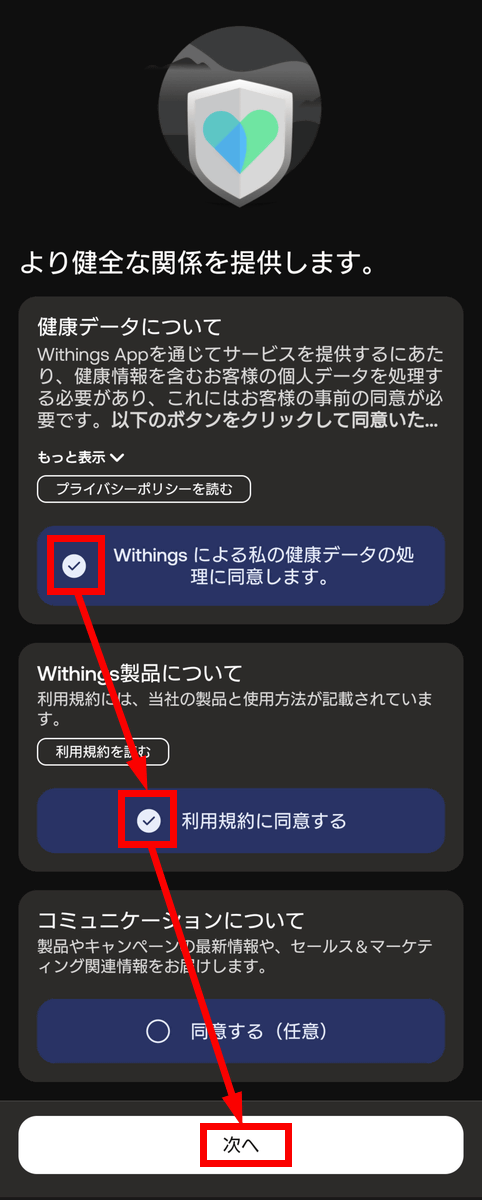
Regarding consent to data provision: Of the three checkboxes, you must check the first two, 'Health Data Processing' and 'Terms of Use,' to use the service. However, providing sales and marketing information (the third option) is optional. Check the boxes you need and tap 'Next.'
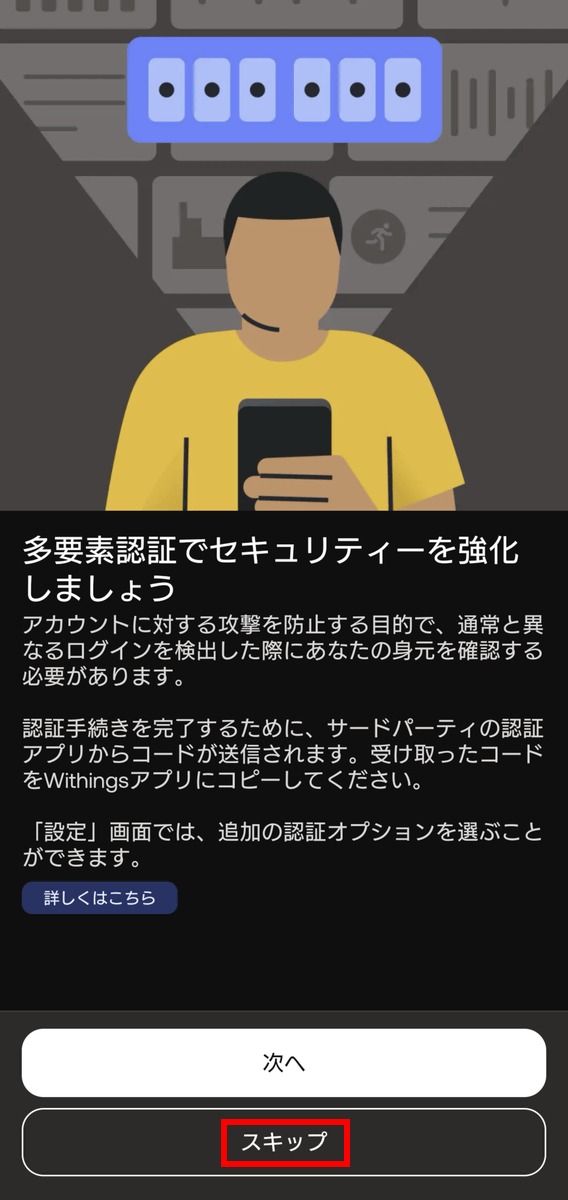
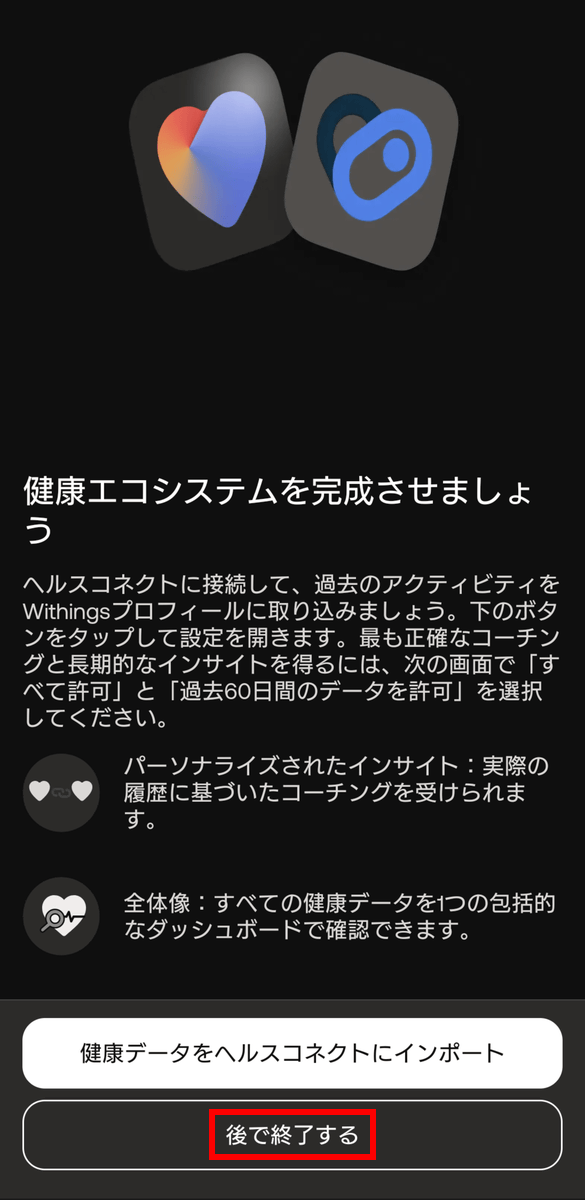
Multi-factor authentication can be set up later, so for now, select 'Skip'.
You can configure
◆Pairing and setting up ScanWatch Vitals with the Withings app
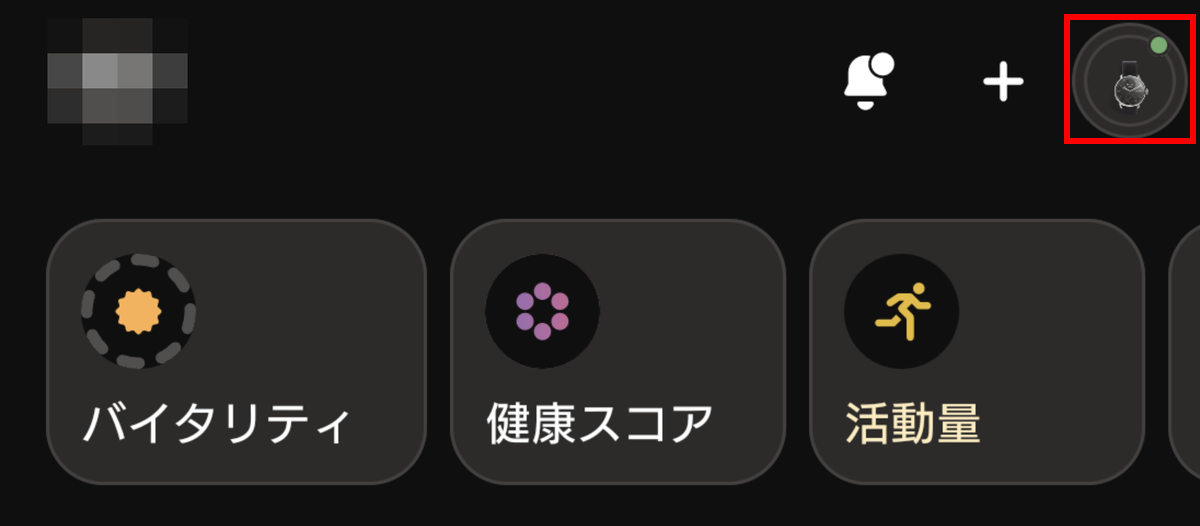
Once the initial setup of the app is complete, it's time to pair it with ScanWatch Vitals. If you have already installed the Withings app and are pairing the device later, tap the icon in the upper right corner of the app's launch screen and open 'My Devices'.
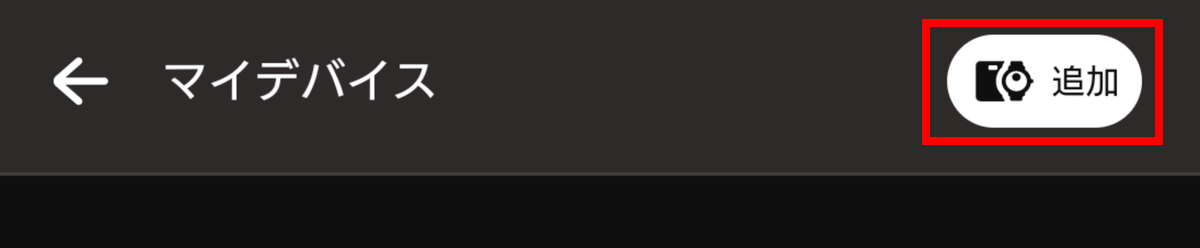
Next, simply tap the 'Add' button in the upper right corner.
Those who proceeded from the initial setup screen will also join here. Tap 'Watch'.
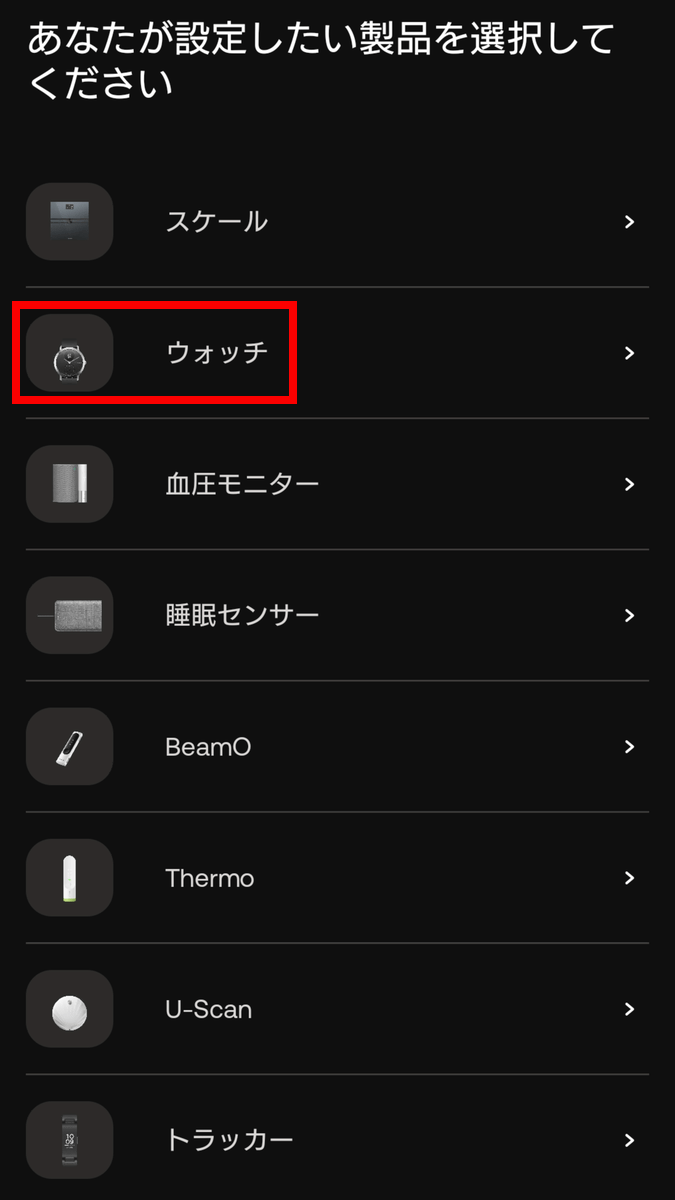
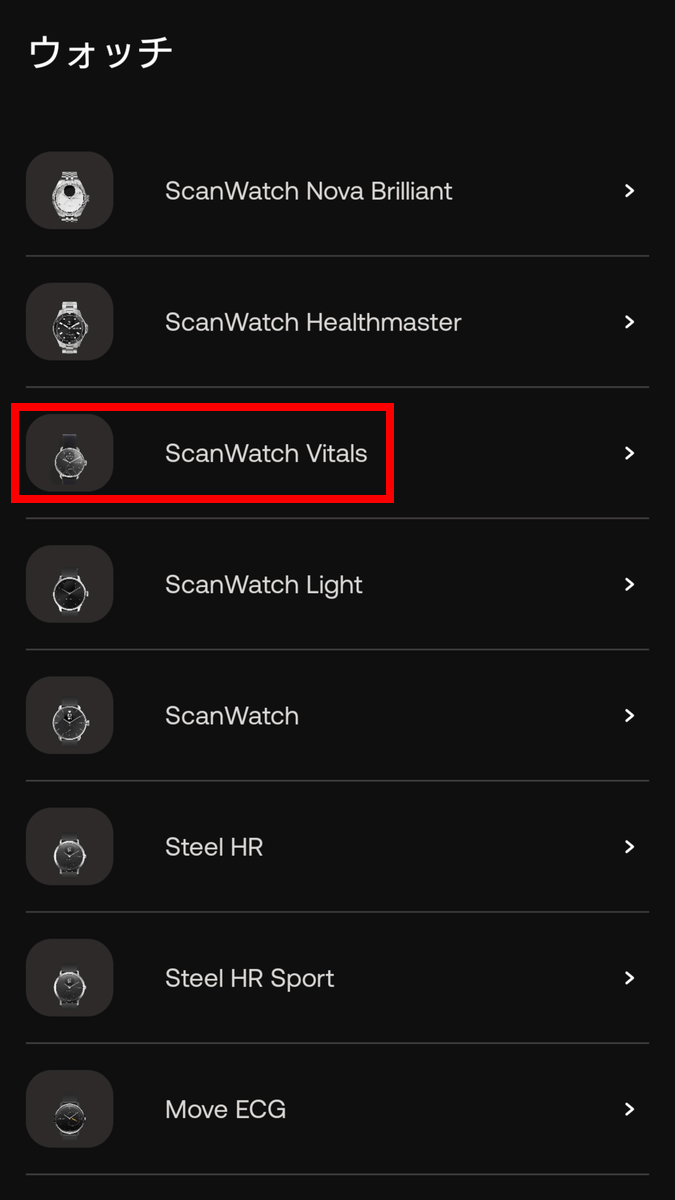
Tap 'ScanWatch Vitals'.
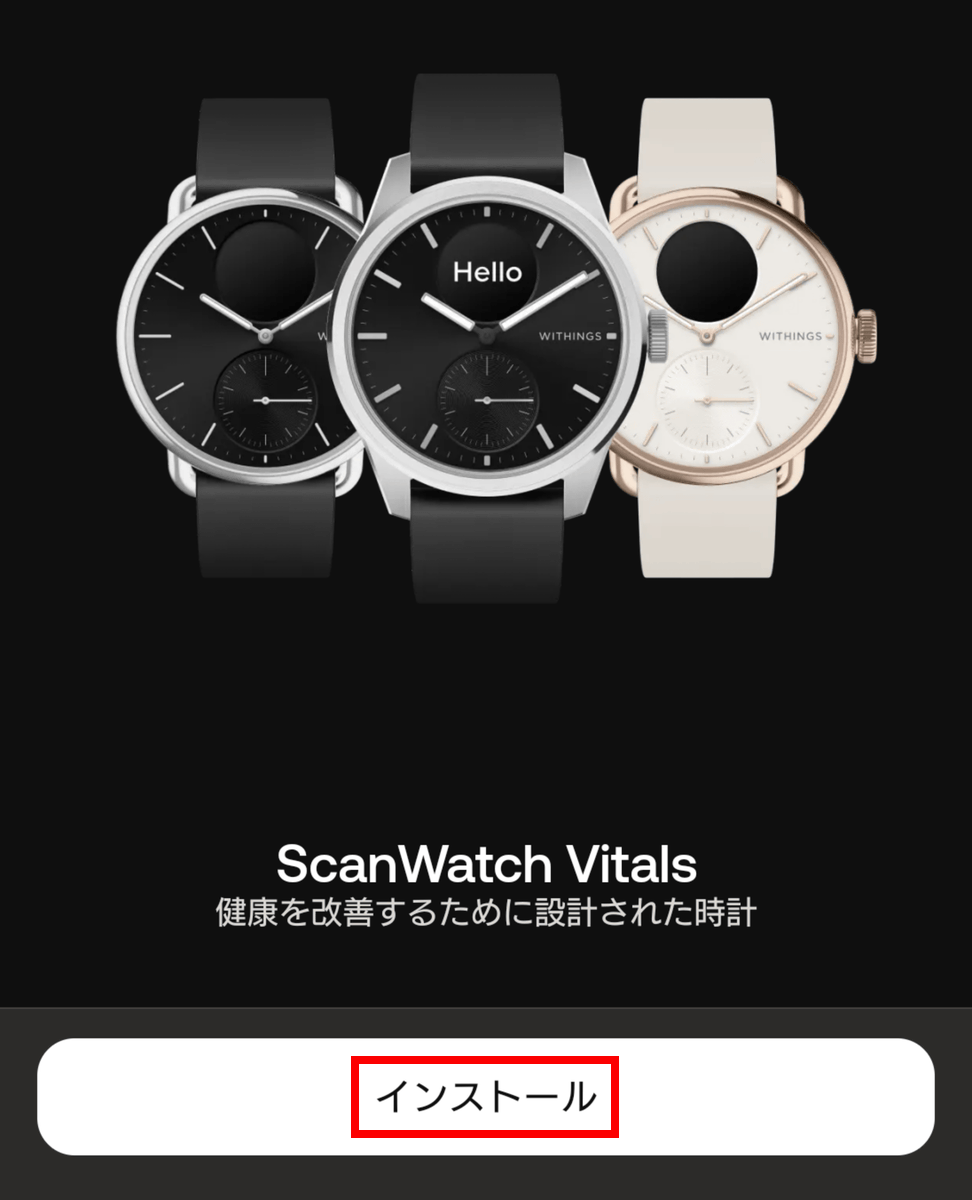
Tap 'Install'.
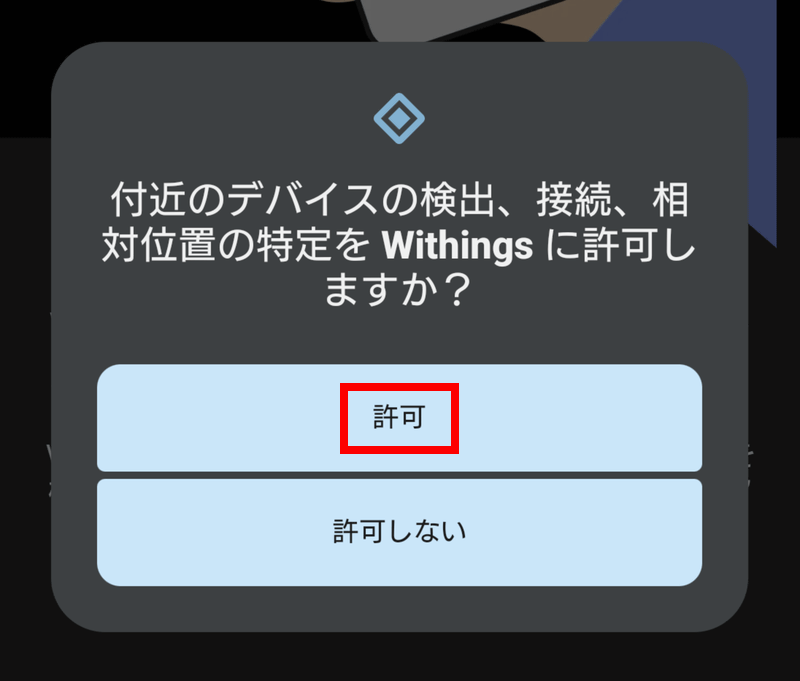
Tap 'Allow'.
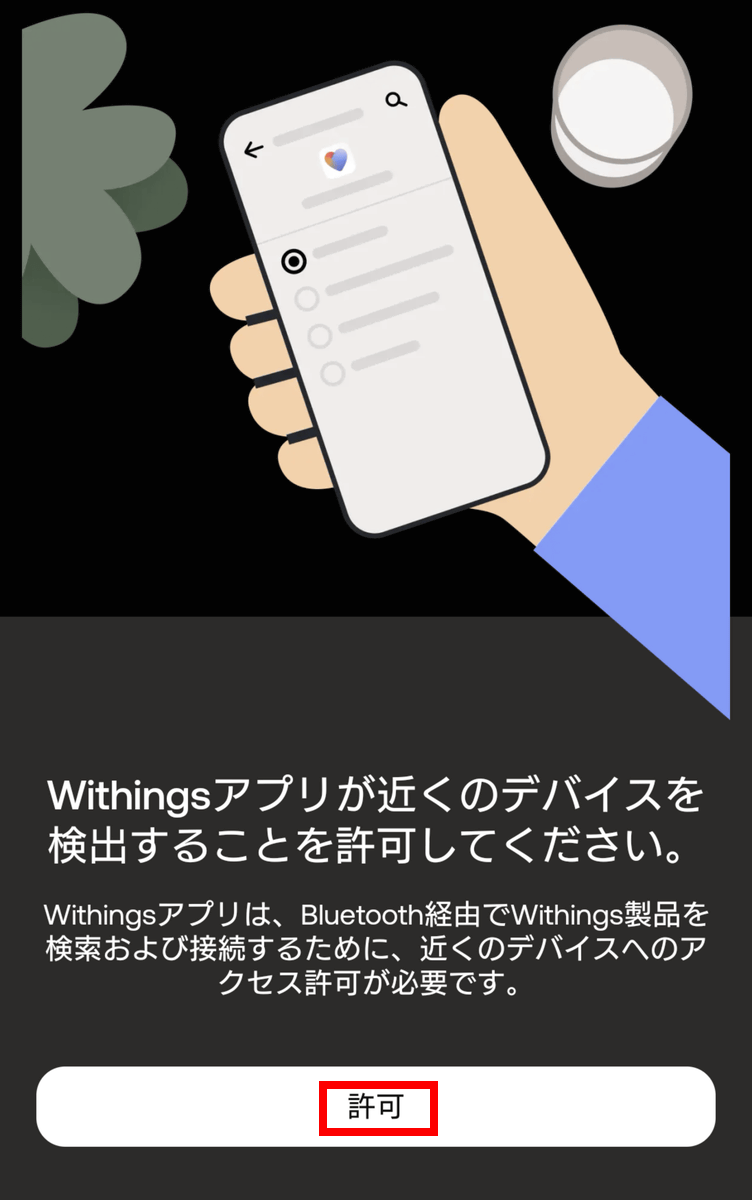
A dialog box will appear, so tap 'Allow'.
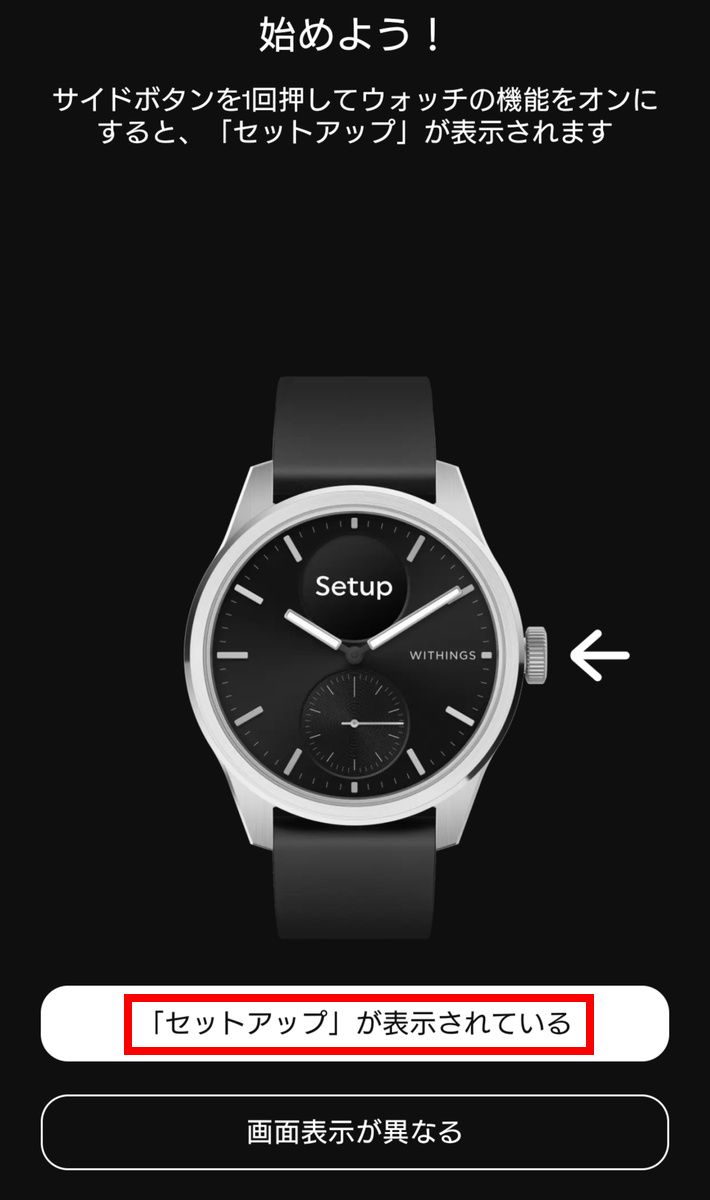
Press the side button on the device once to turn on the watch function, and 'Setup' will be displayed on the screen. Tap 'Setup' in the app.
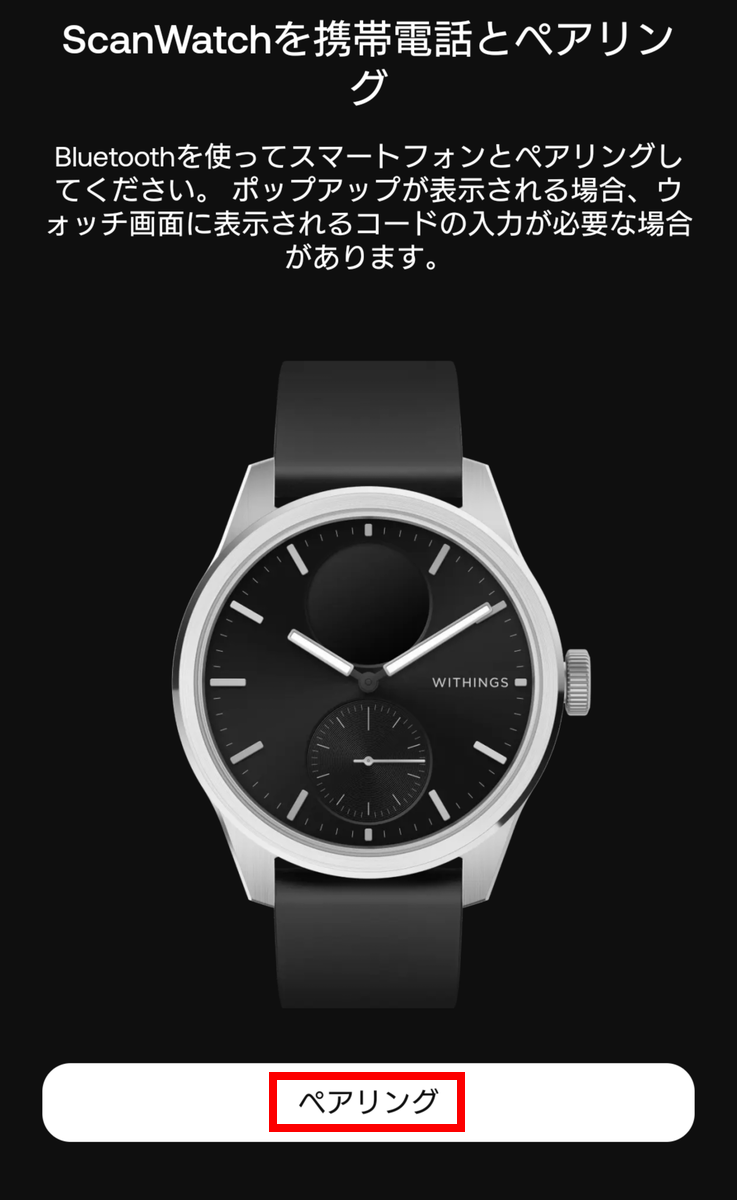
Tap 'Pairing'.
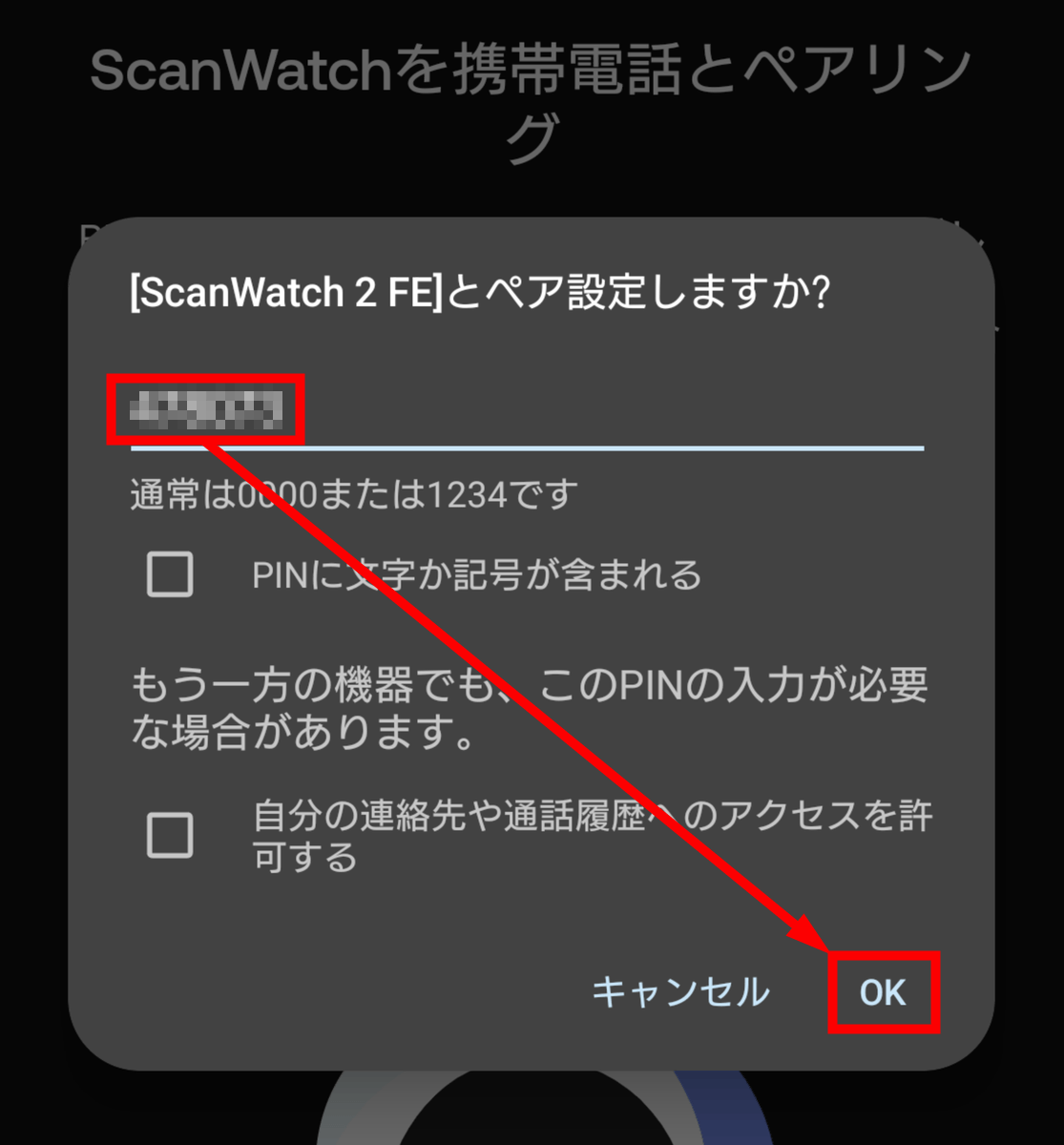
A three-digit number on two lines will appear on the device's display, so enter it into the app and tap 'OK'. The device name is 'ScanWatch 2 FE', but
Pairing is now complete. Tap 'Next'.
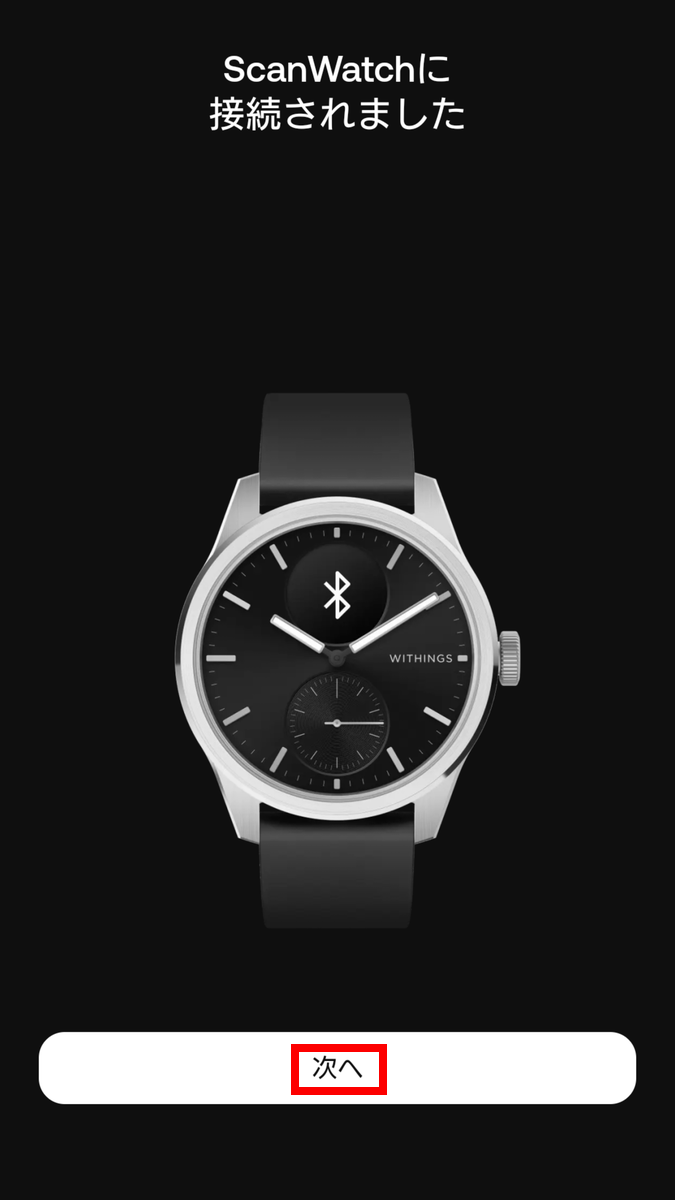
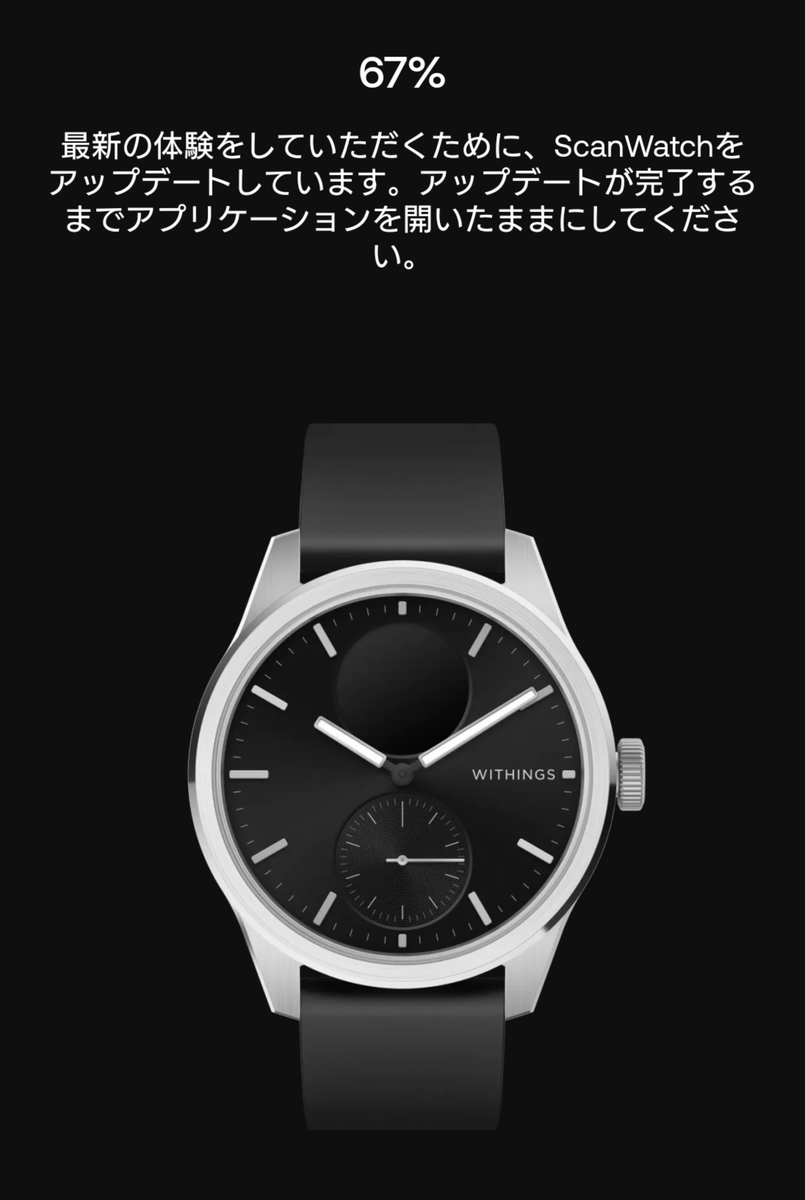
The system will be updated, so please wait.
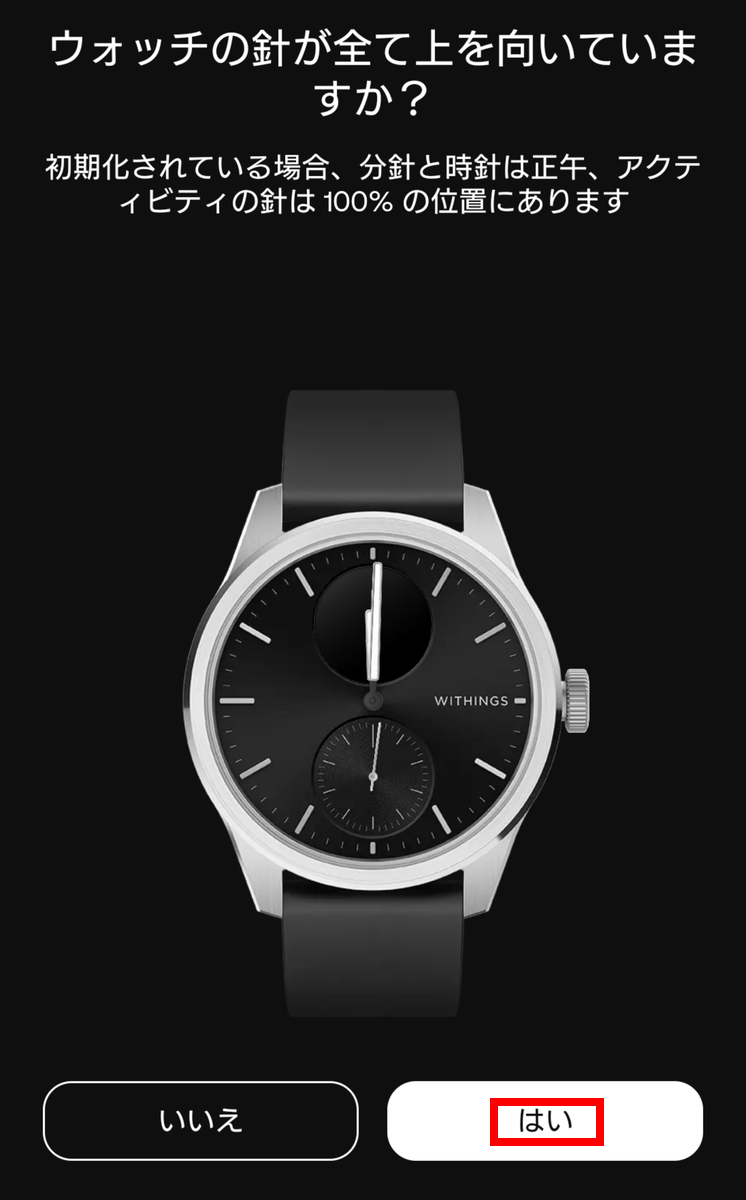
Make sure the needle on the device is pointing upwards, then tap 'Yes'.
Once the correct time is displayed, tap 'Next'.
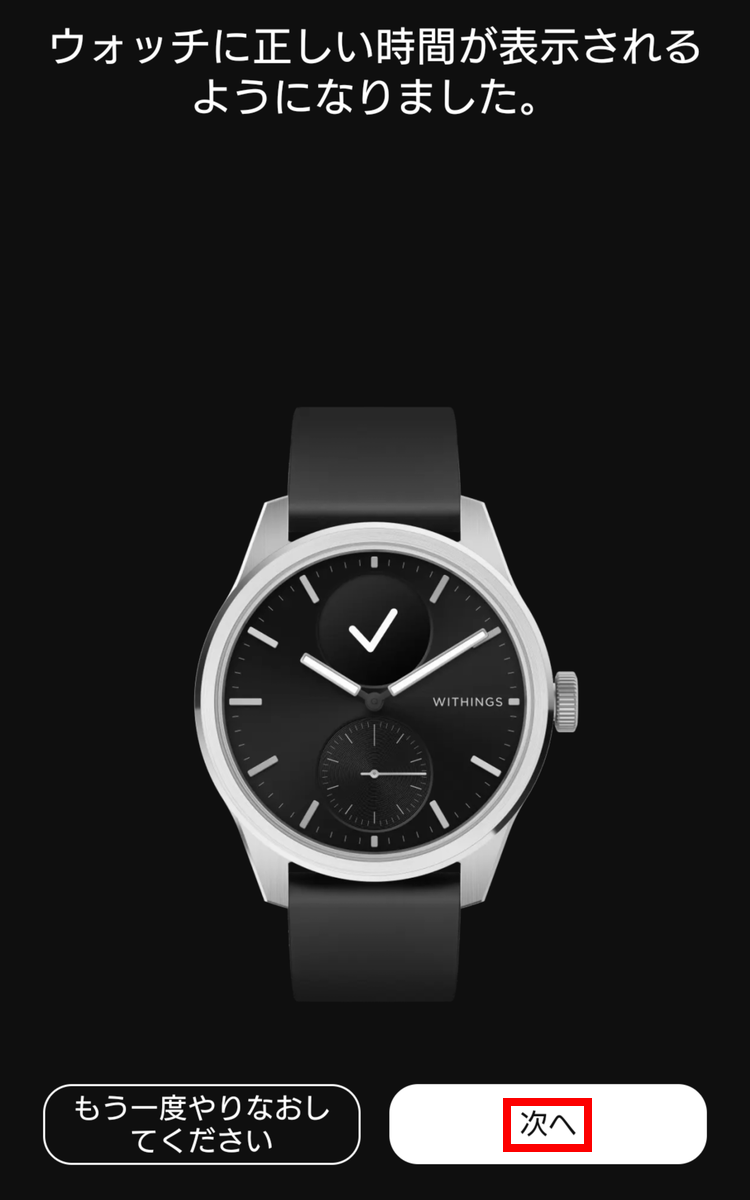
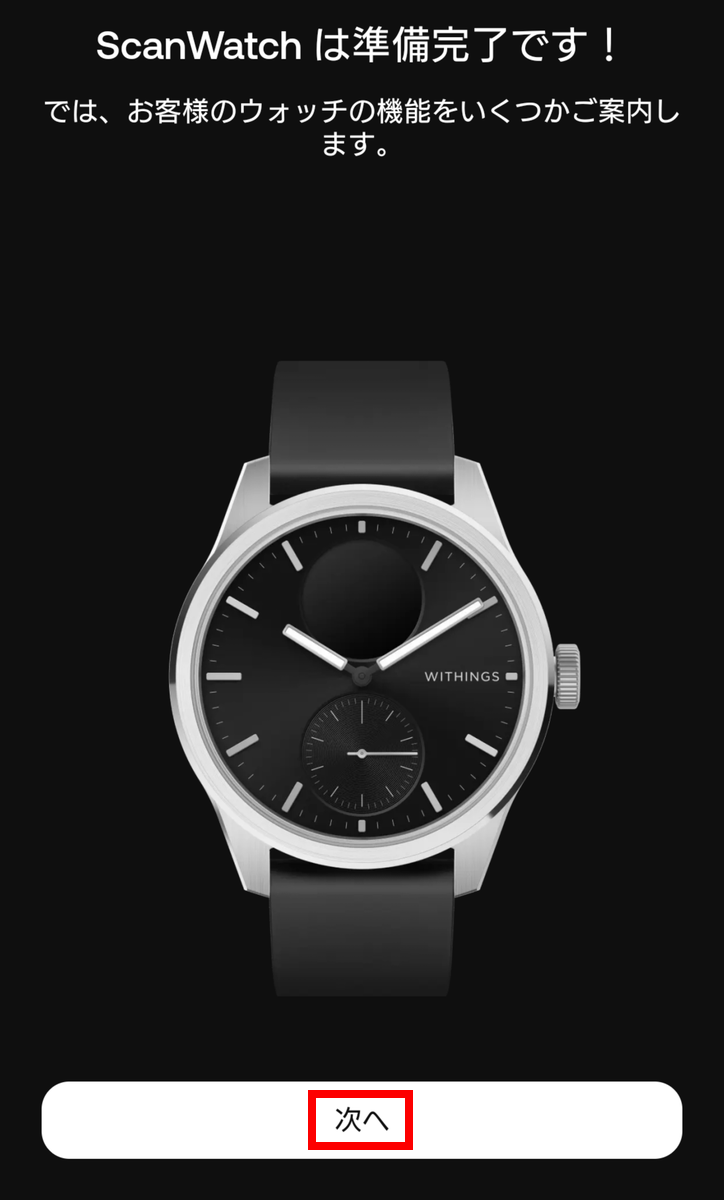
Tap 'Next'.
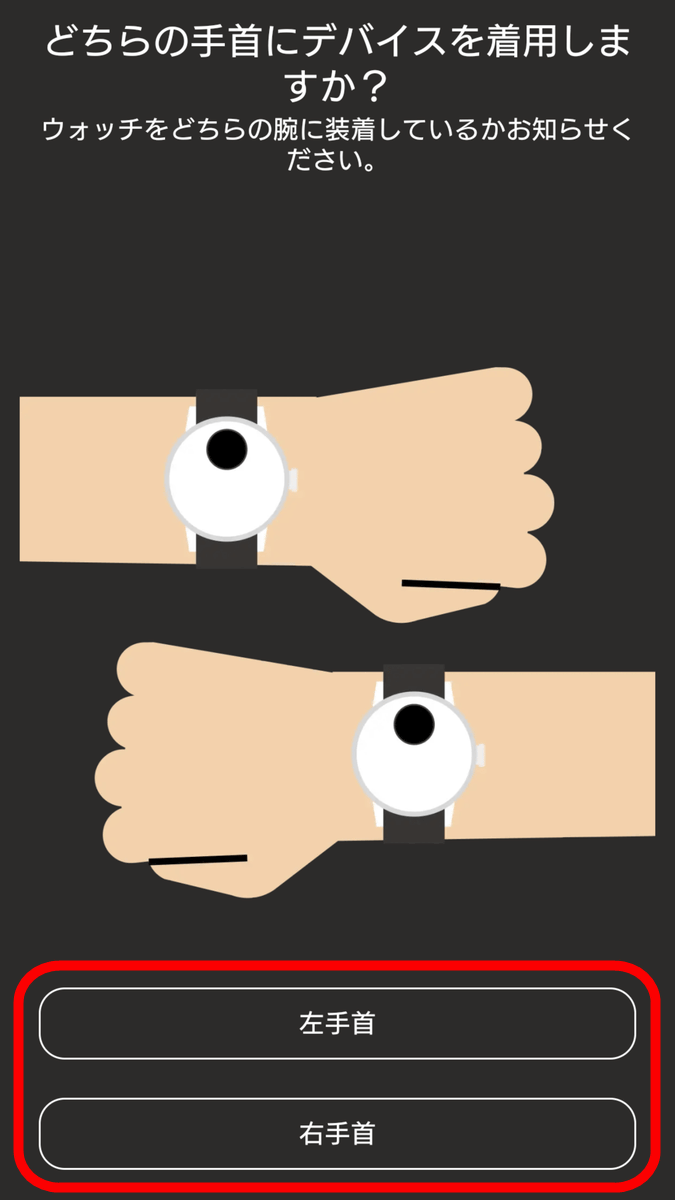
Select the arm on which you will wear the watch.
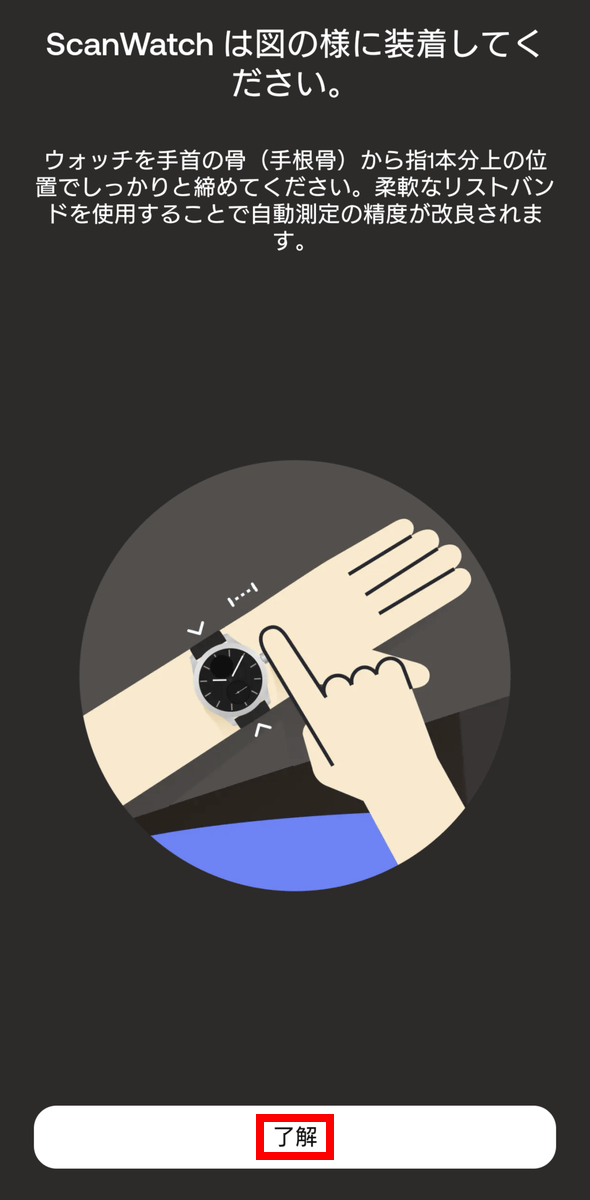
Check the wearing points for the watch and tap 'OK'.
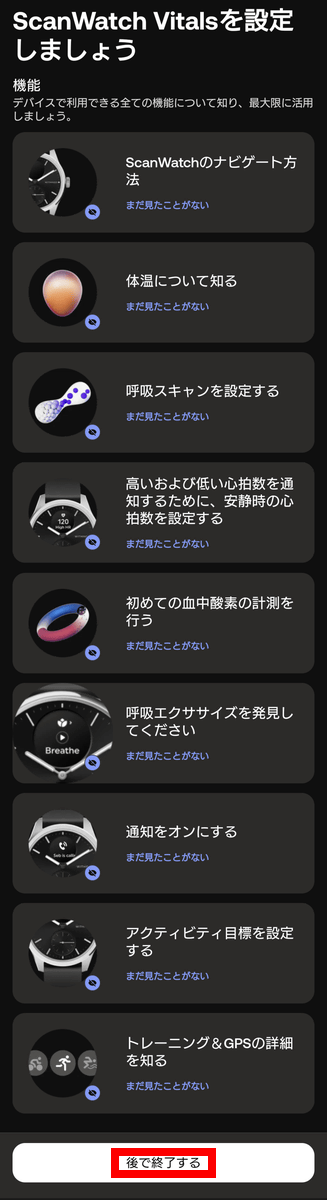
There are explanations for nine functions, but for now, tap 'Finish' at the bottom to skip them all.
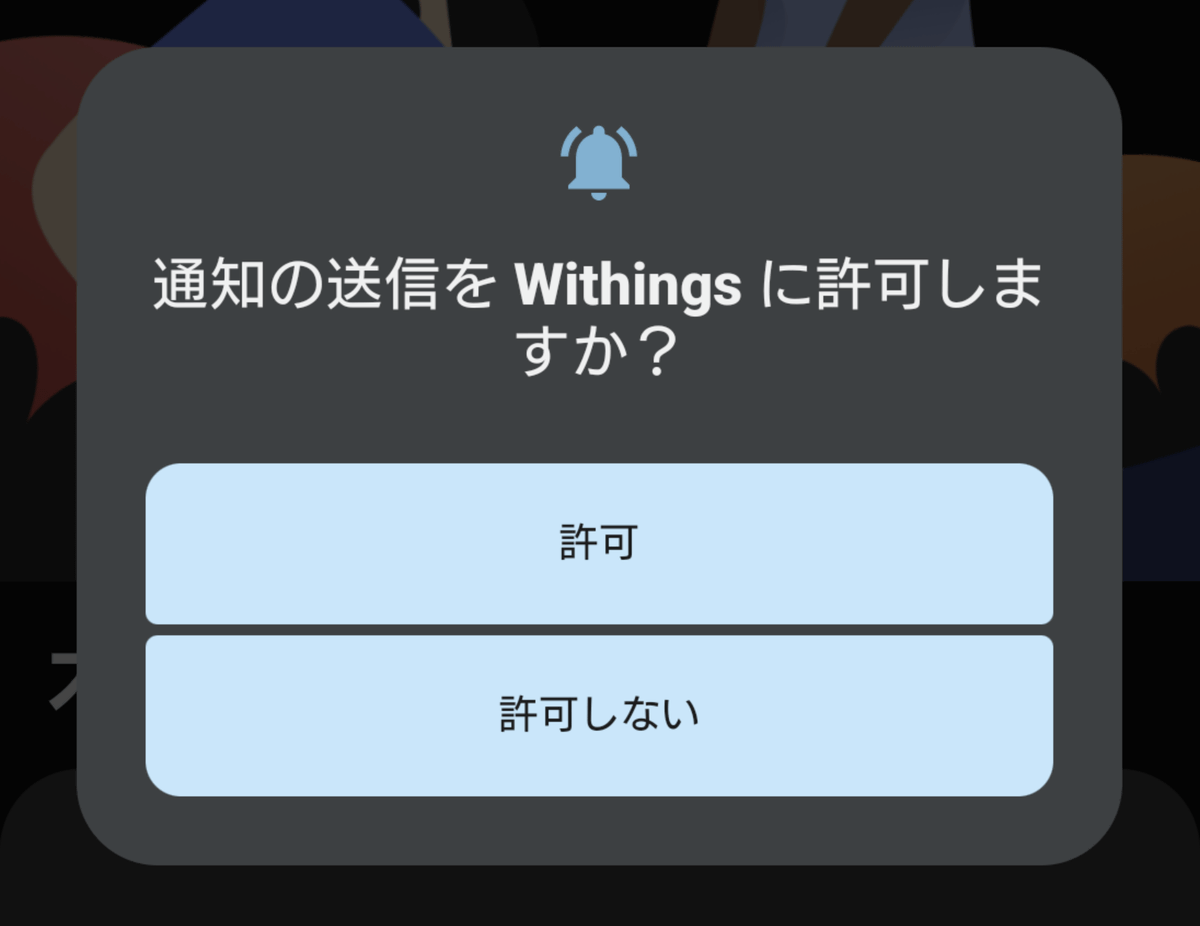
Choose whether or not to allow notifications from the Withings app.
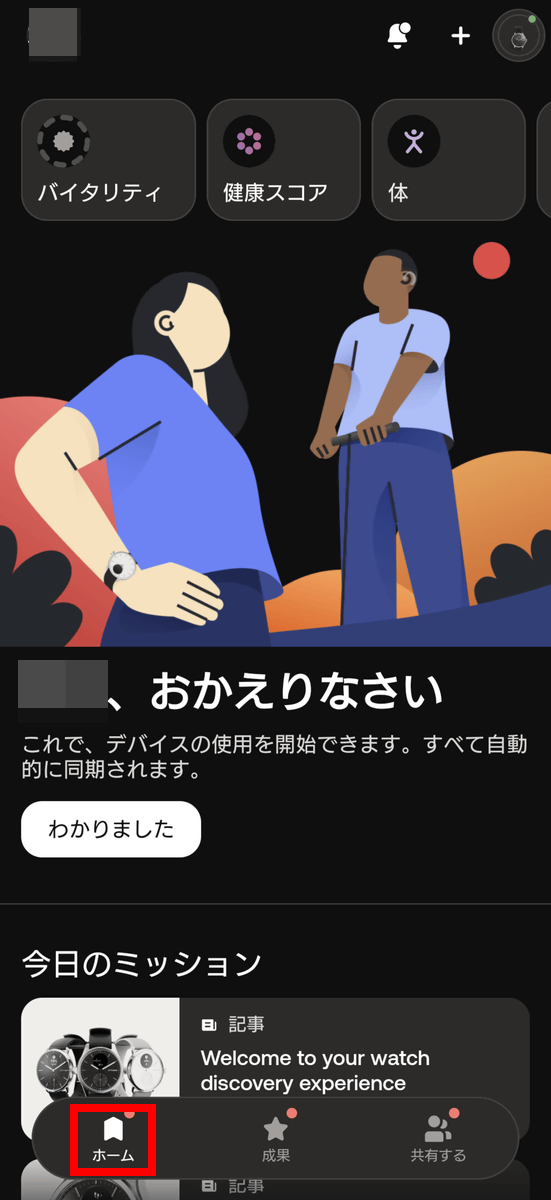
Setup is now complete. Tap 'Home' in the bottom menu to return to the app's home screen.
◆Various things you can do with the Withings app
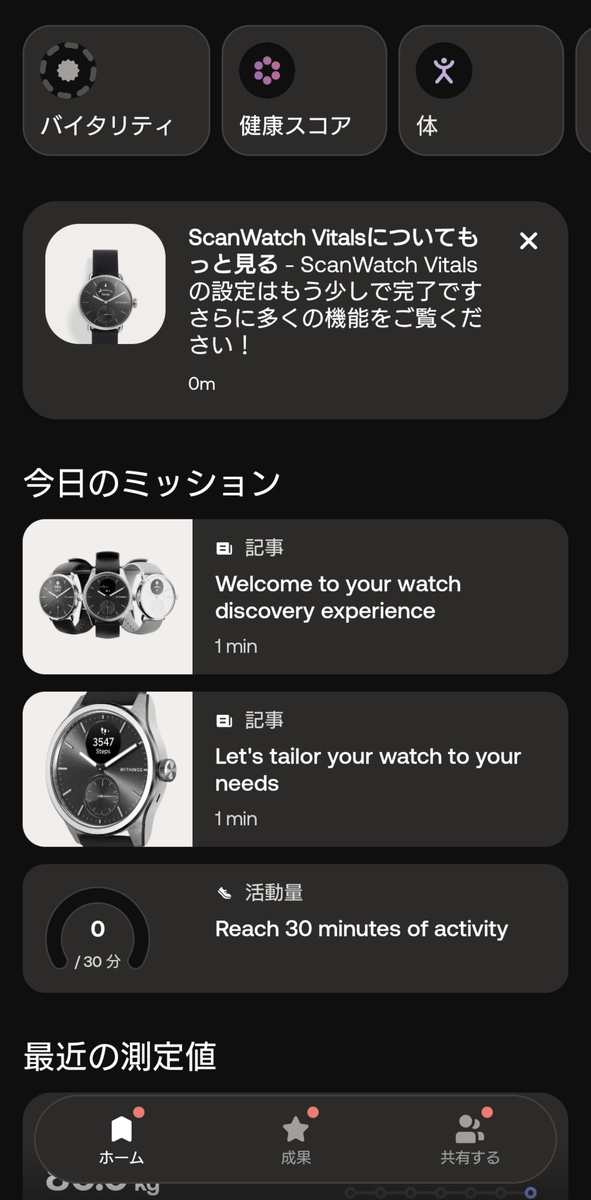
The home screen of the Withings app looks like this. The items lined up at the top, such as 'Vitality,' 'Health Score,' and 'Body,' are all analytics menus for the subscription service,
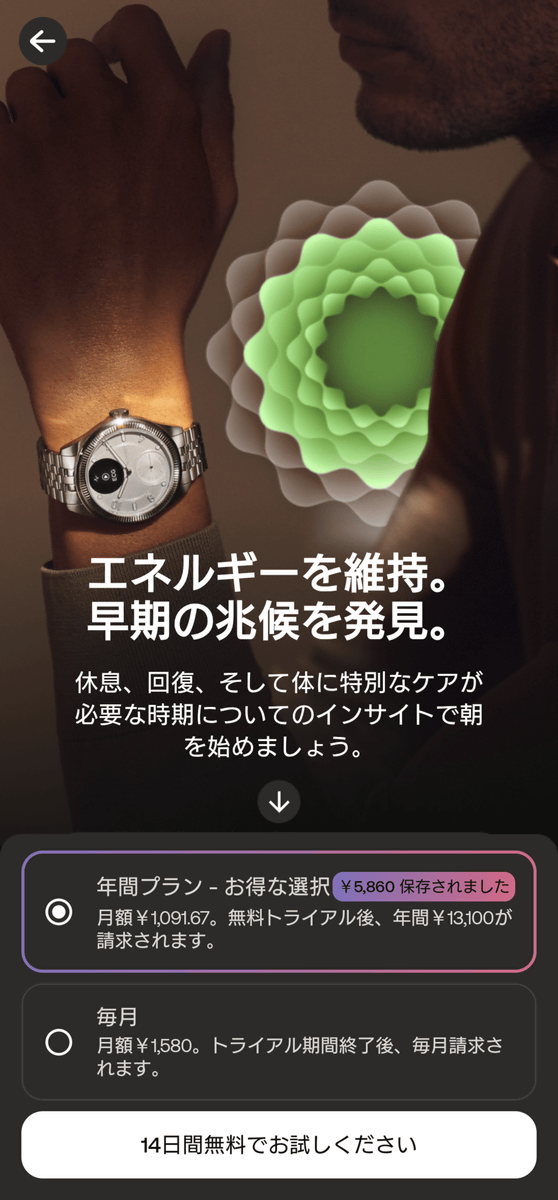
If you are not registered for Withings Plus, tapping any of the analytics menus will open a subscription or trial offer. The price is 13,100 yen for the annual plan (1,091.67 yen per month) and 1,580 yen for the monthly plan. A 14-day free trial is available.
As your activity level increases, it will be reflected in the 'Today's Mission' graph.
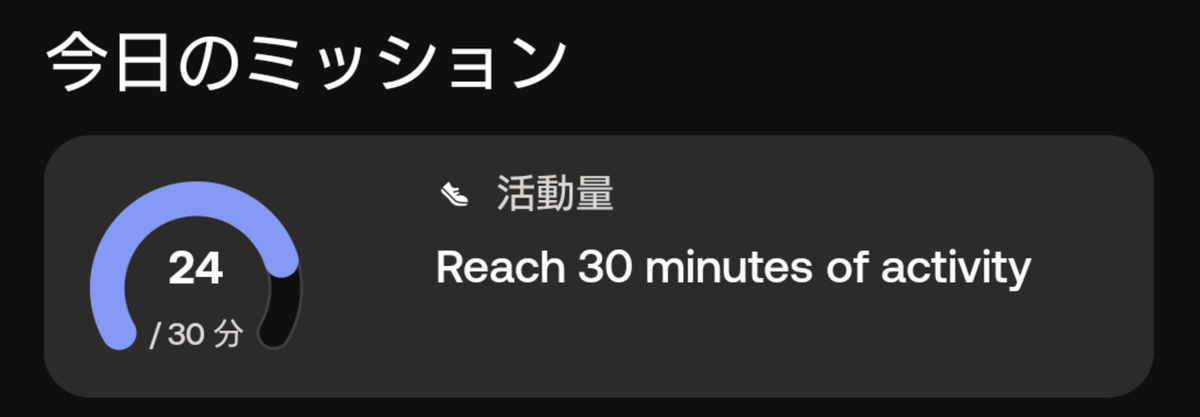
It appears that tapping on it would show more details, but the review stated that there were 'a few issues.'

The 'My Focus' displayed on the home screen is your activity level goal.
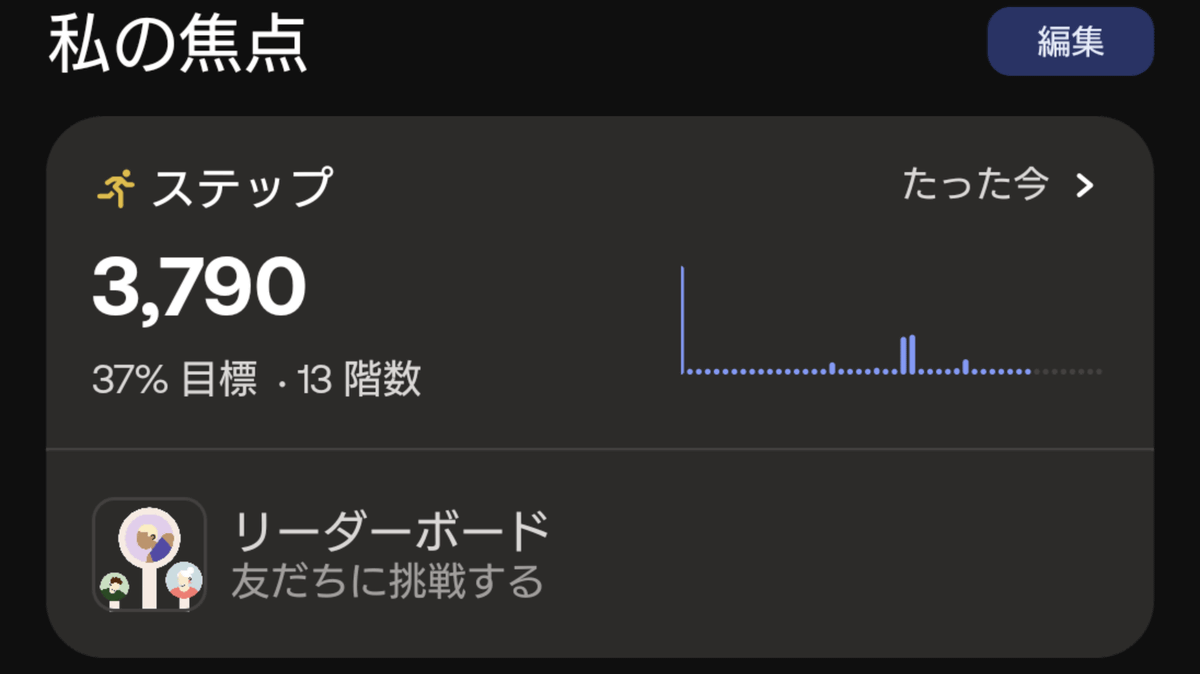
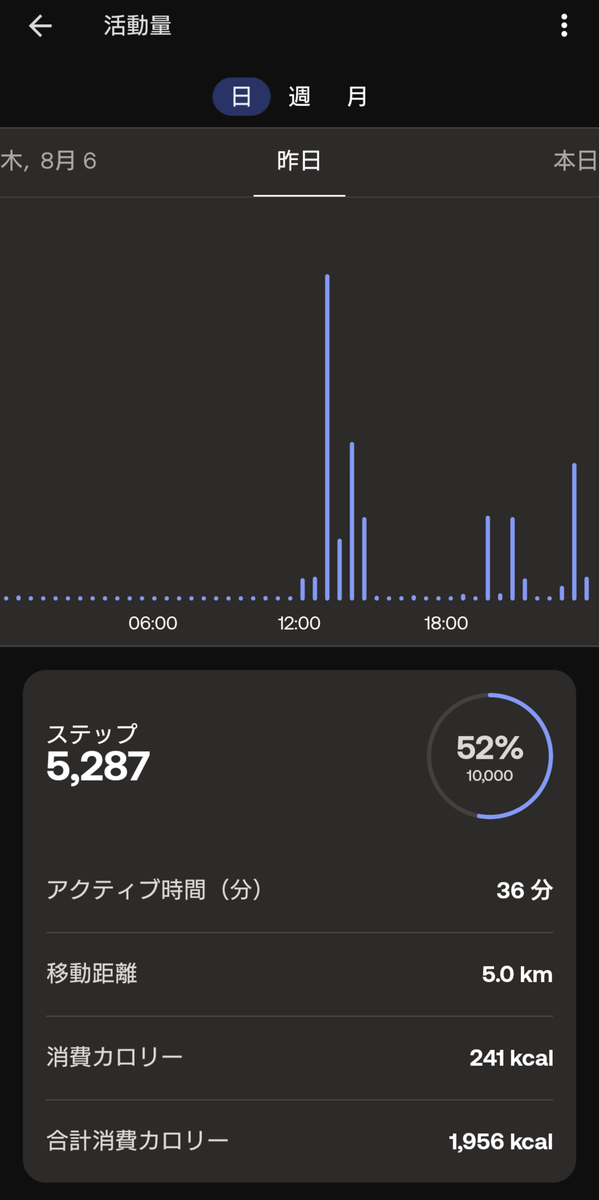
Tapping will display detailed data by day, week, and month.
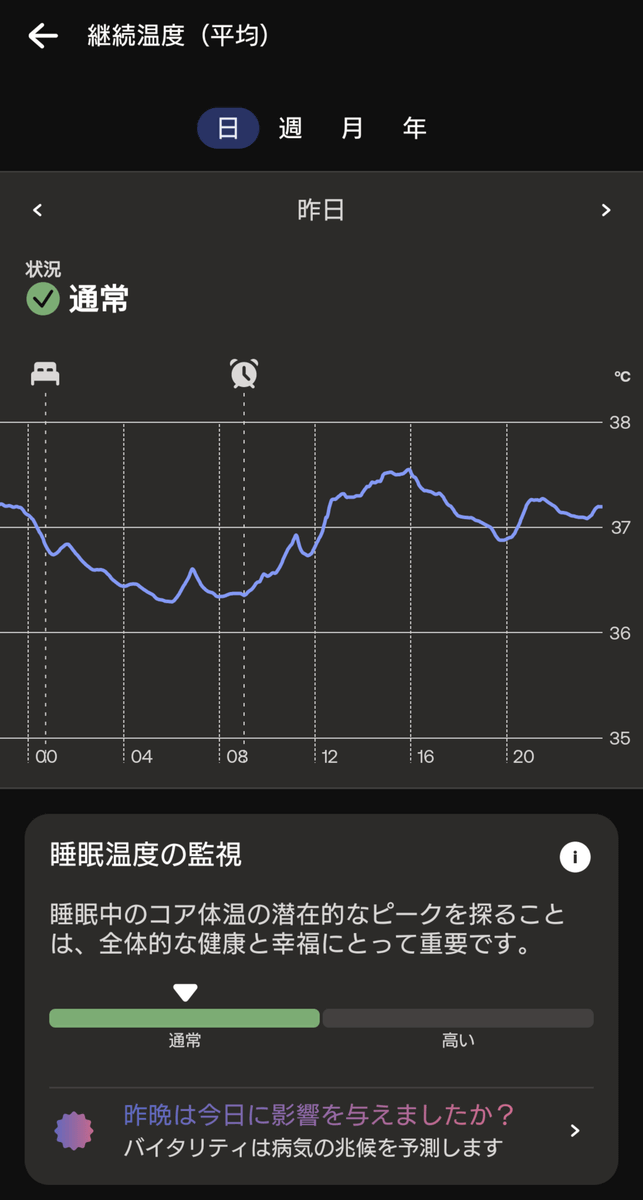
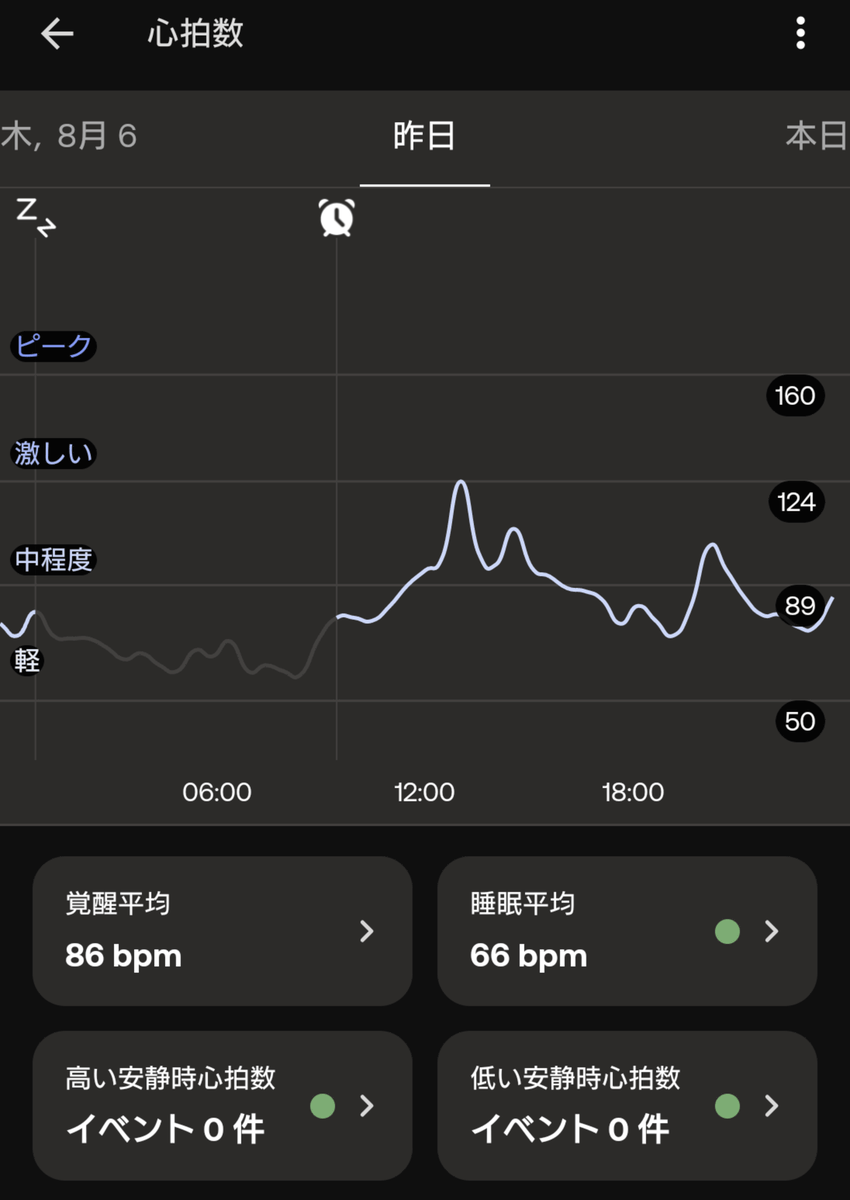
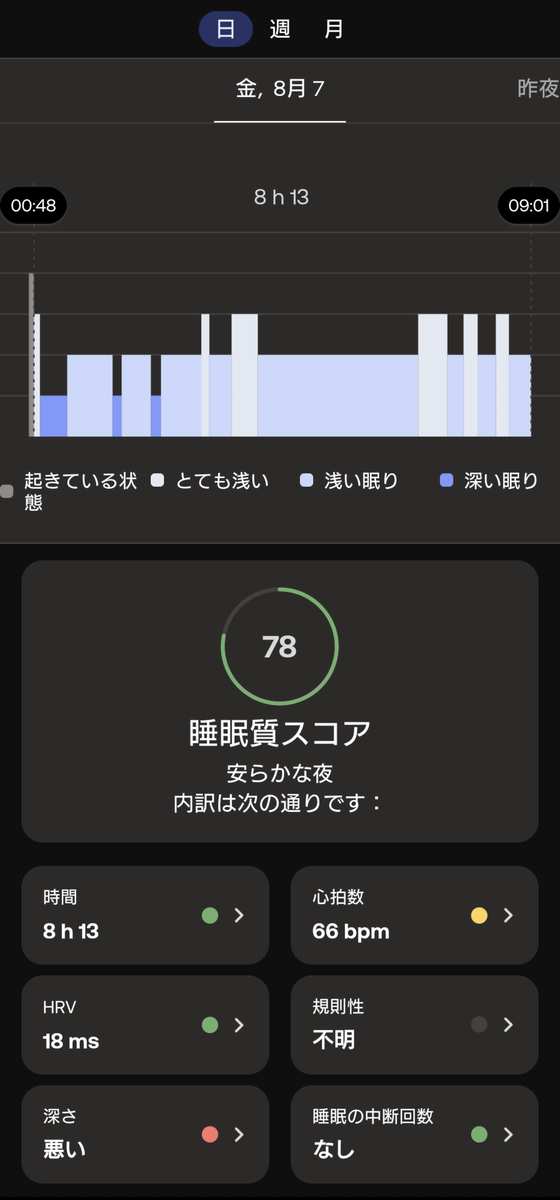
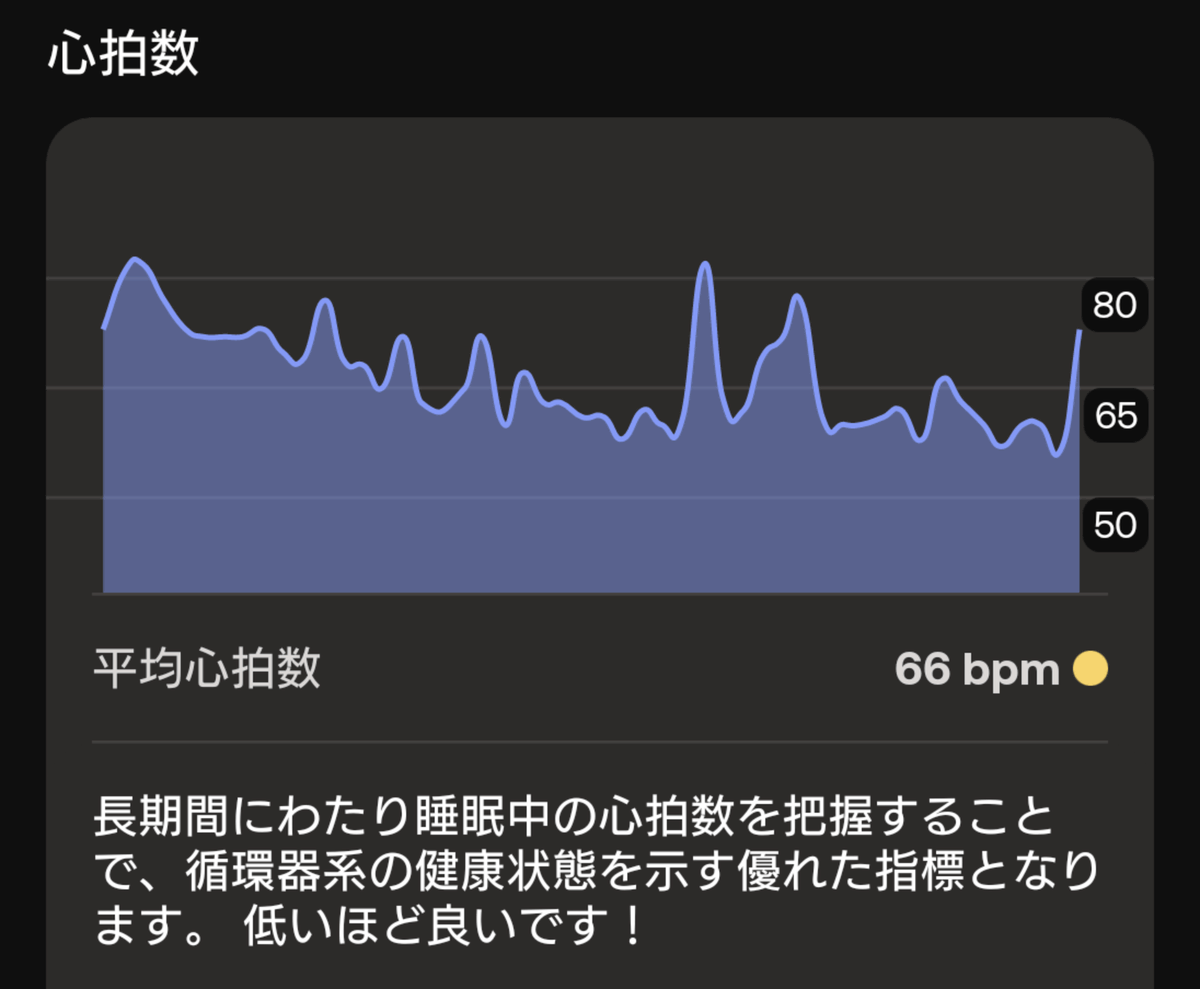
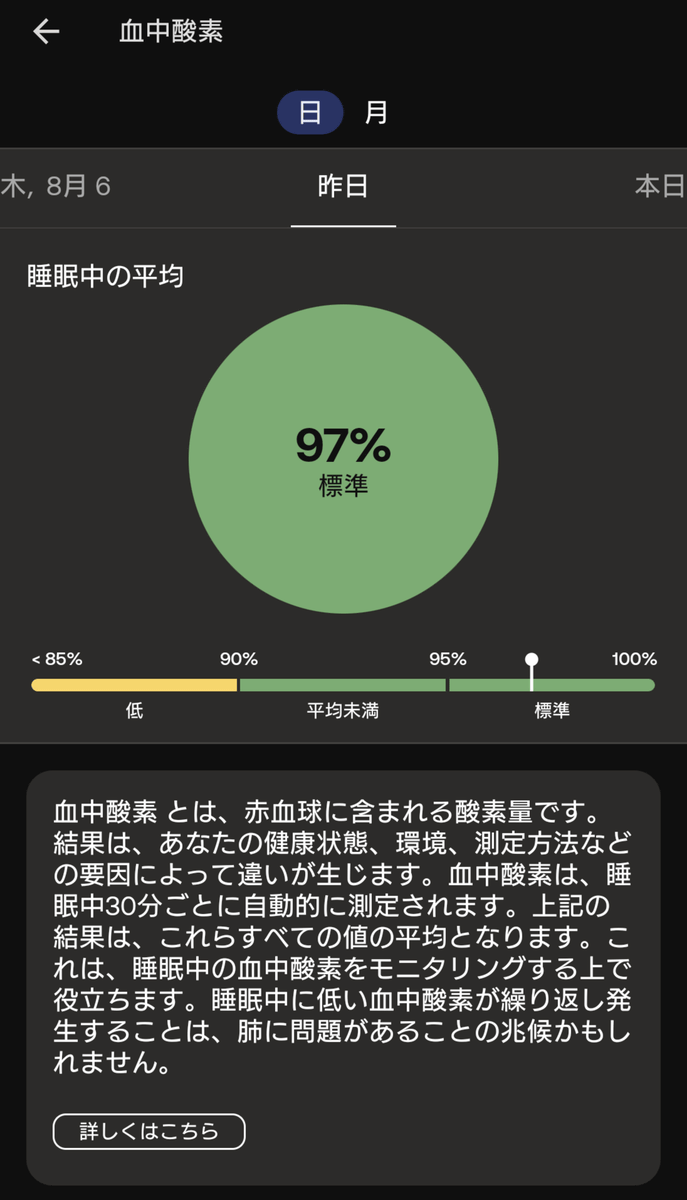
The 'Recent Measurements' section on the home screen displays information such as temperature (core body temperature), heart rate, sleep quality, and SpO₂ during sleep.
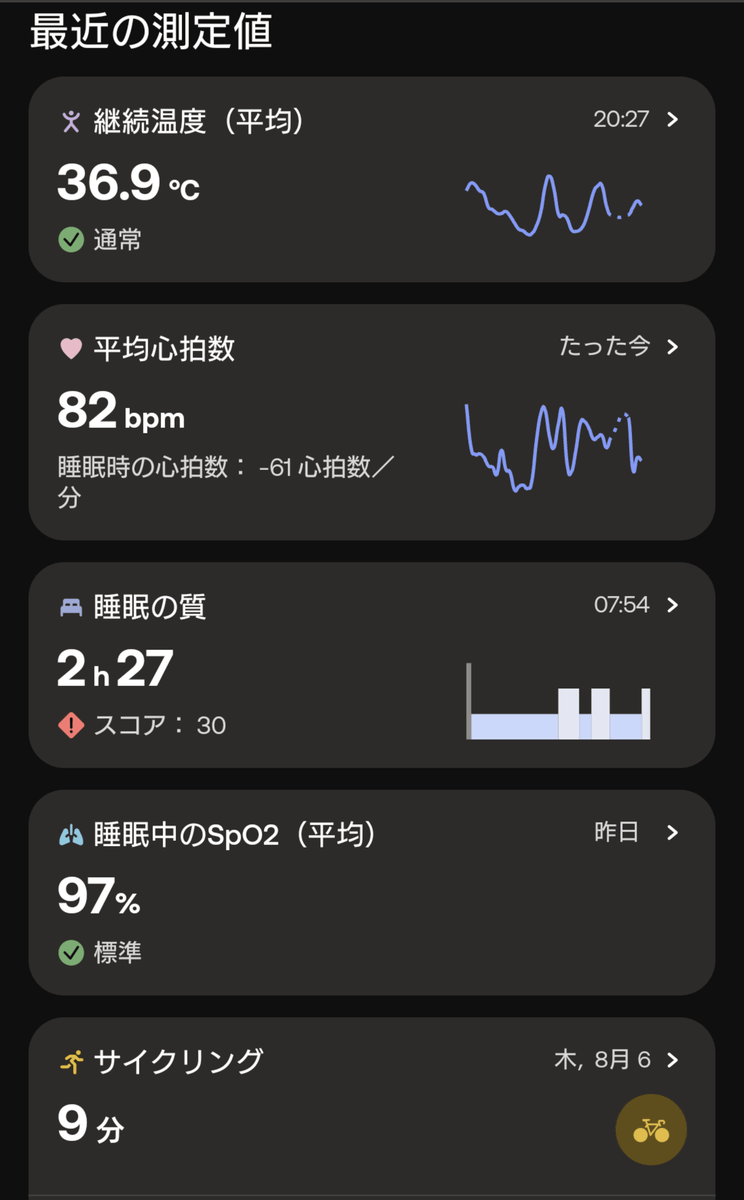
You can also tap on these to see detailed values for each. The temperature changes were like this, and it seems that the core body temperature was around 37.5 degrees Celsius in the afternoon.
On days when I've only done desk work, my heart rate doesn't rise very much.
Sleep tracking automatically records and scores your sleep without any pre-sleep actions. In this example, the time seems fine, but the heart rate is yellow, and the sleep depth is marked 'poor' and displayed in red.
Swipe down the page to see details about each item.
Here's what my blood oxygen level looks like.
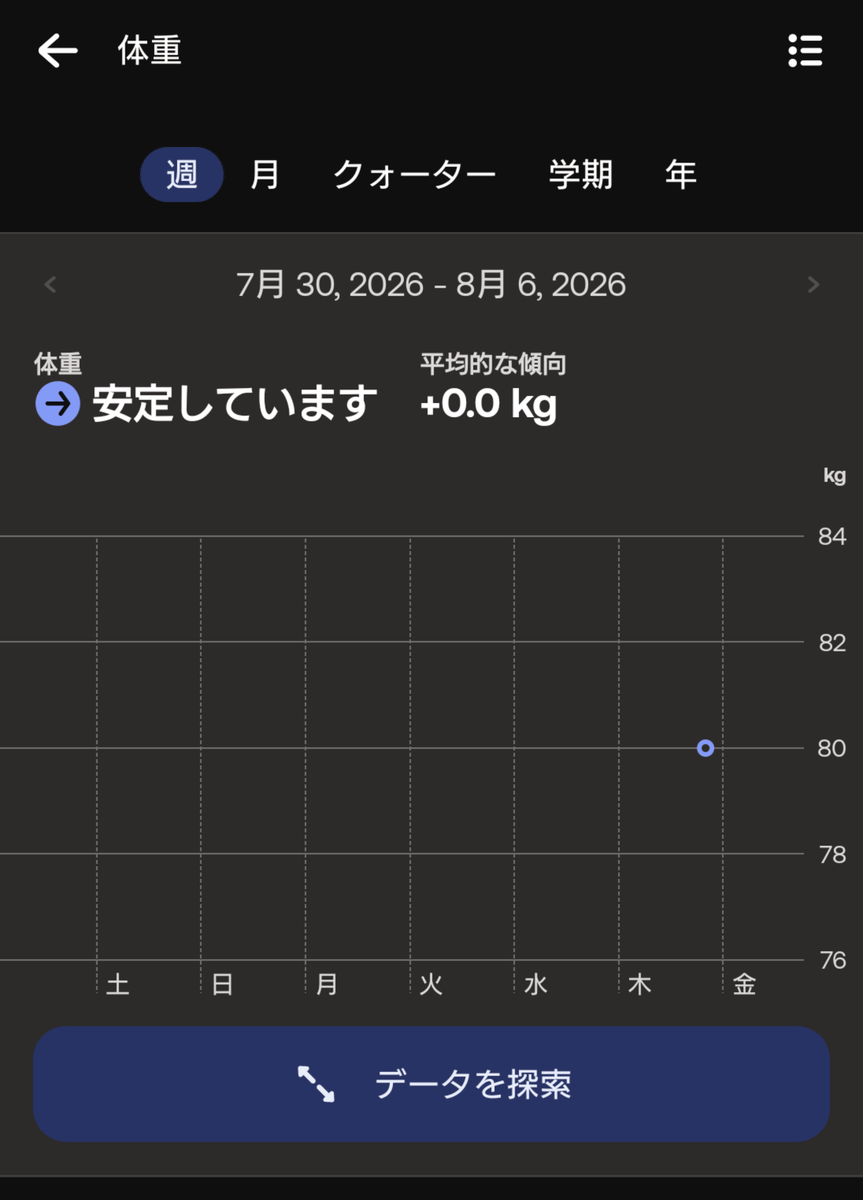
If you use a height and weight scale that is linked to Health Connect, your height and weight data will be updated in real time.
◆Various things you can do with the ScanWatch Vitals device
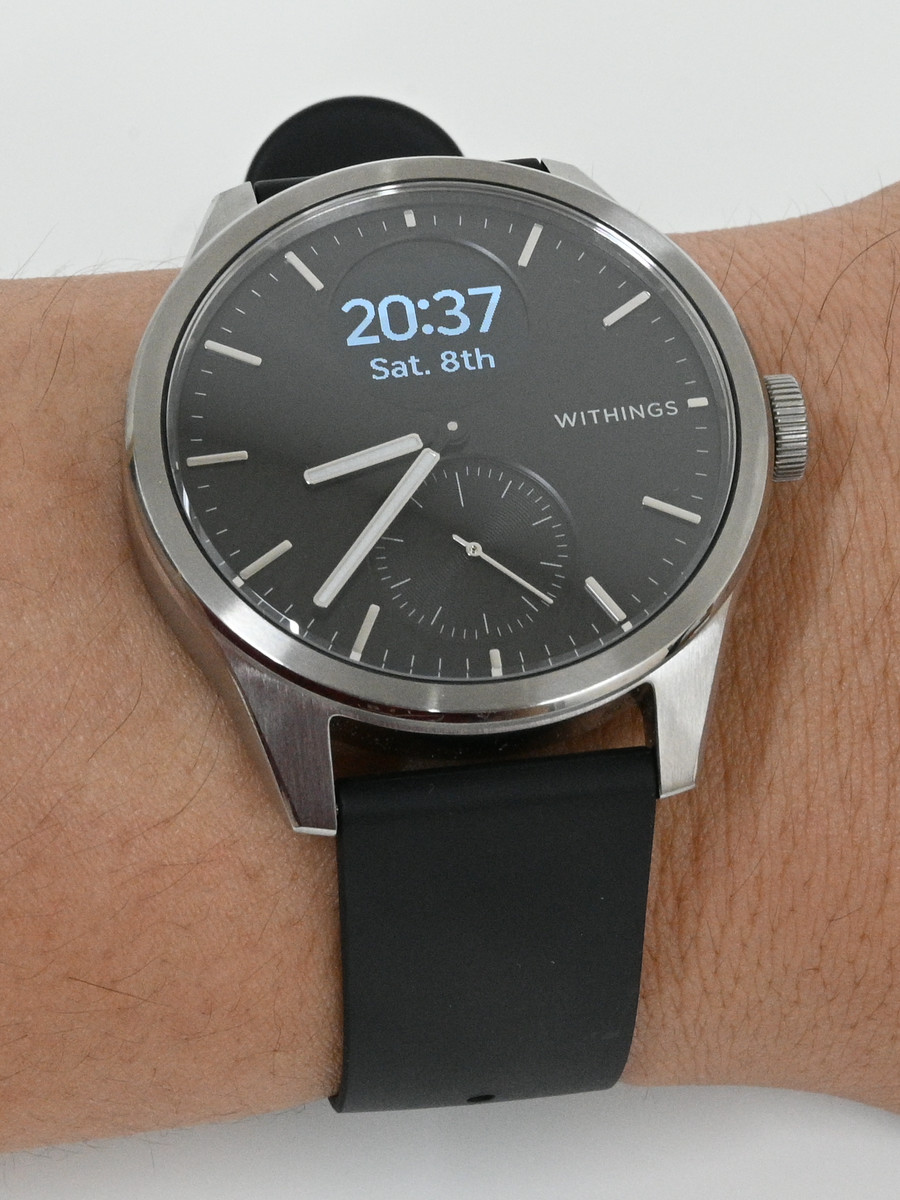
While the Withings app aggregates a lot of data, there are many things you can do with the ScanWatch Vitals itself. First, pressing the side button once turns on the watch function, and the current time, day of the week, and date are displayed on the screen. This state will be deactivated after about 5-6 seconds, the display will turn off, and the hands will return to their original positions.
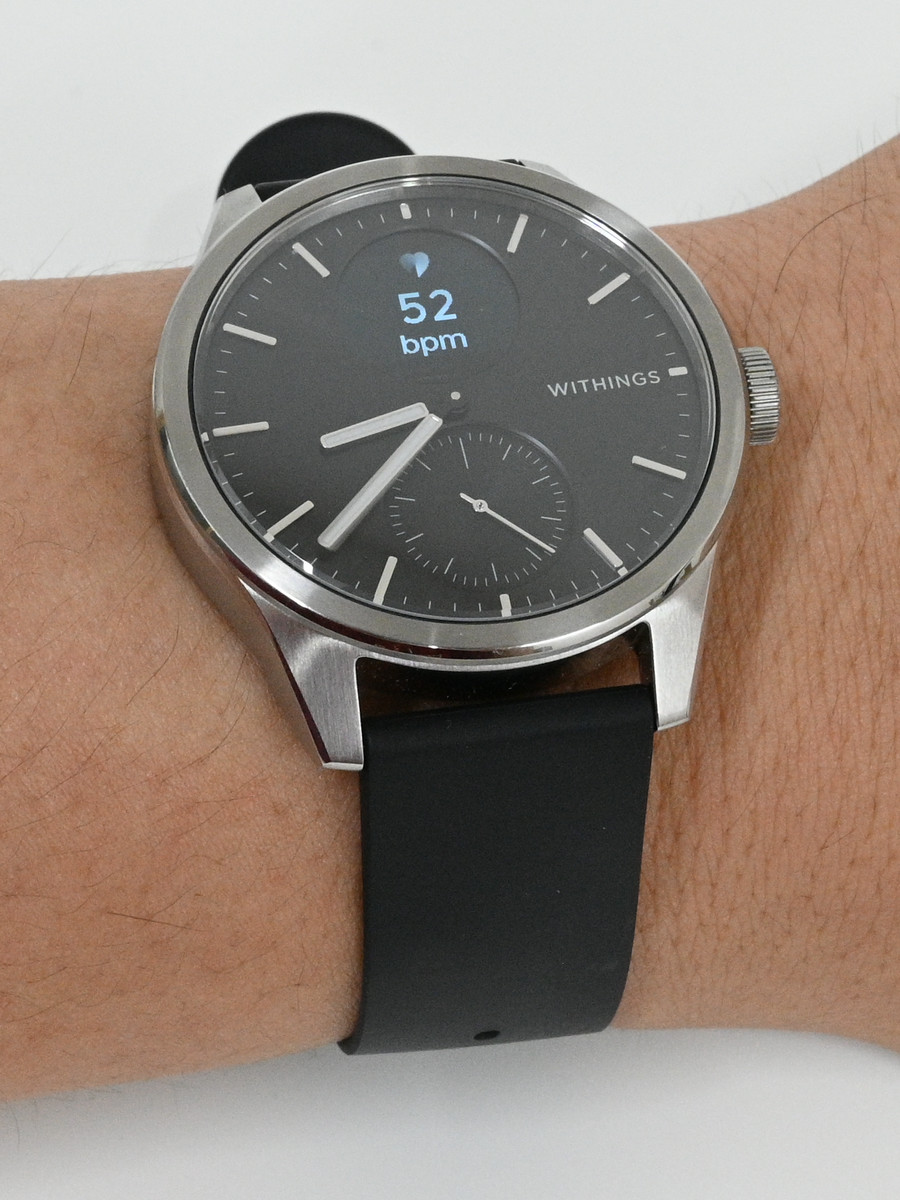
While the function is on, twisting the side button up or down will display another function on the screen. This is the heart rate monitor.
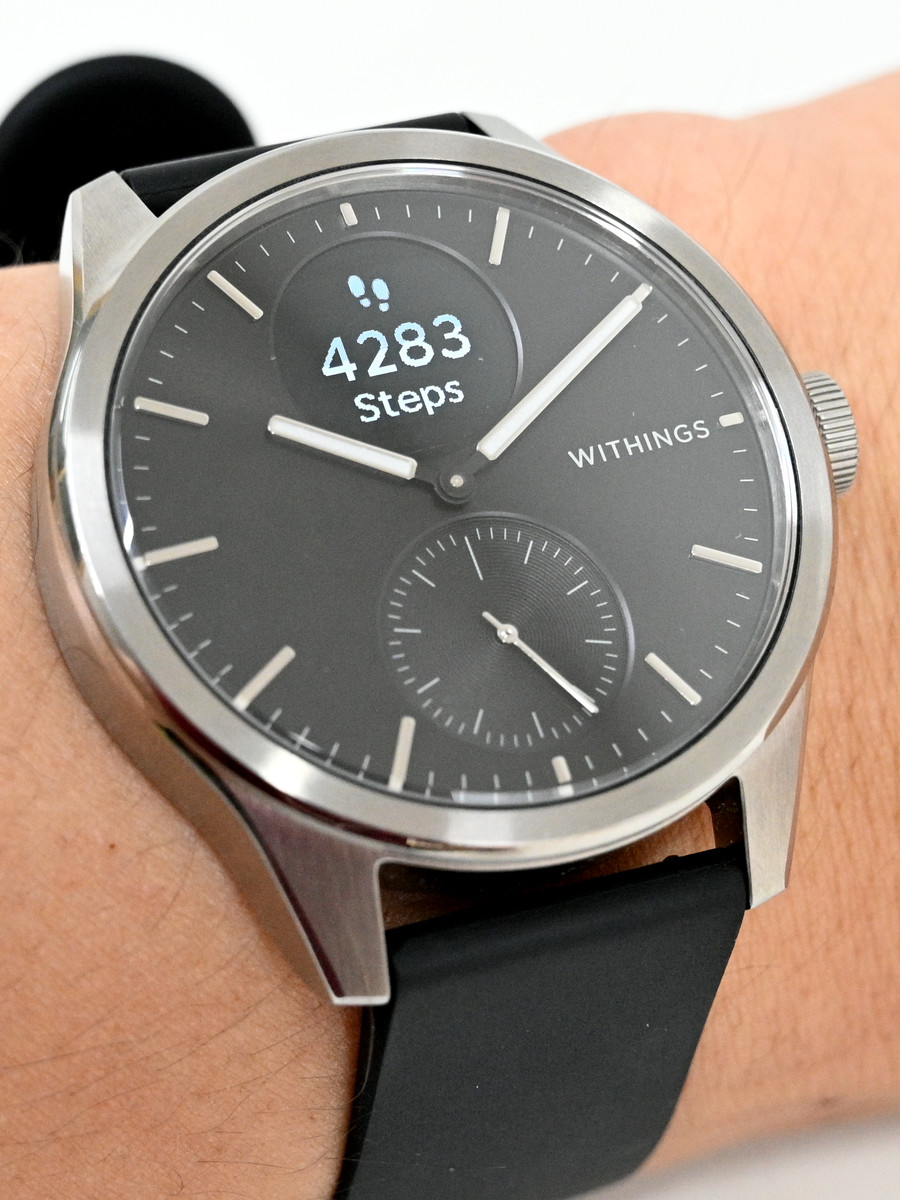
Pedometer
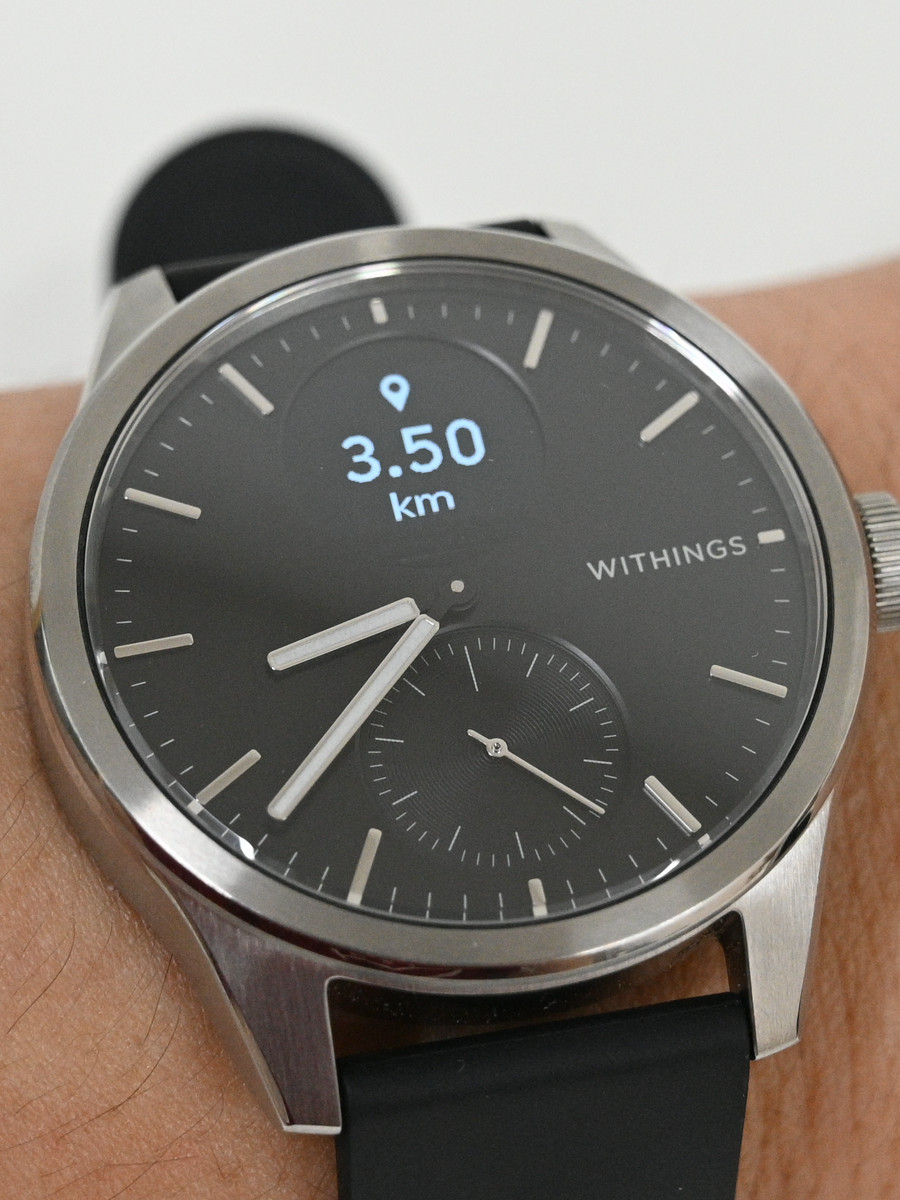
Distance traveled
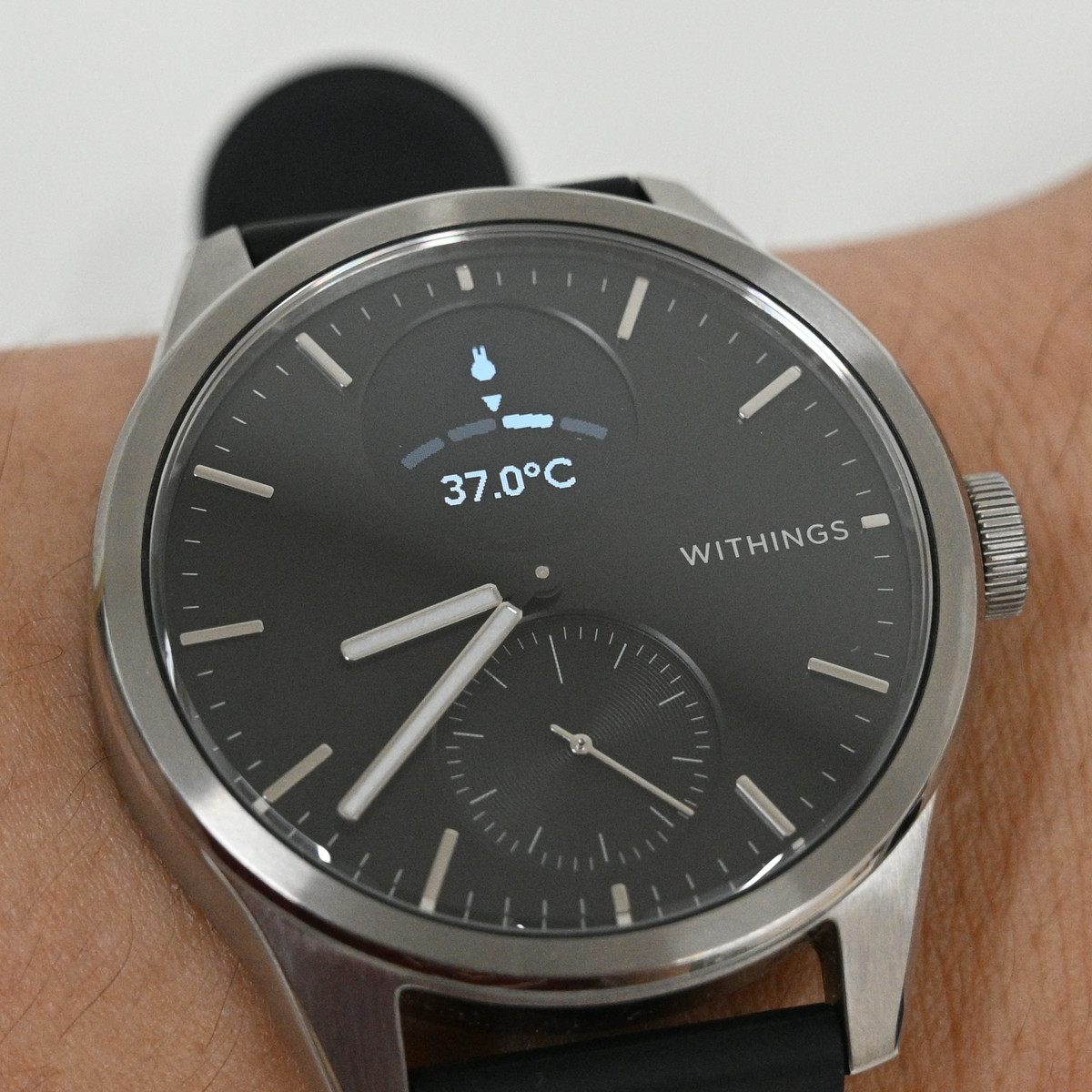
core body temperature
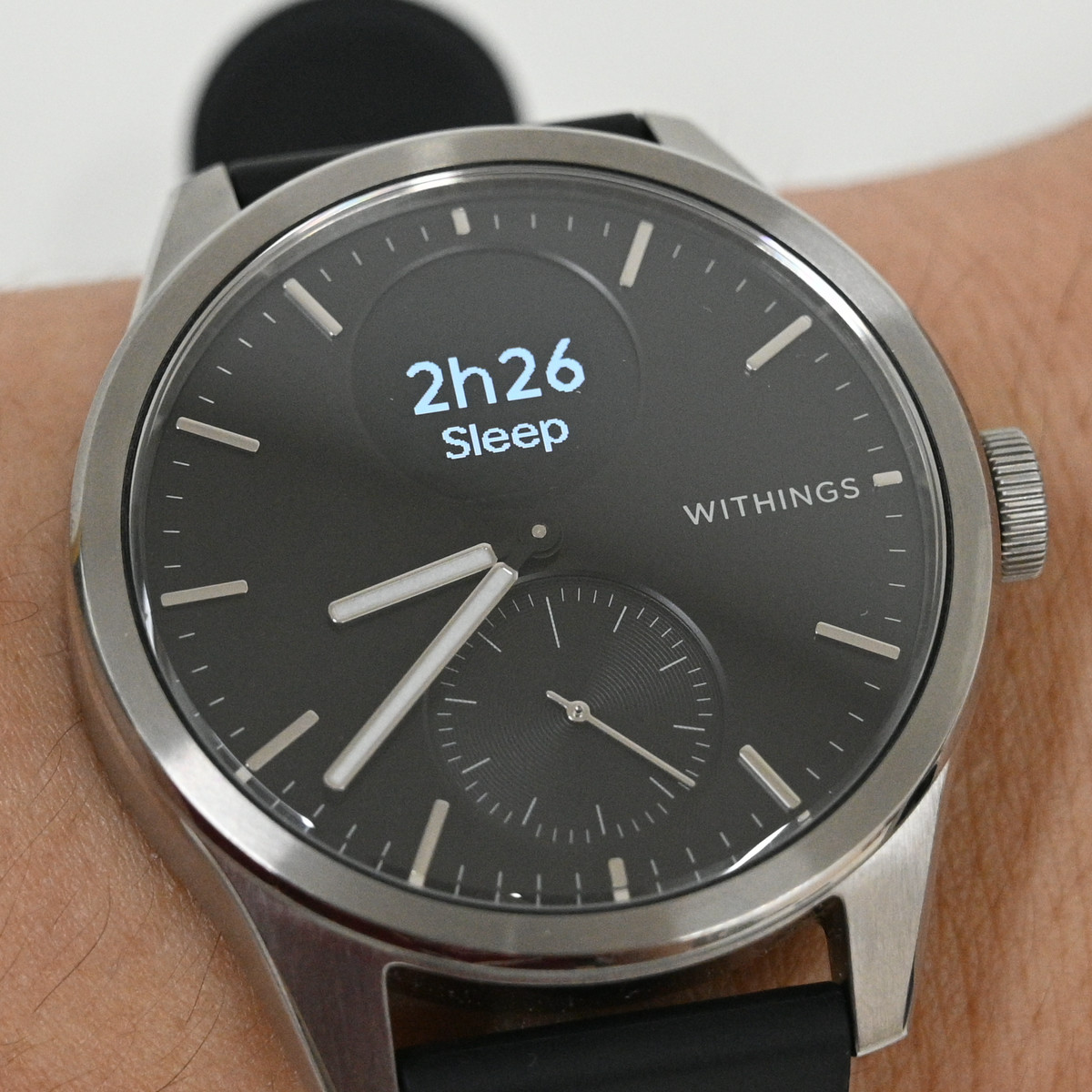
sleep time
Number of floors moved
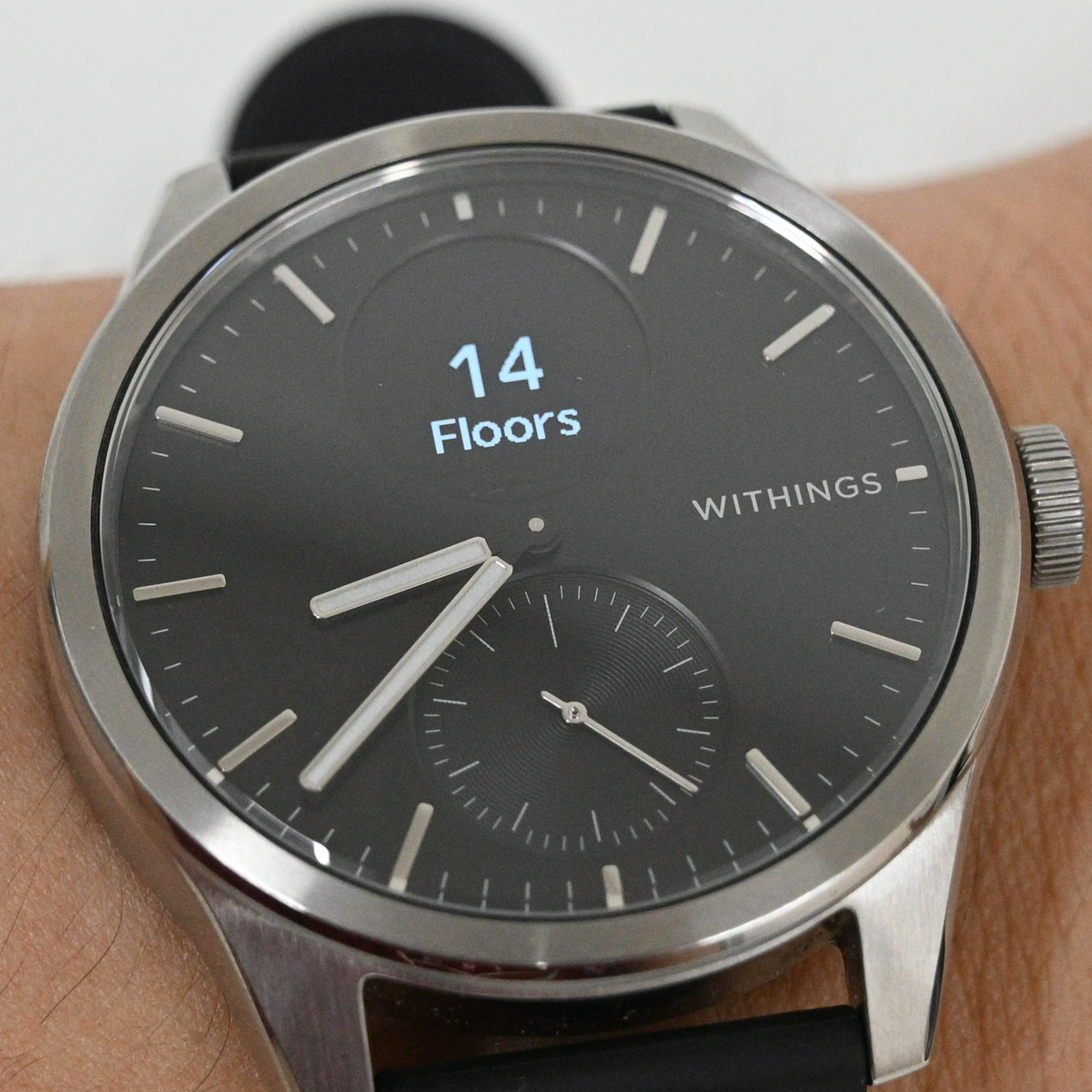
In addition, you can access workouts, blood oxygen monitoring, a clock (with alarms, etc.), and various settings.
While it's a basic feature, the readability of the clock face is excellent, making it very practical as an analog watch. It might not be suitable for those who need a second hand, but it's very useful for those who want to clearly see the hours and minutes.
The band is made of a rubber-like fluoroelastomer material. It seems to be non-slip and easy to use during exercise, but it might be a little uncomfortable to wear for long periods of time while keeping it snug and in place. Combined with the fact that the main unit is 50m waterproof, it seems easy to use as you can simply wash it when it gets dirty.
The healthcare features and other essential functions are well-designed and seem to be competing well with other smartwatches.
While smartwatches generally have shorter battery life than regular watches, the ScanWatch Vitals boasts a maximum battery life of 35 days. In my experience wearing it, the battery drained by only a few percent per day, giving the impression that it could easily last at least 2-3 weeks without charging. Furthermore, the charging docking station is very compact and can share cables with smartphones and other devices, which is helpful for travel as it takes up less space.
Please note that the ScanWatch Vitals reviewed here is no longer available on the official Japanese website, and the 42mm model is not sold on Amazon. However, the 38mm model is available in black or white for ¥56,800 (tax included).
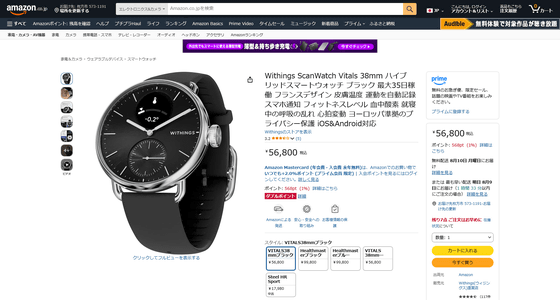
You can also get it from the following giveaway article, which closes on Sunday, August 9th.

Related Posts: