I tried out the image generation AI 'Qwen-Image-3.0,' but how does it perform in rendering illustrations and Japanese text?
Alibaba, a major Chinese technology company, has released an AI research team called ' Qwen-Image-3.0 ' for image generation. Qwen-Image-3.0 excels at generating images that include small text, and is also said to be able to finely represent the texture of objects. It was free to use after creating a Qwen Studio account, so I tried it out.
Qwen-Image-3.0: Rich Content, Authentic Details, Deep Knowledge
Qwen-Image-3.0 boasts features such as 'support for input of up to 4500 tokens,' 'ability to draw characters as small as 10 pixels,' and 'support for drawing 12 languages, including Japanese,' and is touted as elevating AI-generated images from merely 'visually appealing' to 'practically usable.'
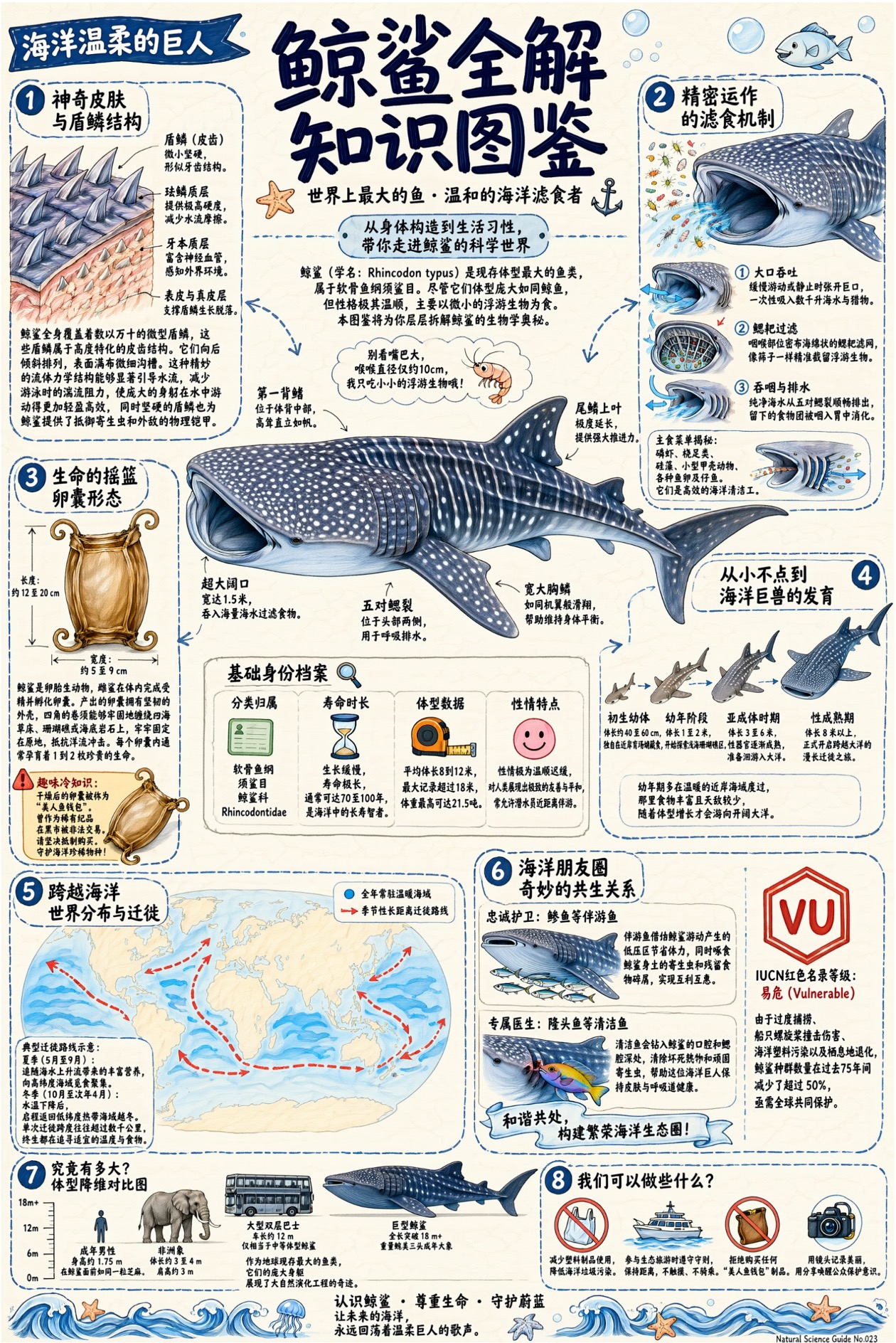
The following are example images taken with Qwen-Image-3.0, released by the development team. The ecology of whale sharks is explained in detail.
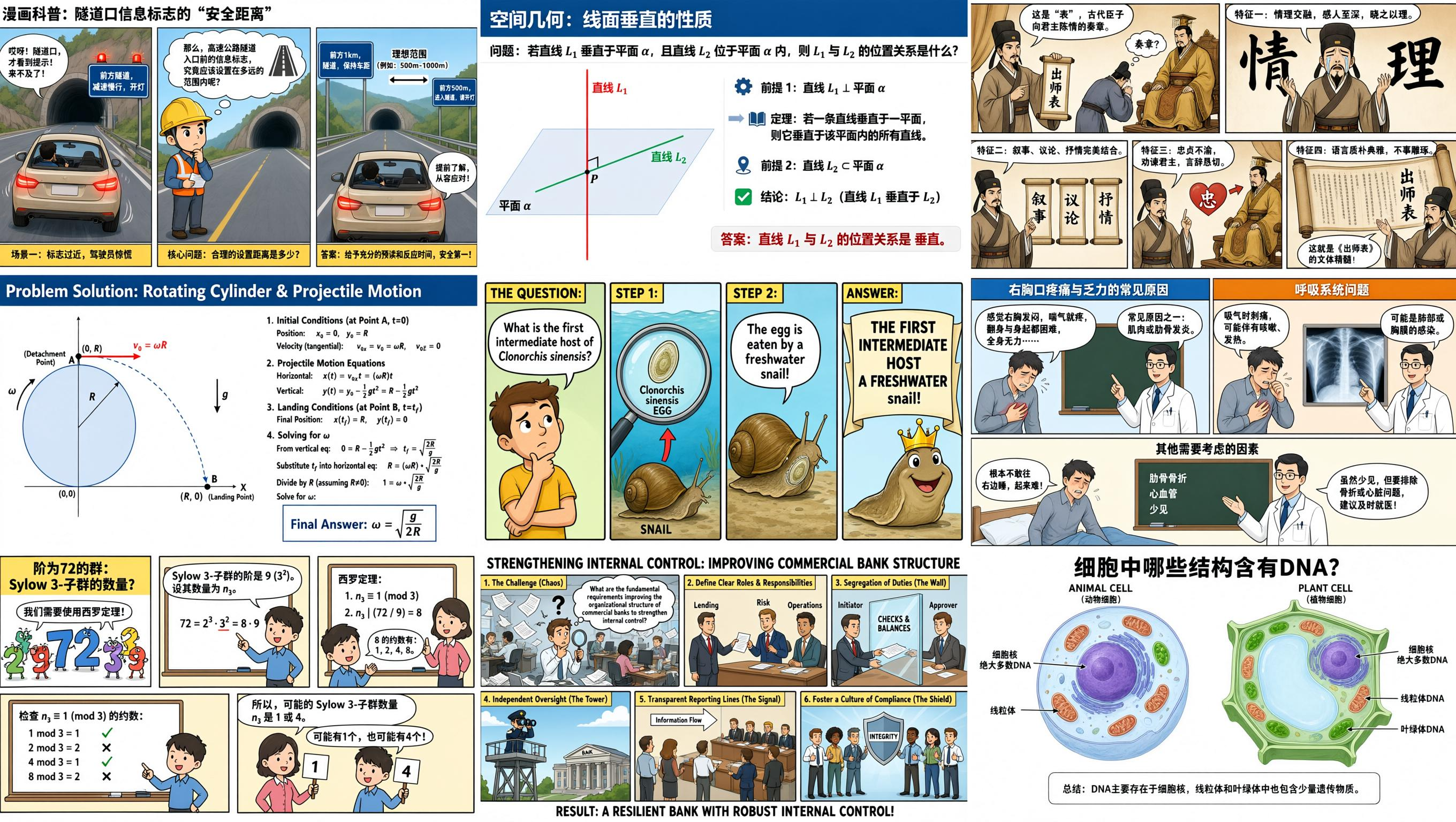
It is also possible to draw mathematical formulas and other elements while maintaining spatial relationships. The image below is not 'a combination of nine generated images,' but rather 'an image created by combining nine slides in a single generation process.'
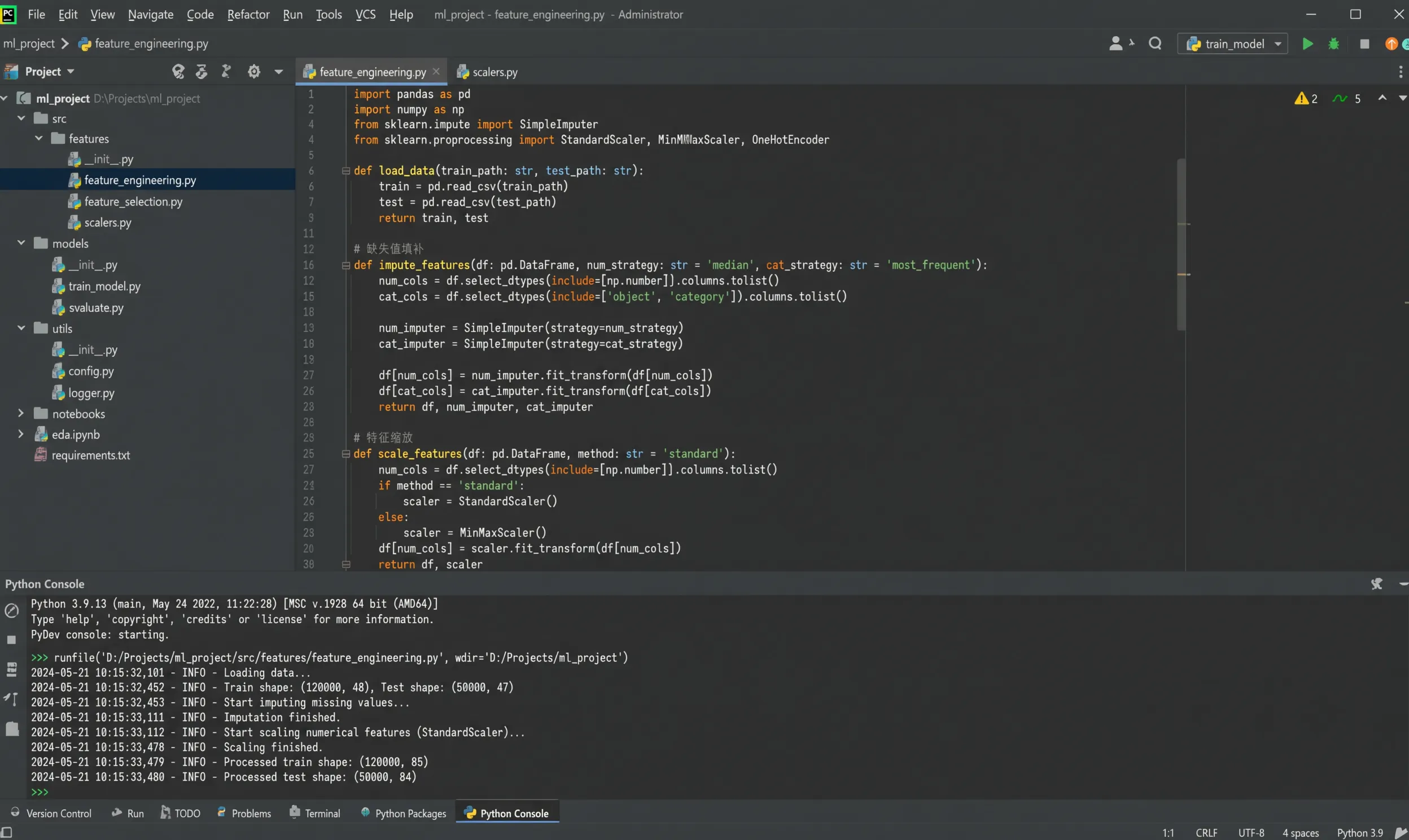
The following screenshot-style image was also generated by Qwen-Image-3.0. Clicking on it to view the full-size image will show you that even small text is rendered without any distortion.
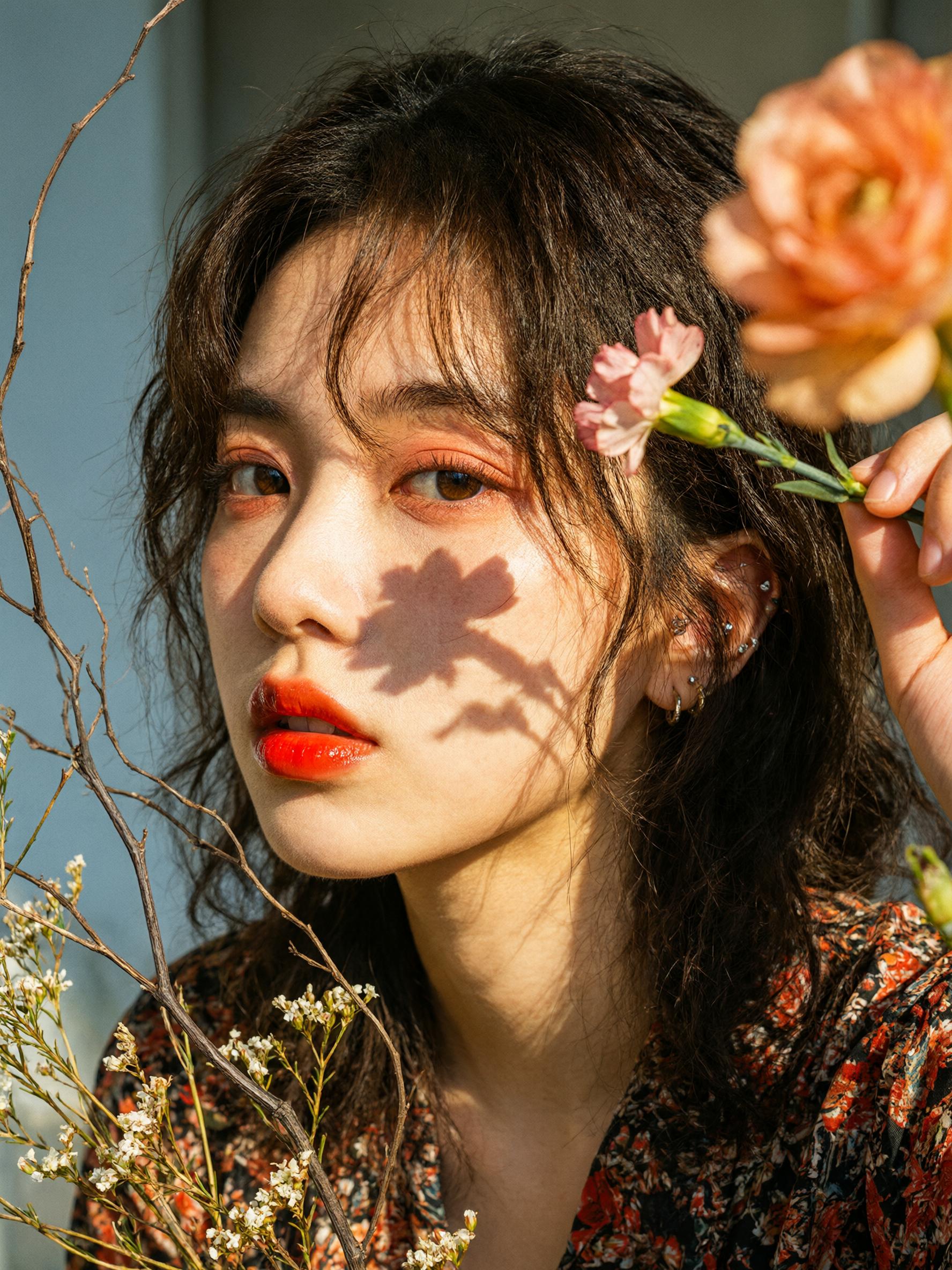
It also excels at generating realistic-looking images.
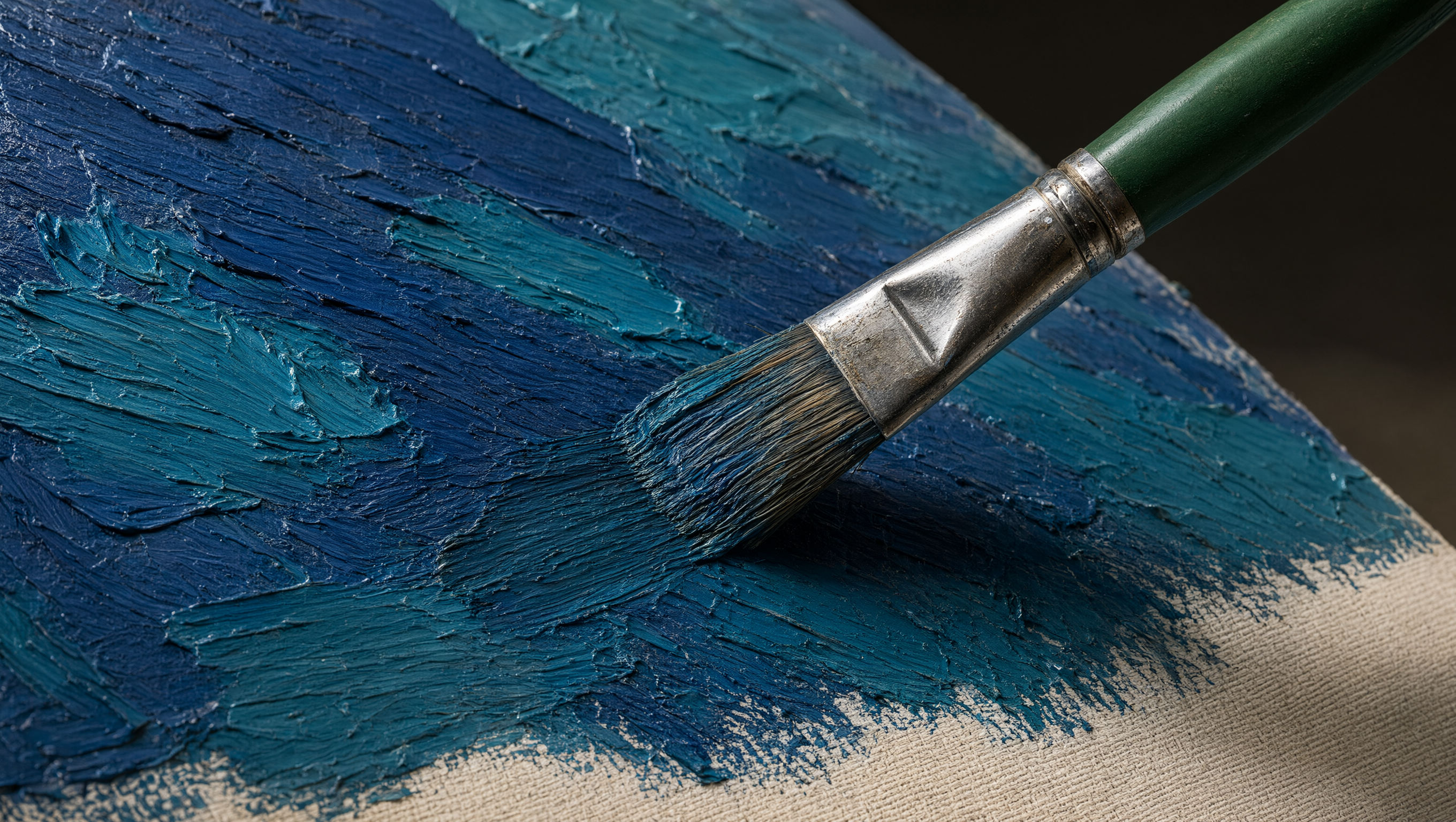
The texture rendering is also excellent.
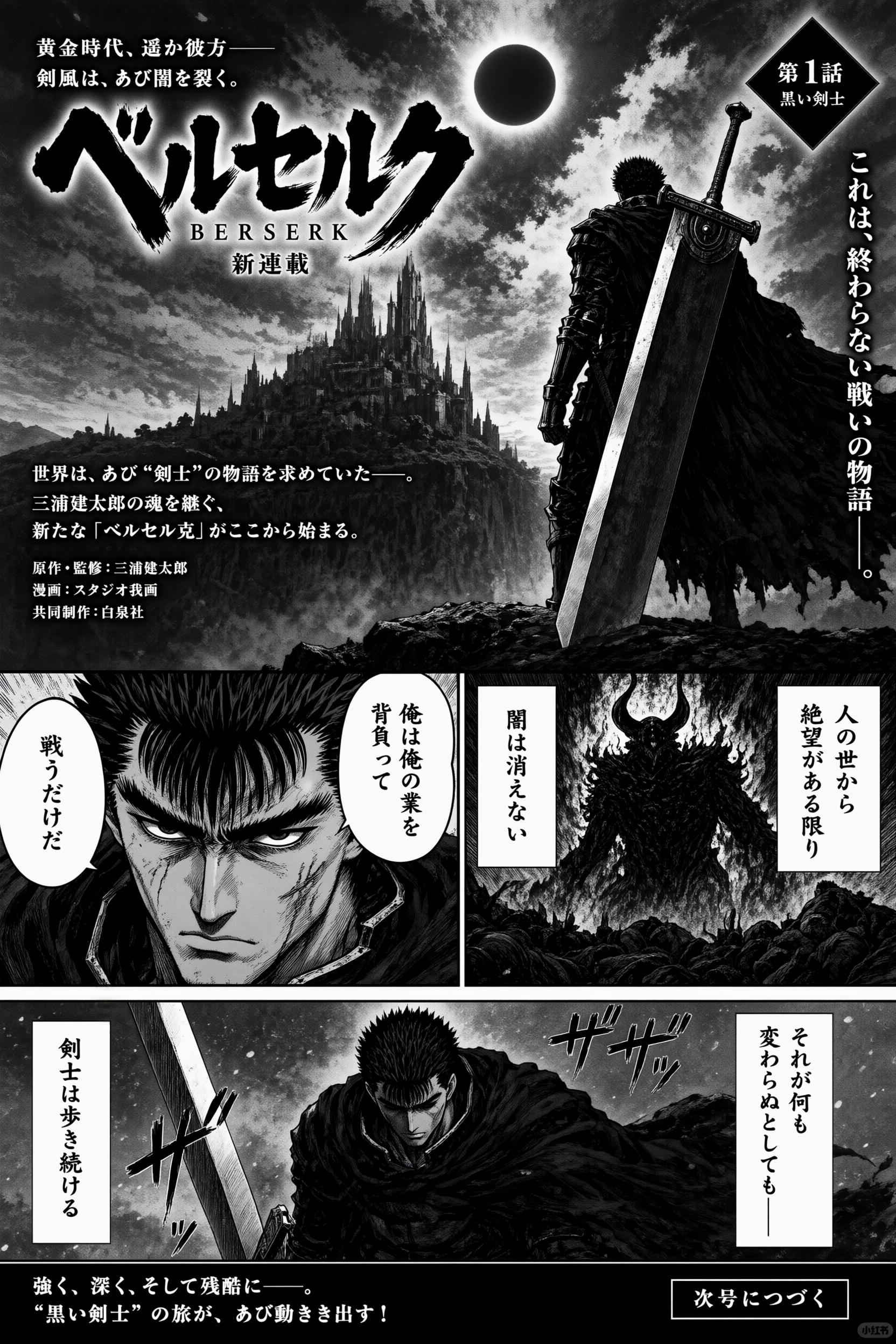
The following image was also included as an example of how Japanese characters can be drawn.
Qwen-Image-3.0 is available on Alibaba's chat AI service 'Qwen Studio,' so let's try it out. First, click the following link to access Qwen Studio.
Qwen Studio
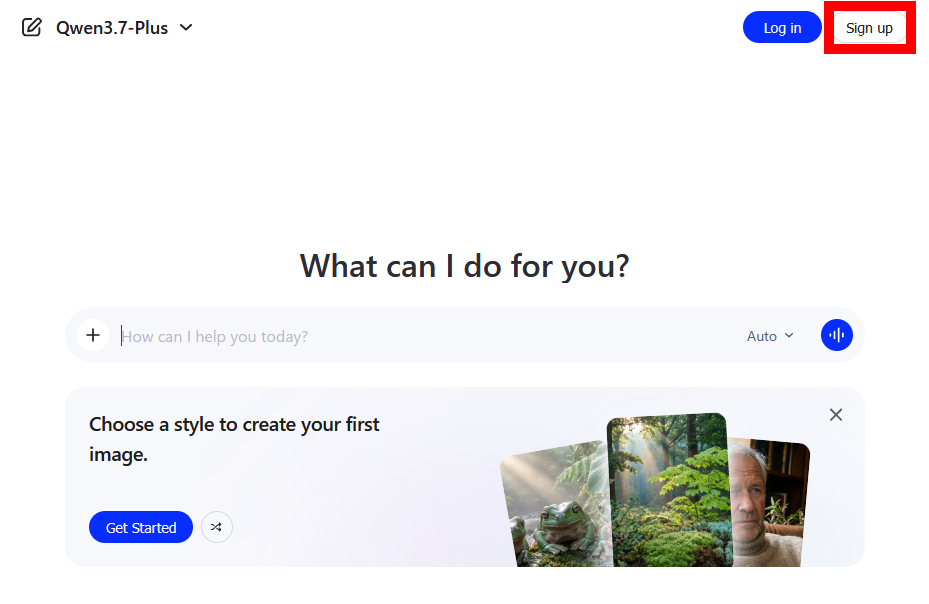
Click 'Sign up' in the upper right corner of the screen to create an account.
You can create an account using your email address, or you can sign in with your Google or GitHub account.
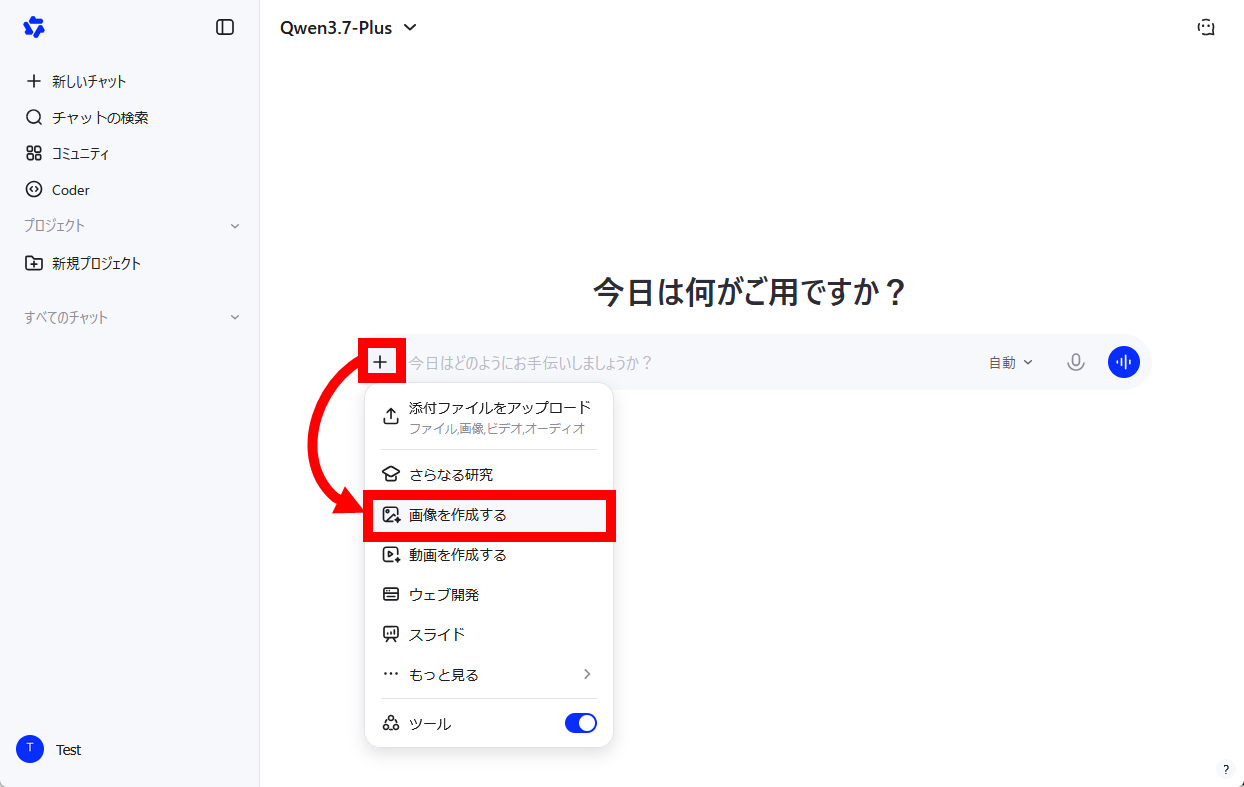
Once your account is created, click the '+' to the left of the input field, then click 'Create Image'.
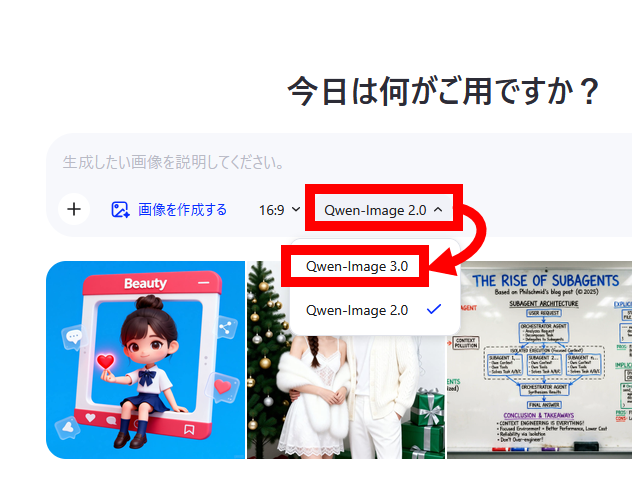
By default, it's set to generate images using the previous generation model, Qwen-Image-2.0, so we'll switch it to Qwen-Image-3.0.
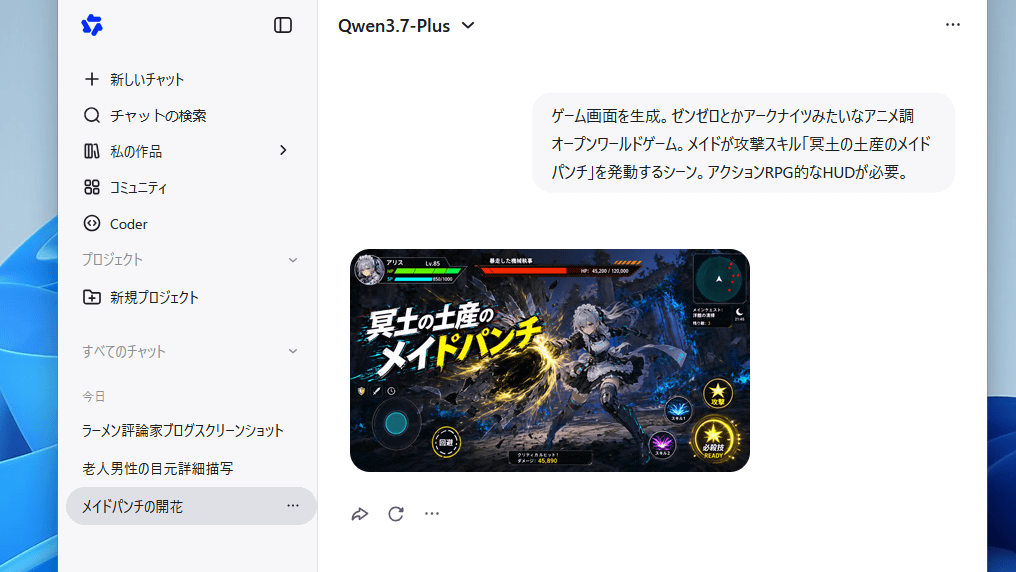
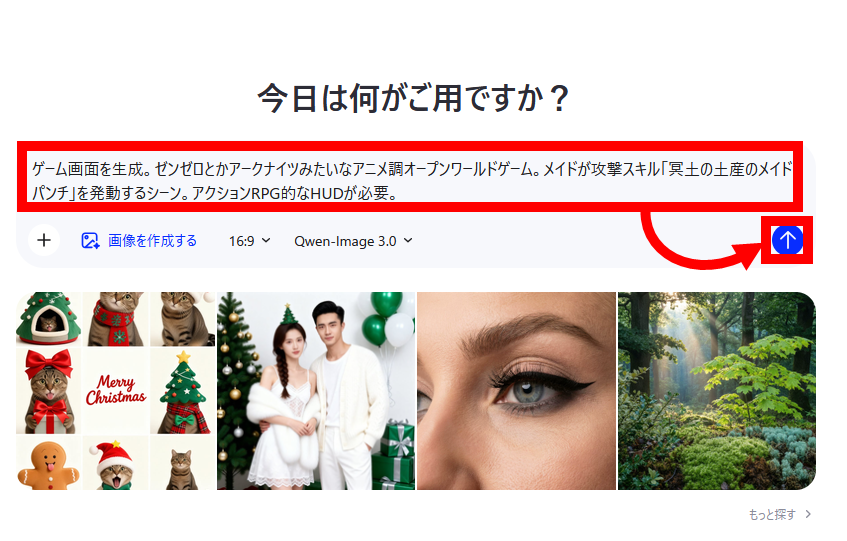
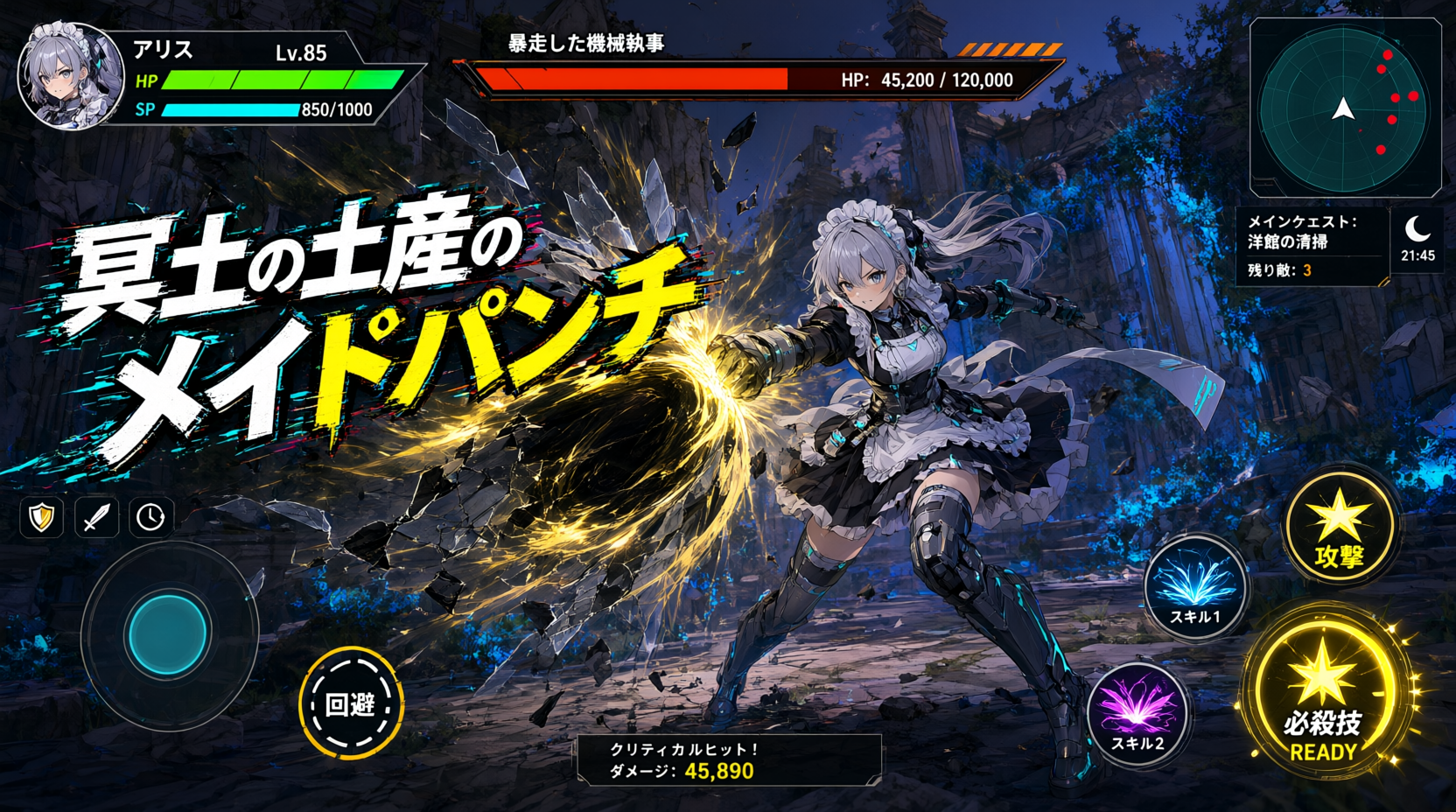
Enter a description for the image and submit. This time, I entered: 'Generating a game screen. An anime-style open-world game like ZenZero or Arknights. A scene where a maid uses her attack skill 'Maid Punch, a Souvenir from the Underworld.' An action RPG-style HUD is needed.'
After waiting for a while, the image was generated.
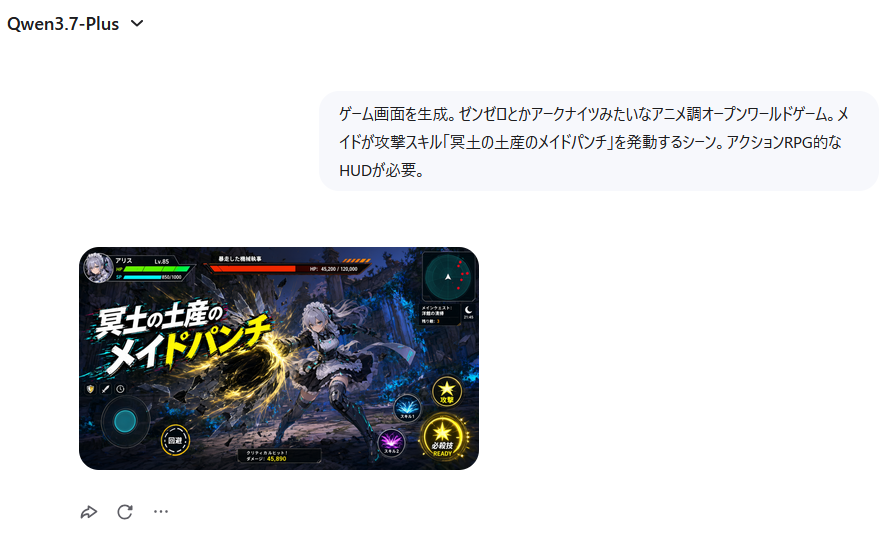
The generated image is shown below. Clicking on it will show you the original, unscaled image. It looks just like a game screenshot. The 'do' in 'Maid Punch' is slightly distorted and 'Quest' looks like 'Keesuto,' but overall the image turned out exactly as instructed.
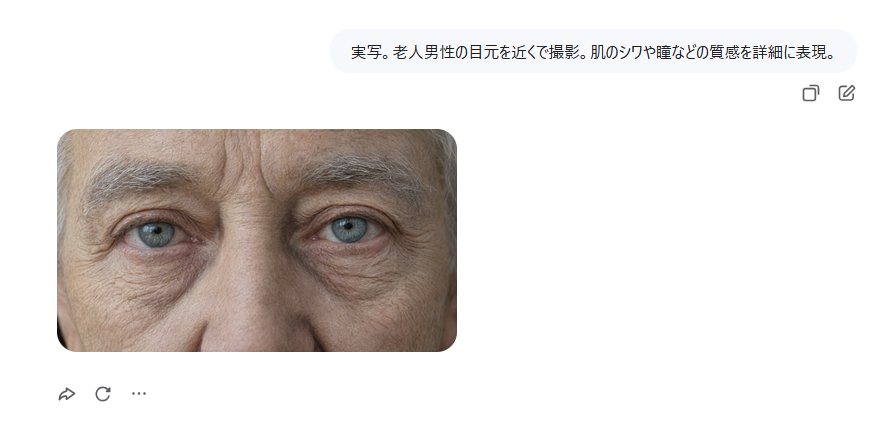
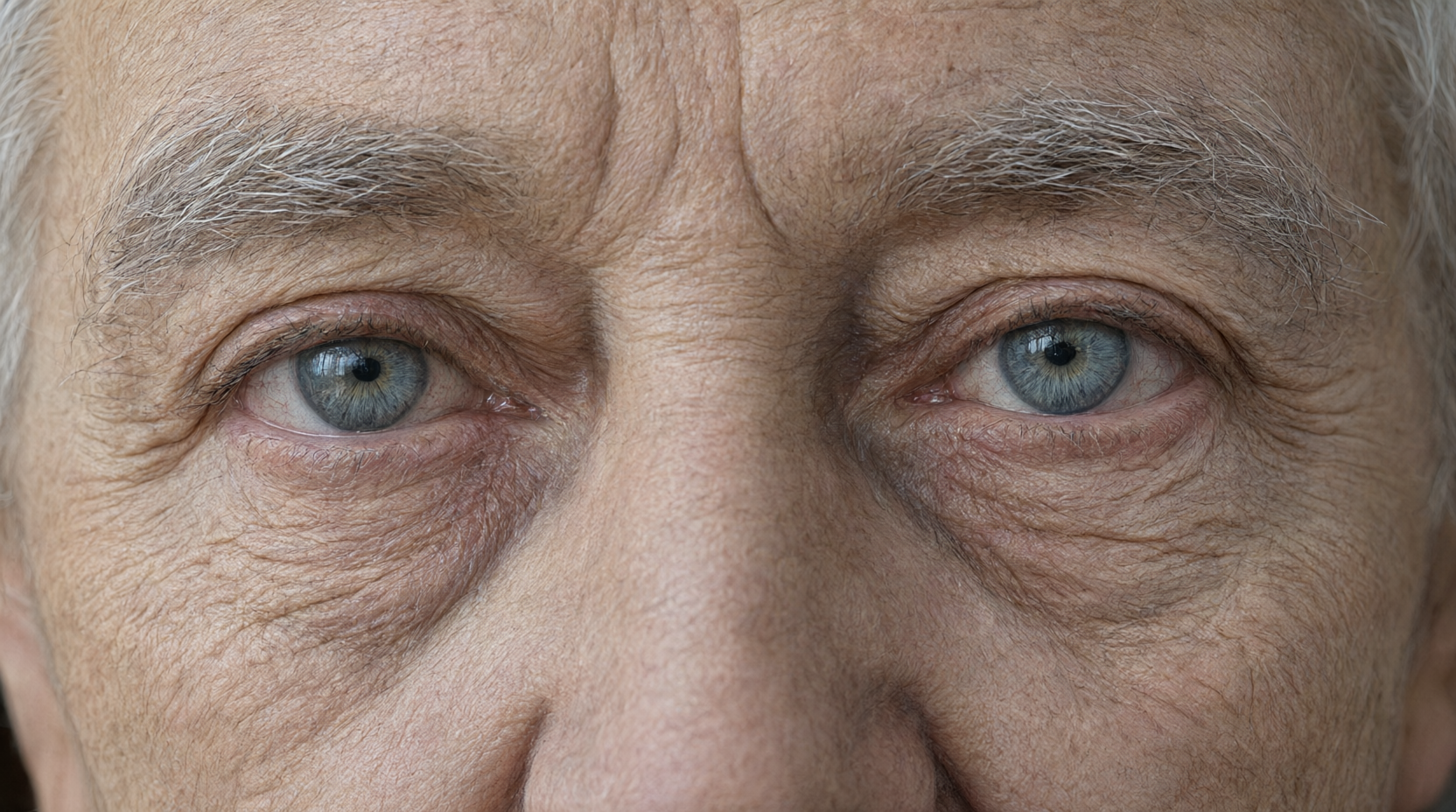
I also wanted to try out texture rendering, so I entered 'Live-action. Close-up shot of an elderly man's eyes. Detailed rendering of skin wrinkles and pupil texture.' and generated an image.
The skin texture is incredibly realistic.
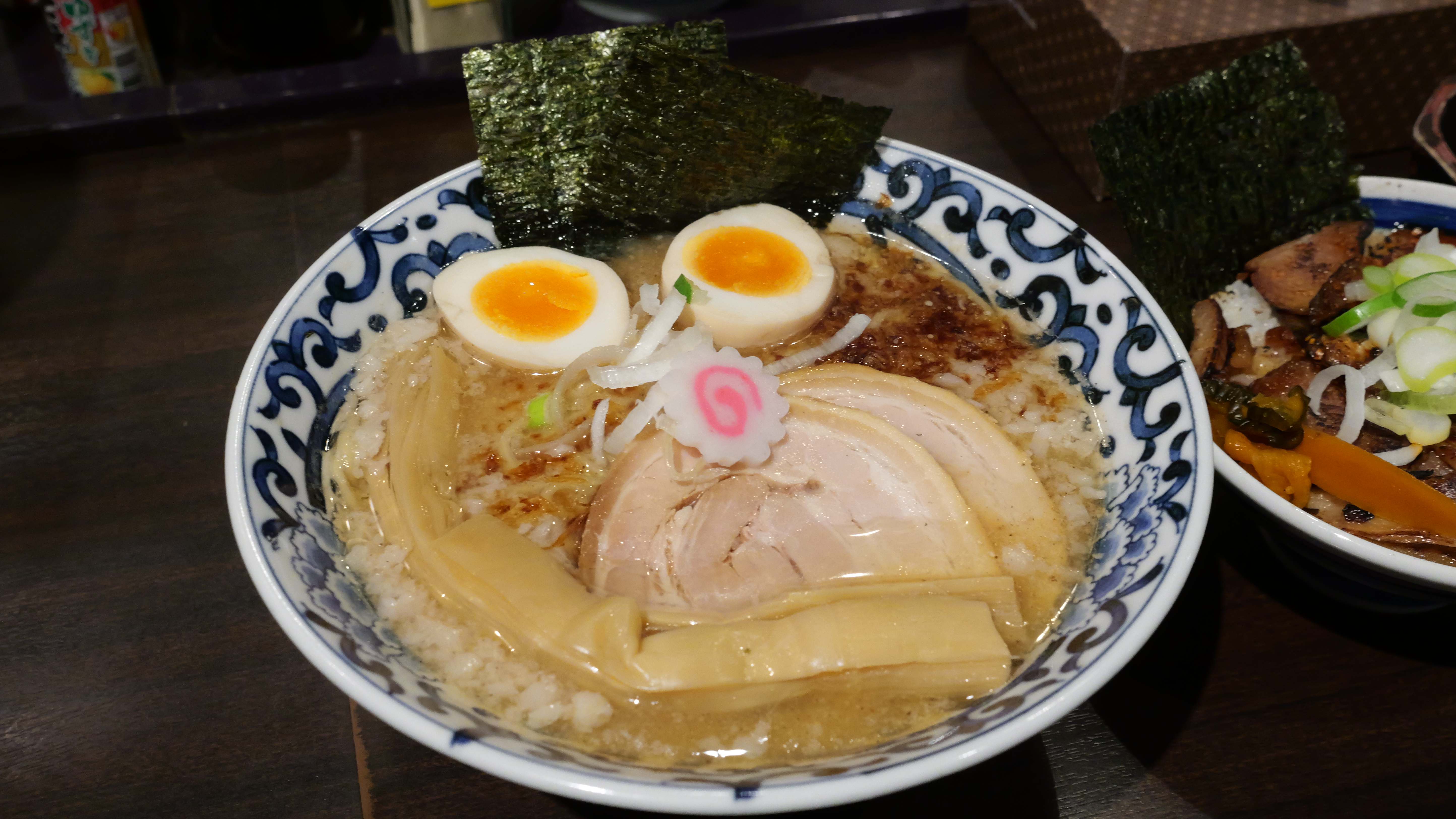
I'll also try using the image editing function. First, I prepared a photo of ramen I took at
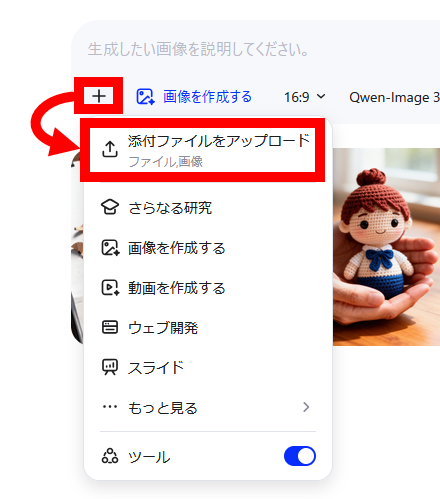
Click the '+' to the right of the input field in Qwen Studio, then click 'Upload Attachment'.
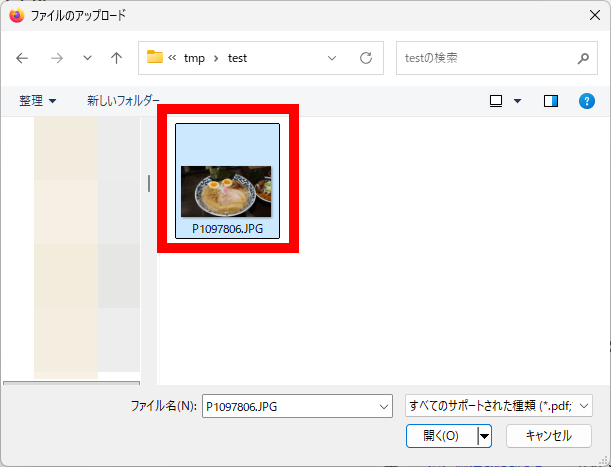
Select an image.
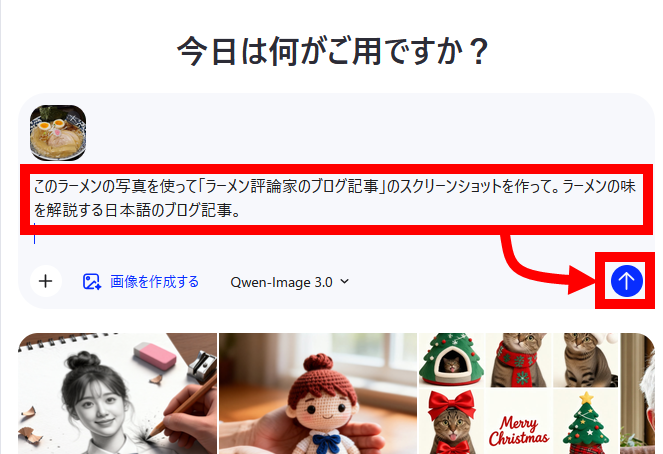
Enter your edits and submit. This time, I entered: 'Use this photo of ramen to create a screenshot of a 'ramen critic's blog post.' A Japanese blog post explaining the taste of ramen.'
The generated result is as follows: It created a screenshot of a fictional website called 'Men Log'.
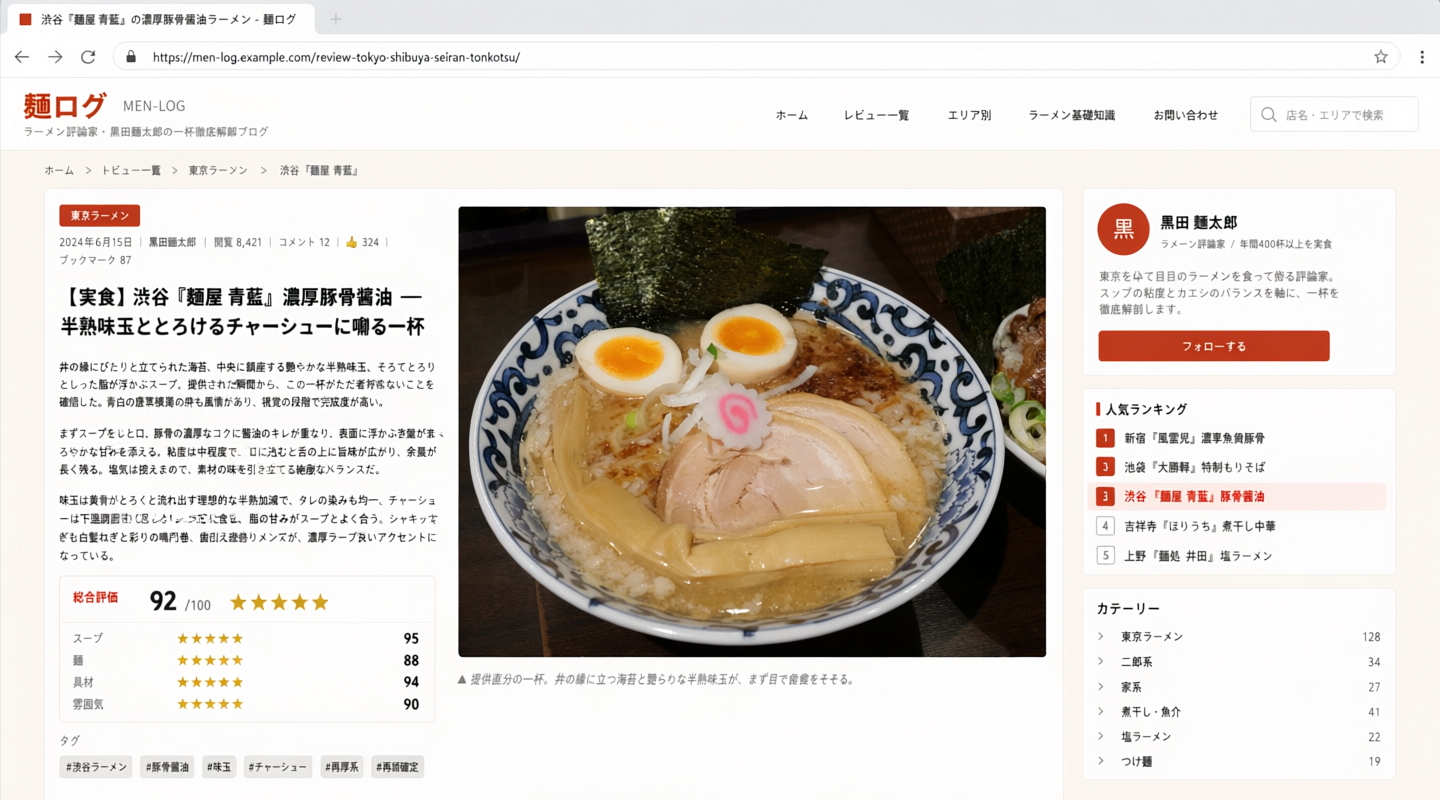
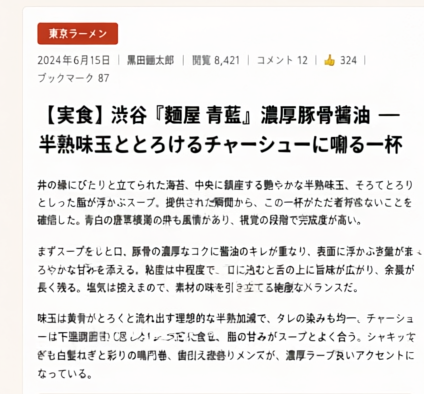
From a distance, it looks quite high quality, but when you focus on the text, there are many awkward parts, such as 'totonokeru' (to arrange) and 'sorote tororitto shitta' (smoothly and melted). It seems there are still challenges to be overcome in describing Japanese text.
Related Posts:
in AI, Review, Web Application, Posted by log1o_hf