'Unfaker' is a web application that converts subtle pixel art-like images created with image generation AI into a format that can be used in games.
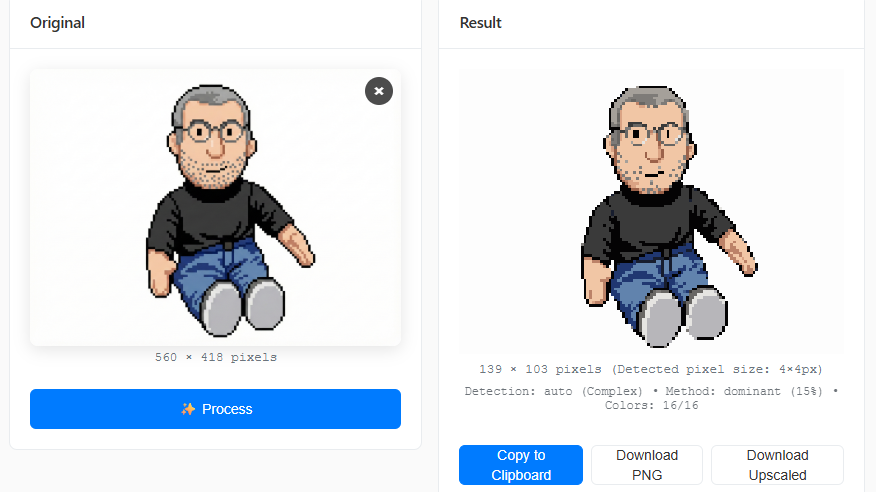
Image generation AI can easily create pixel art-like images, but even high-quality image generation AI can have problems like color bleeding, curved lines, and imperfect grids. The JavaScript library ' unfake.js ' was developed to solve these problems, quickly solving various issues with pixel art-like images and converting them into a format that can be used for game development and other purposes.
GitHub - jenissimo/unfake.js: Fix AI pixel art and vector images right in your browser
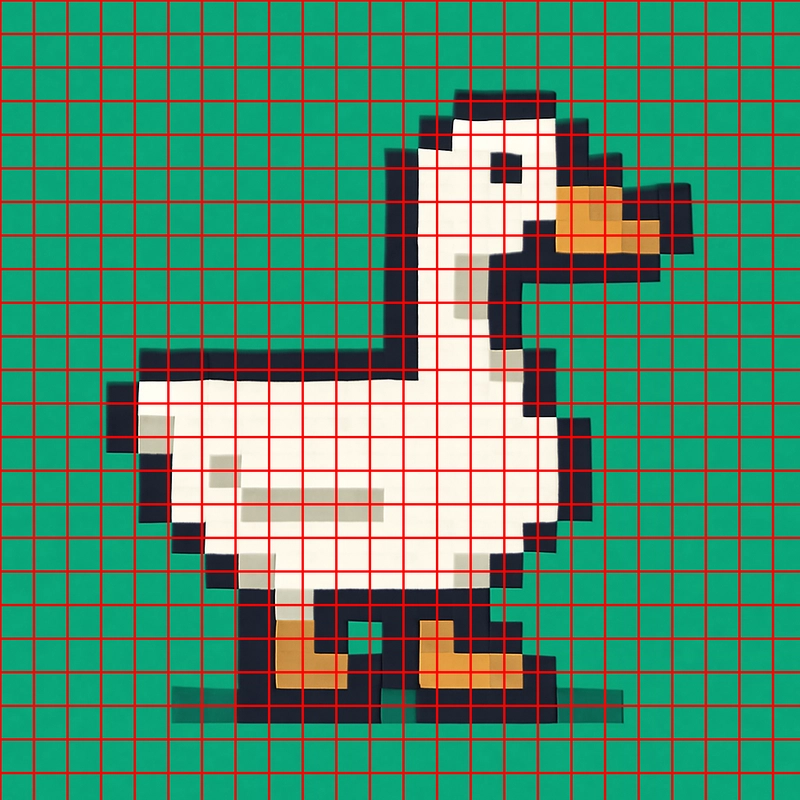
Below is an example of a pixelated image created by image generation AI. At first glance, it looks like a complete pixelated image, but when you apply it to a grid pattern, you can see that it's not a perfect grid and the lines are crooked. unfake.js can correct this kind of image.
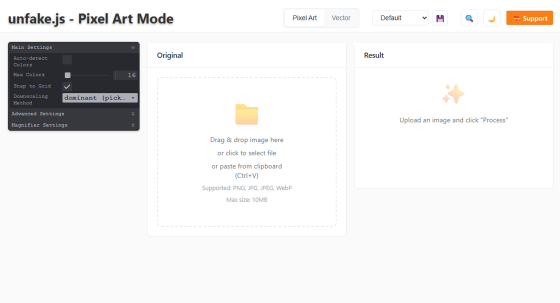
unfake.js is available as a JavaScript library. A simple demo site is also available at the link below, so let's try using it.
Unfaker by jenissimo
First, create a pixel art-style image based on the photo below.
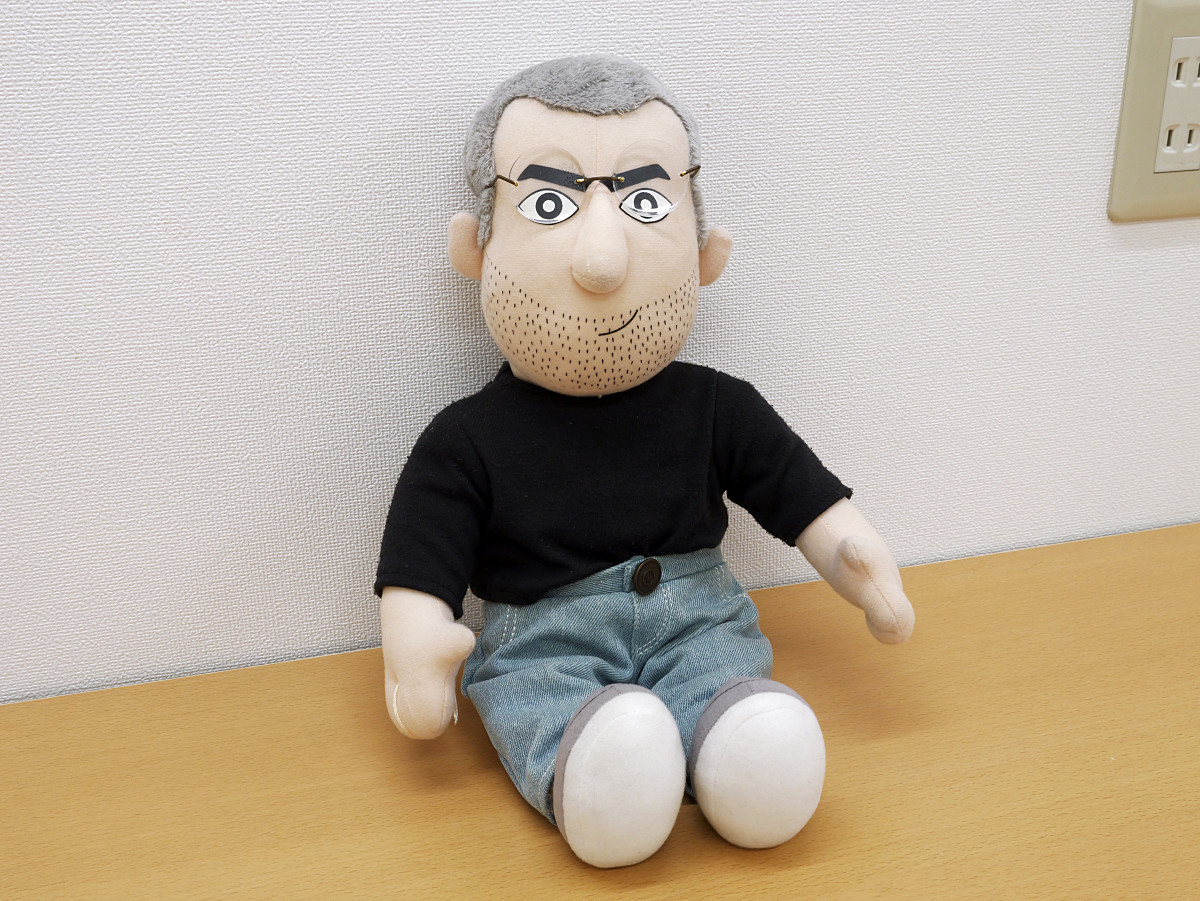
I asked Gemini to process the image into a pixelated style using Nano Banana Pro.
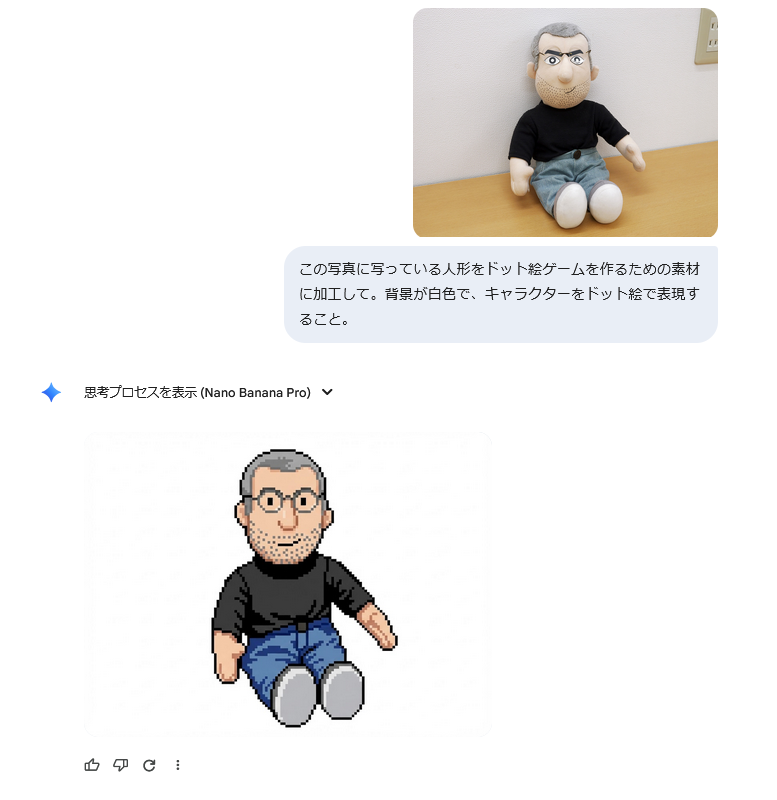
The resulting pixel art-style image is below. Click to see the original image.
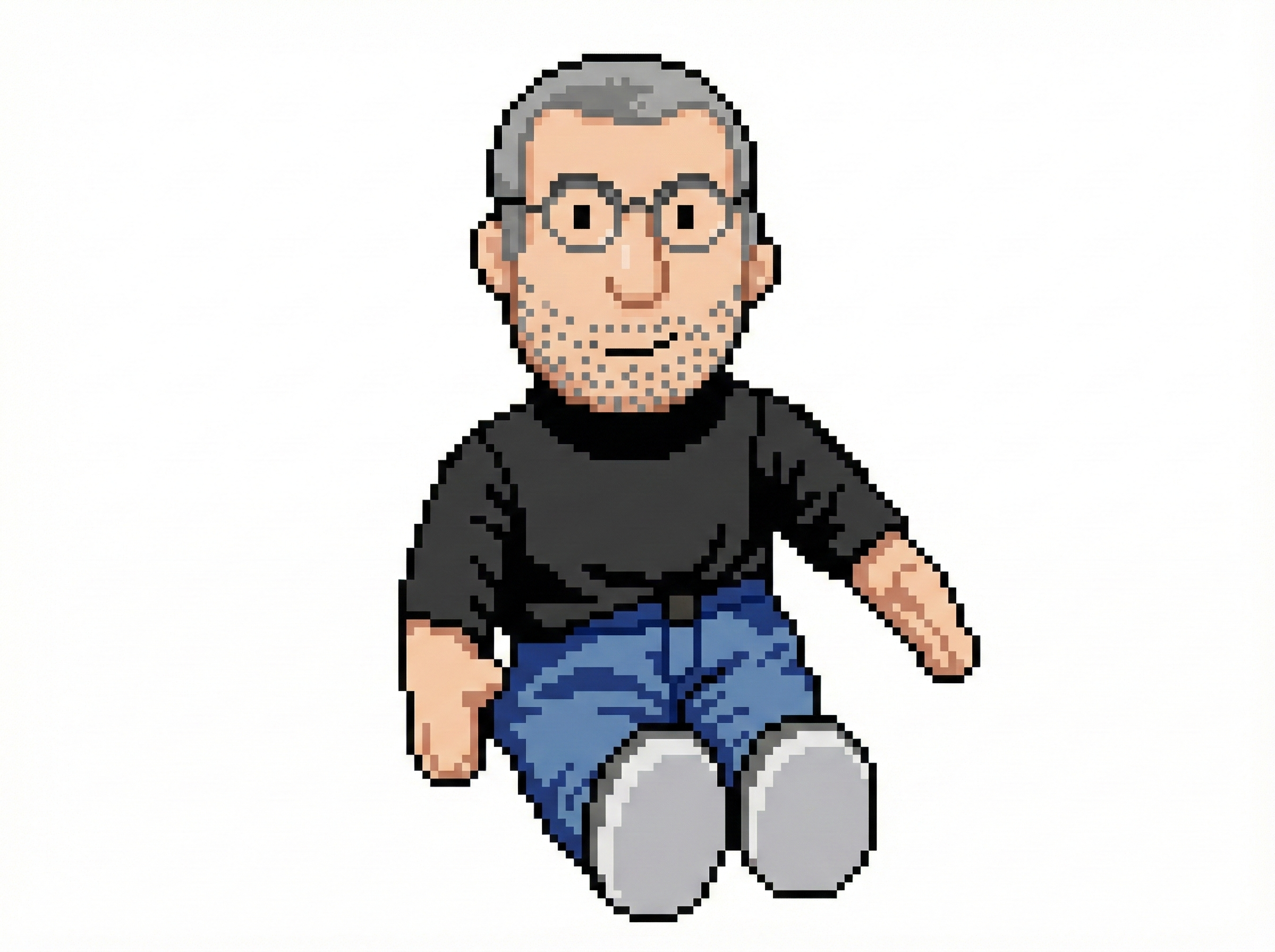
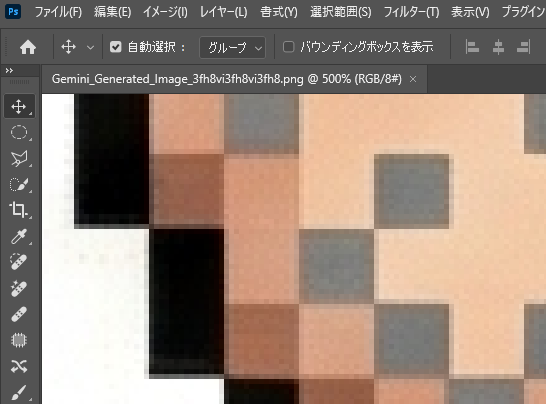
If you zoom in, you can see that the lines are distorted and blurred. Also, pixel art is characterized by a small number of colors overall, but this image uses 38,680 colors.
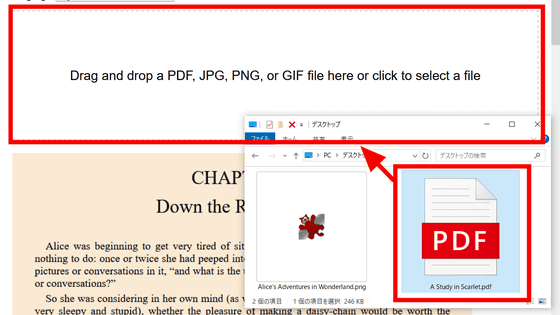
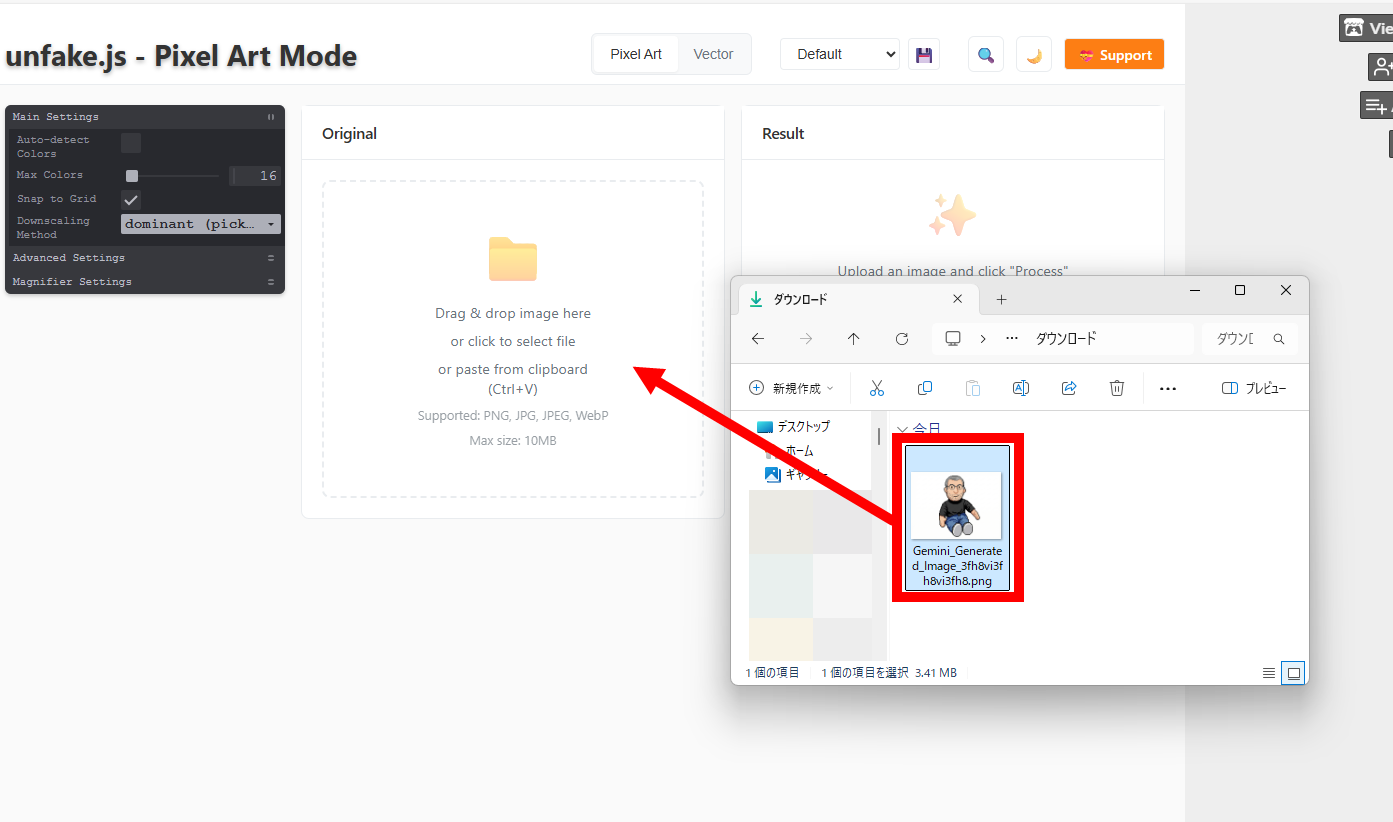
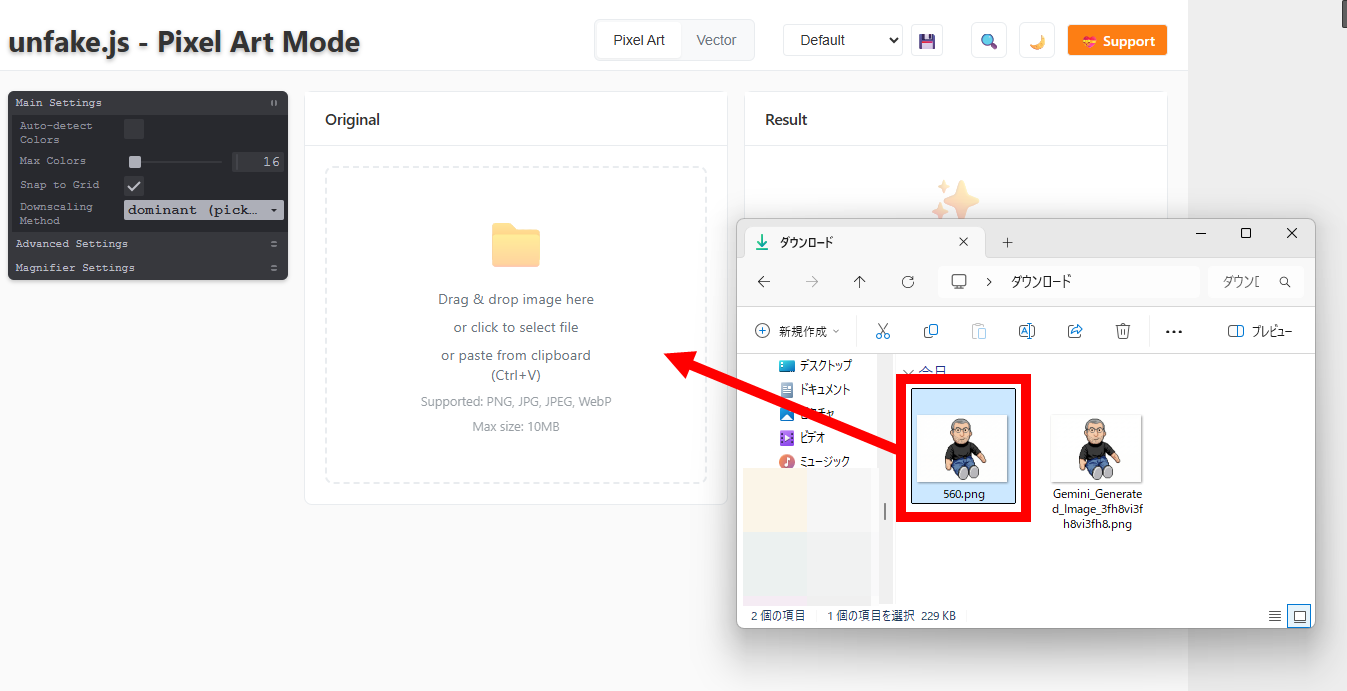
Drag and drop the generated image into the image input field on the demo site.
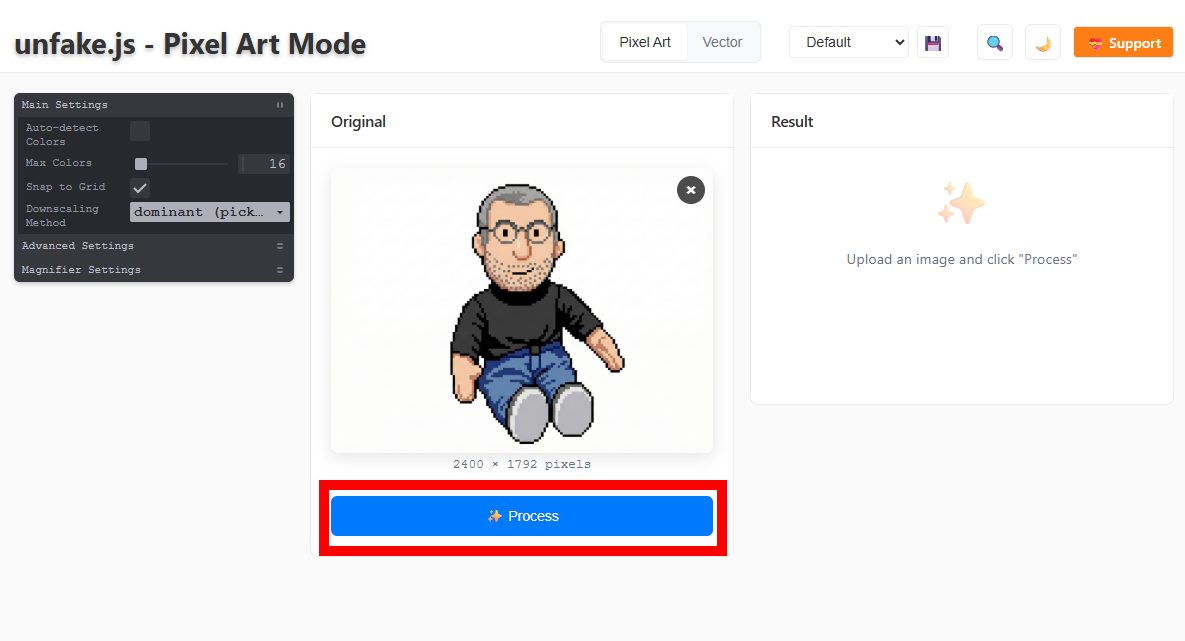
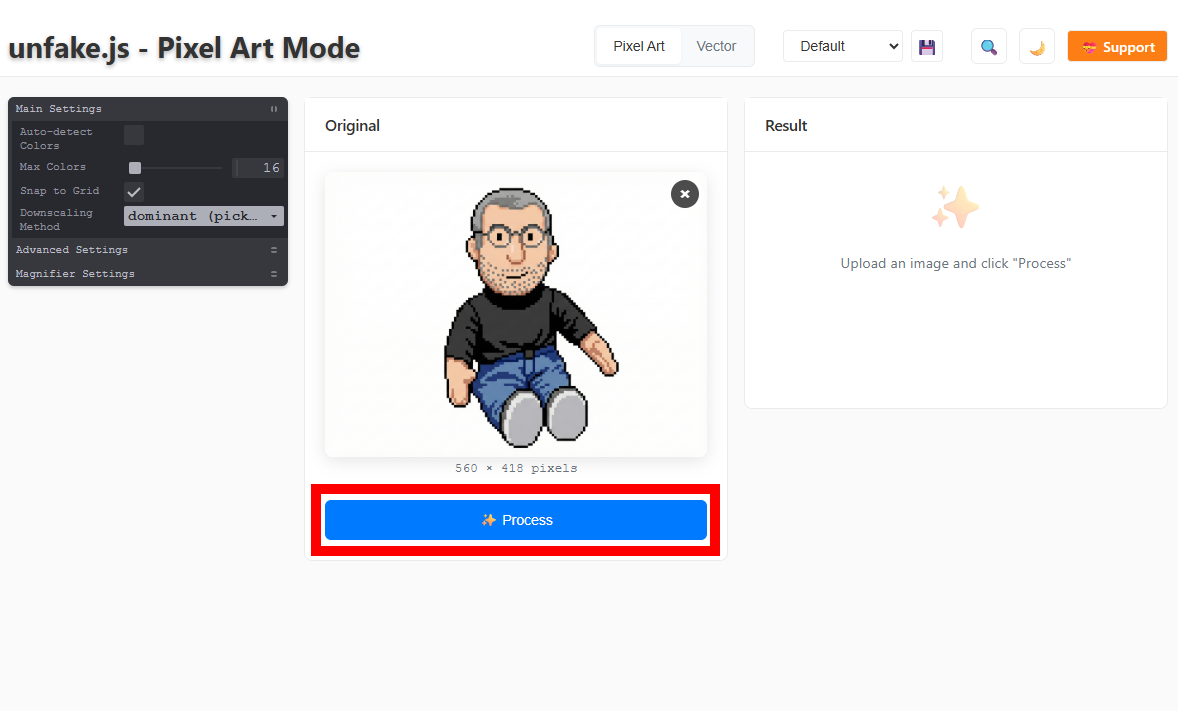
Click “Process”.
Apparently the image resolution was too high and an error message appeared.
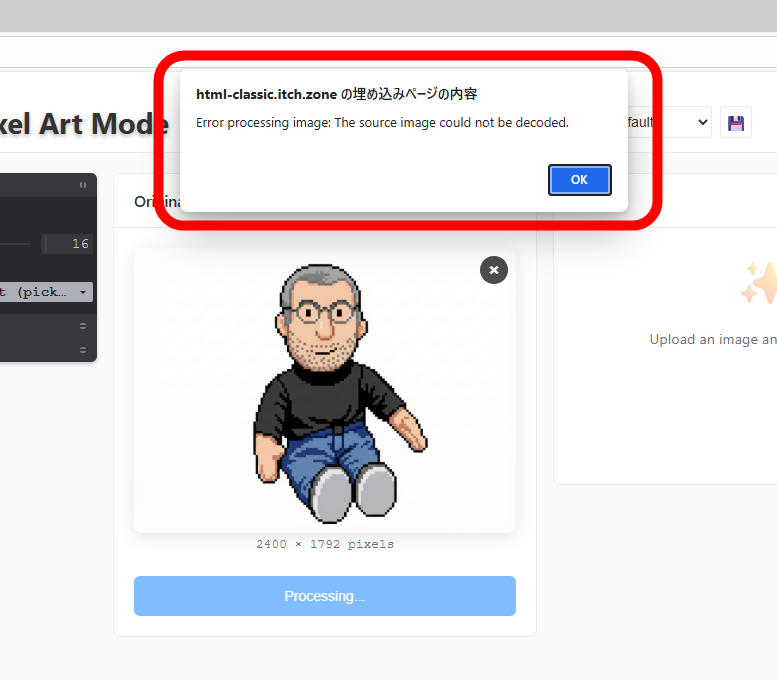
Reduce the image width to 560 pixels and drag and drop it again.
Click “Process”.
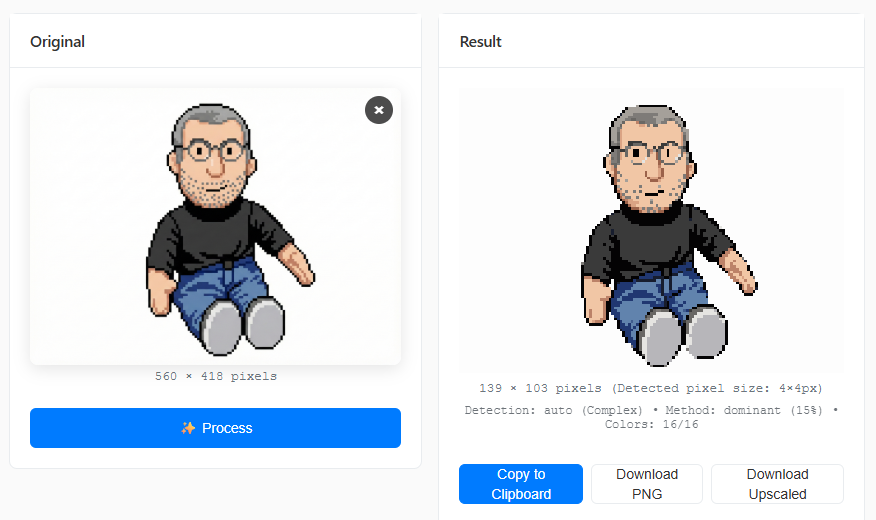
The corrected image was displayed in a few seconds.
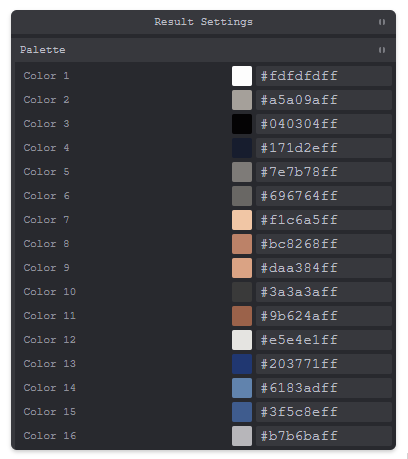
Scroll down to see the color palette, which is limited to 16 colors.
Click 'Copy to Clipboard' to copy the corrected full-size image to the clipboard, click 'Download PNG' to download the full-size image, or click 'Download Upscaled' to download the enlarged image.
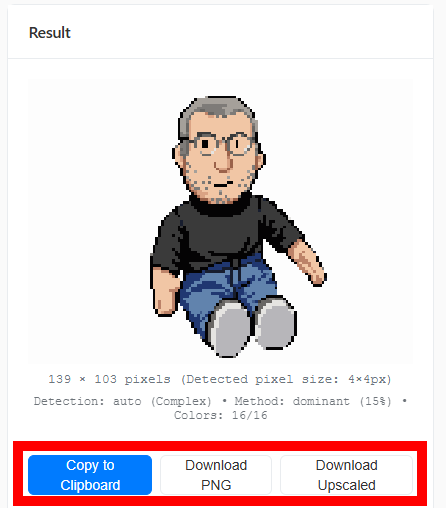
The full-size image I downloaded is below. The left eye is a bit blurred, but it's still a fairly high-quality pixel art. You can generate even higher-quality pixel art by repeating the image generation process several times.
The enlarged image is below.
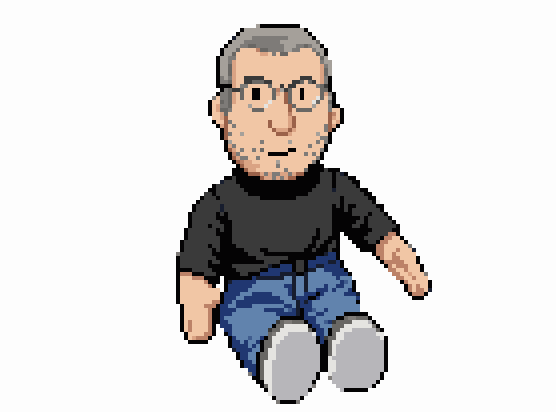
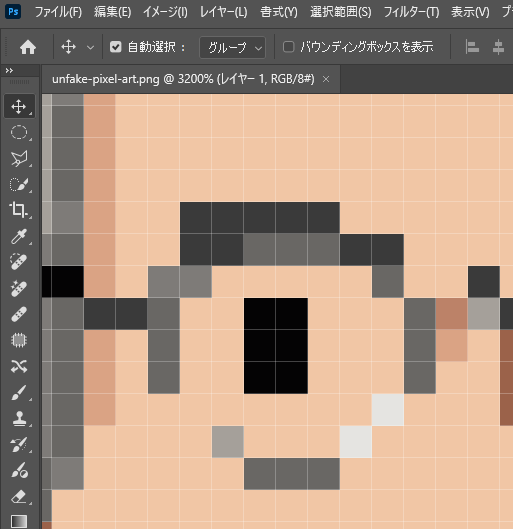
If you zoom in and take a closer look, you'll see that the lines are perfectly straight, the color bleeding has disappeared, and a grid pattern has been created.
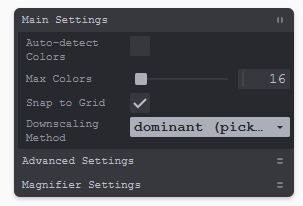
On the demo site, you can specify the number of colors after correction between 16 and 256 colors.
In addition, a workflow for ComfyUI has also been released that combines image generation AI with unfake.js to generate beautiful pixel art.
GitHub - tauraloke/ComfyUI-Unfake-Pixels: Transform a fake pixel generation to a pixel image
https://github.com/tauraloke/ComfyUI-Unfake-Pixels/
Related Posts: