'trek' is a free service for planning trips with multiple people, offering real-time collaboration, interactive maps, budget management, and packing lists for sharing.
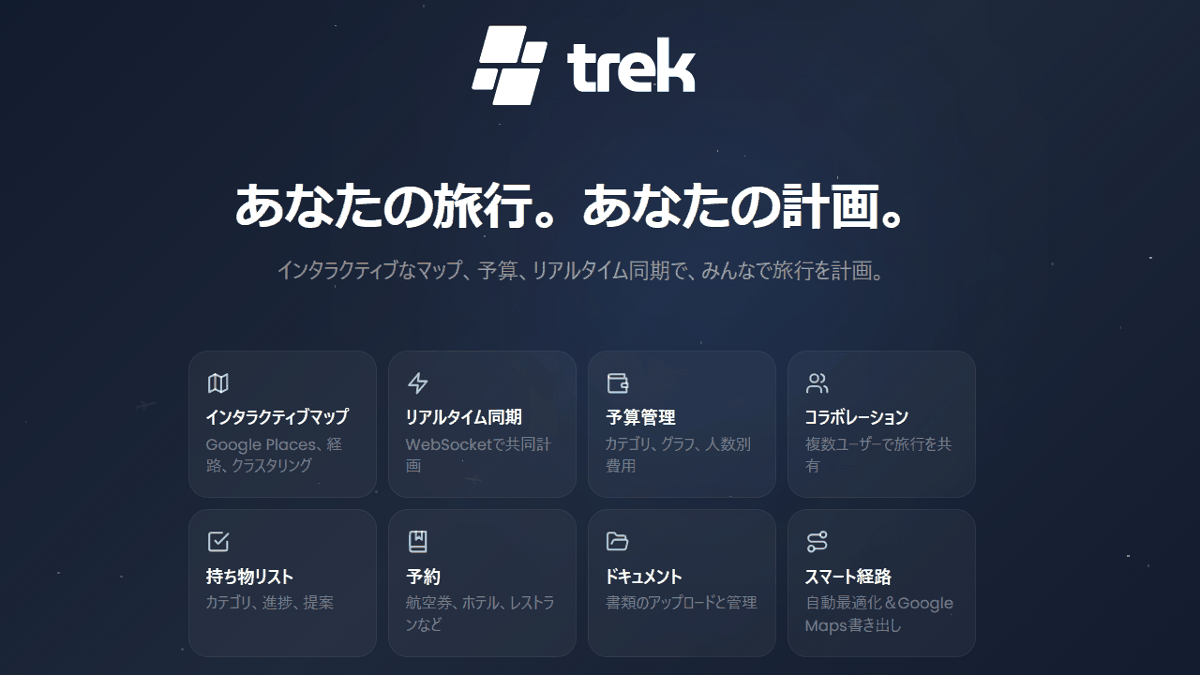
When traveling with multiple people, managing potential destinations, travel plans, budgets, packing lists, and booking information using separate apps can be time-consuming. A free travel planning tool called ' trek ' has been released that allows for real-time collaborative editing, interactive maps, budget management, and packing lists to be shared all in one place.
mauriceboe/TREK: A self-hosted travel/trip planner with real-time collaboration, interactive maps, PWA support, SSO, budgets, packing lists, and more.
◆Main features of trek
• Drag-and-drop planning and interactive maps
You can pin waypoints and destinations on the map.
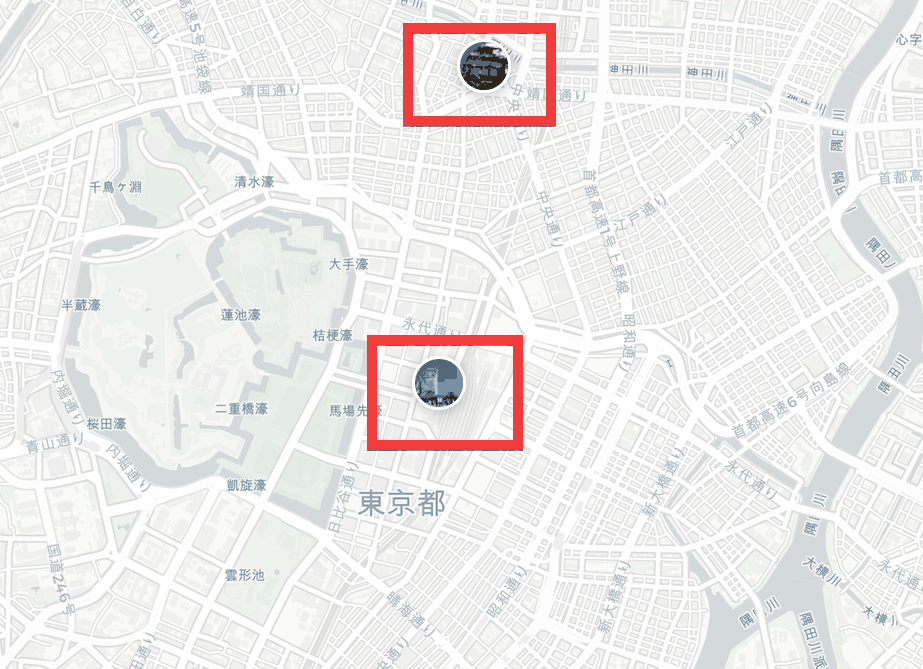
Drag and drop the registered locations onto the schedule...
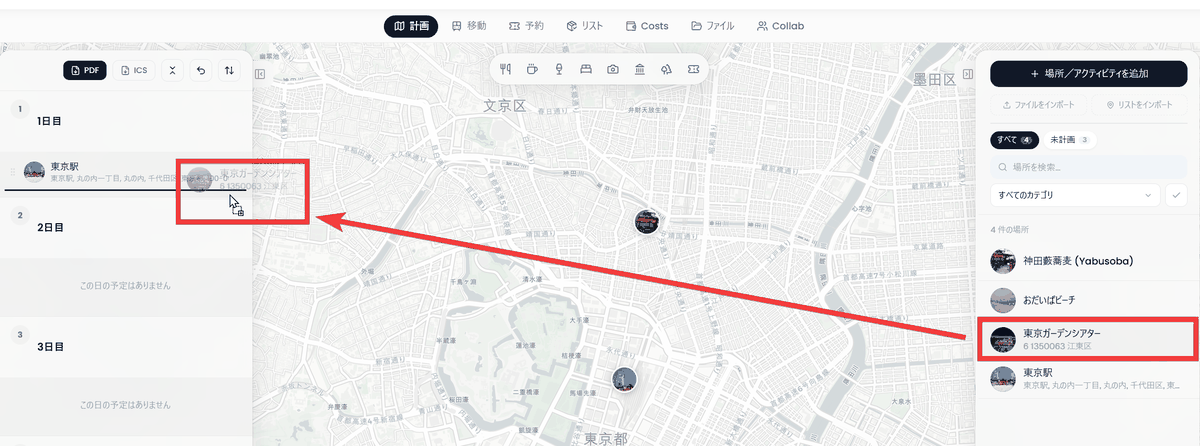
Locations will be added to the schedule.
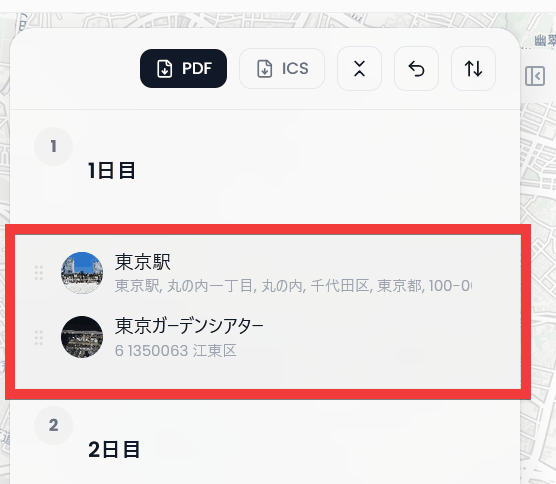
Rearranging locations and changing dates can all be done with drag and drop. Because you can directly import search data from
Real-time collaborative editing
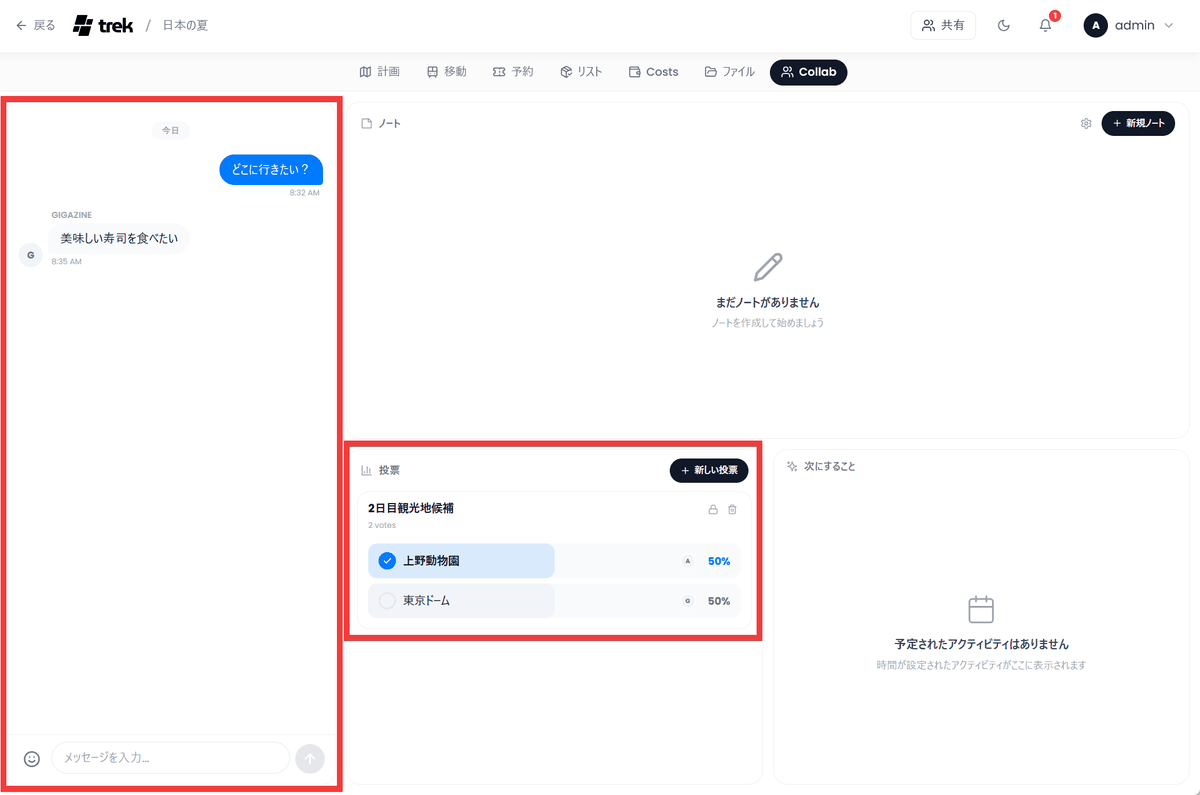
Sharing plans with members allows for collaborative editing. Features like chat and surveys are also available, making it easy to decide on the next destination and other details.
• Budget management & bill-splitting system
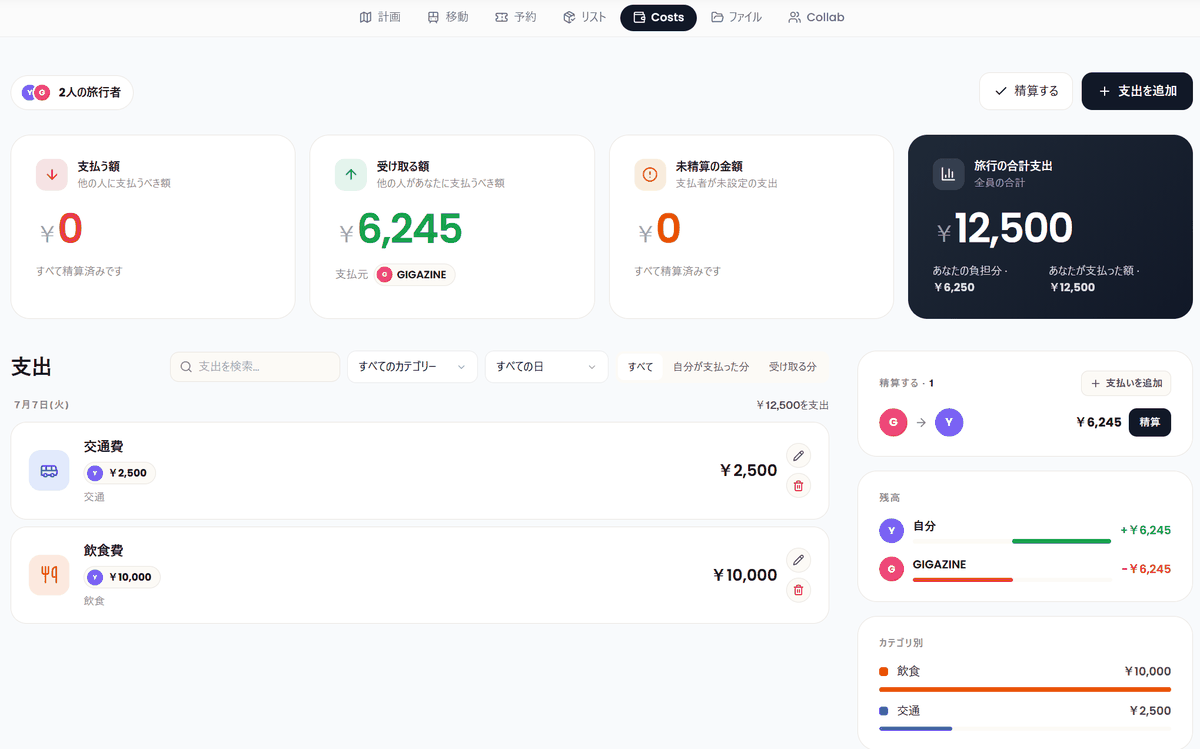
Simply record your travel expenses, and the app will automatically track expenses by category and convert between multiple currencies. Furthermore, it automatically calculates who should pay whom and how much, making post-trip settlements hassle-free.
- Packing list with assigned roles
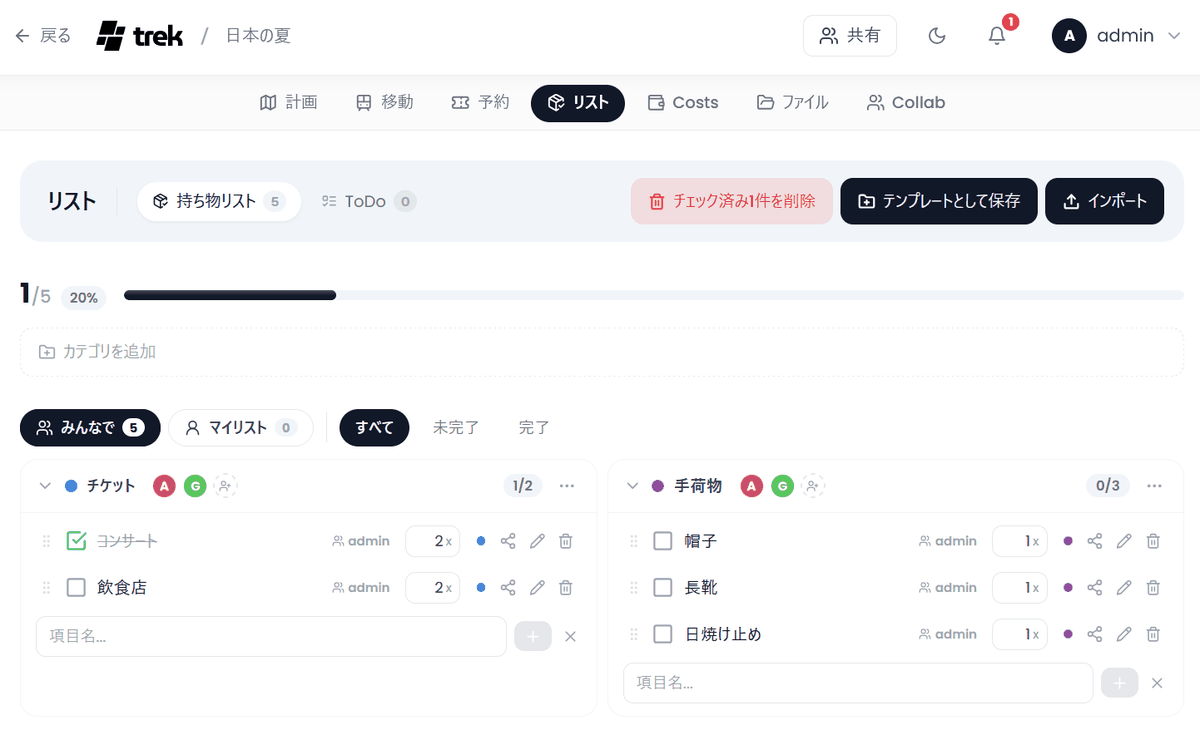
You can create checklists for each category and set who is responsible for what. Since each person's progress is visualized, you can see the overall preparation status of the group at a glance.
• MCP server compatible
As
◆List of other features
• Plugin system: Allows you to add dashboard extensions and additional features with a single click.
• Import booking information: Automatically import booking details from flight and hotel confirmation emails/PDFs.
• Vacay (Vacation Planner): Integrates with the calendar and allows for vacation management that takes into account holidays in over 100 countries.
• Atlas (Travel Statistics): Maps the countries you have visited so far onto a world map and visualizes your travel statistics.
• Advanced security: Supports passkey authentication, two-factor authentication, and various OIDCs.
• Data protection: All information is stored in a local SQLite database and can be automatically backed up from the administrator panel.
◆ How to build vesik
This time, we'll build it in an environment where Docker Desktop and Git Bash for Windows are installed on Windows. You can start it by simply entering the following Docker command in your working folder.
 ENCRYPTION_KEY=$(openssl rand -hex 32) docker run -d -p 3000:3000 \
 -e COOKIE_SECURE=false -e ENCRYPTION_KEY=$ENCRYPTION_KEY \
 -v ./data:/app/data -v ./uploads:/app/uploads mauriceboe/trek
Once the container starts, check the Docker logs; a temporary email address and password for the administrator will be displayed, so make a note of them.
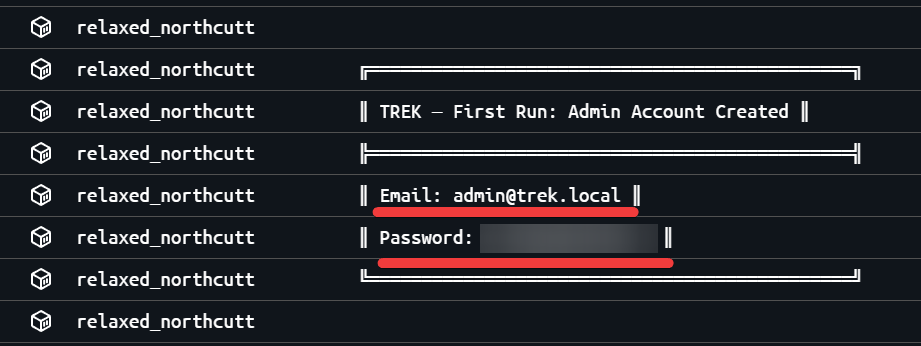
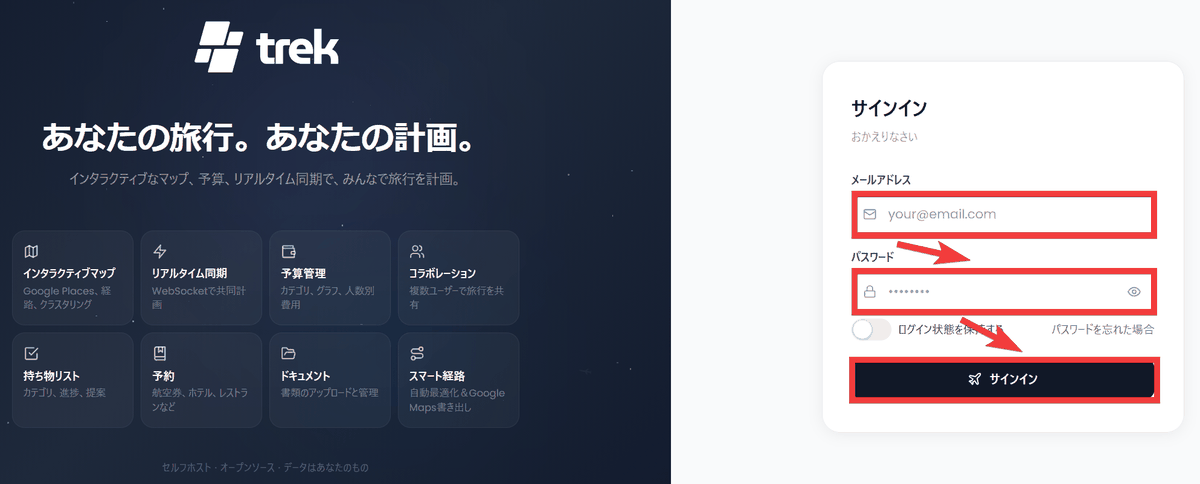
Access 'http://localhost:3000' in your browser, enter the temporary email address and password you noted down earlier into the 'Email Address' and 'Password' fields of the sign-in form, and click 'Sign In'.
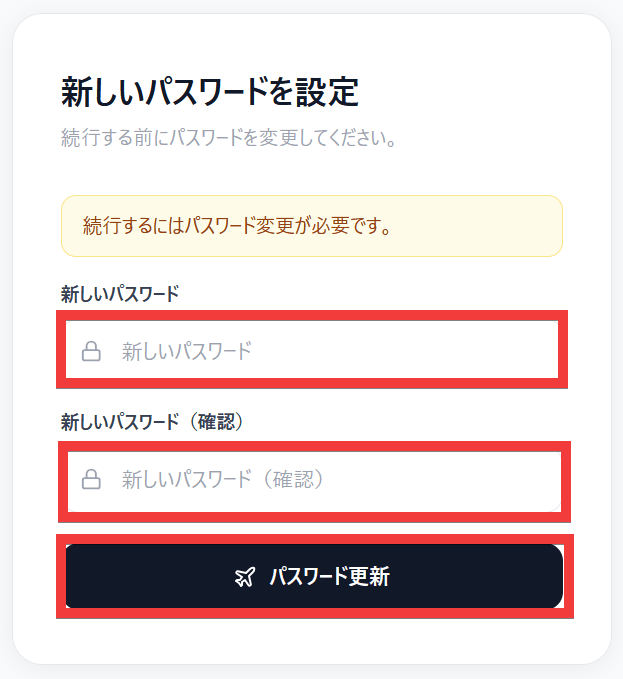
A password change form will appear. Enter your desired password in the 'New Password' and 'New Password (Confirm)' fields, then click 'Update Password'.
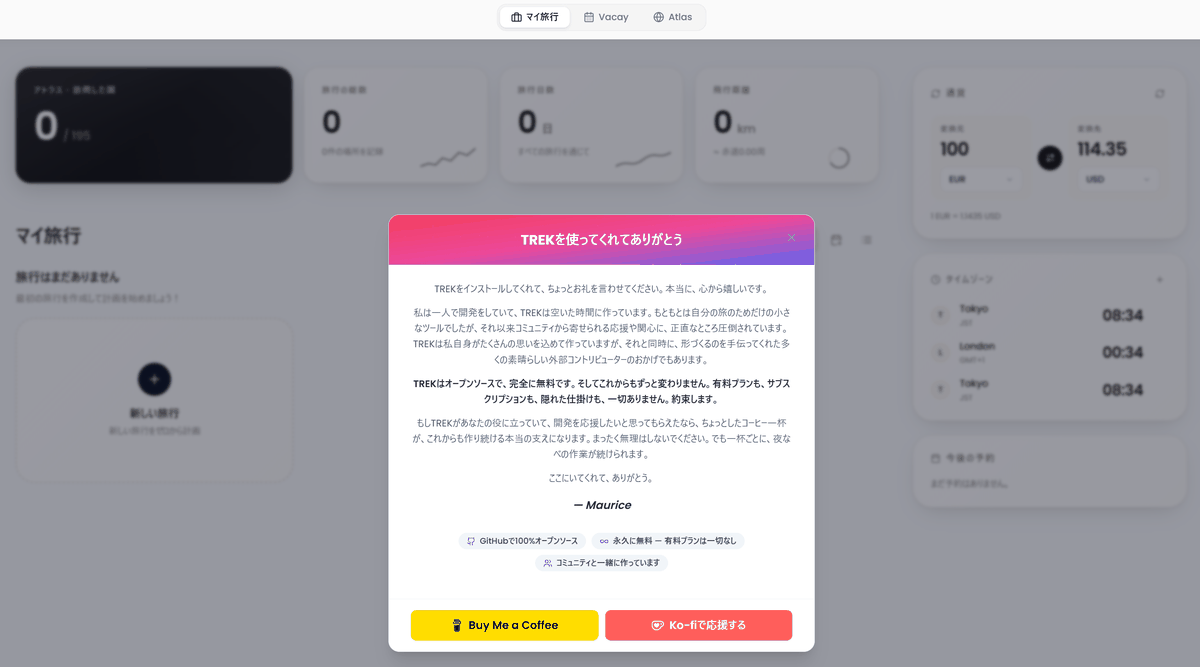
The setup is complete when the initial screen is displayed.
◆Regarding Japanese language support and use in the Japanese region
The UI is available in Japanese, and you can input currency in yen, with the exchange rate (such as dollar/yen) automatically retrieved and reflected. However, automatic retrieval of transportation options is limited to areas supported by ' Transitous ,' meaning that in Japan, searches are only possible around Tokyo. There were also some incomplete aspects, such as the calendar not reflecting all public holidays.
Related Posts: