NoteDiscovery is a free, lightweight, privacy-focused note-taking app that features LaTeX math input, Mermaid diagrams, smart tag management, custom templates, code highlighting, and more. It's self-hostable.
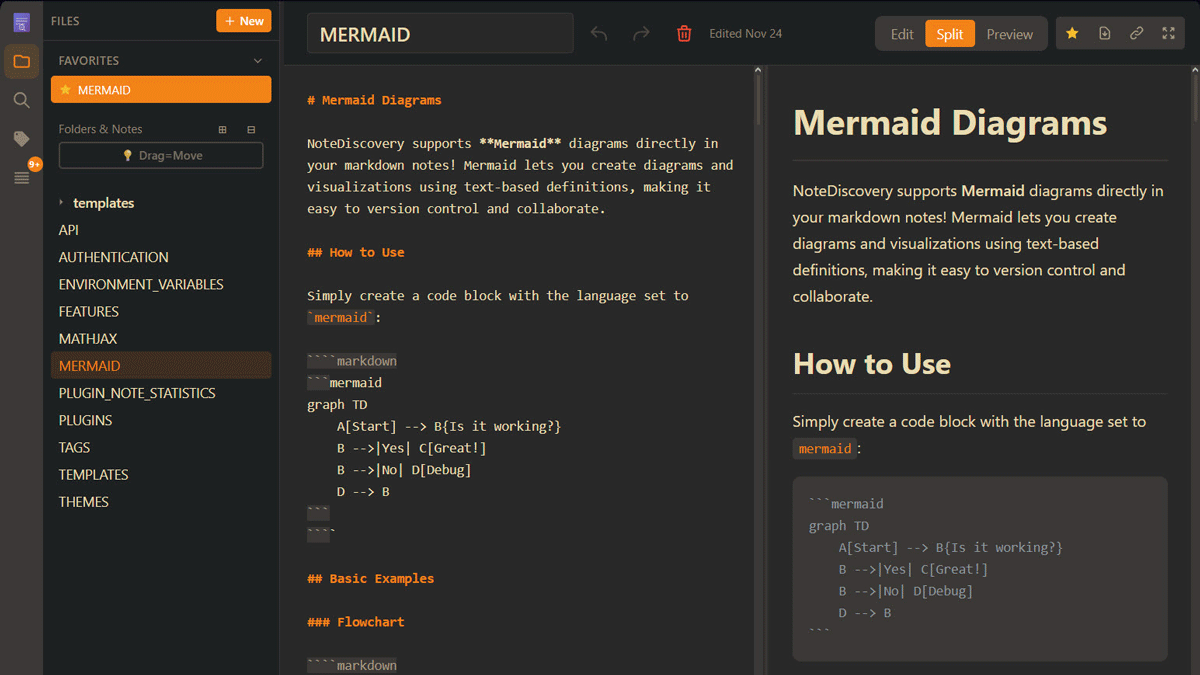
'NoteDiscovery' is a free, lightweight, privacy-conscious note-taking app that lets you build local notepads and
gamosoft/NoteDiscovery: Your Self-Hosted Knowledge Base
https://github.com/gamosoft/NoteDiscovery
NoteDiscovery - Your Self-Hosted Knowledge Base
https://www.notediscovery.com/
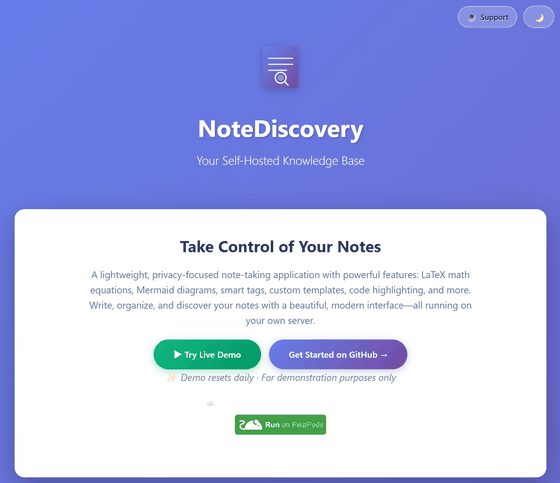
◆Demo site
You can try out NoteDiscovery on the demo site below.
◆Installation method
This time, we will build it in an environment with PowerShell and Docker Desktop on Windows 11. Execute the following command in any folder to create a working folder and a data folder for NoteDiscovery and move them to the folder.
mkdir notediscovery\data; cd notediscovery
Run the docker command to start NoteDiscovery.
 docker run -d --name notediscovery -p 8000:8000 `
 -v ${PWD}/data:/app/data `
 ghcr.io/gamosoft/notediscovery:latest
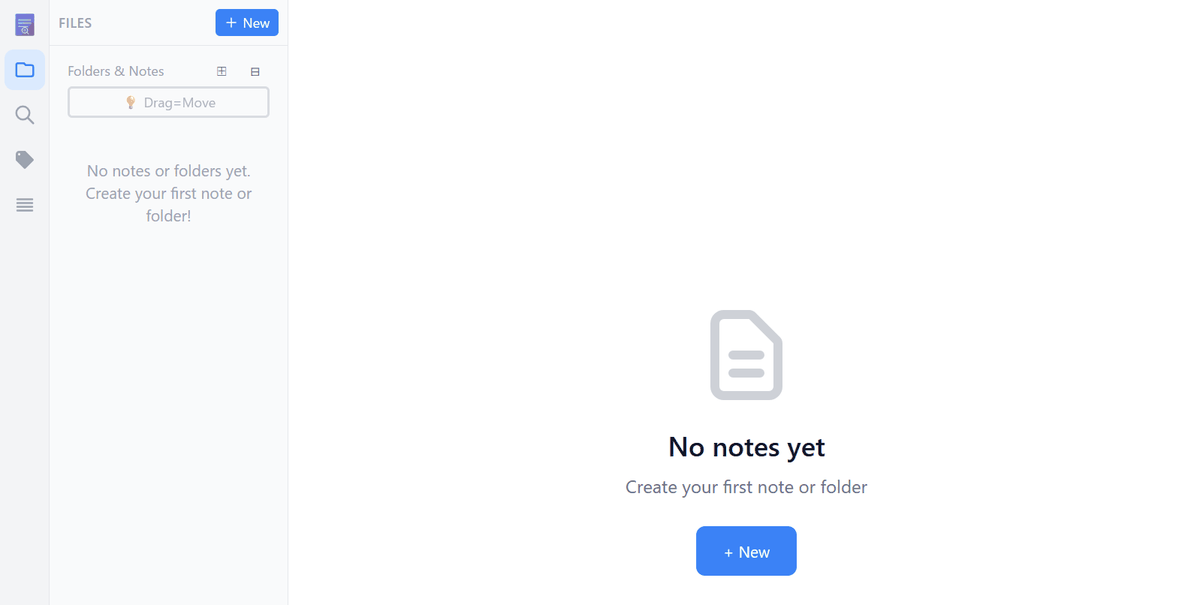
If you access 'http://localhost:8000' in your browser, the NoteDiscovery homepage will be displayed.
◆Main features of NoteDiscovery
・Complete privacy protection
Your notes never leave our servers, ensuring complete ownership and privacy of your data.
・Completely free
There are no additional subscription or feature unlock fees, and it is provided as open source.
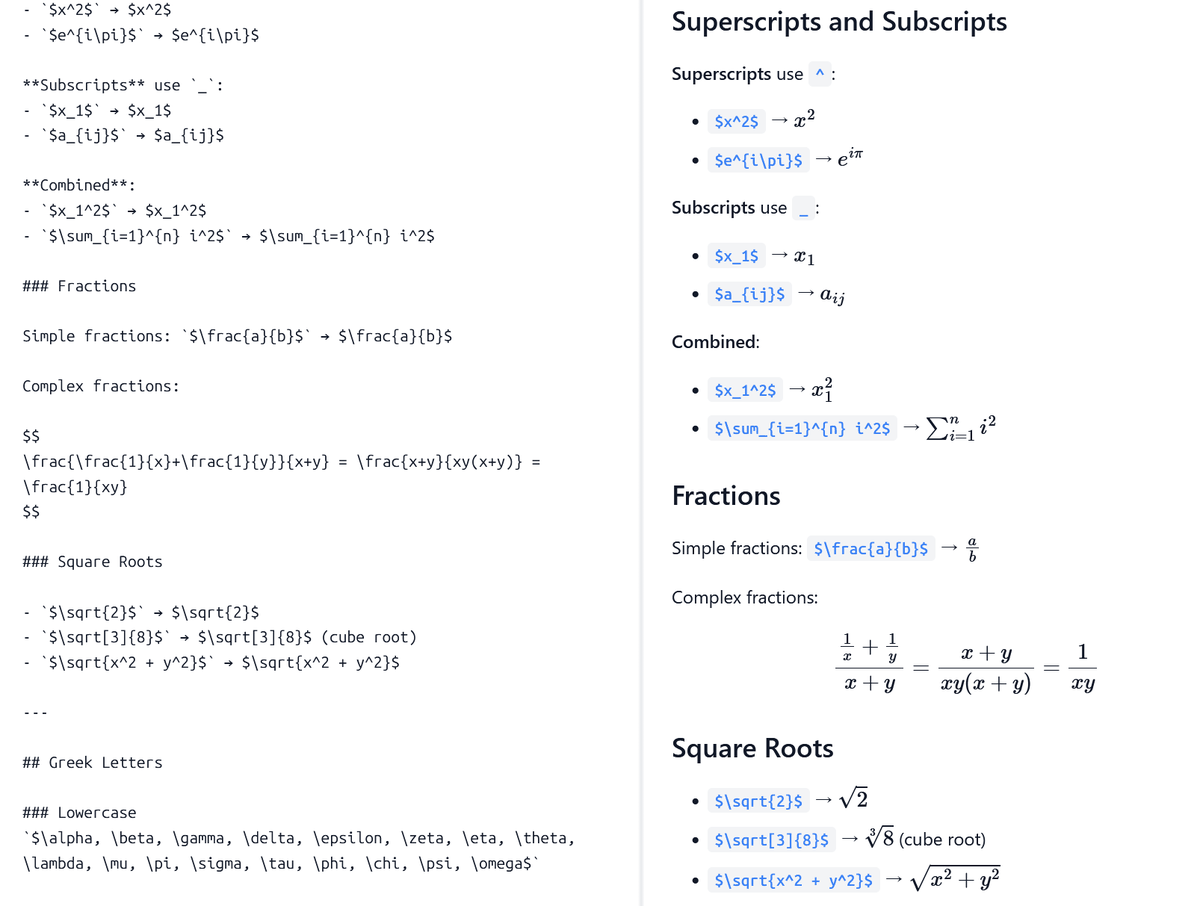
- Displaying LaTeX formulas
Formulas essential for mathematics and science notes are displayed using the Javascript library '
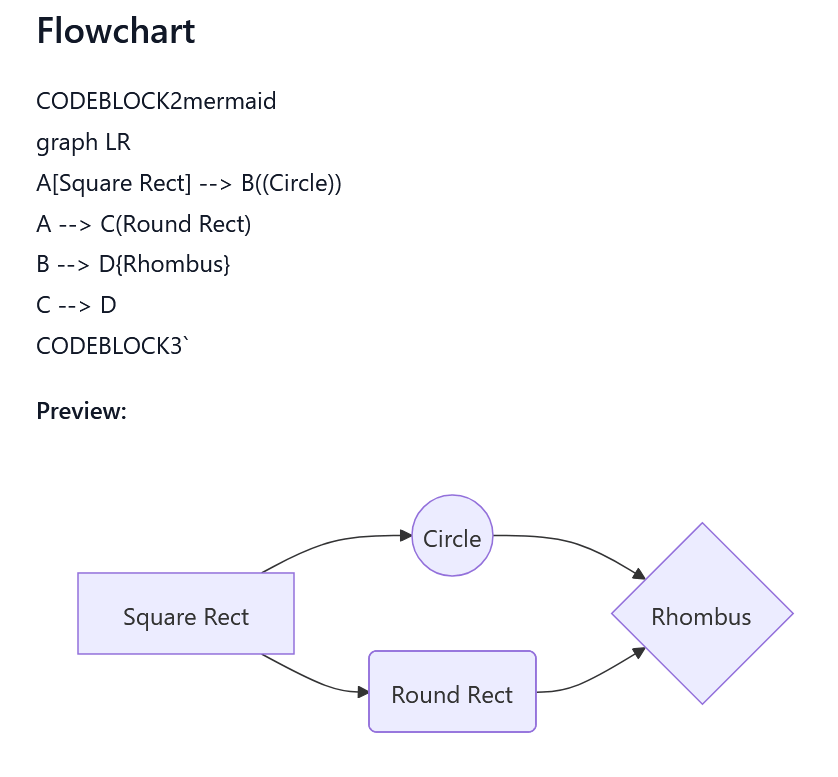
・Creating charts and diagrams
Create flowcharts, mind maps, and diagrams using Mermaid syntax.
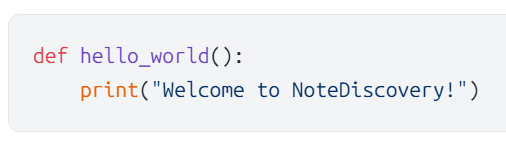
・Chord highlighting
Programming language code highlighting.
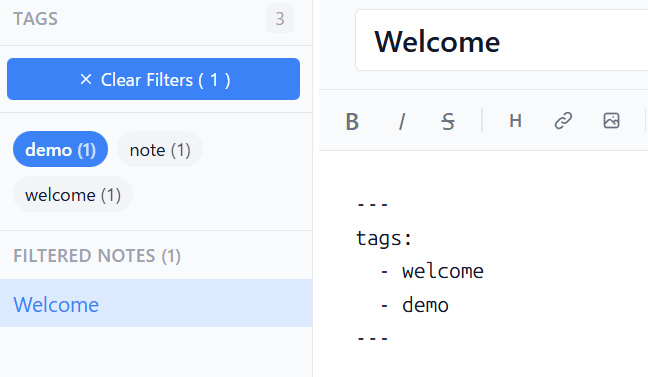
・Smart Tag
By adding tags to the beginning of a note, a list of tags will appear in the side panel.
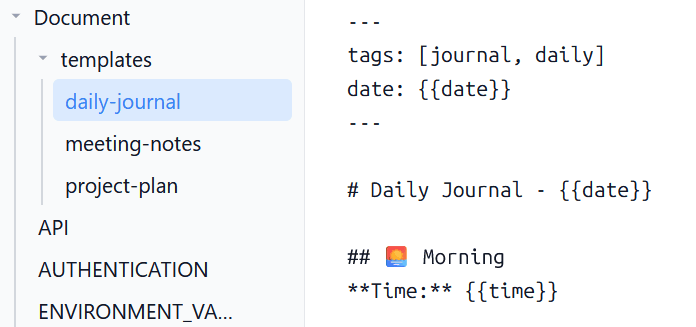
・Note templates
A template function that allows you to create new notes with the current date and time inserted, which is useful for meeting notes and diaries.
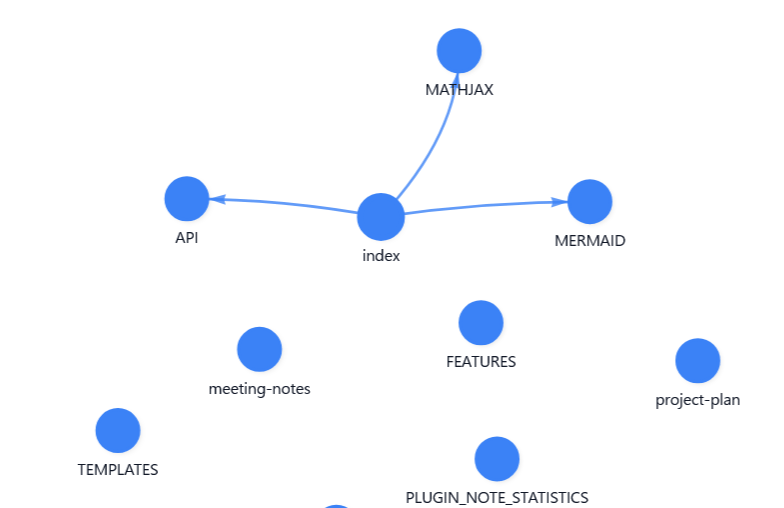
・Graph view
Visualize the relationships between notes through internal links.
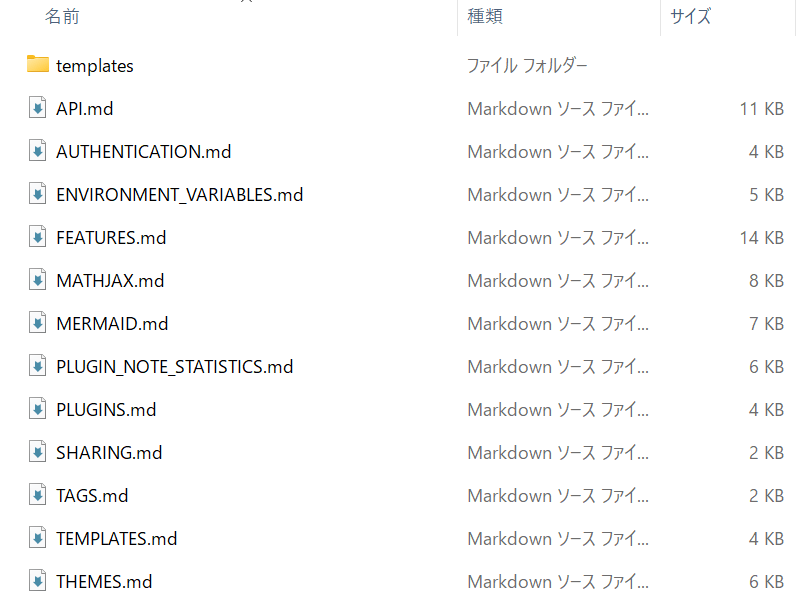
Simple storage
Backups are easy with the simple storage format of folders and md files.
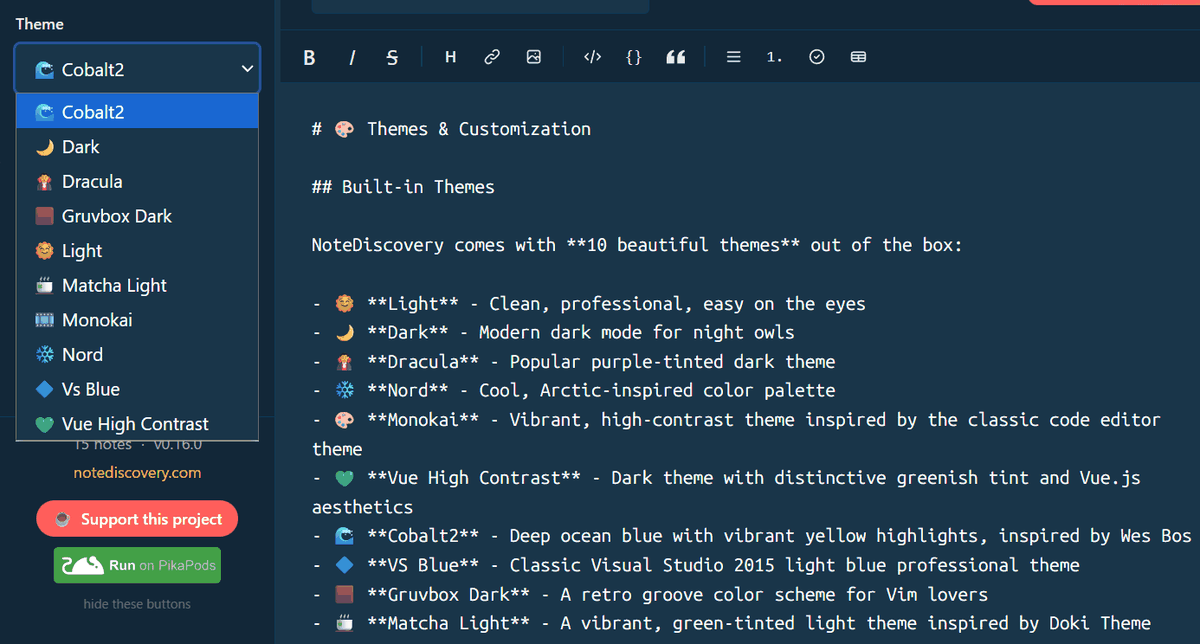
·theme
Eight built-in themes and customization available, including dark and light modes.
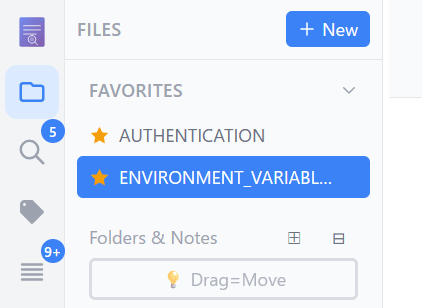
·favorite
Star your favorite notes to see them listed in the sidebar.
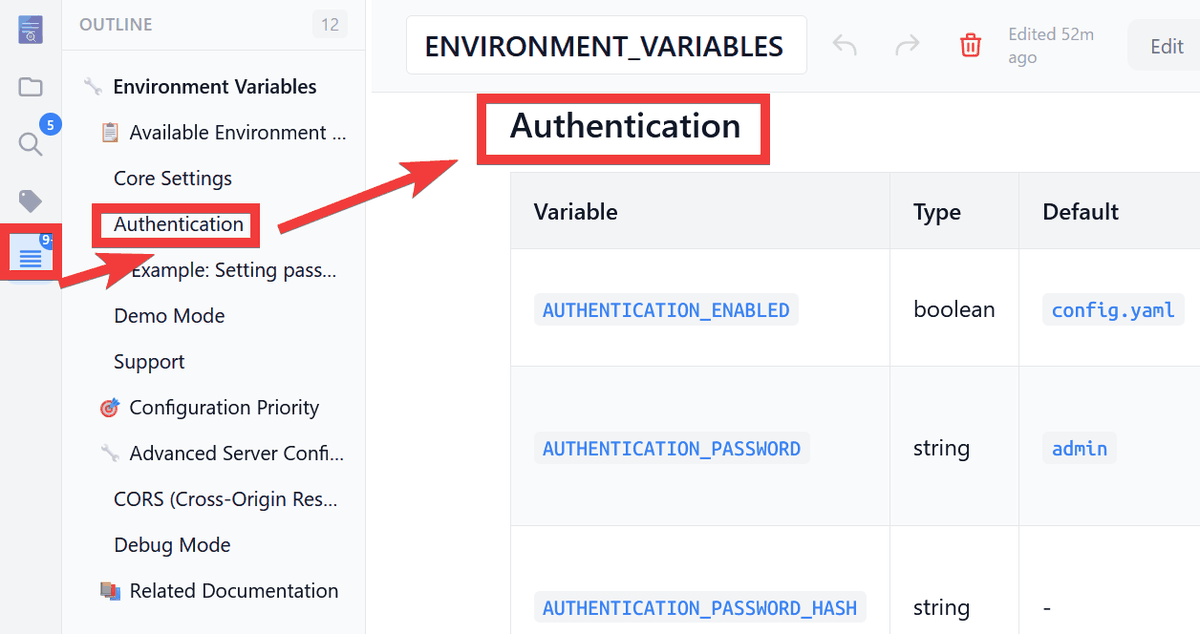
・Outline panel
A list of note headings is displayed in the side panel, and clicking a heading takes you to the corresponding section of the note.
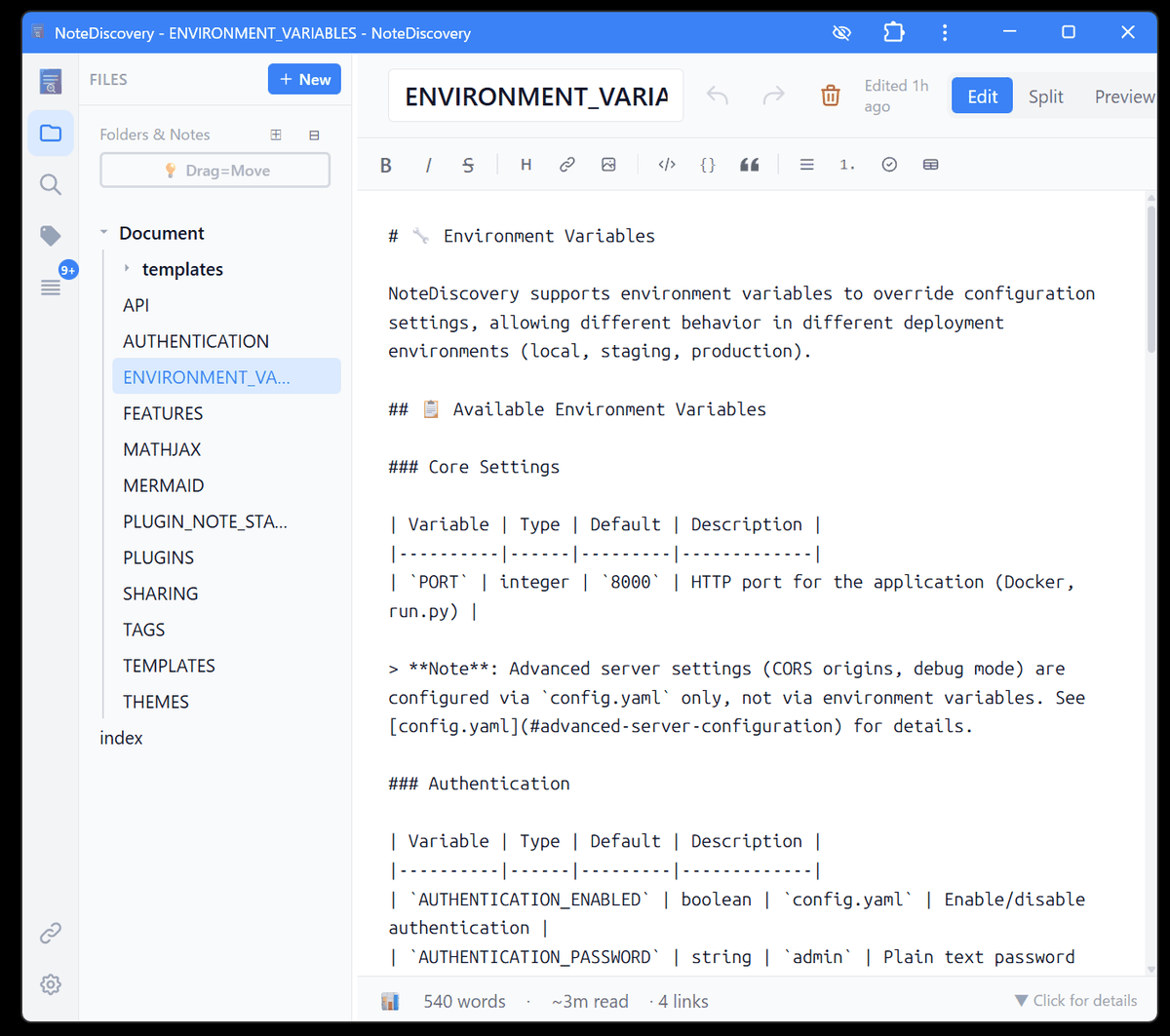
- Install as an app
It supports
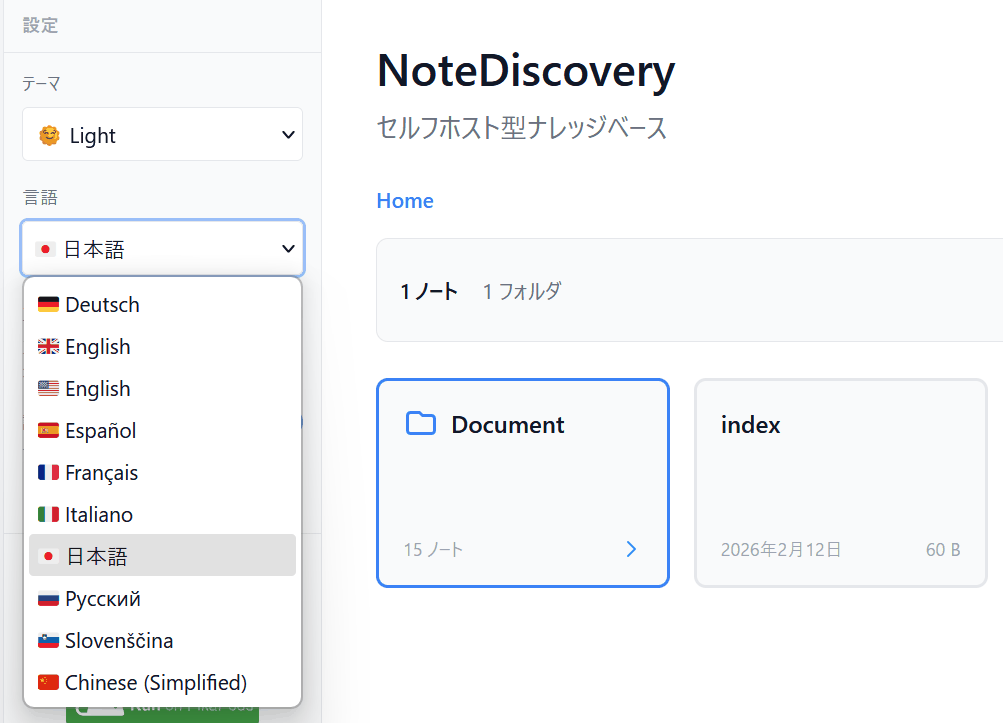
・Multilingual support
Supports Japanese, German, English, Spanish, French, Italian, Russian, Slovenian, and Chinese (Simplified).
・Expandable
Plugin system allows you to add custom features and integrations.
NoteDiscovery does not have a multi-user function and only allows access control by password . Furthermore, to access via HTTPS, a separate reverse proxy must be built.
Related Posts: