Ratty, a GPU-rendered terminal emulator with inline 3D graphics, comes with a rotating mouse cursor.
Ratty is a terminal emulator that supports GPU rendering with inline 3D graphics. I heard that
Ratty — A GPU-rendered terminal emulator with inline 3D graphics 🐀🧀
https://ratty-term.org/
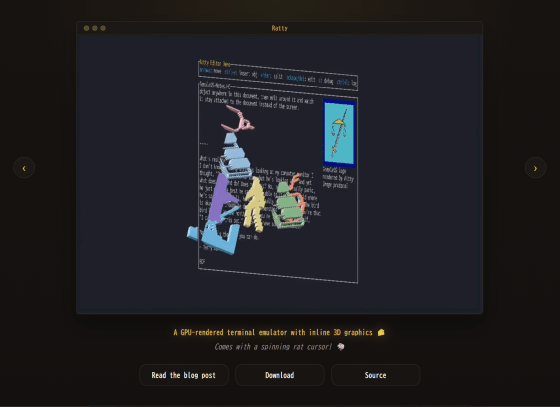
orhun/ratty: A GPU-rendered terminal emulator with inline 3D graphics 🐀🧀
Here's a presentation video by the creator showing it in action.
What if your device was 3D? (Introducing Ratty) - YouTube
This video, complete with background music, will help you understand it instantly.
◆Overview
According to its creator, Orhun Parmaksız , in a blog post, Ratty was developed after he encountered TempleOS . In Orhun's words, TempleOS has an atmosphere that is 'like having a feverish dream or being under the influence of hallucinogens,' and he was 'shocked and at the same time impressed by its flashy colors, graphic sprites , and incomprehensible UI.'
However, Orhun's admiration for TempleOS wasn't limited to its quirky appearance; it also stemmed from the fact that sprites were treated as first-class, insertable document items. This meant that images, 3D meshes, and macros (clickable links) could be directly inserted into the command line, and considering that the command line serves as the direct interface for all operations, it meant that coding, system responses, and graphics rendering could all be done in the same place.
From then on, the idea of 'displaying sprites on the command line' remained in the back of Orhun's mind, eventually leading to the creation of Ratty.
◆Features
According to the official GitHub repository, Ratty's features are as follows:
- Rotating mouse cursor ( customizable )
3D mode
- Inline 3D objects
- GPU-based text rendering
- Image support via Kitty Graphics Protocol
◆Installation
Ratty has an archive containing the executable file on its official GitHub release page , so if there's one that suits your environment, you can download and extract it and run it right away. This time, we'll try running the x64 Windows version.
◆ Execute
When you double-click 'ratty.exe' obtained by extracting the archive, the Windows terminal will first launch.
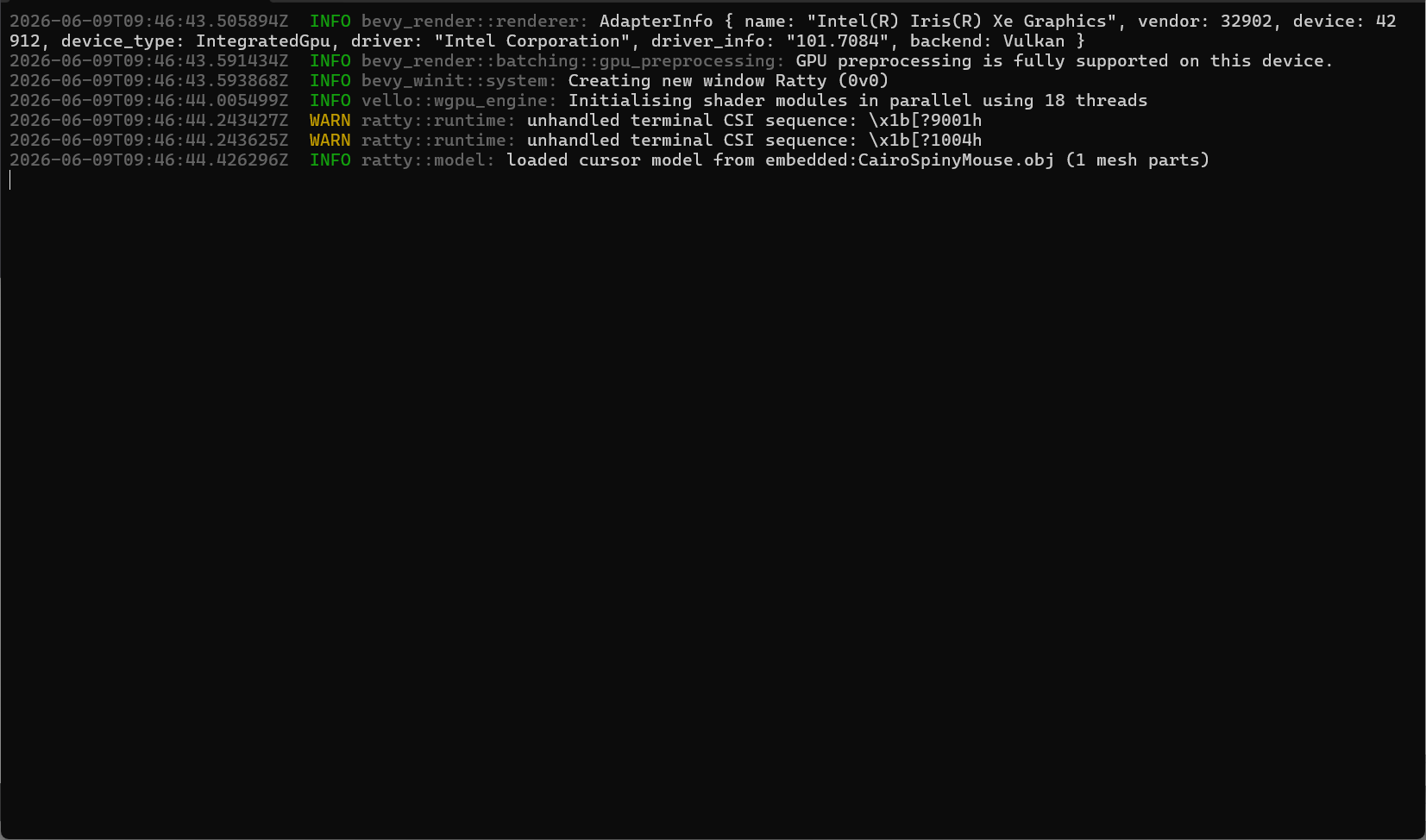
Then Ratty starts up. It seems to be based on MINGW64, but a mouse is rotating where the cursor should be.
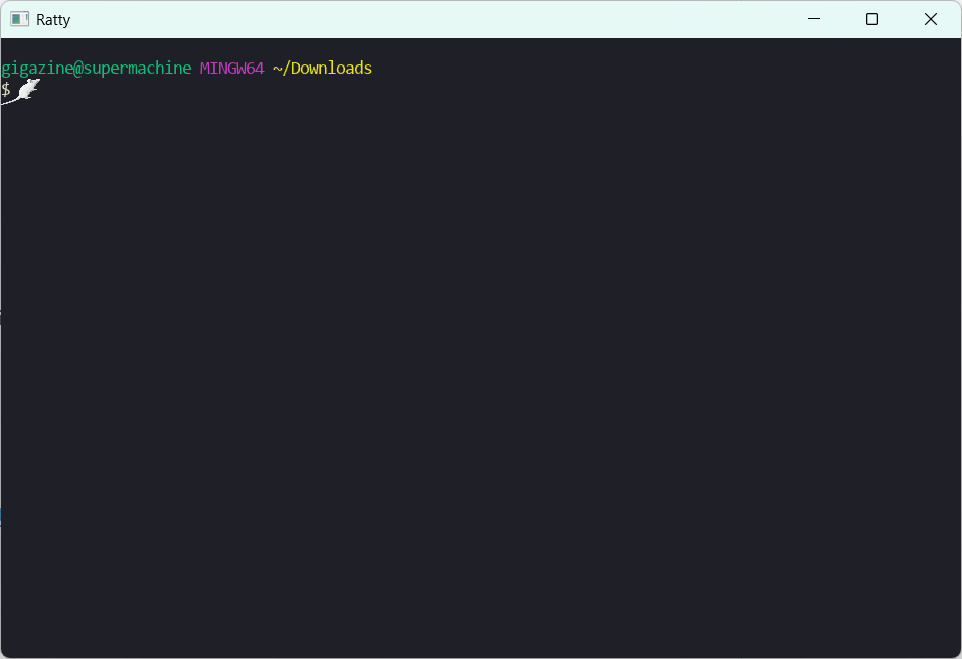
This is how mice move.
Some people might find the endlessly spinning mouse cute, while others might get annoyed when the mouse overlaps the text they've typed.
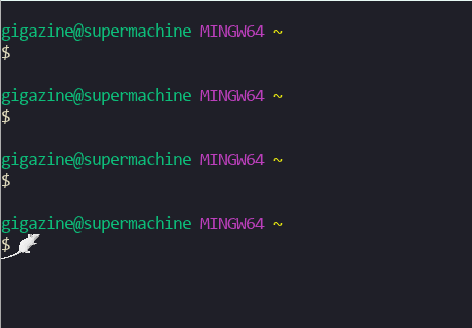
Now let's switch to 3D mode. Ratty's keybindings are as follows, so pressing Ctrl + Alt + Enter will switch from 2D mode to 3D mode.
| key | operation |
|---|---|
| Ctrl + Alt + C | Copy selection |
| Ctrl + Alt + V | paste |
| Ctrl + Alt + Enter | Switching between 2D and 3D modes |
| Ctrl + Alt + M | Switching to Mobius Mode |
| Ctrl + Alt + Up | Warp speed increase (zoom in) |
| Ctrl + Alt + Content | Warp reduction (zoom out) |
| Alt + PageUp | Scroll up one page |
| Alt + Page Down | Scroll down one page. |
| Alt + Up | Scroll up one line |
| Alt + Down | Scroll down one line. |
| Ctrl + + | Enlarge font size |
| Ctrl + - | Reduce font size |
| Ctrl + Alt + 0 | Reset font size |
This is the state after switching to 3D mode. There doesn't seem to be any particular change.
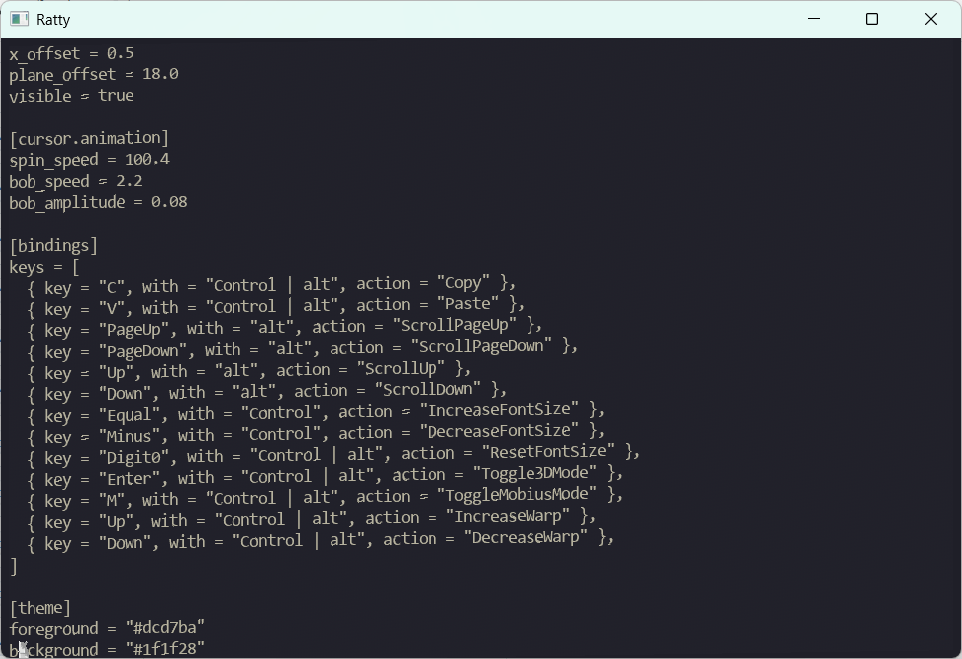
However, if you drag the screen with the mouse, the screen rotates, making you acutely aware that you are currently in 3D mode.
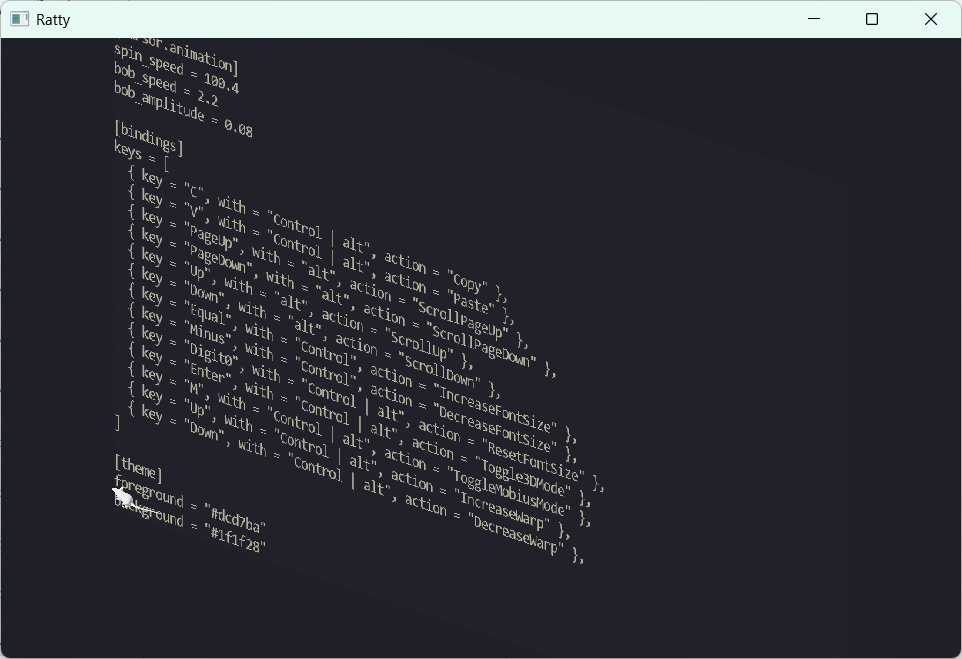
The screen is upside down and I can't tell what's what anymore, but the mouse cursor that keeps spinning around is still surreal.
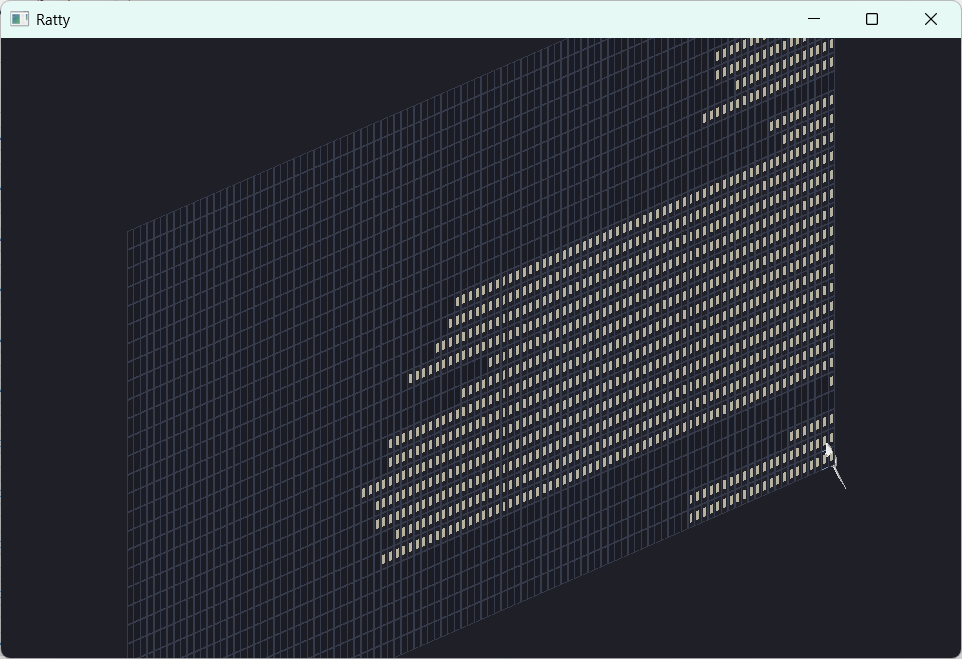
If you're completely stuck, pressing Ctrl + Alt + Enter again will return you to 2D mode. However, this doesn't reset the 3D mode state, so the messy state will reappear when you return to 3D mode.
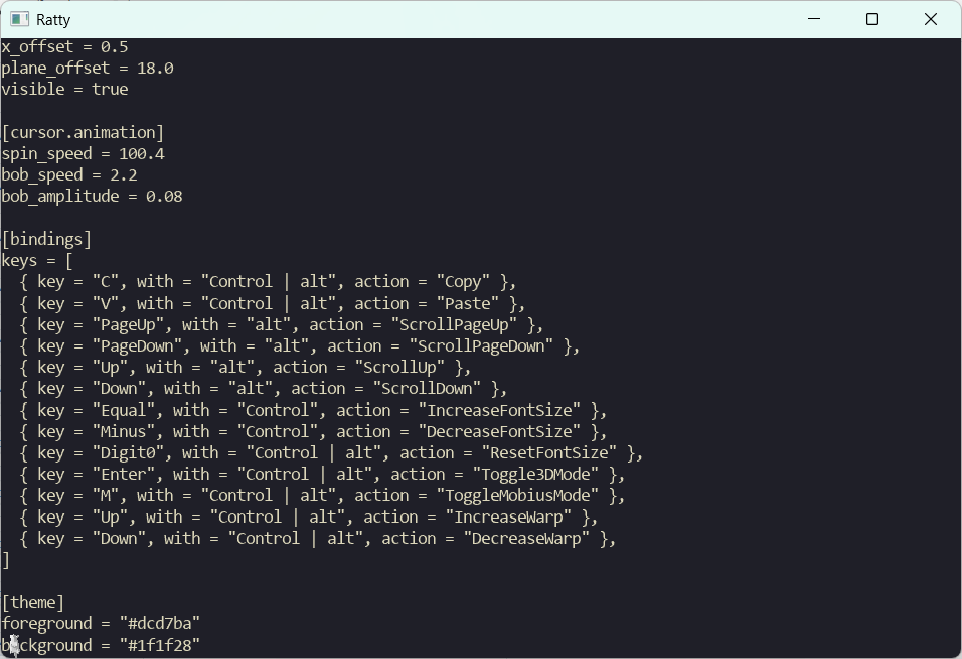
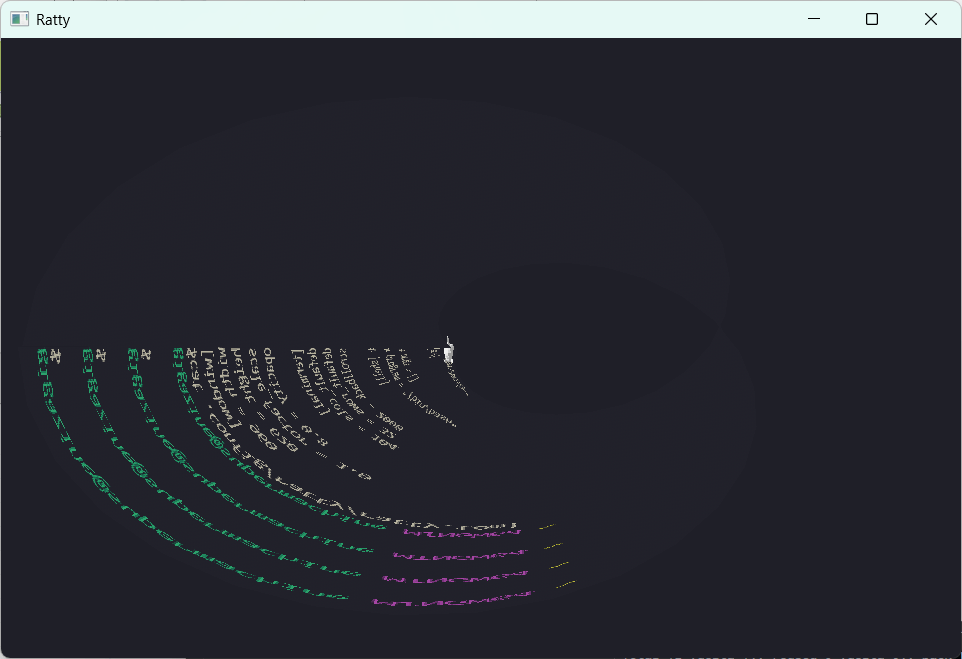
Switch to Mobius mode. You can also drag the screen with your mouse.
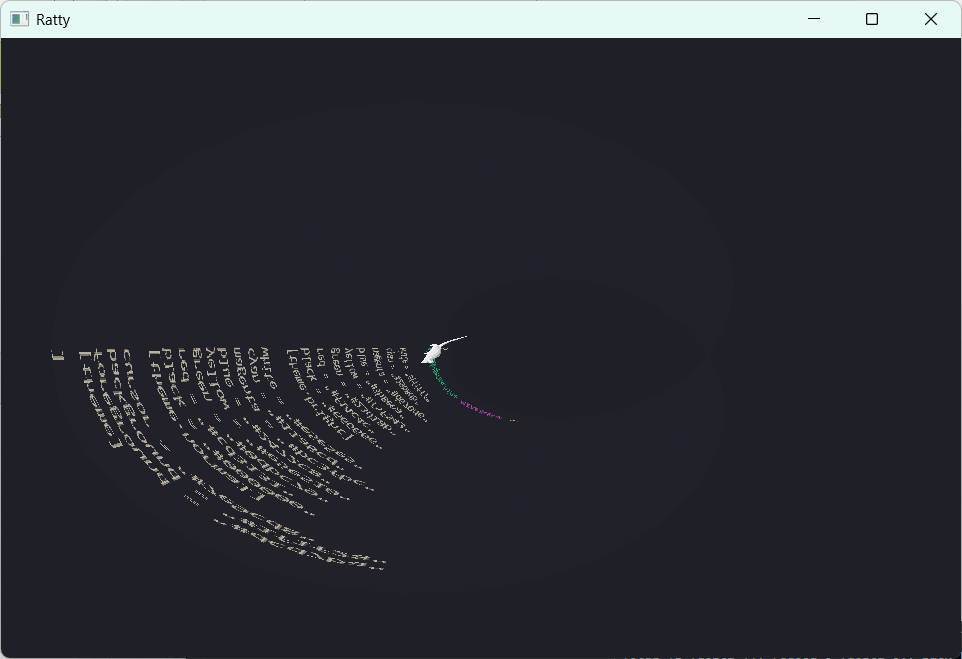
You can still scroll the screen even in this state.
◆Summary
To be honest, Ratty has virtually no practical use, but it's also true that it has some undeniable features, such as image handling and 3D rendering. This time, we downloaded and ran the binary, but by cloning the GitHub repository and running the demo command with the cargo command, you can have an even more extraordinary experience, such as displaying a giant rat , so if you're interested, please give it a try.
Related Posts: