Microsoft's official tool suite, 'PowerToys,' has been revamped with a new shortcut key list feature, and a new extension gallery for the command palette has also been added.
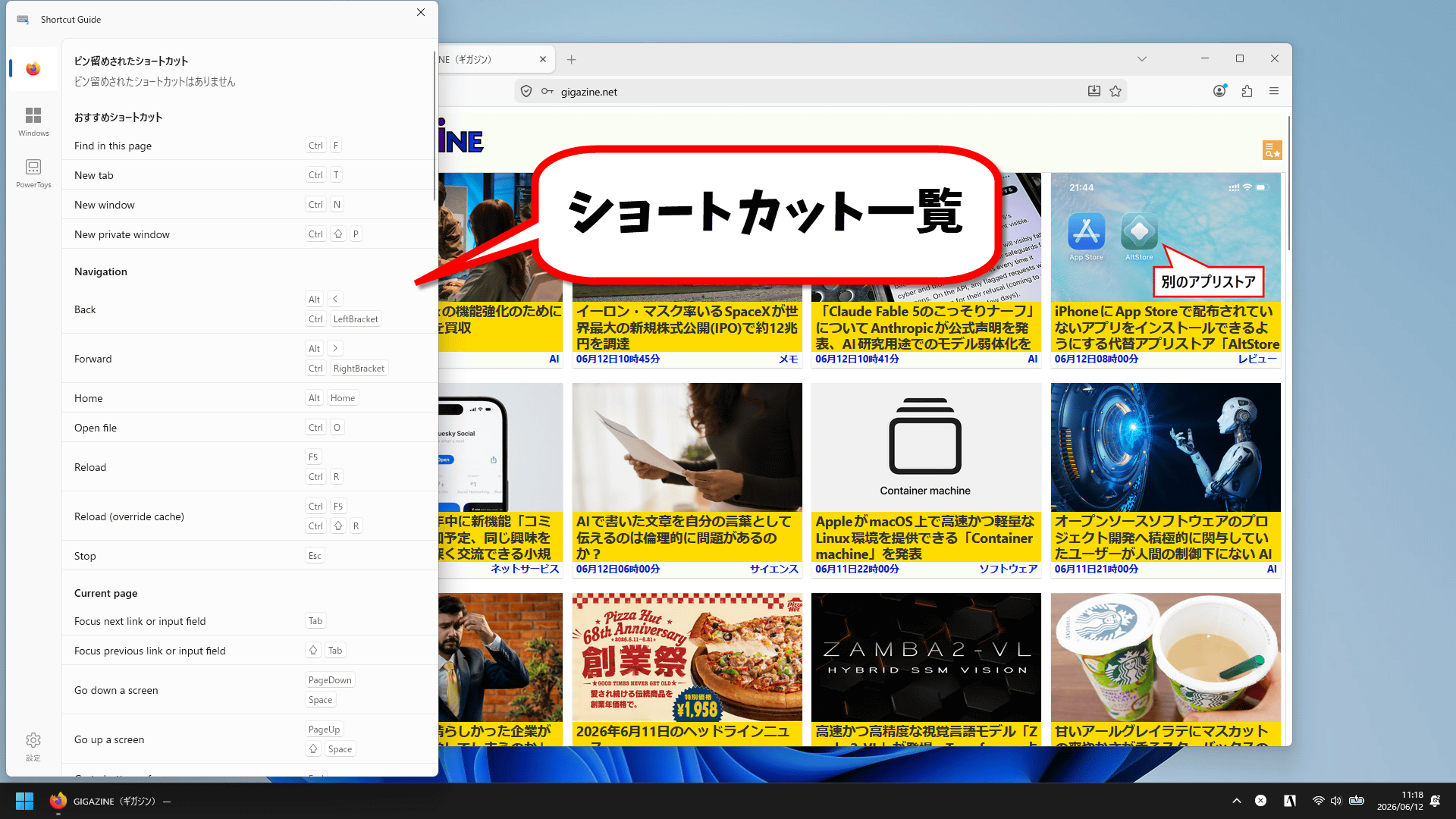
Microsoft's official collection of Windows tips and tricks, 'PowerToys,' version 0.100 was released on June 9, 2026. The shortcut list function has been revamped, and an extension gallery has been added to the command palette.
PowerToys 0.100 is here: new Shortcut Guide, Command Palette improvements and much more! - Windows Command Line
Release Release v0.100.0 · microsoft/PowerToys · GitHub
https://github.com/microsoft/PowerToys/releases/tag/v0.100.0
PowerToys is a collection of handy tools for Windows released by Microsoft, featuring a wide variety of useful functions such as screen recording and Explorer extensions. Version 0.100 of PowerToys includes a revamped 'Shortcut Guide' feature.
When the corresponding app is active, pressing the 'Windows key,' 'Shift key,' and '/' simultaneously will display a list of shortcut keys available for that app on the screen.
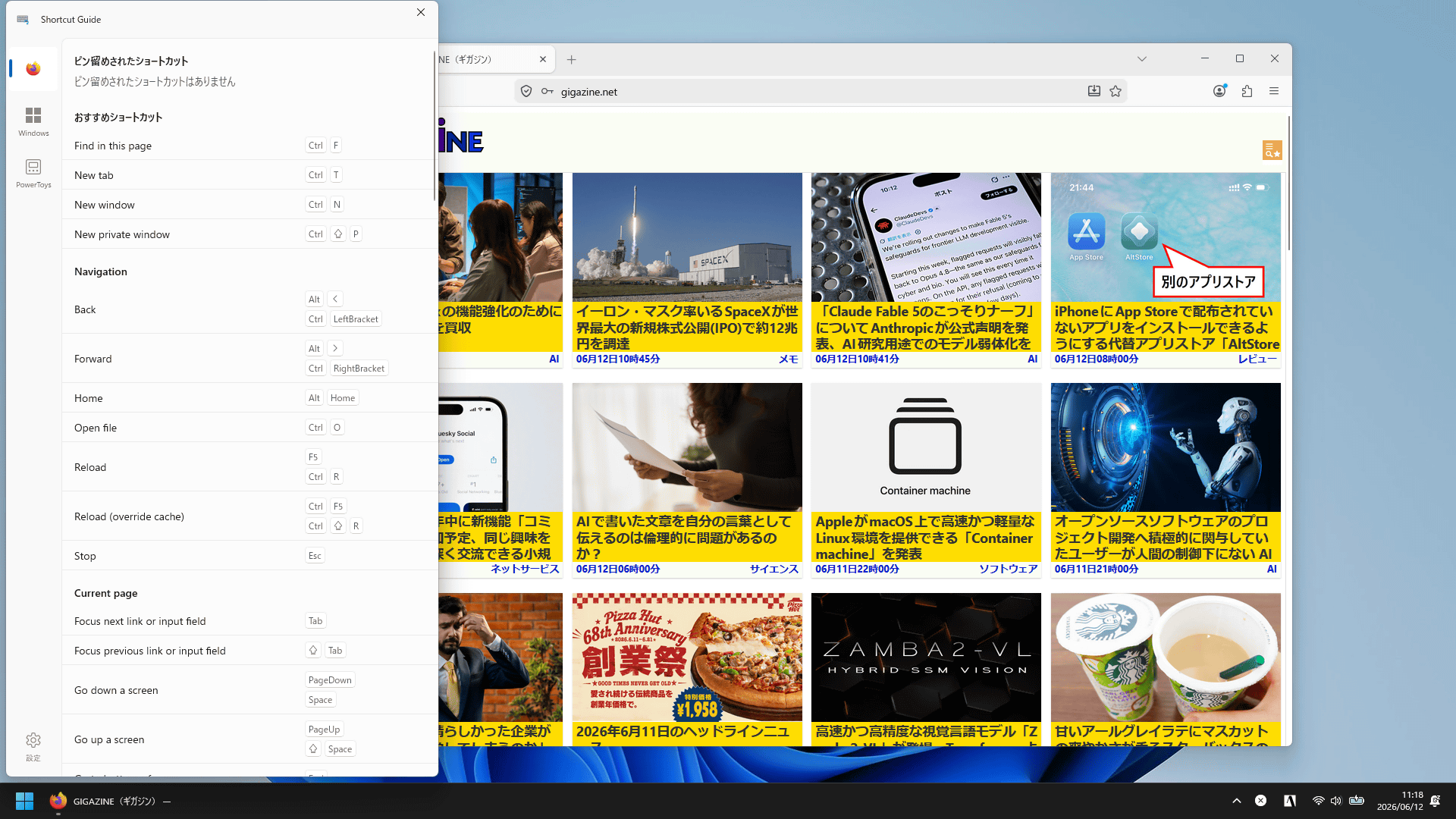
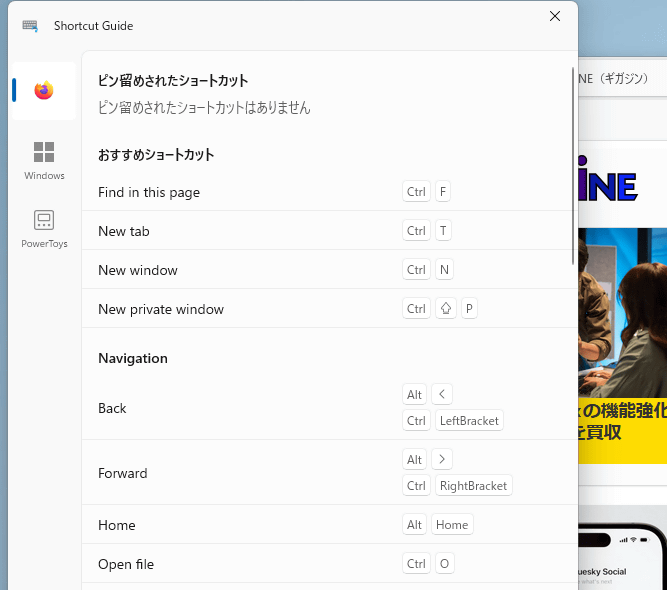
In the case of Firefox, a long list of shortcut keys for things like in-page search and creating a new tab was displayed. However, each item was displayed in English, not Japanese. As of the time of writing, it supports apps such as Firefox and Chrome, and the number of supported apps is expected to increase in the future.
PowerToys' popular feature is the command palette, which can be accessed using the Windows key, Alt key, and Space key. The command palette can be used as an application launcher, and extensions can be added to provide features such as weather forecasts and task killer functions. Version 0.100 added an extension gallery to the command palette's settings screen.
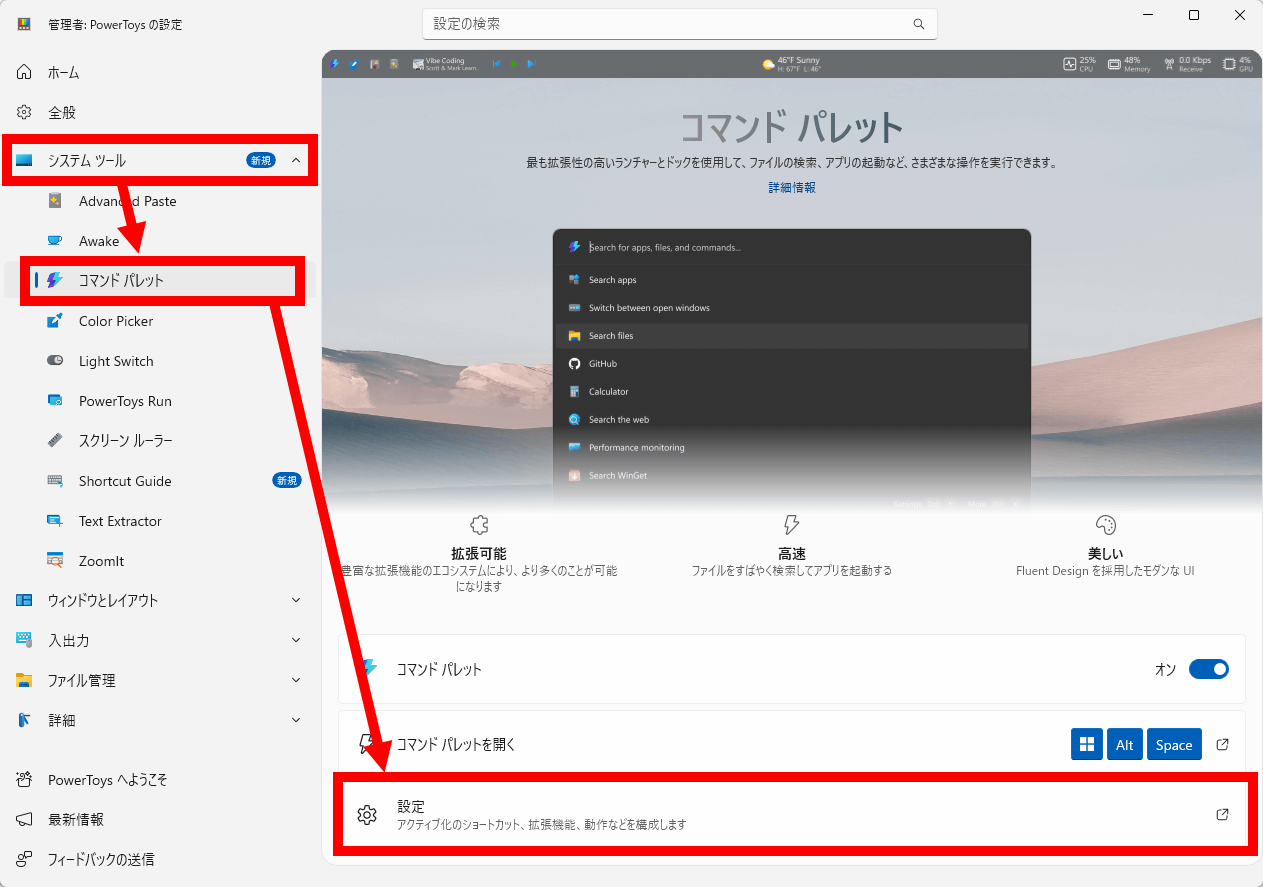
To open the extension gallery, first display the PowerToys management screen, click 'Command Palette' under 'System Tools,' and then click 'Settings.'
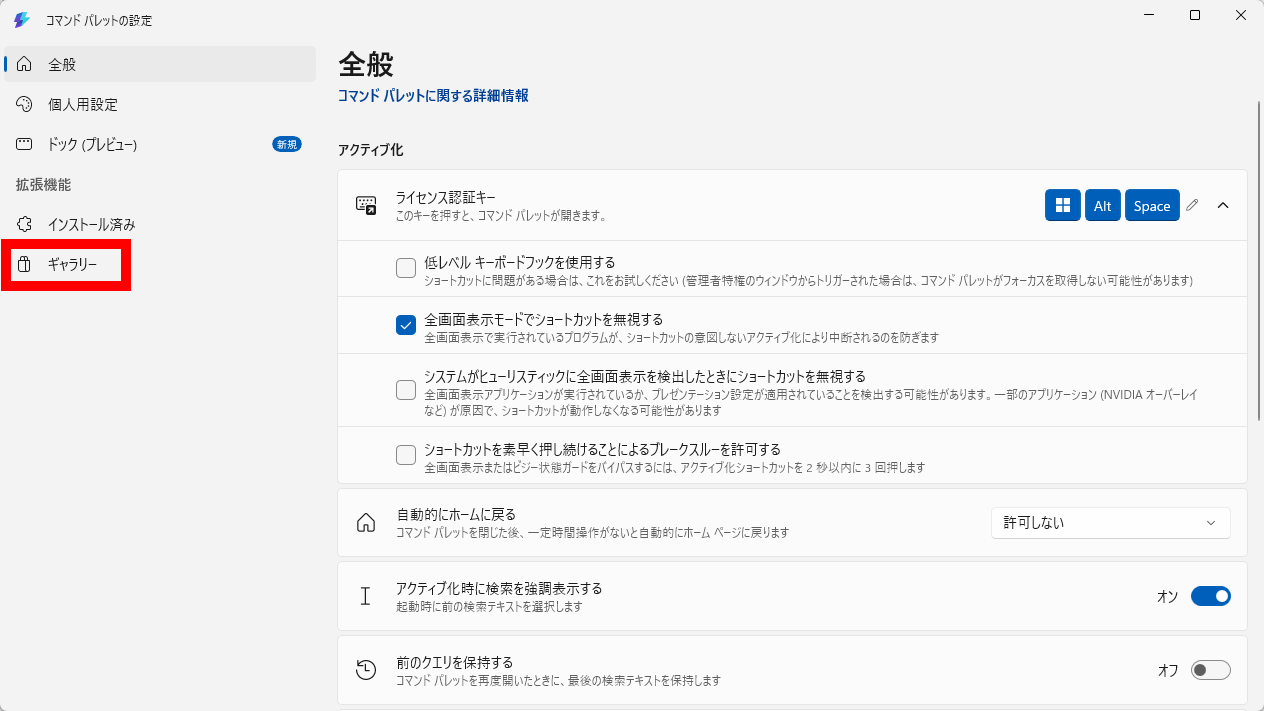
Click 'Gallery' in the left sidebar.
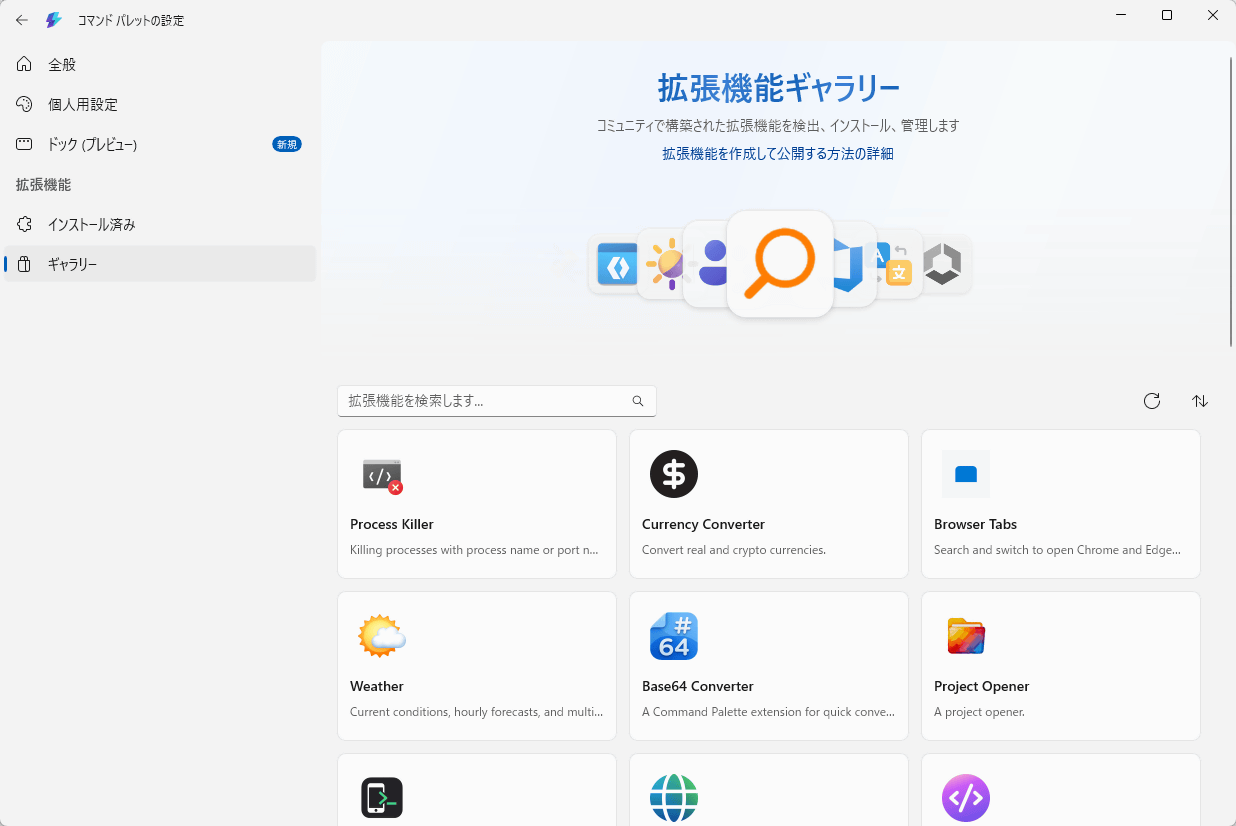
The extension gallery has opened. The gallery displays the names and descriptions of installable extensions.
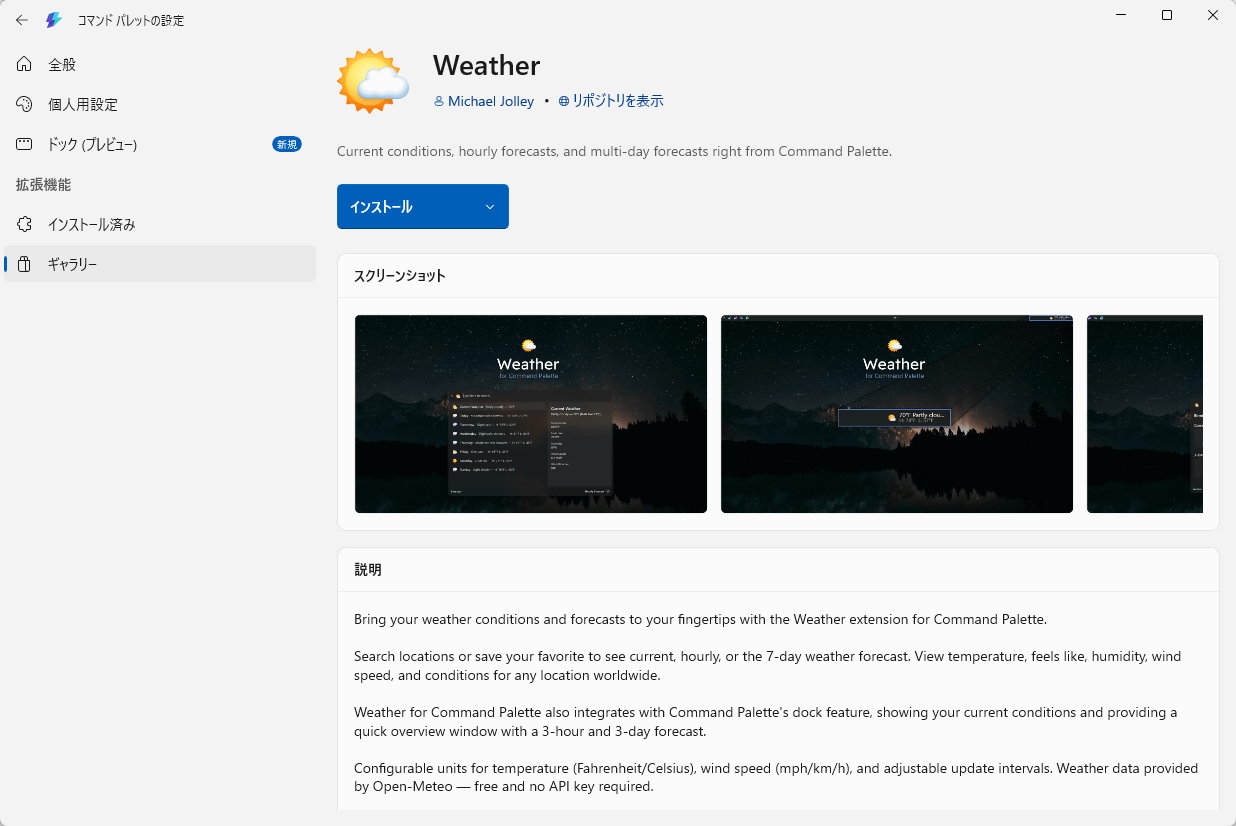
Clicking on each extension will open its details page, and you can install the extension simply by clicking 'Install' on that details page.
PowerToys version 0.100 also includes other updates such as 'faster performance due to migration to .NET 10' and 'improved stability of the automatic update function.' The latest version of PowerToys can be downloaded from the following link.
Releases · microsoft/PowerToys
https://github.com/microsoft/PowerToys/releases
Related Posts:



in Software, Posted by log1o_hf