Review of Logitech's first foldable wireless mouse, the 'Mobi Fold': ultra-compact and ultra-lightweight.
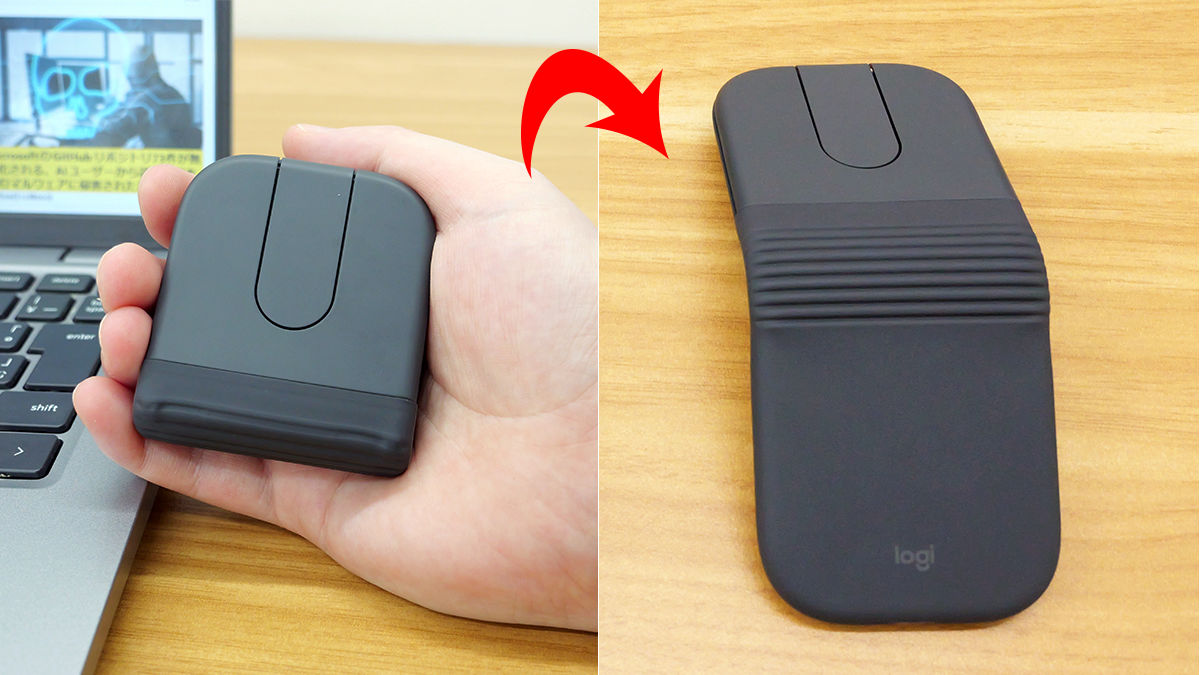
Logitech will release its first foldable wireless mouse, the ' Mobi Fold (MF900) ,' on July 2, 2026. It retains the high functionality of Logitech products while being slim and lightweight, making it easy to carry and use comfortably anywhere. We were able to borrow the Mobi Fold from Logitech ahead of its release, so we tried it out right away.
\New product information🆕/
https://t.co/acoyWN3a5P pic.twitter.com/i4oVjIrylQ — Logitech (@Logicool_Offcl) June 11, 2026
Logitech's first foldable mouse
【Mobi Fold】
On sale July 2nd! ✨
With a thickness of approximately 2cm when folded and a weight of 79g, this mouse boasts a slim and lightweight design. It's ideal for those who frequently move around the office or work on the go. 🖱
🔽Product page here
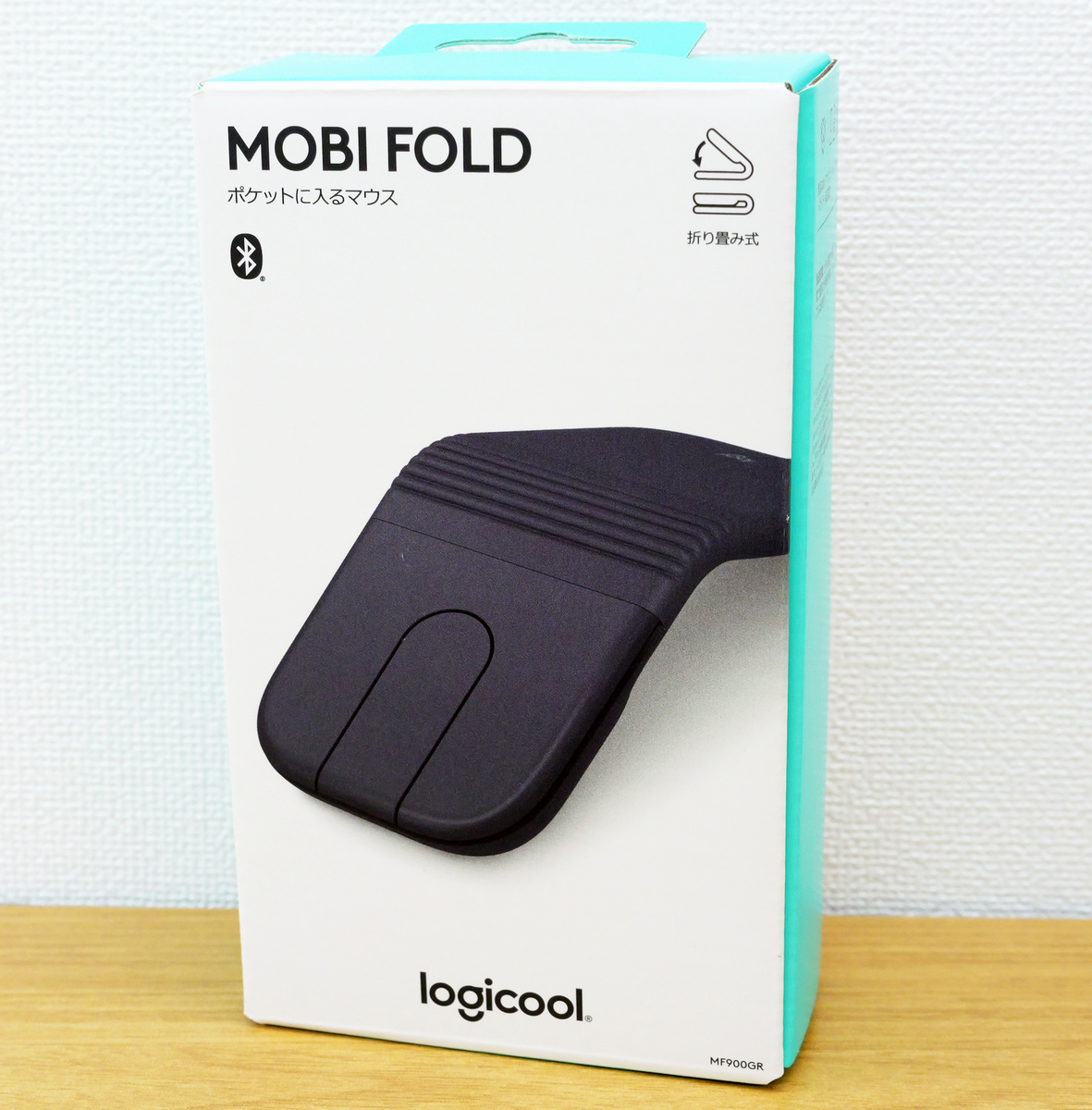
The Mobi Fold packaging.
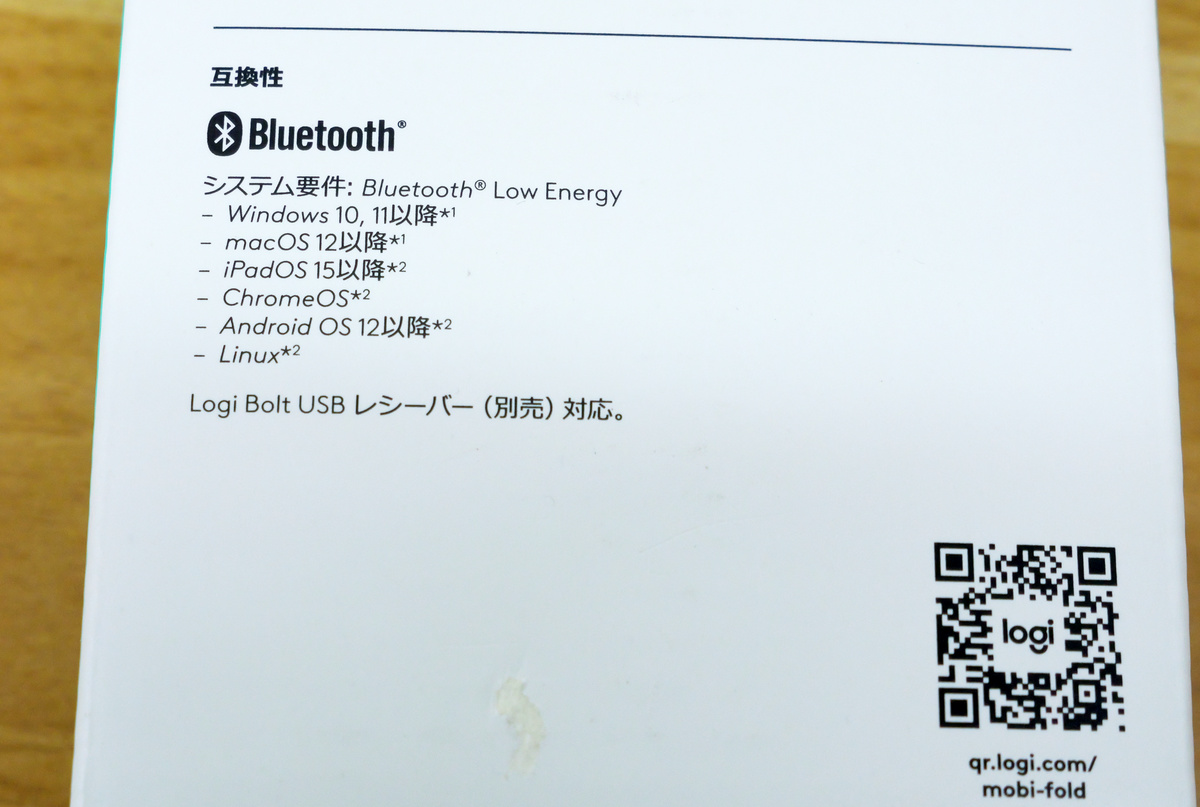
The system requirements were listed on the back of the box. Bluetooth is compatible with Windows 10, 11 and later, macOS 12 and later, iPadOS 15 and later, ChromeOS, Android OS 12 and later, and Linux. Additionally, it can connect to machines that do not support Bluetooth by using the separately sold
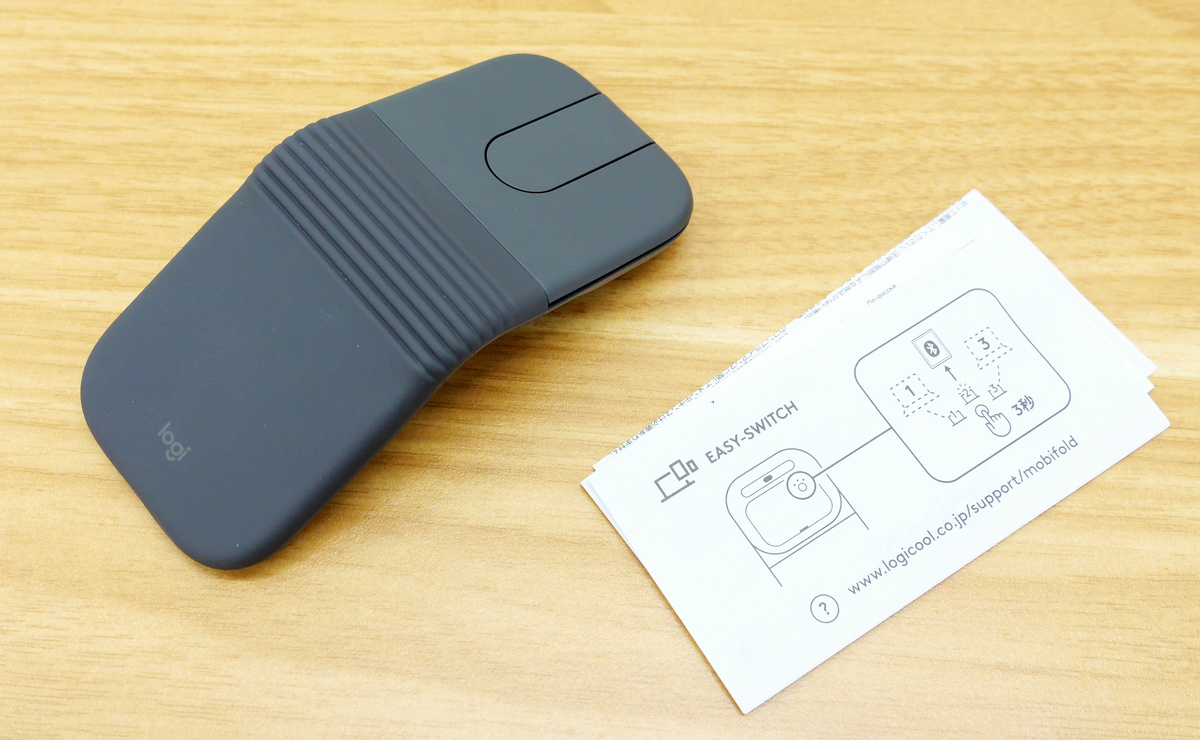
The contents include the Mobi Fold device and instruction manuals.
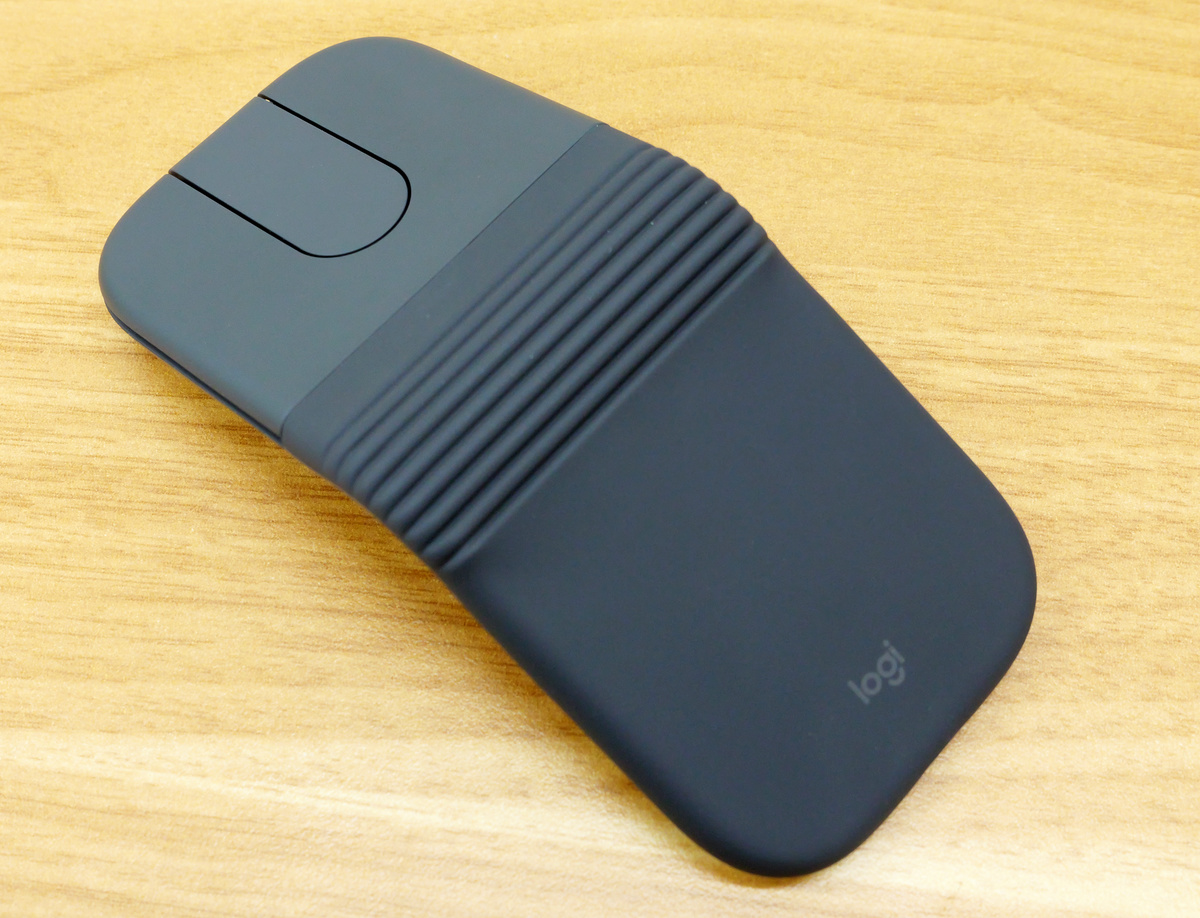
The Mobi Fold comes in three colors: graphite, off-white, and lilac, and we'll be using the graphite version. When viewed from the side, you can see that the Mobi Fold is shaped like a 'V' with the center floating.
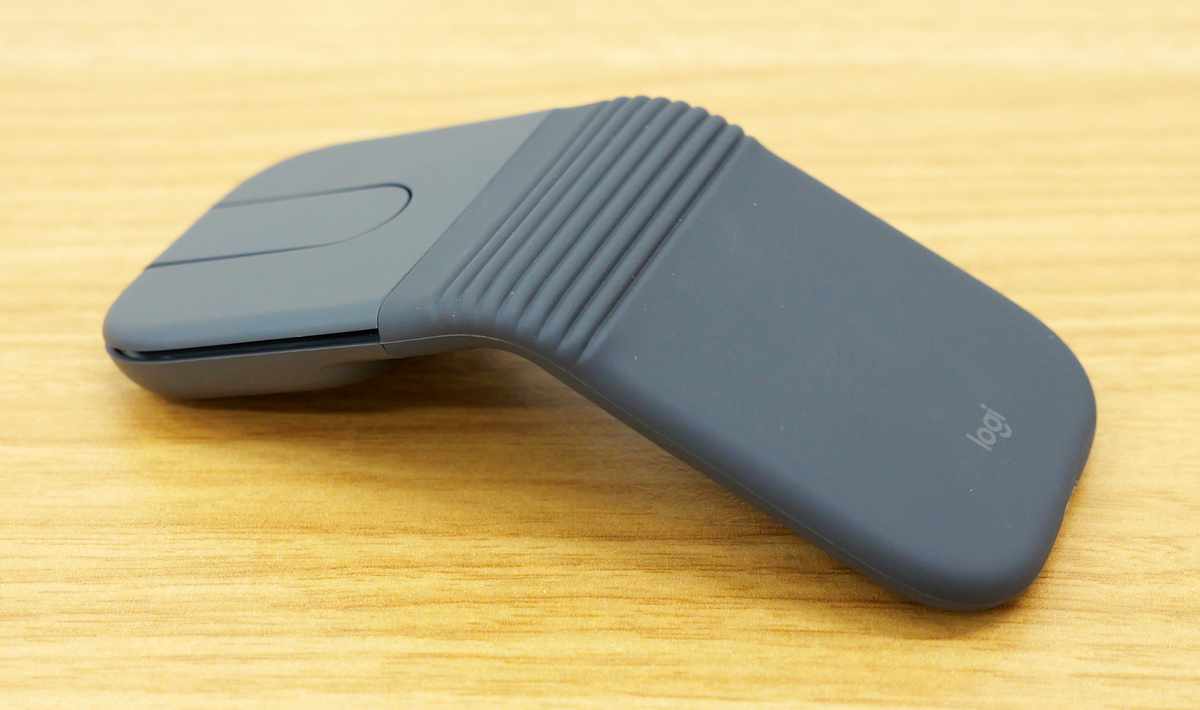
The central rubber section of the Mobi Fold is flexible, allowing it to be folded in half. It's made of dustproof silicone and boasts excellent durability, so you can safely put it in your pocket.
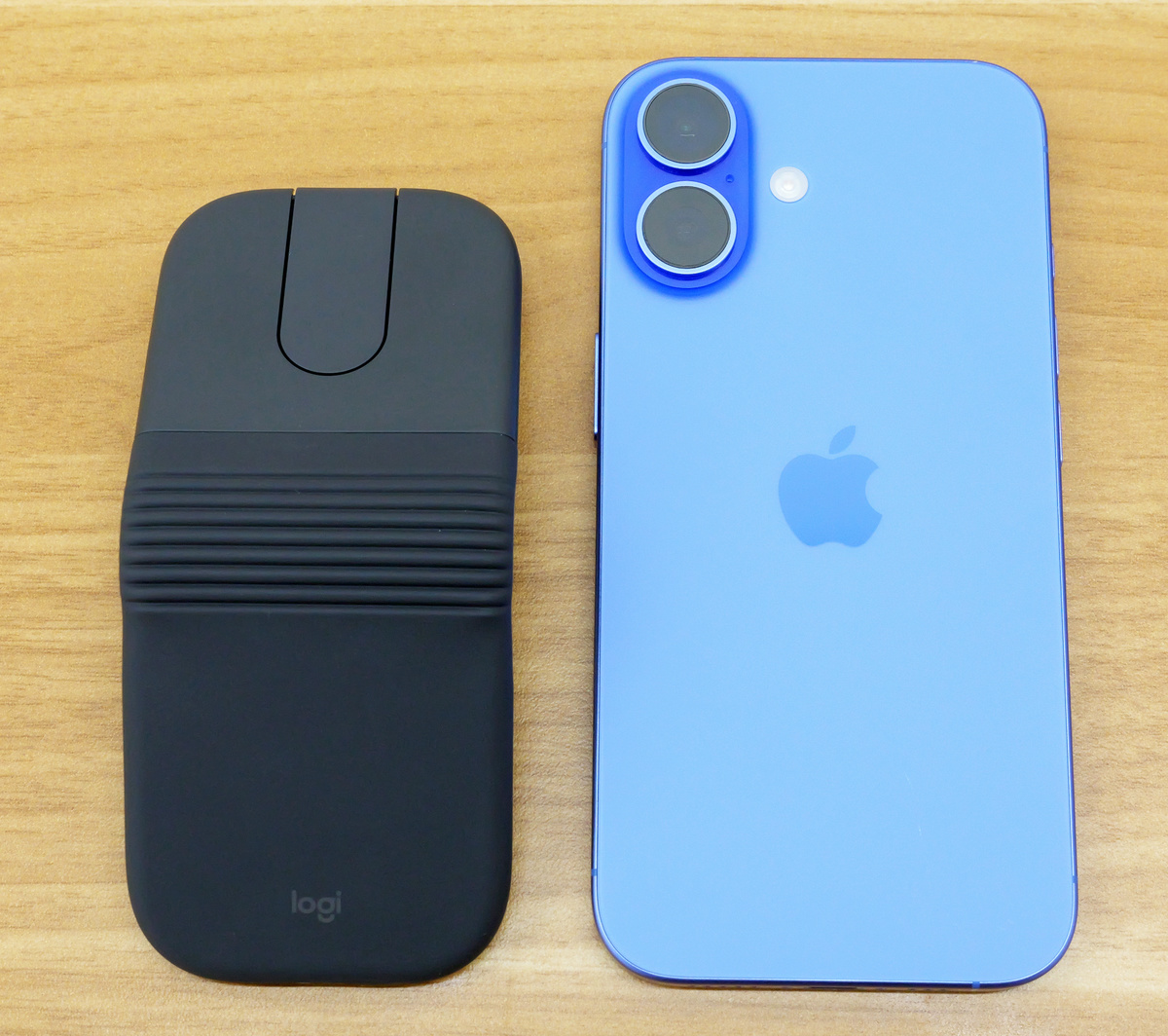
When using the Mobi Fold, its dimensions are 57mm wide x 122mm tall. Compared to the iPhone 16, which measures 147.6mm tall x 71.6mm wide, it looks like this:
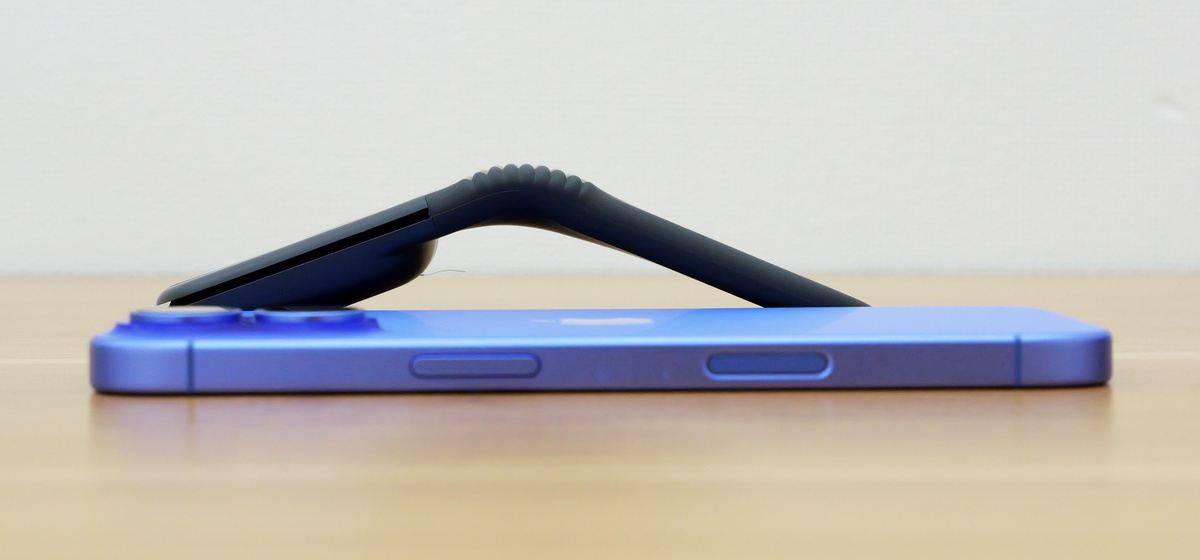
Furthermore, when the Mobi Fold is opened, its height is 33mm, and when placed next to the iPhone 16, which is 7.8mm thick, it looks like this:
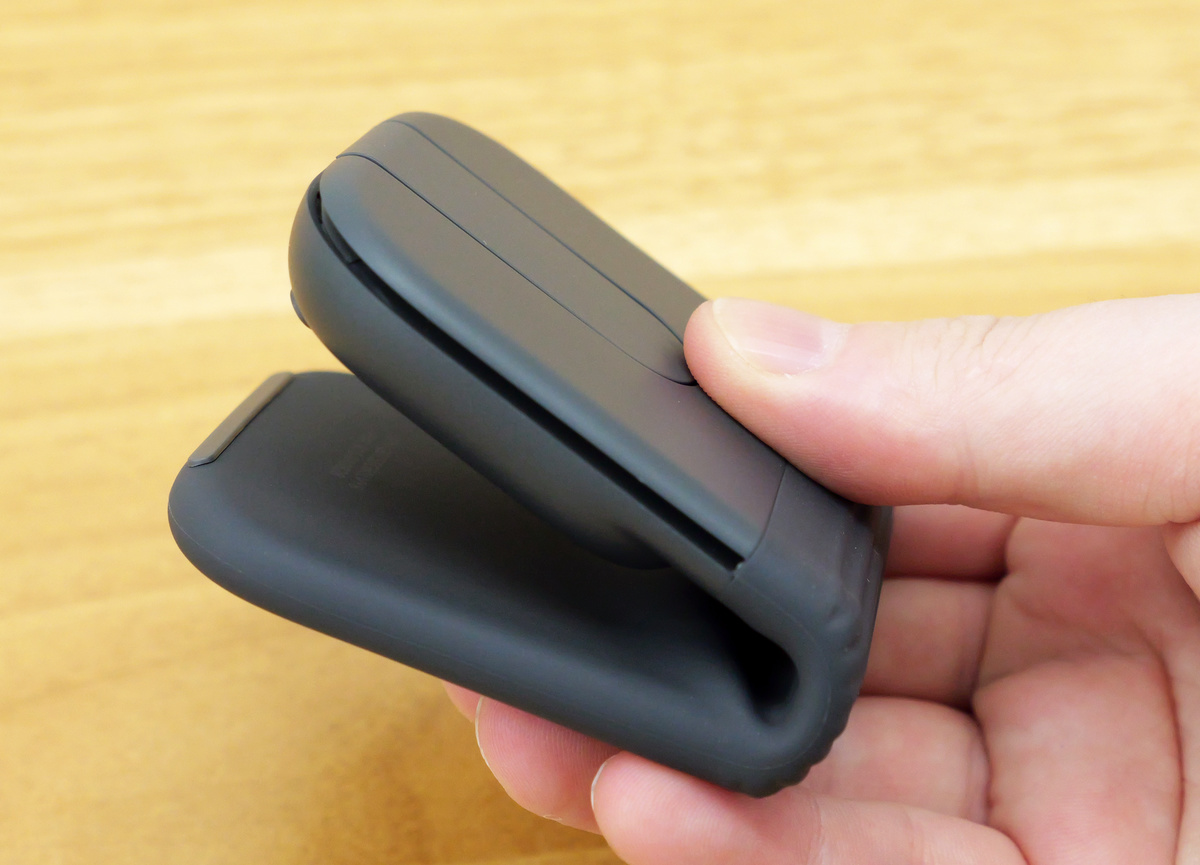
When folded, the Mobi Fold measures 57mm wide x 66mm tall.
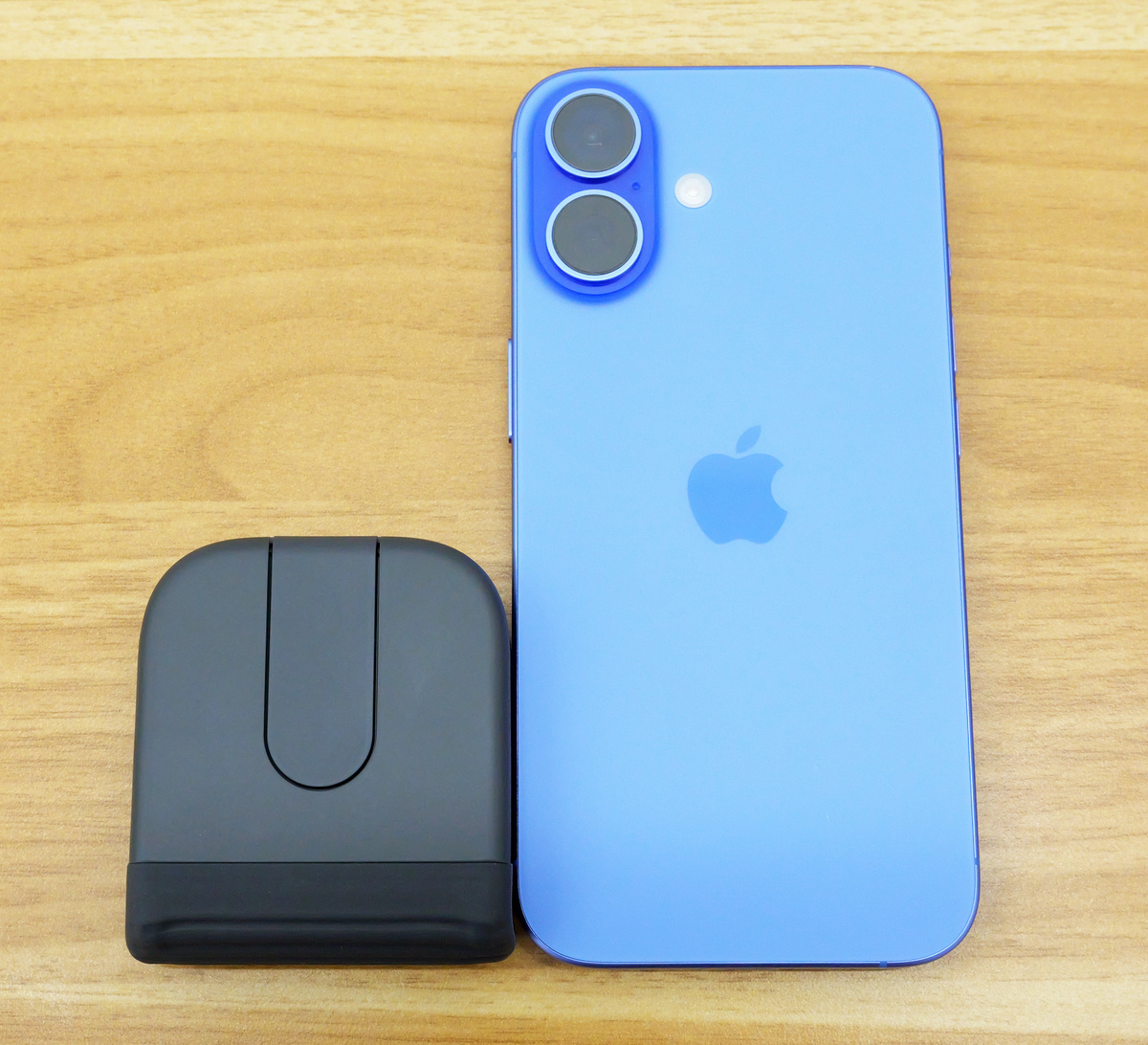
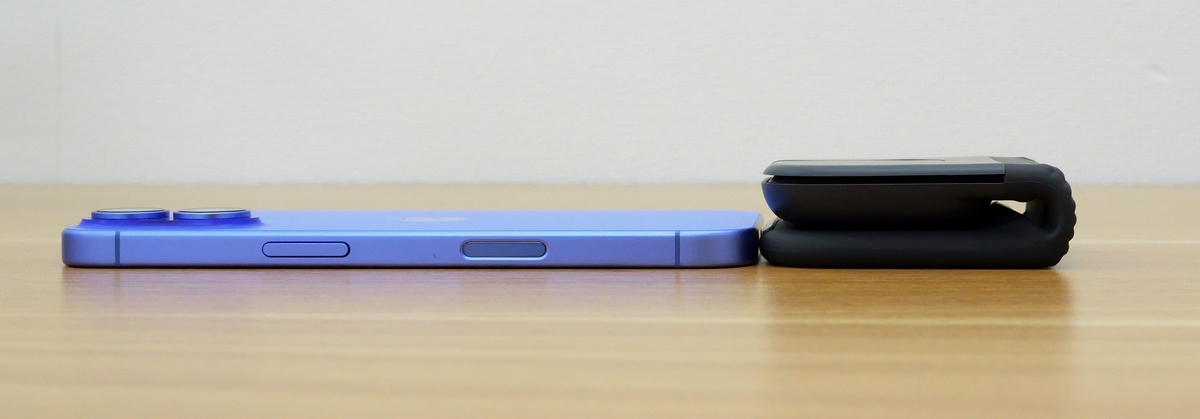
The thickness is 21mm.
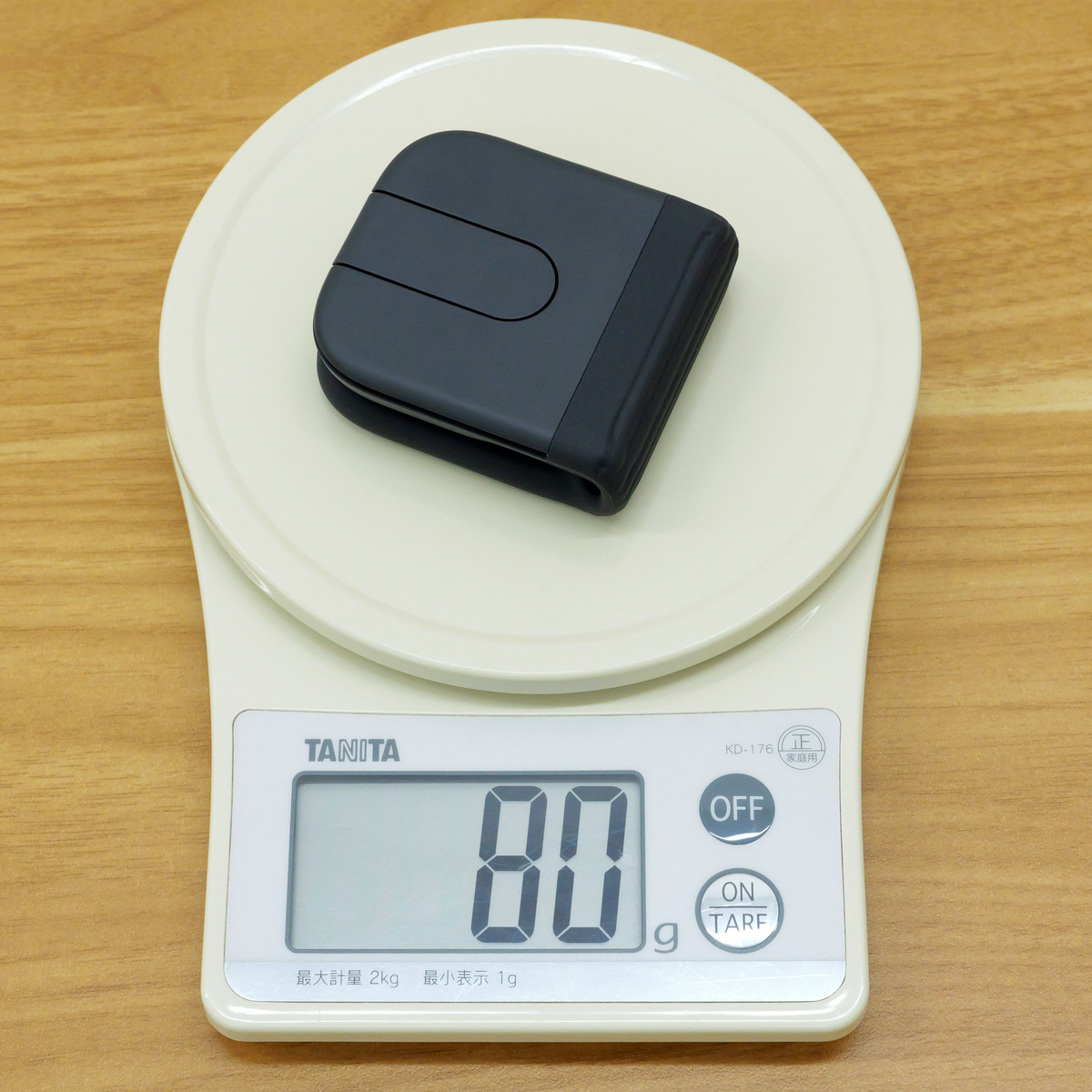
The actual weight is 80g.
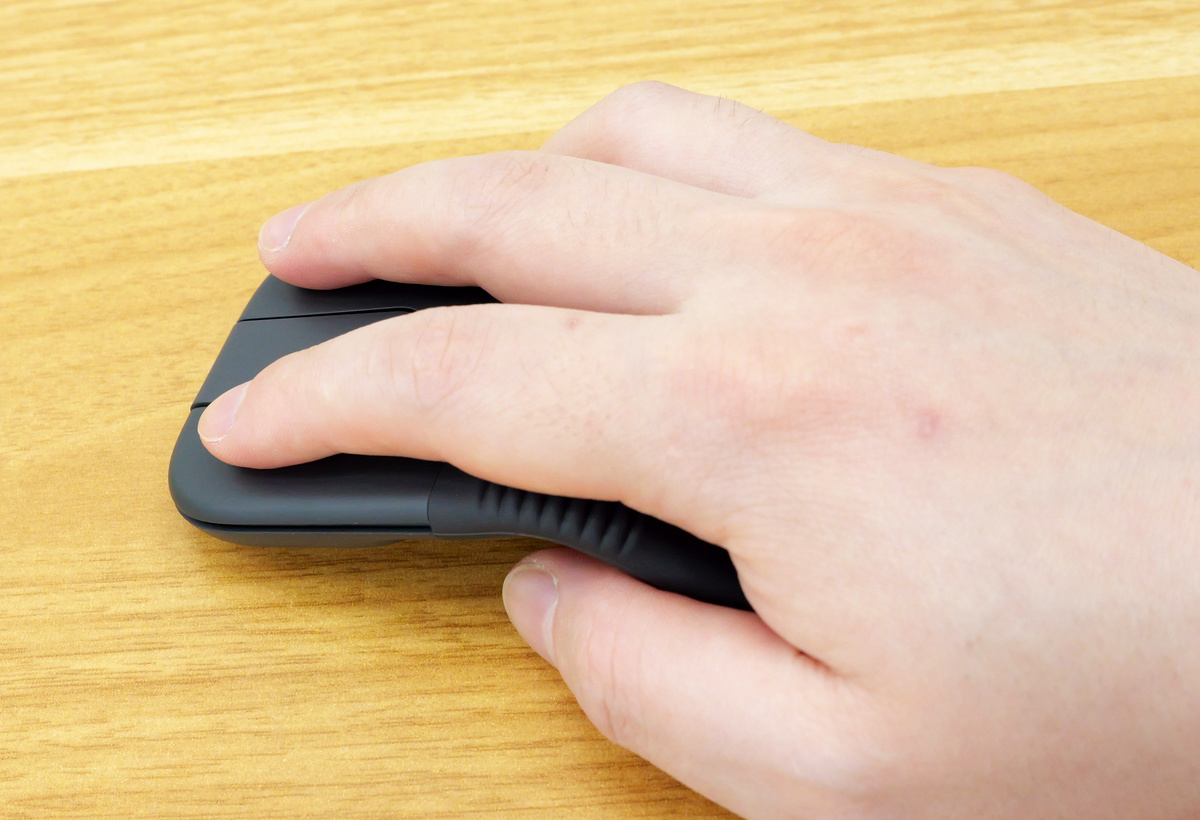
The Mobi Fold is characterized by its compact size, small enough to fit in a breast pocket when folded, while still offering high functionality as a mouse. Below is a picture of how it looks when an adult male places his hand on it. Compact mice that prioritize portability can sometimes feel too small and difficult to use, but the Mobi Fold is compact for carrying and unfolds when in use, so its curved shape fits comfortably in the hand. I didn't feel that the left and right click buttons were too small or too close together, making them difficult to operate.
Additionally, the central area between the left and right click buttons is 'Adaptive Touch Scroll,' allowing you to scroll by moving your finger. Furthermore, the top and bottom of the touch area are clickable, and by default, they are assigned to 'Back' and 'Forward.' Using '
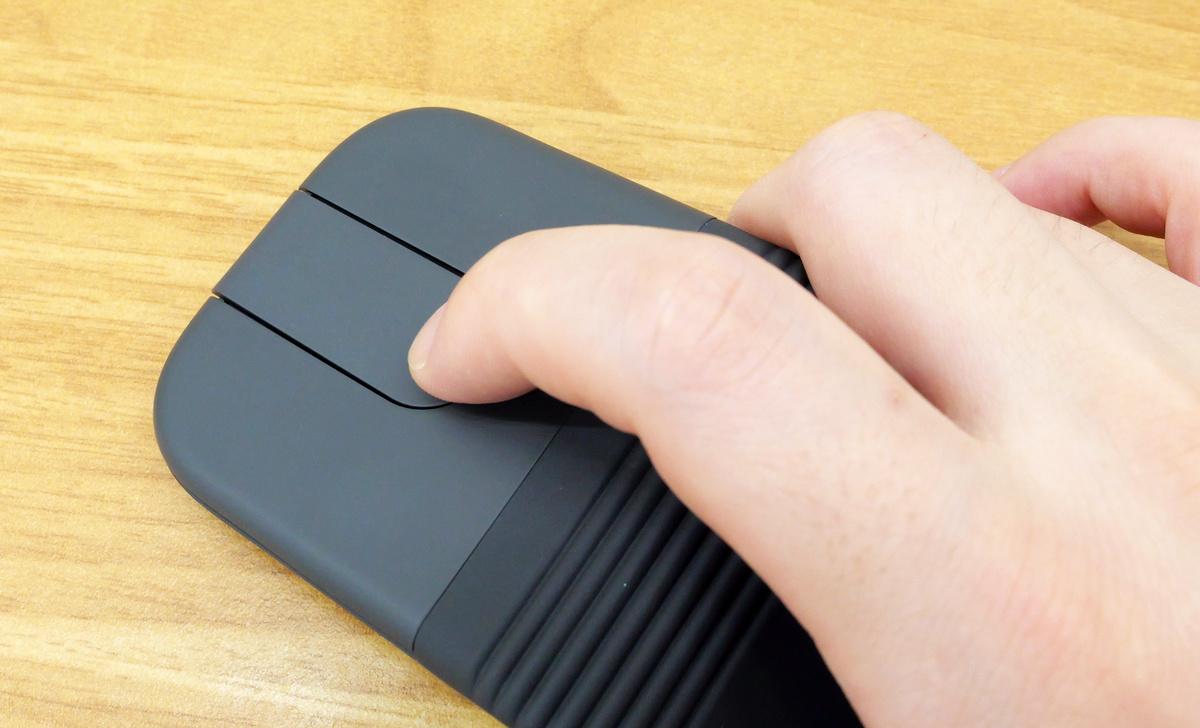
This is what the left side of the Mobi Fold looks like.
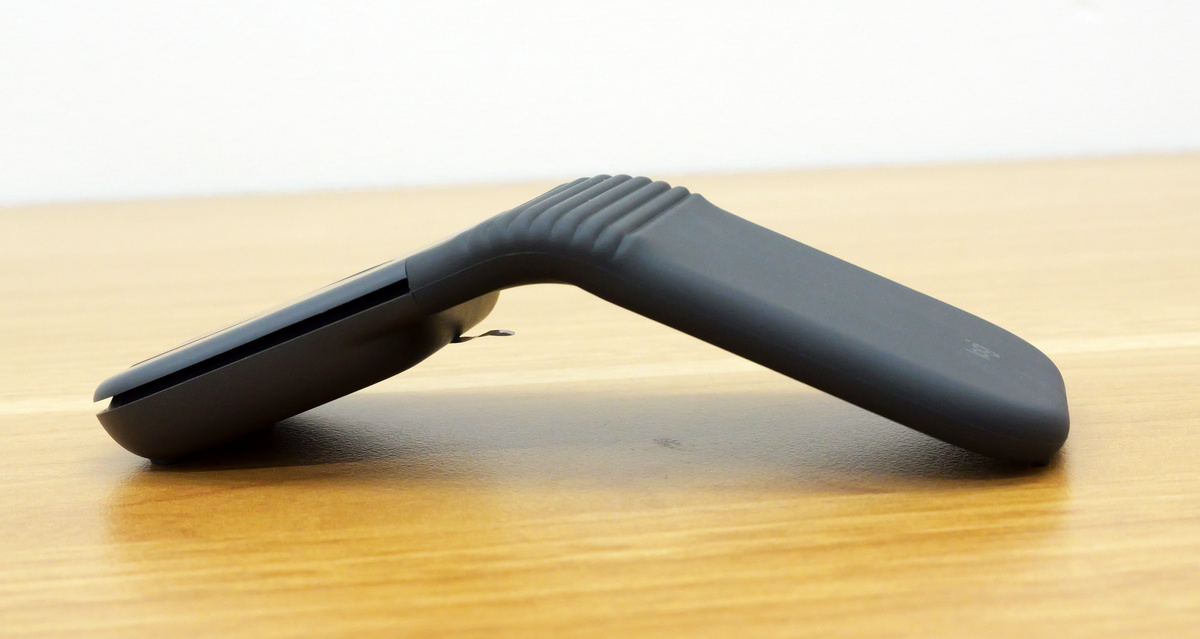
Right side.
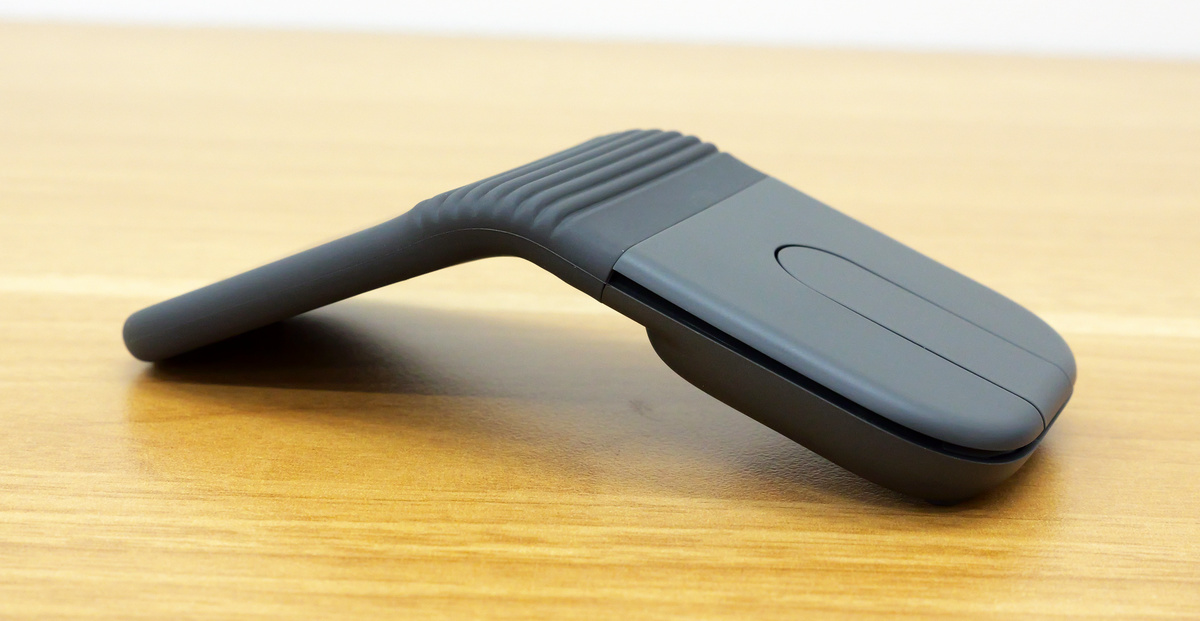
There are no buttons on the front either.
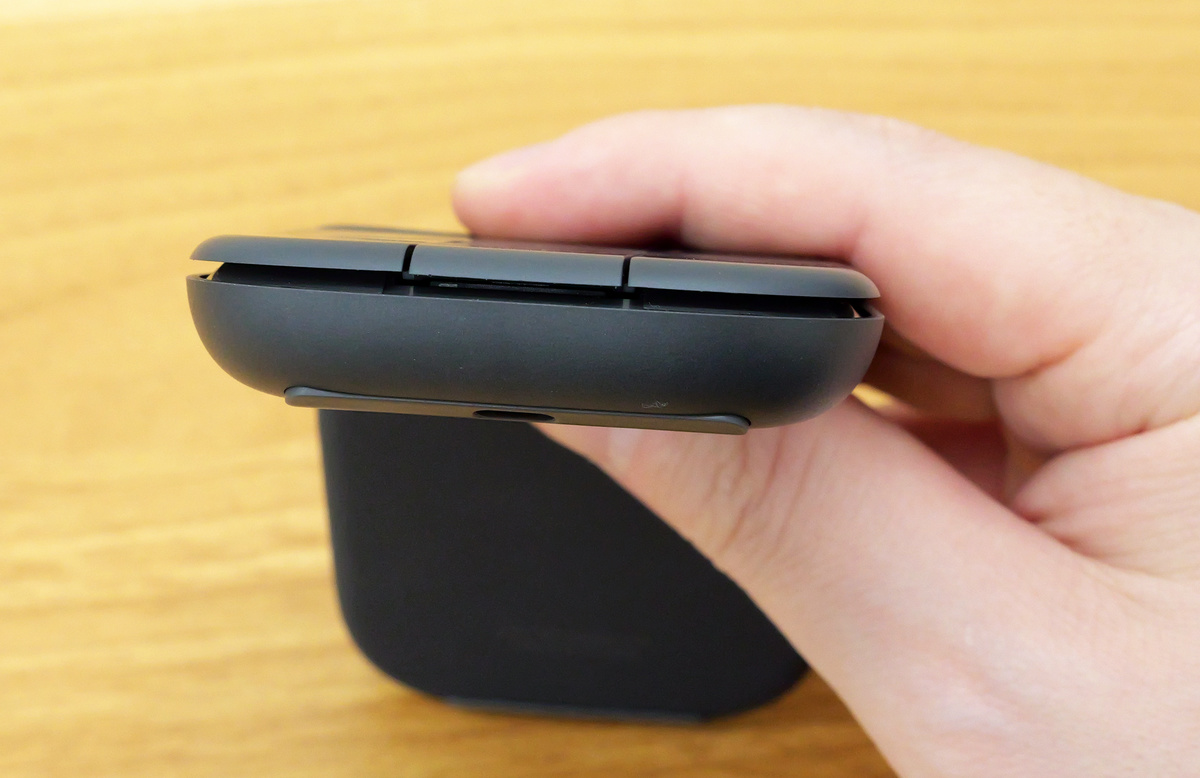
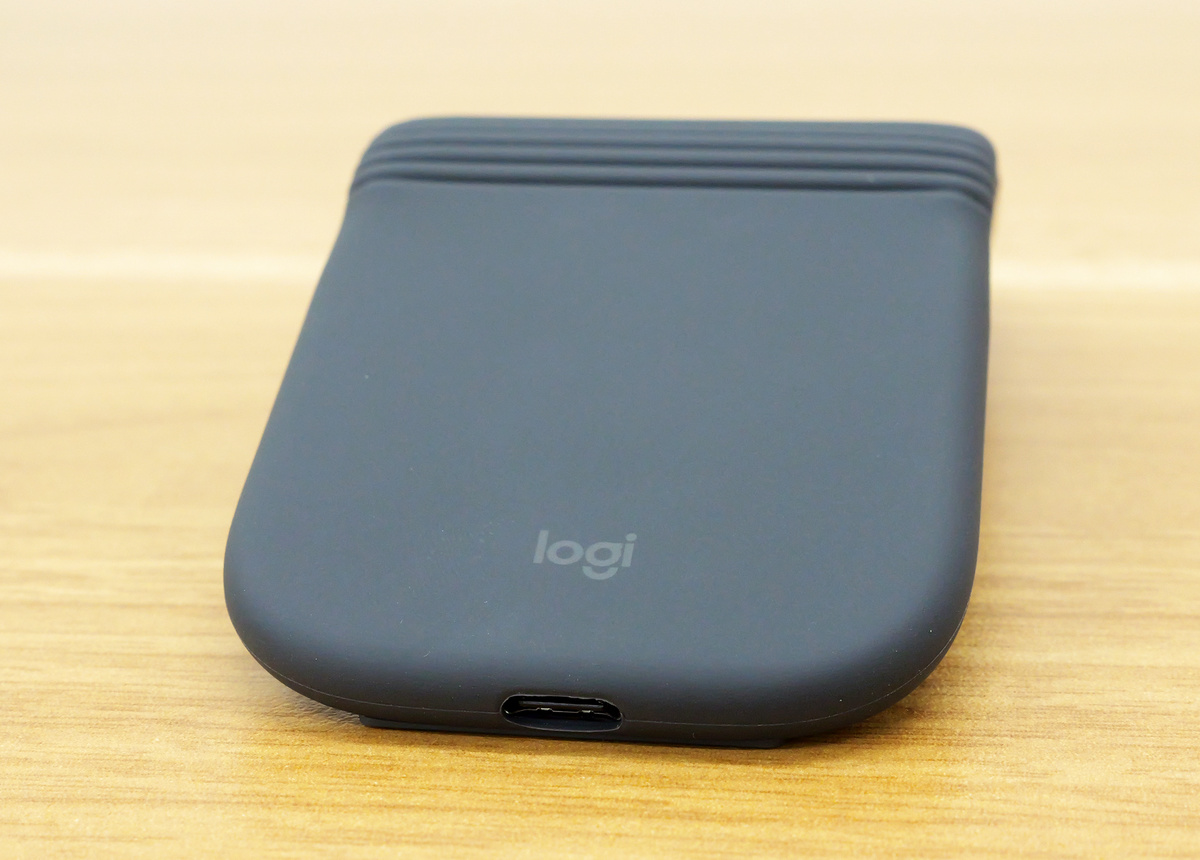
There is a USB-C port on the back for charging.
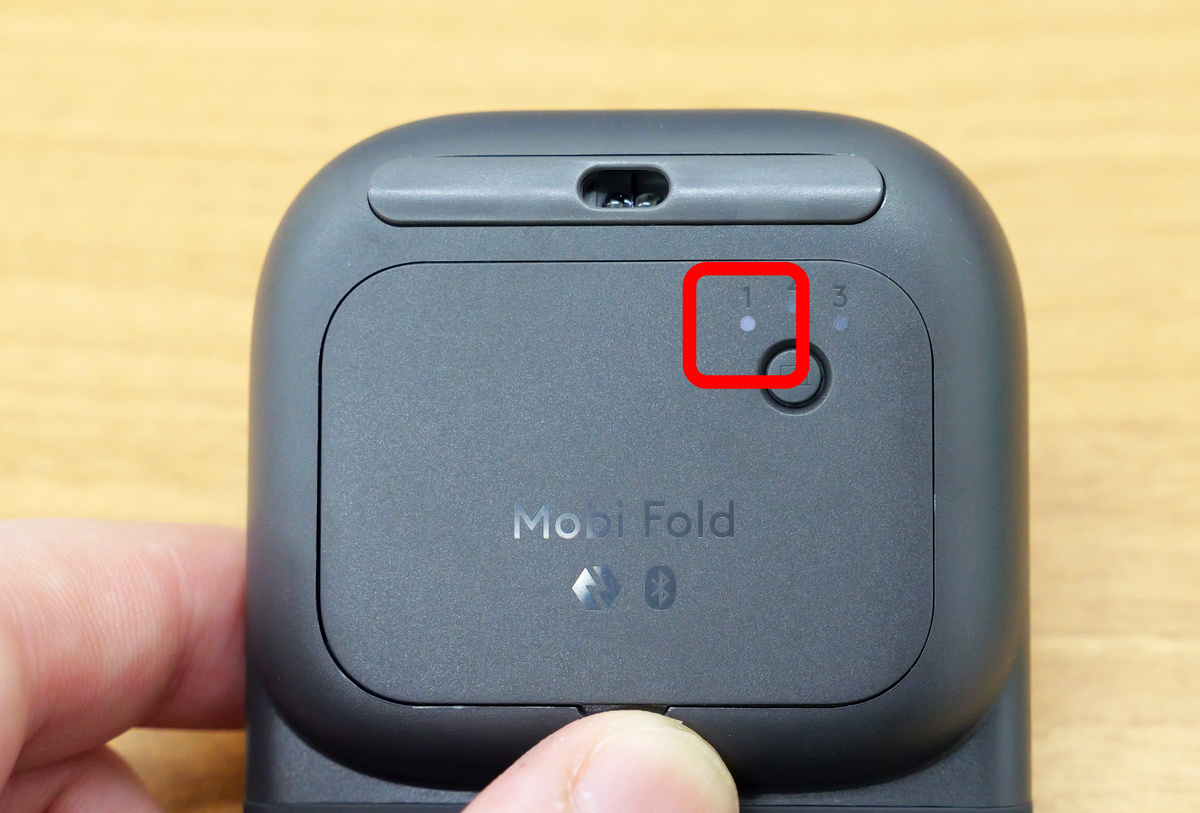
The back looks like this. It features an 'Easy-Switch' button that allows you to quickly switch between connections to three devices.
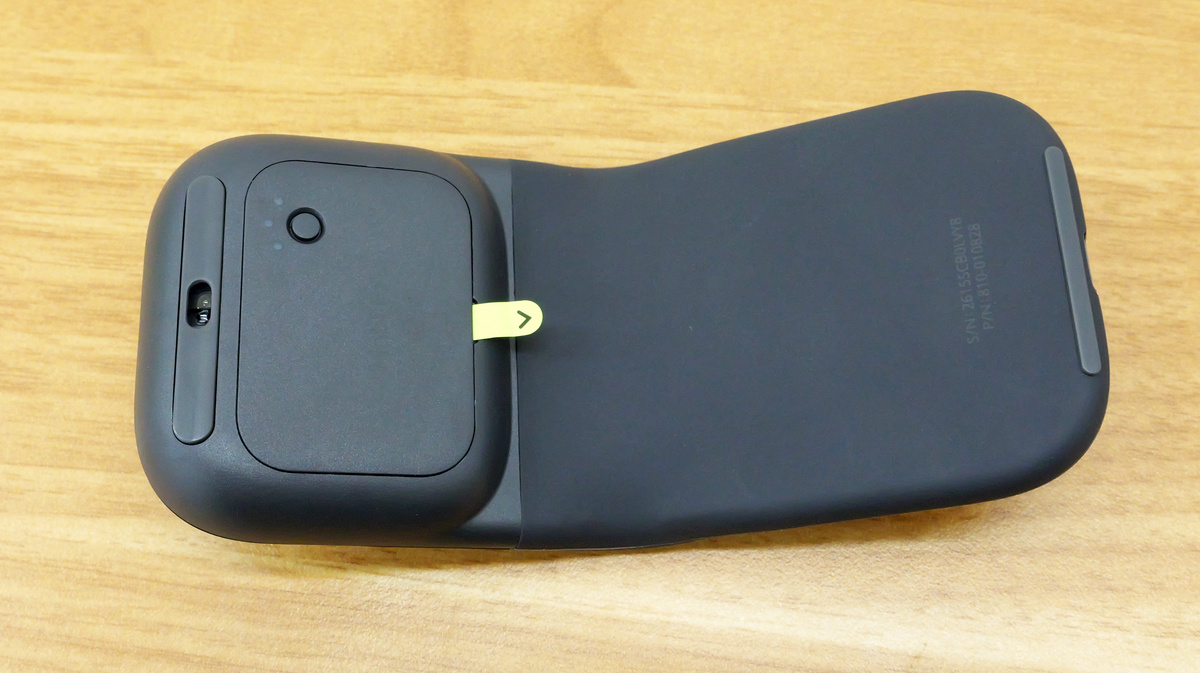
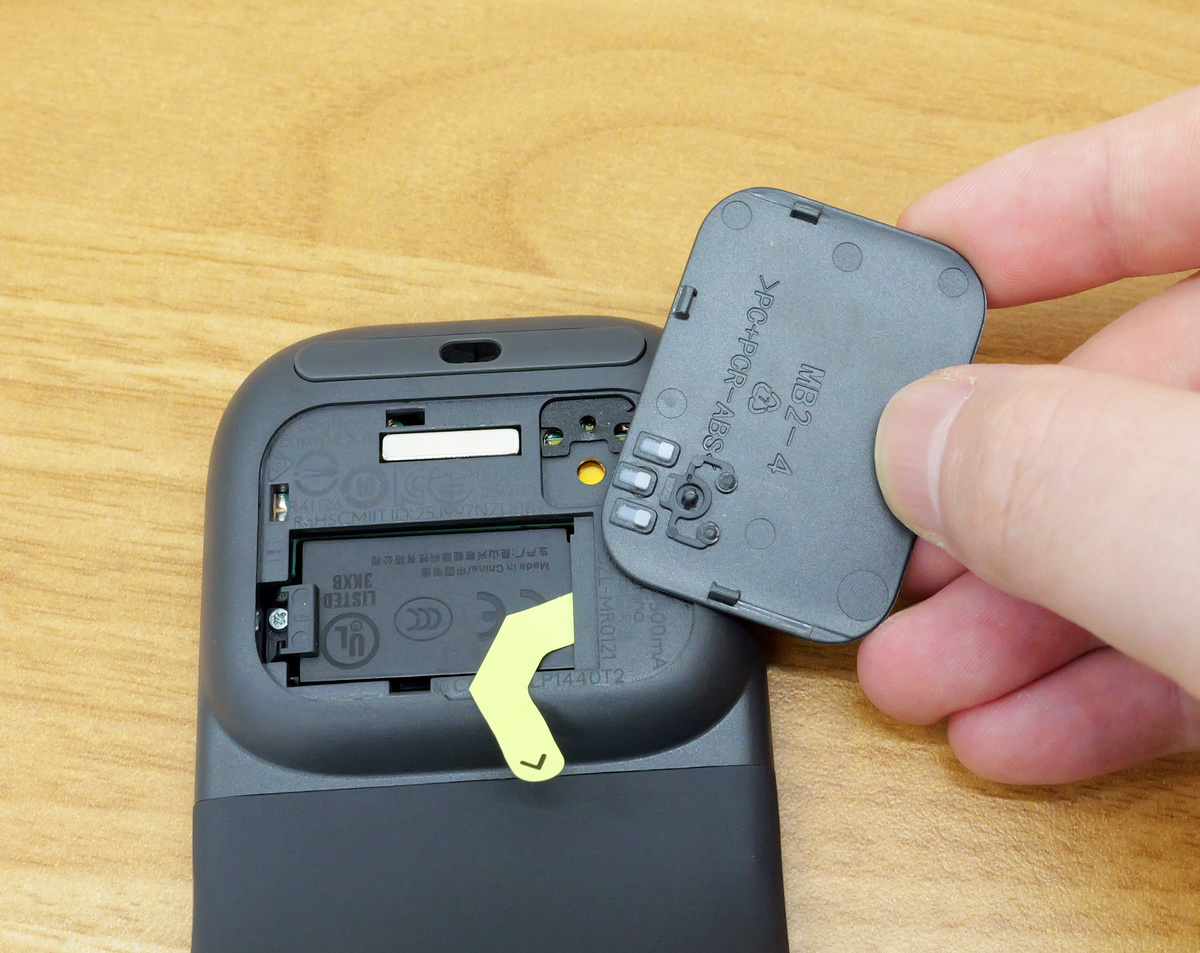
The cover on the back can be opened, which is to make it easier to recycle or repair the battery, as the Mobi Fold is a rechargeable mouse that does not require batteries.
Now let's actually connect the Mobi Fold to your PC. First, plug a USB-C cable into the USB-C port on the back of the device and connect it to your PC to charge it. Note that a USB-C cable is not included, so you will need to provide one separately.
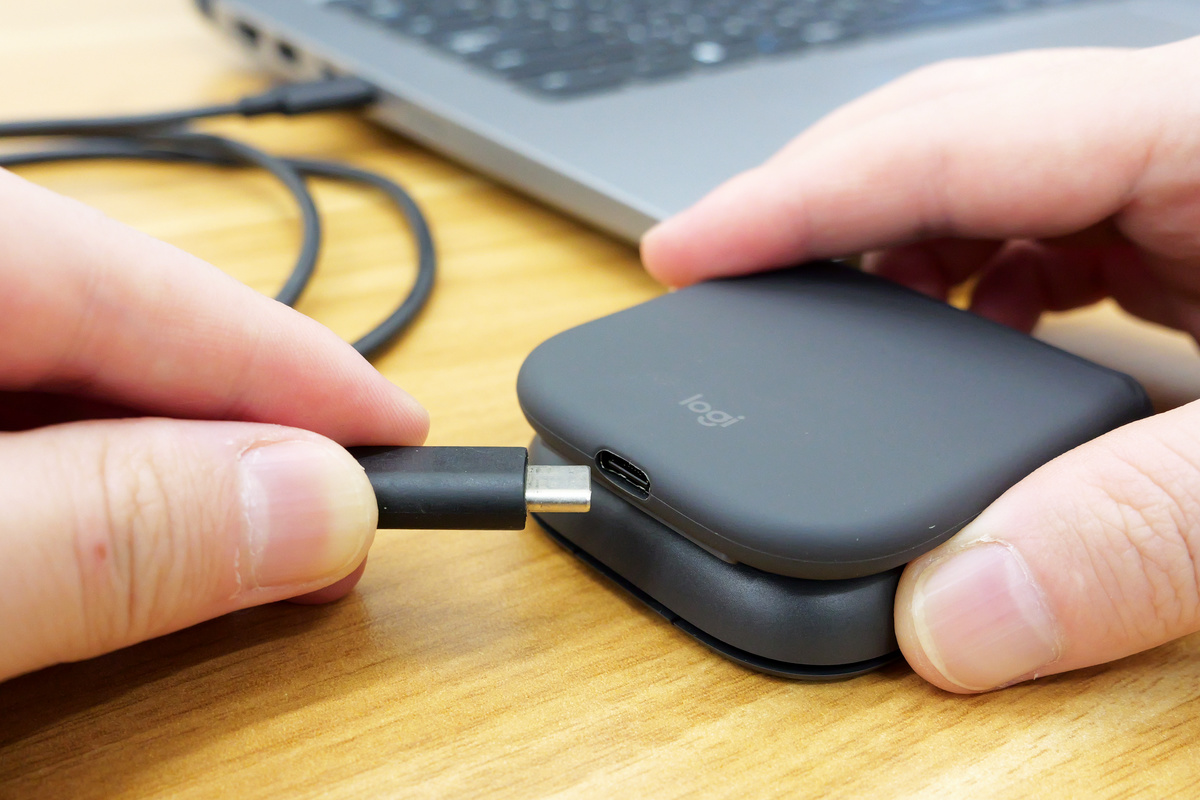
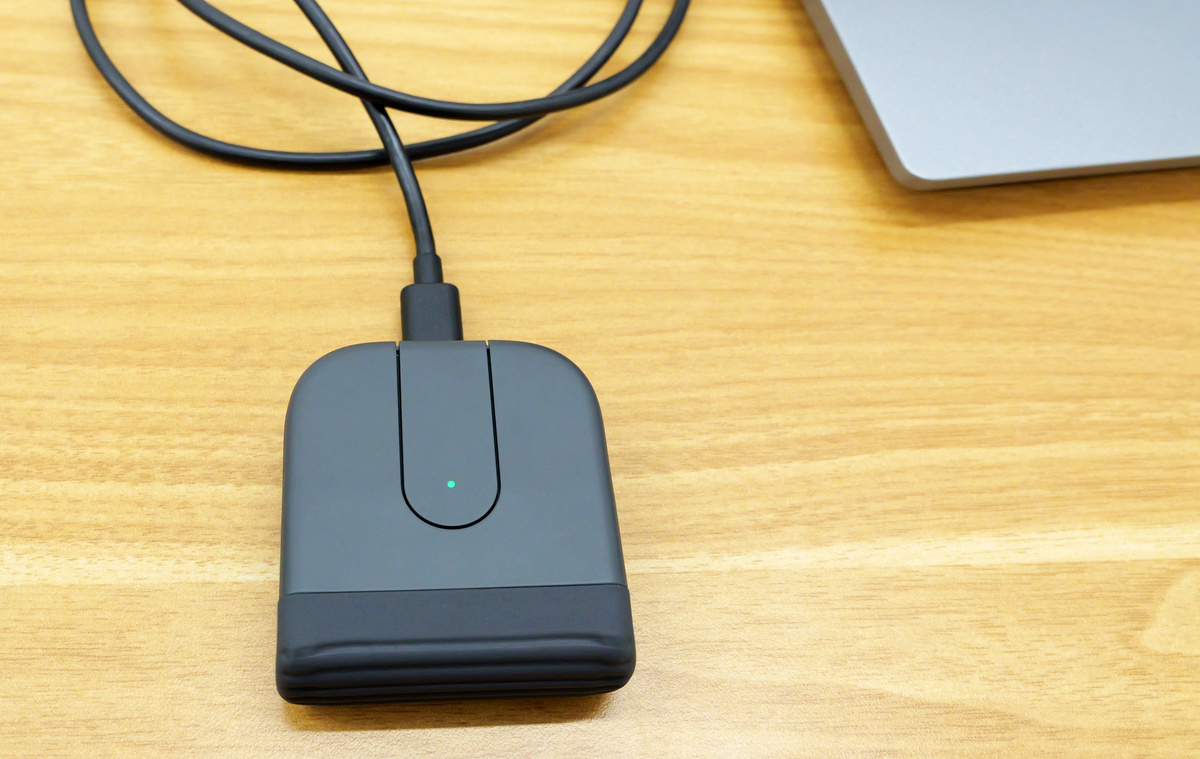
When charging began, a green light illuminated on the touch scroll area. The Mobi Fold supports fast charging, allowing for approximately 22 hours of use with just one minute of charging, and up to 30 days of use on a full charge.
The Mobi Fold does not have a power button; it automatically powers on when unfolded. When connecting it for the first time, make sure the indicator on the Easy-Switch button on the back is blinking white.
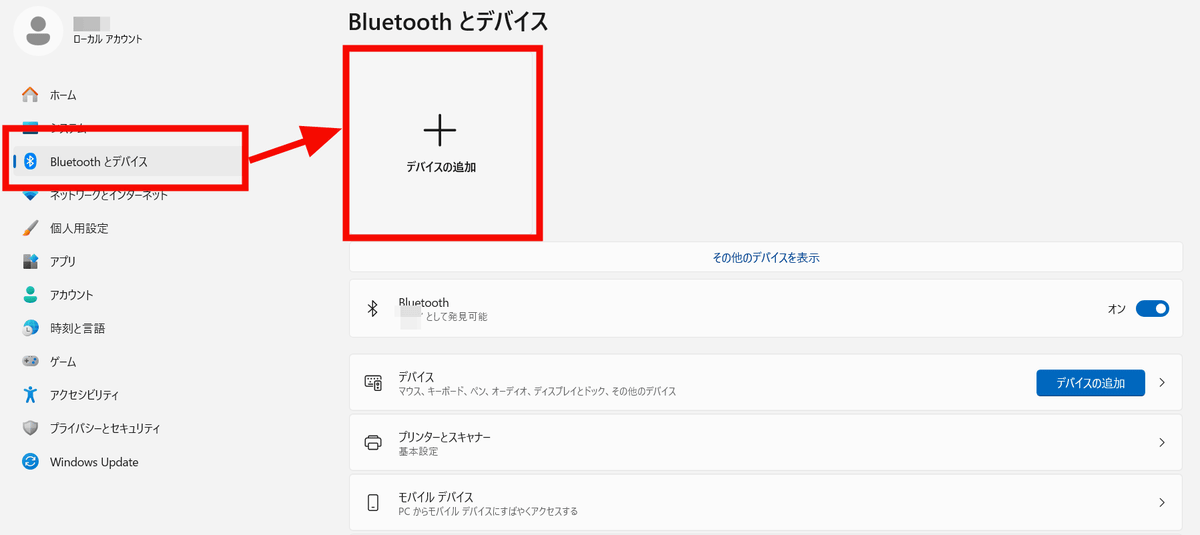
This time, we'll try connecting to a Windows PC. Open 'Bluetooth & Devices' from the PC's settings app and click 'Add a device'.
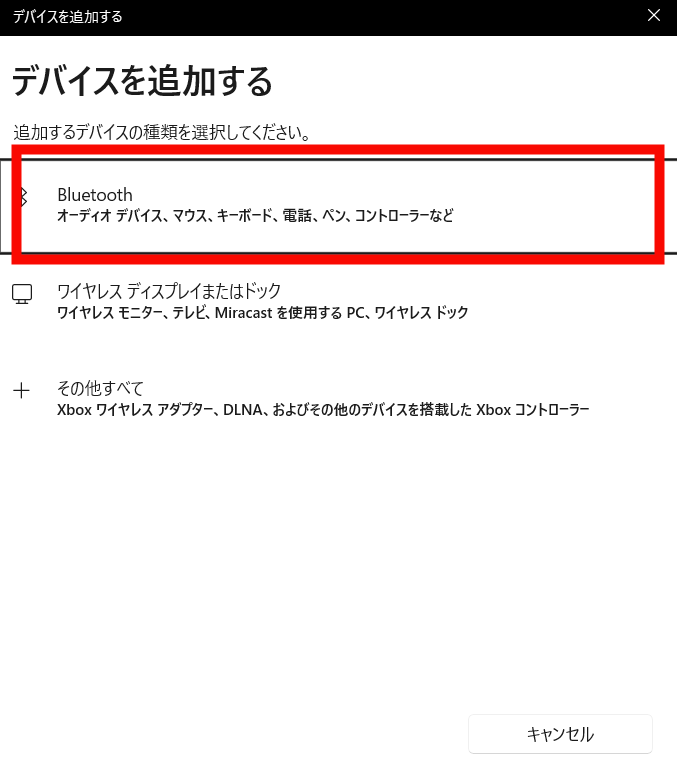
Select 'Bluetooth'.
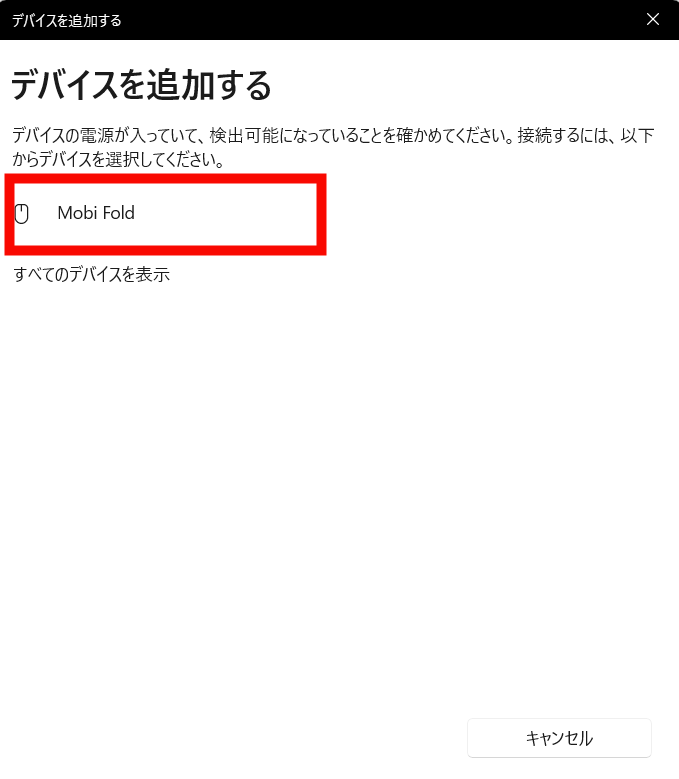
I clicked on 'Mobi Fold' which was displayed.
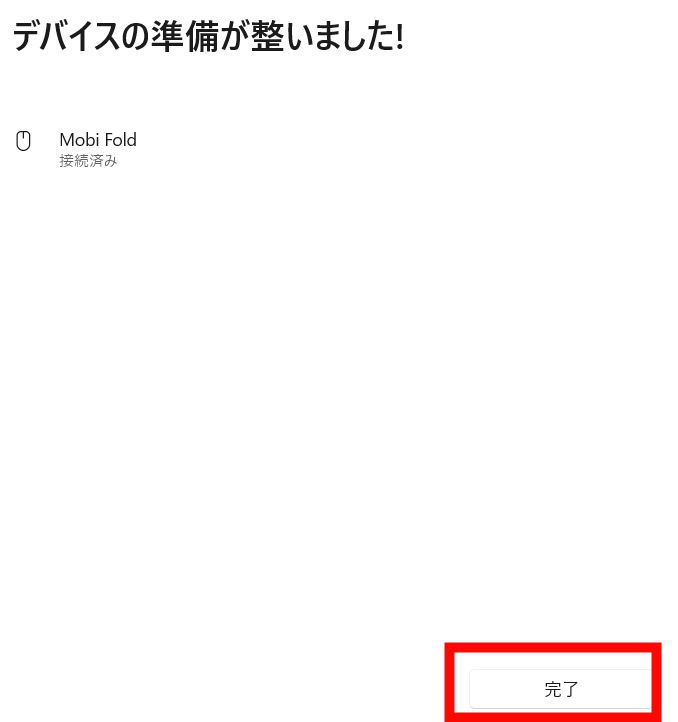
Click 'Finish'.
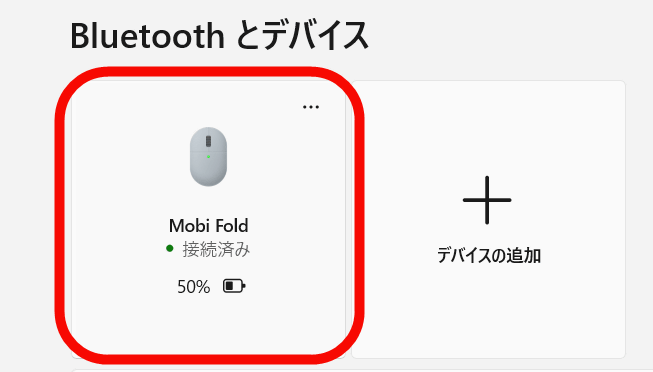
Mobi Fold has been connected.
You can see what it's like to actually use the Mobi Fold in the video below. The left and right click sounds are quite quiet, and although the two buttons above and below the touch scroll have a relatively loud click sound, it's not bothersome, so it seems easy to use even when you're out and about.
When I actually used the Mobi Fold, I found it to be incredibly convenient for people who want to work on their PCs in cafes or on bullet trains, or for those who frequently move between offices. It's ultra-compact and easy to carry when folded, while also being comfortable to use like a regular mouse when unfolded. When unfolded, it has a curved shape that fits comfortably in the hand, but because it folds in half, the center is the highest point, so people with small hands might find it a little difficult to find the right hand position. Also, at 57mm wide, it's a bit narrow for a firm grip, so if you're planning to use it as your main mouse because of its high functionality, I recommend checking the size before purchasing.
The Mobi Fold will be released on July 2, 2026. The open price at the Logitech online store is 14,850 yen (tax included) for the 'MF900' and 16,390 yen (tax included) for the 'MF900B,' a product for corporate customers.
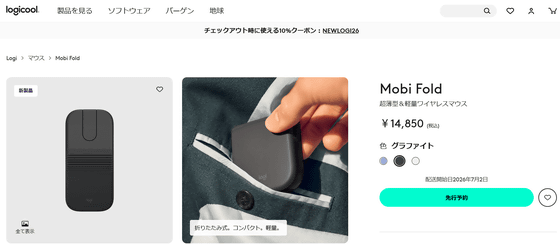
Mobi Fold Ultra-thin & Lightweight Wireless Mouse | Logitech
https://www.logicool.co.jp/ja-jp/shop/p/mobi-fold-mouse.910-007612
Related Posts: