I tried out Elgato's compact audio interface, the Wave XLR MK.2, which supports XLR microphones and features a simple design with just one dial.
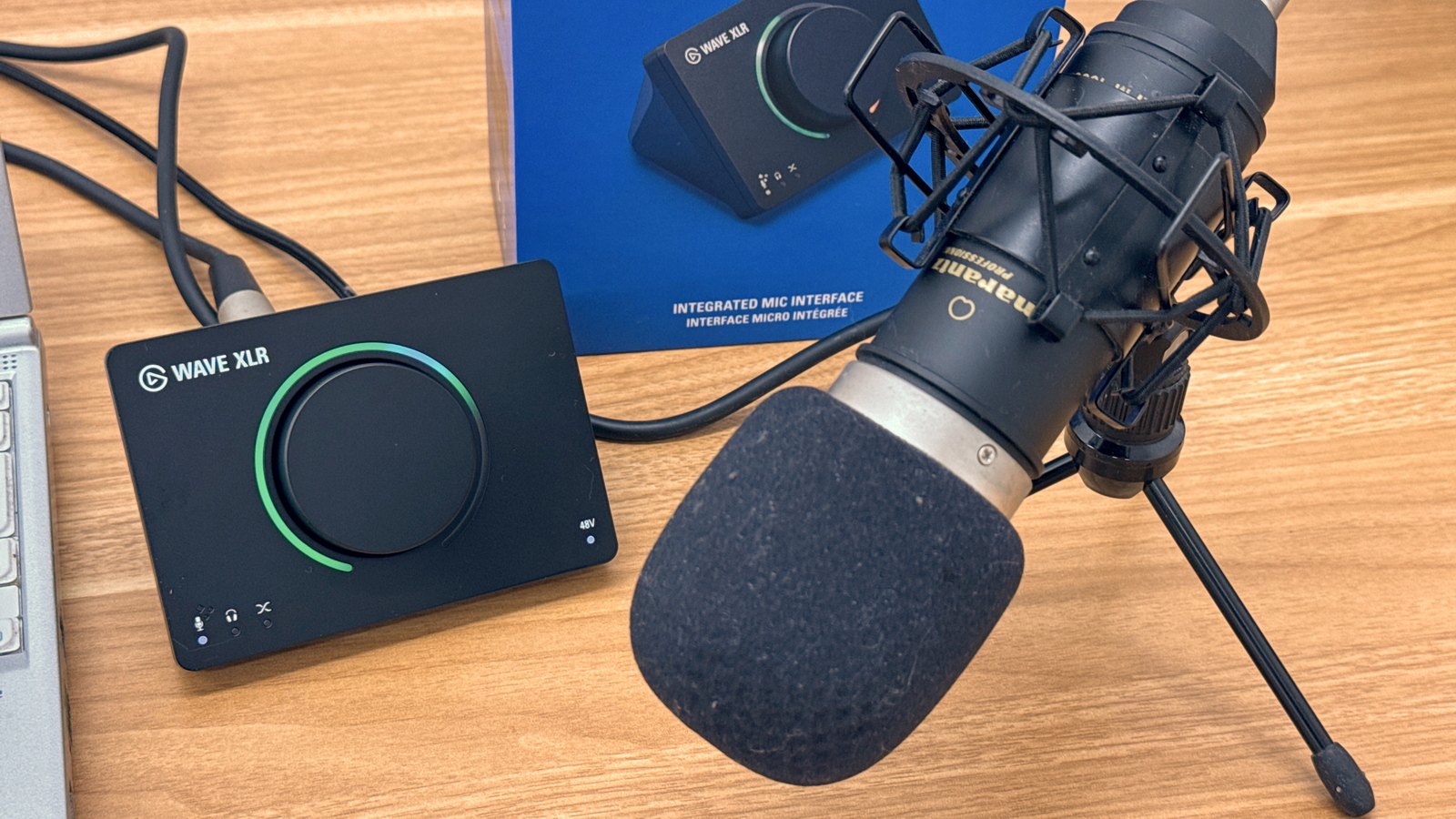
Elgato, a PC accessory manufacturer, released the Wave XLR MK.2 , an all-in-one high-performance audio interface and mixer, in March 2026. It can connect to any XLR microphone and everything can be controlled with a single touch. I was able to borrow a unit from Elgato and tried it out.
Wave XLR MK.2 | Elgato
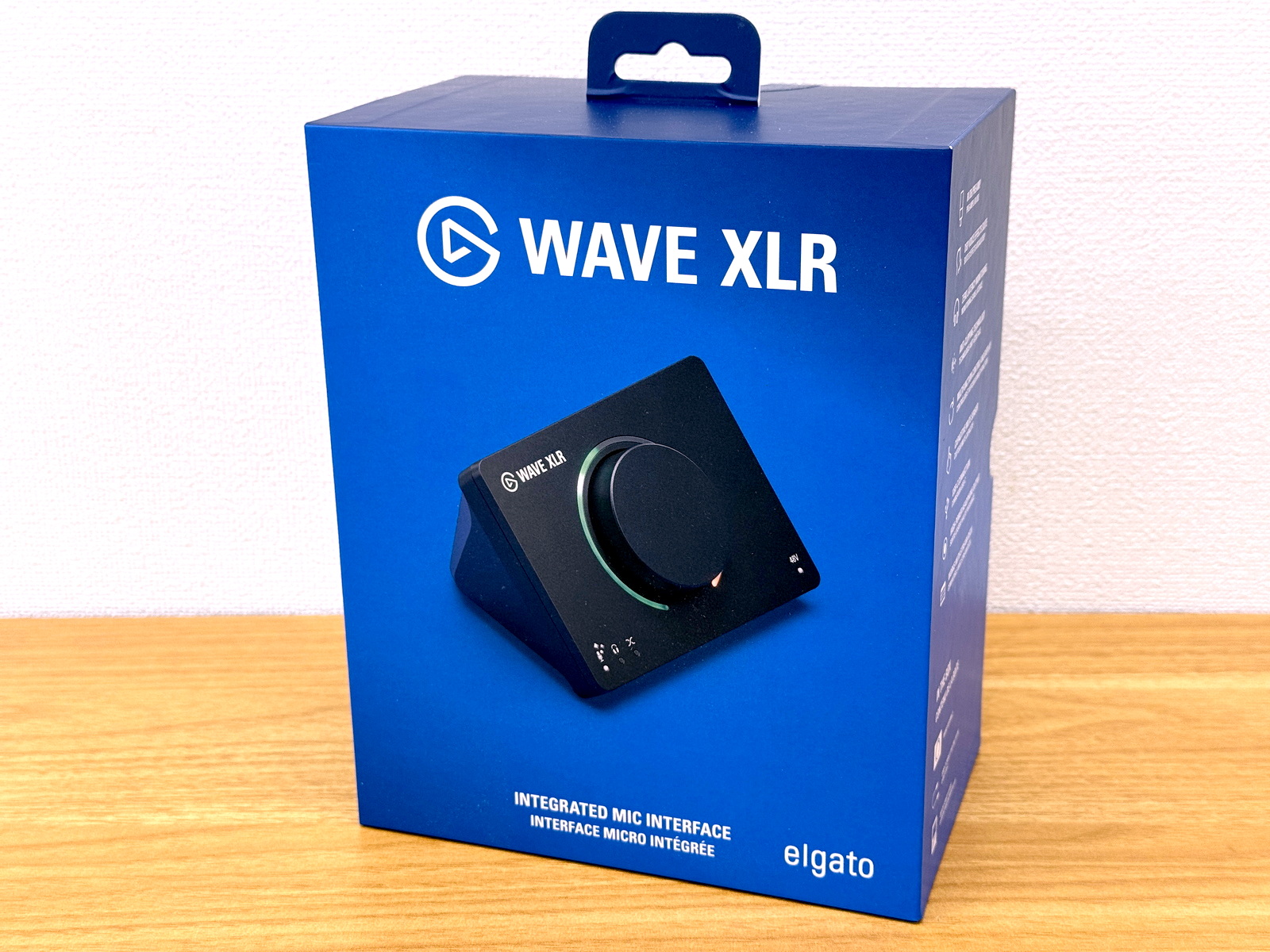
The Wave XLR MK.2's packaging features a design primarily in blue.
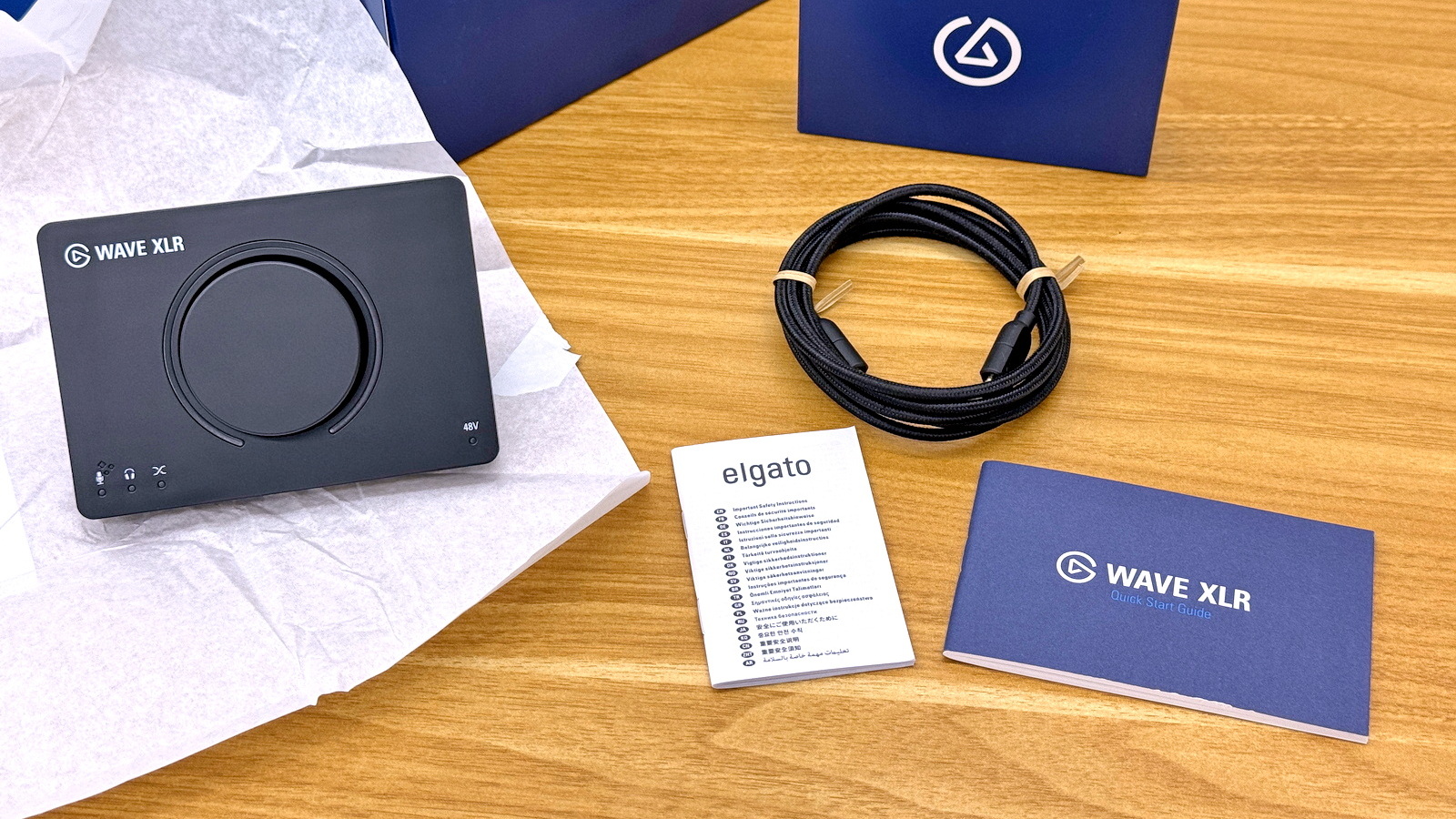
The package contains the Wave XLR MK.2 unit, a 250cm USB Type-C cable, an instruction manual, and a quick startup guide.
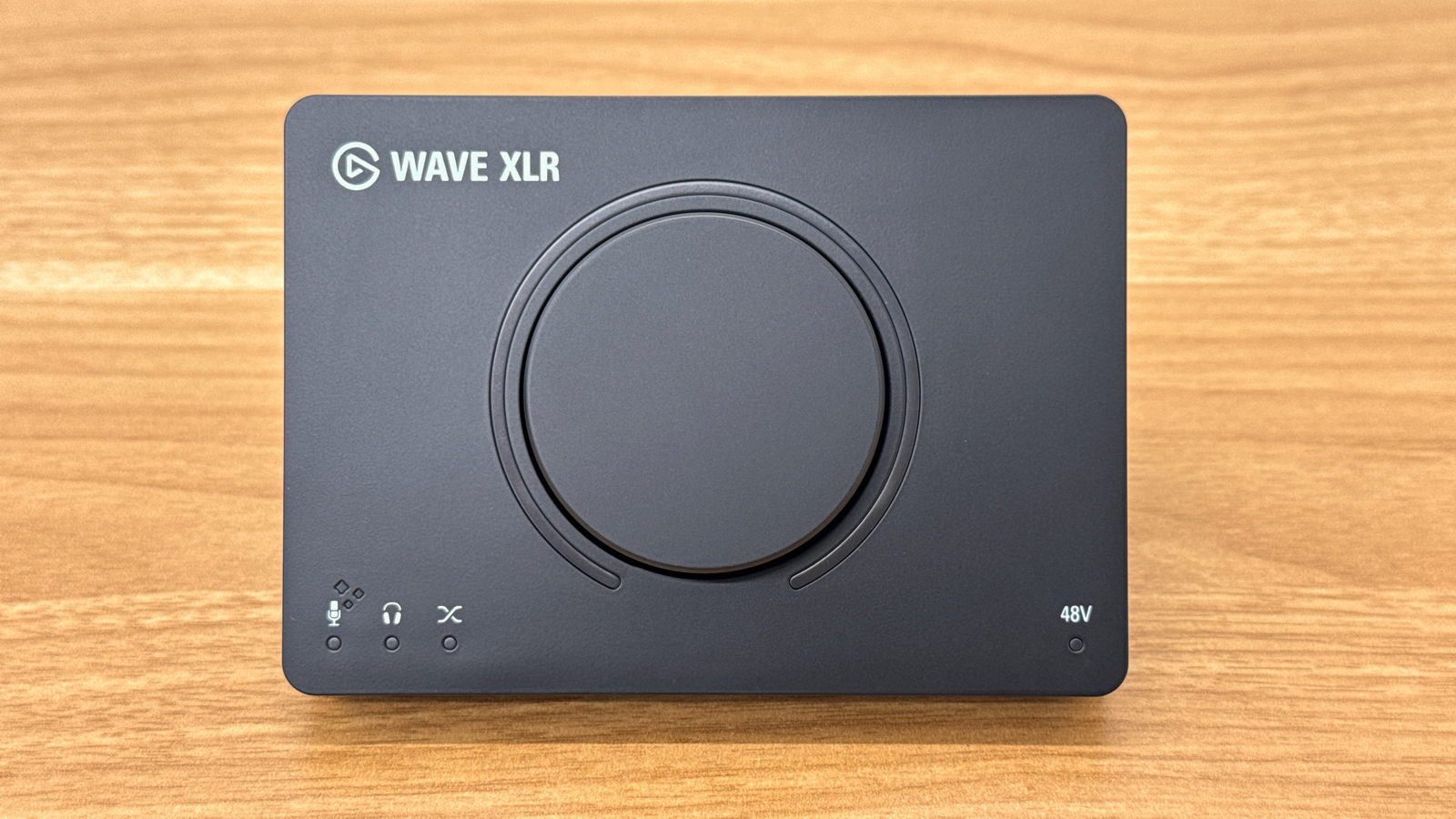
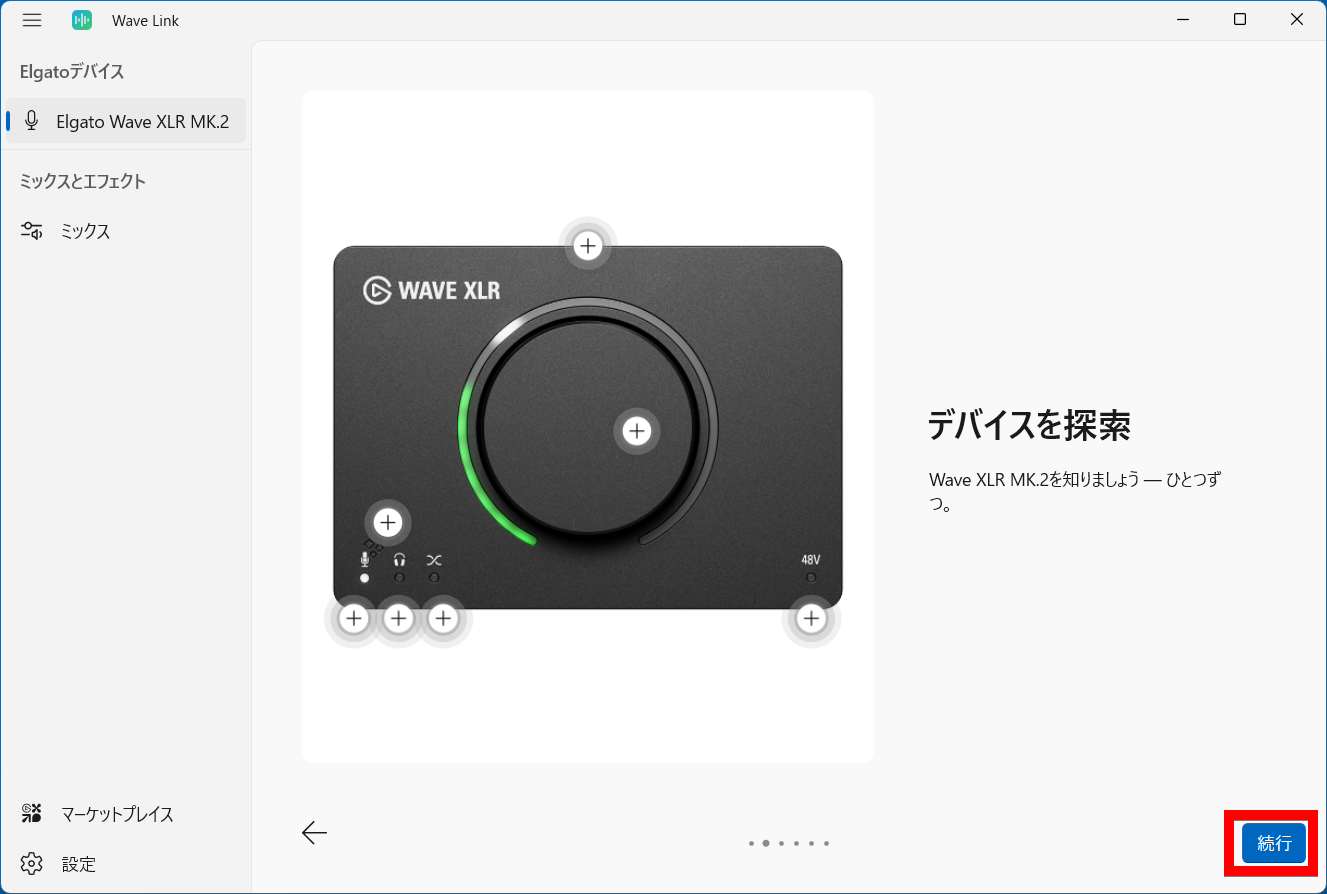
The Wave XLR MK.2 unit has a simple design with a single large dial. There is an LED ring light around the dial, and LED indicators for Voice Tune, headphone output, and mix output are located on the lower left, while an LED indicator for 48V phantom power is located on the lower right. The dimensions are 93mm (height) x 118mm (width) x 73mm (depth).
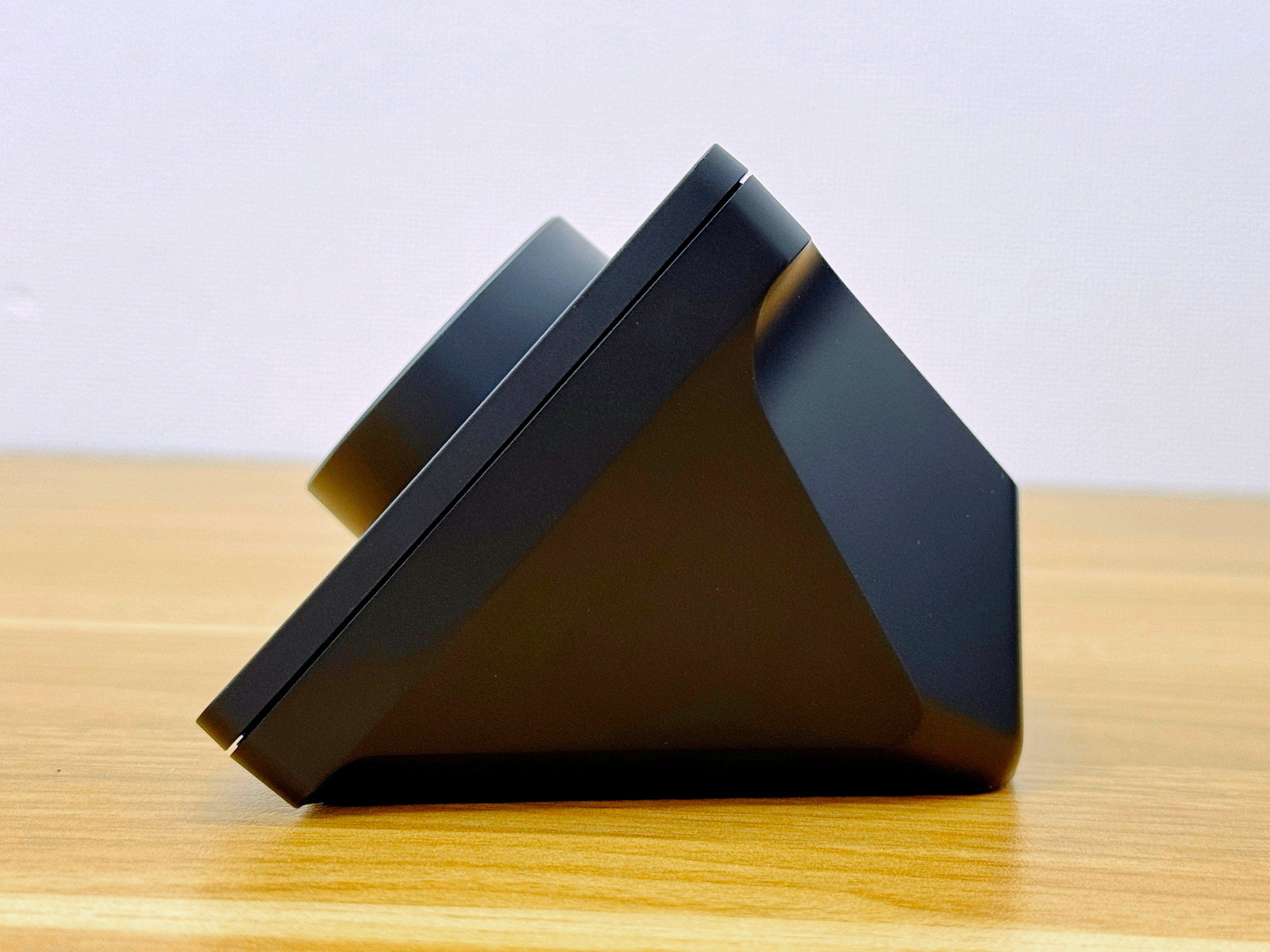
The left side of the Wave XLR MK.2. The front, where the dial is located, has a slanted design.
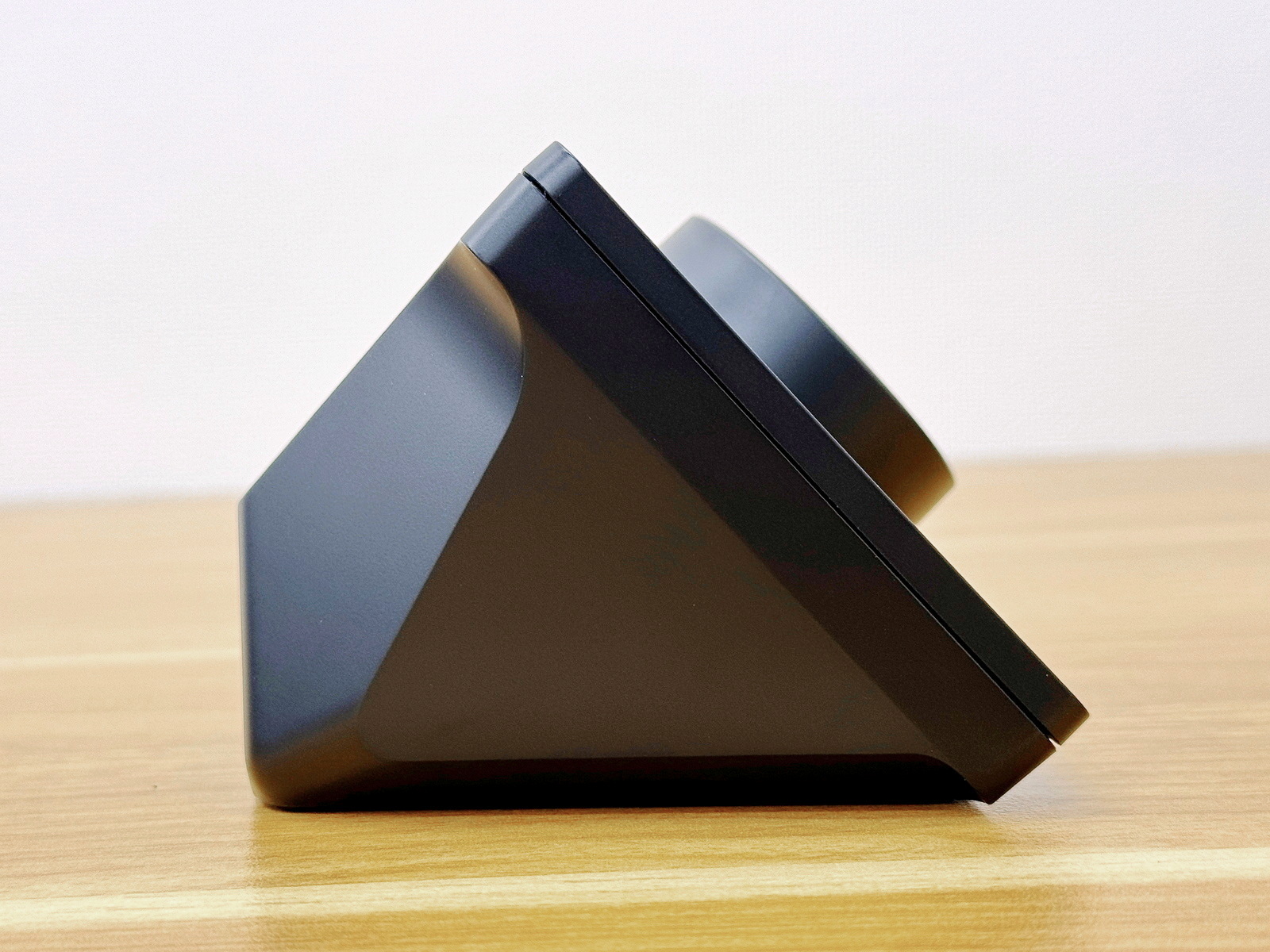
This is what the left side looks like.
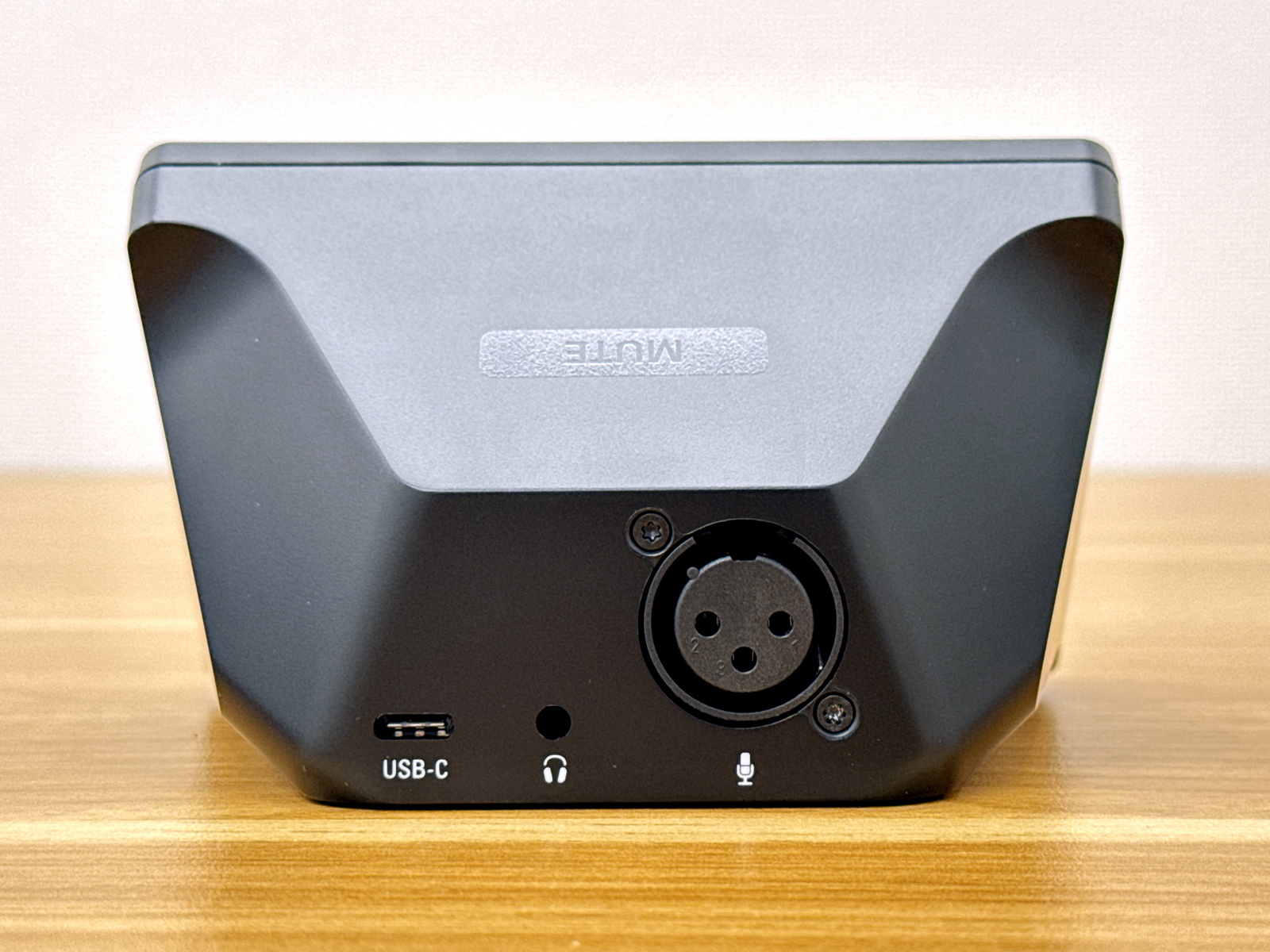
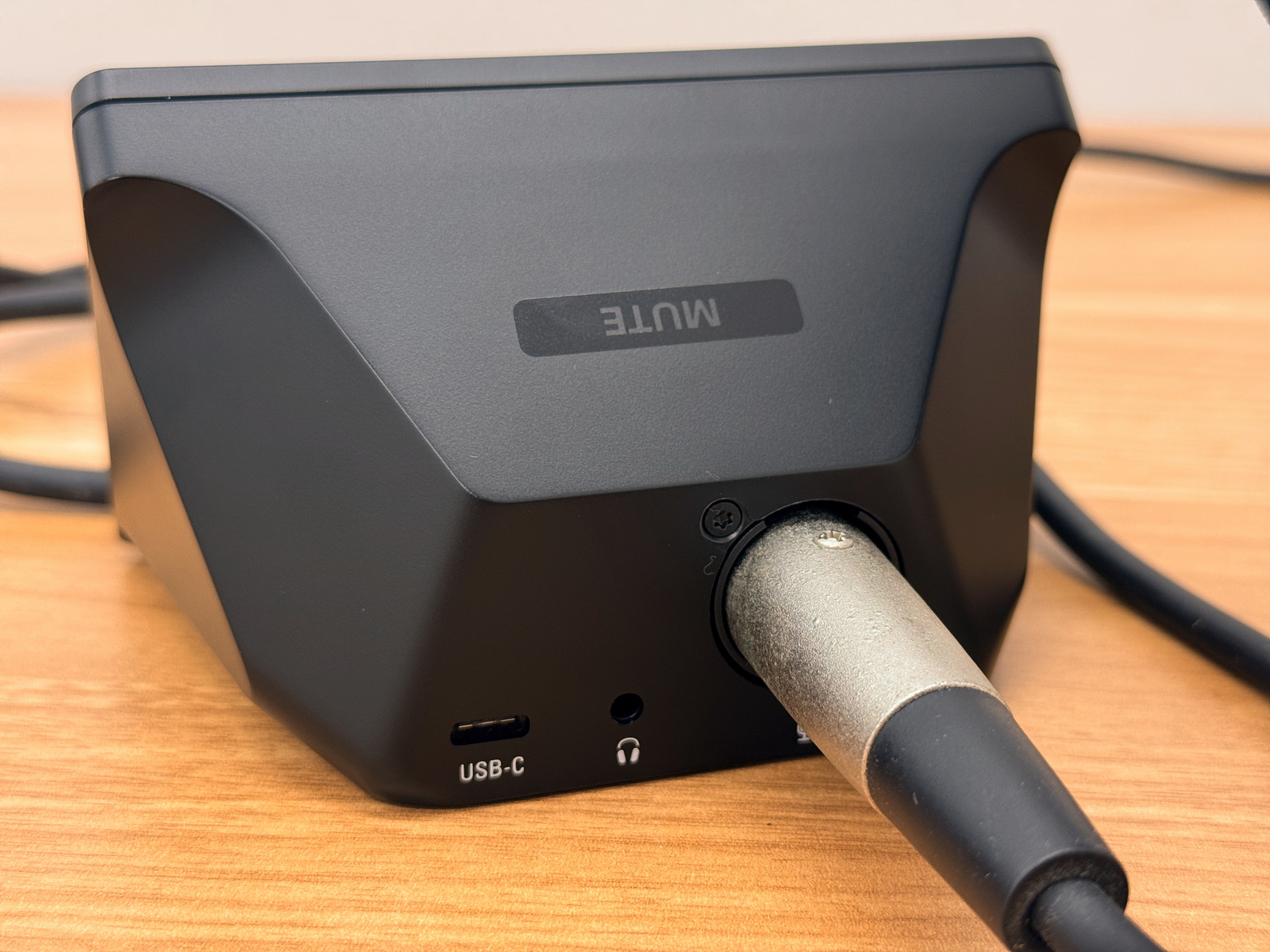
On the back are a USB-C port, a 3.5mm audio jack port, and an XLR port for microphone connection.
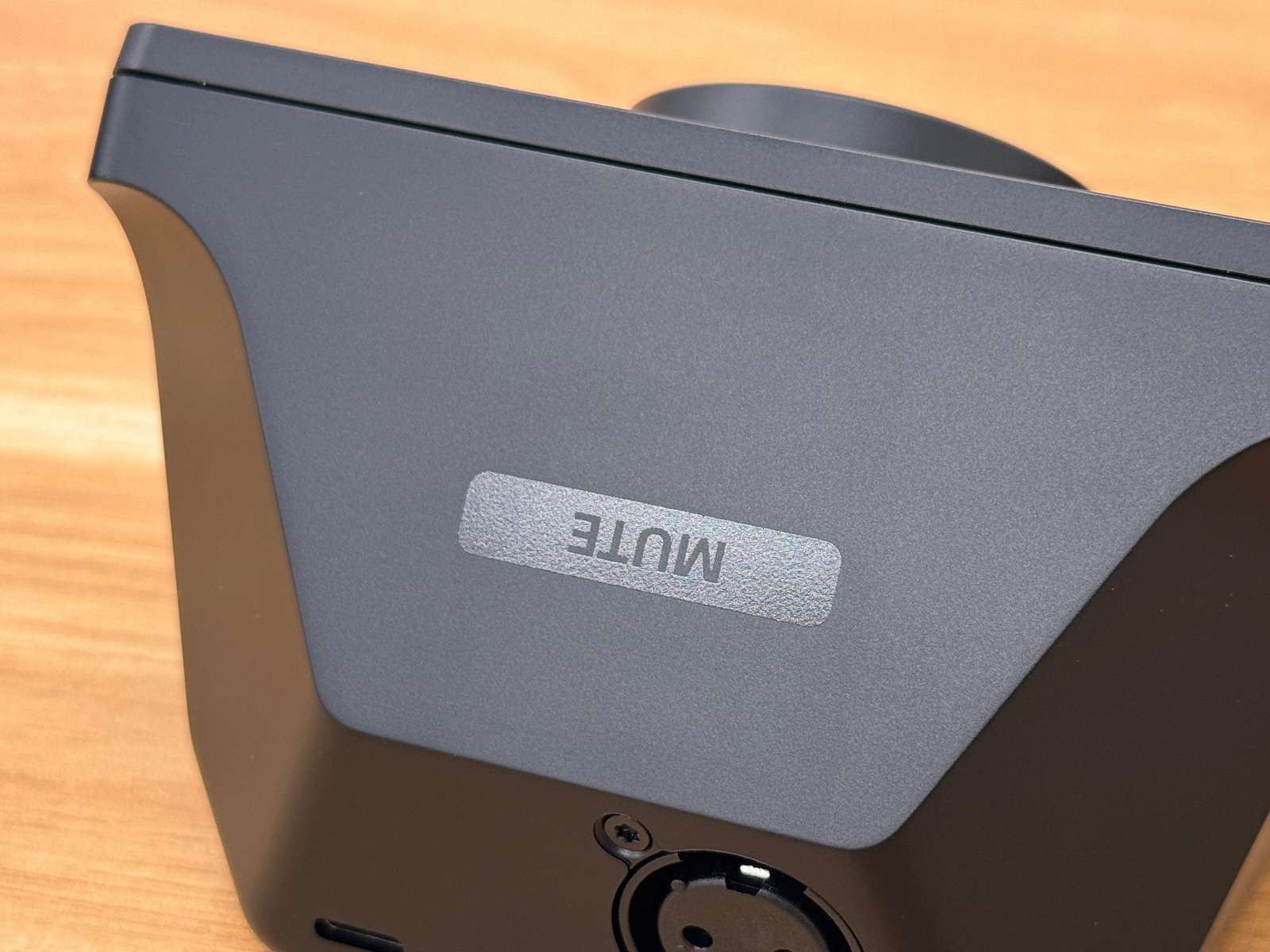
The top surface has 'MUTE' written on it. You can mute the microphone by simply tapping this area.
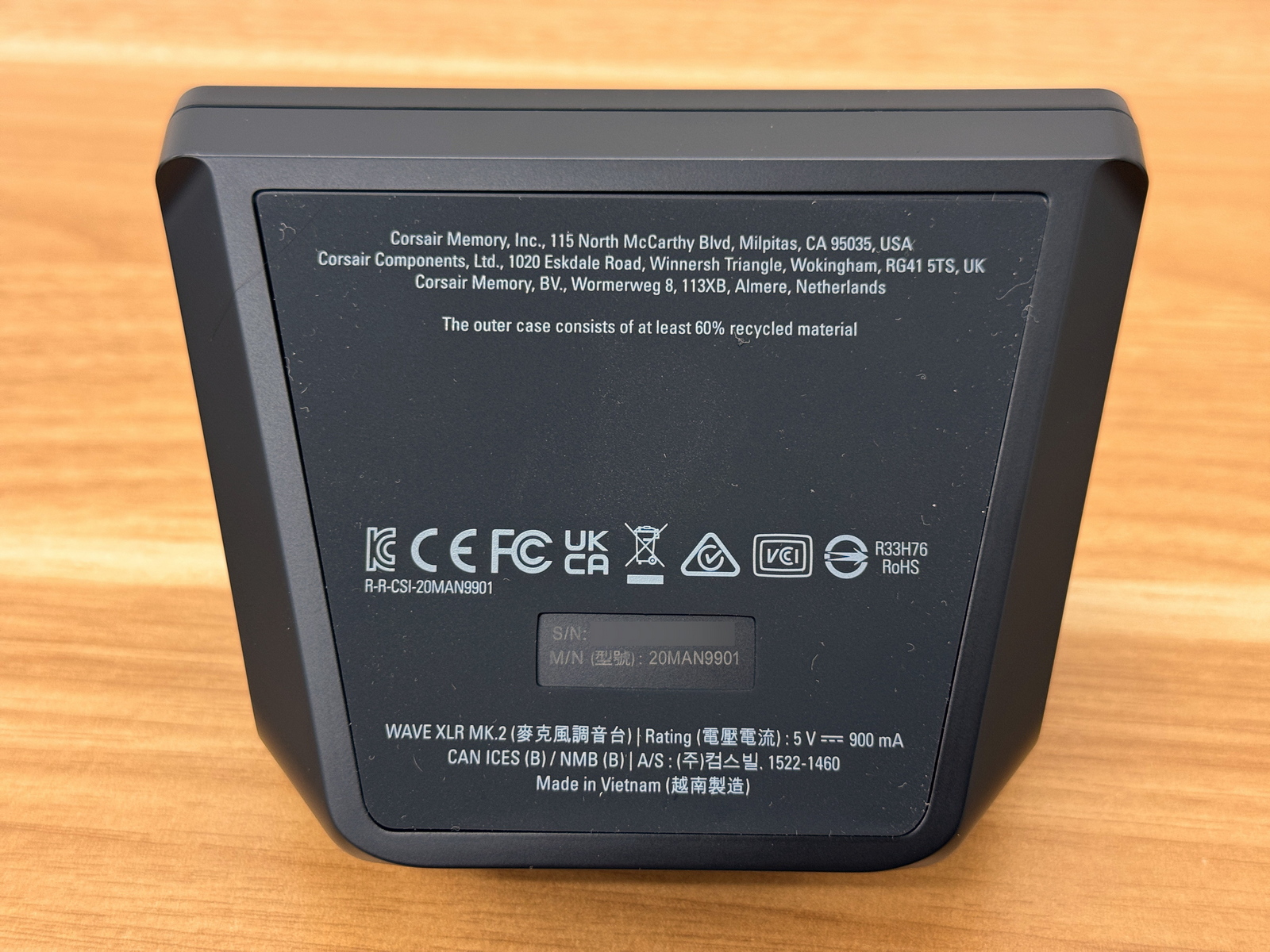
The bottom had rubber padding to prevent slipping, and the serial number and model number were also printed on it.
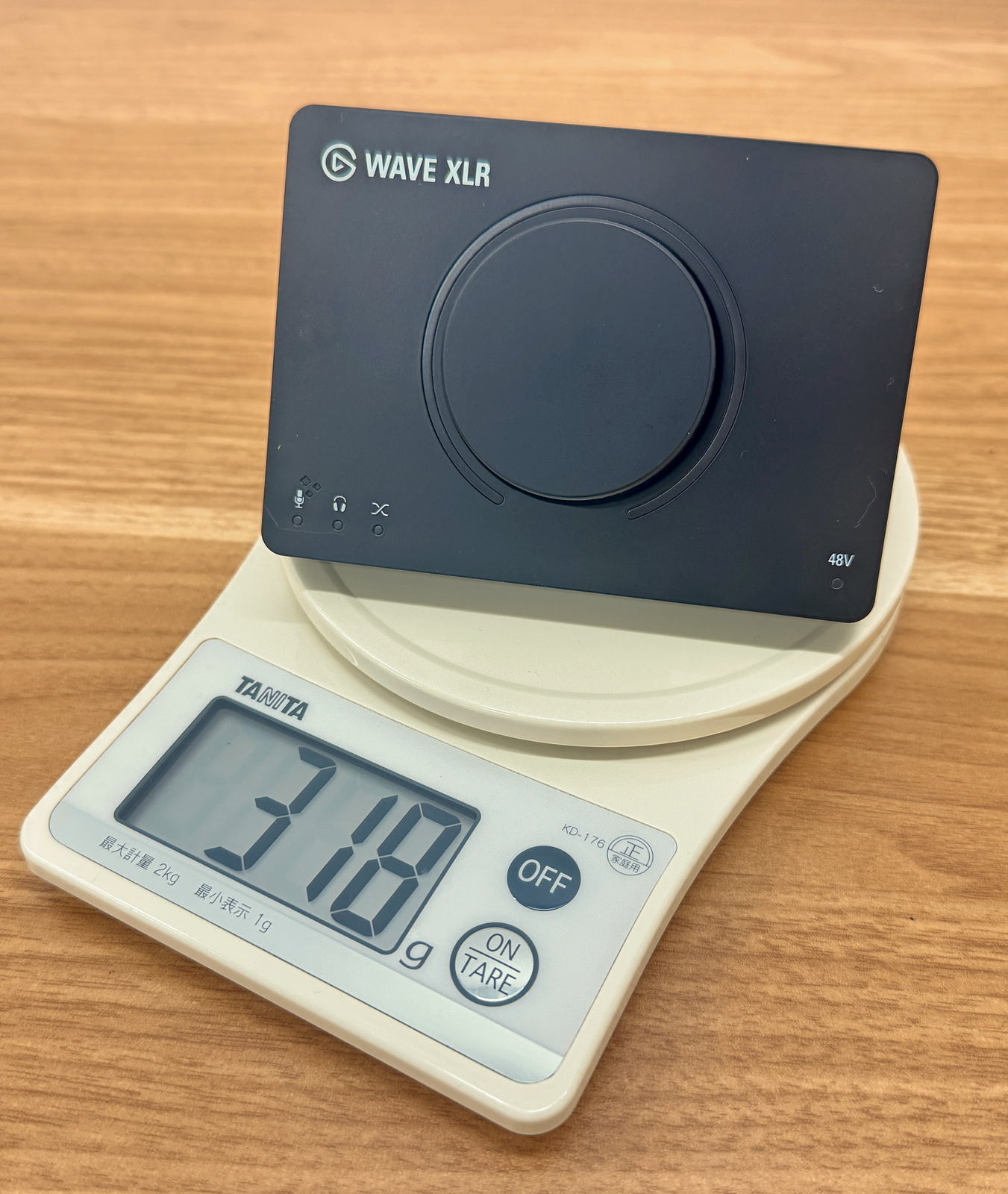
The actual weight of the unit was 318g.
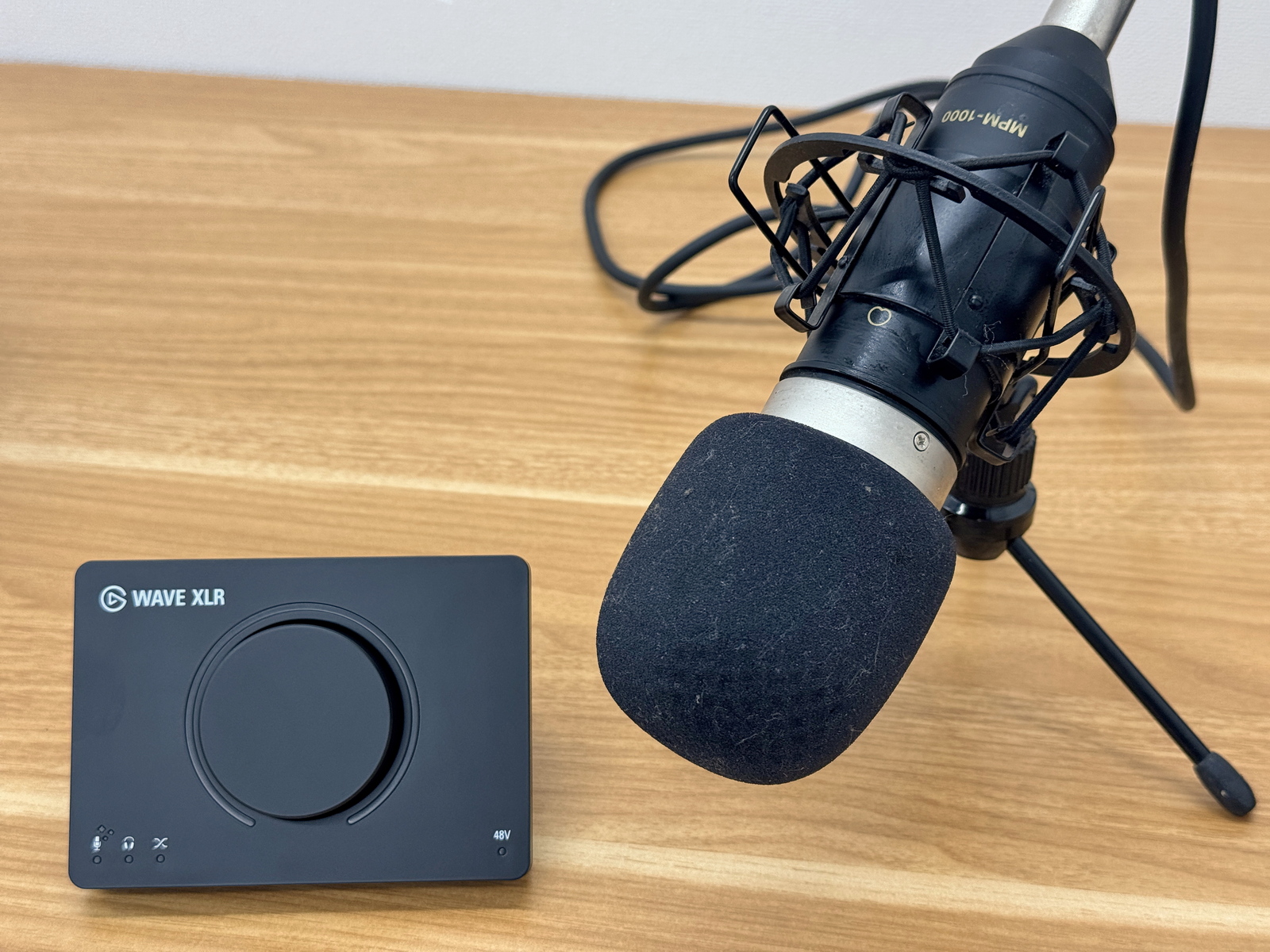
The Wave XLR MK.2 is an audio interface and does not have a built-in microphone. For this test, I prepared a Marantz condenser microphone,
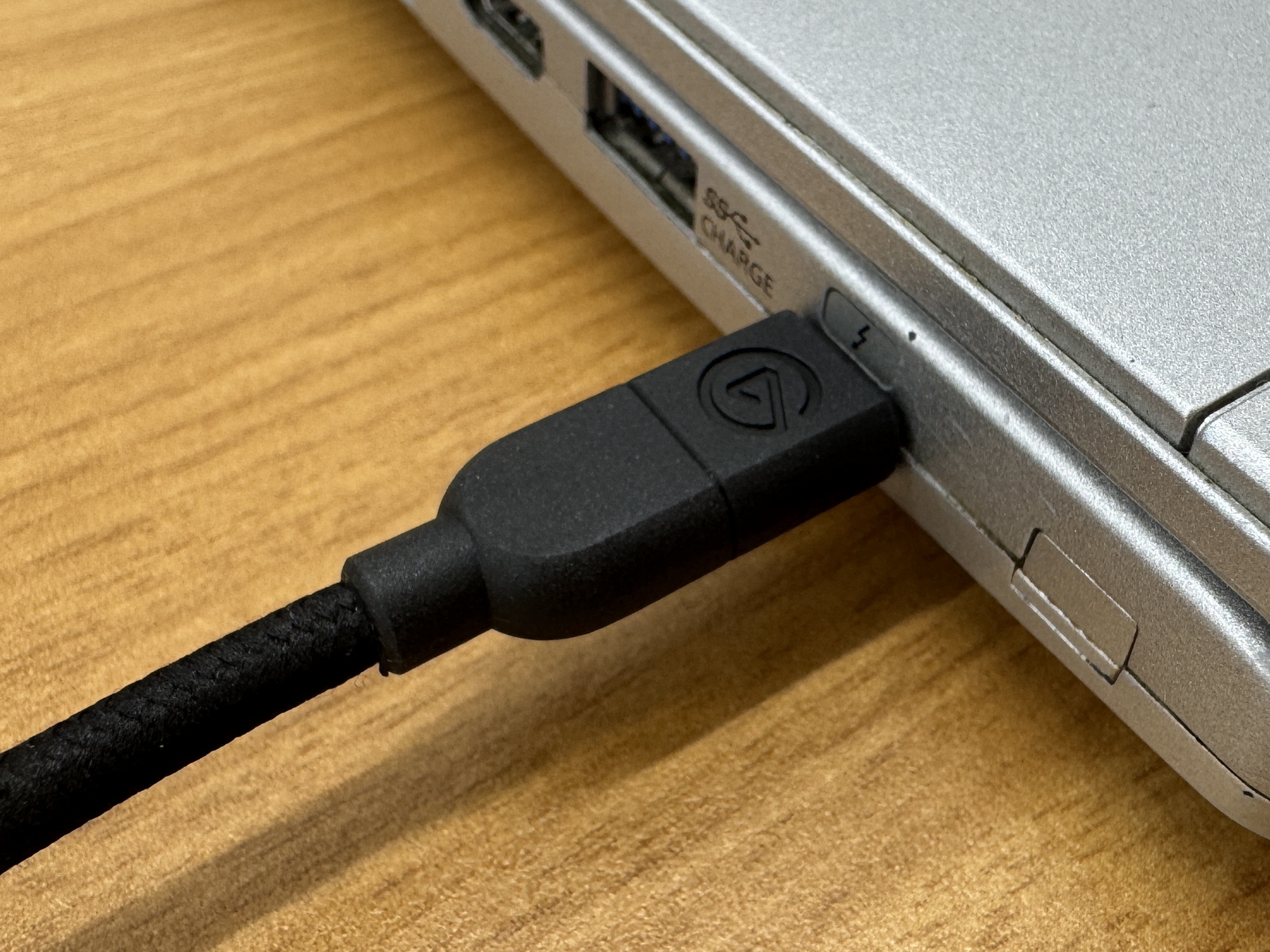
Connect the Wave XLR MK.2 to your PC using the included USB Type-C cable.
To configure and manage Wave XLR MK.2, you need to install 'Wave Link,' which is officially distributed by Elgato. Instructions for installing Wave Link are summarized in the following article.
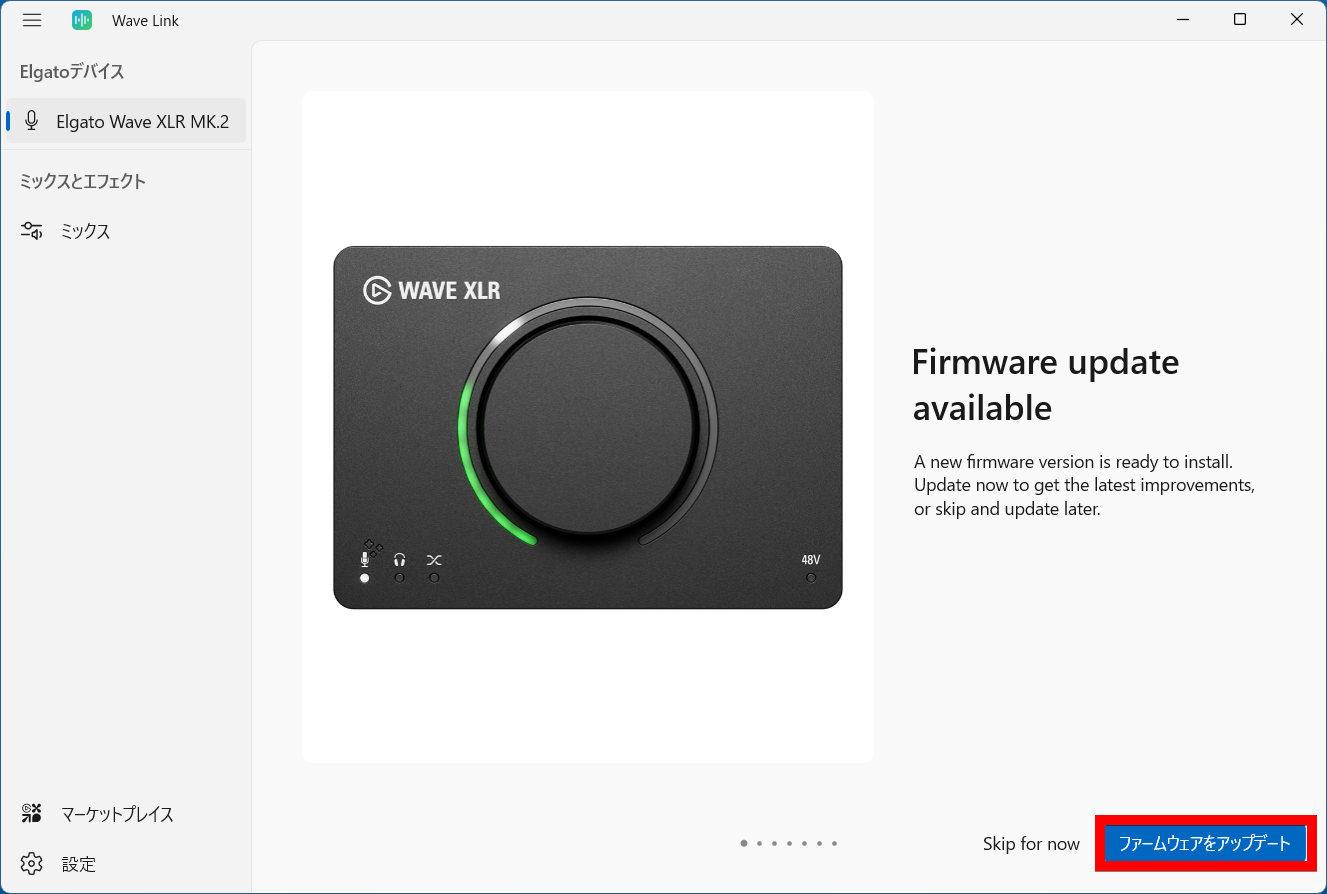
The first time you use it, the Wave XLR MK.2 firmware will be updated, so click 'Update Firmware' to proceed.
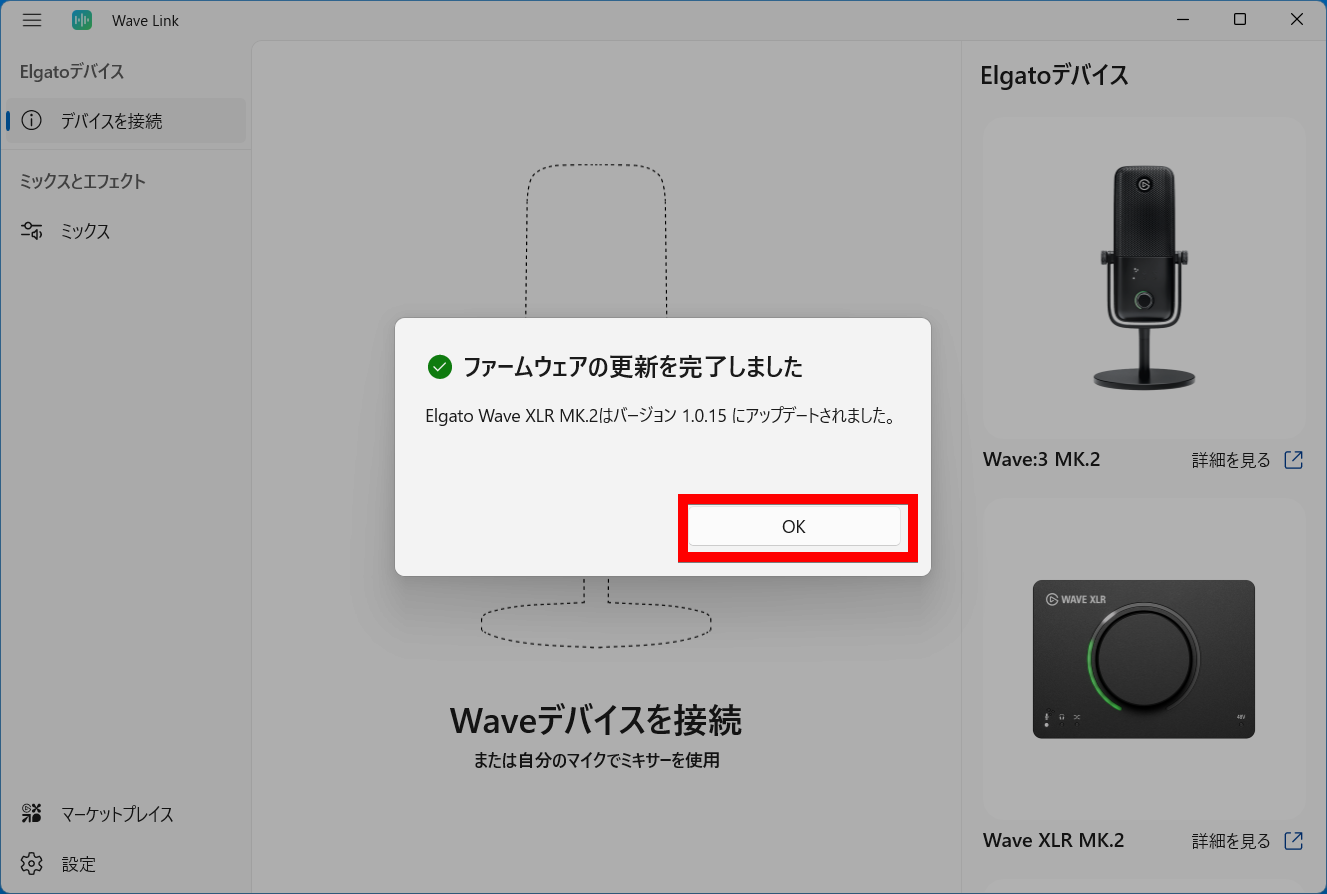
Click 'OK' once the firmware update is complete.
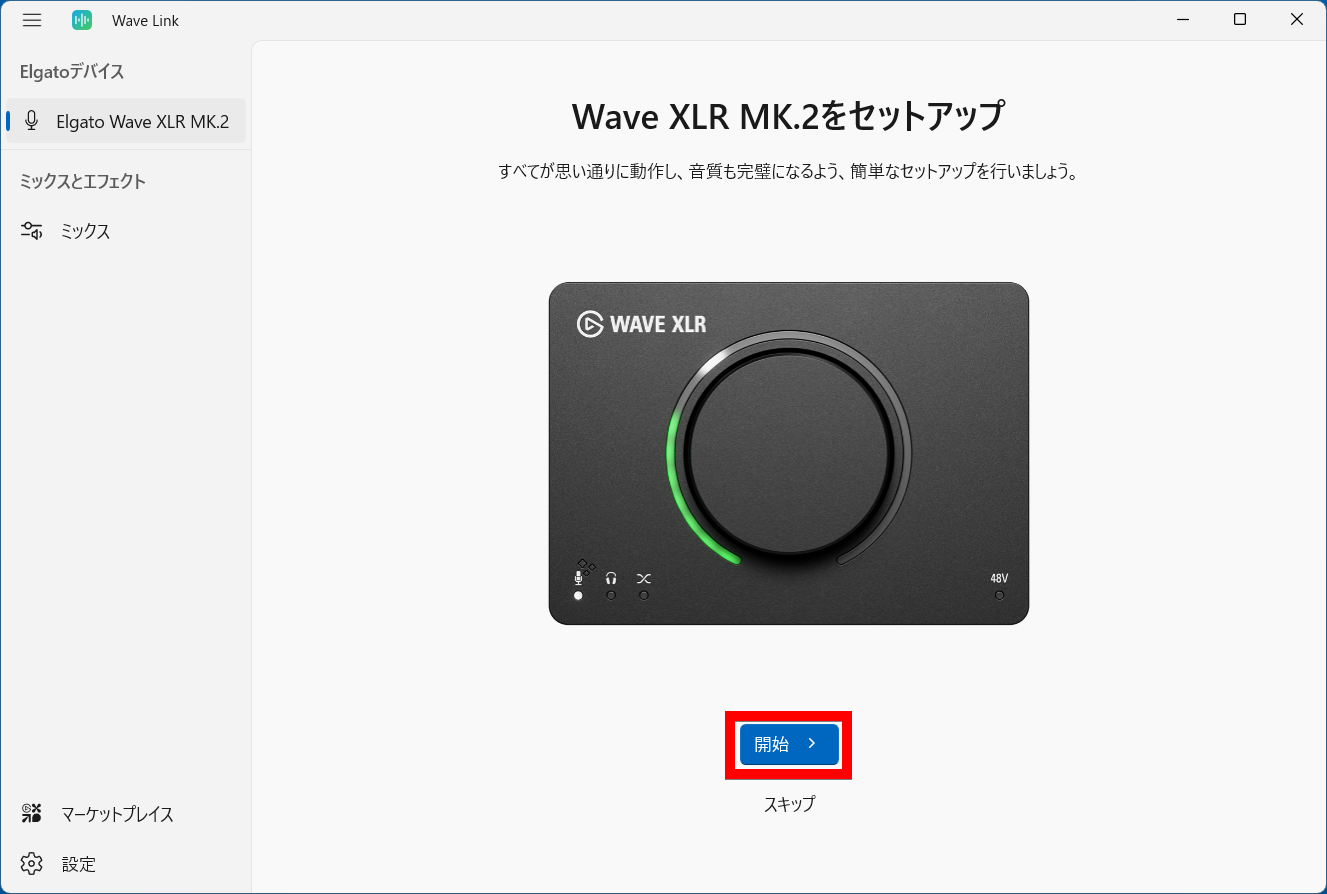
Click 'Start' to set up Wave XLR MK.2.
Click 'Continue' to connect the microphone.
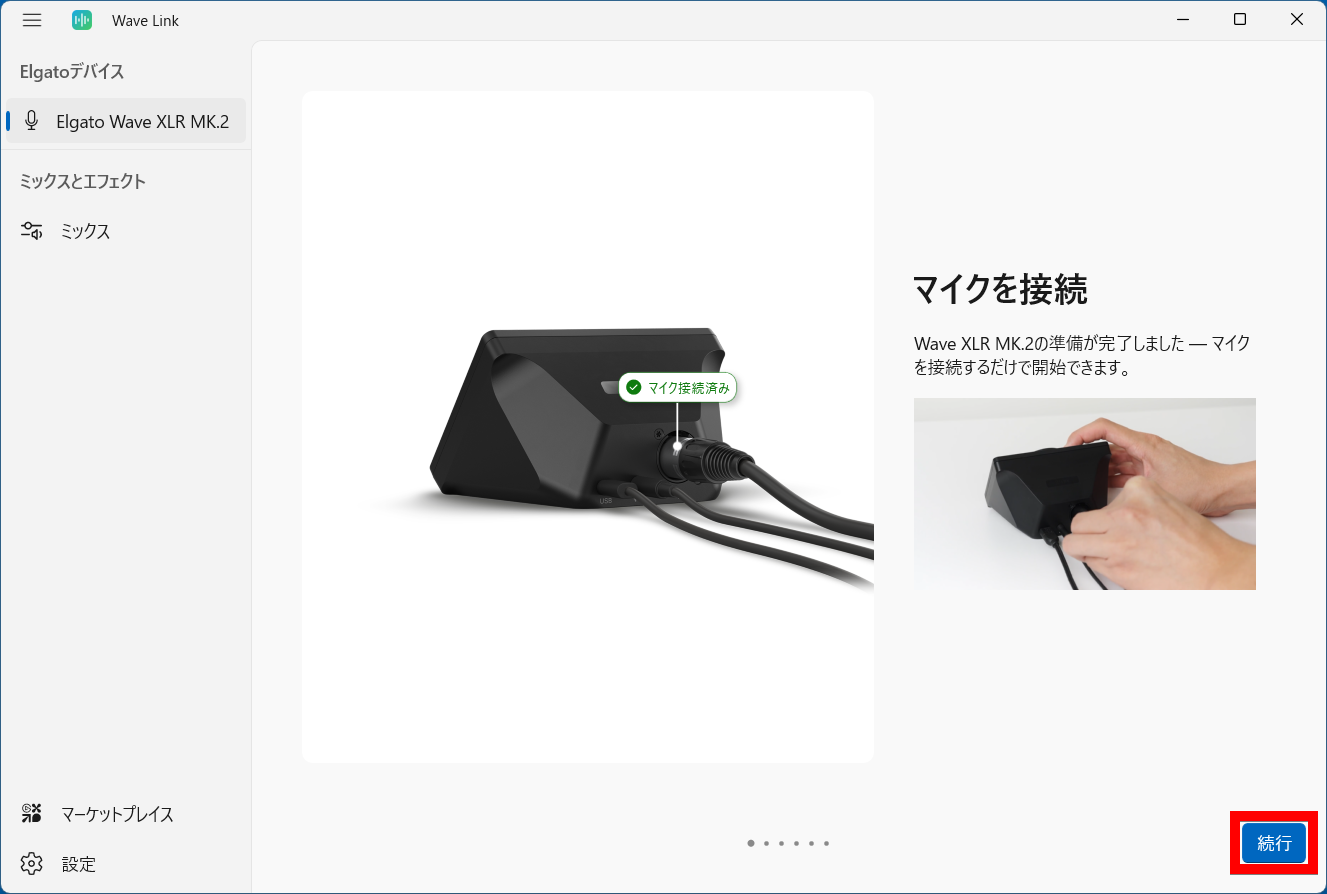
Connect the microphone's XLR connector to the back of the Wave XLR MK.2.
Click 'Continue'.
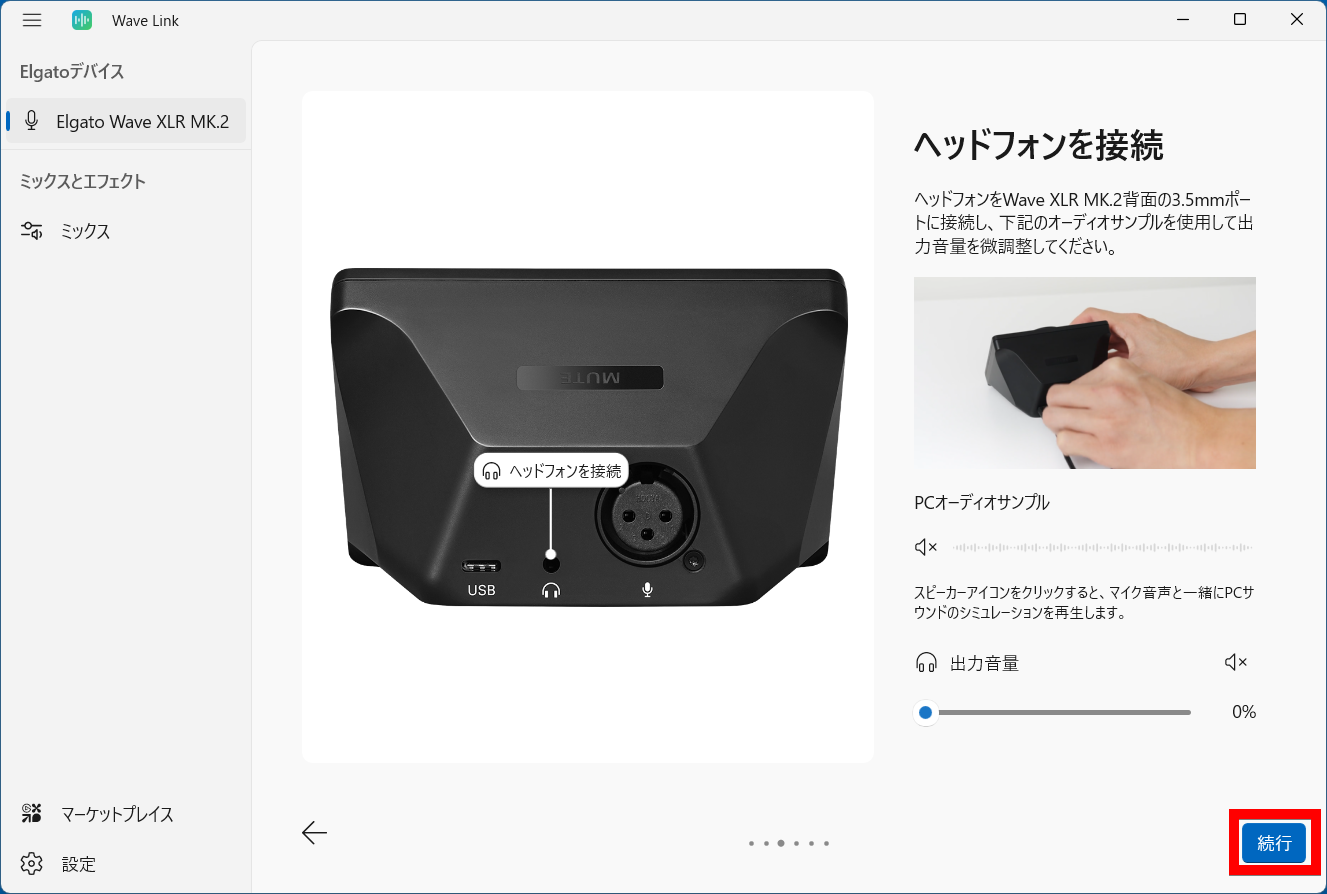
Connect your headphones and click 'Continue'.
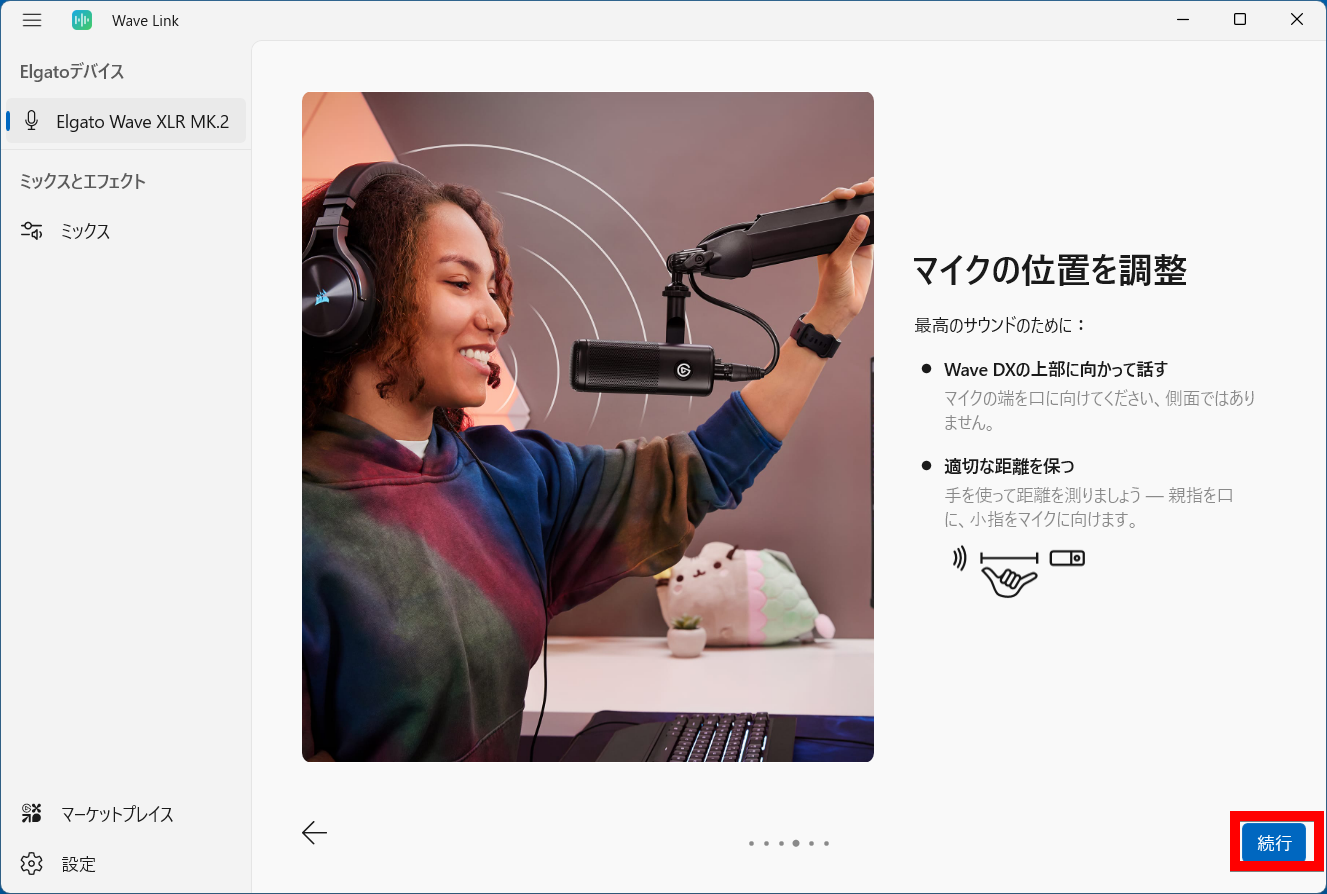
Adjust the microphone position and click 'Continue'.
Adjust the microphone gain. Click 'Start' and read the displayed example sentences into the microphone.
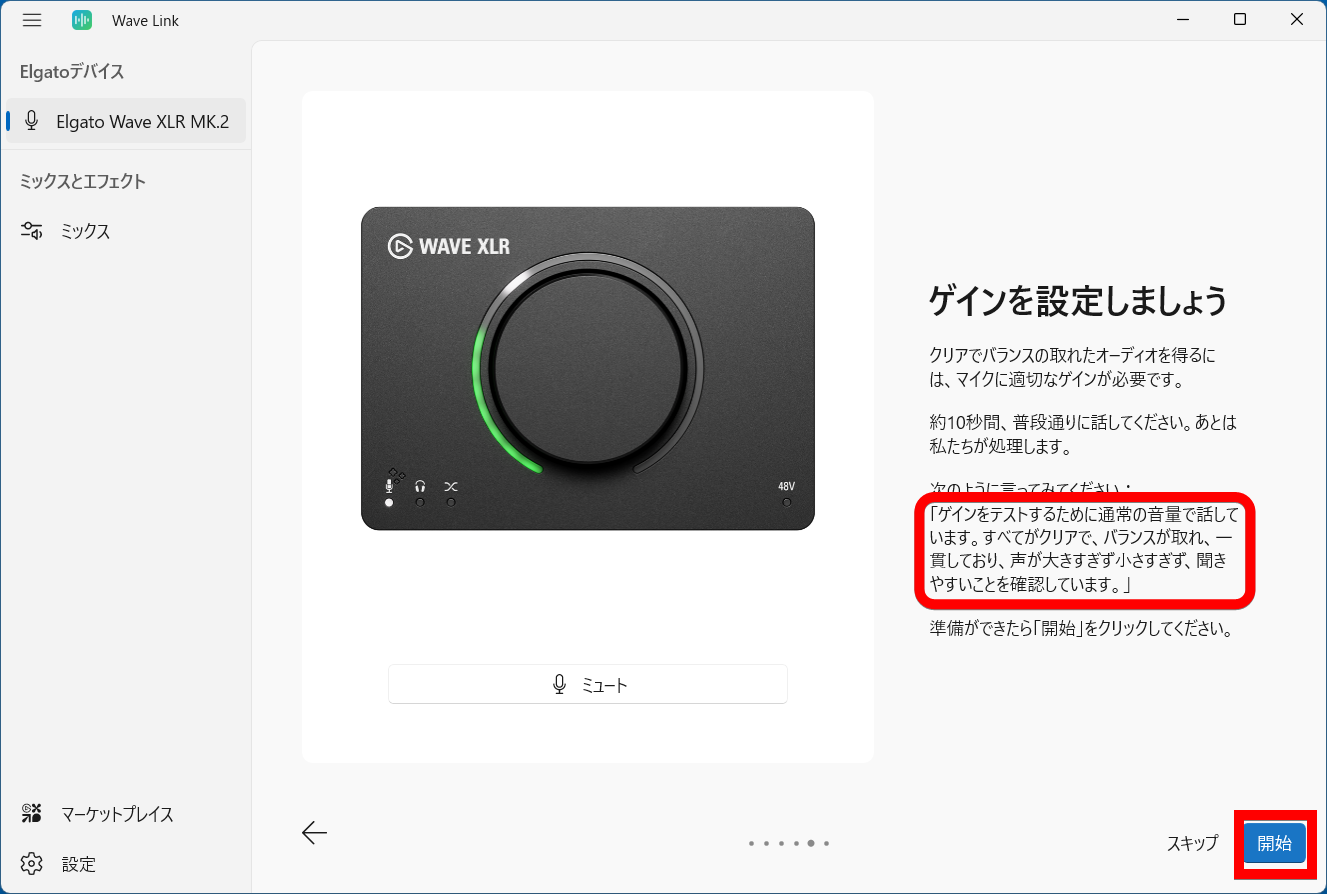
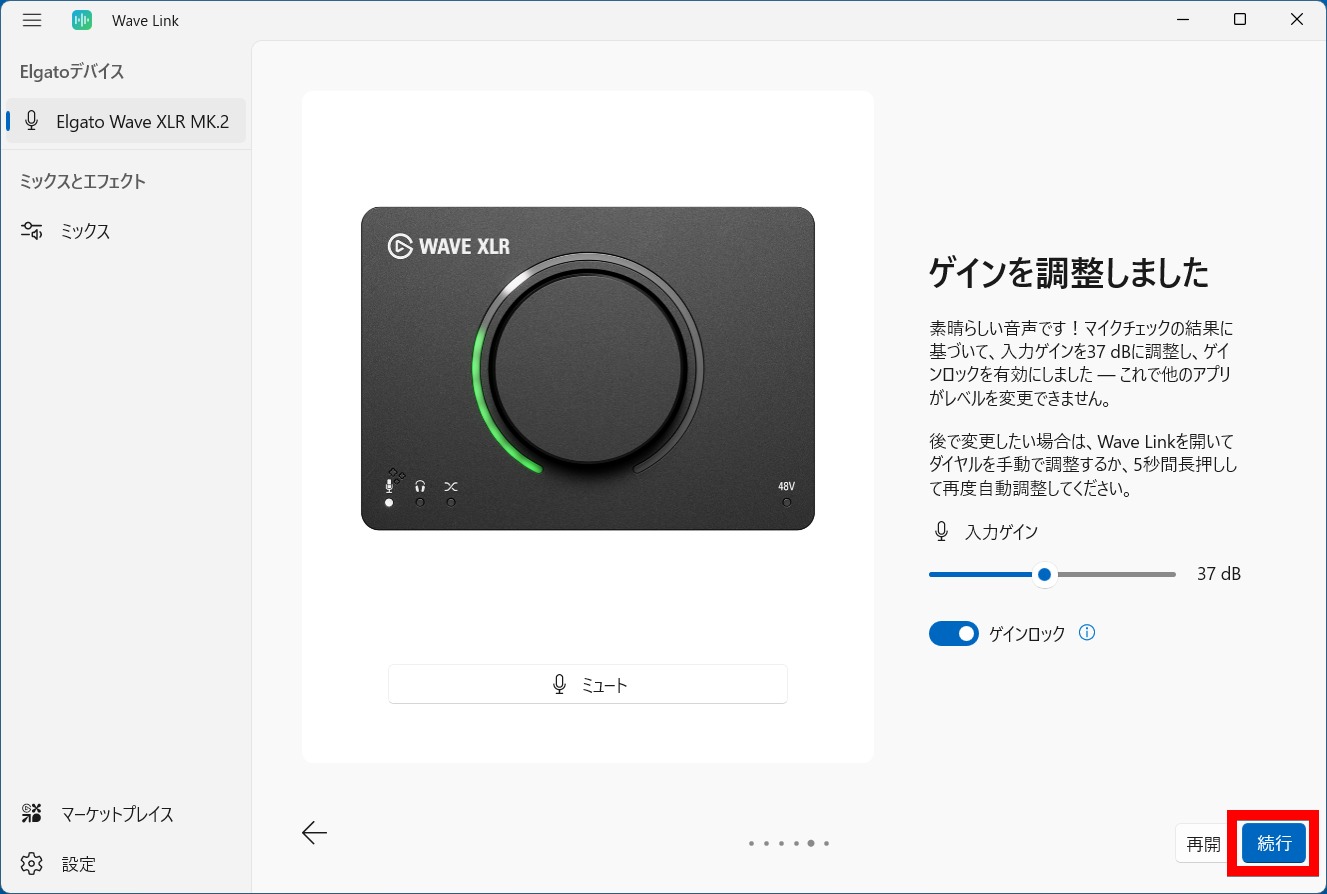
The microphone gain will then be adjusted automatically. Click 'Continue'.
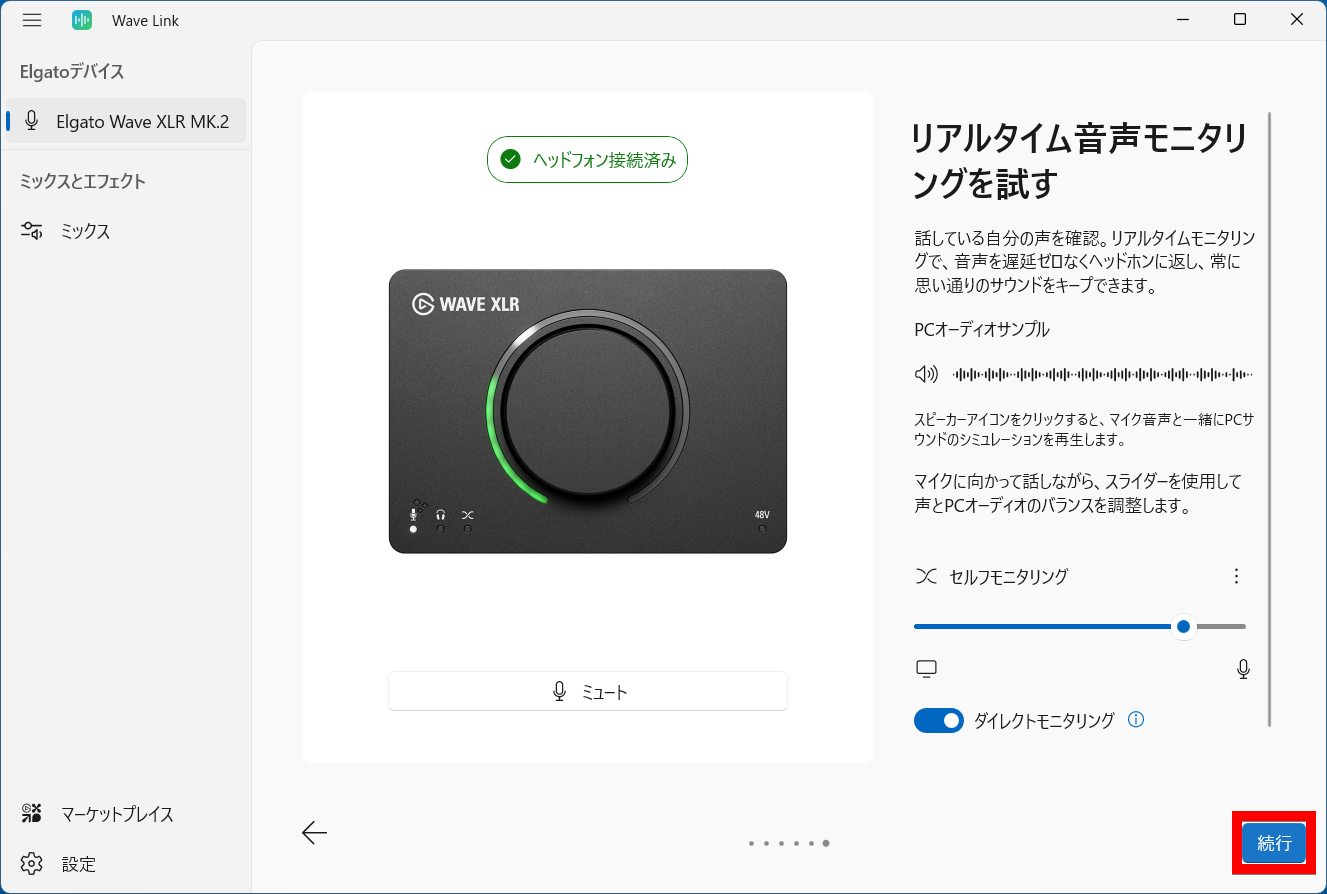
To monitor audio in real time, use the headphones plugged into the Wave XLR MK.2 and click 'Continue'.
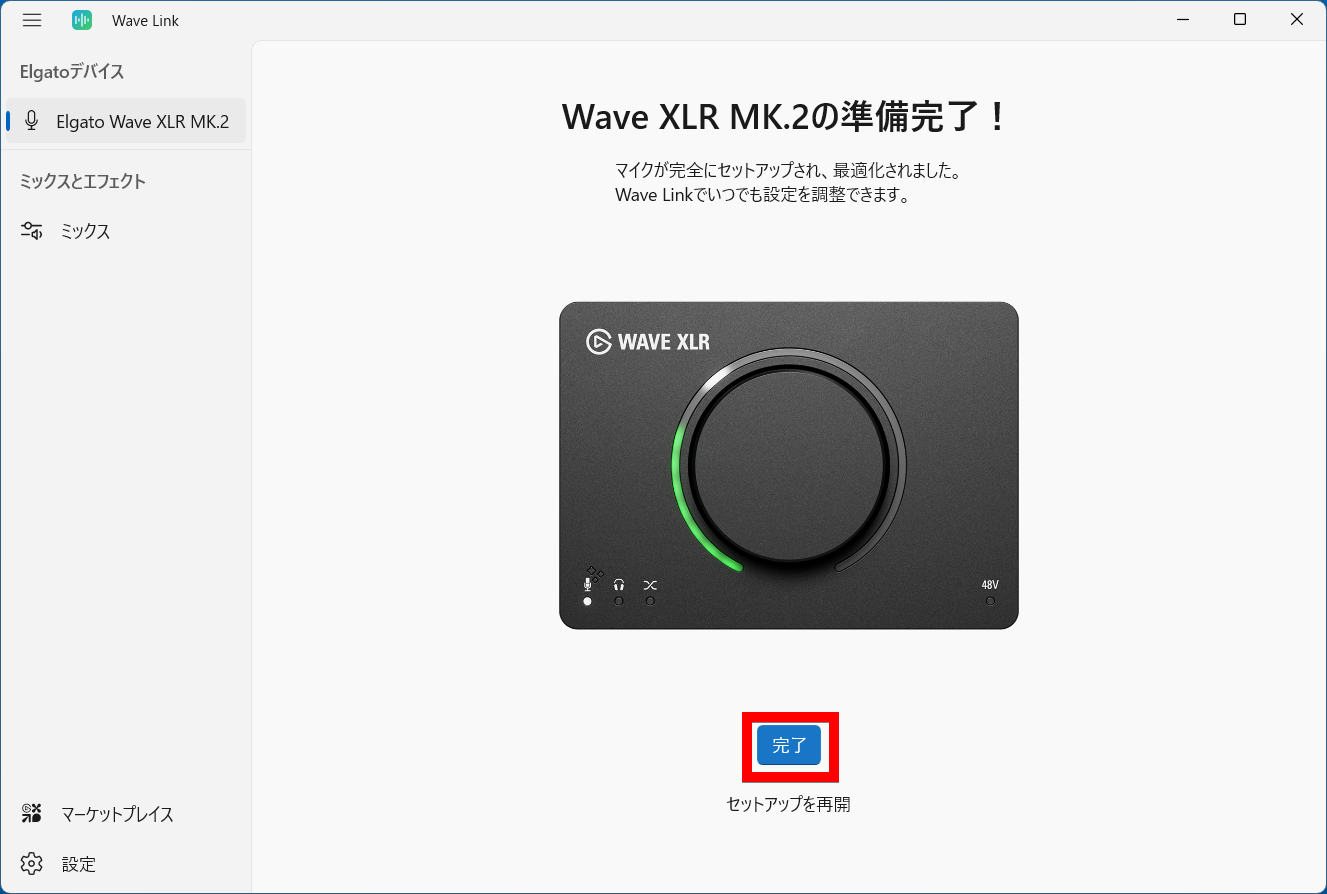
The setup is now complete. Click 'Finish'.
Selecting 'Elgato Wave XLR MK.2' in the left column of Wave Link allows you to change the settings for the Wave XLR MK.2. The MPM-1000 we are using here is a condenser microphone, so it requires 48V phantom power. You can turn on '48V phantom power' in the 'Input and Monitoring' tab in the right column. Additionally, turning on 'Clipguard' enables 'Clipguard 2.0,' which prevents audio distortion at the hardware level using 32-bit floating-point arithmetic processing.
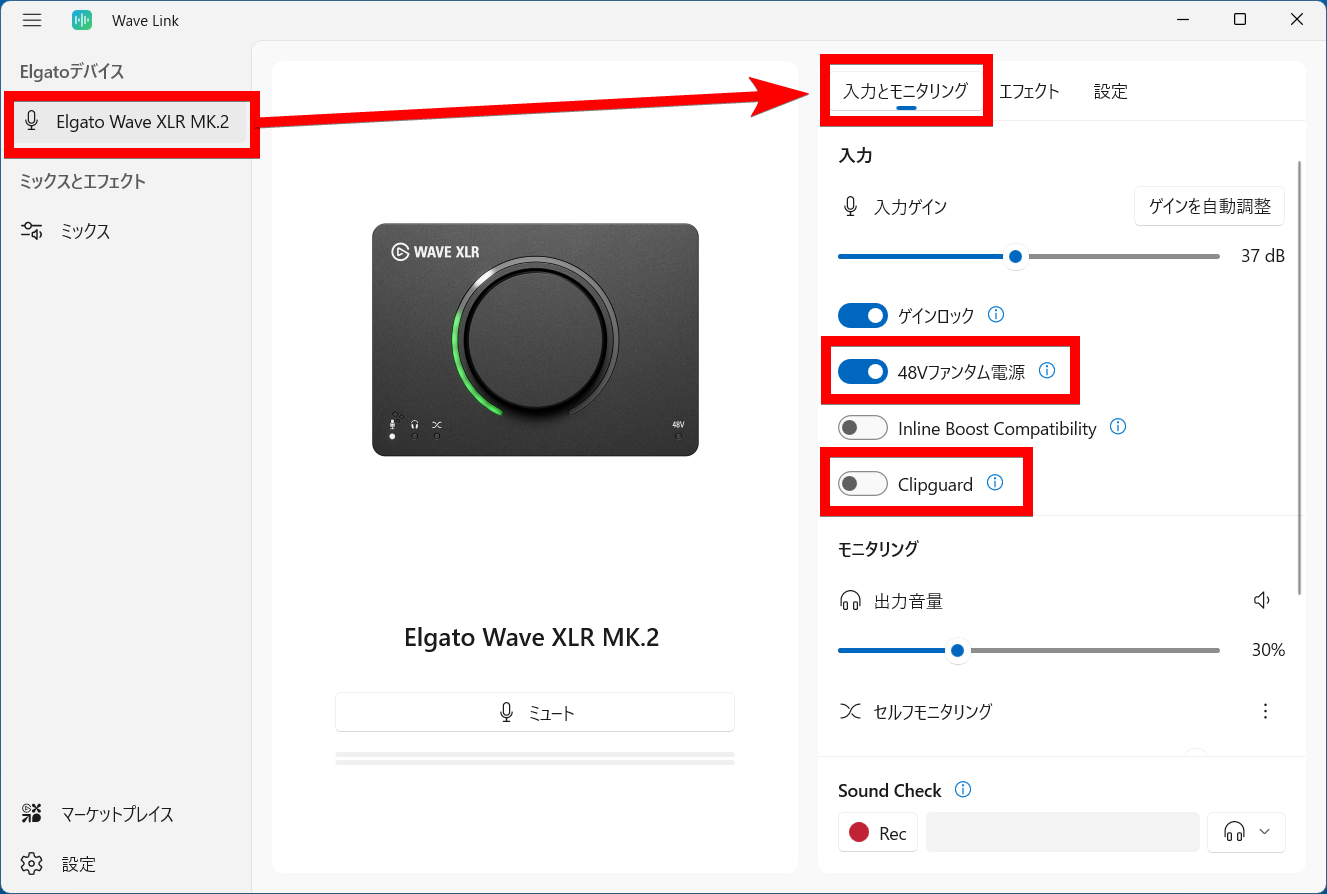
The following video shows what happens when you read aloud in Wave Link with Clipguard turned off and with it turned on, while speaking loudly. It clearly shows that with Clipguard on, even at volumes that would normally cause distortion or skipping, recording is smooth.
In 'Effects,' you can adjust hardware effects such as a 'low-cut filter' to cut low-frequency noise, an 'expander' to reduce ambient noise, 'Voice Tune' to add warmth to your voice with analog-style compression and soft harmonics, a 'compressor' to smooth out highs and lows, and an 'equalizer' to enhance lows and highs for cleaner audio. Additionally, the software effect 'Voice Focus' is an AI-powered noise reduction system.
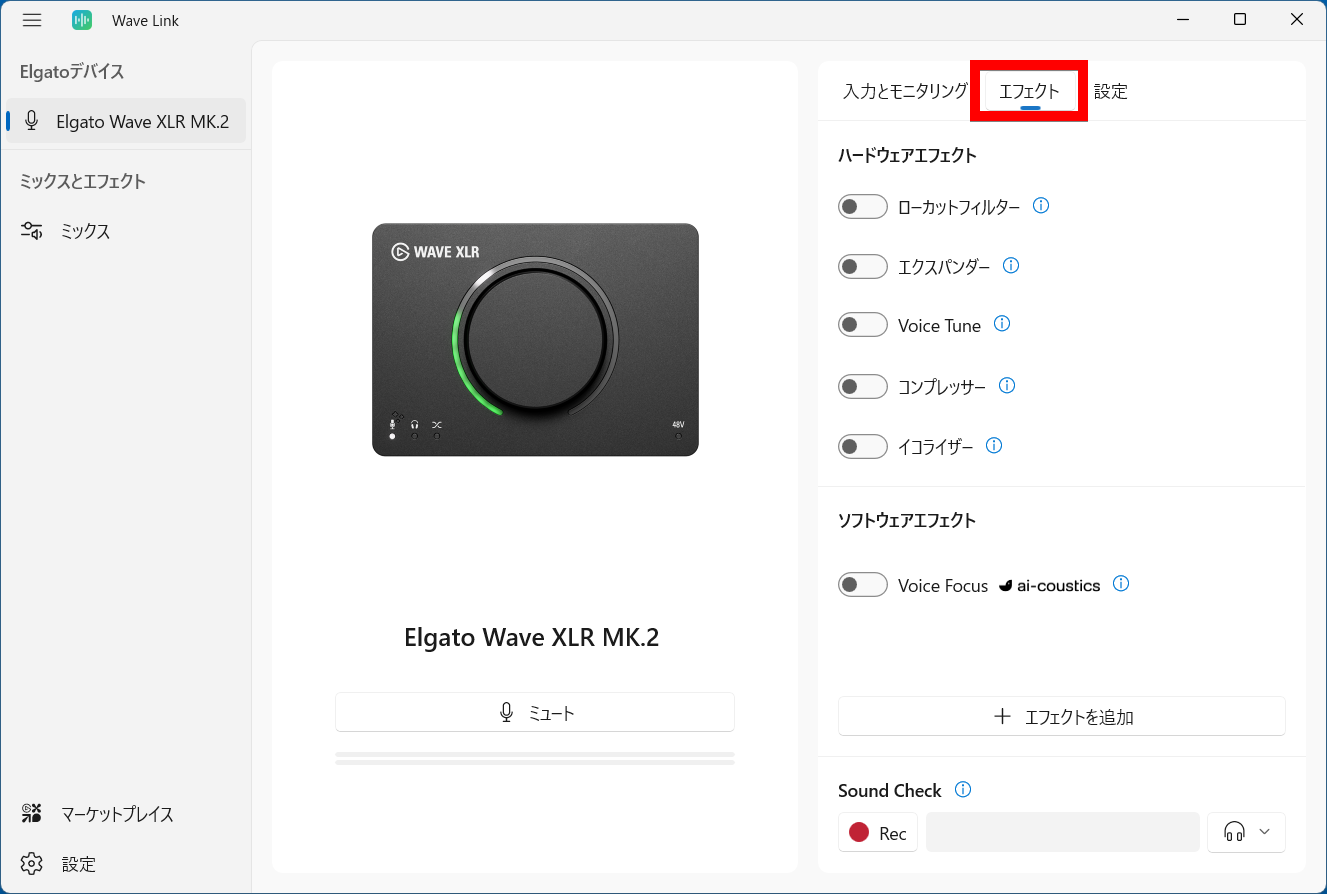
The following video compares audio recordings with all effects turned off and with the low-cut filter, expander, Voice Tune, and Voice Focus turned on. Turning on various effects suppresses white noise and improves sound quality by making the voice easier to hear.
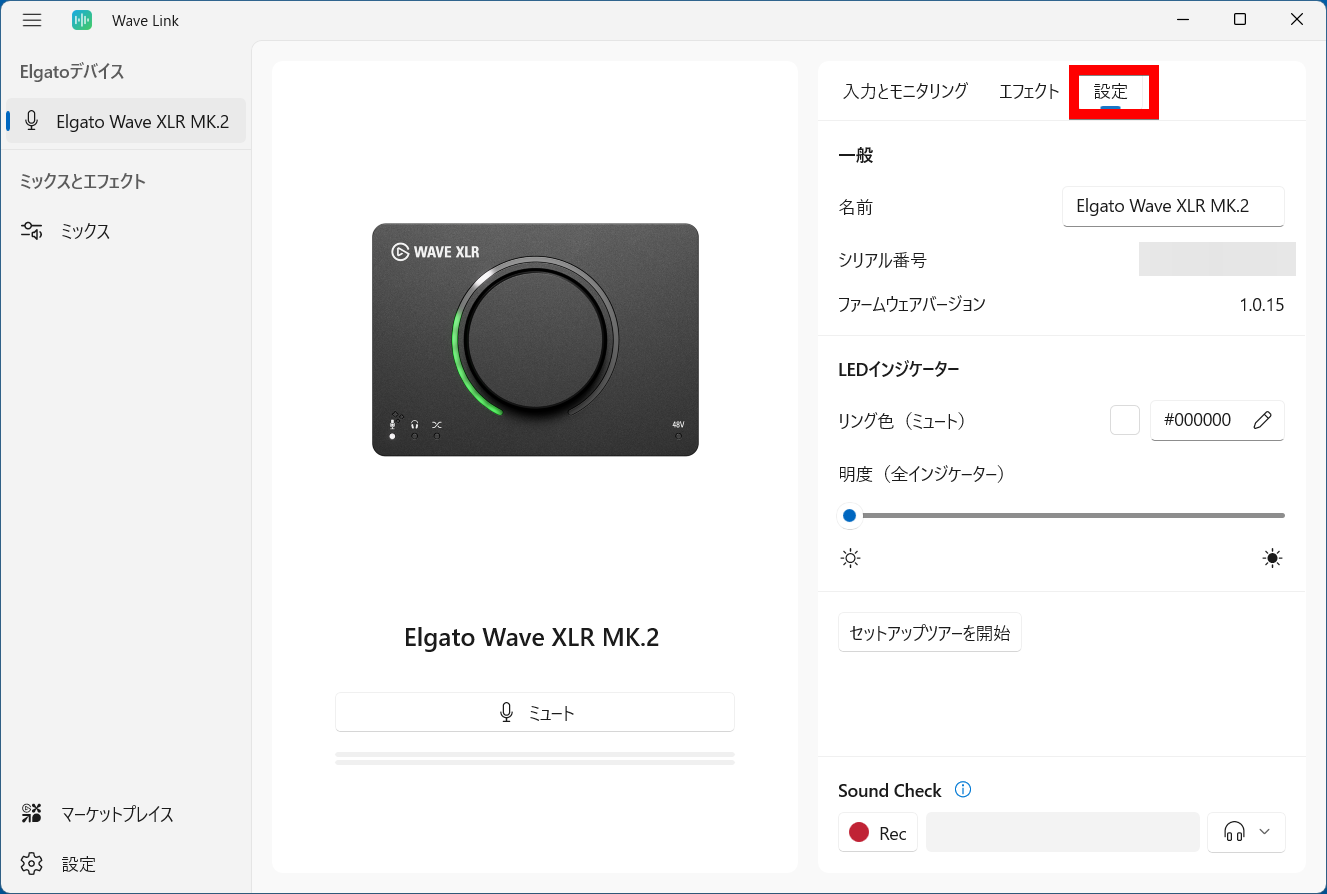
In 'Settings,' you can check the device name, serial number, and firmware version.
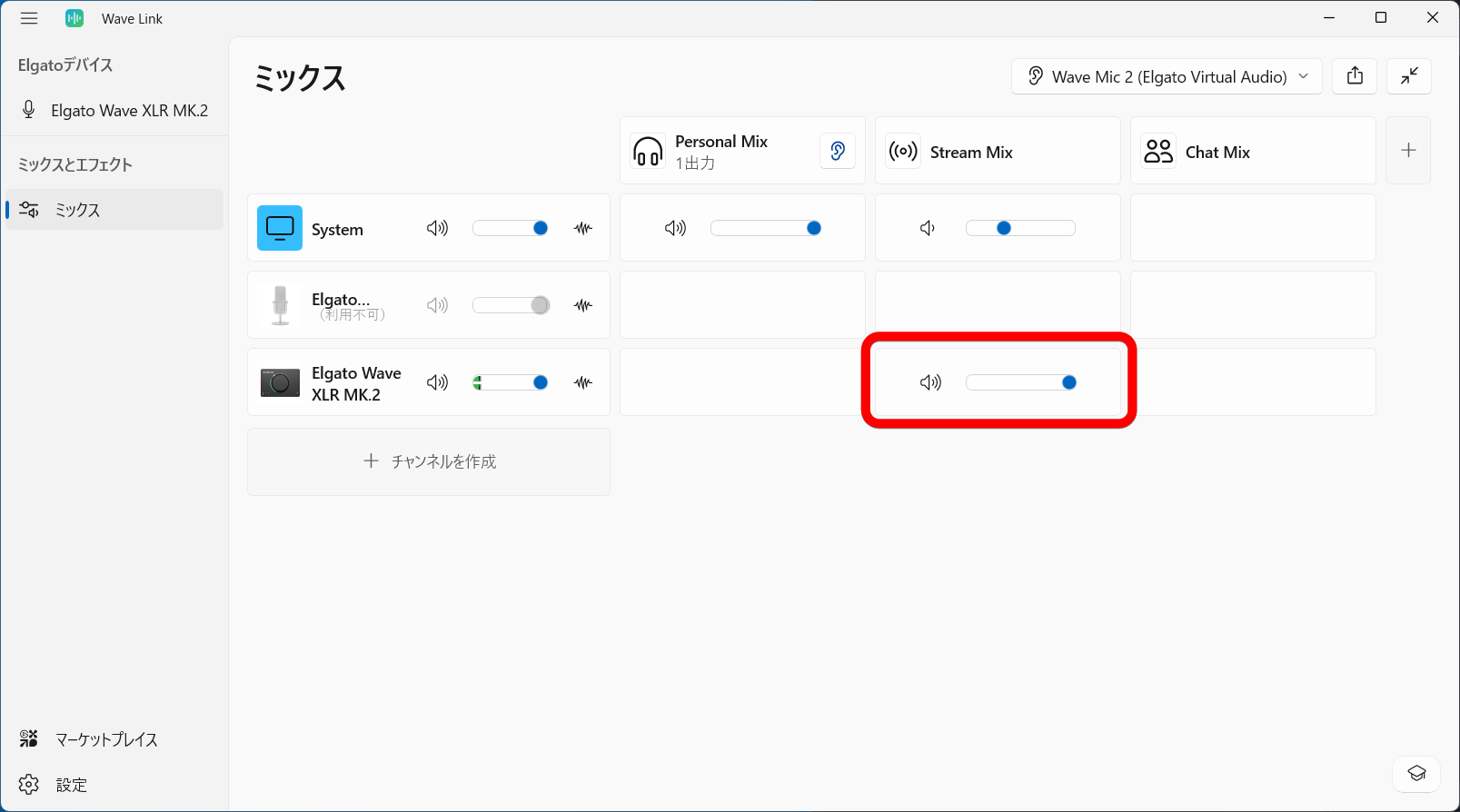
In 'Mix,' you can configure mix channels on Wave Link. For example, in a channel called 'Stream Mix,' click on the row for 'Elgato Wave XLR MK.2.'
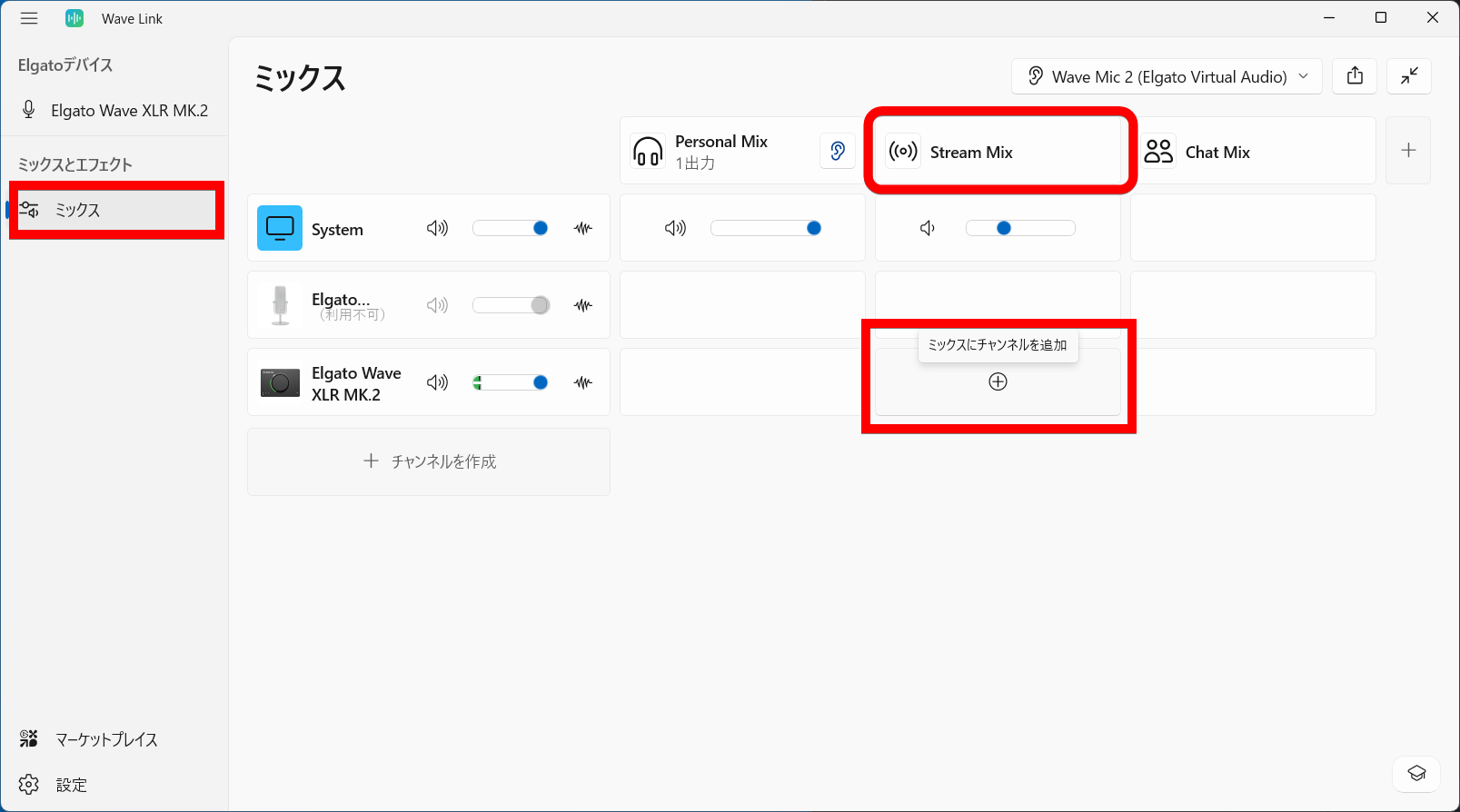
Then, a Wave XLR MK.2 input was added to a mix channel called Stream Mix. By specifying this mix channel as the input device in OBS Studio or recording software, you can simultaneously record PC audio and audio recorded with a microphone connected to the Wave XLR MK.2.
External audio interfaces typically take up a lot of space on a desk, but the Wave XLR MK.2 features a simple and compact design with only a dial. You can connect and use your existing XLR microphones, and more complex operations are possible by using Wave Link, the official virtual audio mixer.
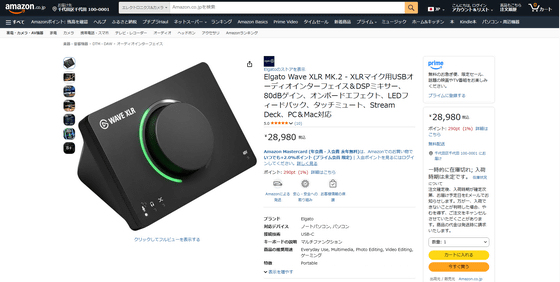
The Wave XLR MK.2 is available for purchase on Amazon.co.jp. The price is ¥28,980 (tax included).
Amazon.co.jp: Elgato Wave XLR MK.2 - USB Audio Interface & DSP Mixer for XLR Microphones, 80dB Gain, Onboard Effects, LED Feedback, Touch Mute, Stream Deck, PC & Mac Compatible: Musical Instruments & Audio Equipment
Related Posts: