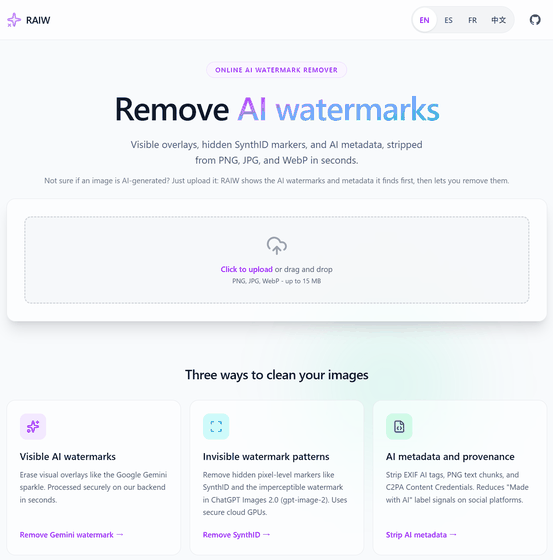
'Remove-AI-Watermarks' is a free AI watermark removal tool that can remove both visible (Gemini) and invisible (SynthID, C2PA, EXIF) watermarks from images.
AI-generated images may not only have watermarks similar to
AI watermark remover - Remove AI watermarks from images online | RAIW
https://raiw.cc/
wiltodelta/remove-ai-watermarks: CLI and Python library to strip visible and invisible AI watermarks and provenance metadata (SynthID, C2PA, EXIF/XMP 'Made with AI', Gemini sparkle) from AI-generated images
◆ About AI watermarking
The AI image generation service embeds the following three types of information into images, which are used as AI-generated identification information.
• Visible watermark
This refers to visually verifiable elements, such as Gemini's sparkling logo or Doubao 's 'Doubao AI Generation' text, which are drawn directly onto an image.
Invisible watermark
These are things like SynthID, Stable Signature , and Tree-Ring , which are embedded in the color and brightness data of an image and are not visually recognizable.
Metadata:
EXIF tags, C2PA, XMP DigitalSourceType , and other metadata embedded in image files.
◆Features of Remove-AI-Watermarks
The following features are available by using command options.
・all: Removes visible watermarks, invisible watermarks, and metadata all at once.
- batch: Processes the contents of a directory in bulk.
・visible: Removes only the visible watermark.
・invisible: Removes only invisible watermarks.
• metadata: Check metadata
- remove: Delete metadata
- identify: Analyze the watermark
- erase: Removes the visible watermark at any specified location by specifying the coordinates.
◆How to install Remove-AI-Watermarks
This time, we'll set up Docker Desktop and Python on Windows and build the system using the Git Bash prompt. We'll install pipx, and then use pipx to install Remove-AI-Watermarks.
 pip install pipx
 # Path verification command
 pipx ensurepath
 #Remove-AI-Watermarks installation
 pipx install git+https://github.com/wiltodelta/remove-ai-watermarks.git
 #When using a GPU, the following command will work reliably.
 pipx install --backend pip 'remove-ai-watermarks[gpu]==0.6.5'
◆How to use Remove-AI-Watermarks
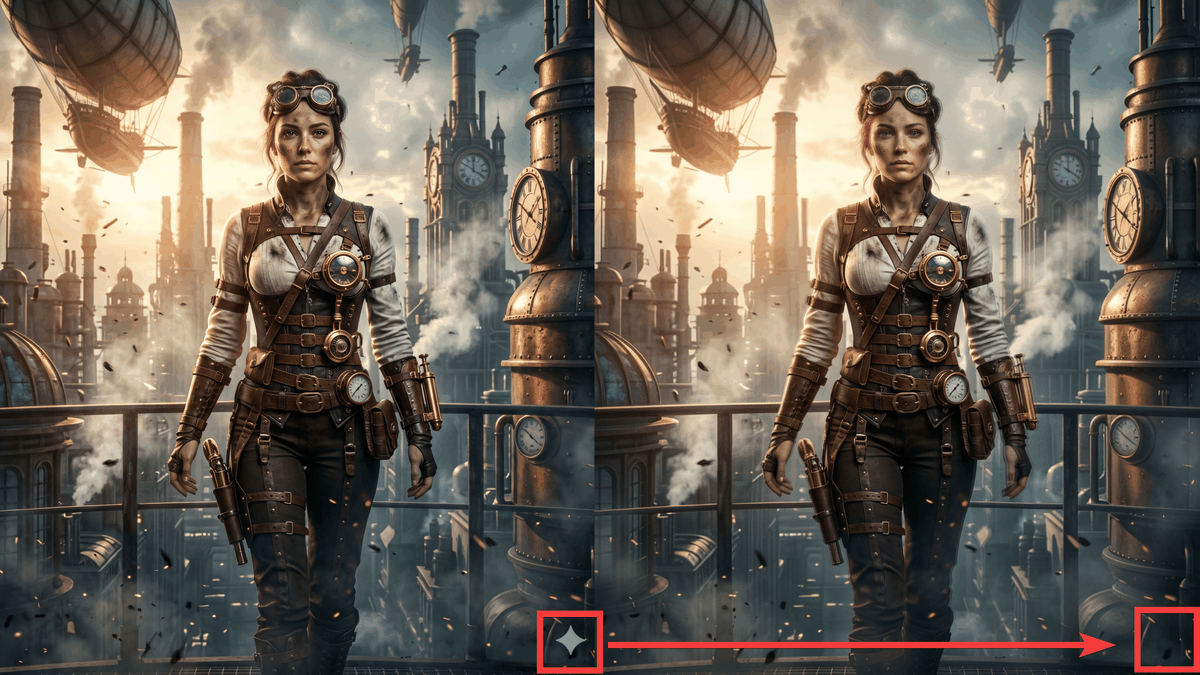
An image generated with Gemini is provided; the Gemini-specific sparkle logo can be seen in the lower right corner of the image.

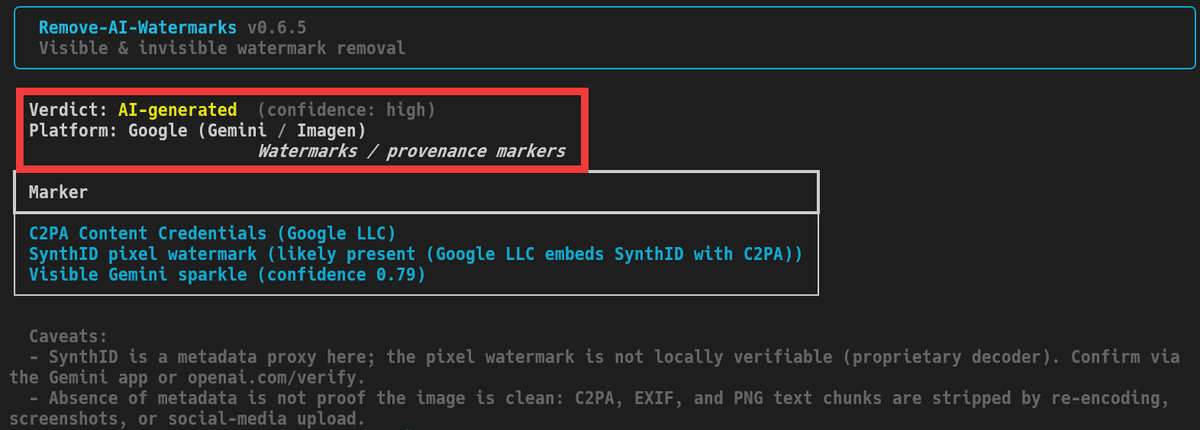
Analyze the image with the 'identify' option.
remove-ai-watermarks identify [image file name]
The results indicated a high probability of being AI-generated, and specifically, that it was generated by a Google-based AI.
Execute the command using the 'all' option to remove all watermarks and metadata. If there are any missing libraries, an installation command will be displayed, so run the command again after installation.
remove-ai-watermarks all [image filename] -o [output filename]
The following image was generated with the watermark removed.

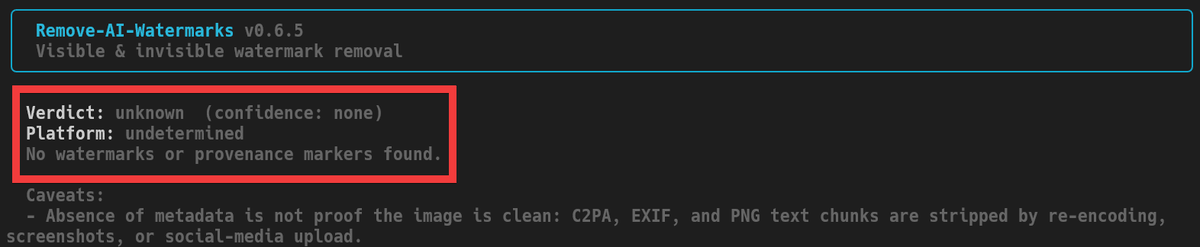
Analyze the image again with the 'identify' option enabled to check for any remaining invisible watermarks or tags.
remove-ai-watermarks identify [Output image file name]
The result showed 'Undeterminable' whether it was AI-generated, indicating that no AI watermark was present.
◆Discussion on Remove-AI-Watermarks
On the social news site Hacker News , there has been a lively discussion about Remove-AI-Watermarks, with some users supporting the tool from a privacy perspective, arguing that 'we shouldn't accept our digital behavior being tracked like a barcode,' while others express concerns about its potential misuse, such as 'it will become easier to claim AI-generated images as authentic .'
The README clearly states that it is 'intended for legal use only.' Removing the AI label and disguising it as human-made may violate the law , so caution is advised.
Related Posts: