Review of 'Wikipedia File Explorer,' a Windows XP-style desktop application that lets you explore Wikipedia like Windows Explorer.
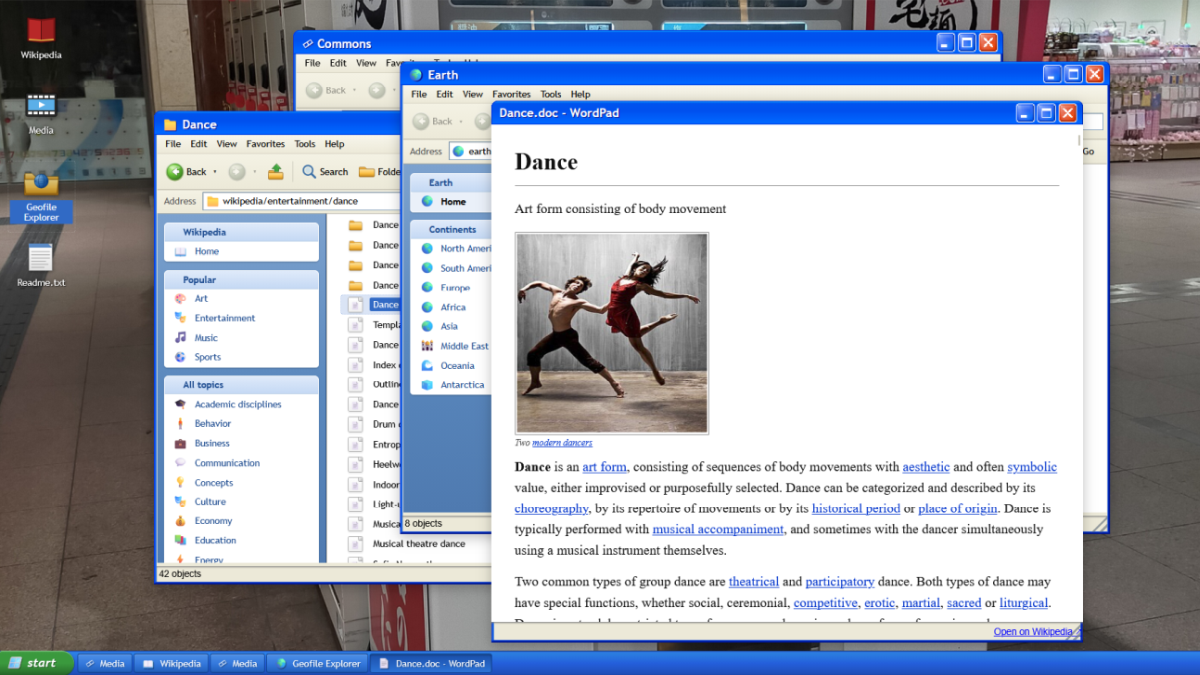
When researching Wikipedia articles, it's common to enter keywords into the search bar or follow links within the article. However, a web application called 'Wikipedia File Explorer,' created by designer
Wikipedia File Explorer — Browse Wikipedia on a Windows XP desktop
https://explorer.samismith.com/
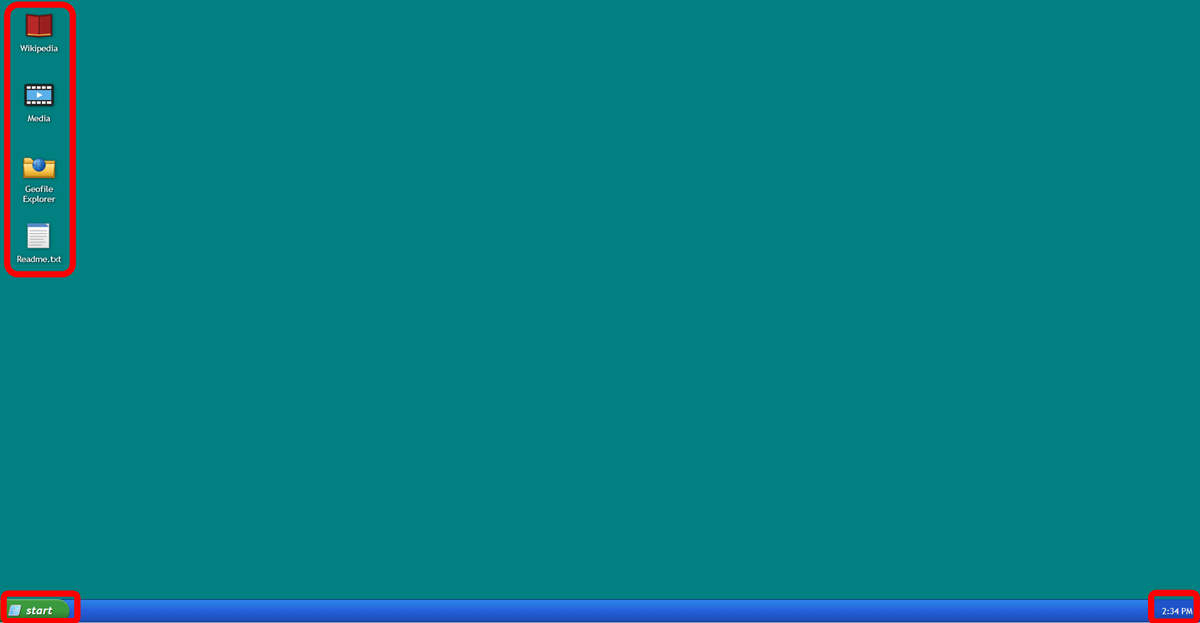
When I accessed Wikipedia File Explorer, a blue-green desktop reminiscent of Windows XP appeared. Icons labeled 'Wikipedia,' 'Media,' 'Geofile Explorer,' and 'Readme.txt' were lined up on the desktop, with 'Start' displayed in the lower left and the current time in the lower right.
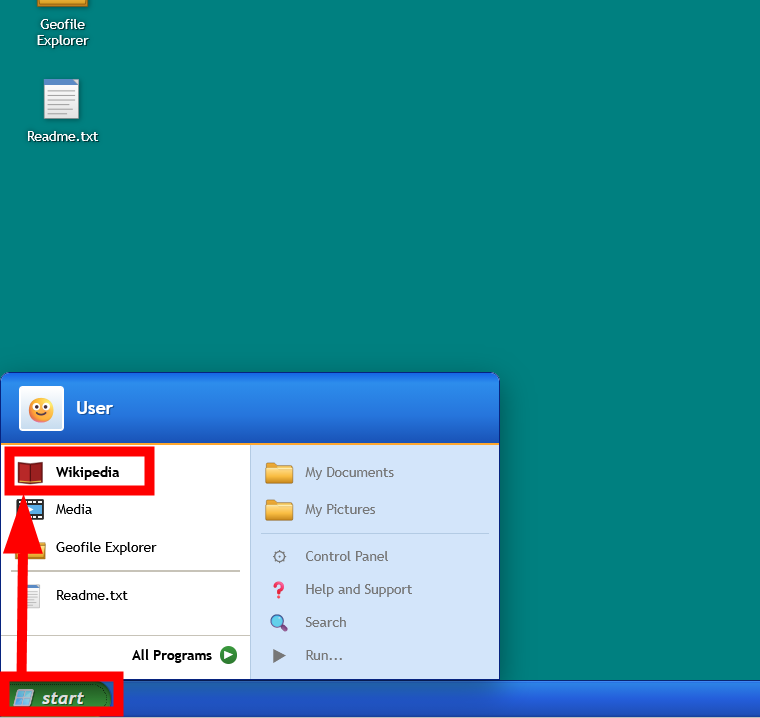
Clicking the 'start' button in the lower left corner of the screen displays items such as 'Wikipedia,' 'Media,' 'Geofile Explorer,' 'Readme.txt,' 'All Programs,' 'My Documents,' 'My Pictures,' 'Control Panel,' 'Help and Support,' 'Search,' and 'Run...' in a style similar to the Windows XP Start Menu. However, only four items on the Start Menu actually function: 'Wikipedia,' 'Media,' 'Geofile Explorer,' and 'Readme.txt.' Let's try clicking 'Wikipedia' to open it.
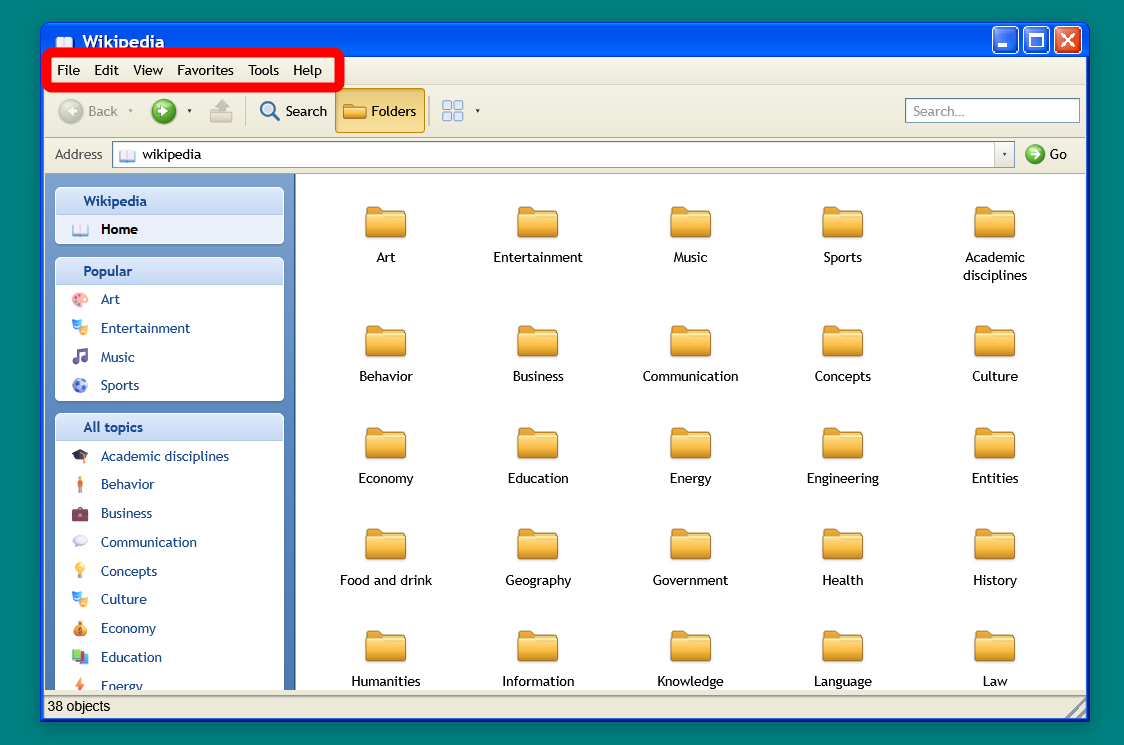
Then, the Wikipedia categories appeared, arranged like folders.
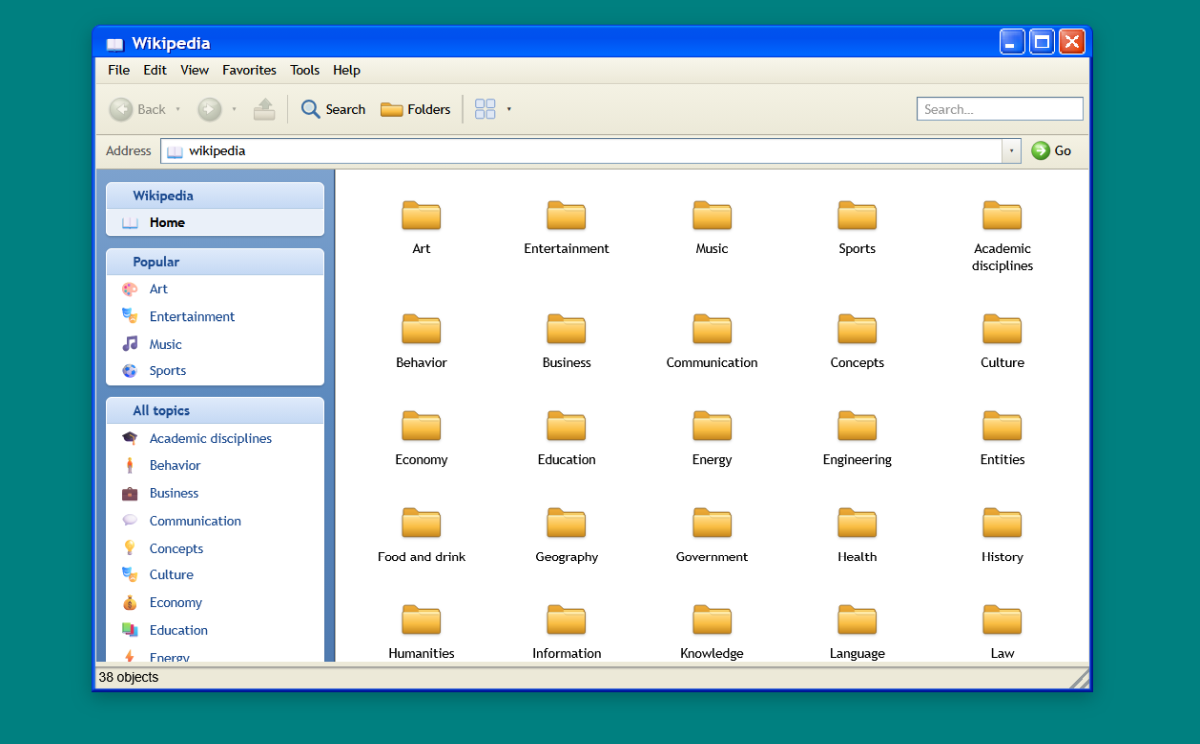
At the top, there are menus such as 'File' and 'Edit,' but clicking them doesn't produce any response.
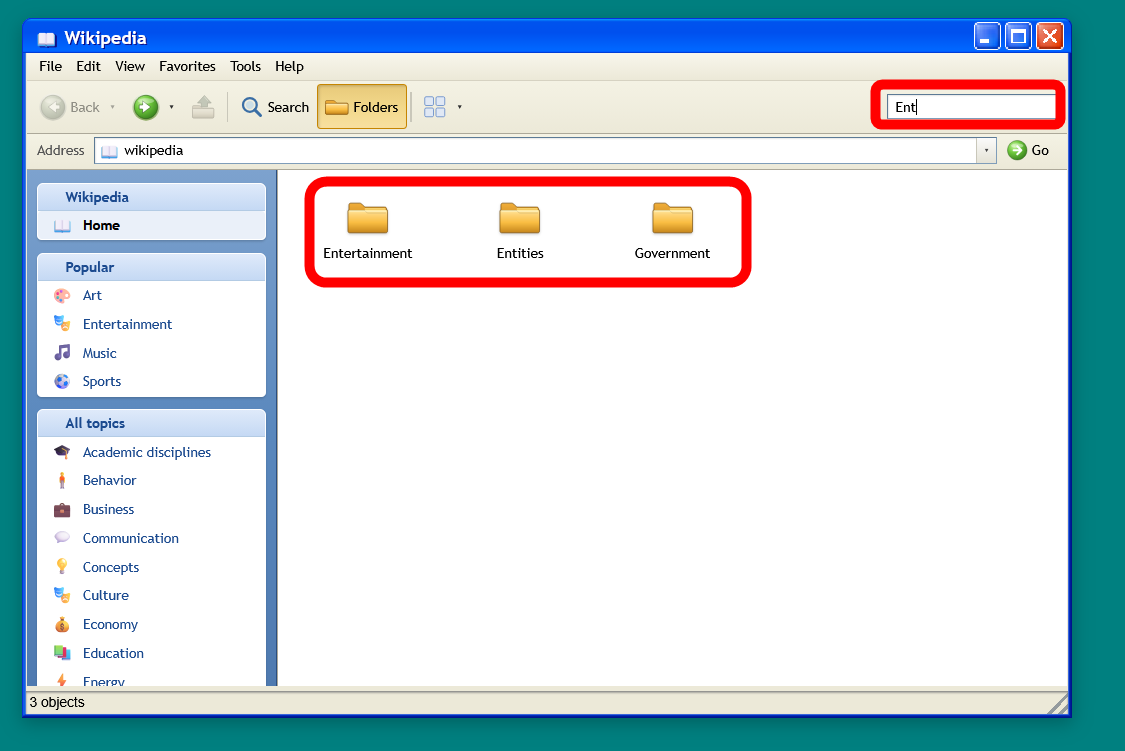
The search bar is available. However, it doesn't search the contents of subfolders as well; the search is limited to the currently open folder level.
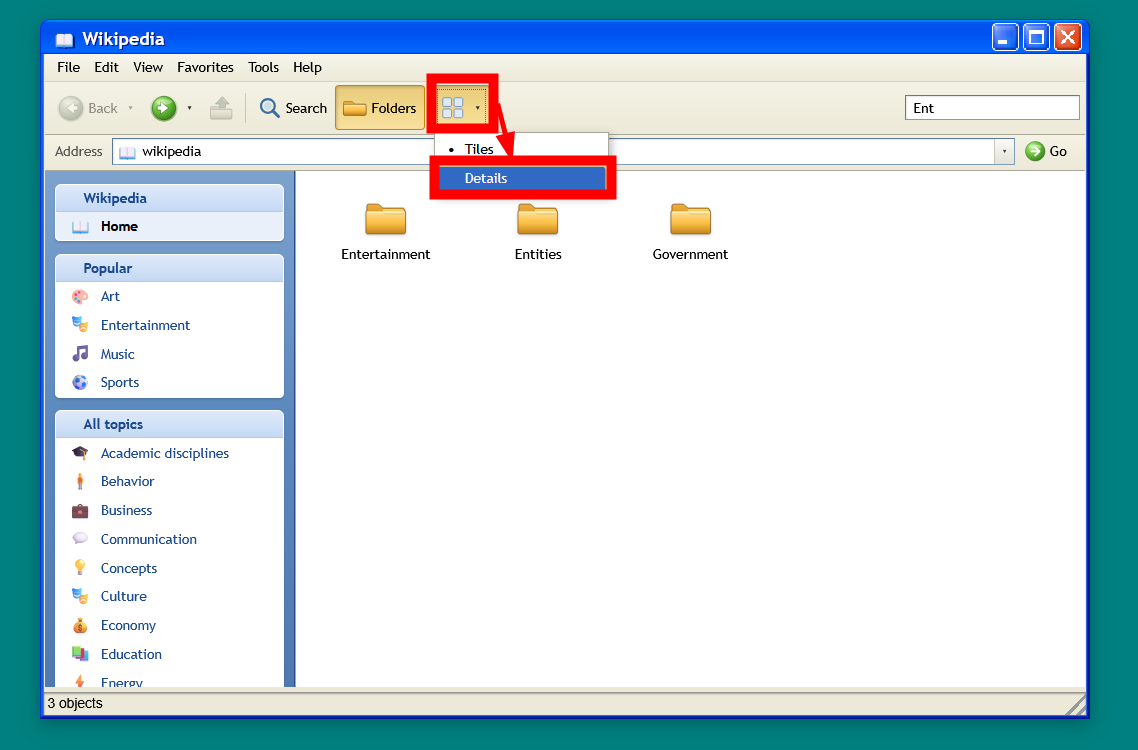
Clicking the icon in the red box allows you to switch the folder display method between 'Tile' and 'Details'.
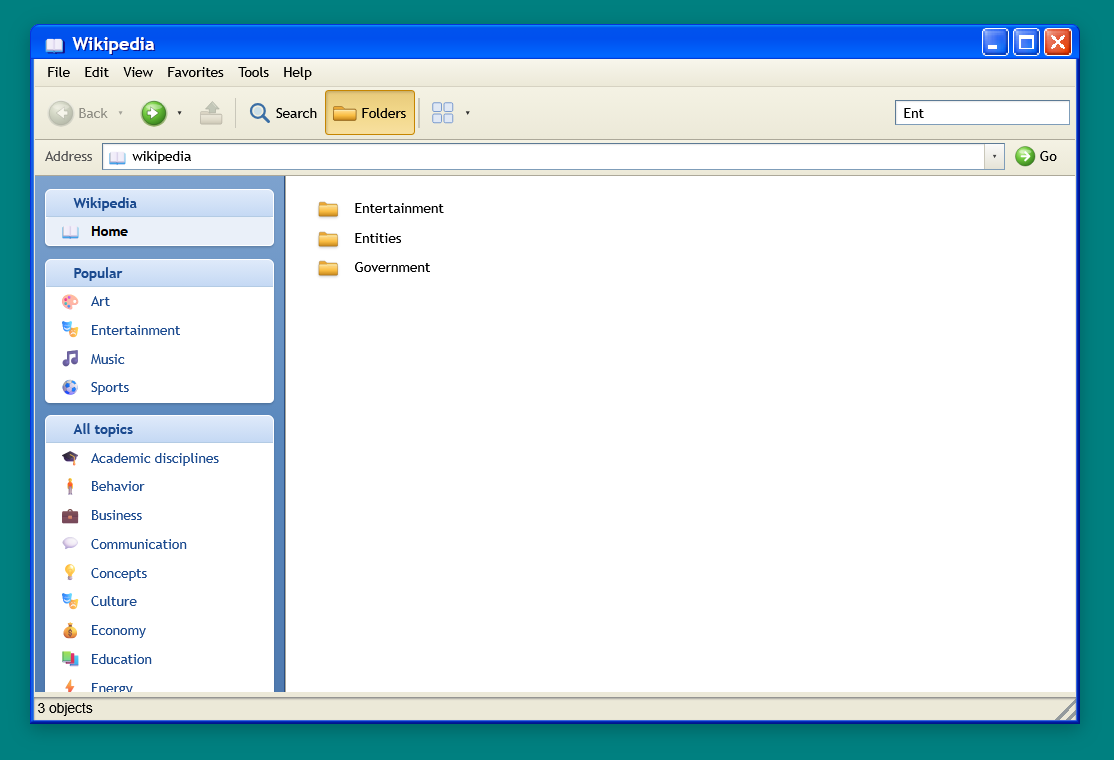
This is what it looks like in Details view.
While regular Wikipedia uses links within articles, Wikipedia File Explorer lets you search for items as if you were opening folders in Windows Explorer. Double-click the 'Entertainment' folder.
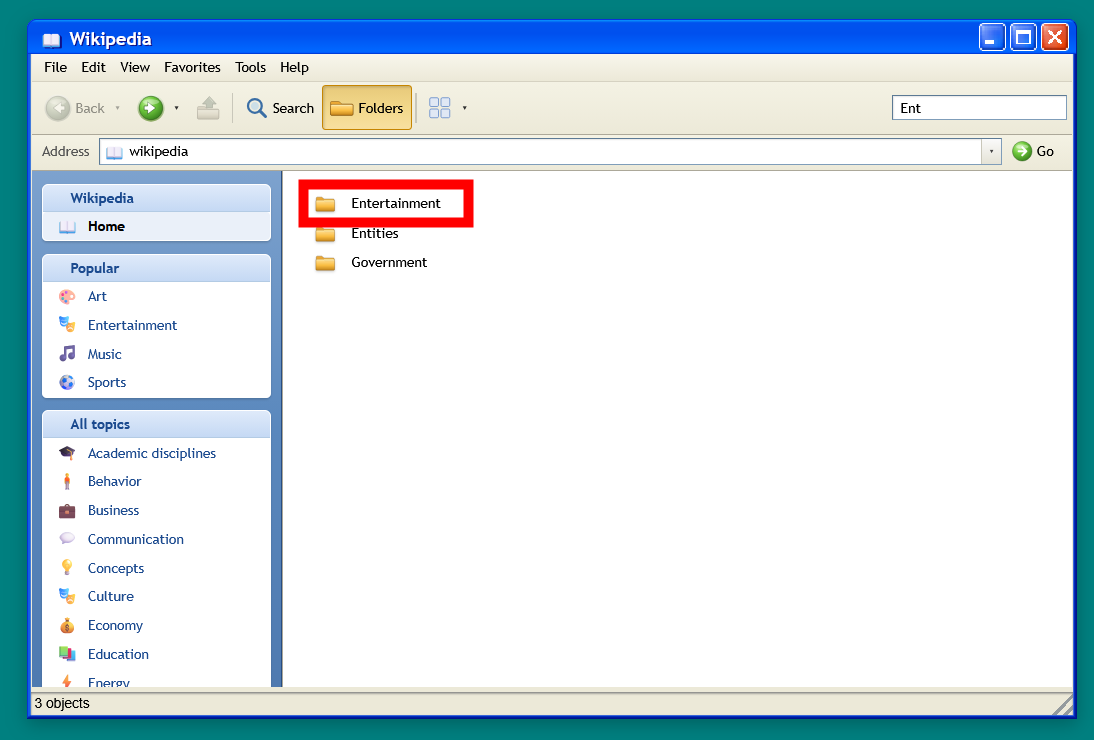
A long list of subcategory folders is displayed. I then opened the 'Entertainment by country' folder.
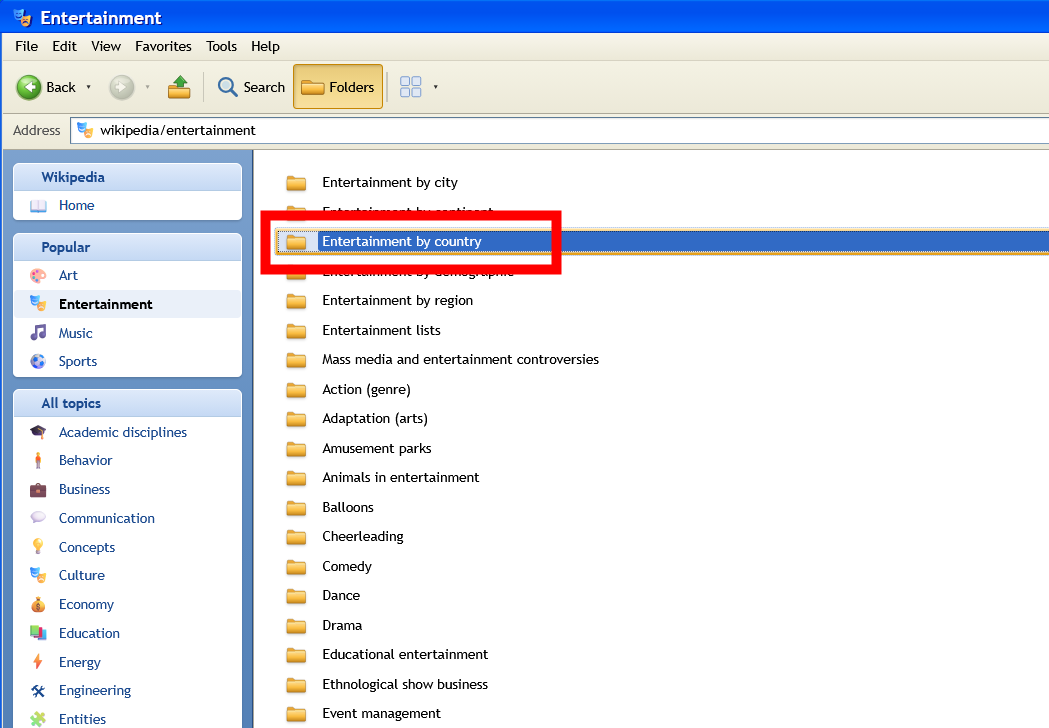
To take a look at the Japan-related items, double-click the 'Entertainment in Japan' folder to open it.
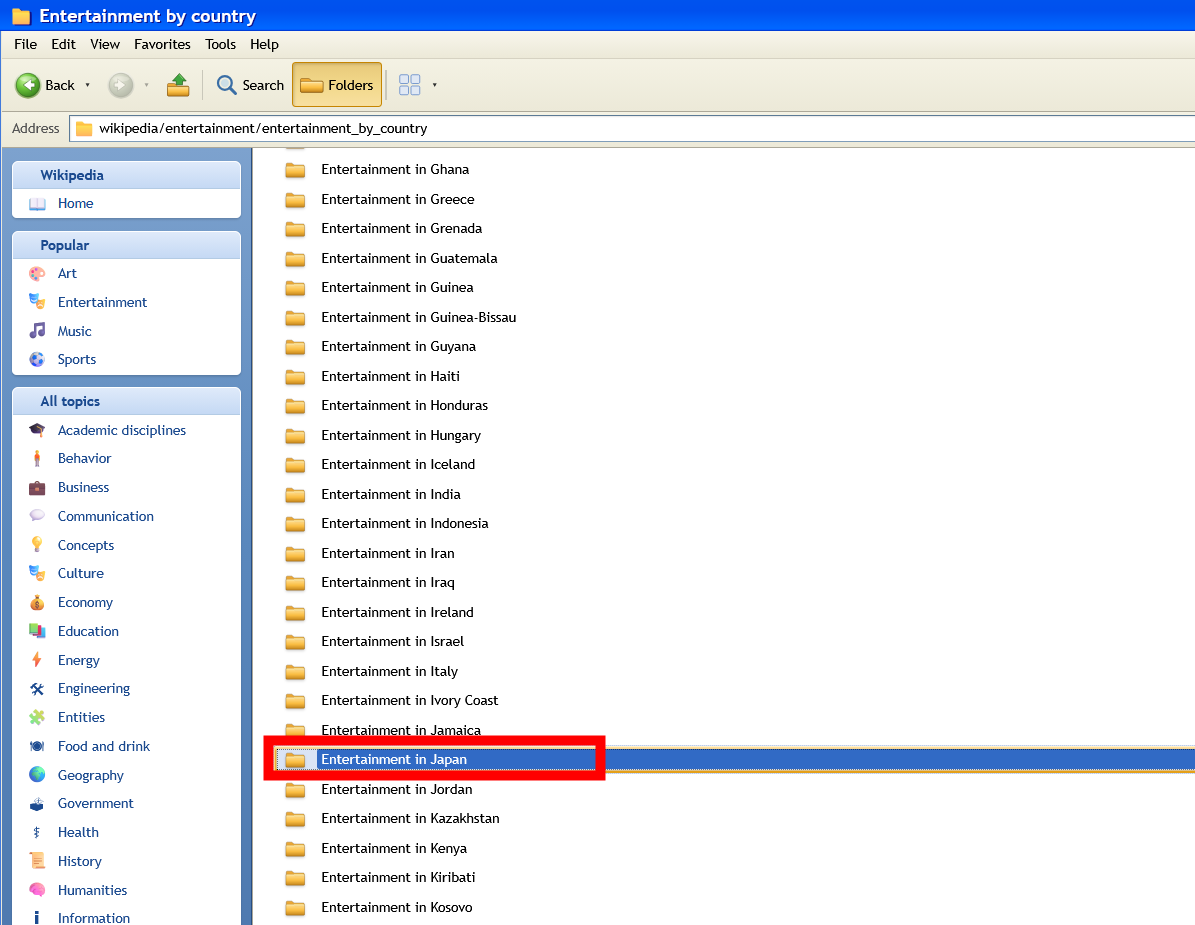
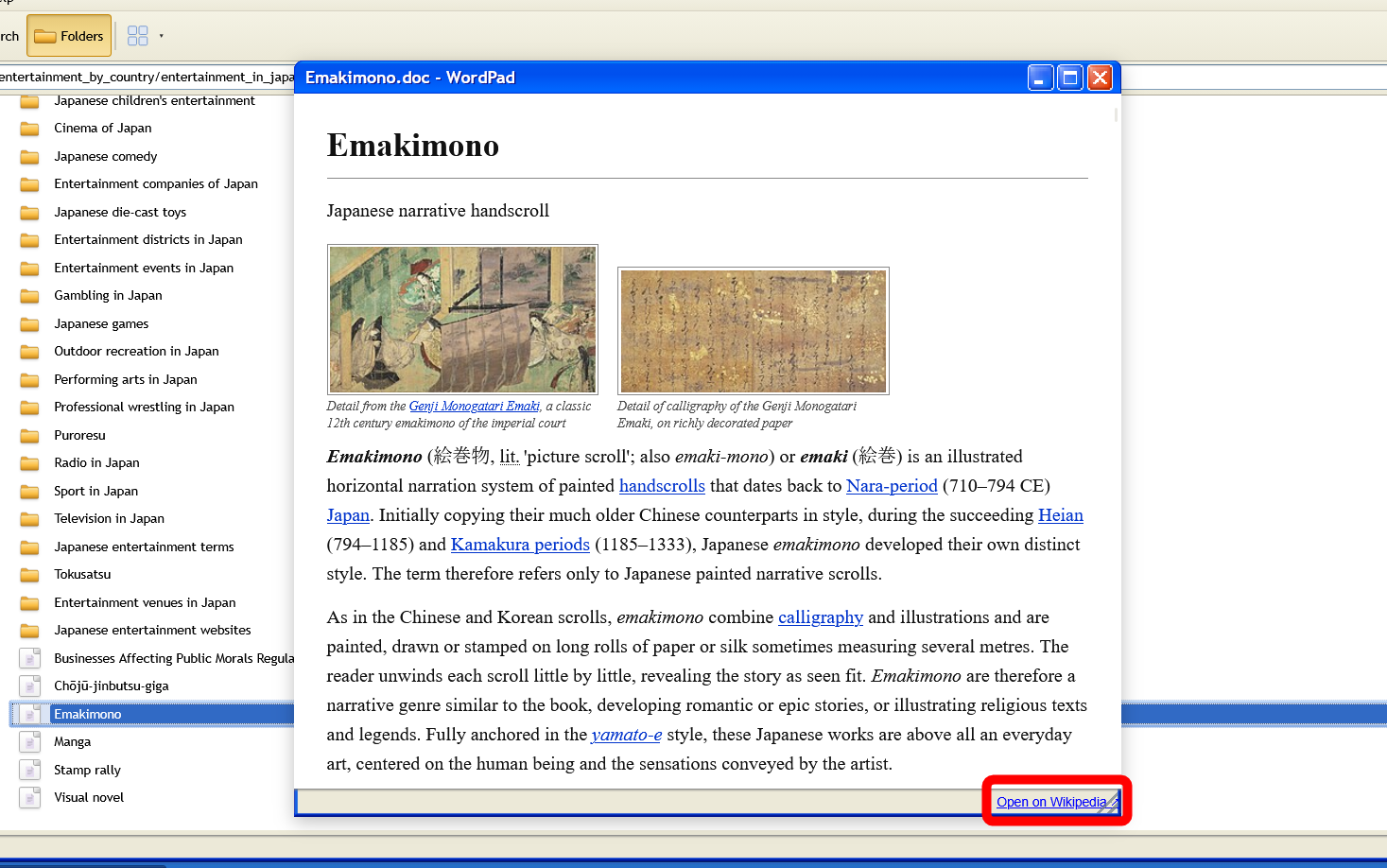
Try double-clicking the 'Emakimono (picture scroll)' file to open it.
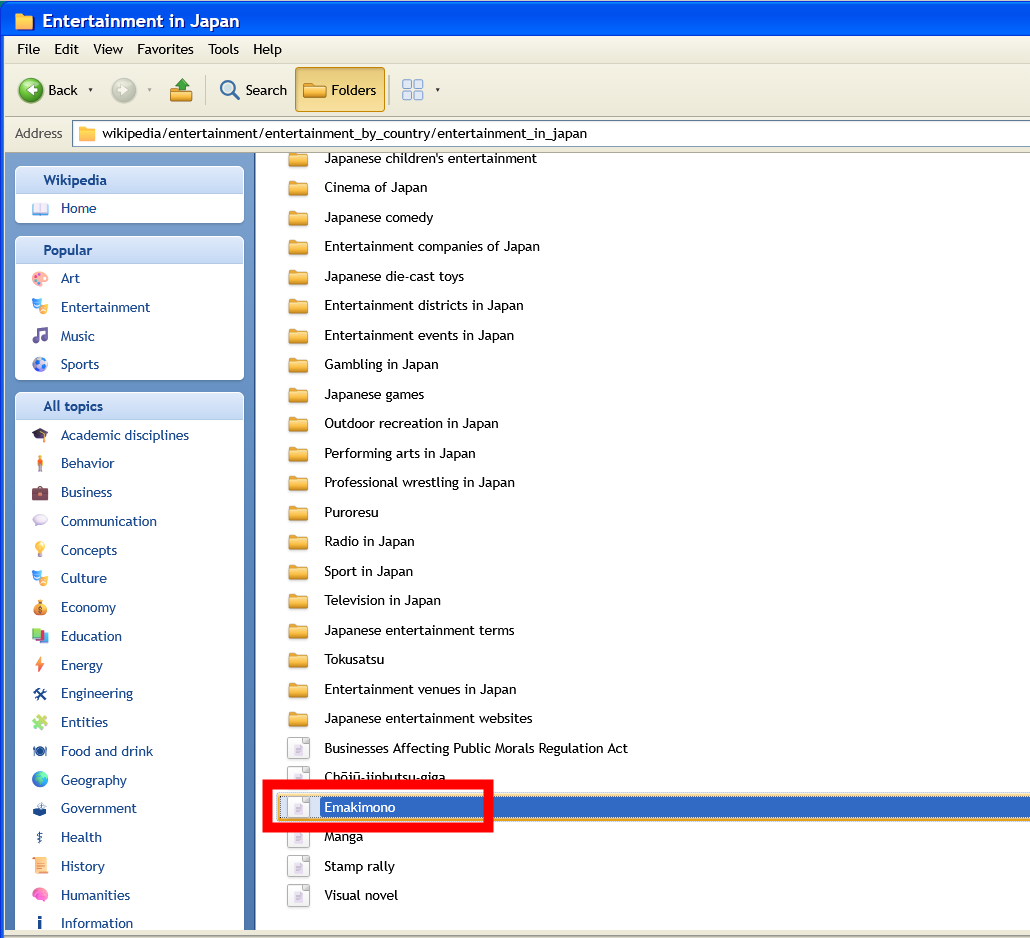
Then, the text of the English Wikipedia article on 'Emakimono' appeared in a window resembling Windows XP. Within the window, you could read the article text, and a link to open
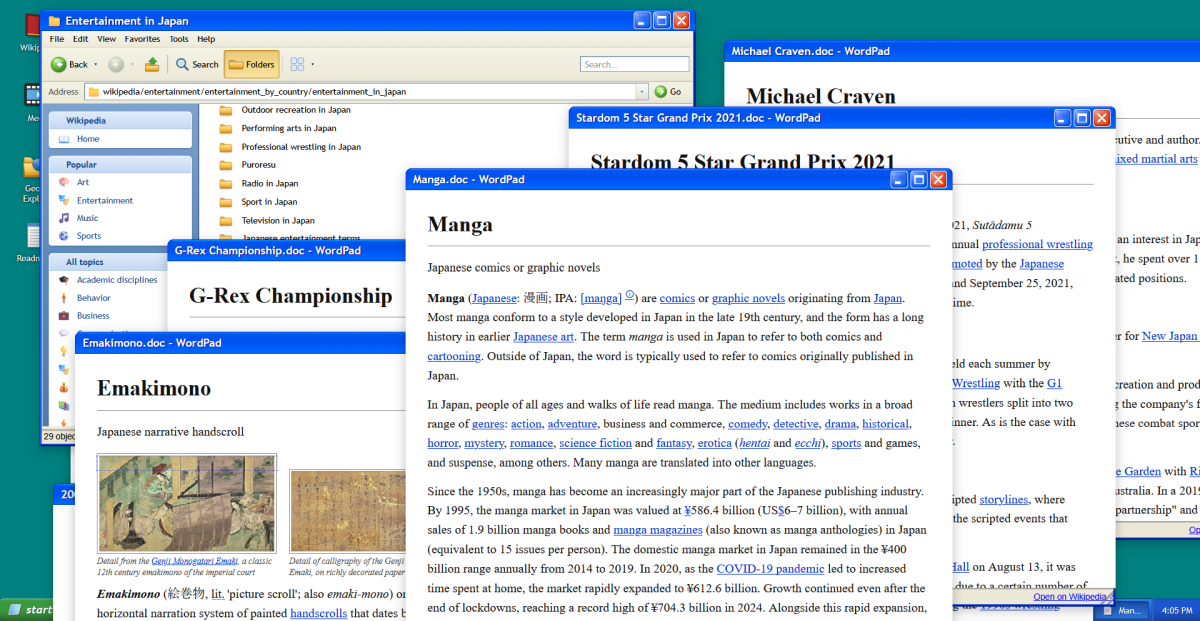
As you open multiple folders and articles, the windows will overlap on your desktop. What's interesting about Wikipedia File Explorer is that instead of simply reading a list of search results from top to bottom, it looks like you're exploring the contents of your PC.
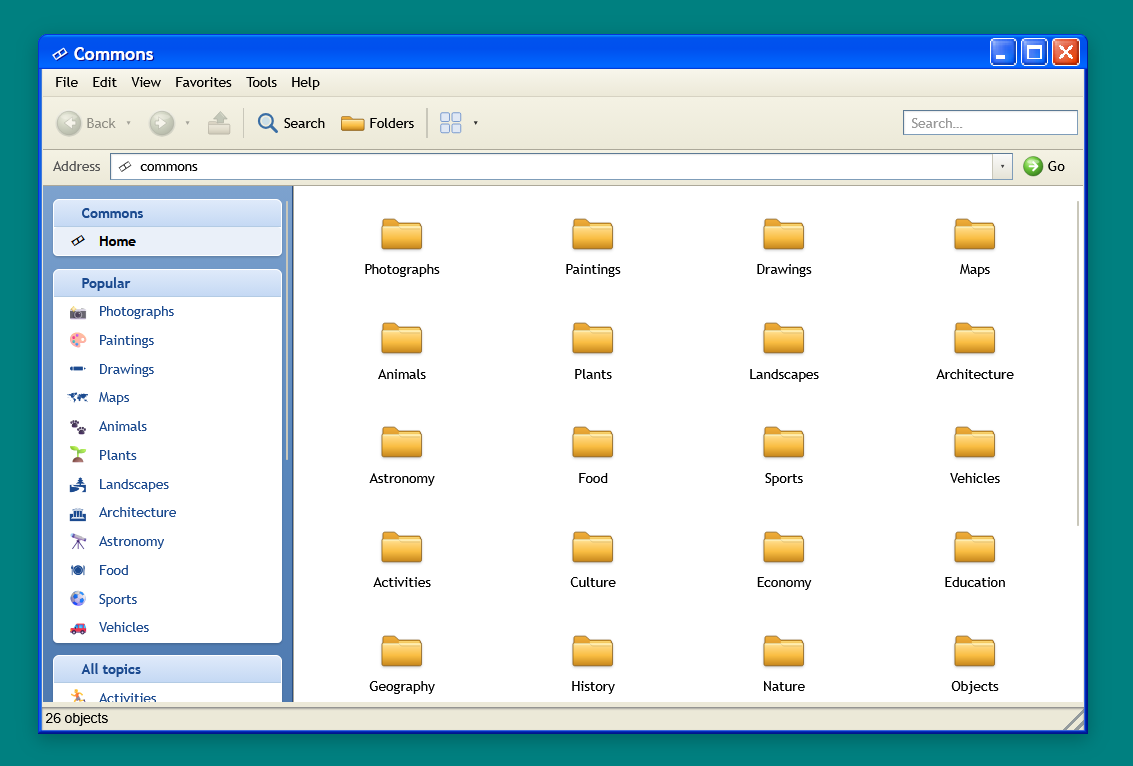
Close all the windows you just opened, and this time try opening it by double-clicking the 'Media' icon on the desktop.

In the 'Media' section, you can navigate through
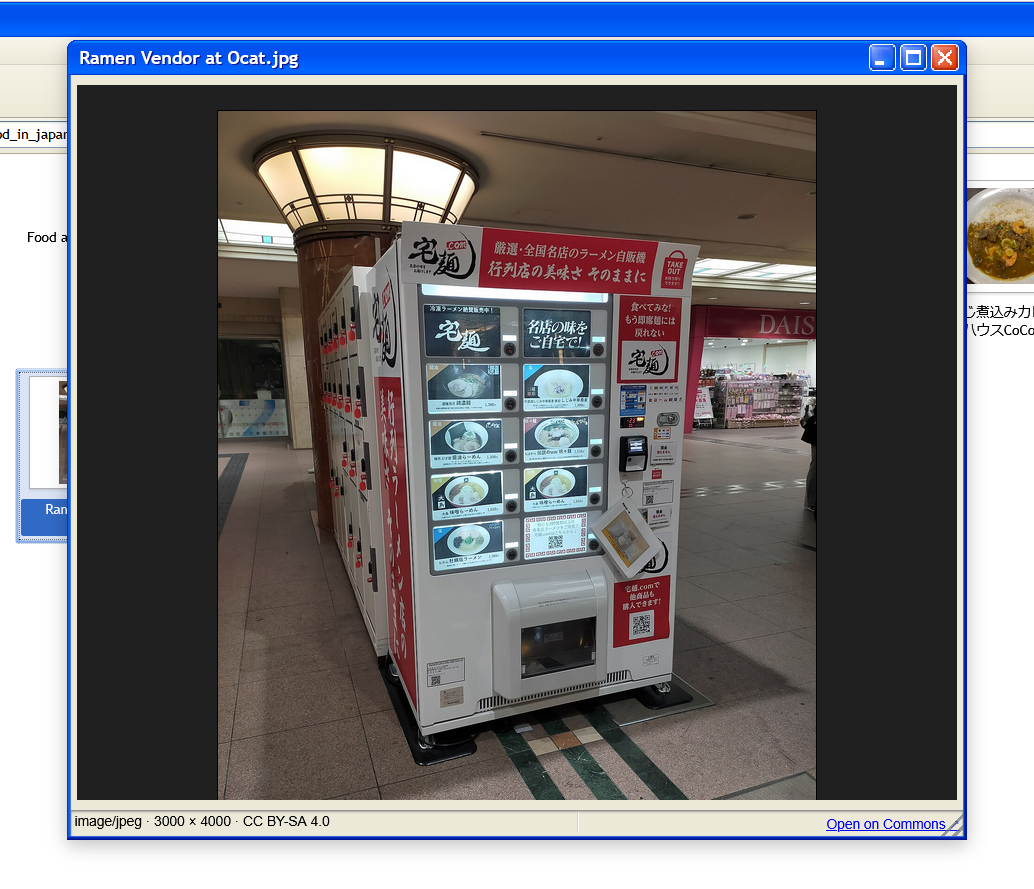
After double-clicking on several of the displayed folders, I found an image file. I double-clicked on 'Ramen Vendor at Ocat.jpg' to open it.
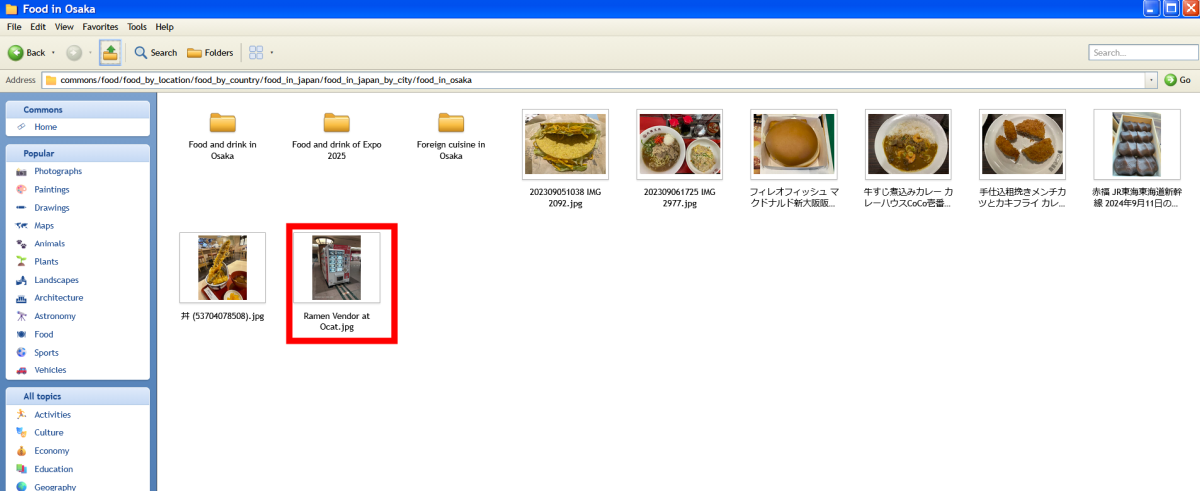
The image then appeared in a viewer that looked like it was from Windows XP. In the lower right corner of the screen, there was a link that said 'Open on Commons,' and clicking it opened
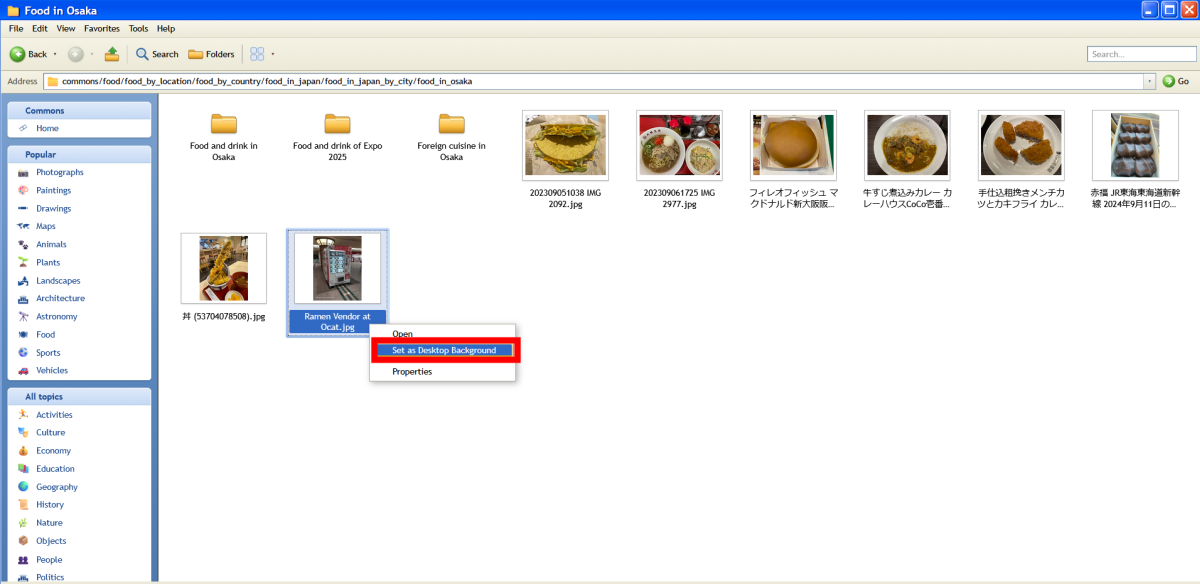
When I right-clicked on an image file in the folder, a menu appeared. I clicked 'Set as Desktop Background'.
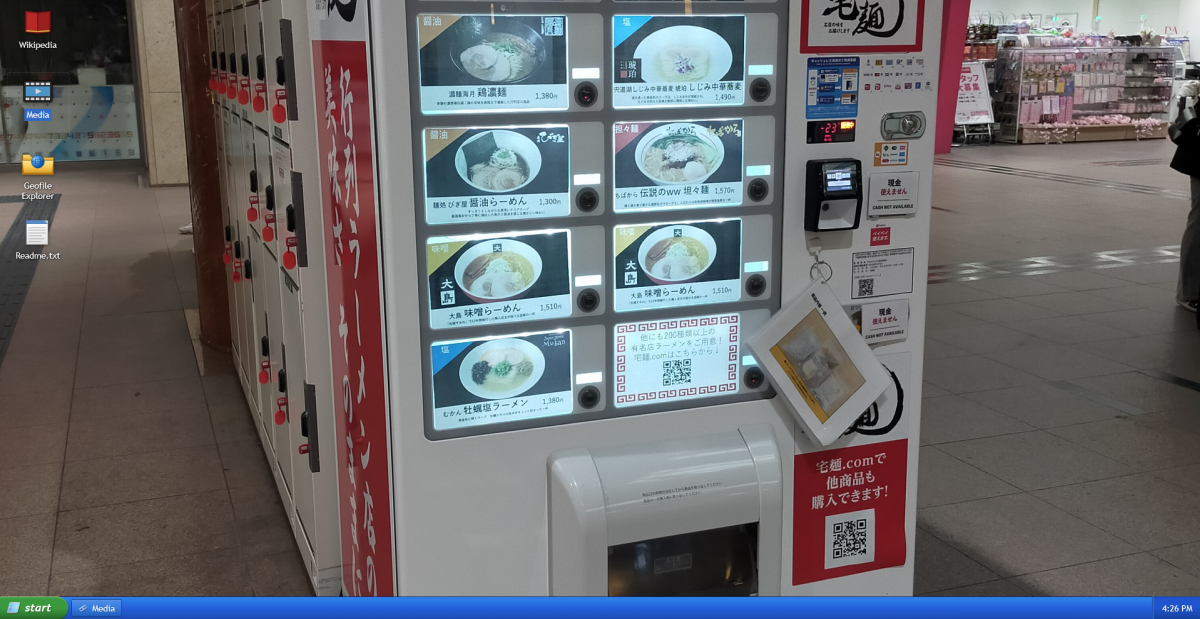
You can also have fun by setting images as your desktop background like this.
Wikipedia File Explorer has also been a topic of discussion on the social news site Hacker News , with some users saying it 'reminds them of Microsoft Network from the Windows 95 era,' and others pointing out that 'Wikipedia's category classification is closer to tags attached to each page than a strict hierarchical structure.'
Wikipedia File Explorer is less of a tool for quickly finding specific articles and more of a web application that lets you enjoy browsing through Wikipedia and Wikimedia Commons as if they were folders. While regular Wikipedia is more convenient for searching for specific articles, the experience of navigating through Wikipedia like opening folders on a PC is refreshing.
Related Posts:

in Review, Design, Web Application, Posted by log1b_ok