Photo review of the ASUS Zenbook DUO UX8407, an Intel Core Ultra X9-powered notebook PC that transforms into a dual OLED touchscreen display by detaching the keyboard.
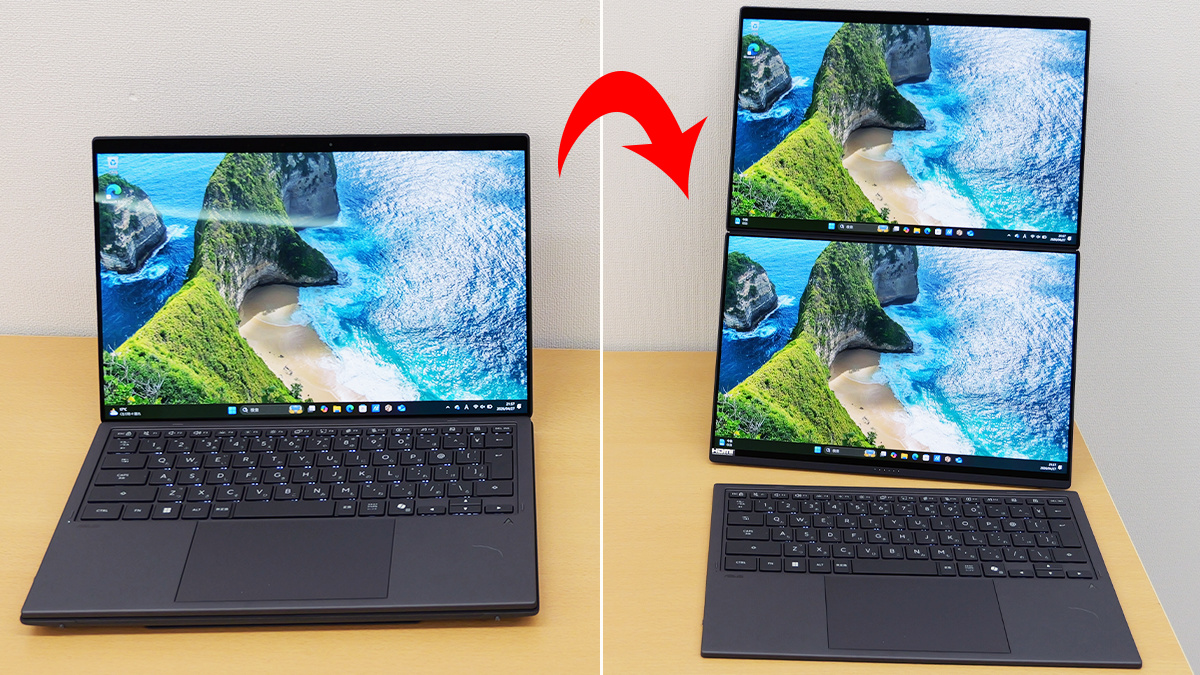
ASUS began selling the ' ASUS Zenbook DUO UX8407, ' a dual-display notebook PC that can be switched between notebook PC mode and dual-screen mode, in Japan on April 16, 2026. In addition to design changes such as being thinner and lighter than the 2025 model UX8406, it boasts high-performance AI processing capabilities thanks to its
ASUS Zenbook DUO (UX8407) | Personal Notebook PC | ASUS Japan
https://www.asus.com/jp/laptops/for-home/zenbook/asus-zenbook-duo-ux8407/
The outer box of the UX8407.
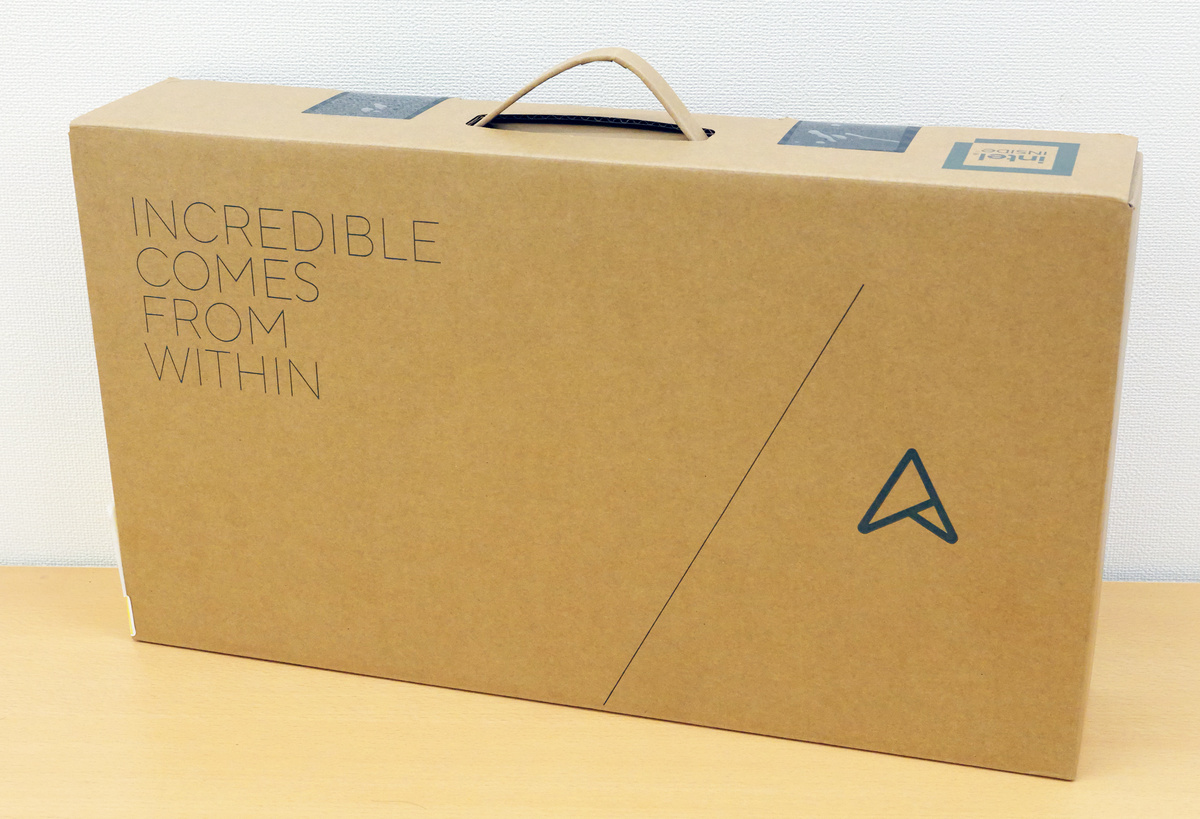
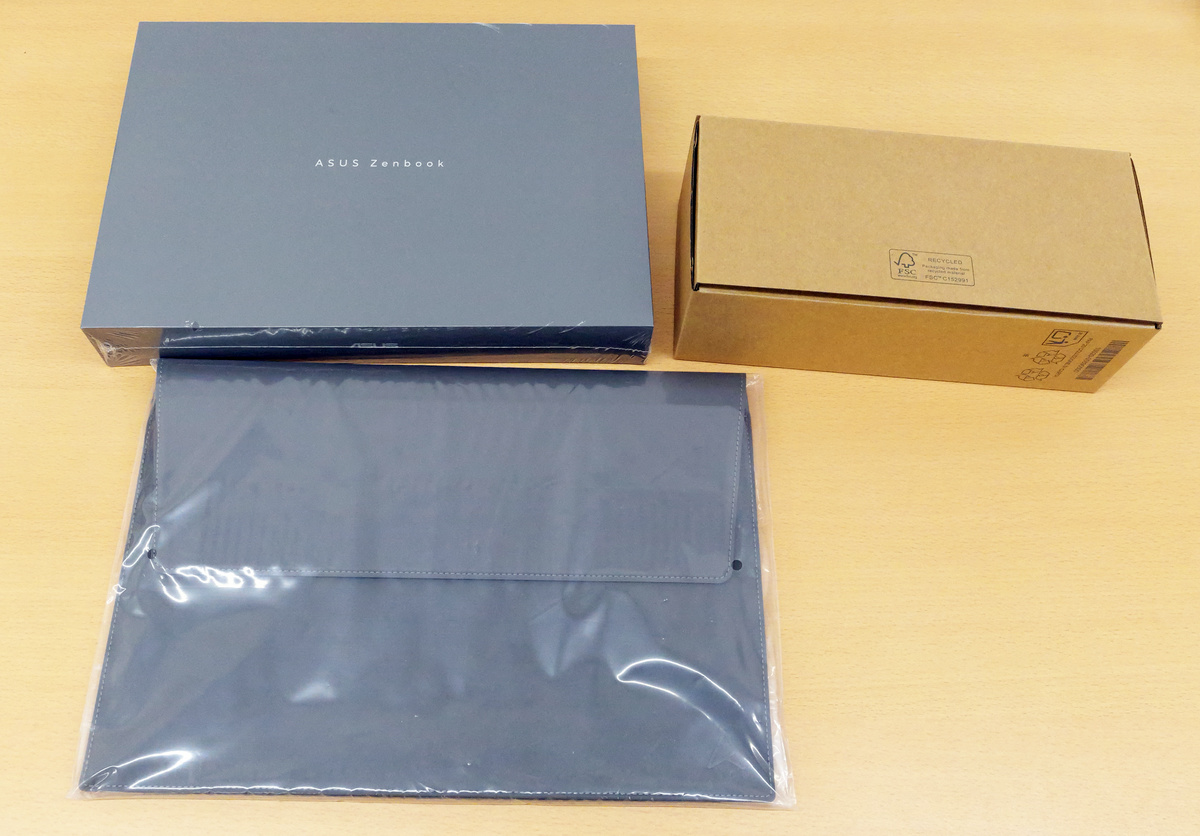
Upon opening the outer box, you'll find three items: a black box containing the UX8407 unit, a brown box containing the cables, and a cover.
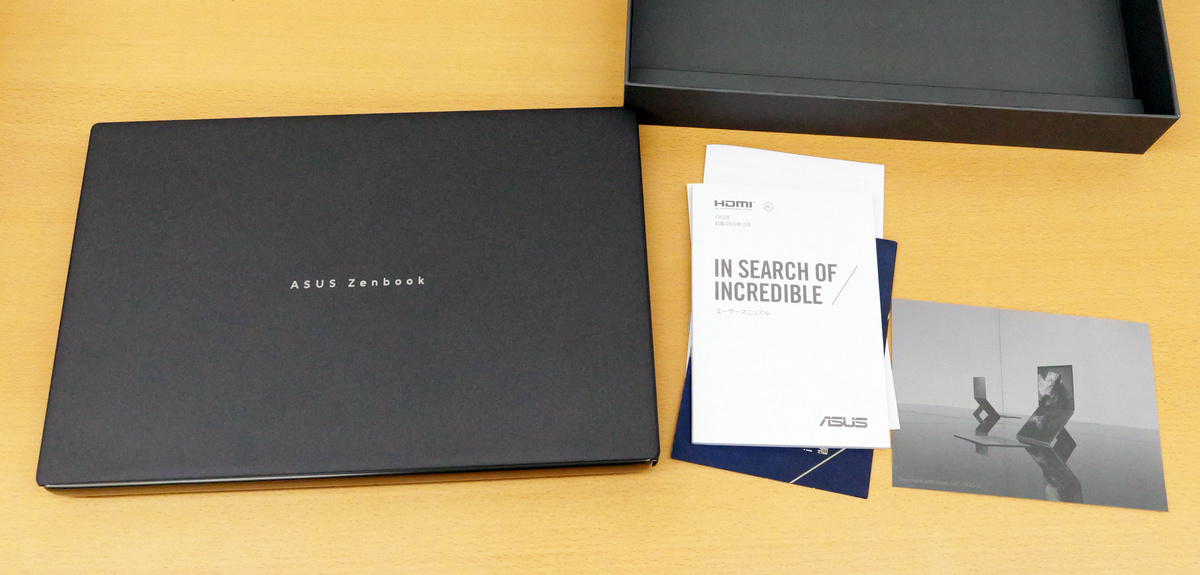
The black box contained the UX8407 unit, instruction manuals, and a postcard. The UX8407 is only available in one color: 'Moha Gray'.
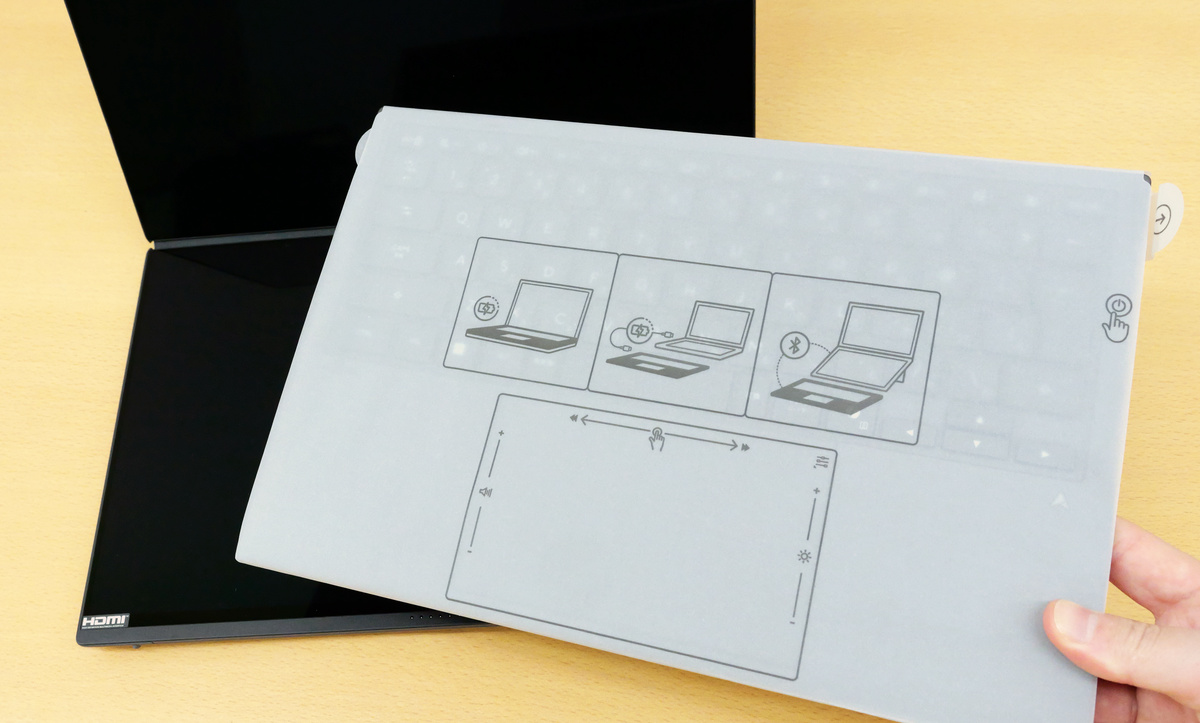
When I opened the UX8407, I found a cover attached to the keyboard.
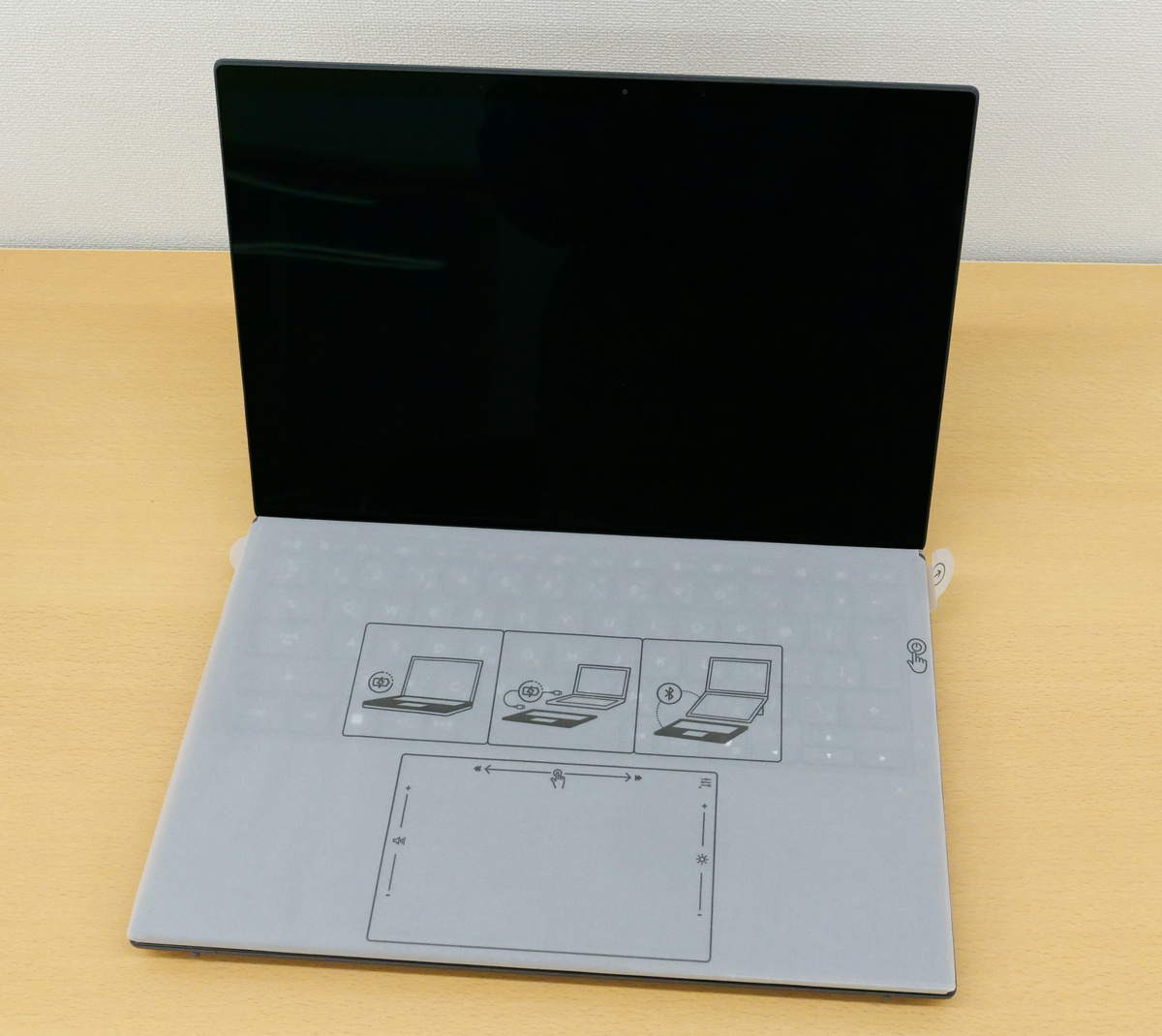
The keyboard can be removed by sliding it.
When the keyboard is removed, the display can be unfolded to a flat state as shown below.
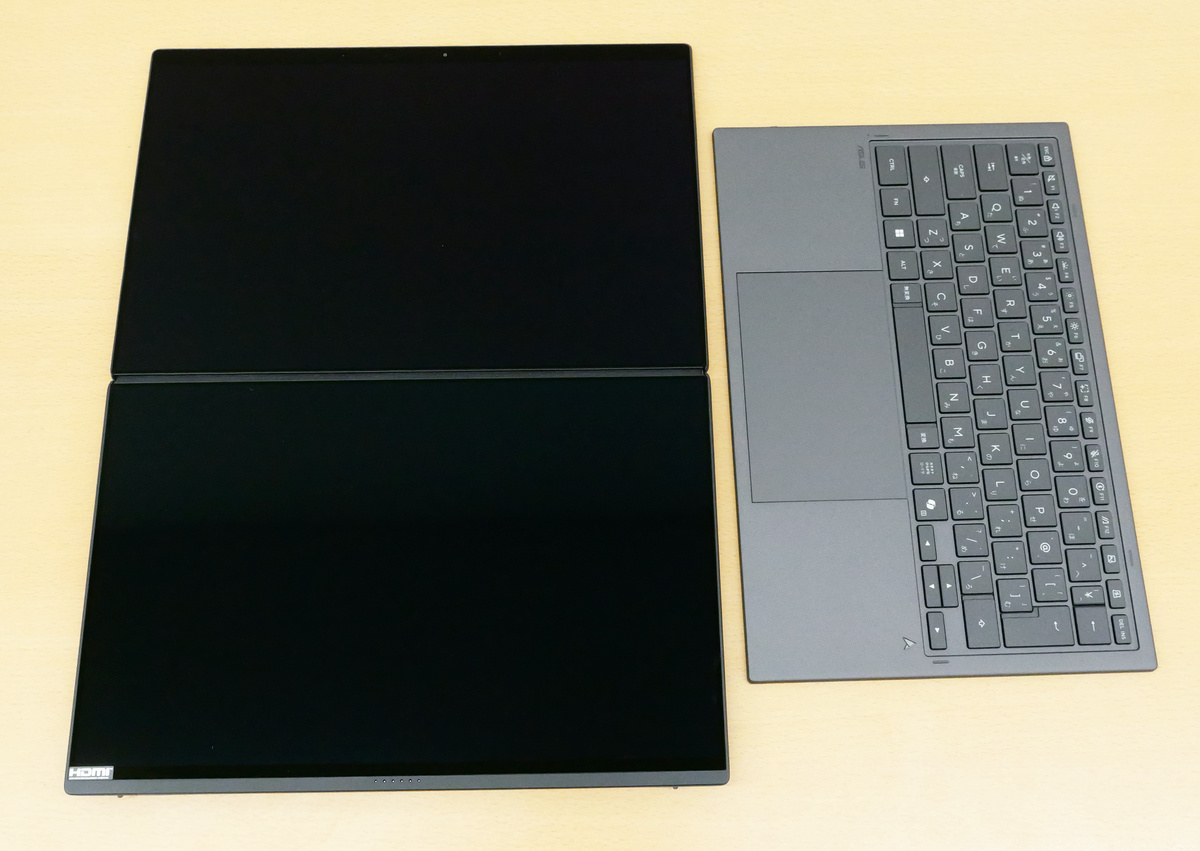
The UX8407 measures 310.1mm wide x 208mm deep. Its thickness is 19.6mm without the keyboard and 23.4mm with the keyboard attached.
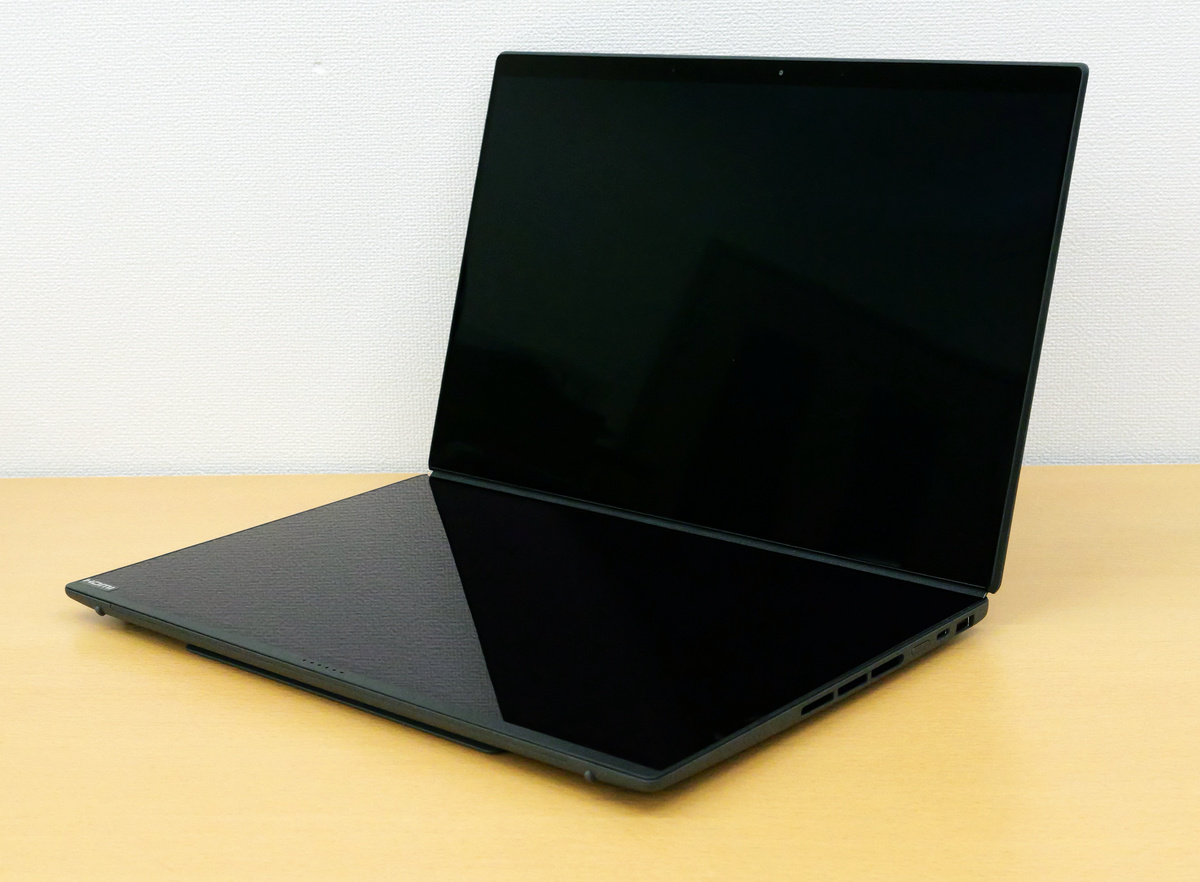
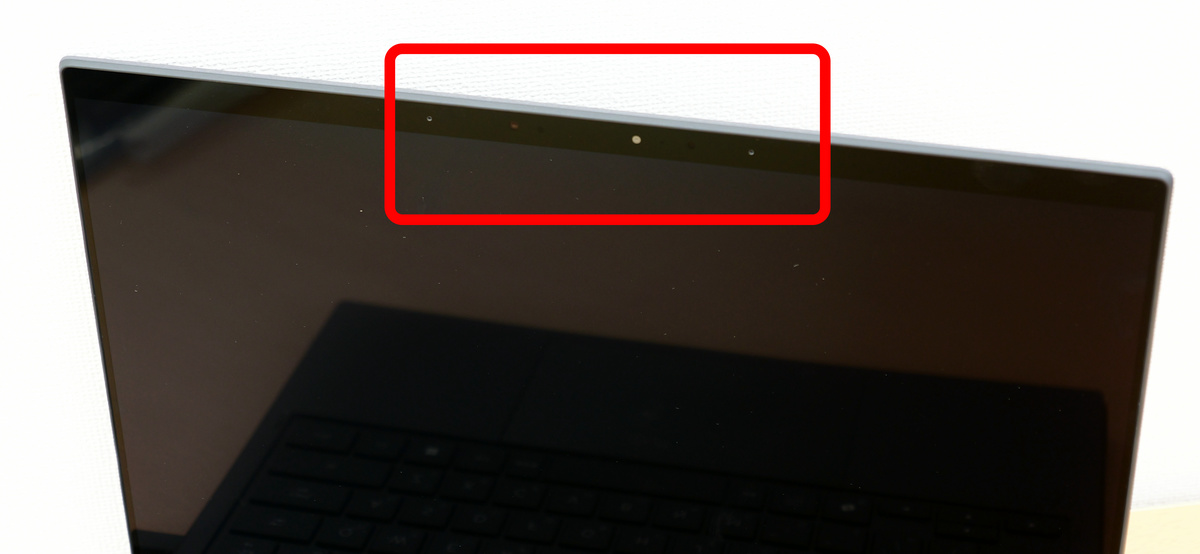
At the top of the display are two array microphones with echo cancellation, noise suppression, and directional recording capabilities, as well as a 2.07-megapixel infrared camera with facial recognition capabilities.
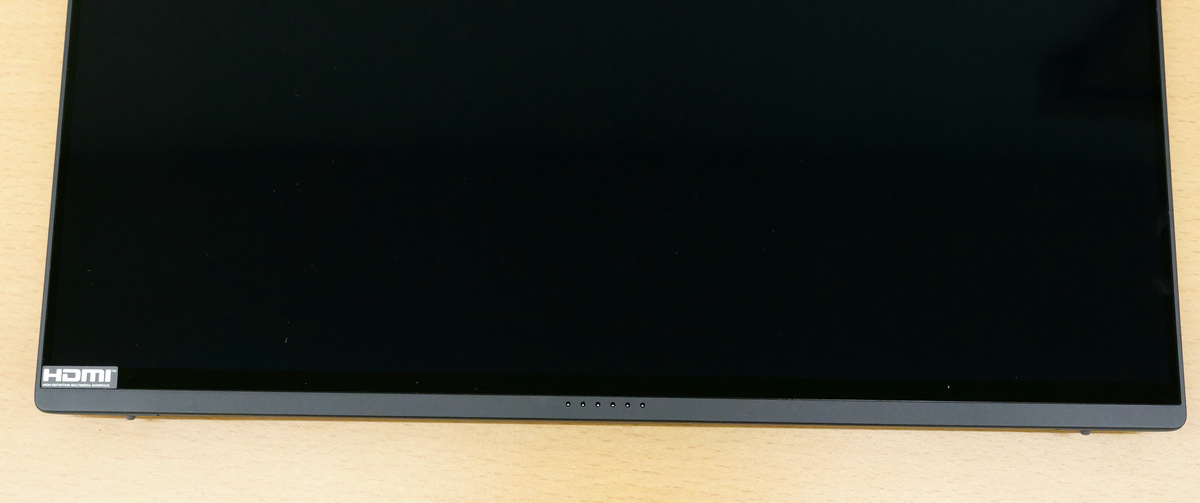
The bottom has a magnetic port for attaching a keyboard.
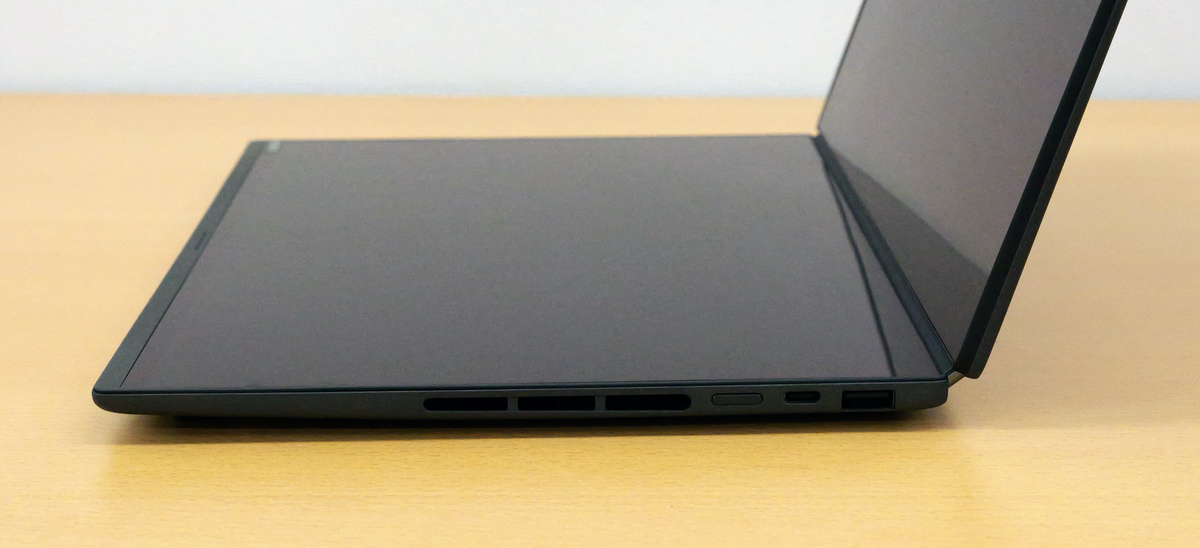
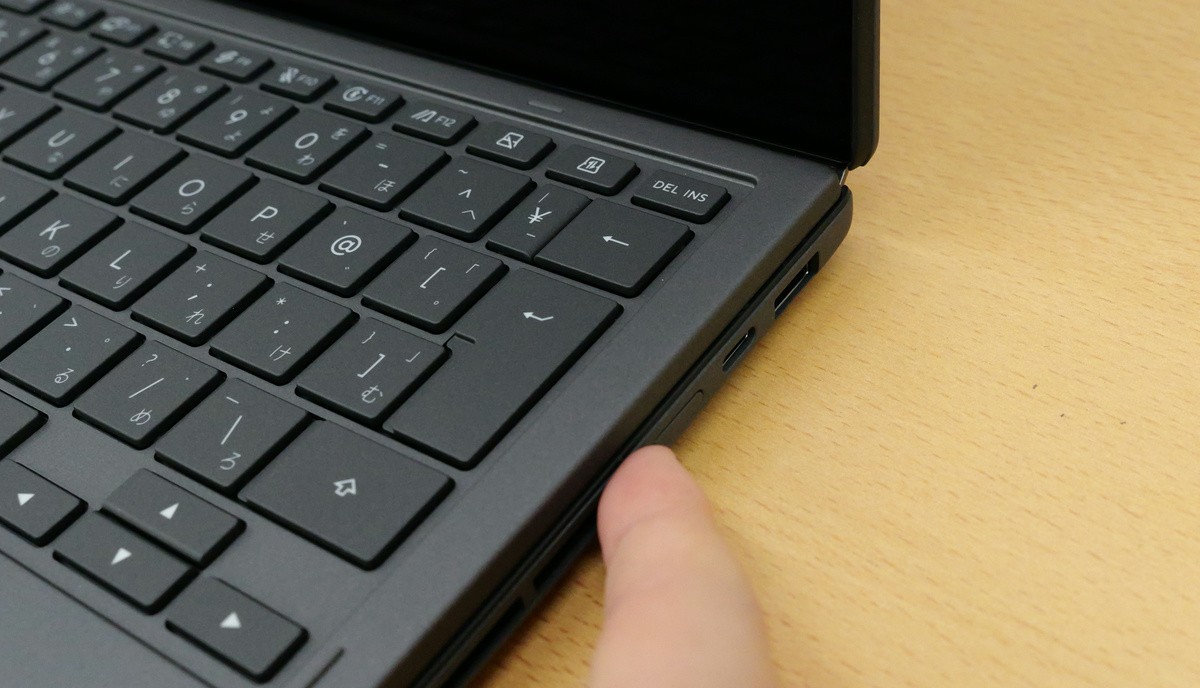
On the right side are ventilation holes, a power button, a USB-C port, and a USB-A port.
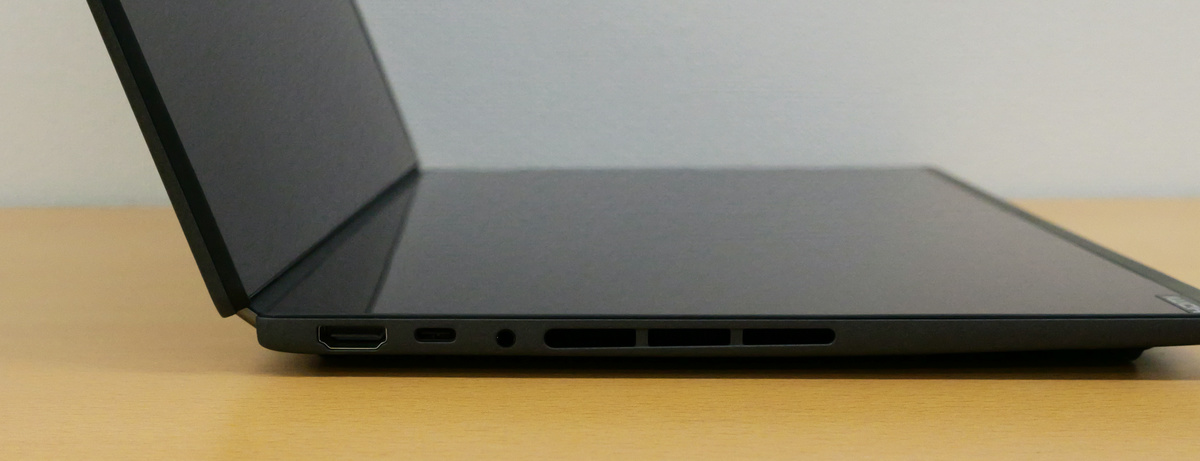
On the left side, there is an HDMI port, a USB-C port, an earphone jack, and a ventilation opening.
The back looks like this.
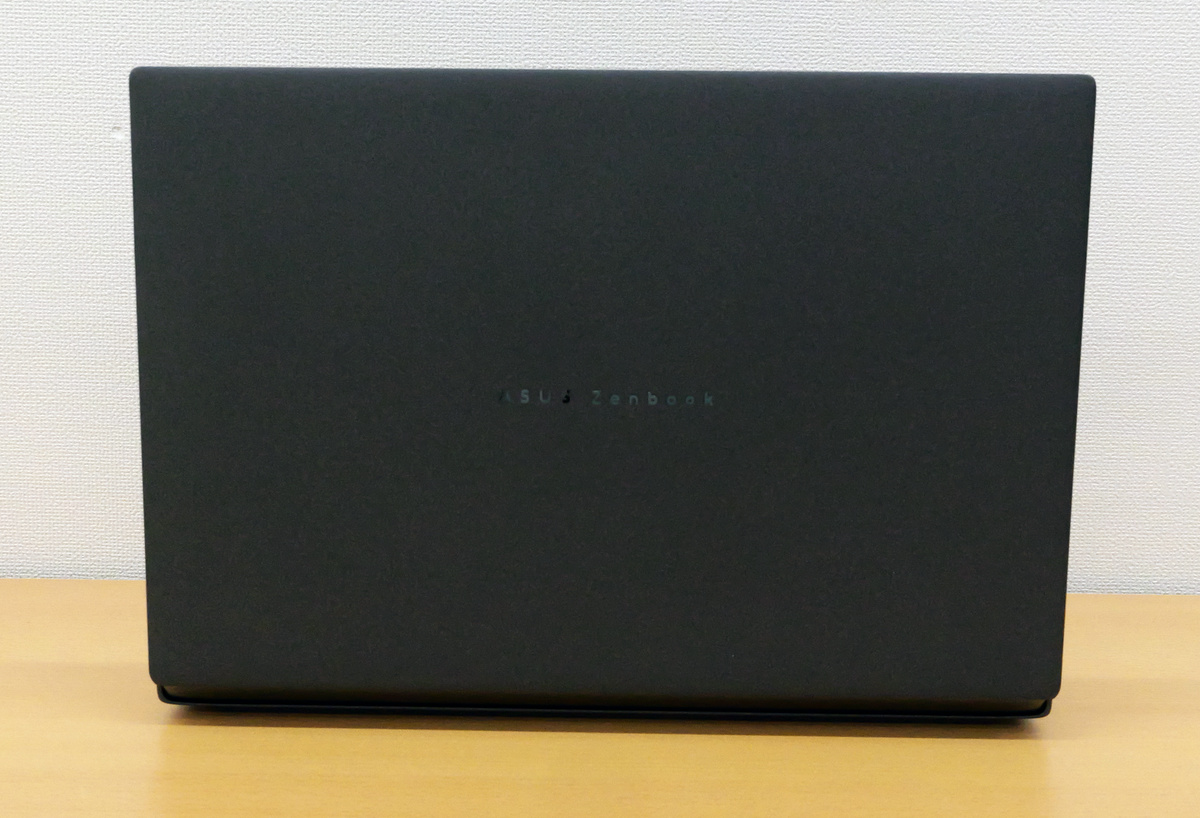
The back of the device with the display closed.
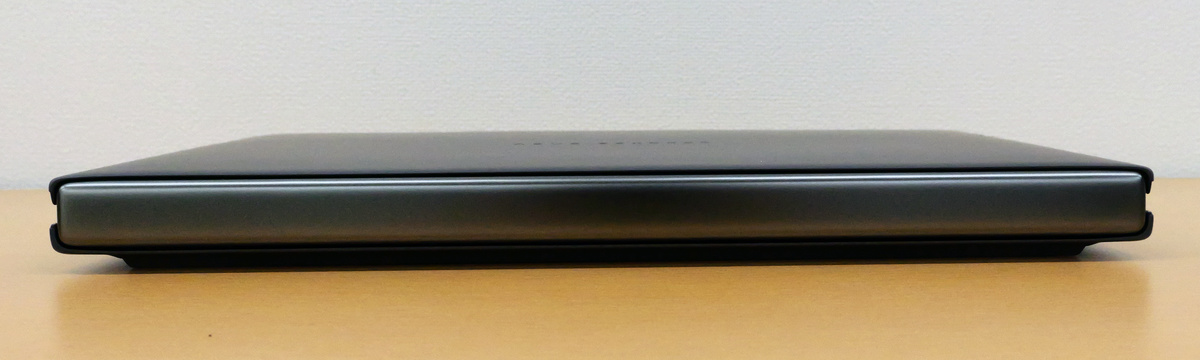
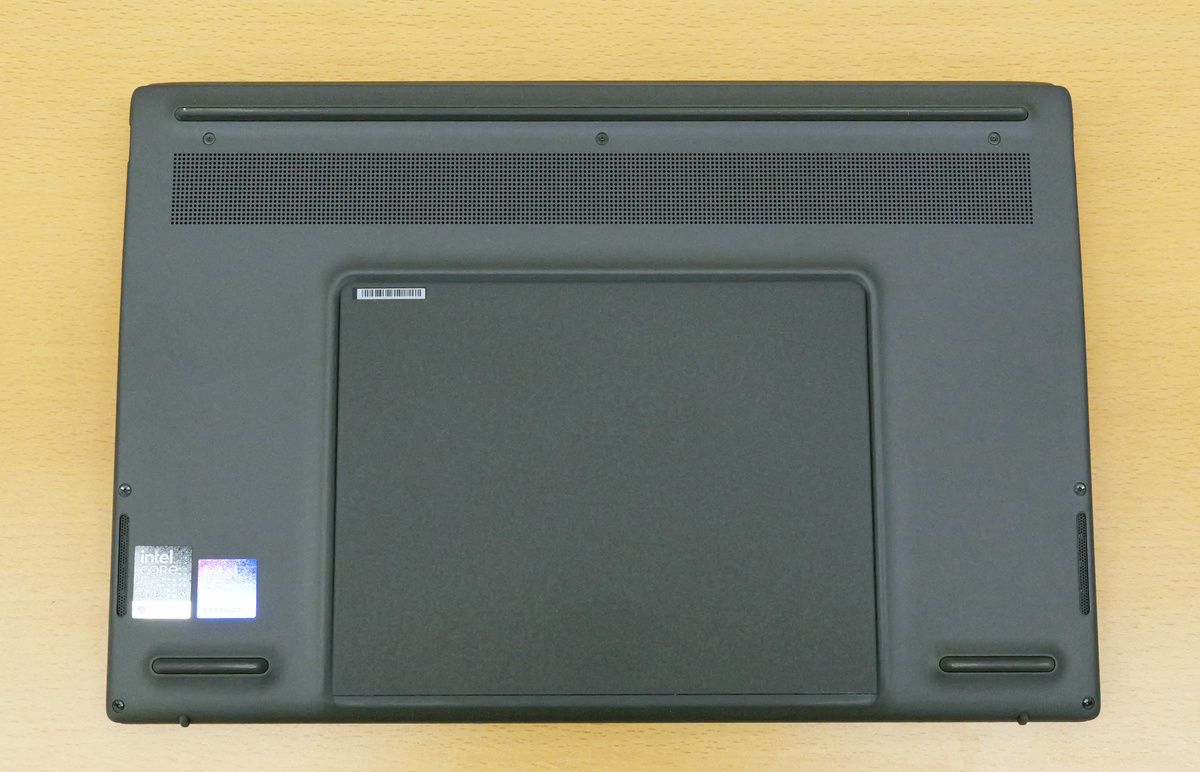
The base has non-slip pads on both the top and bottom, and the area below the ventilation holes also functions as a stand.
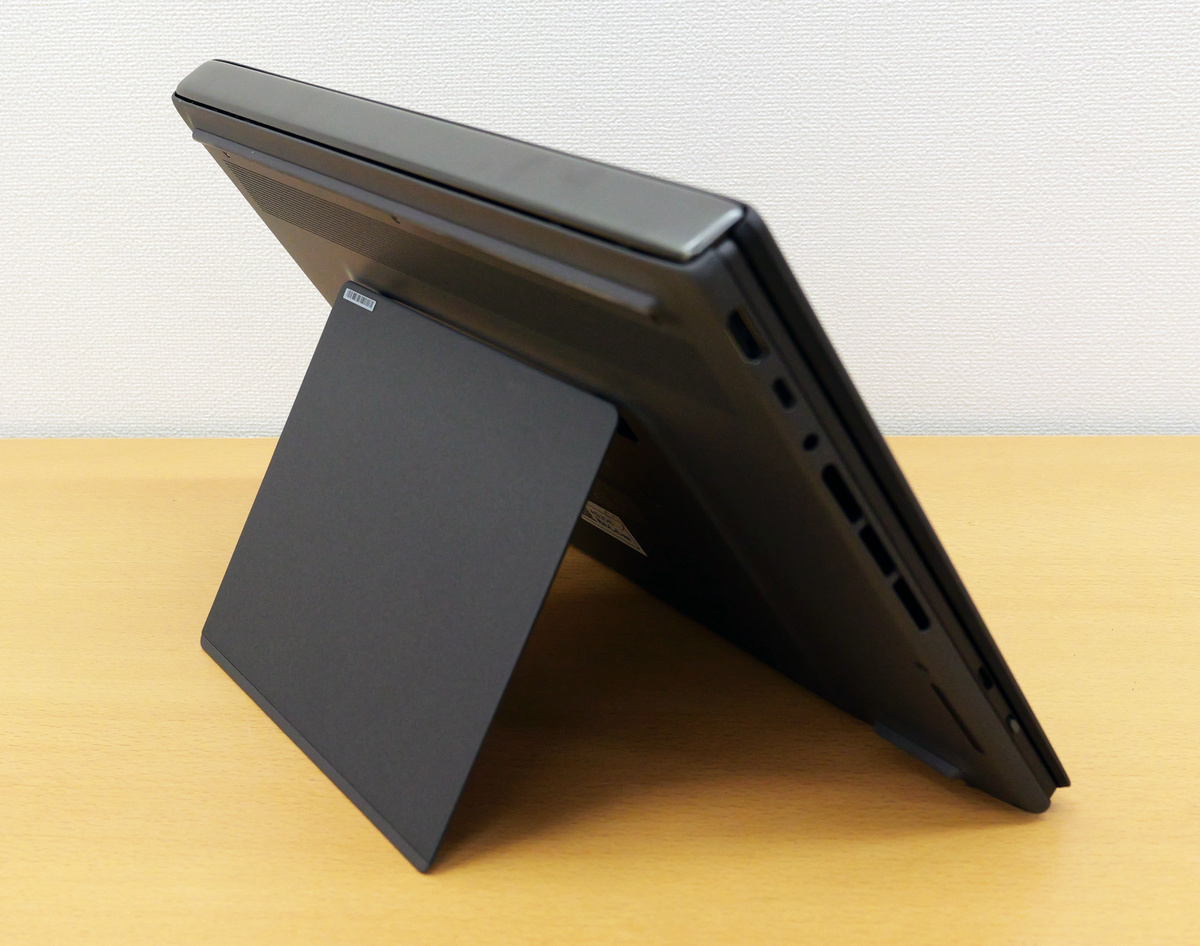
By opening the stand, you can prop up the display as shown below.
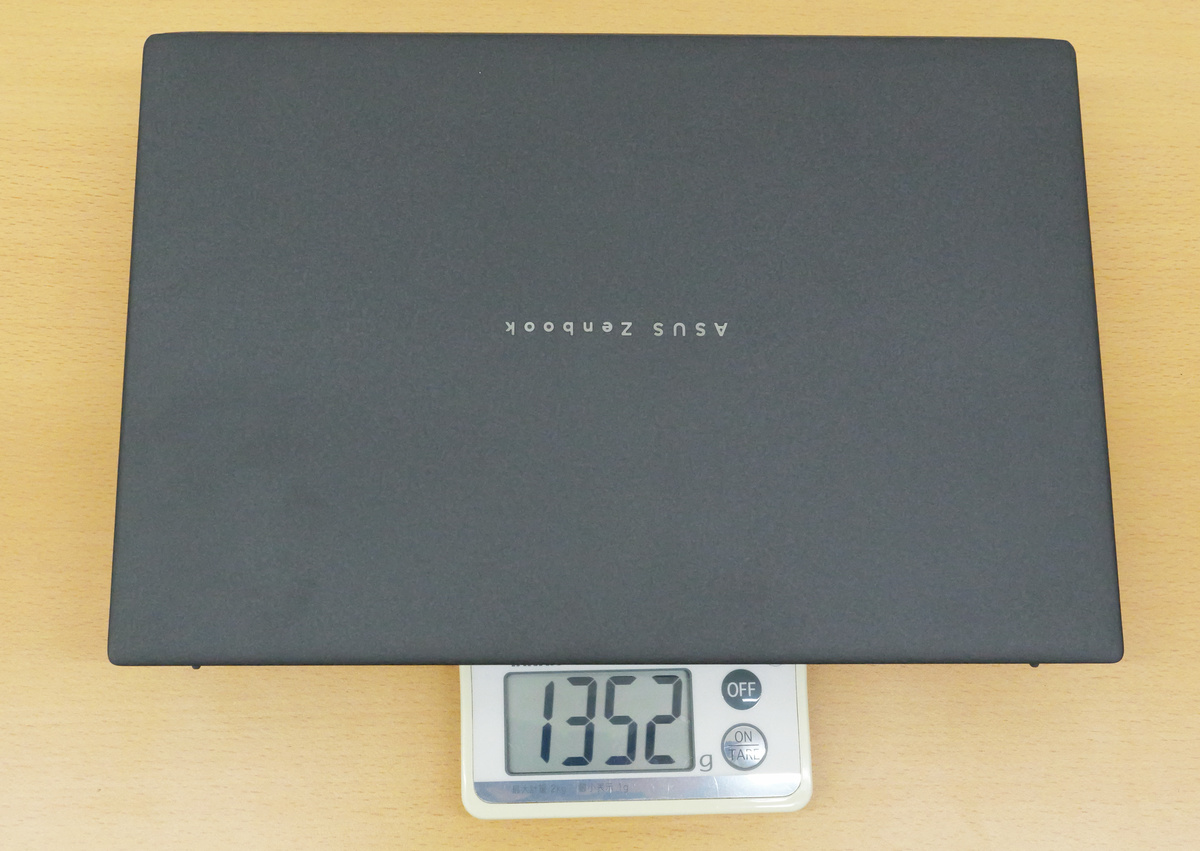
The actual weight of the UX8407 without the keyboard is 1352g.
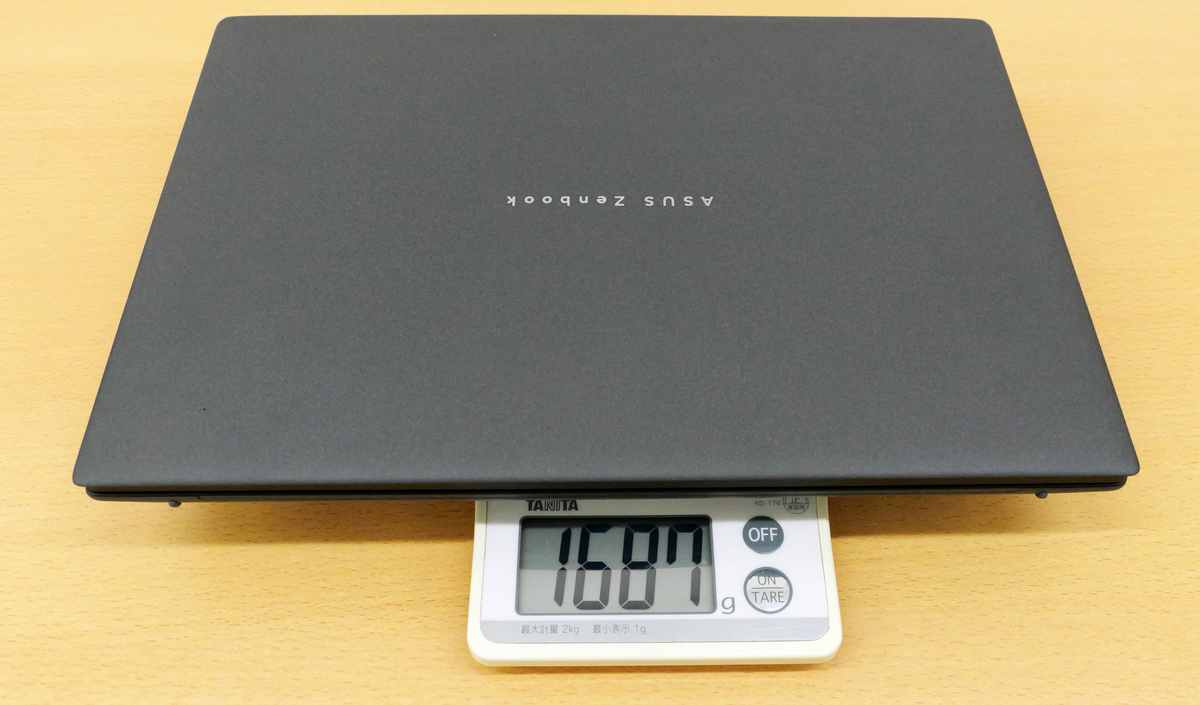
With the keyboard attached, it weighed 1687g.
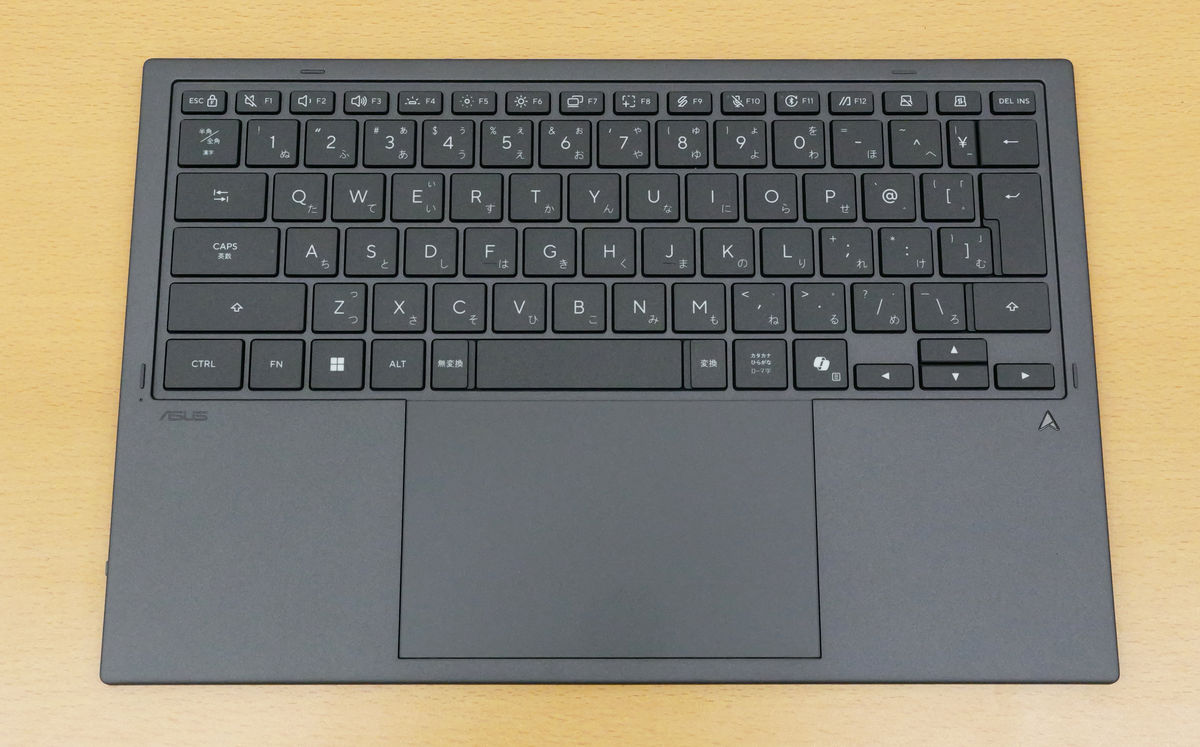
The keyboard, once detached from the display, can be used as a Bluetooth keyboard.
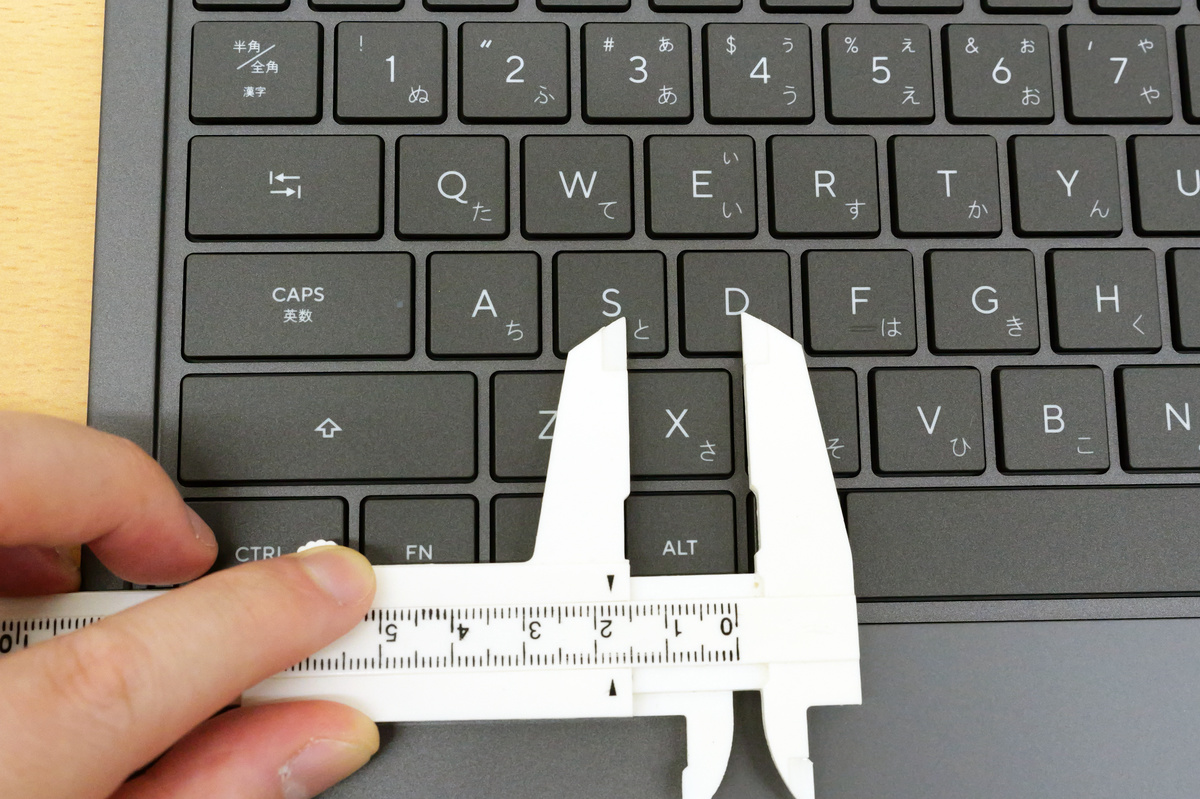
The key pitch is approximately 18mm (measured).
The actual weight of the keyboard alone was 334g.
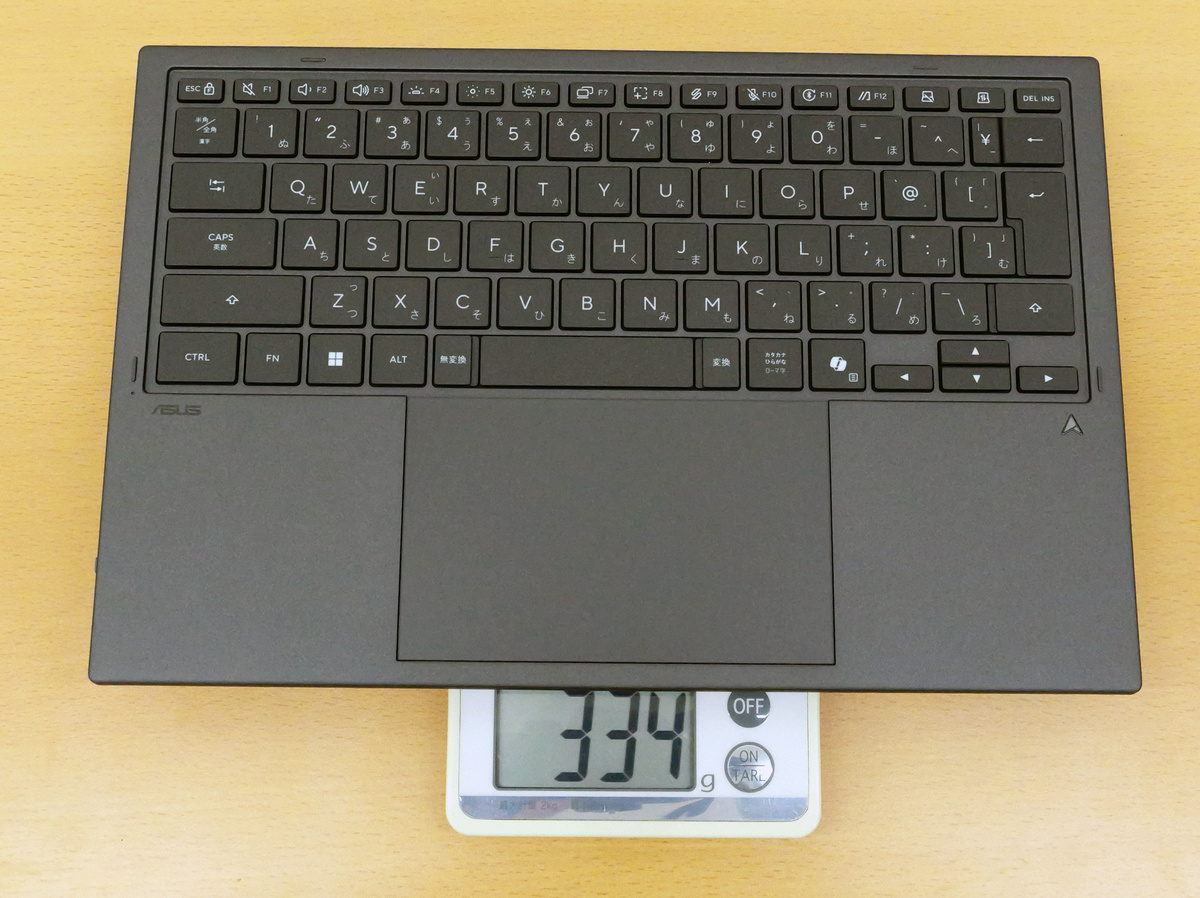
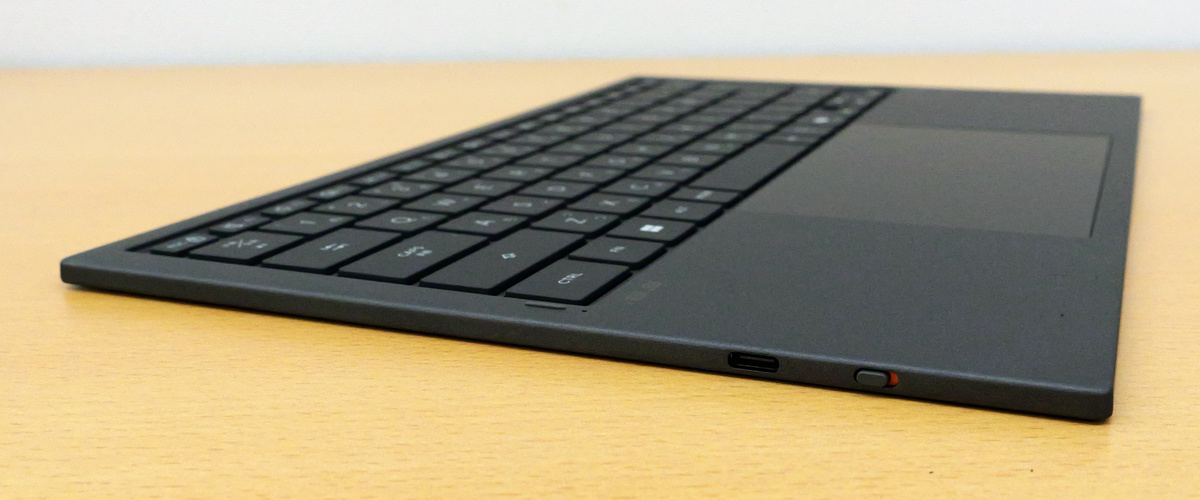
The keyboard has no buttons on the top, bottom, or right side; the only buttons are on the left side, which have a USB-C port for charging and a Bluetooth connection switch.
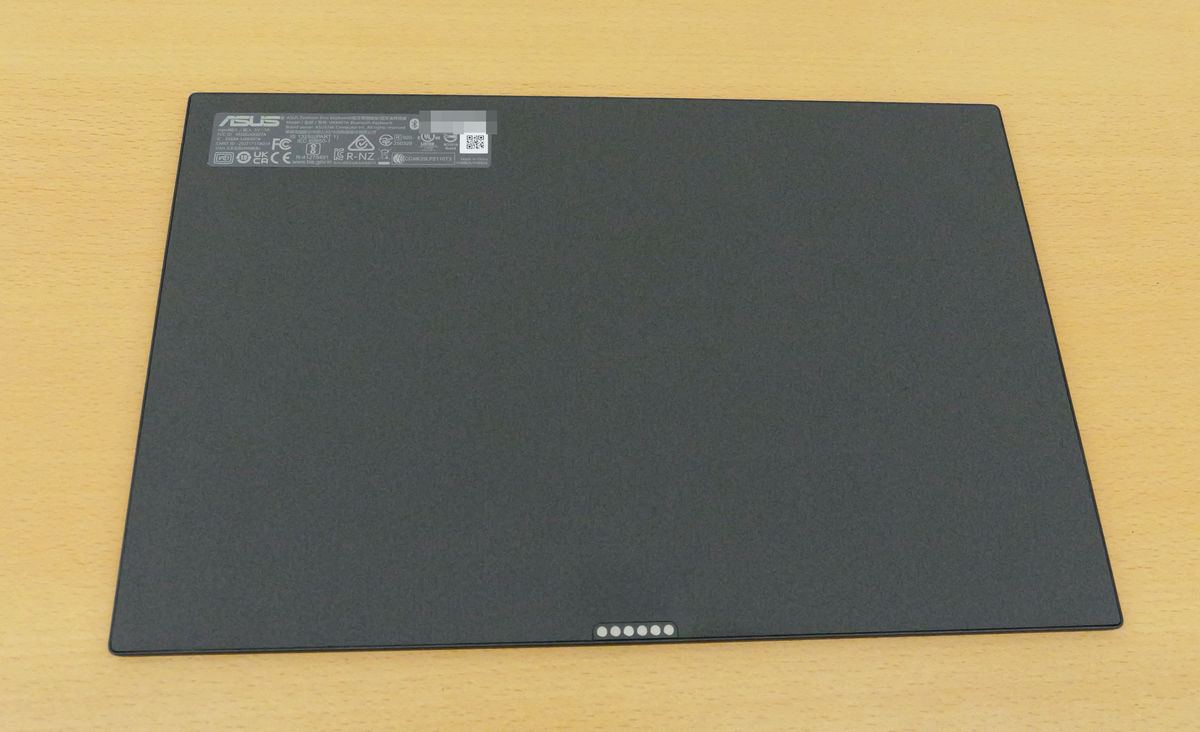
The back of the keyboard.
The UX8407 also supports touch operation. It allows for intuitive operation with your fingers, just like using a smartphone or tablet, and it also comes with
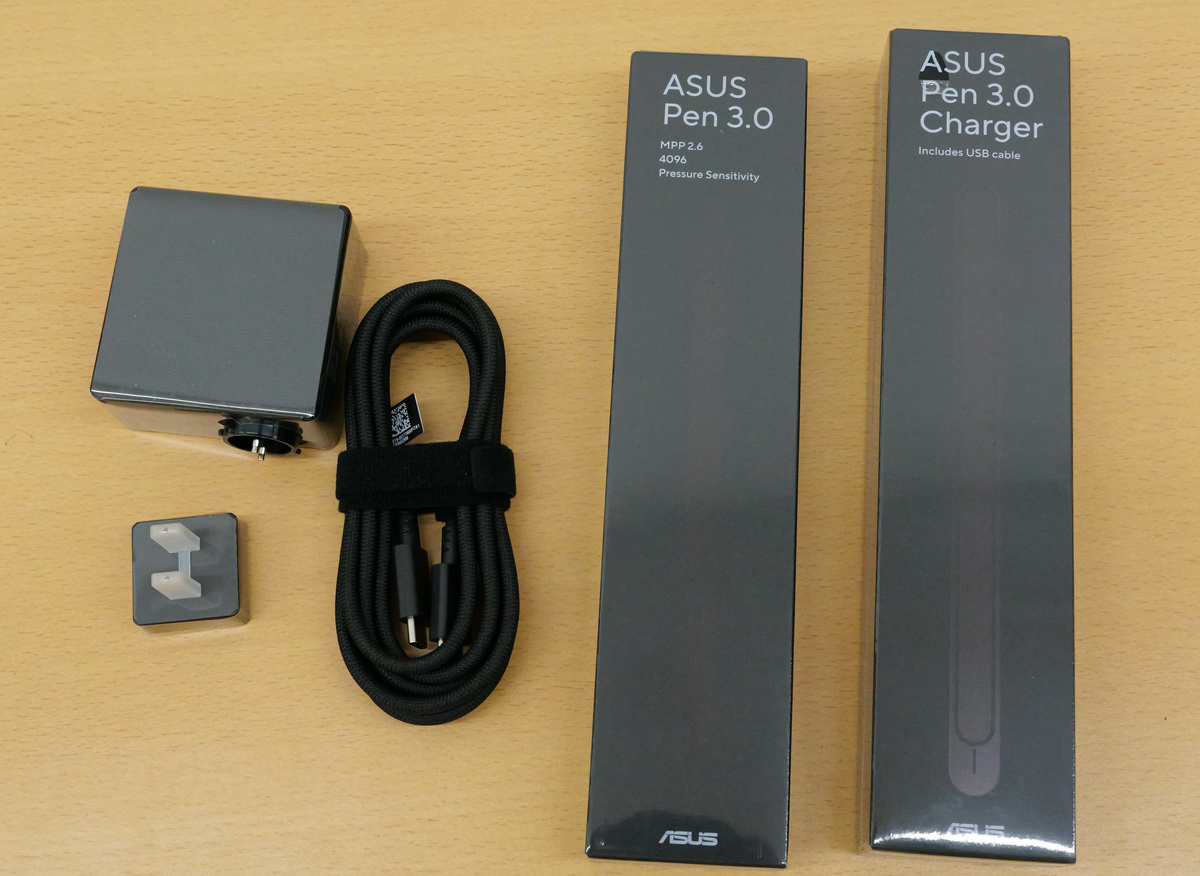
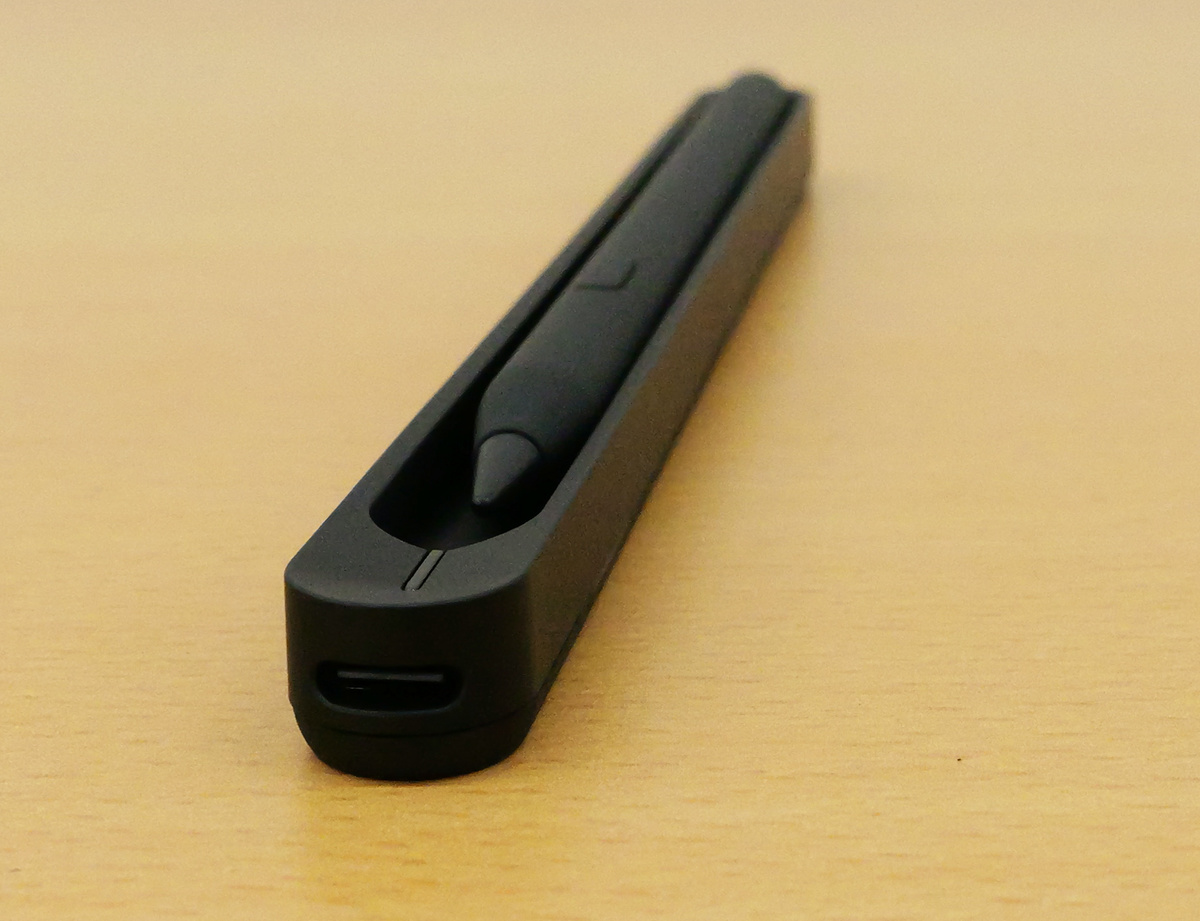
I took the ASUS Pen 3.0 out of the box. It also comes with one replacement nib.
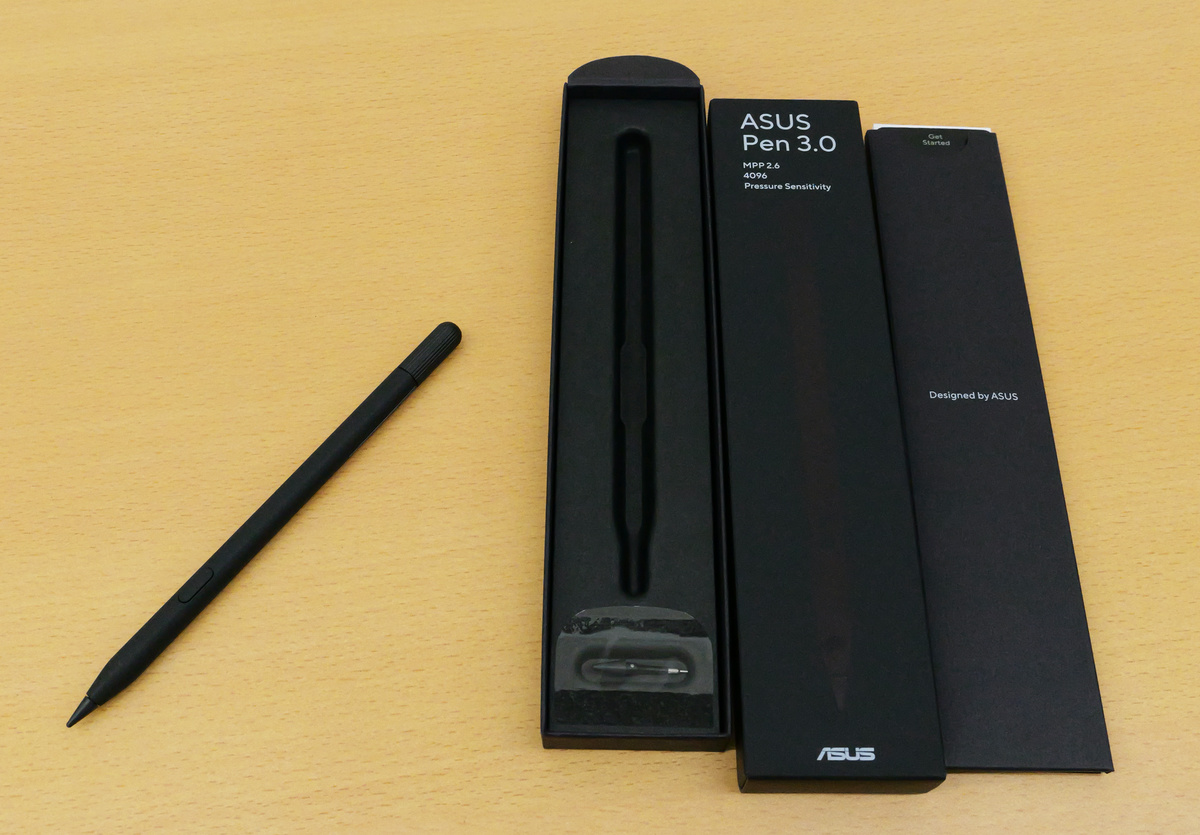
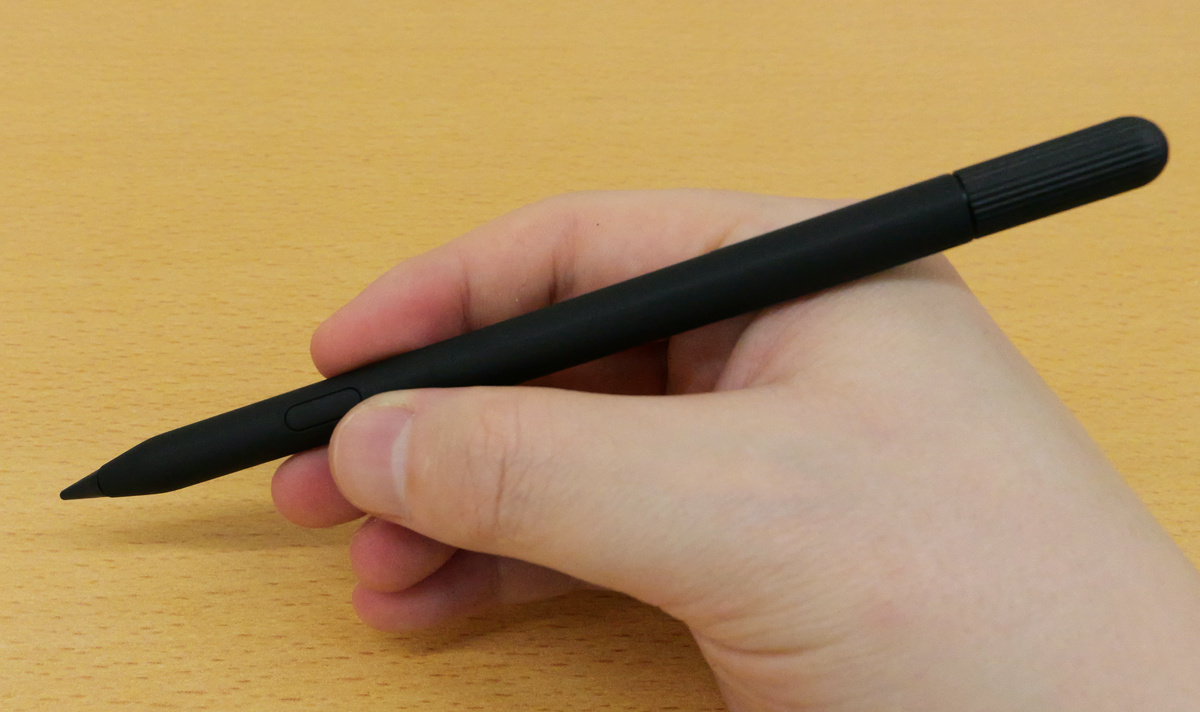
The ASUS Pen 3.0 has a simple design with just one button, but it offers precise control with 4096 levels of pressure sensitivity and haptic feedback with MPP 2.6, providing a natural feel as if you were writing on paper with a pen.
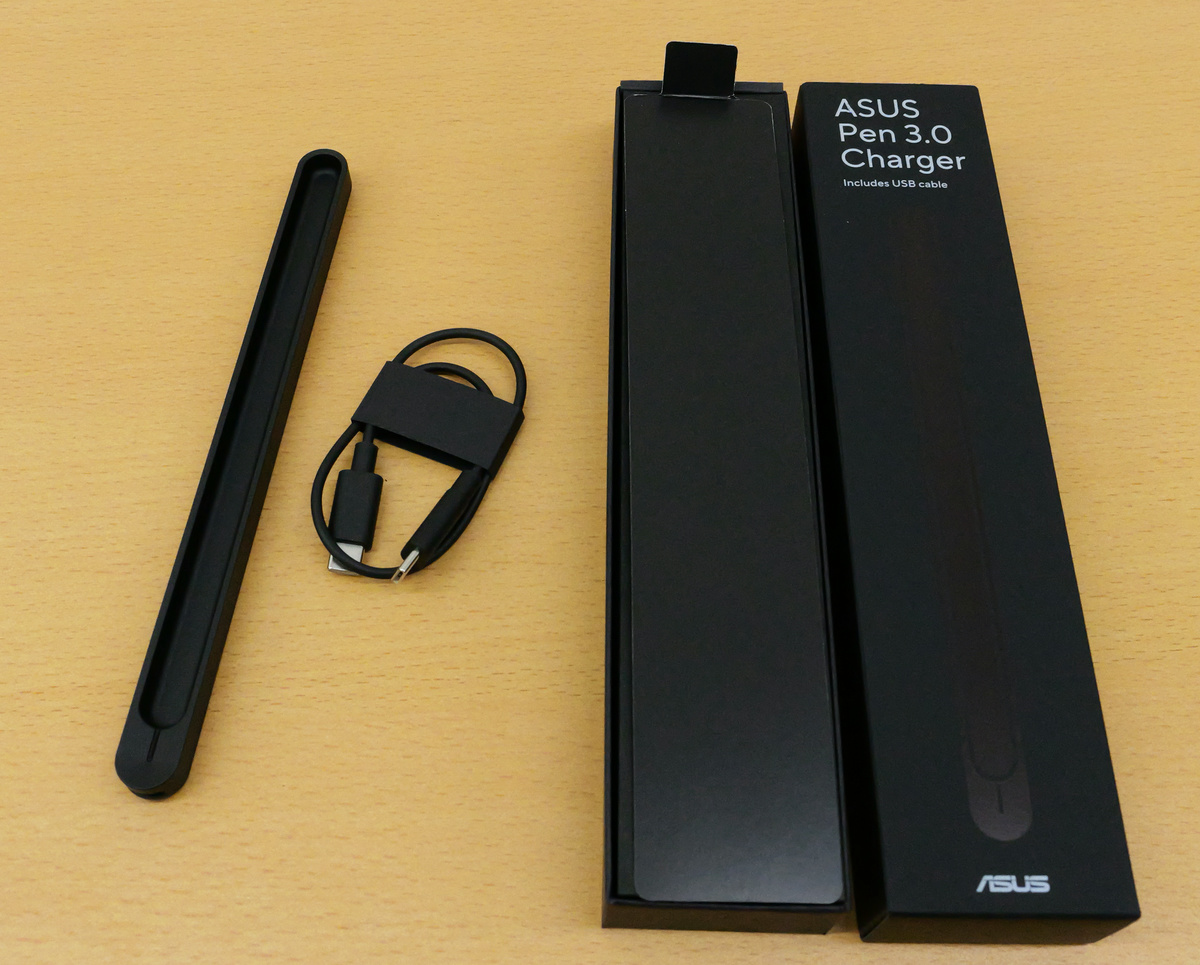
The ASUS Pen 3.0 charger box contained the device itself and a USB-C charging cable.
You can charge the ASUS Pen 3.0 by placing it in the ASUS Pen 3.0 charger.
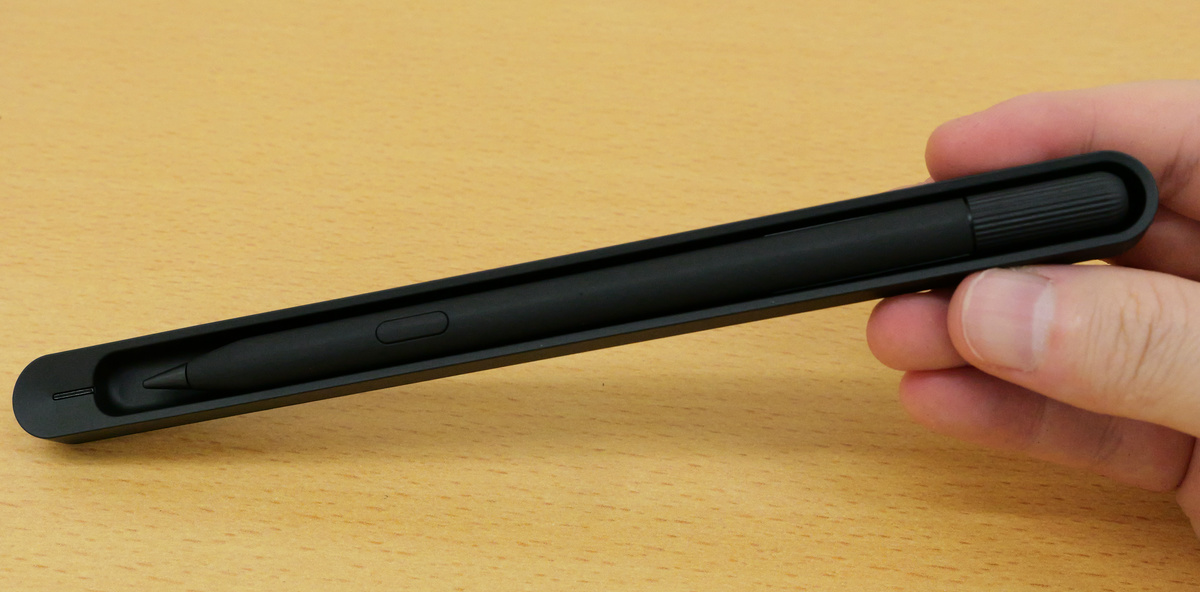
The ASUS Pen 3.0 Charger has a USB-C port on the top, which allows you to charge the charger by connecting it to a PC or power source with a USB-C cable.
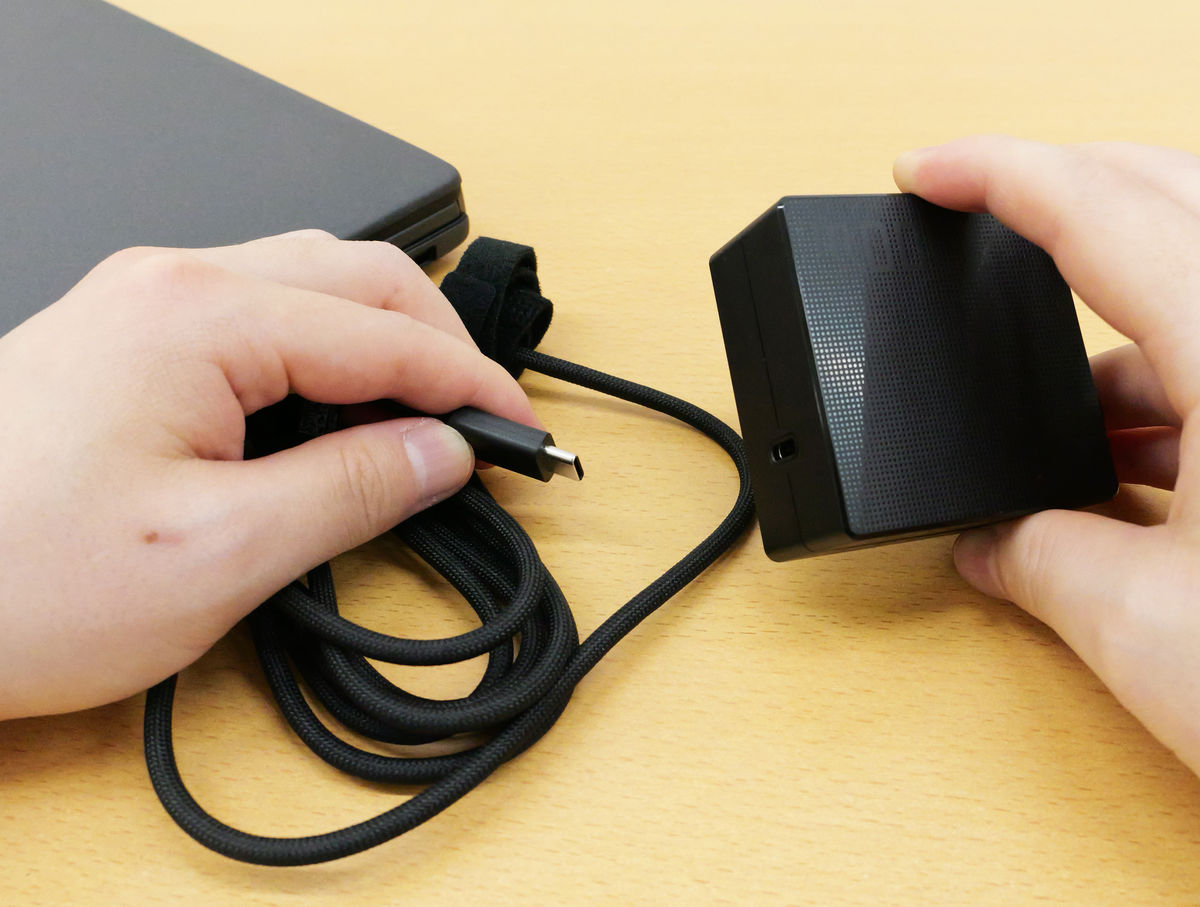
Now let's actually start up the UX8407. First, connect the PC and AC adapter using the included USB-C cable.
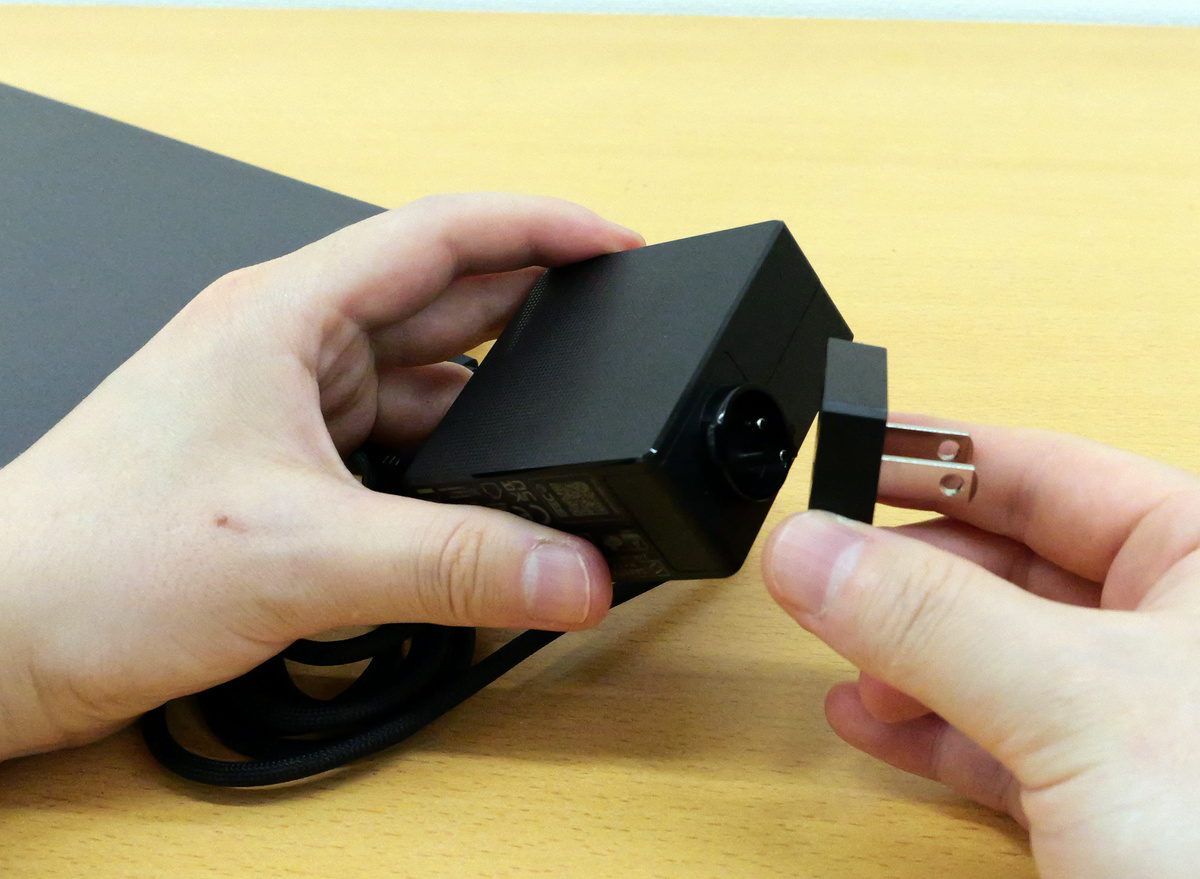
Attach the plug part to the end of the AC adapter.
Insert the AC adapter into the power outlet.
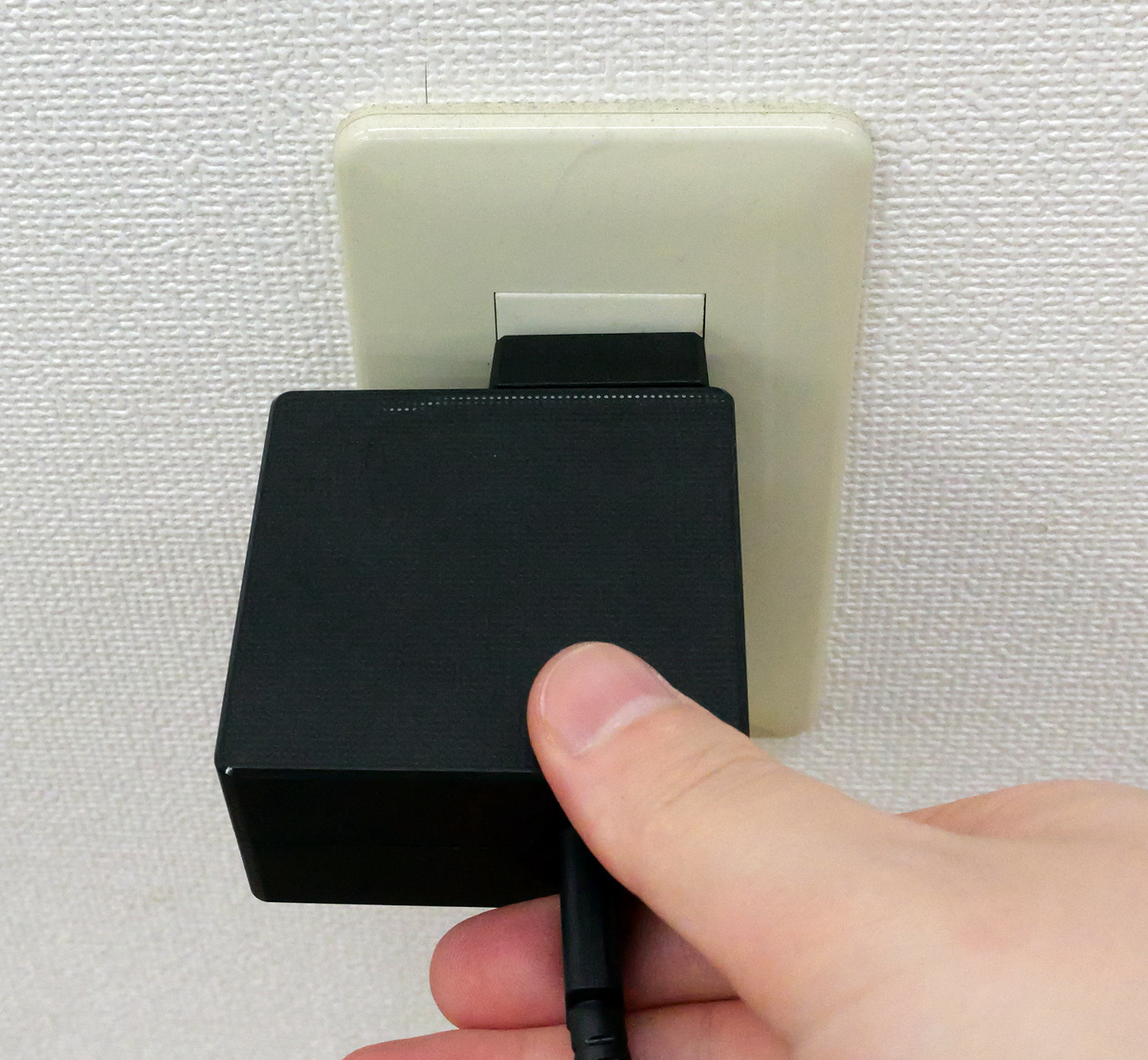
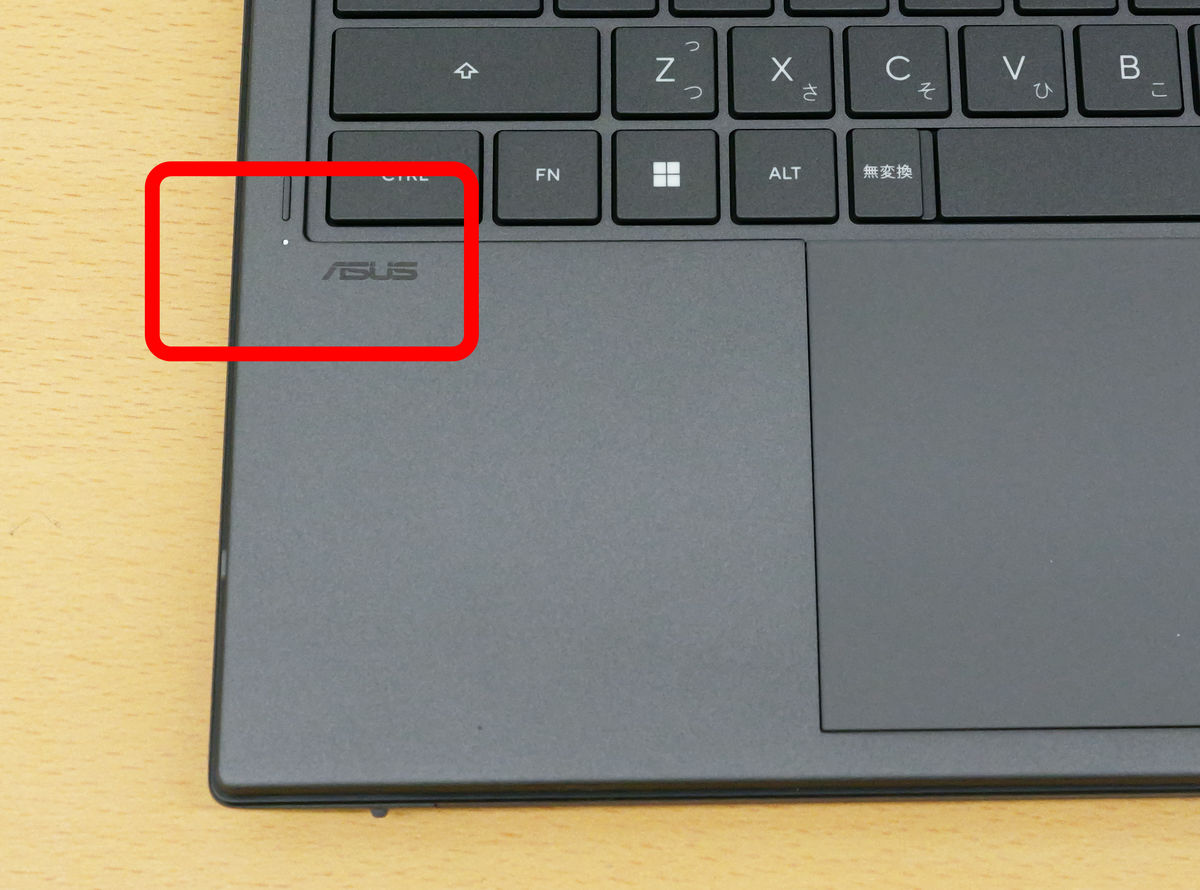
When charging began, the indicator light on the left side of the keyboard lit up.
Press the power button on the right side of the device.
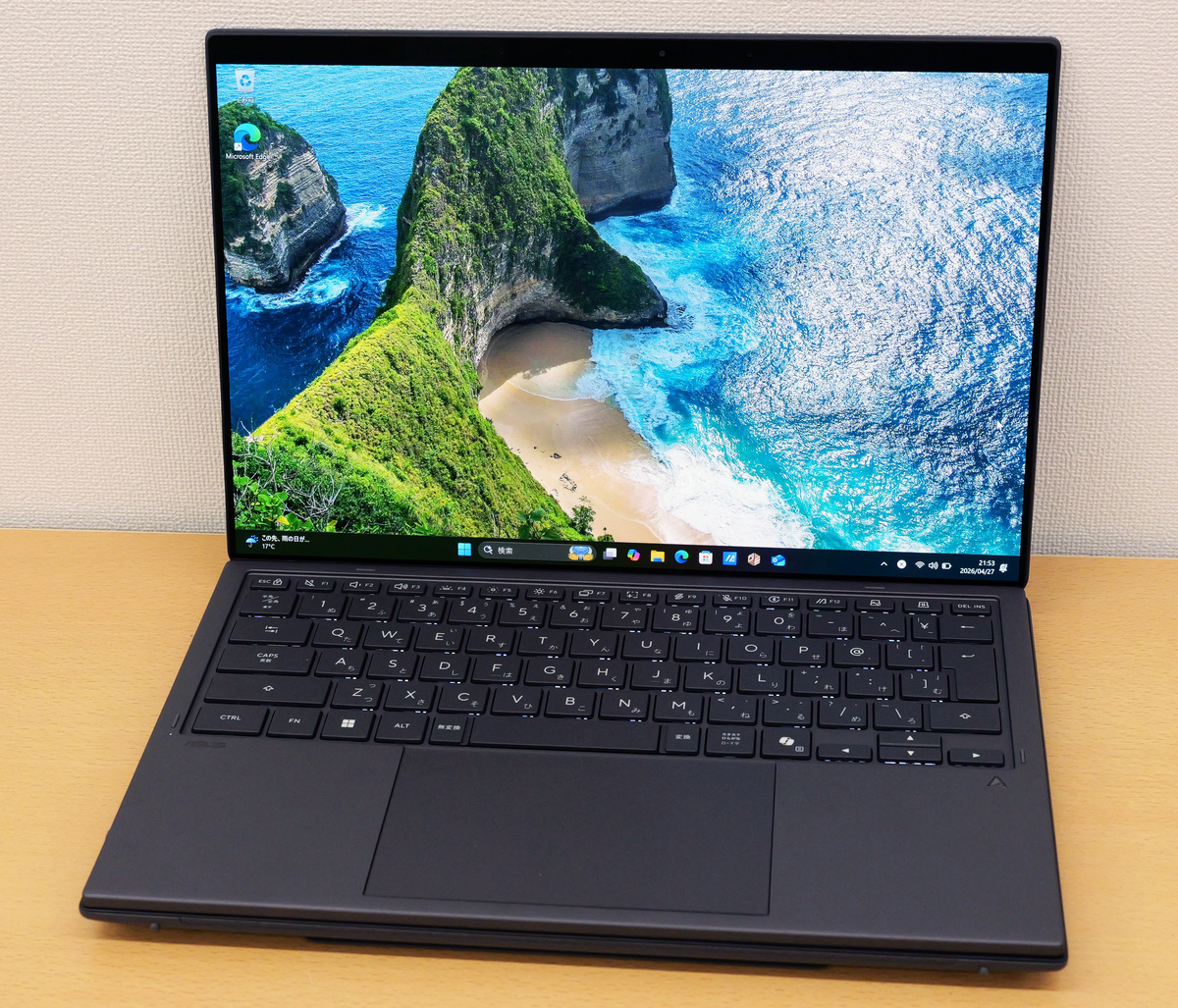
After completing the initial setup, the desktop appeared. The desktop in laptop mode is shown below.
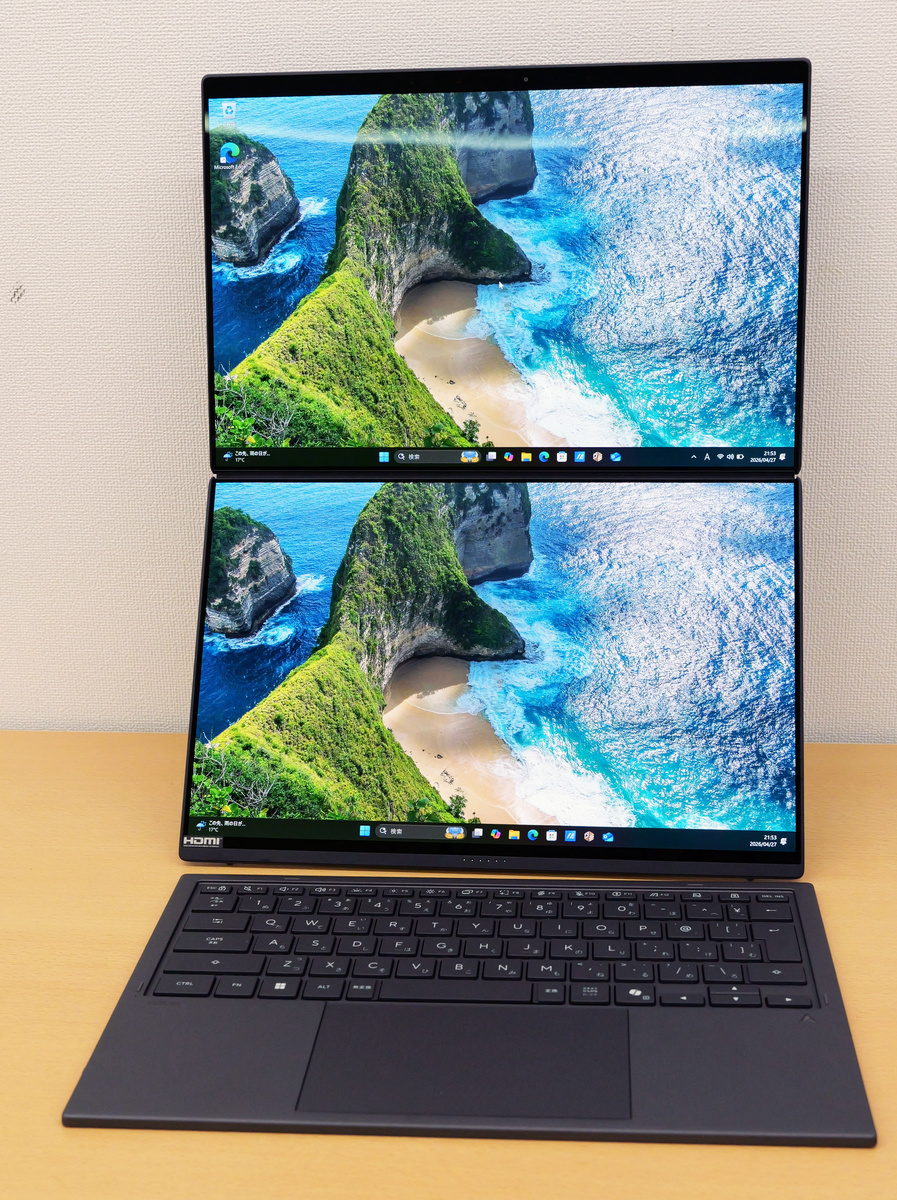
The 'dual display mode' with the display removed looks like this:
Additionally, by unfolding the display and turning it horizontally, you can switch to 'desktop mode,' which allows you to work on a larger screen.
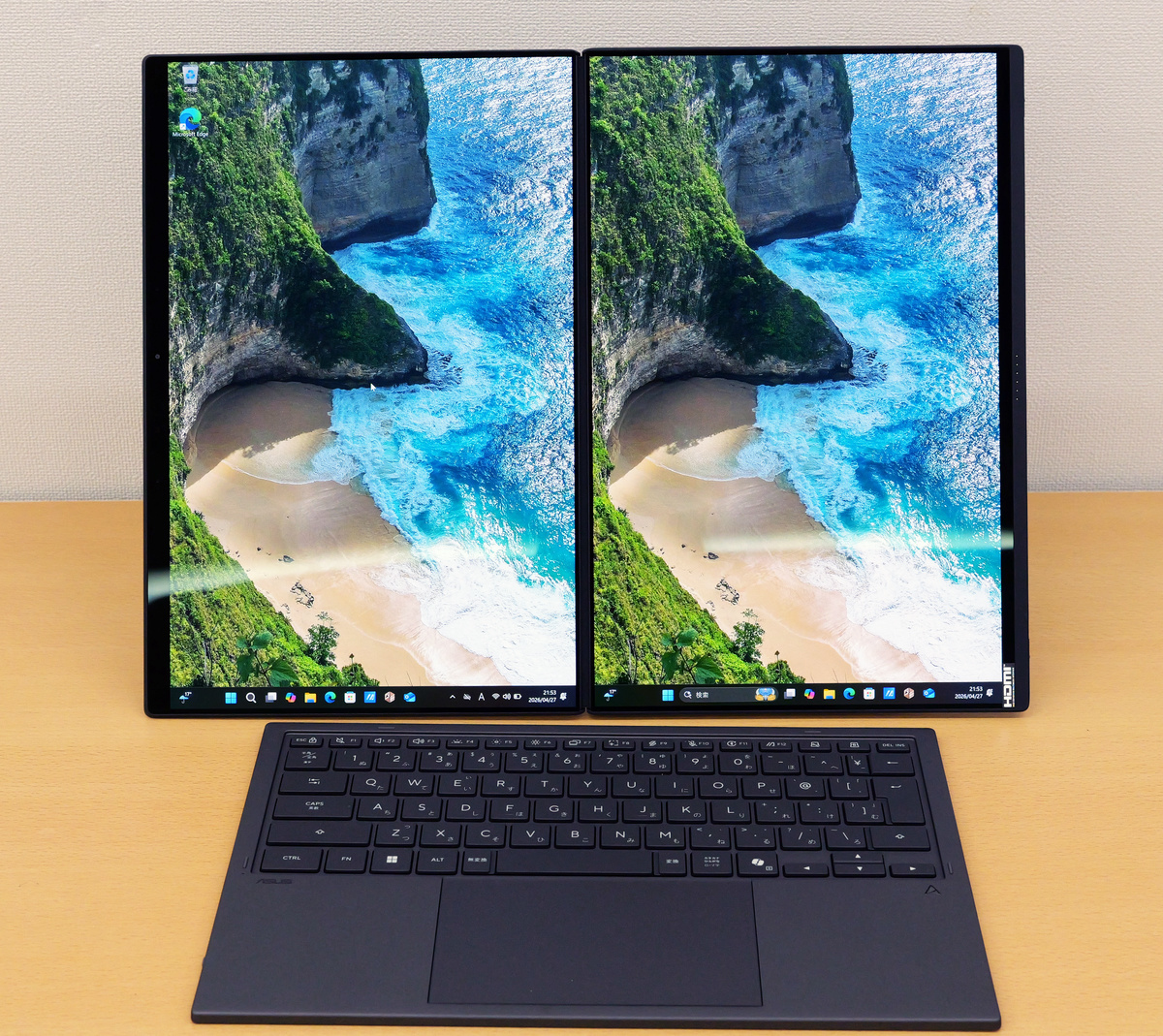
The display supports touch operation and can also display a virtual keyboard on the screen, allowing you to detach the keyboard and use it like a tablet.
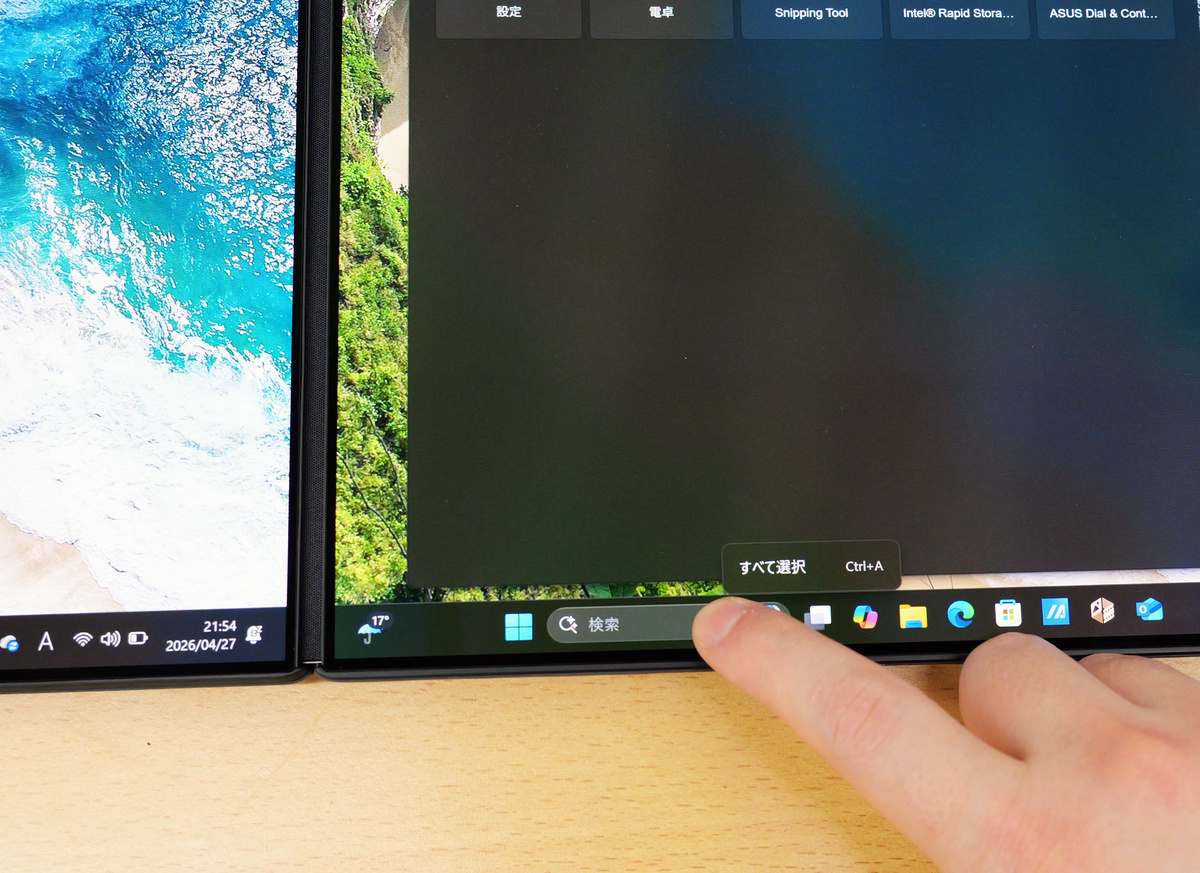
One of the key features of the Zenbook DUO is its ability to separate the keyboard and display and switch between multiple modes. Furthermore, the UX8407 model boasts significantly improved specifications compared to the 2025 model. The main specifications are as follows:
| OS | Windows 11 Home 64-bit |
|---|---|
| CPU | Intel® Core Ultra X9 Processor 388H 2.1 GHz (18MB Cache, up to 5.1 GHz, 16 cores, 16 Threads); Intel NPU up to 50TOPS |
| Graphics | Intel Arc Graphics (integrated into the CPU) |
| AI function | Intel NPU up to 50 TOPS |
| display | 14.0-inch OLED display with 2,880 x 1,800 pixels, 144Hz refresh rate, 1000 nits HDR peak brightness, and touchscreen. |
| Main memory | 32GB LPDDR5X |
| storage | SSD 1TB (PCI Express 4.0 x4 connection NVMe/M.2) |
In the next article, we plan to test the Zenbook DUO UX8407's usability and capabilities as a notebook PC by conducting battery life tests and various benchmarks, so please look forward to it.
The Zenbook DUO UX8407 was released in Japan on April 16, 2026, and is priced at 499,800 yen at the ASUS official store .
ASUS Zenbook DUO Recommended Dual-Screen Laptop | Windows 11 | 3K OLED x 2 | Core Ultra X9 | ASUS Store [Official] | ASUS Store [JAPAN]
https://store.asus.com/jp/90nb16v1-m00cz0-asus-zenbook-duo-ux8407-copilot-pc.html
Related Posts: