I used 'Lemonade' to completely localize the AI chat function in the Firefox sidebar.
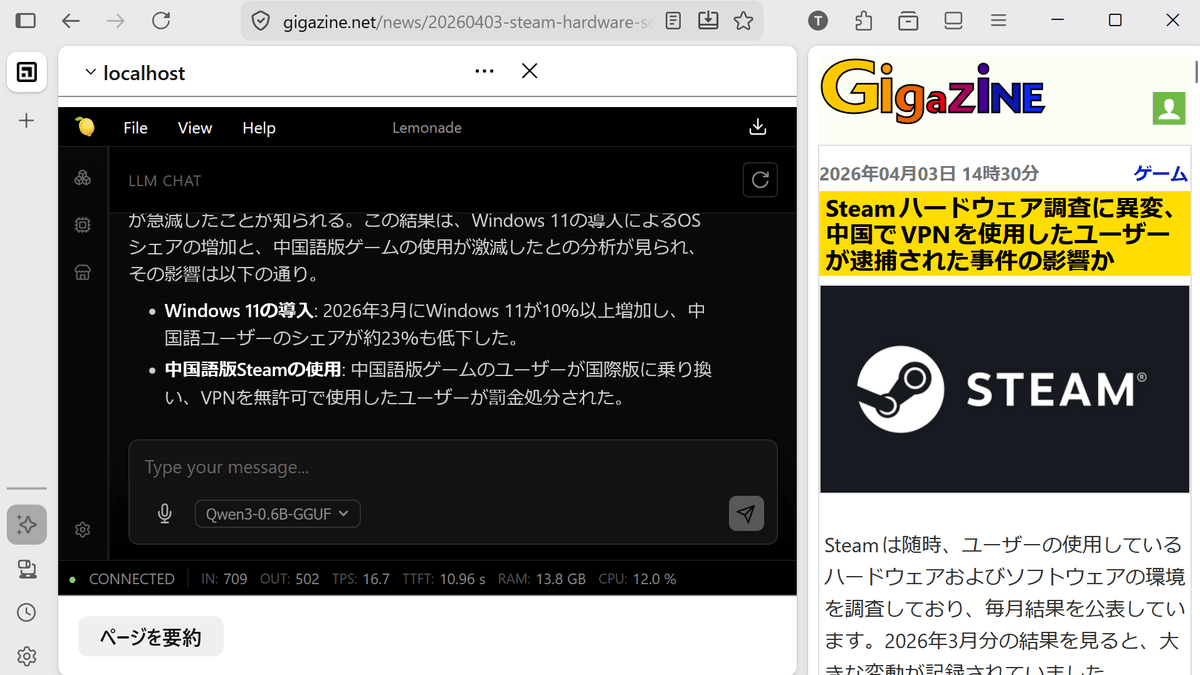
Firefox has a feature that displays AI in the sidebar, allowing you to ask questions and get advice from the AI while browsing websites. By default, only cloud-based AI services such as 'Anthropic Claude,' 'ChatGPT,' 'Copilot,' 'Google Gemini,' and 'Le Chat Mistral' are available, but there is a hidden setting to use local AI, so I tried configuring it to actually run local AI.
Making Firefox's AI Chatbot local-only with Lemonade - Quick Thoughts
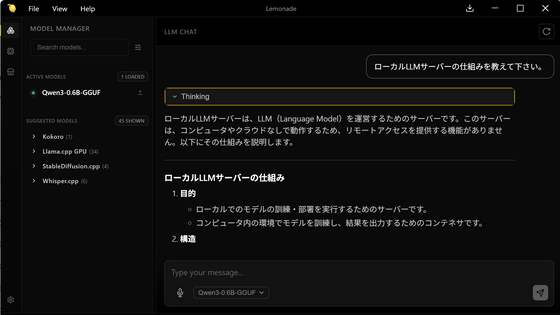
This time, we will use ' Lemonade ' as our local AI environment. The installation method for Lemonade is explained in detail in the article below.
[TEST] Lemonade, an open-source tool that makes it easy to set up a local AI environment for free, is compatible with Windows, Linux, and macOS, and is particularly effective with AMD GPUs and NPUs - GIGAZINE
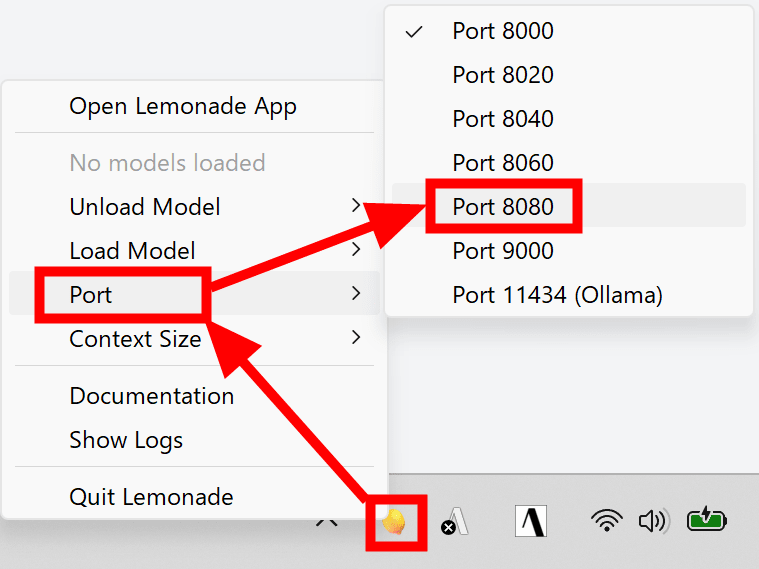
First, right-click the Lemonade server icon in the taskbar and click 'Port' and then 'Port 8080'.
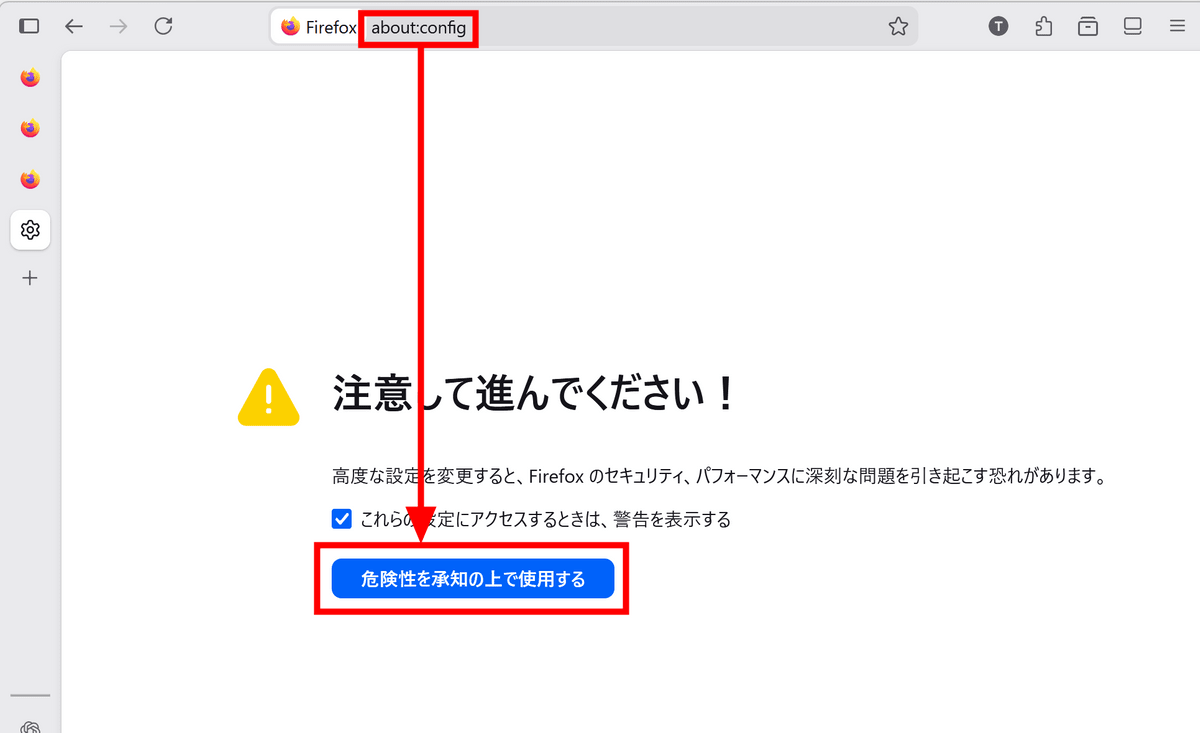
Next, type 'about:config' into the Firefox address bar and click 'I accept the risks.'
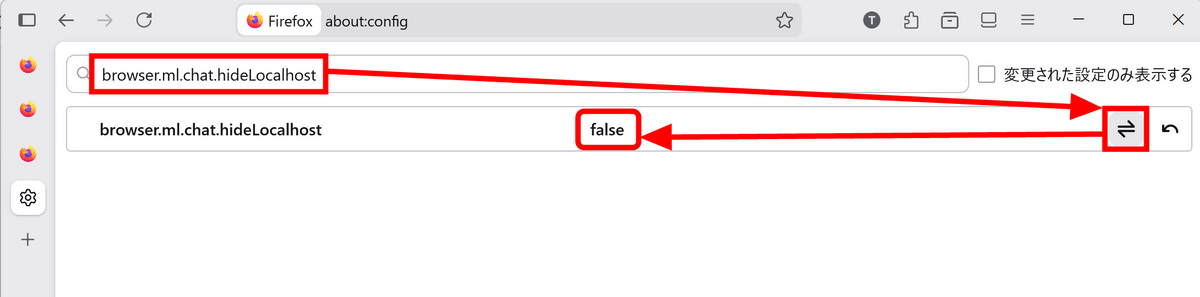
Enter 'browser.ml.chat.hideLocalhost' in the search bar and click the toggle icon for the setting with the same name. If 'false' is displayed, you're ready.
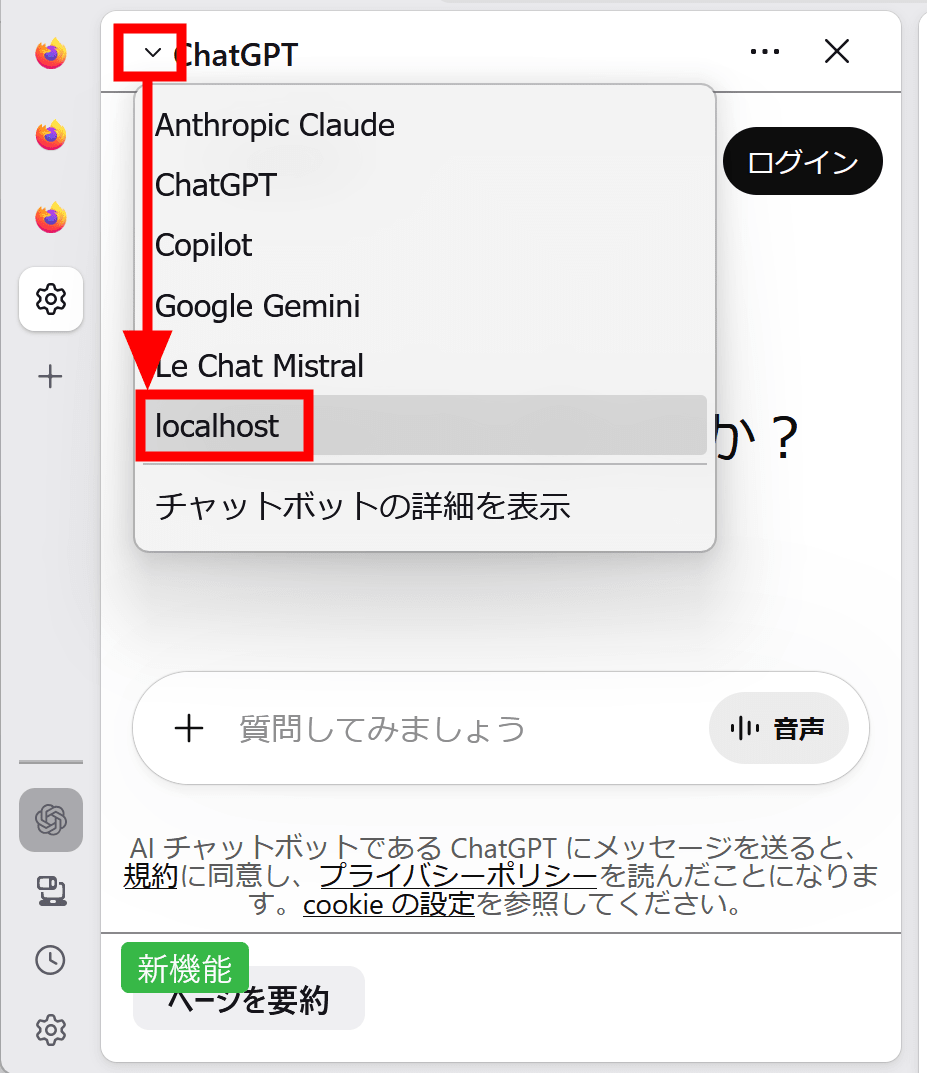
In Firefox's AI panel, 'localhost' has been added to the AI options, so click on it.
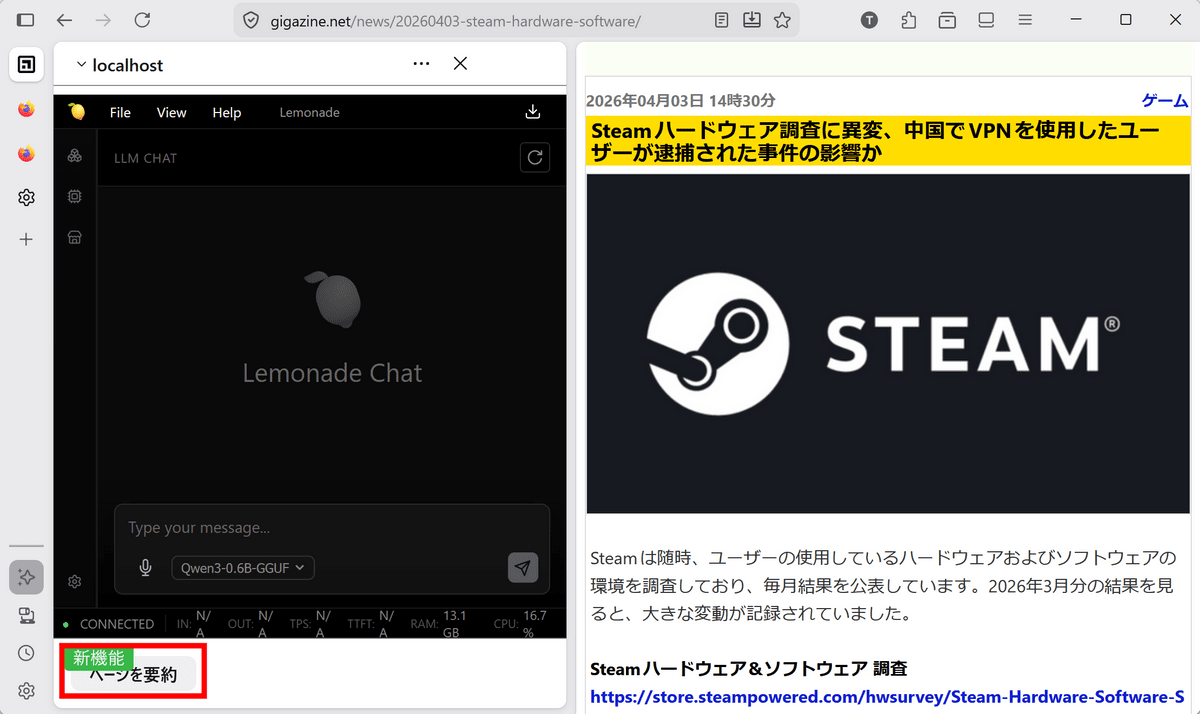
The Lemonade screen appeared. I clicked the 'Summarize Page' button to try it out.
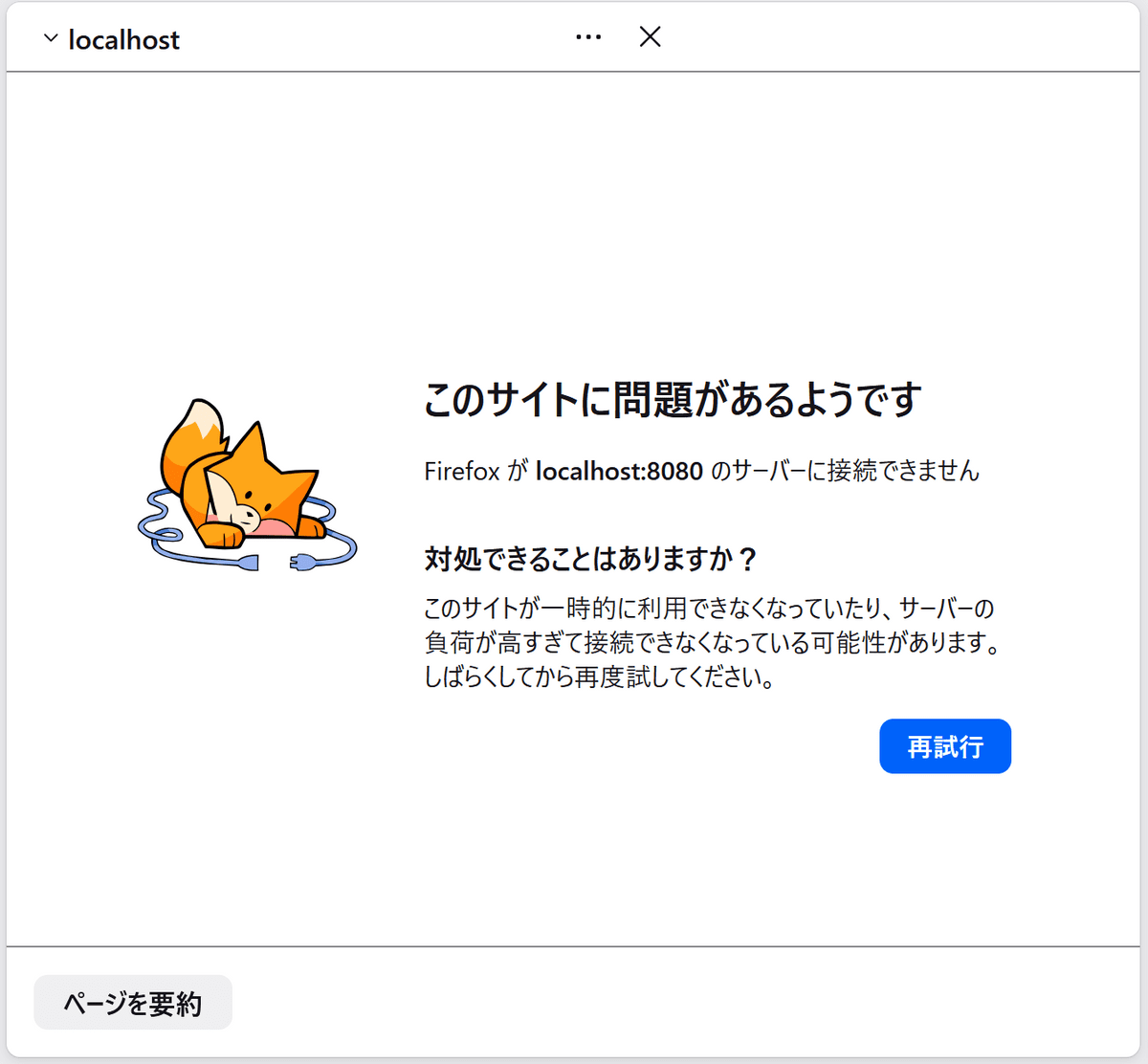
However, it displayed the message 'There seems to be a problem with this site' and didn't work properly. It worked without any problems when using common services such as ChatGPT, so it seems that it's not yet compatible with local servers.
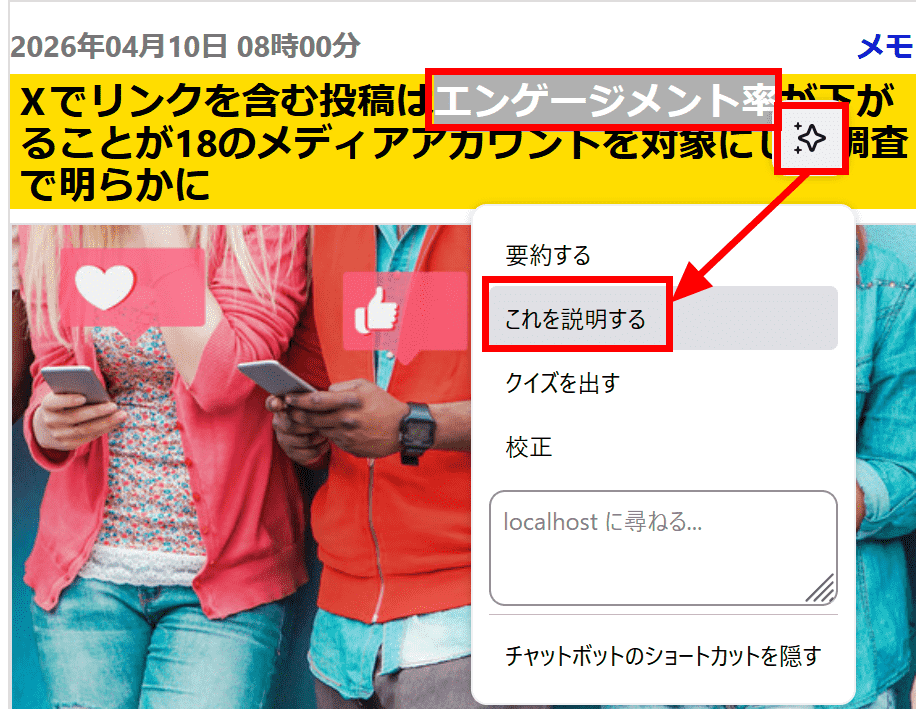
In Firefox, when you select text while browsing a website, an AI menu with a star icon appears. Let's try selecting the text 'engagement rate' and clicking 'Explain this' from the AI menu.
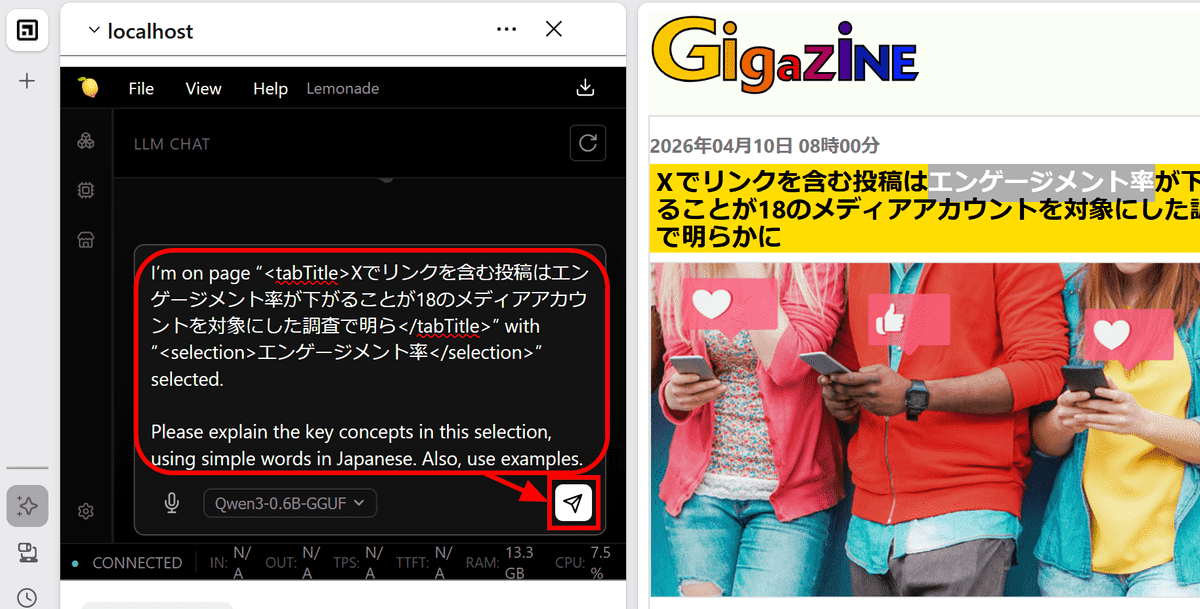
The page title and selected text will be automatically entered into the chat field, so click the send button.
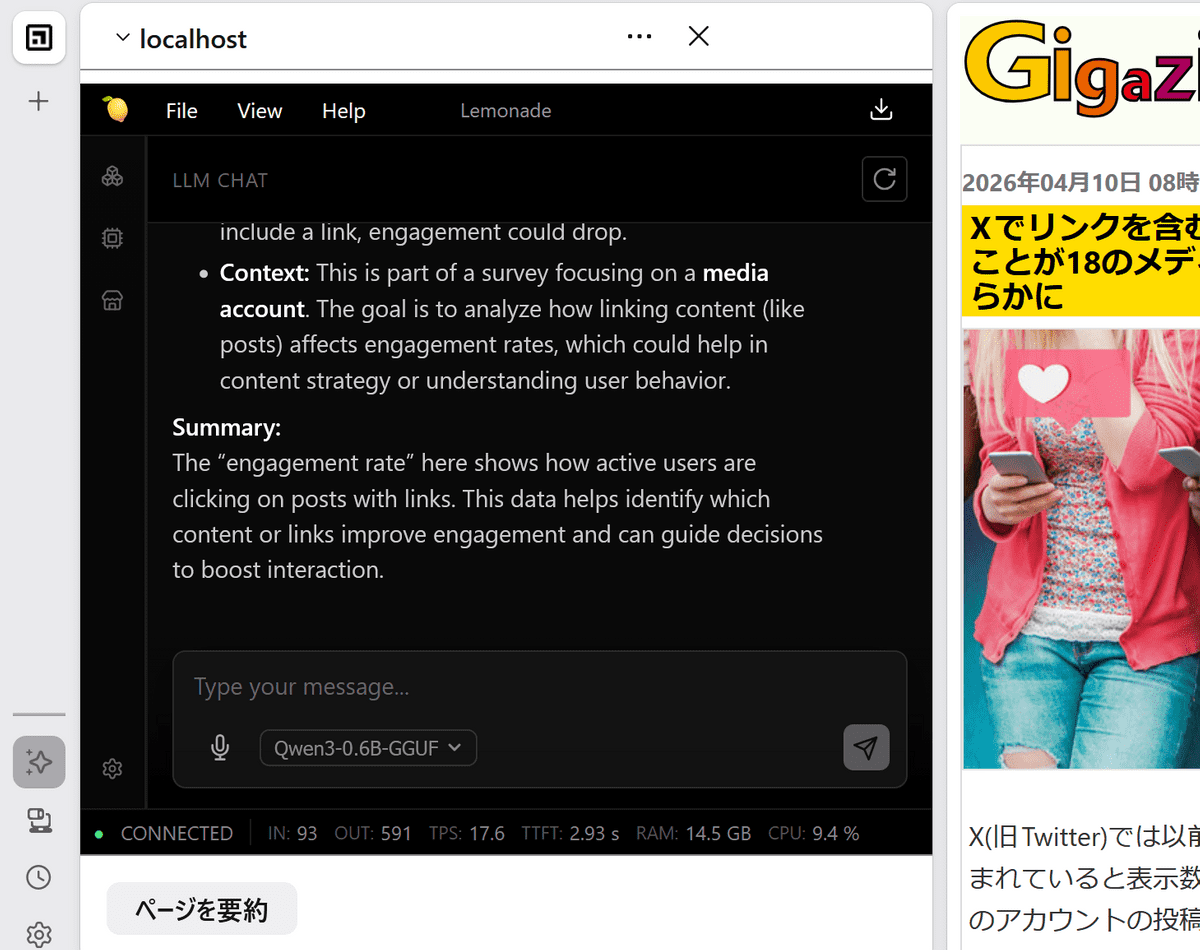
The prompt instructed me to select 'in Japanese,' but perhaps due to the model's low performance, the explanation was returned in English.
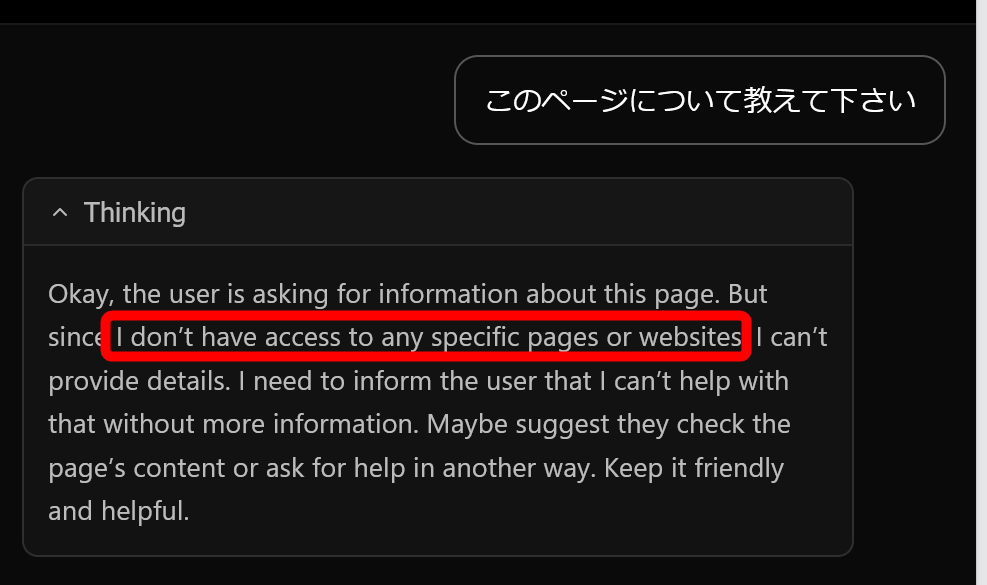
I also tried asking the AI, 'Tell me about this page,' but it seems the AI doesn't have access to the page being displayed. It might seem a little inconvenient, but it does provide peace of mind regarding privacy.
I manually copied and pasted an entire page and then asked the AI to summarize it.
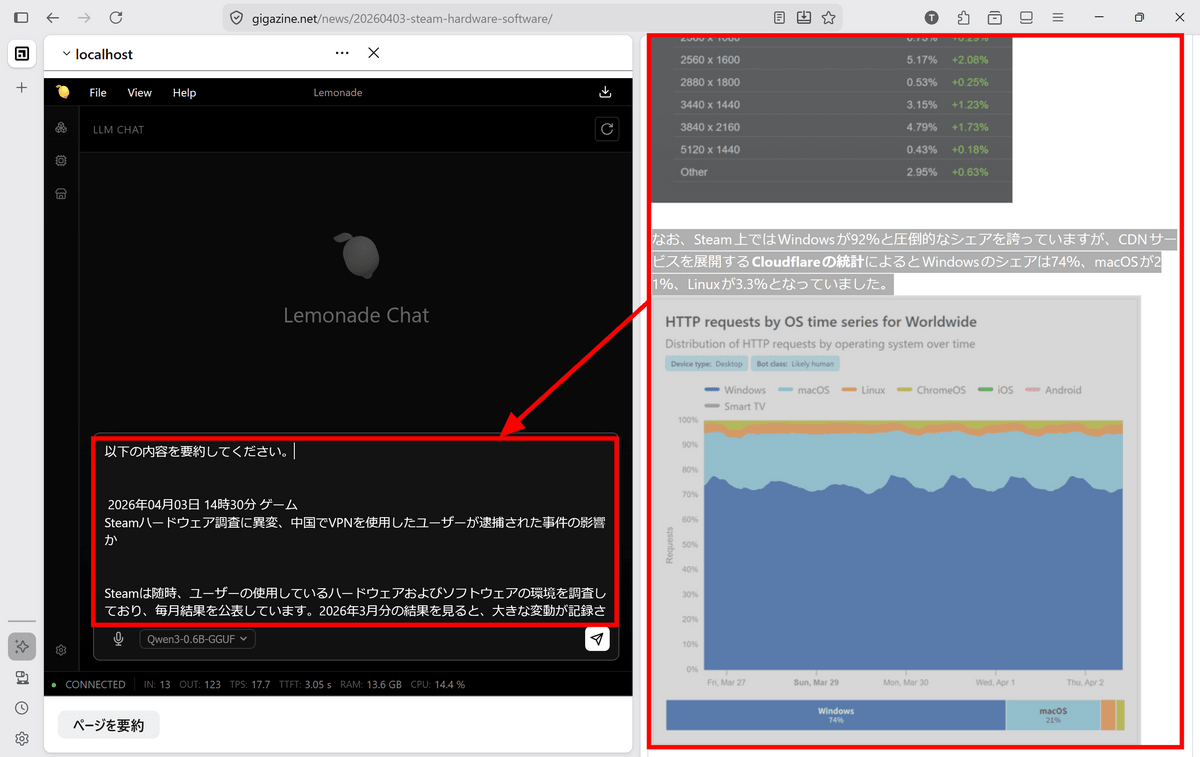
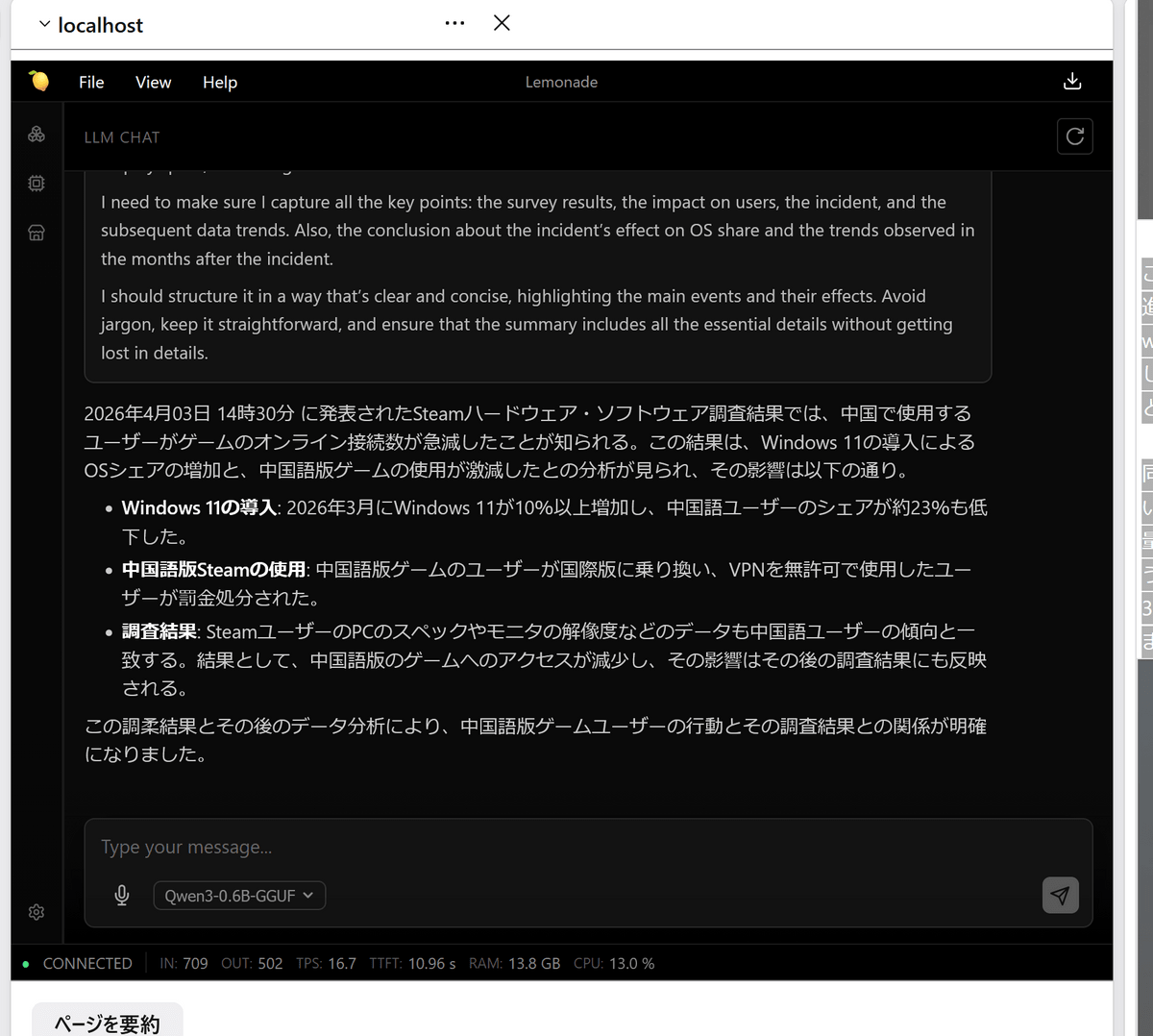
It seems that the AI can summarize information without any problems if you provide it manually. Note that the accuracy of the AI depends on the model specified in Lemonade, so if you need a higher quality answer, you can switch to a better model in Lemonade.
Related Posts: