I actually tried converting a PDF using 'Veil,' which can convert PDF files to dark mode non-destructively.
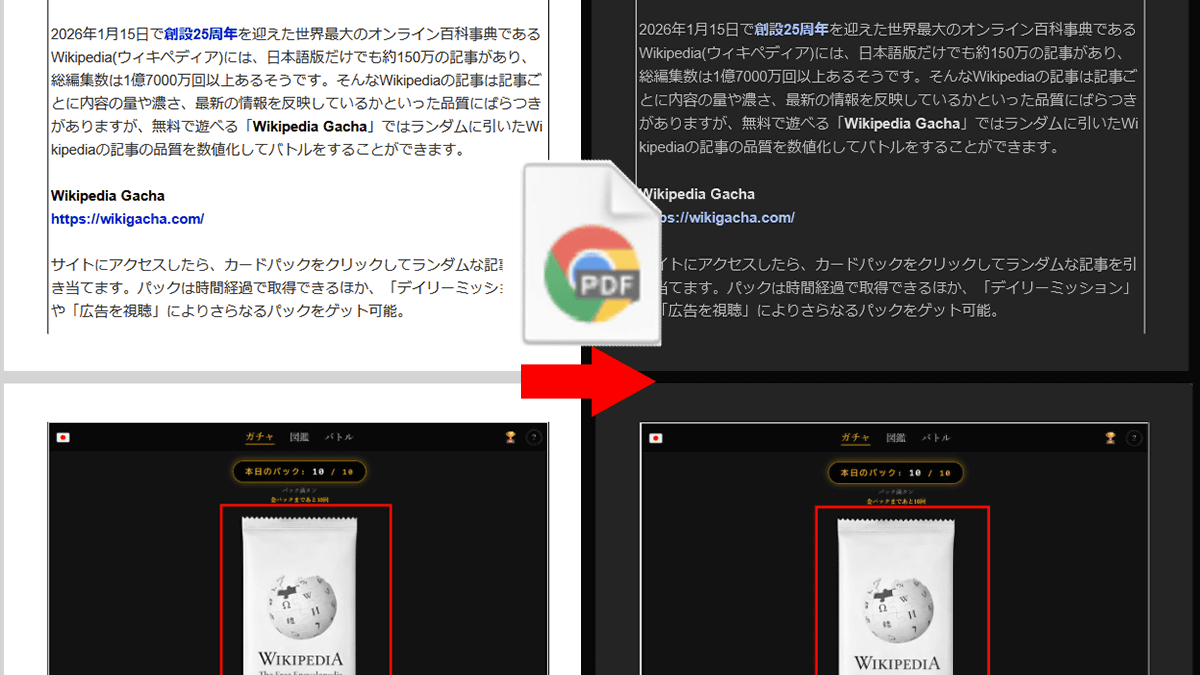
Dark mode reduces screen brightness by displaying a black or gray background, but it only works if the website or software has a dark theme. Veil , an open-source, free, and registration-free software, can convert PDF documents to dark mode without damaging them and works offline.
veil - Dark mode PDFs without destroying your images
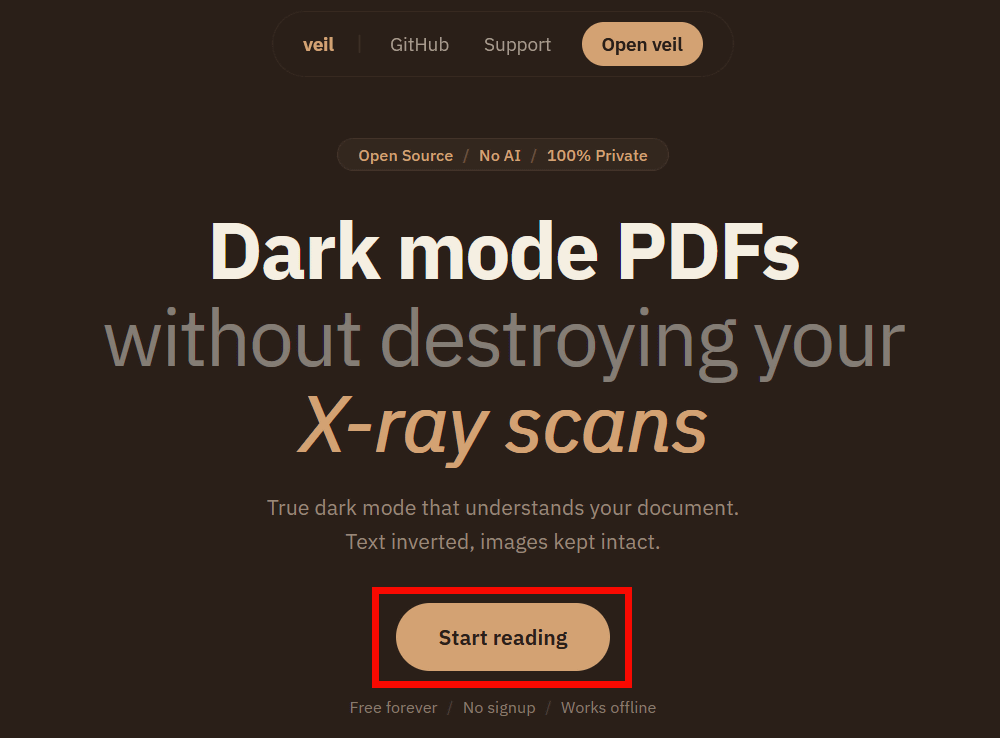
To convert a PDF to dark mode, first go to Veil and click 'Start reading'.
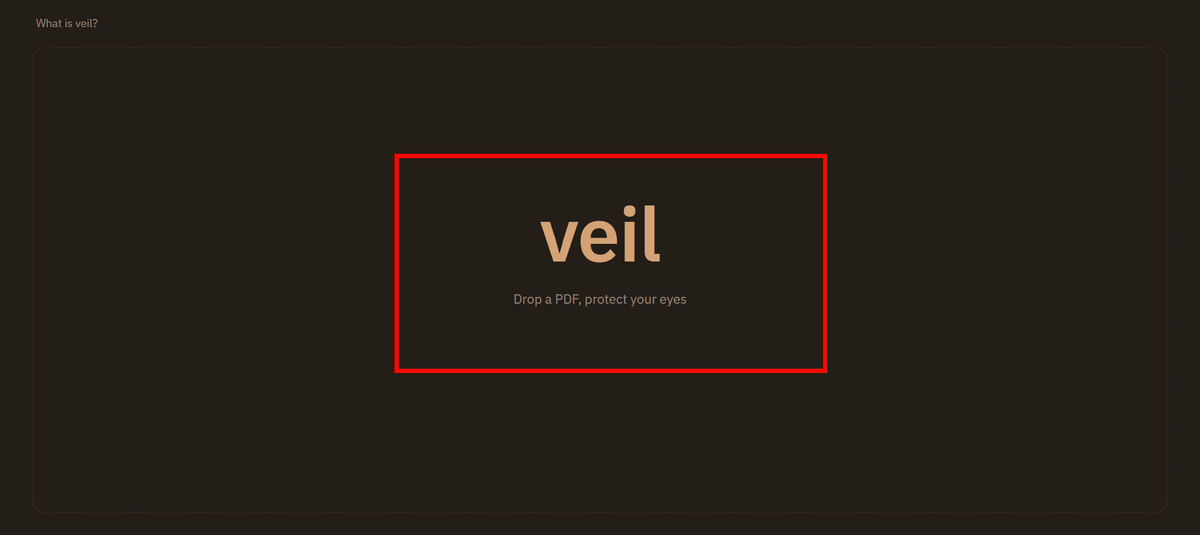
Drag and drop the file you want to convert, or click on the screen to select a file from your PC.
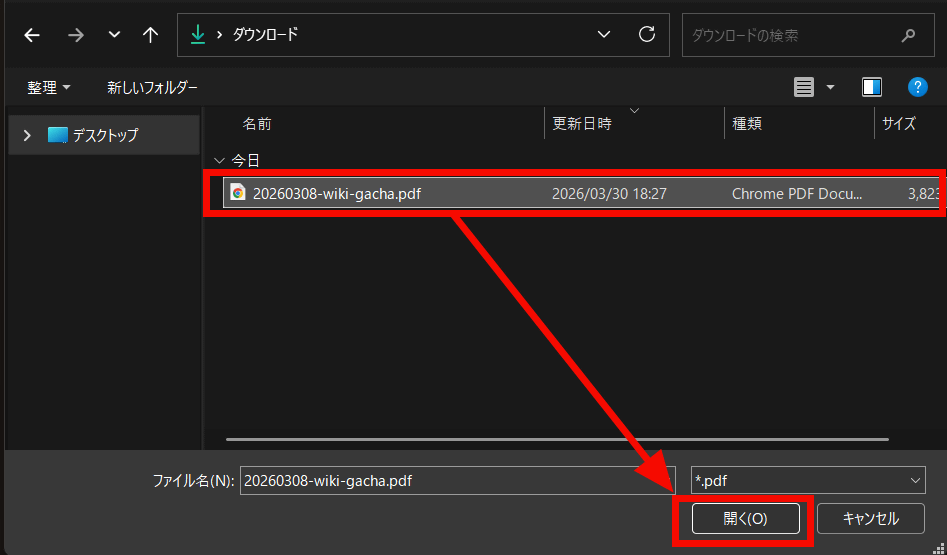
Select the PDF file and click 'Open'.
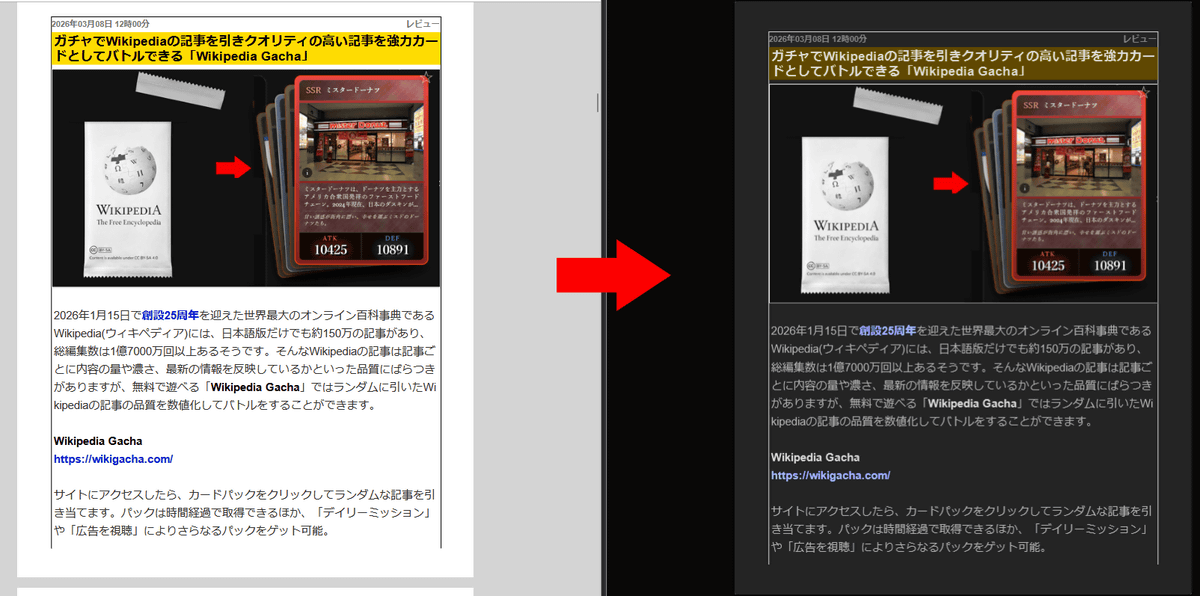
The document has been converted to dark mode. Below, the original PDF file is on the left and the converted PDF file is on the right. The images remain the same, the background is now black, and the yellow design elements are now a darker color. Pages that already had a dark design were not converted and remain unchanged.
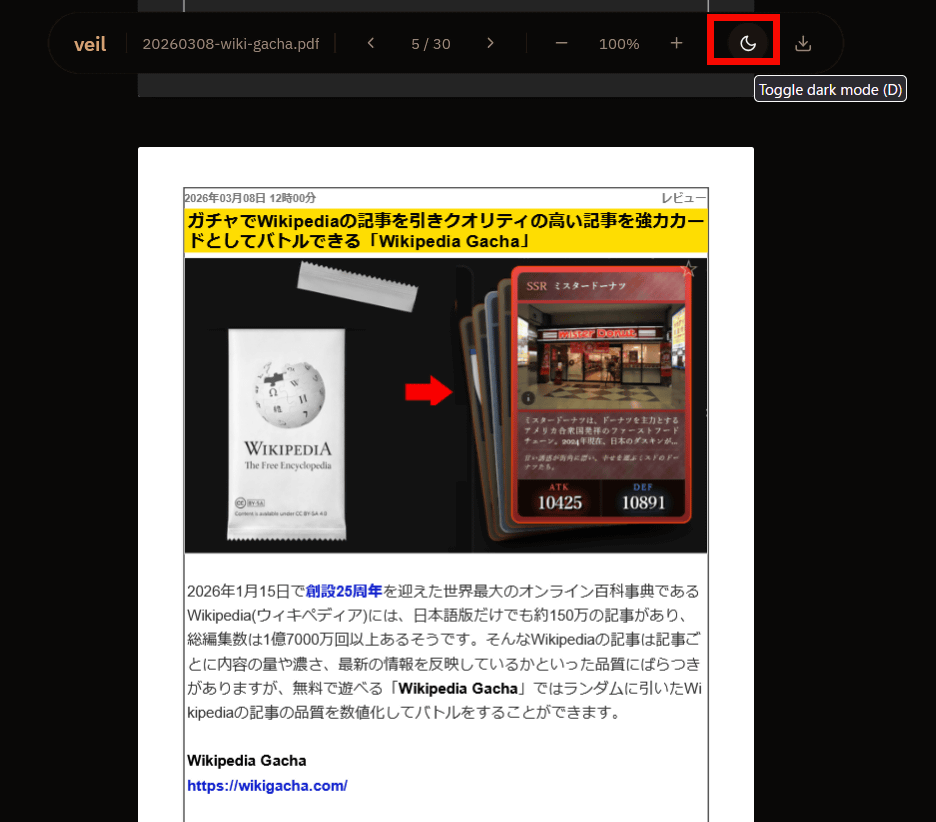
In the Veil viewer, you can switch to dark mode by clicking the 'Toggle dark mode' button.
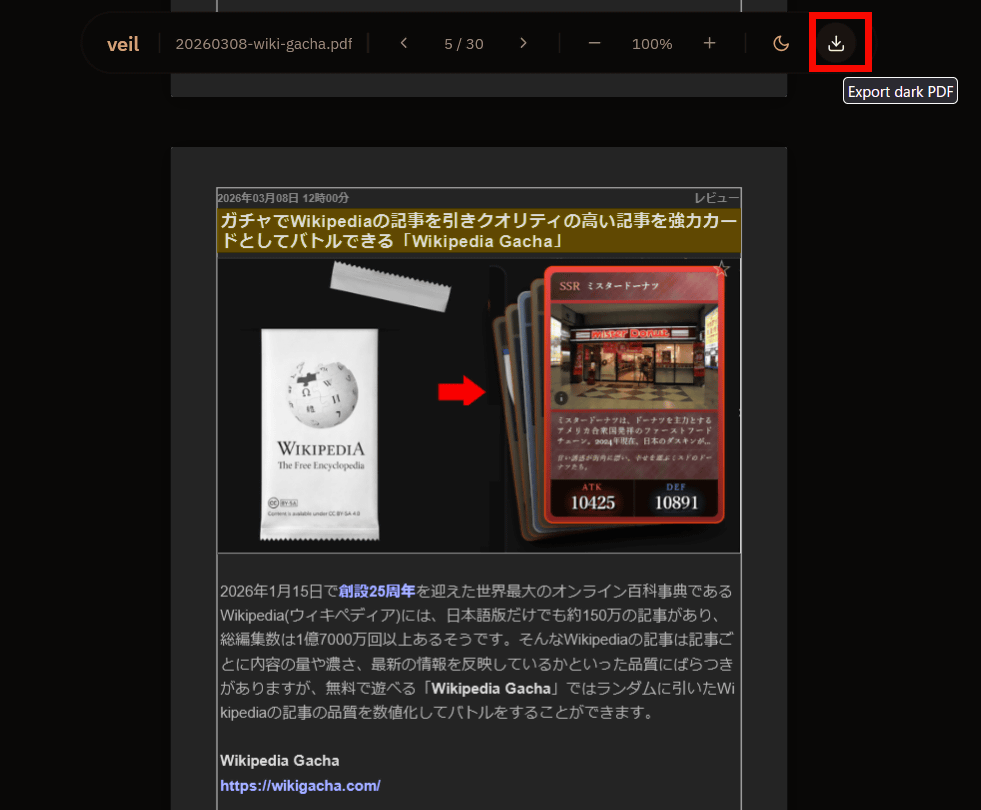
Additionally, you can click 'Export dark PDF' to download the converted PDF.
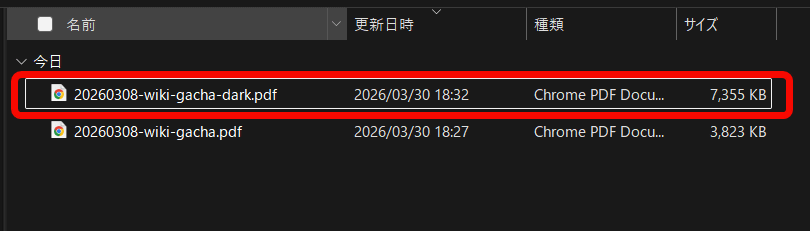
The downloaded PDF file had '-dark' appended to the end of its filename. Also, its file size was approximately twice as large.
I opened the downloaded PDF file after it had been converted to dark mode. The background and text were inverted to black and white, but the images were preserved, and links were also maintained. OCR processing of the text was also applied, and the non-destructive conversion to dark mode was successful without distorting the content.
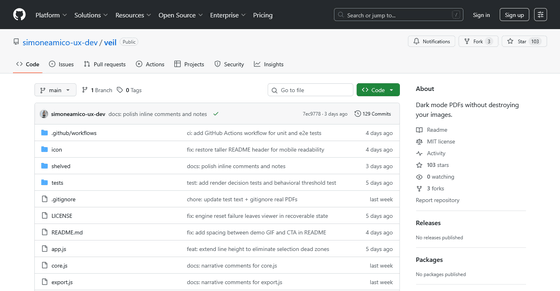
Furthermore, Veil can be installed on your PC and run offline, so it can be used without any problems even if you are concerned about the security of important files. Veil is open-source software and can be downloaded from GitHub.
GitHub - simoneamico-ux-dev/veil: Dark mode PDFs without destroying your images. · GitHub
https://github.com/simoneamico-ux-dev/veil
The creator of Veil posted on the social news site Hacker News, answering questions from users. In response to the question , 'Did you consider extracting and inverting images?', the creator of Veil explained, 'That approach was one of the first things I considered. Initially, I thought about using YOLO nano , a lightweight image recognition AI, to classify images and decide whether to invert them. However, I realized that PDFs already have data on 'where the images are,' so AI classification is effective for websites but unnecessary for PDFs. However, vector images like shapes can sometimes be indistinguishable from text within a PDF, and in some cases, they end up being inverted along with the text. This is an honest limitation of this method.' In response to the comment , 'Most dark mode tools corrupt images in PDFs, so Veil solved that problem. The fact that it works locally is also a plus,' the creator said, 'I'm very happy to hear that it actually solved a problem. Running locally is important for privacy, but it also comes from my experience working in a factory with an unstable network. I'm very pleased that this habit is being appreciated.'
Related Posts:


in Web Service, Review, Posted by log1e_dh