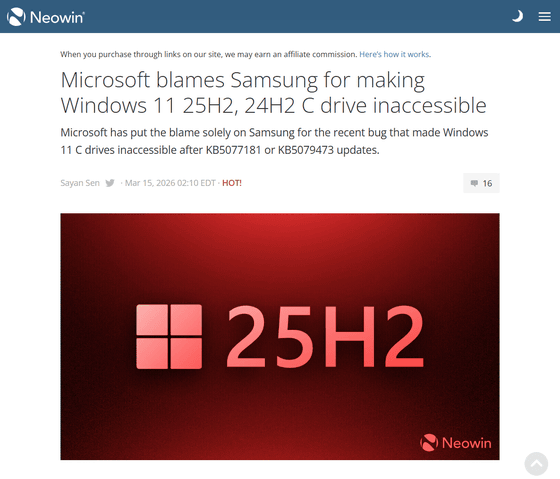
The inability to access the C drive after a Windows Update is caused by a Samsung application.
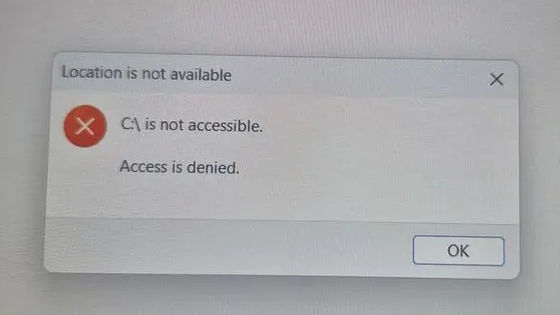
There had been reports of a problem where users could no longer access their PC's C drive after applying
Microsoft blames Samsung for making Windows 11 25H2, 24H2 C drive inaccessible - Neowin
https://www.neowin.net/news/microsoft-blames-samsung-for-making-windows-11-25h2-24h2-c-drive-inaccessible/
Windows 11, version 25H2 known issues and notifications | Microsoft Learn
https://learn.microsoft.com/en-us/windows/release-health/status-windows-11-25H2#3801msgdesc
[PSA] Samsung Galaxy Books: The root cause of the C: Drive Permission Lock (
by
u/Theangelo2 in
sysadmin
According to Microsoft, a problem has been reported where installing the security update ( KB5077181 ) released on February 10, 2026, and subsequent security updates, prevents some Samsung devices from accessing the C drive.
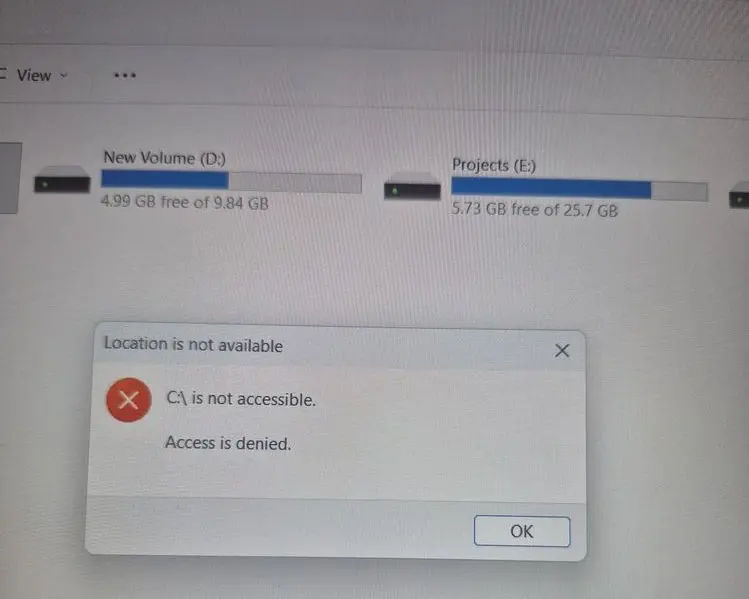
Users who encountered this issue were unable to access their files, and some applications, including Outlook, Office apps, web browsers, system utilities, and Quick Assist, were unable to launch.
Microsoft and Samsung investigated these reports and found that the symptoms were caused by an issue with the Samsung Galaxy Connect app. The reports coincided with the timing of
This issue has reportedly been observed in Samsung Galaxy Book 4 and Samsung desktop models (including NP750XGJ, NP750XGL, NP754XGJ, NP754XFG, NP754XGK, DM500SGA, DM500TDA, DM500TGA, and DM501SGA) running Windows 11 versions 24H2 and 25H2 .
As a countermeasure, Microsoft has temporarily removed the Samsung Galaxy Connect app, which was causing the problem, from the Microsoft Store. Samsung has re-released an older version of the app to prevent the problem from recurring. Recovery options for affected devices are limited, and Samsung reports that it will continue to explore repair methods with support from Microsoft.
Microsoft commented, 'We will work with Samsung to develop and validate solutions for devices that are already affected. We will update this documentation as new information becomes available and as soon as Samsung releases new official guidance. For device-specific support, please contact Samsung support.'
Related Posts: