'Shut Up' is a browser extension that lets you hide comments on Yahoo! Comments and YouTube.
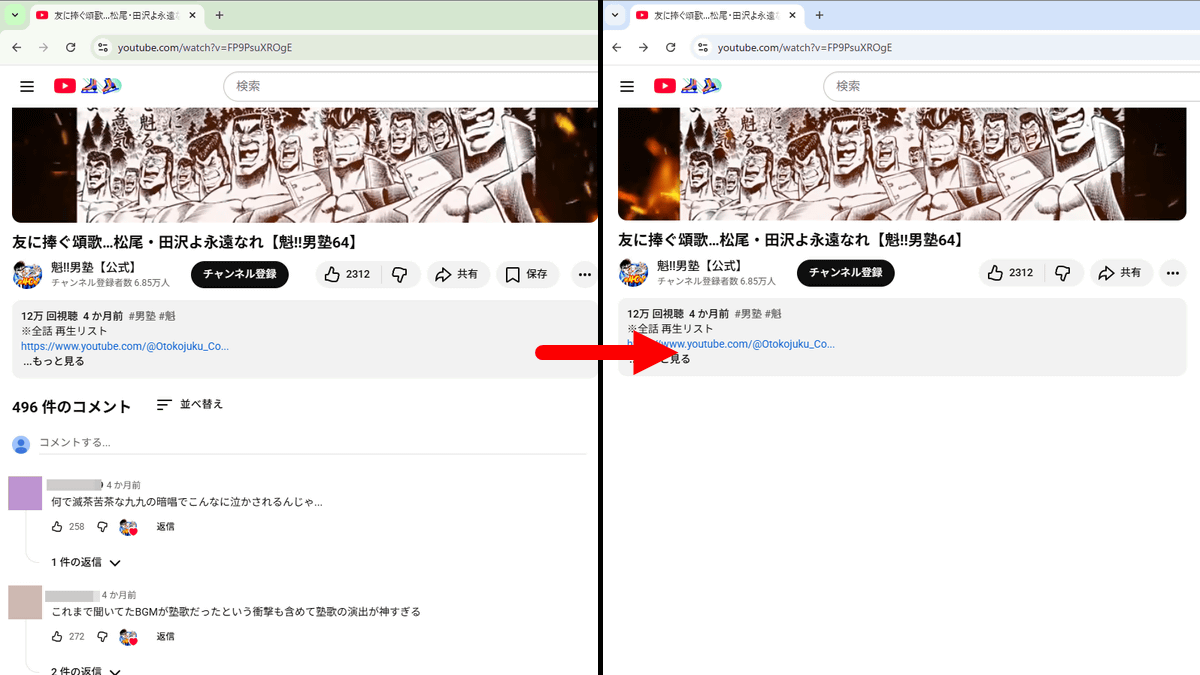
While the comments section of a webpage can contain useful information, it can also contain offensive comments and spoilers. You can use the browser extension ' Shut Up ' to hide the comments section of various websites.
Shut Up: Comment Blocker
Shut Up is available for Chrome , Firefox , Edge , Safari , and Opera (via the Chrome Web Store). This time, I will use the Chrome version.
First, click the link below to access the distribution page for Shut Up for Chrome.
Shut Up: Comment Blocker - Chrome Web Store
https://chromewebstore.google.com/detail/shut-up-comment-blocker/oklfoejikkmejobodofaimigojomlfim
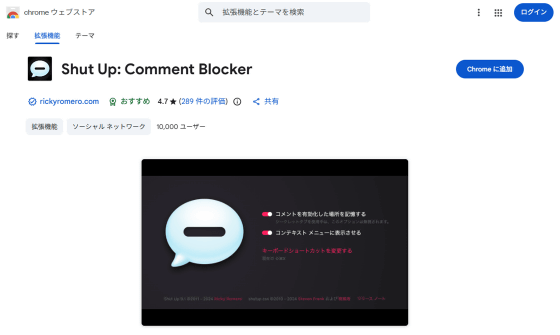
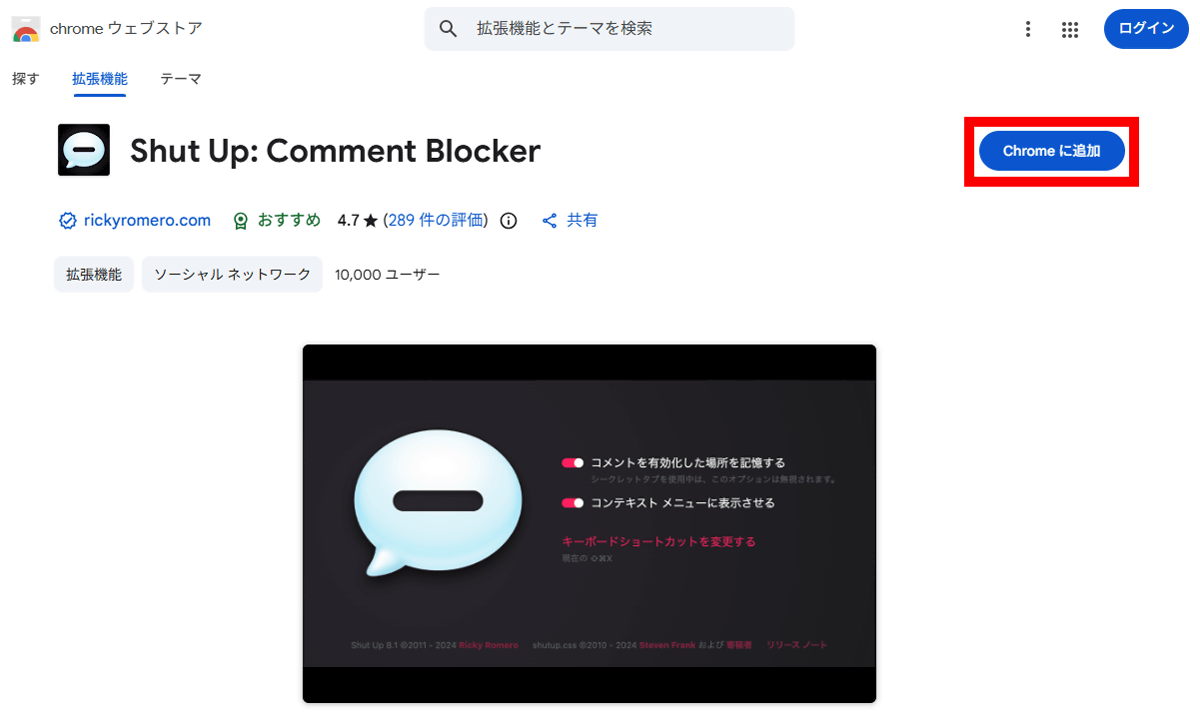
Click 'Add to Chrome.'
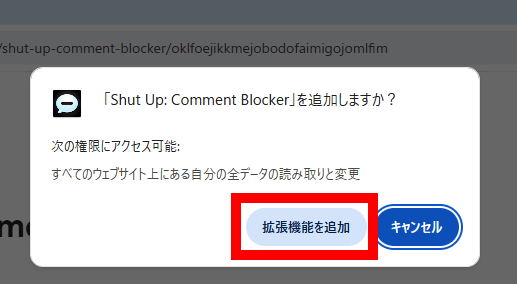
Click 'Add extension'.
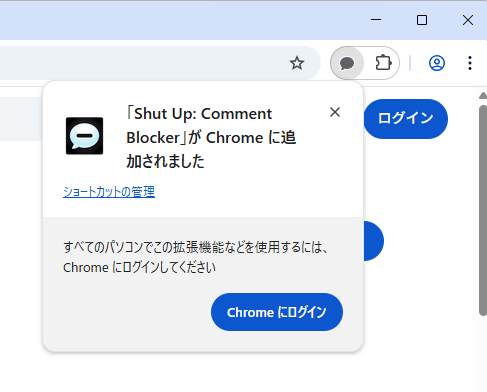
The installation is complete when the following pop-up appears in the upper right corner of the screen.
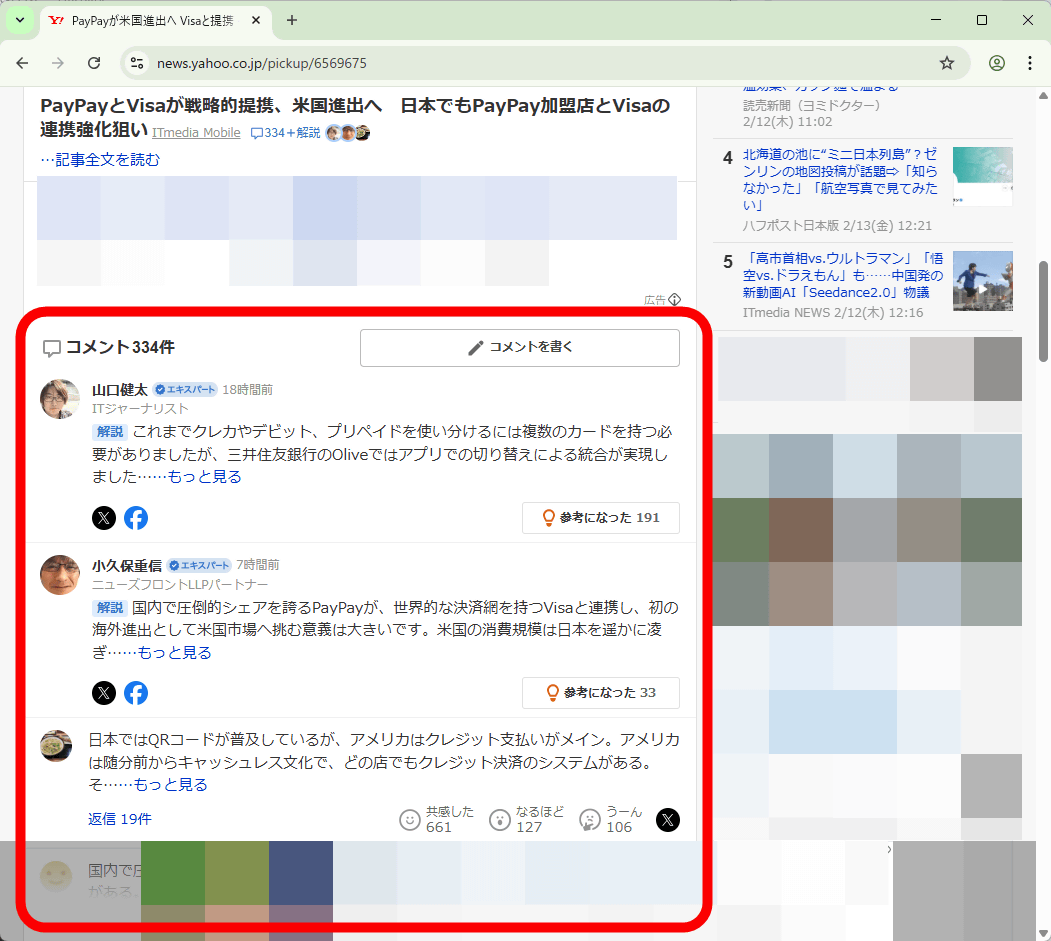
Let's actually check the effect of Shut Up. First, try accessing Yahoo! News using Chrome without Shut Up installed.

A comment section was displayed at the bottom of the article.
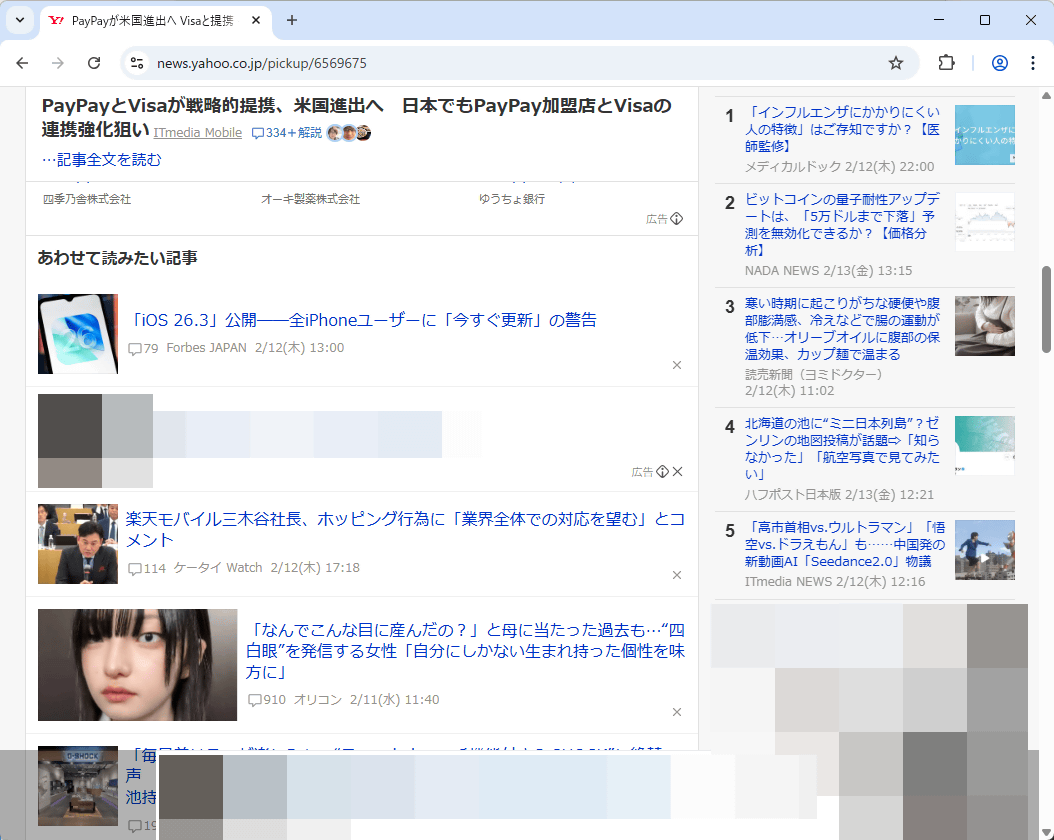
If you access the same page using Chrome with Shut Up installed, the appearance of the article remains the same.

When I scrolled down, the comments section had disappeared.
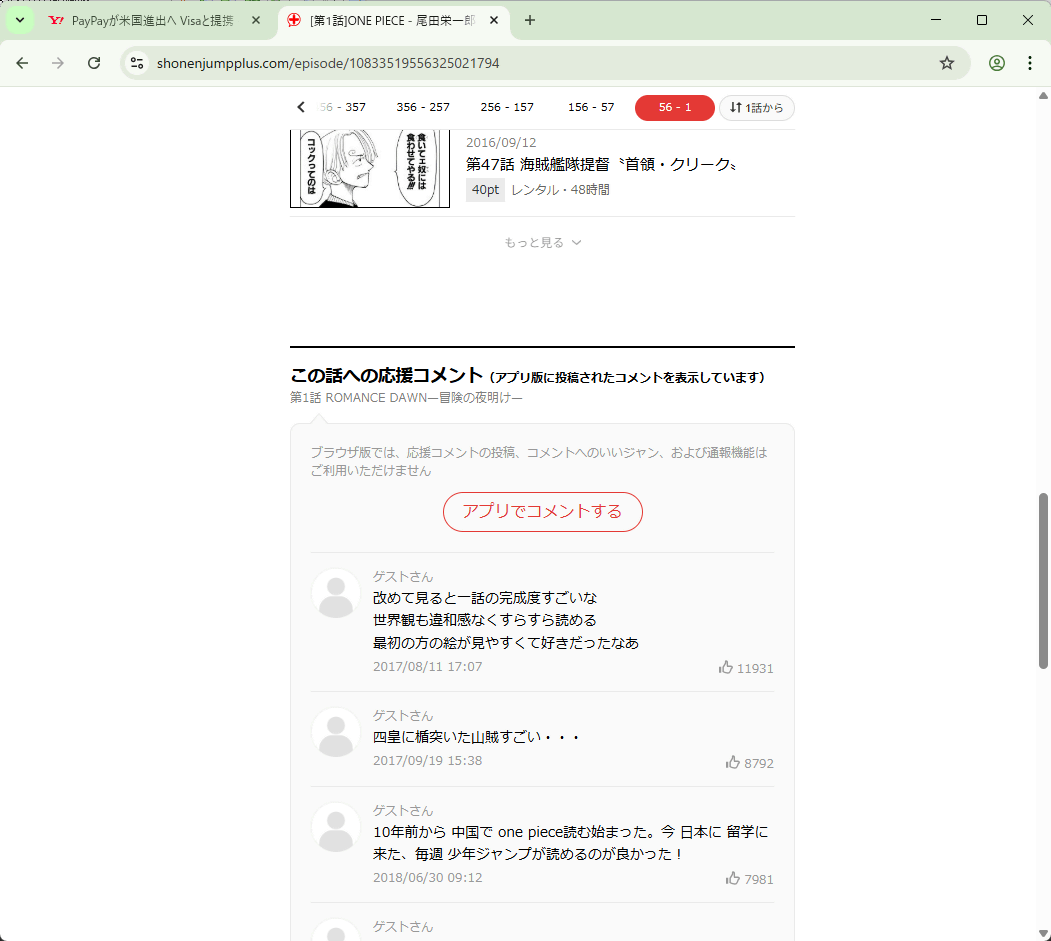
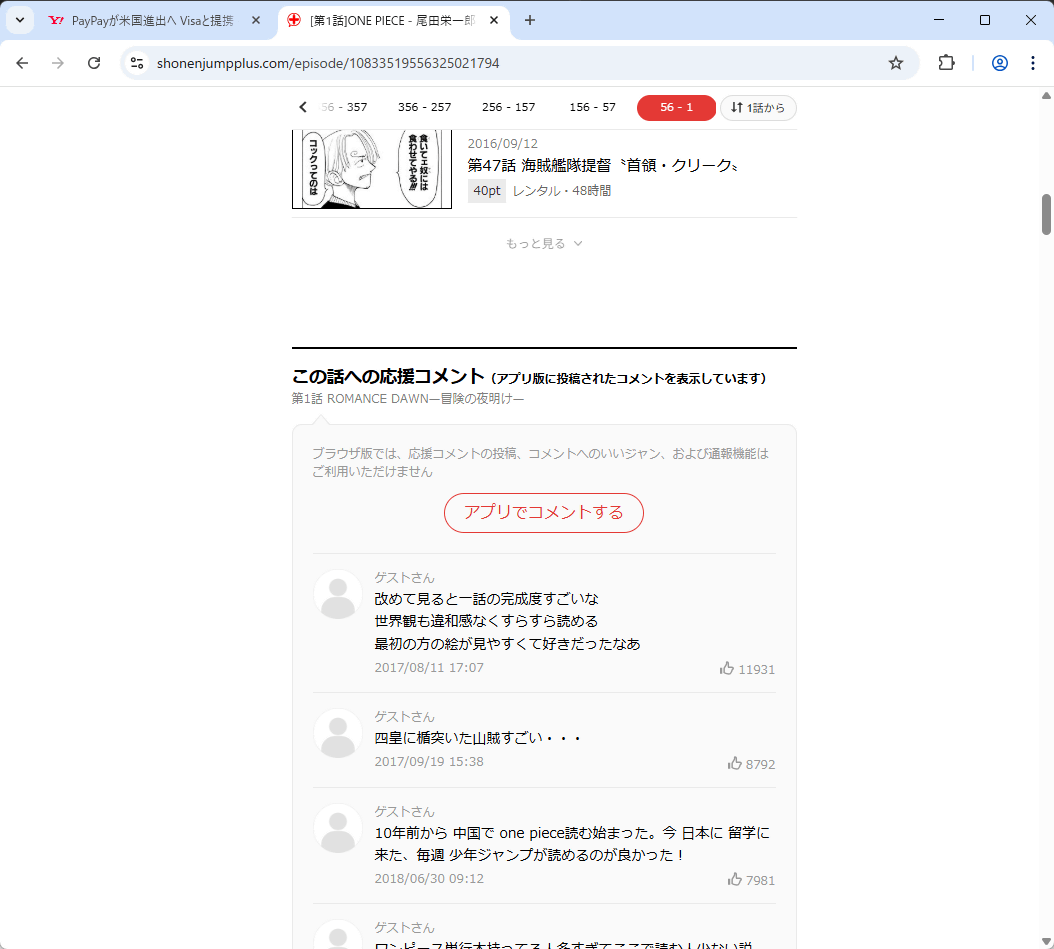
I'll try it on Shonen Jump+. In regular Chrome, the comments section is displayed at the bottom of the page.
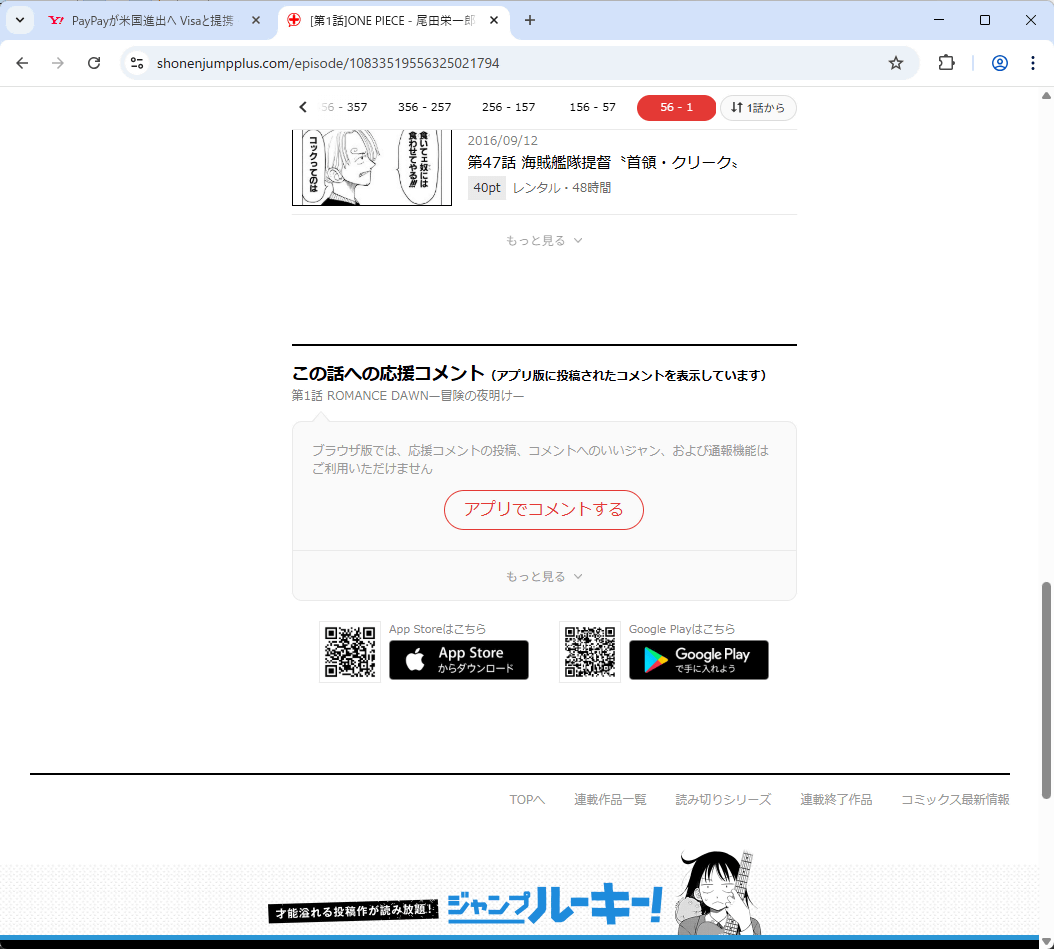
After installing Shut Up, the comments box remained, but the comments disappeared. This eliminates the risk of accidentally seeing spoilers.
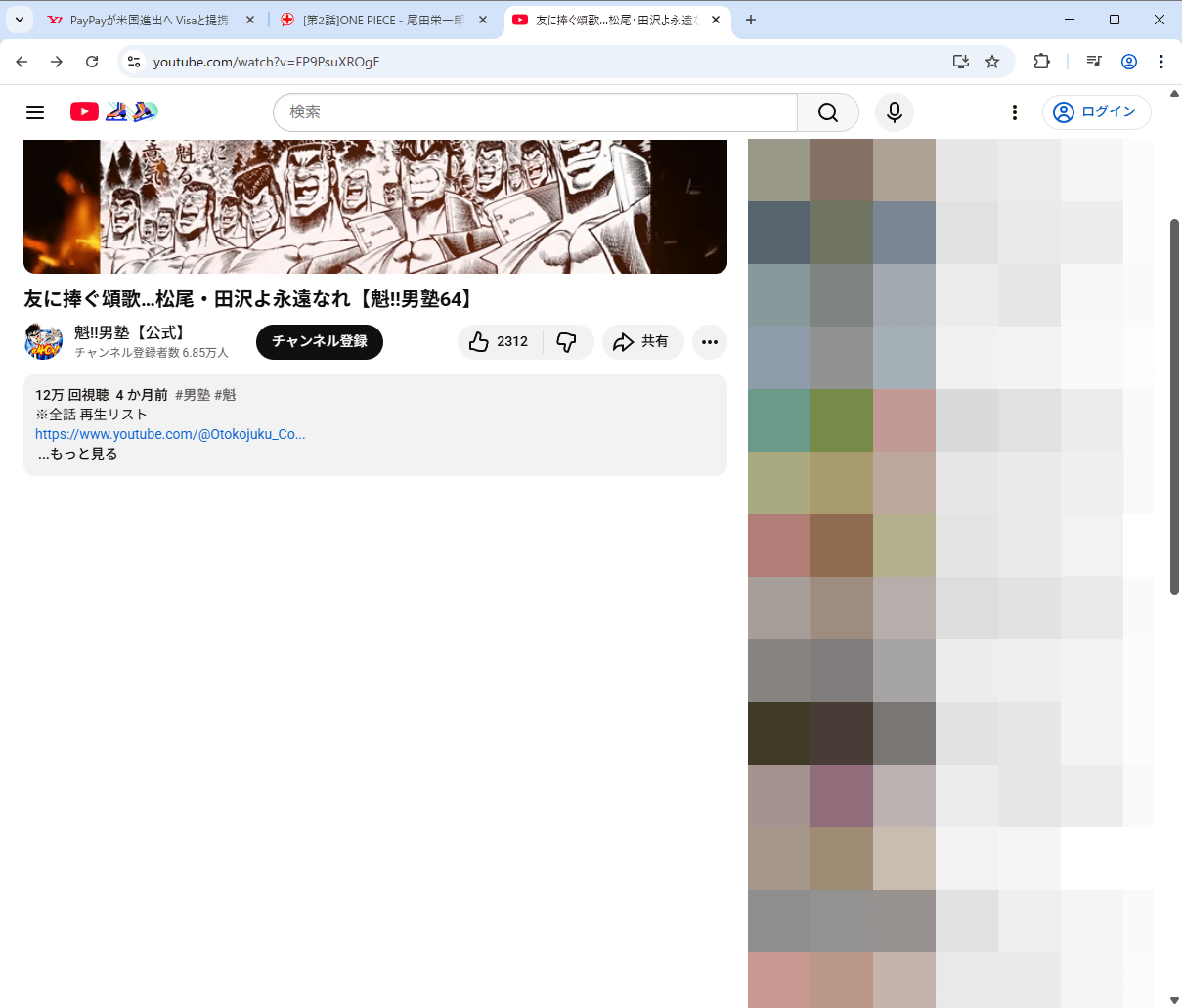
When you view a YouTube video in regular Chrome, a comments section will appear at the bottom of the video.

If you install Shut Up, the comments section will not be displayed.
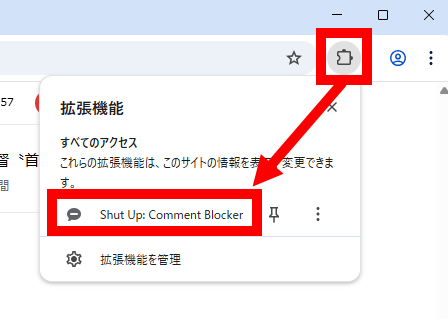
You can also view comments on websites you want to view by clicking the extension button in the top right corner of the screen and then clicking the Shut Up button.
Now the comments section is back.
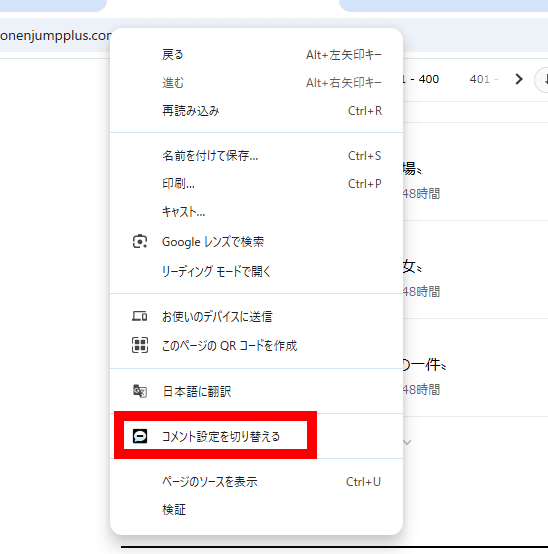
You can also toggle the display of comments on and off from the right-click menu.
The main body of Shut Up is a CSS stylesheet called ' shutup.css .' Looking at the code, we found that it detects and hides elements commonly used in comment sections, such as '.CommentBox,' and '.Comment,' and also appears to handle certain websites with individual code. Additionally, some websites, such as GitHub and Substack, were designated as exceptions.
Related Posts: