Amazon security camera 'Ring Outdoor Cam Pro' review: Records 4K high-definition video and supports voice calls
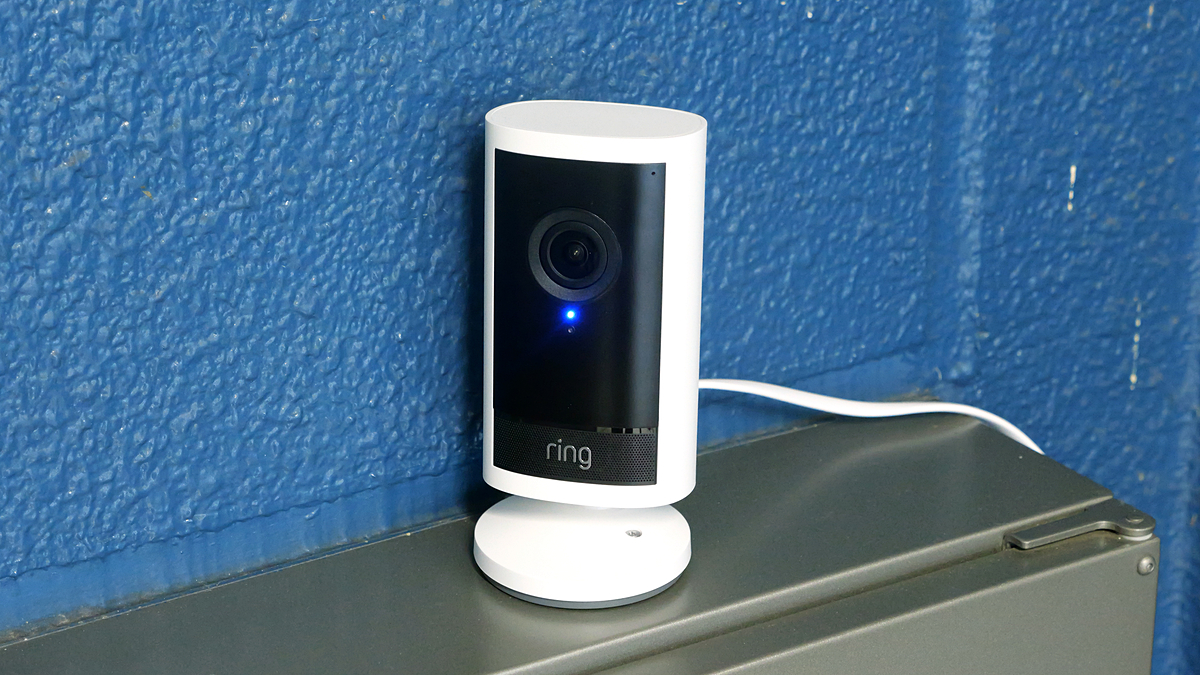
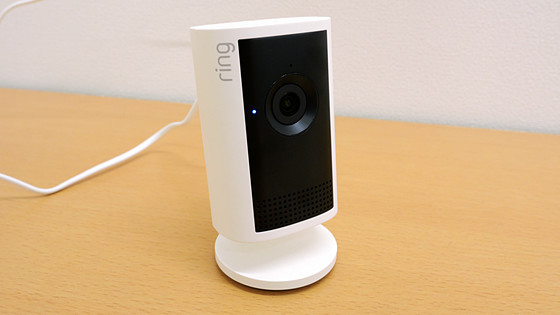
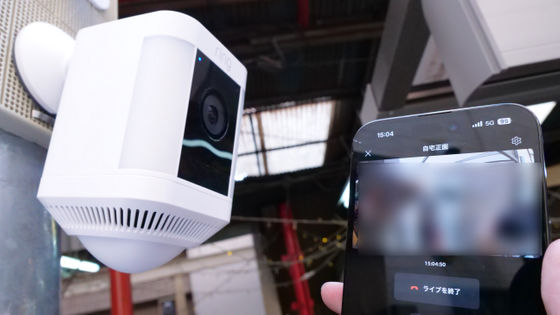
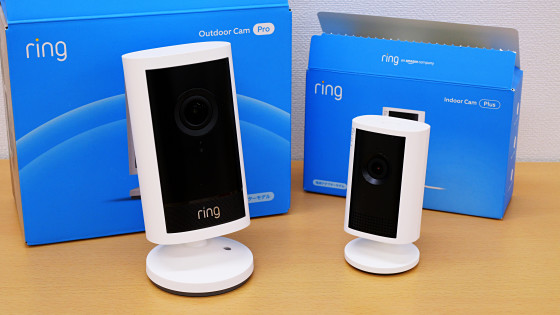
Amazon's security camera, the Ring Outdoor Cam Pro, can record 4K video and is equipped with motion detection and color night vision for brighter images in dark places. I was able to borrow a Ring Outdoor Cam Pro from Amazon, so I used it to check the image quality and performance of its various functions.
The Ring Outdoor Cam Pro is a camera that works in conjunction with a smartphone app. There are no buttons on the camera itself, and settings and video playback are controlled through the app. The steps for linking the camera and app are explained in detail in the following article.
Here's how to set up Amazon's 4K security camera 'Ring Outdoor Cam Pro' - GIGAZINE
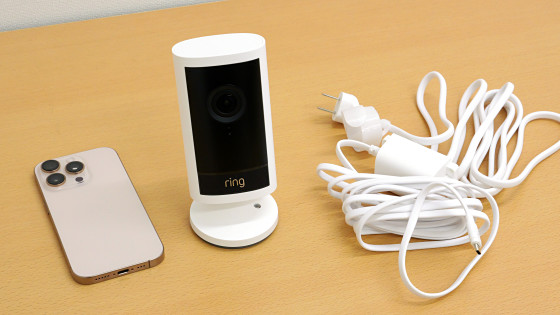
Once the setup is complete, you can play back live footage anytime, anywhere. Below is a video taken with the Ring Outdoor Cam Pro. It records in 4K with excellent detail.
Daytime footage taken with Amazon's security camera 'Ring Outdoor Cam Pro' - YouTube
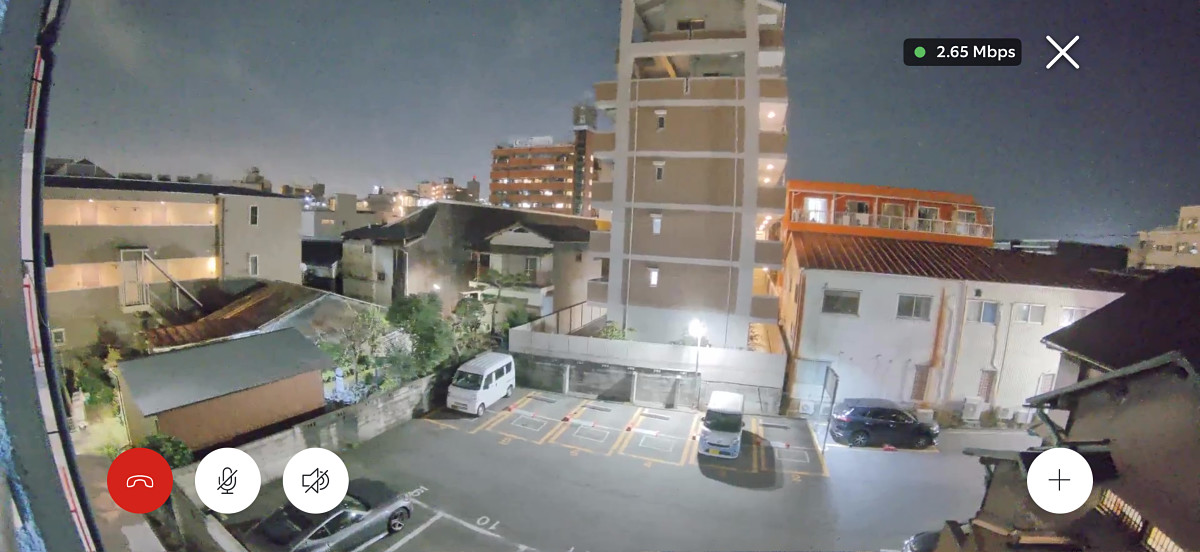
It also has color night vision, which allows you to take color photos even in dark places. Let's try taking a photo of a parking lot at night.
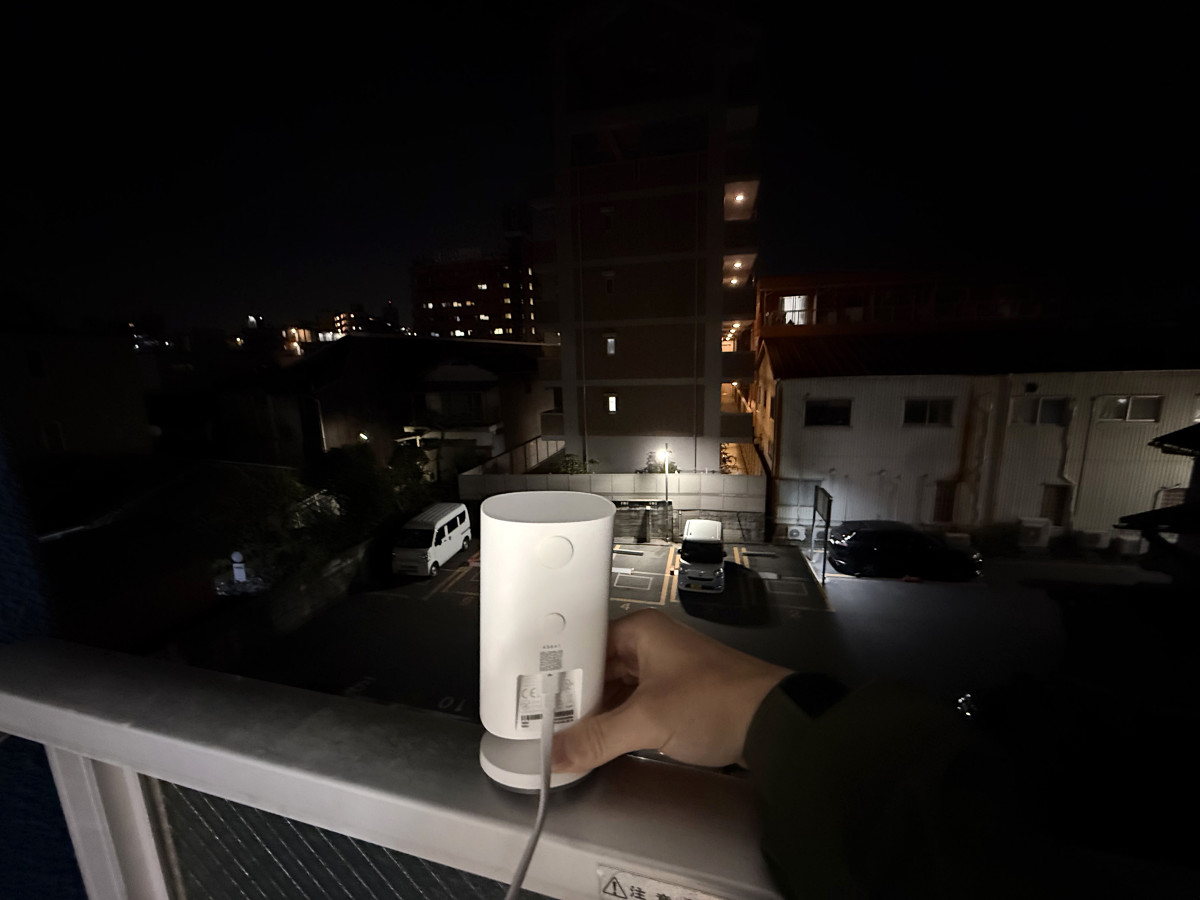
Below is a screenshot of the footage taken with the Ring Outdoor Cam Pro. It records images brighter than the naked eye.
Dark places such as indoors with the lights off will be photographed in black and white.
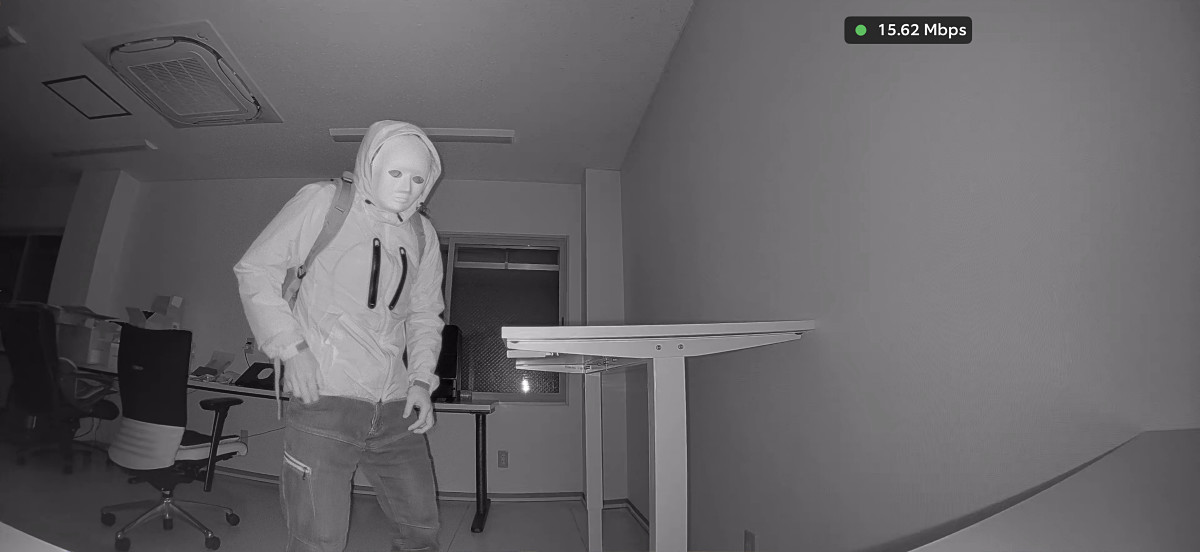
Below is a video taken in a pitch-black room. Although it's in black and white, the action is perfectly captured.
During live playback, you can talk through the camera by tapping the button surrounded by a red frame.
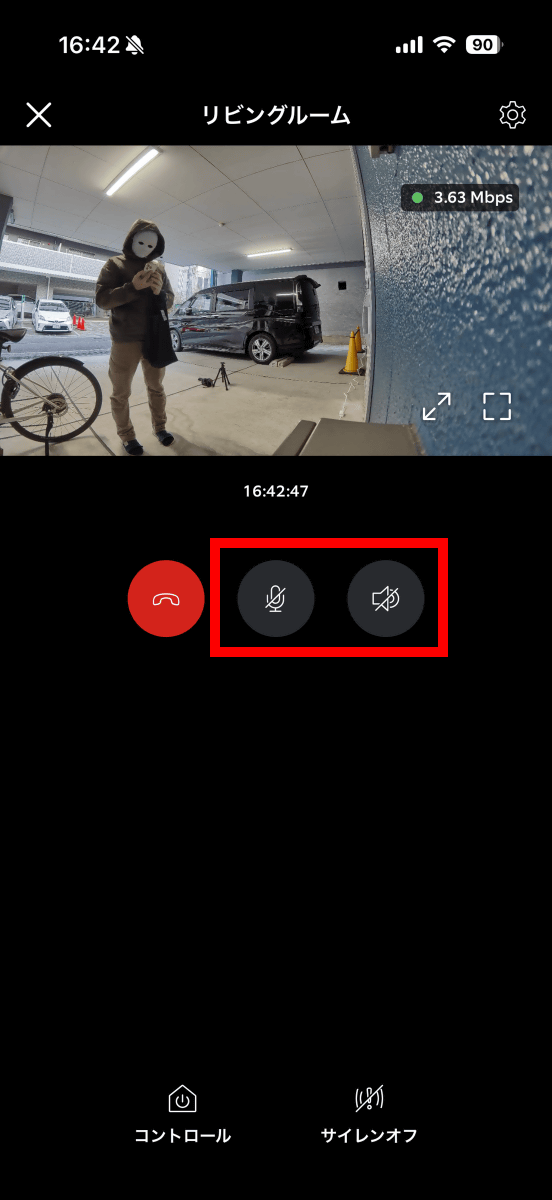
The voice on the smartphone during a call sounds like this:
The camera side looks like this. You can make calls with clear audio from both the smartphone and the camera.
Trying out voice calls with Amazon's security camera 'Ring Outdoor Cam Pro' [Camera side view] - YouTube
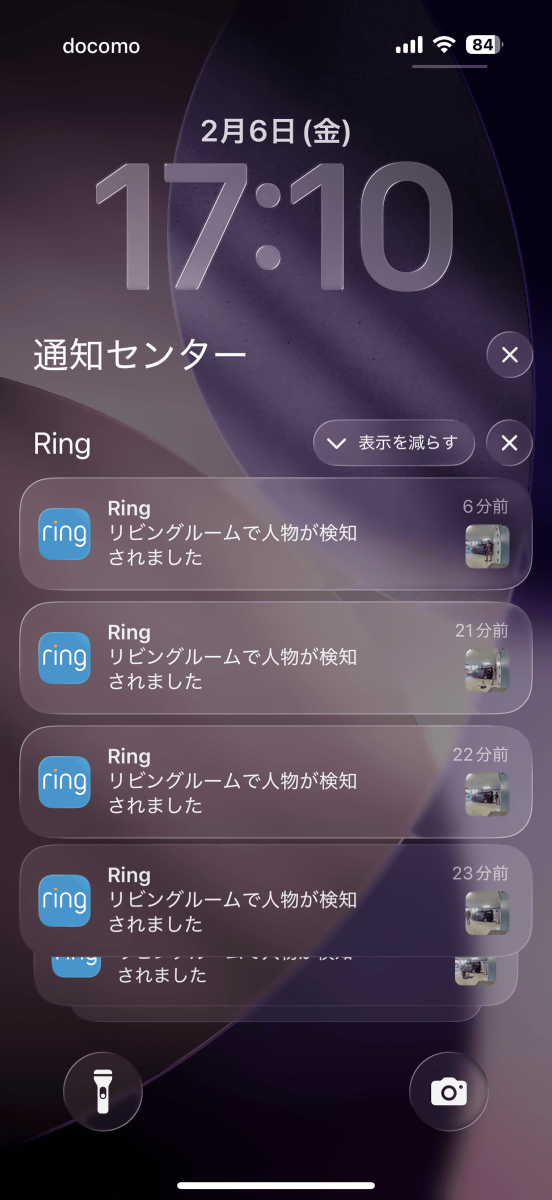
The Ring Outdoor Cam Pro has a motion detection feature that sends a notification to your smartphone when it detects a person or other object within the camera's frame.
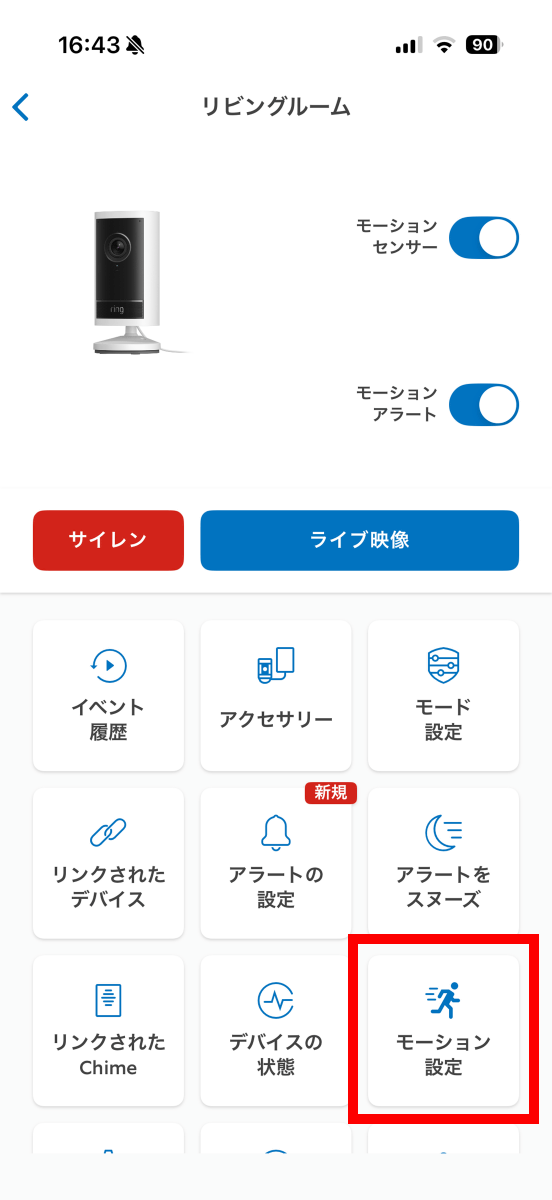
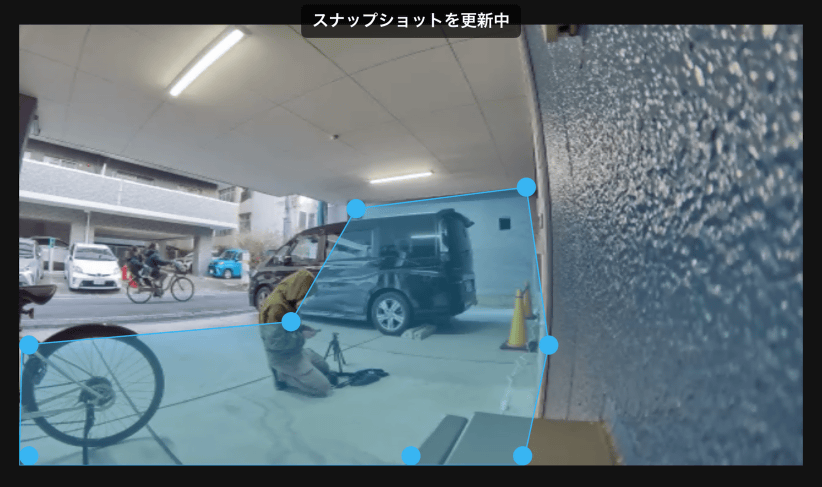
If your camera is facing the road, you can adjust the motion detection range so that it doesn't respond to people passing by on the road, but only responds when someone enters your property. First, tap 'Motion Settings' on the camera's settings screen.
Tap 'Edit Zone.'
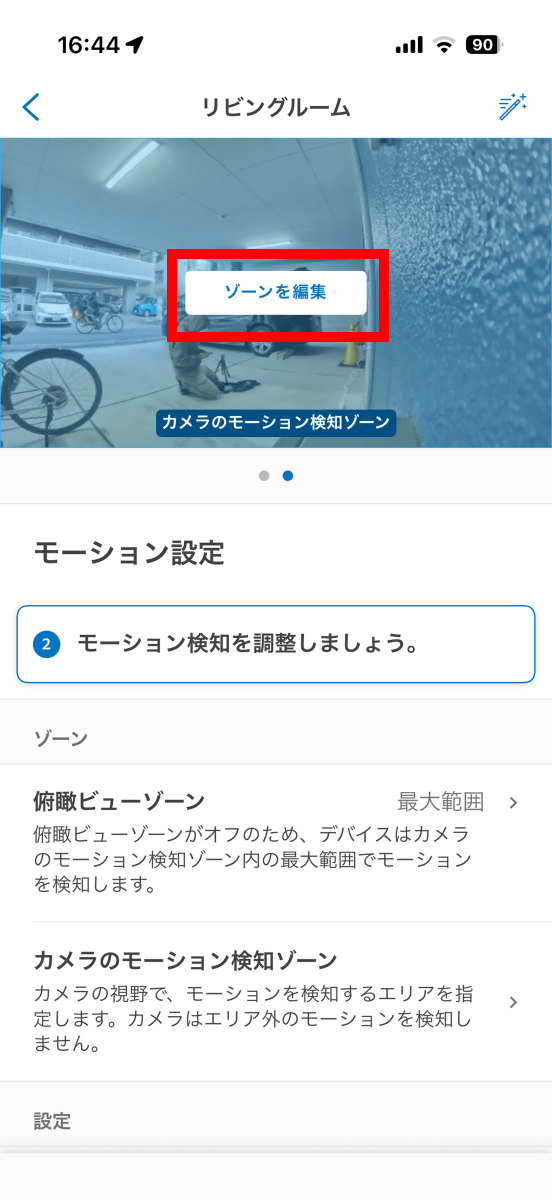
Edit the position of the blue frame to change the detection zone. In the example below, it will not react to pedestrians on the road in the upper left, but will only react to people who enter the premises.
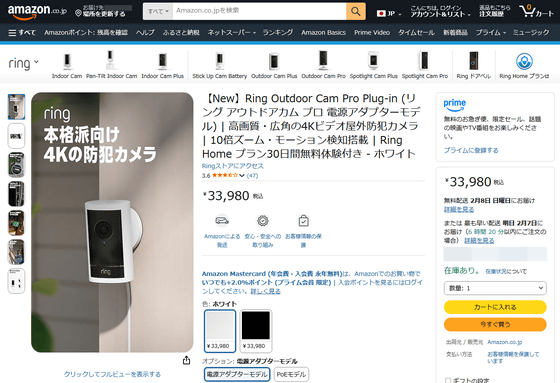
The Ring Outdoor Cam Pro is available for 33,980 yen including tax.
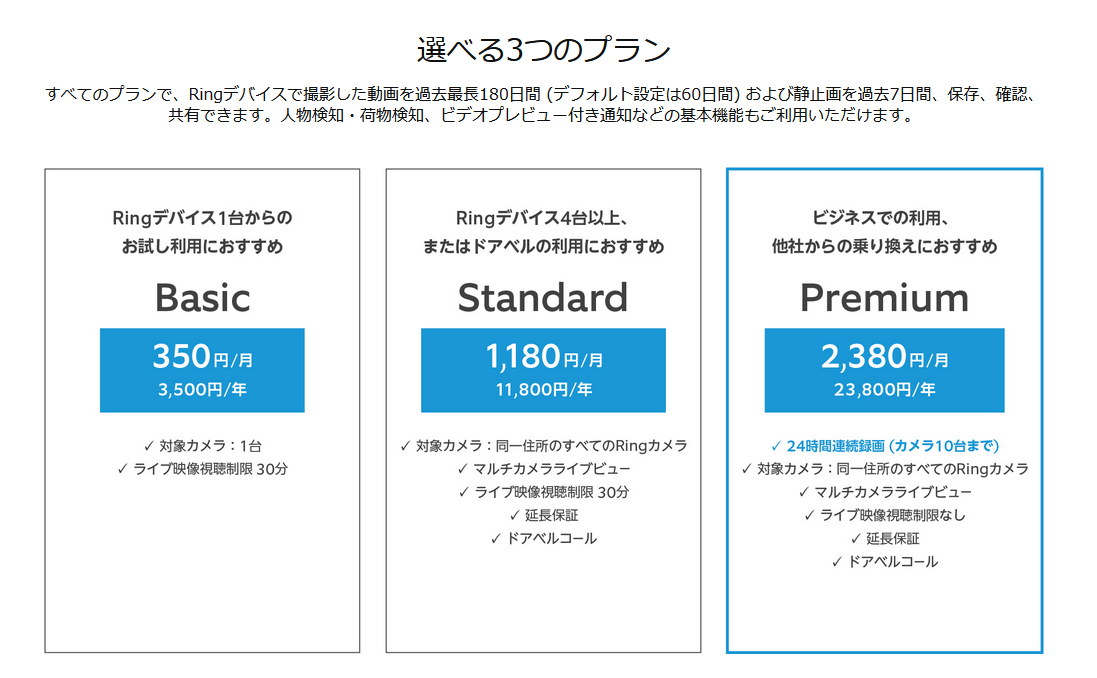
While the live video playback and motion detection features are available just by purchasing the camera itself, you'll need to subscribe to the paid Ring Home plan to play back and download past footage. The Ring Home plan costs 350 yen per month for Basic, 1,180 yen per month for Standard, and 2,380 yen per month for Premium.
Related Posts: