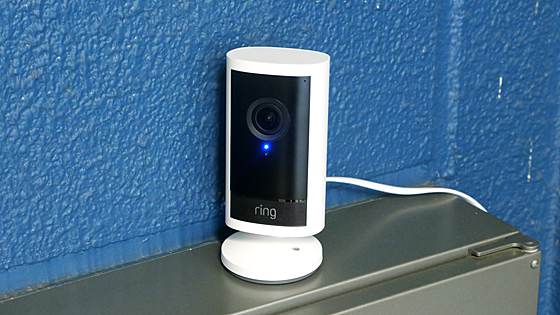
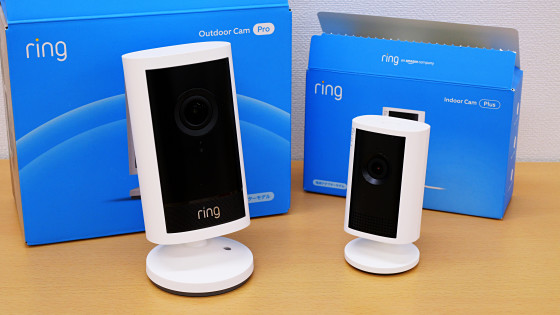
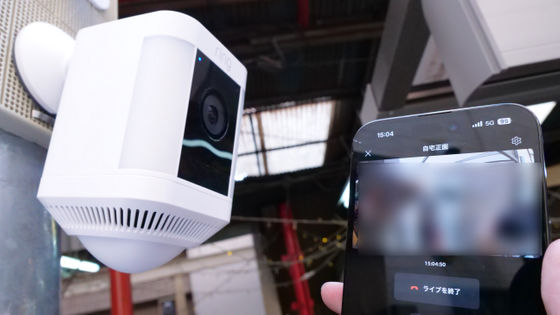
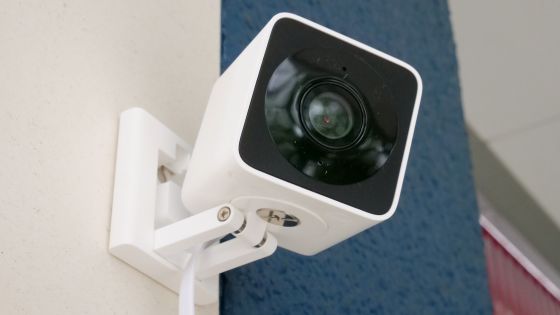
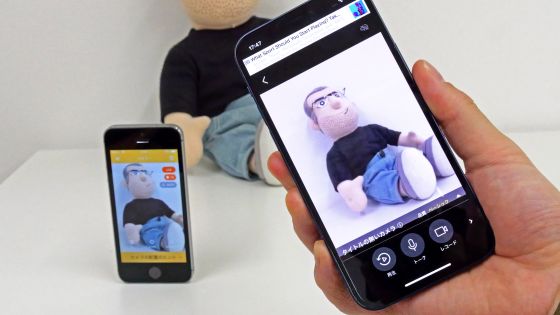
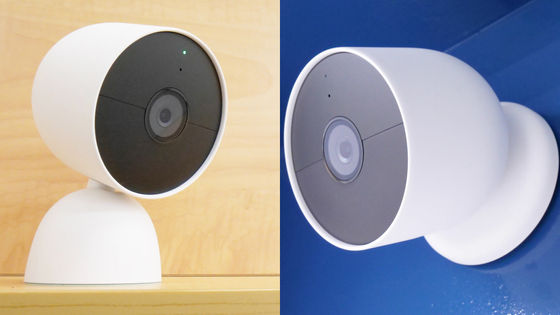
I tried out Amazon's Ring Indoor Cam Plus, a surveillance camera that lets you check what's happening inside your home in real time from outside and talk to your pets and children.
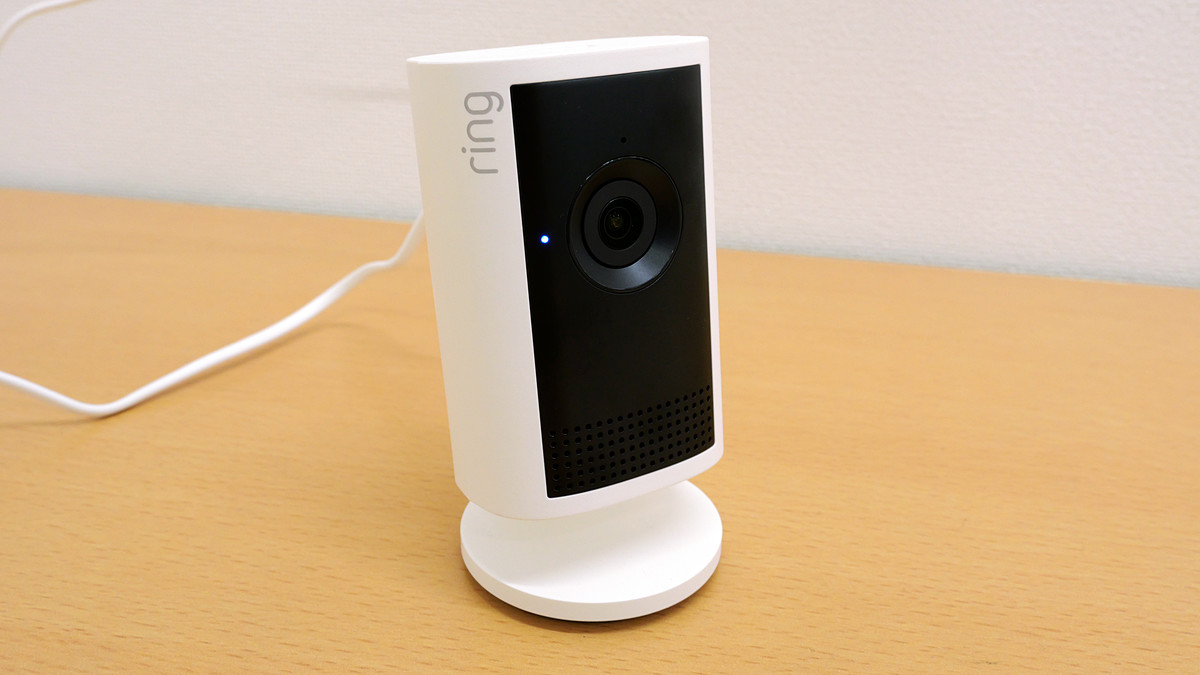
'Ring Indoor Cam Plus' is an indoor camera developed by Amazon that allows you to check the indoor situation on your smartphone and talk to people and animals indoors through the camera. Since the Ring Indoor Cam Plus arrived at the GIGAZINE editorial department, I actually tried using it.
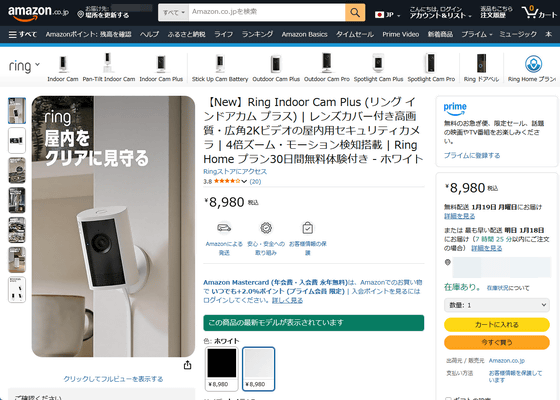
The Ring Indoor Cam Plus is an indoor camera that connects to the internet. The setup procedure is explained in detail in the following article.
Here's how to set up Amazon's indoor security camera 'Ring Indoor Cam Plus' - GIGAZINE

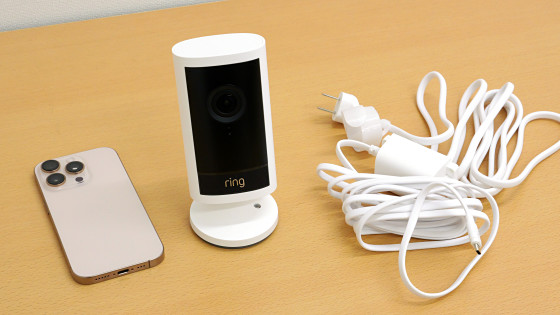
Once you set it up, you can check real-time video and use the voice messaging function on the Ring smartphone app. The Ring Indoor Cam Plus itself does not have a power button or settings button, so it has a simple design that allows you to use it just by plugging it into an outlet.
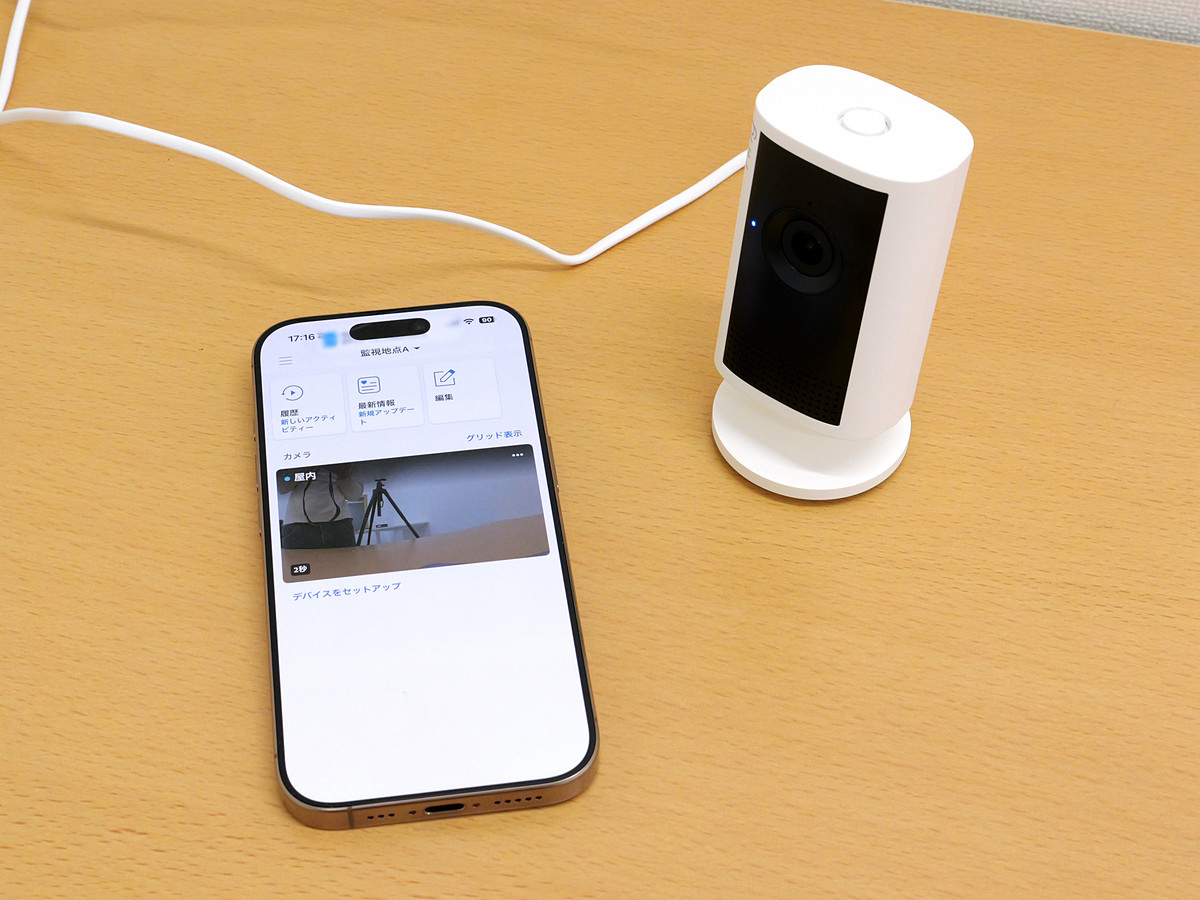
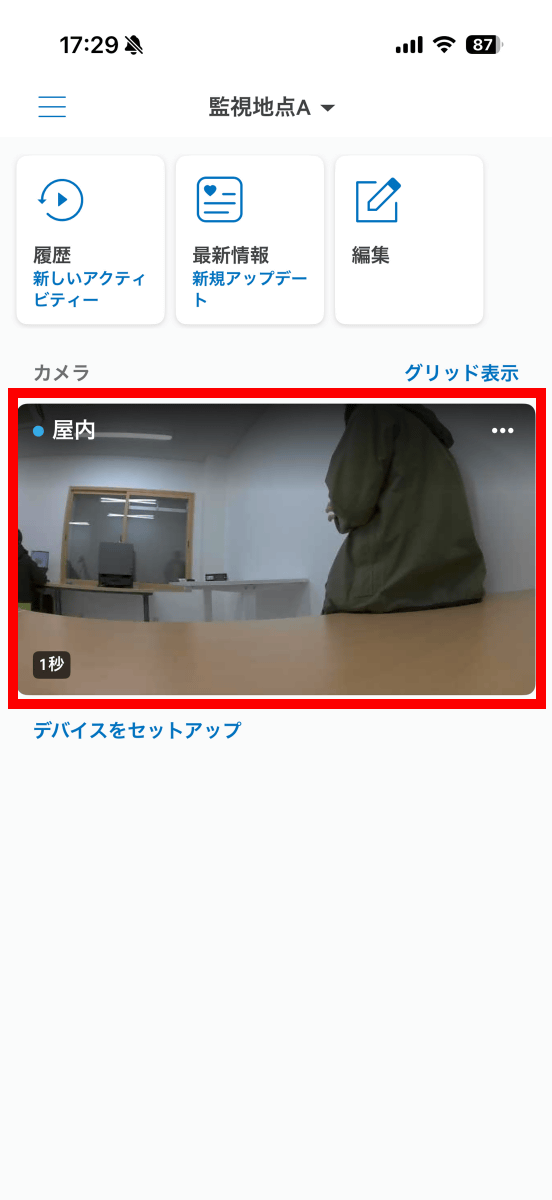
When you launch the Ring app, the camera selection screen will appear, as shown below. The Ring app allows you to manage multiple cameras simultaneously, and you can manage them by assigning them easy-to-understand names like 'Indoor' or 'Living Room' instead of the product name, such as 'Ring Indoor Cam Plus.' In this example, I registered the Ring Indoor Cam Plus as 'Indoor,' so I'll tap 'Indoor' to view the video.
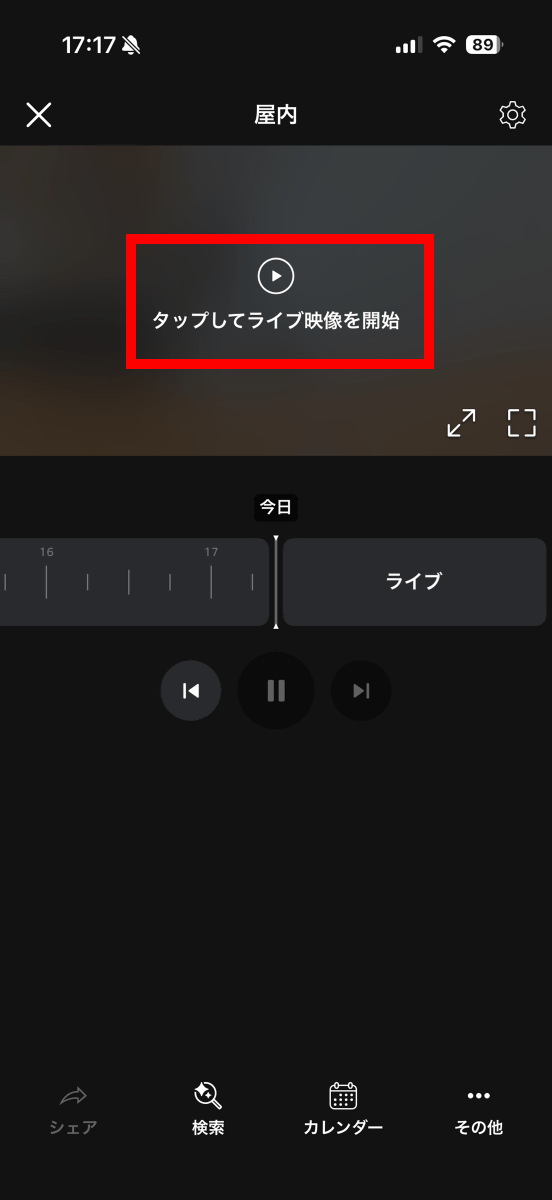
Tap 'Tap to start live video.'
I was able to view live footage.
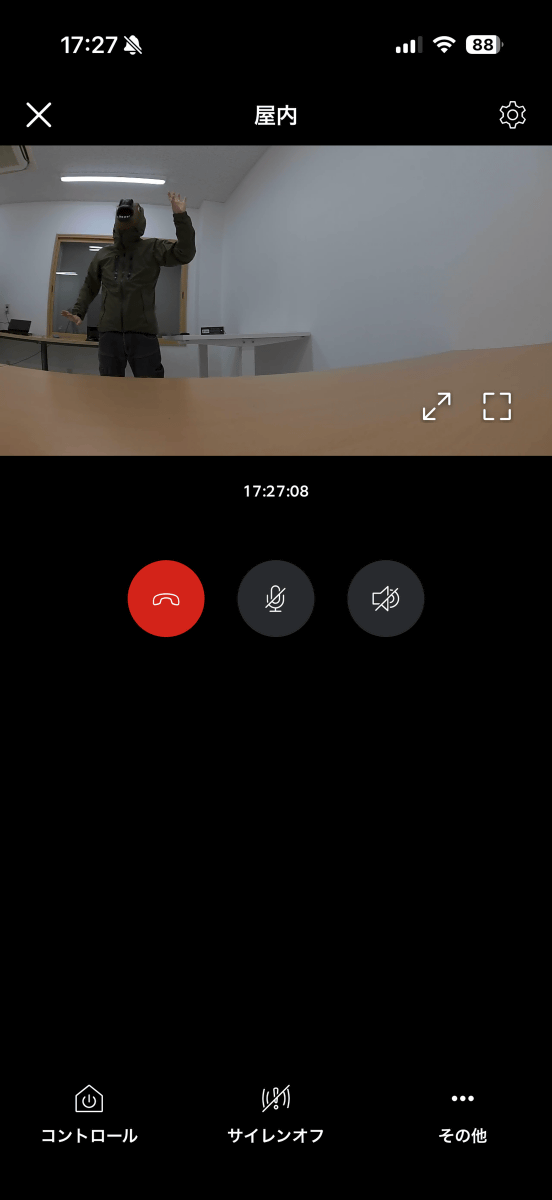
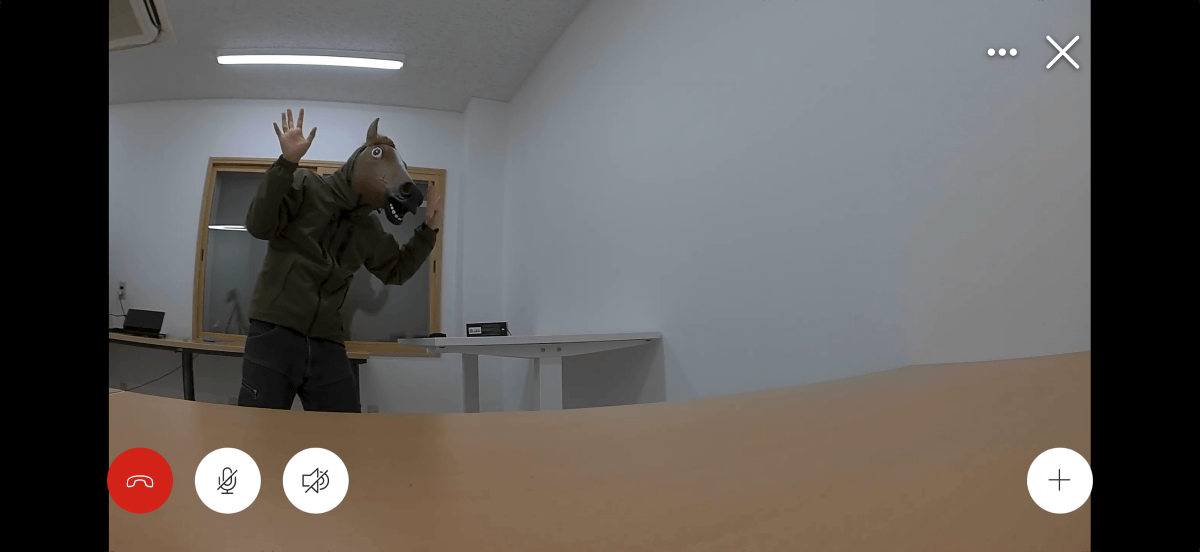
You can play the video on a larger screen by turning your smartphone sideways. The video resolution is 2560 x 1440 pixels.
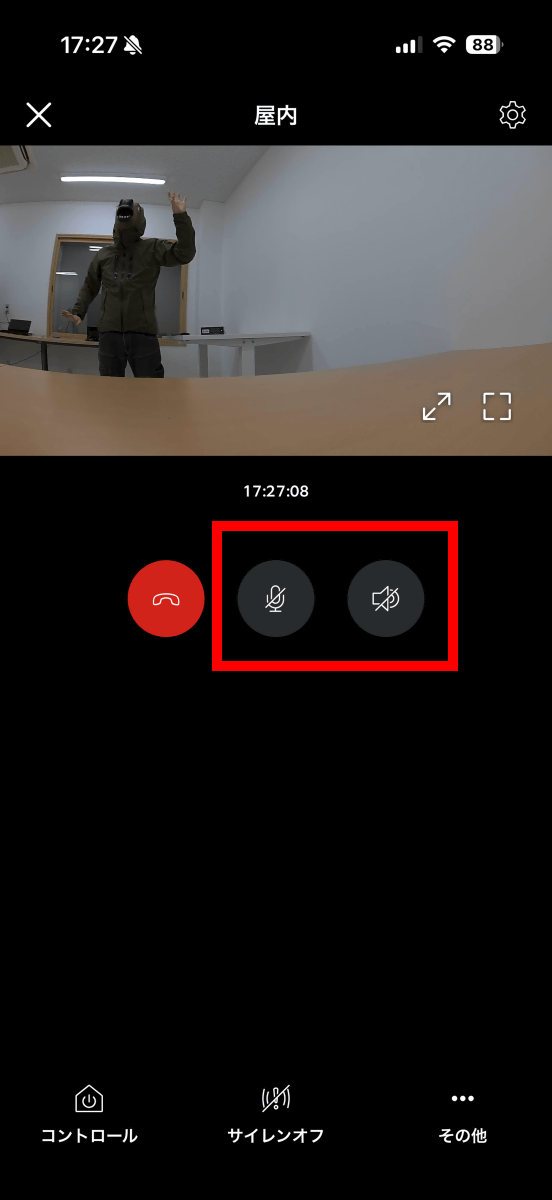
You can talk through the Ring Indoor Cam Plus by tapping the microphone or speaker button.
I actually recorded a video of me talking through the Ring Indoor Cam Plus. The sound quality is similar to that of an old radio.
The Ring Indoor Cam Plus is equipped with motion detection, which means that if an object moves within the camera's frame, you will receive a notification on your smartphone.
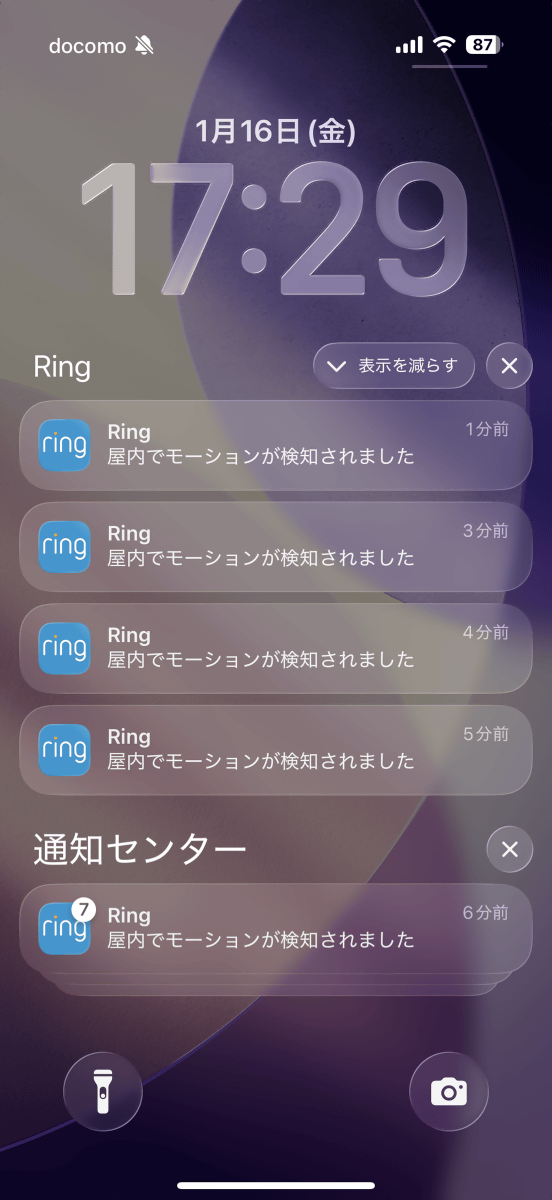
By default, the entire camera frame is the target range for motion detection, but you can customize the target range by tapping the settings button in the top right corner of the camera's individual screen.
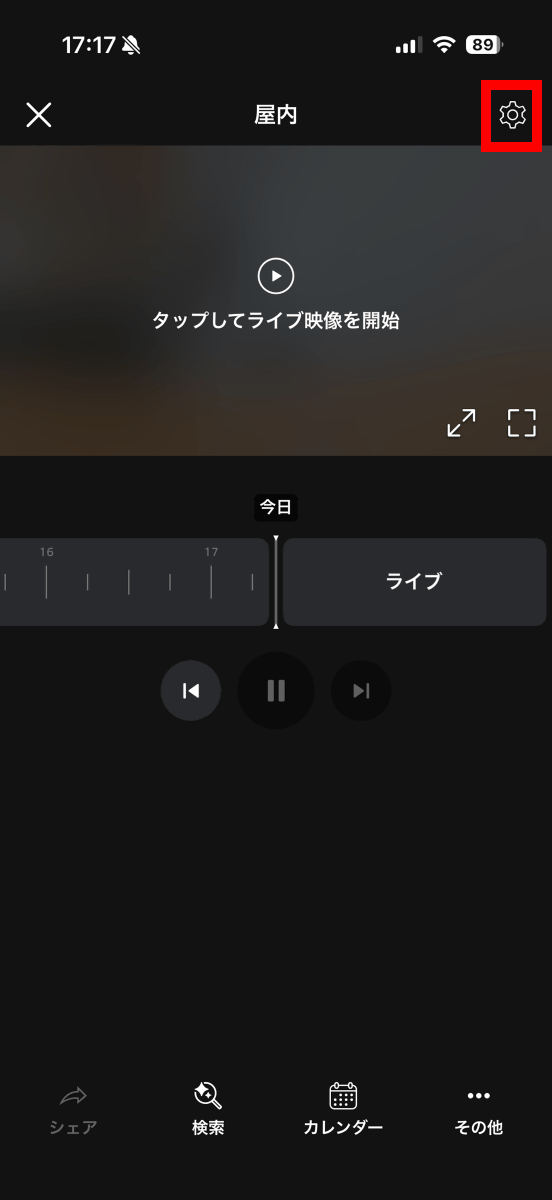
Tap 'Motion Settings.'
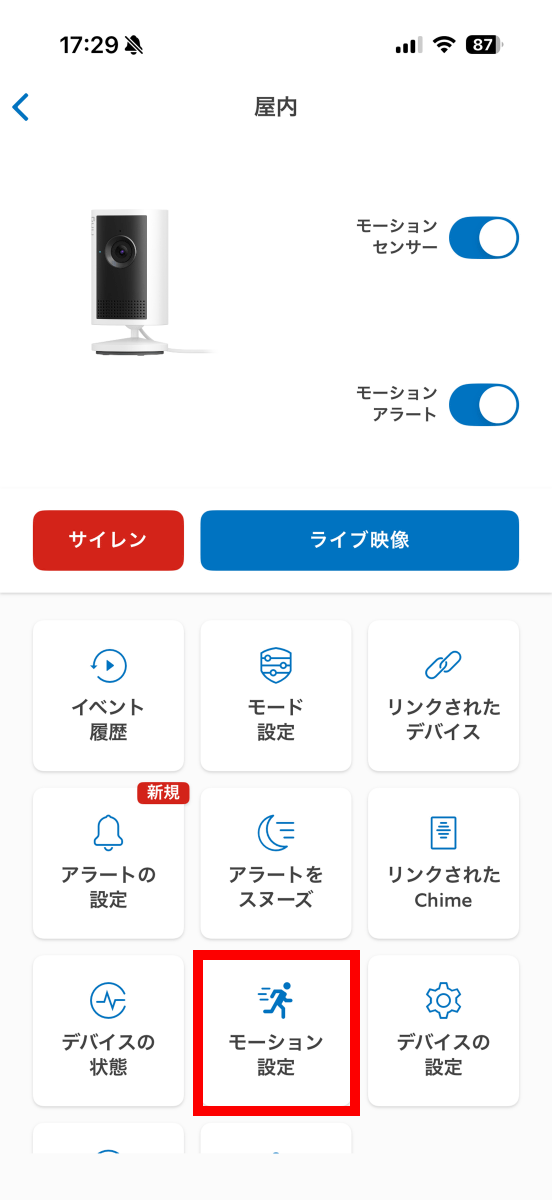
Tap 'Edit Zone.'
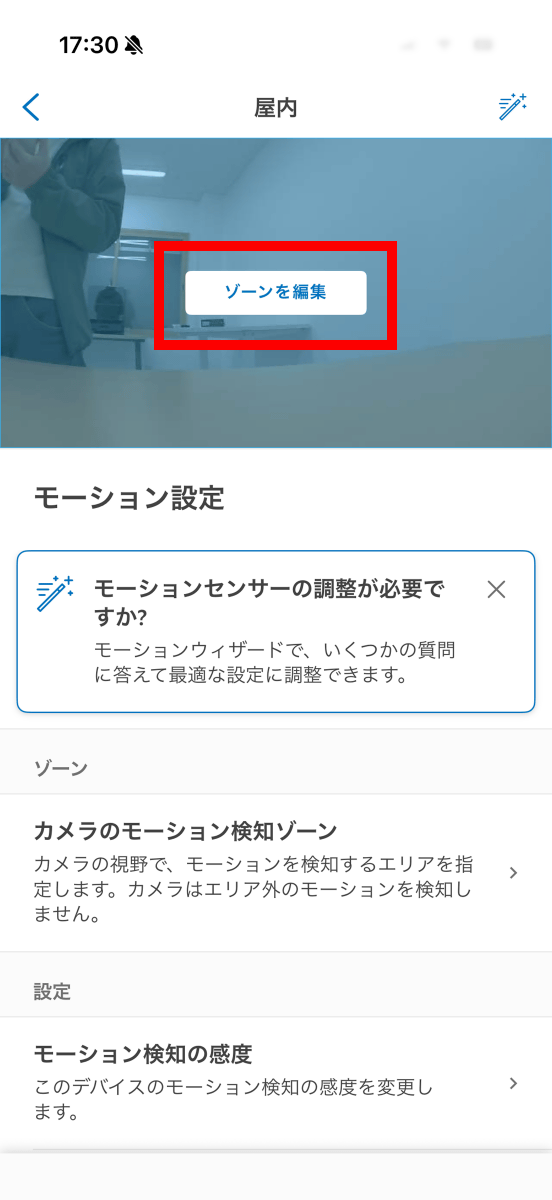
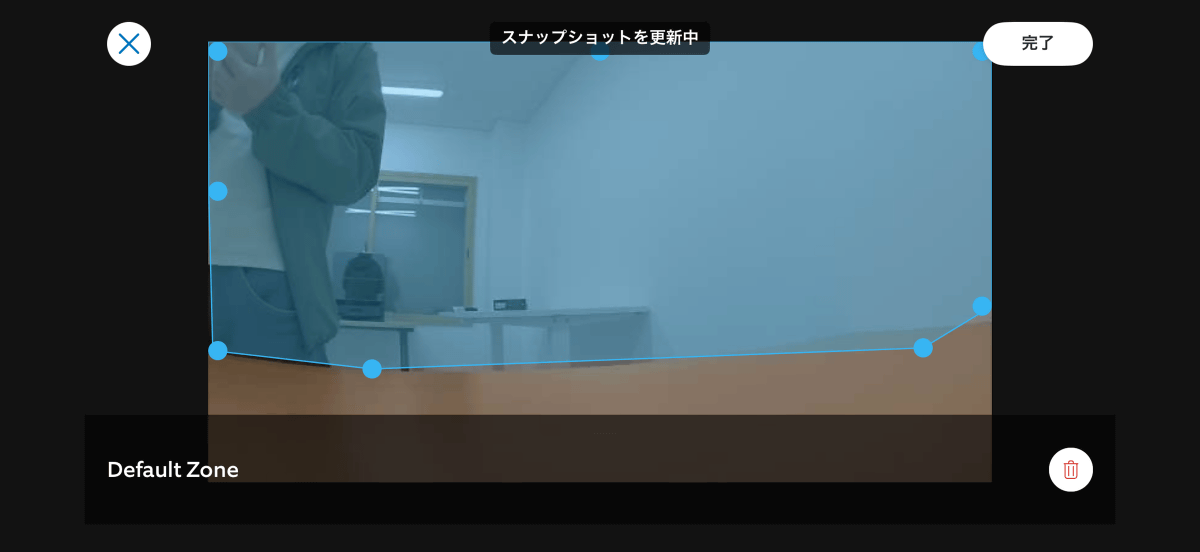
The blue area on this screen is the motion detection range. By adjusting the range, you can customize it so that it only notifies you when someone enters the back of the room.
At the time of writing, Ring Indoor Cam Plus is available for 8,980 yen including tax.
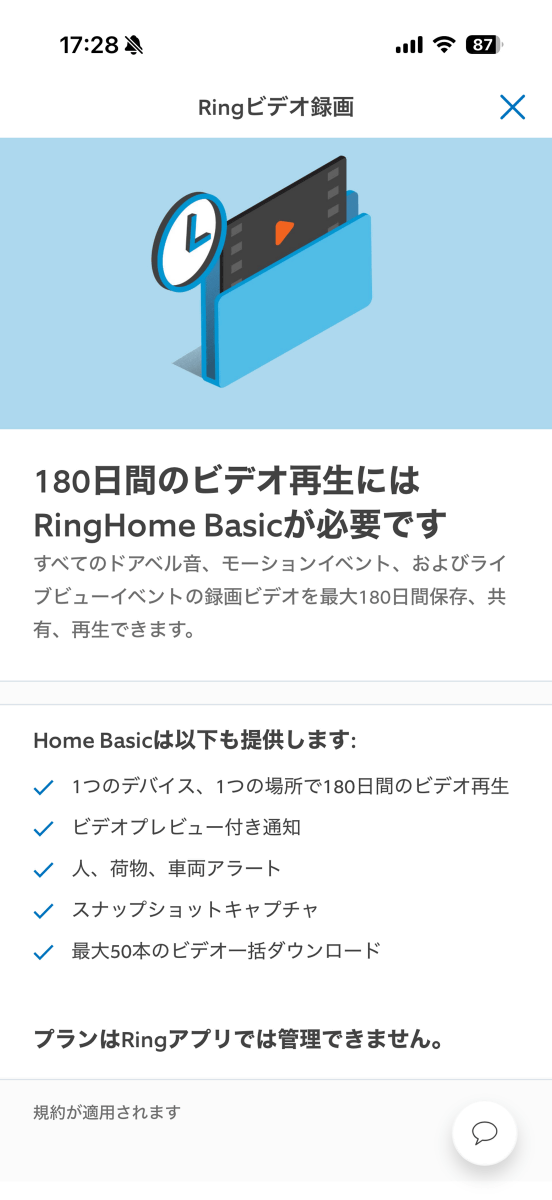
Please note that the live playback and motion detection features used in this article are available at no additional cost, but the ability to play back past footage and download footage requires a paid subscription to the Ring Home Plan .
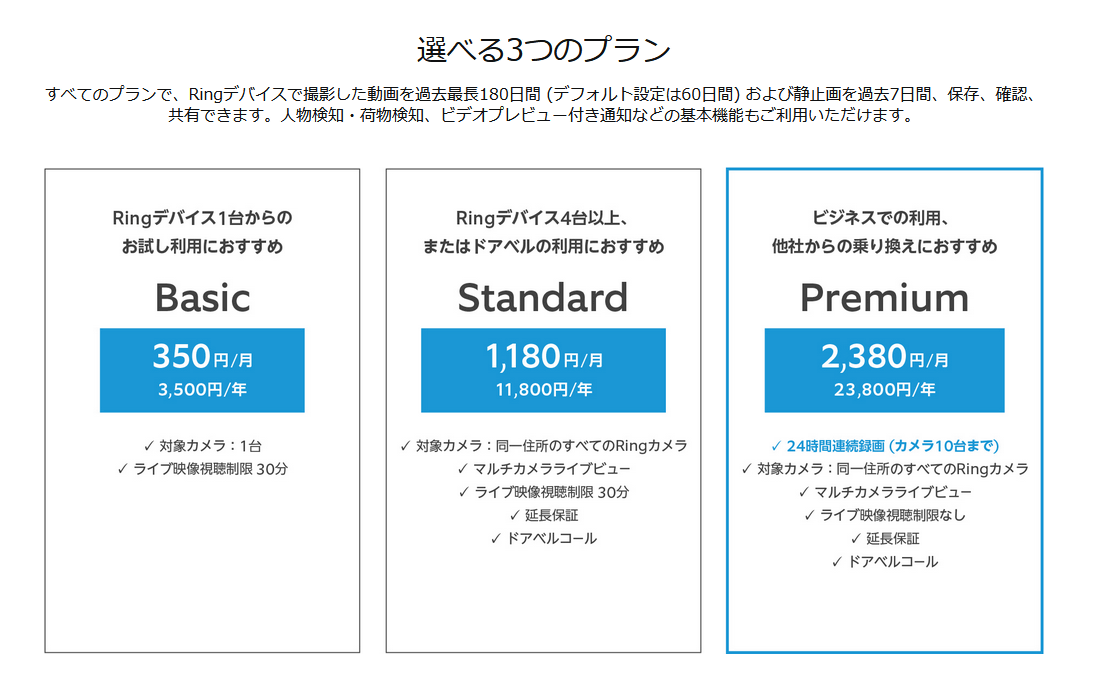
The Ring Home plan costs 350 yen per month for Basic, 1,180 yen per month for Standard, and 2,380 yen per month for Premium.
Related Posts: