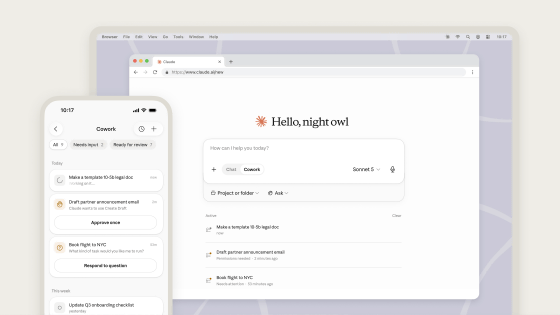
Anthropic has added its own built-in browser to Claude Cowork, allowing users to switch between it and 'Claude in Chrome'.
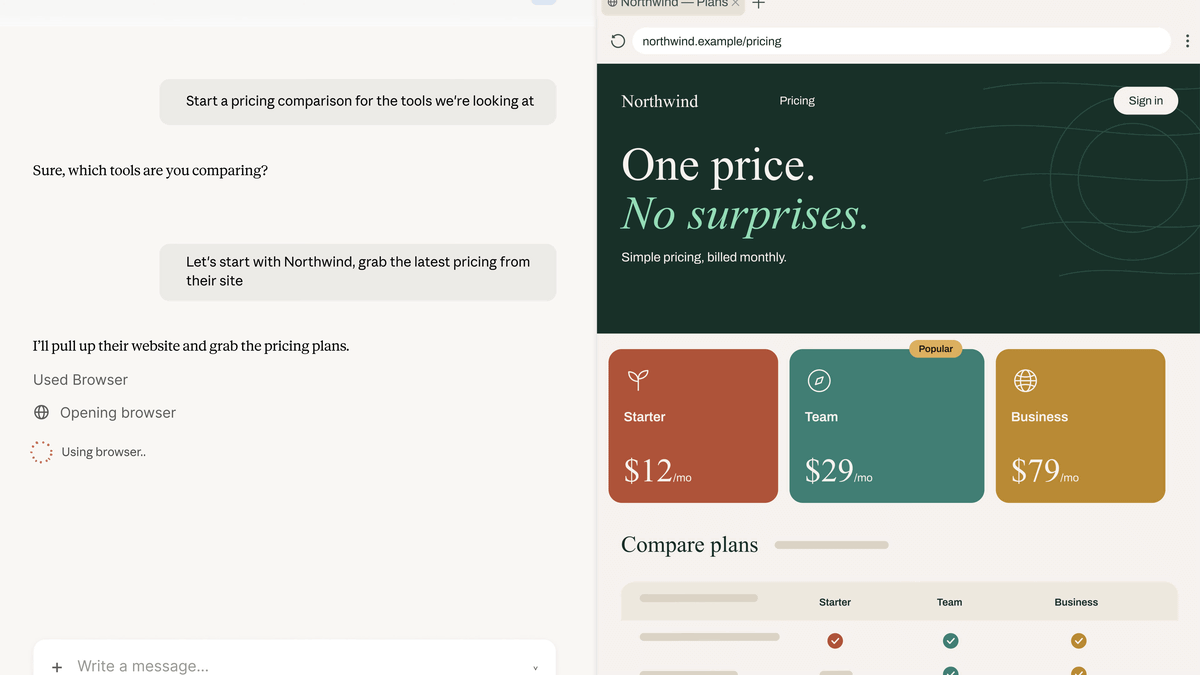
Anthropic has added its own browser to its PC operation support AI, '
Claude Cowork gets a built-in browser: nothing to install | Claude by Anthropic
https://claude.com/blog/cowork-built-in-browser/
Claude now has its own built-in browser in Cowork.
— Claude (@claudeai) August 26, 2026
When your task involves a website, a browser opens in Cowork's side panel, and Claude navigates, fills forms, and finishes the job. pic.twitter.com/yHDOTRQZ12
Cowork built-in browser - YouTube
Previously, accessing the web via 'Claude Cowork' required granting Claude browser access using the official Google Chrome extension, 'Claude in Chrome.'
Claude's official Chrome extension, 'Claude in Chrome,' is now generally available - GIGAZINE
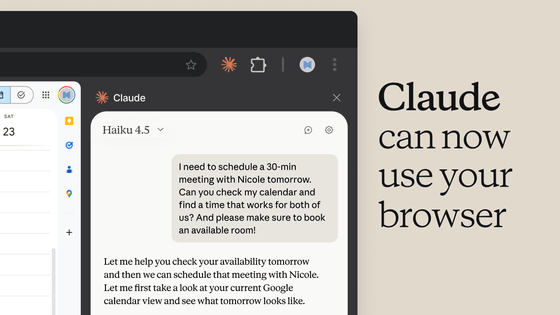
According to Anthropic, 'Claude in Chrome' remains the best option if you are working on a page that is already open.
However, for many web tasks, a specific web browser isn't necessary; it's simply a matter of 'having a browser,' which is why they decided to include a built-in browser in Claude.
The built-in browser is completely separate from the browser the user normally uses and does not access tabs, bookmarks, or passwords from the user's usual browser. Therefore, if the user wants to let Claude handle web tasks while they do other work, it is better to use the built-in browser. On the other hand, if a logged-in account or similar is required, the 'Claude in Chrome' option can be used.
If you are already using 'Claude in Chrome,' your settings will not change. However, if you are not using 'Claude in Chrome,' Claude will now prioritize the built-in browser by default. You can change the preferred browser in the settings.
The built-in browser is the desktop version of Claude for Windows, macOS, and Linux, and will be rolled out gradually over the next week for Pro, Max, and Teams plans. If you use Claude from a browser without using the app, Claude in Chrome will continue to function as the browser used by Claude.
Related Posts: