'Unwall' is a free app that can detect and disable ad-blocking access walls.

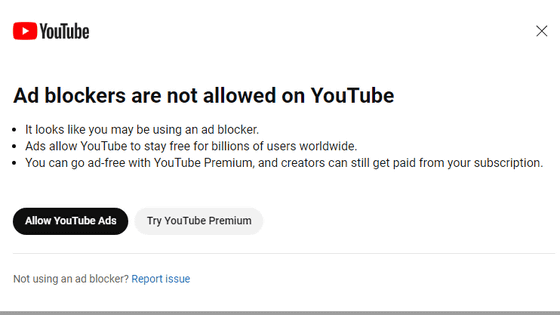
Ad-blocking tools are a welcome tool for internet users who want to avoid seeing unwanted ads. However, there are also quite a few websites that specifically target ad blockers, displaying messages such as 'An ad blocker has been detected' or 'Please disable your ad blocker,' or displaying overlays that hide or blur the page content. ' Unwall ' is a user script that detects and hides access restrictions imposed by ad blockers.
kelesmert/unwall
◆Overview
Unwall is specifically designed to detect and address 'visible ad-blocking tactics' such as pop-ups, overlays, blur layers, and scroll locks. Therefore, it does not perform any other actions (such as blocking ads, disabling ad blockers, enabling paid content, or collecting telemetry).
◆ Introduction
The official GitHub repository describes the following two methods for running Unwall:
- Method for continuous execution: Install a user script manager and run the user script.
- One-time execution method: Run the user script using the developer tools.
This time we will take the former method, so first we will install a user script manager. The official GitHub repository lists Violentmonkey, Tampermonkey, and Greasemonkey as examples of user script managers, but this time we will install Violentmonkey on the Windows version of Firefox.
Violentmonkey
https://violentmonkey.github.io/
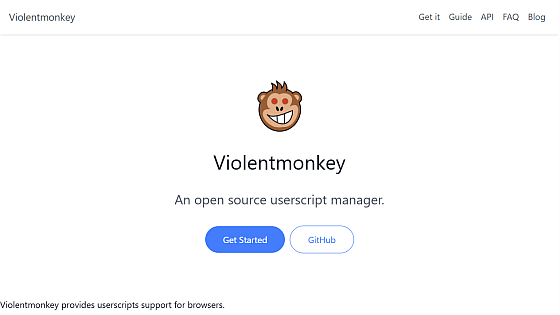
Open the Violentmonkey website in Firefox and find the 'Installation' section. You will see icons for various browsers; click the Firefox icon.
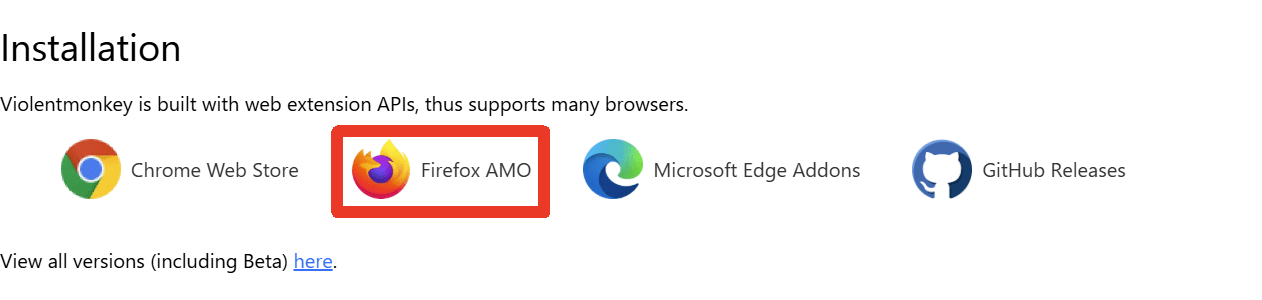
The Violentmonkey page on the official Firefox add-on site will open, so click the 'Add to Firefox' button.
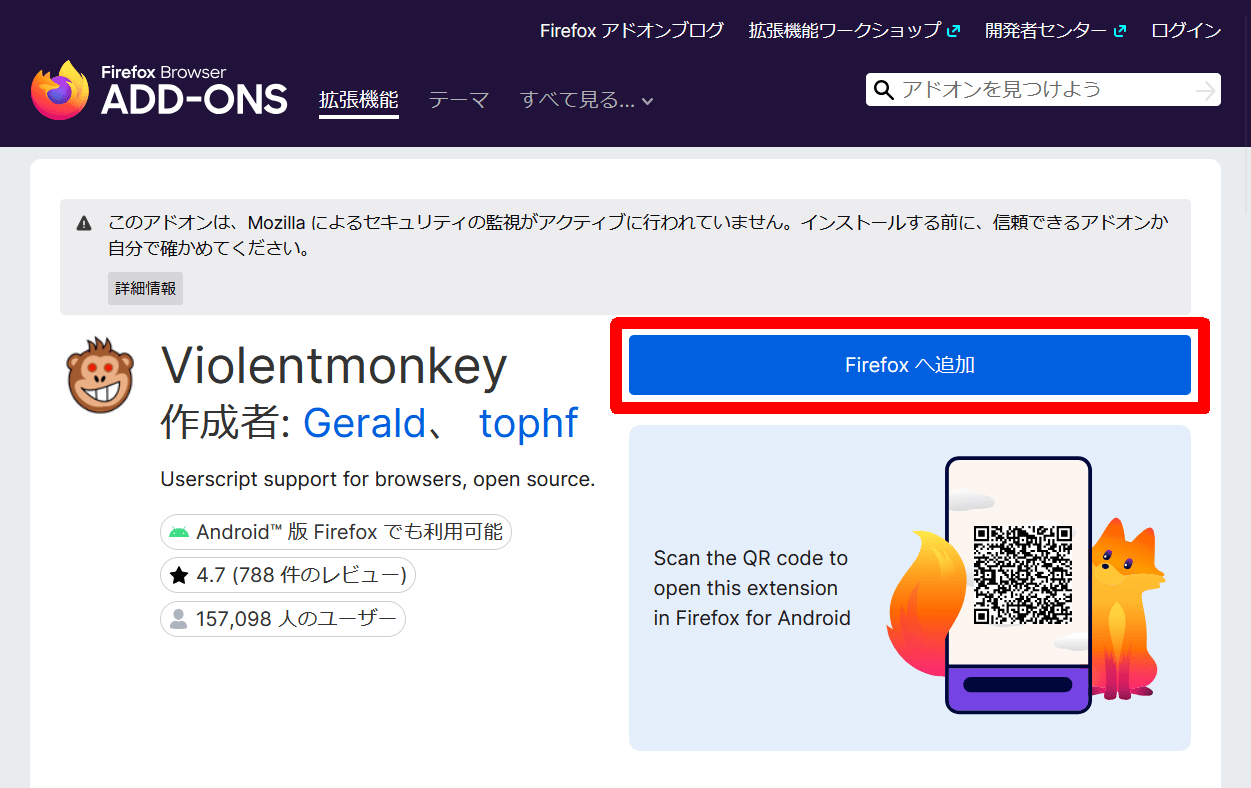
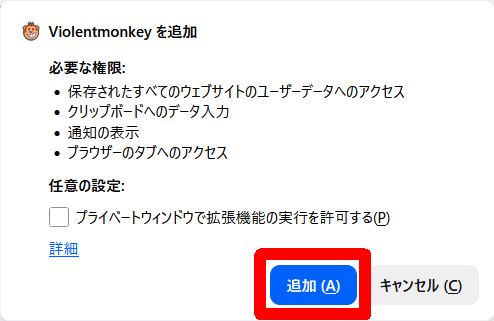
A 'Add Violentmonkey' pop-up will appear, so click the 'Add' button.
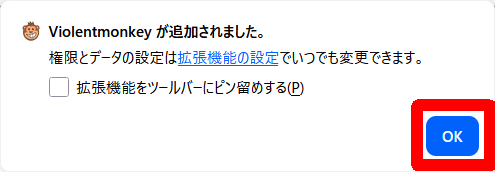
A pop-up message saying 'Violentmonkey has been added' will appear, so click the 'OK' button.
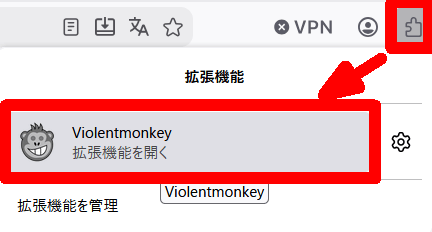
Click the extensions icon in the Firefox toolbar, and a list of extensions will pop up. Click Violentmonkey.
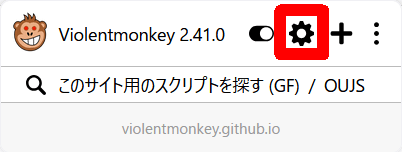
Violentmonkey will pop up; click the gear icon to display the dashboard screen.
If no user scripts are installed, the dashboard screen will appear with a pop-up menu open. Select 'Install from URL' from the pop-up menu.
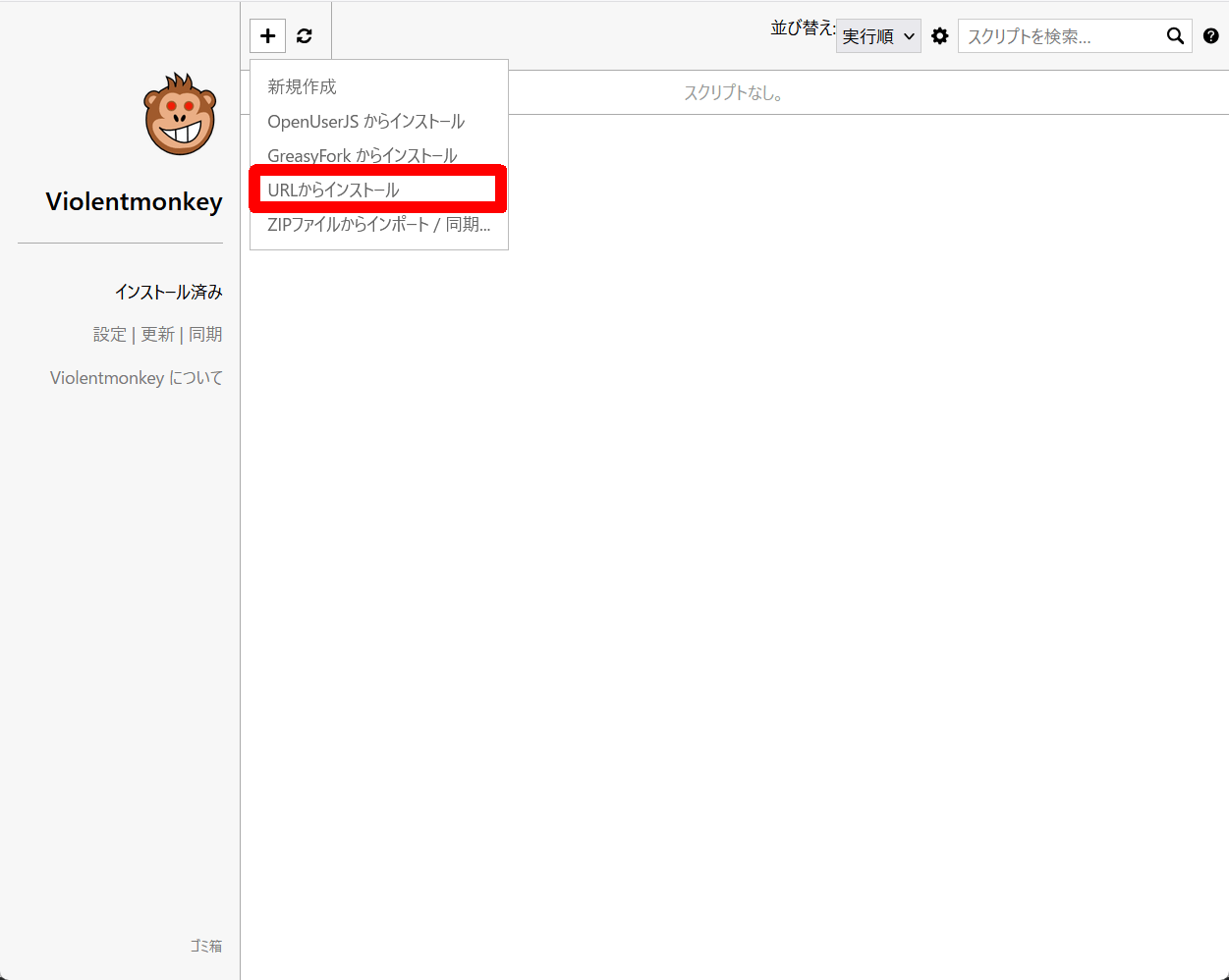
A 'Enter URL' pop-up will appear. Copy and paste the URL of the latest version of the user script 'Unwall.user.js' from the official GitHub Release page, and then click the 'OK' button.
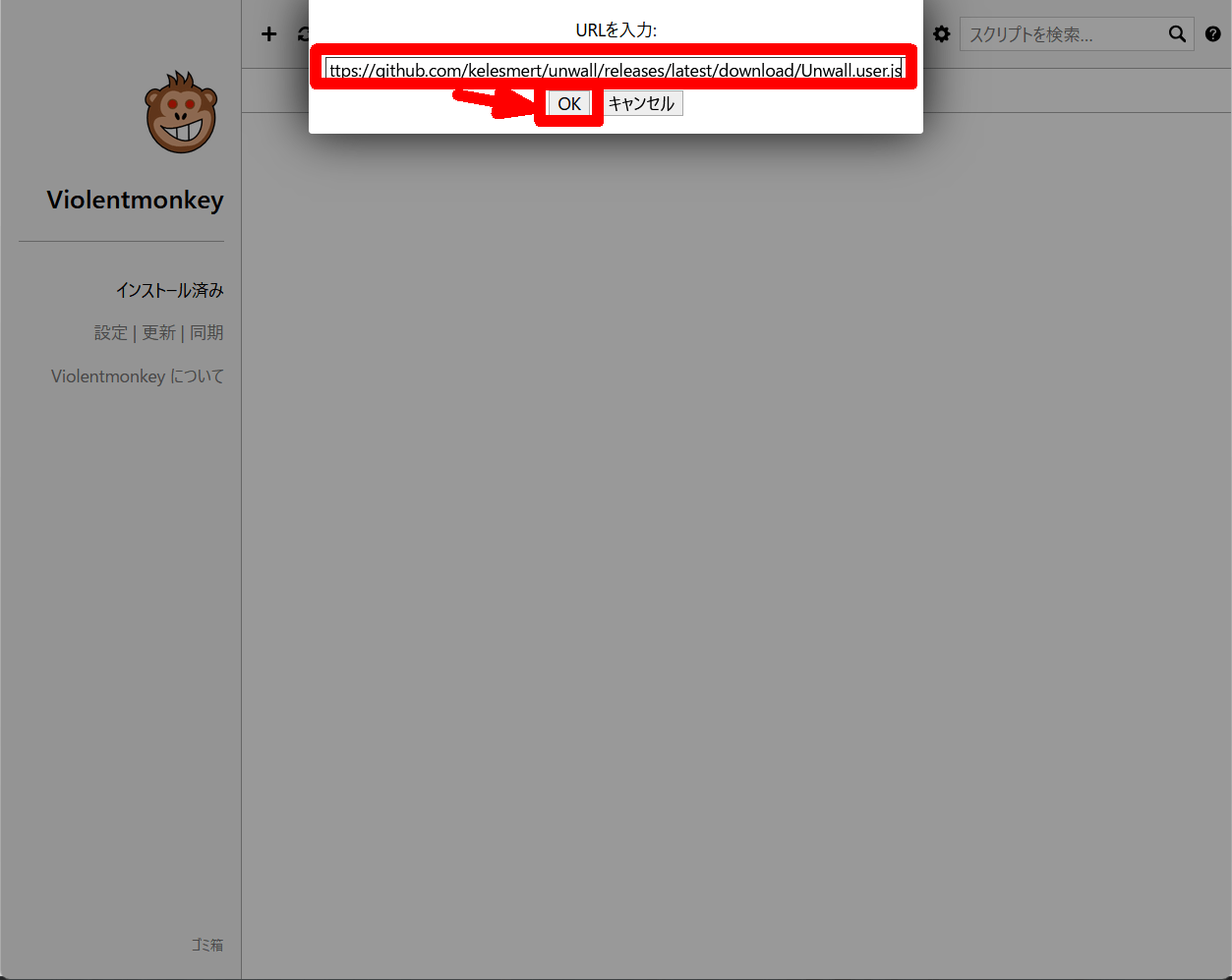
A user script screen showing information about 'Unwall.user.js' will appear, so click the 'Install' button in the middle of the screen.
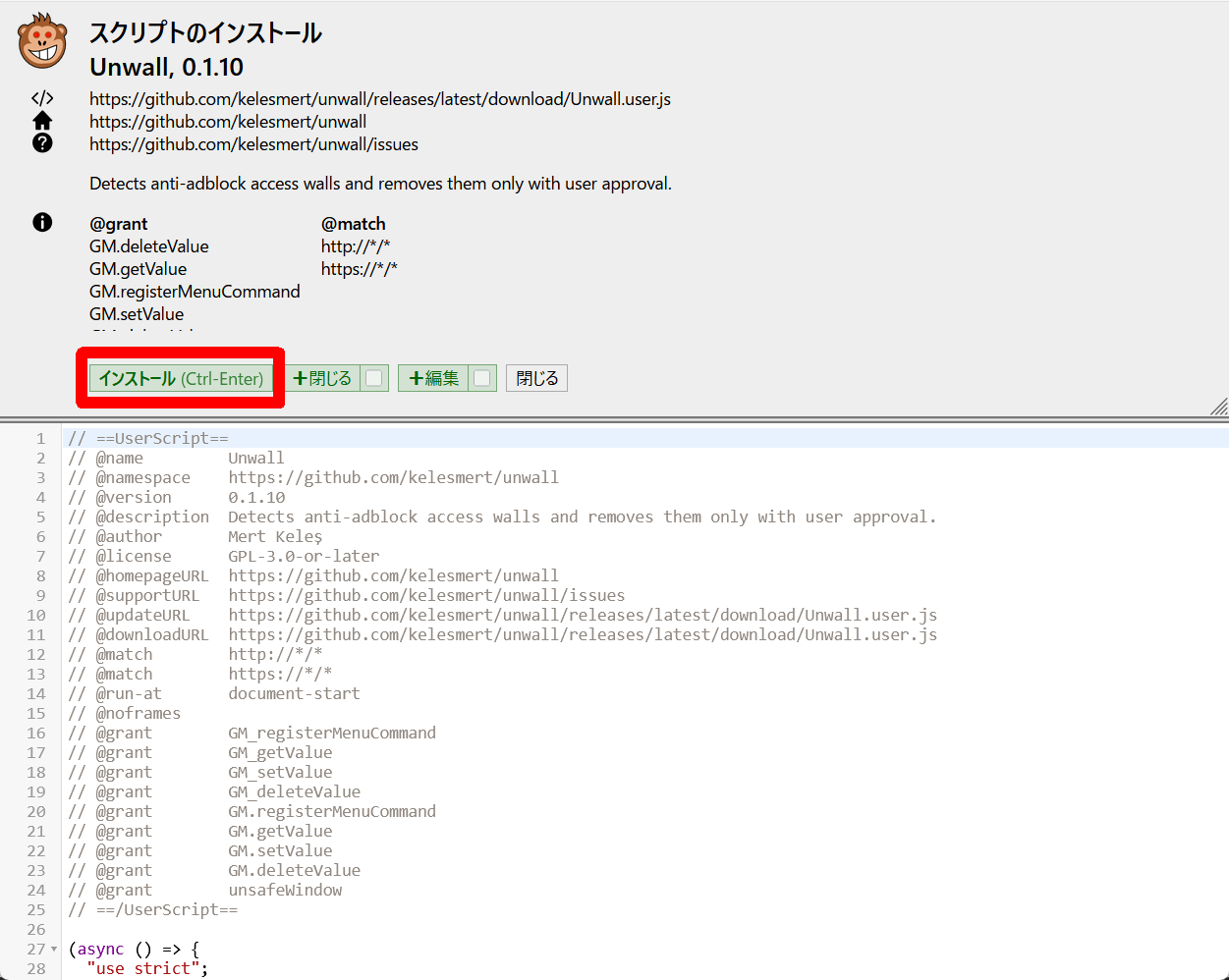
If you see the message 'Script installed' in red text, the user script installation is complete. Click the 'Close' button to close the user script screen.
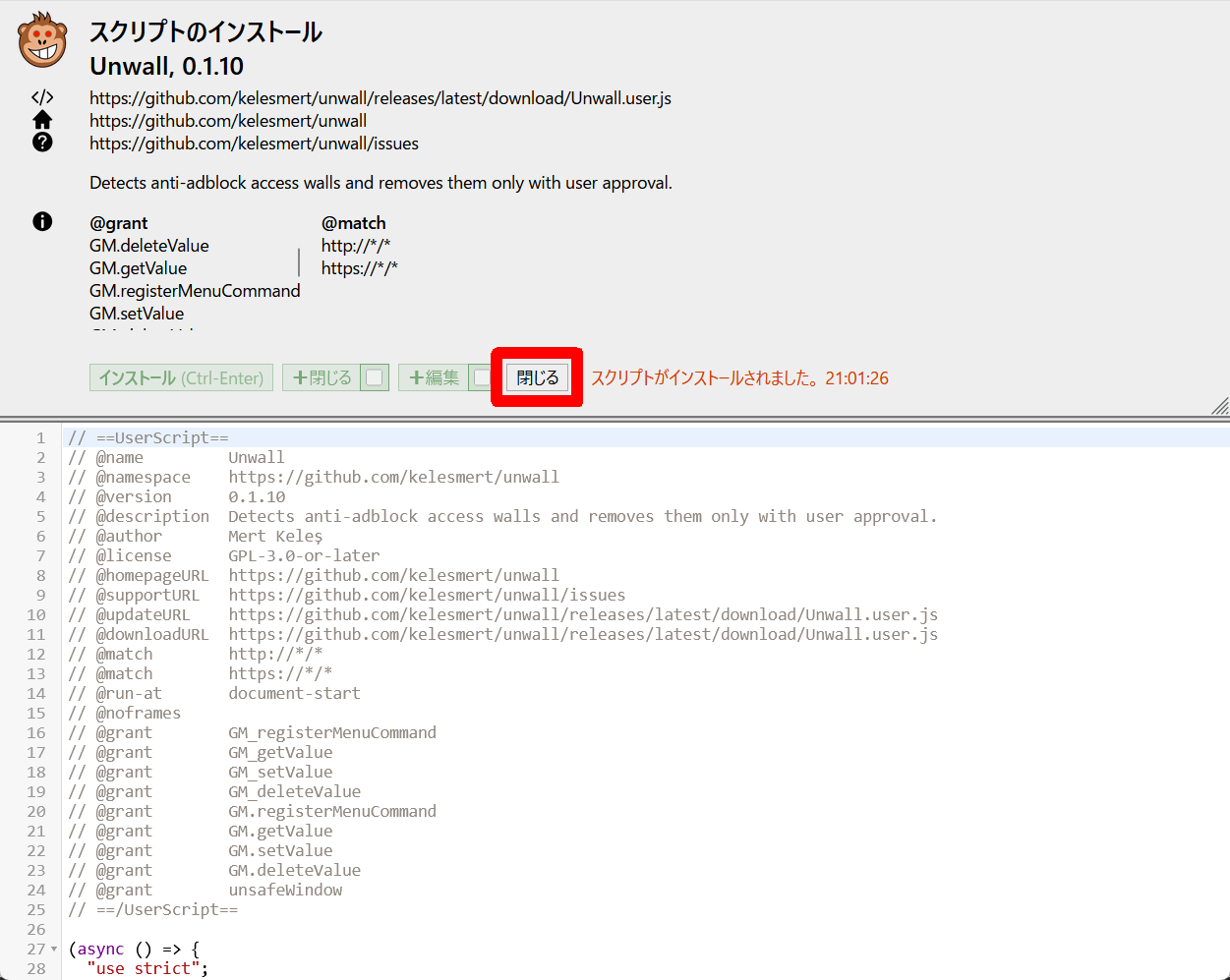
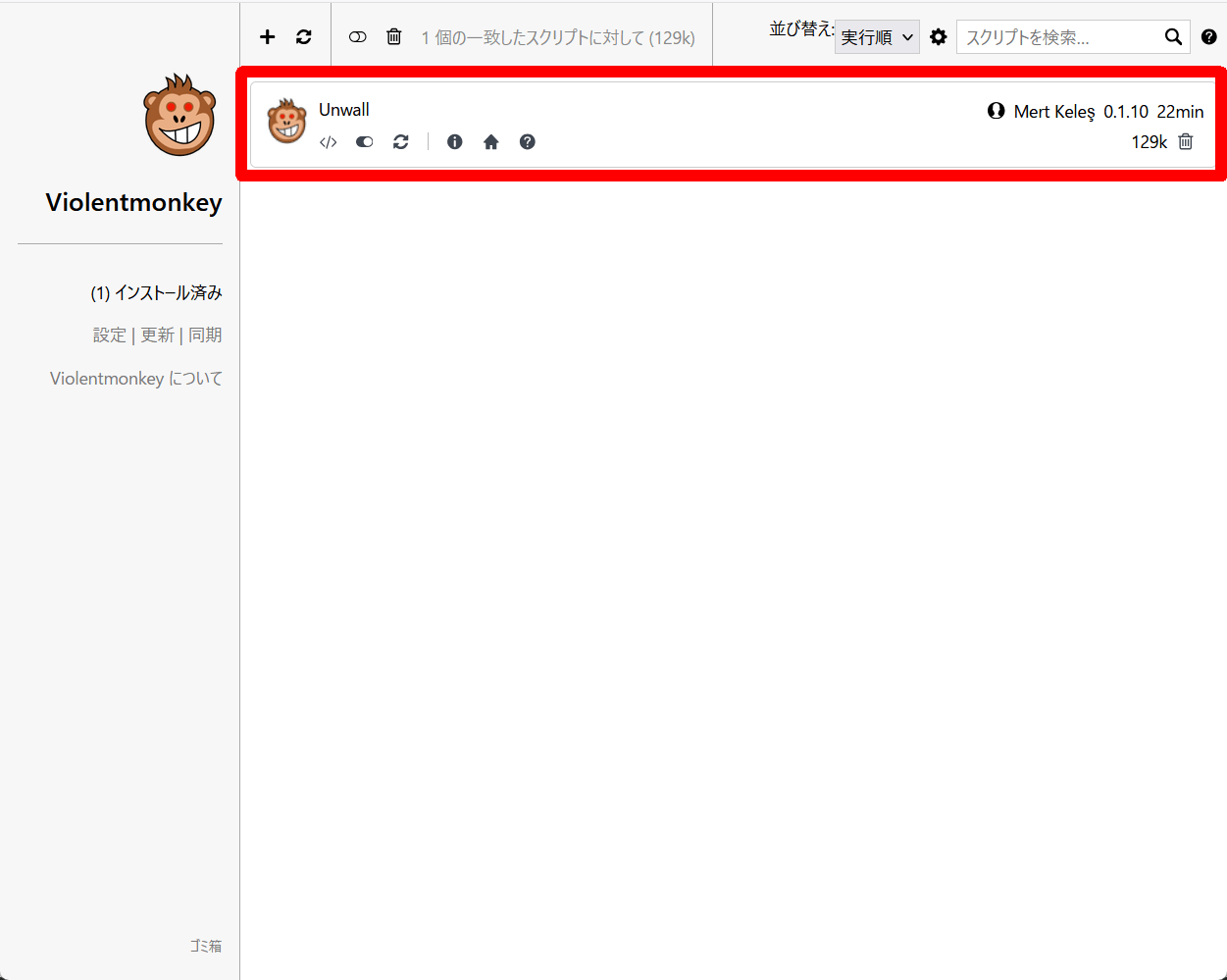
Returning to the dashboard screen, you should see the user script you installed. Now, whenever you view any page in Firefox, Unwall will run continuously.
◆The battle against ad-blocking measures
To verify Unwall's capabilities, I decided to create a test site. I used ' Studio ' to create the site.
Review of 'Studio,' a free tool for building a local WordPress environment - GIGAZINE
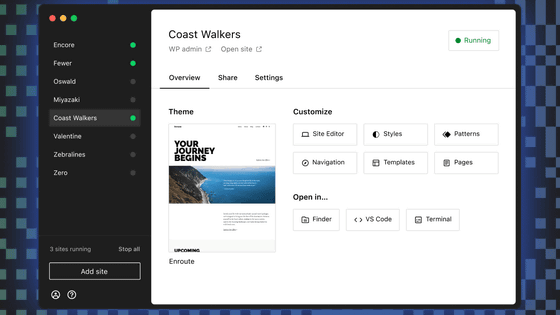
To implement ad blocking measures on the website I created, I used the ' CHP Ads Block Detector ' plugin.
CHP Ads Block Detector – WordPress Plugin | WordPress.org (Japanese)
I installed an ad-blocking plugin in Firefox and, with Violentmonkey disabled, opened a test site. An ad-blocking pop-up appeared as a modal. The stage is set for battle.
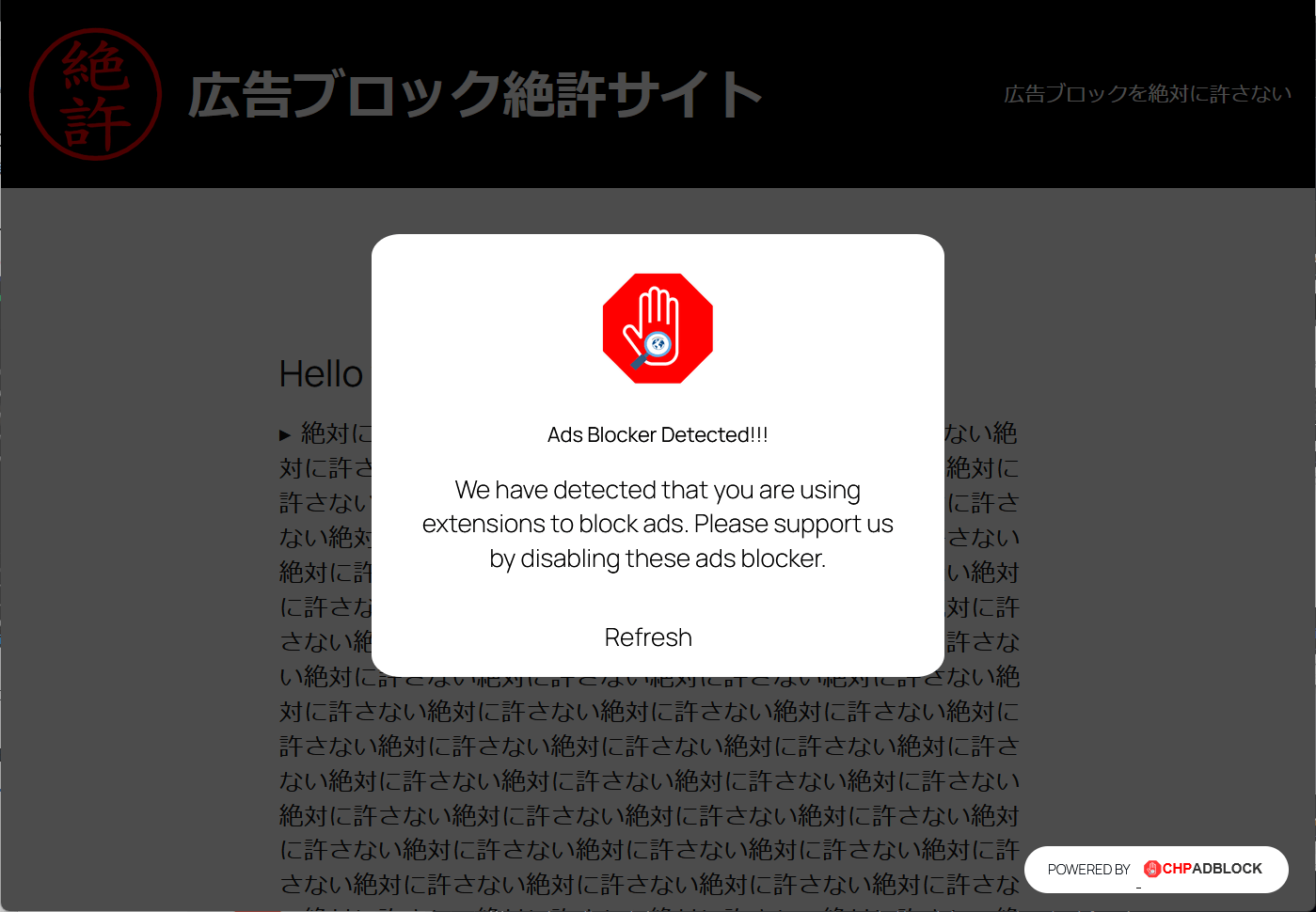
After enabling Violentmonkey and reloading the browser, the ad-blocking prevention pop-up appeared as a modal, as if nothing had happened. I checked Violentmonkey to see if Unwall wasn't working, but Unwall was functioning correctly. I tried selecting 'Scan page' and 'Turn on global detection' from the menu, but it failed to detect any ad-blocking prevention measures.
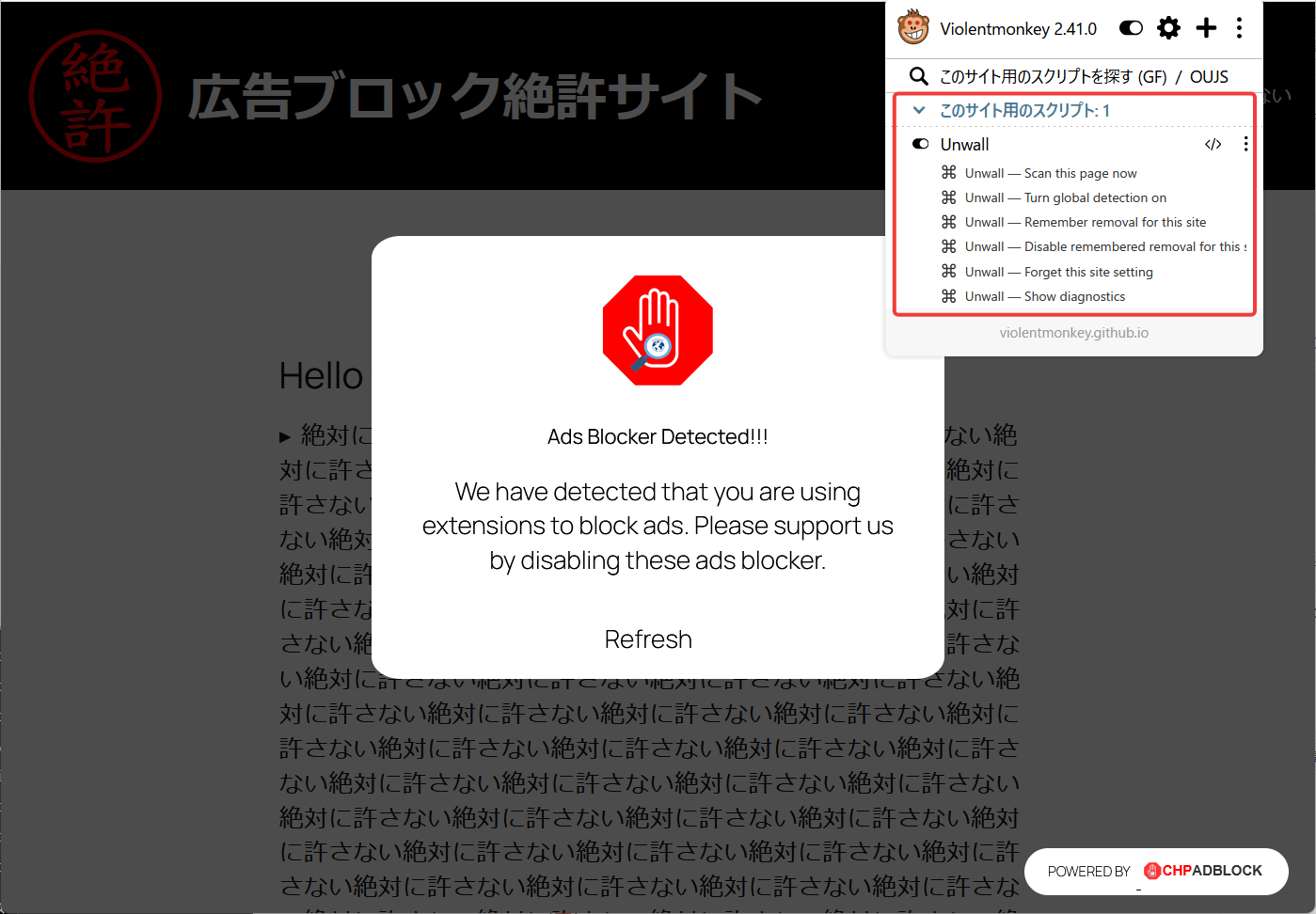
This battle ended in victory for 'CHP Ads Block Detector'.
◆ Additional Information
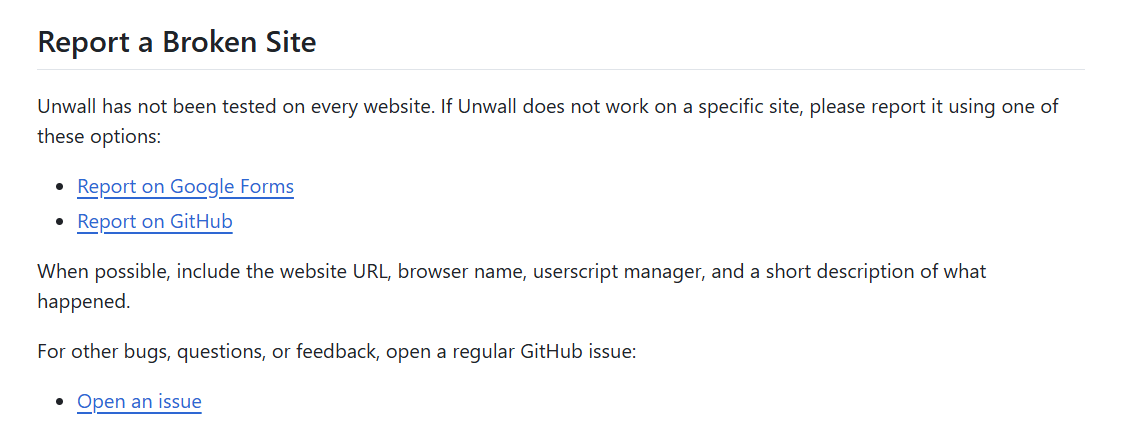
Checking their official GitHub repository, I found a link to
◆Summary
Unwall is a user script, so it requires a bit of skill to install, but it's free and can be installed regardless of browser or OS as long as you have a user script manager. In this review, we weren't able to see it disable access walls, which are used to block ads, but as of the time of writing, it's still in development (version 0.1.10), so we can look forward to future improvements.
Related Posts: