The Vancouver Police website has a 'quick escape button' that allows users to leave the site immediately without being detected.

The Vancouver Police Department website in Canada,
VPD Home - Vancouver Police Department
https://vpd.ca/
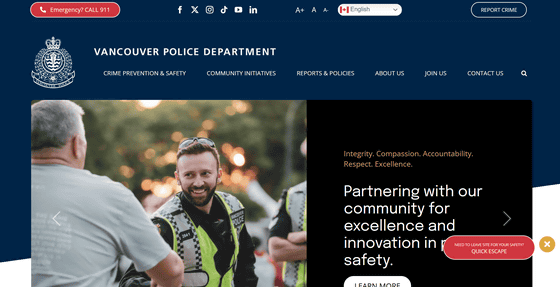
If you are browsing the Vancouver Police website and want to quickly leave without letting others know you were looking at the site, click 'NEED TOLEAVE SITE FOR YOUR SAFETY? QUICK ESCAPE' in the bottom right corner.
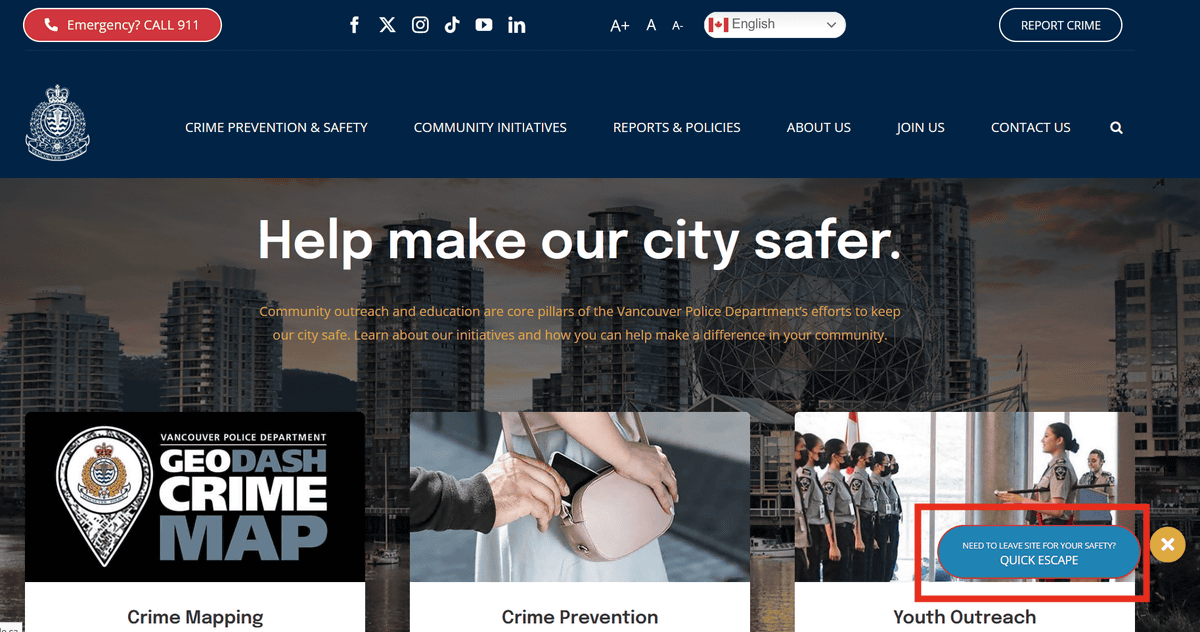
The screen switched, like in the TV show '
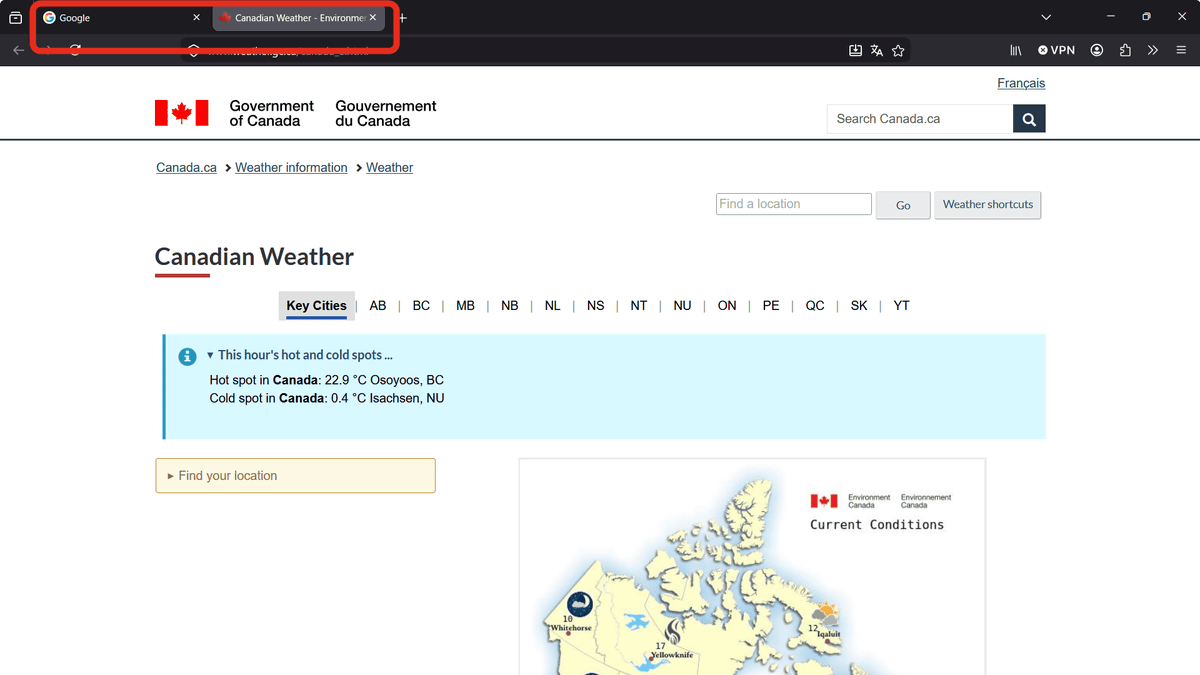
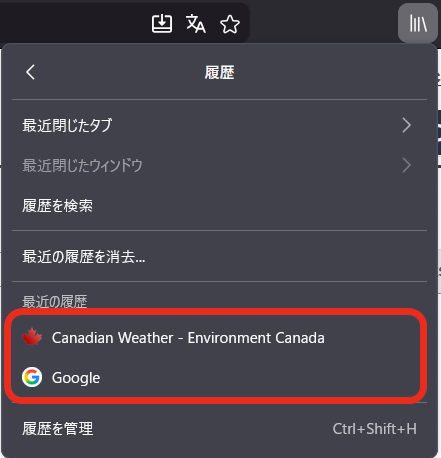
Check your browser history.
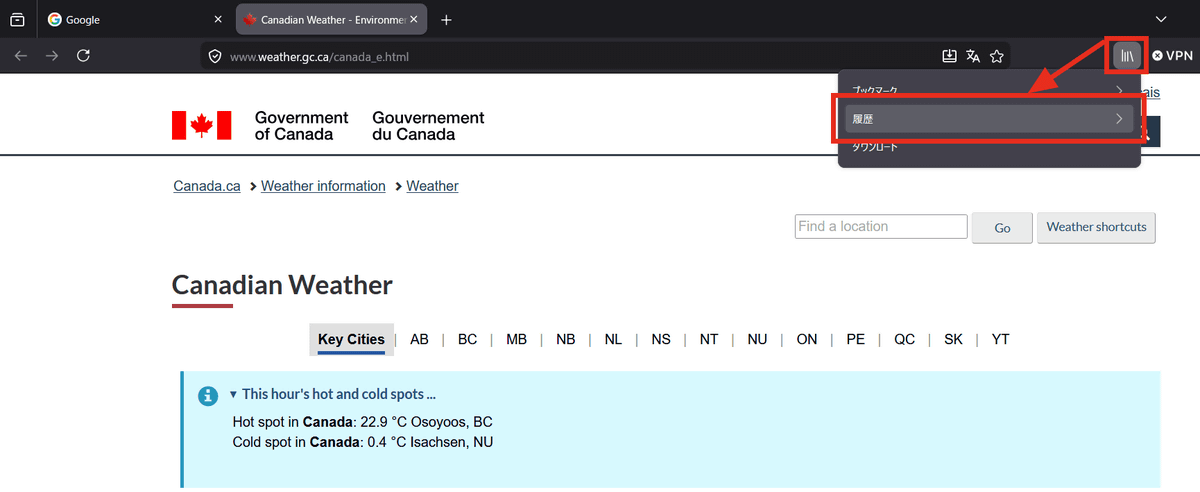
The browsing history only showed Canadian weather information pages and Google; the Vancouver Police page was not in the history.
Also, click the 'Back' button from the original tab.
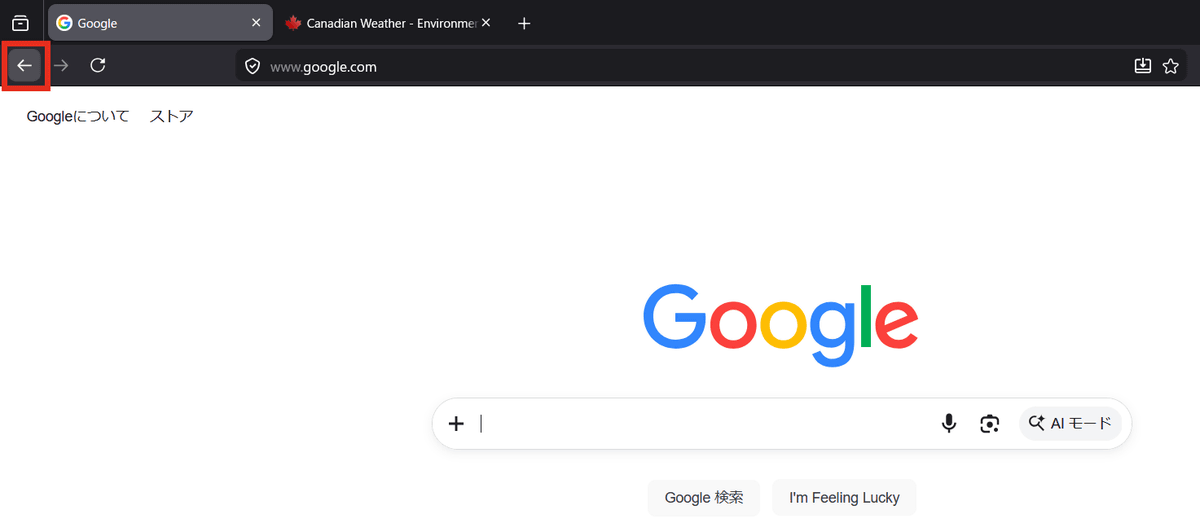
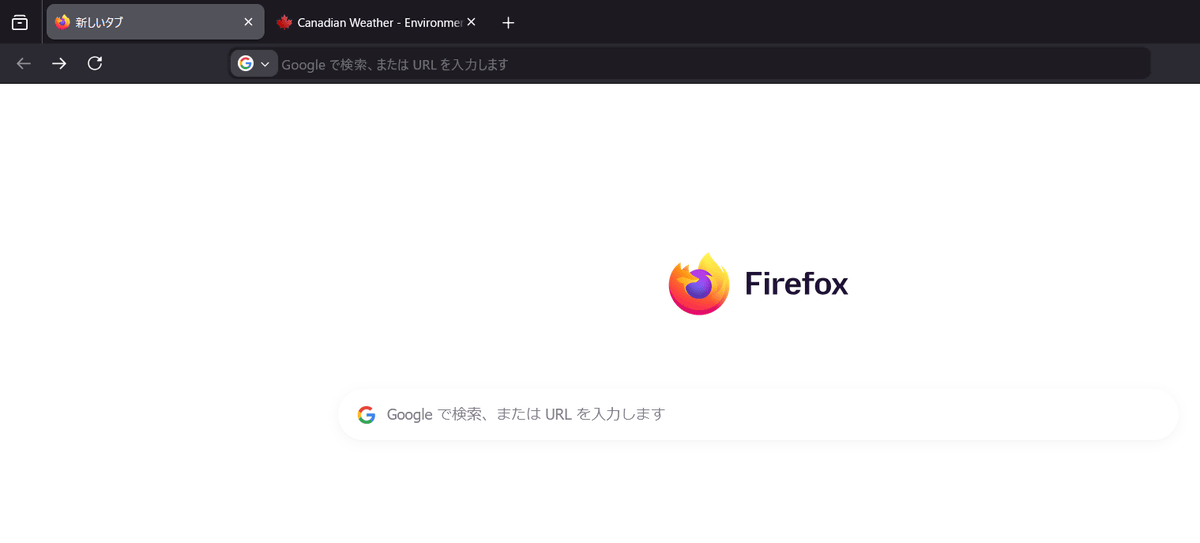
This will only display your browser's homepage and will not return you to the Vancouver Police website.
The UK government's website, GOV.UK, also released a component called '
beeps, who was involved in the development of 'Exit a page quickly,' has explained how it works in a blog post.
Why GOV.UK's Exit this Page component doesn't use the Escape key / Blog / beeps
https://beeps.website/blog/2024-10-09-why-govuk-exit-this-page-doesnt-use-escape/
According to beeps, the ideal way to perform the 'exit' action would have been to press the Escape key, but the Escape key has many other uses and performs special actions, creating many obstacles, so they implemented the Shift key as a shortcut. Also, GOV.UK's 'Exit a page quickly' redirects to the BBC weather forecast, but this is because linking to a news service from a government site could lead to criticism of political bias, and redirecting to Google's homepage is considered the least suspicious option because 'most people use the URL bar for Google searches, and hardly anyone actually uses Google's homepage.'

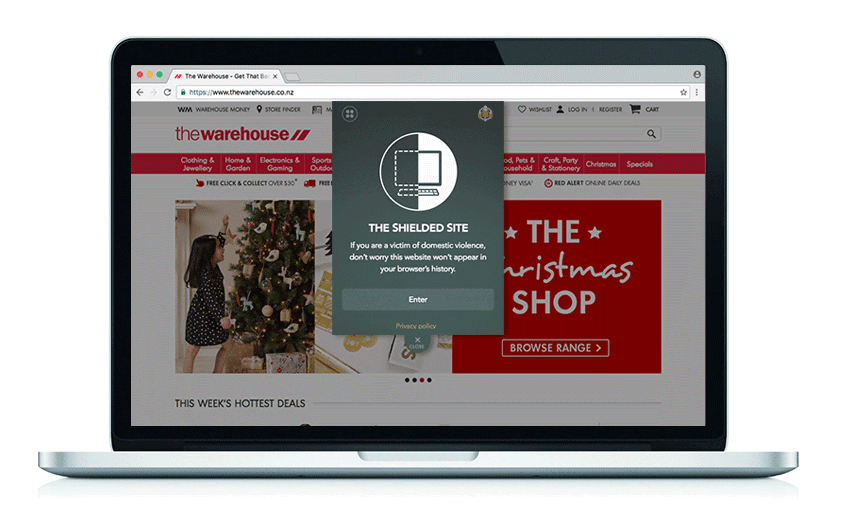
In addition, some New Zealand government and corporate websites offer a JavaScript-based pop-up called '
On the social news site Hacker News, regarding the implementation of a button to quickly leave a page without leaving a history, some opinions point out that 'if you leave by pressing the Escape key, it may stand out as if you are trying to hide something,' and 'the safest way is to open a Chrome incognito window and quickly close the browser by pressing Alt+F4 if necessary. However, Chrome's incognito window is in dark mode by default, so it will be very noticeable if you normally use light mode.' These are just some of the ideas mentioned for making it easier for others to find out you're browsing a website.
Related Posts:



in Web Service, Posted by log1e_dh