Browser4 is a free browser automation tool for AI.
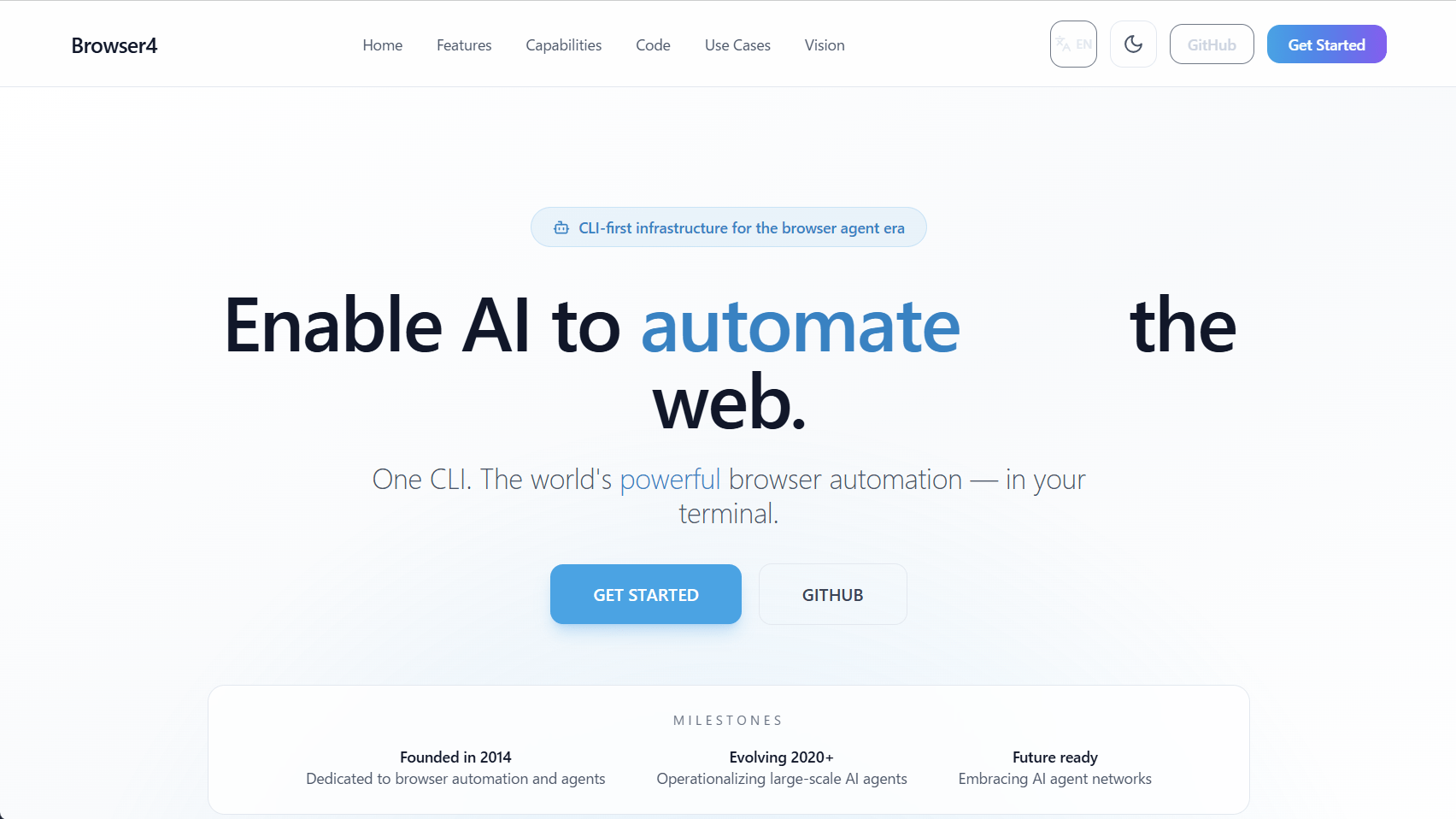
Browser4 is a CLI tool that enables AI-powered web browsing, automation, scraping, and crawling from the terminal.
platonai/Browser4: Browser4: a lightning-fast, coroutine-safe browser for your AI.
Browser4 - Enable AI to browse/automate/scrape/crawl the web
https://browser4.io/
◆Features
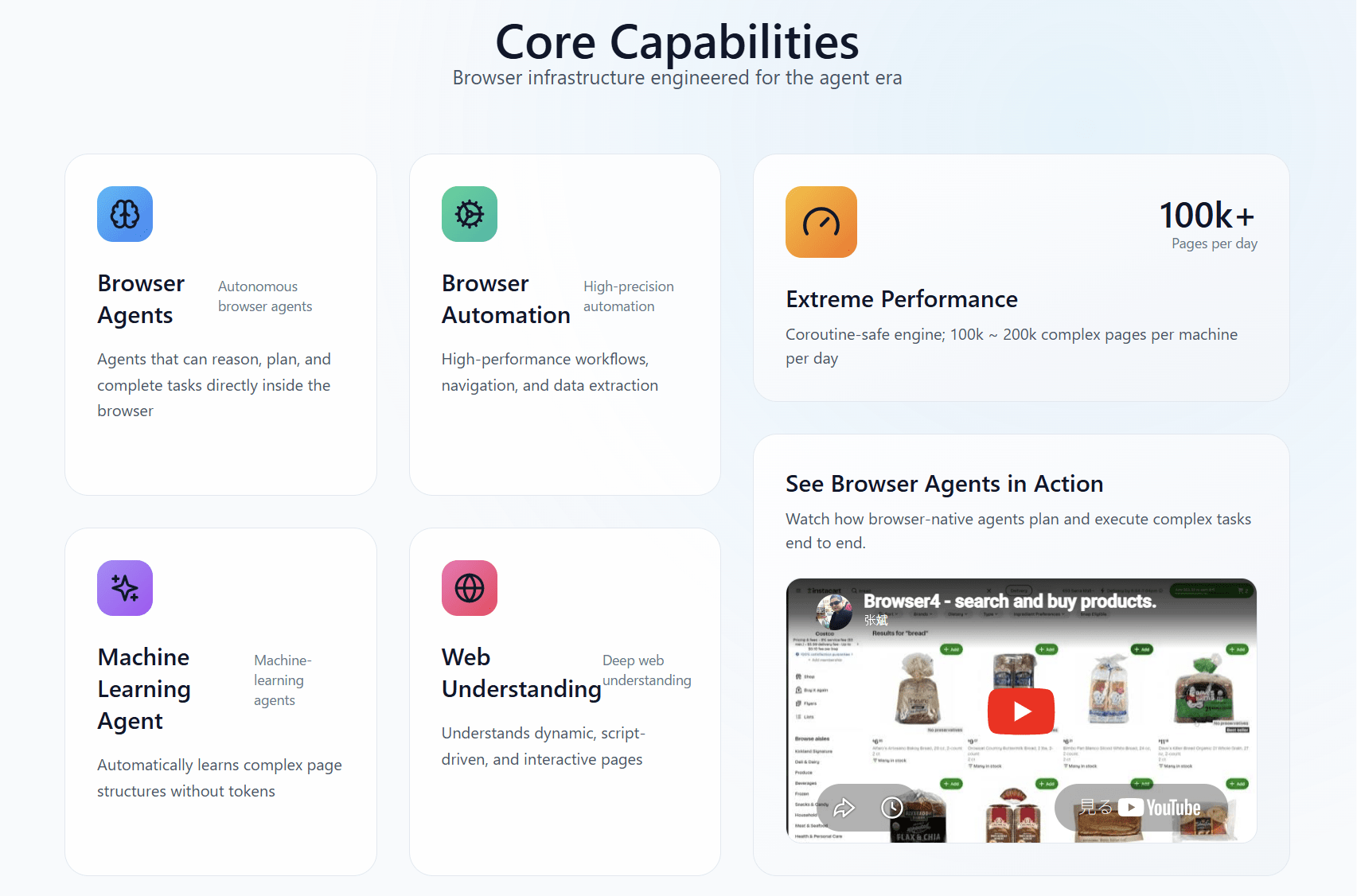
According to the official website, Browser4 has the following features:
• An autonomous browser agent capable of inference, planning, and task execution directly within the browser.
Advanced automation of browser-based workflows, navigation, and data extraction.
- Coroutine support enables ultimate performance.
• Machine learning agents that do not use tokens
- Capable of handling dynamic, script-driven, and interactive pages.
◆ Introduction
By simply having the LLM agent read the skills first and then instructing it to use Browser4's CLI to operate the browser, it can perform even complex tasks like the following.
[code]
$prompt = @'
Read https://browser4.io/SKILL.md and install browser4-cli for browser automation to perform the following task:
1. Go to amazon.com
2. search for pens to draw on whiteboards
3. Compare the first 4 ones
4. write the result to a markdown file
'@
claude -p '$prompt'
[code]
If you want to install Browser4's CLI directly instead of through the prompt, you can use the npm command if you have Node.js installed.
[code]
npm install -g browser4-cli
[code]
◆ How to use
The official website includes sample code that uses the CLI. Below is sample code for a natural language task performed by an autonomous agent.
[code]
# Submit a natural-language task — the agent plans and executes autonomously
browser4-cli agent run 'Go to amazon.com, search for mechanical keyboards, compare the first 4 results, and write a summary to keyboards.md'
# Poll delay
browser4-cli agent status agent-task-1
# Retrieve the final result
browser4-cli agent result agent-task-1
[code]
The following is sample code for automating a form using step-by-step control.
[code]
# Open a page, inspect interactive elements, then automate
browser4-cli open https://example.com/checkout
browser4-cli snapshot
# Fill the form using refs from the snapshot
browser4-cli fill e1 '[email protected]'
browser4-cli fill e2 'John Doe'
browser4-cli select e3 'US'
browser4-cli check e4
browser4-cli click e5
# Capture proof and close
browser4-cli screenshot --filename=checkout-complete.png
Browser 4 - Close
[code]
The following is sample code that extracts structured data using DOM snapshots and X-SQL queries.
[code]
# Navigate to a product page and capture the DOM
browser4-cli goto https://www.amazon.com/dp/B08PP5MSVB
browser4-cli domsnapshot
# Extract structured fields with CSS selectors
browser4-cli domsnapshot get text '#productTitle'
browser4-cli domsnapshot get attr '#bylineInfo' 'href'
# Or run a full X-SQL query for multi-field extraction
browser4-cli domsnapshot query --sql '
SELECT
dom_first_text(dom, '#productTitle') AS title,
dom_first_text(dom, '#bylineInfo') AS brand,
str_first_float(dom_first_text(dom, '.a-price .a-offscreen'), 0.0) AS price
FROM dom(dom)
'
[code]
The following is sample code for distributed parallel scraping aimed at high throughput.
[code]
# Create a swarm session with parallel browser contexts
browser4-cli swarm create \
--profile-mode=TEMPORARY \
--max-open-tabs=12 \
--max-browser-contexts=3 \
--display-mode=HEADLESS
# Submit a batch of URLs for high-throughput scraping
browser4-cli swarm submit \
--seed-file=./urls.txt \
--refresh --store-content \
--deadline=2026-06-30T00:00:00Z
# Poll and fetch results per job
browser4-cli swarm status scrape-task-4
browser4-cli swarm result scrape-task-4
[code]
Please note that at the time of writing this article, there were several commands that were used in the samples or listed in the reference but were not actually usable. Also, some commands, such as those related to X-SQL, require additional information such as the LLM API key to be passed as environment variables.
[code]
DeepSeek DEEPSEEK_API_KEY
OpenRouter OPENROUTER_API_KEY, OPENROUTER_MODEL_NAME, OPENROUTER_BASE_URL
Volcengine (ByteDance) VOLCENGINE_API_KEY, VOLCENGINE_MODEL_NAME, VOLCENGINE_BASE_URL
OpenAI-compatible OPENAI_API_KEY, OPENAI_MODEL_NAME, OPENAI_BASE_URL
Aliyun Qwen (DashScope) OPENAI_API_KEY, OPENAI_MODEL_NAME, OPENAI_BASE_URL
[code]
◆Summary
Browser4 is a free CLI tool with a wealth of features that allow you to automate browser tasks in various ways. Its functionality can also be further extended using LLM (Limited Licensing Module). If you're interested in browser automation, be sure to check it out.
Related Posts: