River is a free, decentralized group chat platform built on the completely rebuilt Freenet, enabling real-time chat with less than one second of latency and no central server.
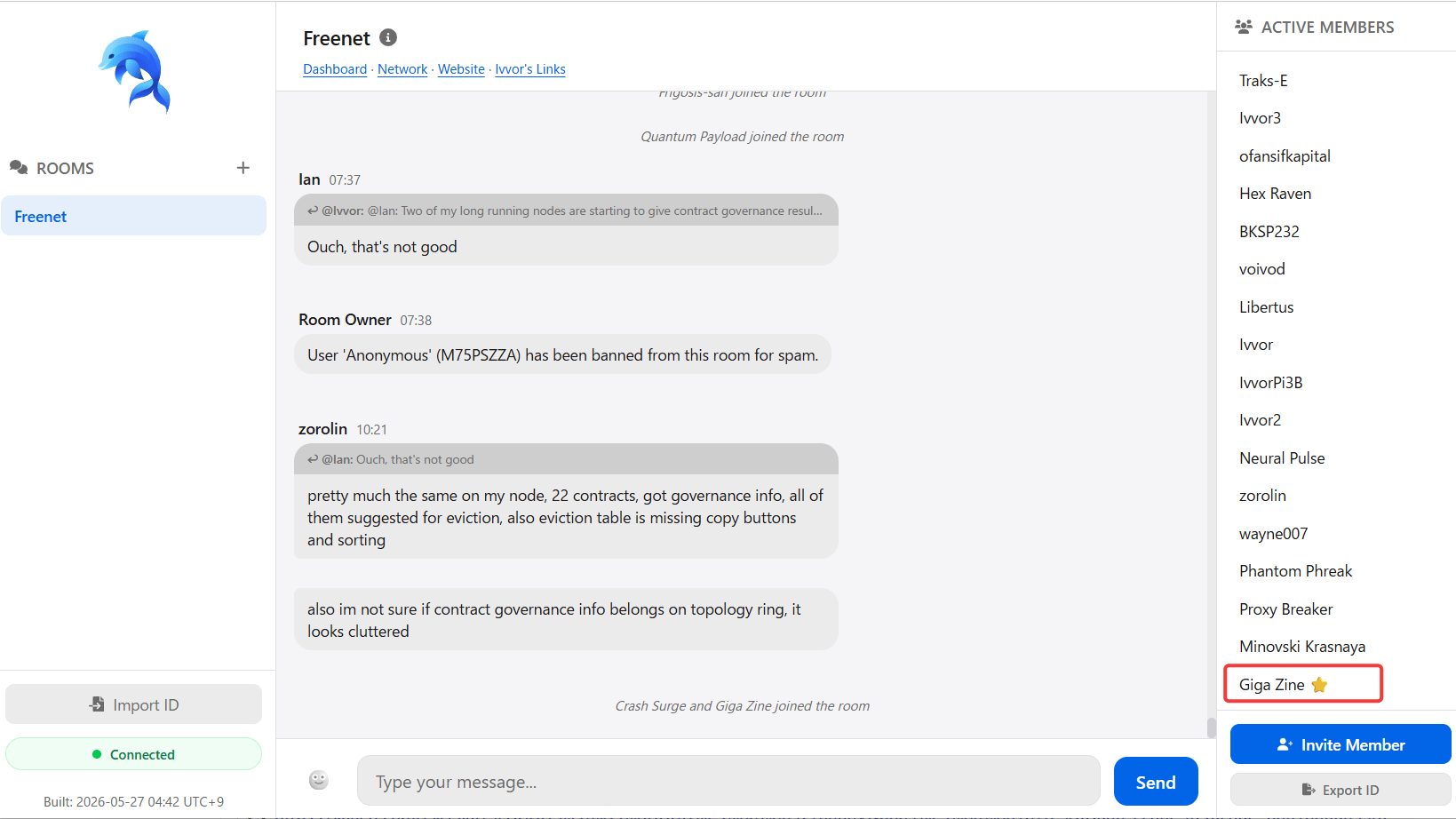
River is a decentralized group chat system developed as an alternative to traditional chat platforms. It features a secure and upgradeable system, built on
freenet/river: Decentralized group chat system built on Freenet
https://github.com/freenet/river/
◆About Freenet
Freenet is a highly anonymous and censorship-resistant P2P platform developed by Ian Clarke in 2000. However, in 2023, a new platform being developed under the internal code name 'Locutus' was renamed 'Freenet,' while the original Freenet was renamed ' Hyphanet ,' resulting in a somewhat complicated history.
Important Announcement: Freenet naming change
https://www.mail-archive.com/[email protected]/msg55262.html
Freenet renamed to Hyphanet : Hyphanet
https://www.hyphanet.org/freenet-renamed-to-hyphanet.html
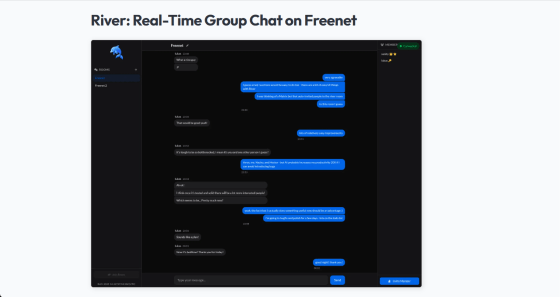
River is based on the current Freenet, which was rebuilt from the ground up. Although decentralized systems generally tend to have higher latency than centralized systems, River was able to communicate in real-time group chats over the Freenet network with a message delay of less than one second.
River: Real-Time Group Chat on Freenet | Freenet
https://freenet.org/about/news/river-realtime-chat-milestone/
◆ Introduction
The official GitHub repository recommends joining the official Freenet chat room as the easiest way to try River. While Freenet installation is required, this guide will show how to install it by running Freenet as a service on WSL (Ubuntu) and displaying the UI on the host Windows machine. Note that curl must be installed on WSL as it requires the use of the curl command.
[code]
sudo apt install curl
[code]
To download and install Freenet, run the following command:
[code]
curl -fsSL https://freenet.org/install.sh | sh
[code]
The log will scroll for a while, but it will stop when you get the following prompt. Enter Y and press Enter to proceed.
[code]
success: Freenet 0.2.67 installed successfully!
Would you like to install Freenet as a system service? [y/N]
[code]
After the installation is complete, run the following command to start the service.
[code]
freenet service start
[code]
If the service is running correctly, opening 'http://localhost:7509/' in a Windows browser will display the Freenet UI.
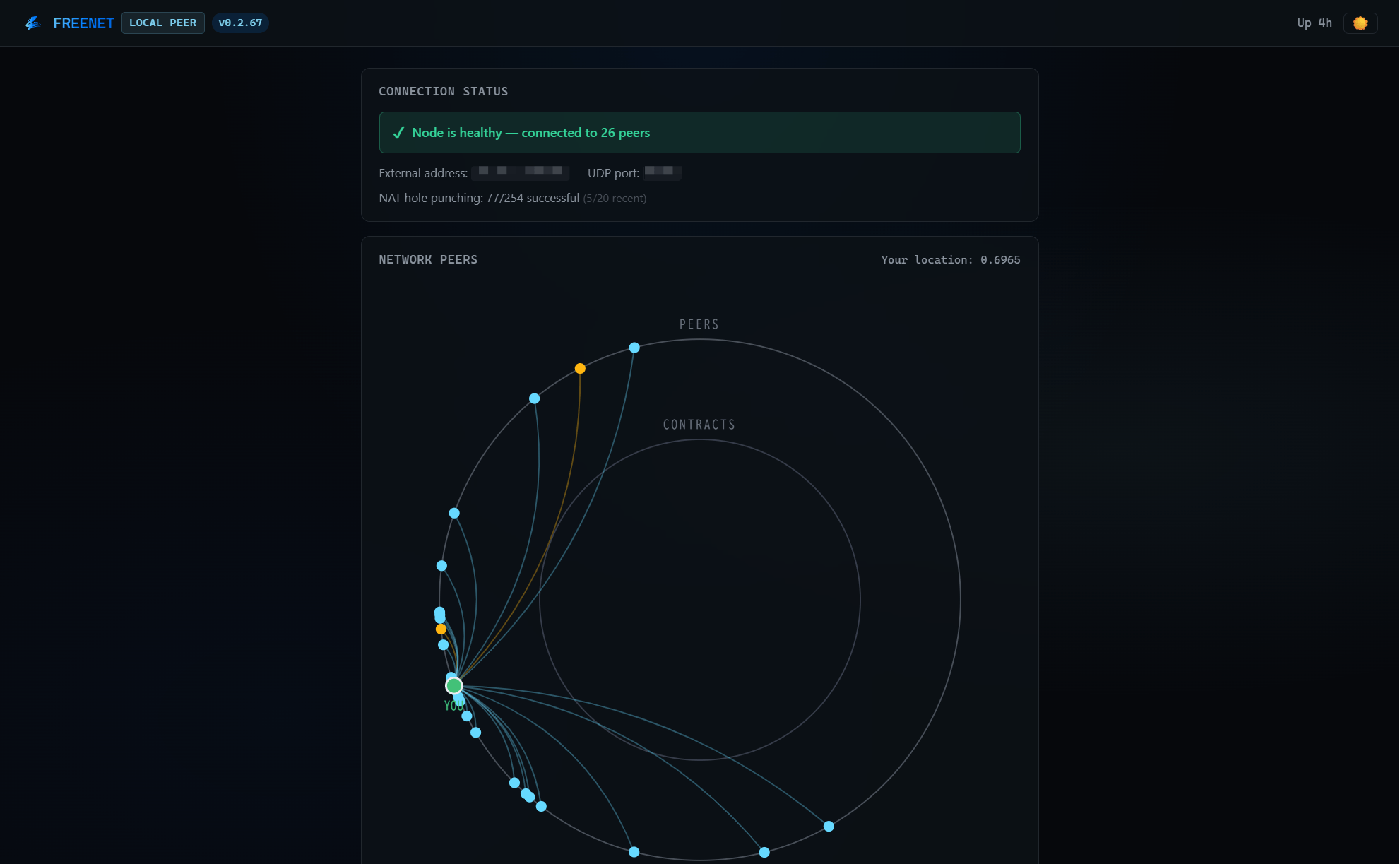
Once you've confirmed that the Freenet service is running, then open the following page.
Try Freenet: Join River | Freenet
If you scroll down, you will find a section called 'Step 2: Join the room.' Click the 'Open River & Join Chat' button, and an invitation code will be issued, opening the official Freenet chat room screen.
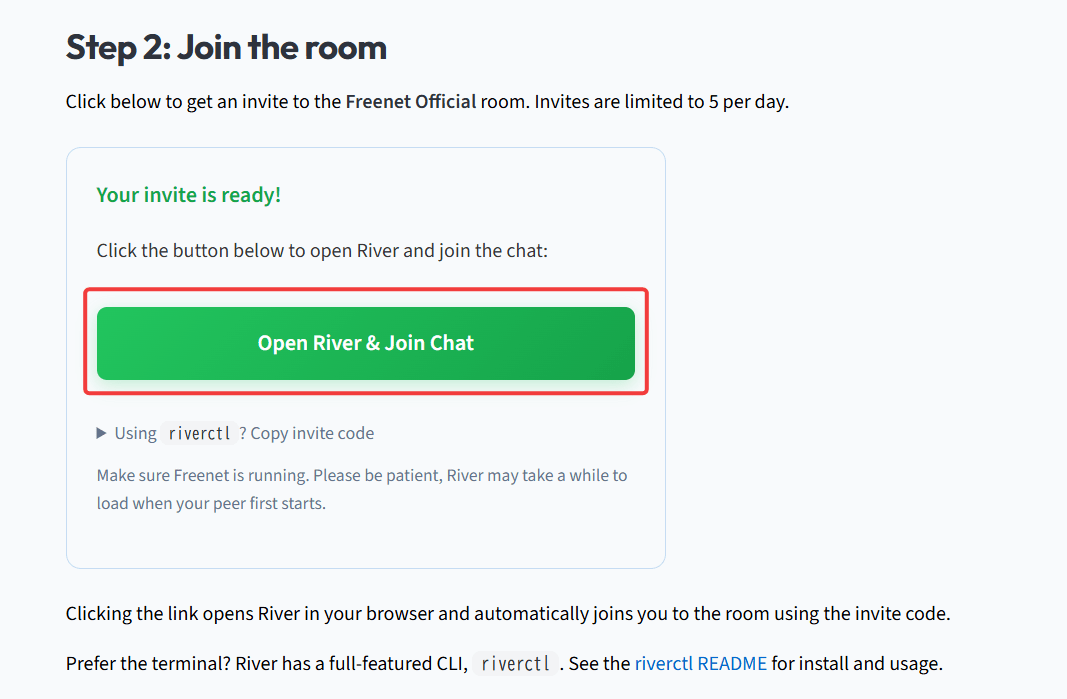
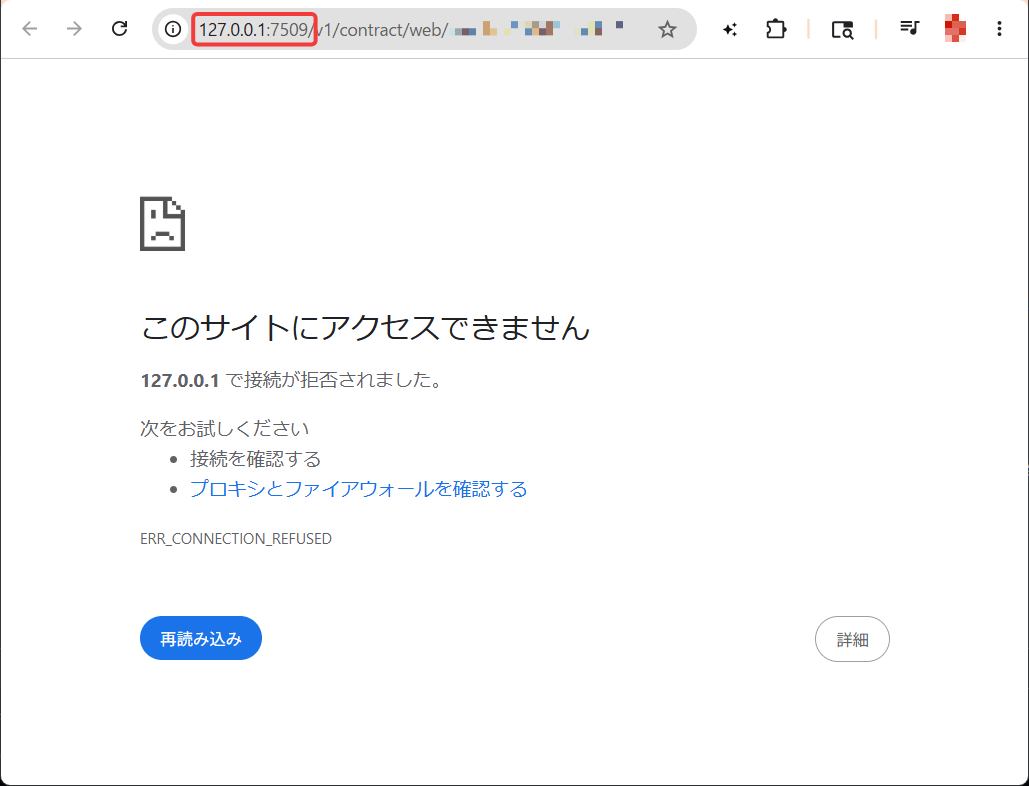
However, at the time of writing this article, there is a problem with the URL, and if you follow the steps up to this point, you will see the message 'This site cannot be reached.' The reason is that Windows does not recognize the domain '127.0.0.1' in the URL as localhost, so if you overwrite the '127.0.0.1' part with 'localhost', you will be able to open the chat room.
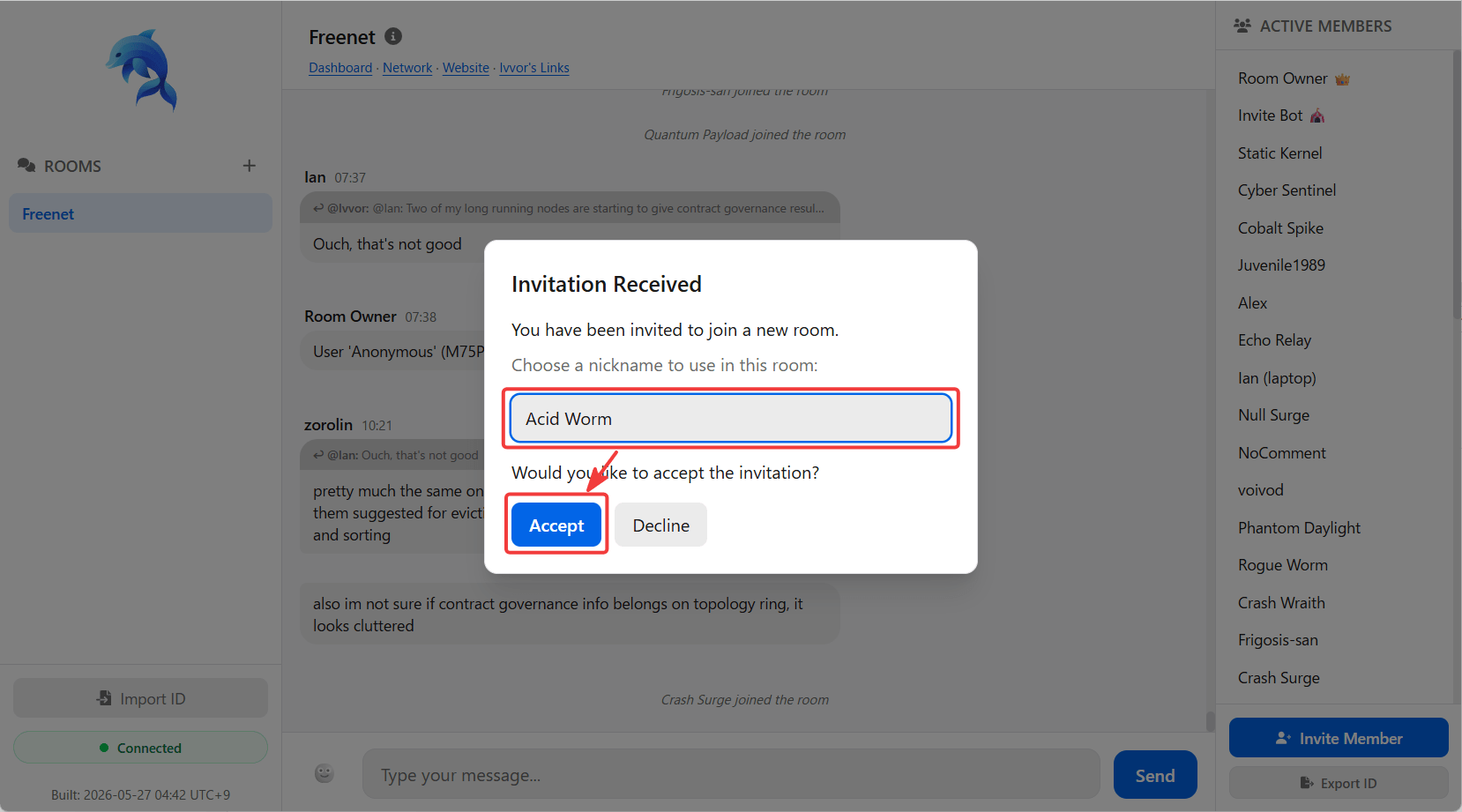
The 'Invitation Received' popup will display a randomly generated nickname to be used in the chat room. You can either use this nickname or change it to something else, then click the 'Accept' button to join the chat room.
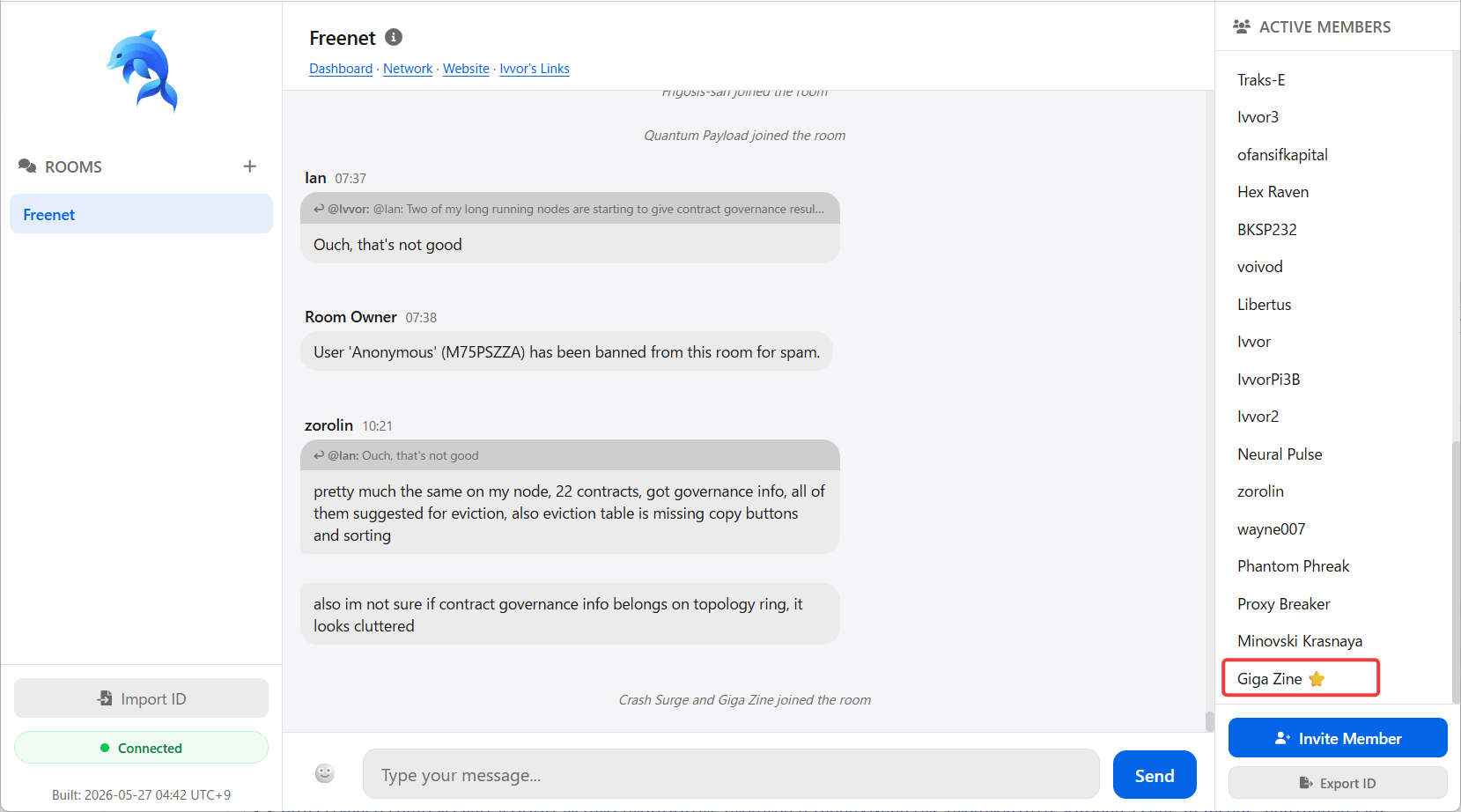
This is what the official Freenet chat room looks like.
◆ Command line interface
River provides a command-line interface (CLI) tool called ' riverctl ' for managing chat rooms from the command line. The riverctl command has the following subcommands:
• riverctl room : Room management (creation, list display, information display)
・riverctl message : Sending and receiving messages
• riverctltime : Member management
・riverctl invite : Create and approve invitation codes
◆Summary
At the time of writing, River was still at version 0.1.51, and perhaps because it is still under development, errors occurred when performing more in-depth builds or operational tests. However, even just experiencing Freenet's official chat room gave me a sense of the future potential of decentralized group chat systems, so those who want to easily build a secure group chat should keep an eye on its future developments.
Related Posts:




in Software, Web Service, Review, Posted by log1c_sh