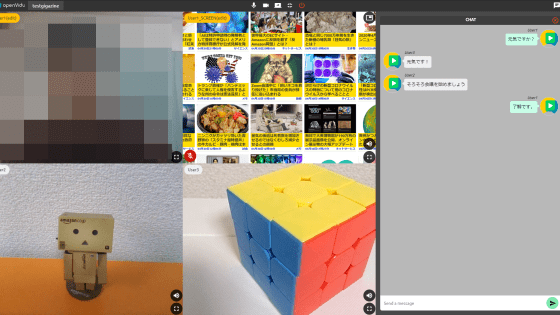
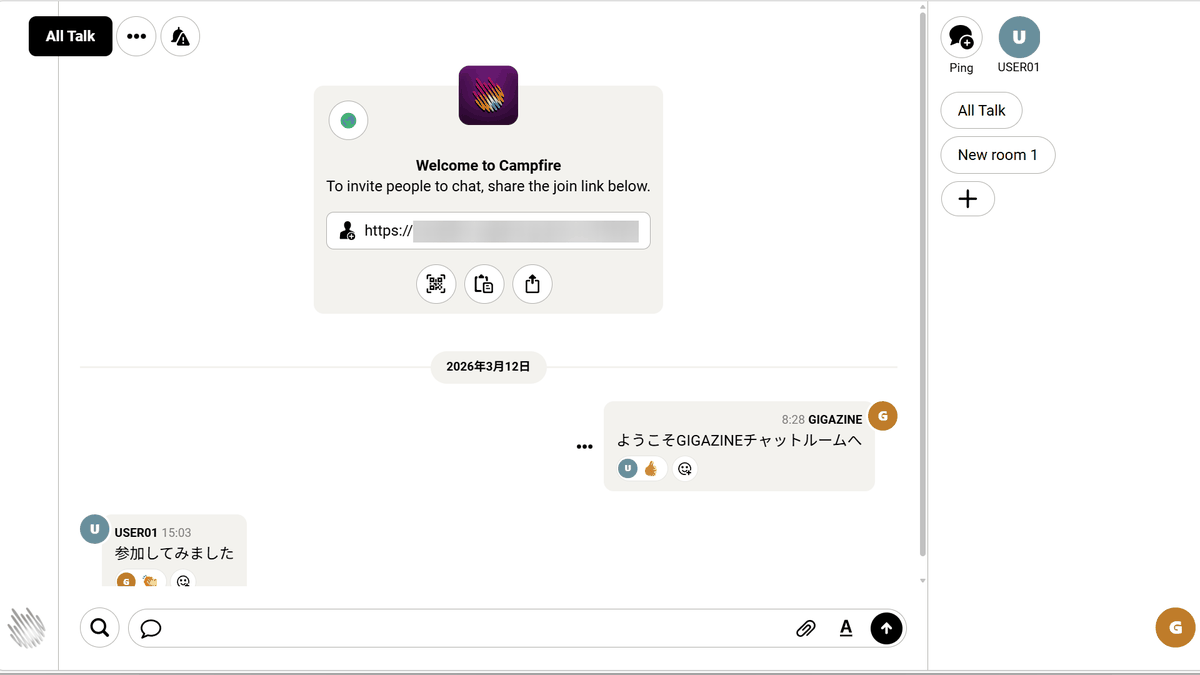
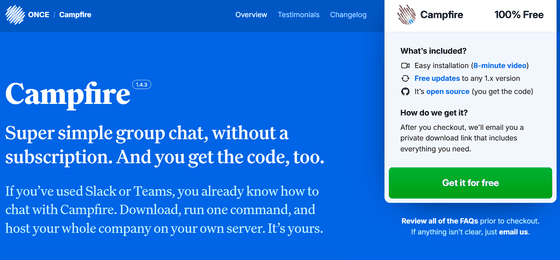
Campfire is a super simple, free group chat application that requires no subscription and allows self-hosting.
While chat tools like
basecamp/once-campfire: Super simple group chat, without a subscription
https://github.com/basecamp/once-campfire
ONCE — Campfire
https://once.com/campfire
◆Features of Campfire
• Browser app, therefore available on multiple platforms
• Simple UI
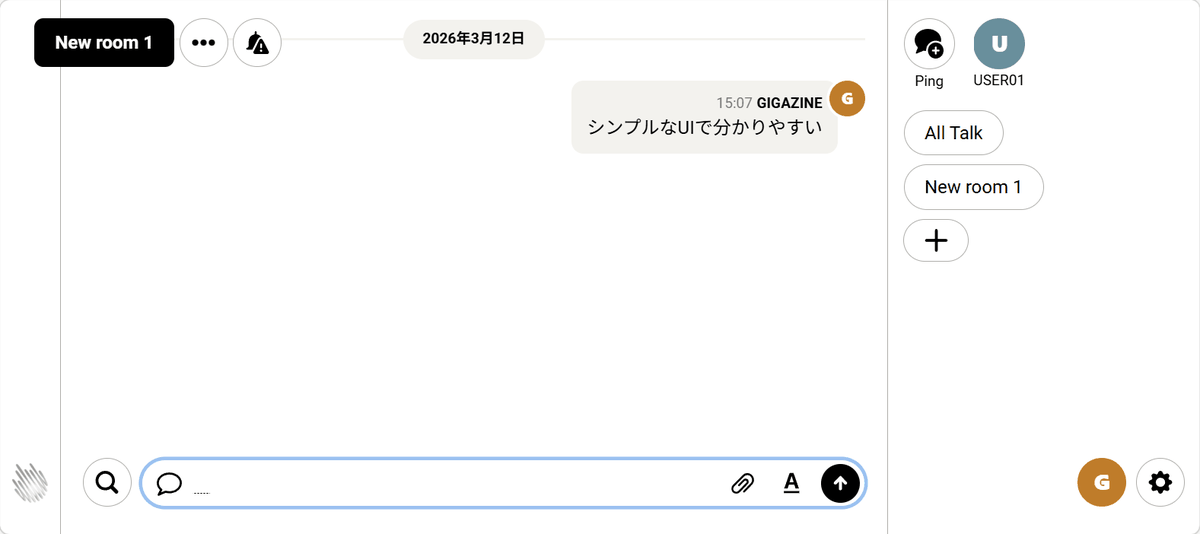
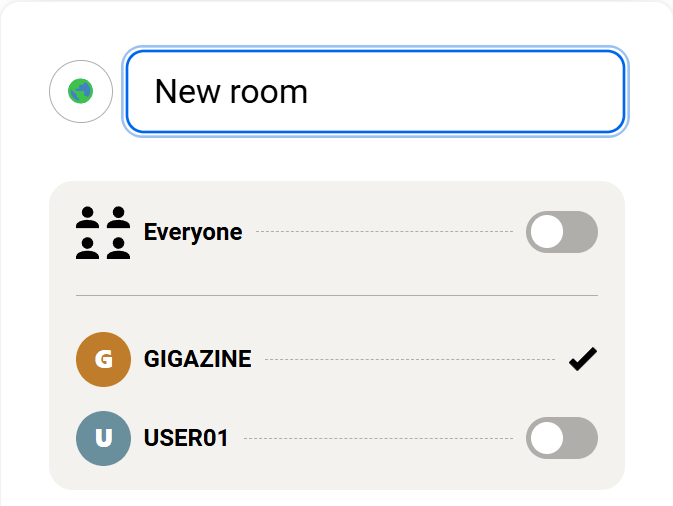
- Multiple chat rooms can be created, and participants can be restricted.
- Direct messaging function between individuals
File sharing
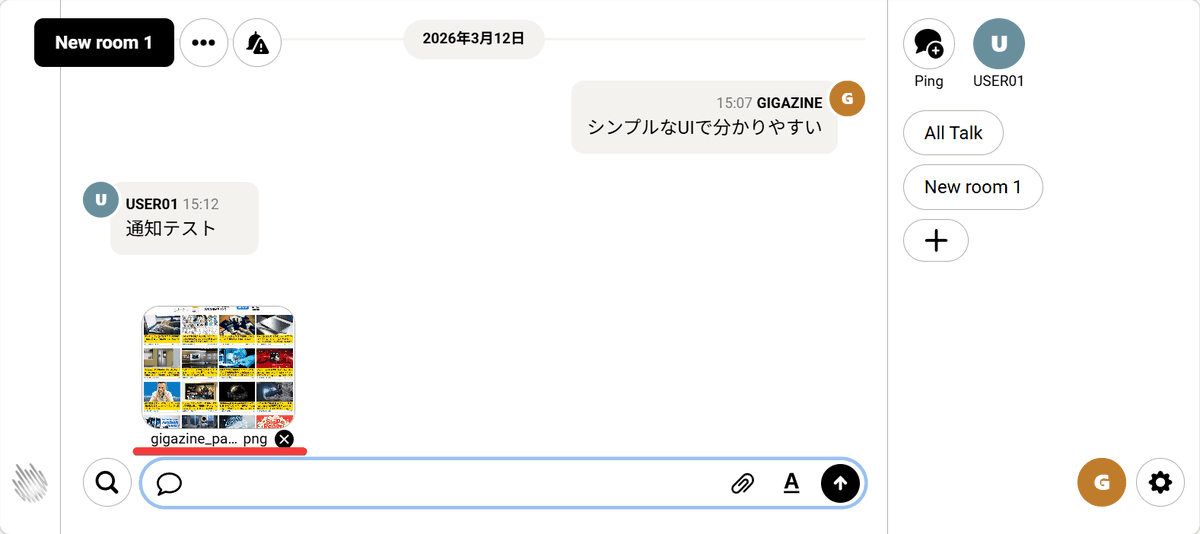
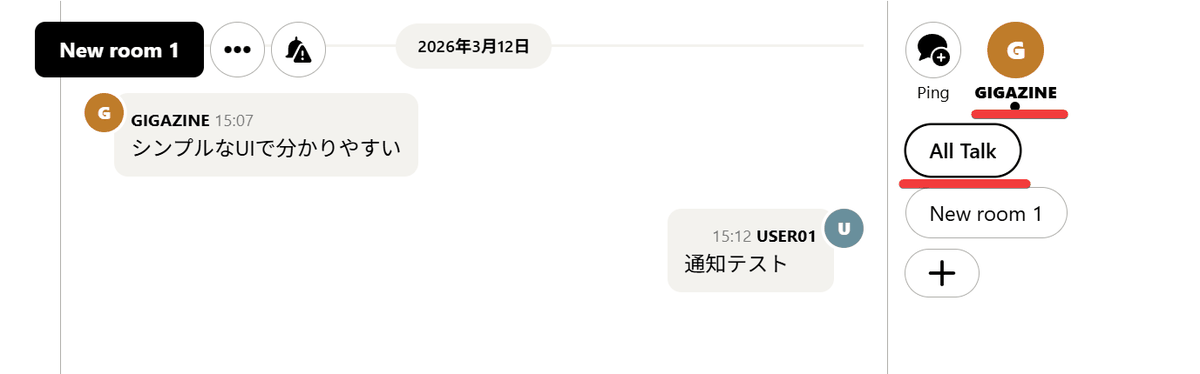
・Notification function
When there are unread posts in a room or when you receive a direct message, the room name and/or username will be highlighted.
- Operates with Docker only
All hosting functions are included in a single Docker image, allowing it to be started with a single command.
- Obtain a TLS certificate
It automatically obtains and configures a
◆Host server setup procedure
This time, we will set up an environment where Docker and Ruby can be used on Ubuntu on a Google Cloud VM instance. Clone the project and move to the created directory.
 git clone https://github.com/basecamp/once-campfire.git
 cd once-campfire
To create the image, execute the following command.
docker build -t campfire .
Create a .env file and set the environment variables.
 Set the value generated by # openssl rand -hex 64 to SECRET_KEY_BASE.
 SECRET_KEY_BASE=[xxxxxxxxxxxxxxx]

 # Generate keys for VAPID_PUBLIC_KEY and VAPID_PRIVATE_KEY.
 # bundle install
 # ruby script/admin/create-vapid-key
 Set the values generated by # to VAPID_PUBLIC_KEY and VAPID_PRIVATE_KEY.
 VAPID_PUBLIC_KEY=[9gVIi2...]
 VAPID_PRIVATE_KEY=[ICaFE...]

 # Please assign a domain for chat.
 TLS_DOMAIN=【Domain for chat】
Start the container.
 docker run \
 --env-file .env \
 --publish 80:80 --publish 443:443 \
 --restart unless-stopped \
 --volume campfire:/rails/storage \
 campfire
◆ Chat administrator registration and user invitation
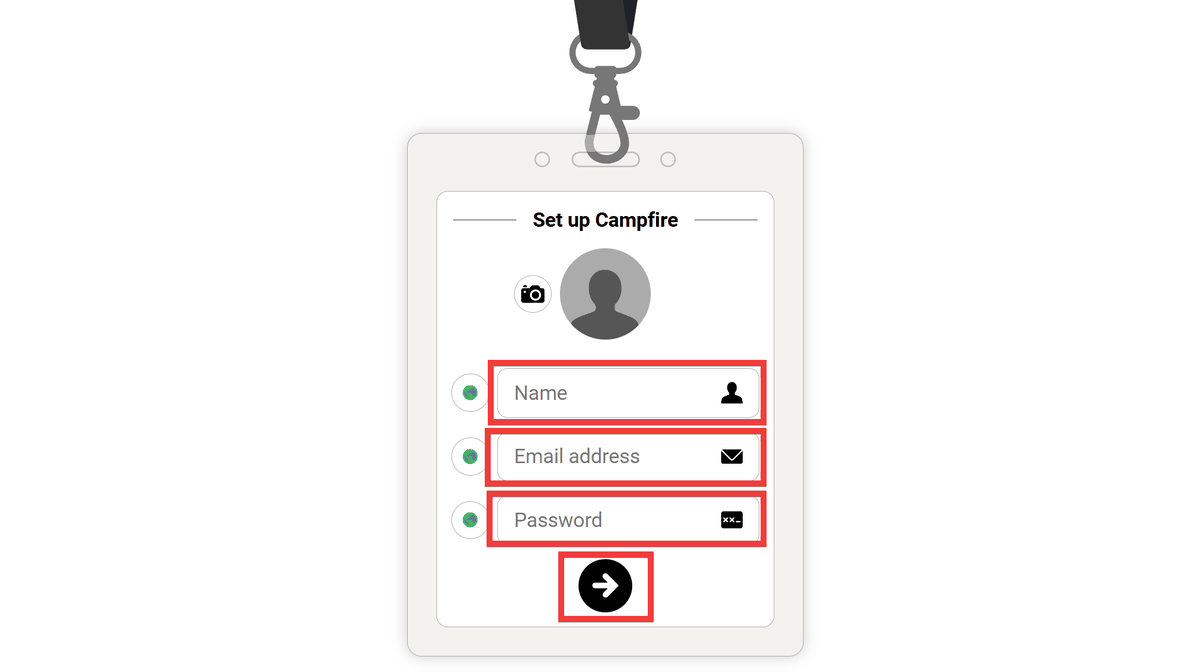
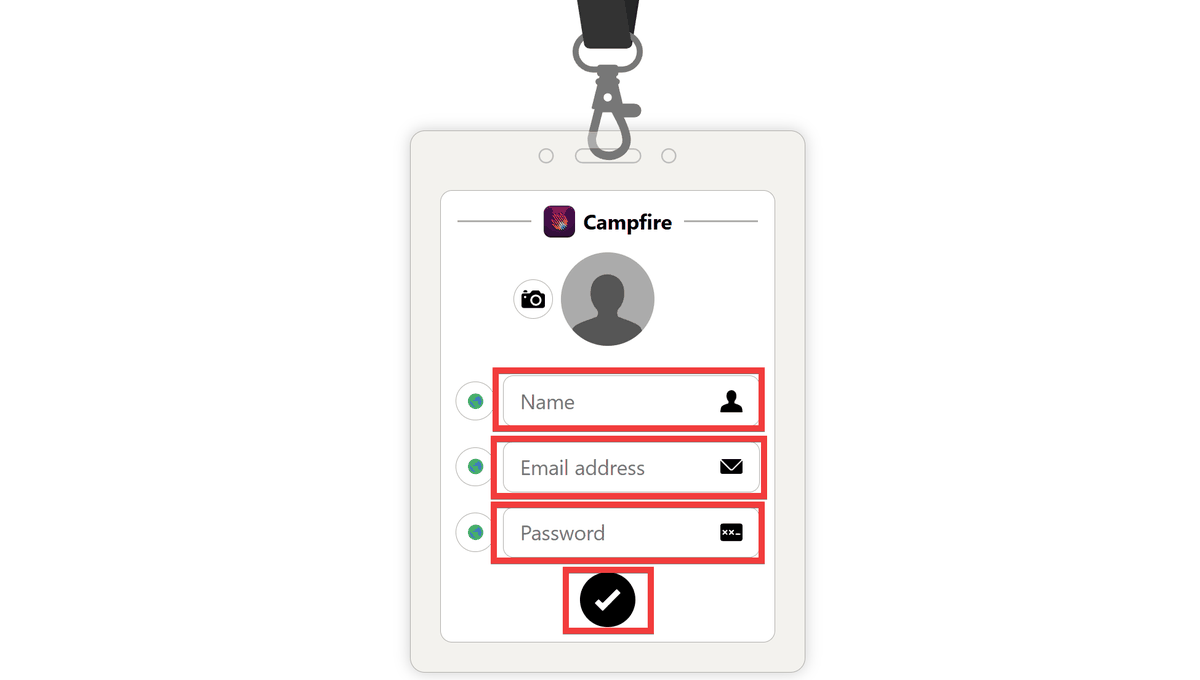
When you access the chat domain you set up in your browser, the administrator account creation screen will appear. Enter a name of your choice in 'Name,' your email address in 'Email address,' and your password in 'Password,' then click the 'right arrow' button.
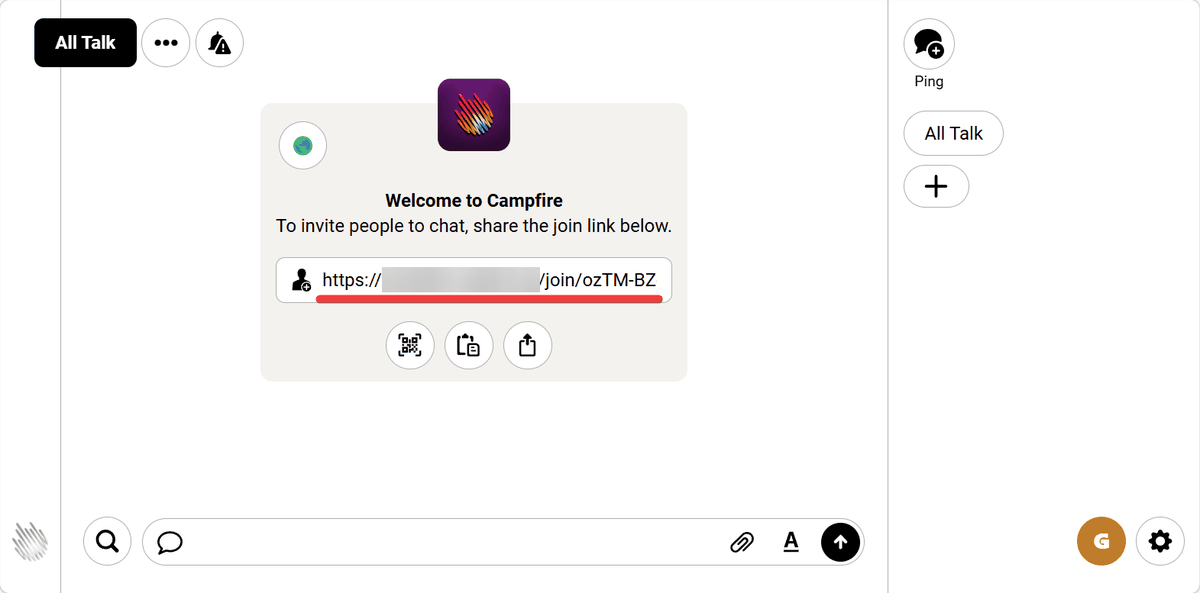
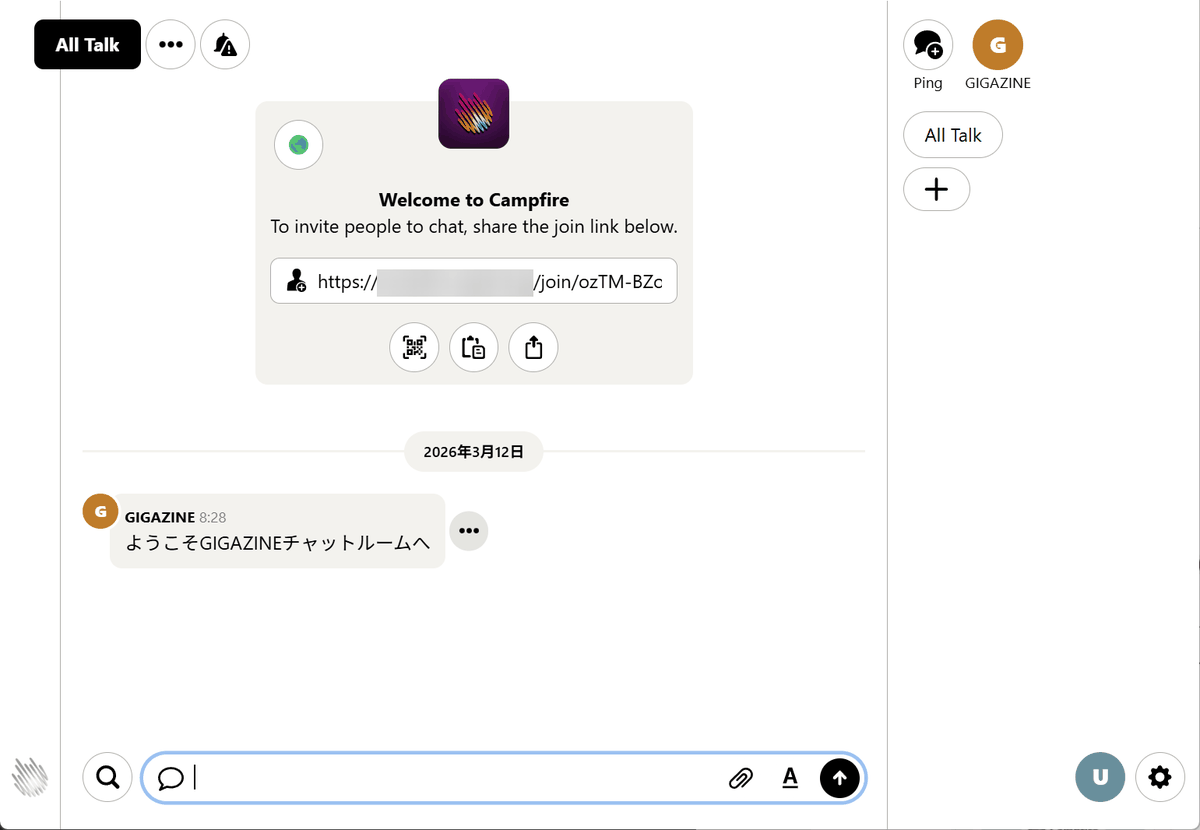
A chat screen will appear, displaying an invitation link. Copy the link and send it to the people you want to invite to the chat.
When the recipient accesses the invitation link, a registration screen will appear. They enter a name of their choice in 'Name,' an email address in 'Email address,' and a password in 'Password,' then click the 'right arrow' button to create an account.
I was automatically logged into the chat room and was able to join the chat.
According to comments from users on the official website, Campfire was offered as a paid product until September 2025, and some engineers purchased it with the purpose of learning Ruby on Rails code. Releasing scripts that can also be used as educational materials for free is beneficial for both users and developers.
Related Posts: