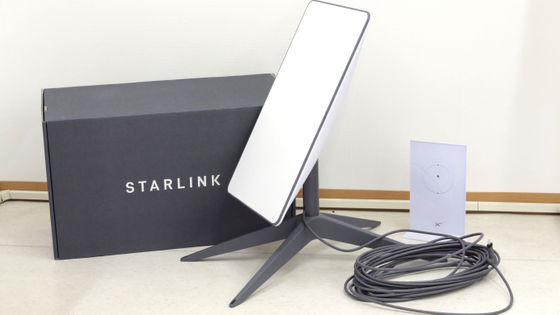
Here's a review of a third-party Starlink Ethernet Adapter Gen2 adapter that adds a wired LAN port to a Starlink router.
The GIGAZINE editorial team
Amazon.co.jp: Starlink Ethernet Adapter Gen 2 (Plug and Play) Starlink UTR-211 V2 Router Gigabit Ethernet Dongle High-Speed and Stable Connection Starlink Standard Operation Gen2 Splitter RJ45 Wired Network Extender: Computers & Peripherals
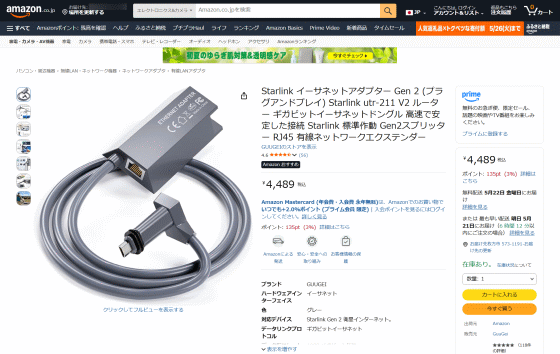
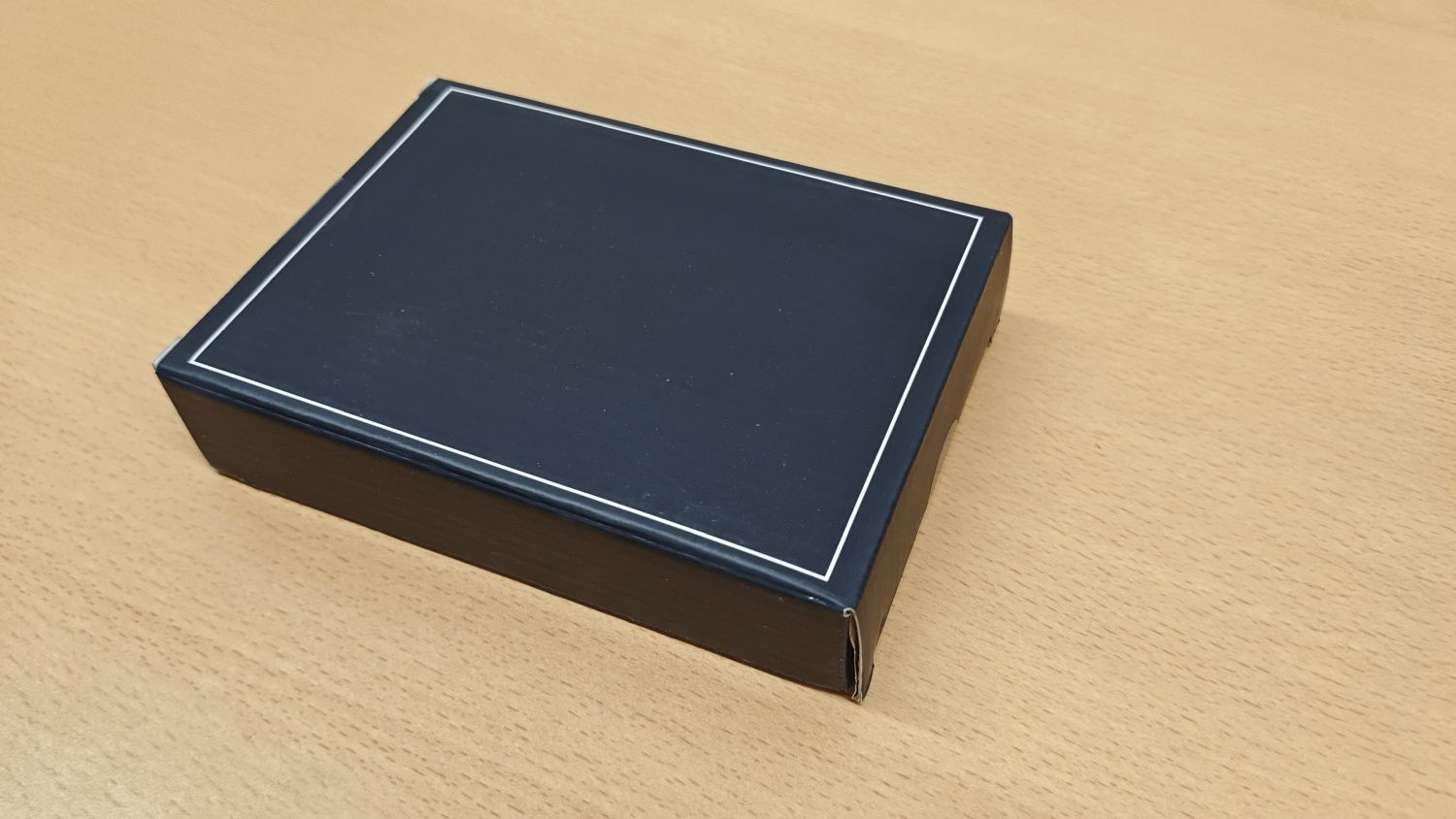
◆Exterior
Since I chose an item shipped from an Amazon warehouse in Japan, it arrived the day after I purchased it.
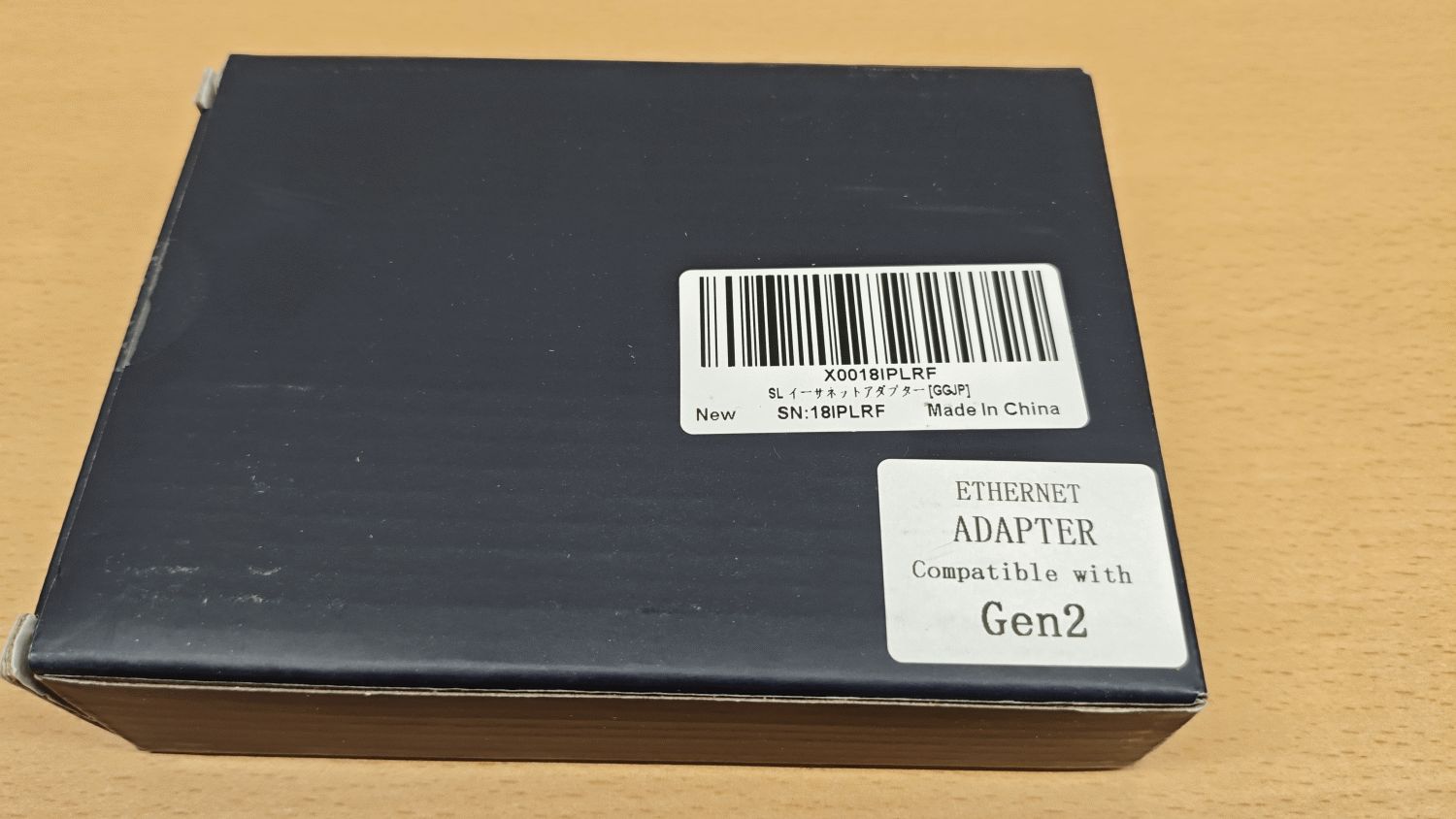
If you turn the box over, you'll find a sticker that says 'ETHERNET ADAPTER Compatible with Gen2 '.
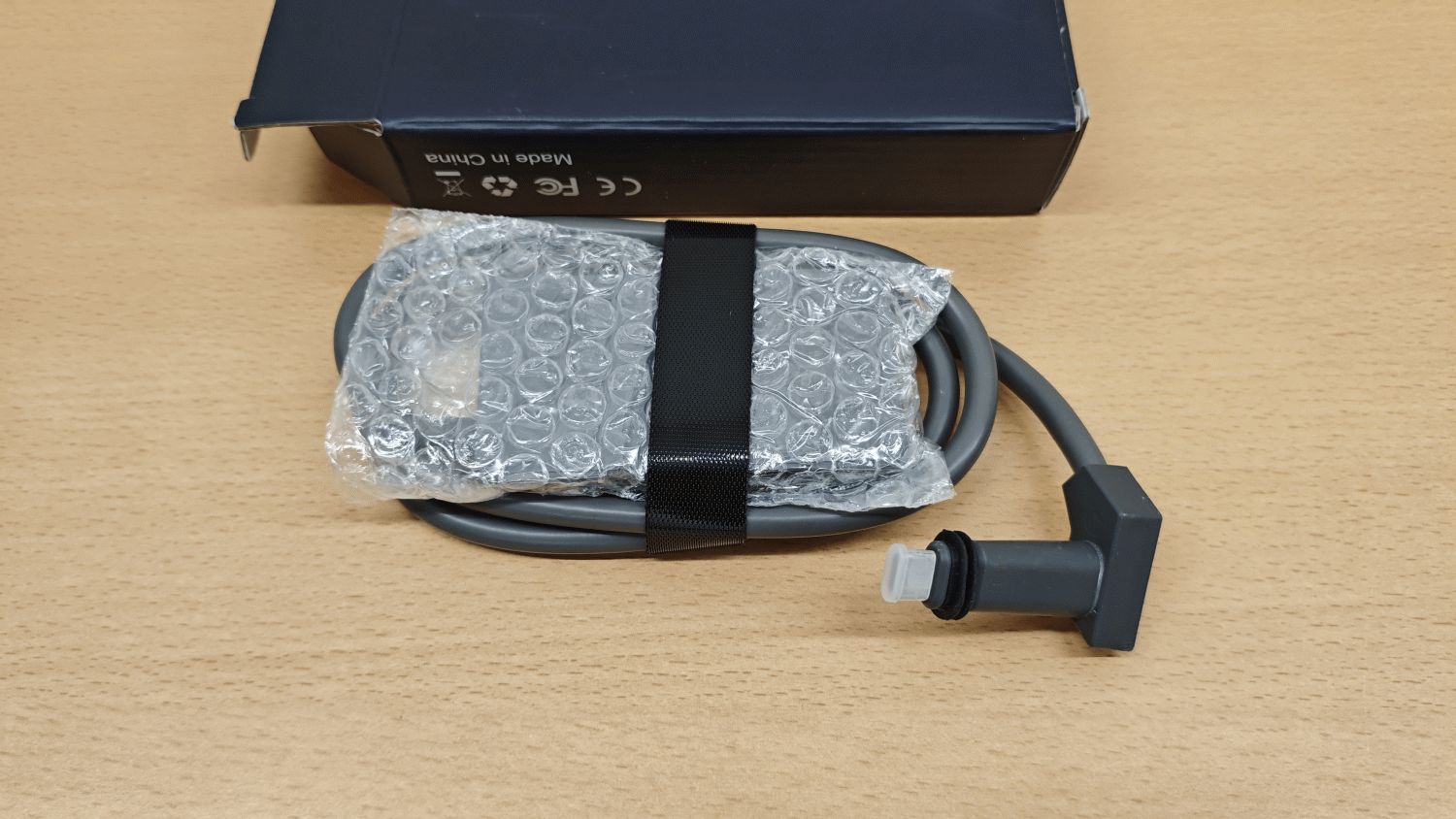
I'll take it out right away.
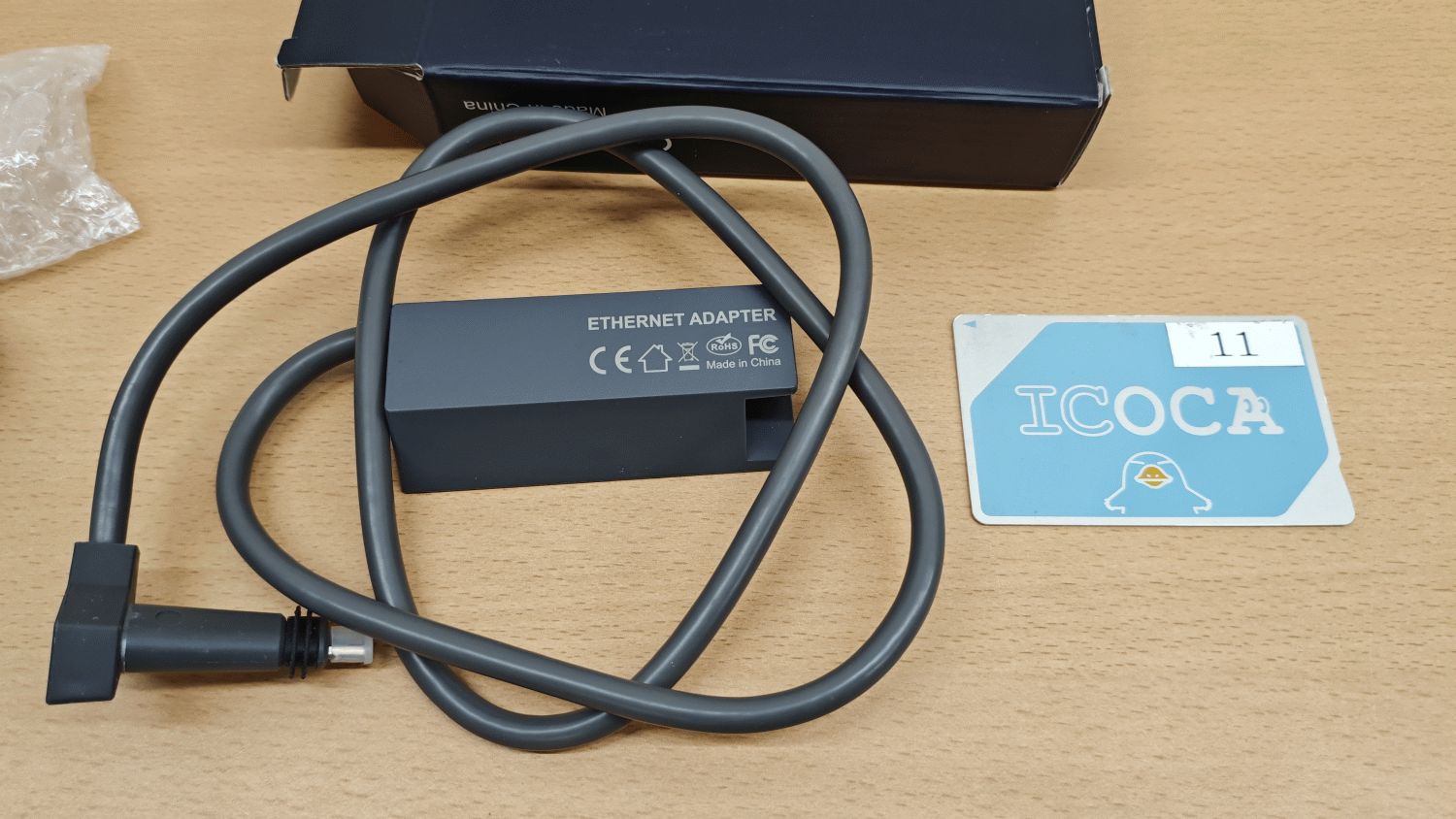
Here's a size comparison with a transit card.
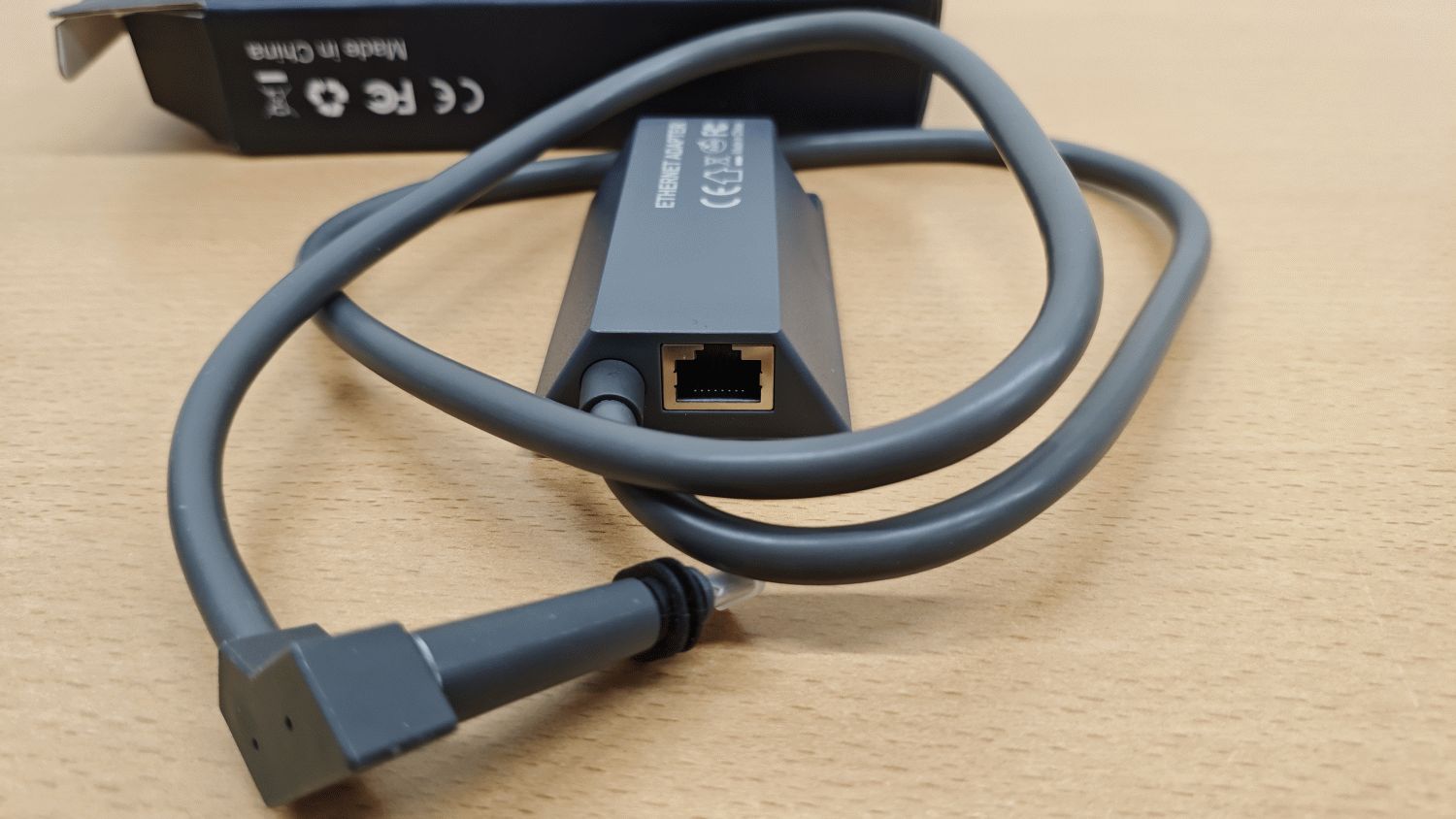
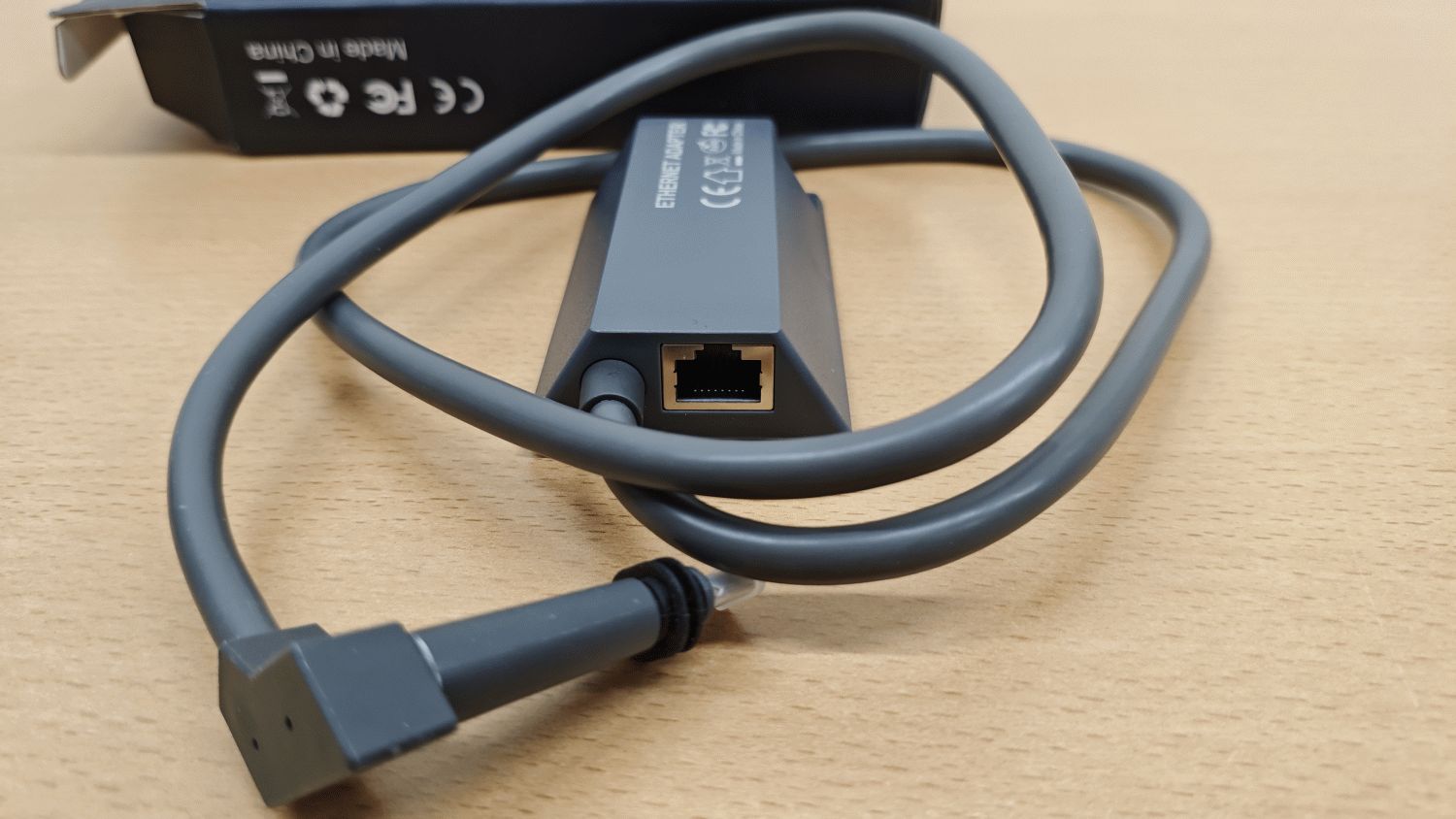
The wired LAN port I was looking for.
◆The role of the adapter
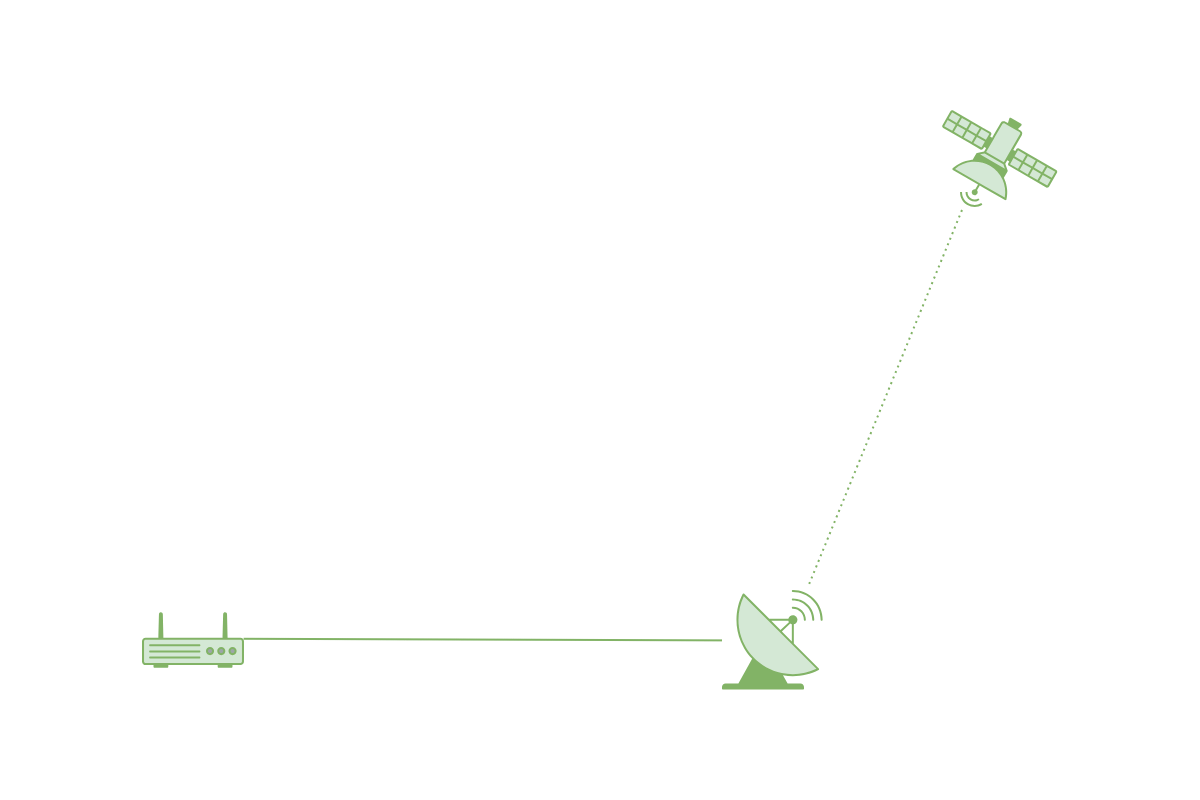
The following is a schematic diagram of the original Starlink configuration. The satellite and antenna are linked, and the antenna is connected to the router, enabling Wi-Fi internet connectivity.
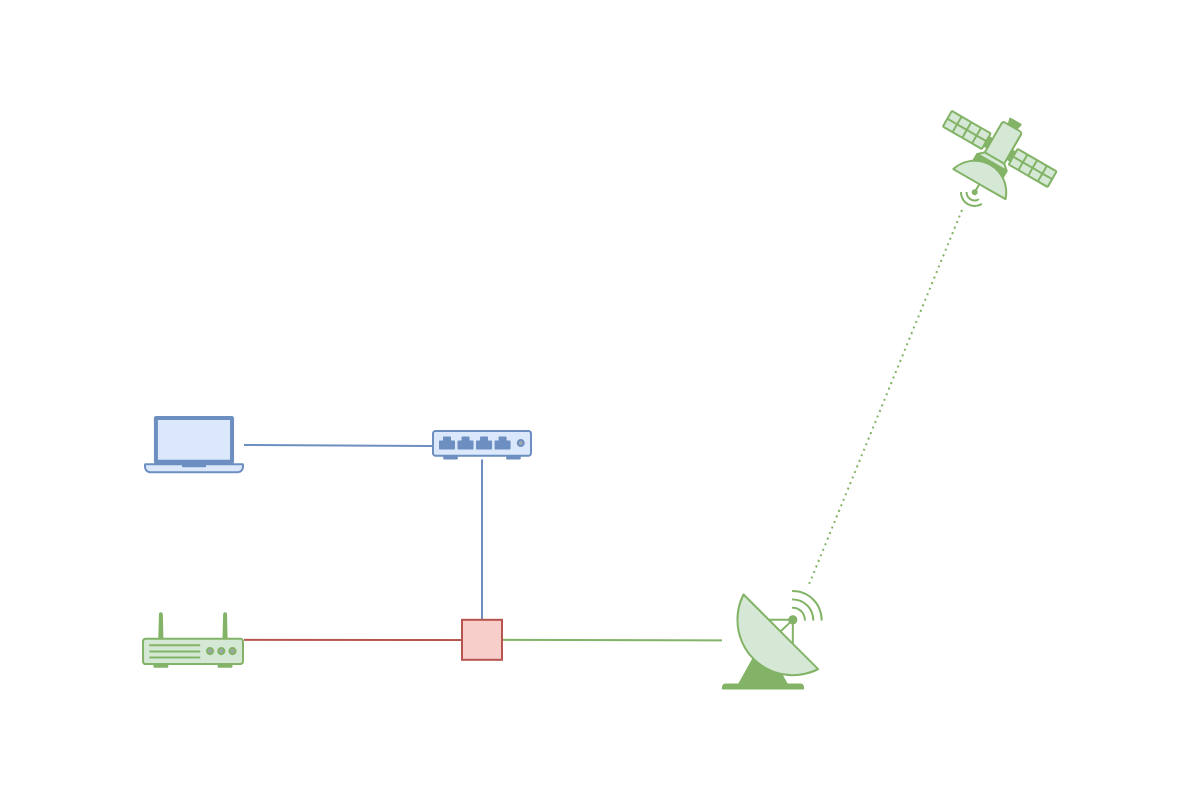
The adapter I purchased (shown in red in the diagram below) is meant to be connected between the Starlink antenna cable and the router. The idea is that by connecting the adapter's wired LAN port to the switching hub with a LAN cable, I should be able to connect to the internet via wired LAN (shown in blue).
◆Operation check
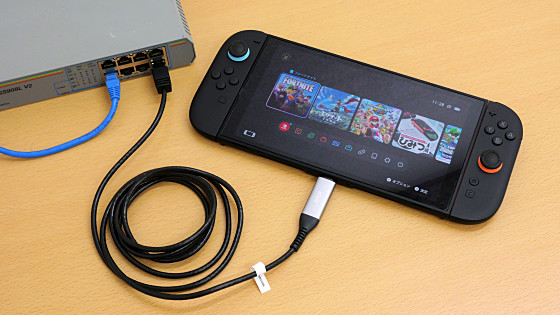
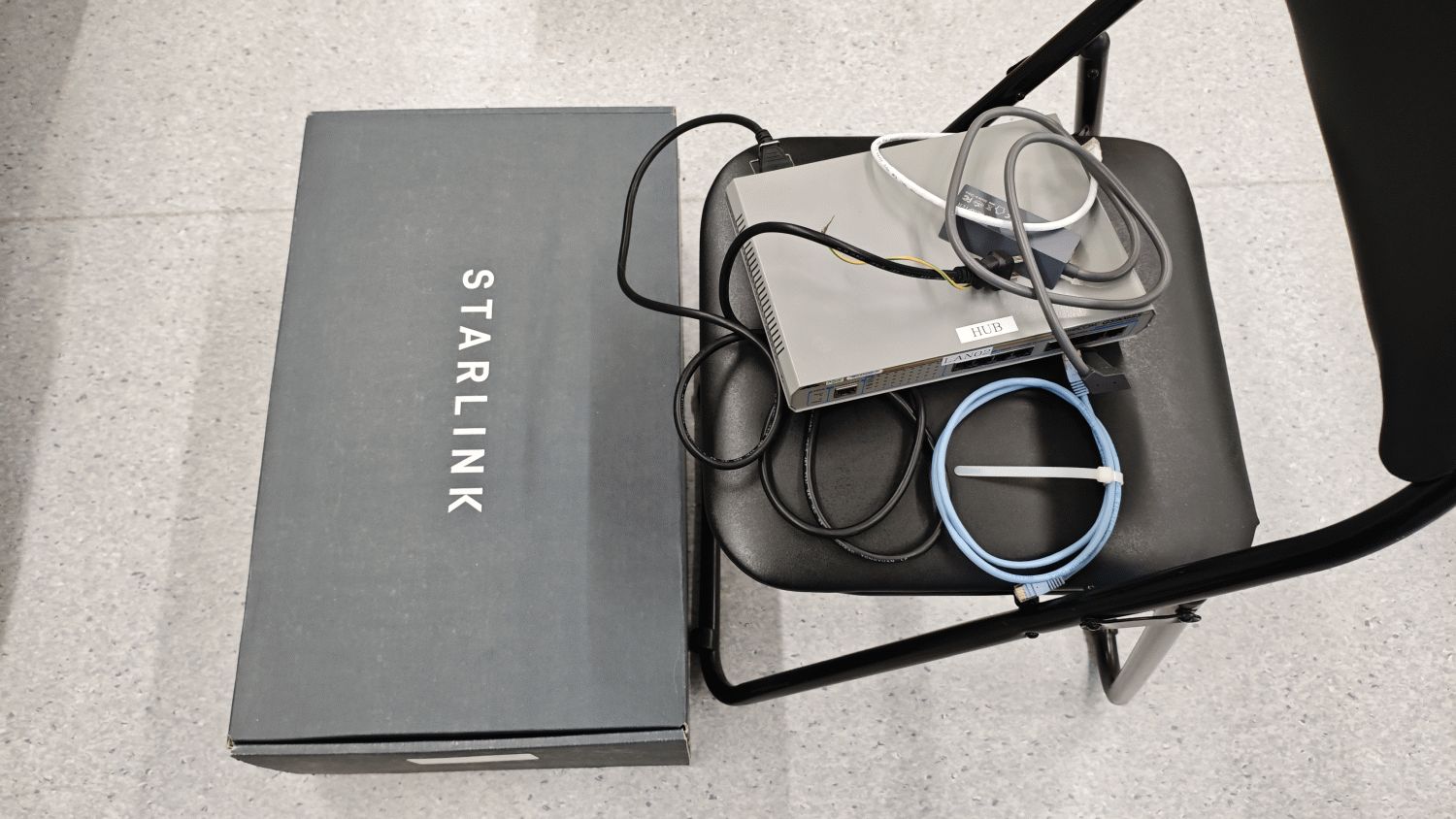
Prepare the necessary components for testing a wired LAN connection. The minimum required setup includes a Starlink adapter, a switching hub, and two LAN cables.
Connect the antenna cable to the adapter.
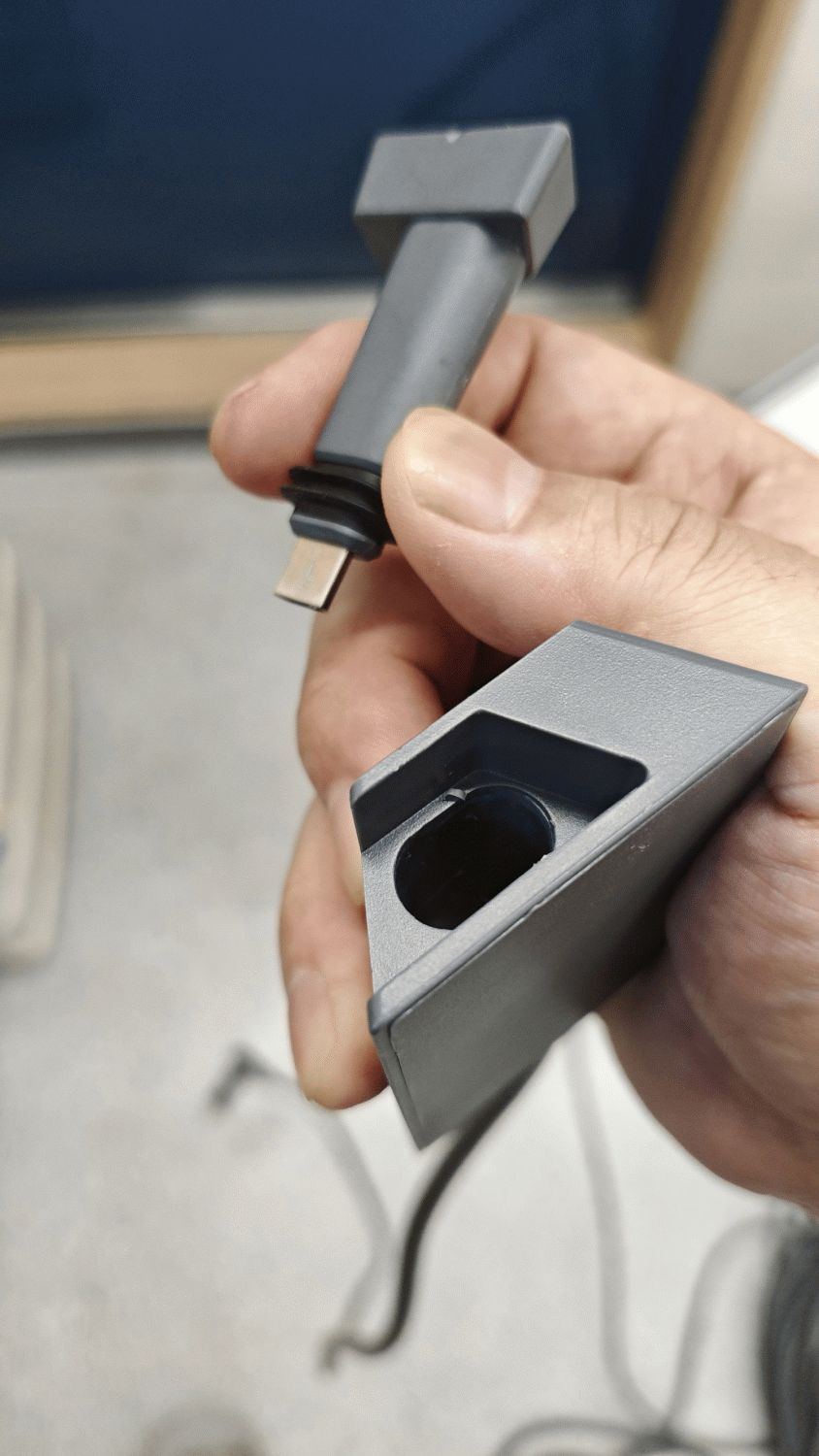
Simply plug it in and you're good to go.
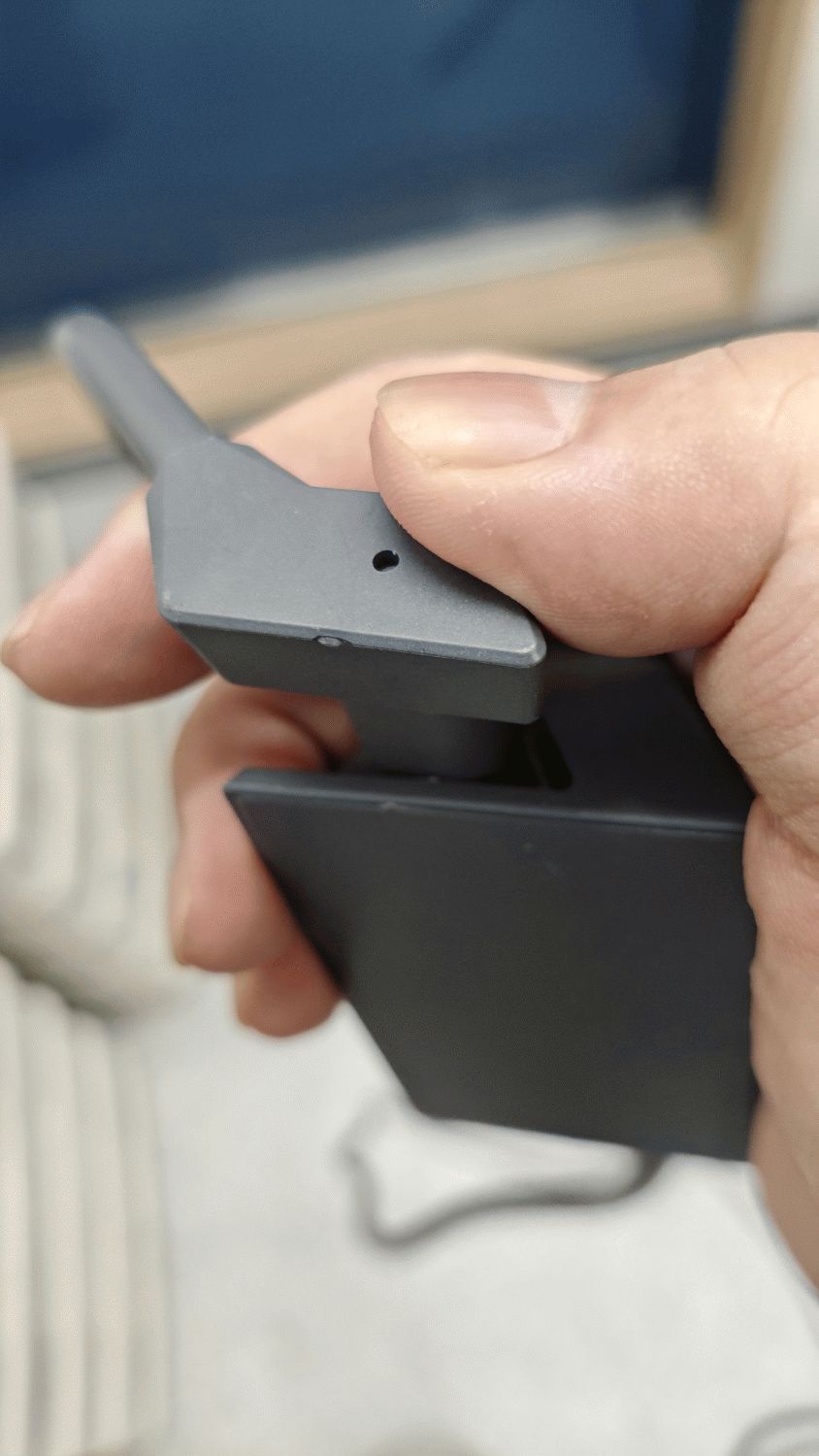
It's fully inserted. Naturally, the shape fits perfectly.
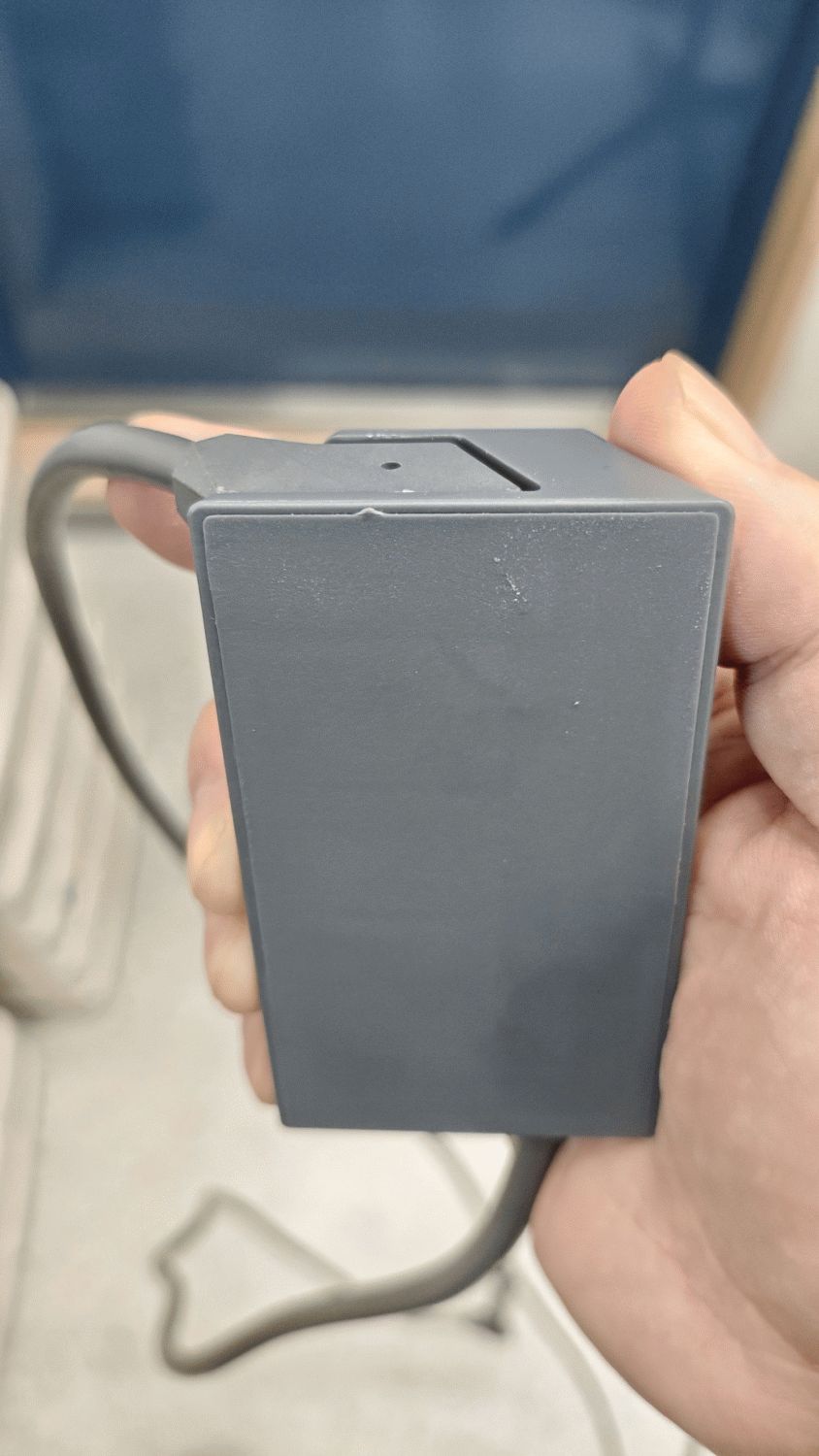
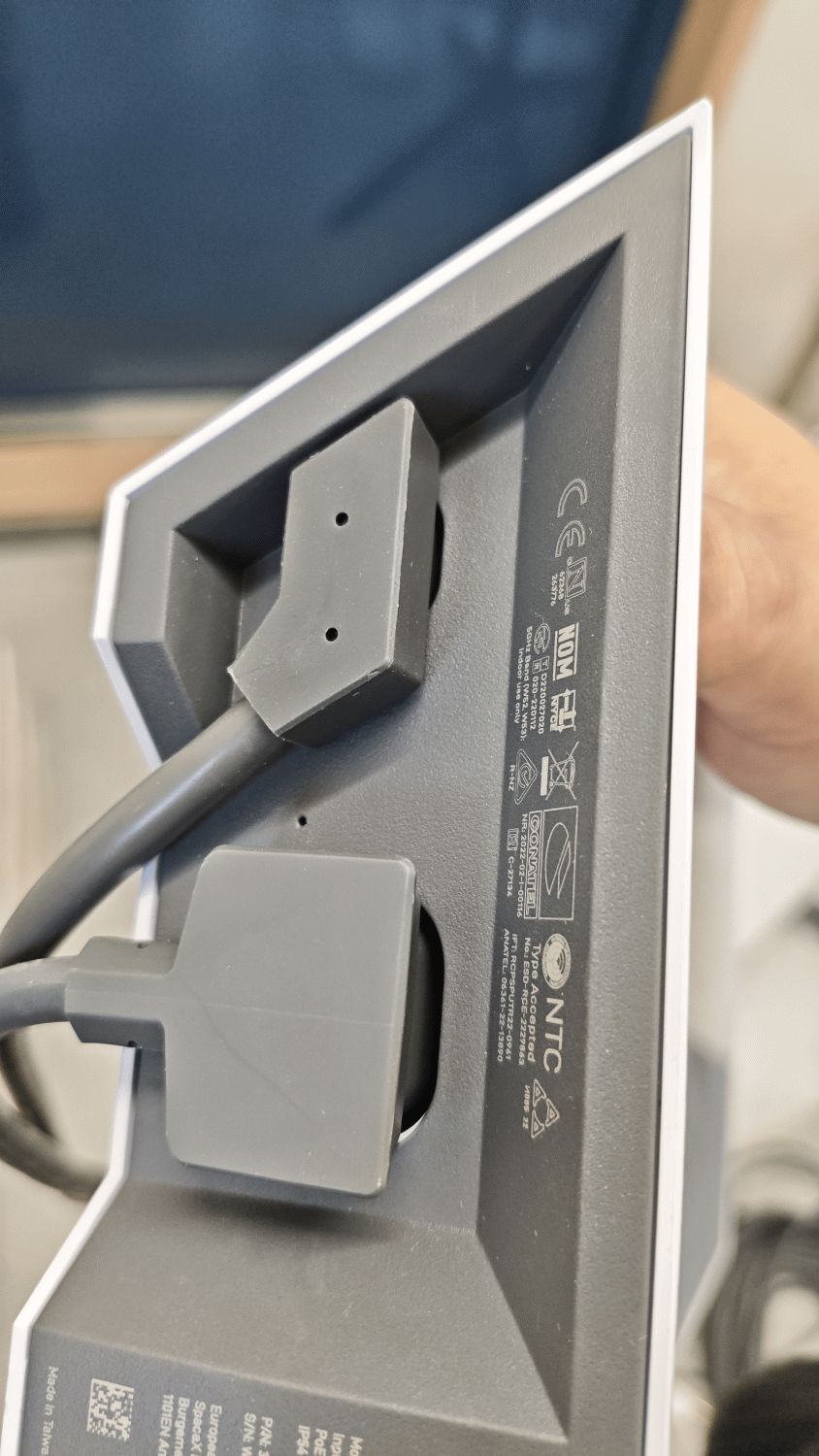
Connect the adapter cable to the antenna cable port located at the bottom of the router.
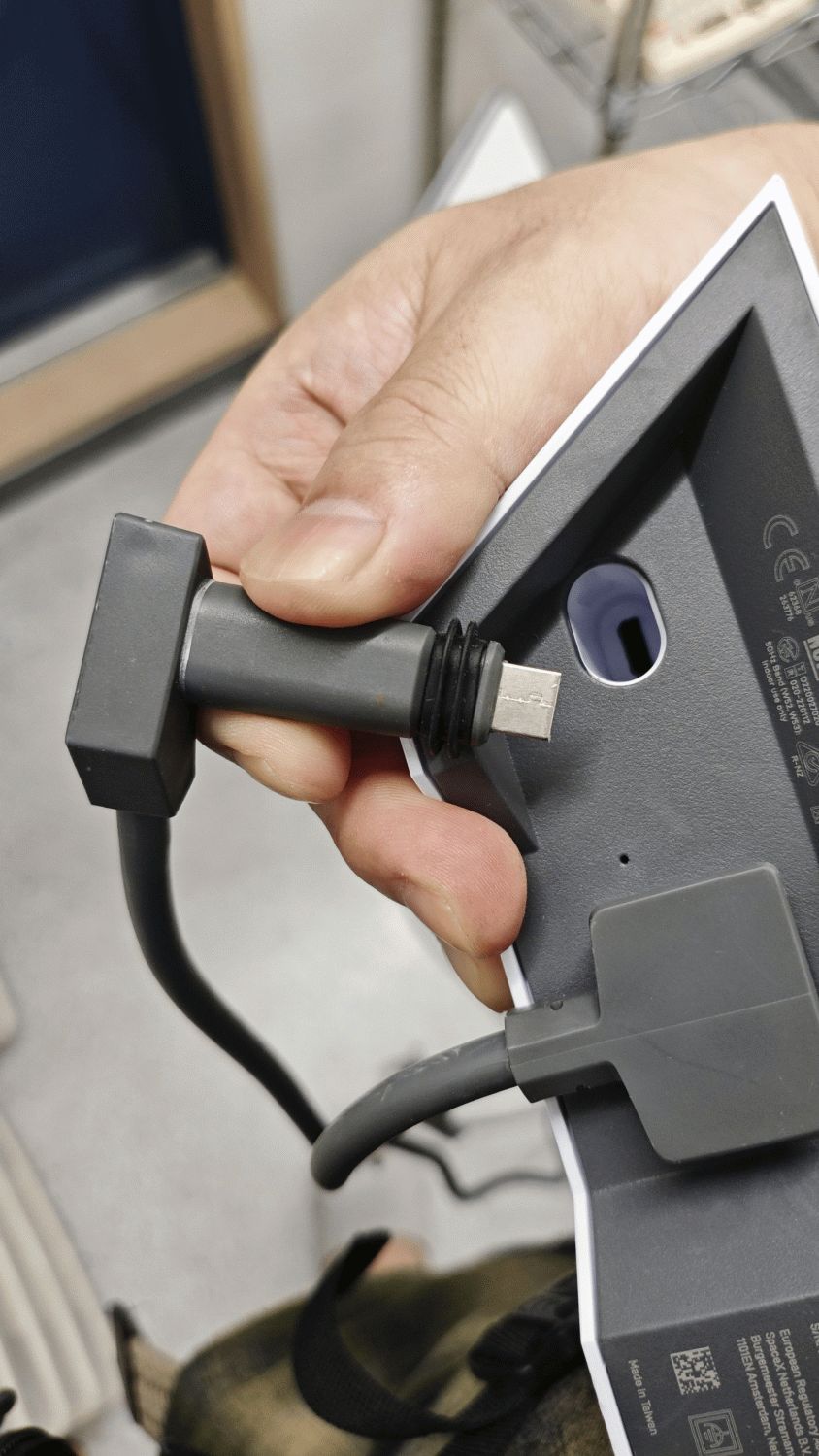
This also fit perfectly.
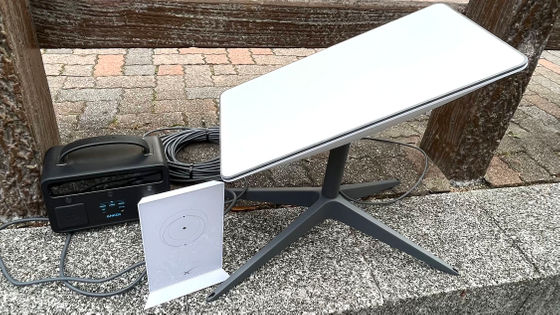
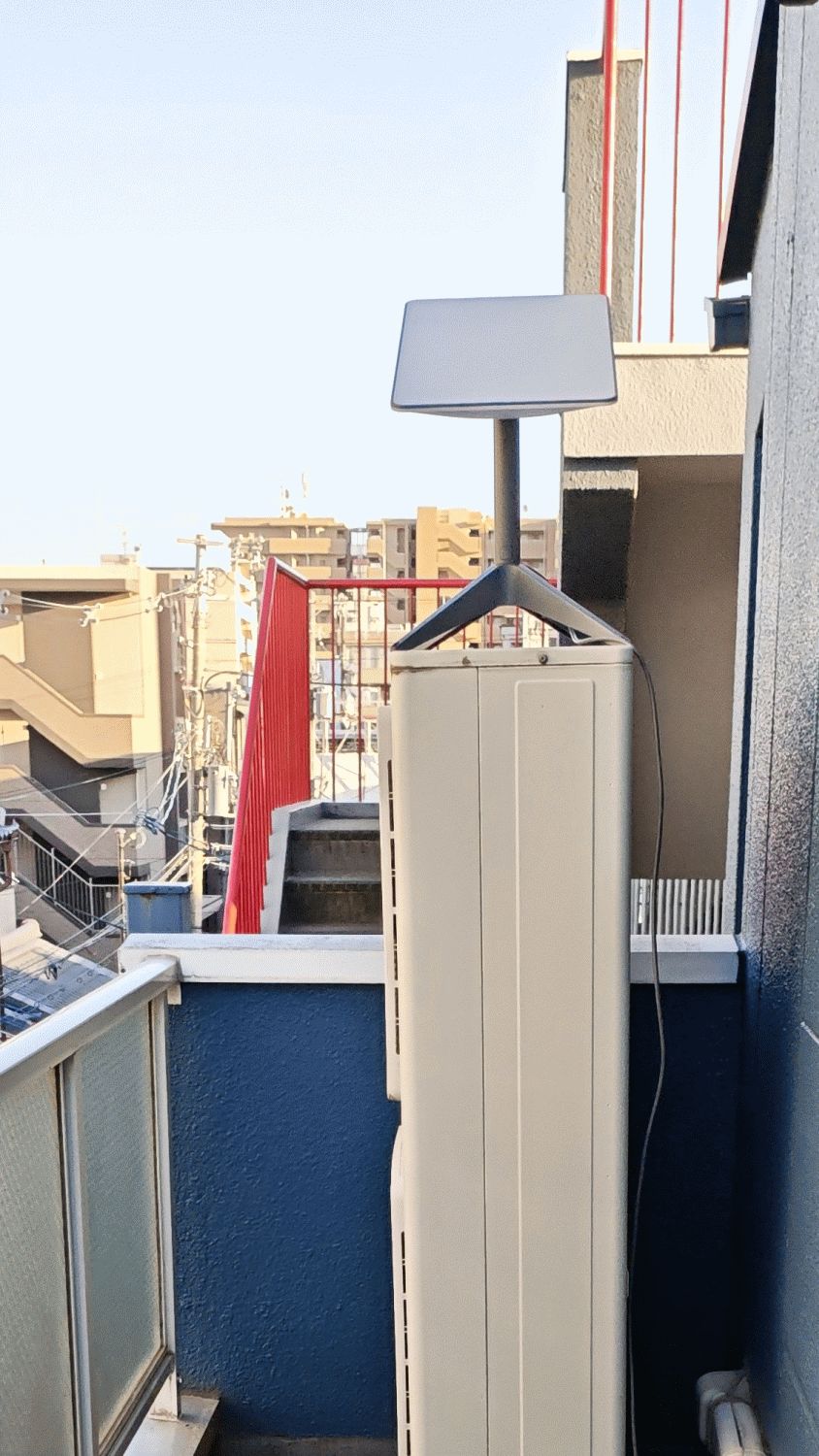
Temporarily place the antenna in a location with as much open sky as possible.
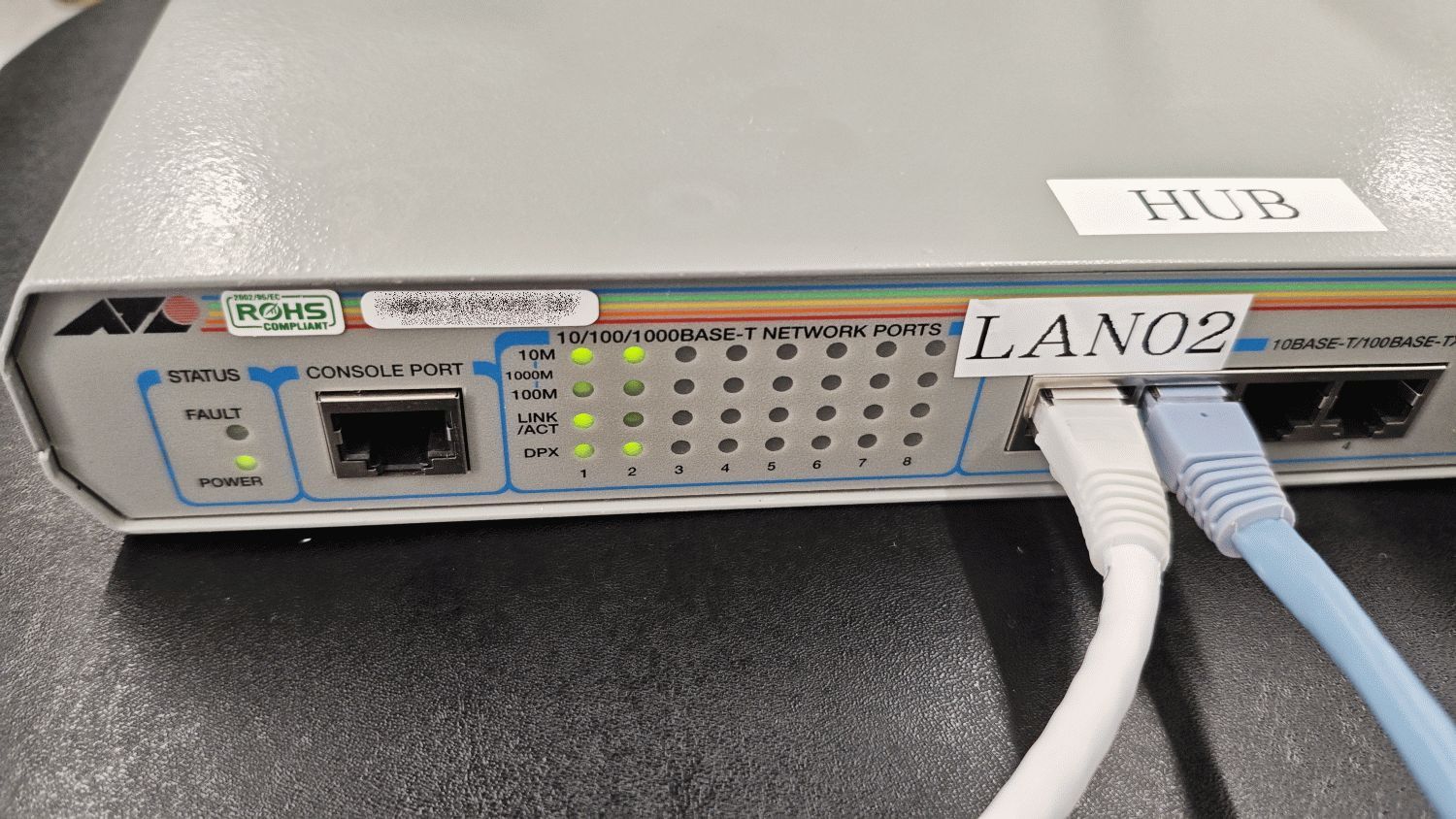
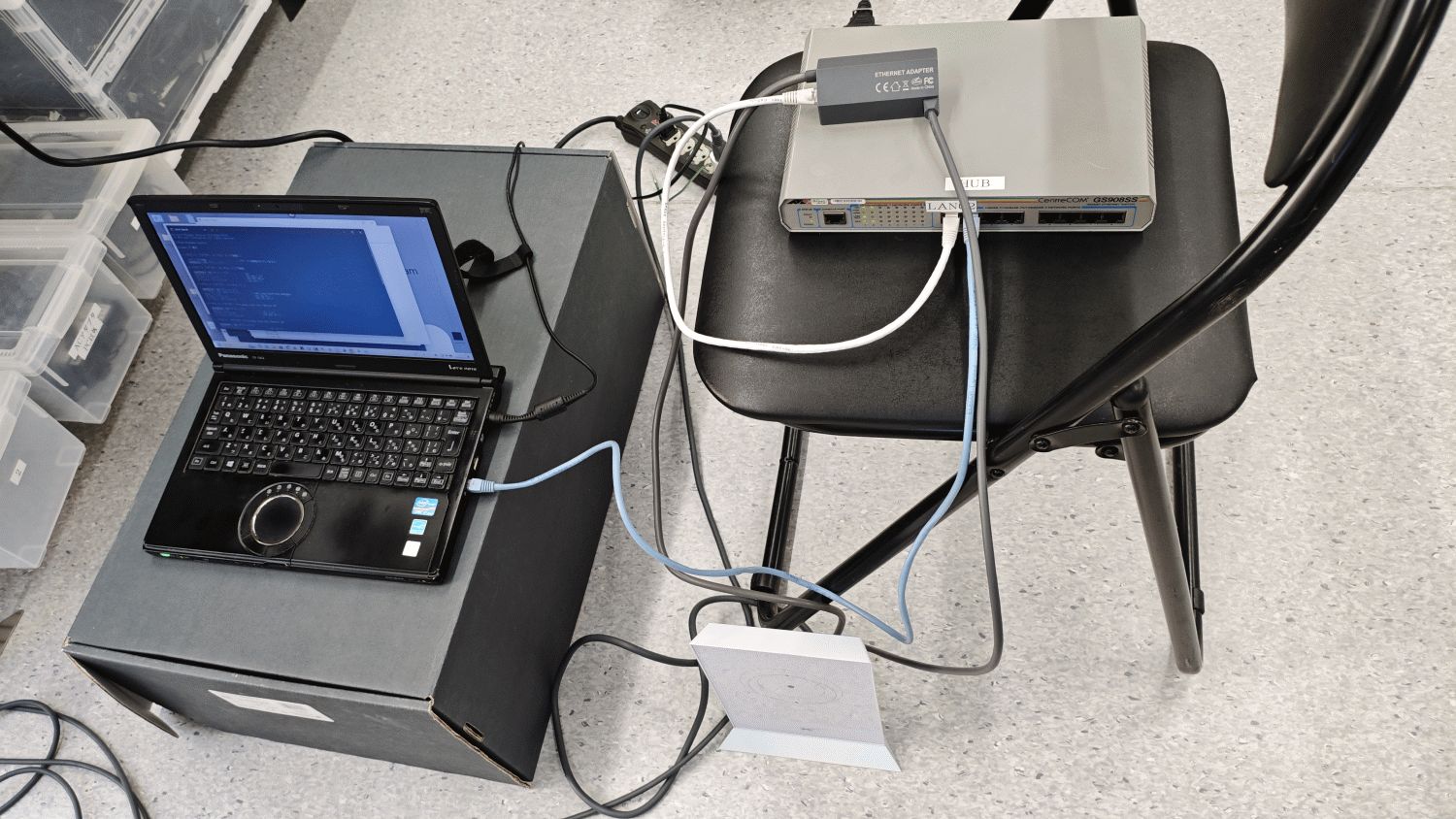
After connecting the adapter to the switching hub, the indicator light on the front panel confirmed that a signal was being transmitted from the antenna.
I connected the PC to the switching hub, completing the minimum configuration for a wired LAN.
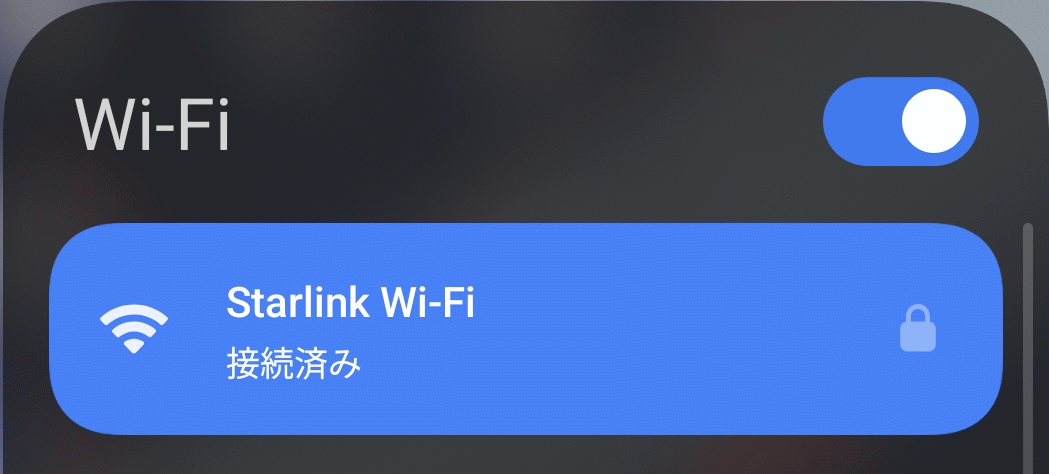
I checked the Starlink connection status on my smartphone, which is connected to the router via Wi-Fi, and it showed 'Connected,' so I was able to confirm that the Wi-Fi connection was working correctly.
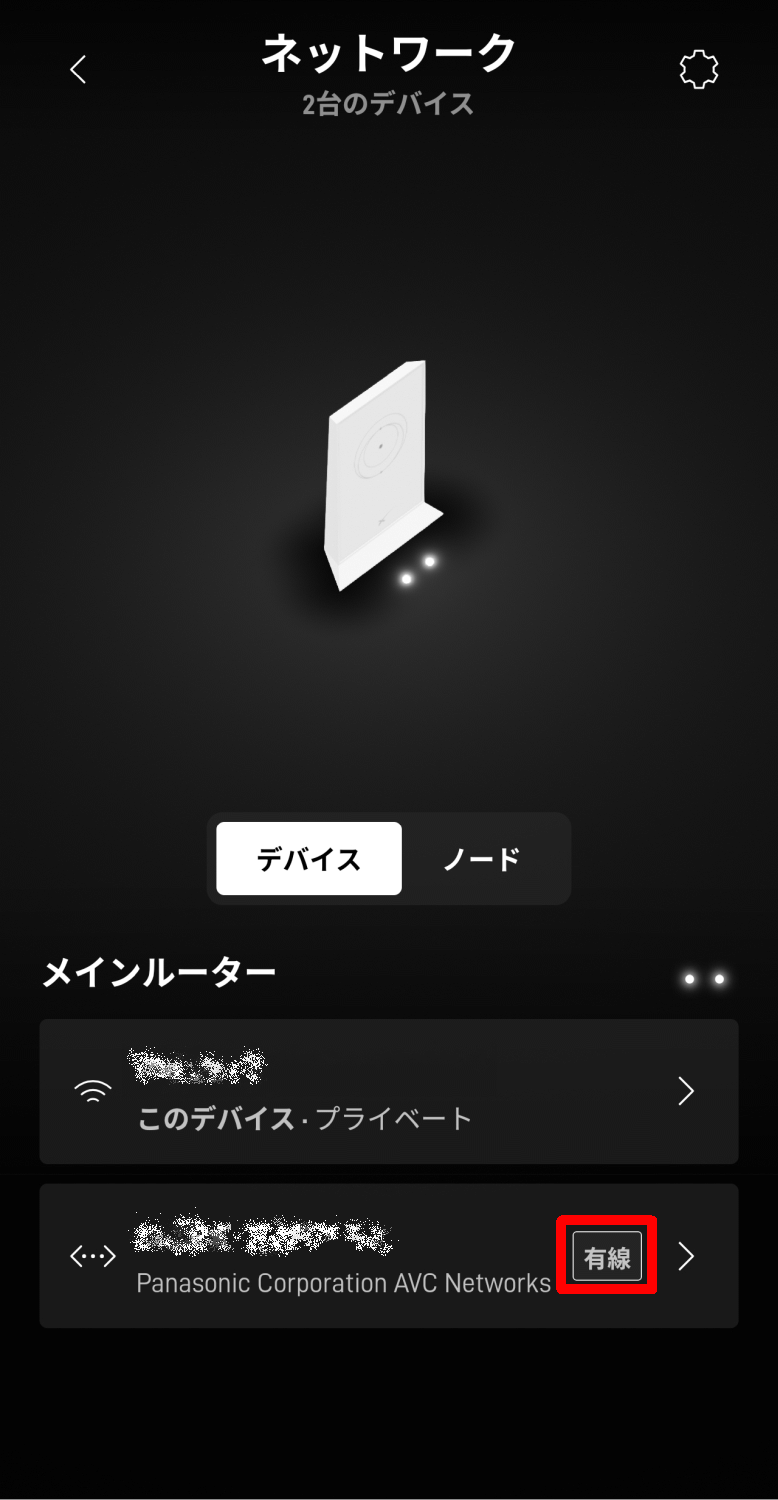
When I checked the router's network using
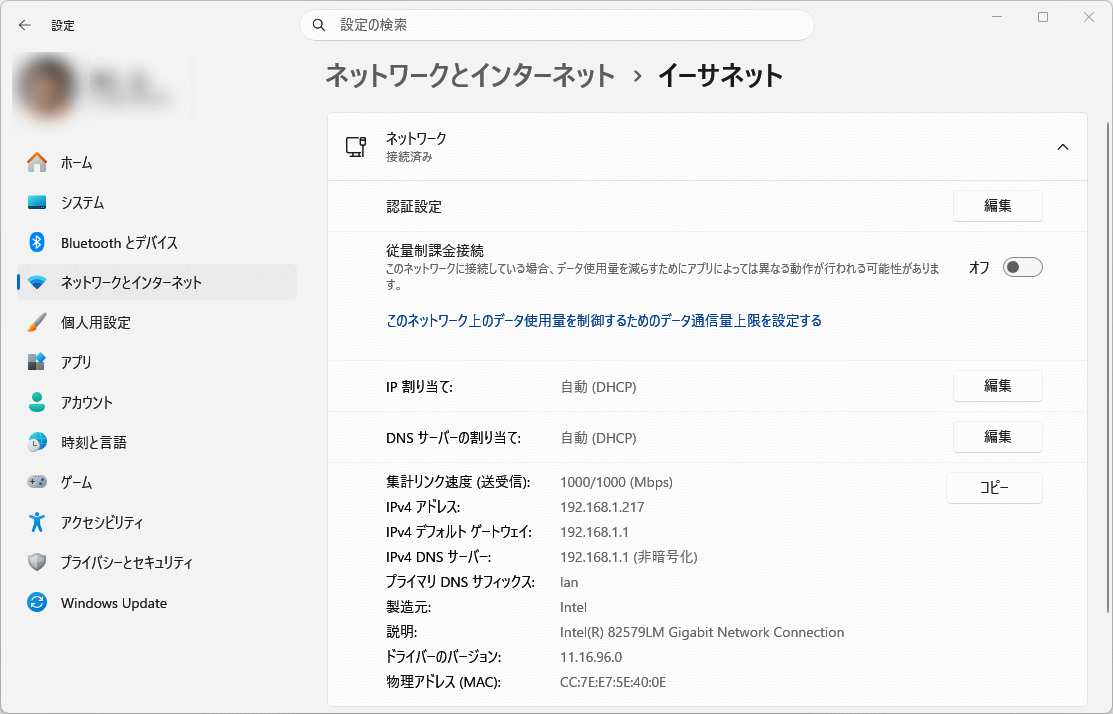
When I checked the Ethernet status in the PC's settings screen, I found that an IP address had been assigned by the router's DHCP.
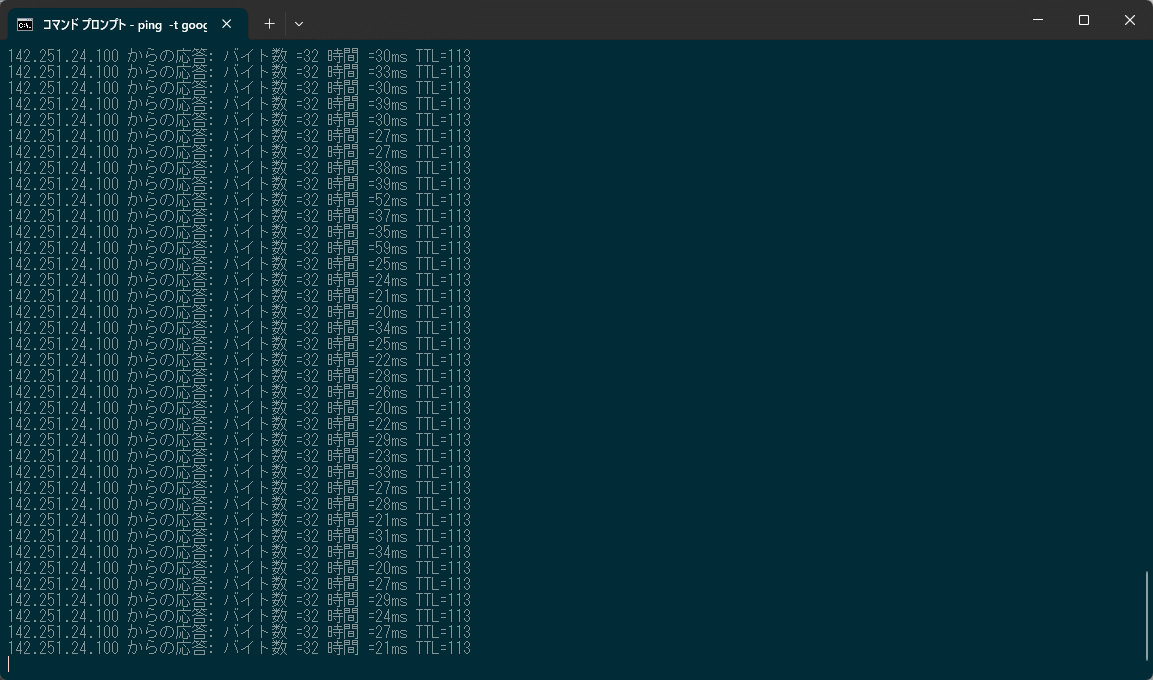
Just to be sure, I ran a ping command to the external network and confirmed that although the speed was modest because Starlink's service plan is a low-speed plan (standby mode), the connection itself was stable.
◆Summary
Since third-party adapters were the only option, I was worried about whether they would actually work, but after testing, I confirmed that they work without any problems. Because they were sold in large quantities at Costco, there are probably quite a few Starlink users who own Gen2 devices, so if you're considering installing a wired LAN connection, please keep this in mind.
Related Posts: