'Sprite Fusion Pixel Snapper' automatically corrects AI-generated pixel art.
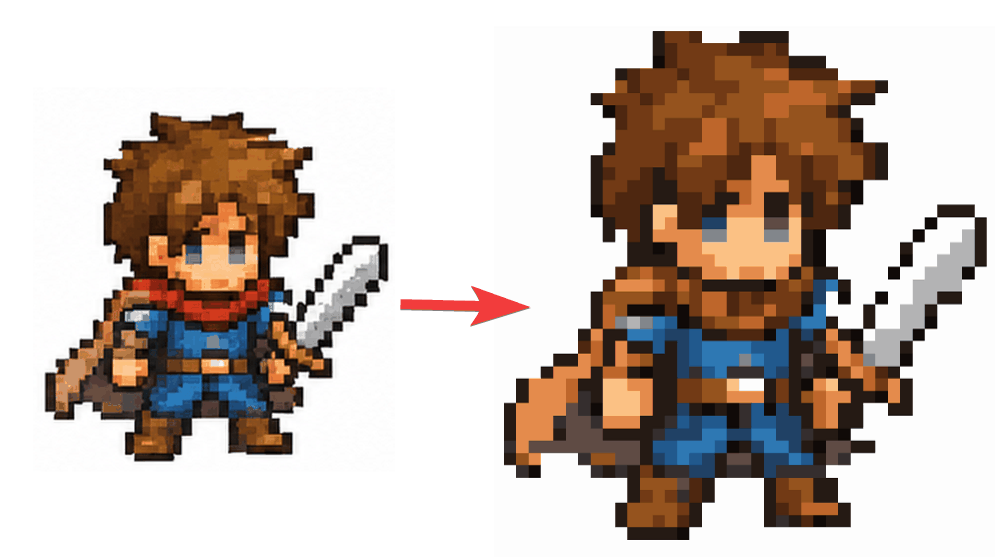
AI-generated pixel art images may look realistic, but their pixel sizes and placement can sometimes be inconsistent. ' Sprite Fusion Pixel Snapper ' has been released, which automatically analyzes such images and corrects them into grid-aligned pixel art.
Pixel Snapper - Fix messy pixels from AI generated pixel art
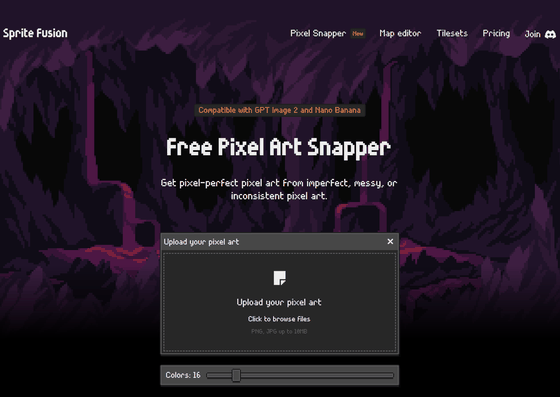
Hugo-Dz/spritefusion-pixel-snapper: A tool to snap pixels to a perfect grid. Designed to fix messy and inconsistent pixel art generated by AI.
◆Problems with 'pixel art style images' created by AI
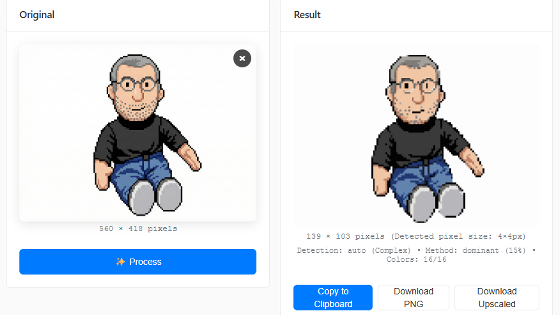
The image below is a 'pixel art style image' created using AI.
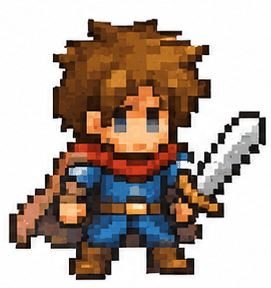
- Pixel size is uneven
- It is off-grid
- Intermediate colors are mixed
- Anti-aliasing is enabled.
These are some of the problems that make it difficult to use as game assets in its current state.
◆Convert with Pixel Snapper
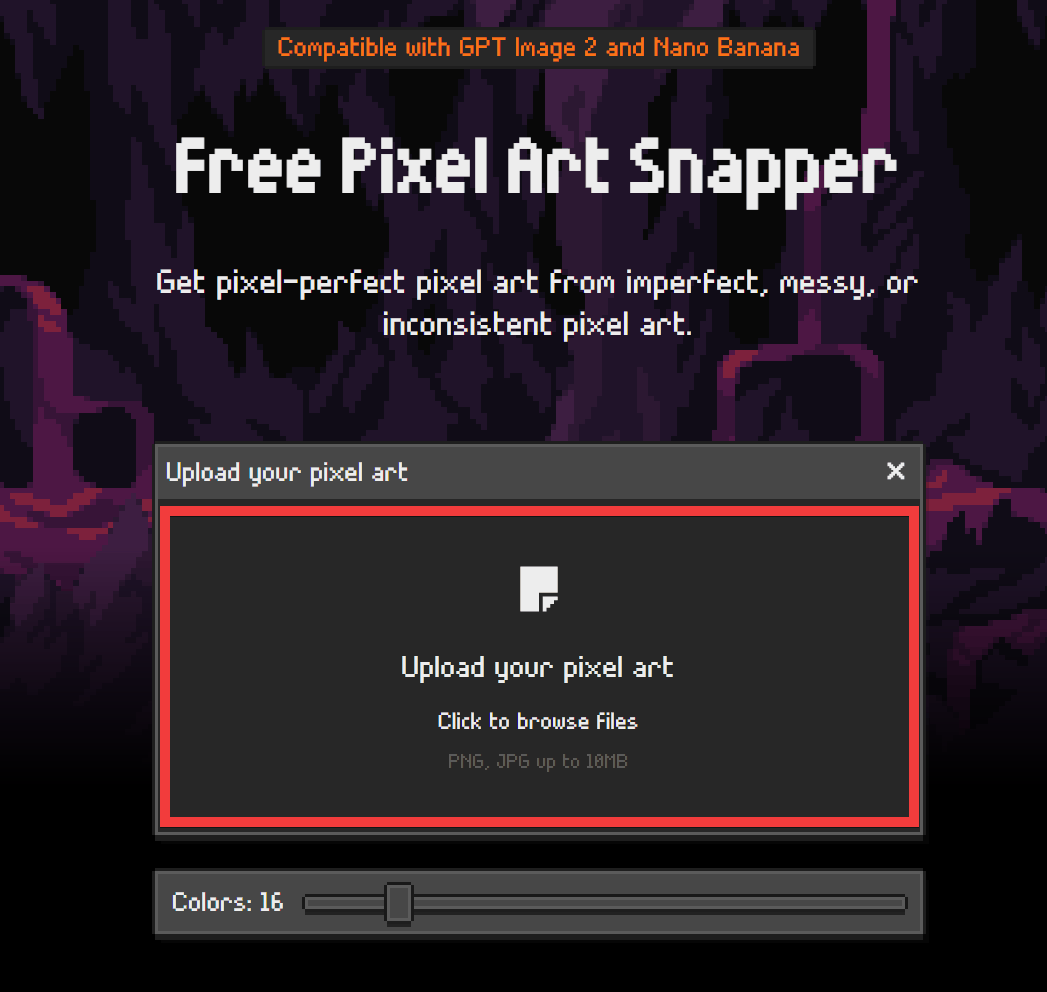
To actually convert your pixel art, access
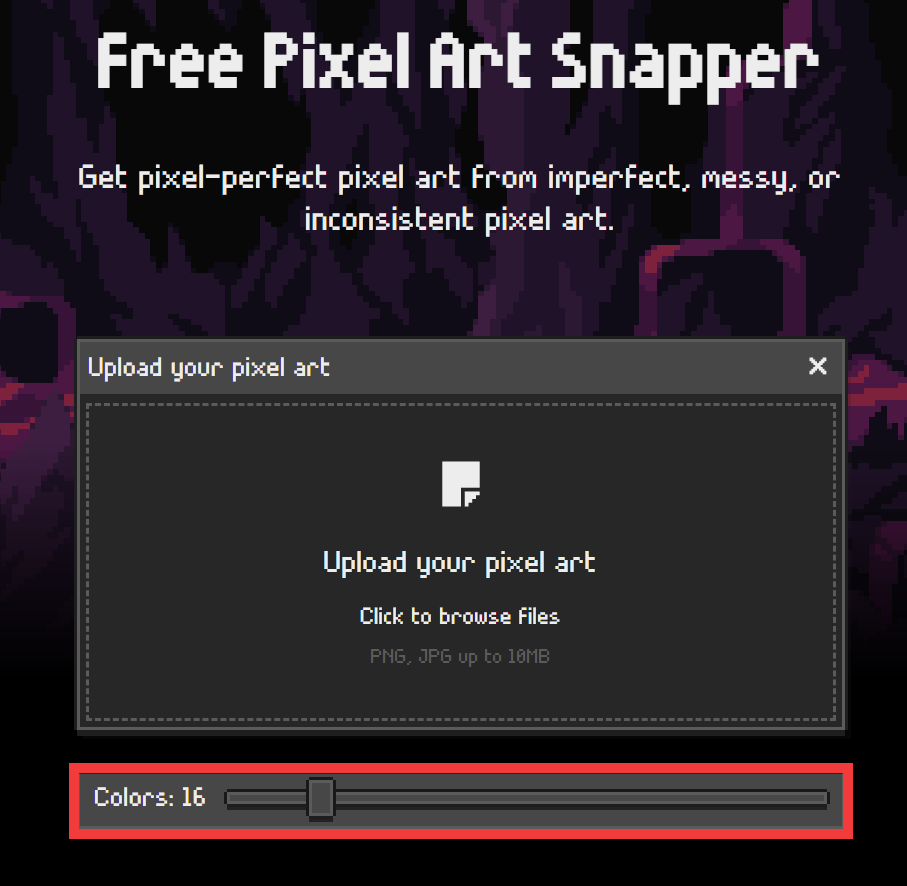
Click inside the toolbox.
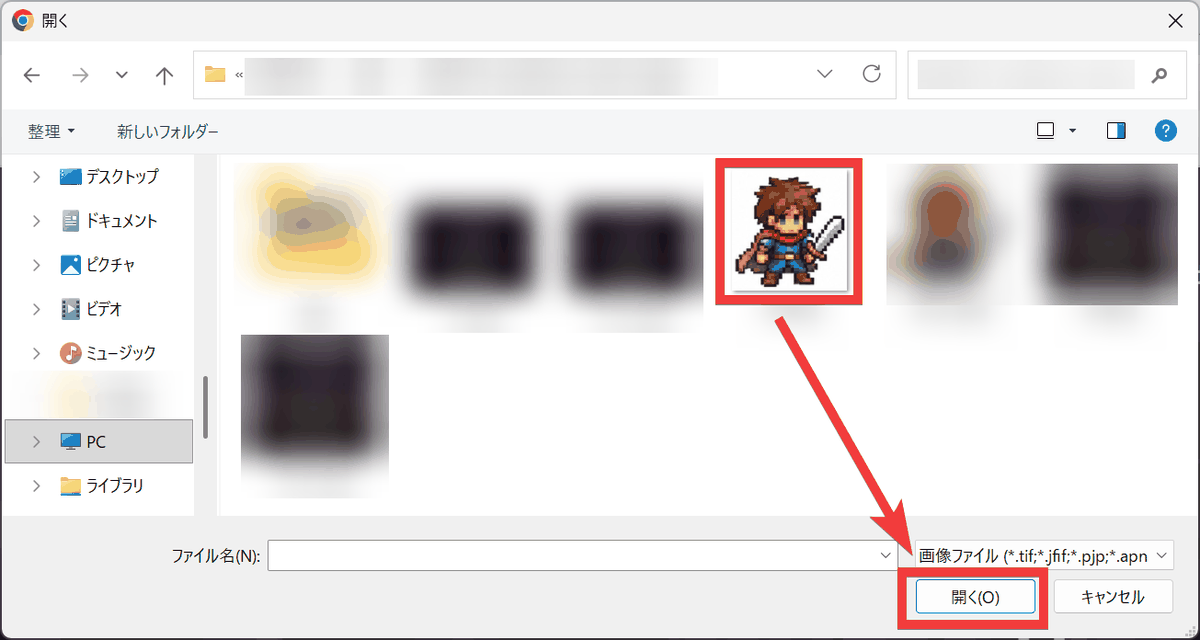
Select the image from the file selection dialog and click 'Open'.
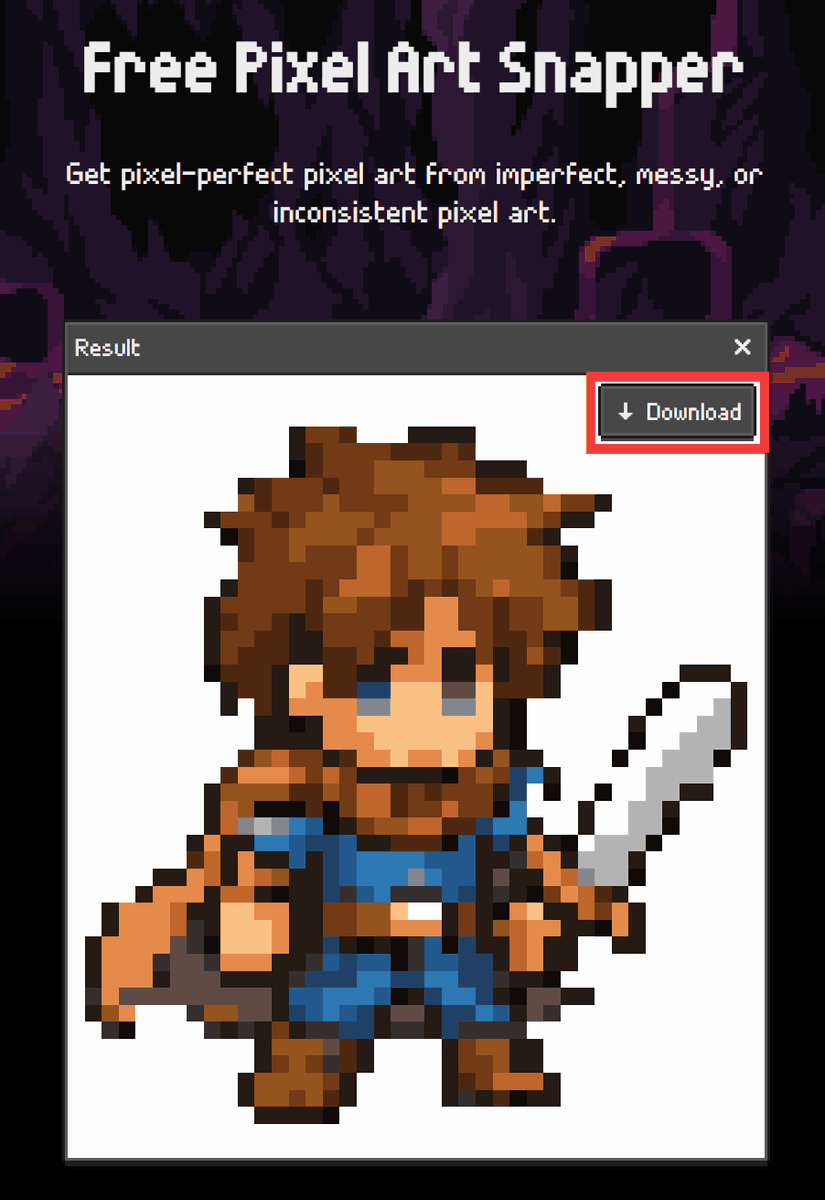
The converted image will be displayed, so click 'Download' to save it.
Hover your mouse cursor over the image to use the magnifying glass tool to examine the conversion results in detail.
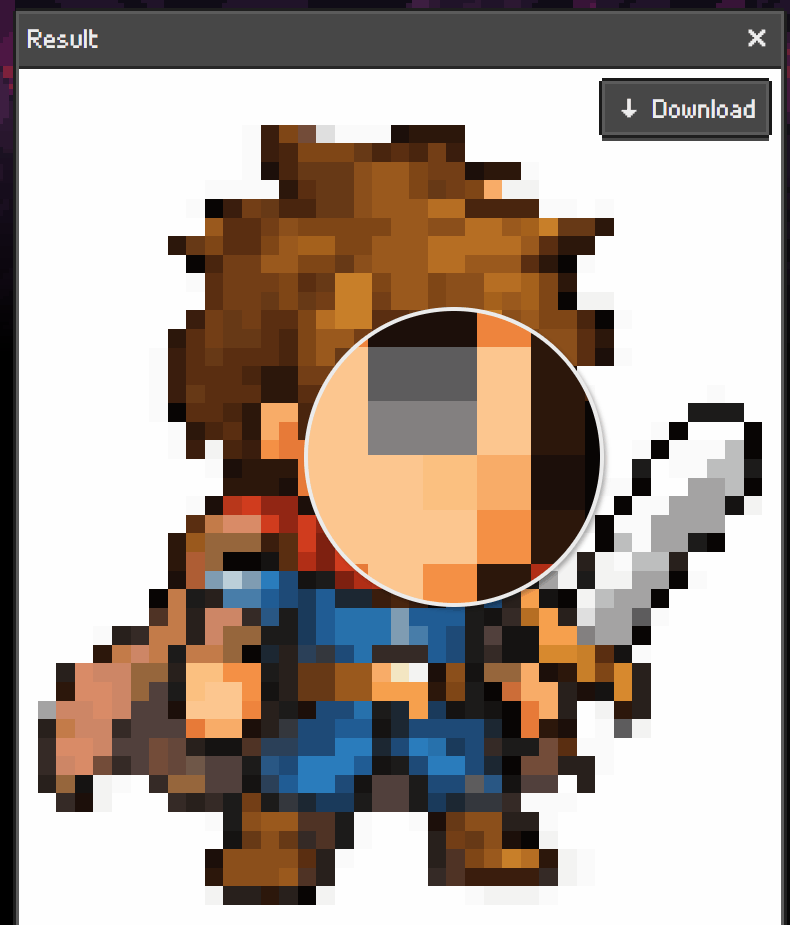
I was able to automatically align the pixels of a 'pixel art style image' created with AI along a grid and organize the number of colors.
◆Self-hosting is also possible.
If you have an environment where Rust and Git commands are available, you can use the following commands: Clone the repository and navigate to the repository folder.
 git clone https://github.com/Hugo-Dz/spritefusion-pixel-snapper.git
 cd spritefusion-pixel-snapper
To specify input file name 'input.png', output file name 'output.png', and number of colors '16', execute the following command.
cargo run input.png output.png 16
Furthermore, by using it as a pipeline in the AI image generation workflow building tool ' ComfyUI ,' it is possible to configure a flow that completes the process up to creating a pixel art image.
Related Posts: