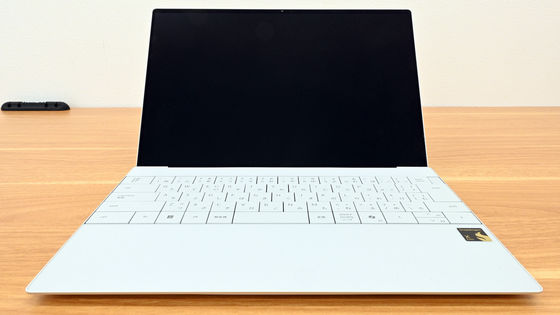
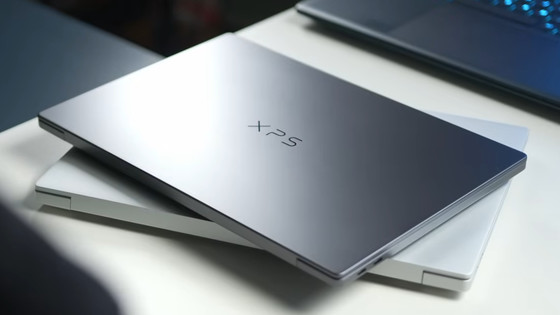
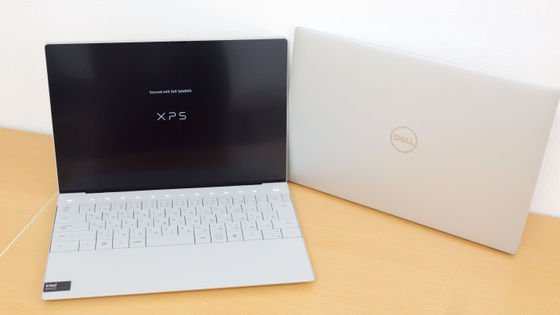
Photo review of the revamped Dell XPS brand's first release: the new 'XPS 14/16' 2026 models.
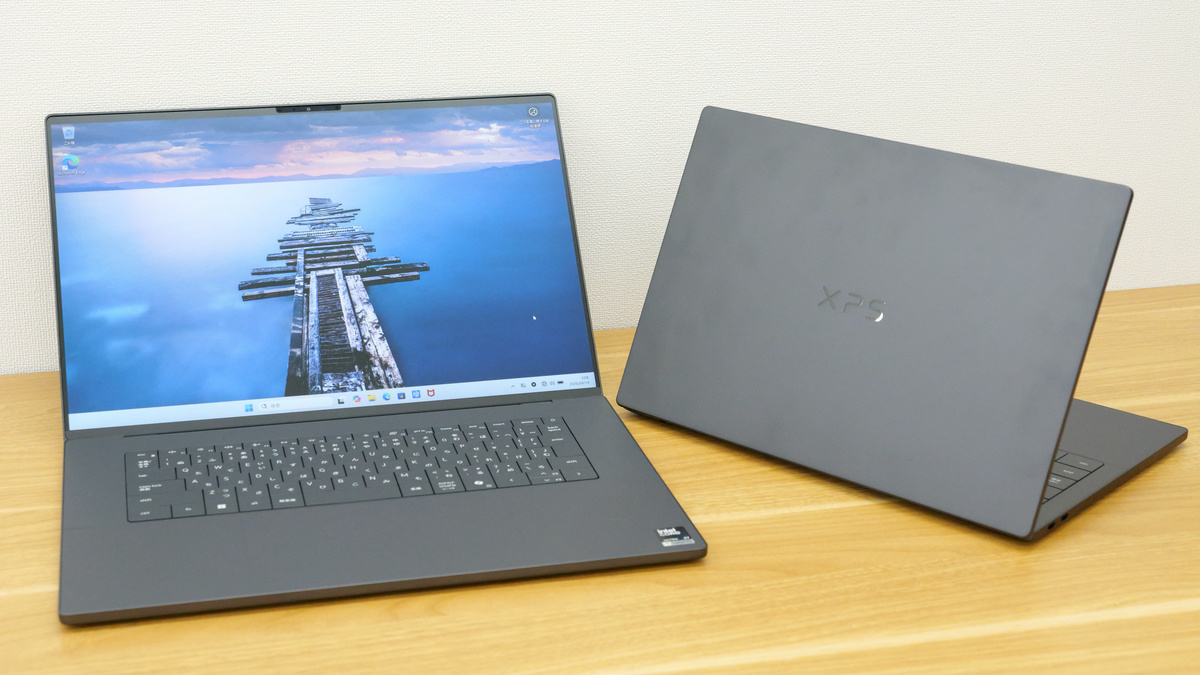
Dell, a PC manufacturer,
Dell XPS 14-inch Premium Lightweight Laptop with Intel Core Ultra | Dell Japan
https://www.dell.com/ja-jp/shop/dell-laptops/xps-14-laptop-2026/spd/xps-da14260-laptop
Dell XPS 16-inch Premium Lightweight Laptop with Intel Core Ultra | Dell Japan
https://www.dell.com/ja-jp/shop/dell-laptops/xps-16-laptop-2026/spd/xps-da16260-laptop
◆XPS 14 (2026)
This is the XPS 14 itself.
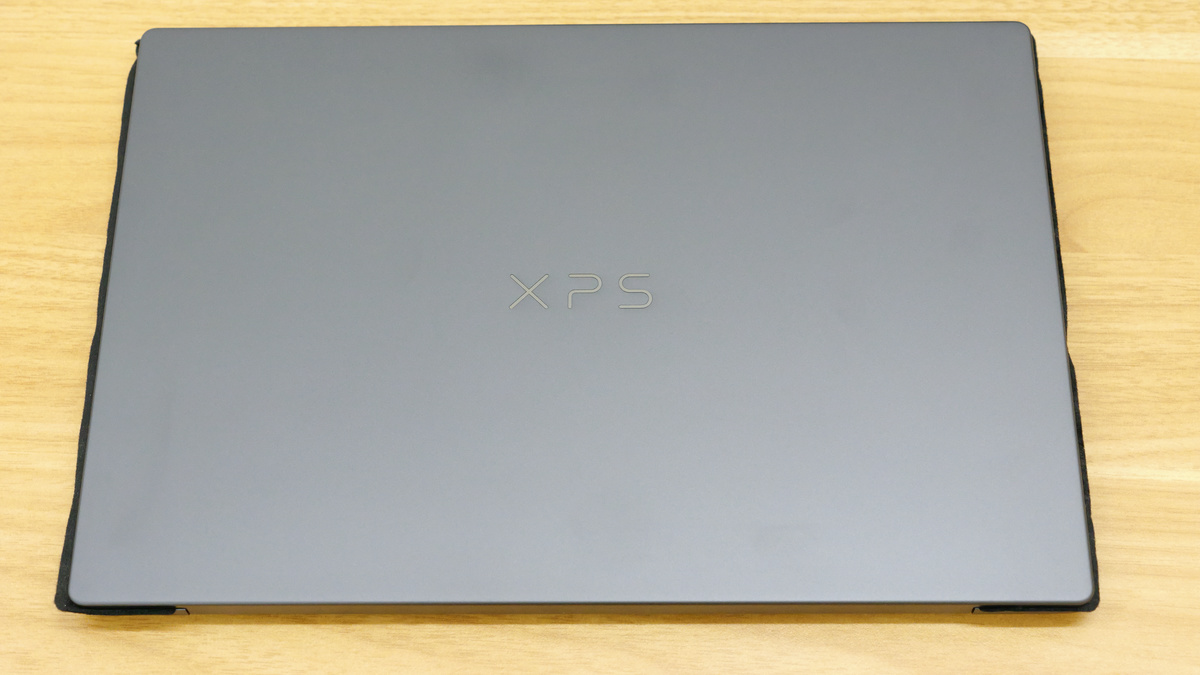
The nominal weight is 1.36 kg, but the actual measured weight was 1.40 kg.
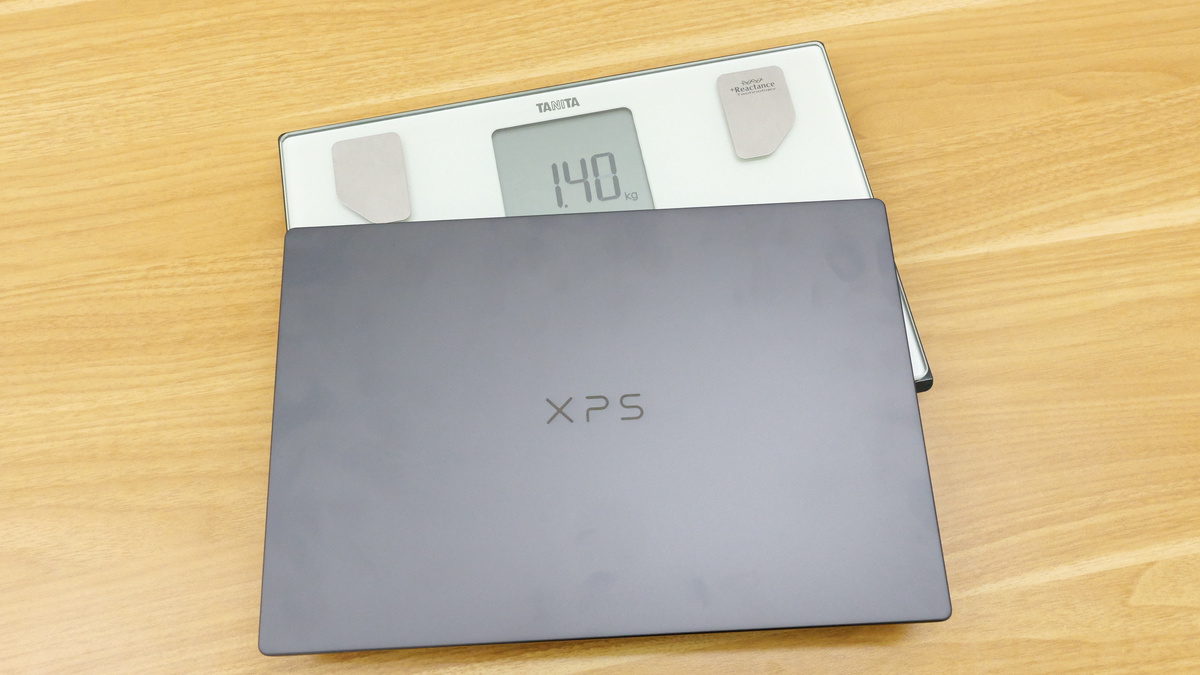
The body color is graphite, and it's made of dark silver metal with a matte finish. If you touch it with your bare hands, the oil from your hands will stick to it, and it will become slightly tarnished and noticeable.
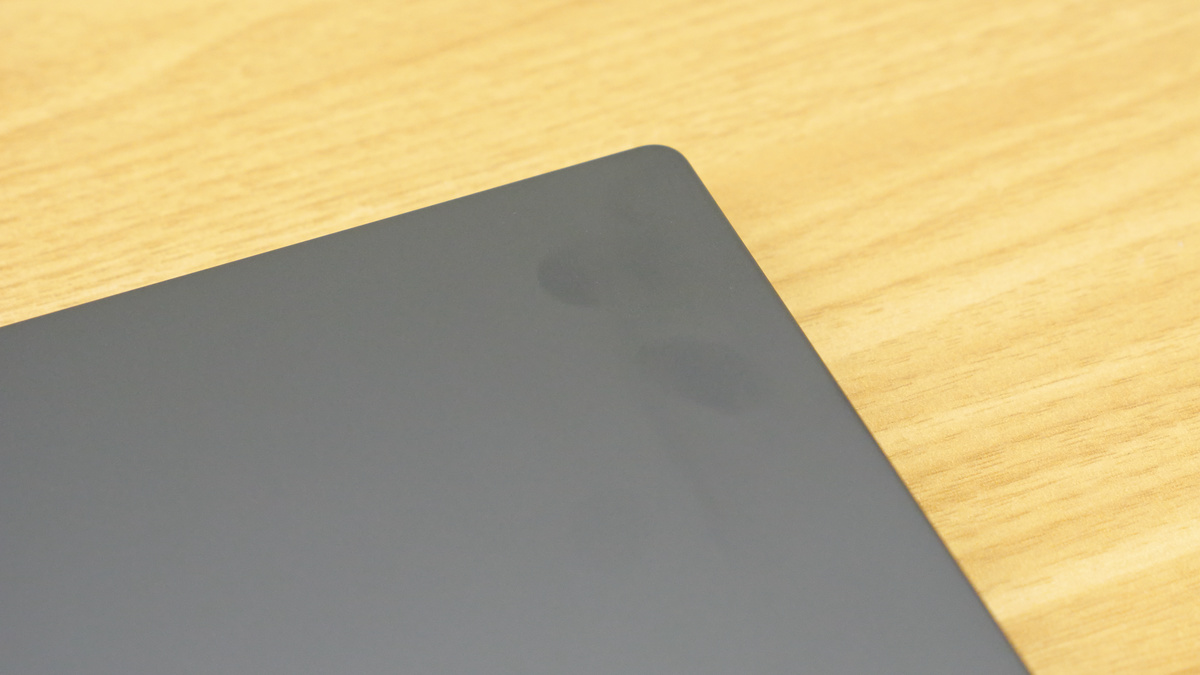
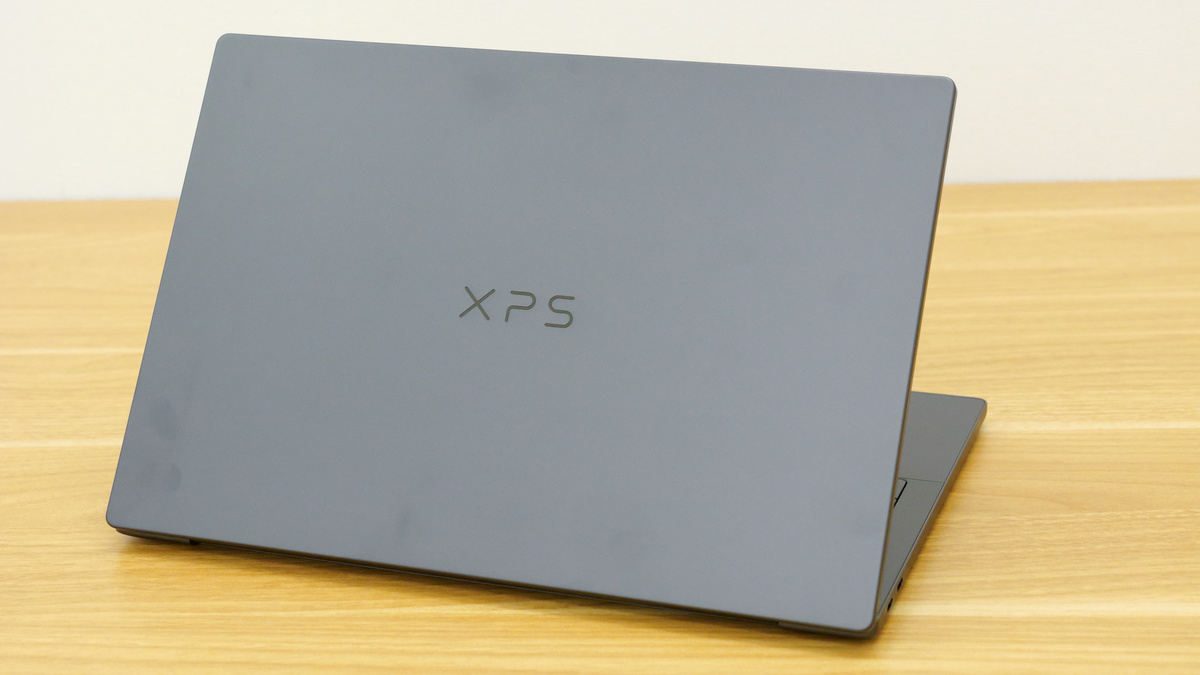
The top panel of the main unit looks like this. The 'XPS' logo is engraved on it.
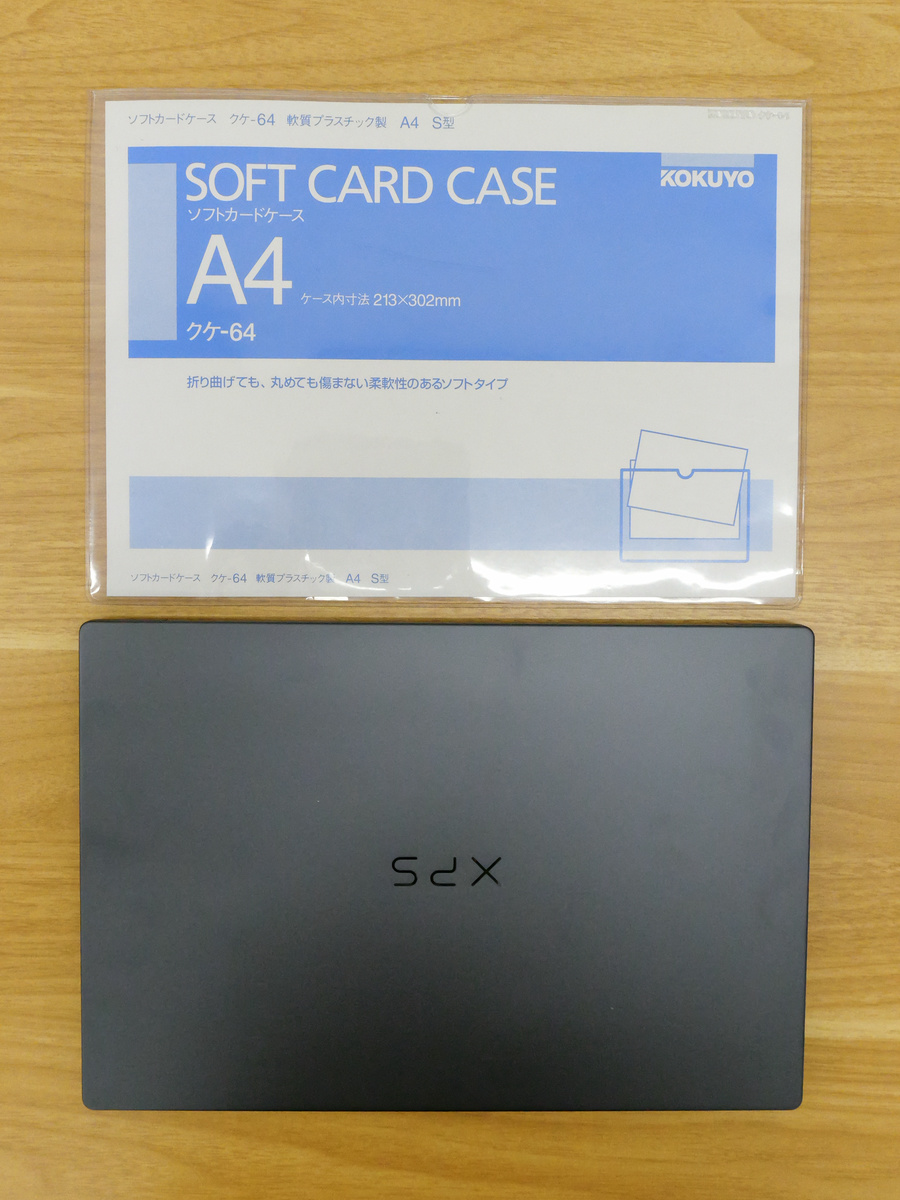
The dimensions are 309.52mm wide x 209.71mm deep. As you can see in the image below, it's almost the same size as an A4 size (297mm x 210mm) soft card case.
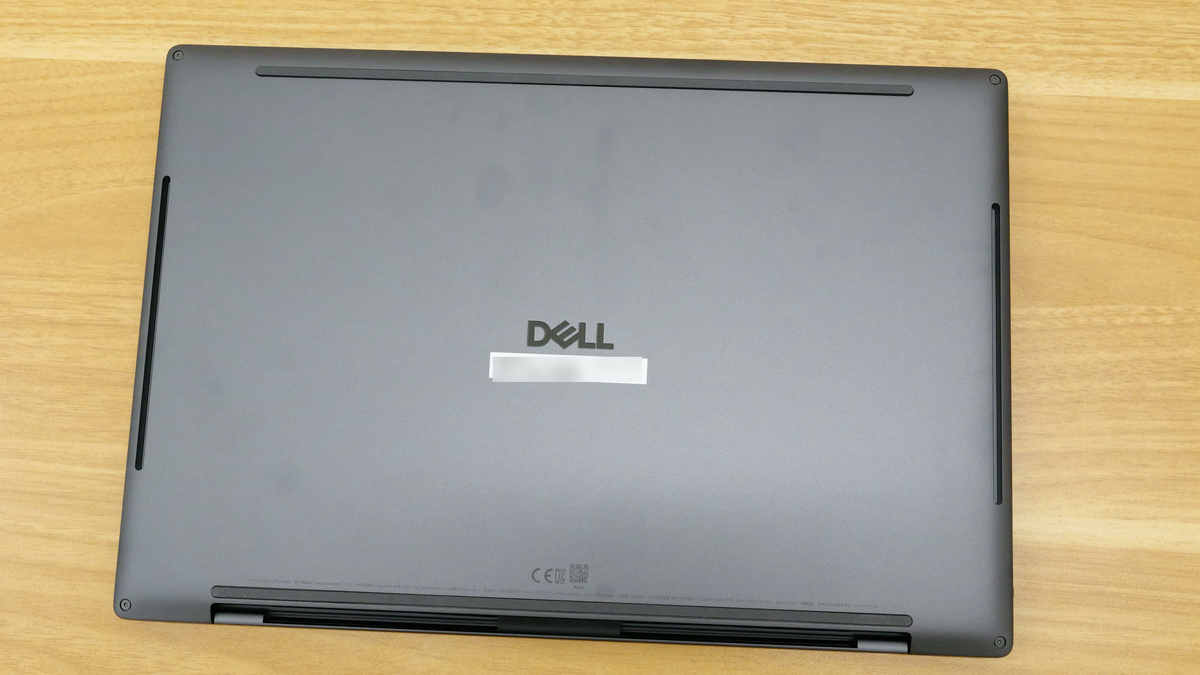
The back has four rubber anti-slip pads and a DELL logo in the center.
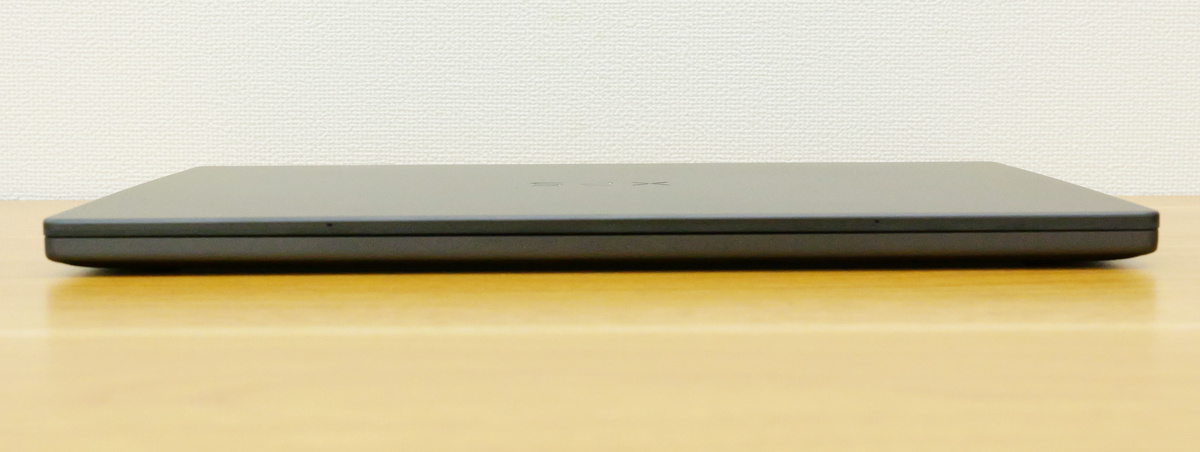
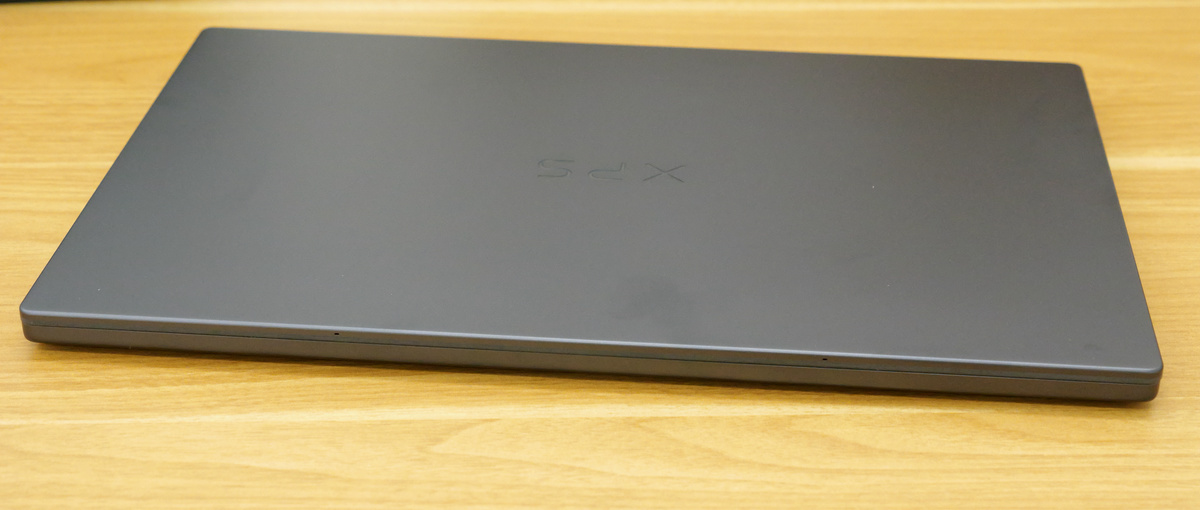
There's nothing on the front.
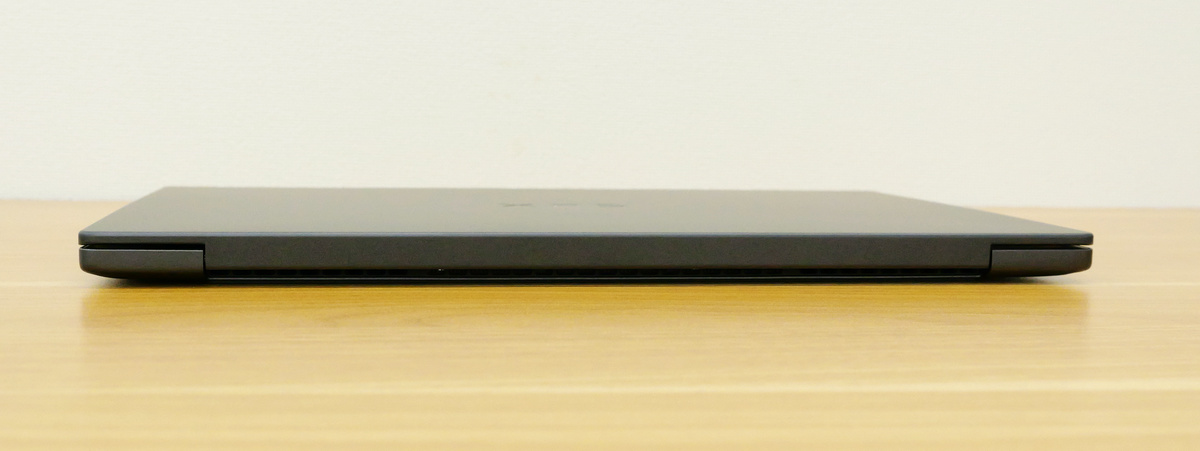
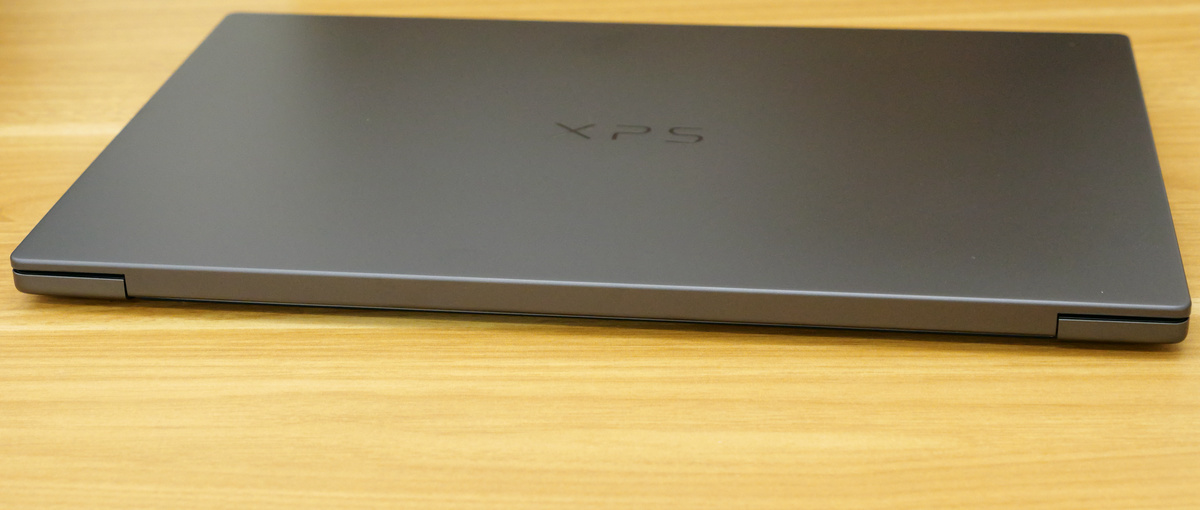
hinge part on the back
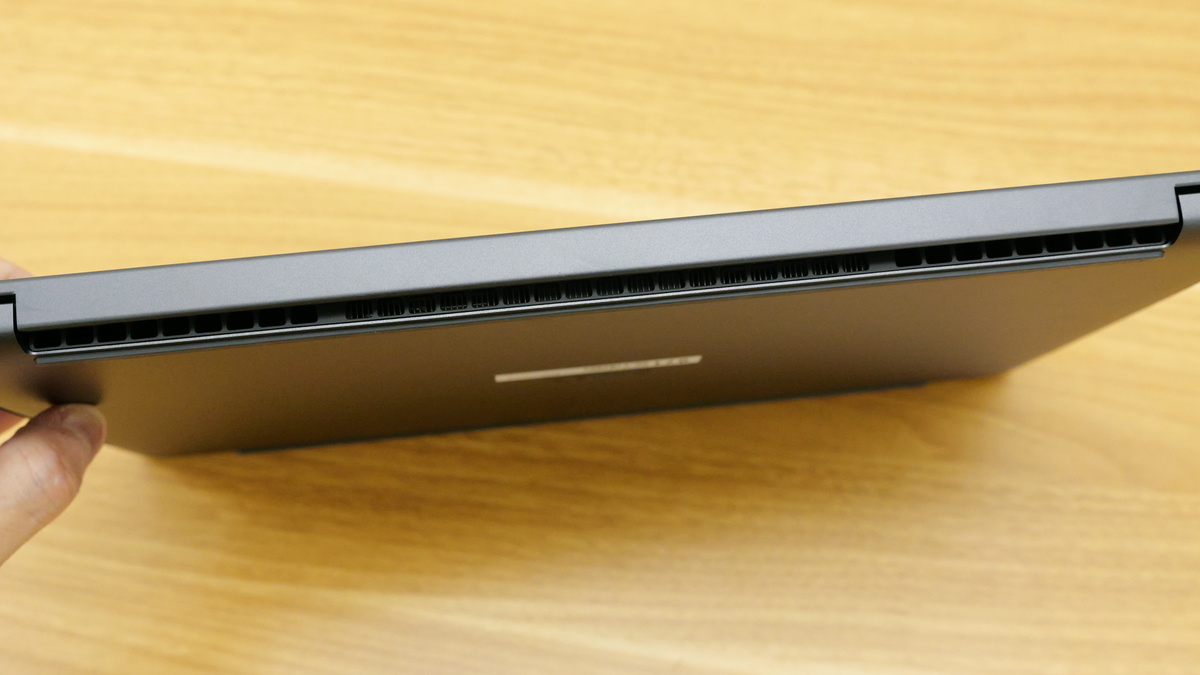
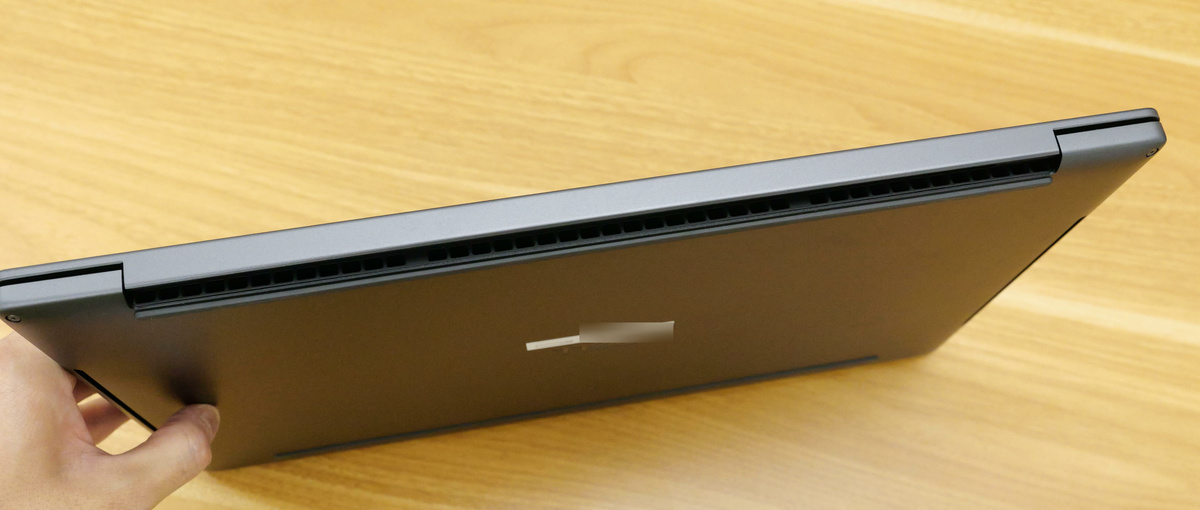
There is an exhaust fan under the hinge.
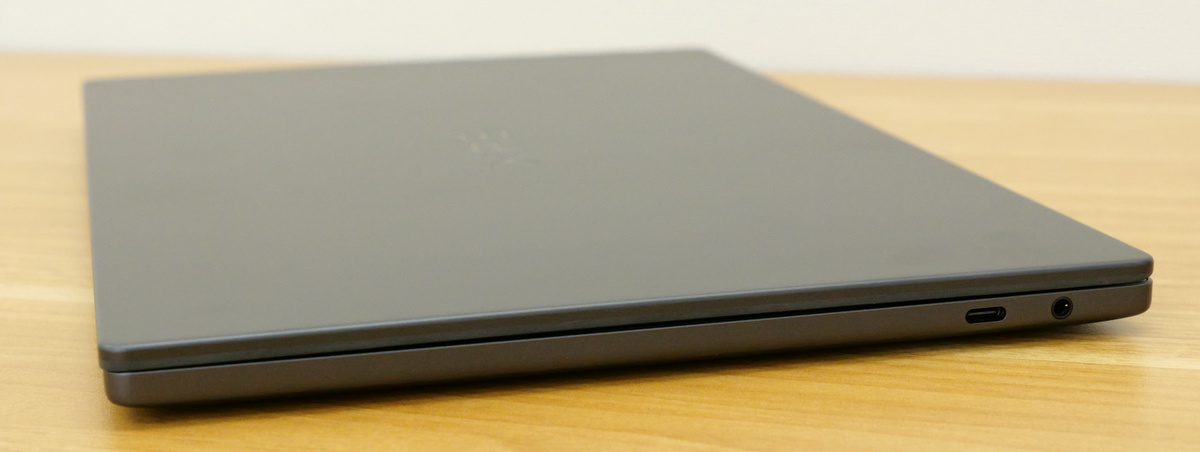
On the right side are a DisplayPort 2.1 and a Thunderbolt 4 USB Type-C port with Power Delivery support, as well as a 3.5mm audio port.
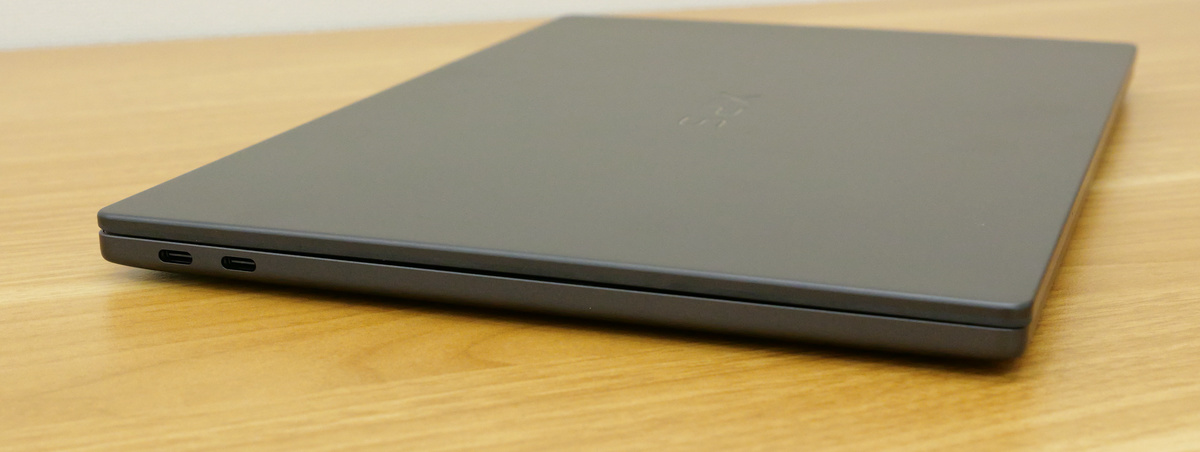
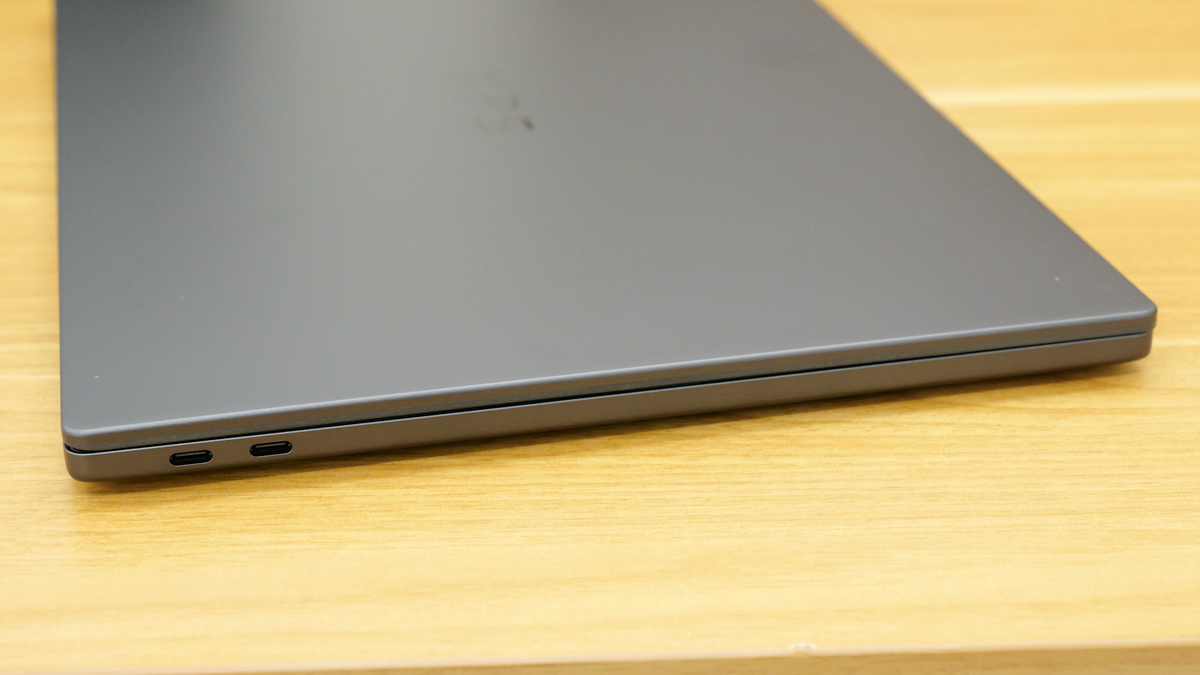
On the left side are two USB Type-C ports: one with DisplayPort 2.1 and the other with Thunderbolt 4 and Power Delivery support.
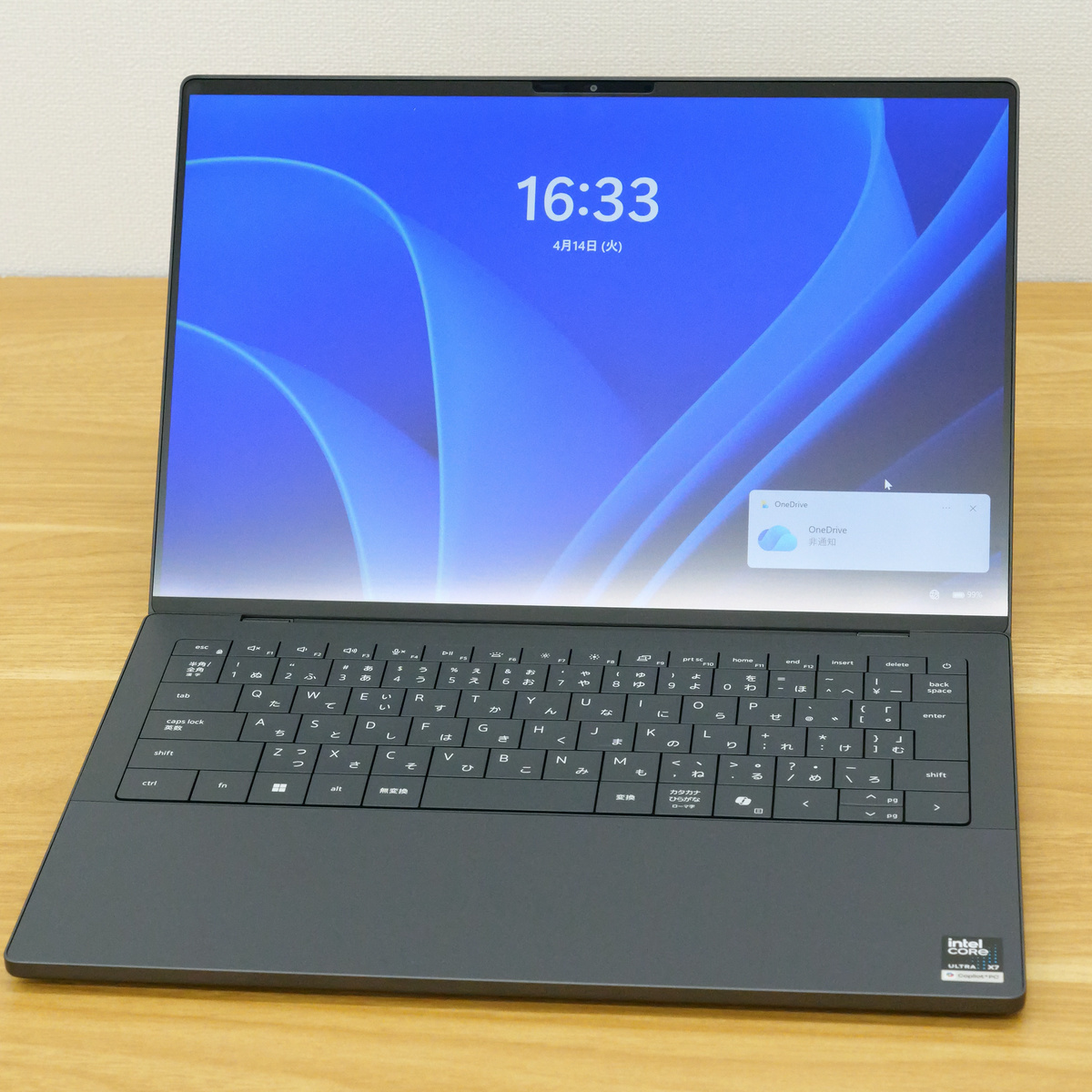
The screen has just opened.
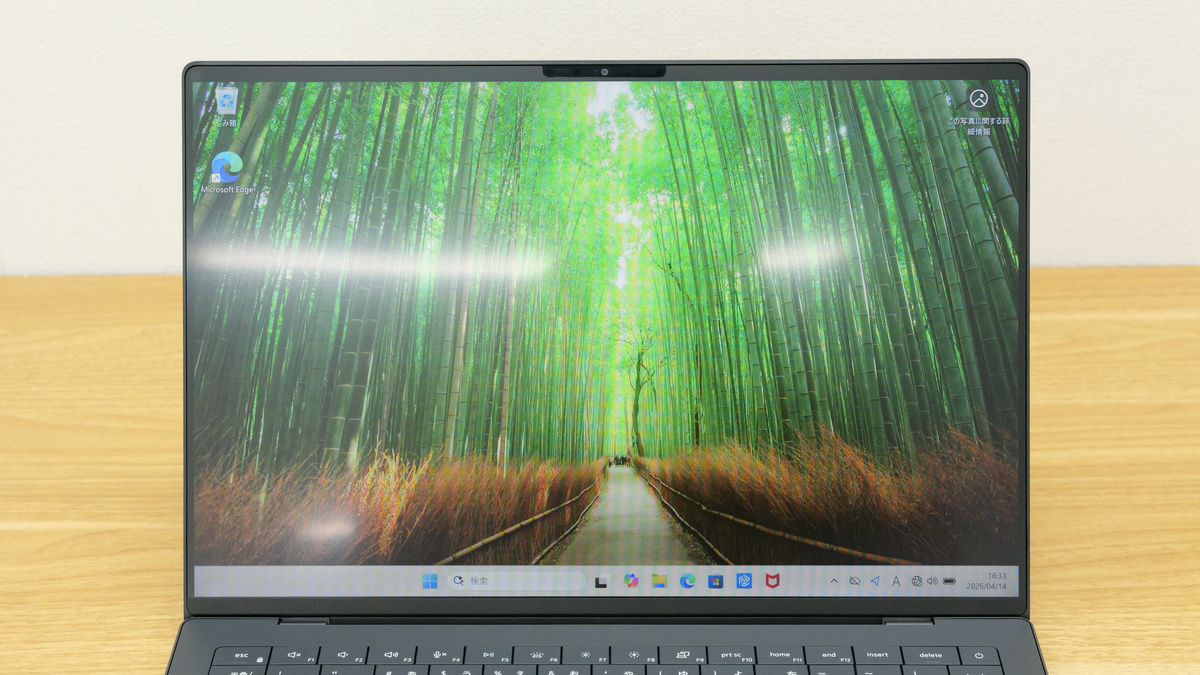
The 14-inch display is non-glare, has a 2K resolution, a refresh rate of 1-120Hz, and a maximum brightness of 500 nits.
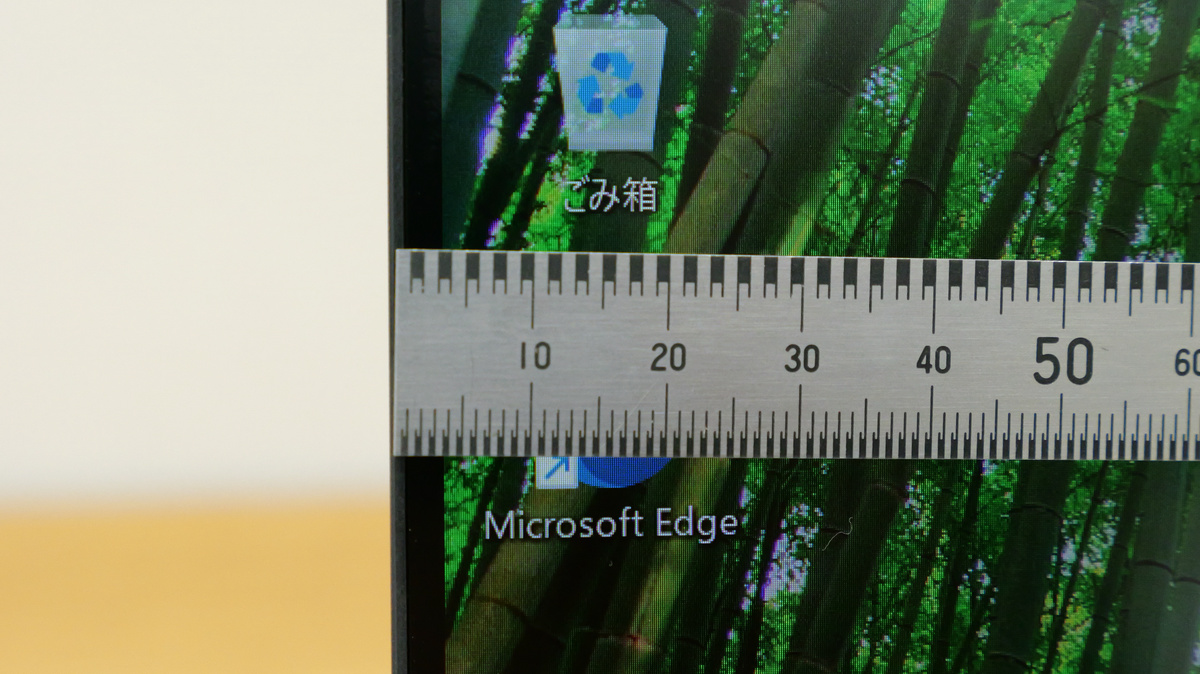
The bezels on the left and right sides are approximately 4mm thick according to actual measurements.
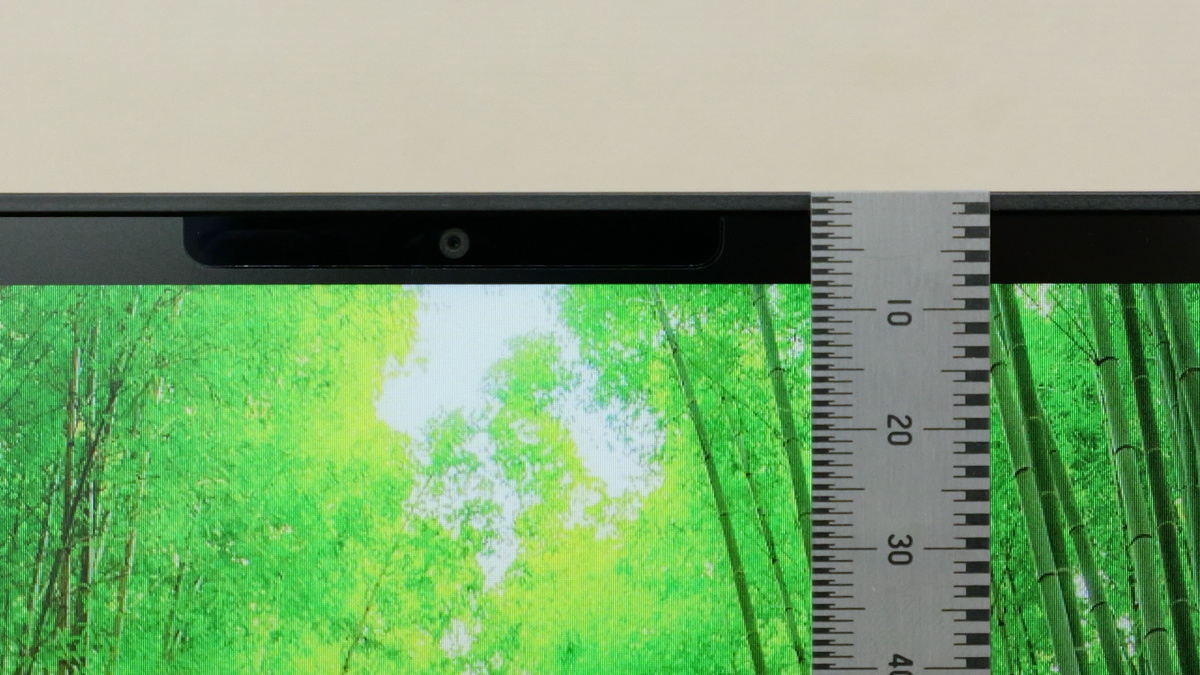
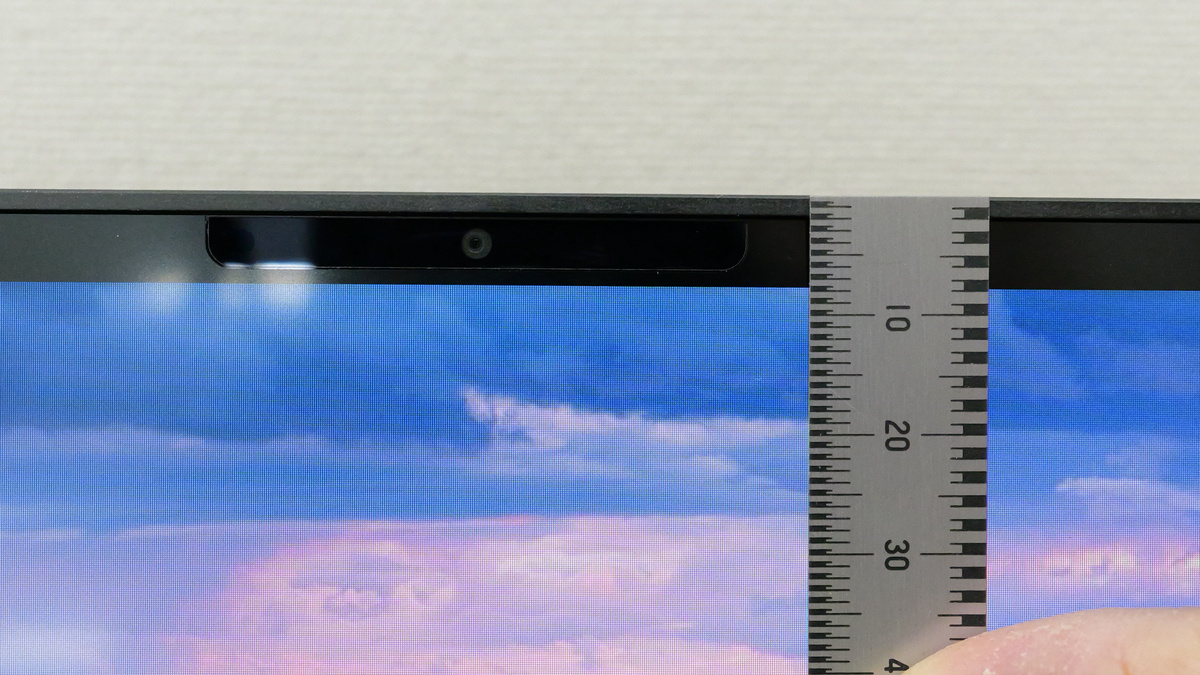
The top bezel is approximately 8mm thick. The top section houses an 8MP 1080p/HDR camera capable of taking selfies.
The opening and closing angle is approximately 130 degrees.
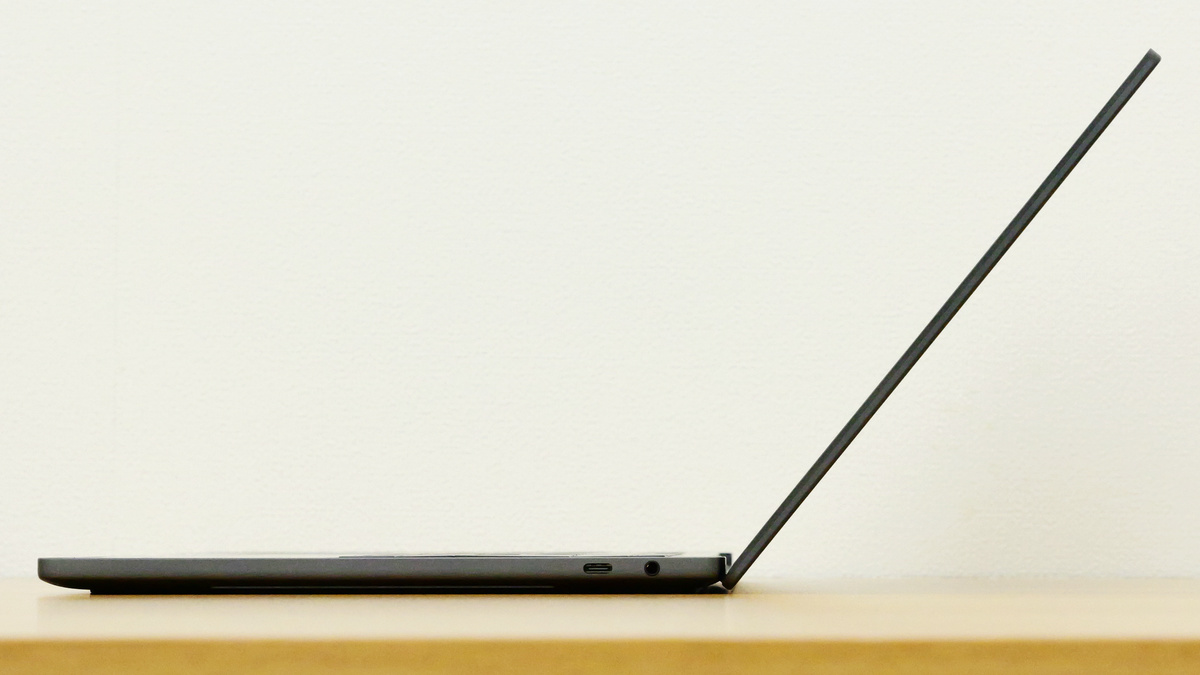
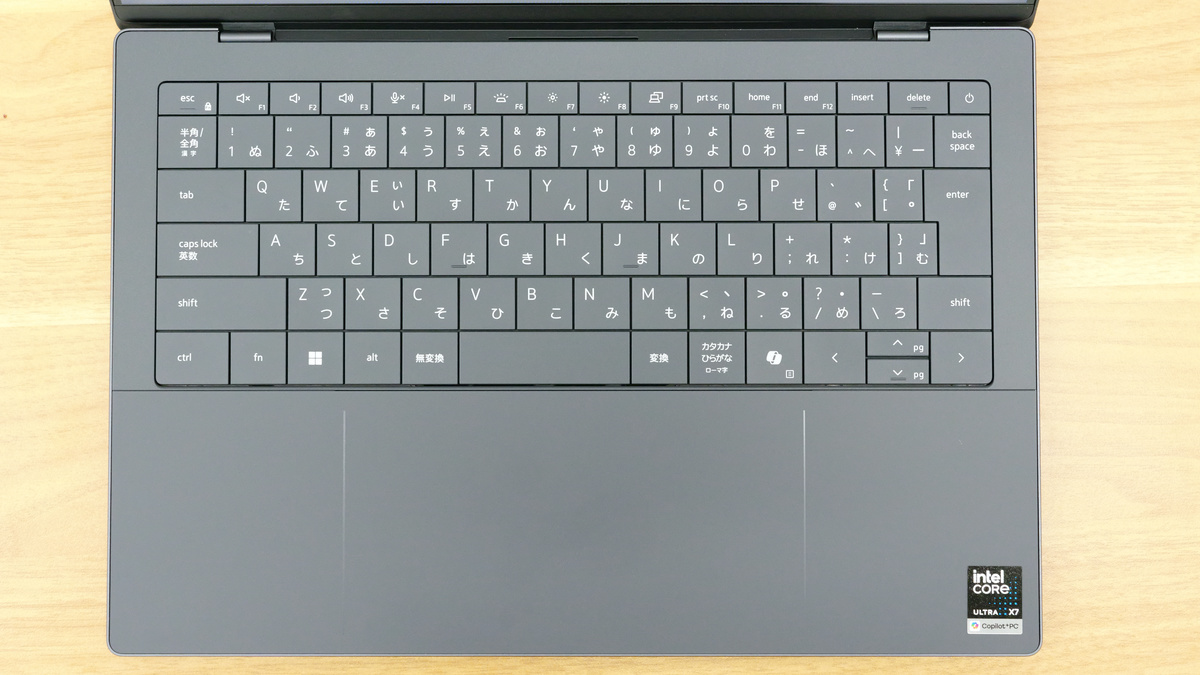
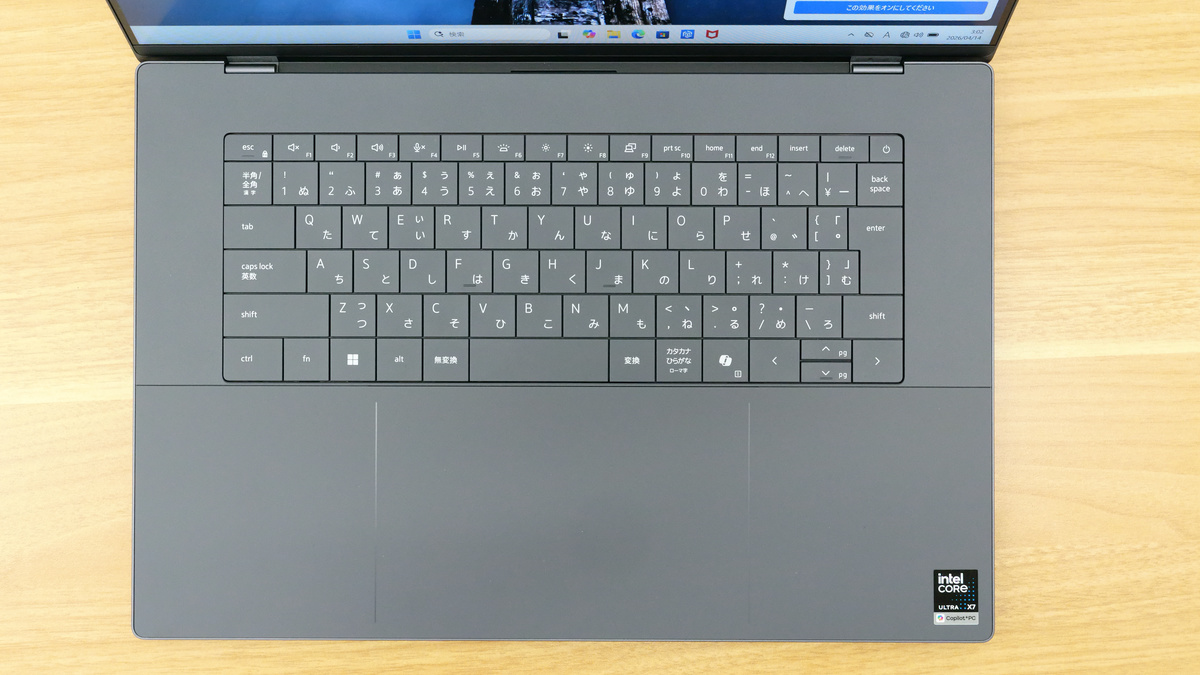
The keyboard has a Japanese layout. Unlike the previous model, which had touch-sensitive function keys, this model features physical keys again. The rightmost key in the function key row is the power key, not the Del key. Therefore, you need to be careful not to accidentally press the power key when you intend to press the Del key. Also, there is only a left Ctrl key, and the Copilot key is located where the right Ctrl key would normally be.
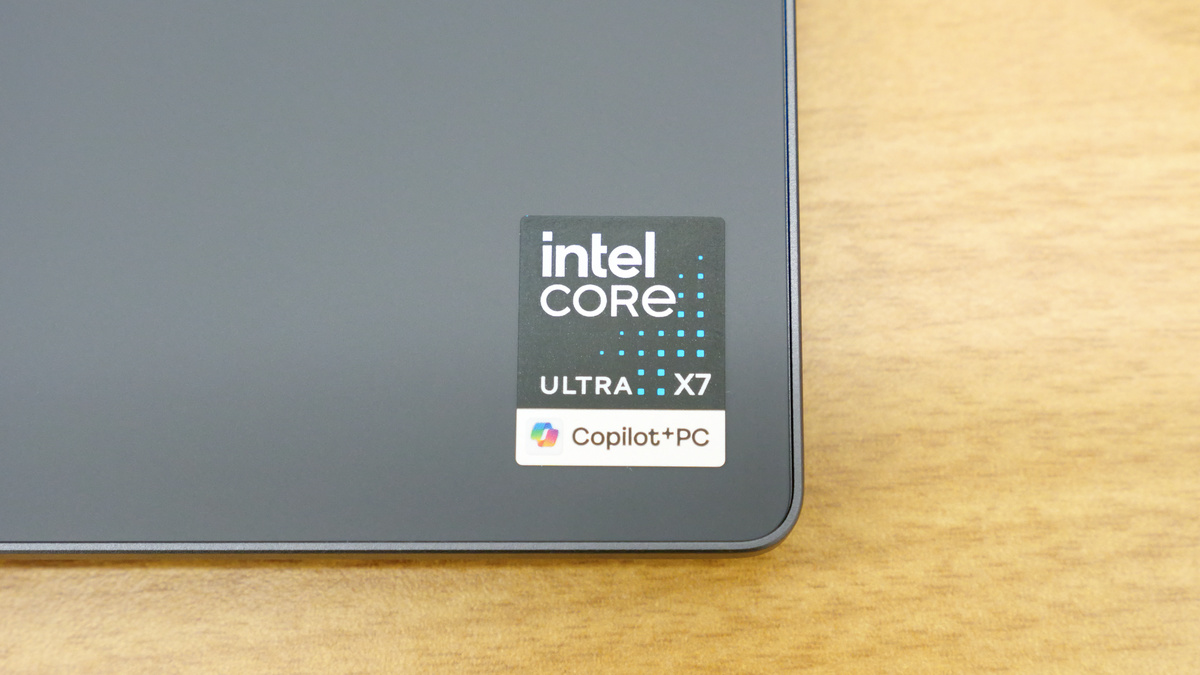
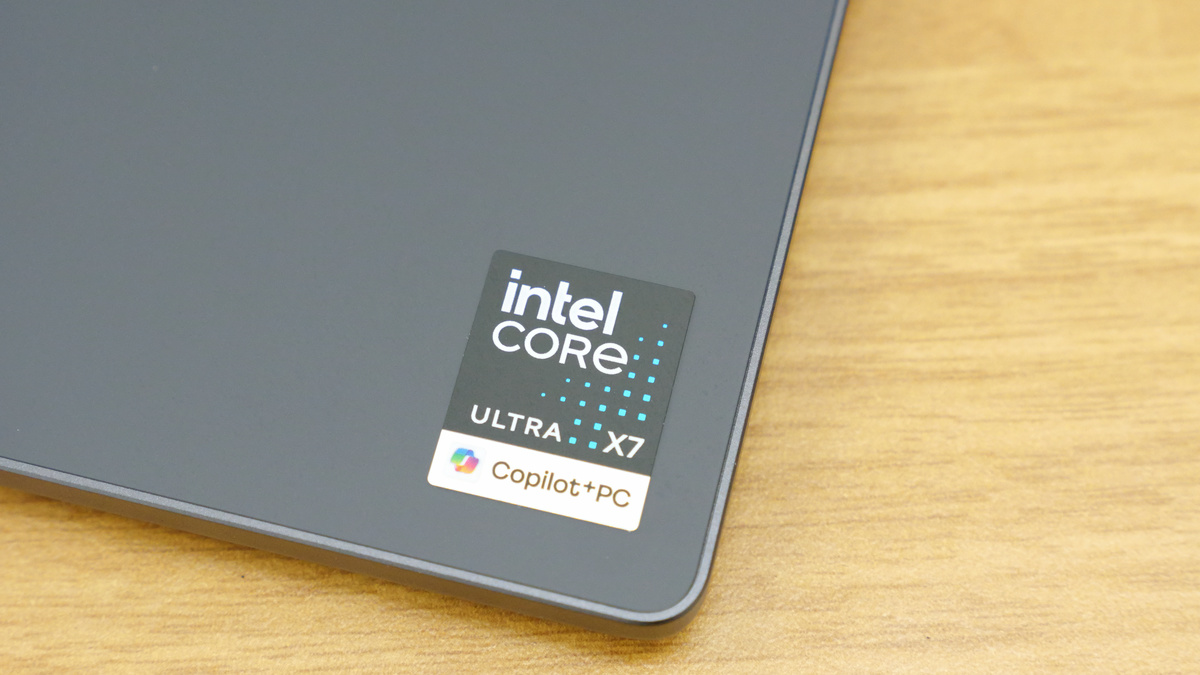
A sticker that advertises that it's a Copilot+ PC equipped with an Intel Core Ultra X7.
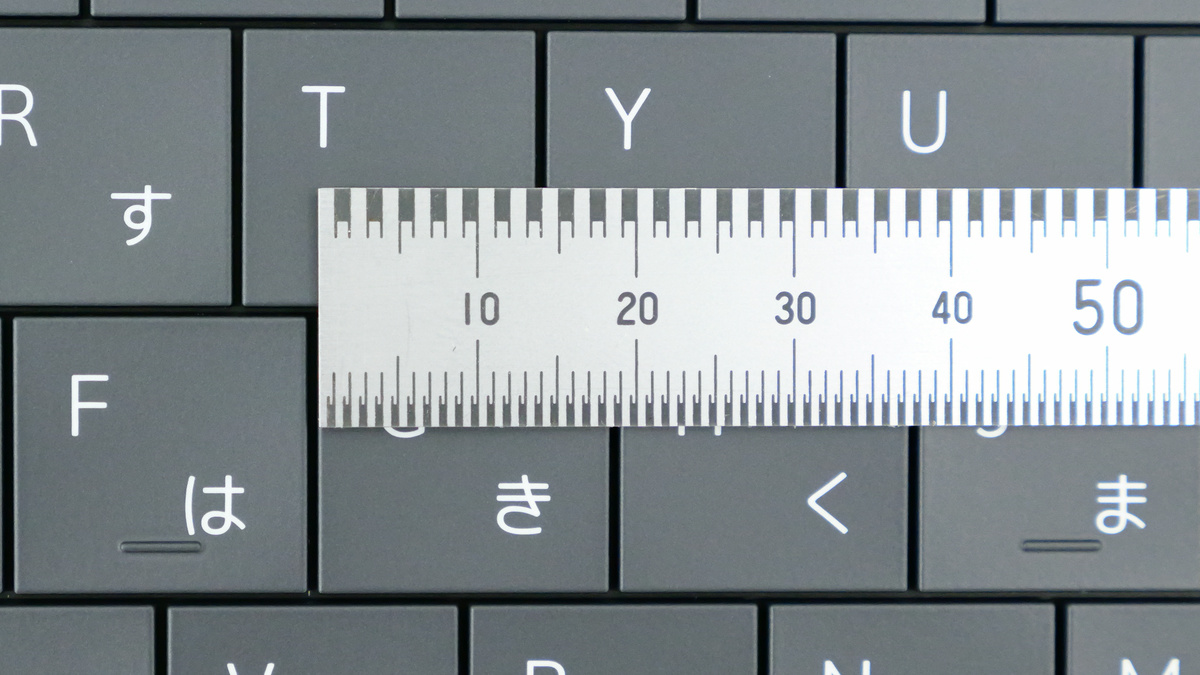
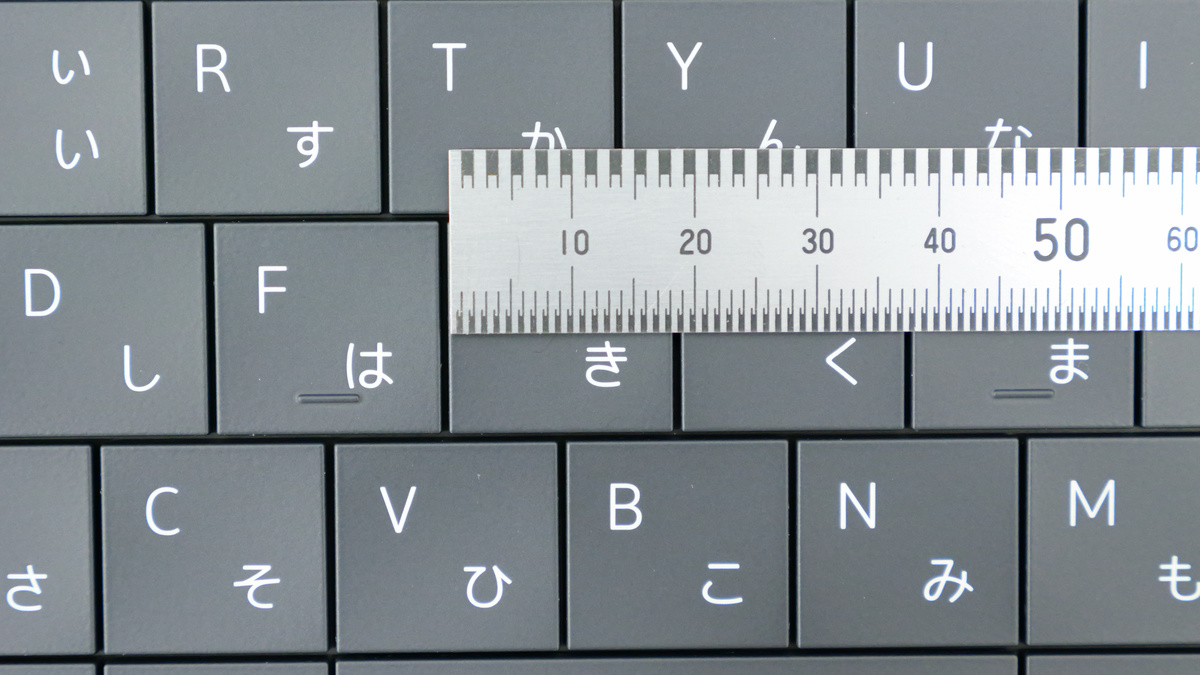
The key pitch is approximately 19mm (measured). The gap between keys is approximately 1mm.
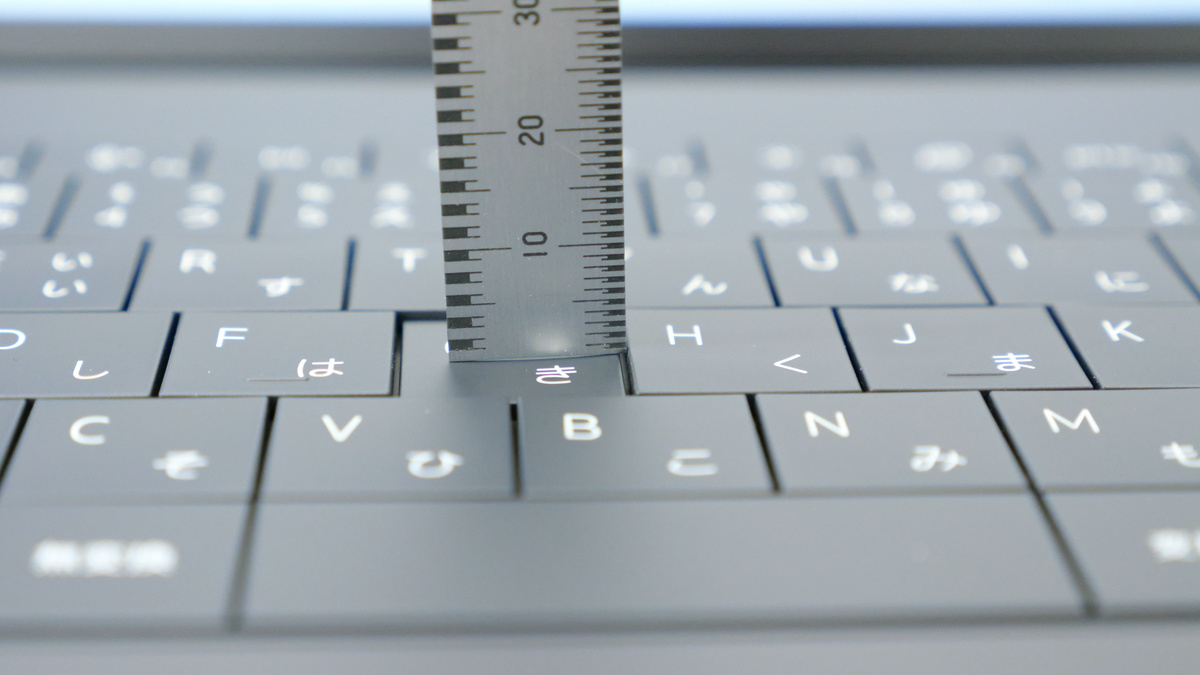
The key travel is approximately 1mm.
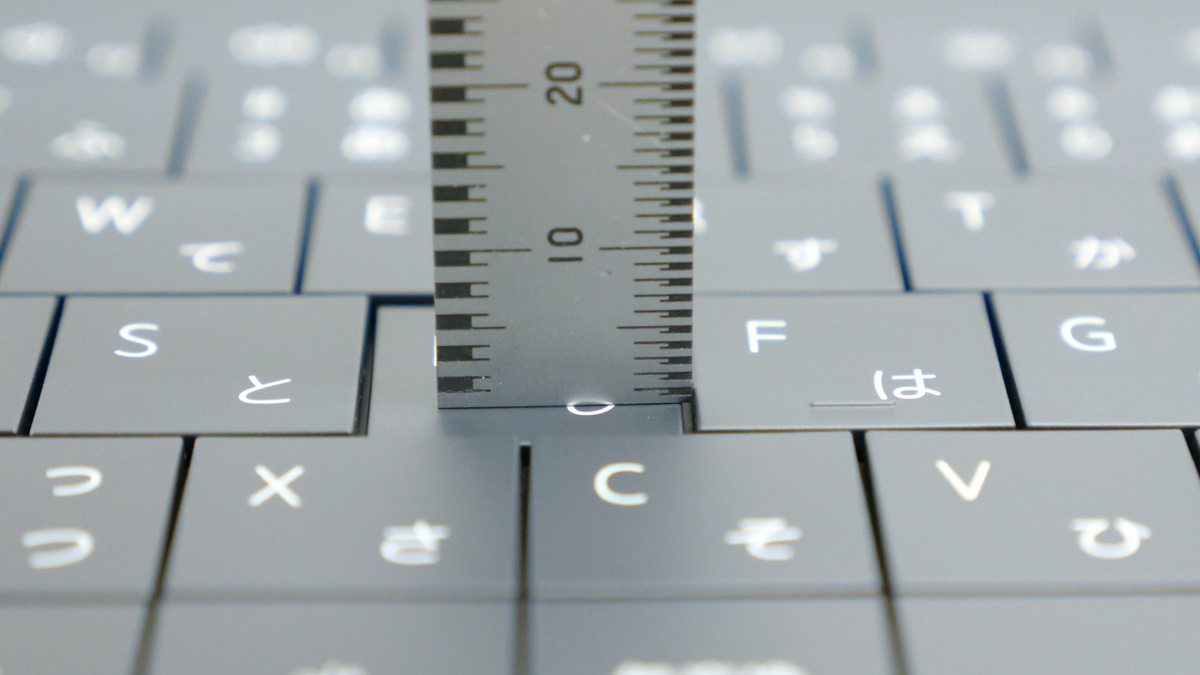
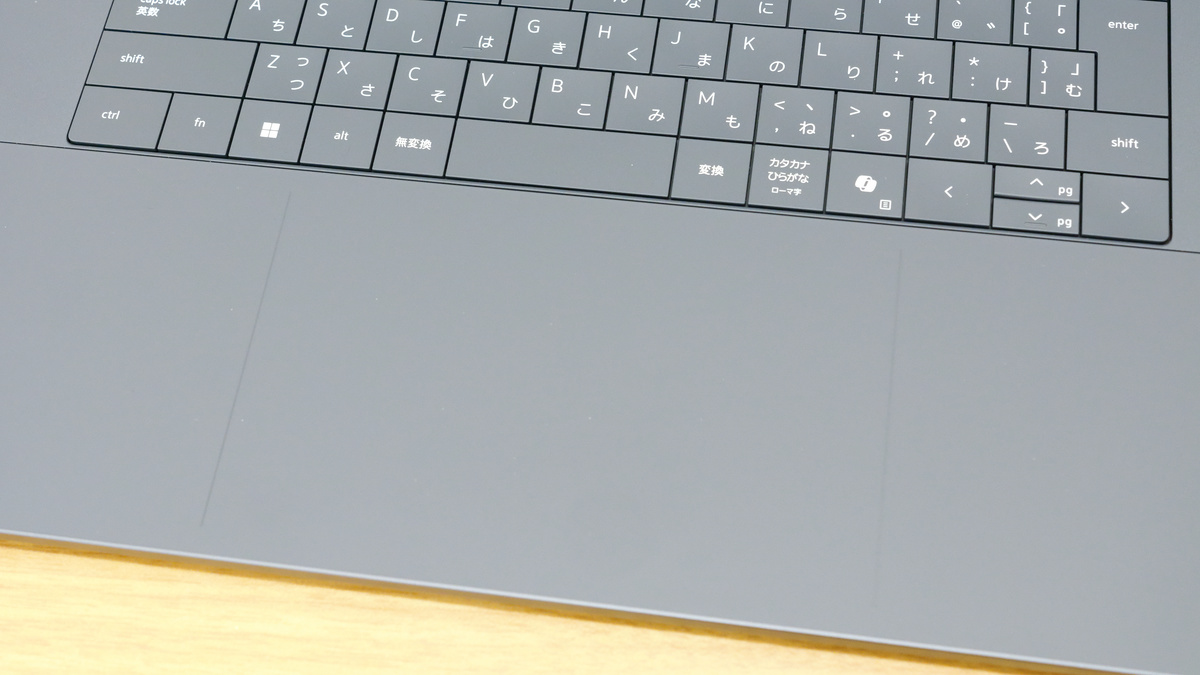
The mousepad area is approximately 16cm wide, and although very faint, the area is clearly marked. The previous model had a design where it was difficult to tell where the mousepad began and ended, so this is an improvement.
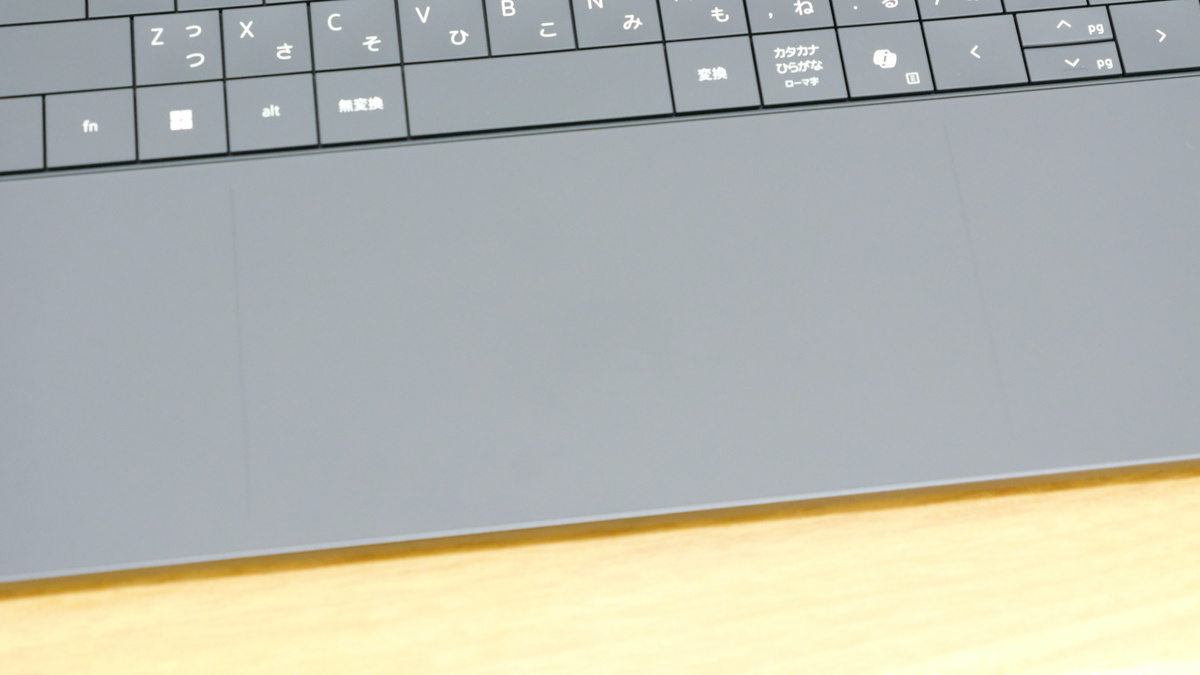
The following video shows what it's like to actually touch the XPS 14 keyboard and click the mousepad. The gap between the keys is 1mm, the key travel is about 1mm, and the keys themselves are almost flat, although they have a slight indentation, so I found it difficult to keep track of 'where my fingers are.' The feeling of pressing the keys is also weak, so it seems like it will take quite some time to get used to typing. The sound of typing is a somewhat muffled popping sound, and it doesn't seem like it will be a big noise. The mousepad is about 16cm wide, which is large and may be quite difficult to use depending on the size of your hands. In particular, the left and right clicks are far apart, so I found it difficult to figure out how to position my hands.
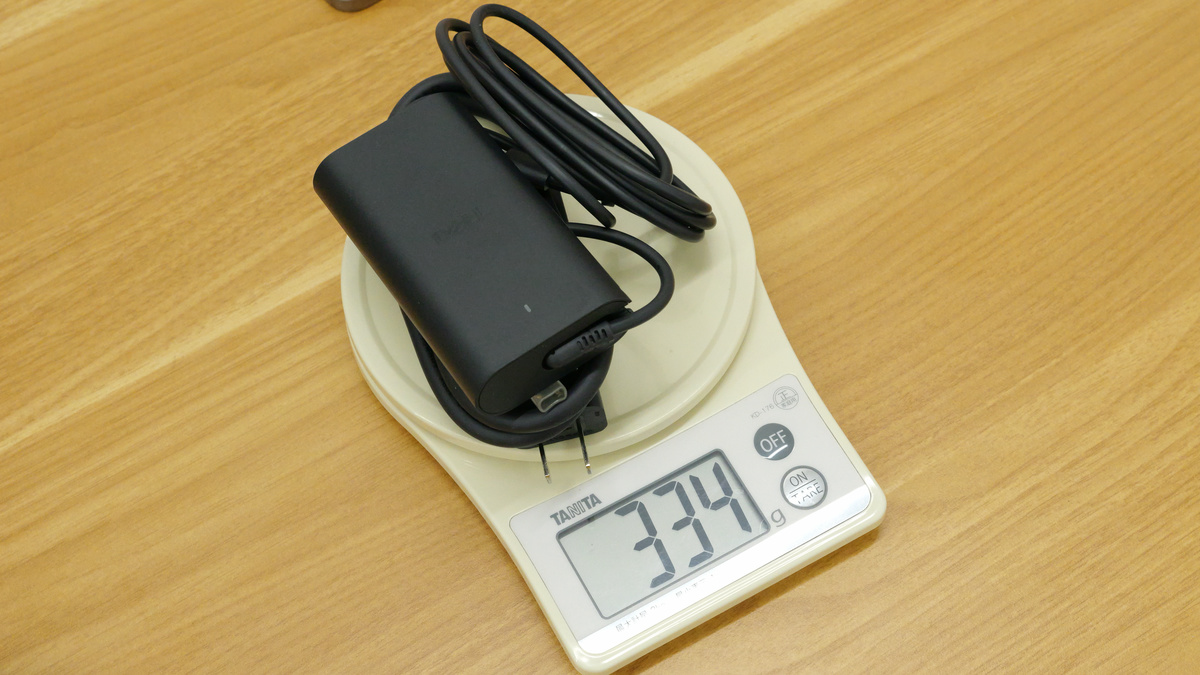
Power cable and AC adapter. The AC adapter is USB Type-C.
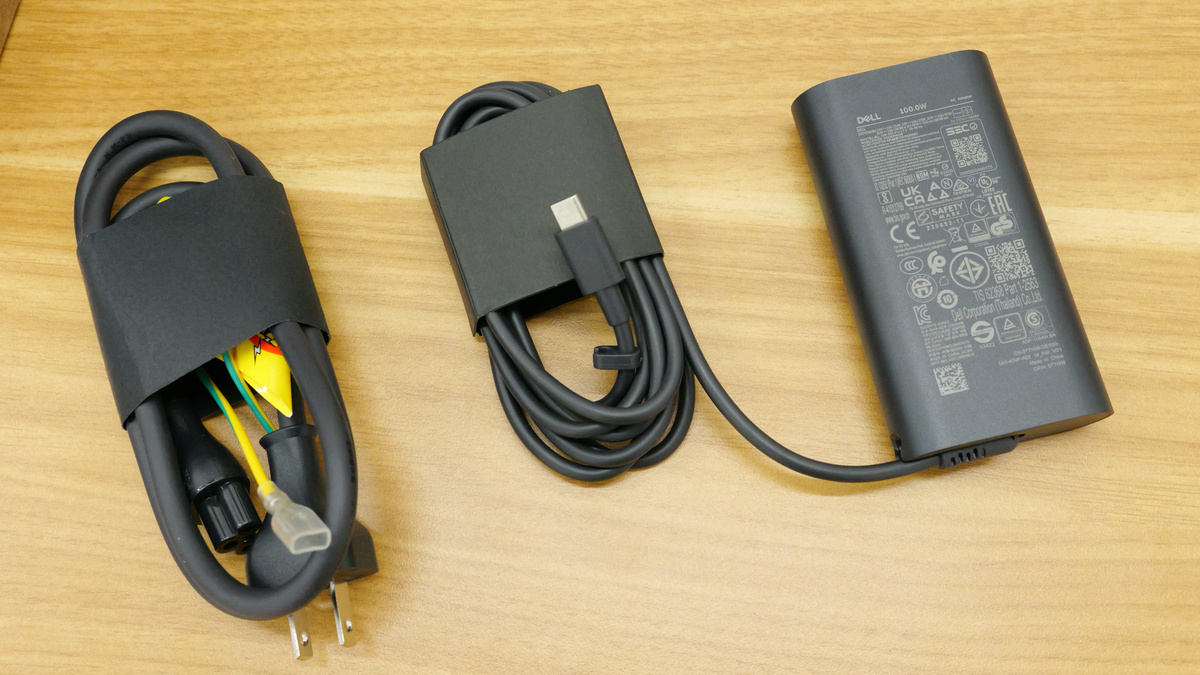
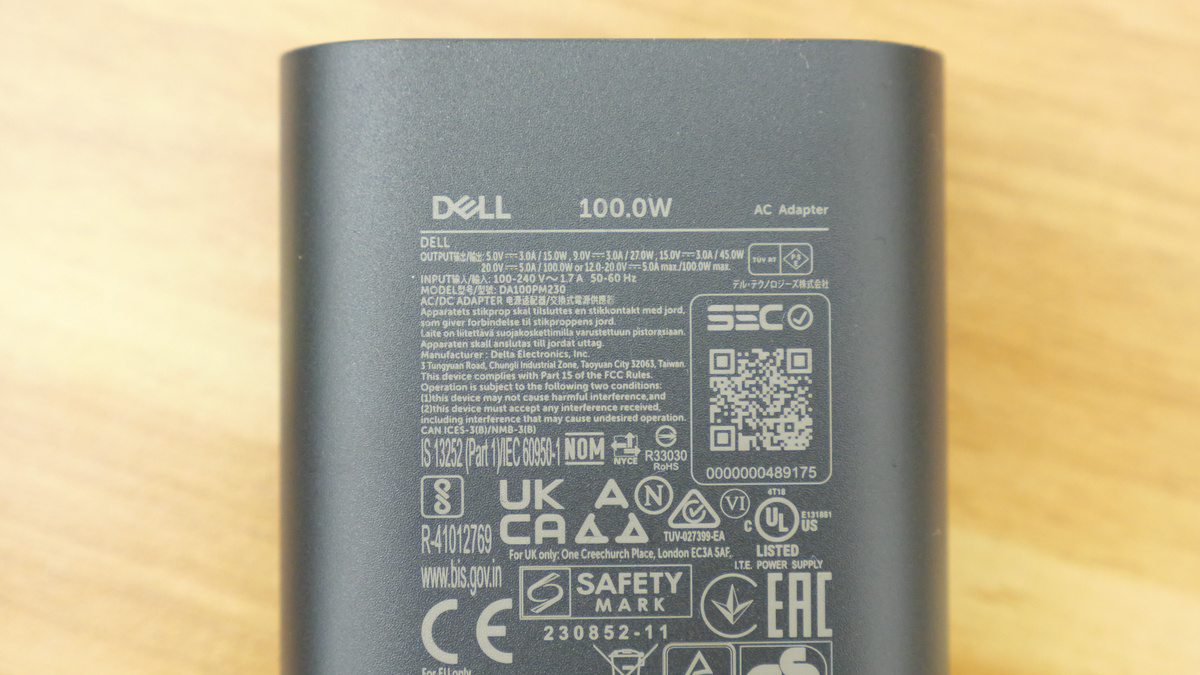
The AC adapter's output is a maximum of 20V x 5A = 100W.
The AC adapter, including the power cable, weighs 334g. Combined with the PC itself, the total weight is approximately 1.7kg.
◆XPS 16 (2026)
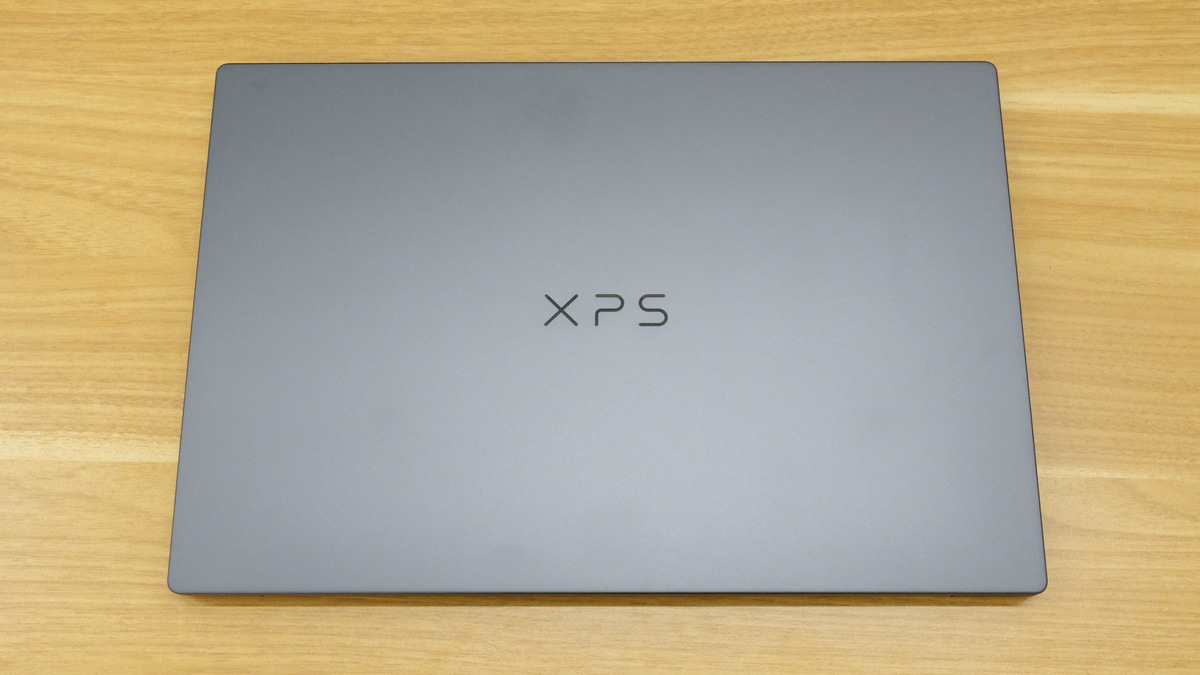
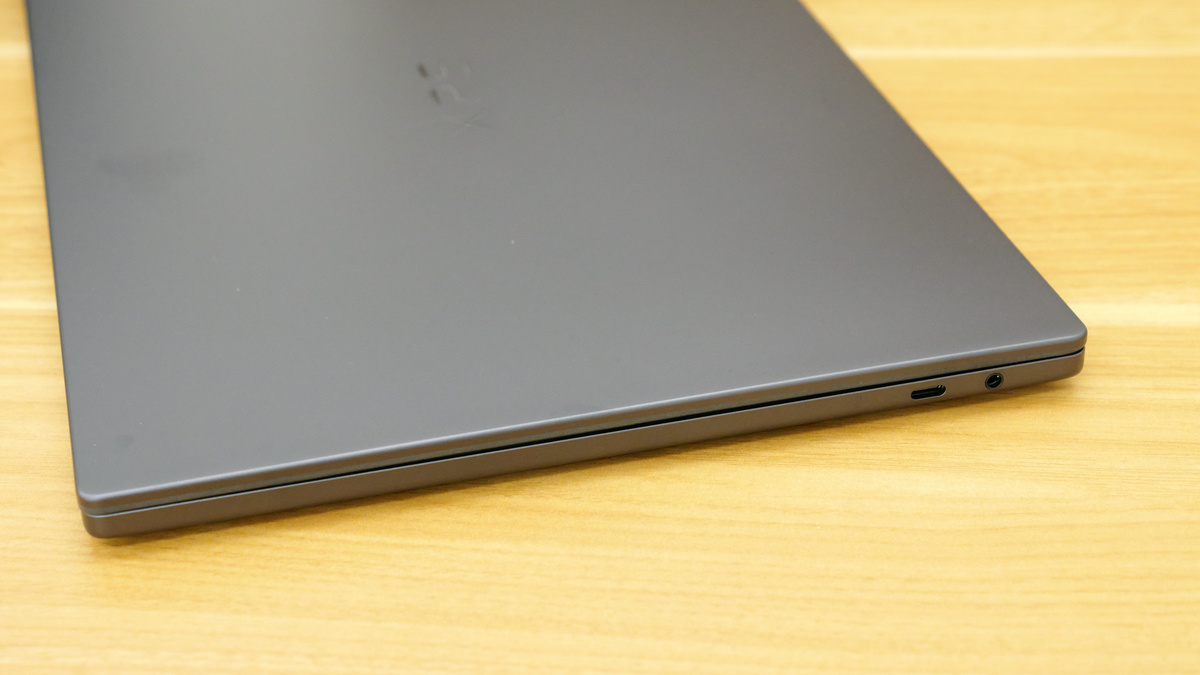
This is what the top panel of the XPS 16 looks like. Its dimensions are 352.58mm wide x 237.47mm deep, making it slightly larger than the XPS 14.
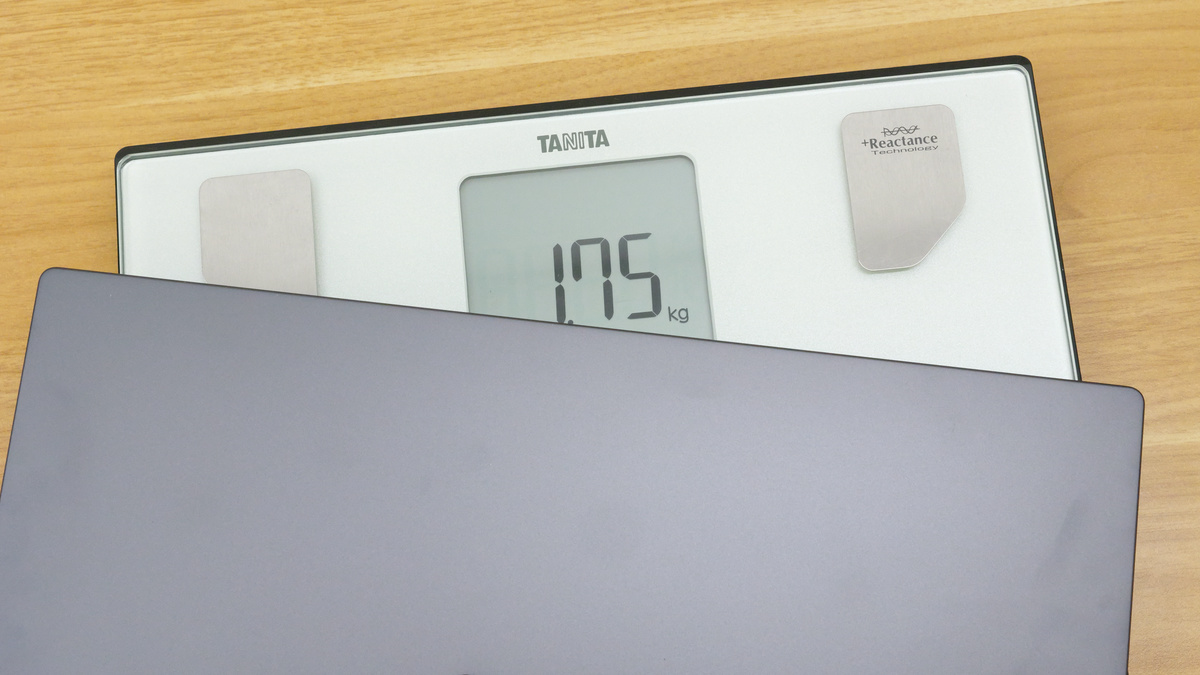
The stated weight is 1.65kg, but the actual measured weight was 1.75kg.
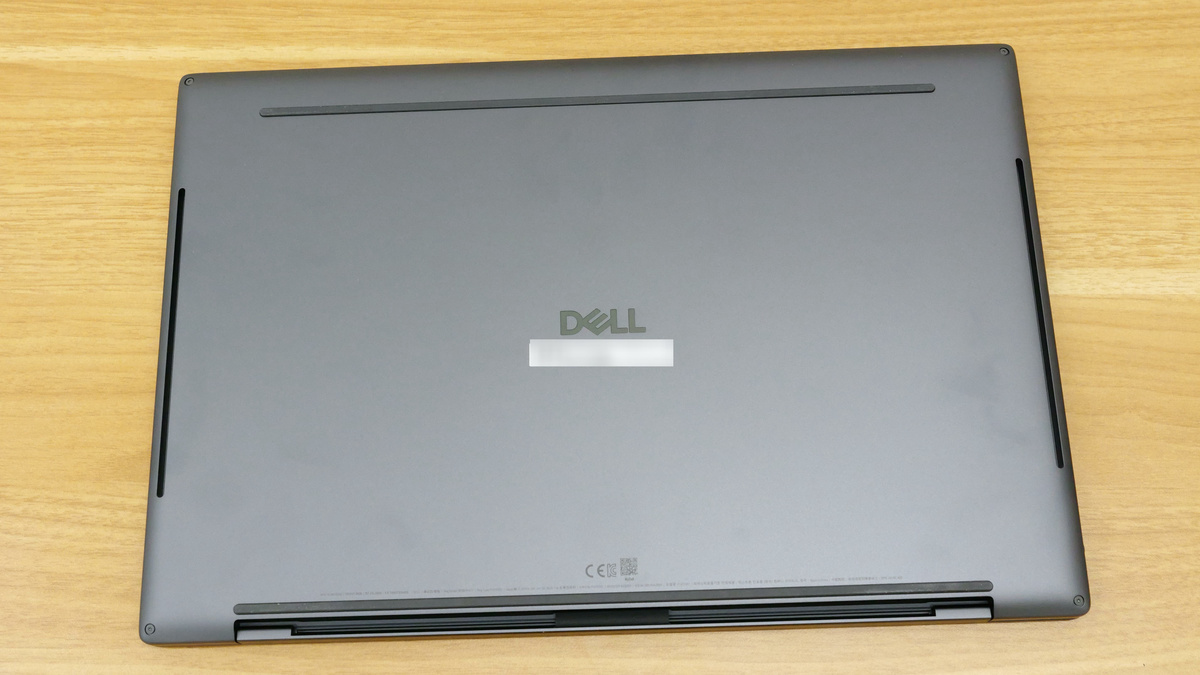
The back features a rubber anti-slip surface and the Dell logo.
There's nothing on the front.
The back is the hinge area.
There is an exhaust fan below the hinge.
On the left side are two USB Type-C ports: one with DisplayPort 2.1 and the other with Thunderbolt 4 and Power Delivery support.
On the right side are a DisplayPort 2.1 and a Thunderbolt 4 USB Type-C port with Power Delivery support, as well as a 3.5mm audio port.
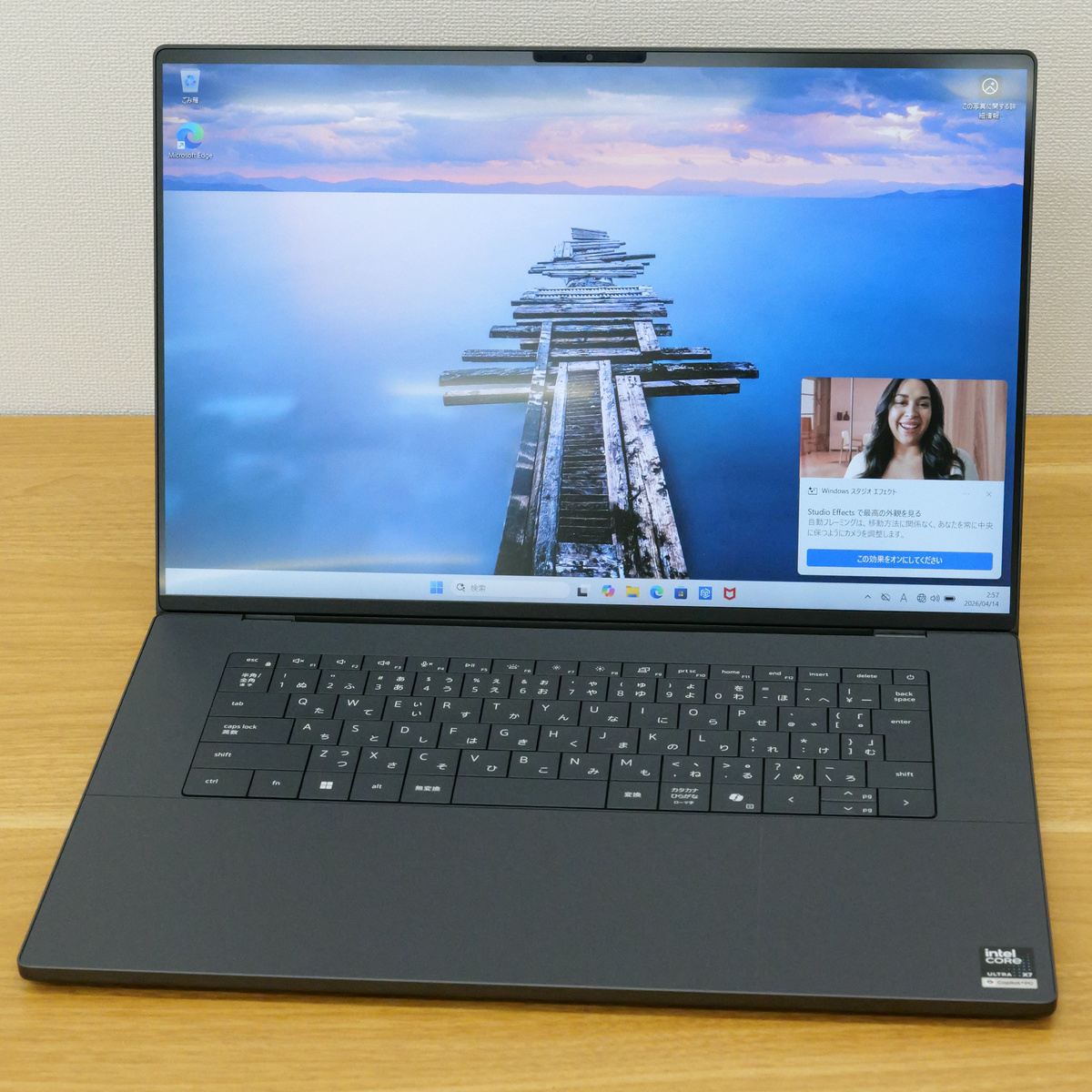
This is what it looks like when you open the screen.
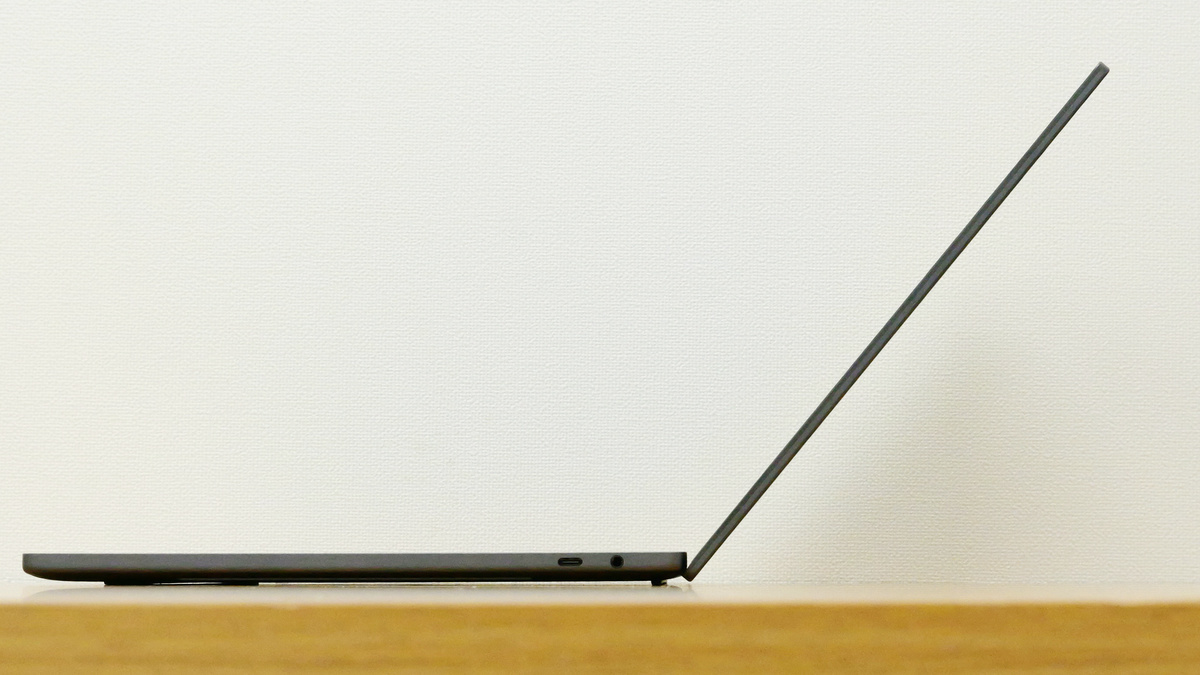
The opening angle is approximately 130 degrees.
The display size is 16 inches with 2K resolution, a refresh rate of 1-120Hz, and a maximum brightness of 500 nits.
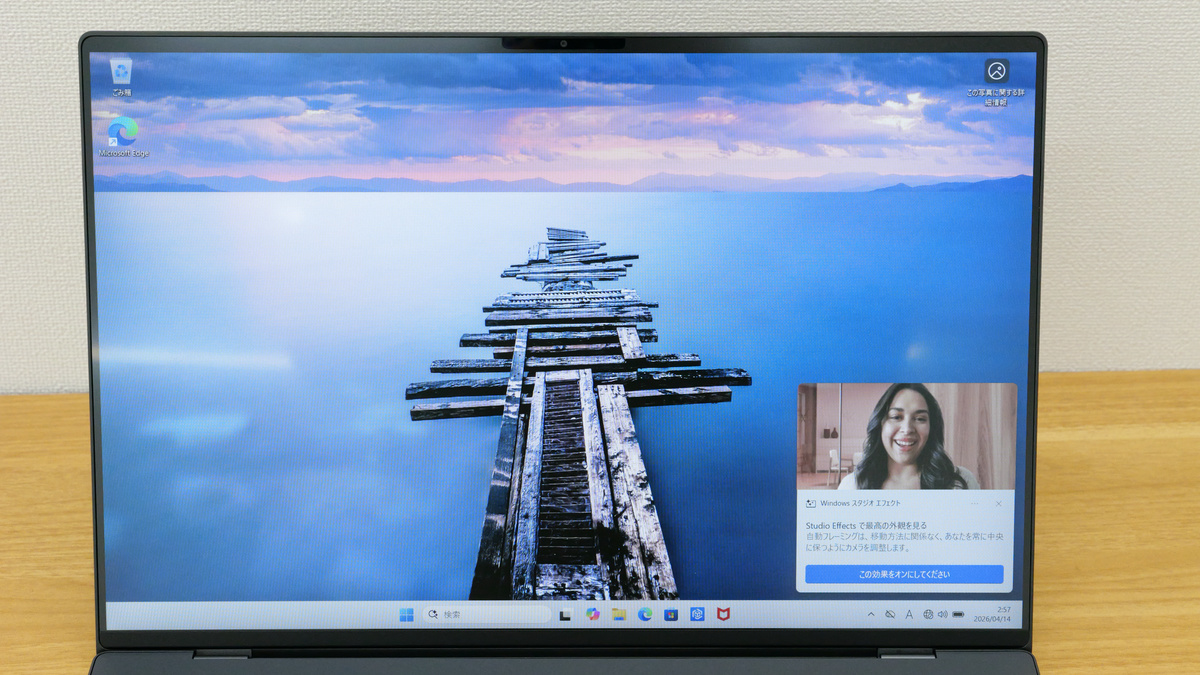
The bezels on the left and right sides are approximately 4mm thick according to actual measurements.
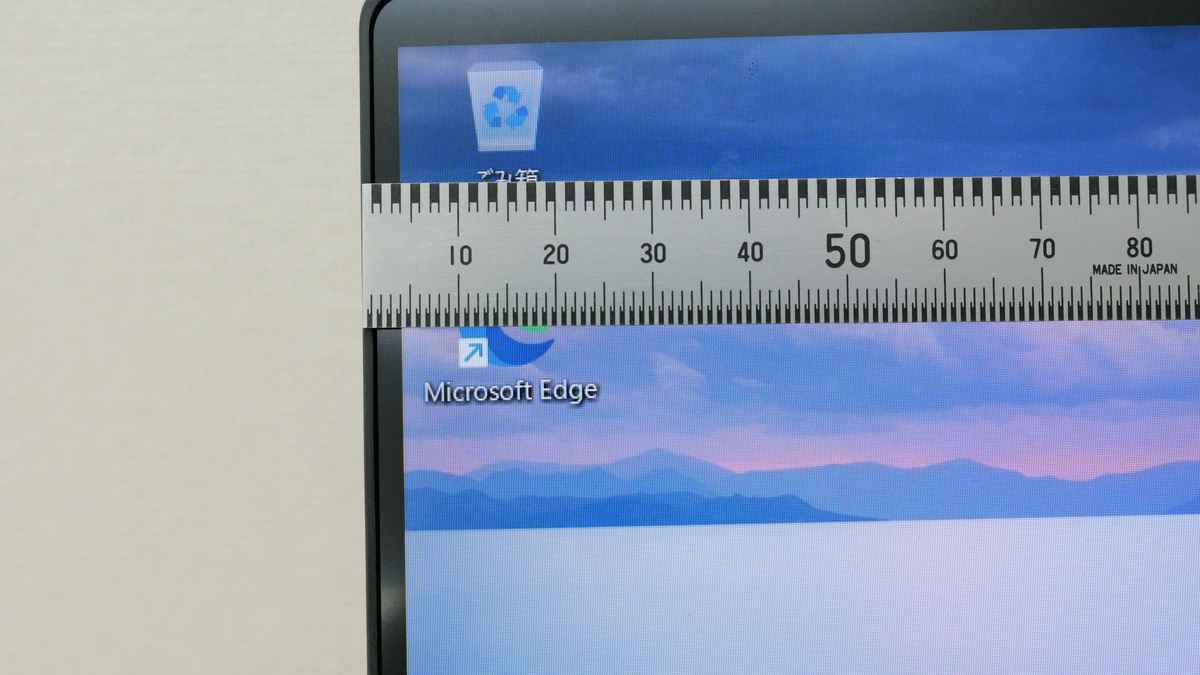
The top bezel is approximately 8mm thick. The top section houses an 8MP 1080p/HDR camera capable of taking selfies.
The keyboard looks like this. It's the same size as the 14-inch model, with a Japanese layout, but with a wider design on the left and right.
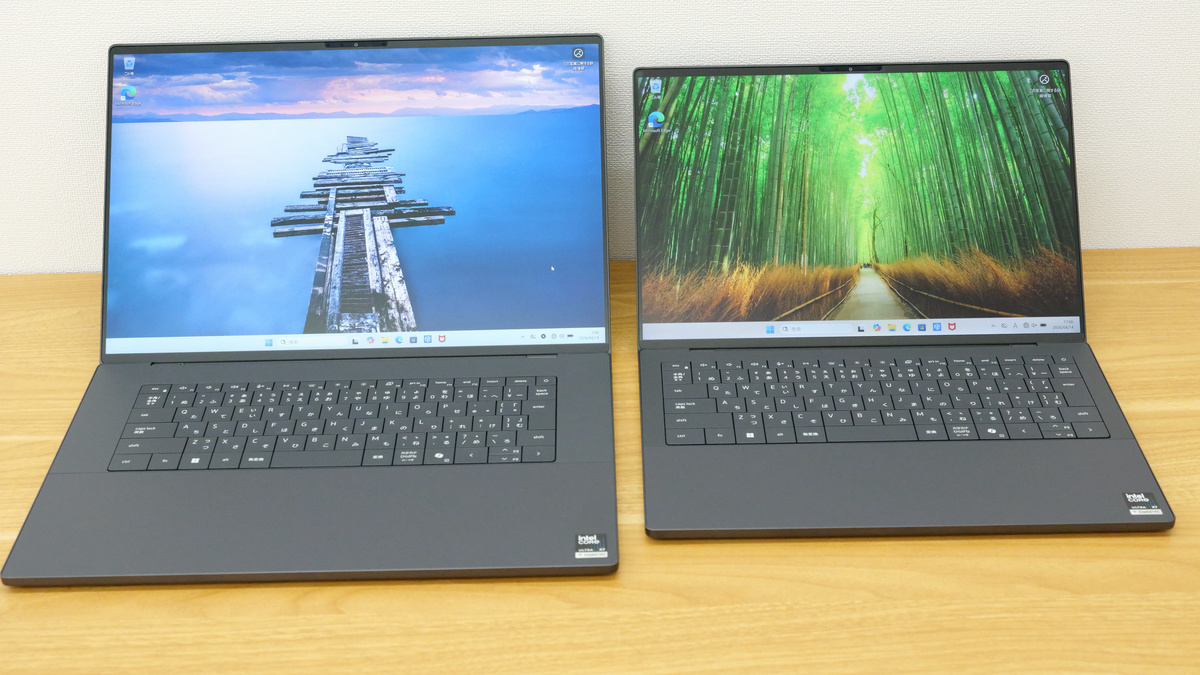
Here's a side-by-side comparison of the XPS 16 and XPS 14. The keyboard size and layout are the same; the only difference is that the XPS 16 has a larger display.
A sticker that advertises that it's a Copilot+ PC equipped with an Intel Core Ultra X7.
The key pitch is approximately 19mm, and the gap between keys is approximately 1mm.
The key travel is 1mm.
The mousepad, like the XPS 14, has faint dividing lines. The keyboard and mousepad feel the same as the XPS 14, but because the body is larger, the area to support your palm is larger, so if you're working on a desk, the XPS 16 might be slightly easier to type on.
We'll be publishing an article at a later date detailing the benchmark results for the XPS 14 and XPS 16, so please look forward to it.
The XPS 14 starts at ¥403,800 (tax included) for the minimum configuration, and the XPS 16 starts at ¥415,500 (tax included) for the minimum configuration. Both are available for order on Dell's official website.
[to be continued]
Related Posts: