Manus has released 'My Computer,' a desktop application that directly connects an AI agent with files, tools, and applications in the user's local environment.
Manus, an AI startup
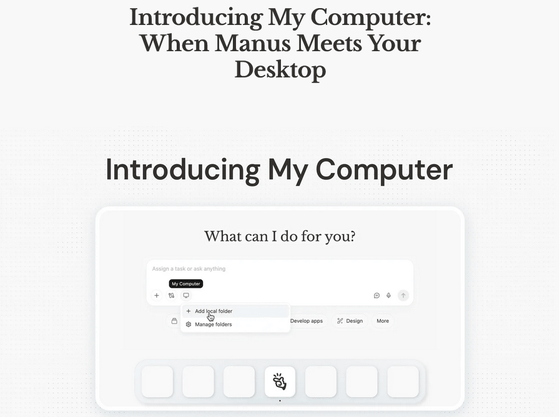
Introducing My Computer: When Manus Meets Your Desktop
https://manus.im/blog/manus-my-computer-desktop
Manus (Meta) releases 'My Computer,' a locally running AI agent - YouTube
Manus has traditionally been a cloud-based AI agent, utilizing standard AI agent skills such as networking, command line, file system, and browser operations in an isolated and secure sandbox. To extend Manus's skills to local files and development environments, My Computer was announced as a core feature of the new Manus Desktop application.
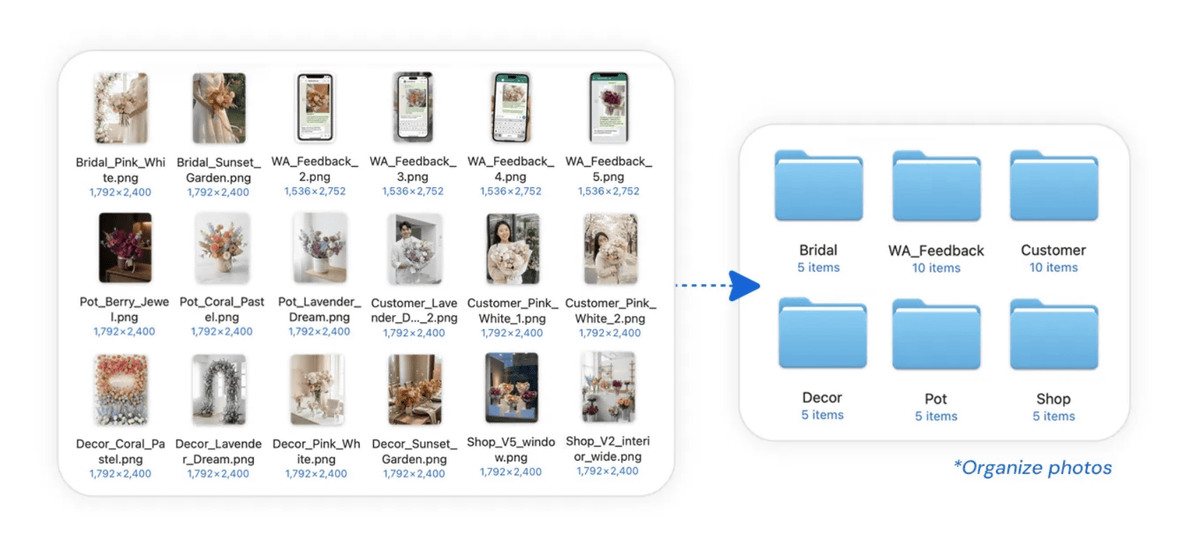
My Computer runs a command-line interface (CLI) in your computer's terminal via the Manus Desktop app. This allows you to read, analyze, and edit local files, as well as launch and control local applications. The blog post illustrates how My Computer can be used to scan thousands of photos scattered throughout a folder, identify their content, and sort them into categorized subfolders. Manus states, 'It may seem like a simple file management task, but automating tedious and repetitive work makes a huge difference. The power of the command line enables a vast range of automated actions.'
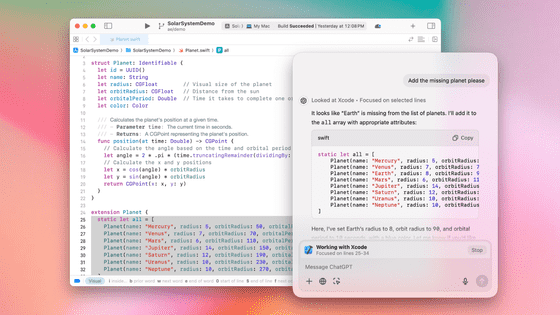
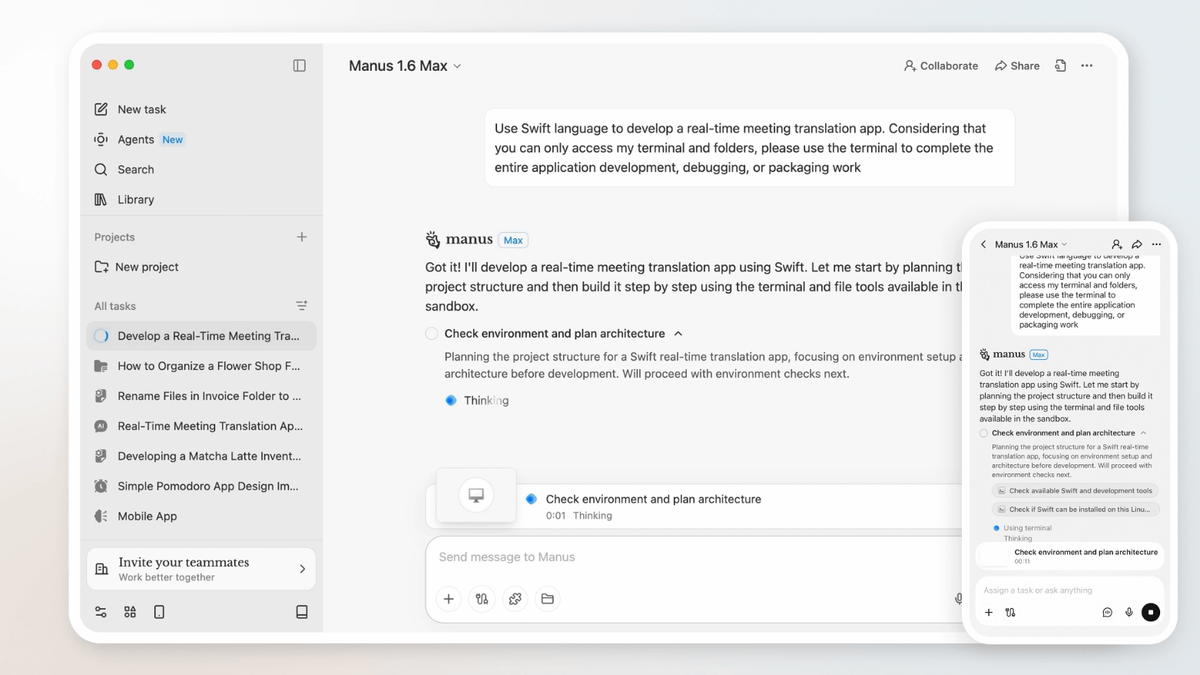
Furthermore, My Computer enables Manus to leverage all command-line tools on your computer, including Python, Node.js, Swift, and Xcode. This dramatically expands the possibilities for complex automation and development. You can build Mac apps, Python scripts, websites, and more through command-line development, with Manus handling the entire process from coding to debugging.
Furthermore, you can remotely control Manus installed on your home PC by sending commands from your smartphone while you're out. My Computer integrates with local files and apps, as well as third-party services such as Google Calendar and Gmail, so you can do things like 'remotely instruct your home PC to find necessary files and then send them via email through Gmail.' In addition, it supports advanced computing tasks such as training machine learning models in the background by utilizing the surplus resources of the user's PC's GPU.
While AI agents that reside on your PC can be convenient, they raise security concerns because they can access local files and data. My Computer is designed to give users control, requiring explicit authorization before any terminal commands are executed. You can choose to 'Always Allow' to simplify workflows for trusted tasks, or 'Allow Once' to review each operation individually.
Following the massive success of OpenClaw , which allows users to automate various tasks by having a self-hostable personal AI assistant reside on their PC, OpenClaw-like AI agents have been appearing one after another from February to March 2026. Anthropic announced on February 26, 2026, that it would acquire Vercept , an AI startup that develops AI agents for operating computers, and also released a remote control function for its coding AI 'Claude Code' and a PC operation AI ' Cowork '. In March 2026, Perplexity announced ' Personal Computer ,' an AI agent that runs on PCs 24 hours a day to support PC work, and it was reported that NVIDIA would release ' NemoClaw ,' a platform for AI to autonomously execute tasks on users' devices. Services with an approach similar to OpenClaw are appearing one after another. Amidst all of this, industry insiders are pointing out that My Computer has the potential to revolutionize conventional automation tools.
Four companies launched OpenClaw competitors in three weeks. Manus may have just just dropped the most interesting one.
— Josh Kale (@JoshKale) March 16, 2026
'My Computer' can now access your local files, run terminal commands, build native apps, train ML models on your idle GPU, and operate your machine remotely… https://t.co/Msbt9FCBq3 pic.twitter.com/Ac5jd4prgH
My Computer will be available to all macOS and Windows users starting March 16, 2026. Manus said, 'We have always believed that an AI agent should be an action engine, not just a chat assistant. The cloud sandbox has given Manus its own workspace. My Computer brings Manus into your work environment. We are very excited to see what you create with it, combining your ideas, running Manus, and all the resources on your computer.'
Download desktop app - Manus
https://manus.im/desktop
Related Posts: