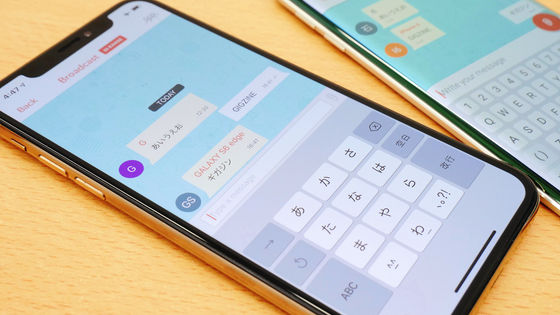
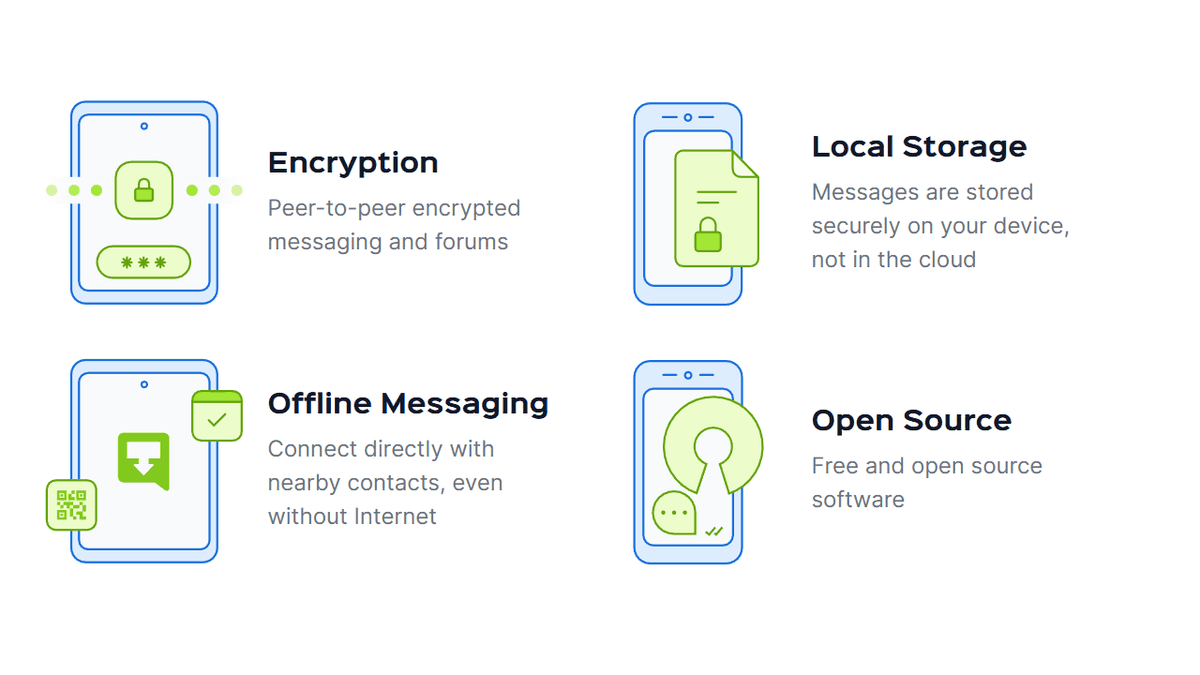
'Briar' is an application that can send and receive messages for free and without advertisements, can also set up blogs, and can communicate only with Bluetooth or Wi-Fi even if the Internet is down, operates without a central server, and is encrypted with E2E
Briar is
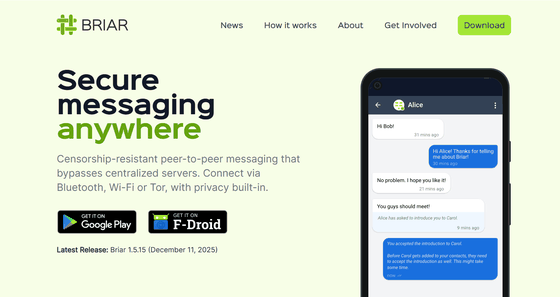
Secure messaging, anywhere - Briar
https://briarproject.org/
Download Briar Desktop for Linux, Windows and macOS - Briar
◆How Briar works
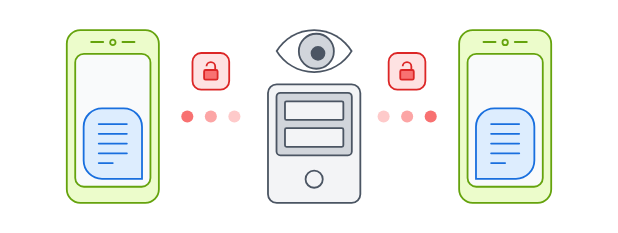
Common messaging software is delivered via a central server that relays messages from your device, potentially allowing your messages and communications with others to be monitored.
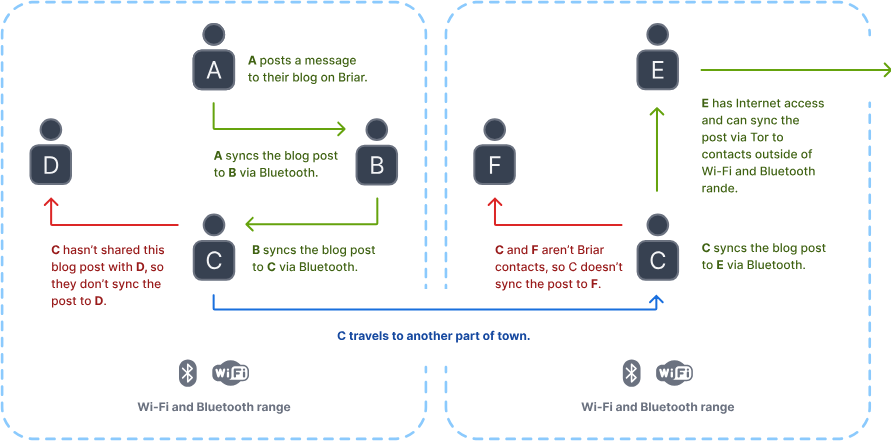
Briar syncs messages directly between devices without going through a central server.
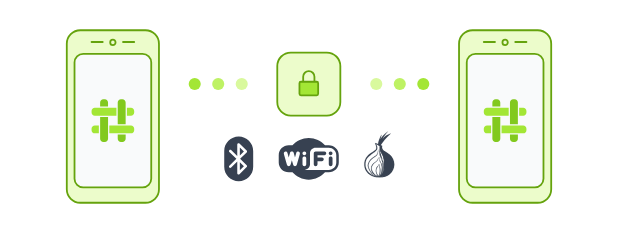
When the internet is available, synchronization is via the
◆Major risks that can be avoided by using Briar
Metadata monitoring : By using the Tor network, you avoid the risk of third parties finding out who is communicating with whom.
- Content monitoring : All communication between devices is end-to-end encrypted, preventing eavesdropping and tampering.
- Content filtering : Encryption disables keyword filtering blocks on the communication path.
- Deletion orders : Since all network participants keep a copy of the content, there is no single deletion point, making deletion difficult.
- DDoS attacks : There is no target for attack because there is no central server.
- Internet blocking : Information can continue to flow via Bluetooth or Wi-Fi.
◆Installation method
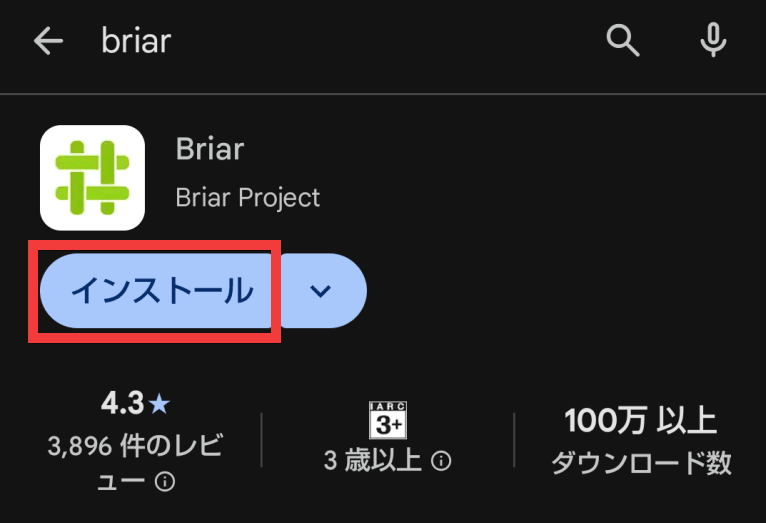
Search for 'Briar' in the Google Play Store and tap 'Install.'
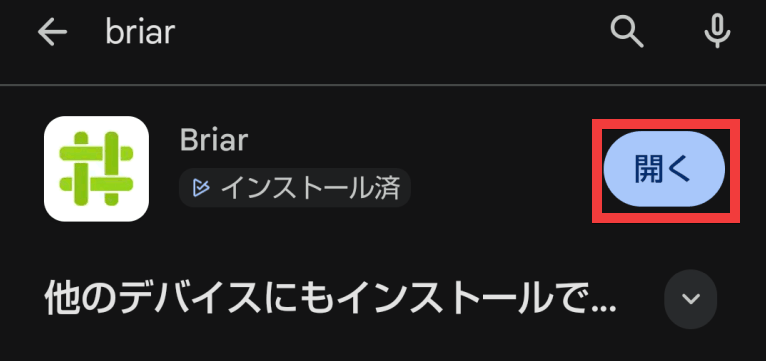
Once the installation is complete, tap 'Open.'
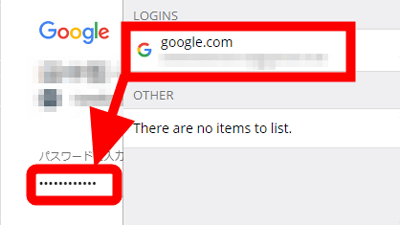
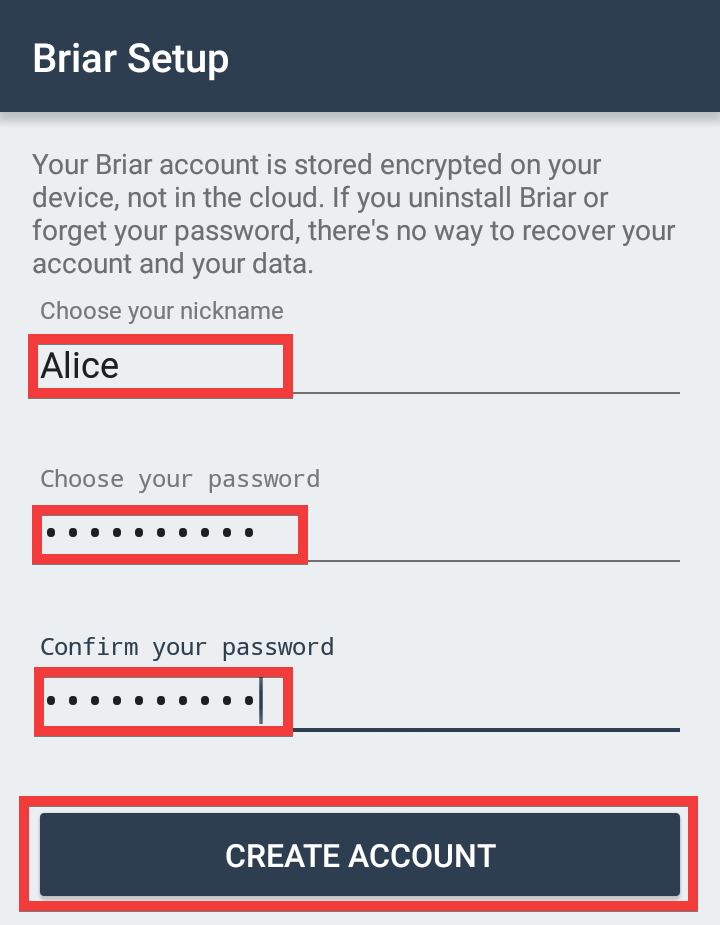
When the app launches, the account creation screen will appear. Enter your nickname in 'Choose your nickname' and your password in 'Choose your password' and 'Confirm your password,' then tap 'CREATE ACCOUNT.'
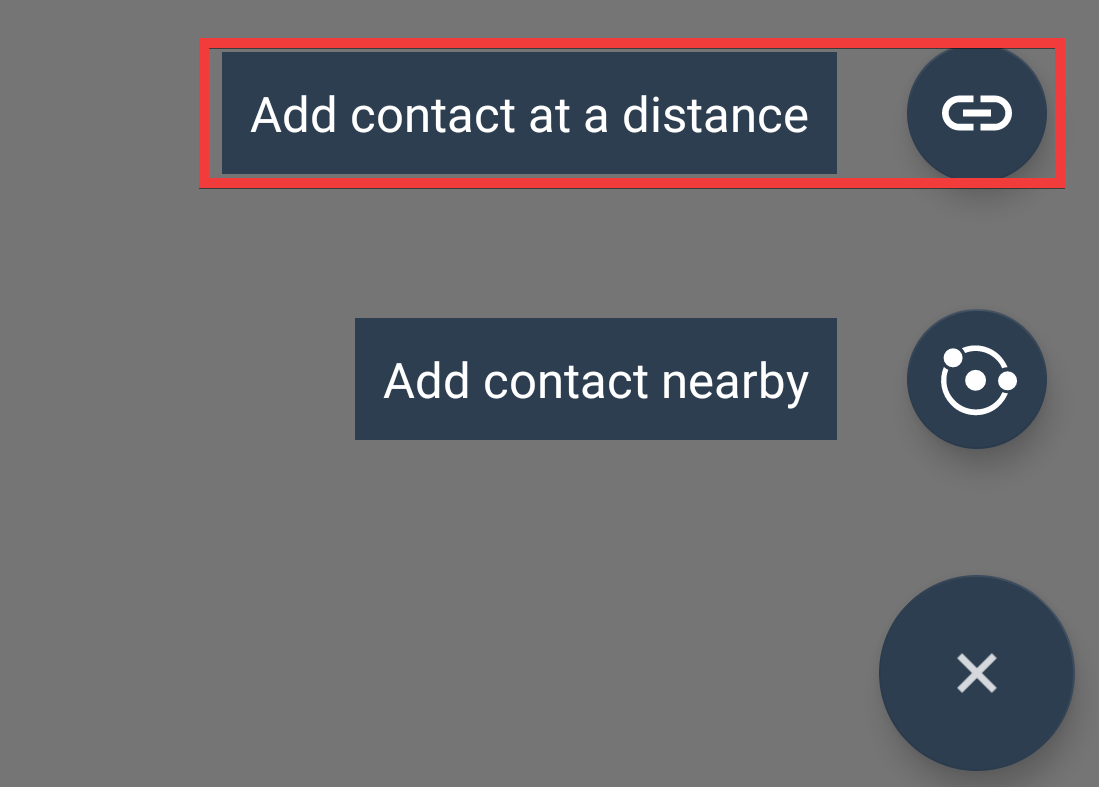
After creating an account, you will need to exchange contact information. Tap the '+' icon at the bottom right of the screen, and if the other person is far away, tap 'Add contact at a distance.'
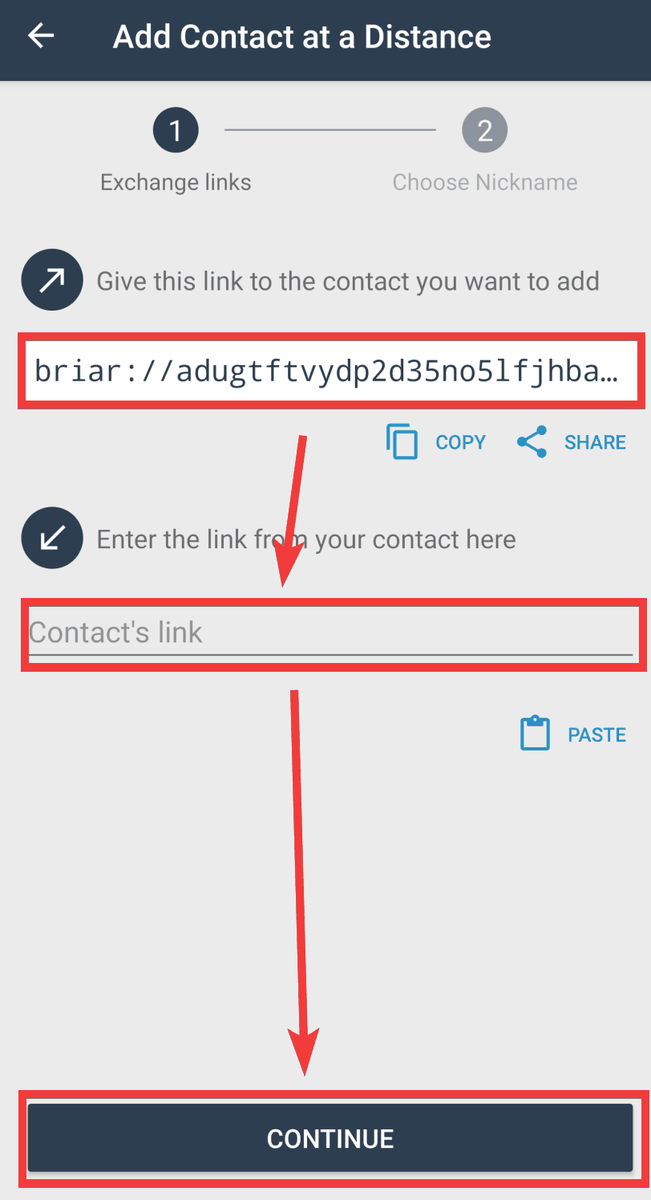
Copy the link that starts with 'briar://' and send it to the other person via email or other means. Then, follow the same steps to receive the link they created, enter it in the 'Contact's link' field, and tap 'CONTINUE' to add the contact.
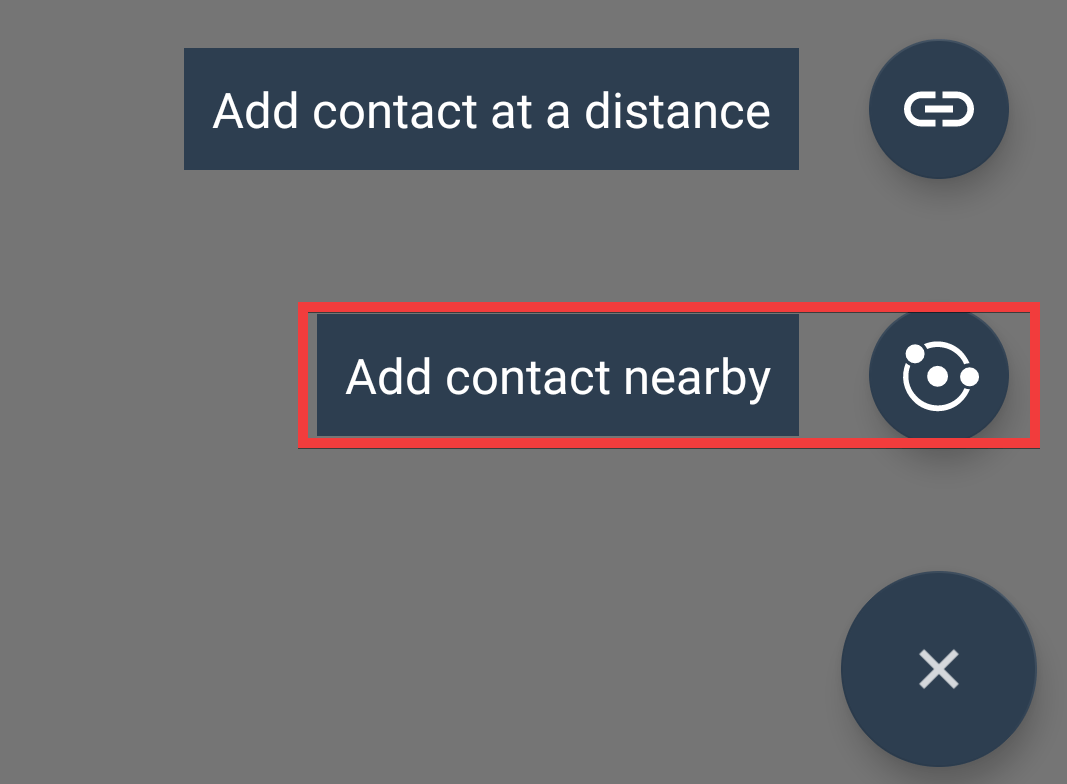
If the person is nearby, tap 'Add contact nearby.'
You will need to exchange QR codes with each other, so once the other person is ready, follow the same steps and tap 'CONTINUE.'
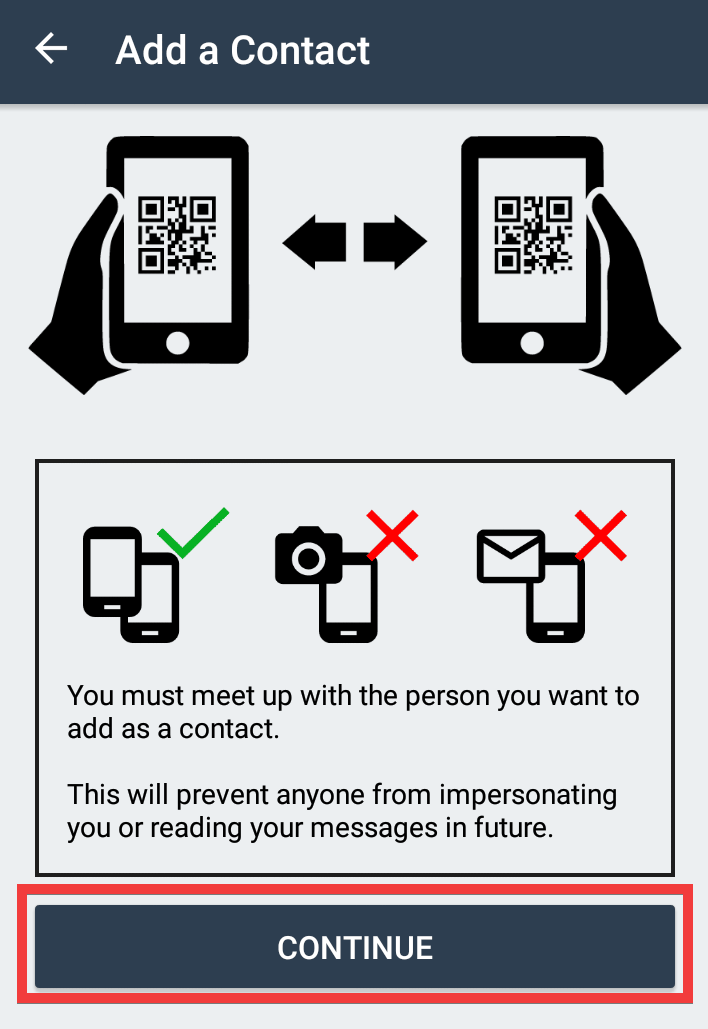
Scan each other's QR codes with your camera...
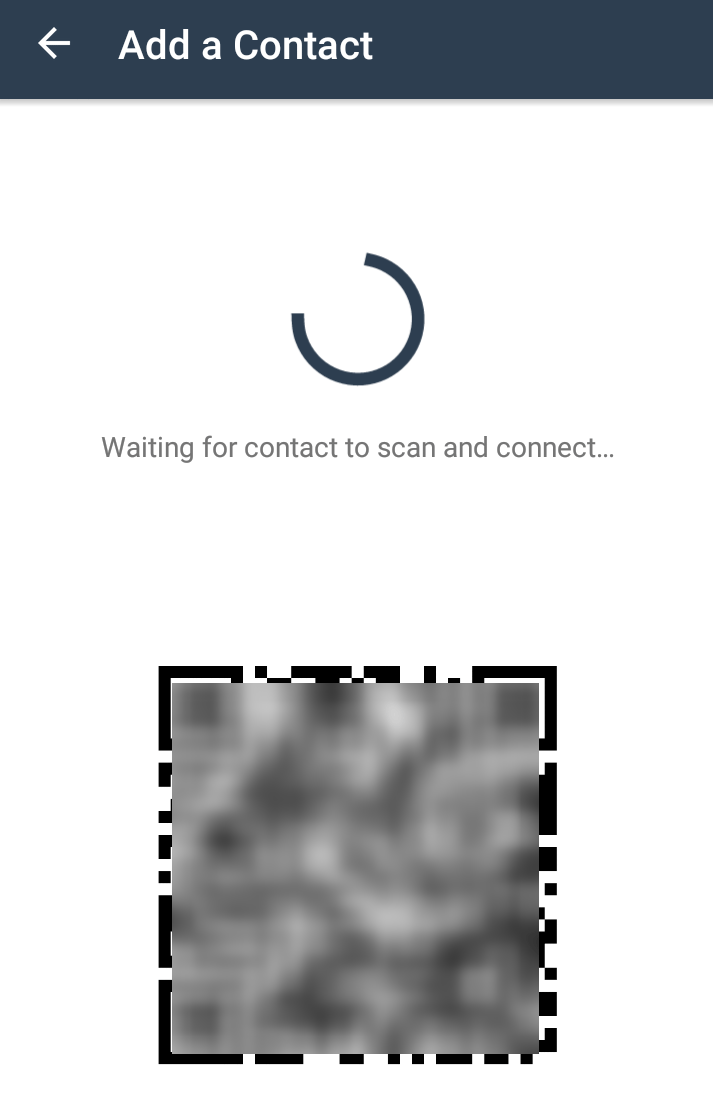
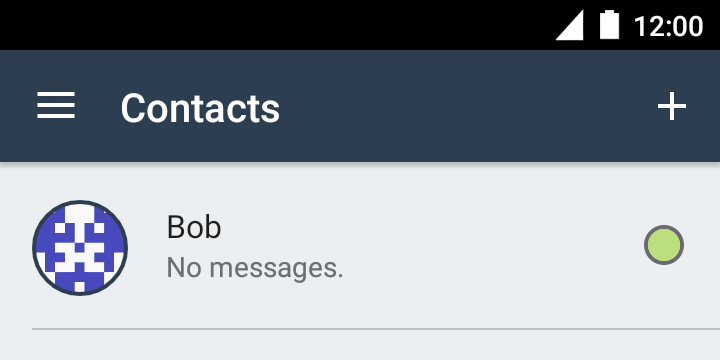
The contact is added.
◆Function
·message
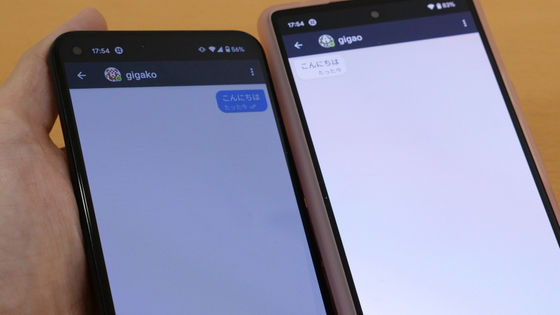
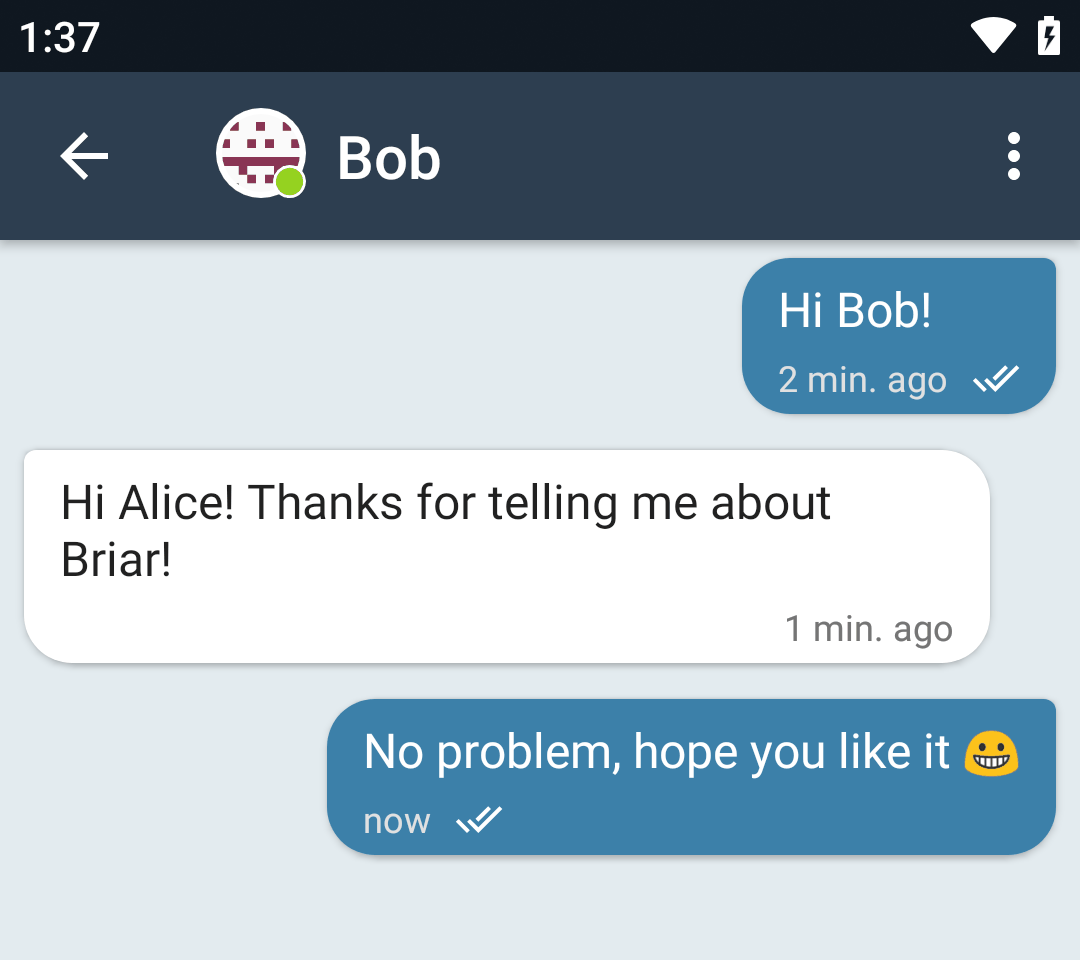
Basic messaging. If both parties are online, messages will be sent immediately.
・Contact information
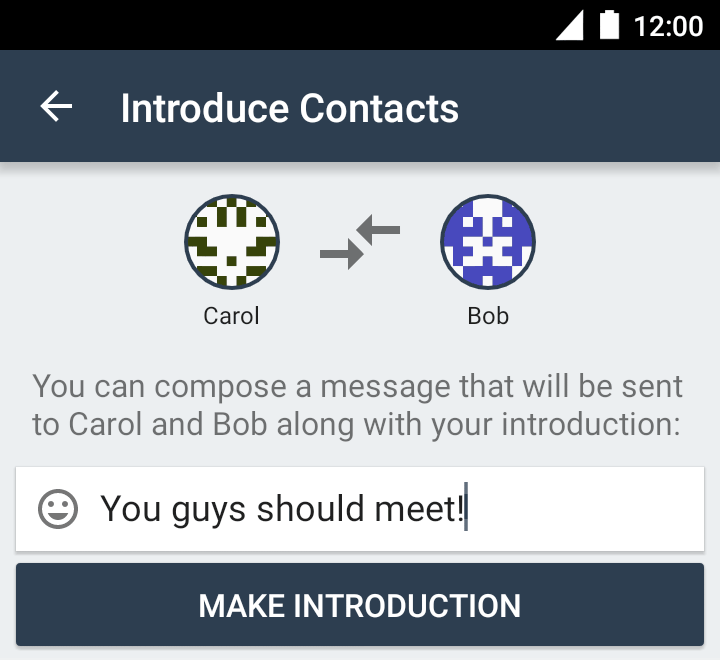
Introduce your contacts and add them without needing to use a QR code or link.
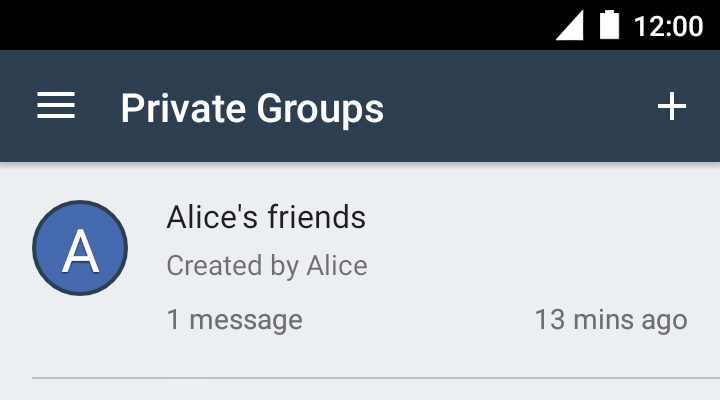
・Private group
This is a function that allows you to create a group and share messages among registered members. Members can only be added by the administrator who created the group.
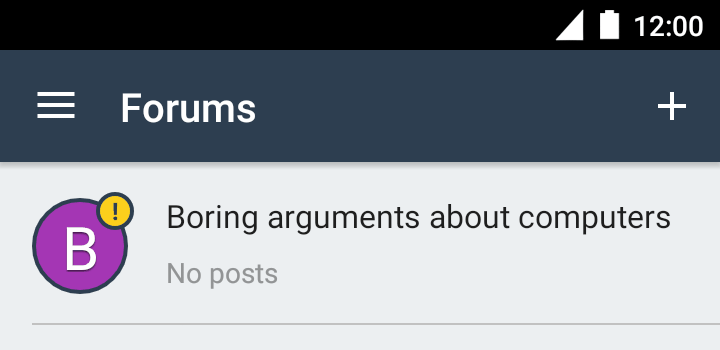
·forum
This is a function that allows users to create a forum and share messages among registered members. Members who join the forum can freely invite other members.
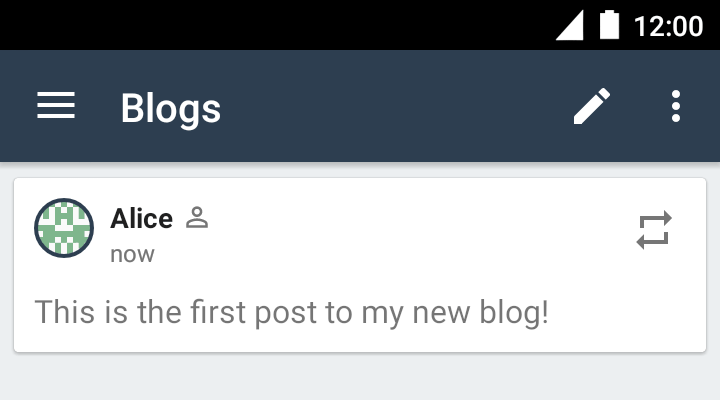
・Blog
You can post articles and create a blog.
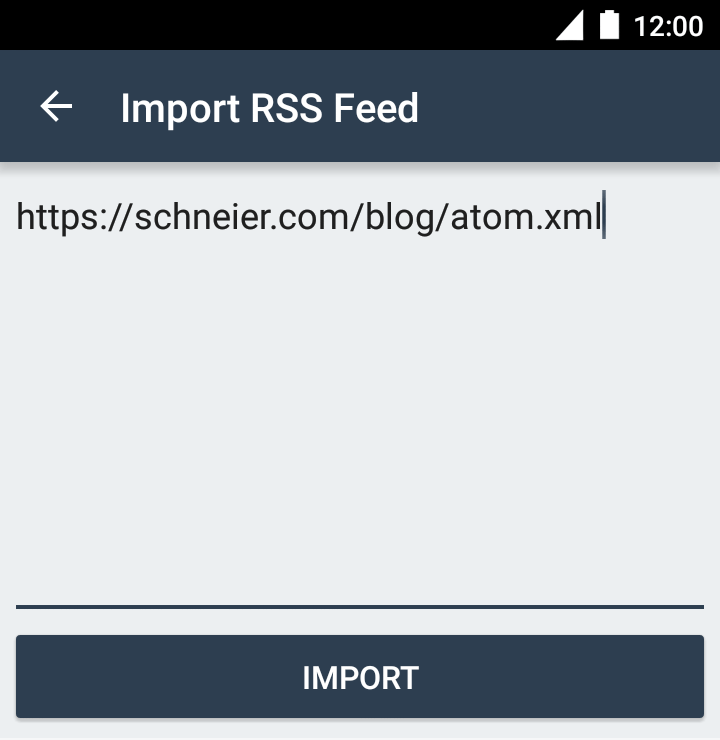
・RSS reader
You can automatically retrieve articles by importing RSS URLs.
Receiving via Tor hides who subscribes to your content and protects your privacy.
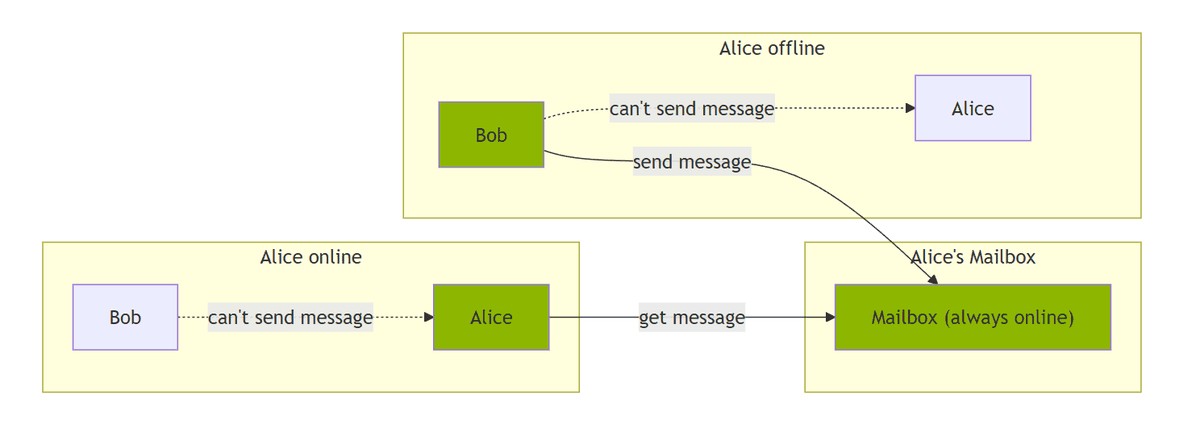
◆ 'Briar Mailbox' syncs all your emails at once and allows you to communicate later
Since messages are exchanged via P2P communication, one drawback is that messages can only be delivered when both devices are online. To overcome this drawback,
A desktop version of the app is also available , but as of February 20, 2026, the trial period had expired and it was no longer available.
Related Posts: