CertRadar allows you to search all certificates issued to a domain.
SSL/TLS Security Tools - CertRadar
https://certradar.net/
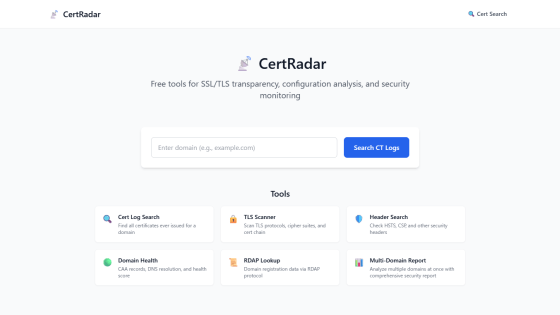
About CertRadar
CertRadar
◆Cert Log Search
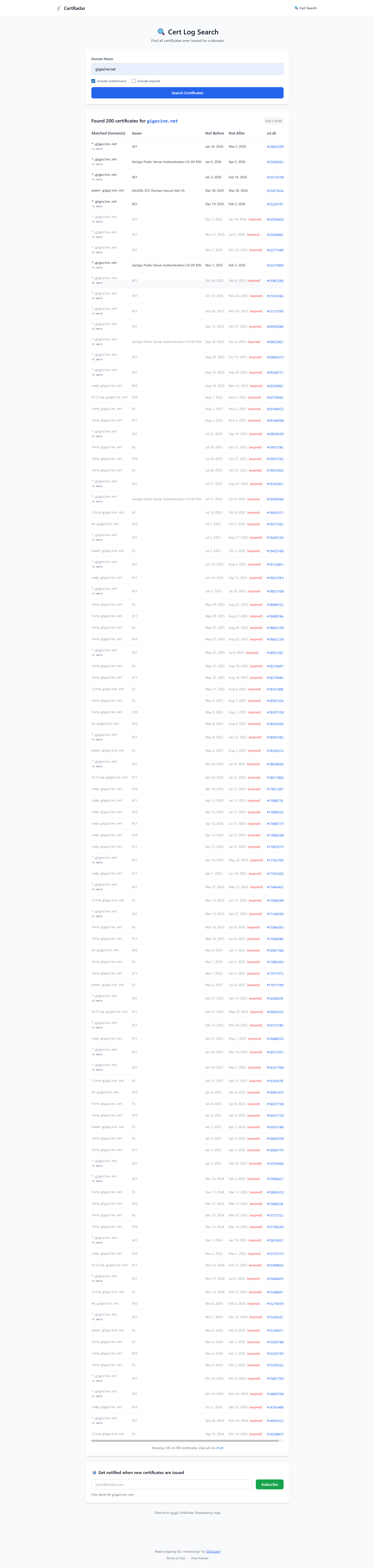
This tool searches for all certificates issued to a specified domain. Enter a domain name in 'Domain Name' and click the 'Search Certificates' button to search the Certificate Transparency (CT) log for certificates issued to that domain and display a list. Options include 'Include Subdomains' (include subdomains: default value checked) and 'Include Expired' (include expired certificates: default value not checked).
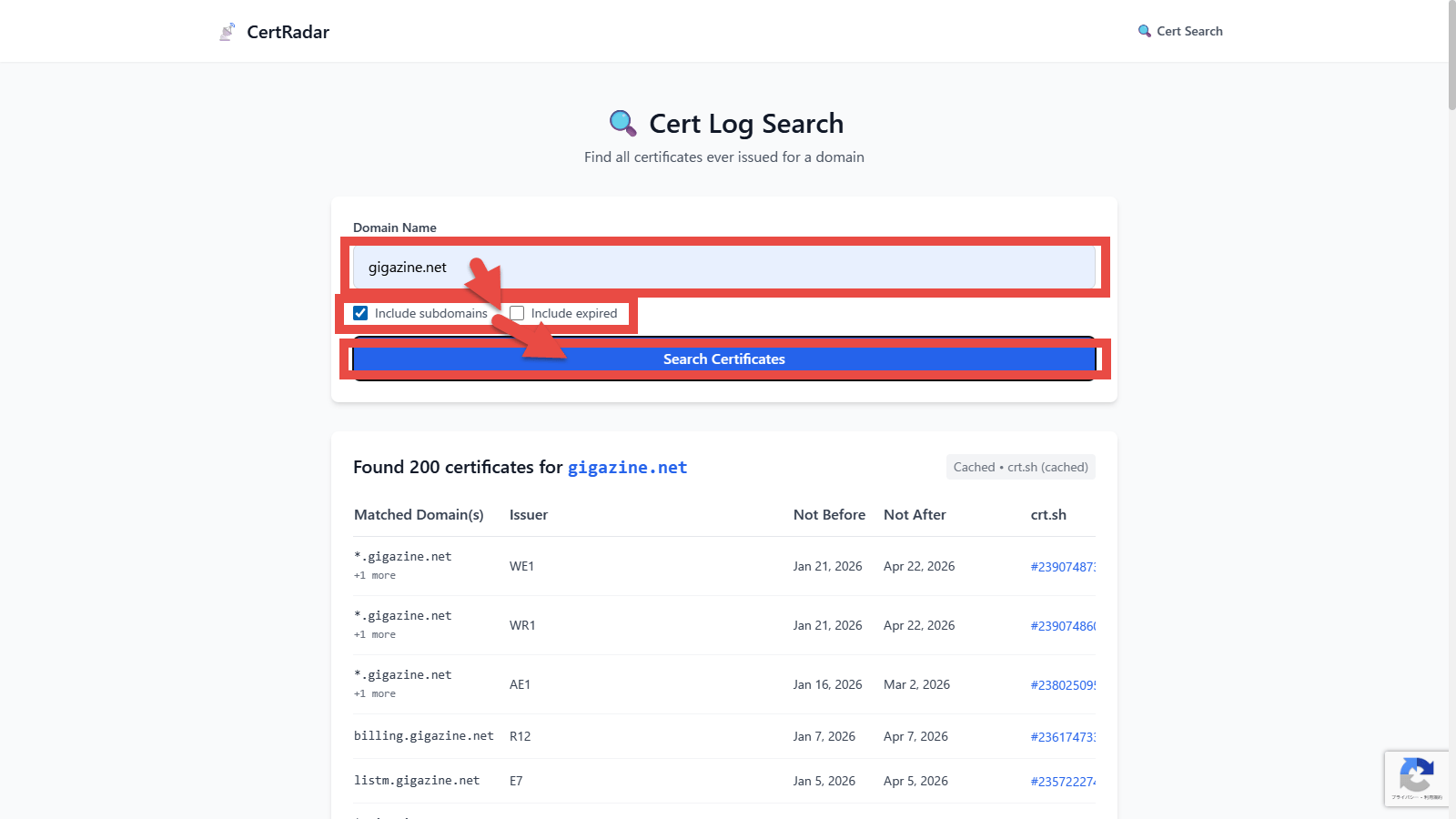
The information displayed is as follows:
・Matched Domain(s) : The domain name for which the certificate was issued
・Issuer : The certification authority that issued the certificate
・Not Before : The date and time when the certificate becomes valid
・Not After : Certificate expiration date and time
・crt.sh : Link to
TLS Scanner
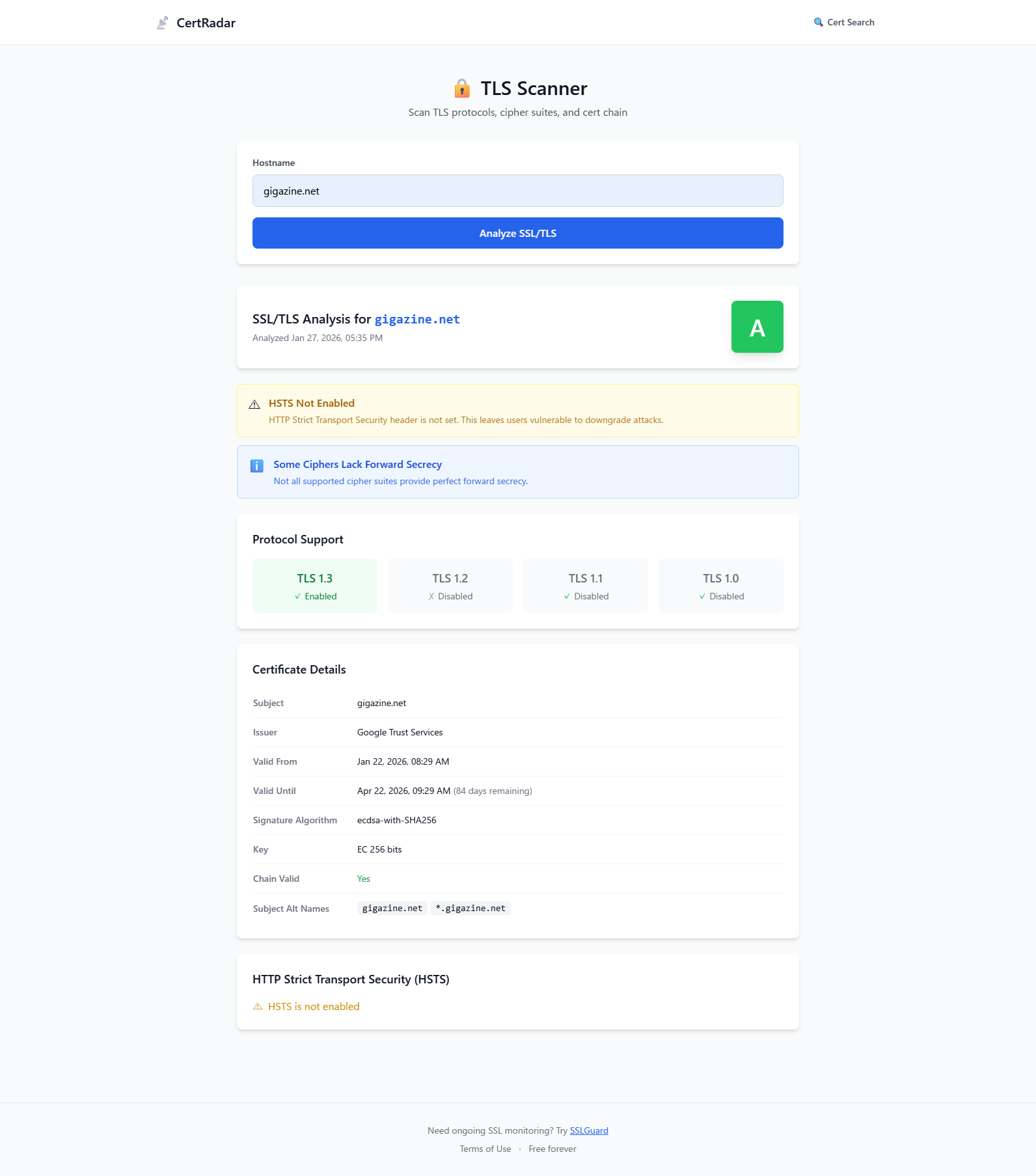
This is a tool for analyzing SSL-related issues. Enter a domain name in 'Hostname' and click the 'Analyze SSL/TLS' button to analyze and display the SSL/TLS settings for the specified domain.
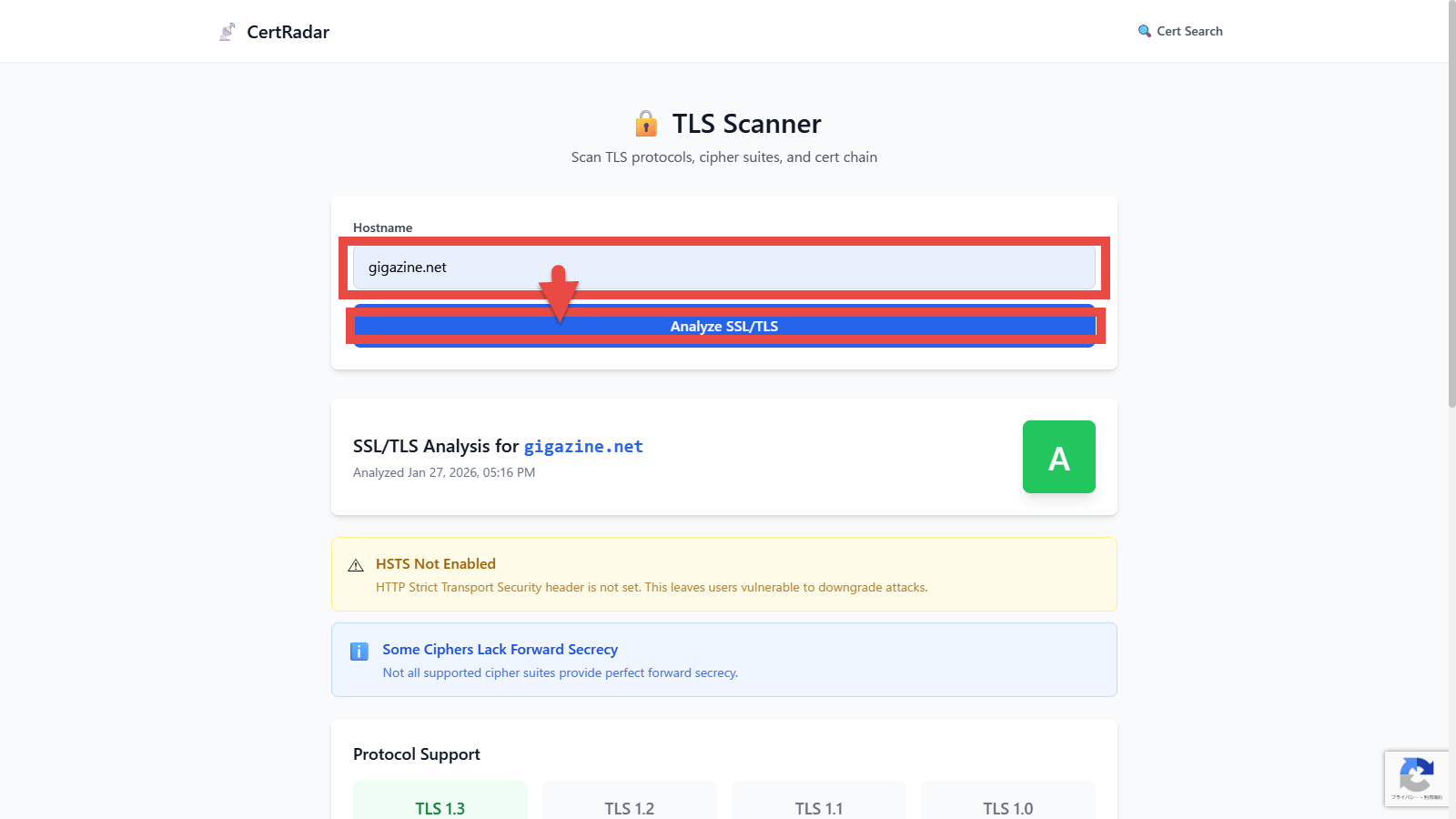
The information displayed is as follows:
・Protocol Support : Supported TLS protocol versions
・Certificate Details : Detailed certificate information
HTTP Strict Transport Security (HSTS) : Learn more about HSTS
◆Header Search
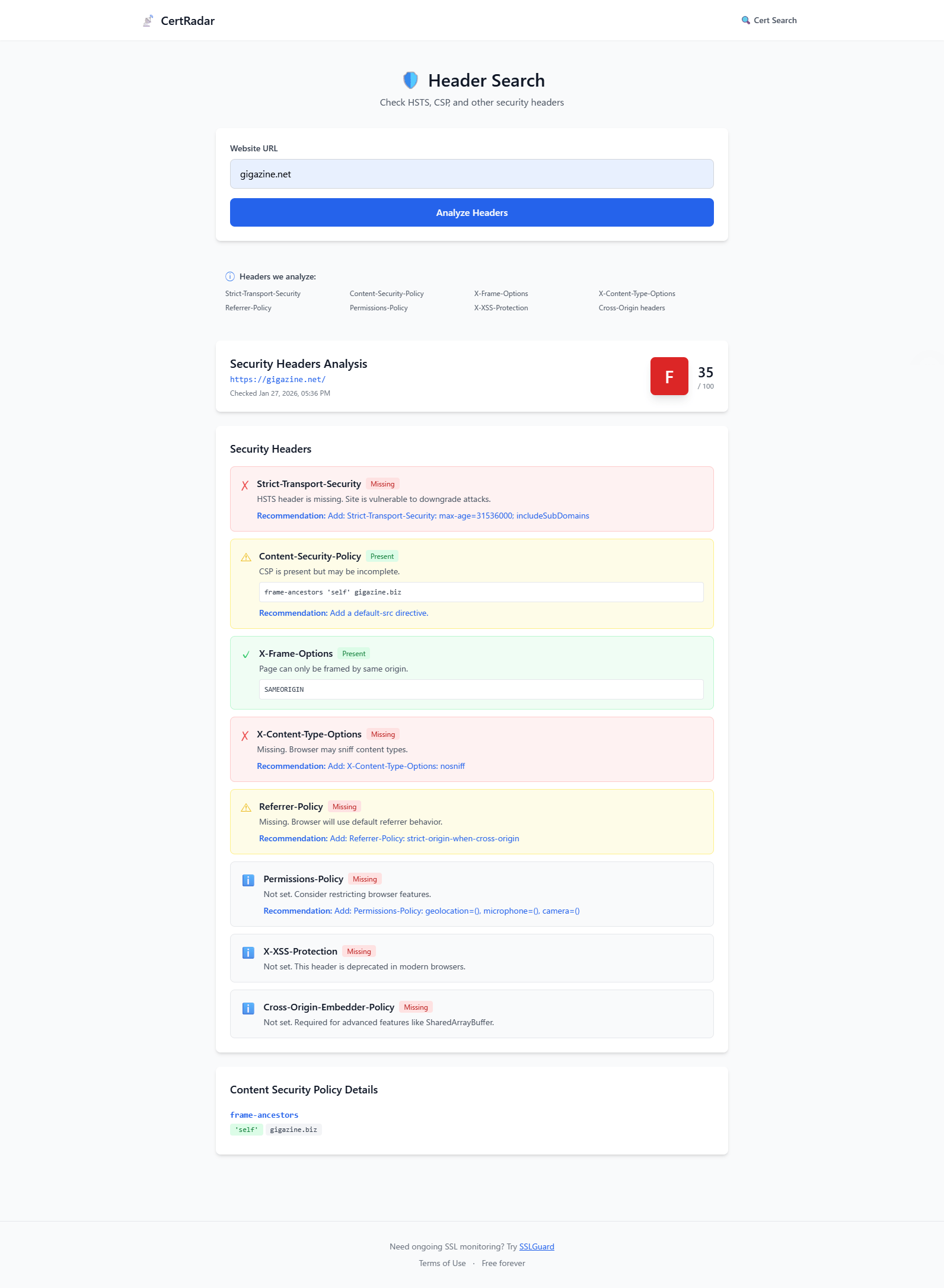
This tool analyzes the settings of security-related HTTP headers such as HSTS, CSP, and X-Frame-Options. Enter a domain name in the 'Website URL' field and click the 'Analyze Headers' button to display the analysis results for the security headers of the specified domain.
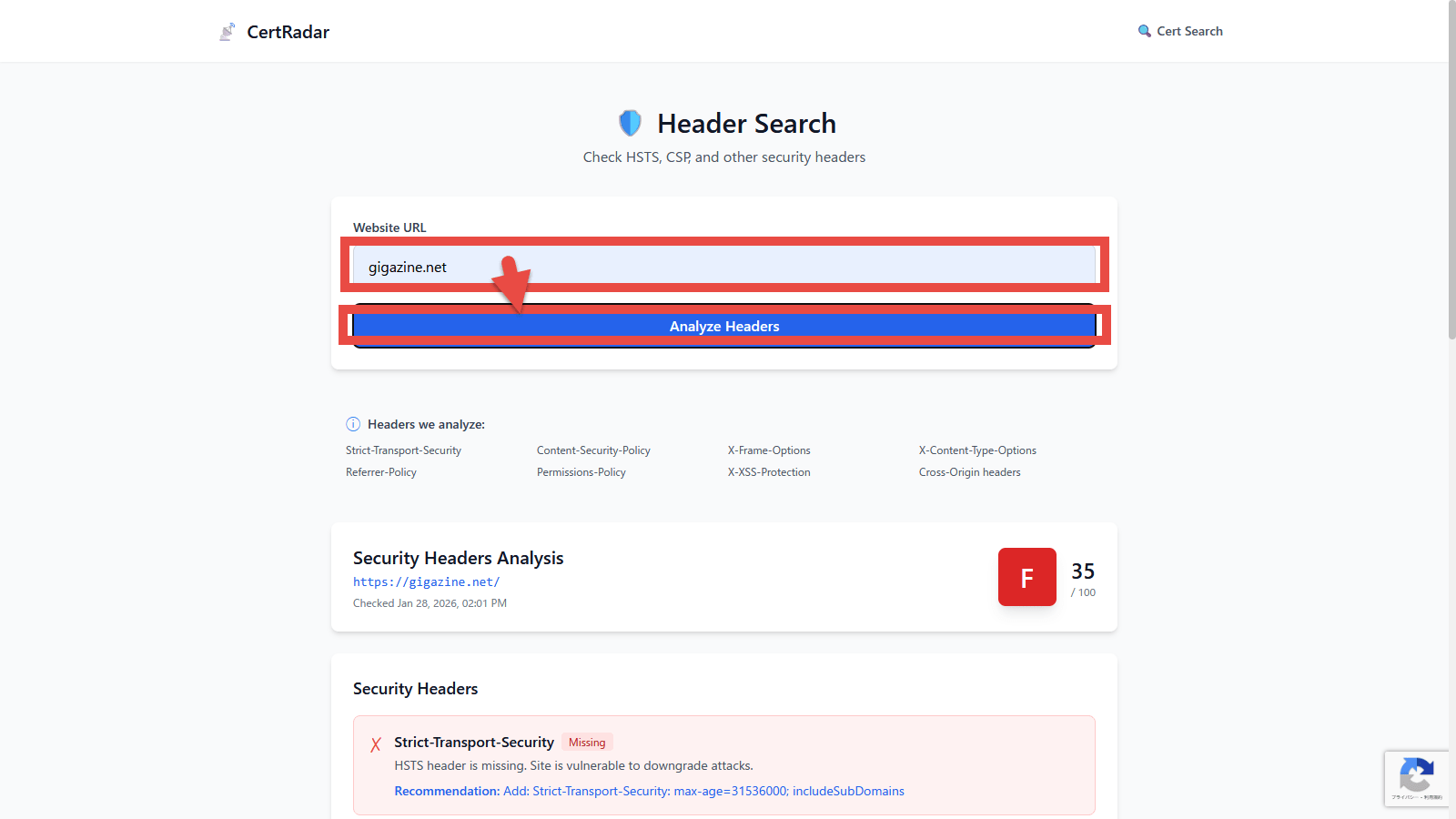
When we analyzed gigazine.net, we received quite a few points of criticism, including the lack of HSTS.
◆Domain Health
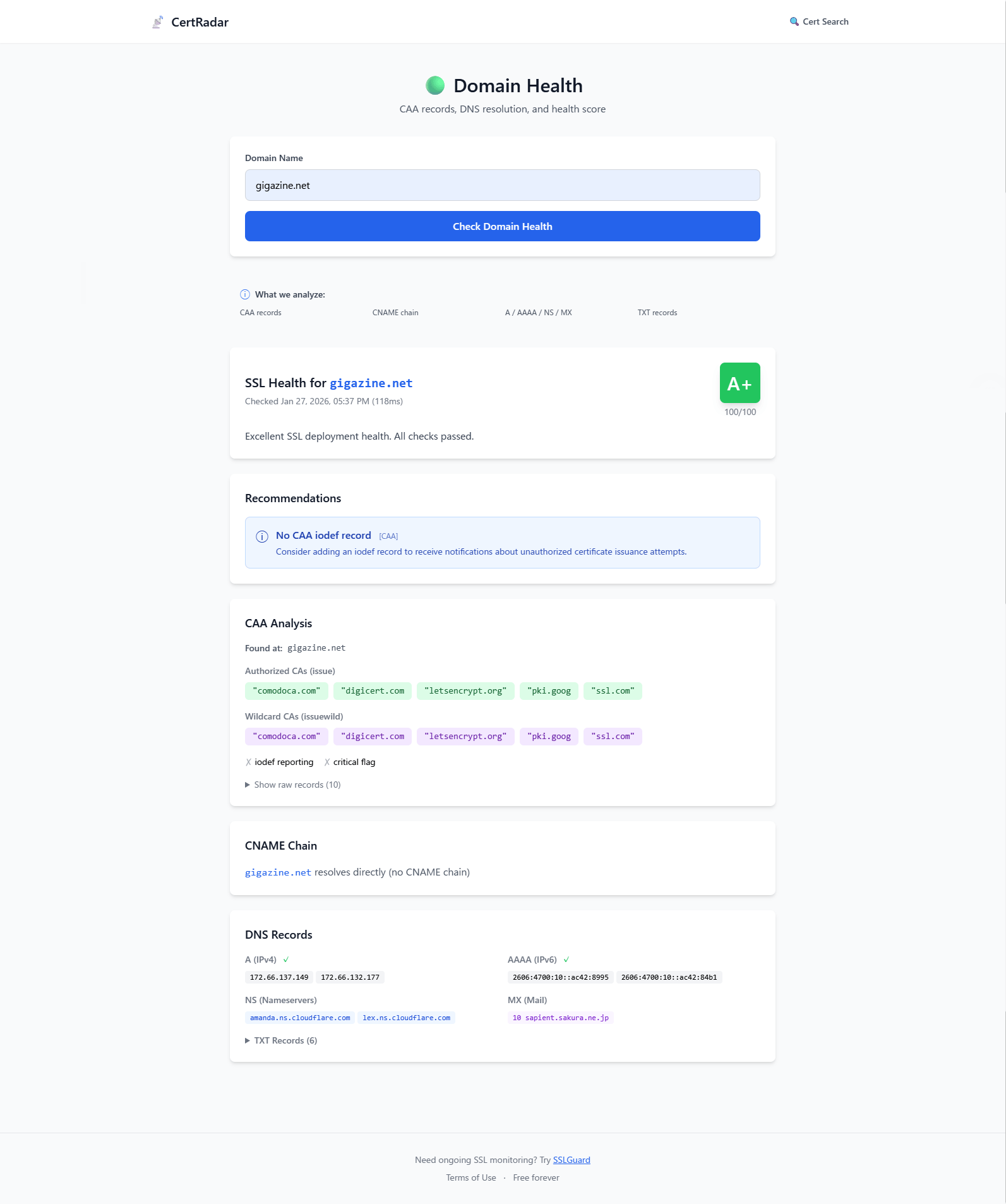
This tool allows you to check the health of your DNS records and SSL in one view. Enter a domain name in 'Domain Name' and click the 'Check Domain Health' button to display the analysis results for the DNS records and SSL health of the specified domain.
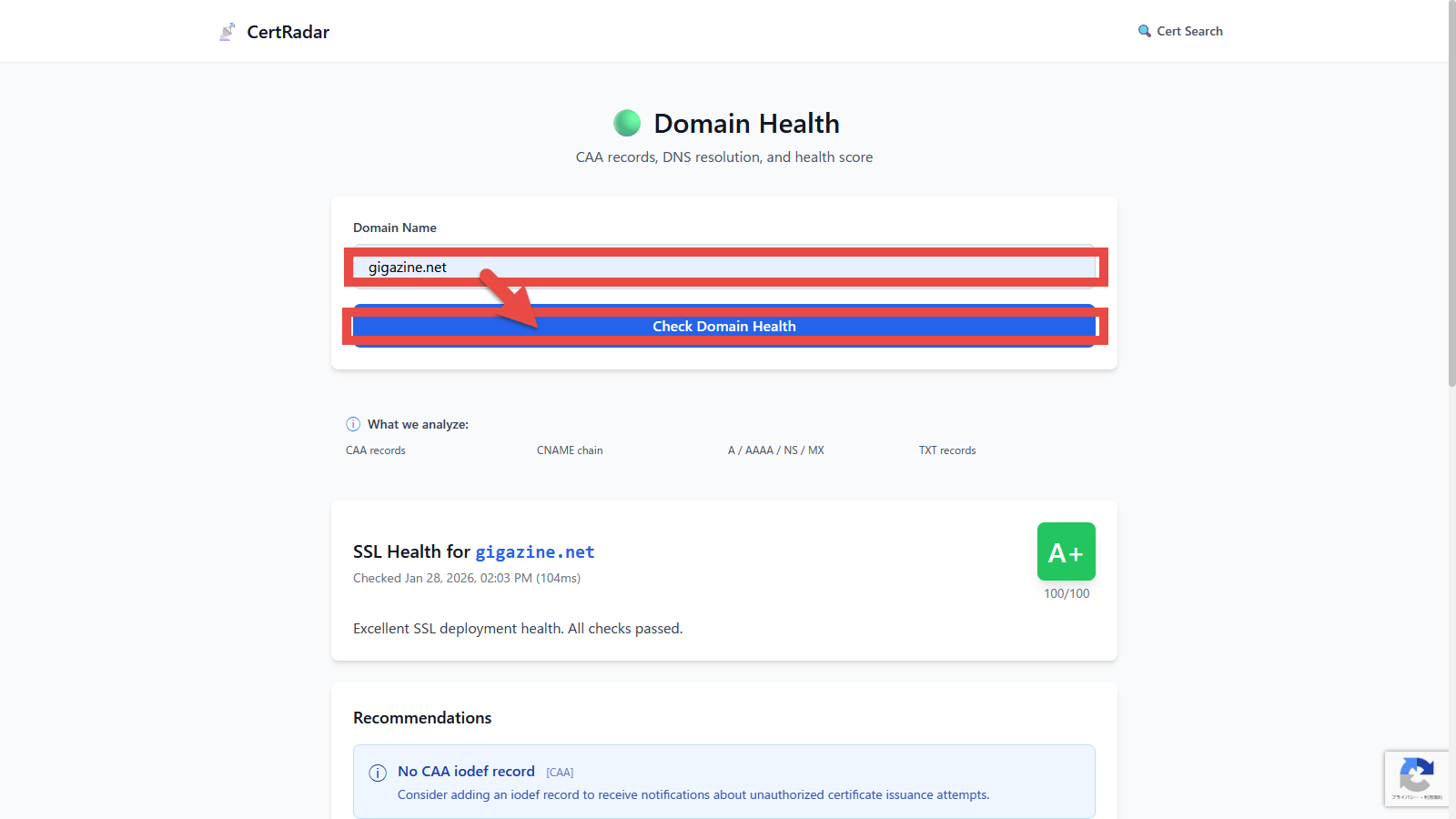
The information displayed is as follows:
・CAA Analysis :
・CNAME Chain : CNAME chain analysis results
・DNS Records : Analysis results of other DNS records
◆RDAP Lookup
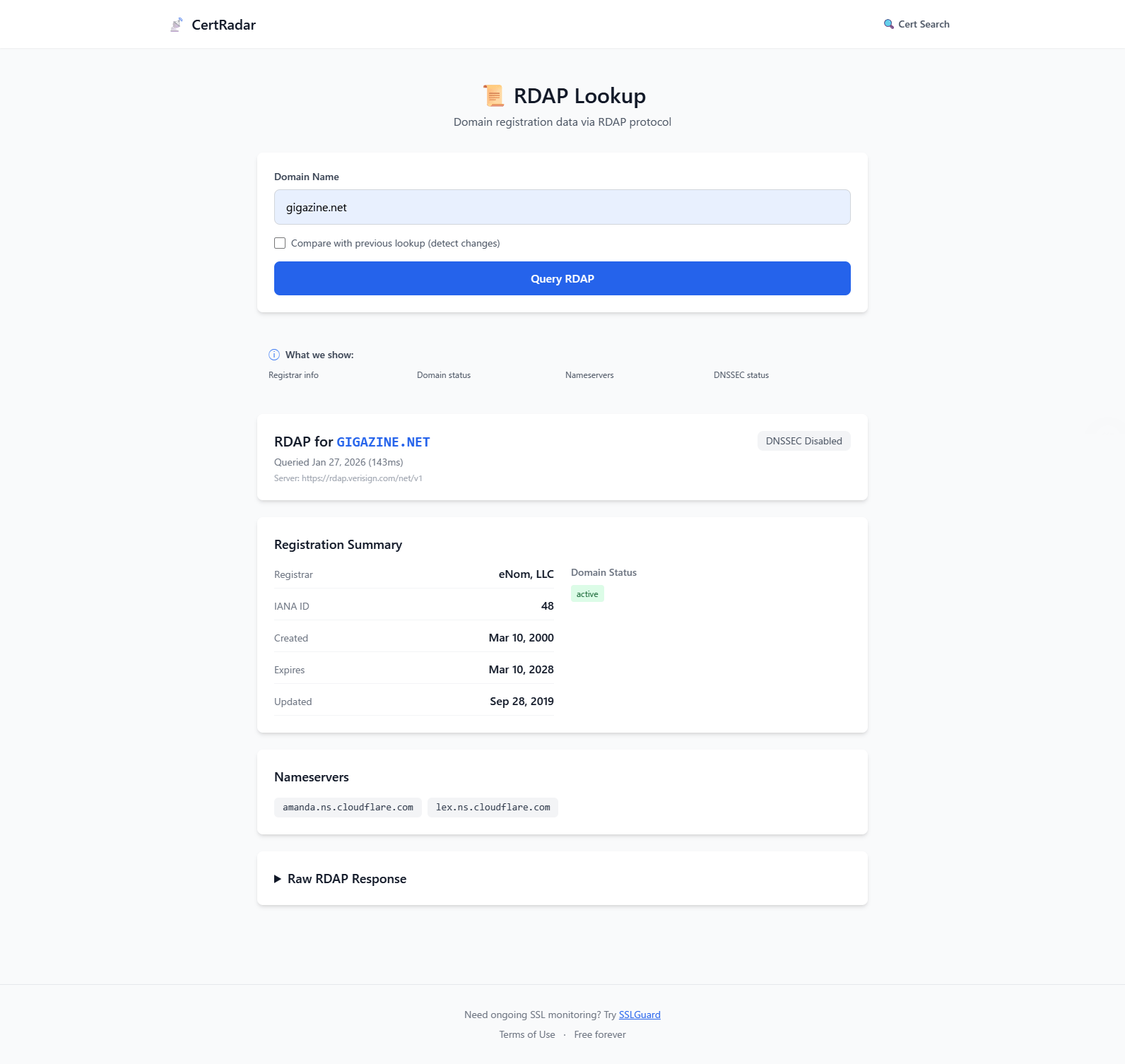
This tool displays the results of a domain information query to
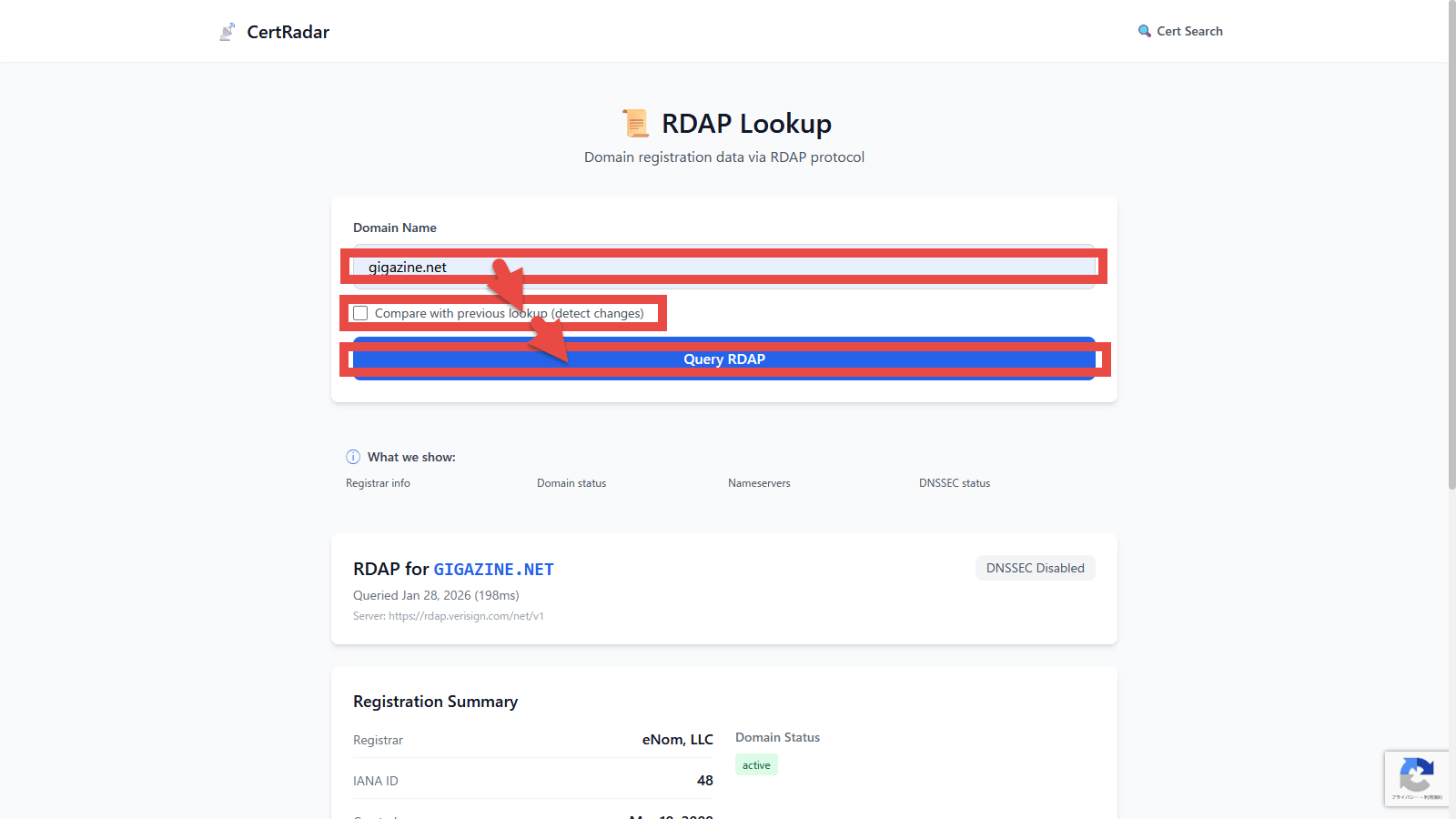
The information displayed is as follows:
・Registration Summary : Summary of information
・Nameservers : Nameserver information
・Raw RDAP Response : RDAP response JSON data
◆Multi-Domain Report
This tool outputs a comprehensive report for multiple domains. Enter up to 20 domain names separated by newlines in 'Enter domains' and click the 'Generate Report' button.
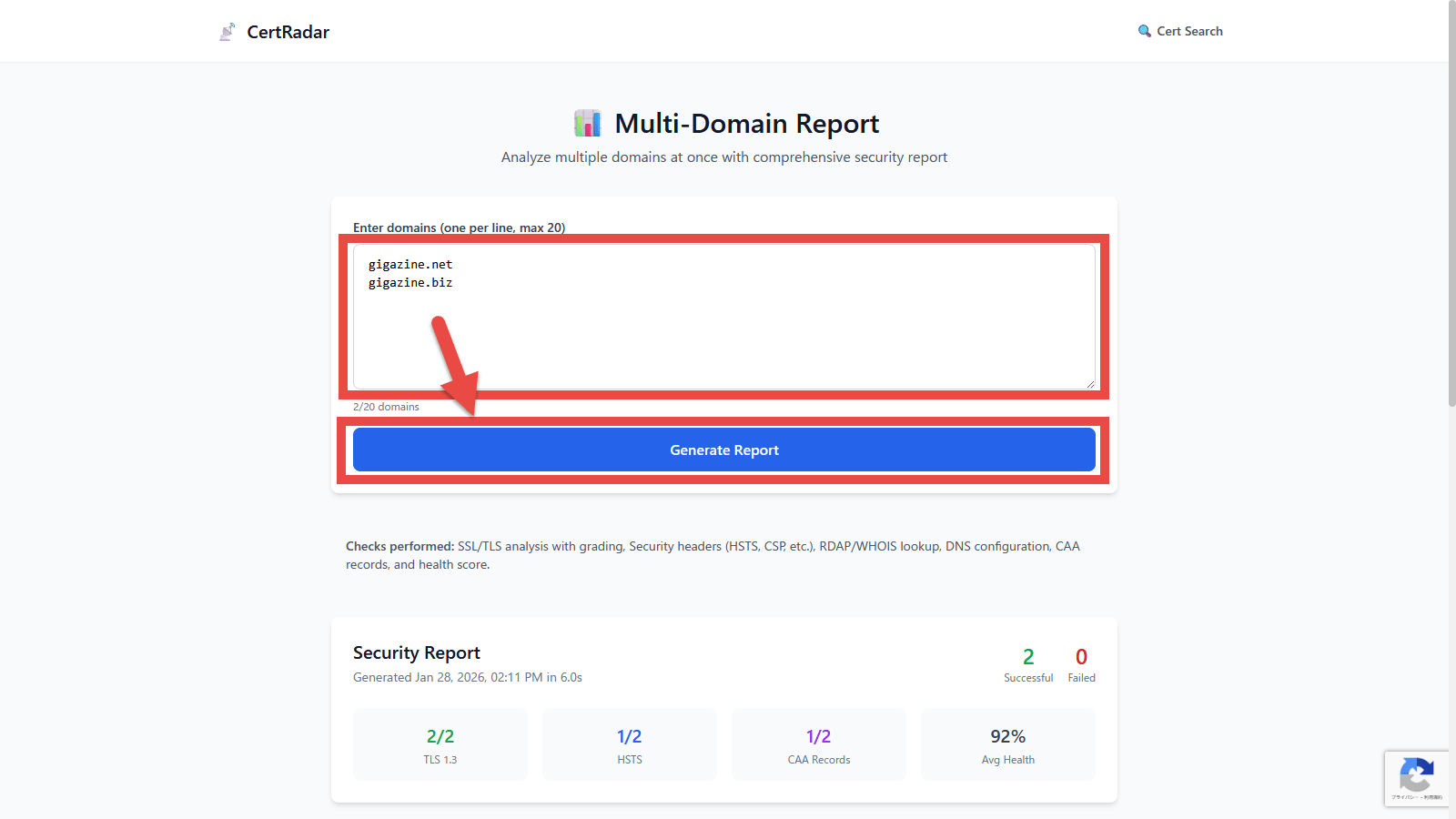
Generate a report summarizing various analysis results for each domain.
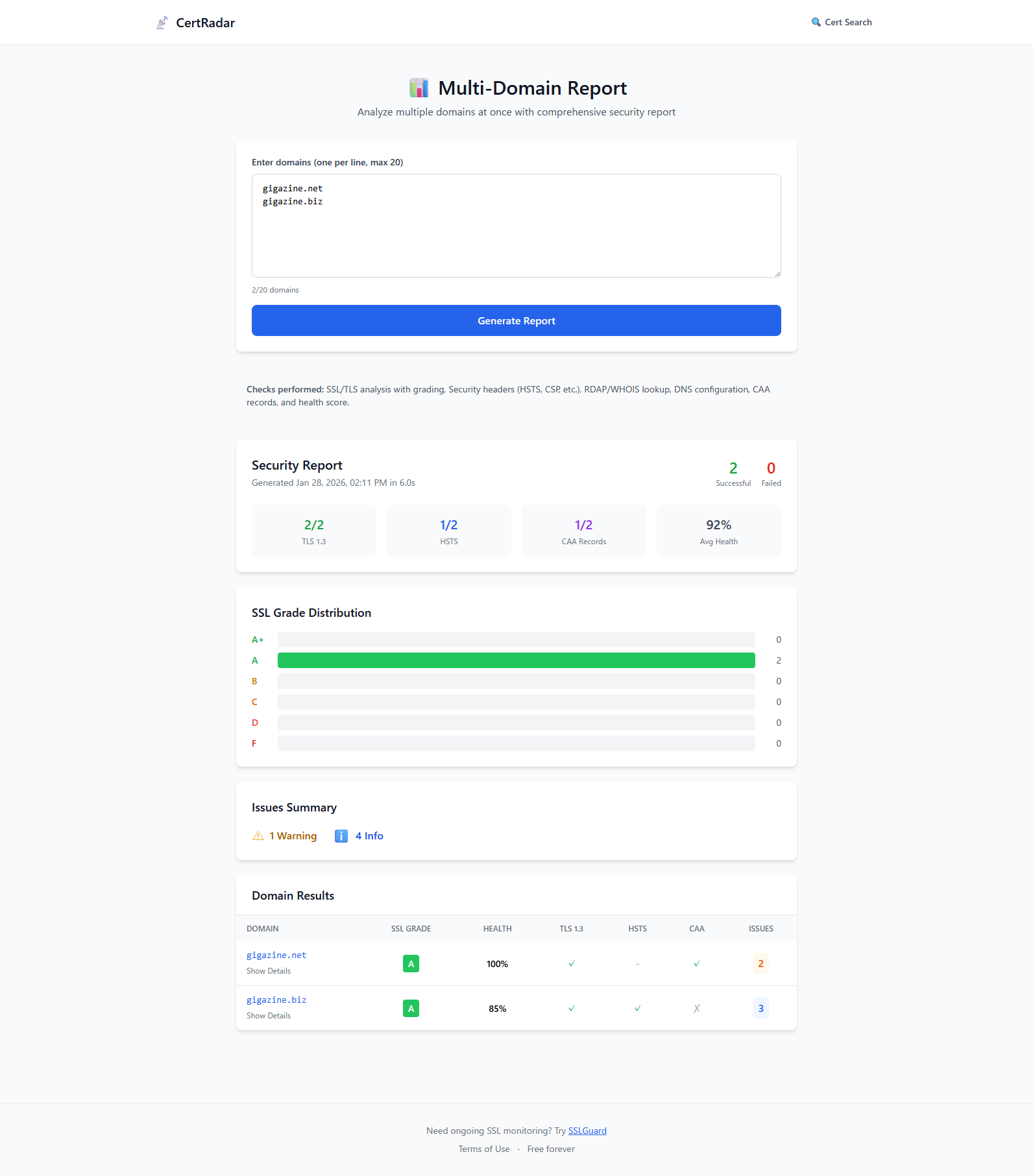
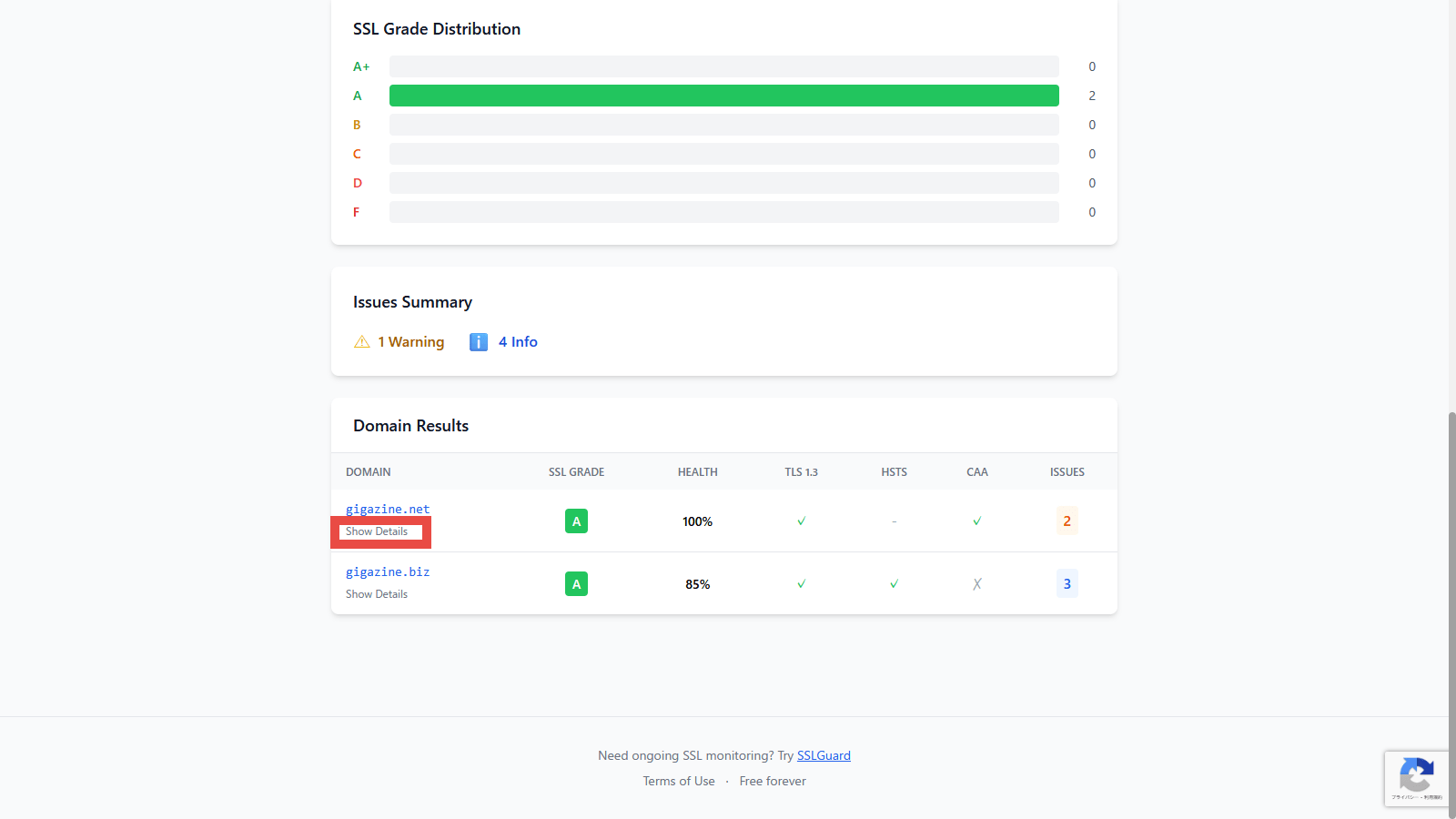
If you want to see more detailed information about the domain, click the 'Show Details' link.
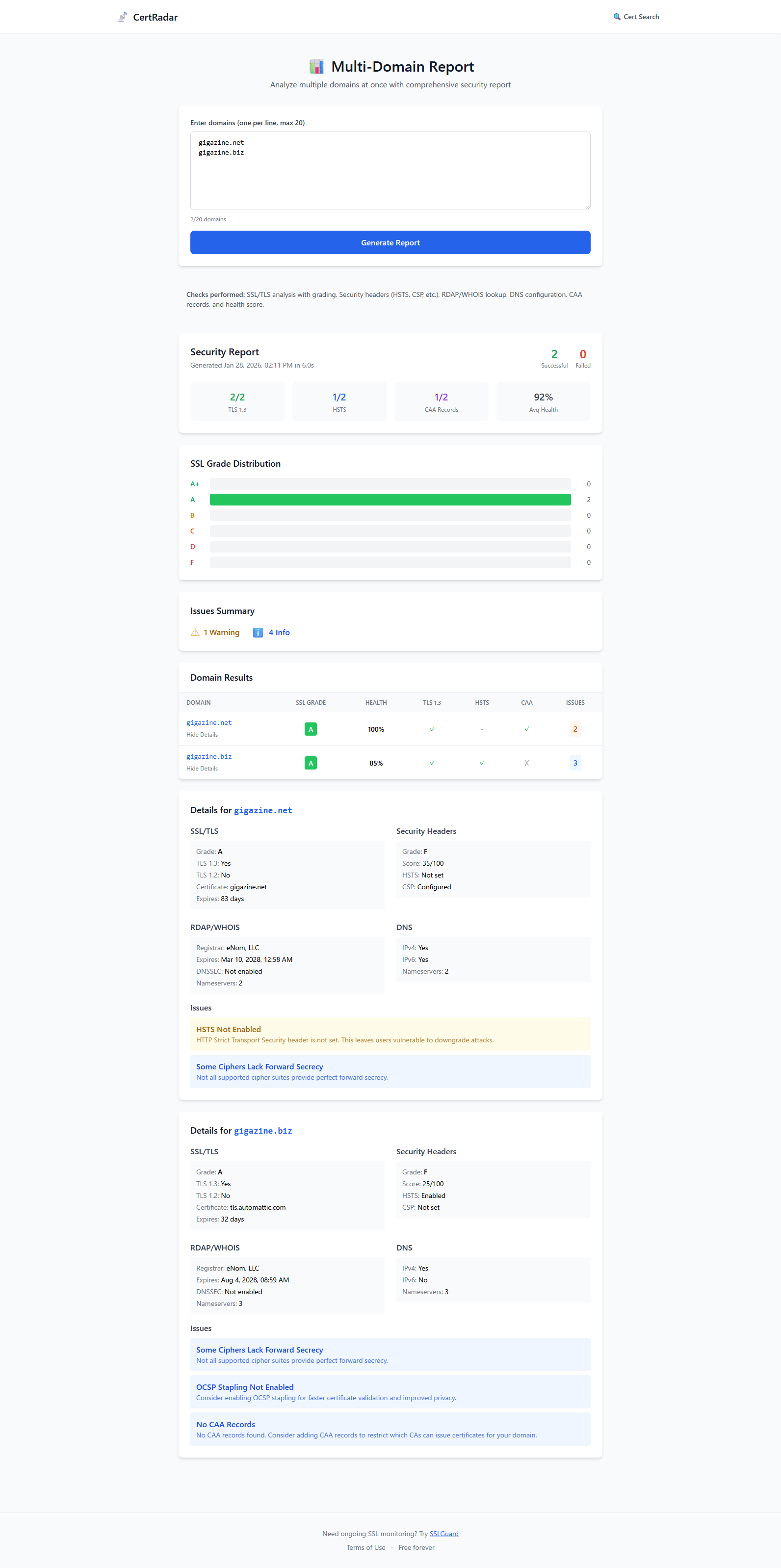
Viewing details displays the following information about the domain:
・SSL/TLS
・Security Headers
・RDAP/WHOIS
DNS
・Issues : Issues pointed out
Summary
CertRadar is a useful online tool that can search all certificates issued to a domain, analyze SSL/TLS settings, security headers, DNS records, RDAP information, etc., and point out any problems. It is a very useful tool for website administrators, as it helps them understand the security status of their domains and identify potential risks.
Related Posts: