DN_SuperBook_PDF_Converter is an AI-powered, high-quality, and various adjustment tool that makes scanned PDF files as clear and easy to read as e-books.
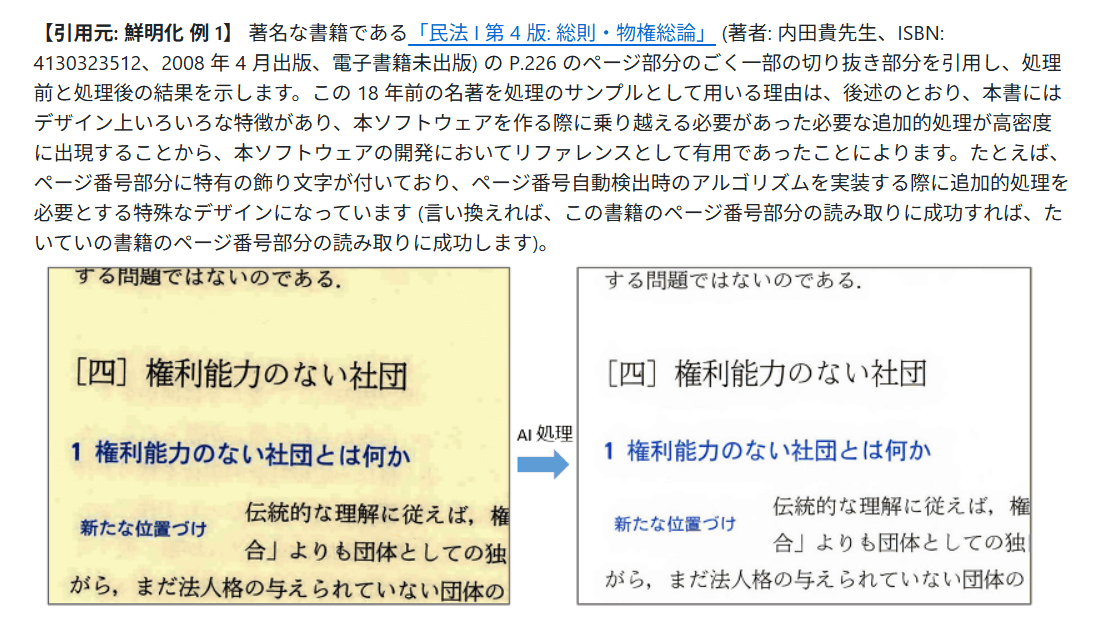
When scanning documents or books yourself and converting them to PDF files to read on a PC or tablet, readability can be compromised due to poor image quality, poor scan accuracy, ink bleeding, or show-through. Researcher and programmer
dnobori/DN_SuperBook_PDF_Converter: DN_SuperBook_PDF_Converter - AI PDF quality improvement and various adjustment tools to make scanned PDF books as clear and easy to read as digital books
https://github.com/dnobori/DN_SuperBook_PDF_Converter
Noboru says, 'In the field of computers and other fields, much important and diverse knowledge exists only in classic paper books. There is a great deal of valuable specialized knowledge that can only be obtained in out-of-print books. What's more, there are still many cases where even new books are difficult to publish as e-books. For modern students, creating an environment where they can scan books that are originally only available in paper form into PDF format and read them comfortably on a PC or tablet will bring overwhelmingly advantageous results compared to only consuming information that is published and made publicly available in digital form.' He explains that the purpose of 'DN_SuperBook_PDF_Converter' is to 'make scanned PDFs of paper books extremely easy to read and reduce stress to nearly zero.'
Noboru lists the following existing issues with scanned PDF files: 'The image quality of scanned paper books is low,' 'There is a slight tilt, and this differs from page to page,' 'The scan offset for each page is off, causing jerky pages when turning pages,' 'Automatic margin removal trims the margins of each page, making the jerky pages even more so,' 'The page numbers in the book and the page numbers in the PDF viewer are not aligned,' 'When displaying a double-page spread, left and right pages are not automatically distinguished,' and 'For books written vertically, it is necessary to set a flag to change the page order from right to left.'
'DN_SuperBook_PDF_Converter' uses the image sharpening AI engine RealEsrgan and a proprietary algorithm to remove paper stains, show-through, ink bleeding, and JPEG moire noise, and also increases the resolution so that jagged edges are not noticeable even when the text is enlarged considerably.
We have created 'DN_SuperBook_PDF_Converter,' an AI PDF quality improvement and various adjustment tool that makes scanned book PDFs as clear as digital books. https://t.co/LaO9Lf3FSV
— Daiyuu Nobori (@dnobori) January 20, 2026
This is a tool I created for myself to maximize the comfort possible when reading academic books (old books that are not available as e-books). pic.twitter.com/xfYi7nCjNU
It also has the ability to correct tilt, correct offset differences on each page, trim margins uniformly, match page numbers in the book with page numbers in the PDF viewer, automatically distinguish between left and right pages for double-page spreads, and automatically set a flag to change the page order from right to left in vertically written books.
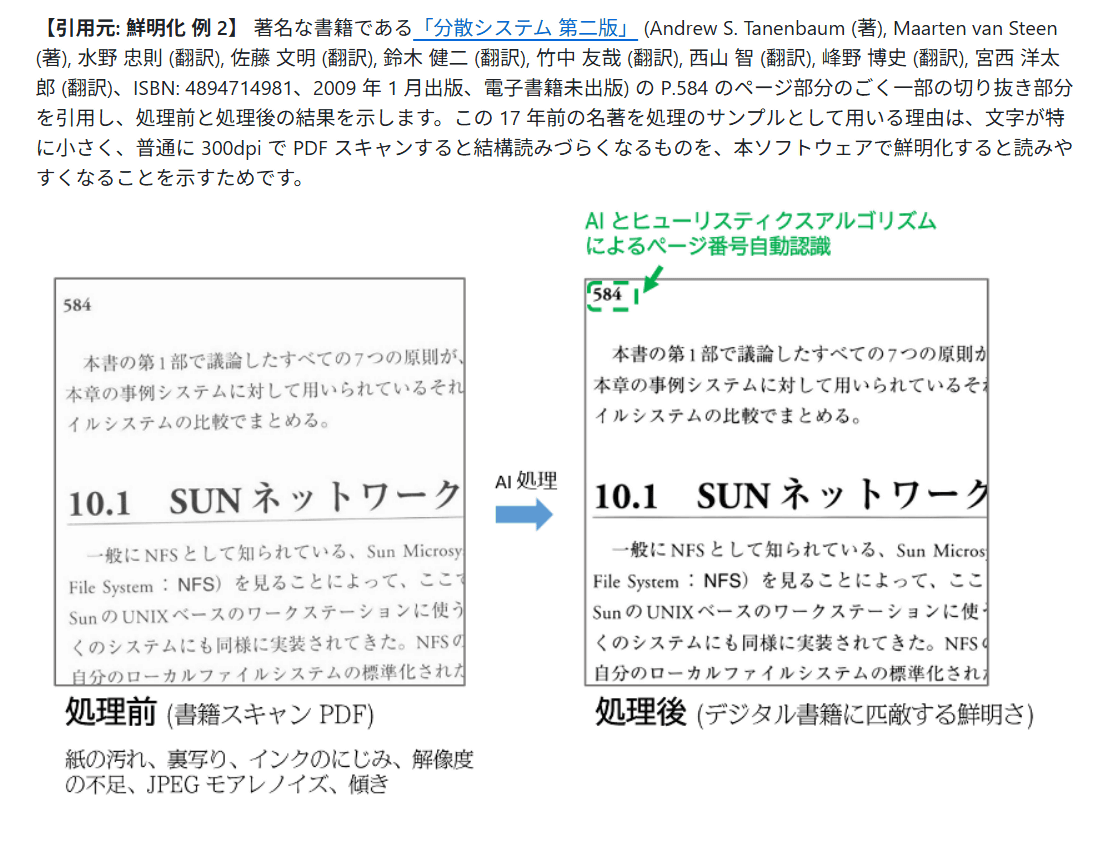
'DN_SuperBook_PDF_Converter' runs on a local PC and requires Windows 10/11 (x64 version). However, Noboru commented, 'Although it was developed on Windows, it is written in C#, so in principle, I think it could also run on Linux and macOS (though some modifications may be necessary for those environments).'
Also, since RealEsrgan requires GPU processing, we recommend a GeForce series GPU that supports NVIDIA CUDA and has 8GB or more of VRAM.
In addition, Mr. Noboru recommends `` PDF Viewer by Nutrient '' for iOS/iPadOS/macOS and `` Sumatra PDF '' for Windows as PDF viewers that allow for comfortable reading of various Japanese books written vertically and horizontally.
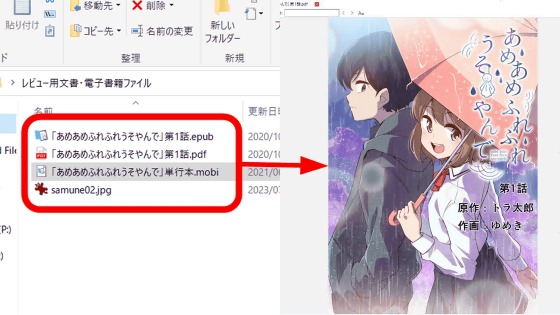
'SumatraPDF' is an open source reader application that can open and read PDF, EPUB, MOBI, CBZ, CBR, FB2, CHM, XPS, DjVu, and images for free - GIGAZINE
Related Posts:

in Software, Posted by log1i_yk