Pointed out that it is difficult to change window size in macOS Tahoe
The struggle of resizing windows on macOS Tahoe – no.heger
https://noheger.at/blog/2026/01/11/the-struggle-of-resizing-windows-on-macos-tahoe/
Developer and blogger Norbert Heger pointed out that with the macOS Tahoe update, attempts to resize windows often failed.
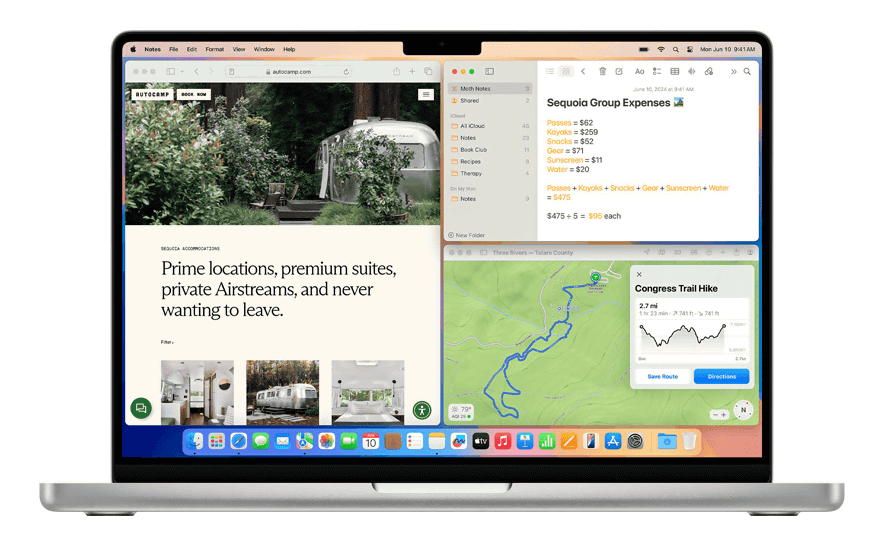
The reason for this is a change in the design of the Widows in macOS Tahoe. Below is an example of multiple windows displayed in macOS Sequoia (macOS 15), released in September 2024. Each window has slightly rounded corners.
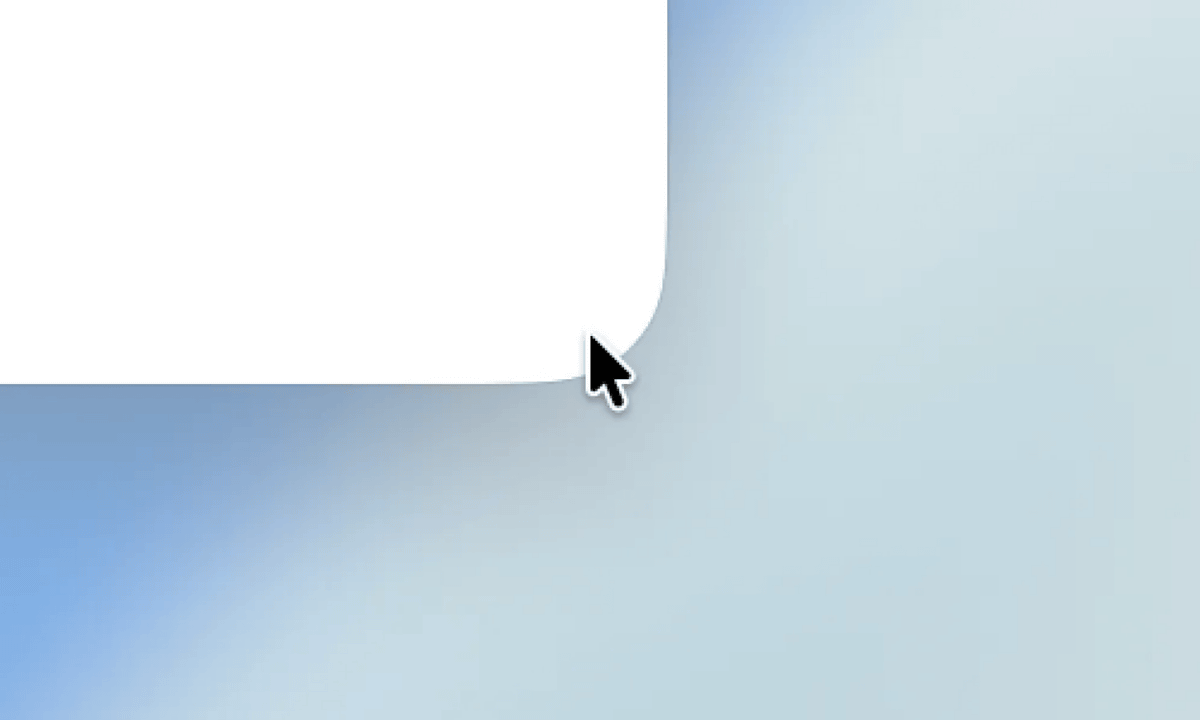
And below is the window when you open an app in macOS Tahoe. Compared to Windows and previous versions of macOS, the corners are much rounder.

While Heger says the aesthetics of rounded corners are a matter of taste, he points out that there are clear issues with usability.
According to Heger, when you resize a window by dragging and dropping the corner of the window, the response is expected to occur within a 19x19 pixel area around the corner. If the window has no rounded corners at all, 62% of the '19x19 pixel area around the corner' will fit inside the window.

However, because the corners of macOS Tahoe are quite rounded, 75% of the '19x19 pixel area around the corner' is outside the window.

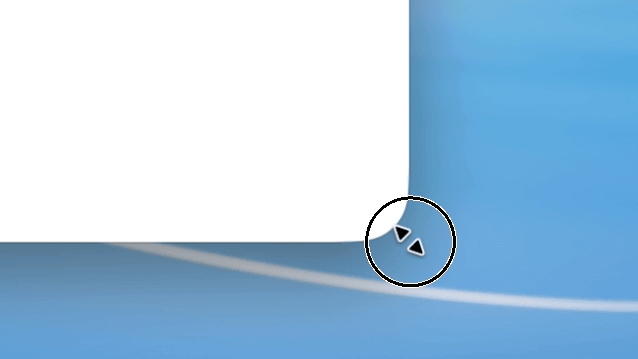
Therefore, if you intuitively try to change the window size by clicking inside the window, the area shown in the image below is not included in the 'window corners' and will not respond.
On the other hand, there is an area outside the window called the 'window corners,' as shown below, where you can change the window size.
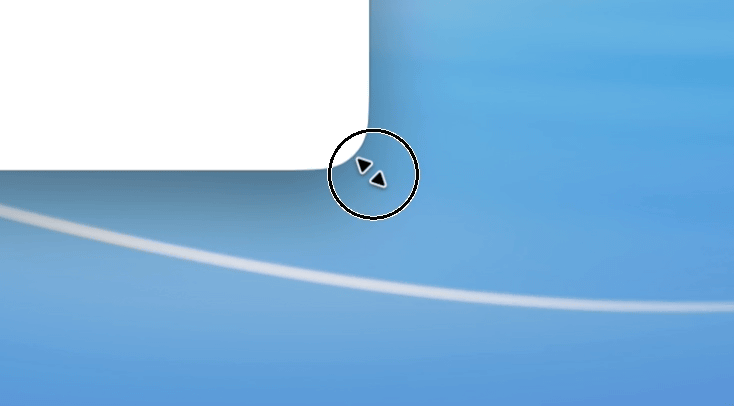
'Ultimately, the most reliable way to resize a window in macOS Tahoe is to grab the outside corner. This behavior is unnatural and unintuitive, and inevitably prone to error,' Heger said.
Heger's blog post became a hot topic on the social news site Hacker News, where many users expressed dissatisfaction with the design changes in macOS Tahoe. One user complained, 'macOS Tahoe's stupid rounded corners are so ugly I wish I hadn't upgraded. I wish Apple would make the corner rounding adjustable.' Others agreed , saying, 'Apple's window management has always been terrible, and it's even worse in macOS Tahoe.' While some users expressed general dissatisfaction with the update, saying, 'I wouldn't recommend anyone to upgrade. I wish I hadn't,' others commented, 'I don't have this issue at all. There's enough space to grab the corners, and the mouse pointer changes to a diagonal arrow so you don't lose track of the area.'
Related Posts:



in Software, Posted by log1e_dh