DistroSea allows you to try out various Linux distributions for free in your browser without installing them.
Linux has many different distributions, and the user experience varies greatly depending on which one you use. While there's plenty of information available for major distributions, for others, you need to actually see how they work. ' DistroSea ' is a service that allows you to try out various Linux distributions by actually booting them up, and its key feature is that it runs in a browser without installation.
Test Linux distros online - DistroSea
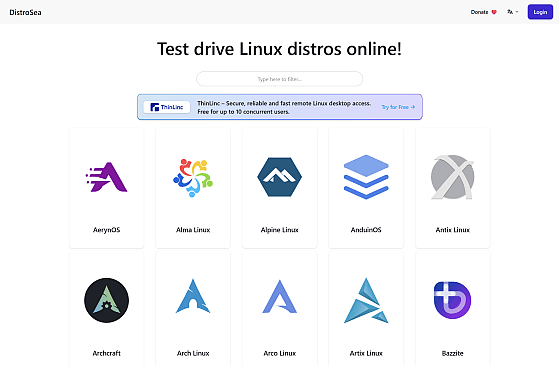
Open the DistroSea home screen and start by launching
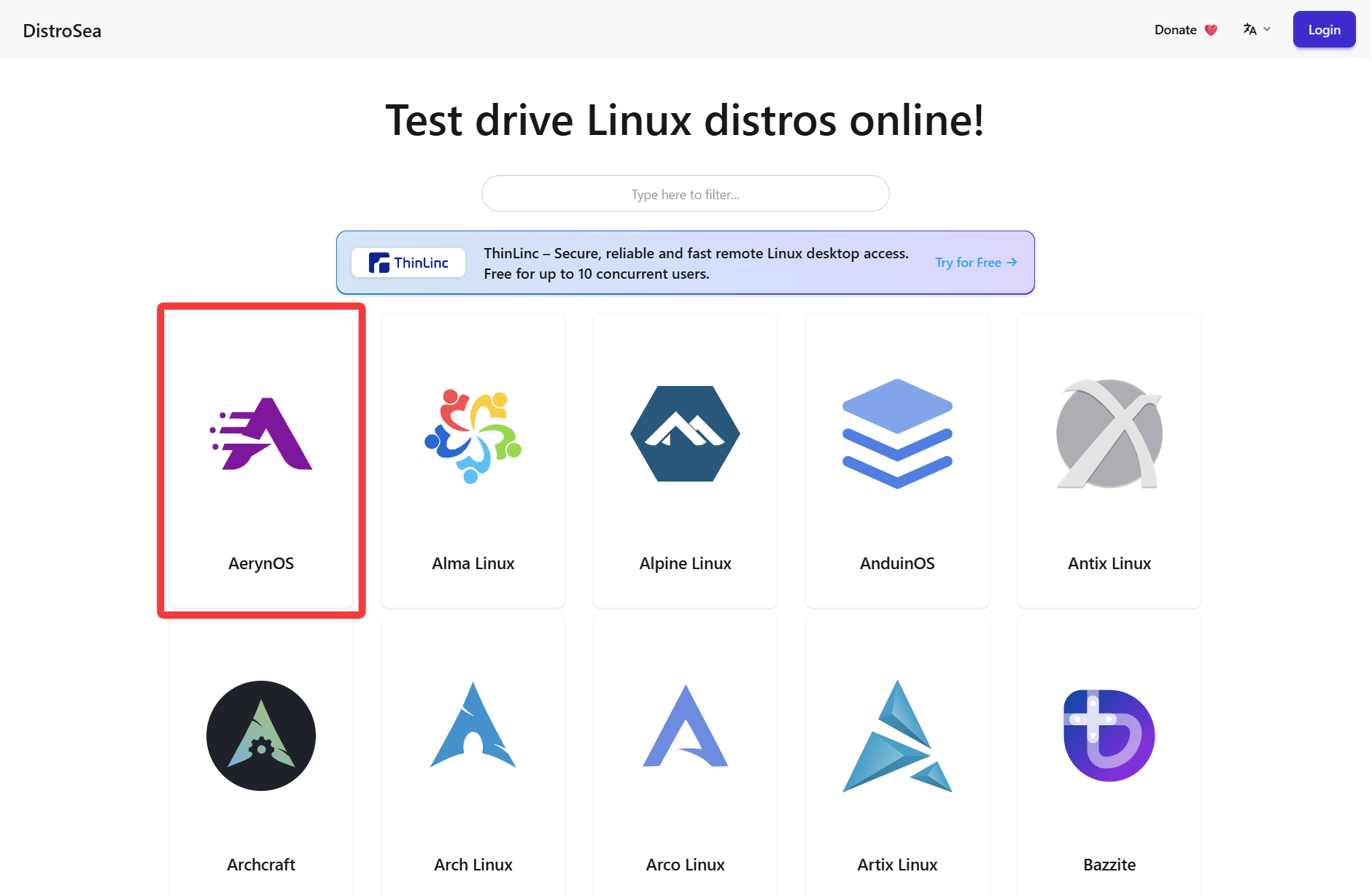
It appears there are two versions available to launch. Click on the newer one to proceed.
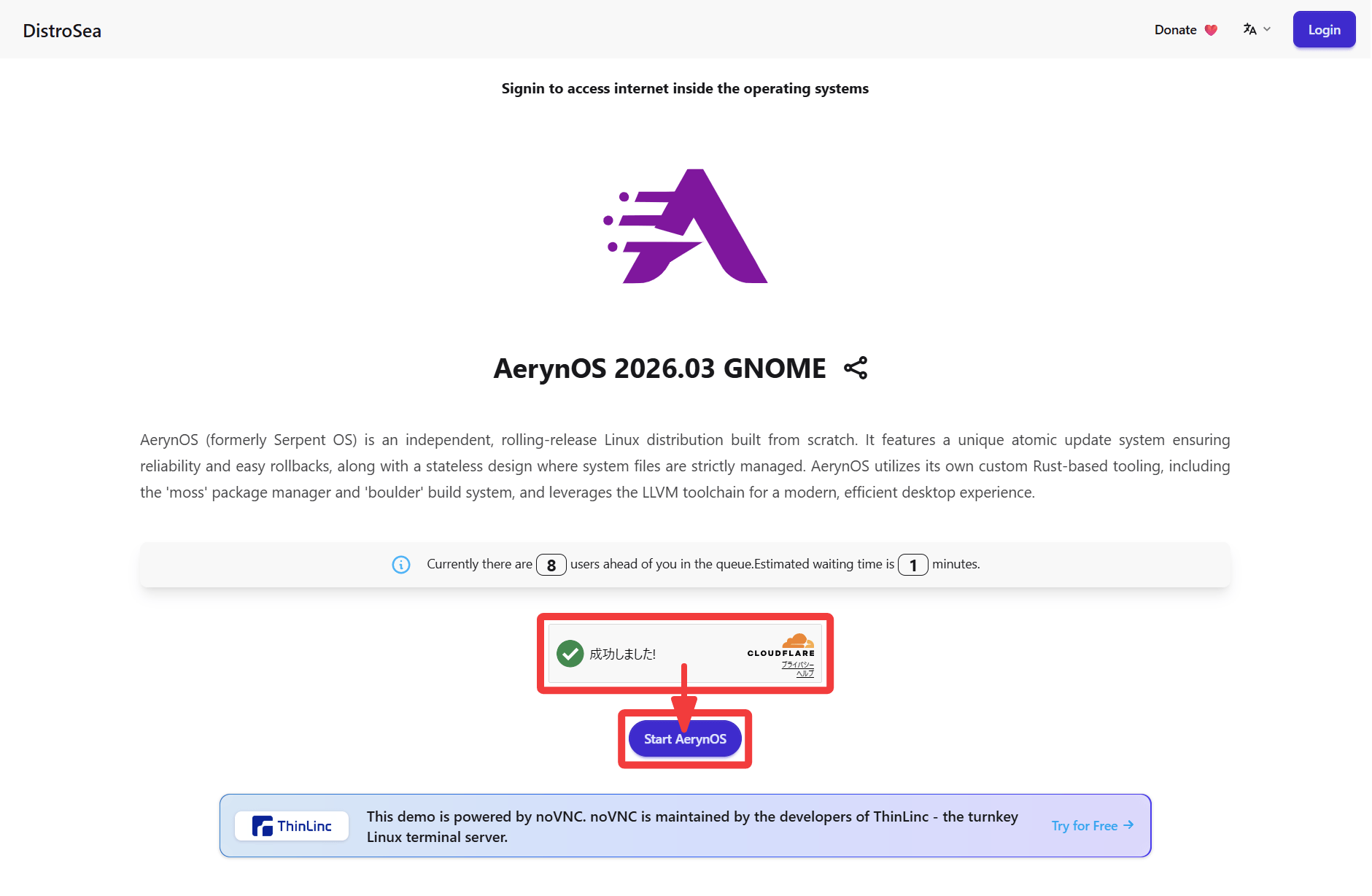
There are 8 people ahead of me in the waiting time, which is about 1 minute. Once the Cloudflare Turnstile display shows 'Success!', the 'Start AerynOS' button will become active, so click it.
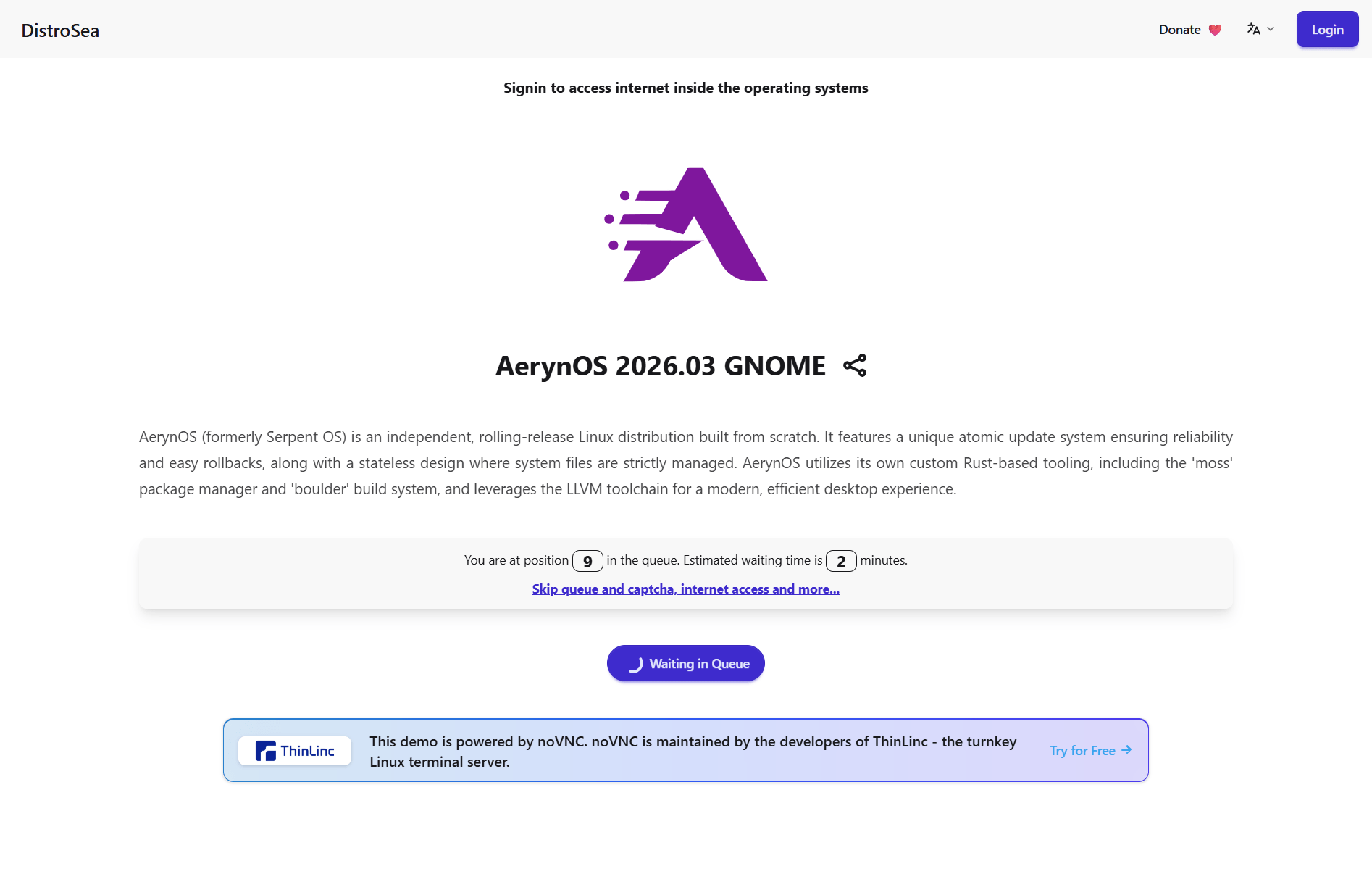
The button now displays 'Waiting in Queue,' indicating that you have been added to the waiting queue. During the process, one more person joined the queue, and the waiting time increased to 2 minutes. Since many users are accessing from English-speaking regions, targeting times when access is less frequent, such as late at night, may help reduce the waiting time.
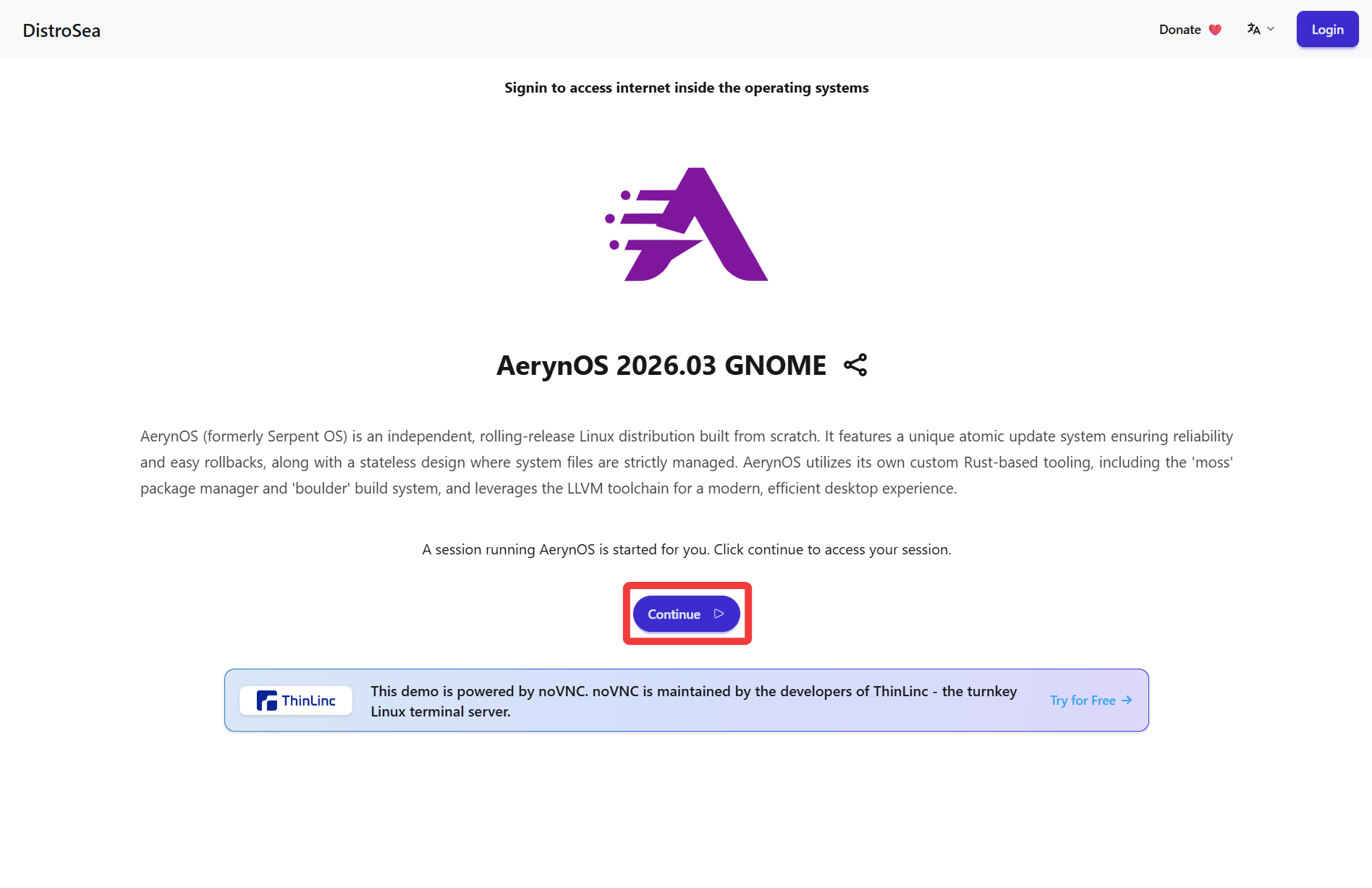
The button now displays 'Continue' and you have exited the waiting queue, so click the 'Continue' button.
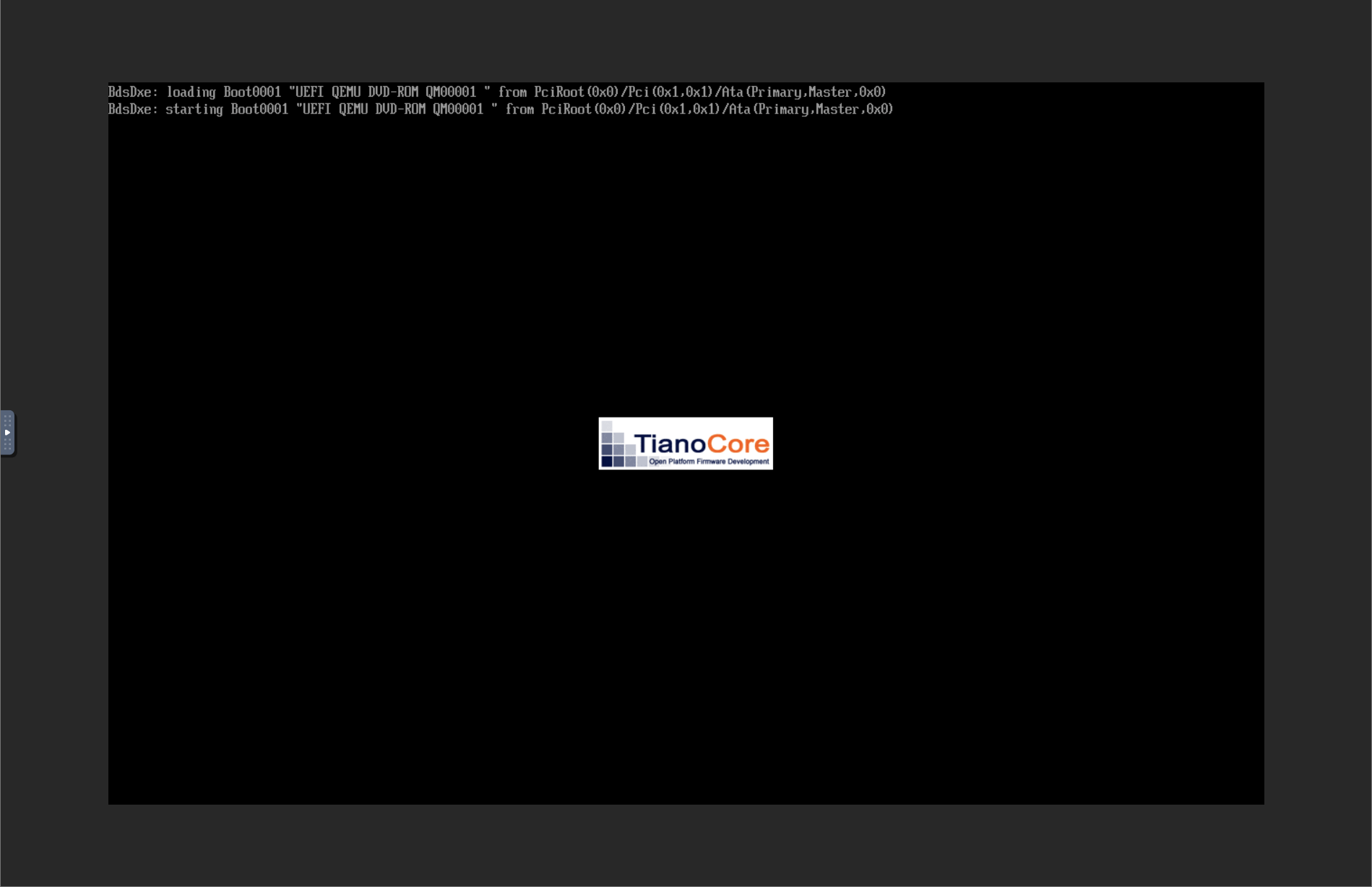
AerynOS will begin booting.
It appears to have started up.
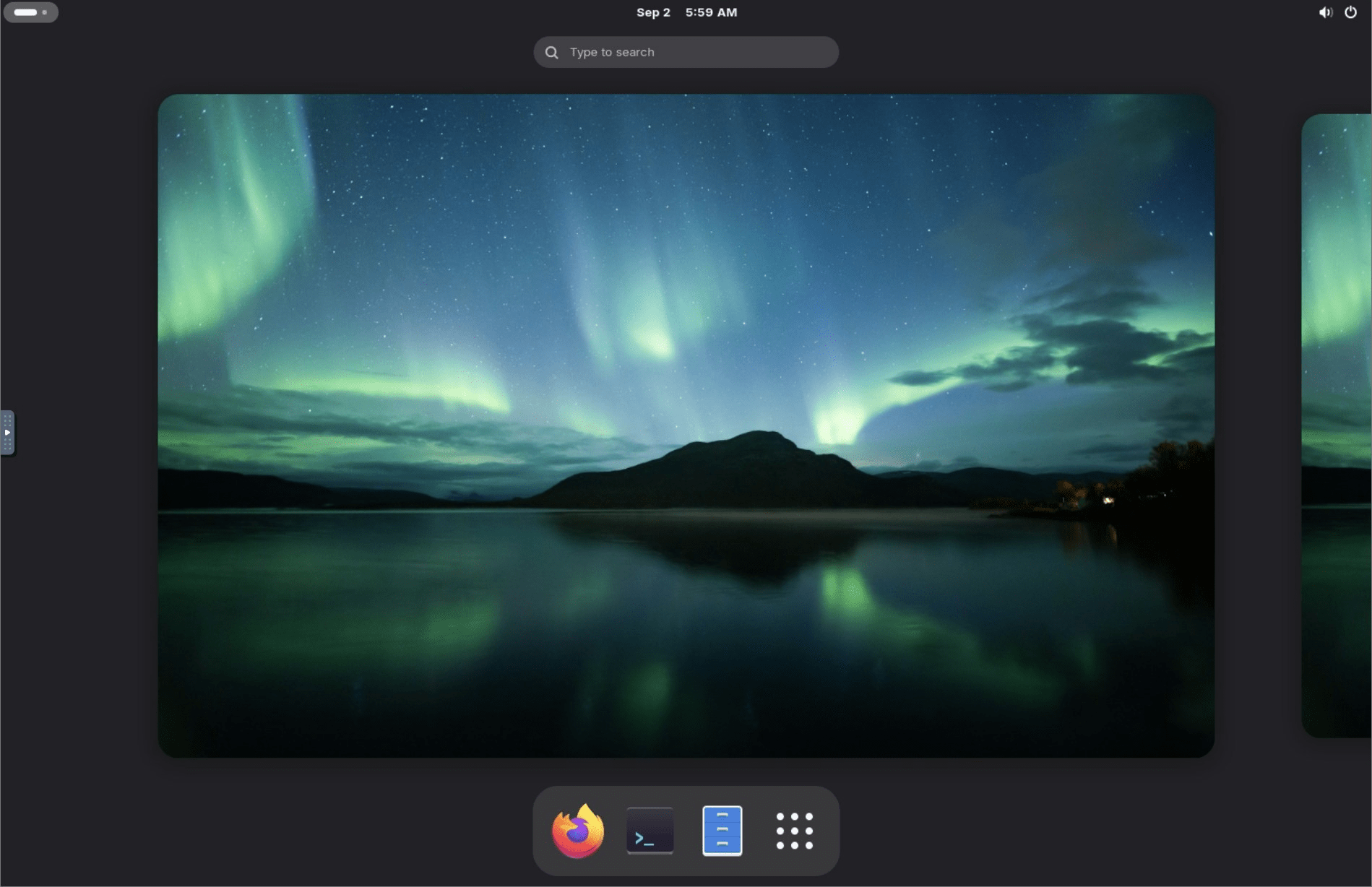
I tried launching Firefox and Terminal. When I shut down the OS, it returned to DistroSea.
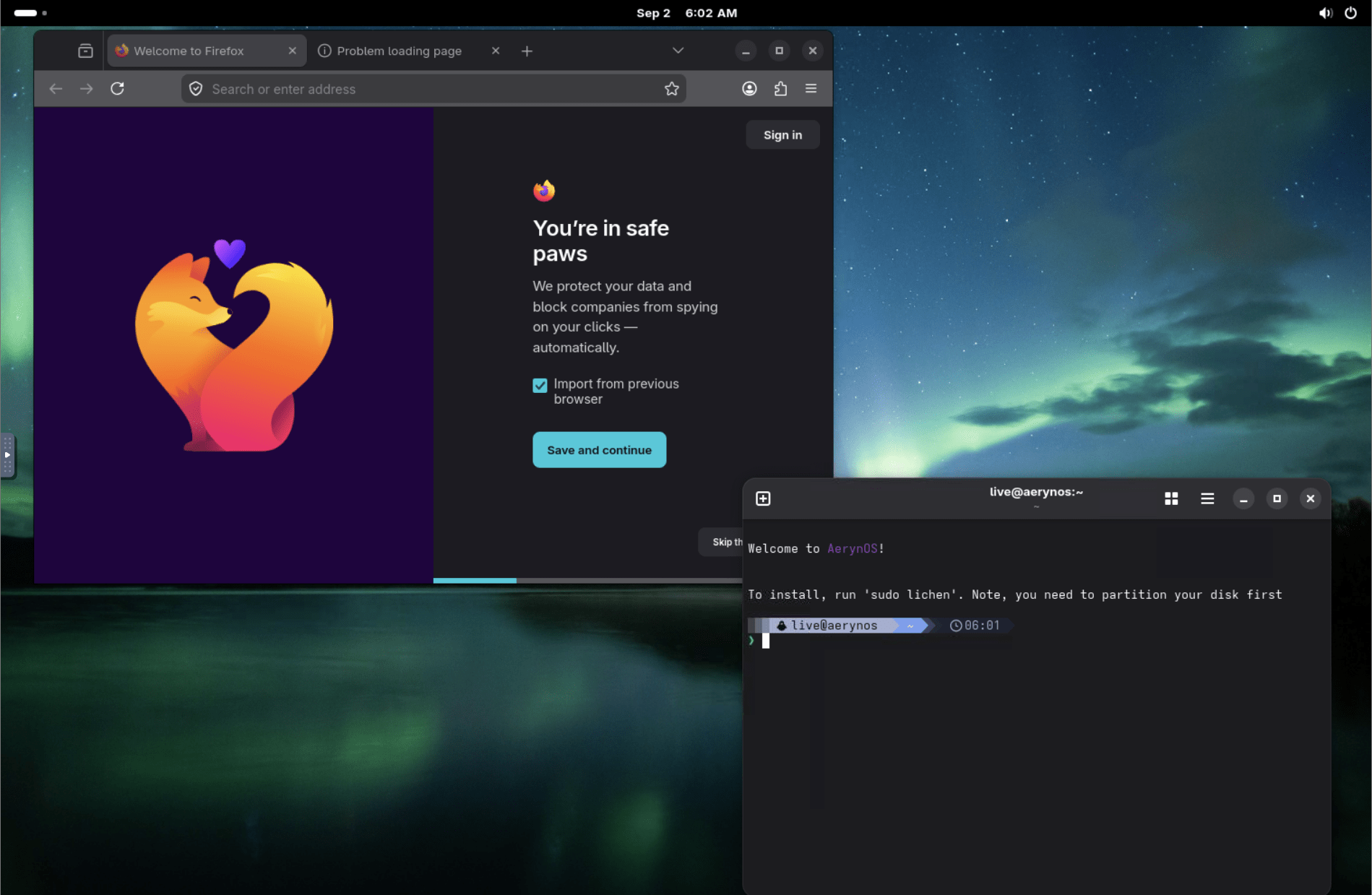
I see something that looks like a hidden UI on the left side of the screen, so I'll click on it.
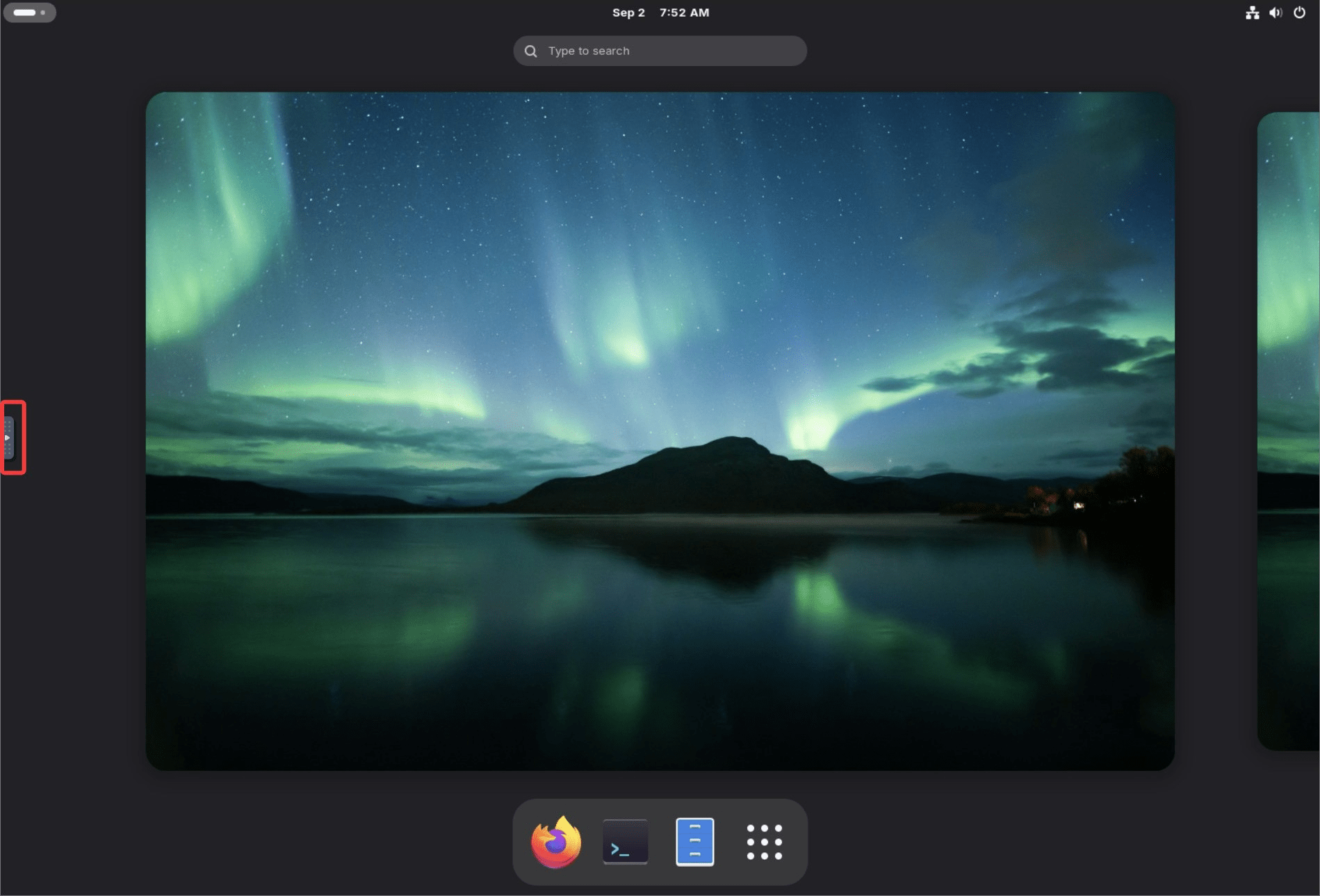
The hidden buttons have now been revealed. The buttons are as follows:
- Move/Drag viewport : Move and drag the viewport (Only displayed if 'Clip to window' is enabled in the settings, and only effective if 'Scaling mode' is set to None)
・Full screen : Full screen display
• Settings : Settings
- Disconnect : Disconnects and returns to the DistroSea offline screen.
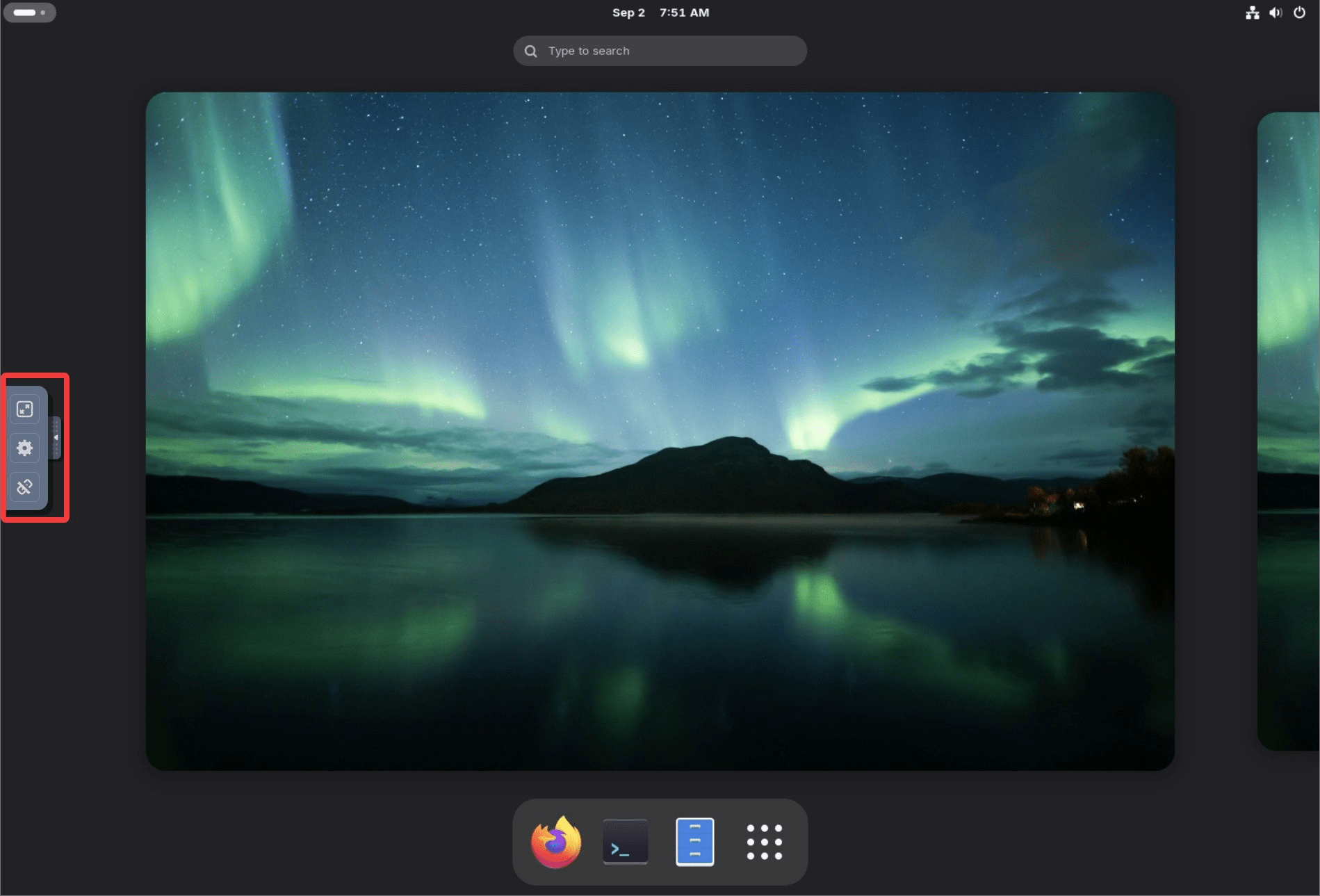
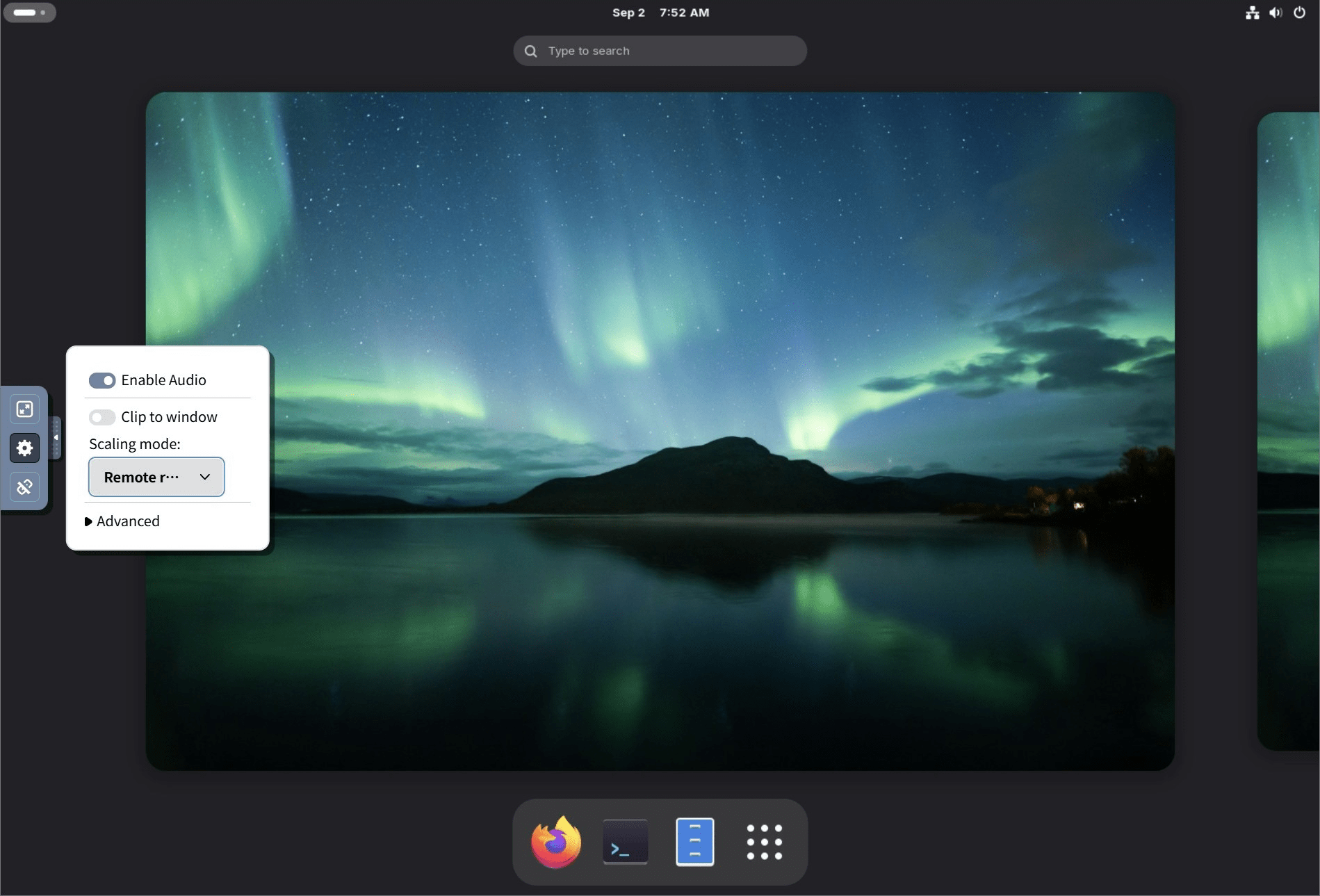
Clicking the 'Settings' button will display the following settings options.
• Enable Audio : Enable audio
• Clip to window : Whether to crop the screen to fit the window size.
• Scaling mode : Scaling mode (select from None, Local scaling, Remote scaling)
• Advanced : Displays additional settings.
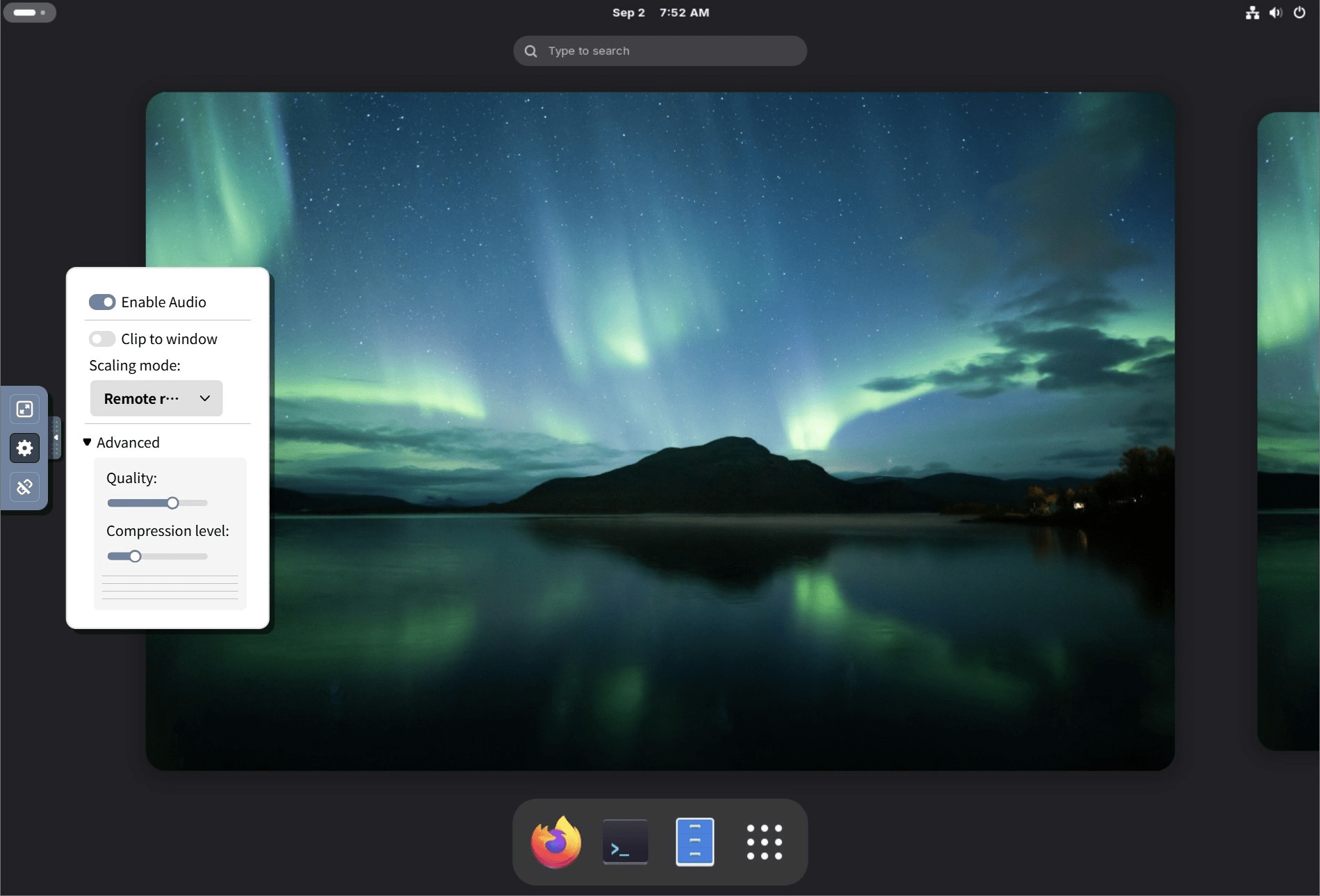
Enabling 'Advanced' will display the following settings:
• Quality : Streaming quality
• Compression level : Data compression level for streaming
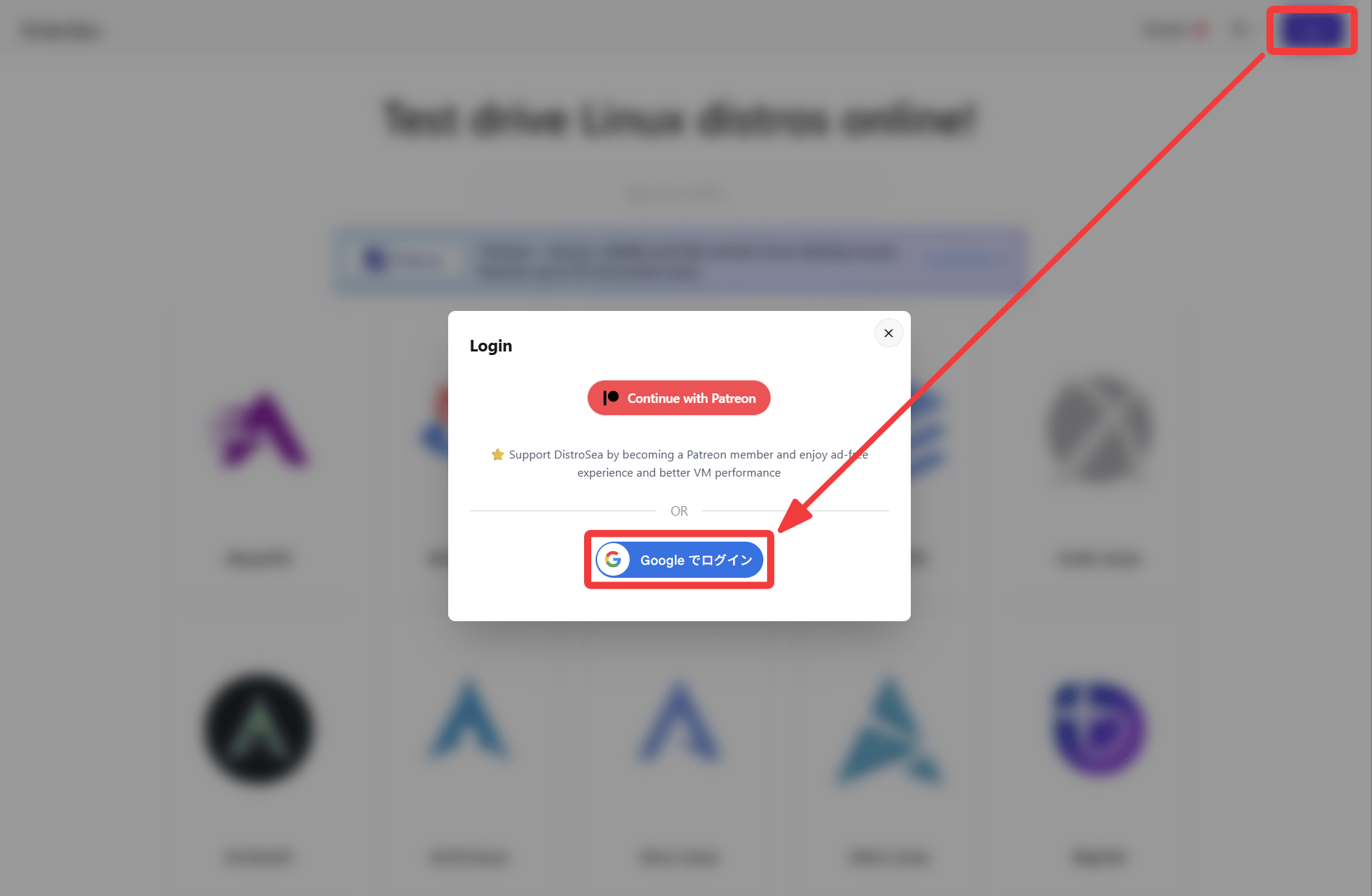
Next, I'll try logging in. Clicking the 'Login' button in the upper right corner of the screen brings up a login screen pop-up. There are 'Continue with
Scrolling down the DistroSea homepage, I noticed that several distributions were tagged with 'Popular.' I clicked on
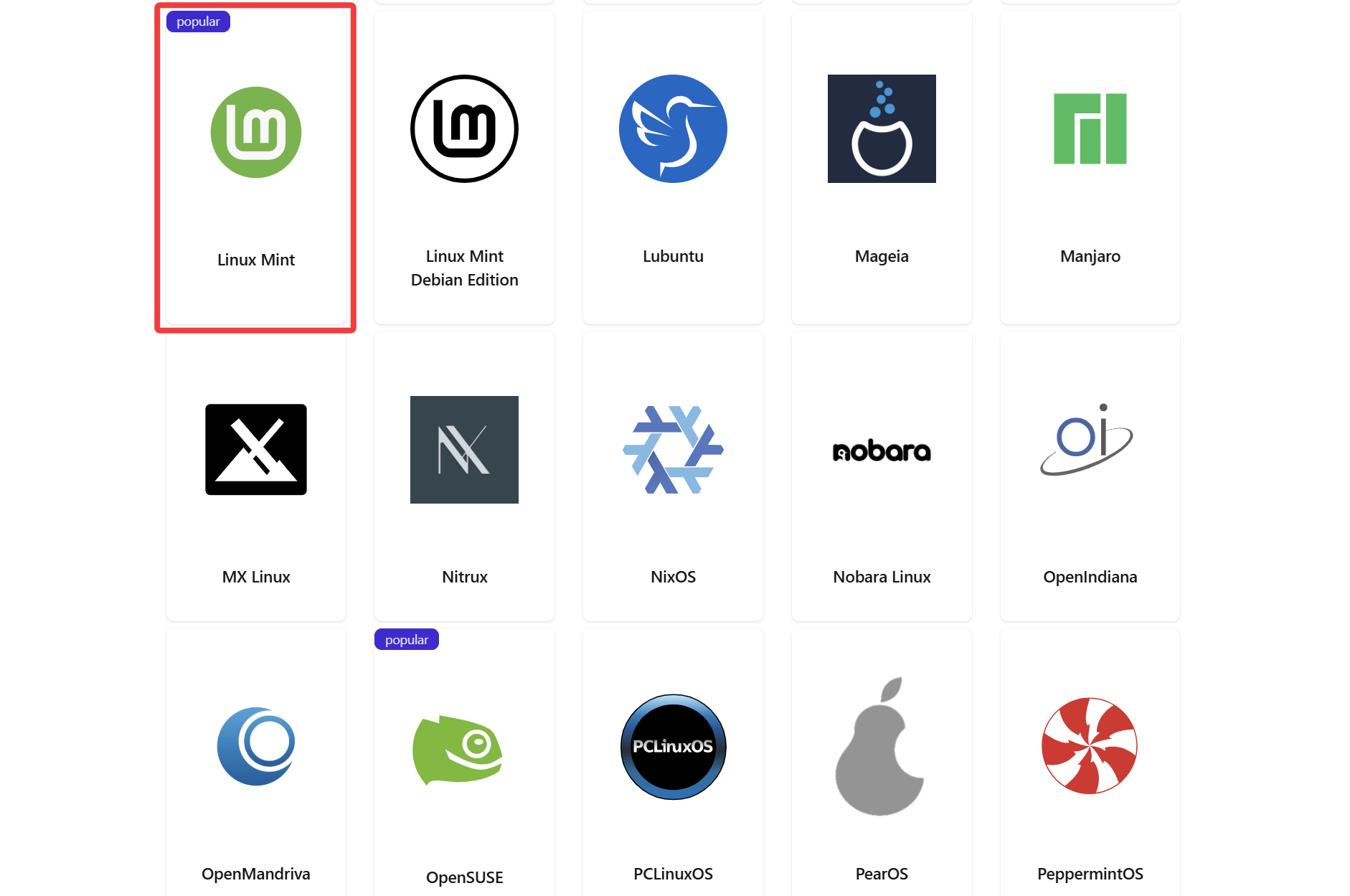
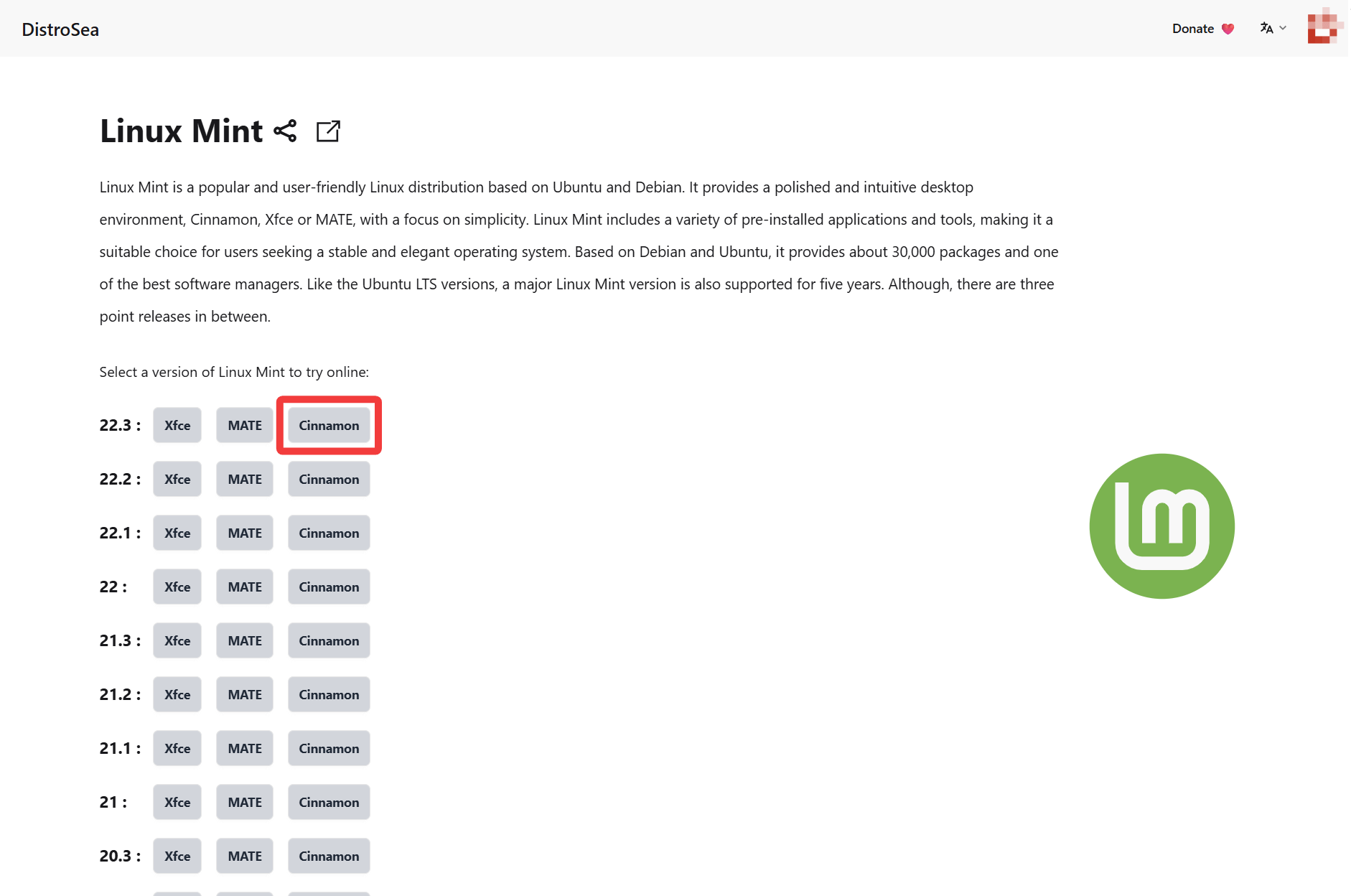
Many versions of Linux Mint were available. Click on Cinnamon, version 22.3, which was the latest at the time of writing this article.
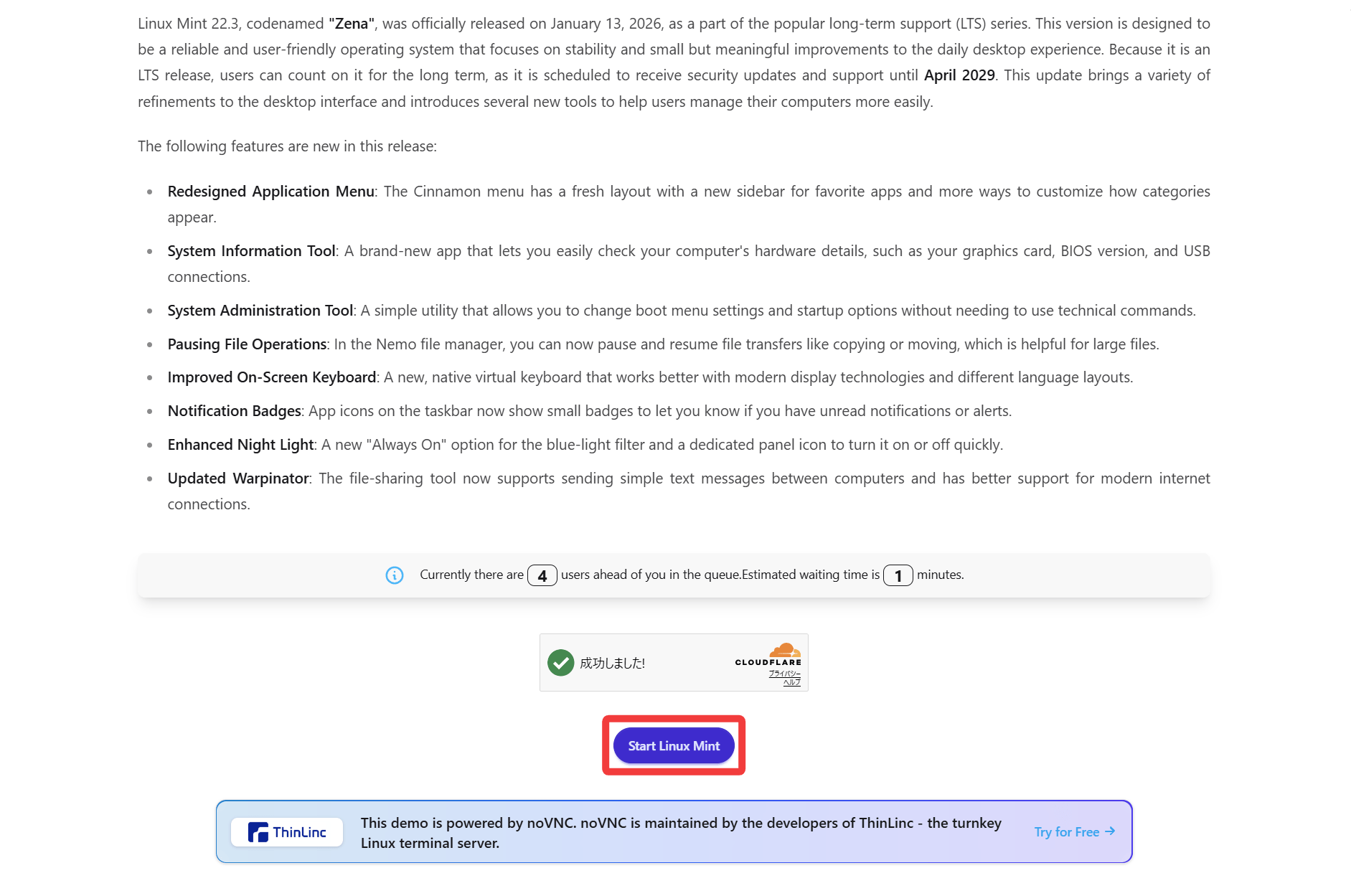
There were 4 people in the waiting queue, and the wait time was about 1 minute. I immediately joined the waiting queue.
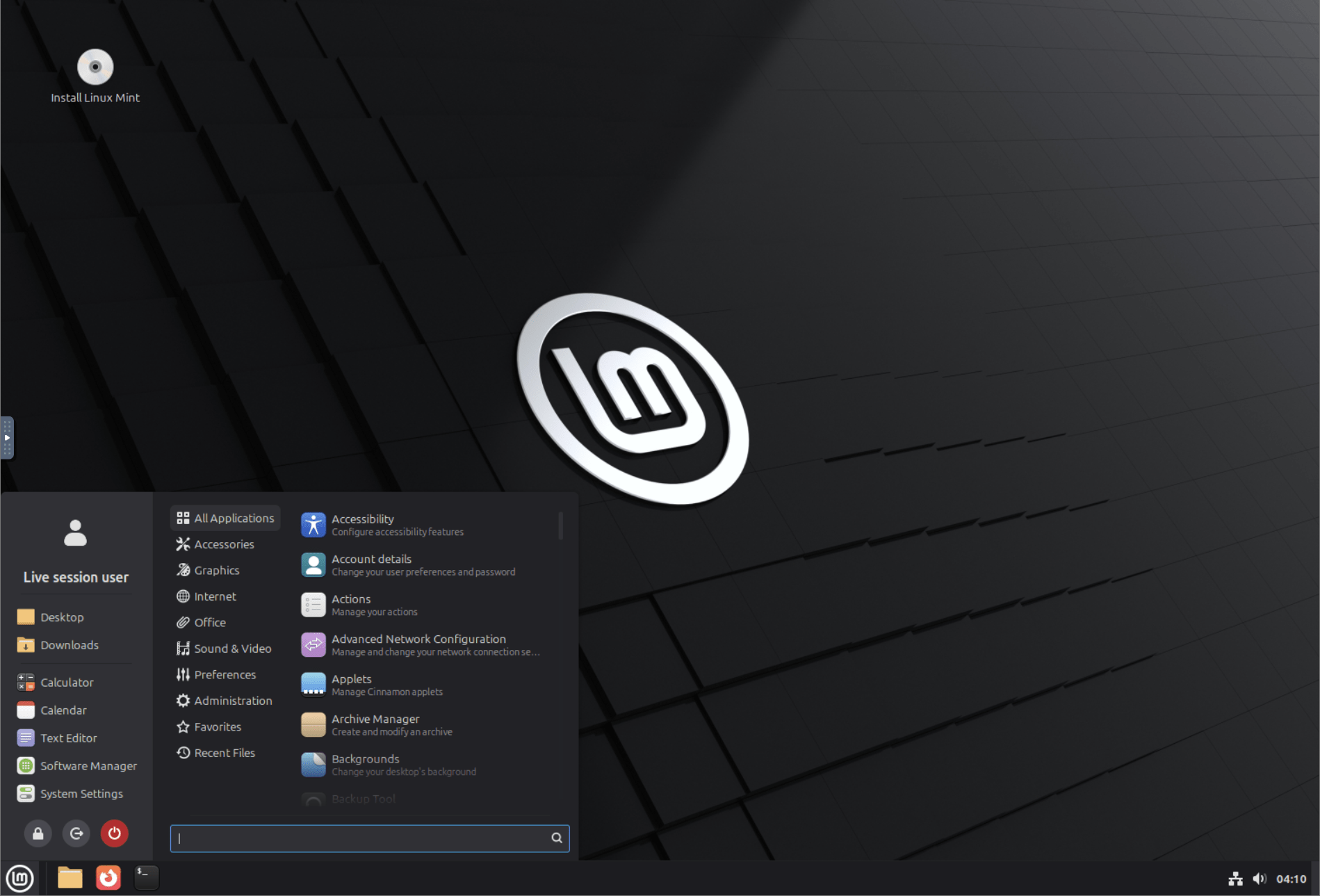
Booting complete; this is the Linux Mint screen that some of you may be familiar with.
By the way, while scrolling through the DistroSea homepage, something caught my eye. Isn't
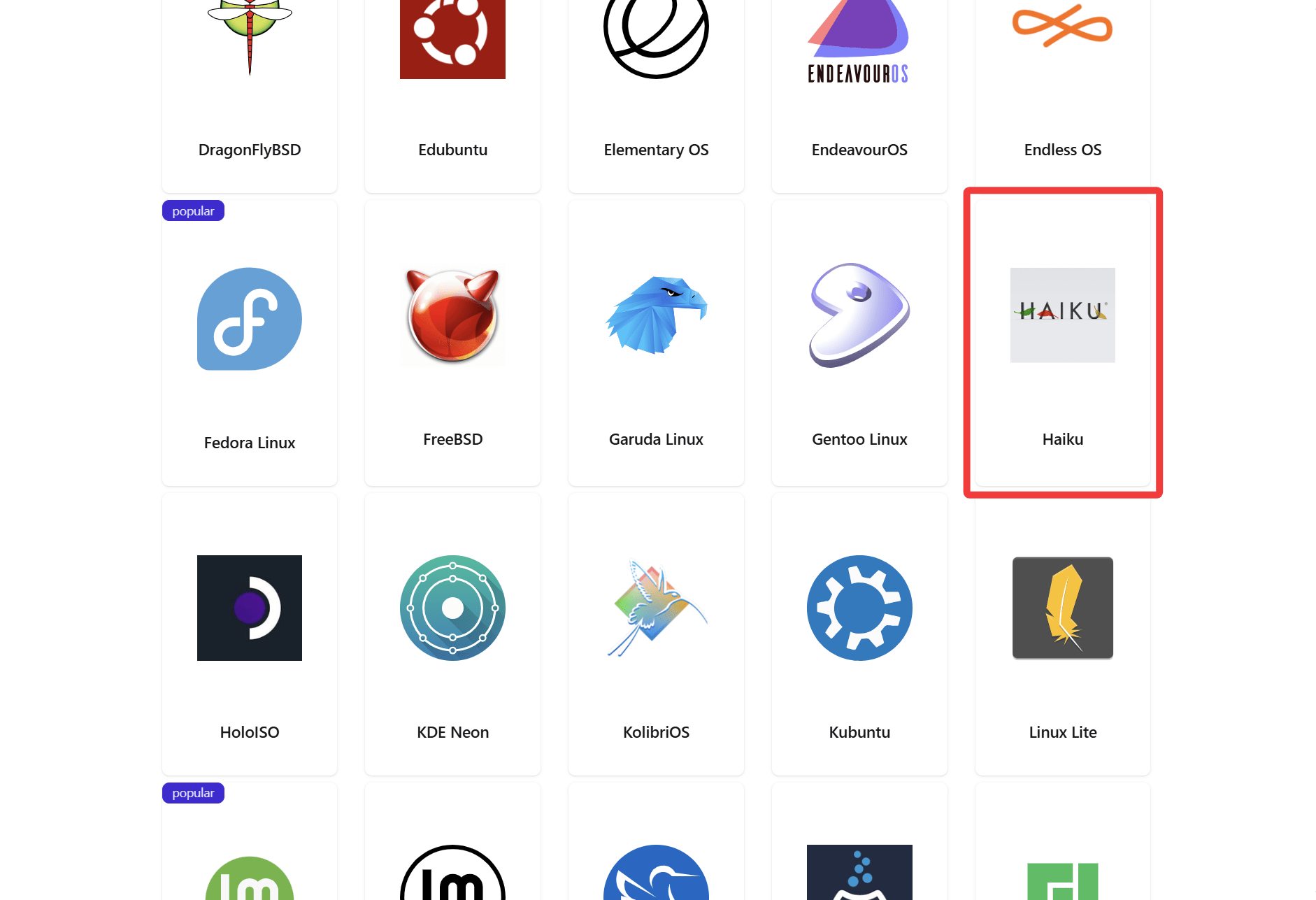
Let's try launching Haiku. This is probably the correct way to use DistroSea.
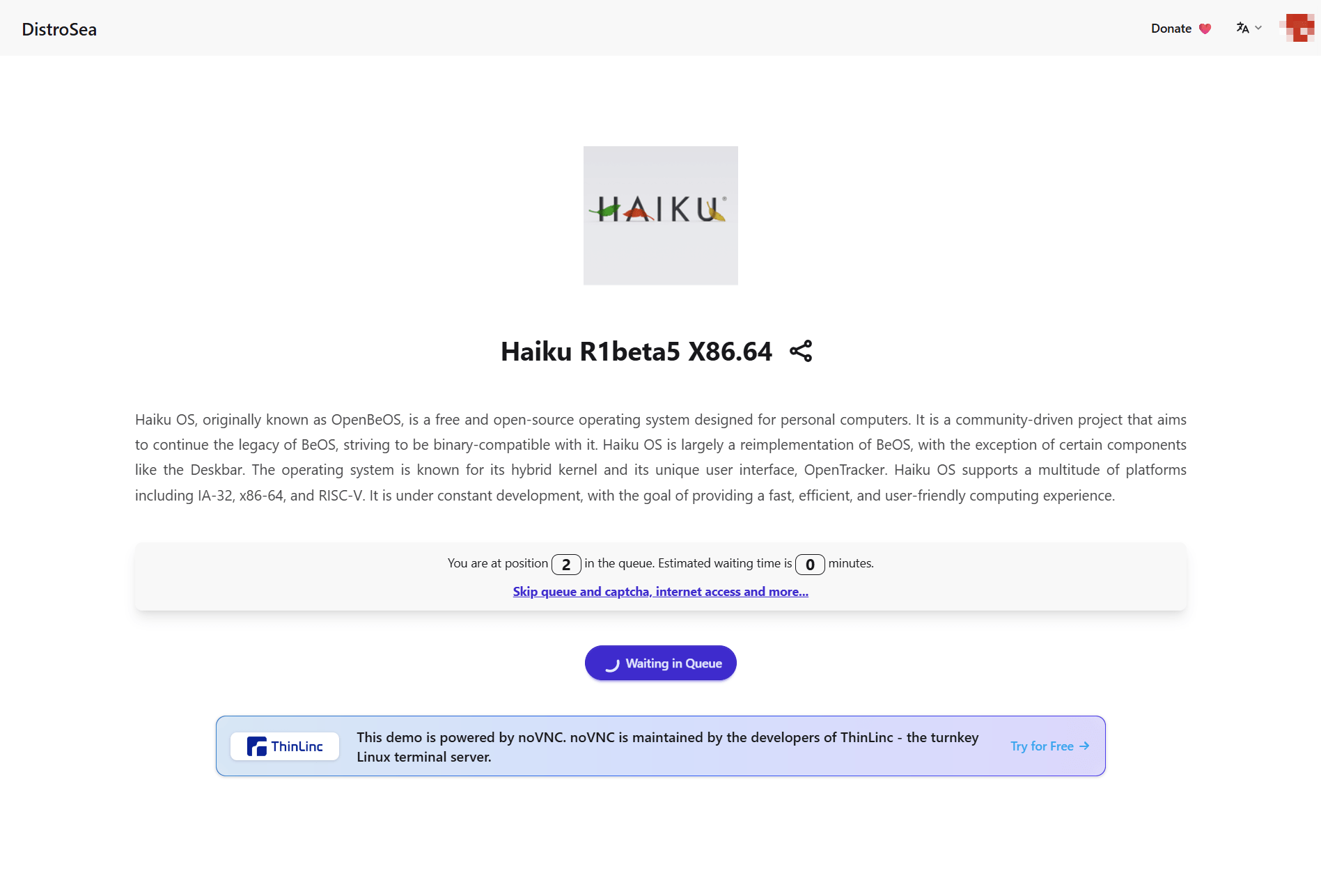
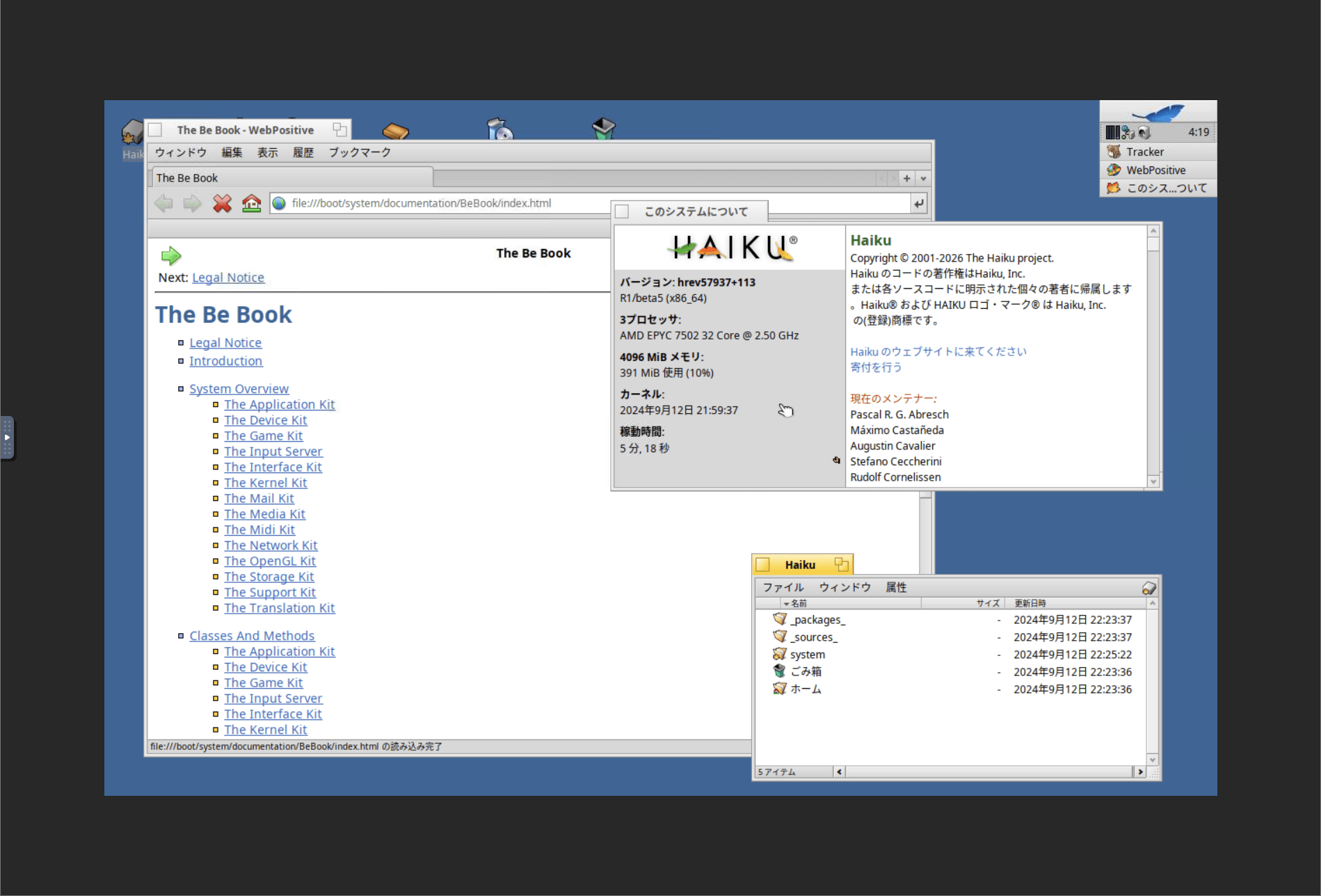
Haiku has started up. I tried it out, but it felt slower than other operating systems, so you might need to adjust the settings to get a smooth user experience.
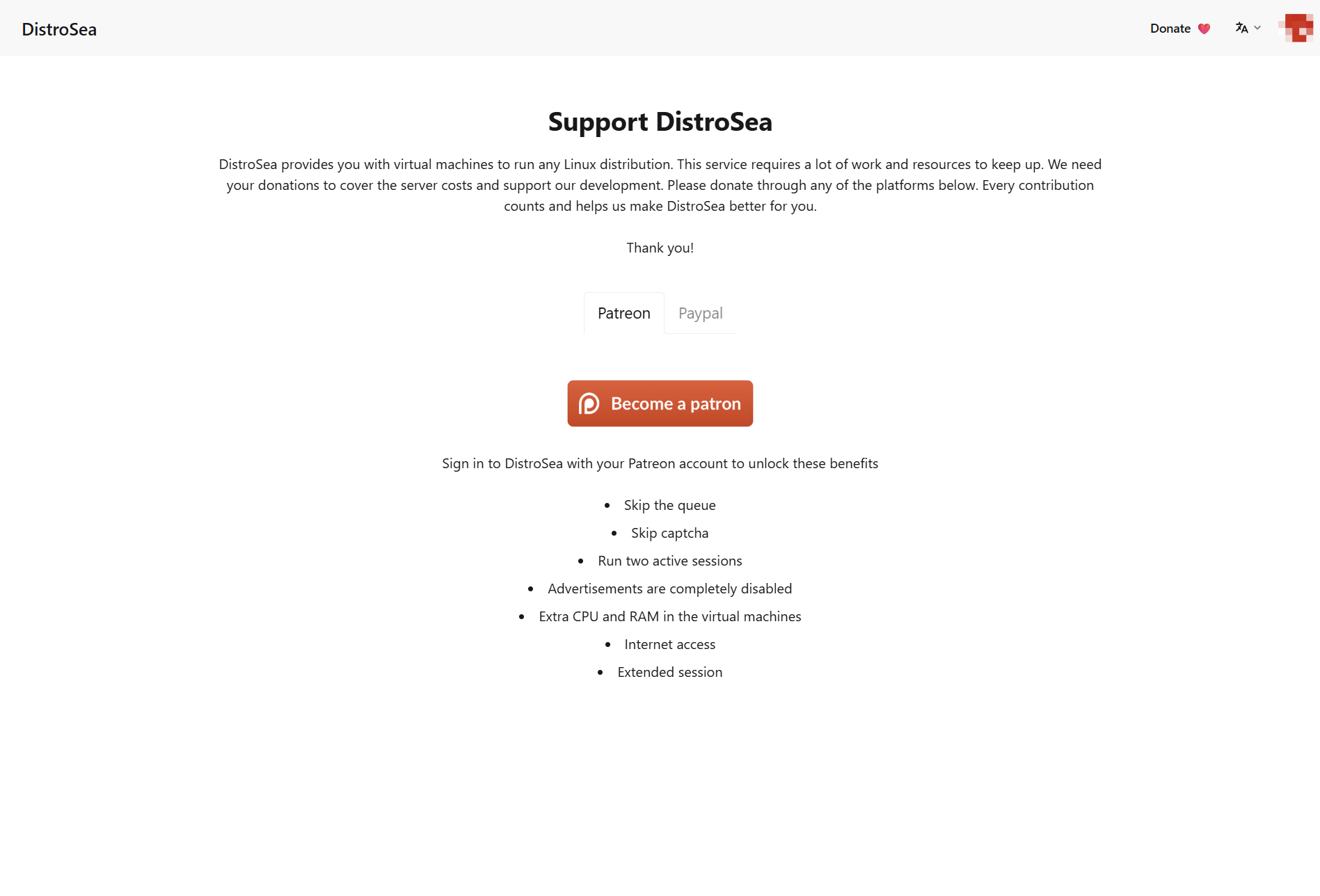
Finally, I noticed an interesting link below the section displaying the status of the waiting queue, so I clicked on it.

It was an attempt to steer users toward a paid subscription. Since it offers various benefits, such as not having to wait in queues, it might be worth considering for heavy users.
DistroSea is a service that allows you to easily and freely try out various Linux distributions (and Haiku) in your browser. If you're thinking about installing Linux but are unsure which one to choose, or if you're simply curious to try out different distributions, then you should definitely give DistroSea a try.
Related Posts:

in Web Service, Review, Web Application, Posted by log1c_sh