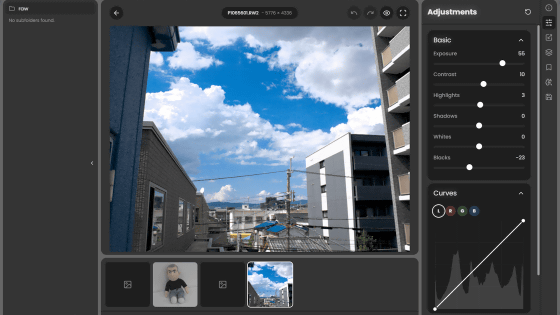
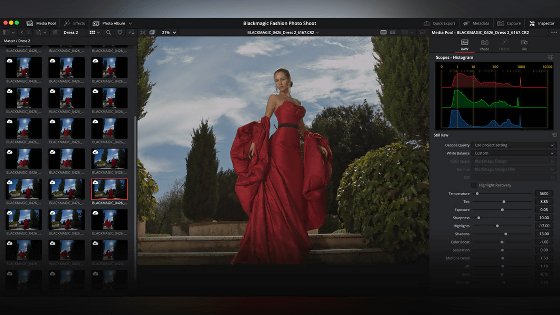
'darktable' is a free, open-source photography workflow app that also supports RAW image processing.
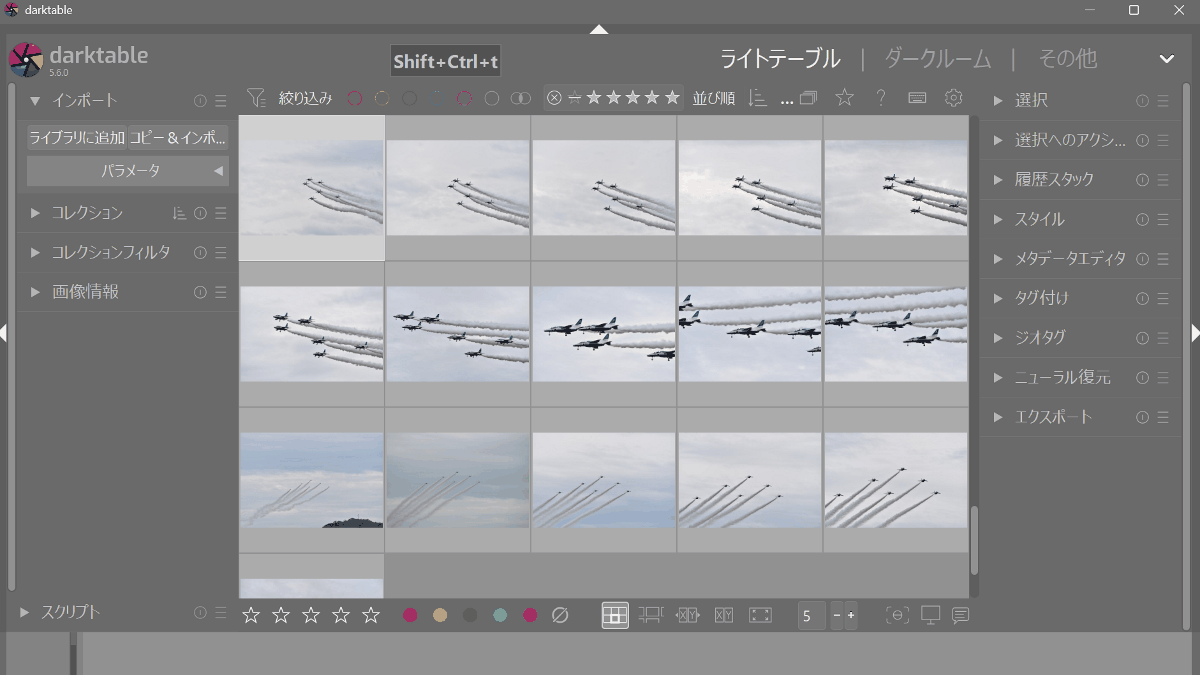
' darktable ' is a free, open-source photo workflow app that allows you to perform everything from selecting photos, developing RAW files, making partial color corrections, and exporting to JPEG, all within your PC, and it also handles AI masking for automatic subject selection and AI noise reduction.
Darktable
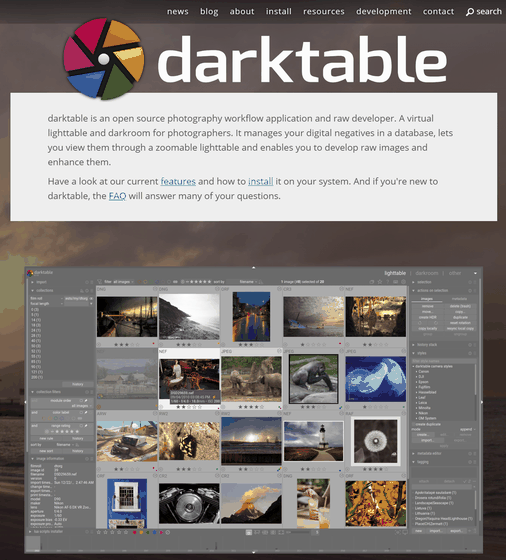
darktable-org/darktable: darktable is an open source photography workflow application and raw developer
◆How to use darktable
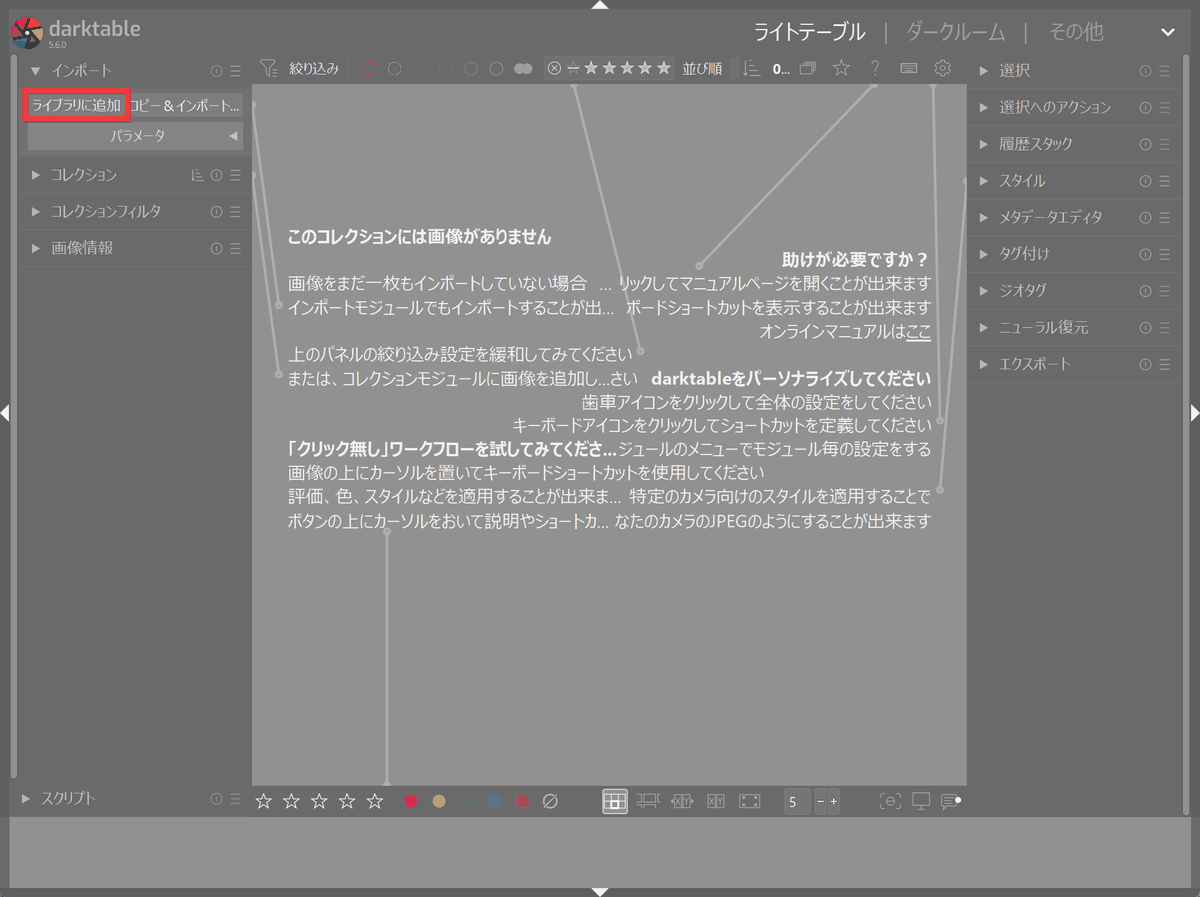
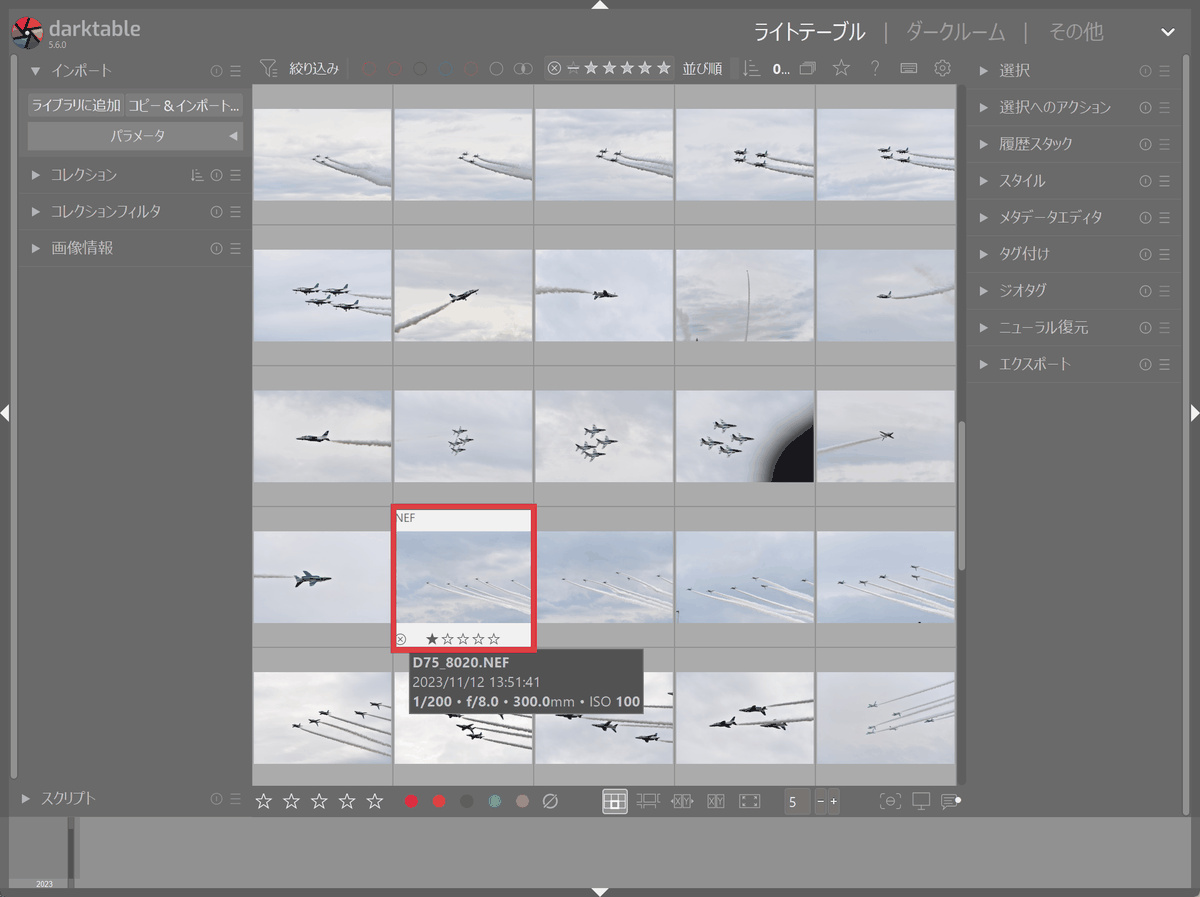
First, register the images in the image list mode called 'Light Table.' Click 'Add to Library' under 'Import.'
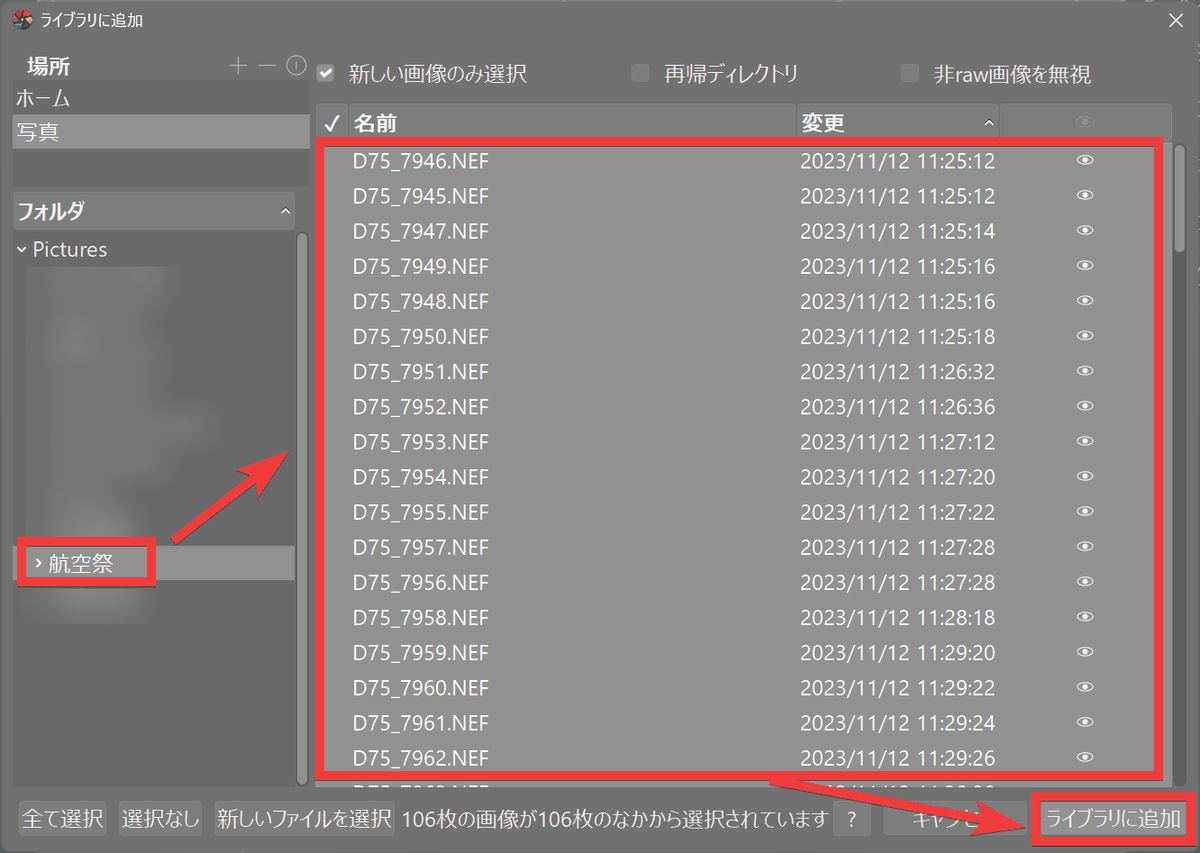
Select the folder where the images are saved, select the file you want to add, and click 'Add to Library'.
A list of registered images will be displayed, so double-click the image you want to edit.
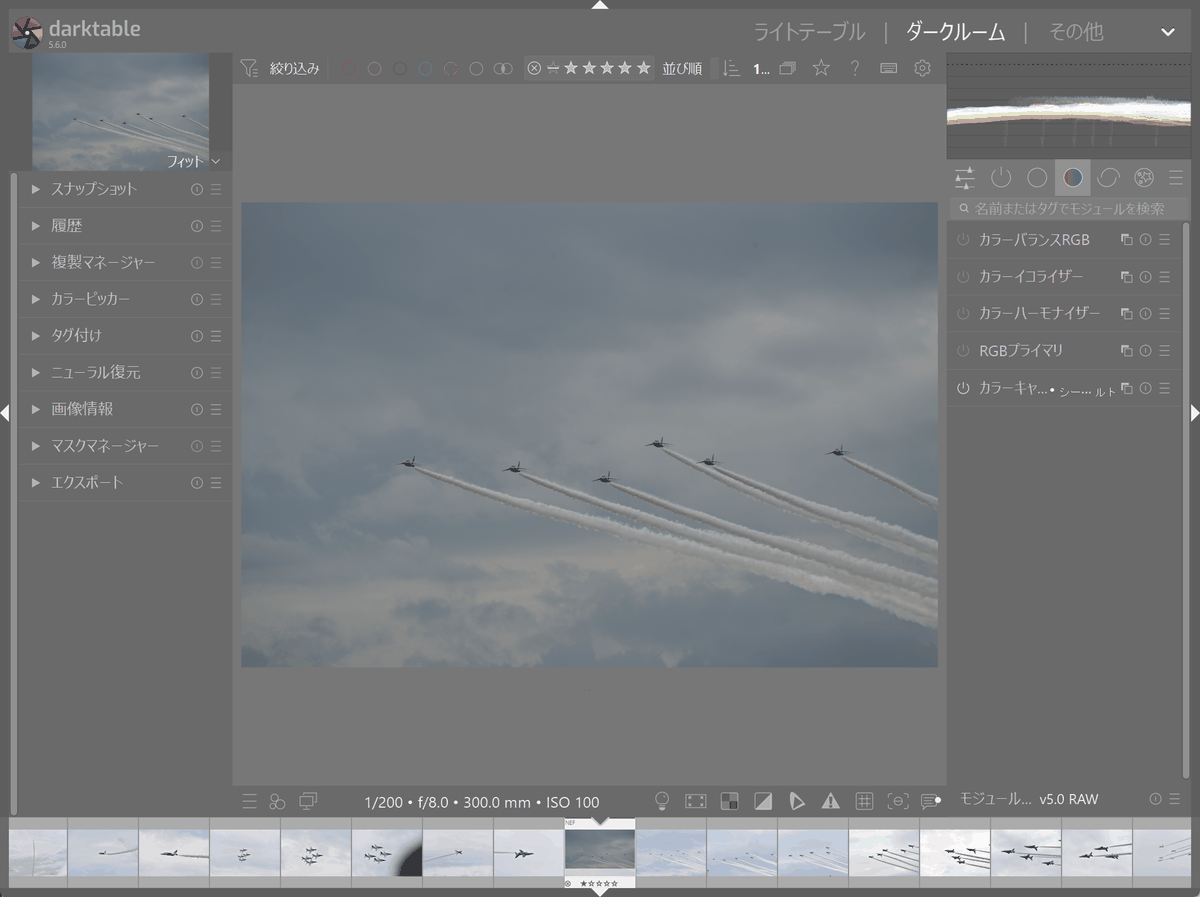
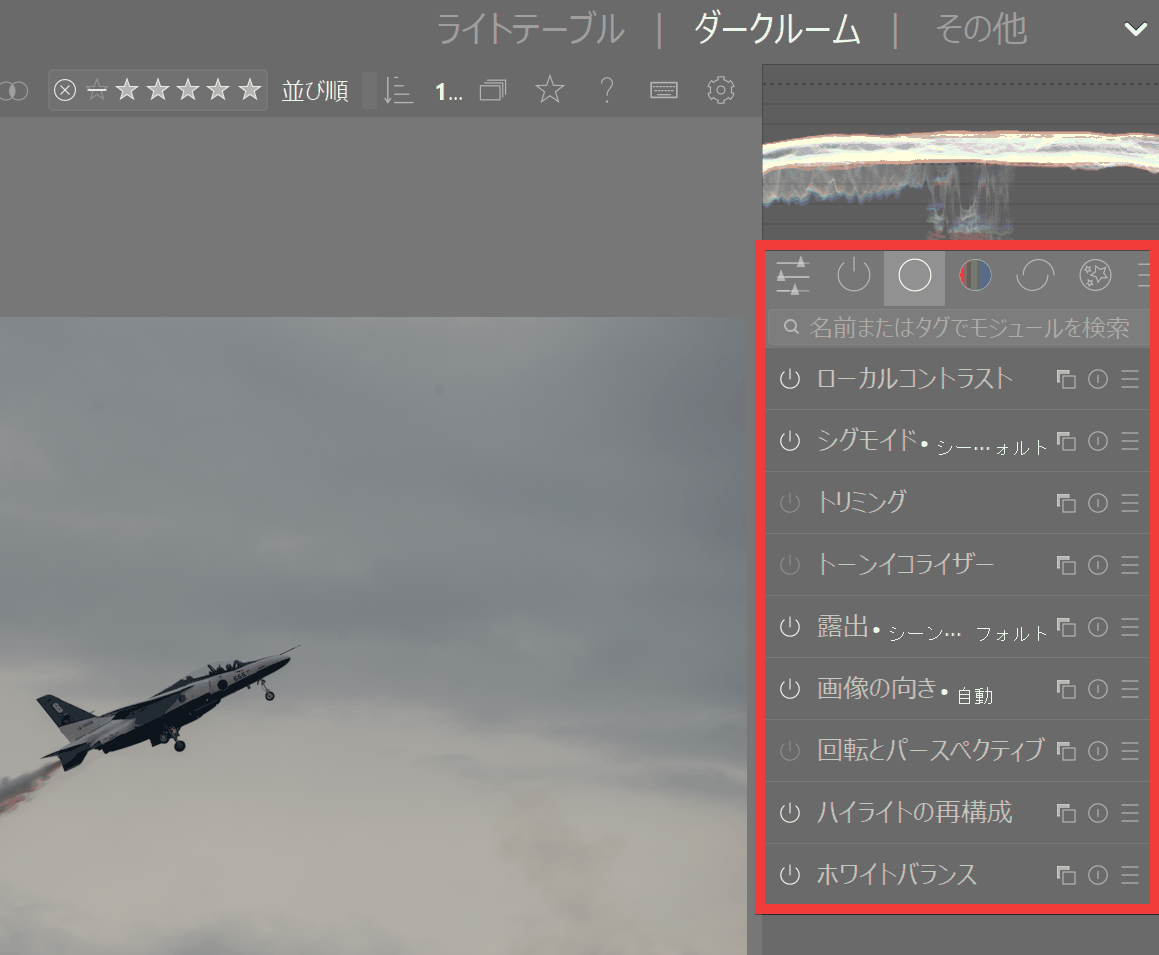
The editing mode will switch to 'Darkroom'.
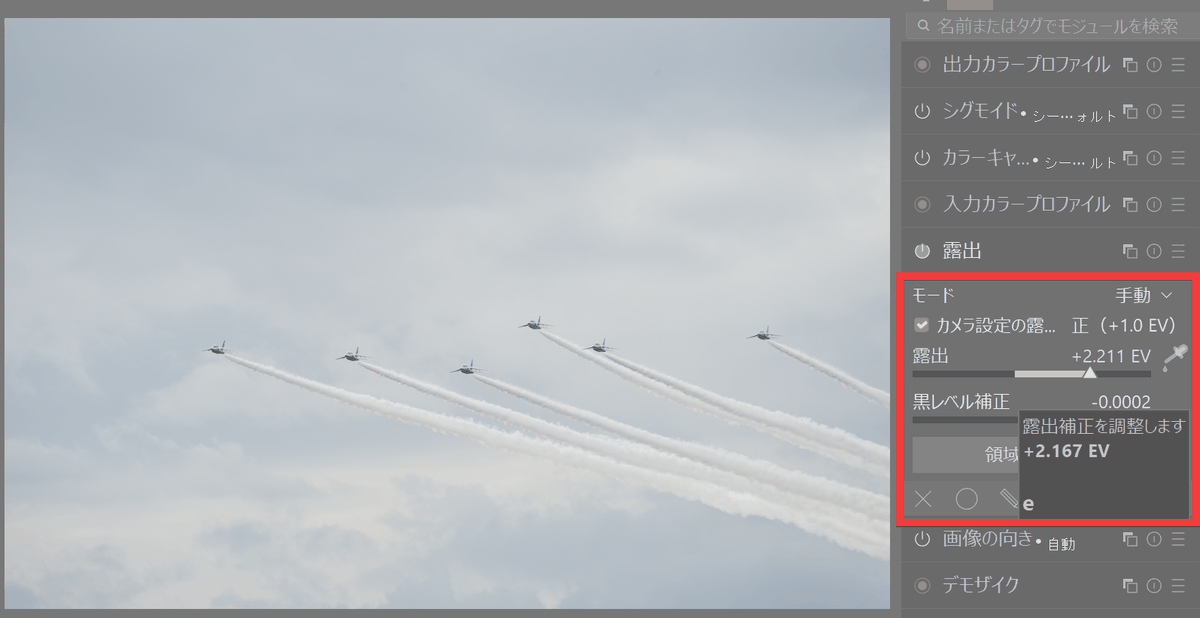
Select the item you want to edit and perform editing tasks using the slider bar or other tools.
◆Features of darktable
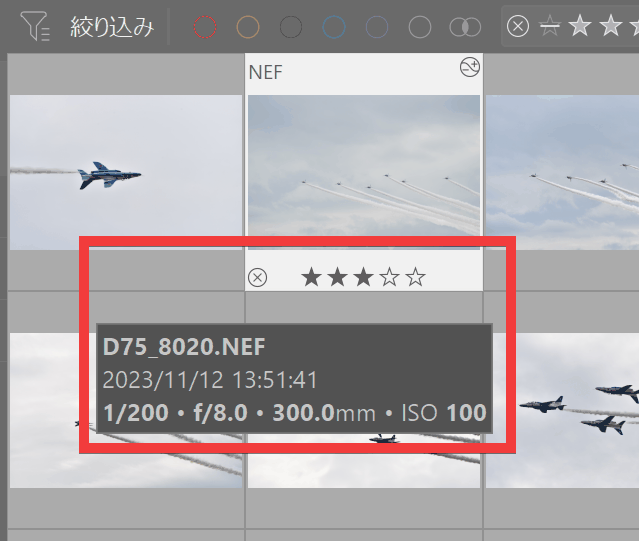
• The 'Light Table' not only displays images in a list, but also allows you to categorize photos by setting star ratings, color labels, tags, metadata, and more.
It supports 'non-destructive editing,' which allows you to edit the image without overwriting the original image. Only the changes made, such as exposure and color, are recorded, and the RAW image itself is preserved. Therefore, you can create multiple development results with different tones and brightness from the same RAW image.
Darktable provides image processing functions as 'modules,' allowing you to develop RAW images by combining necessary processes such as exposure correction, color adjustment, noise reduction, sharpening, and lens correction.
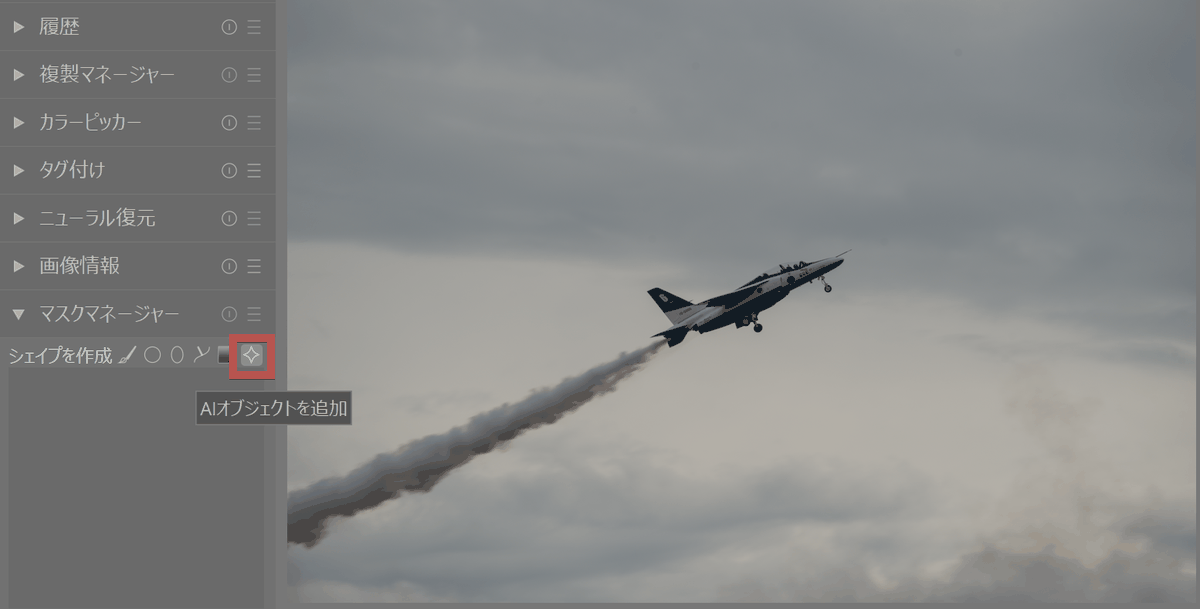
- The 'AI object' feature, which uses AI to recognize subjects and create masks, is available. To use it, click the 'AI object' icon from 'Create Shape'.
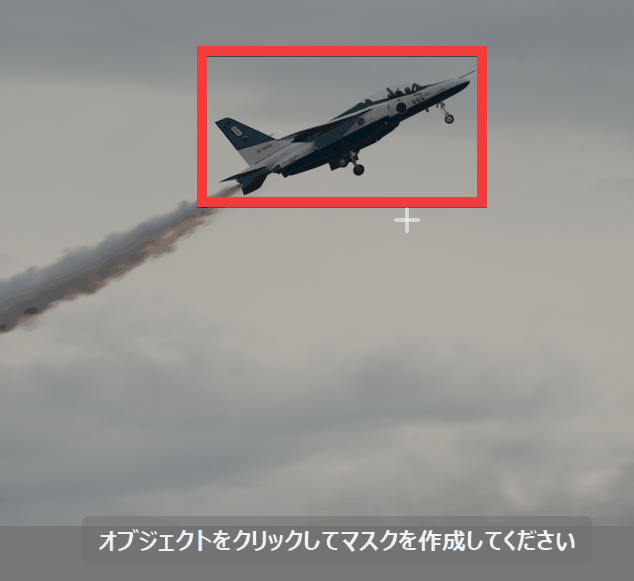
You will be instructed to 'Click on the object to create a mask,' so click on the target.
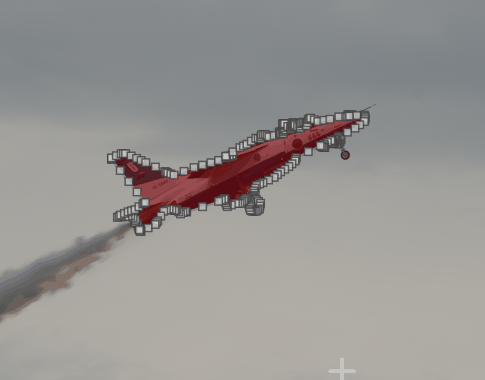
The selected object has been masked.
• 'Neural Restore' offers AI-powered noise reduction for RAW and RGB images, as well as 2x and 4x upscaling.
- AI processing uses
・It also supports tethered shooting, where you connect a compatible camera to your PC and shoot from darktable, allowing you to immediately check the captured images on your PC while shooting.
• It supports color management using ICC profiles, allowing you to manage colors from the display to image export.
Lua scripts allow for the automation of repetitive tasks such as image export, and the addition of custom features.
In addition to the GUI, 'darktable-cli' is also available, allowing for a large amount of processing, such as image development and export, from the command line.
Meanwhile, on the social news site Hacker News , there has been much discussion about darktable, with some users praising it, saying, 'For someone like me who went from photographer to software engineer, darktable is fantastic, and darktable-cli is especially useful,' as well as others expressing dissatisfaction , such as, 'The new color grading and white balance processing no longer works well with my photos, so I've started switching to other software.'
◆ Installing darktable
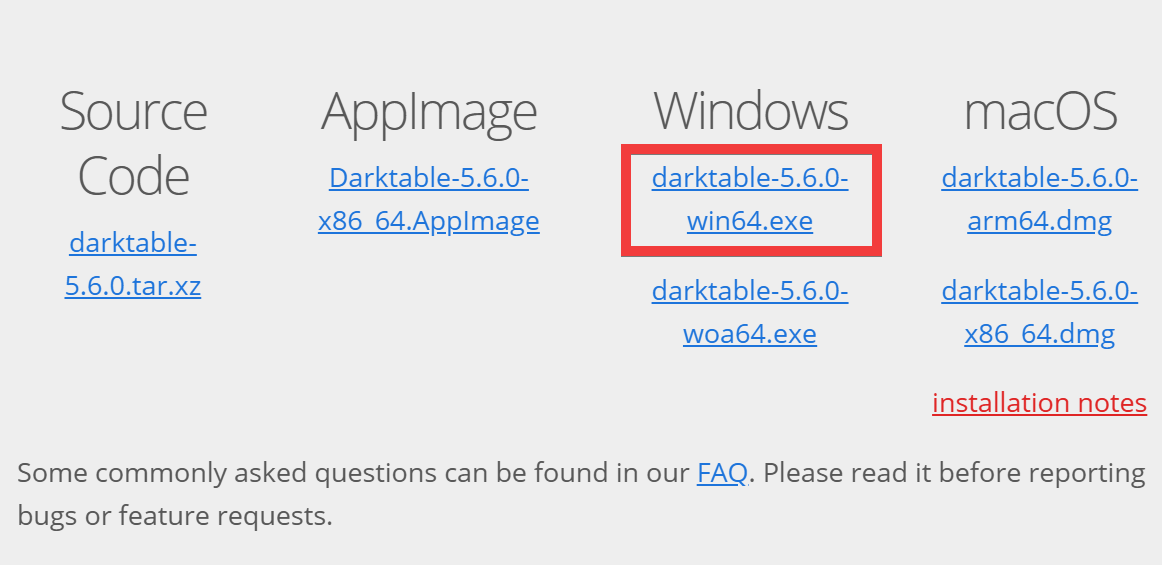
This time, we'll install it on Windows 11. Download and save the Windows installer from the official download site .
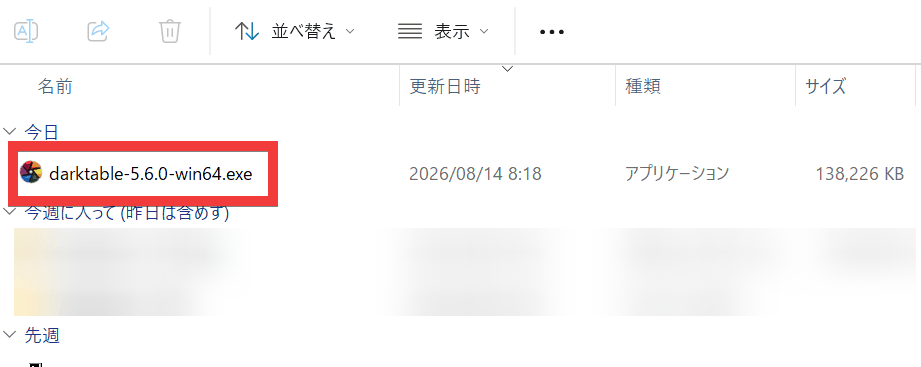
Double-click the saved installer to run it.
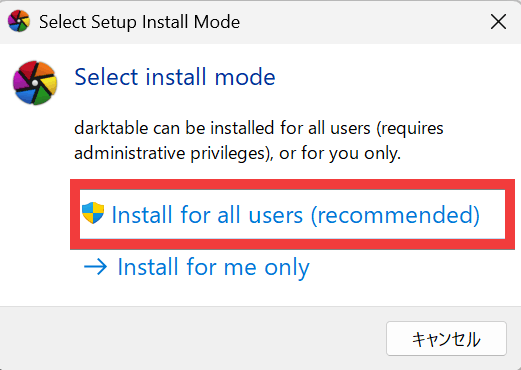
You will be given the option to install for all users or only for the logged-in account, so select the recommended 'Install for all users'.
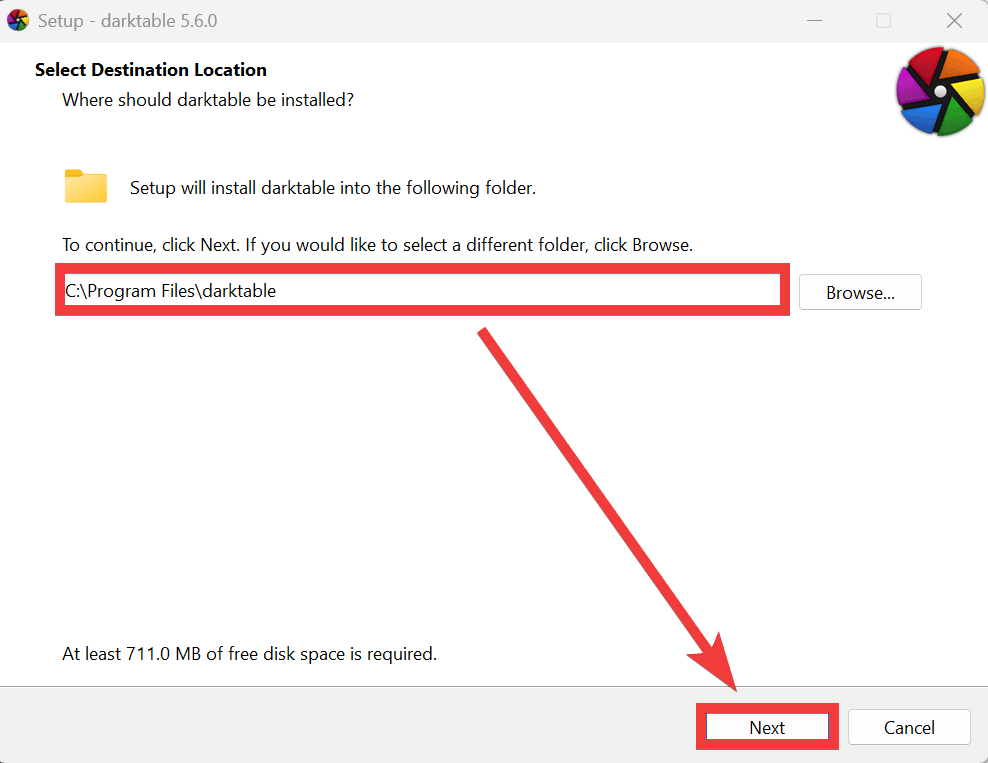
Select the folder where you want to install and click 'Next'.
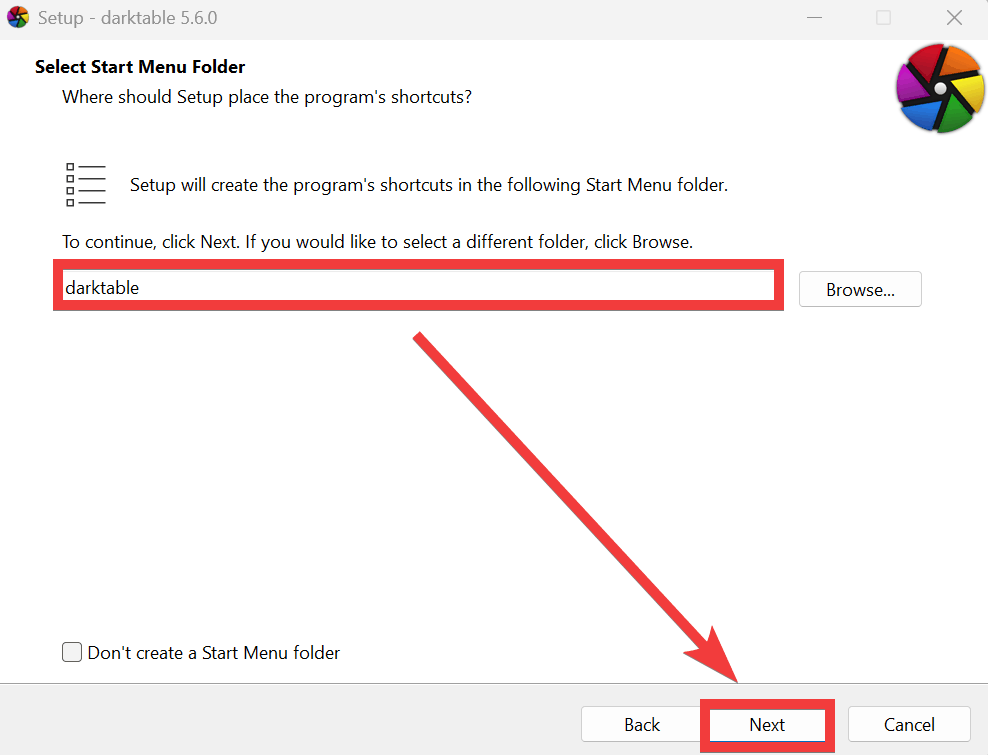
Select the folder in the Start menu and click 'Next'.
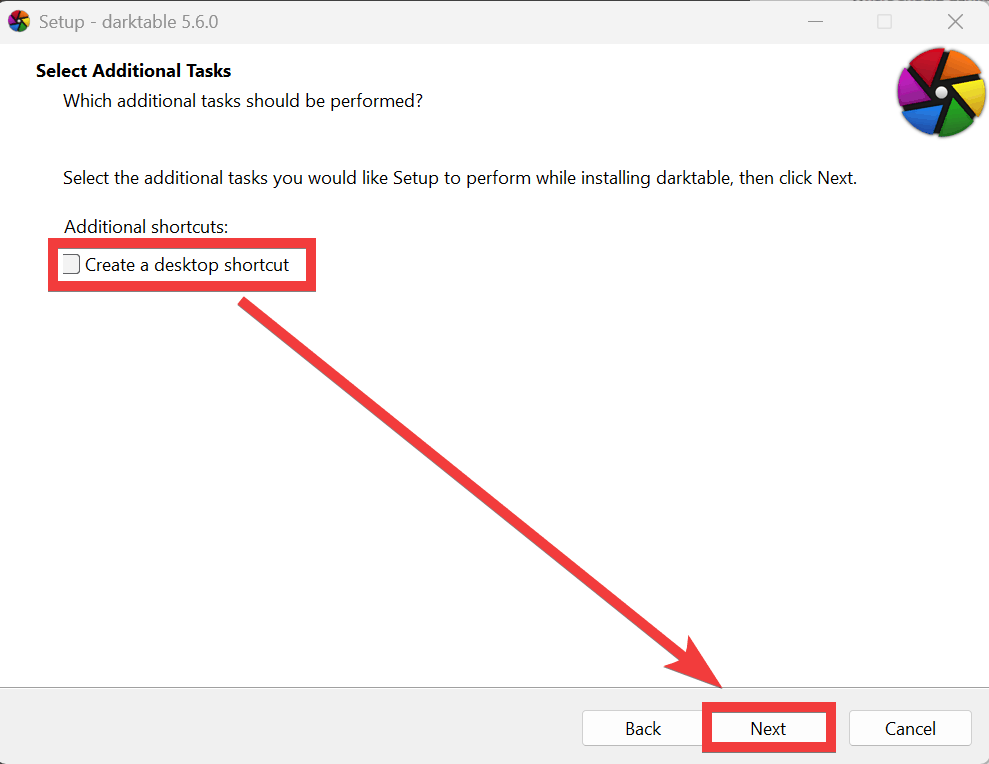
Choose whether to create a shortcut on the desktop and click 'Next'.
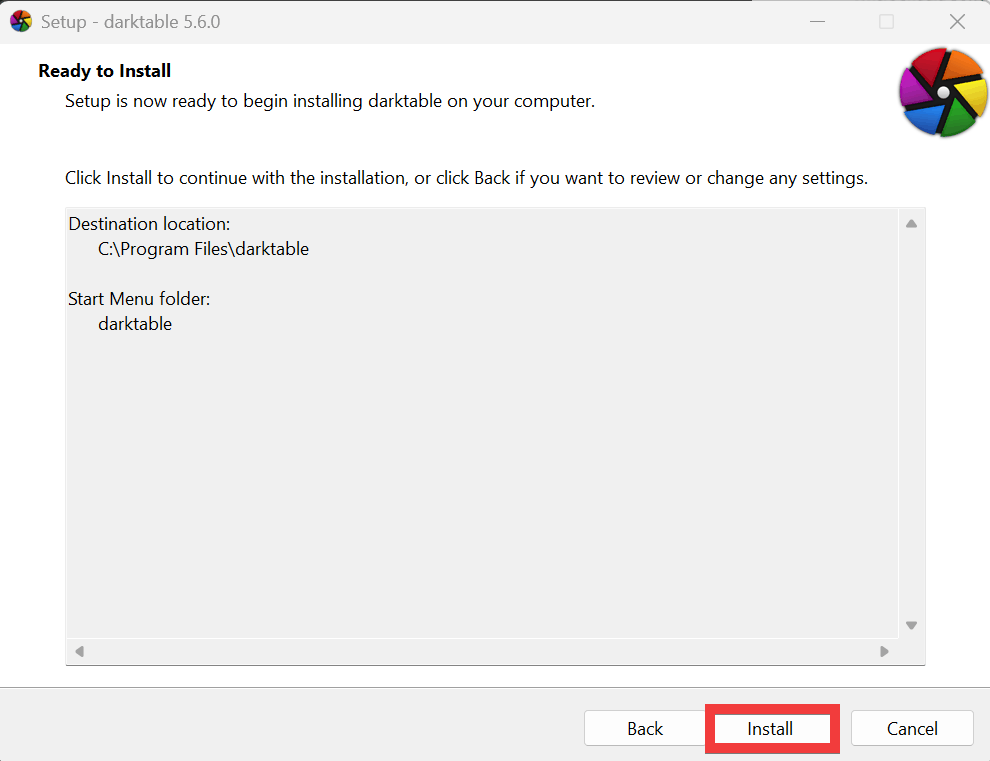
After confirming the installation folder and other details on the confirmation screen, click 'Install'.
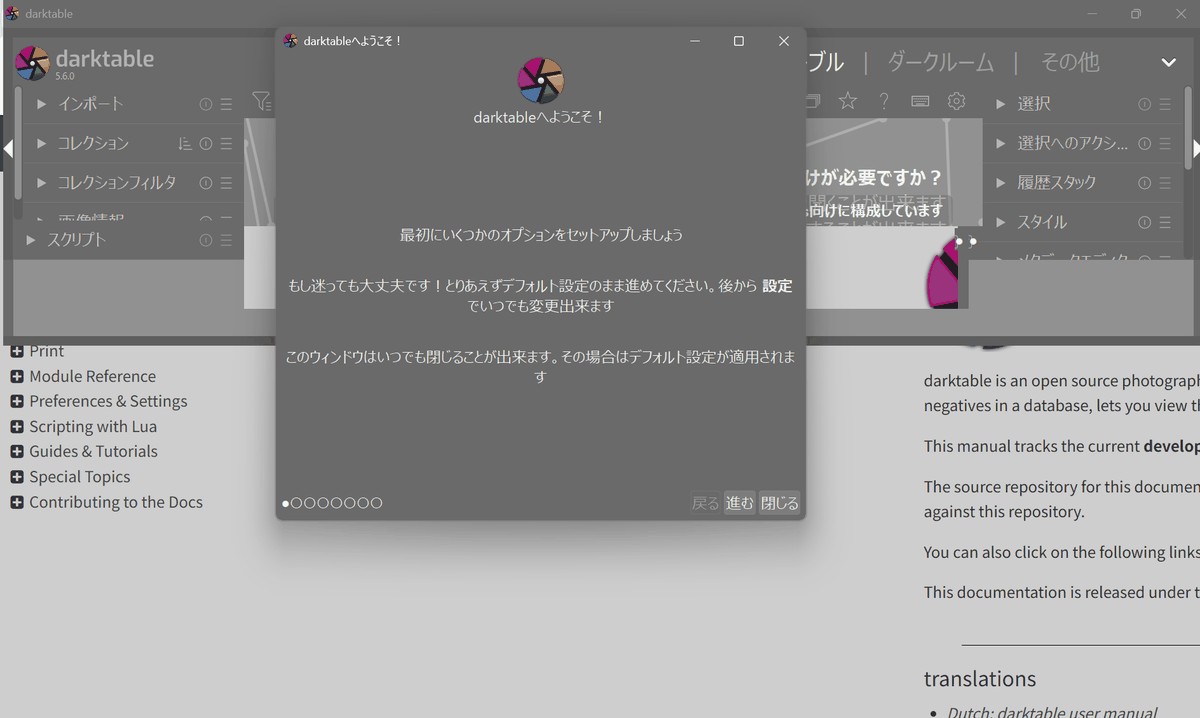
After selecting the checkboxes to either display the manual or launch darktable, click 'Finish'.
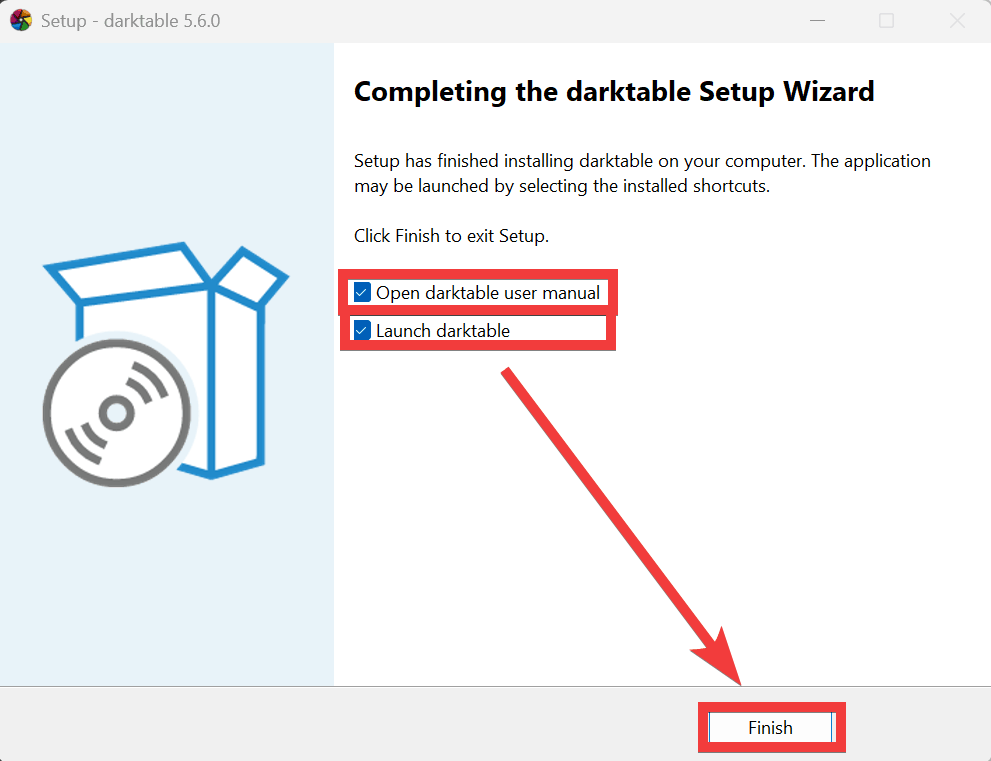
If you selected 'Start,' the installation is complete once darktable starts.
Related Posts: