Apple's Photos app corrupts files when importing images from a camera
Ruby engineer
Tenderlove Making - Apple Photos App Corrupts Images
https://tenderlovemaking.com/2025/09/17/apple-photos-app-corrupts-images/
Patterson used an OM Digital Solutions OM-1 camera, shooting both RAW and JPEG formats, and had the settings set to 'delete photos after import' when importing them into the Photos app on his Mac.
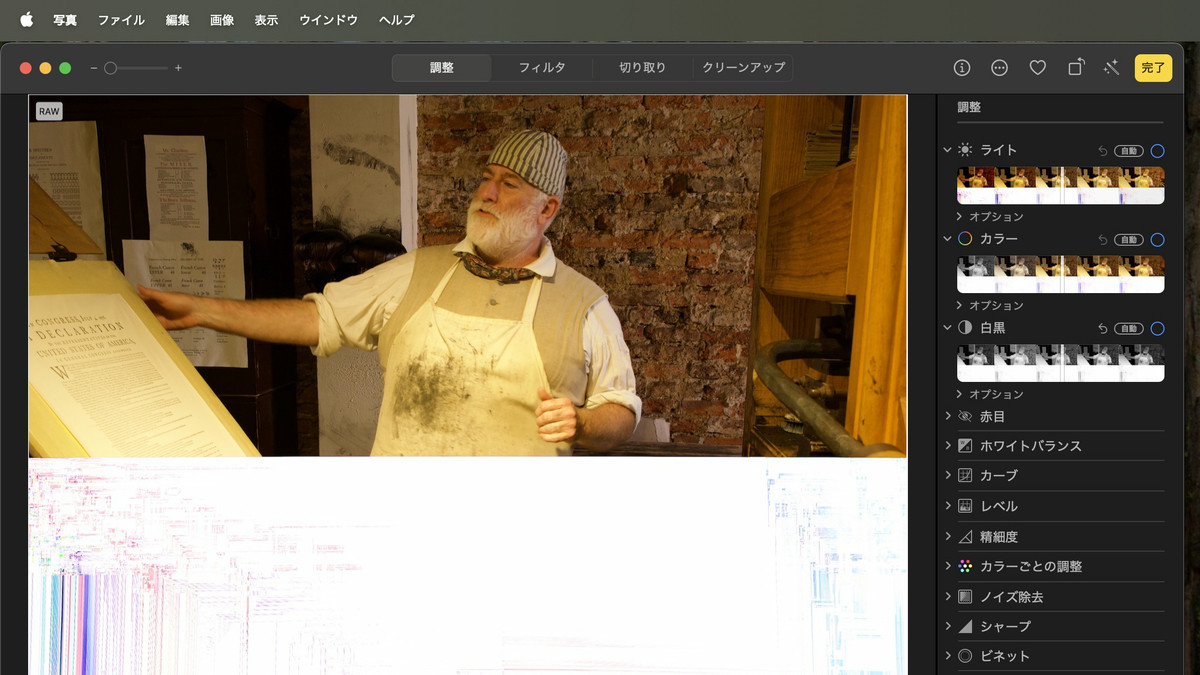
According to Patterson, he had previously experienced image corruption, occurring at a rate of one or two out of every several thousand photos, but he hadn't paid much attention to it. However, he was hit with a serious problem: roughly 30% of the photos he took at a family wedding were corrupted. Upon investigation, he found that the corruption occurred in JPEG files, RAW files, or both. Furthermore, because he had the camera set to 'delete photos after import,' he couldn't confirm whether the photos he had taken were corrupted on the SD card.
At first, Patterson suspected a hardware problem, since it was unlikely that an error would occur in something as basic as copying a file. To pinpoint the cause, he replaced each piece of equipment, including the USB-C cable, SD card, laptop, and even the camera itself, with new ones. However, even after replacing all the equipment, the image corruption problem persisted.
After replacing all the hardware, the problem recurred, so Patterson was convinced it was a software issue. He changed the 'Delete Photos After Import' setting, and manually formatted the SD card after importing to ensure all image data was intact.
After a few months of this, I discovered a corrupted image among the photos I had imported after a conference.
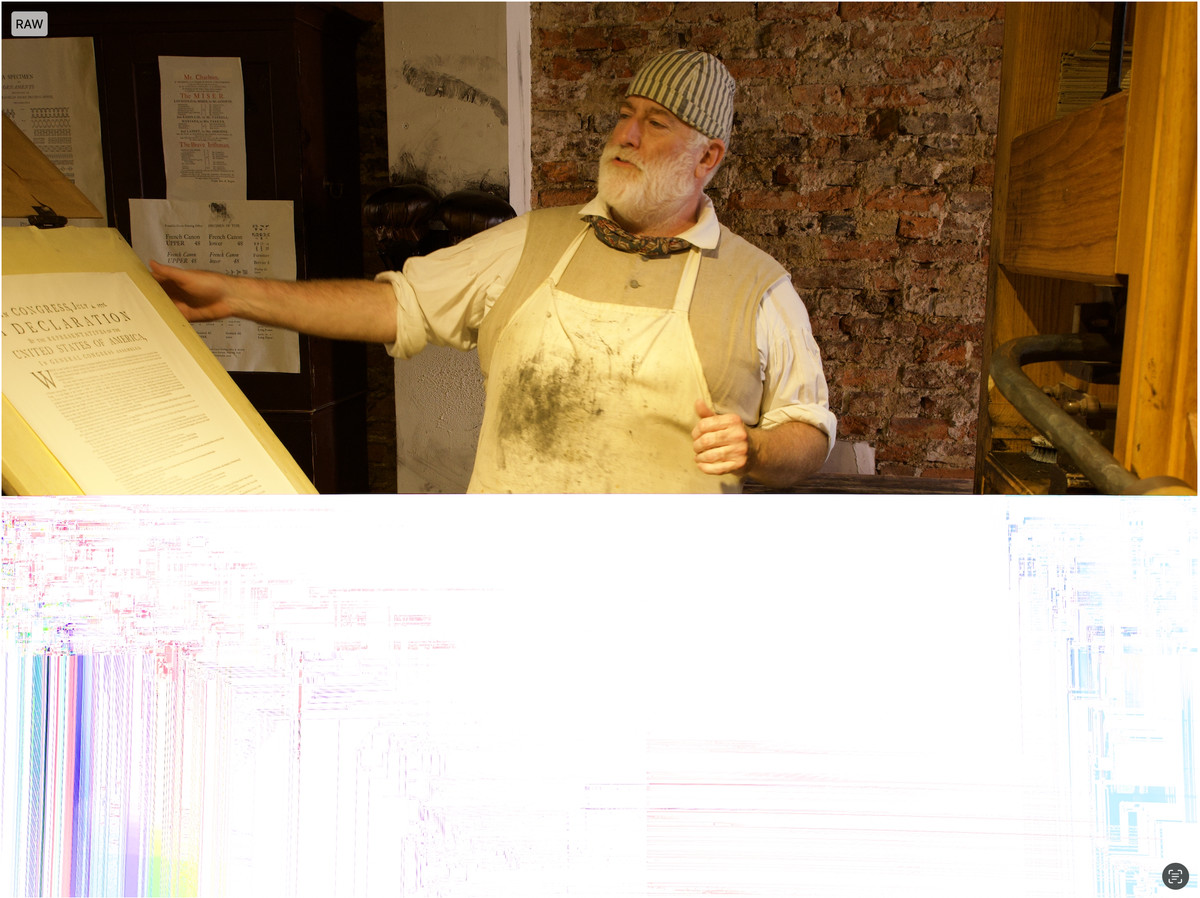
At this point, I checked the original files that remained on the SD card and found that they were not corrupted, as you can see below. This was conclusive evidence that the Photos app was corrupting the files.
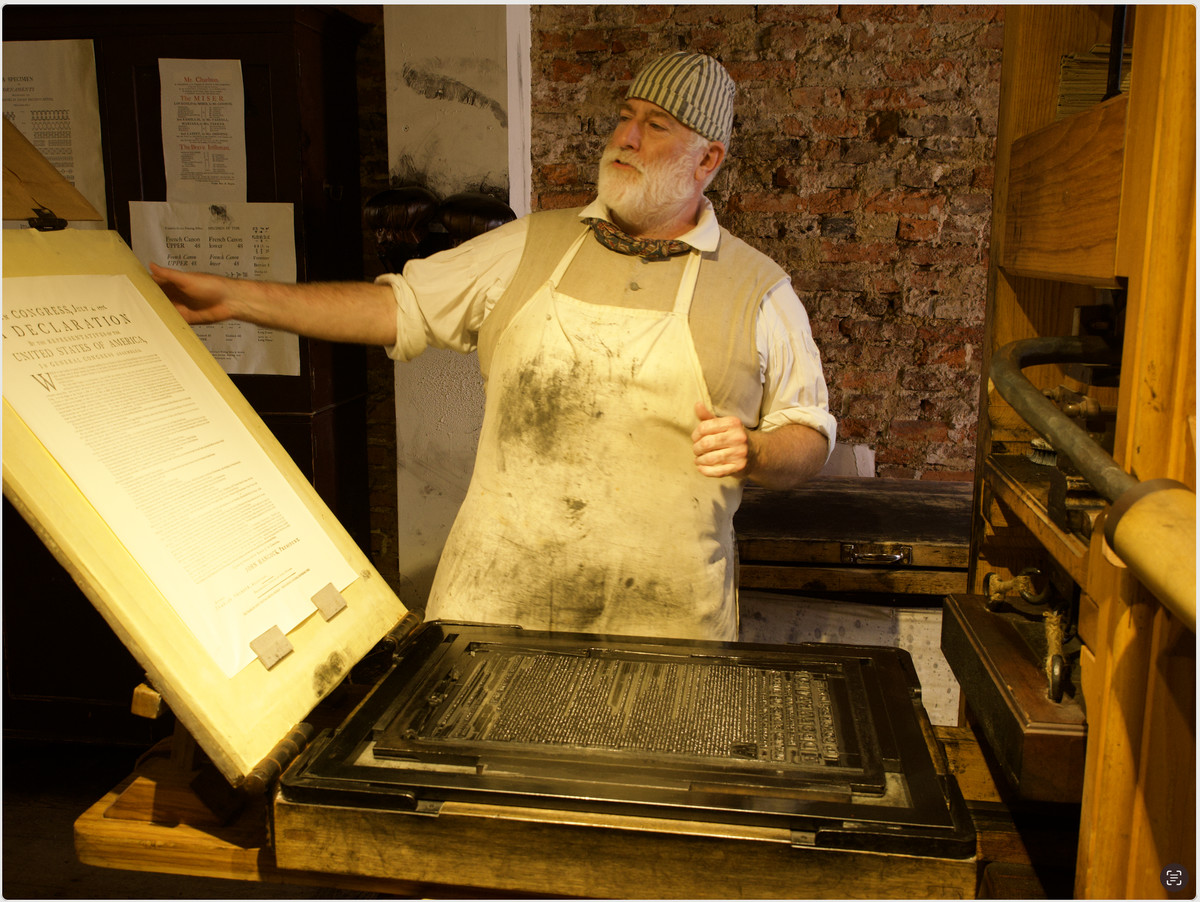
Furthermore, deleting the corrupted file from the app and then re-importing the original file worked fine, suggesting the corruption was random. Comparing the corrupted file with the correct file revealed that the file sizes were identical, but the MD5 checksums generated from the file contents were different, indicating that the data contents had been altered during import.
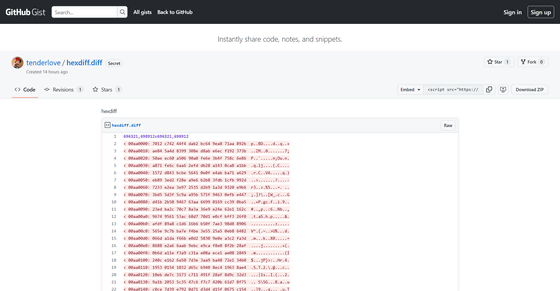
Patterson has published the binary data diff on GitHub.
hexdiff · GitHub
https://gist.github.com/tenderlove/25853f50ab46a58738ff2cc22d682f2b
Patterson gave up further investigation and, as of the time of writing, has switched to a new workflow centered around a different software called darktable . Because importing into darktable did not result in file corruption, Patterson argues he is certain the problem lies with Apple's Photos app.
Patterson commented on the social news site Hacker News, 'This is really unfortunate, and I would like to report this to Apple, but I don't know how to provide a reproducible procedure.' At the time of writing, it appears that this issue has not yet been reported to Apple.
Related Posts:


in Software, Posted by log1i_yk