A chat app with a nostalgic look called 'chat.exe' has appeared, so I tried it out.
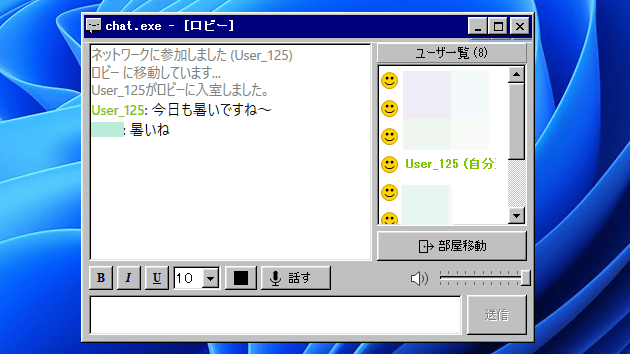
A chat application called ' chat.exe ' with a retro UI reminiscent of Windows 95/98 has appeared. Since it's free and available to everyone, I decided to try it out.
chat.exe - An ultra-lightweight video and voice chat with a UI reminiscent of yesteryear.
To use chat.exe, you first need to click the link above to access the 'official chat.exe distribution site'.
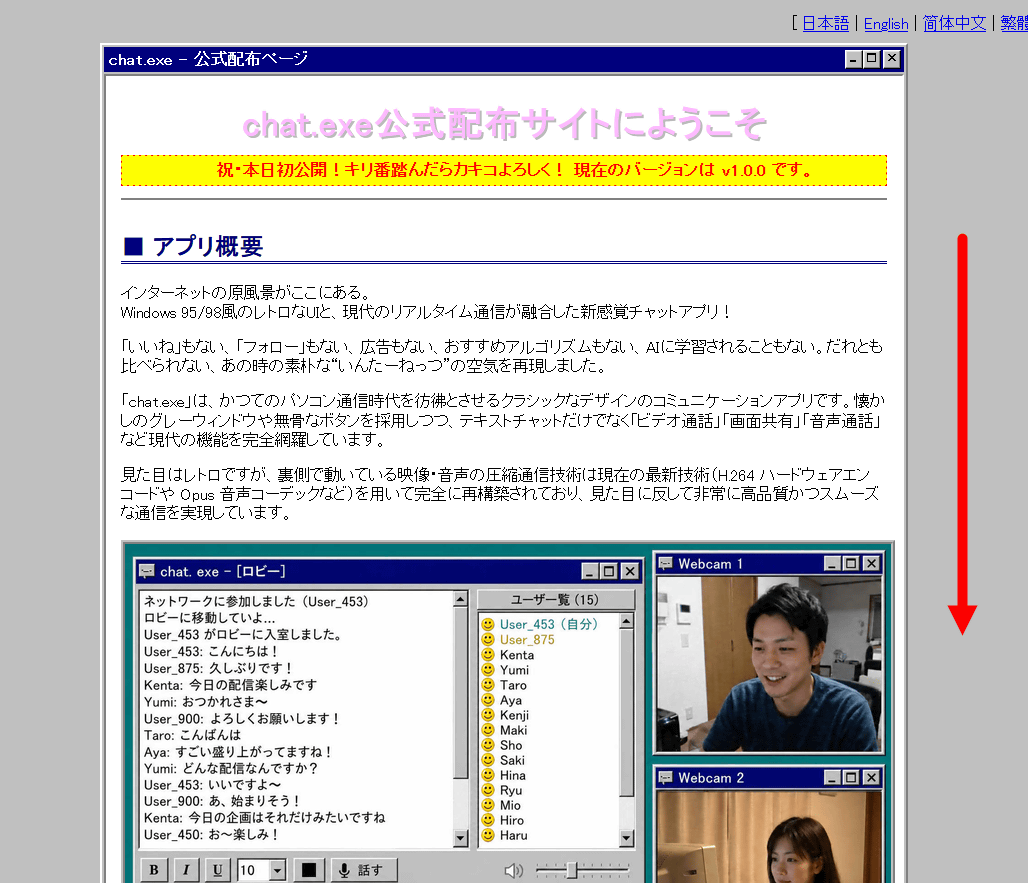
The official distribution site had the phrase, 'Please leave a comment if you hit a milestone number!' I scrolled down to download the app.
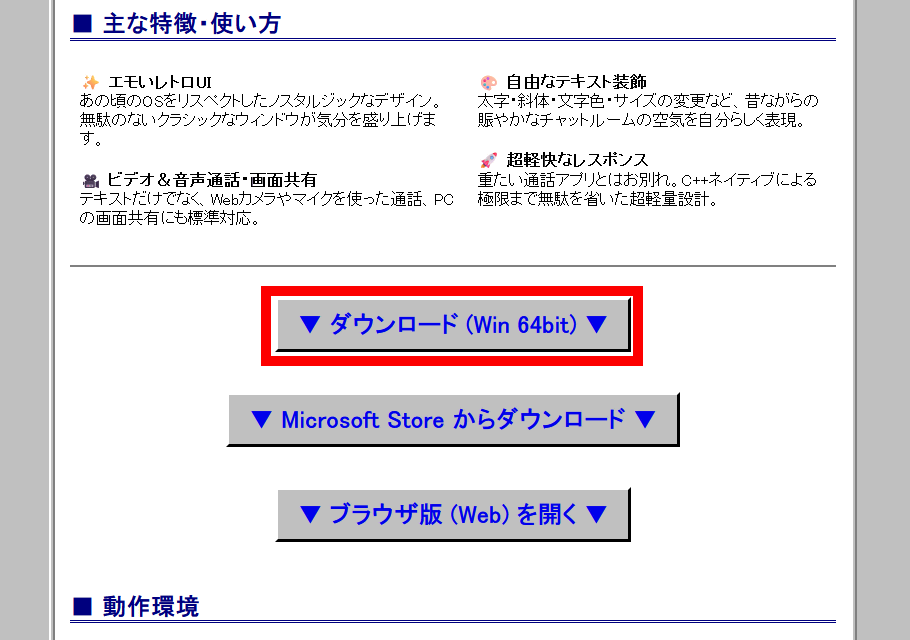
Click 'Download (Win 64bit)' to download the executable file.
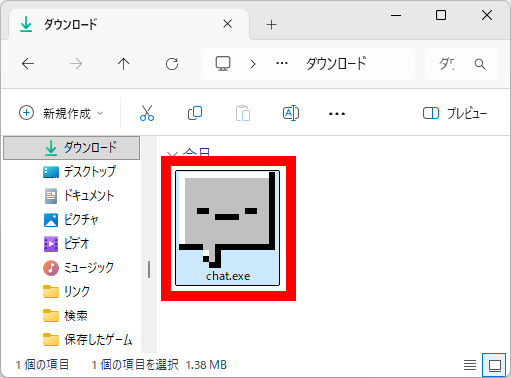
chat.exe does not require installation; you can launch it simply by double-clicking the downloaded executable file.
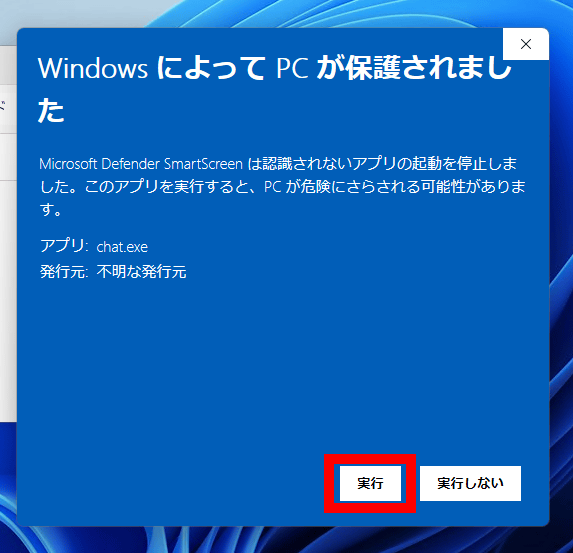
As of the time of writing, the following warning screen will appear when you launch the app. Click 'More Information' to use the app.
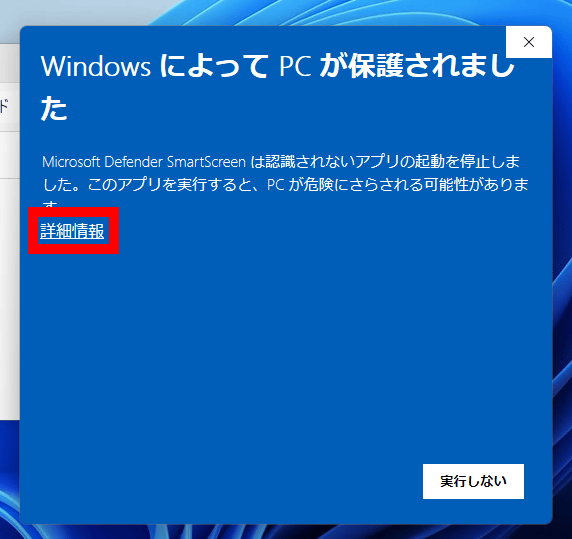
Click 'Execute'.
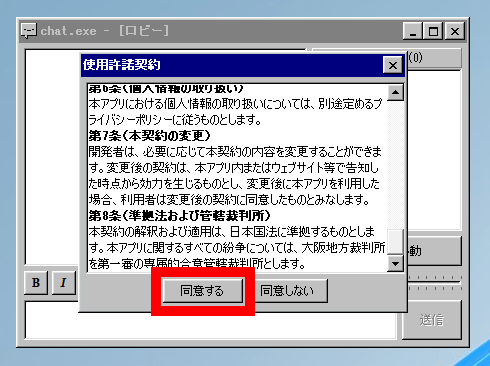
chat.exe has started. The first time you run it, the license agreement will be displayed, so please read it carefully and then click 'Agree'.
Please wait a while when you see the message 'Moving to the lobby.'
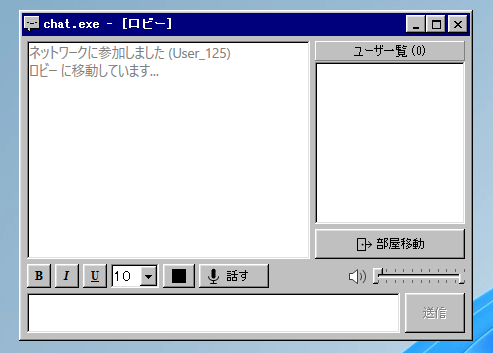
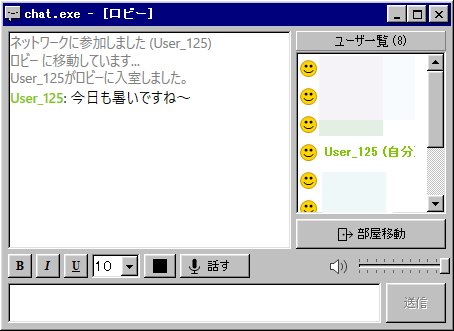
Upon entering the lobby, users who are already in the lobby will be displayed on the right side of the screen. Enter your chat message in the input field at the bottom of the screen and click 'Send'.
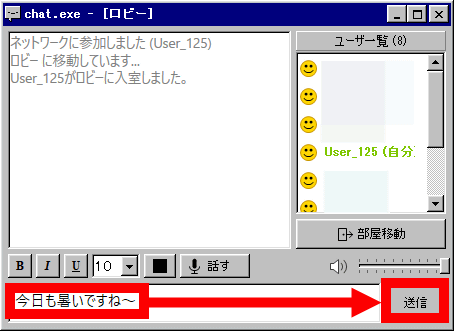
My username and chat content were displayed in the chat box in the upper left corner.
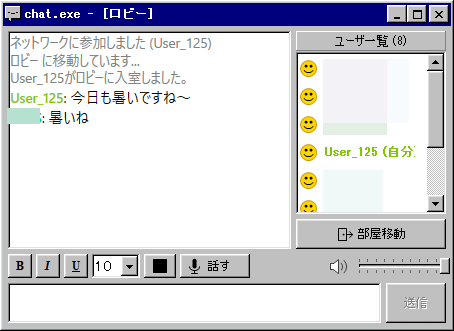
After leaving it for a while, I received a reply from a stranger who was in the lobby.
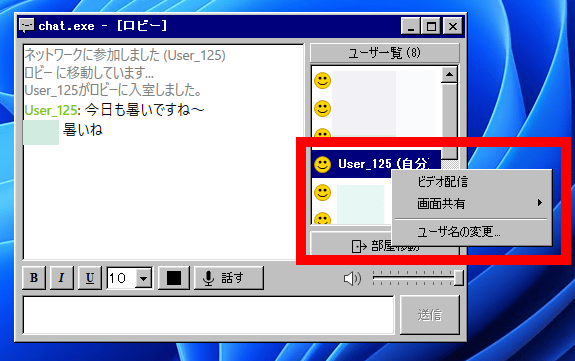
Right-clicking your username allows you to stream video or share your screen. You can also change your username.
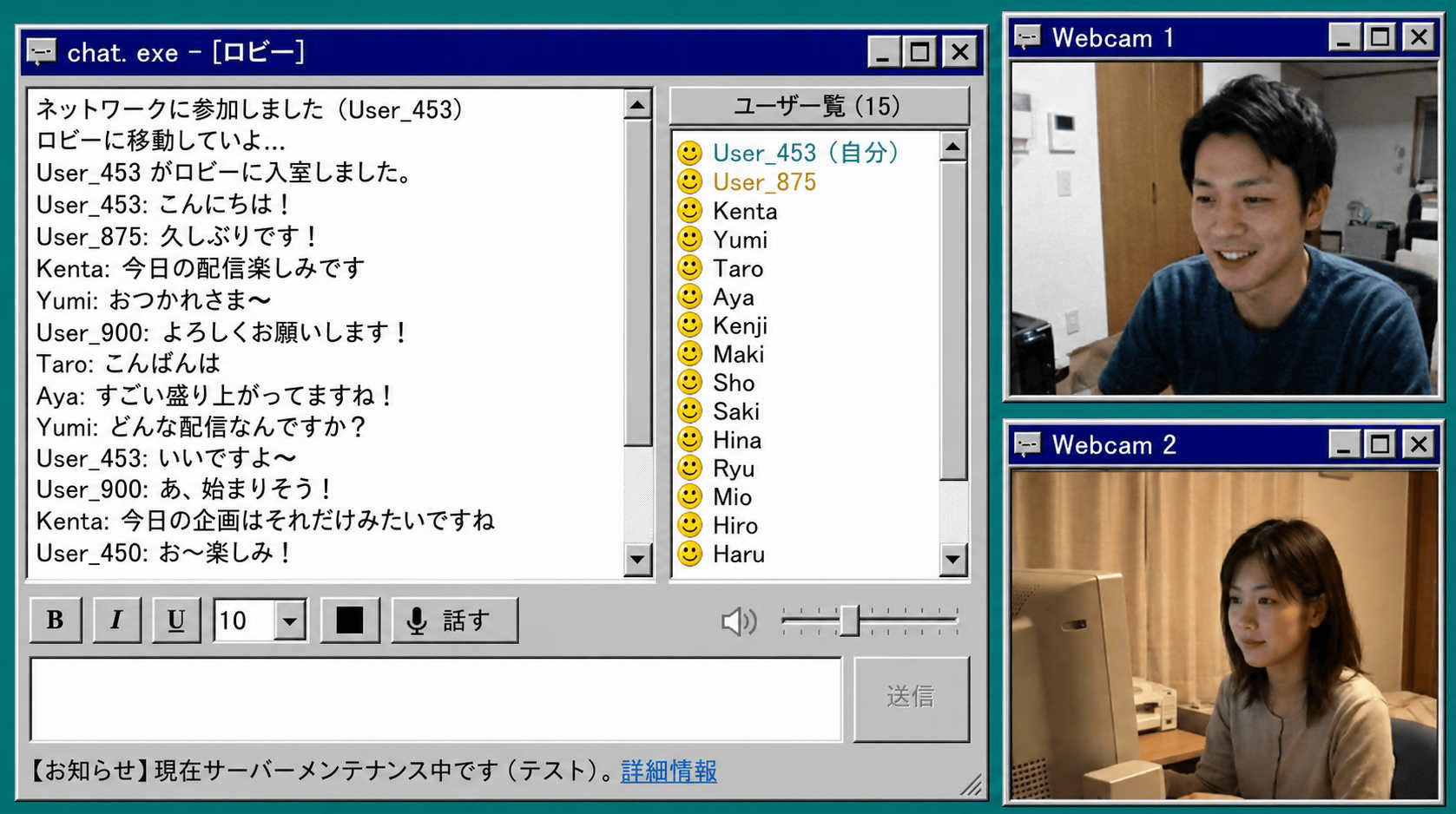
The video will look like this when streamed.
Related Posts: